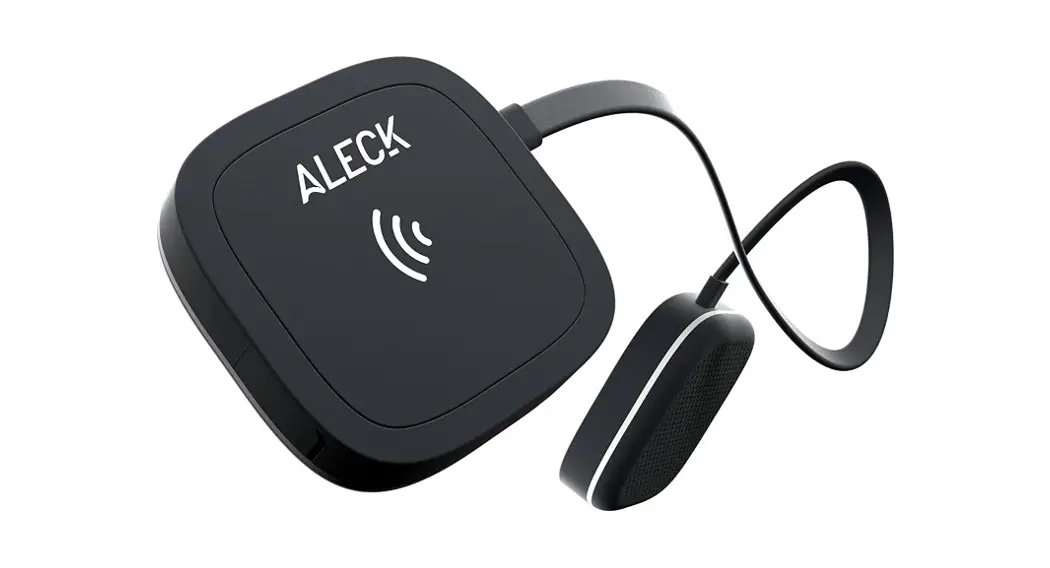
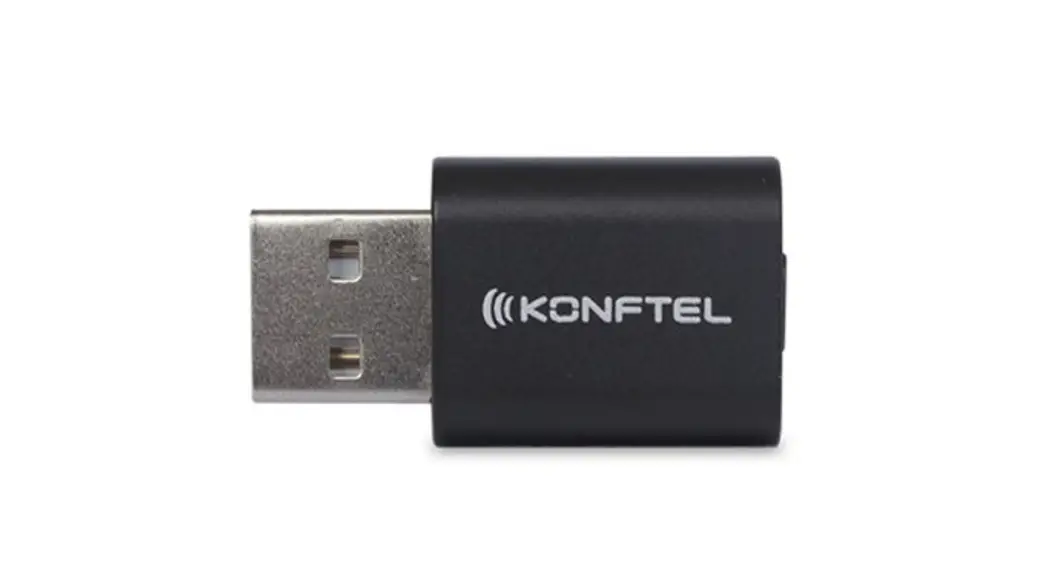
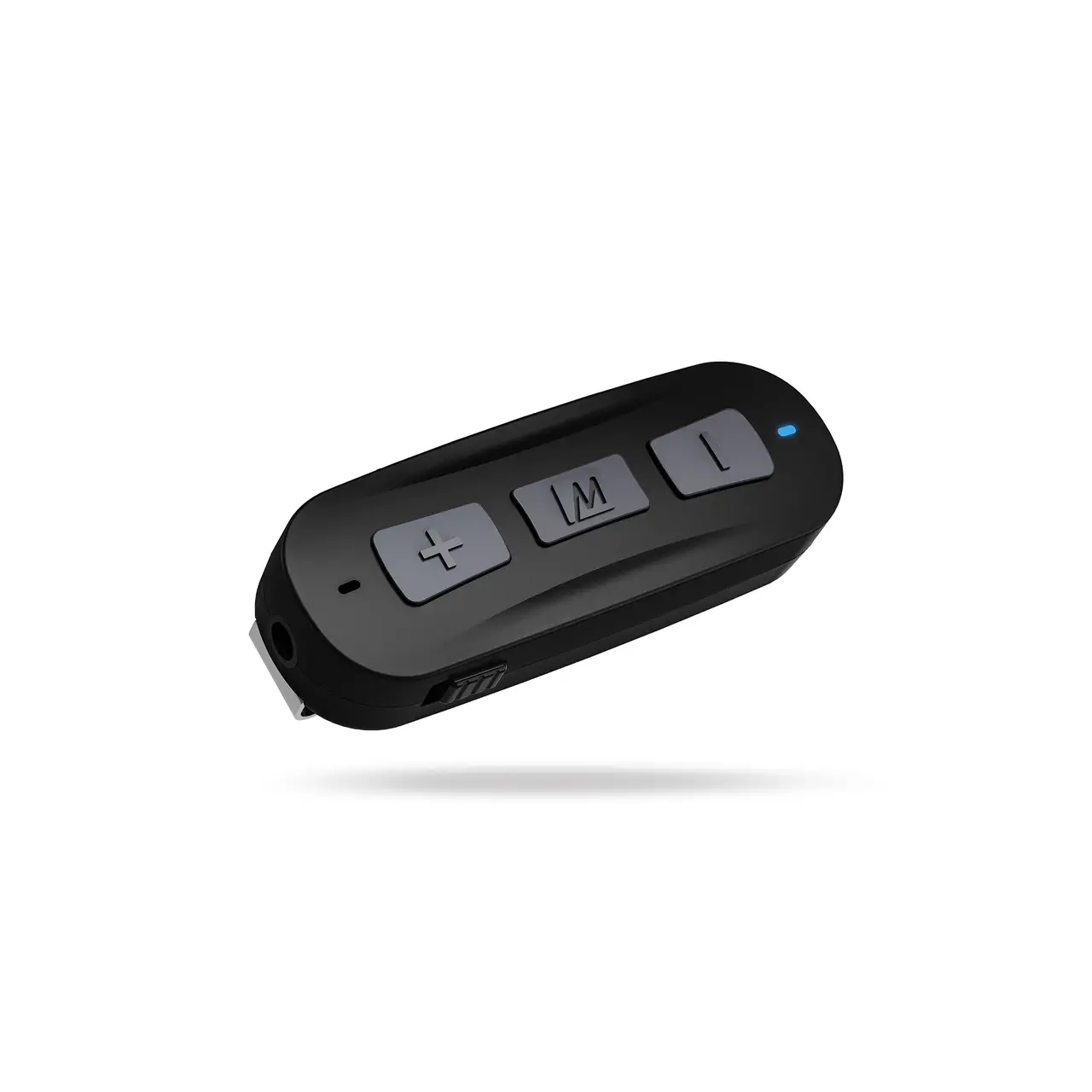
KABLUWAAFSP Bluetooth Wireless Audio Adapter for Speakers
Product Information
- Product Name: Bluetooth Wireless Audio Adapter for
Speakers - Model Number: KABLUWAAFSP
- Safety & Warnings:
- Read all safety notes and instructions in this user guide
before using this product for the first time. - Retain this user guide for future reference.
- Reorient or relocate the adapter, increase the distance between
your equipment and adapter, or connect the equipment into a
different power outlet if necessary.
- Read all safety notes and instructions in this user guide
- Components:
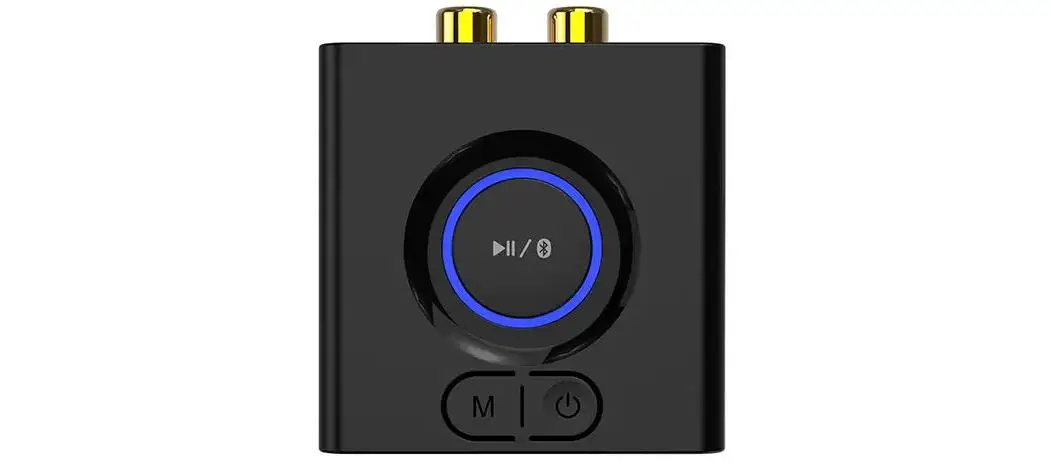
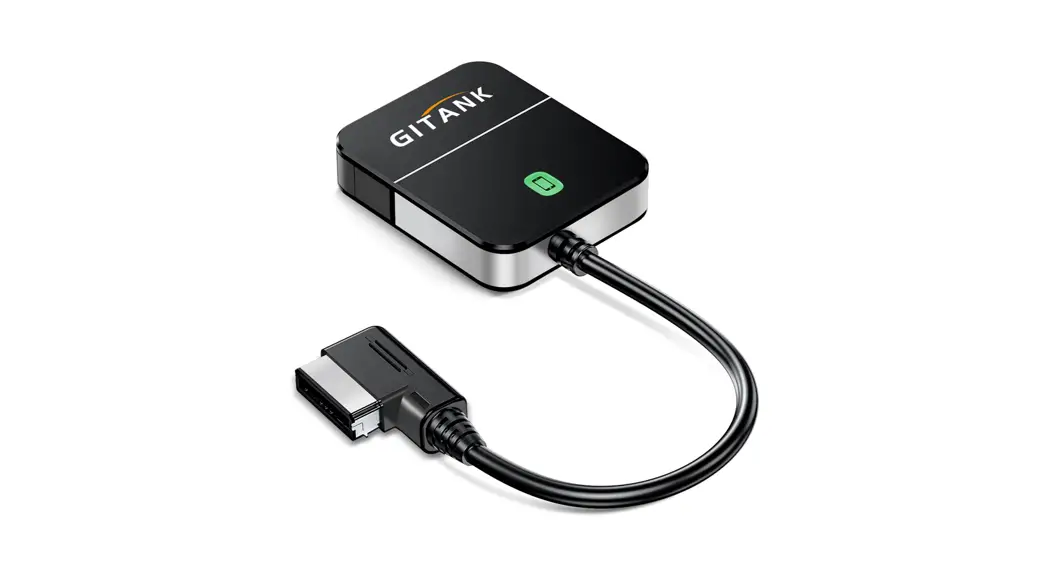
- Bluetooth adapter
- Audio cable
- USB charging cable
- Overview:
- Indicators
- User guide
- Micro USB input
- RCA audio interface
- 3.5mm audio output
- Operation:
- Connecting to Audio Device:
- Connect the Bluetooth adapter to your audio system or
headphones using either the supplied 3.5mm to RCA cable or a 3.5mm
audio cable (not supplied).
- Connect the Bluetooth adapter to your audio system or
- Connecting a Second Phone or Device:
- Up to two devices can be simultaneous paired with the Bluetooth
adapter. - Disable Bluetooth on the paired phone and connect the second
device by following the same pairing process. - Only one device can play audio at a time.
- Up to two devices can be simultaneous paired with the Bluetooth
- Connecting to Audio Device:
- Specifications:
- Dimension: 60 x 60 x 20mm
- Material: ABS
- Bluetooth Version: V5.3 +EDR, Class 2
- Effective Range: Up to 10m
- Charging Voltage: DC5V
- Protocols: Supports Bluetooth devices A2DP/AVRCP
- Notes:
- For the most up-to-date guide for your product, as well as any
additional assistance you may require, head online to help.kogan.com
- For the most up-to-date guide for your product, as well as any
BLUETOOTH WIRELESS AUDIO ADAPTER FOR SPEAKERS
KABLUWAAFSP
SAFETY & WARNINGS
Read all safety notes and instructions in this user guide before using this product for the first time. Retain this user guide for future reference.
· Do not drop or strike the Bluetooth receiver forcefully. · Do not dismantle or disassemble the Bluetooth receiver in any way. · Avoid placing the Bluetooth receiver in humid conditions, as liquid permeation can
damage the product. · Only use a 5V power supply to charge the product, using incorrect voltage may
damage the product or cause a fire. · For optimal charging efficiency, use the provided charging cable. · For optimal performance, adjust your speaker volume to below 60% when using this
product for calls. · This equipment generates, uses and can radiate radio frequency energy and, if not
installed and used in accordance with the instructions it may cause interference to radio or television reception. · If this equipment does cause interference to your radio or television reception, the following measures can be taken to rectify the problem:
o Reorient or relocate the adapter. o Increase the distance between your equipment and adapter. o Connect the equipment into a different power outlet to which the adapter is
connected to.
COMPONENTS
Bluetooth adapter
Audio cable
USB charging cable
OVERVIEW
Indicators
User guide
Micro USB input
RCA audio interface
3.5mm audio output
OPERATION
Connecting to Audio Device Connect the Bluetooth adapter to your audio system or headphones using either the supplied 3.5mm to RCA cable or a 3.5mm audio cable (not supplied).
3.5mm audio cable (not supplied)
3.5mm to RCA cable
Pairing via Bluetooth 1. Connect the USB charging cable to a 5V USB power adapter (not supplied) and connect the other end into the micro-USB port on the Bluetooth adapter. 2. After powering on the product, the indicators will flash blue and a tone will play indicating that the product is in the pairing state. 3. Activate Bluetooth on your phone or another device and click “BLS- B11s” to connect. 4. Once connected the indicators will turn solid blue. 5. Once paired, you can automatically connect to the last used mobile phone or device powering the Bluetooth adapter.
Connecting a Second Phone or Device 1. Up to two devices can be simultaneous paired with the Bluetooth adapter. 2. Disable Bluetooth on the paired phone and connect the second device by following the same pairing process. 3. Only one device can play audio at a time.
SPECIFICATIONS
Dimension Material Bluetooth Version Effective range Charging voltage Protocols
60 x 60 x 20mm ABS Bluetooth V5.3 +EDR, Class 2 Up to 10m DC5V Supports Bluetooth devices A2DP/AVRCP
NOTES
Need more information?
We hope that this user guide has given you the assistance needed for a simple set-up.
For the most up-to-date guide for your product, as well as any additional assistance you may require,
head online to help.kogan.com