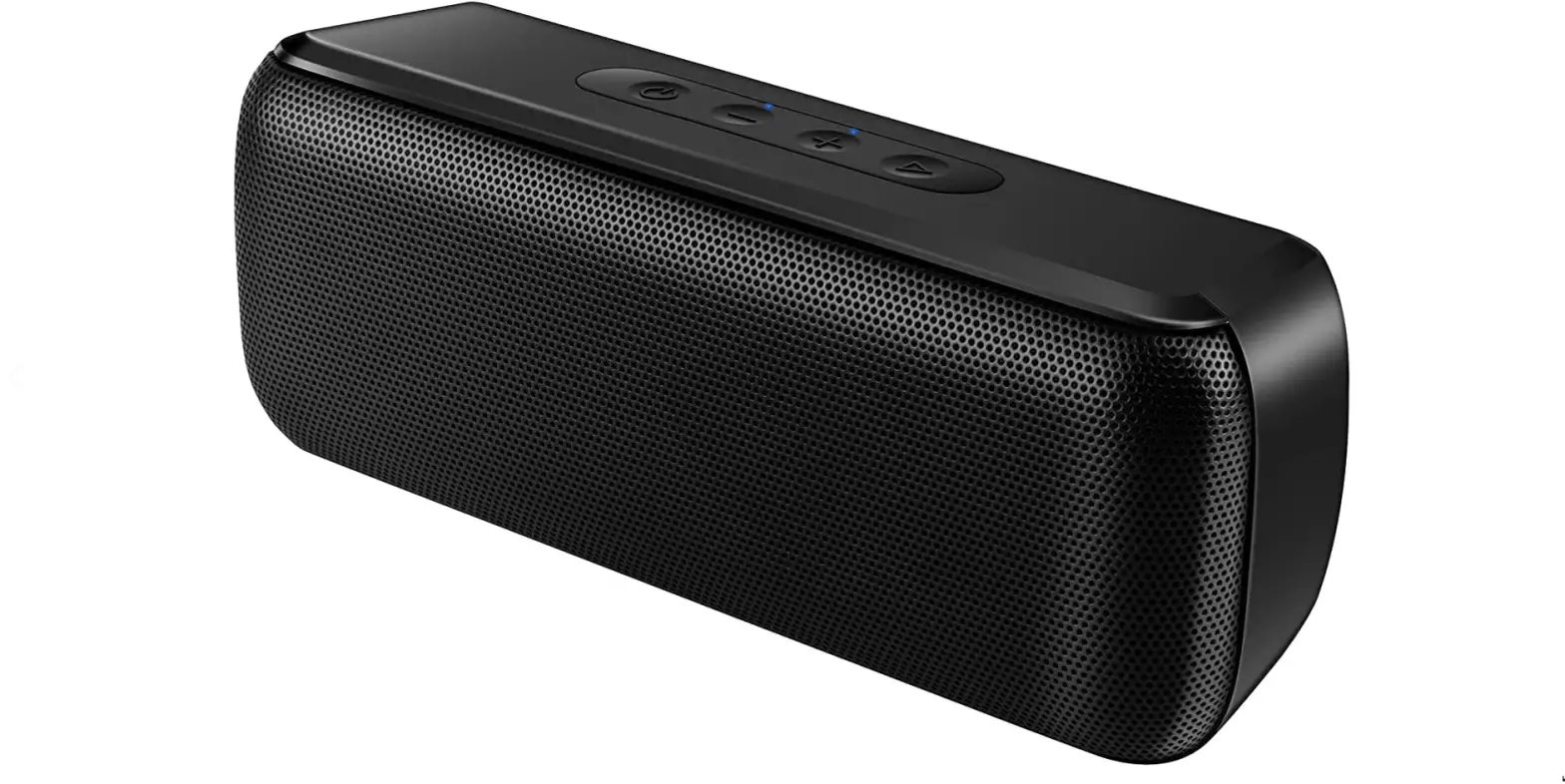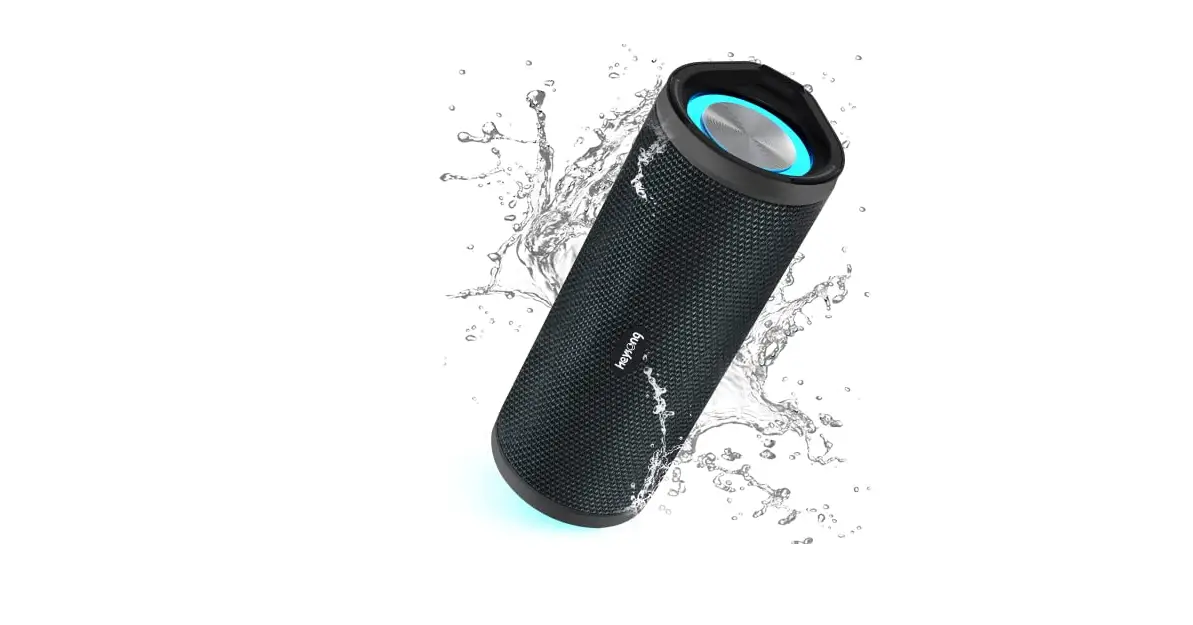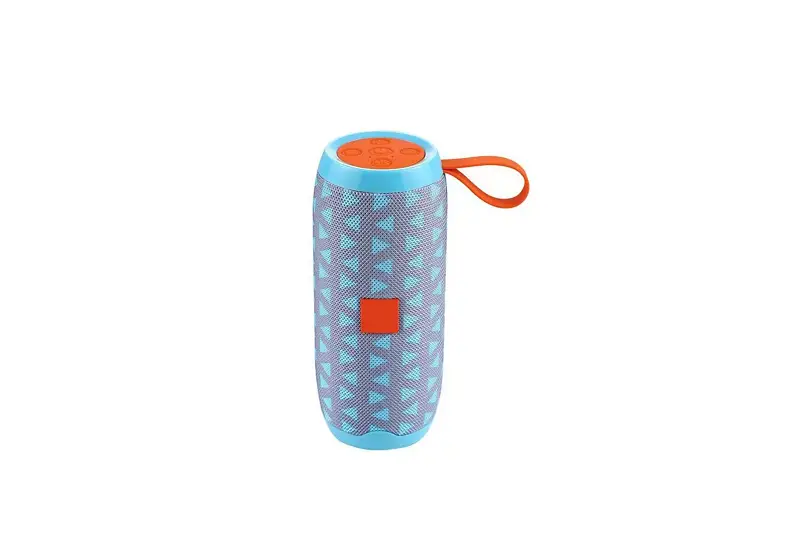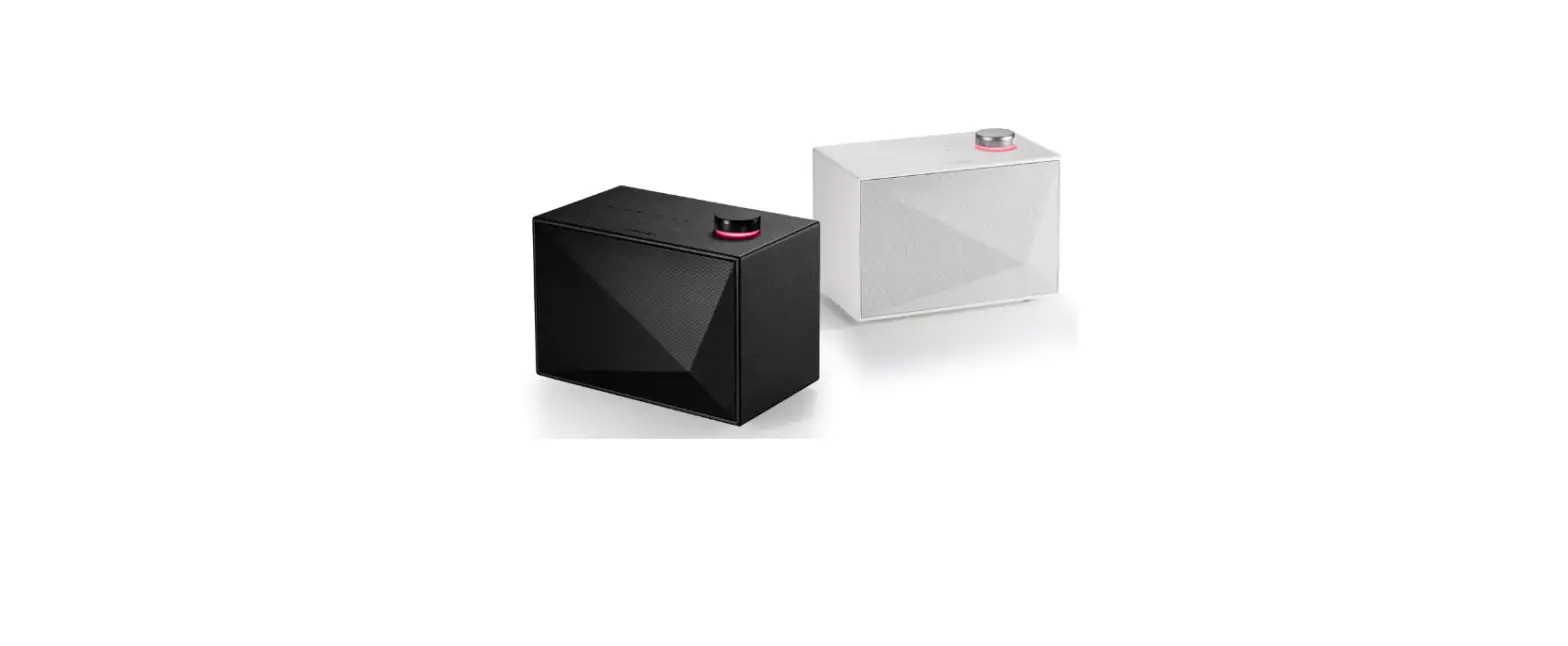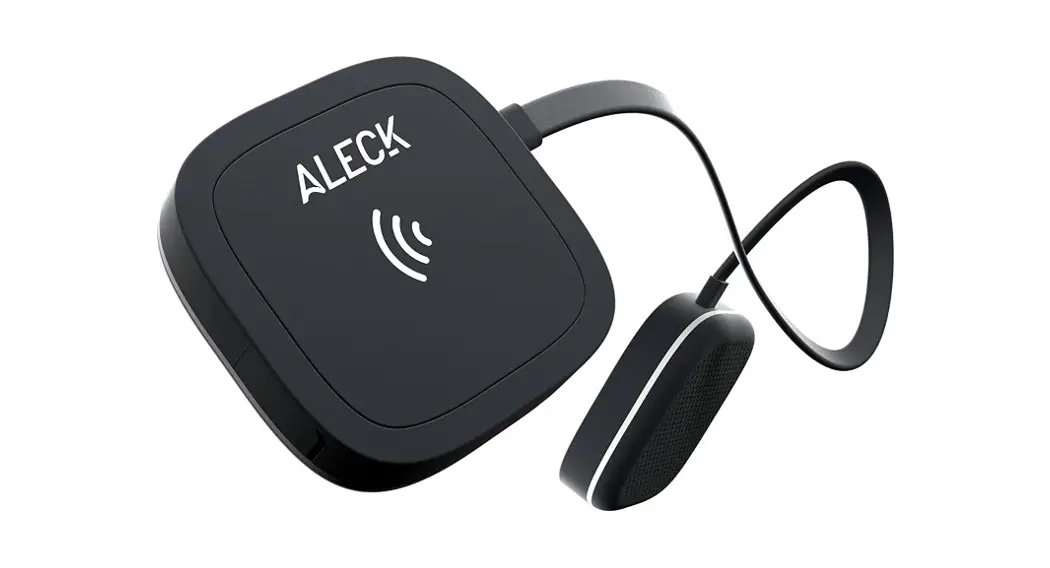

ALK006WRL Universal Bluetooth Wireless Hi-Fi
Audio and Communication Speakers
User Guide
Welcome to better days on the hall
The team here at Aleck has been working hard to give you the best 0-snow entertainment and communication experience possible Since some of this is new technology. please take a moment to get friendly with it
GETTING STARTED:
- Charge your Aleck 006 headphones
- Download and set up the Aleck GO! app (via the QR code)
- air your headphones with your phone
- Get familiar with the headphones 2-button controls
- Get out on the hill
 HAVE AN OPINION?
 HAVE AN OPINION?
We are a small, dedicated team always looking for ways to improve shared adventure. Please help us spread positivity by leaving a product review wherever you purchased this product Not satisfied? Give us a chance to make things night
EMAIL. [email protected]
Keep up with improvements we make to your Aleck product, and receive exclusive access to giveaways and offers! Sign up for emails on ALECK.IO
Follow us on your fav social @HE YALECK 
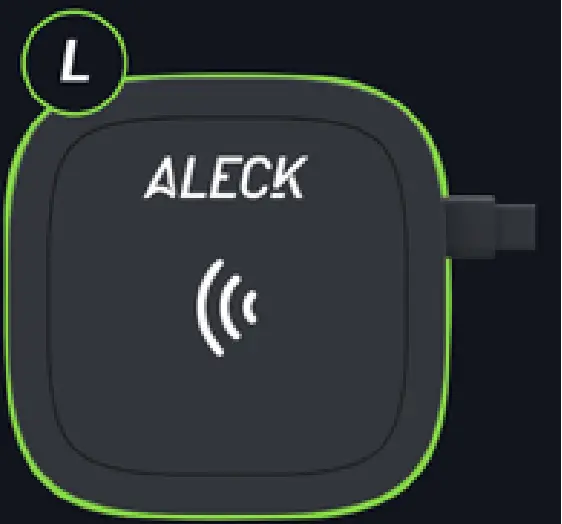
COMMS BUTTON FUNCTIONS:
OPEN COMMS Tap opens the comms channel (click ‘up’ chime)
CLOSE COMMS – Single Tap closes the comets channel (audible chime)
VOLUME CYCLE – Press S. Hold to cycle in 25% increments 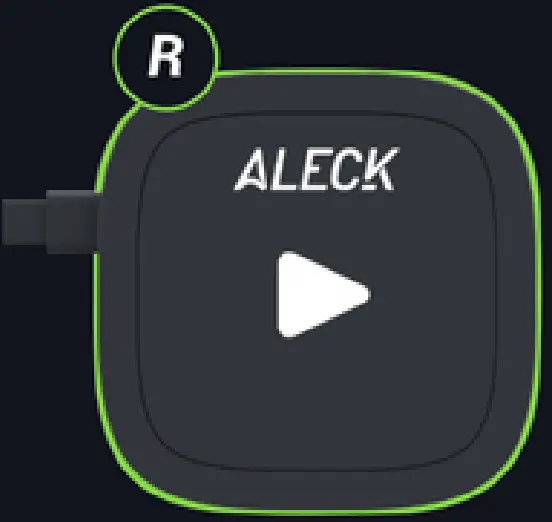
PLAY BUTTON FUNCTIONS:
POWER / CONNECT
POWER ON – Press & Hold 4 seconds until you hear ‘Power On”
POWER OFF Press & Hold 0 seconds until you hear -Power Off”
BULIEFOOTN PAIRING – Press & Hold PLAY COMMS buttons together 2 seconds until you hear
-Pairing
-FACTORY RESET – Press & Hold
PLAY COMMS buttons together 10 seconds
MUSIC
PLAY I PAUSE – Single Tap
TRACK FORWARD – Double Tap
TRACK BACKWARD – Triple Tap
CALLS / VOICE ASSISTANT
ANSWER / END CALL – Single Tap
MUTE / UNMUTE – [Double Tap
ACTUATE VOICE ASSISTANT -Press & Hold 1 second activates Sin’ or Goo* Assistant’
QUICK START GUIDE:
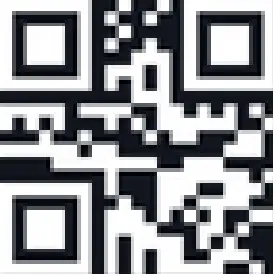
Scan this QR code to access our quick start guide and follow the simple steps to set up your Aleck 006!