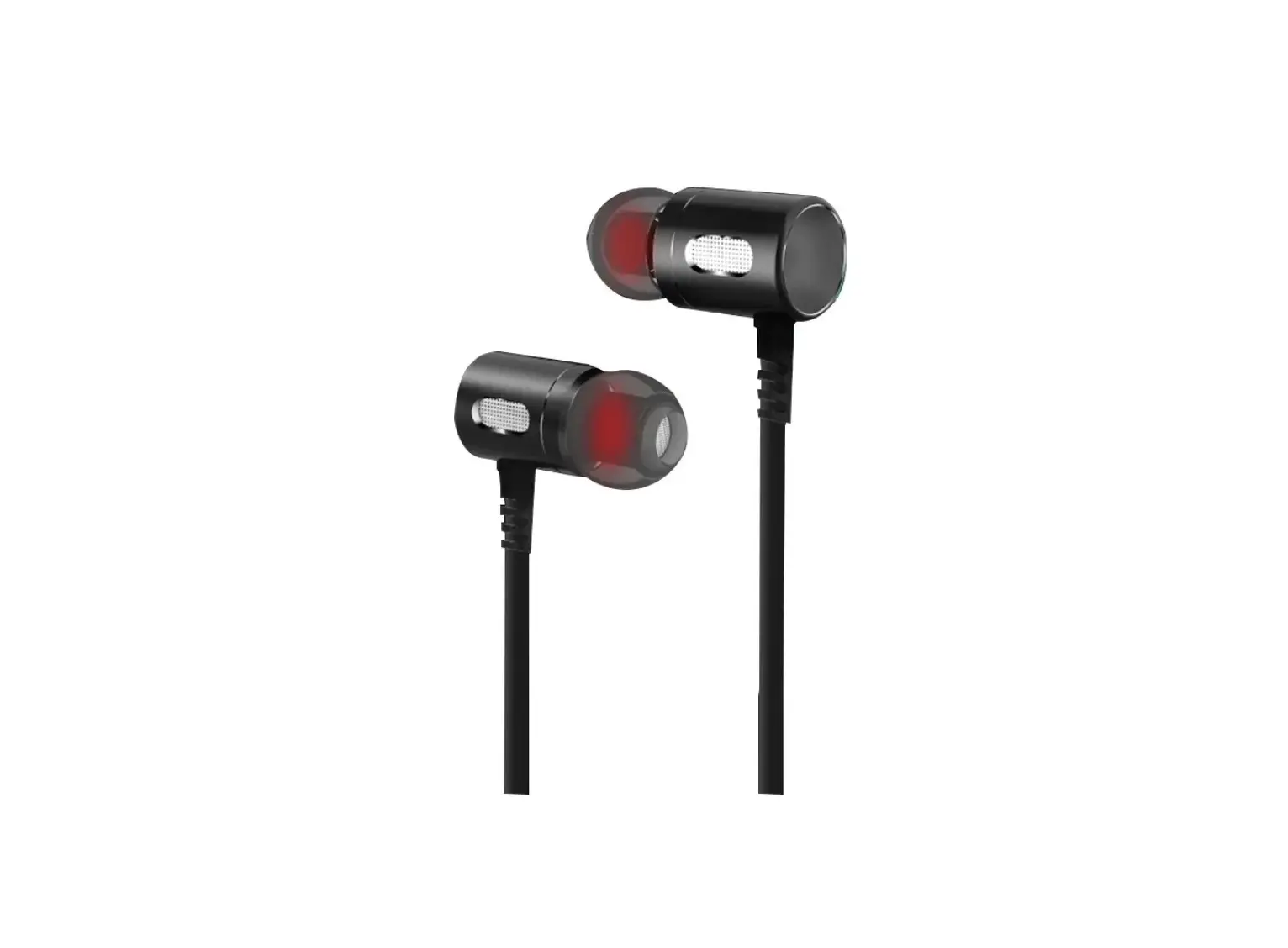
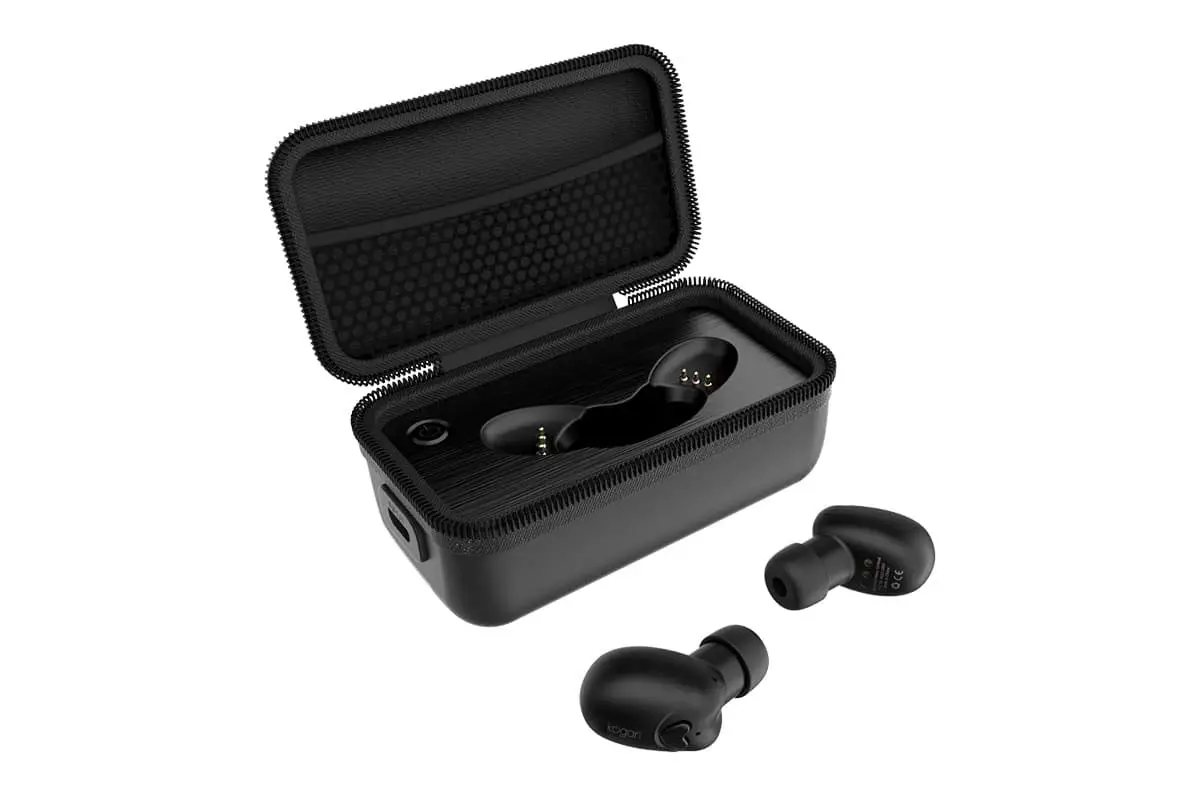
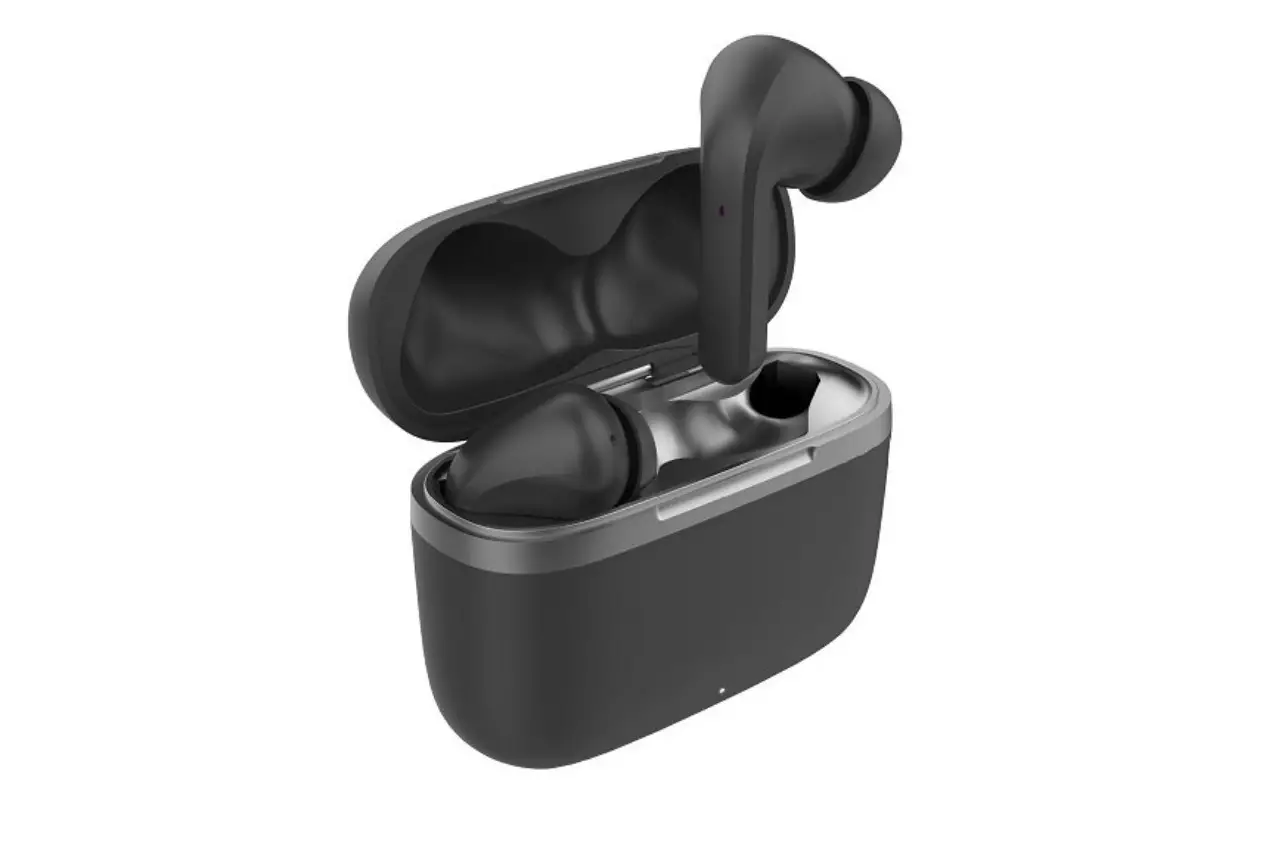
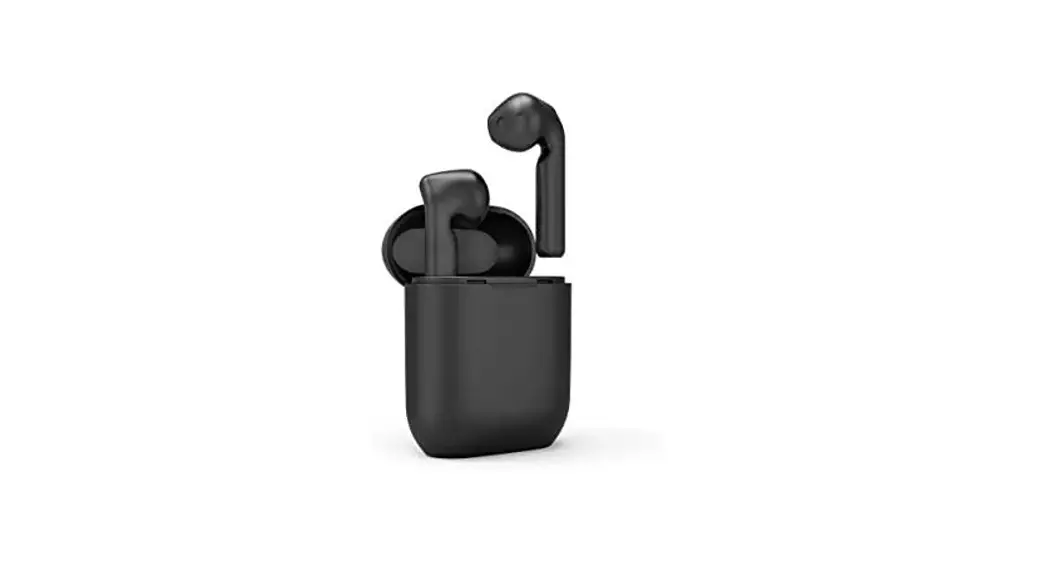
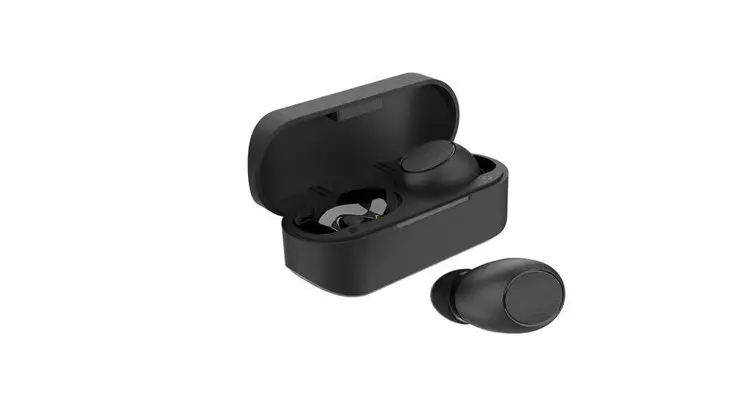
kogan Wireless Magnetic Bluetooth Earphones User Guide
Operations
| Item | Details | LED Indicator |
| Charging time | About 2 hours | |
| When charging | Connect headphones with charging cable | Solid red |
| When fully charged | LED turns off | |
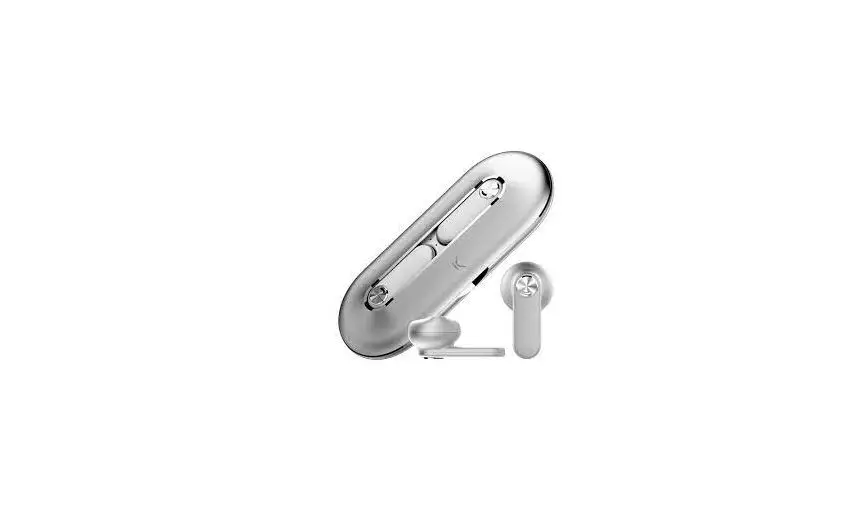
| Power on | Separate two magnetic earbuds | LED flashes blue |
| Power off | Press two magnetic earbuds together | |
| Pairing | Turn on, then press and hold button for around 5 seconds to enter pairing mode | LED turns on red and then turns off |
| Multipoint |
| LED flashes red and blue |
| Reconnection | Headphones will connect to last paired device automatically after turning on: if re-connection fails, headphones will enter pairing mode automatically | |
| Answer call
| Short press  button button | LED flashes blue every 5 seconds |
| Redial | Double click button | |
| End call | Short press button | LED flashes blue every 5 seconds |
| Reject call | Double click button | |
| Play music | Short press button | |
| Pause music | Short press button | |
| Volume up | Press and hold  | |
| Volume down | Press and hold  | |
| Next track | Short press | |
| Previous track | Short press |
Specifications
- Bluetooth Version: 4.2
- Bluetooth Profile: Handsfree, A2DP, AVRCP
- Working Distance: Up to 10m
User manual is subject to change without notice. For the latest version of your user manual, please visit https://www.kogan.com/usermanuals/

![Kogan Tws Earbuds User Manual [katwsipx6ha]](https://static-data1.manualsee.com/1/img/91/71047/2021/02/Kogan-TWS-Earbuds-KATWSIPX6HA.jpg "Kogan Tws Earbuds User Manual [katwsipx6ha]")