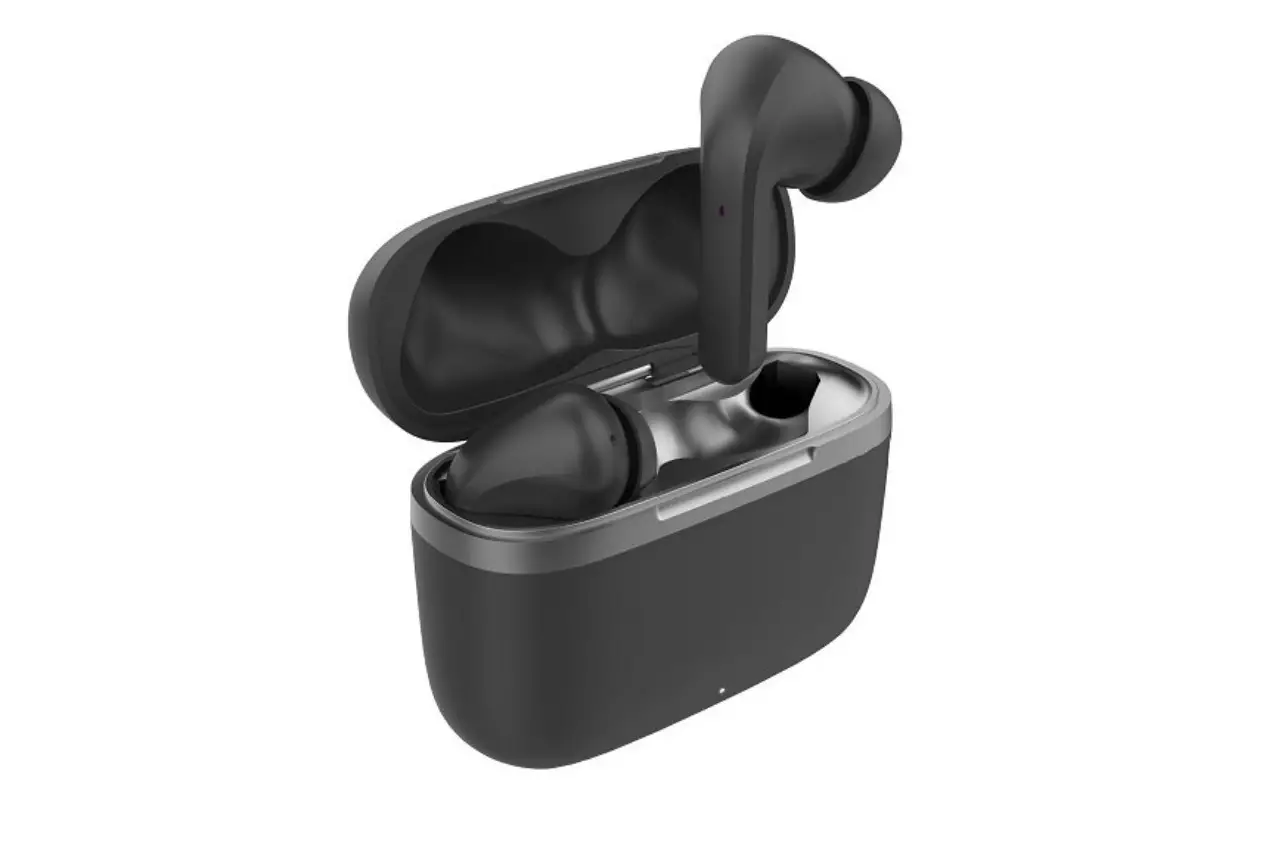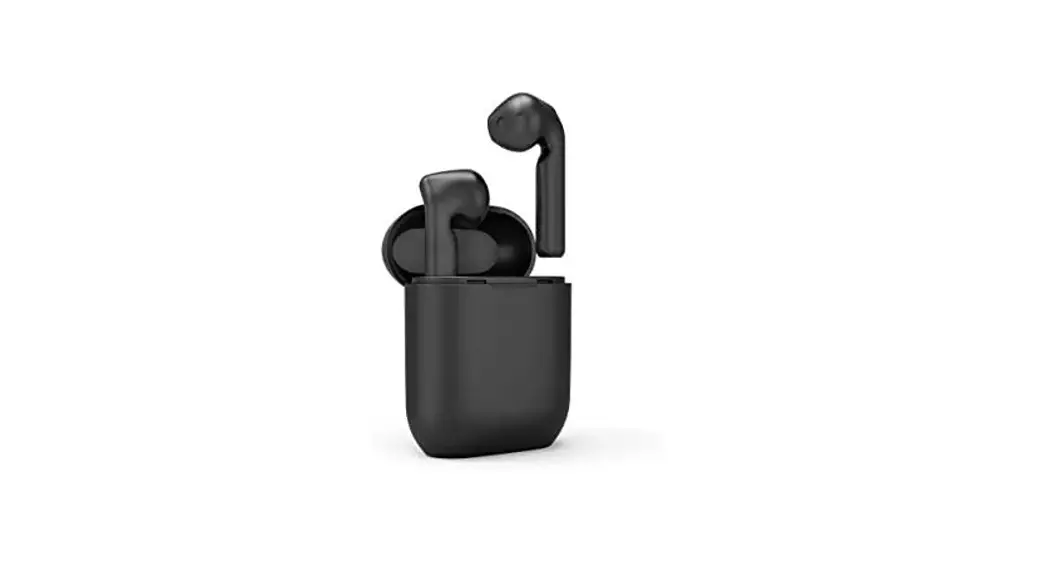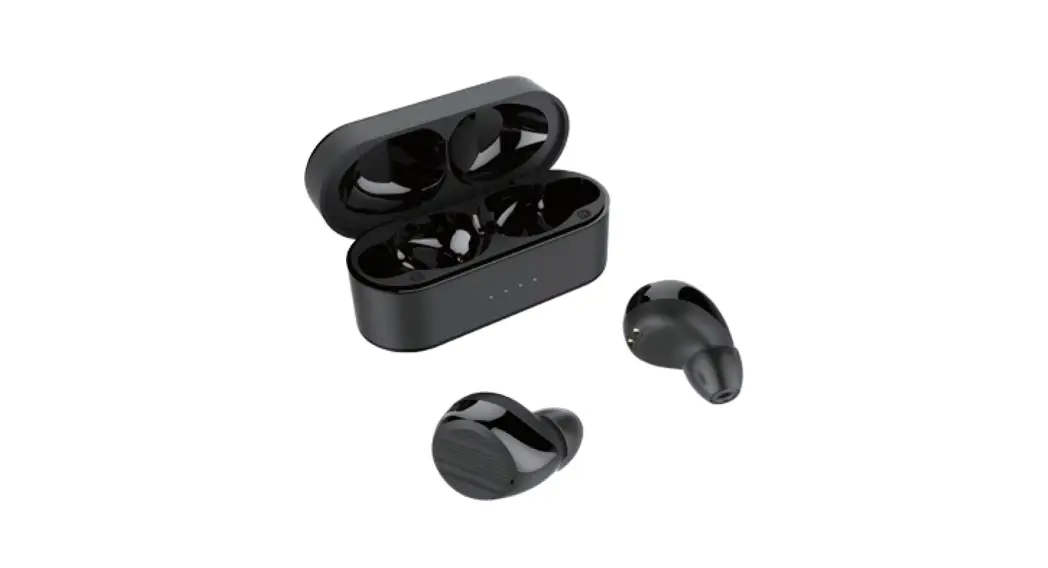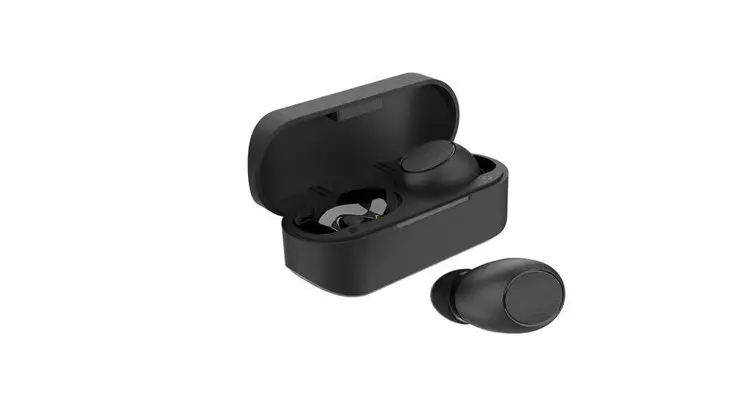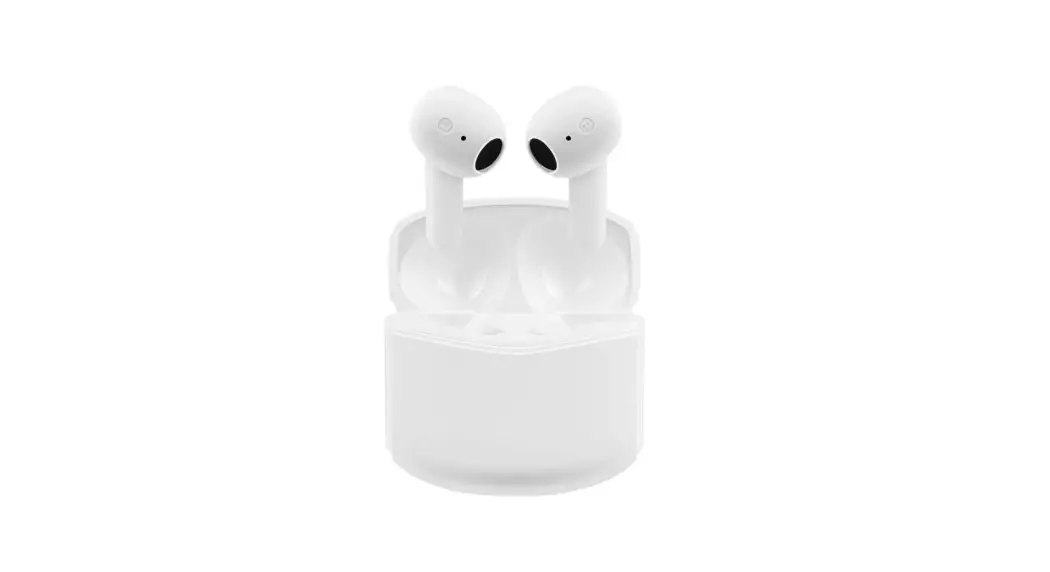

User Guide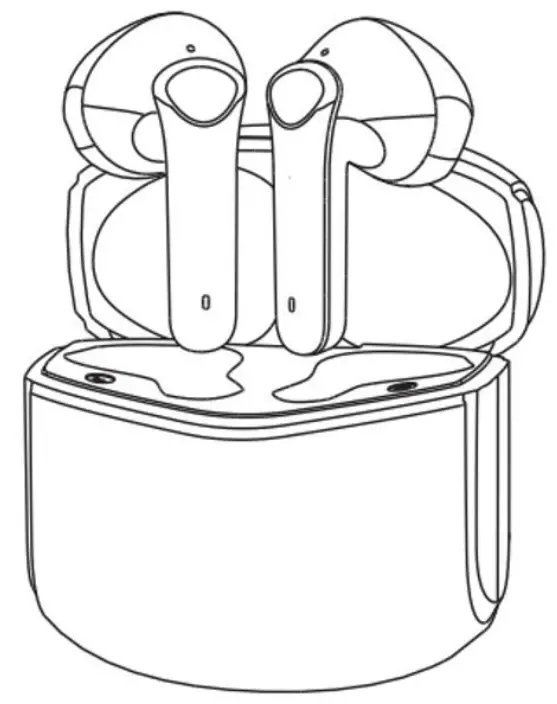 H2 TRUE WIRELESS
EARPHONES
KATWSH2WHTRA
SAFETY & WARNINGS
- Use the product only within temperatures between 0°C – 45°C. Excessively high or low temperatures may cause the product to malfunction.
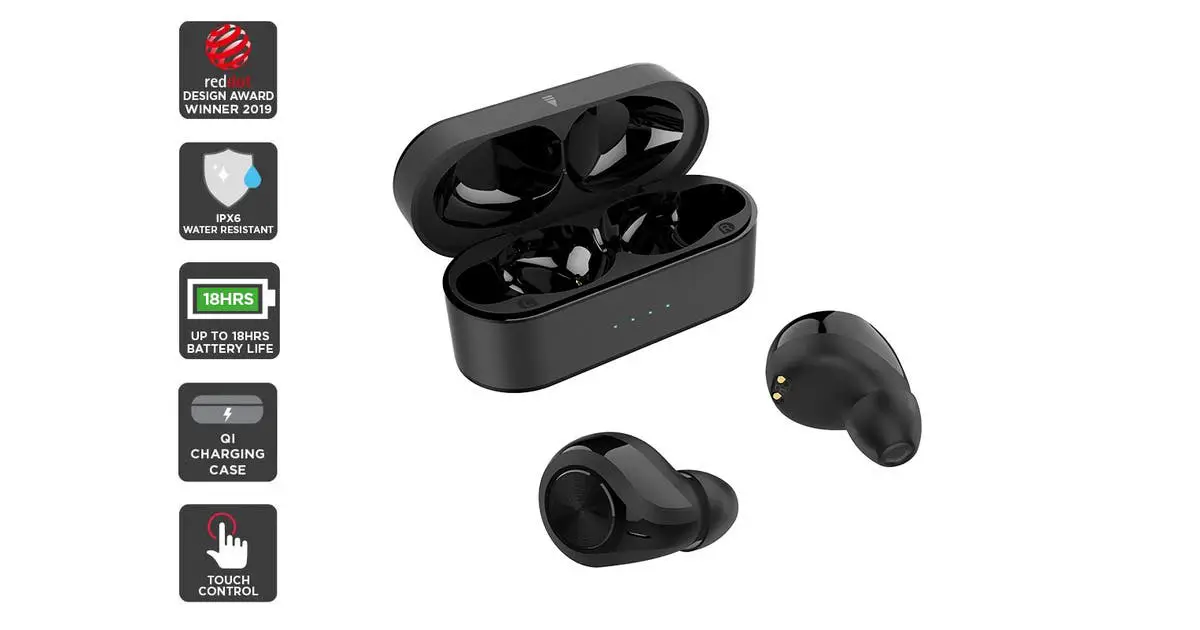
- Always keep the product dry; avoid contact with water or humid environments.
- Avoid dropping or throwing the product to prevent damage.
- Ensure both earphones are powered off before cleaning.
- Always use the product at a safe and comfortable volume level. Usage for long periods at high volume could lead to permanent hearing loss.
- The built-in battery is non-removable; do not attempt to replace this yourself. Please contact help.Kogan.com for assistance if you experience battery issues.
- Only dispose of the product in an environmentally friendly manner at an e-waste facility; this product cannot be disposed of in domestic garbage collection.
- Keep out of reach of children, as the small size of the product components presents a swallowing hazard.
Important Notice:
- Ensure the product is fully charged before initial use.
- Use a reputably branded adaptor complying with local safety requirements to charge this product. This product is rated at 5V/250mA.
- If your device cannot find “Kogan H2 Earphones” during Bluetooth scanning, ensure that your device is set to ‘Discoverable’ over Bluetooth. After the initial pairing, the earbuds will be automatically paired for repeated use. The earbuds may need to be repaired after a long period without use.
- If only one earbud has sound output while in music mode, please restart the earbuds, or repair them manually.
OVERVIEW
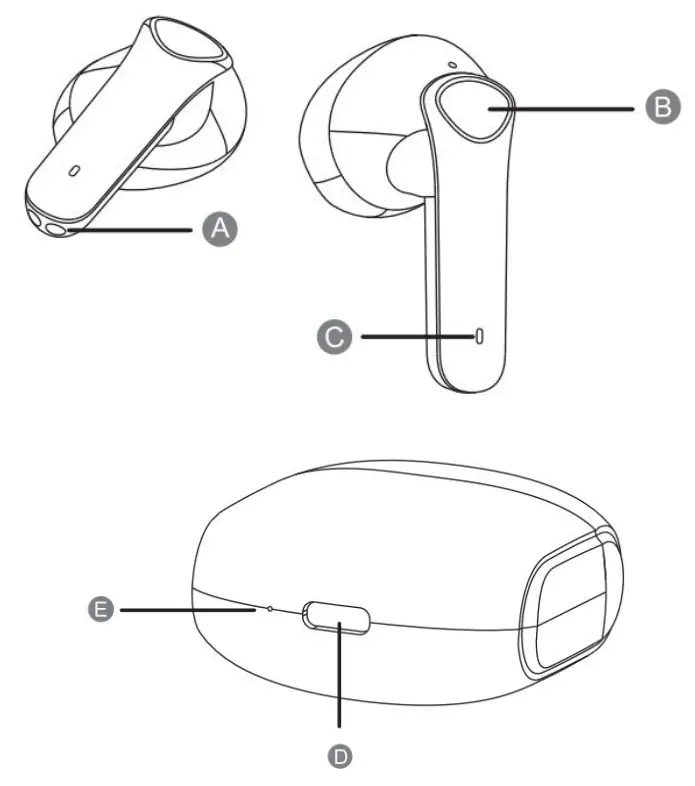
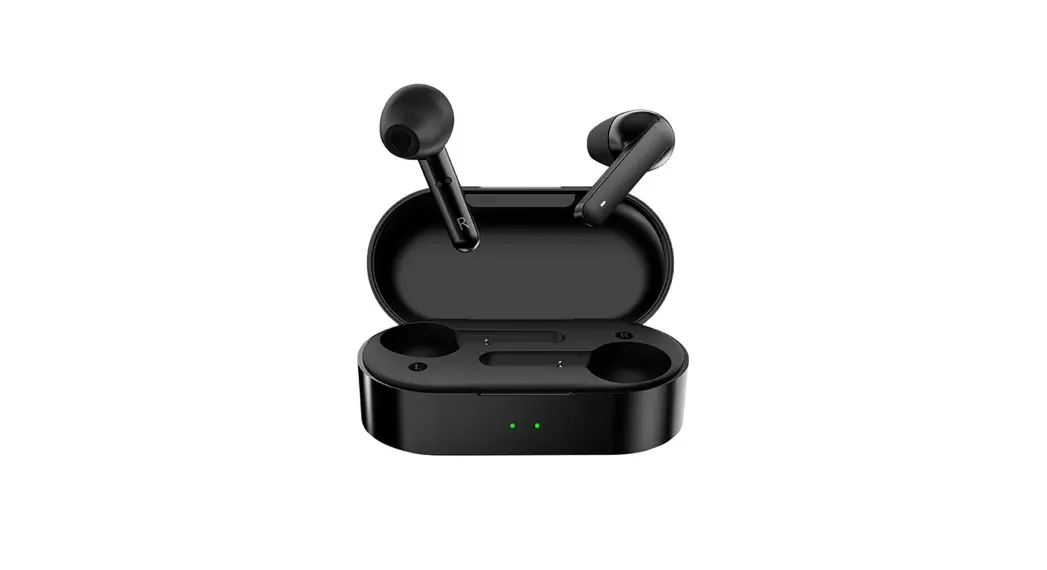
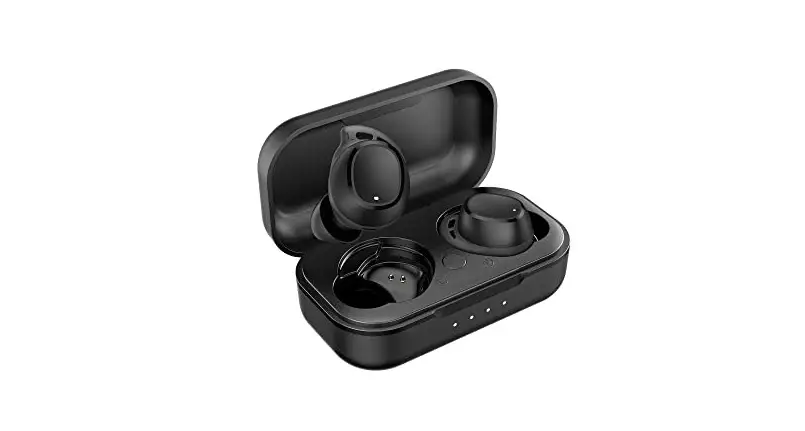
A Charging point
B Function button
C Microphone
D Charging USB port
E Status LED
BEFORE FIRST USE
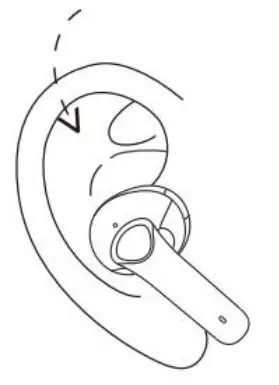
Gently slide into your ears; the tails of the earbuds should be in line with your mouth for optimal microphone placement.
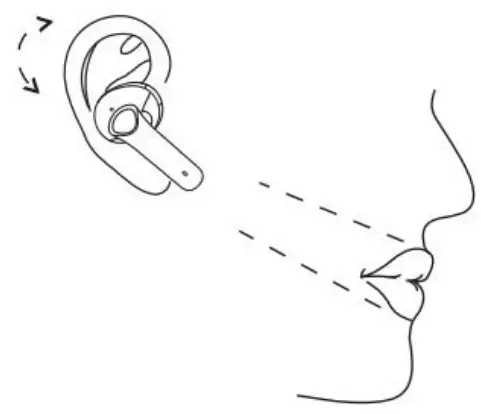
Adjust the earbuds so that they are firmly in place, even when your head is moved.
OPERATION
Note:
Ensure both the charging case and the earphones are fully charged before first use.
Syncing
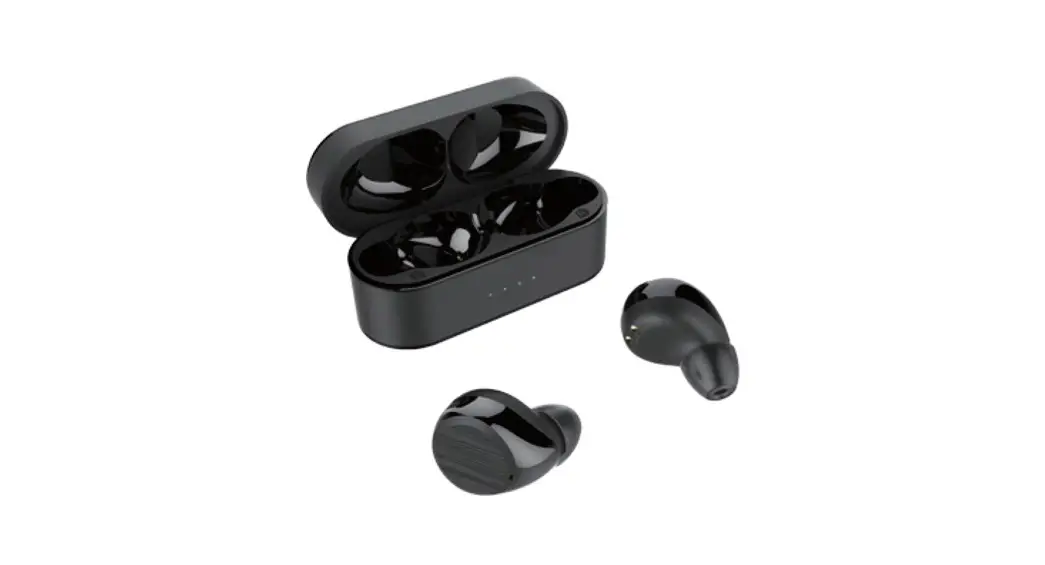
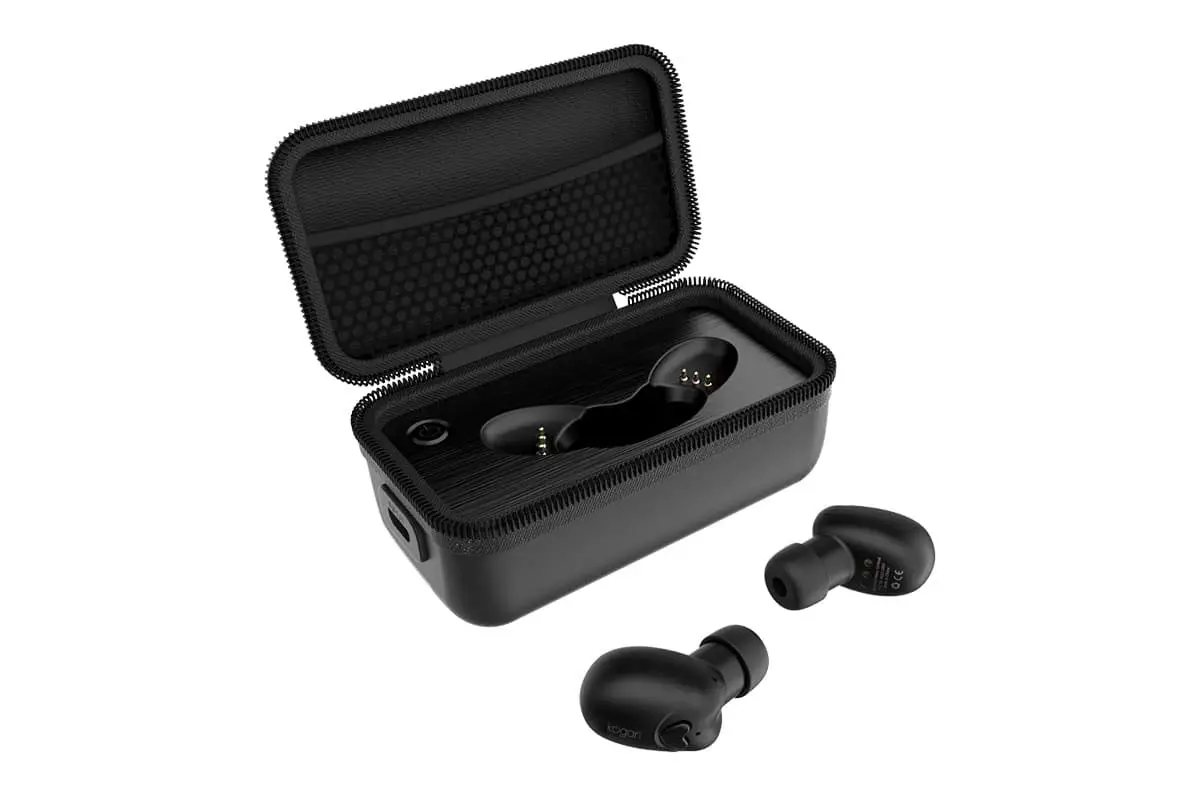
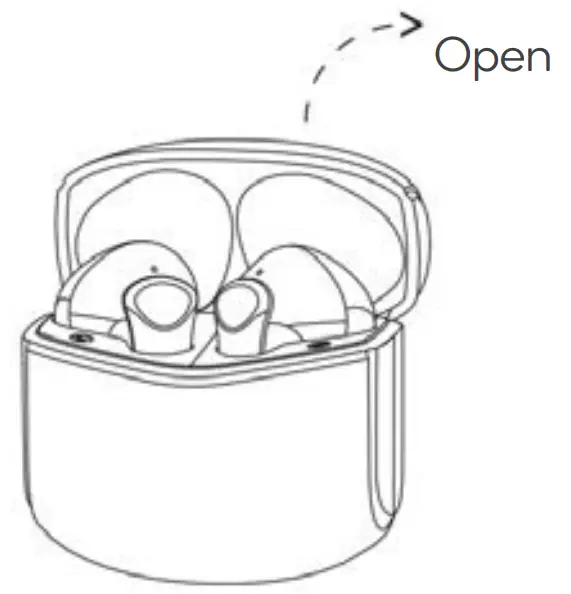
Open the charging dock case, and two earbuds will power on and sync with each other automatically
Pairing with a smart device
Once successfully synced, the earphones are ready to pair with your Bluetooth-enabled device. Turn on the Bluetooth function on your device (computer, smartphone, etc) and search for the earphones in the Bluetooth menu. The earphones will appear as “Kogan H2 Earphones” in the Bluetooth menu. Once selected you will hear a voice notification when pairing is successful.
Once the connection is successful, you can start using the wireless earphones. To disconnect, simply put the earphones back in the charging case and the earphones will automatically disconnect from any paired devices. To reconnect the earphones with the same device, remove the earphones from the charging case and the earphones will automatically connect to your device. Ensure that the Bluetooth function on your device is turned on.
To prevent the earphones from automatically connecting to a device, remove the earphones from the Bluetooth menu of that device.
To enjoy calls, music, and audio output from your device to the earphones, ensure that the media connection for both calls and media files is activated in the Bluetooth menu.
Power off
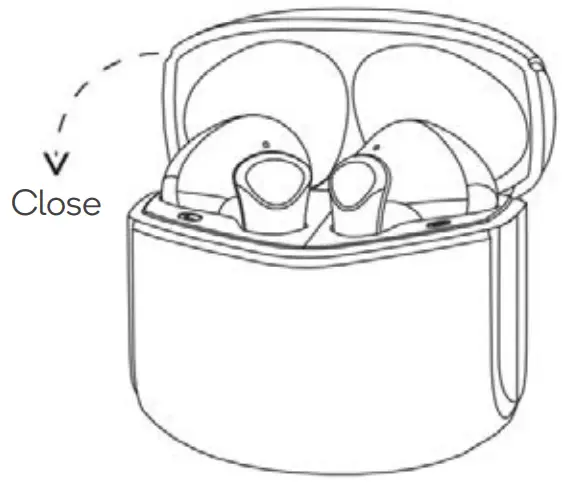
The earbuds will power off automatically after being reinserted to the charging dock.
Charging
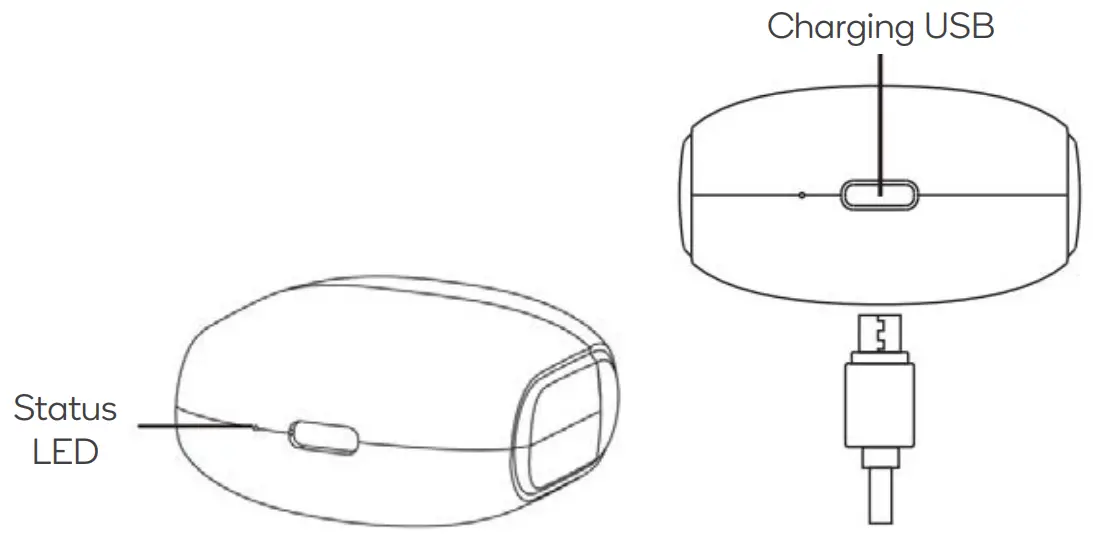
Without an external power supply, the status LED will display solid red while charging the earphones and will turn off after fully charged.
With an external power supply, the status LED flashes in blue while charging and will remain solid blue after fully charged.
It takes about 1.5h to fully charge the earbuds and charging dock batteries.
More Functions
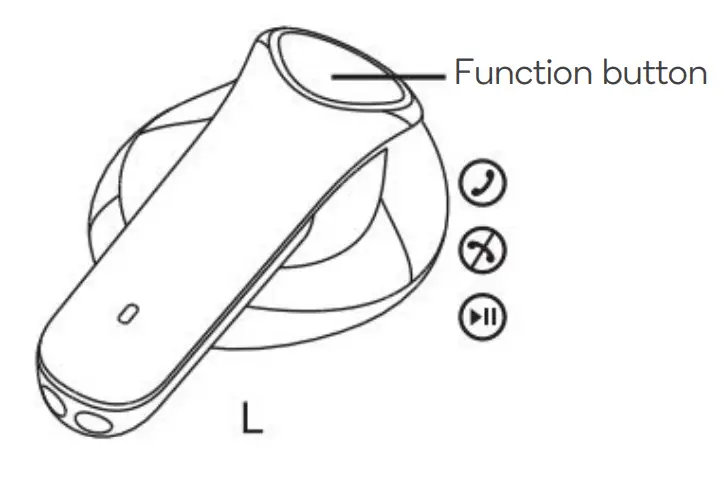
| Incoming call | To answer the call. tap the function button once |
| To reject a call, tap the function button twice | |
| Playing musk | To pause music, tap the function button once |
| To play the previous song. touch and hold the left earbud function button for 2 seconds | |
| To play the next song, touch and hold the right earbud function button for 2 seconds | |
| To increase volume, tap the function button of the left earbud twice | |
| To decrease volume, tap the function button of the right earbud twice | |
| Voice assistant | To activate a compatible voice assistant (such as Siri). touch the function button three times |
Single earbud usage
The earbuds can be used individually (each earbud pairs separate cell phone) Open the charging dock cap, take out either earbud and have to close the cap, wait for 10 seconds and then turn on the cell phone Bluetooth and set it as open detection, when “Kogan H2 Earphones” appears in available devices, press to connect. The LED will be off.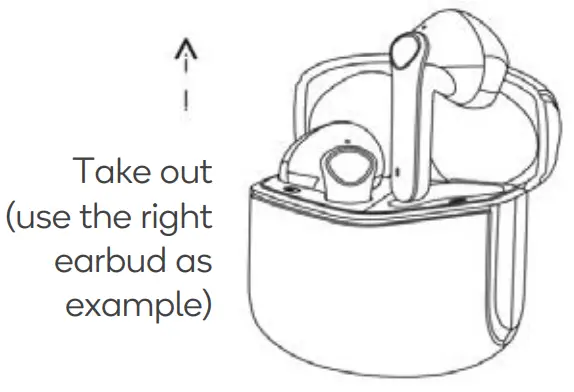 It will automatically connect to the cell phone if it is connected previously.
Manual earbud re-pairing
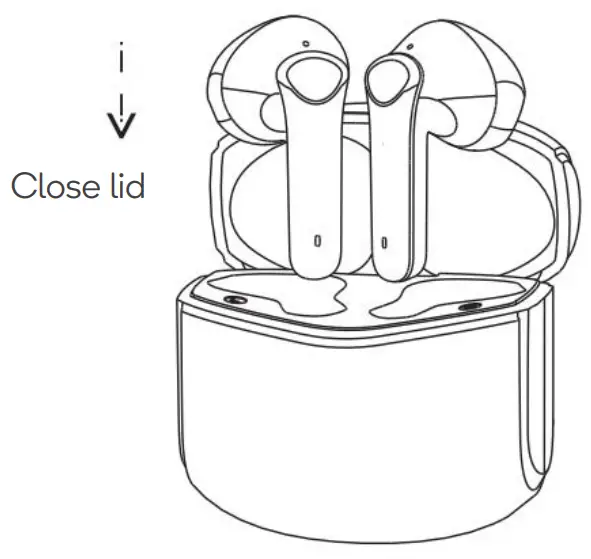
Ensure that the earbuds are not connected to any other Bluetooth devices.
Place both earbuds back into the charging case, close the lid, then reopen the case and remove the earbuds.
Place both earbuds within 10cm of one another, syncing will automatically complete within 1 minute.
SPECIFICATIONS
| Operation range | 10 metres |
| Charging time | 1 .5 hours |
| Call time | 3 hours |
| Music time | 4 hours |
| Charging input | 5V-250mA |
| Battery type | Polymer Li-Ion Battery |
| Earbud weight | 3.5g + 3.5g |
TROUBLESHOOTING
| Questions | Reasons | Answers |
| Earbuds do not power on | Battery has depleted | Charge the case and earbuds |
| Earbuds pairing failed | Bluetooth pairing error | Refer to “Manual earbud repairing” in the Operation section |
| The charging dock LED does not illuminate when earbuds are inserted | Dock can’t detect the earbuds while they are fully charged | The LED indicator will operate correctly once earbuds are used for a short time |
| Low volume | The volume setting of the earbuds and device are not synchronized | Enable your device’s Bluetooth and synchronize its volume settings with the connected earbuds |
| The charging dock is not charging | Charging protection enabled | Charge the charging dock using external power |
| Earbuds do not appear as a discoverable Bluetooth device or pairing failure with the device | Earbuds are not in pairing mode Repeat “Syncing” and section | “Pairing with a smart device” steps in the Operation |
| Device Bluetooth error | Restart the device |
Need more information?
We hope that this user guide has given you
the assistance needed for a simple set-up.
For the most up-to-date guide for your product,
as well as any additional assistance you may require,
head online to help.kogan.com