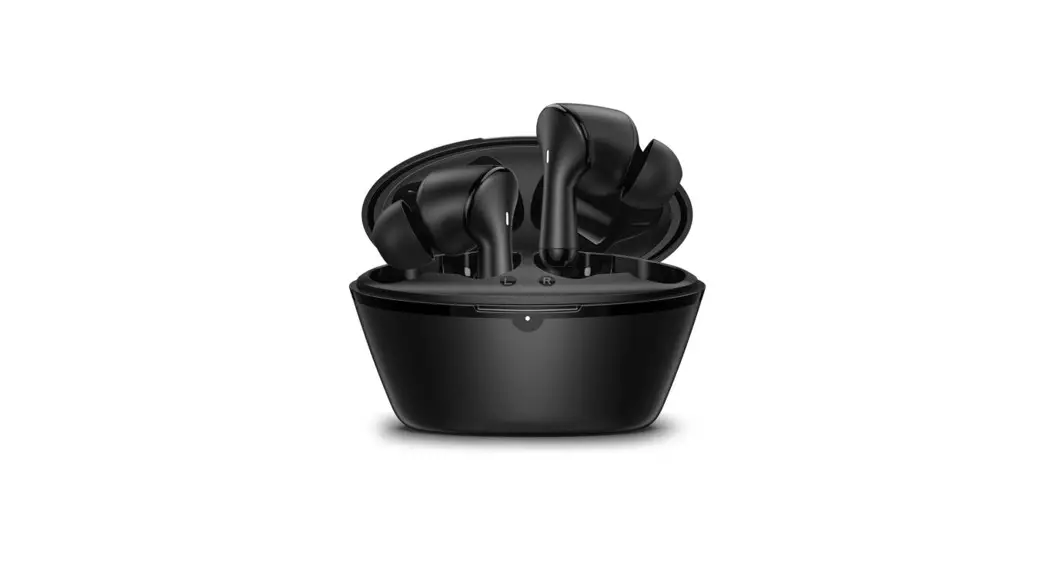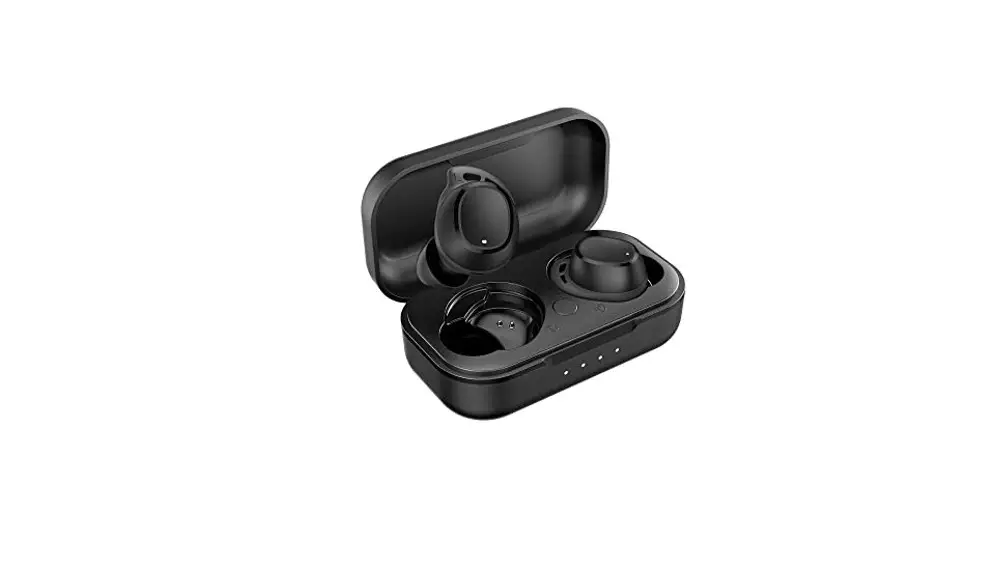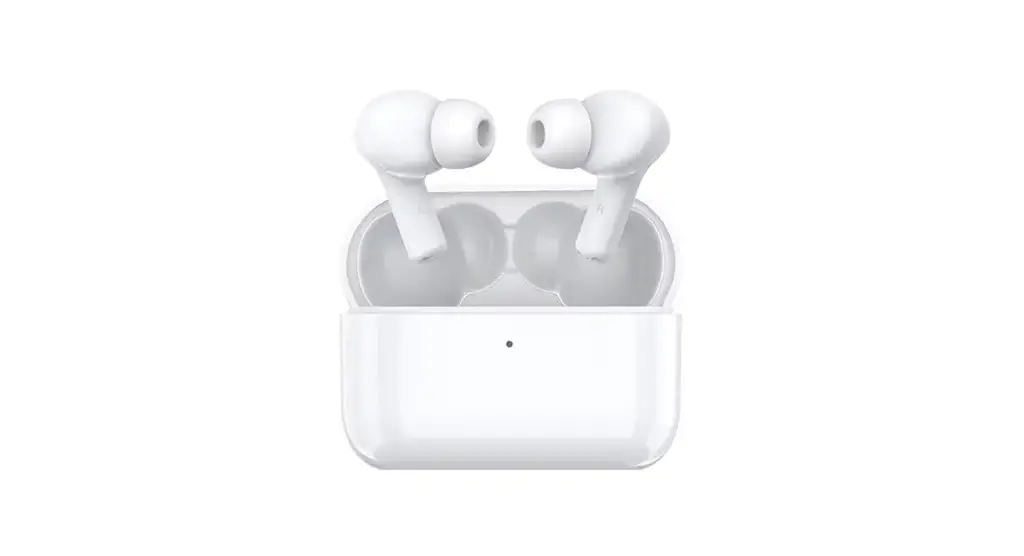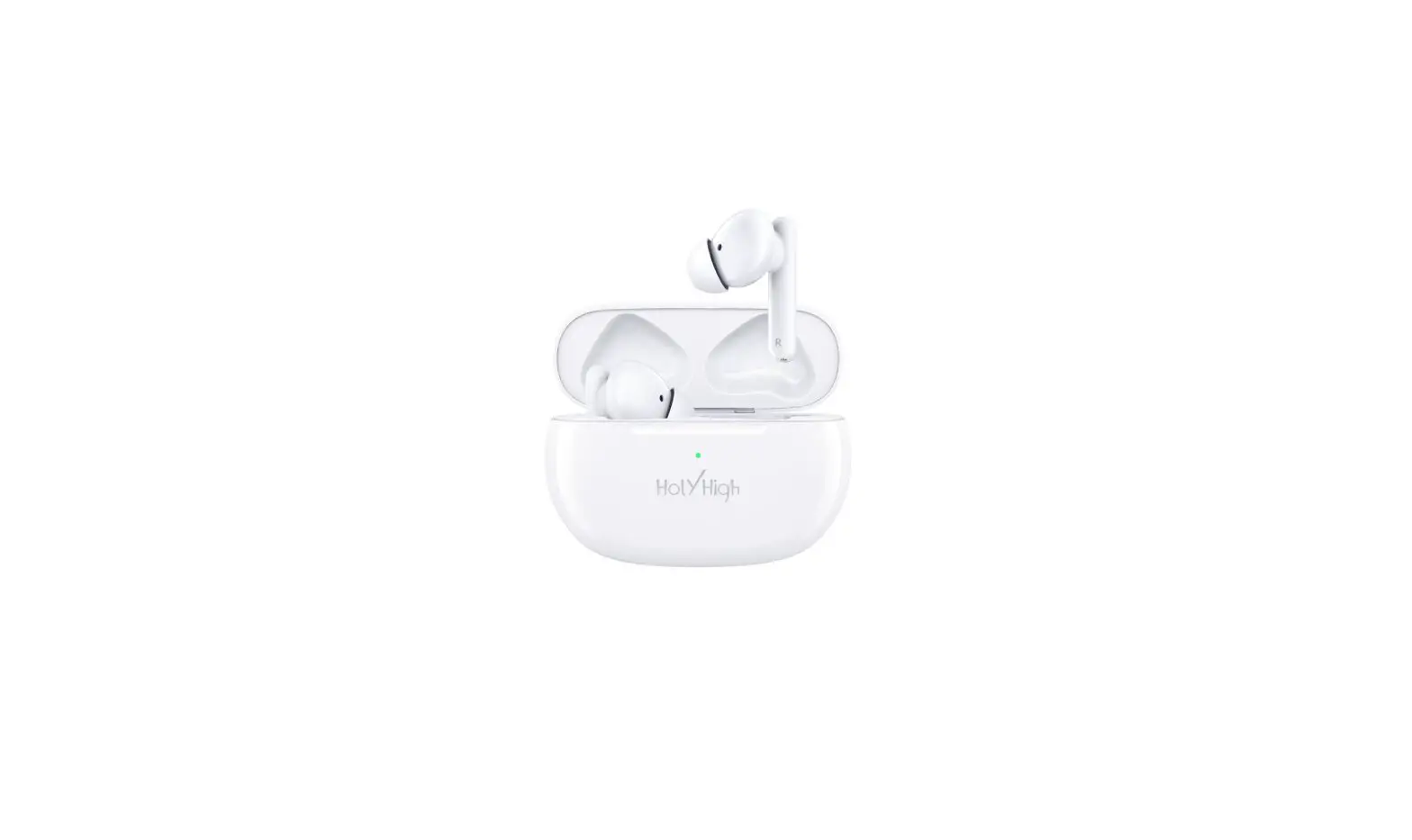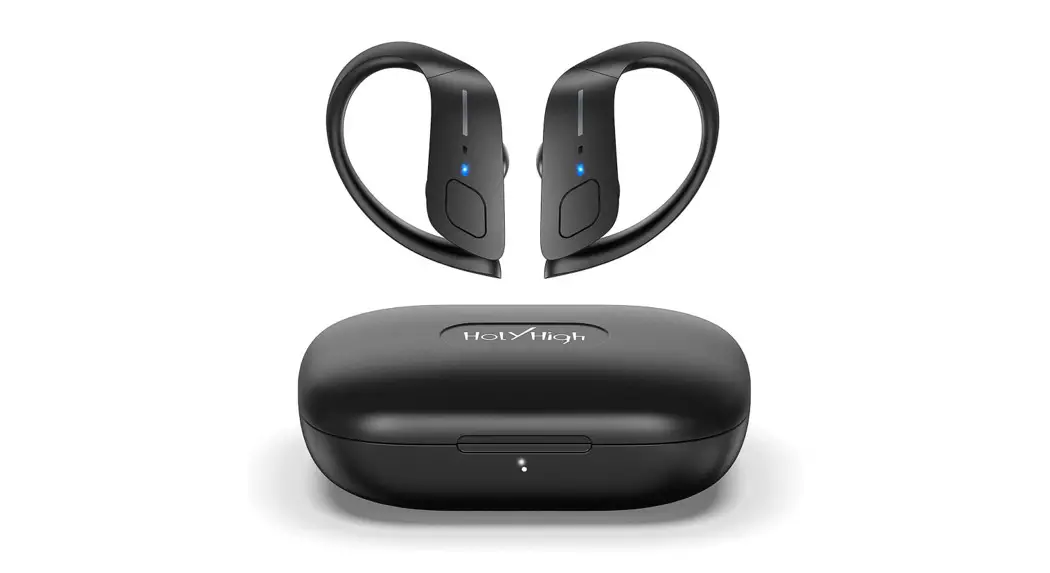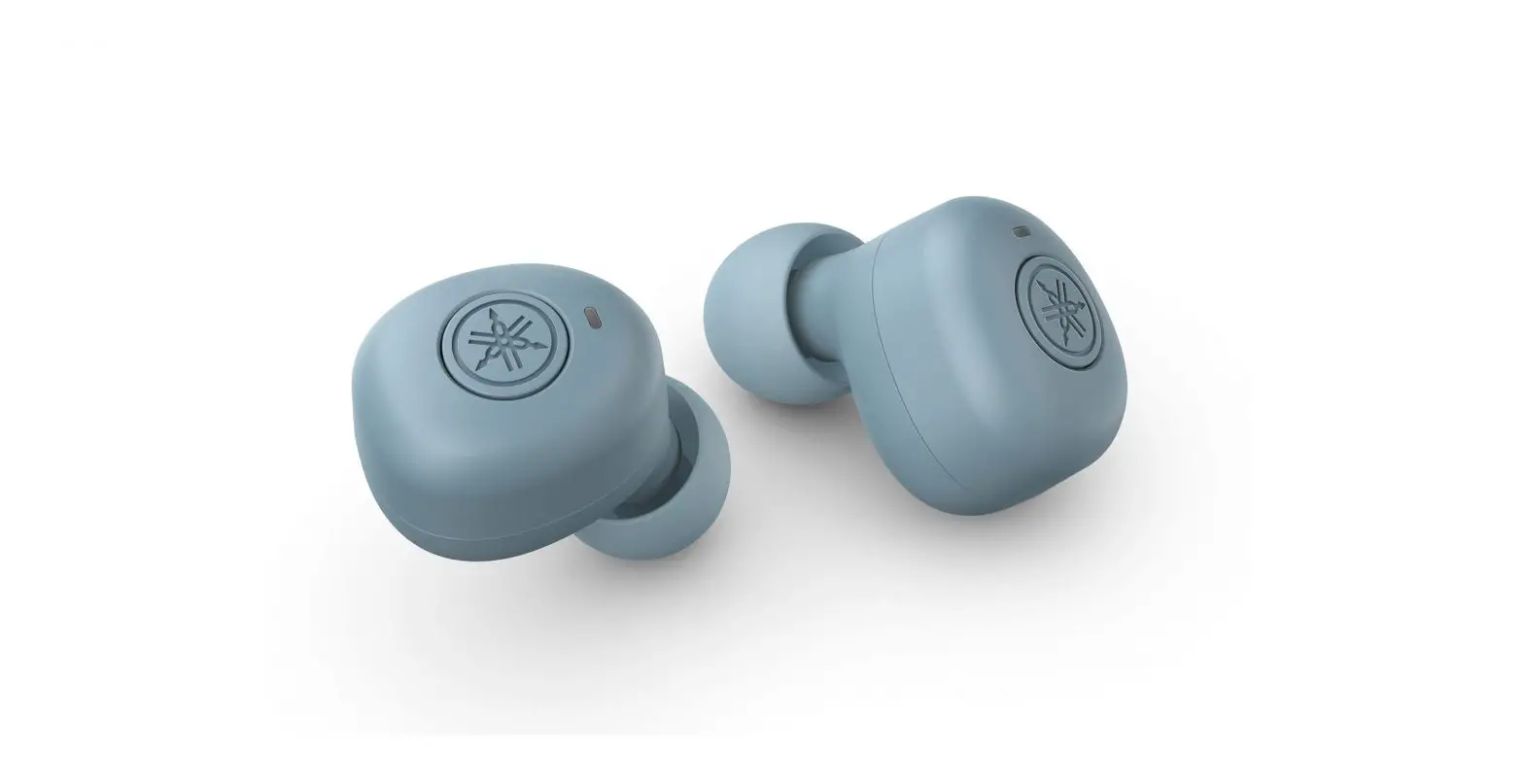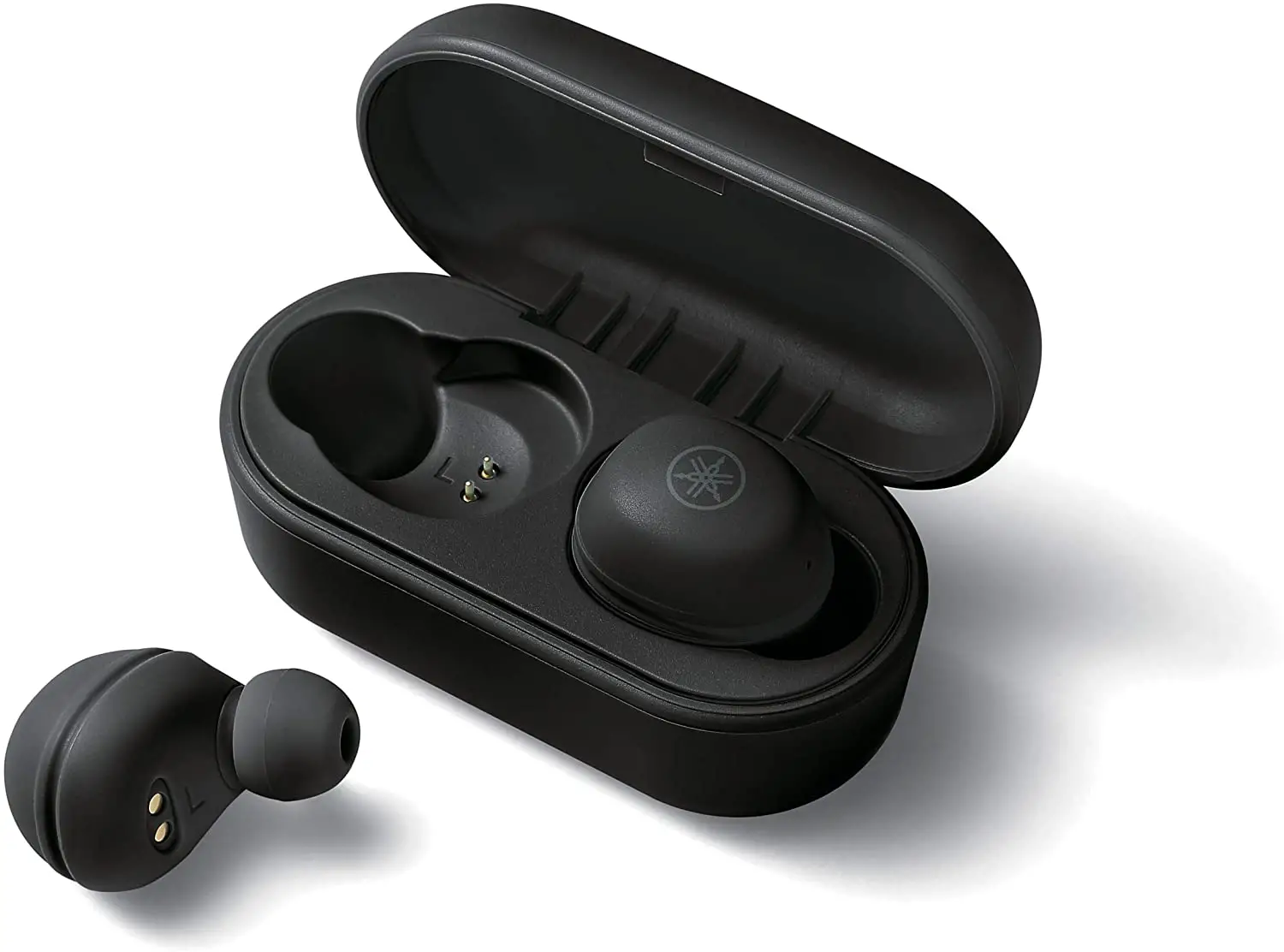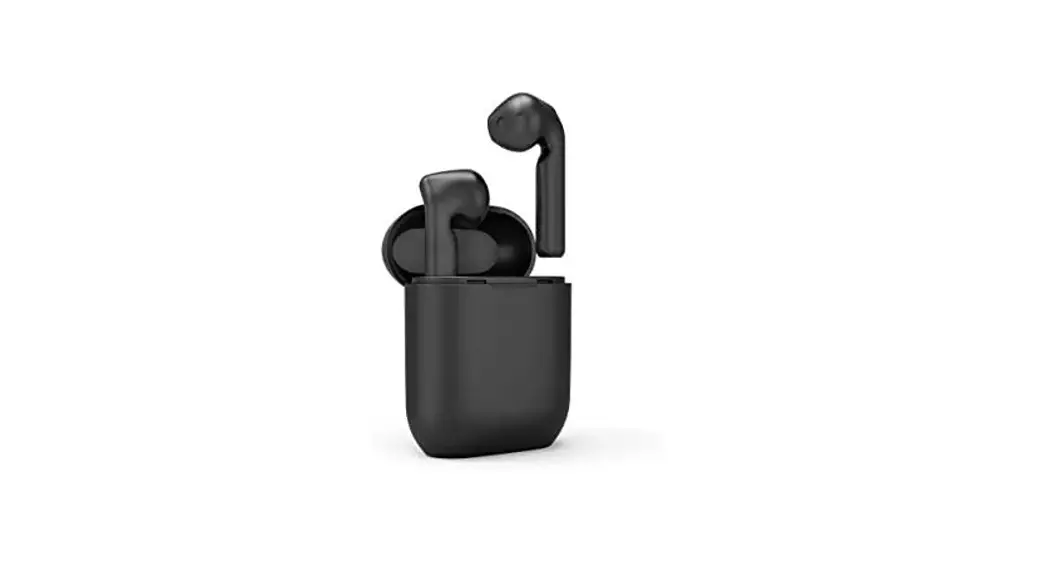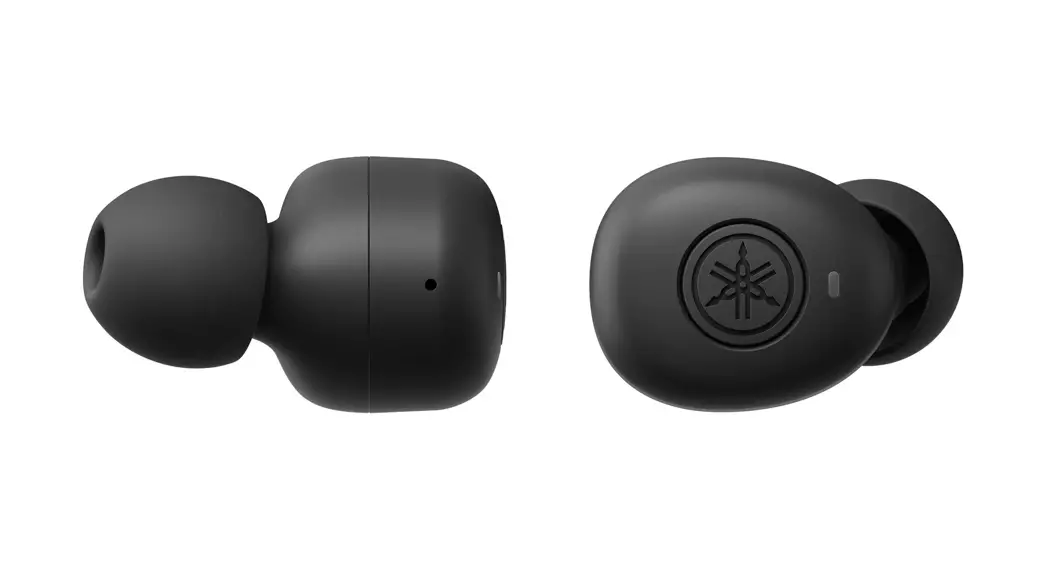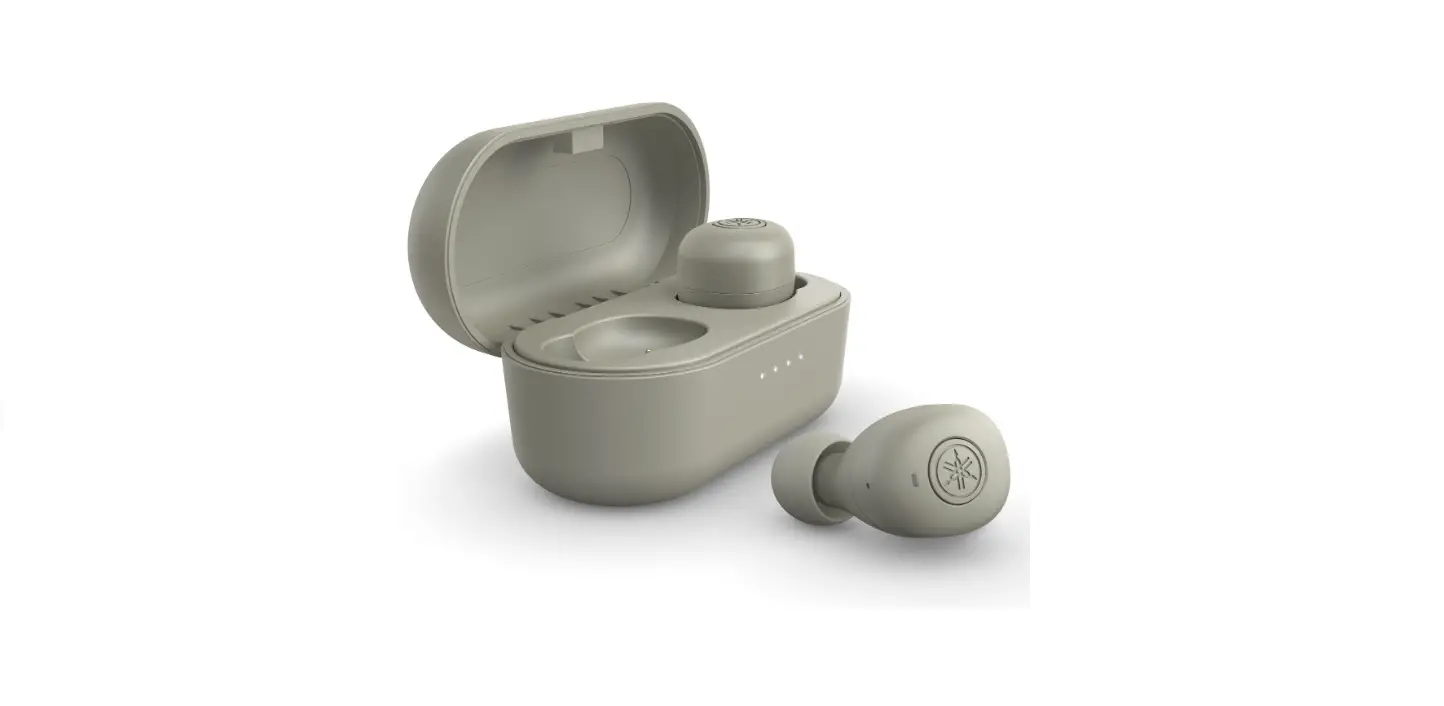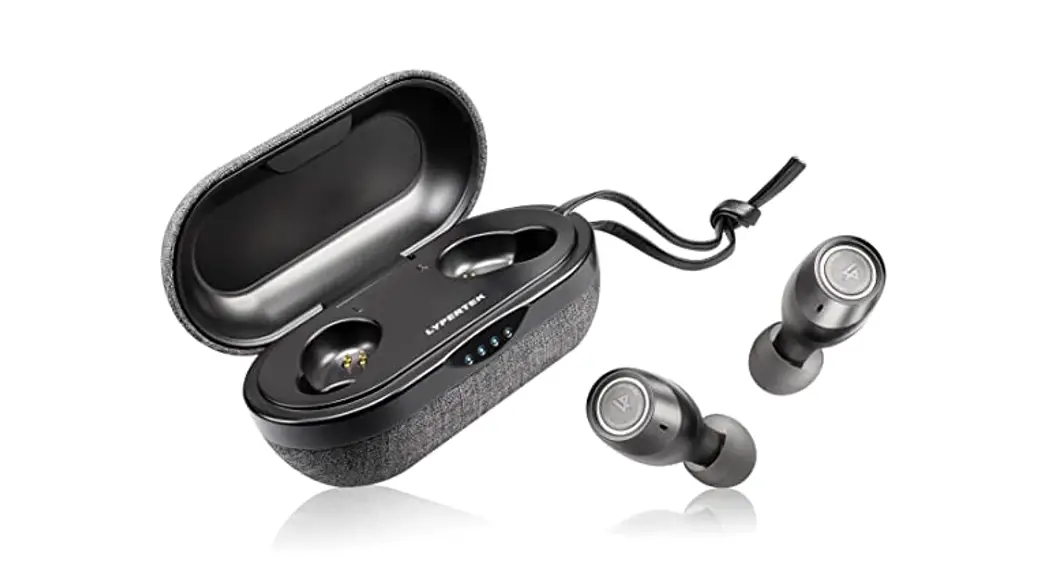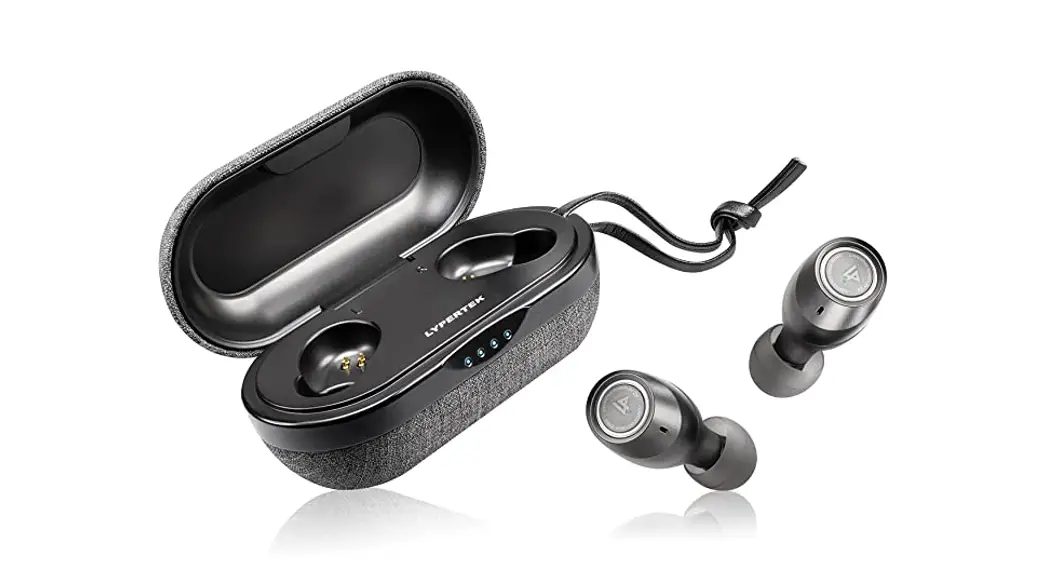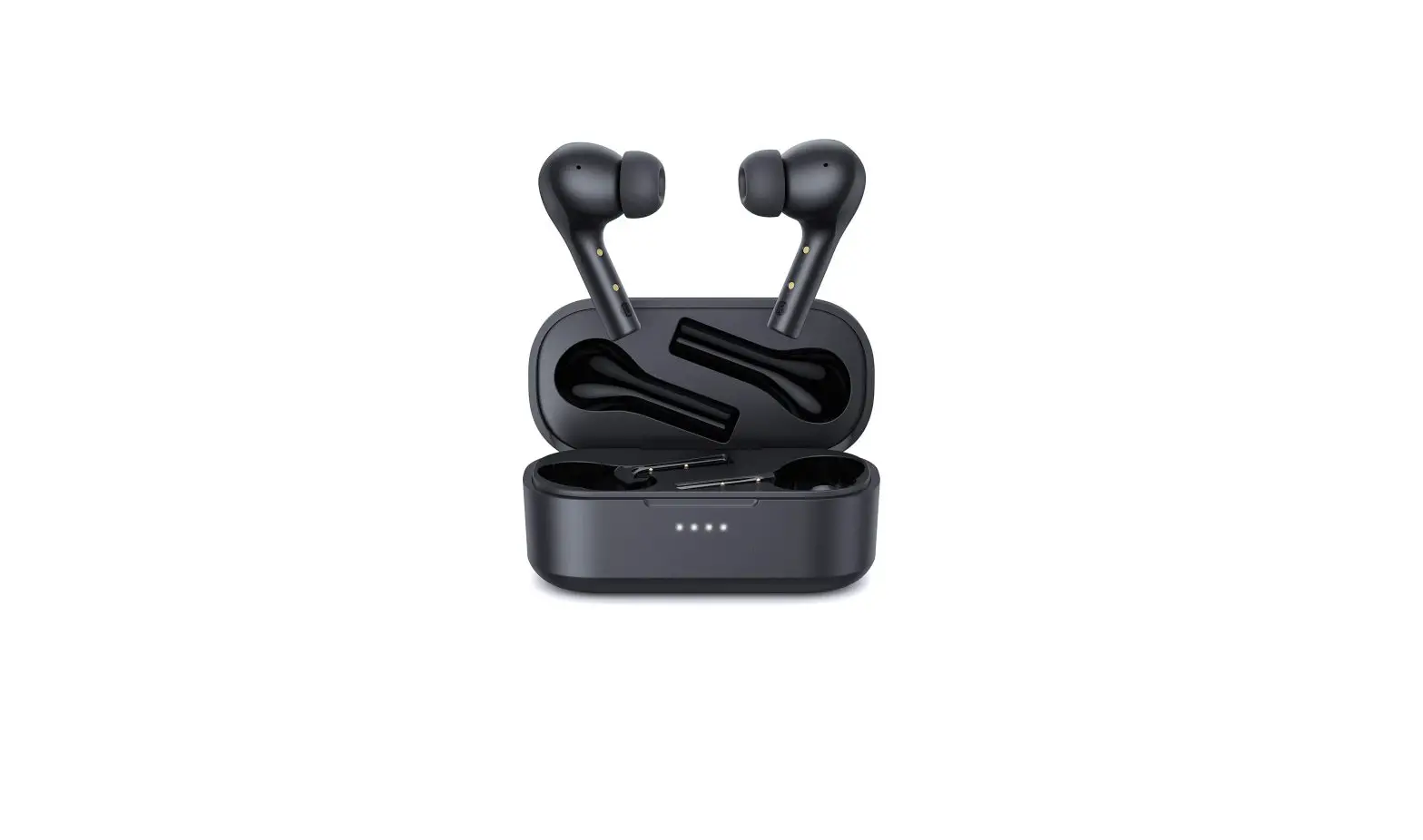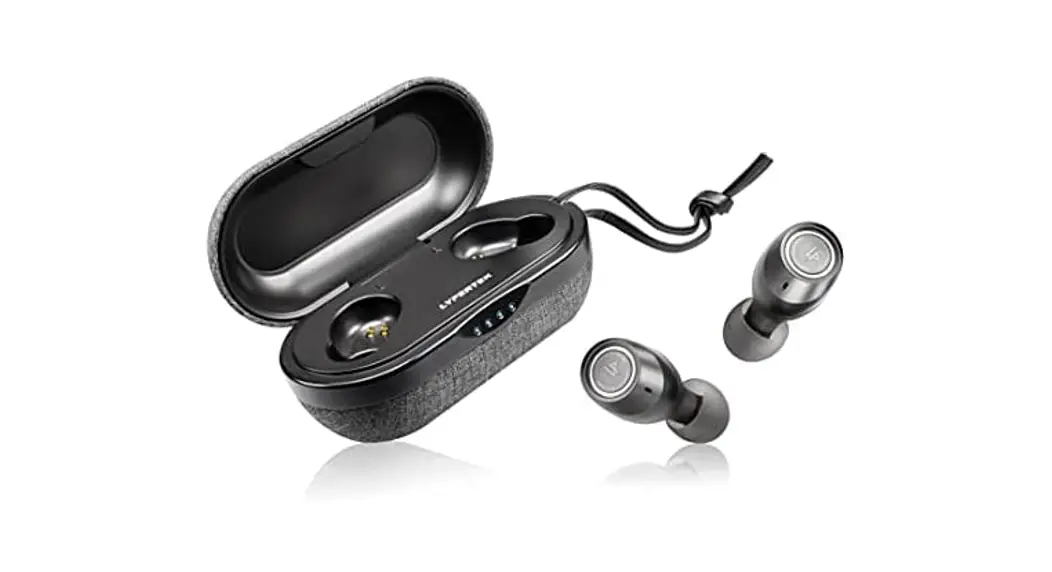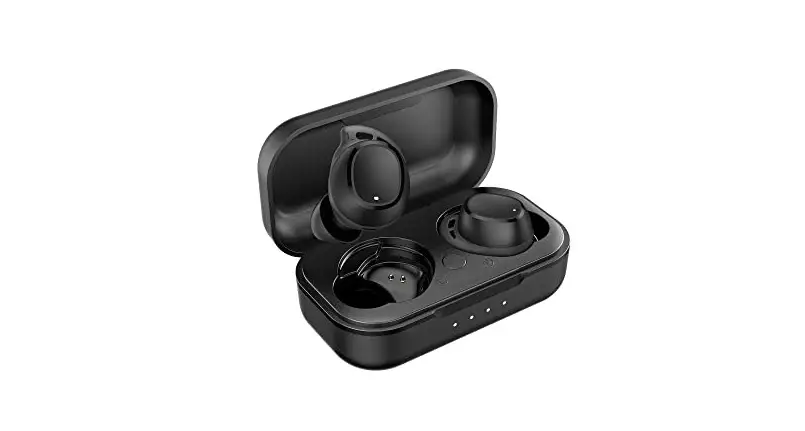

Truly Wireless Earphones
User Guide
 SUPPORT
 SUPPORT
For FAQs, detailed user manuals, and more information, please visit https://holyhigh.com or contact us via Email – [email protected].
 WEARING
 WEARING
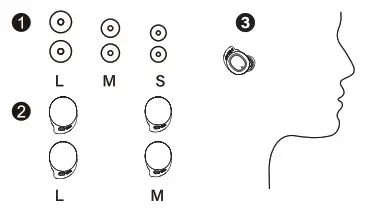
Wearing: Choose the silicone eartips and wingtips that are most suitable for your ears.
 CHARGING
 CHARGING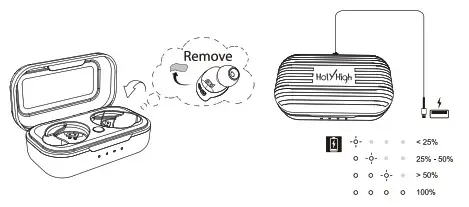
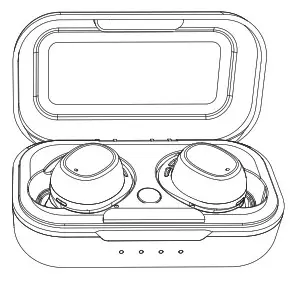
Charging: Please tear off the protective films from earbuds first, and charge the charging case with a USB-C cable.
 ON/OFF
 ON/OFF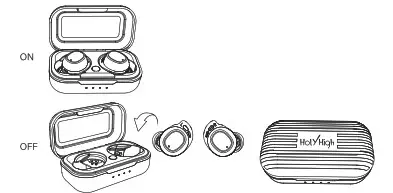
On/Off: Open the charging case, the earbuds will automatically turn on. If you need to turn them off, please put them back into the charging case and close the case.
 PAIRING
 PAIRING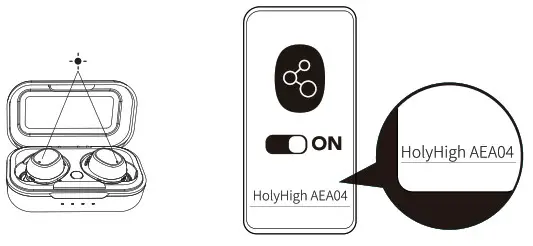
Pairing: Open the charging case, the earbuds will automatically enter Bluetooth pairing mode. Select “HolyHigh AEA04” from the Bluetooth list of your device and click to connect.
 CONTROL
 CONTROL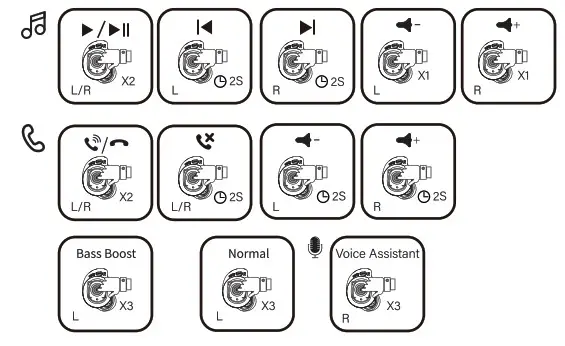
Control:
x1: tap once 2S: press and hold for 2 seconds
x2: double-tap 3S: press and hold for 3 seconds
x3: triple-tap 10S: press and hold for 10 seconds
Notes:
- In mono mode, press and hold L to skip to the next song.
- In mono mode, volume adjustment is unavailable.
- In mono mode, triple-tap L/R to activate the voice assistant.
RE-PAIRING
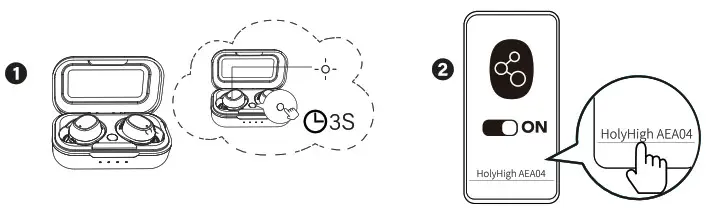
Forced Pairing Mode: Pair with other devices: put the earbuds into the charging case and keep the cover open, press and hold the button on the case for 3 seconds until the LED indicators of the earbuds quickly flash white light 3 times then go out At this time, the earbuds enter pairing mode
 RESET
RESET
 RESET
RESET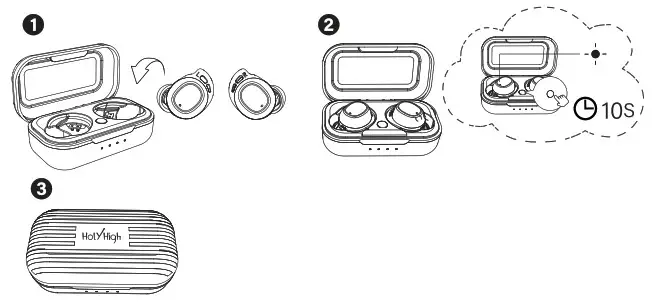
Reset: If the earbuds cannot pair with each other or with other devices, please reset the earbuds. Put the earbuds into the charging case and keep the cover open, press and hold the button on the case for 10 seconds until the LED indicators of the earbuds flash red and white light alternately 3 times then go out. At this time, close the charging case. This indicates that the earbuds have been reset successfully and can be connected normally
 DESCRIPTIONS OF LED INDICATORS
 DESCRIPTIONS OF LED INDICATORS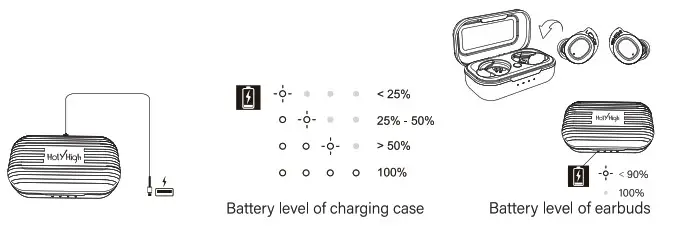
Descriptions of LED Indicators: : Flashing white light
 : White light always on
 : White light off
This device complies with part 15 of the FCC Rules. Operation is subject to the following two conditions: (1) this device may not cause harmful interference, and (2) this device must accept any interference received, including interference that may cause undesired operation. Any changes or modifications not expressly approved by the party responsible for compliance could void the user’s authority to operate the equipment.
NOTE: This equipment has been tested and found to comply with the limits for a Class B digital device, pursuant to Part 15 of the FCC Rules. These limits are designed to provide reasonable protection against harmful interference in a residential installation. This equipment generates, uses, and can radiate radio frequency energy and, if not installed and used in accordance with the instructions, may cause harmful interference to radio communications.
However, there is no guarantee that interference will not occur in a particular installation. If this equipment does cause harmful interference to radio or television reception, which can be determined by turning the equipment off and on, the user is encouraged to try to correct the interference by one or more of the following measures:
— Reorient or relocate the receiving antenna.
— Increase the separation between the equipment and receiver.
— Connect the equipment into an outlet on a circuit different from that to which the receiver is connected.
— Consult the dealer or an experienced radio/TV technician for help.
The device has been evaluated to meet general RF exposure requirements. The device can be used in portable exposure conditions without restriction
FCC ID: $354;
Model: X3
FCC ID: 2APROQ-X3
Shenzhen Winnershine Electronics Co., Ltd
 IC: 26891-AEA05
Made in China