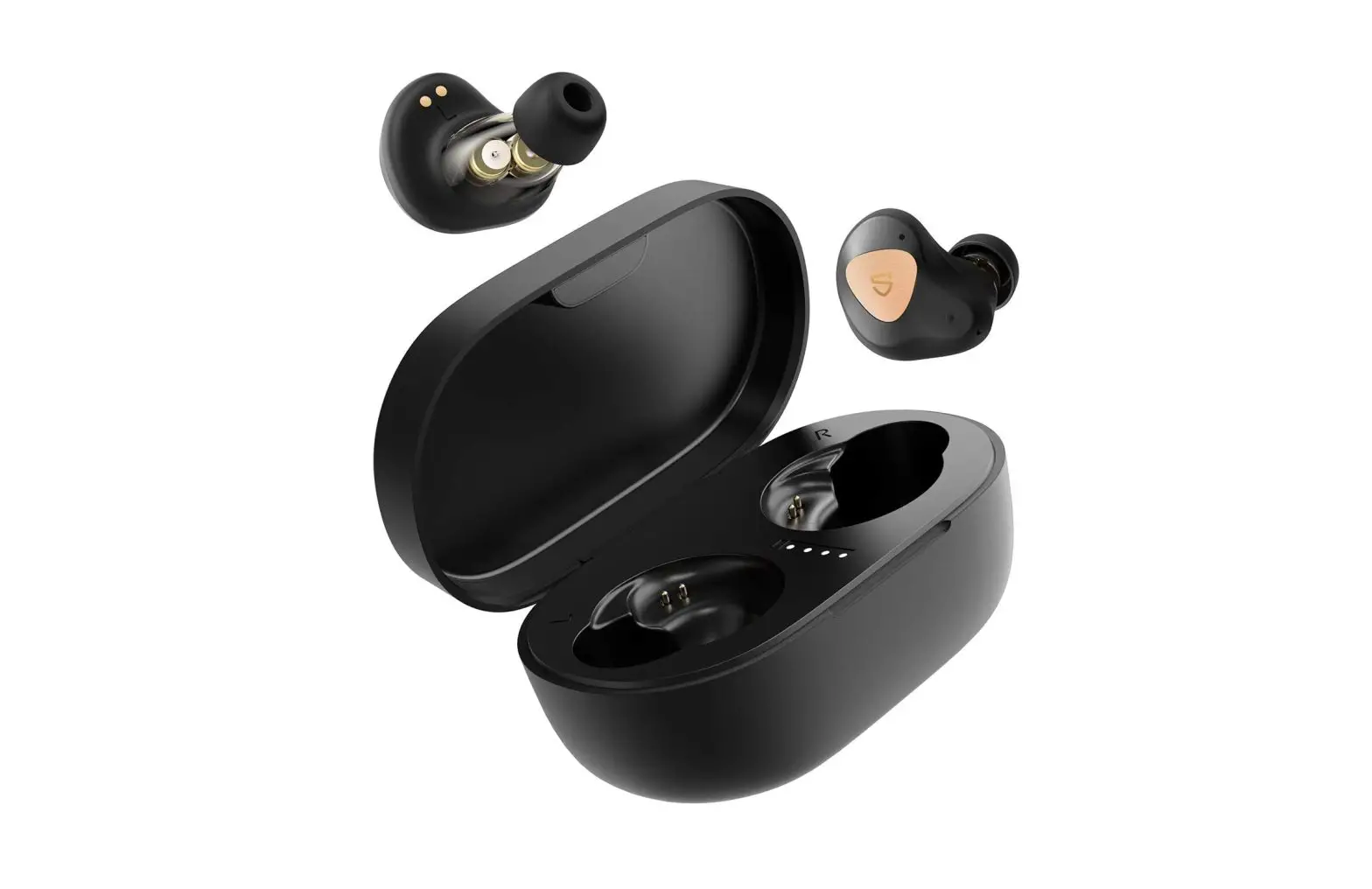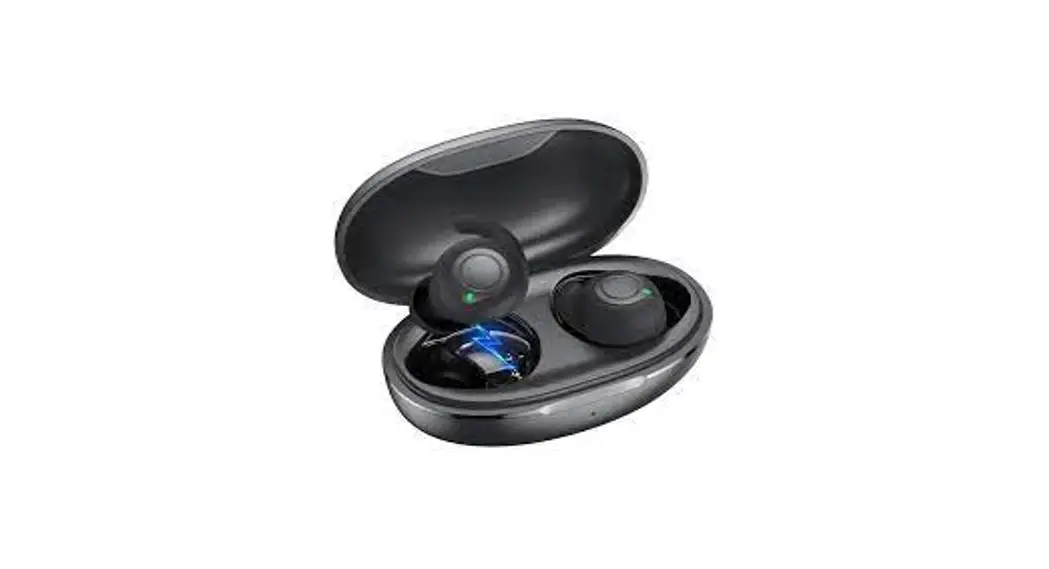

Wireless In-Ear Headphone
User Guide
WHAT IS INSIDE
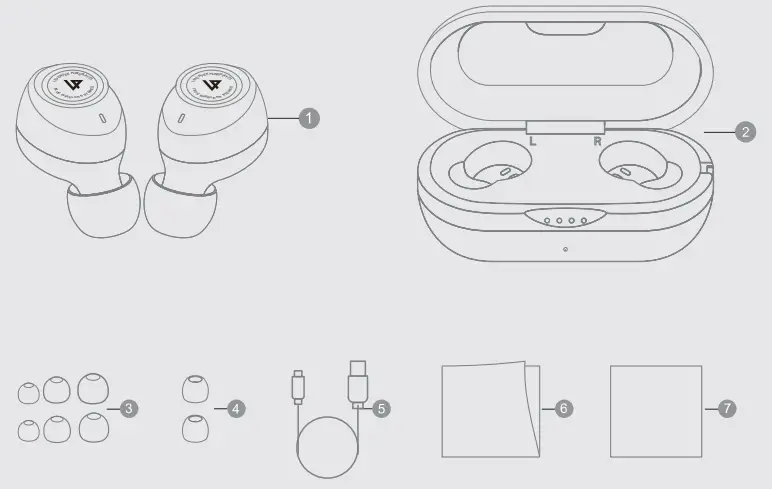
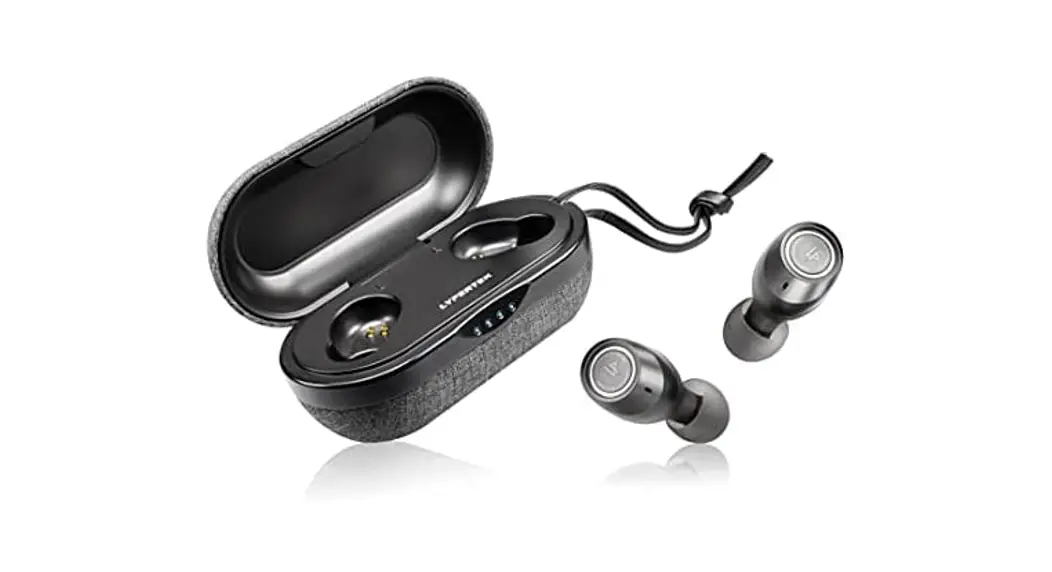
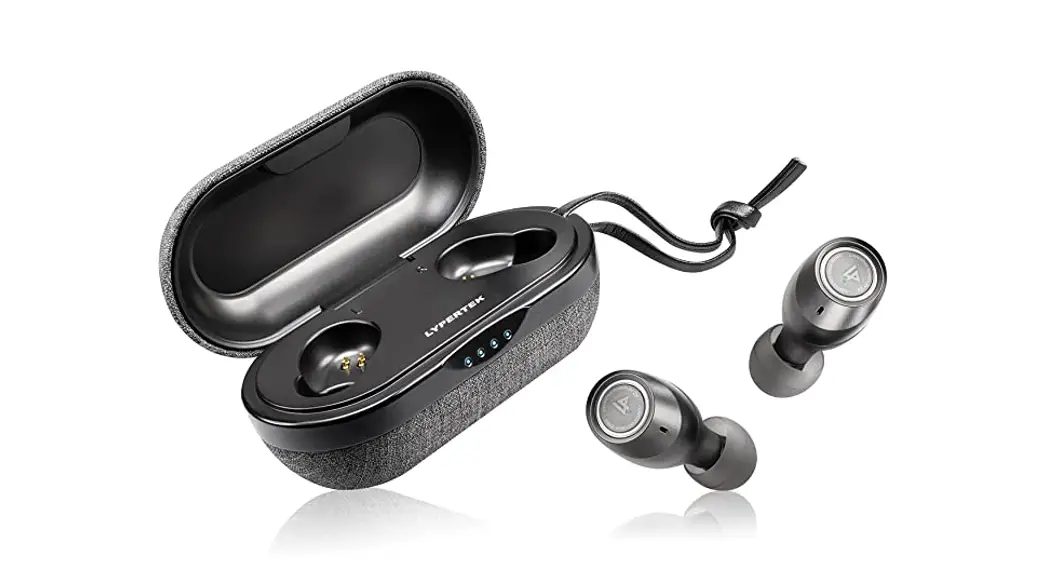
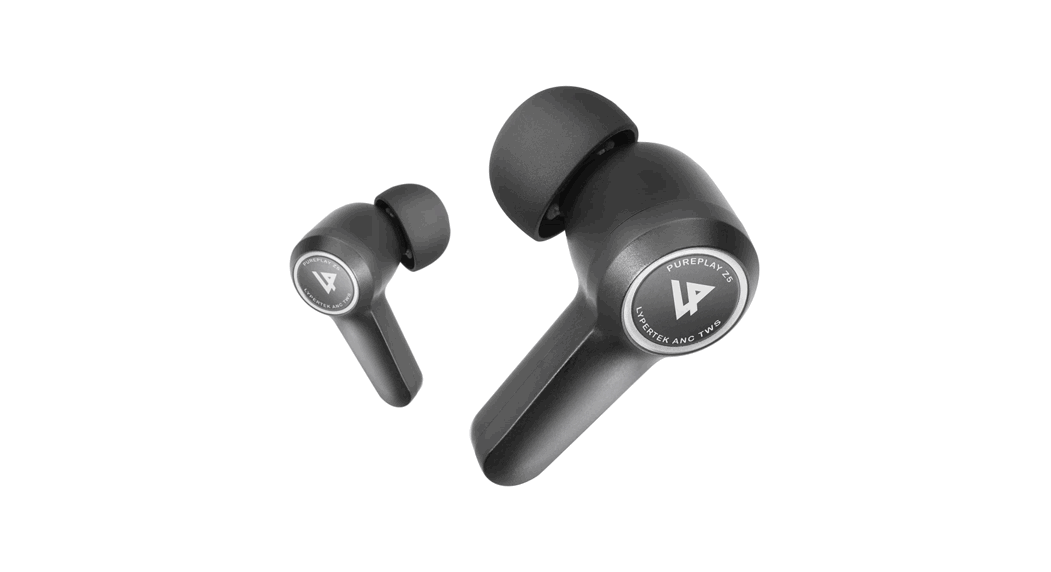
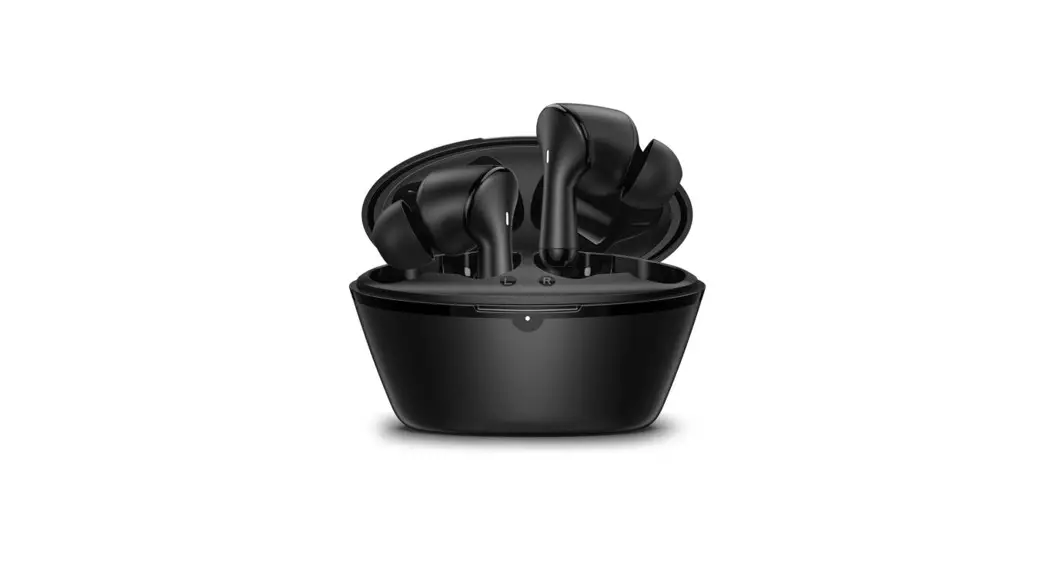
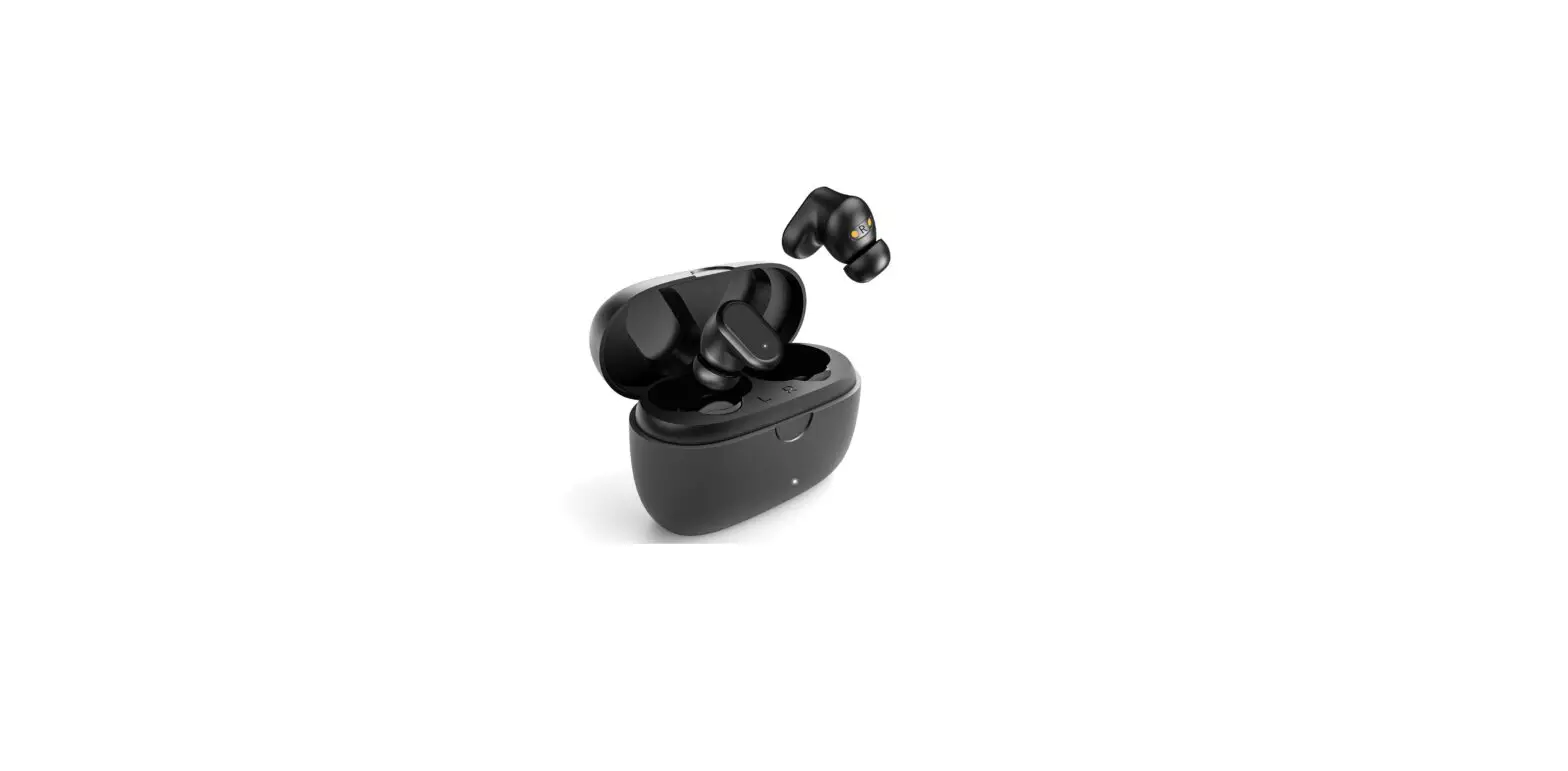
- S20
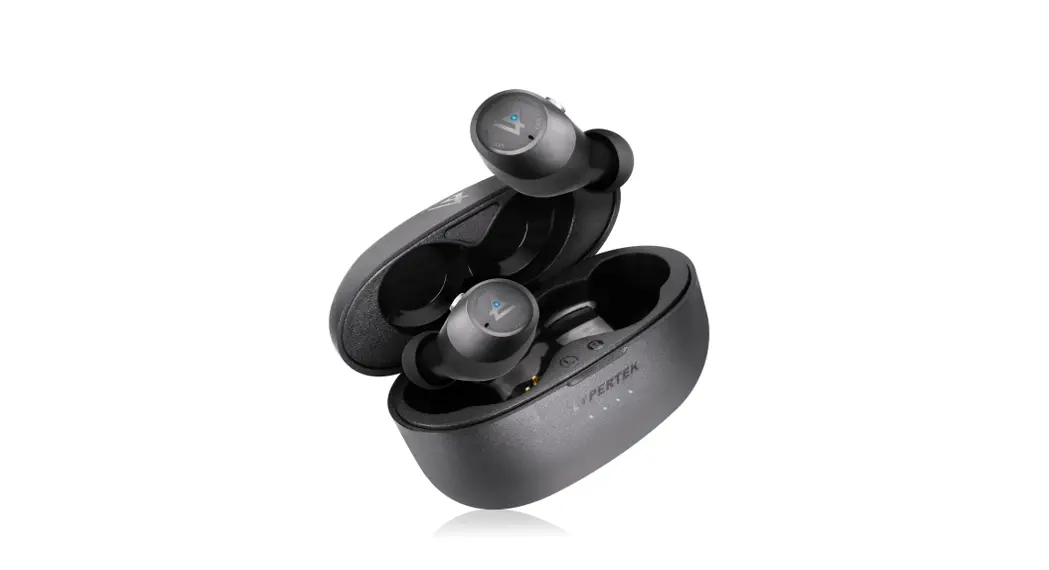
- Charging Case
- S, M, L Silicone lips
- S, M, L Double Flang Tips
- USG Type-C Cable
- Quick Start Guide
- Thank You Card
- Fitter mesh
DEVICE LAYOUT
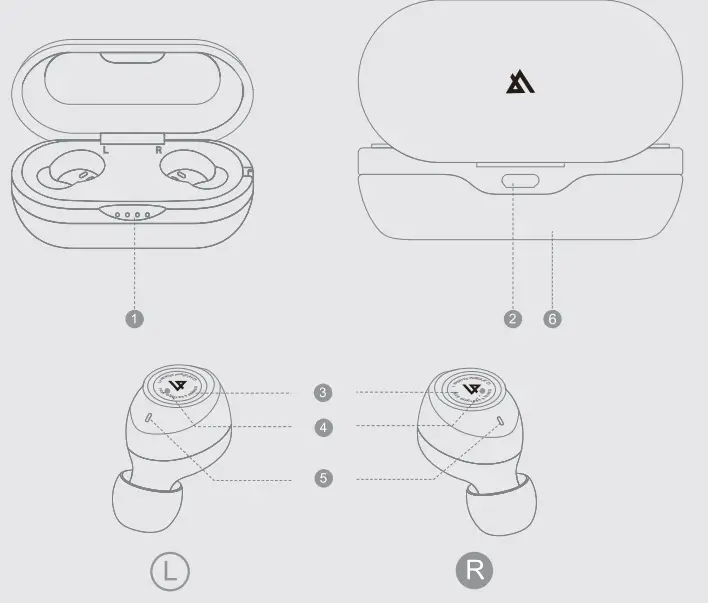
- Case LED Indicator
- Type-C Charging Port
- Multifunction Button
- Select LYPERTEK S20 from the DEVICES list in the phone
- Microphone
- Wireless Charge
HOW TO PAIR?
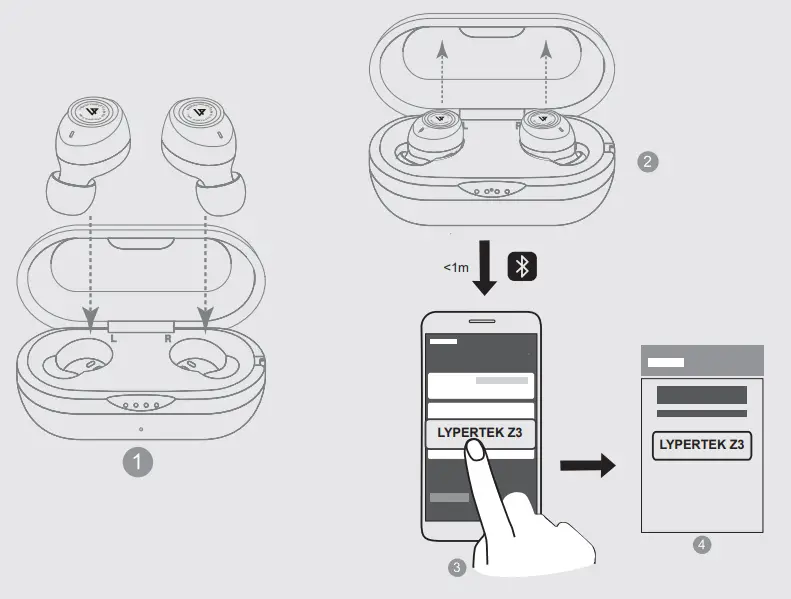
- Put S20 Into the Charging Case
- Close the Charging Case
- Open the Charging Case. S20 will enter Bluetooth pairing
- LYPERTEK S20 Indicator mode automatically
- Connected
HOW TO WEAR IT?
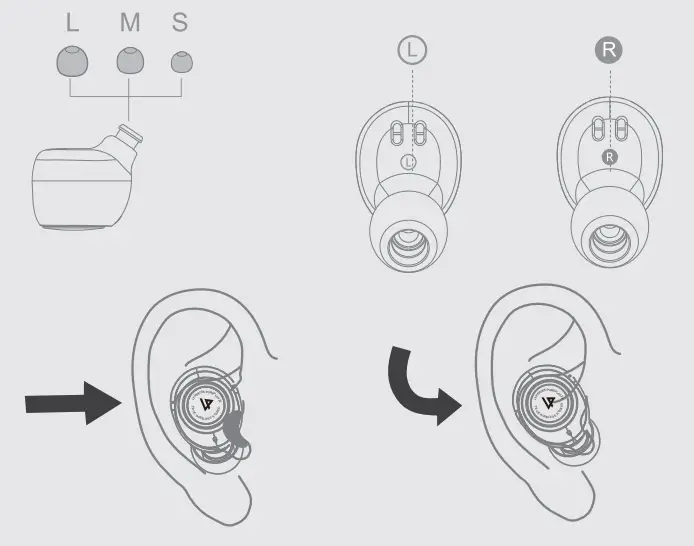
- Choose the suitable ear tips
- Insect S20 Into the ears
- Twist slightly until it fits well
CHARGING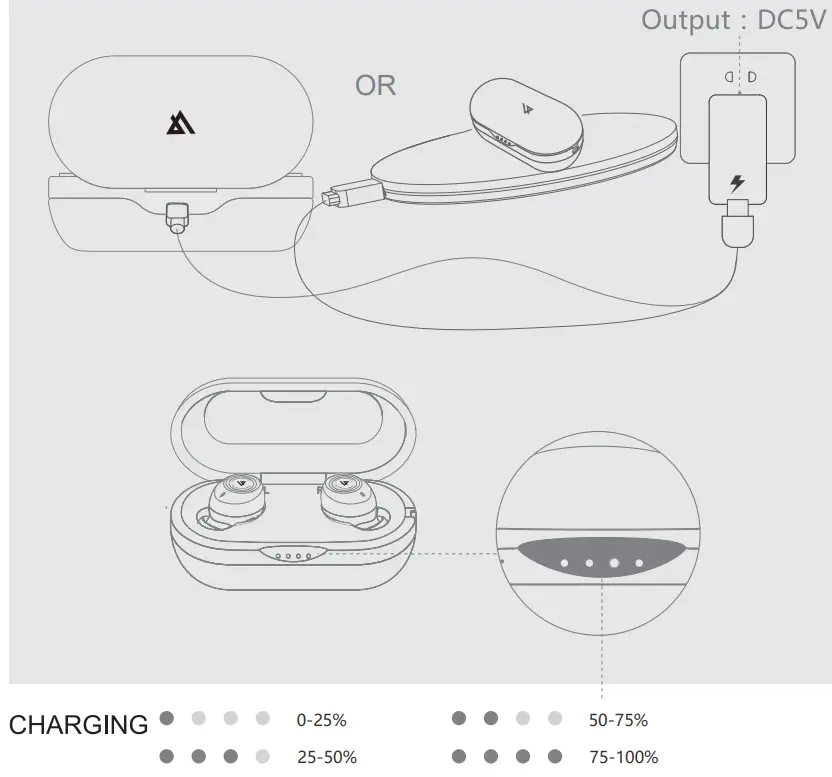
Control 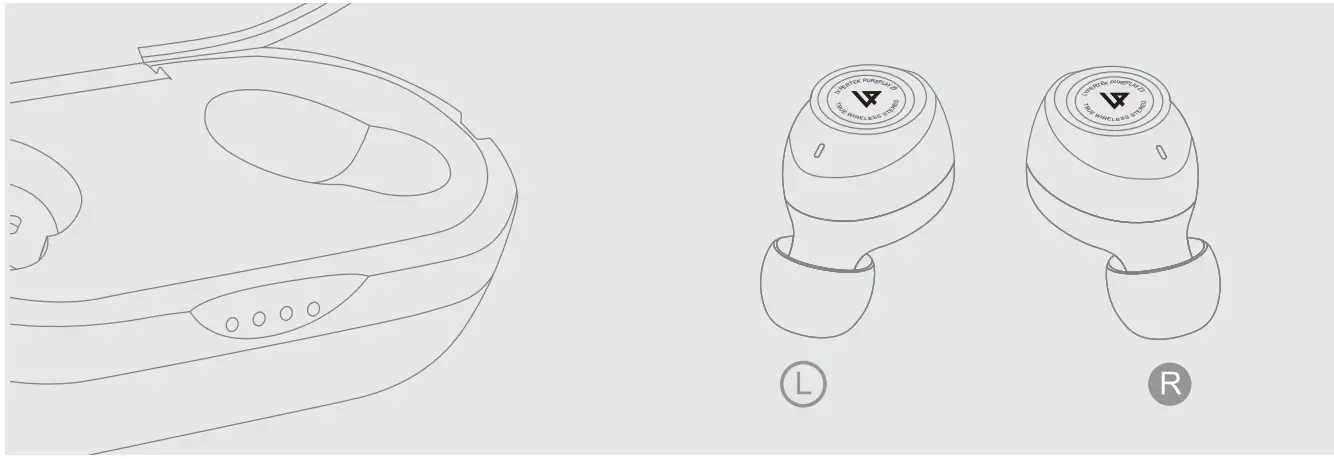
 Play/Pause Play/Pause | x1 | x1 |
 Previous Track Previous Track | x3 | |
 Next Track Next Track | x3 | x2 |
 Volume Up Volume Up | Press and hold | |
 Volume Down Volume Down | Press and hold | x2 |
 Answer Call Answer Call | x1 | x1 |
 End Call End Call | x1 | x1 |
 REJECT CALL REJECT CALL | x1 for 1 sec | x1 for 1 sec |
 Enable/Disable Voice Assistant’ Enable/Disable Voice Assistant’ | x1 for 2 sec util hear 2 beeps sound | |
 Ambient Sound Ambient Sound | x1 for 2 sec util hear 2 beeps sound |
Can’t be activated when making calls or listening to music
http://www.LYPERTEK.com
Please refer to our website for more details.