Ear 2 True Wireless Earbuds
Product Information
| Feature | Description |
|---|---|
| Bluetooth | Please make sure Bluetooth is turned on. |
| App | The Nothing X app provides in-app pairing, EQ & complete users guide. Scan QR code to install Nothing X app. Available for Android / iOS. |
| Device Customizations | All device customizations are already integrated into the Settings of the latest Nothing OS. |
| Music/Standby | Press to play or pause. Double-press to skip forward. Triple-press to skip back. Press and hold the force sensor to switch between Active Noise Cancellation and Transparency mode. |
| Call | Press to answer or hang up a call. Double-press to reject a call. More options in Nothing X app. *Optional functions: play/pause, skip back, skip forward, switch noise cancellation mode, volume up/down, and wake up voice assistant. |
| Wearing Detection | Wear the buds. During music playback, take them off to pause music automatically. Put the buds back in within 3 minutes, music will resume automatically. If 3 minutes pass, you must play the music manually on the device. |
| Charge Ear Buds | Put the buds in the charging case and close the case to charge. |
| Ear Case | Close the case and connect the case to a power supply through the power cable delivered with the buds to charge it. |
| Power Level Indication | White: The battery level is higher than 30%. Red: The battery level is lower than 30%. If the buds are placed in the case, the indicator will show the battery level of the buds, and ignore the battery level of the case. Take the left and right bud out. The indicator will show the battery level of the case. For users of Nothing Phone, you can set the widget on the desktop or check the power status of the device in the quick settings of the drop-down notification bar. |
| Pair | Use with your Android devices (Fast Pairing) New device connection: While the buds are inside the charging case, open Ear (2) case and hold near the Android device for on-screen setup. Connect to other devices: With Ear (2) buds in the open case, press the setup button until light blinks. Then choose them in Bluetooth settings. |
Product Usage Instructions
- Ensure that Bluetooth is turned on in your device
settings. - Install the Nothing X app by scanning the QR code provided. The
app allows in-app pairing, EQ customization, and access to the
complete user’s guide. It is available for both Android and
iOS. - Music/Standby: Press the button once to play or pause
music. Double-press to skip forward and triple-press to skip back.
Press and hold the force sensor to switch between Active Noise
Cancellation and Transparency mode. - Call: Press the button once to answer or hang up a call.
Double-press to reject a call. Additional call functions such as
play/pause, skip back, skip forward, switch noise cancellation
mode, volume control, and voice assistant activation can be
accessed through the Nothing X app. - Wearing Detection: Wear the earbuds. During music
playback, taking them off will automatically pause the music. Put
the buds back in within 3 minutes to resume playback automatically.
If 3 minutes pass, you will need to manually play the music on your
device. - Charging: To charge the earbuds, place them inside the
charging case and close the case. Connect the case to a power
supply using the provided power cable. - Power Level Indication: The LED indicator on the case
will display the battery level. White indicates a battery level
higher than 30%, while red indicates a battery level lower than
30%. If the buds are placed in the case, the indicator will show
the battery level of the buds. Take the left and right bud out to
view the battery level of the case. - Pairing: For fast pairing with Android devices, open the
Ear (2) case while the buds are inside and hold it near the Android
device for on-screen setup. To connect to other devices, with the
Ear (2) buds in the open case, press the setup button until the
light blinks. Then choose them in the Bluetooth settings of your
device.
WELCOME
Bluetooth: Please make sure Bluetooth is turned on.
App: The Nothing X app provides in-app pairing, EQ & complete users guide.
Scan QR code to install Nothing X app.
Android / iOS
*All device customisations are already integrated into the Settings of the latest Nothing OS.
OPERATIONS
Music/standby Press to play or pause. Double-press to skip forward. Triple-press to skip back. Press and hold the force sensor to switch between Active Noise Cancellation and Transparency mode.
Force Sensor Force Sensor
L
M
S
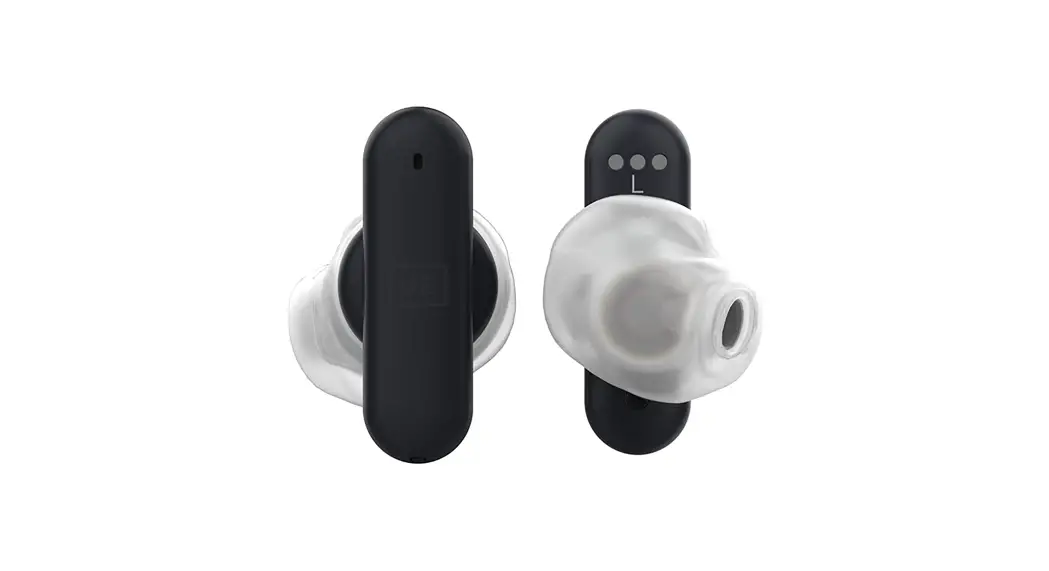
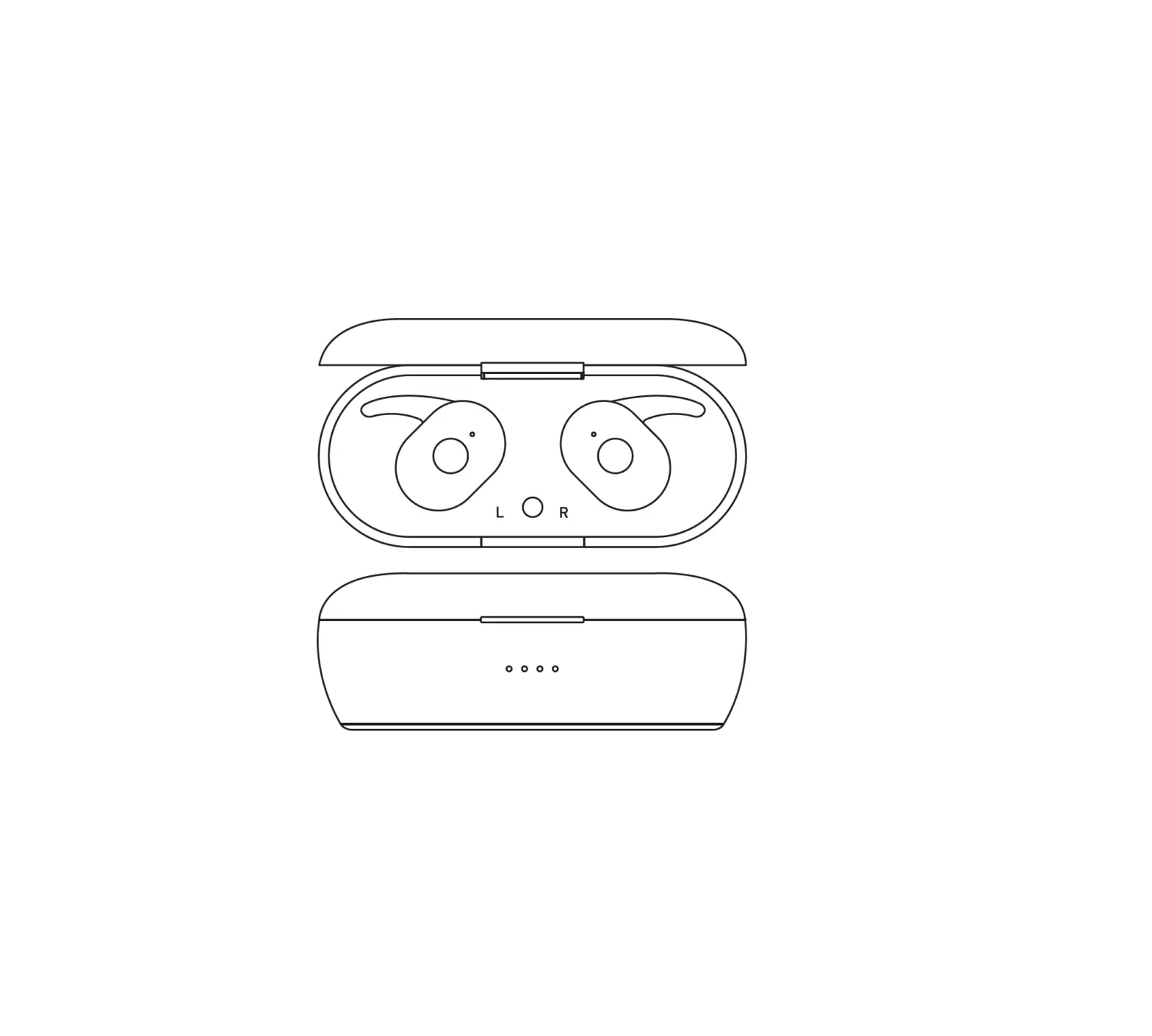
Replacing ear tips: Choose ear tips in appropriate size to enjoy optimal comfort and sound quality experience.Check the buds accessories for ear tips in different sizes.
Light
Setup Button
Charging Port
Press
Double press
Triple press
Call Press to answer or hang up a call.
Double-press to reject a call.
More options in Nothing X app. *Optional functions: play/pause, skip back, skip forward, switch noise cancellation mode, volume up/down, and wake up voice assistant.
Wearing detection Wear the buds. During music playback, take them off to pause music automatically. Put the buds back in within 3 minutes, music will resume automatically. If 3 minutes pass, you must play the music manually on the device.
Charge Ear buds Put the buds in the charging case and close the case to charge.
Ear case Close the case and connect the case to a power supply through the power cable delivered with the buds to charge it.
Power level indication White: The battery level is higher than 30%. Red: The battery level is lower than 30%.
If the buds are placed in the case, the indicator will show the battery level of the buds, and ignore the battery level of the case. Take the left and right bud out. The indicator will show the battery level of the case. For users of Nothing Phone, you can set the widget on the desktop or check the power status of the device in the quick settings of the drop-down notification bar.
PAIR
Use with your Android devices (Fast Pairing) New device connection While the buds are inside the charging case, open Ear (2) case and hold near the Android device for on-screen setup.
Connect to other devices With Ear (2) buds in the open case, press the setup button until light blinks. Then choose them in Bluetooth settings.