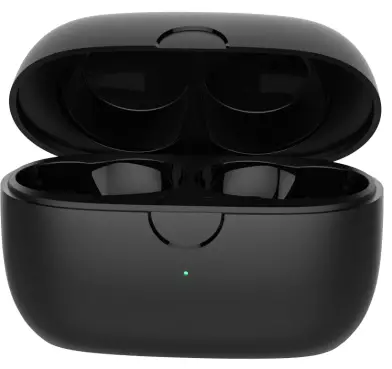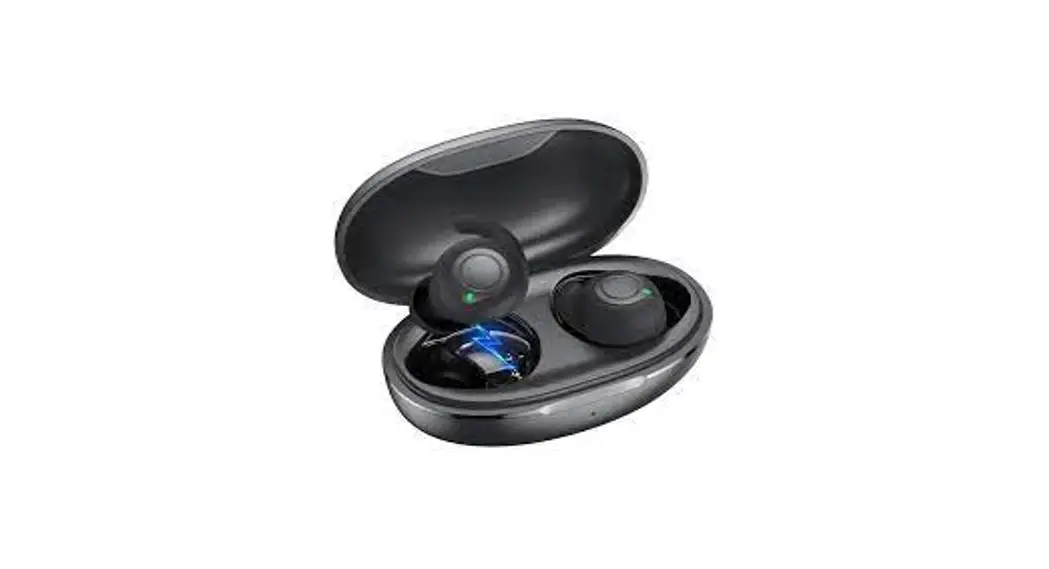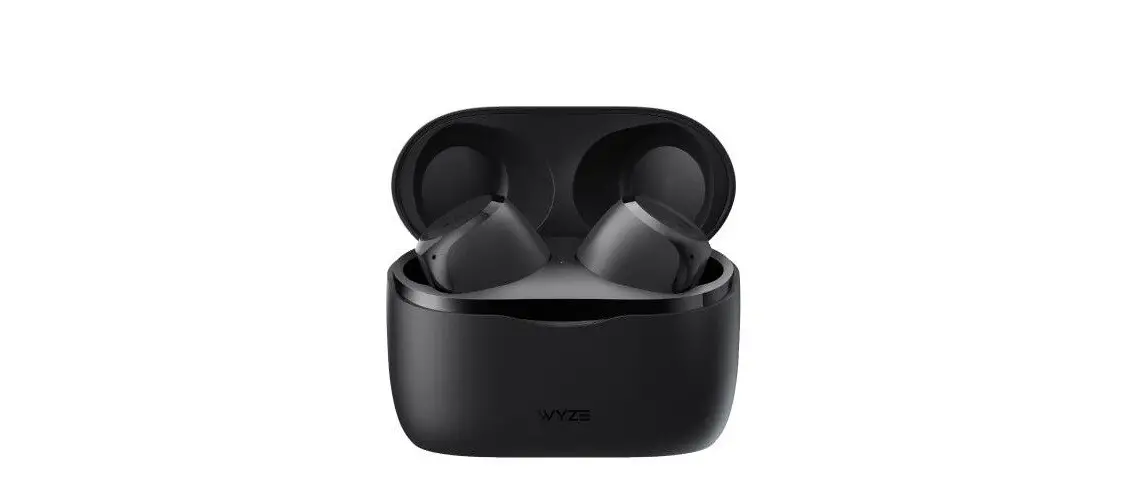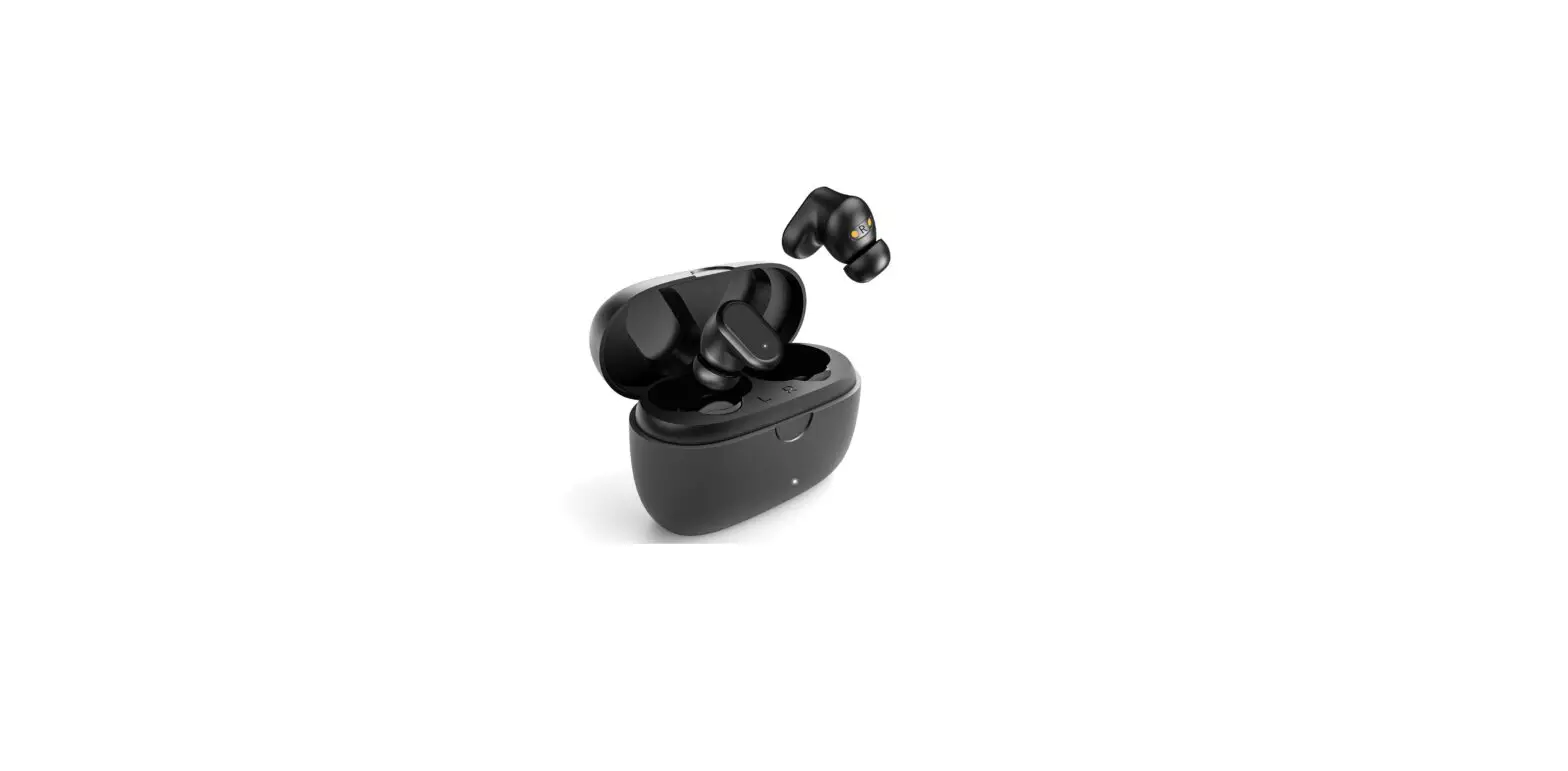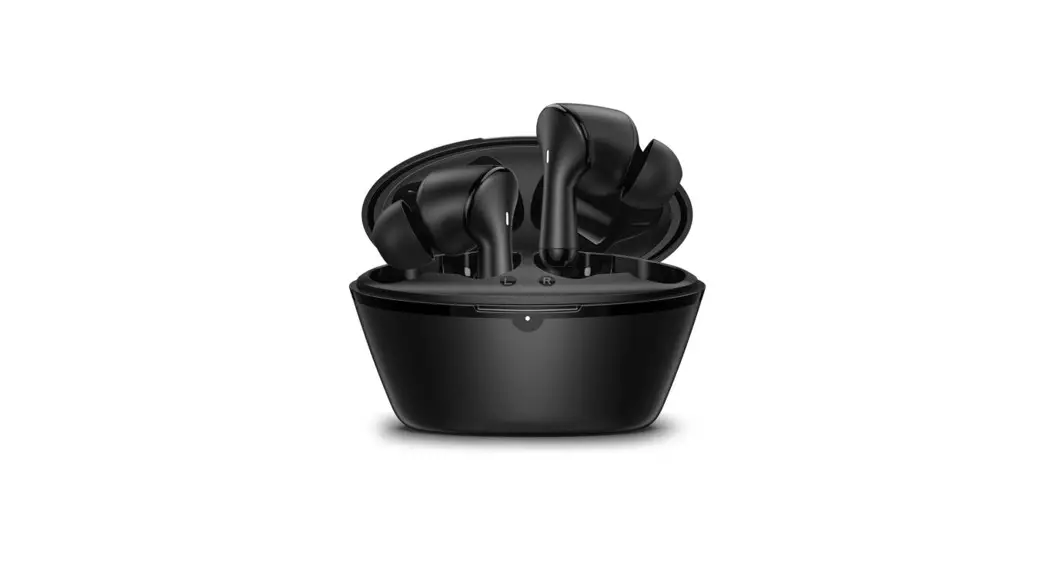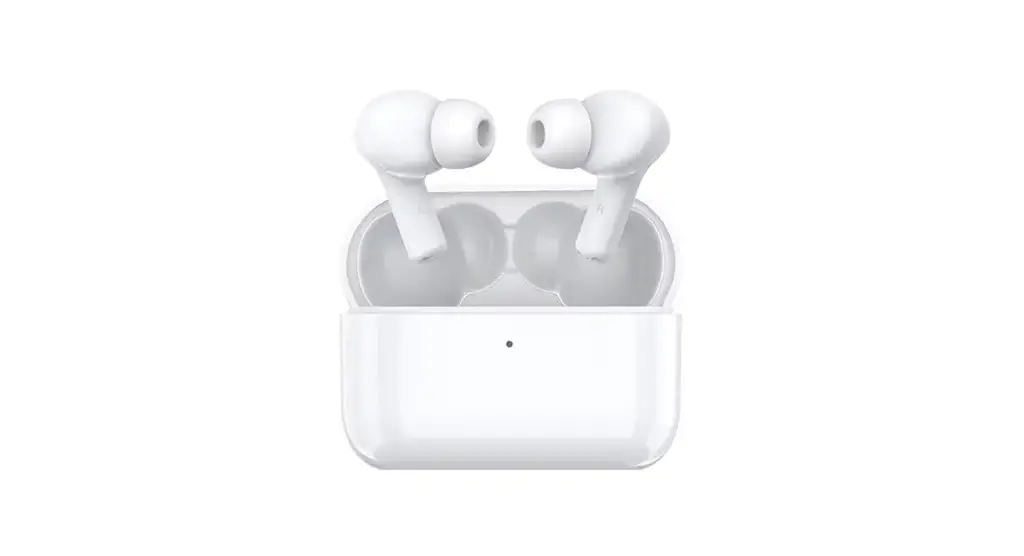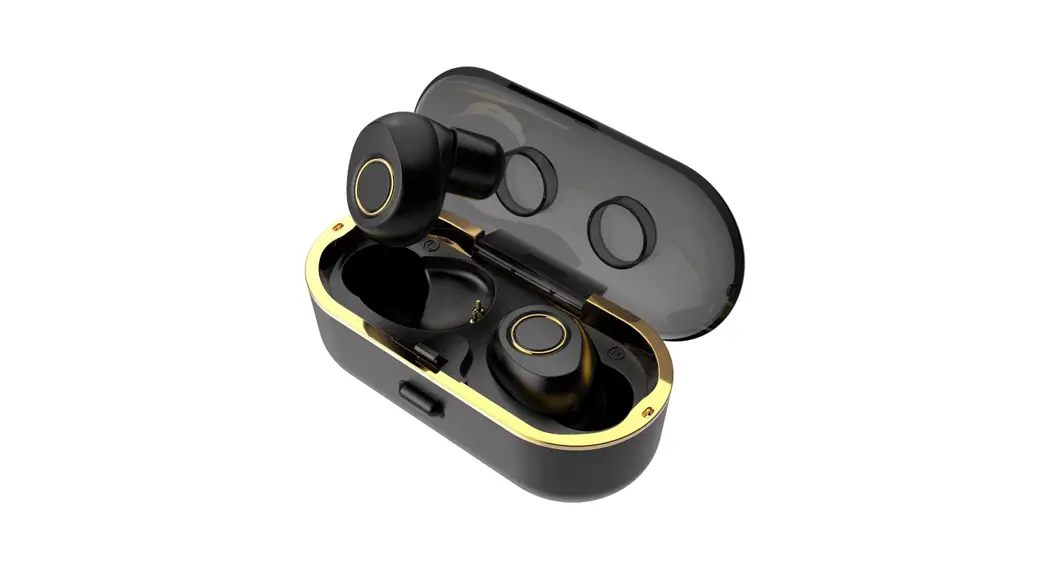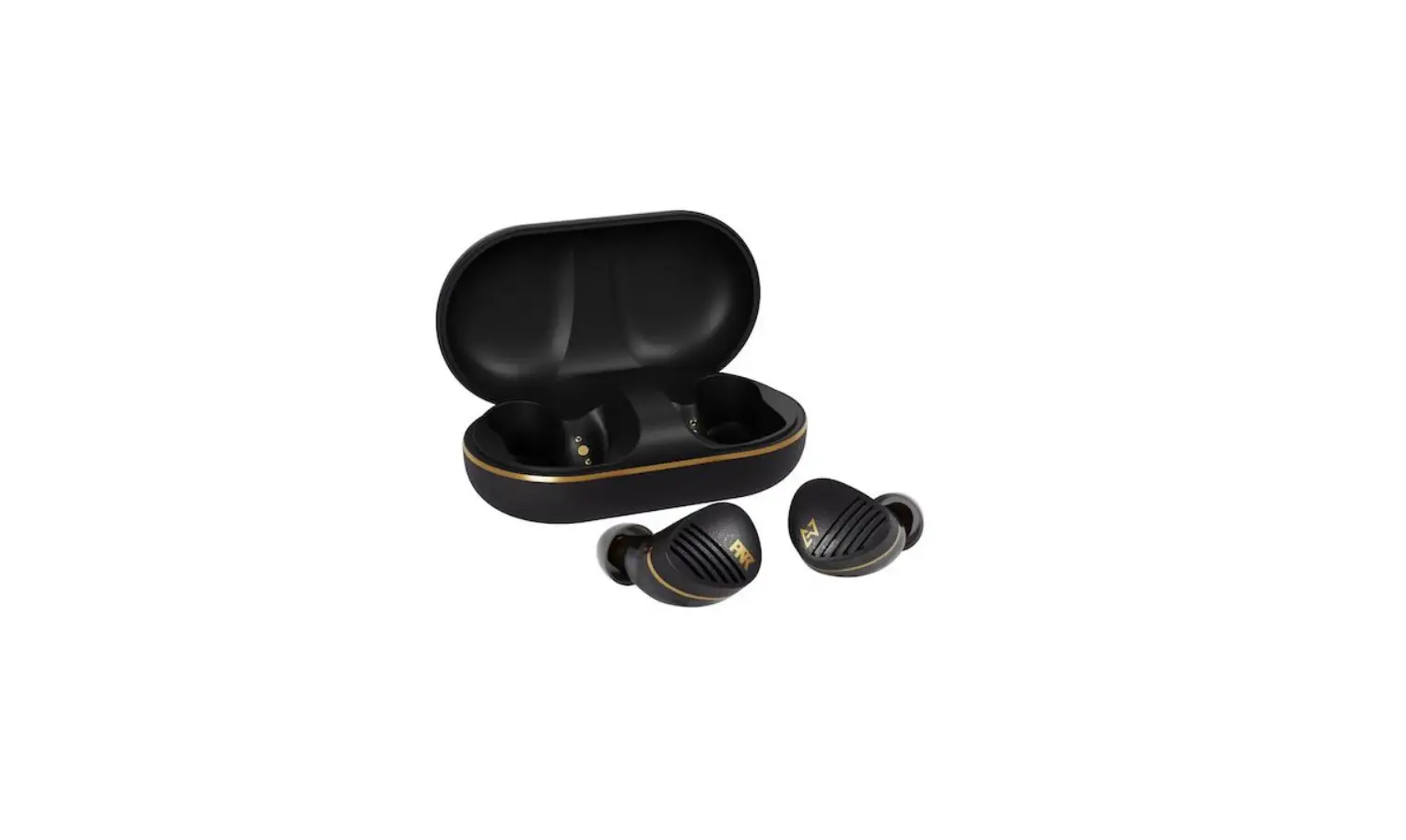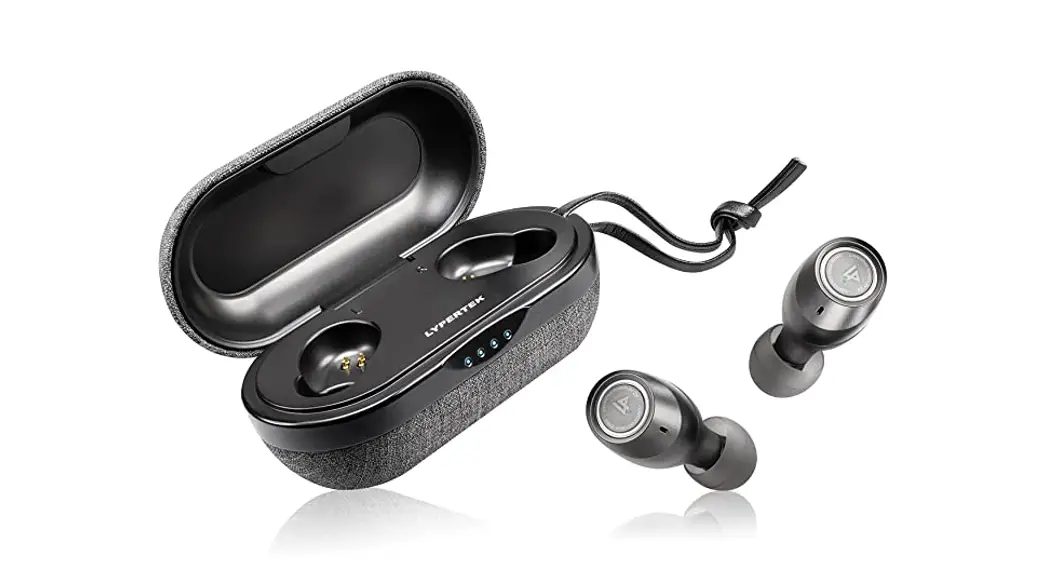

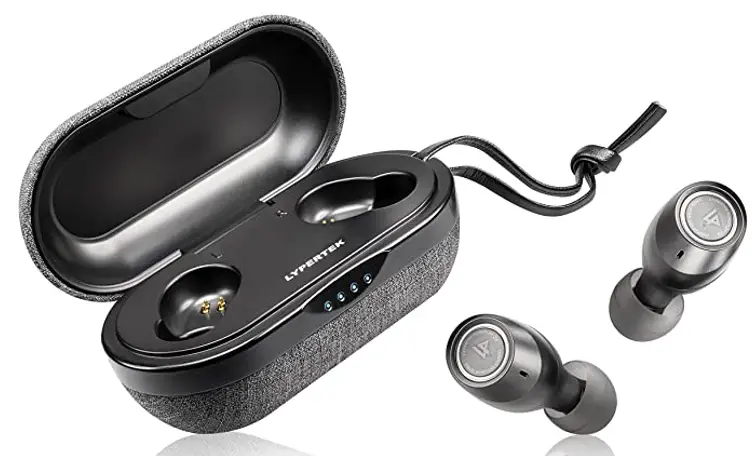
True Wireless Earbuds
User Guide
WHAT IS INSIDE?
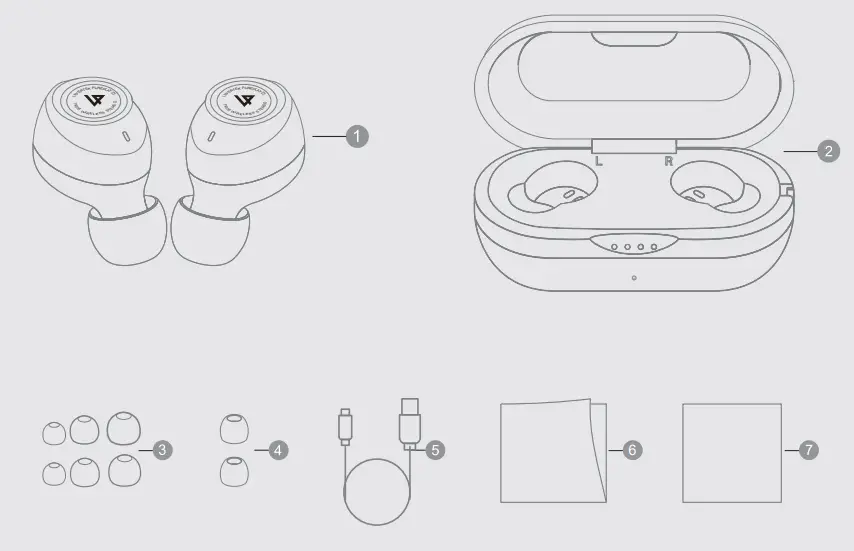
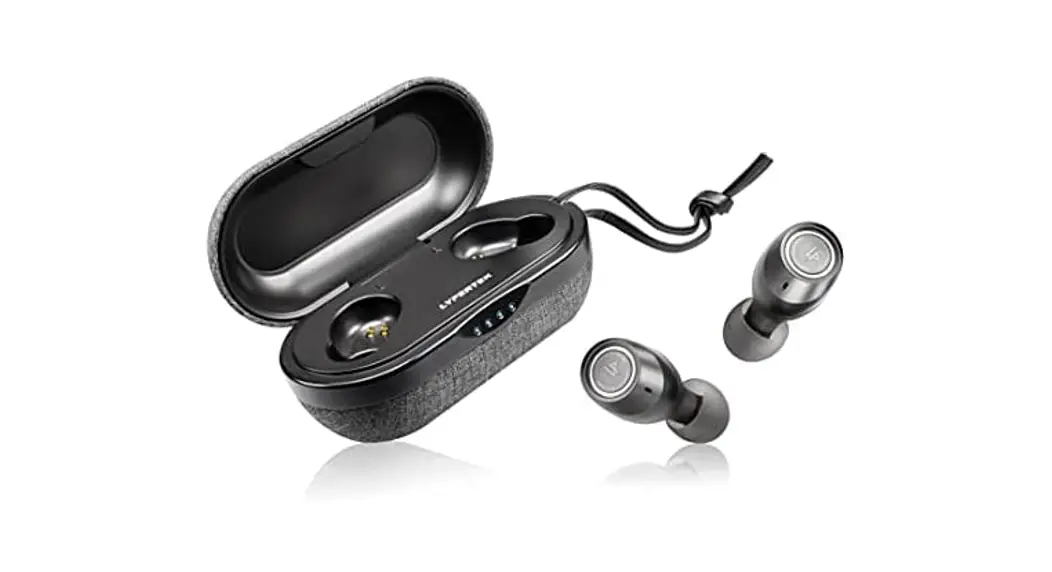
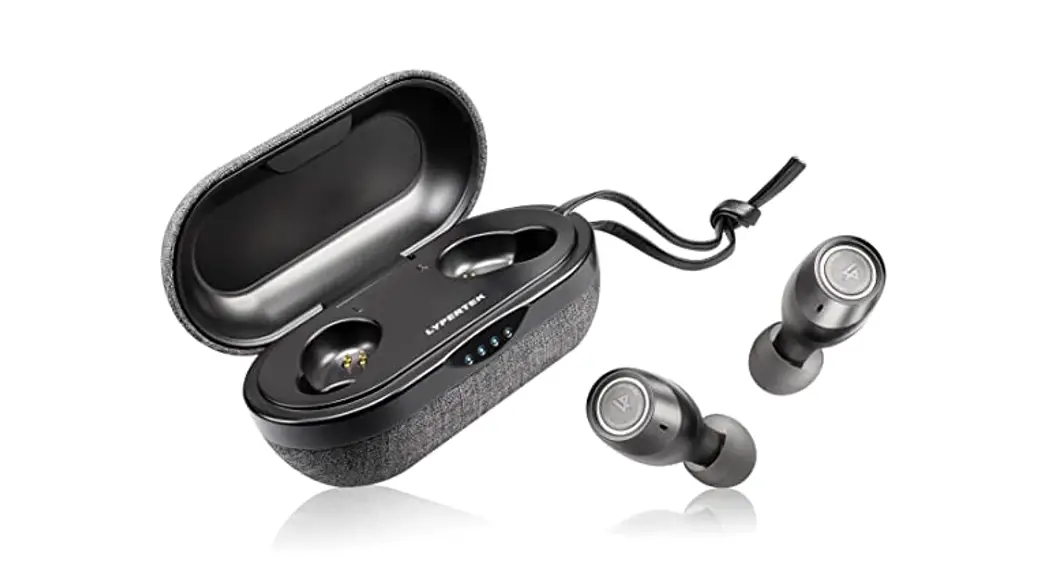
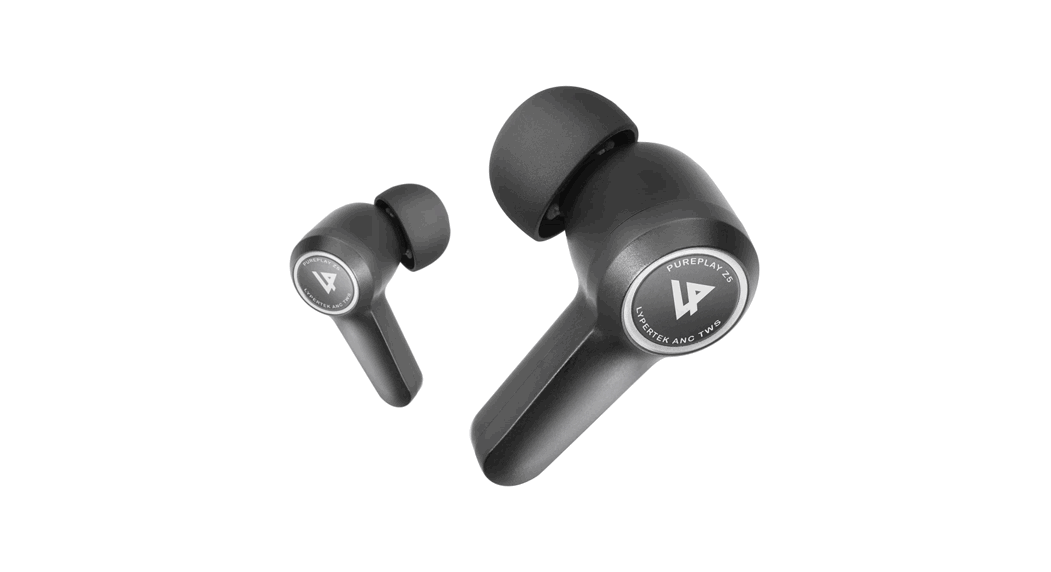
- LYPERTEK Z3
- Charging Case
- 5, M L Silicone Tips
- M Foam Tips
- USS Type-C Cable
- Quick Start Guide
- Thank You Card
DEVICE LAYOUT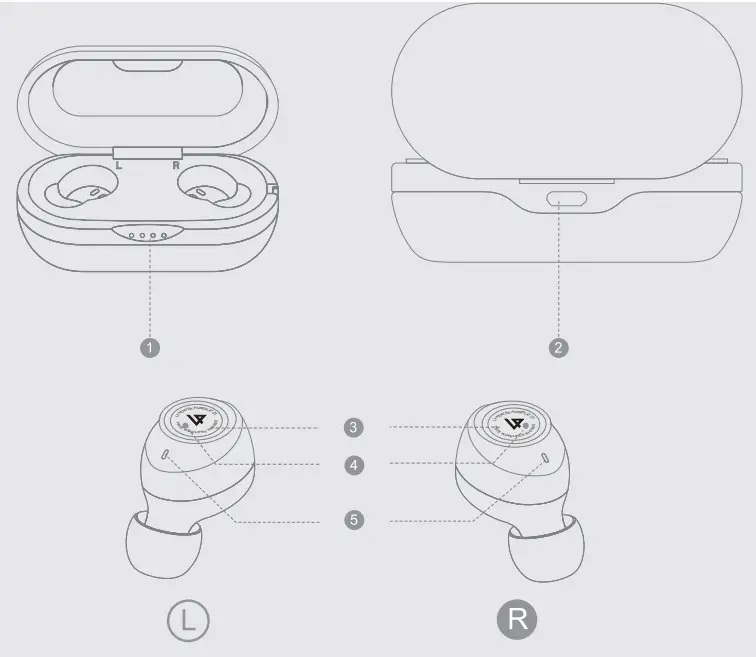
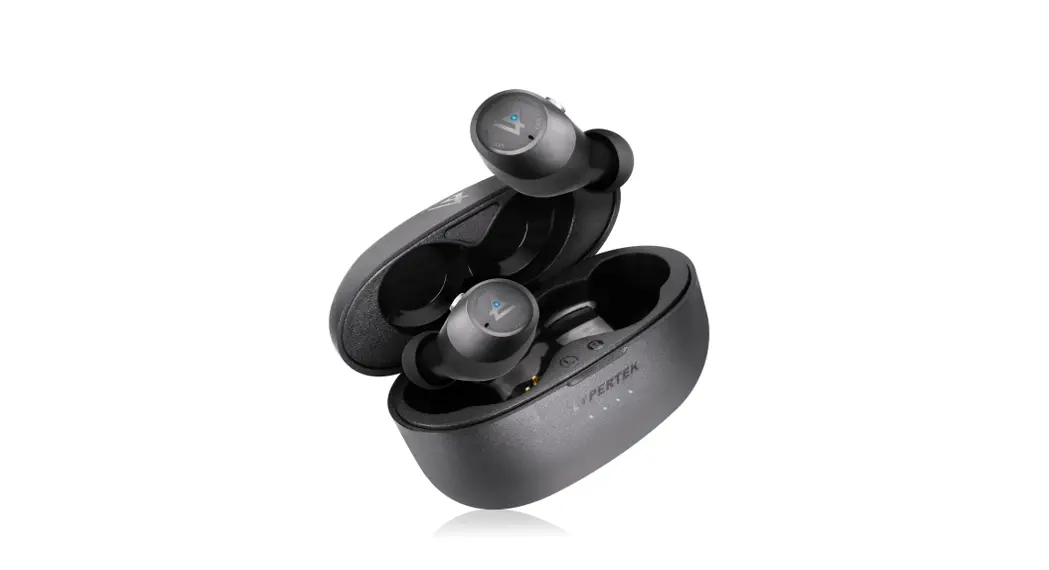
- Case LED Indicator
- Type-C Charging Port
- Multifunction Button
- LYPERTEK Z3 Indicator
- Microphone
HOW TO PAIR?
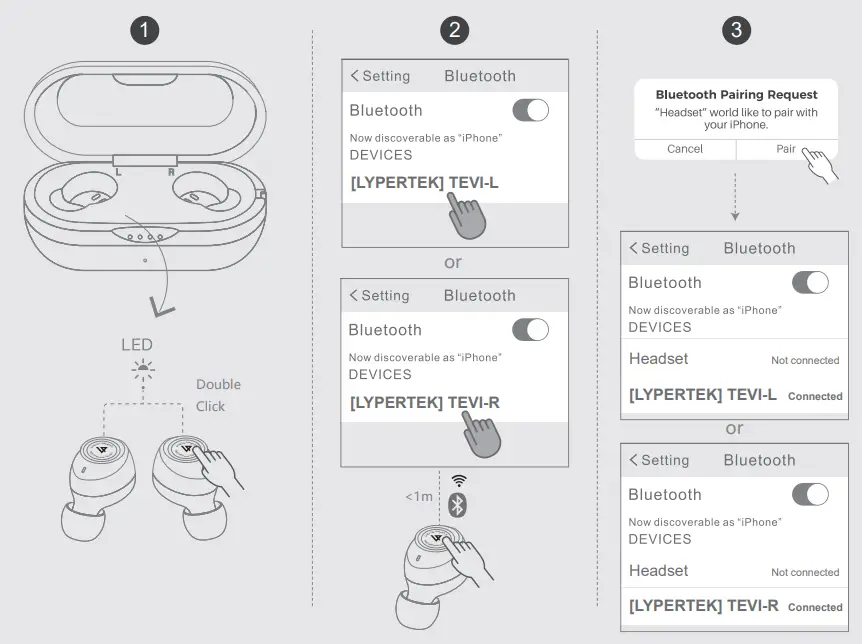
- Double click any side of LYPERTEK Z3 to enter pairing mode.
- Enable Bluetooth on your smartphone. then search and click’ [LYPERTEK] TEVI-L/R’to pair.
- The connection interface of the other side of LYPERTEK Z3 will then appear. Click it to confirm to complete the settings.
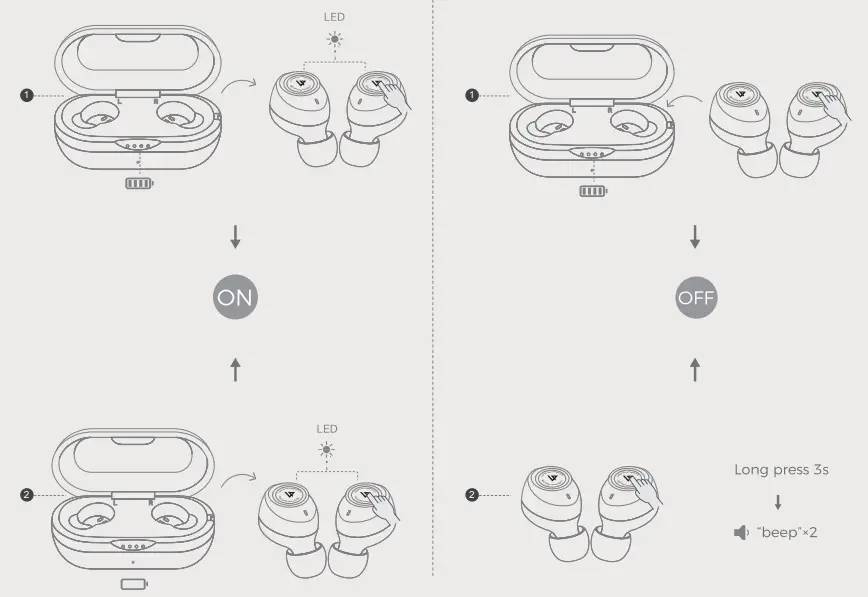
POWER ON
- LYPERTEK B turns on automatically when taken out of its case.
- Press the MFB button to boot up LYPERTEK Z3.
POWER OFF
- LYPERTEK B turns off automatically when put back into its case.
- Press the MBF Button for 3 seconds.
CHARGING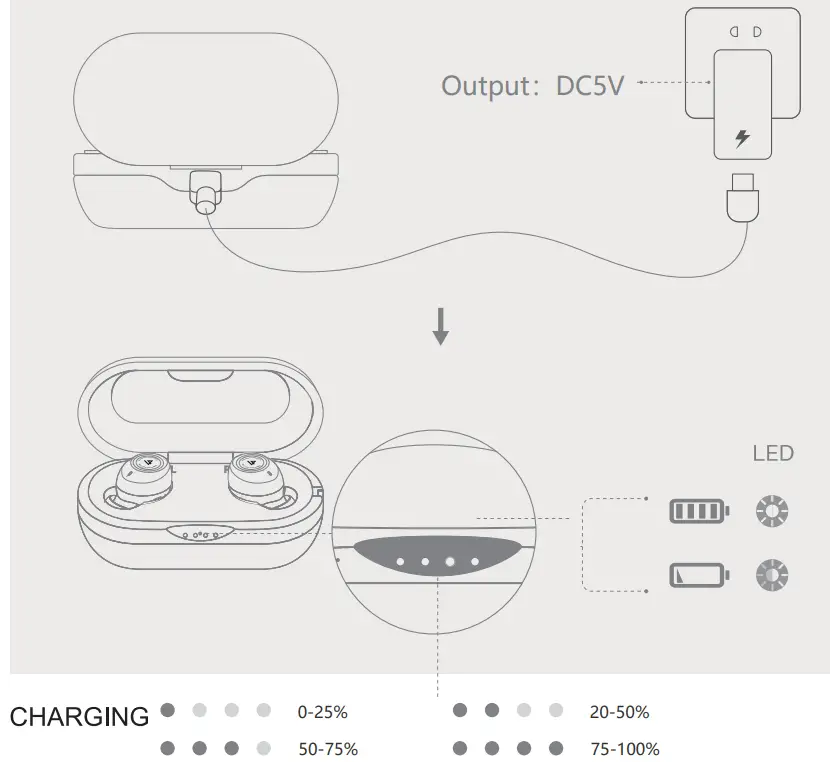
CONTROL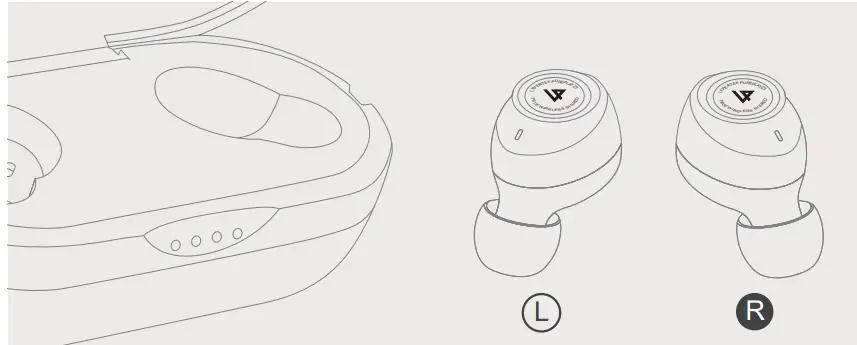
 Play/Pause Play/Pause | x1 | x1 |
 Previous Track Previous Track | ||
 Next Track Next Track | x3 | x3 |
 Volume Up Volume Up | x2 | x2 |
 Volume Down Volume Down | x1 | |
 Answer Call Answer Call | x1 | x1 |
 End Call End Call | x1 | x1 |
 Reject Call Reject Call | x1 for 1 sec | x1 for 1 sec |
| Enable/Disable Voice Assistant | x1 for sec (master unit) |

Please refute to our website for more details.