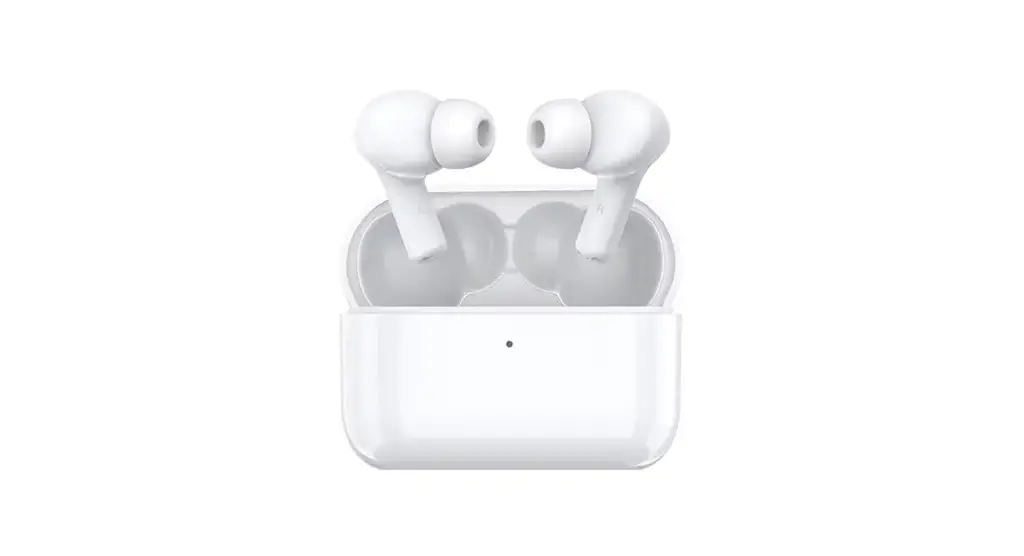
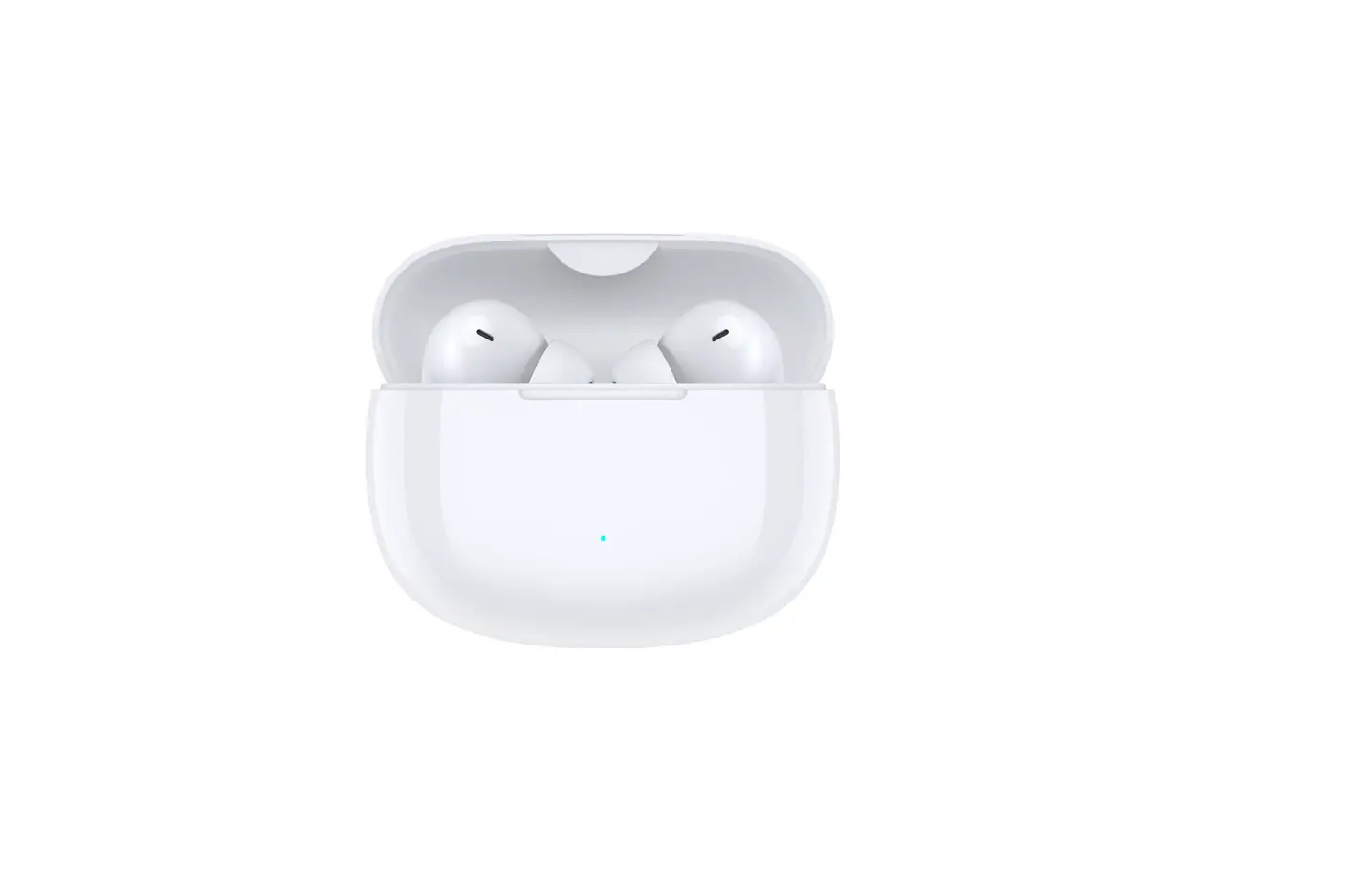
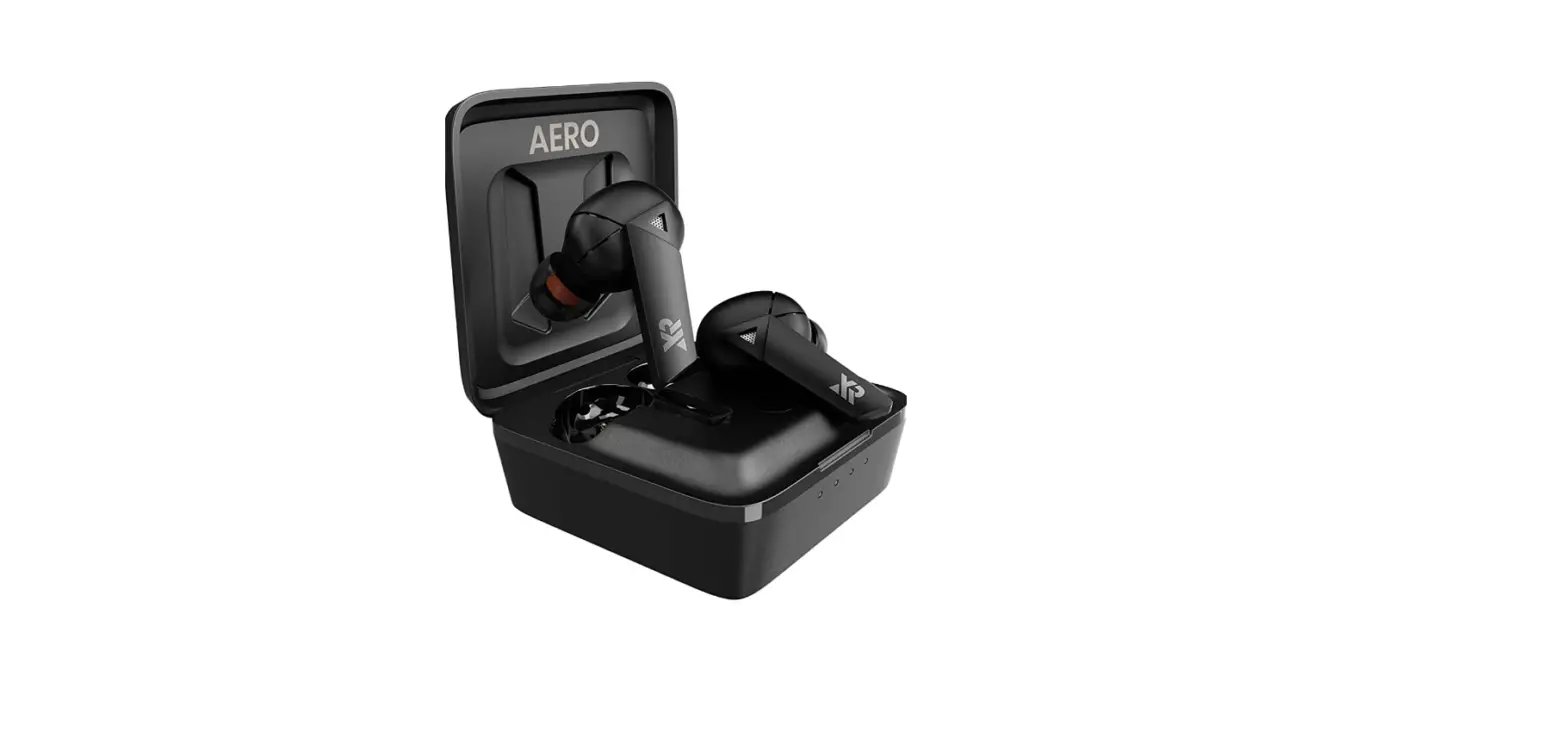
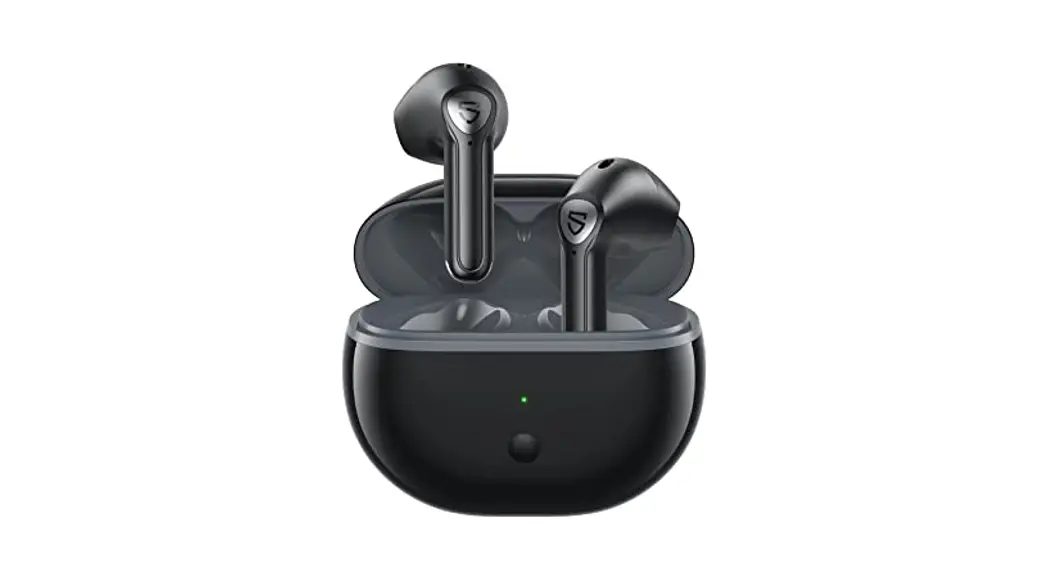
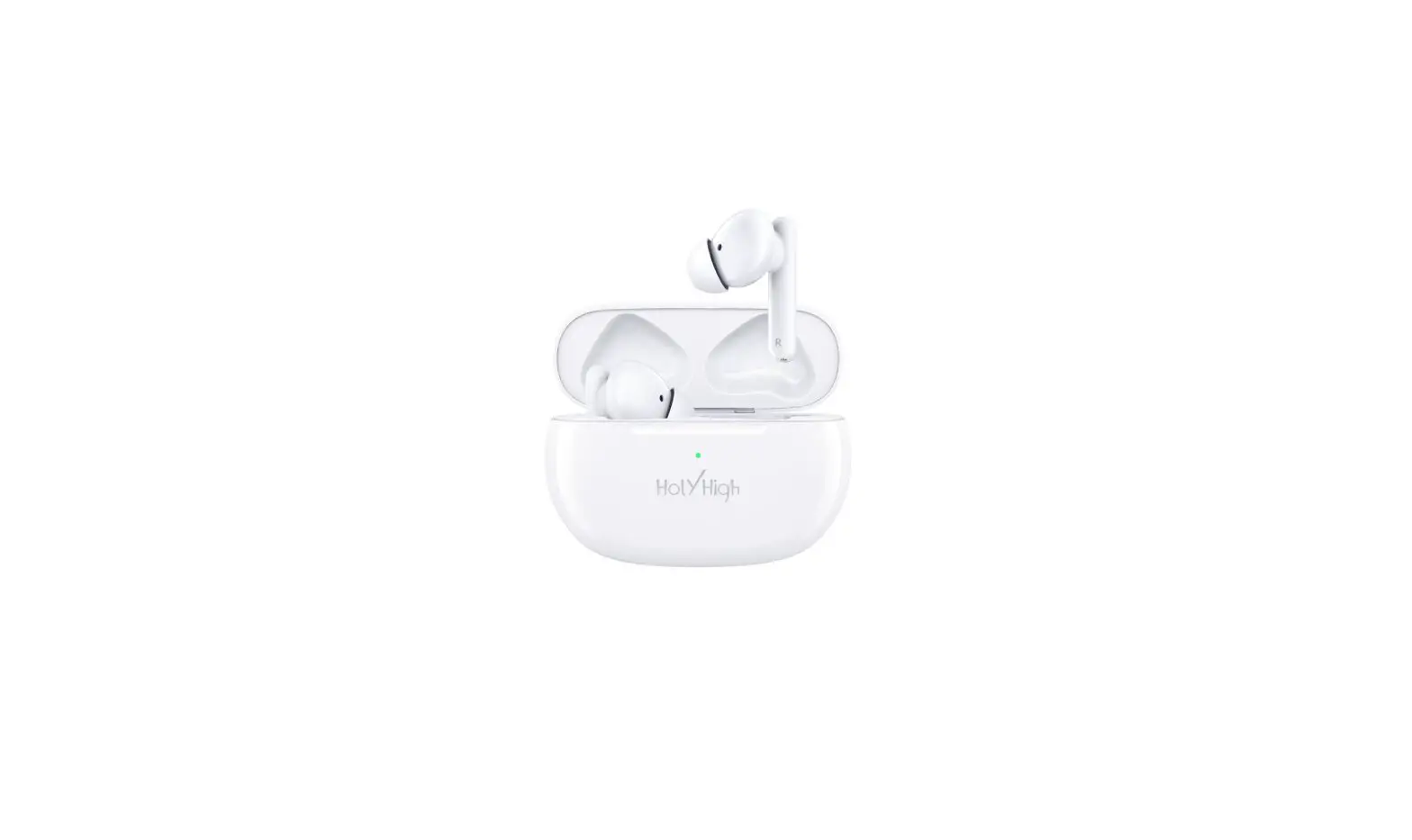
HONOR CHOICE X3 True Wireless Earbuds

Pairing
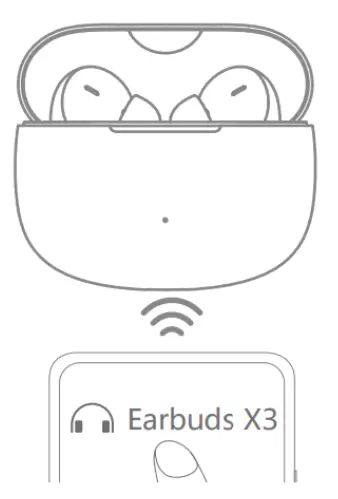
- On the first use, open the charging case and take out the Bluetooth headset to start pairing.
Touch Controls
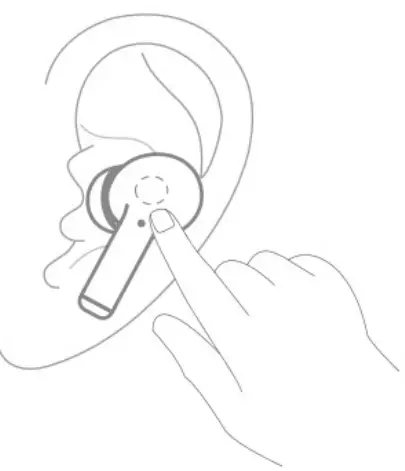
- Play/pause music: double-tap on the left or right earbud
- Answer/end calls: double-tap on the left or right earbud
- Reject calls: long-press on the left or right earbud
- Enter/exit game mode: long-press on the left or right earbud
Appearance
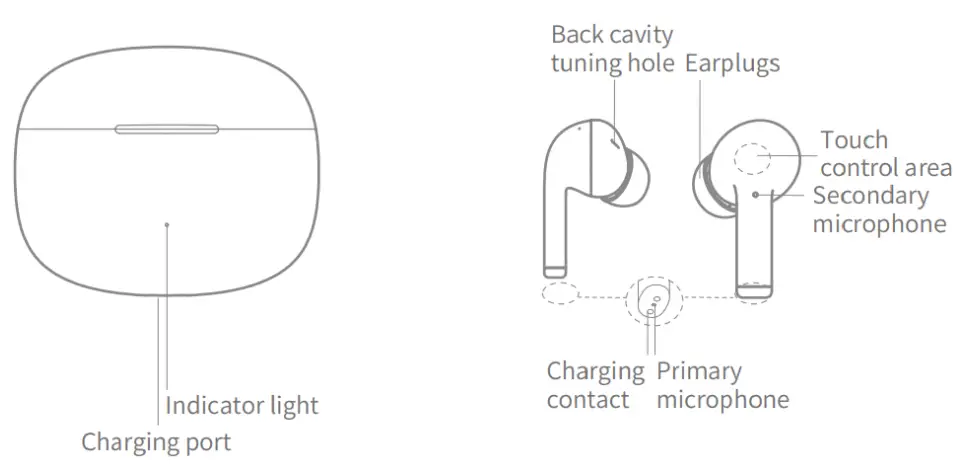
Packing list
- Wireless Bluetooth earbuds: 1 pair
- Earplugs: 3 pairs
- Charging case: 1
- Type-C charging cable: 1
- Instruction manual: 1
Charging
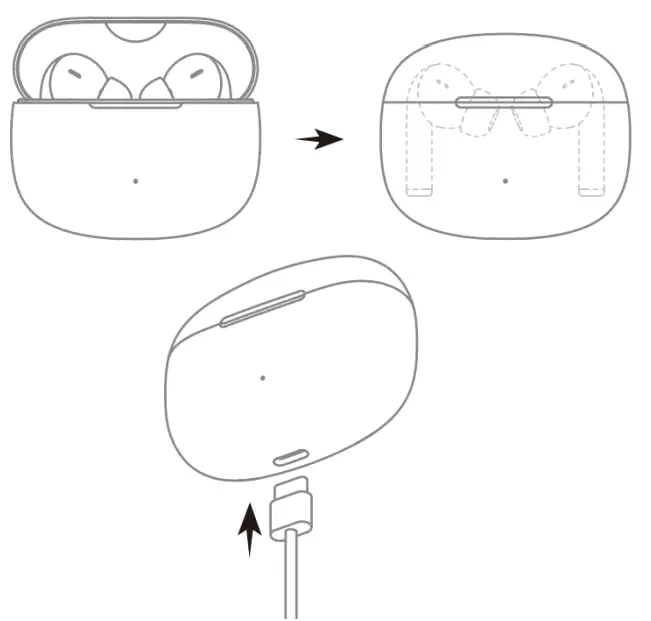
- Put the earbuds into the charging case and close the lid. The earbuds automatically shut down and start charging.
- Use the USB-C cable to charge the charging case.
- A red light indicates the charging is ongoing. A green light indicates the charging is complete.
Checking the Battery Level
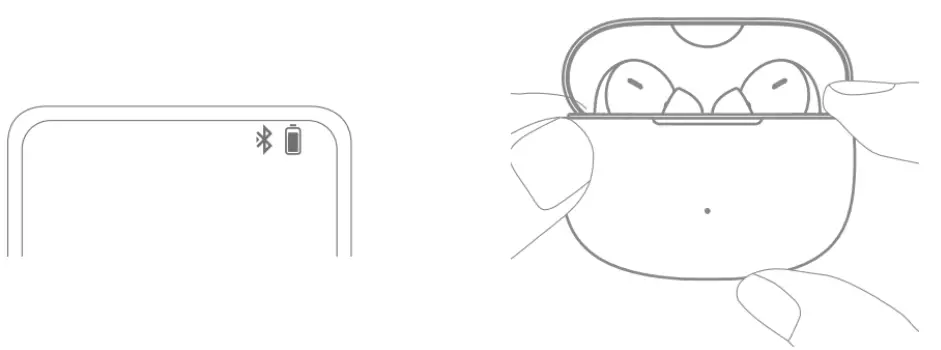
- Check the battery level of the earbuds
After the earbuds are connected to the phone, check the battery icon on the notification bar at the top of the phone screen. When the earbuds are put into the charging case and the case is closed, the indicator on the case lights up for 5 seconds. A red light indicates battery 20%. A green light indicates battery ≥ 20%. If the red light flashes 5 times, the battery 5%. - Check the battery level of the charging case
When opening or closing the charging case, the indicator on the case lights up for 5 seconds. A red light indicates battery 20%. A green light indicates battery ≥ 20%. If the red light flashes 5 times, the battery 5%. If no light, the case should be charged.
Documents / Resources
WT50106-01, WT5010601, 2A6XN-WT50106-01, 2A6XNWT5010601, X3 True Wireless Earbuds, X3, True Wireless Earbuds, Earbuds X3
Leave a comment
- Choice Earbuds X True Wireless Earbuds User Guide Restore Factory Settings Open the case lid and long-press on.

- True Wireless Earbuds User Manual


LBT975 True Wireless Earbuds
JAM HXEP410A True Wireless Earbuds What is in the box Lights indicator Bluetooth Feature Calling Volume Battery.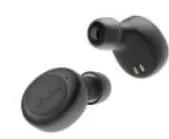
Your email address will not be published. Required fields are marked *
Product: Bluetooth earbuds
Model: WT50106-01
FCC ID: 2A6XN-WT50106-01
Output power: 9.5dBm
Bluetooth band: 2400MHz-2483MHz

Documents / Resources
 | HONOR CHOICE X3 True Wireless Earbuds [pdf] User Guide CHOICE X3 True Wireless Earbuds, True Wireless Earbuds, CHOICE X3, Wireless Earbuds, Earbuds |