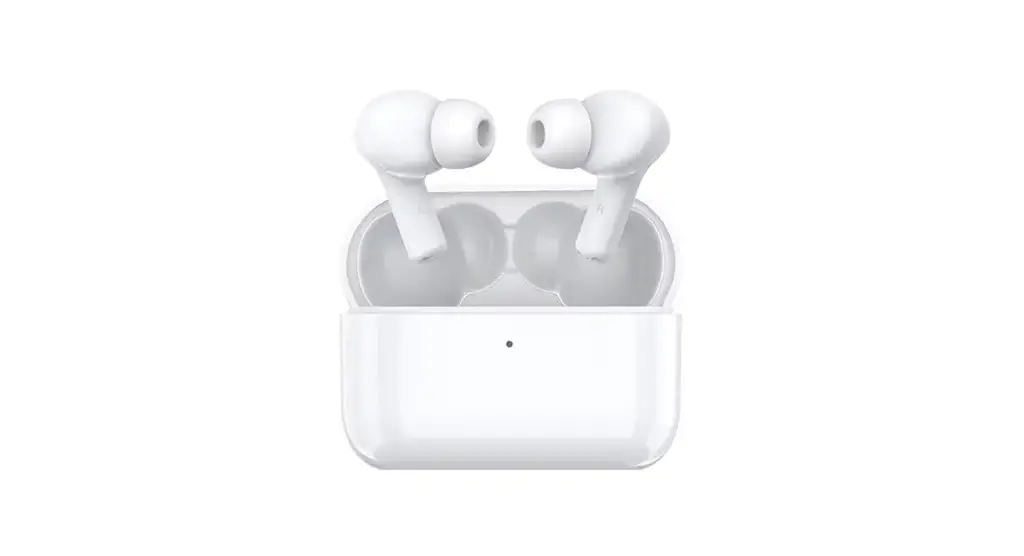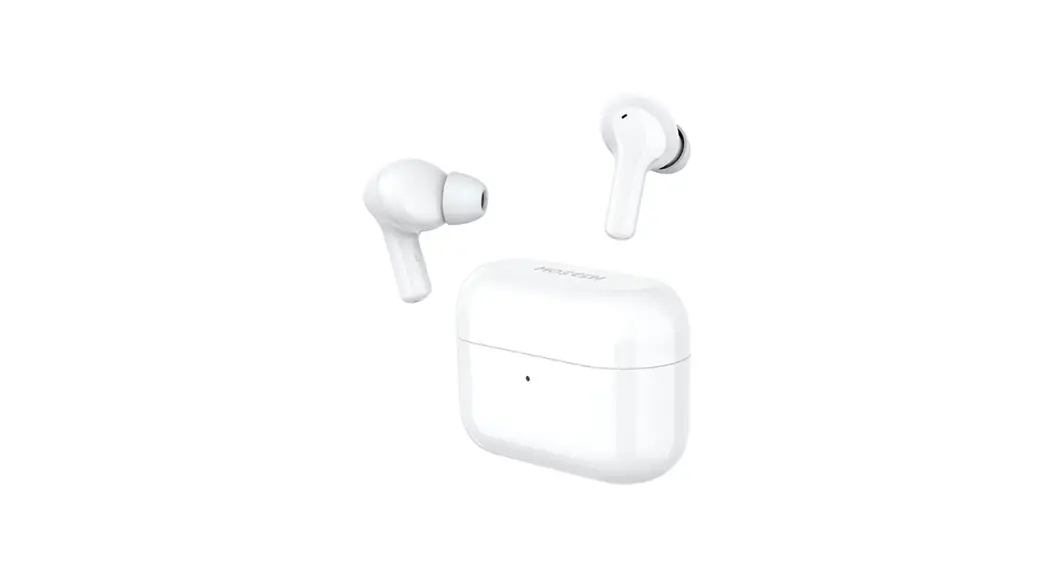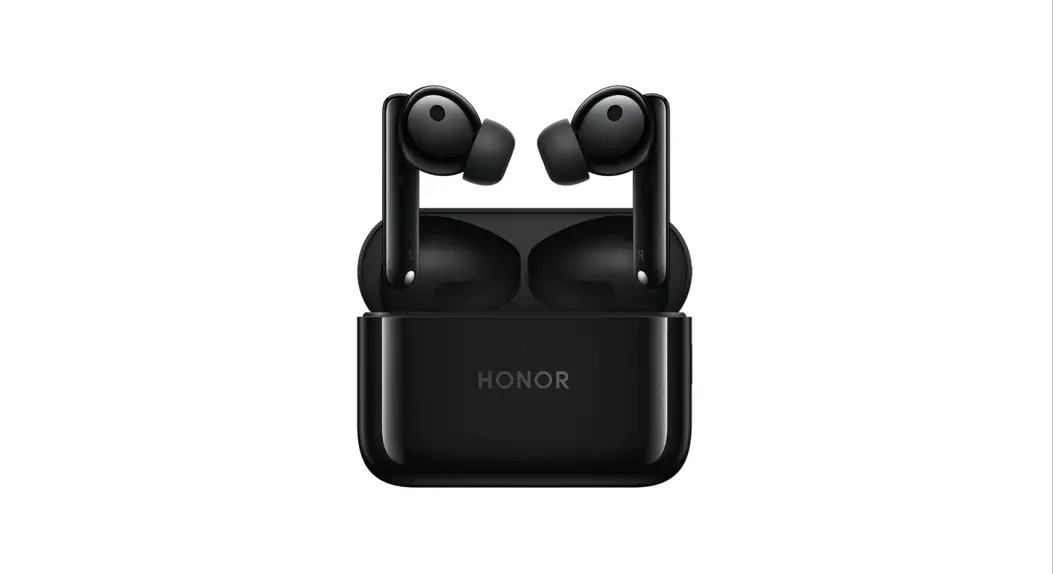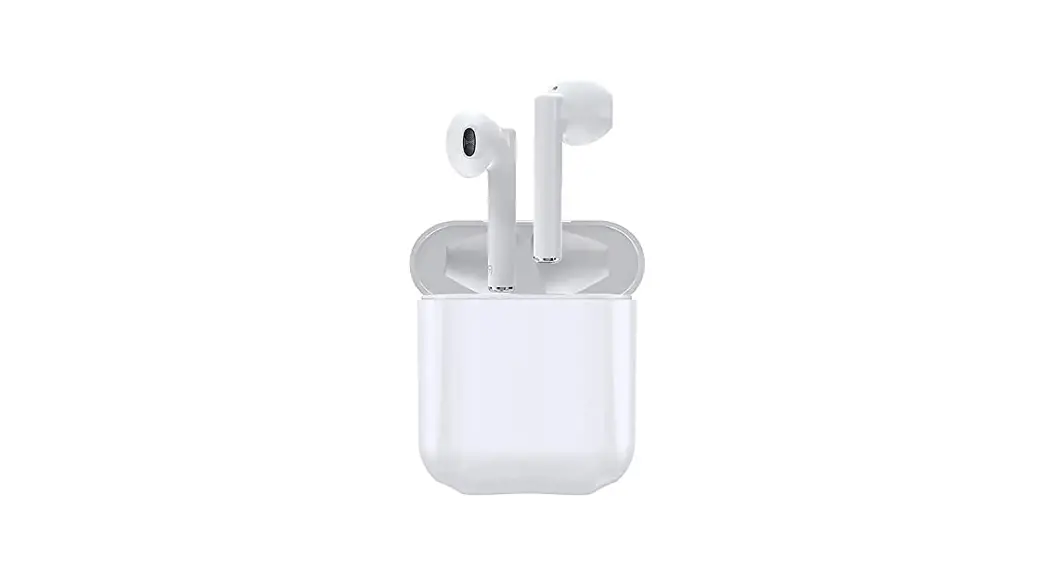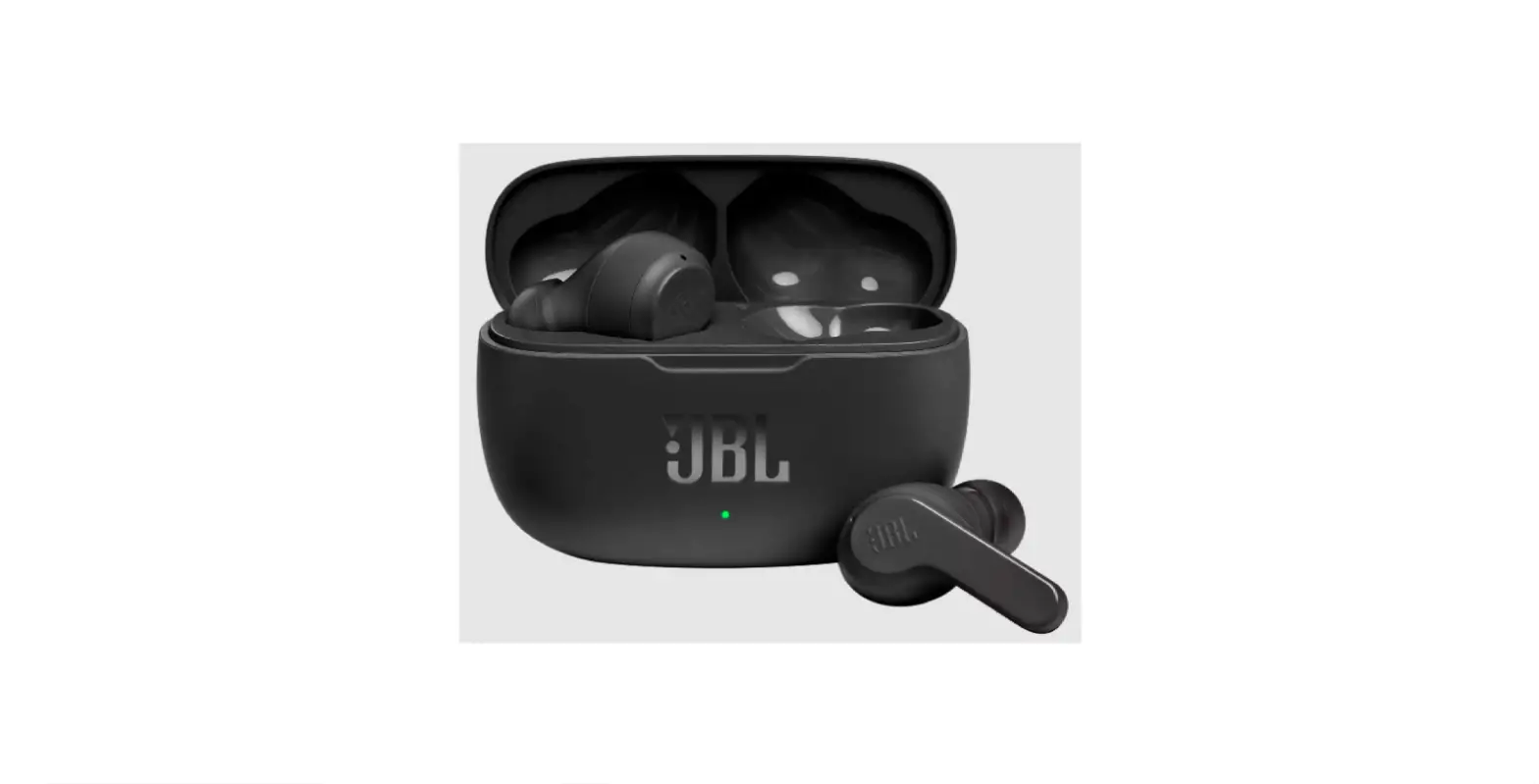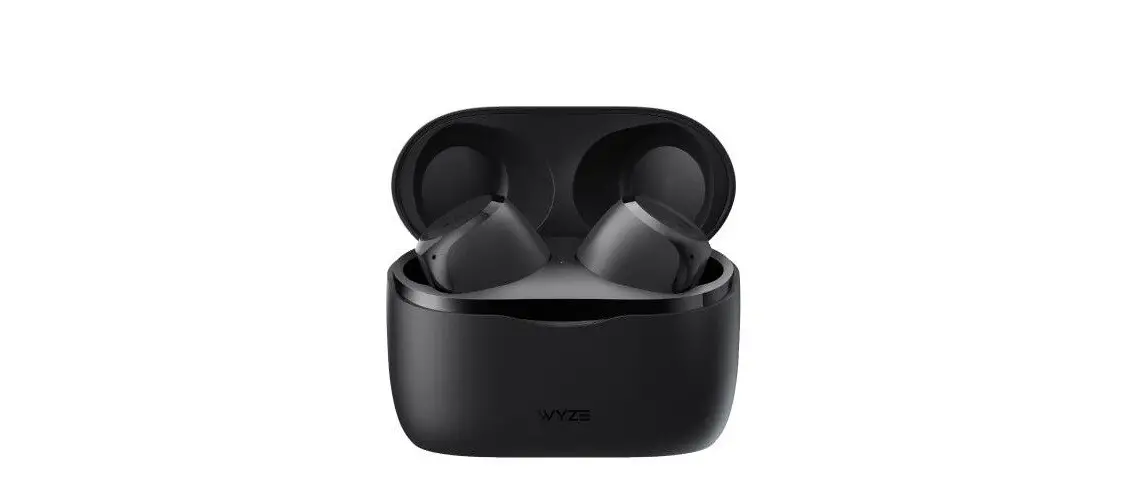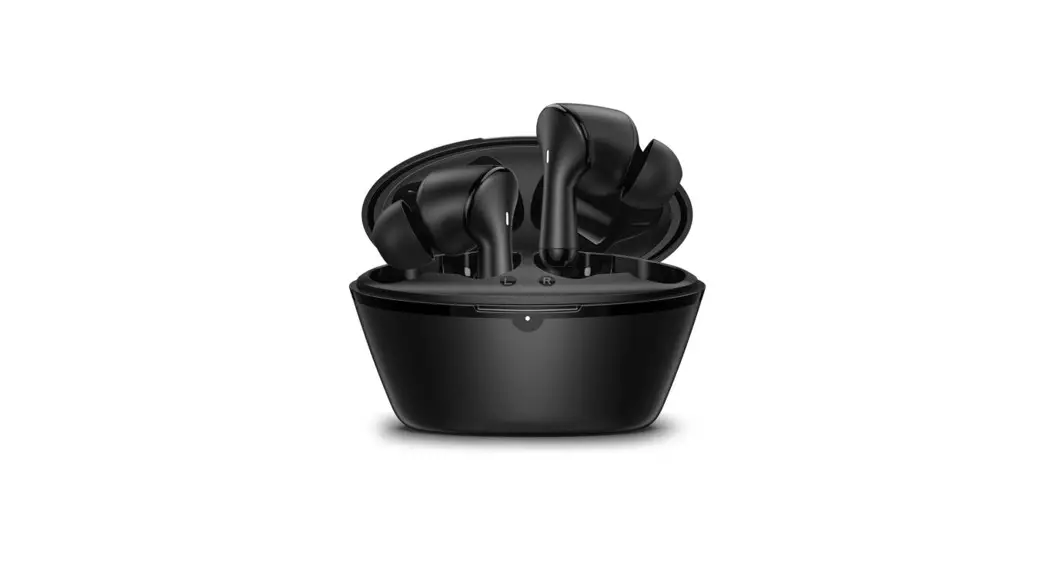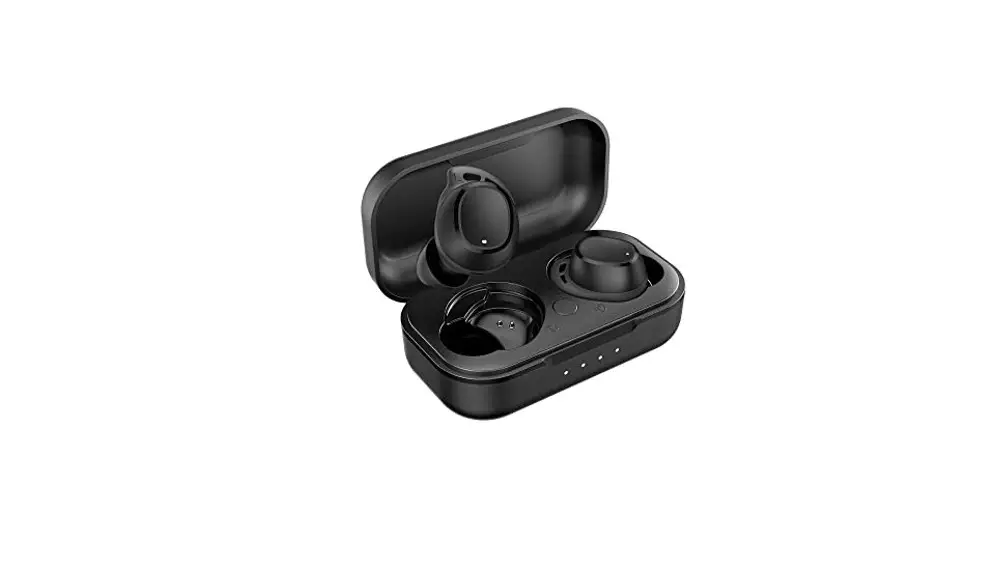
 Choice Earbuds X True Wireless Earbuds
User Guide
 Restore Factory Settings
Open the case lid and long-press on the function key at the bottom for more than 10 seconds. A flash red light indicates that the earbuds have been restored to factory settings.
 Pairing
 Pairing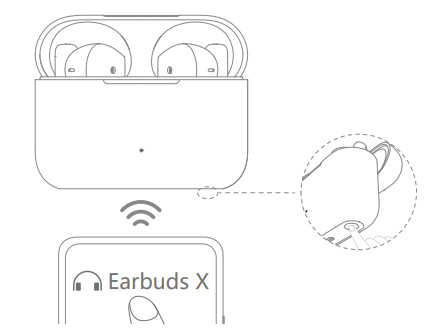
On the first use, put the earbuds in the charging case.
Close and open the lid to start pairing.
 Touch Controls
 Touch Controls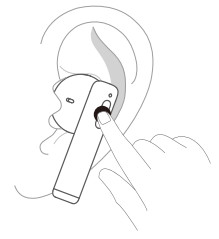
Play/pause music: double-tap on the left or right earbud
Switch songs: long-press on the right earbud to play the next song or the left earbud for the previous song
Answer/end calls: double-tap on the left or right earbud
Reject calls: long-press for 2 seconds on the left or right earbud
Enter/exit AI Voice: triple-tap on the left or right earbud
Enter/exit game mode: long-press on both earbuds simultaneously
 Appearance
 Appearance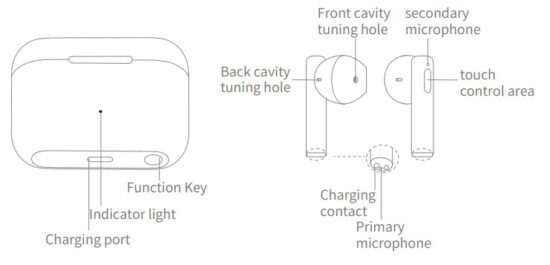
Packing list
Wireless Bluetooth earbuds: 1 pair
Charging case: 1
Type-C charging cable: 1
Instruction manual: 1
Safety handbook: 1
 Charging
 Charging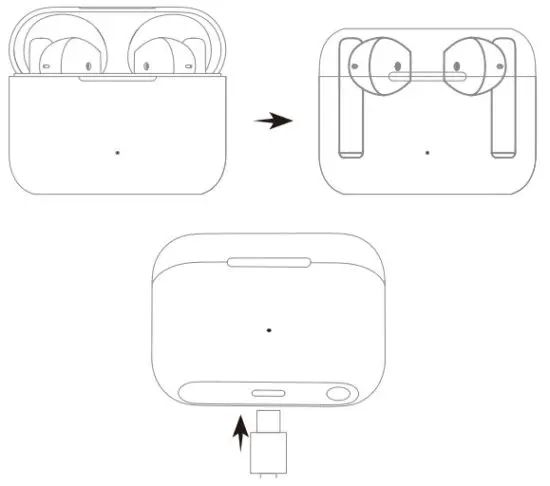
Put the earbuds into the charging case and close the lid.
The earbuds automatically shut down and start charging.
Use the USB-C cable to charge the charging case.
A red light indicates the charging is ongoing. A blue light indicates the charging is complete.
 Checking the Battery Level
 Checking the Battery Level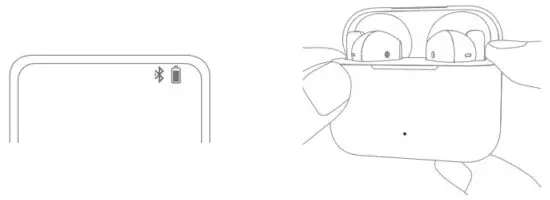
 Check the battery level of the earbuds
After the earbuds are connected to the phone, check the battery icon on the notification bar at the top of the phone screen.
When the earbuds are taken out of or put into the charging case, the indicator on the case lights up for 3 seconds. A red light indicates battery ≤ 20%. A blue light indicates battery > 20%.
Check the battery level of the charging case
When the earbuds are not in the charging case, a red light indicates the battery is ≤ 20%, and a blue light indicates the battery is> 20%.
Product: Bluetooth earbuds
Model: ALD-00
FCC ID:2ALVK-ALD00
Output power:<9.5dBm
Bluetooth band: 2400MHz-2483MHz The internal encoding
300404131072E01
TRA
REGISTERED No: ER00993/21
DEALER No: DA88133/20