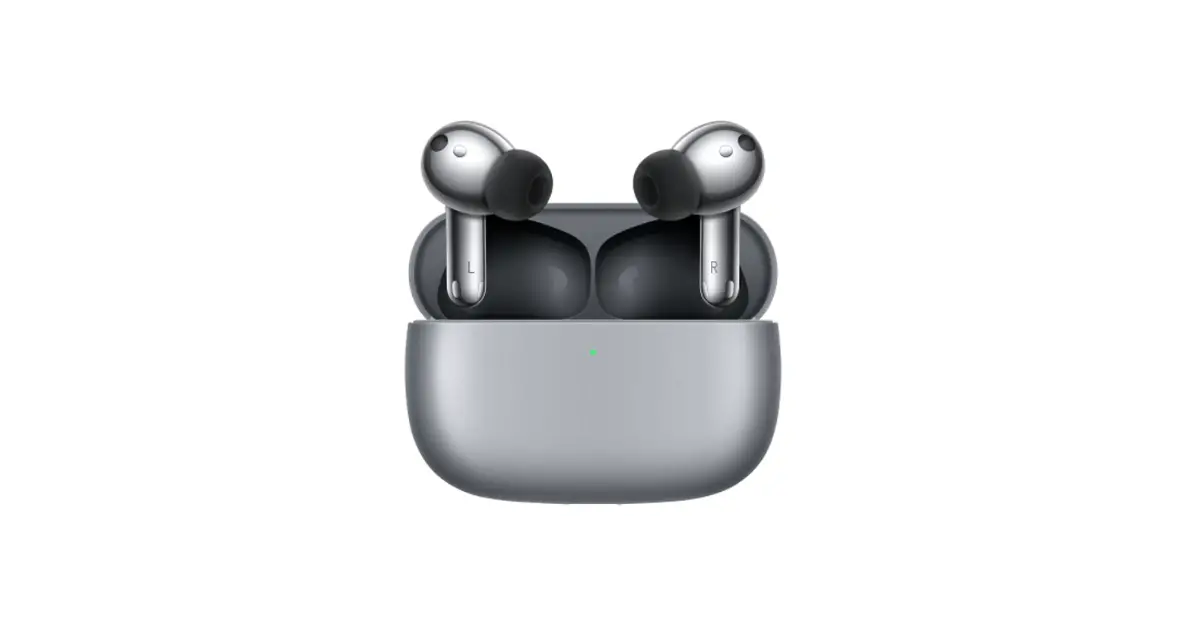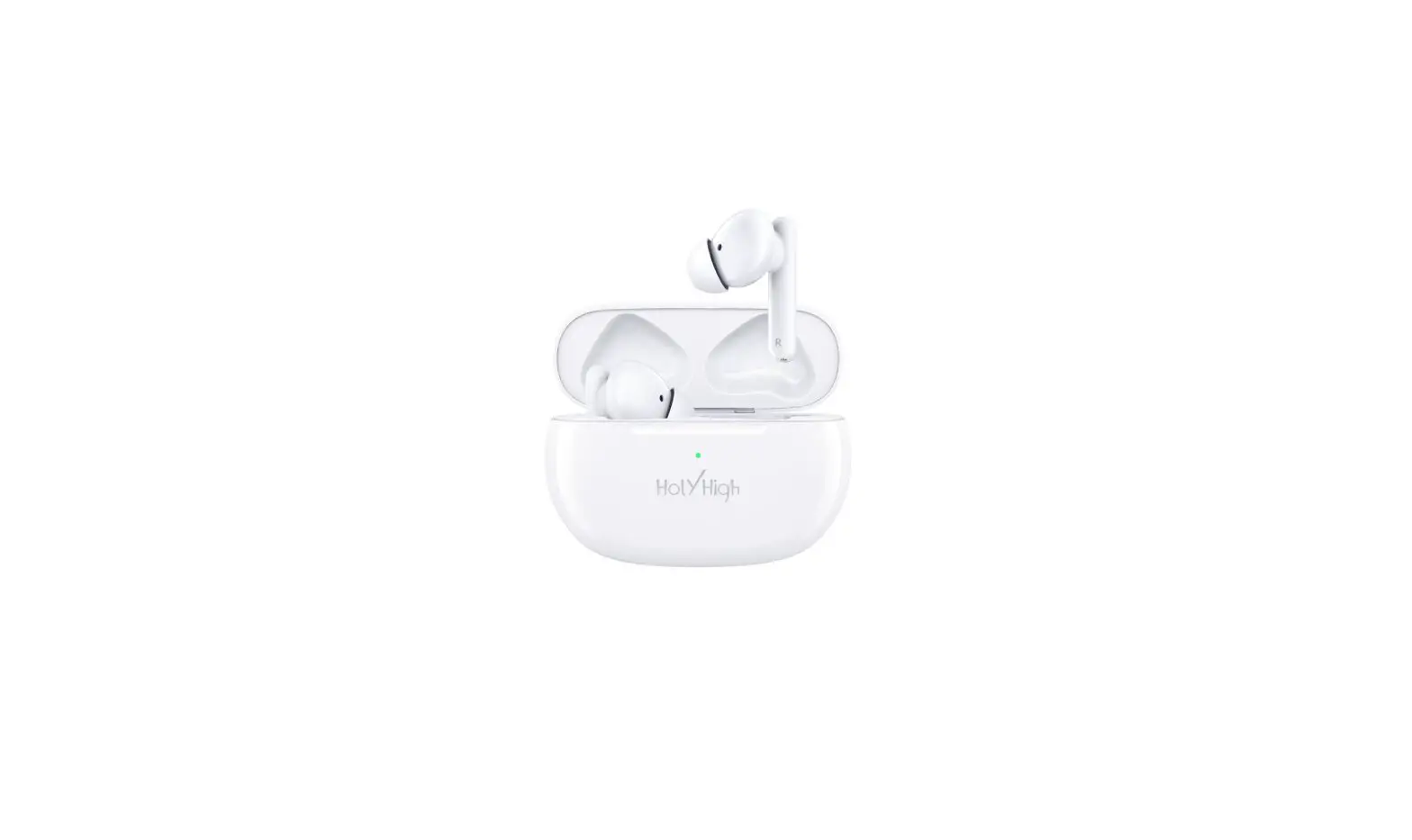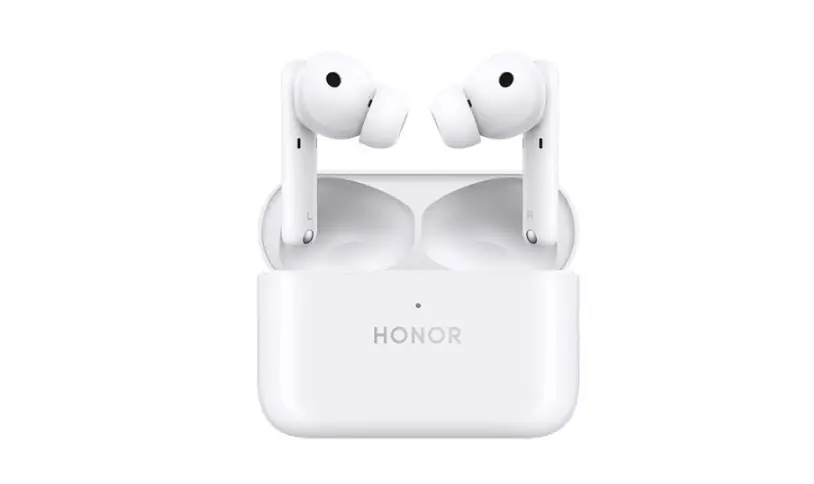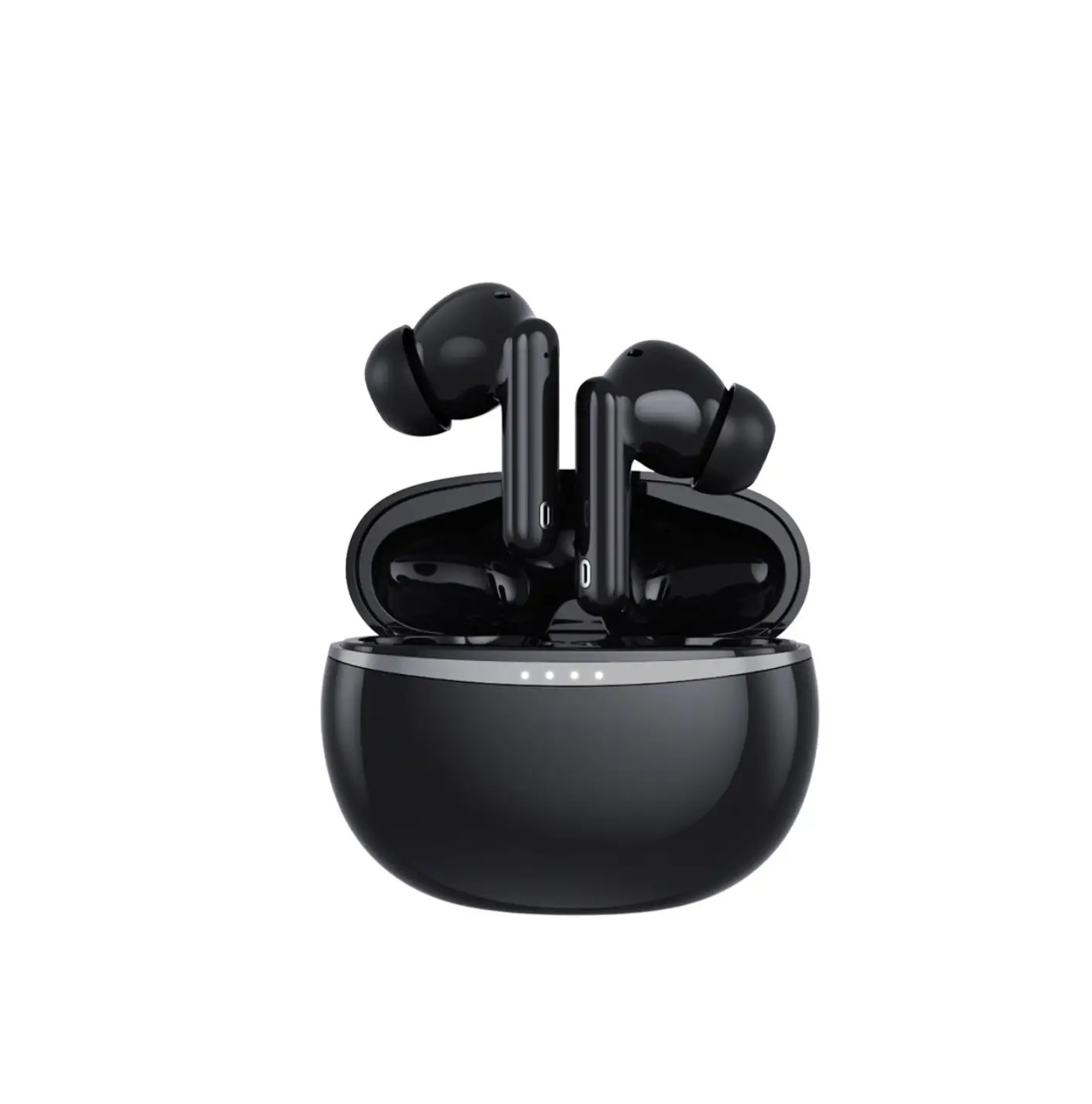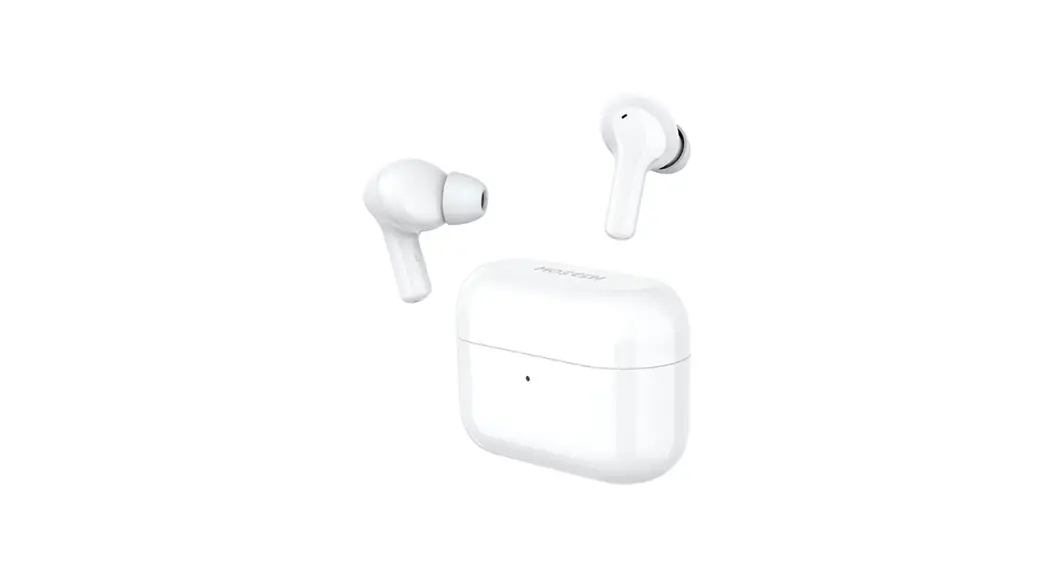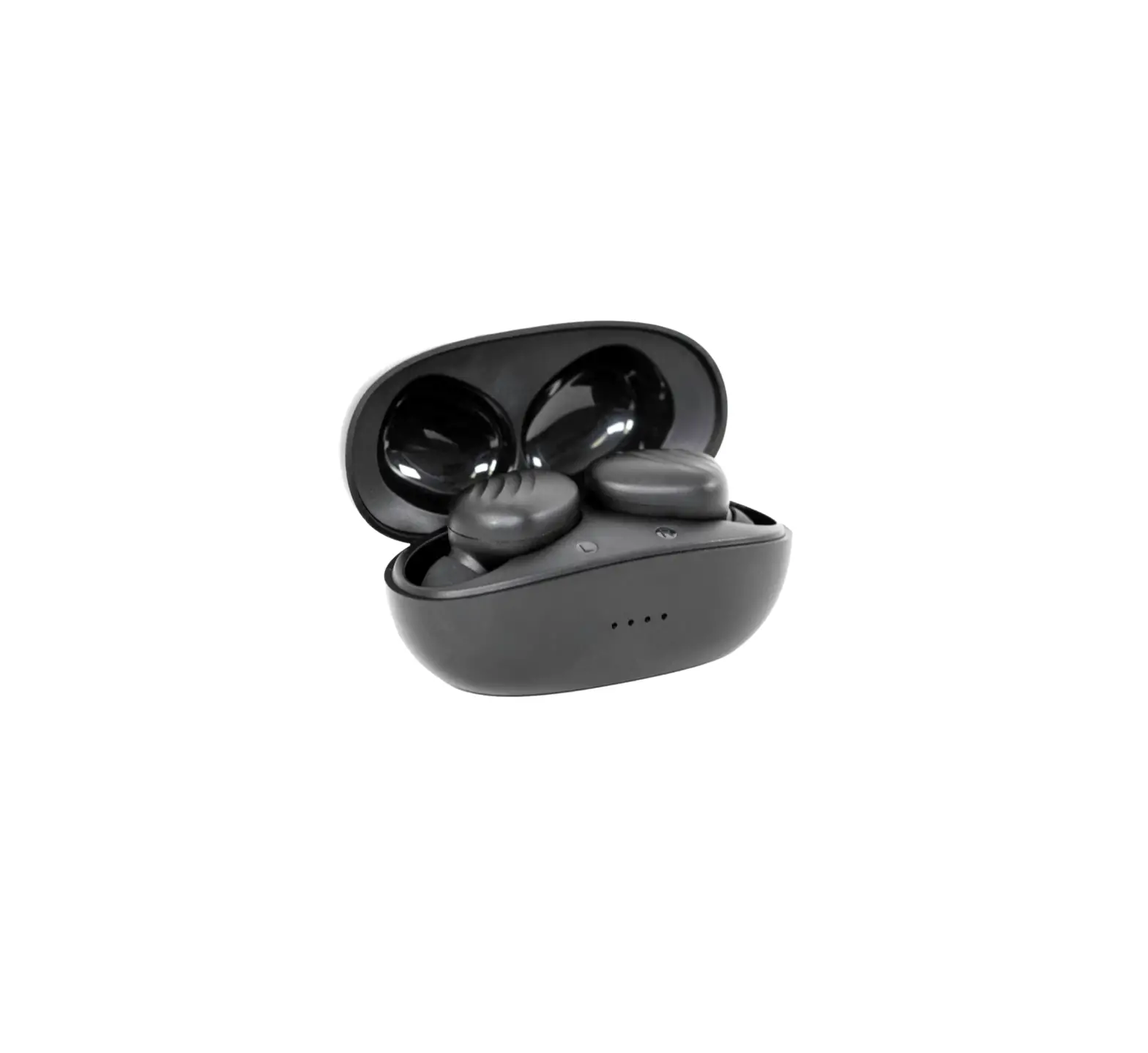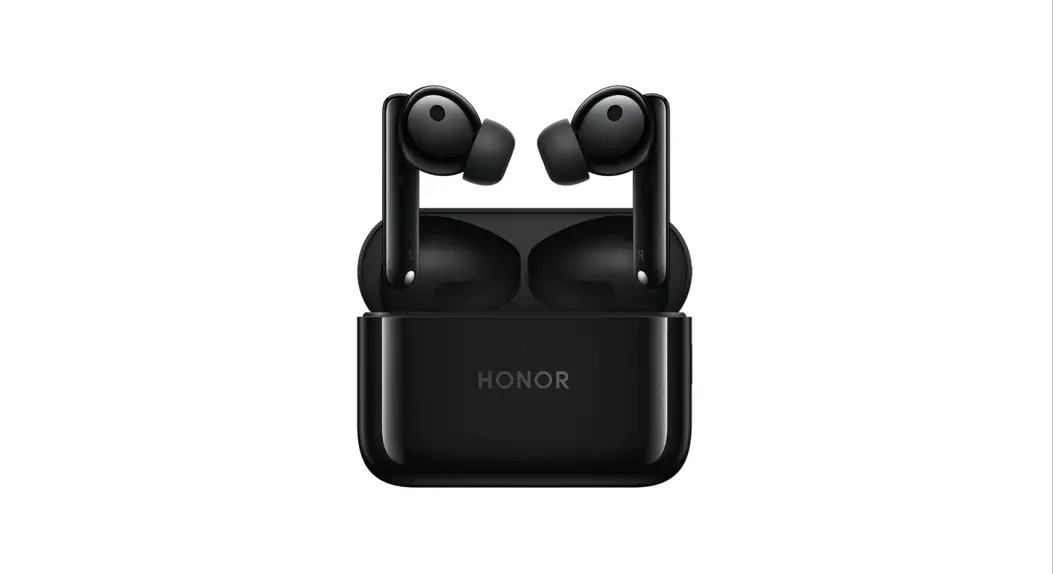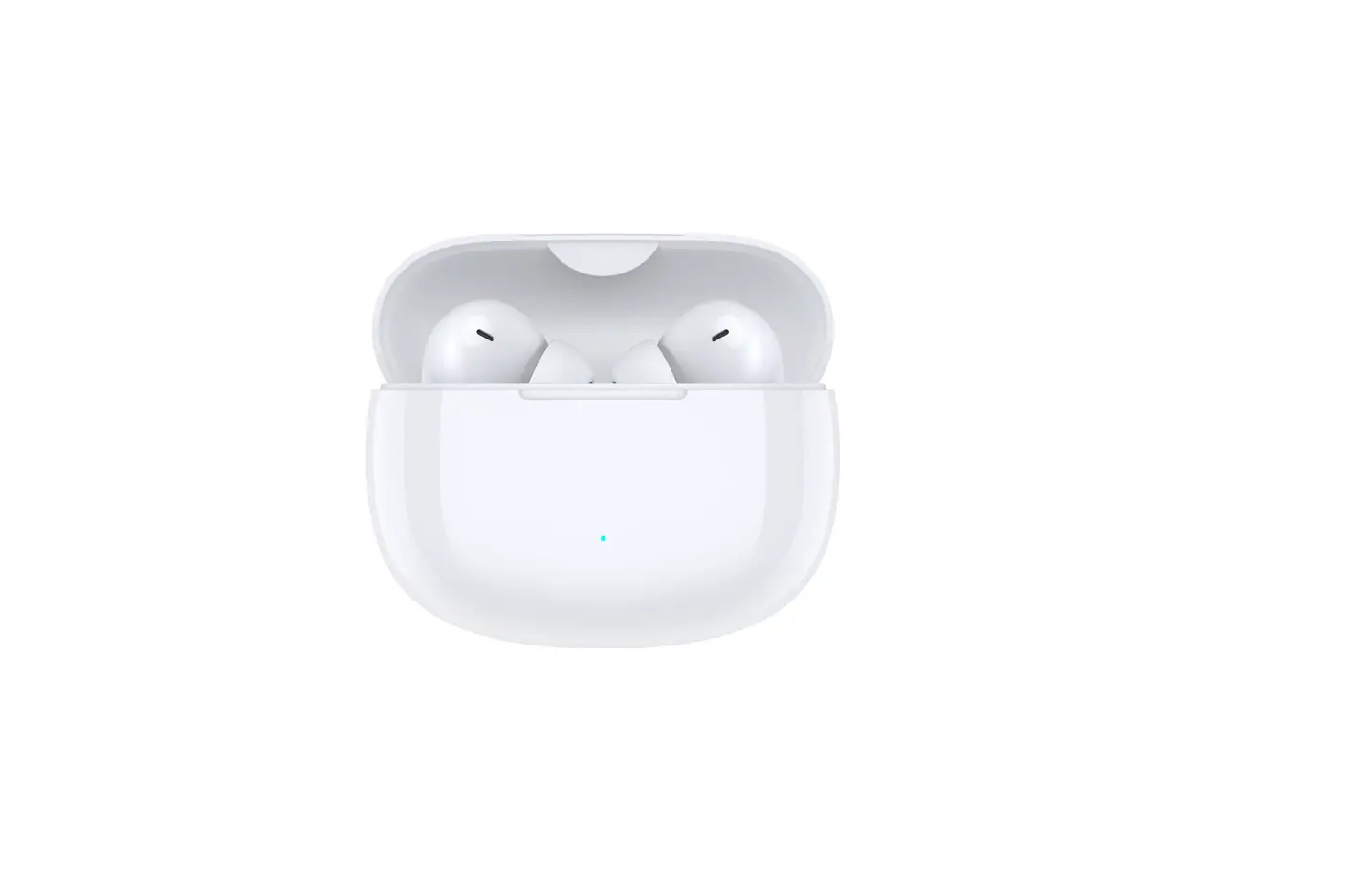

HONOR 5504AAAL CHOICE Earbuds X3 Lite
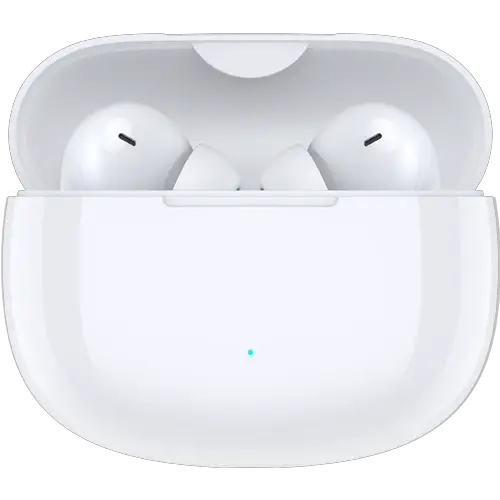
Pairing
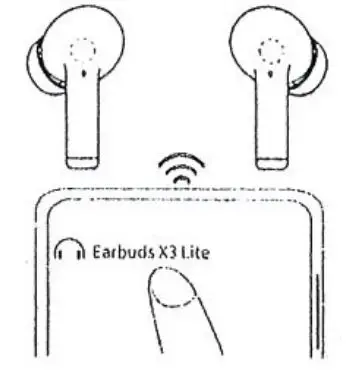
Take out the earbuds Irom the case. Press the control areas on the left and right earbuds lor 5 seconds to enter the pairing mode. When using the earbuds for the first time, put them into the case, close the case and then open it to enter the pairing mode automatically
Download and install the app

Download the HONOR AI Space app to try more features or customize your headphone settings.
Touch controls
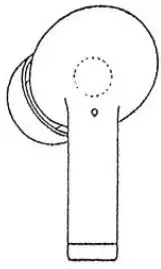
- Play/Pause music: Tap twice.
- Answer/End a call: Tap twice.
- Enter/Exit game mode: Tap 3 times.
Charging
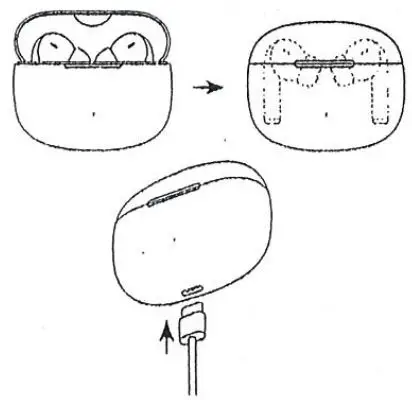
Put the earbuds into the charging case and close the lid. The clharging case automatically charges the earbuds. Use the USB-C charging cable to charge the case,
Packing list
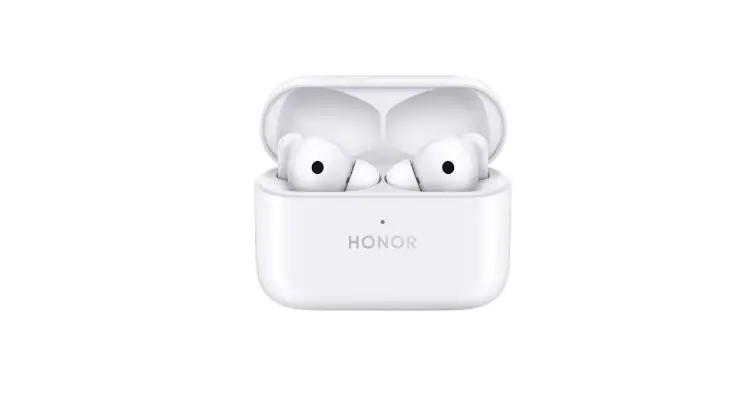
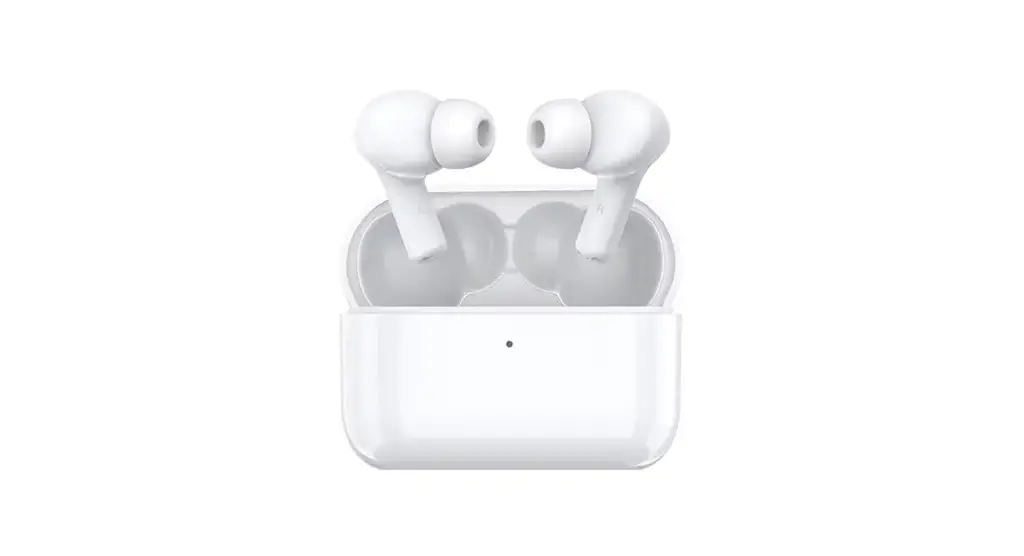
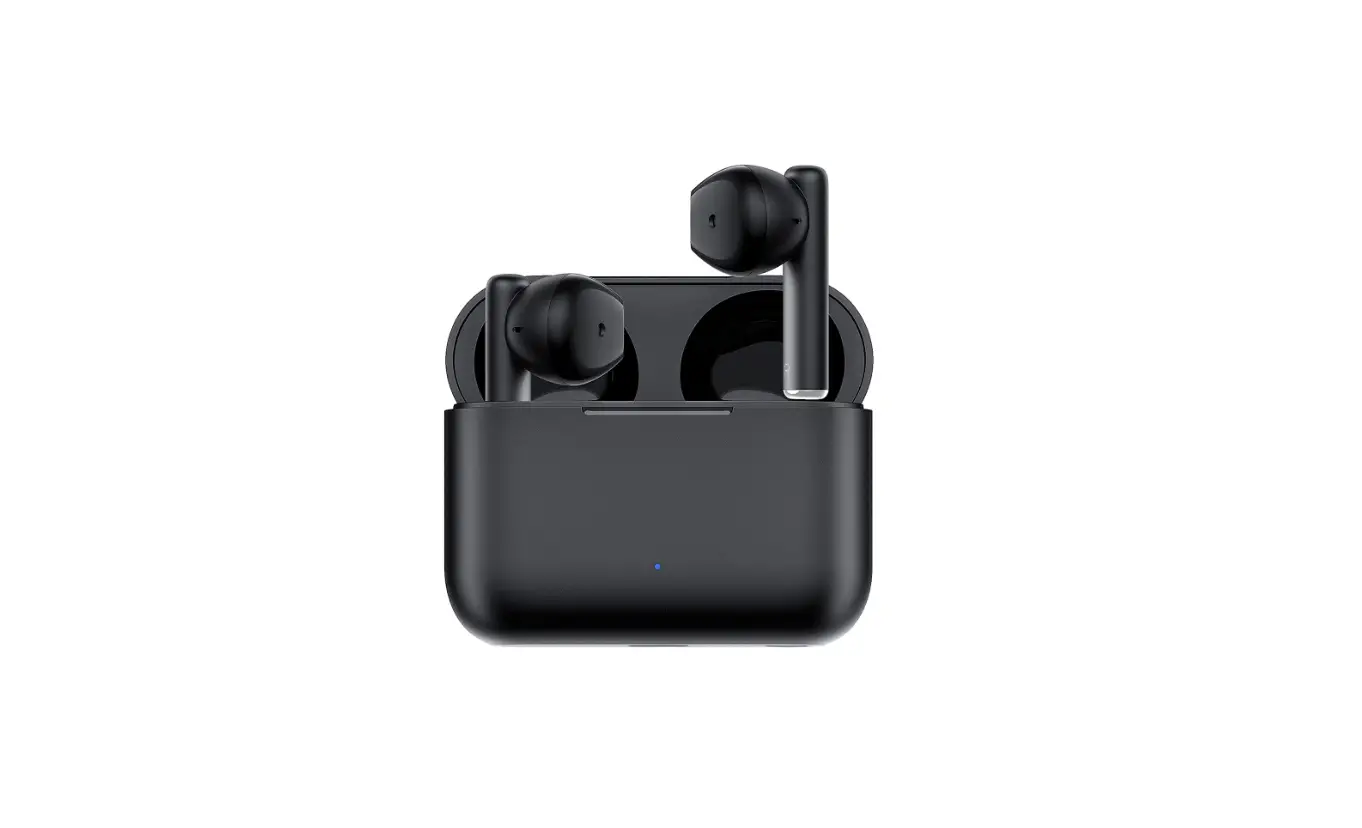
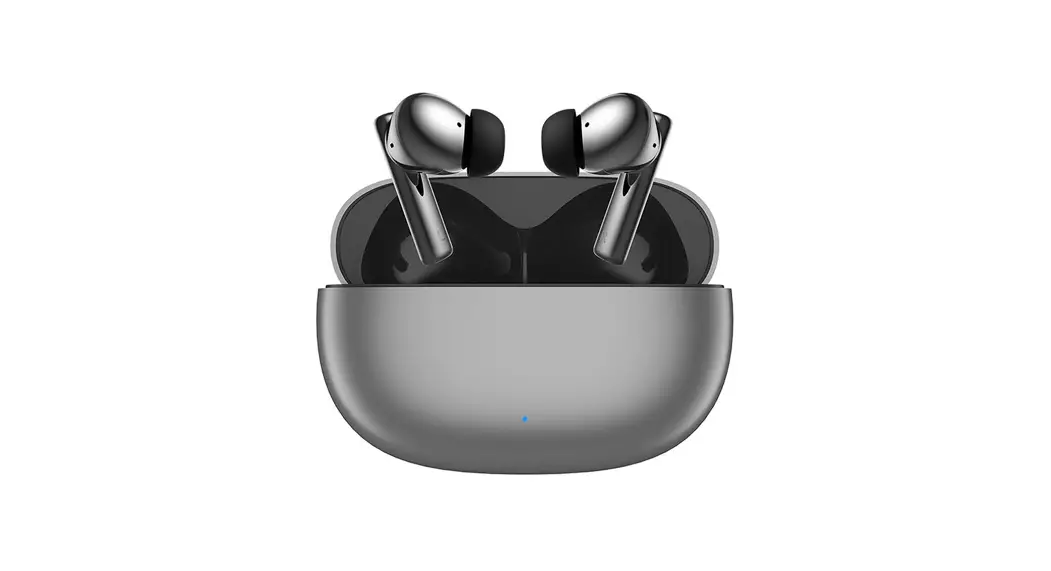
- Wireless Bluetooth earbuds: 1 pair
- Eartip:3 palrs
- Charging case:1
- Type-C charglhg cable:1
- User manual: I
- Safety manual; 1
Points de collecte sur www.quefairedemesdechets.f