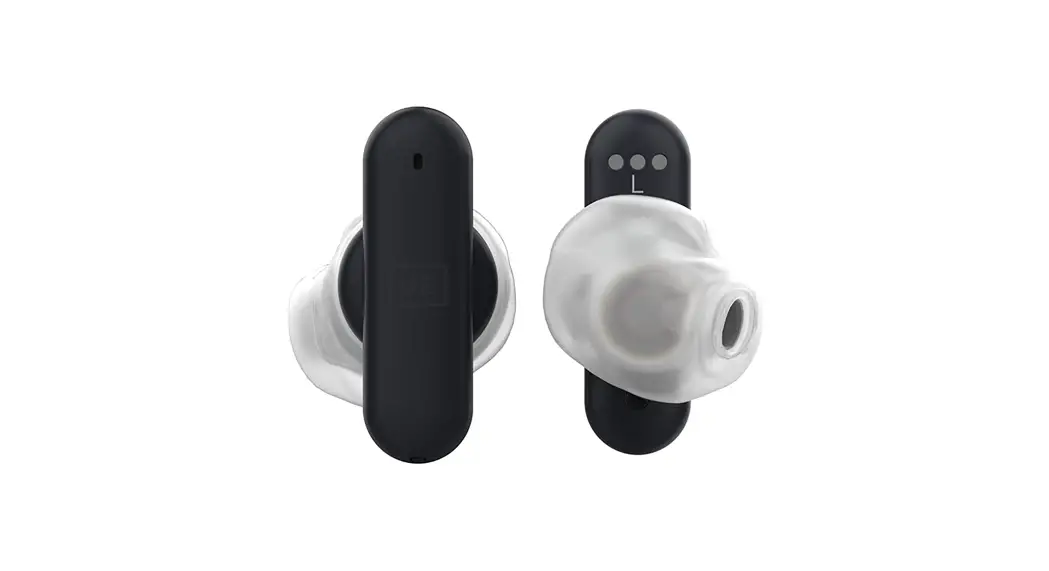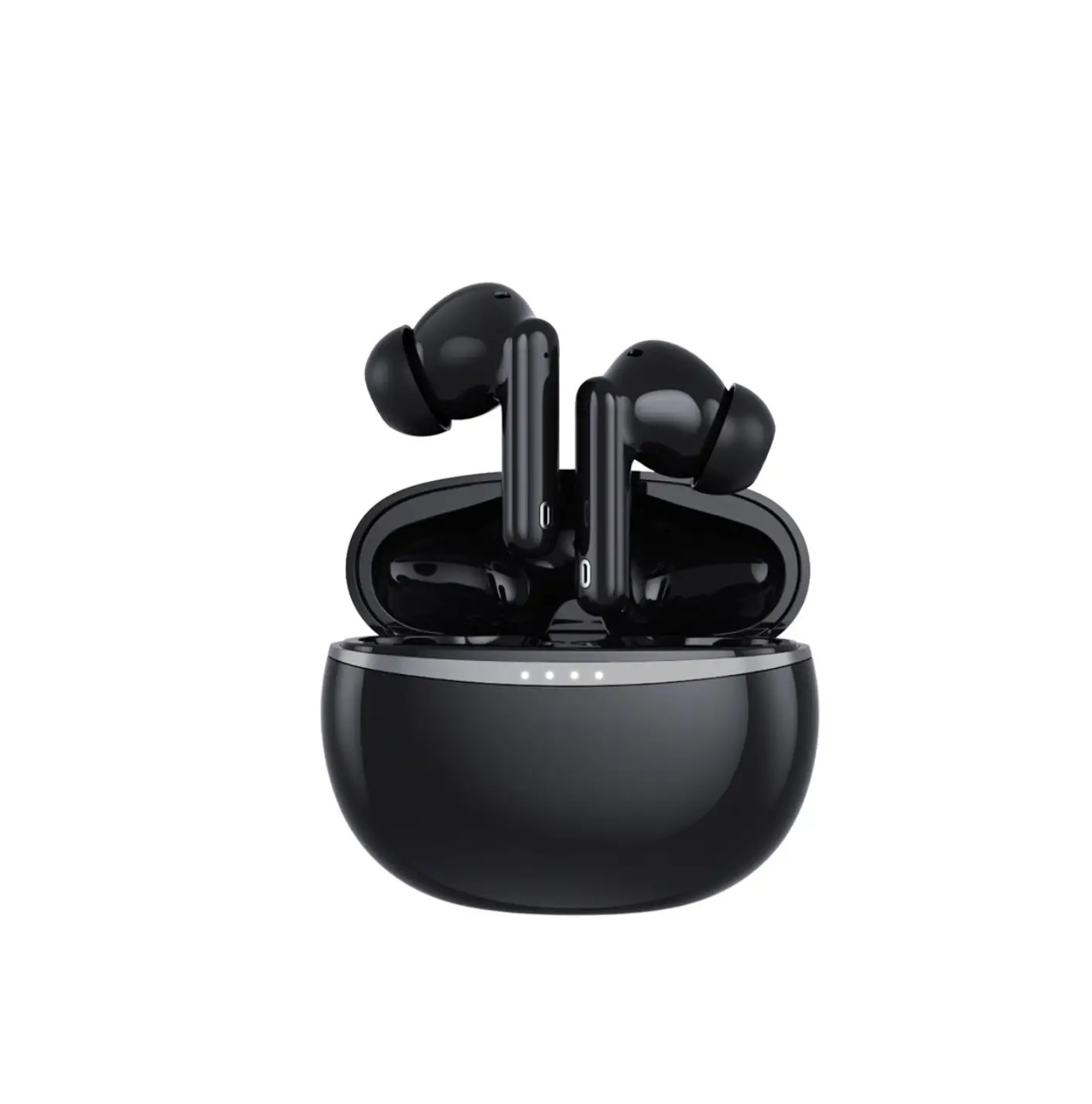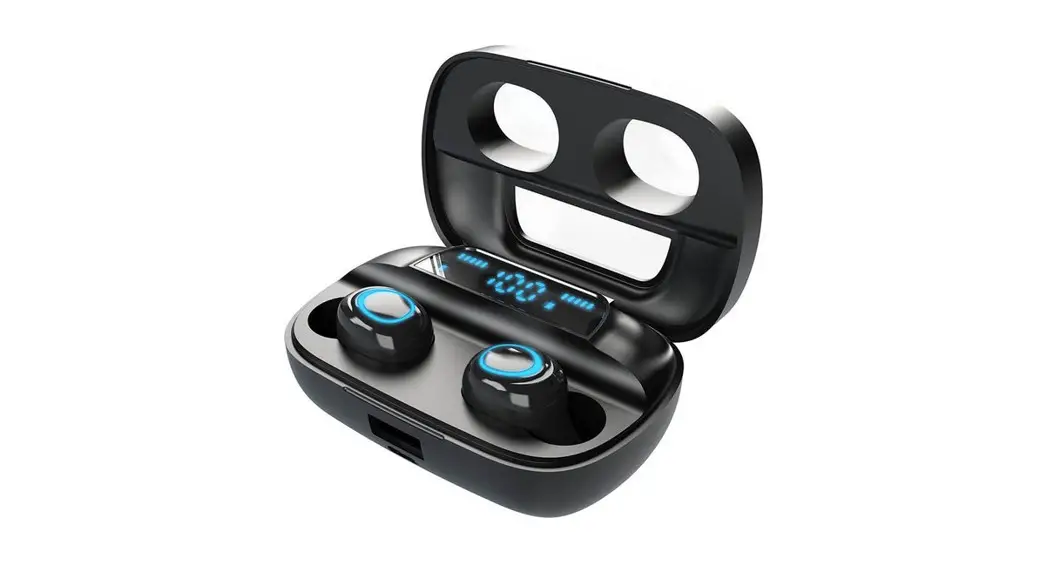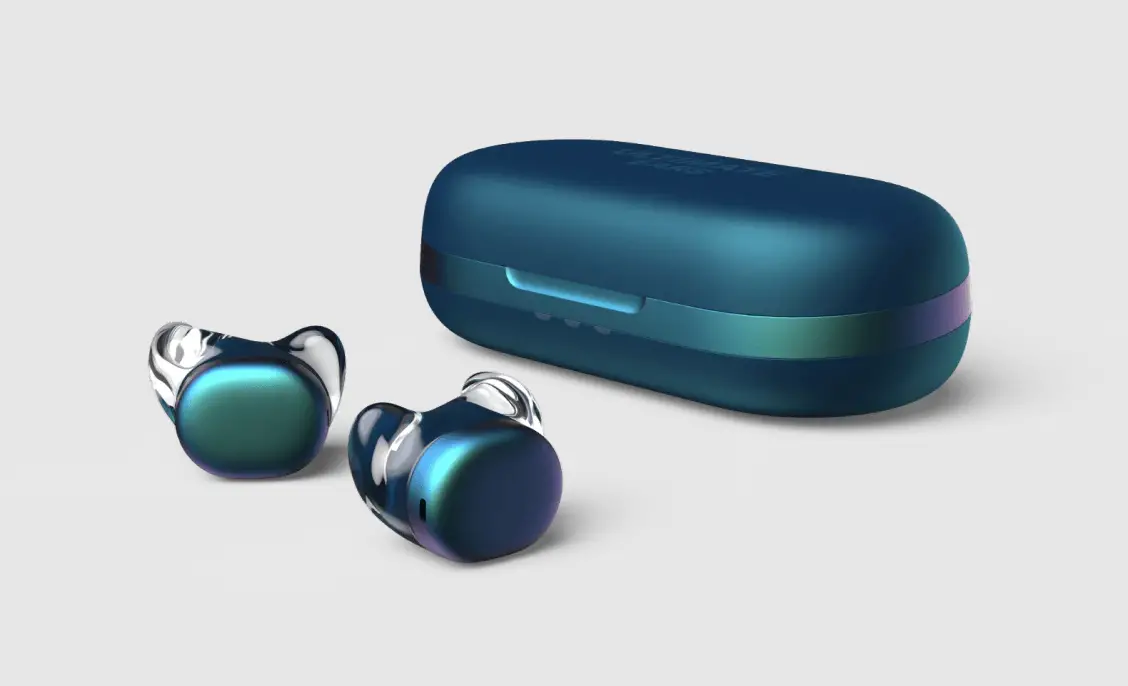
B00050 UE DROPS EARBUDS
Project UE Bamboo Retail Packaging
Date 10 February 2022
File Name UDOC_2105 – 620-011202 002 UE DROPS QSG CAN 22 -215.ai
PIN 620-011223.002
Print Size Fonts
118mm x 122,5mm Berthold Akzidenz Grotesk
Trim Size
118mm x 122,5mm
ULTIMATE
EARS.
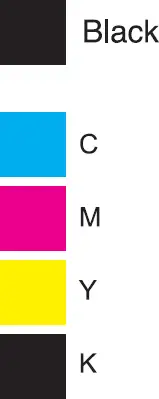 FINISH/MATERIAL:
NOTES:
All Logitech packaging complies with EN 13428 regarding noxious and hazardous materials. For additional information reference Logitech document number STD-750779-0000.
Printing Quality must comply with Logitech Inspection Criteria of printing and packaging materials (WWP-751481-0000).
Laser Die must reference CAD data dx file. ALL dimensions marked with an ASTERISK(*) on specification are critical and check points for incoming and First Article inspection.
PAIRING
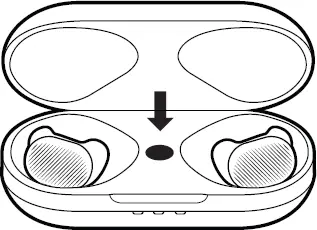
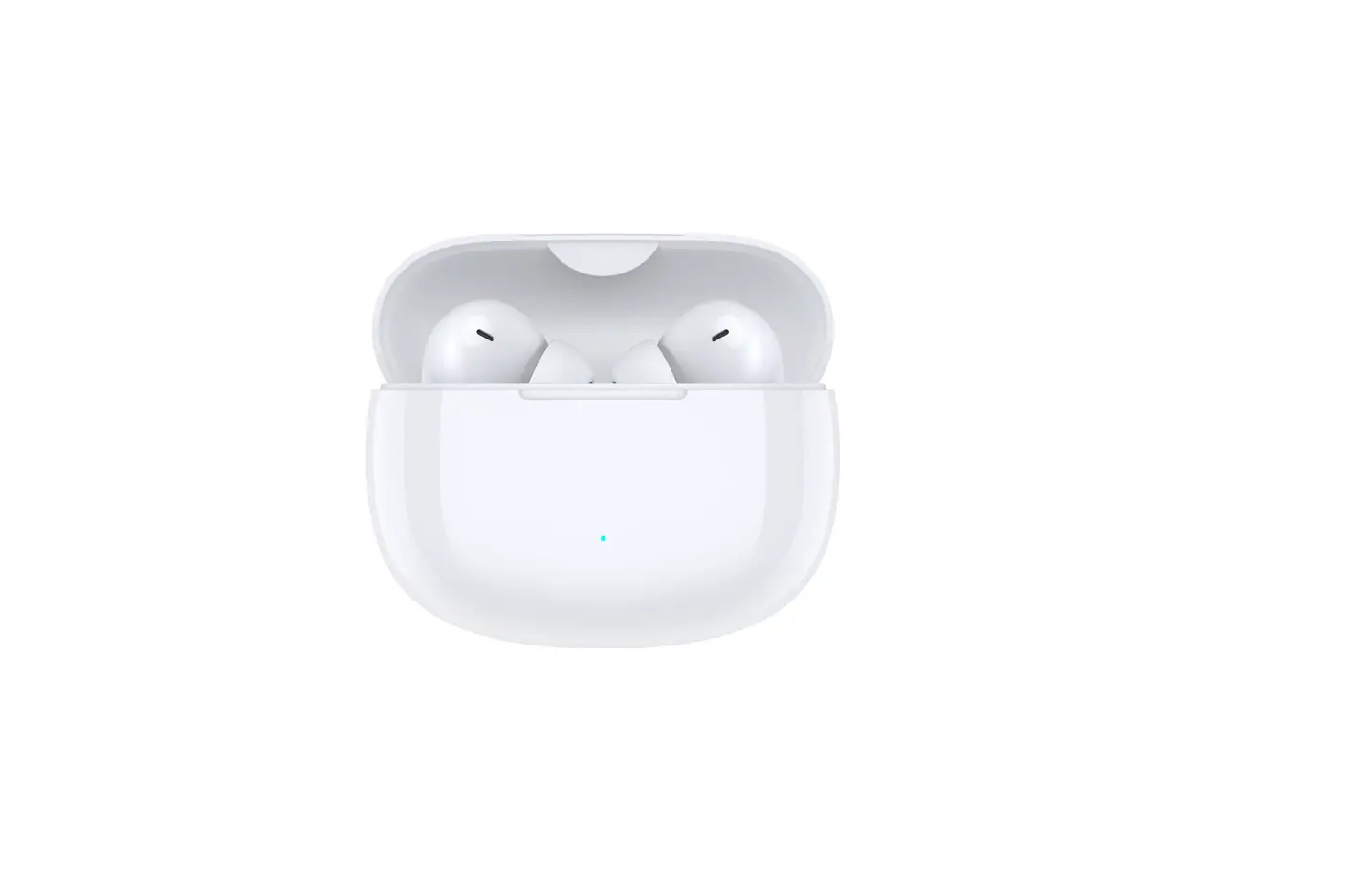
Open the case and leave the buds in. Long Press the case button to enter pairing mode.
Go to Bluetooth® settings on your device and select UE DROPS.
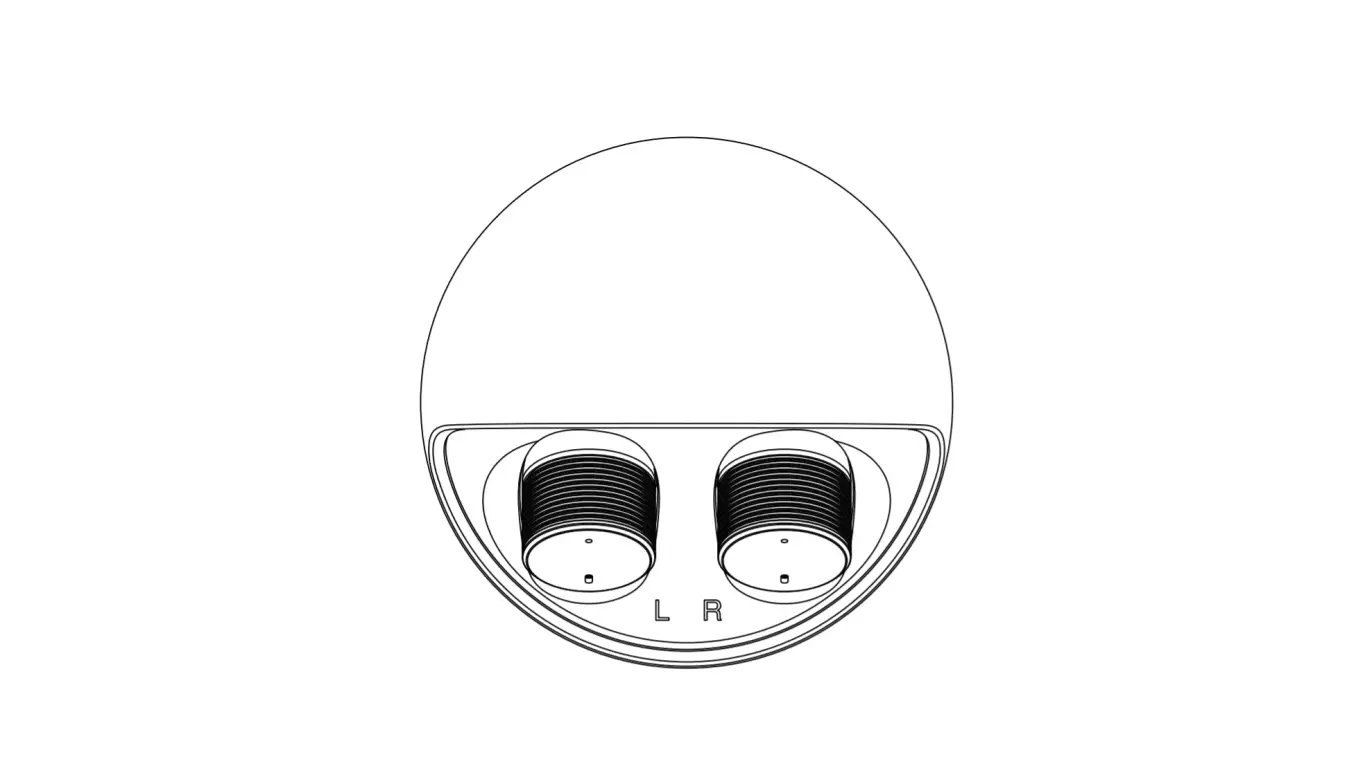
WEARING
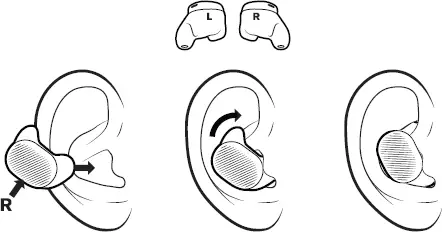
UE DROPS
HANDCRAFTED FOR