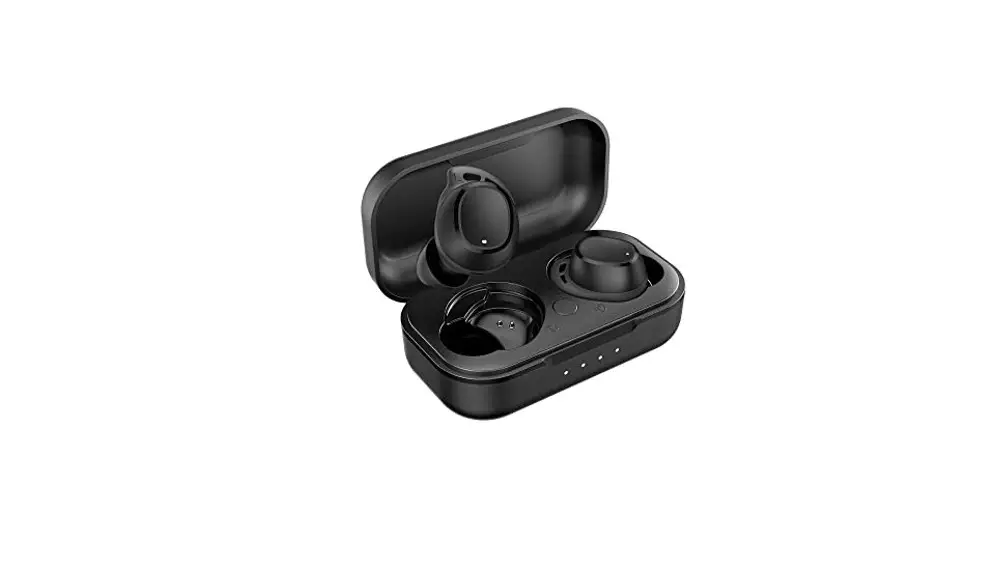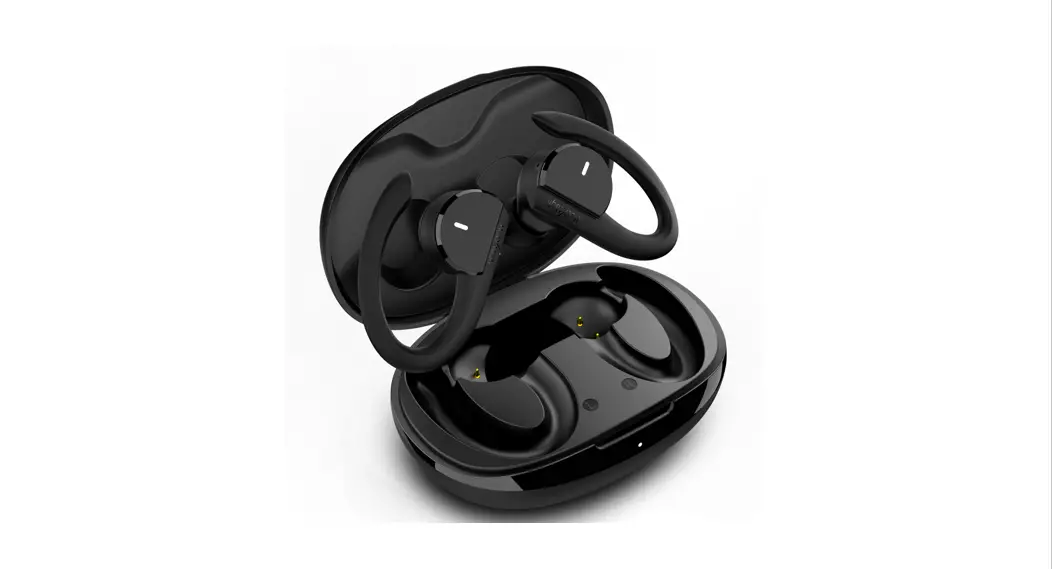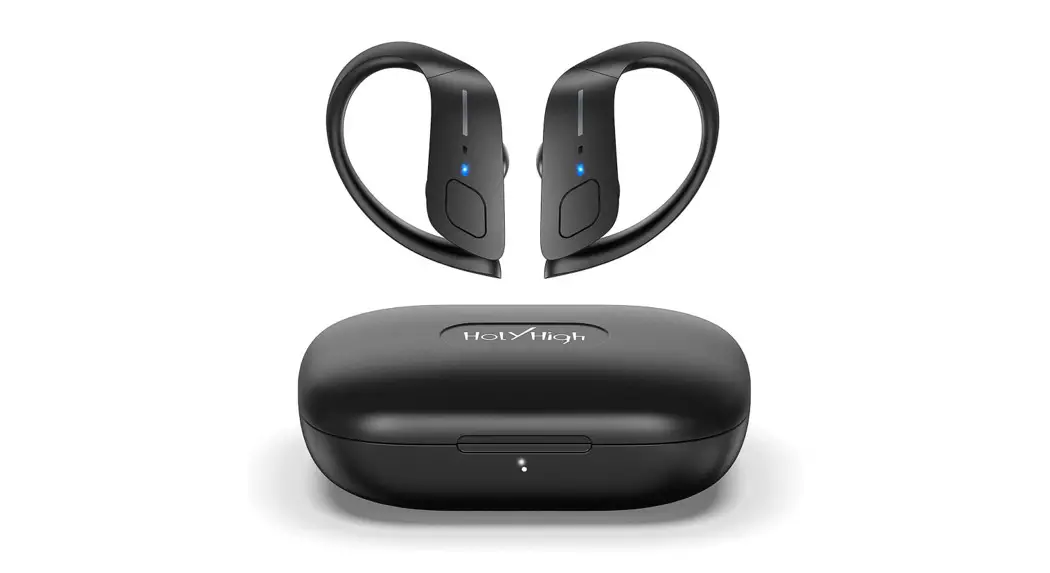
 Wireless Headphones
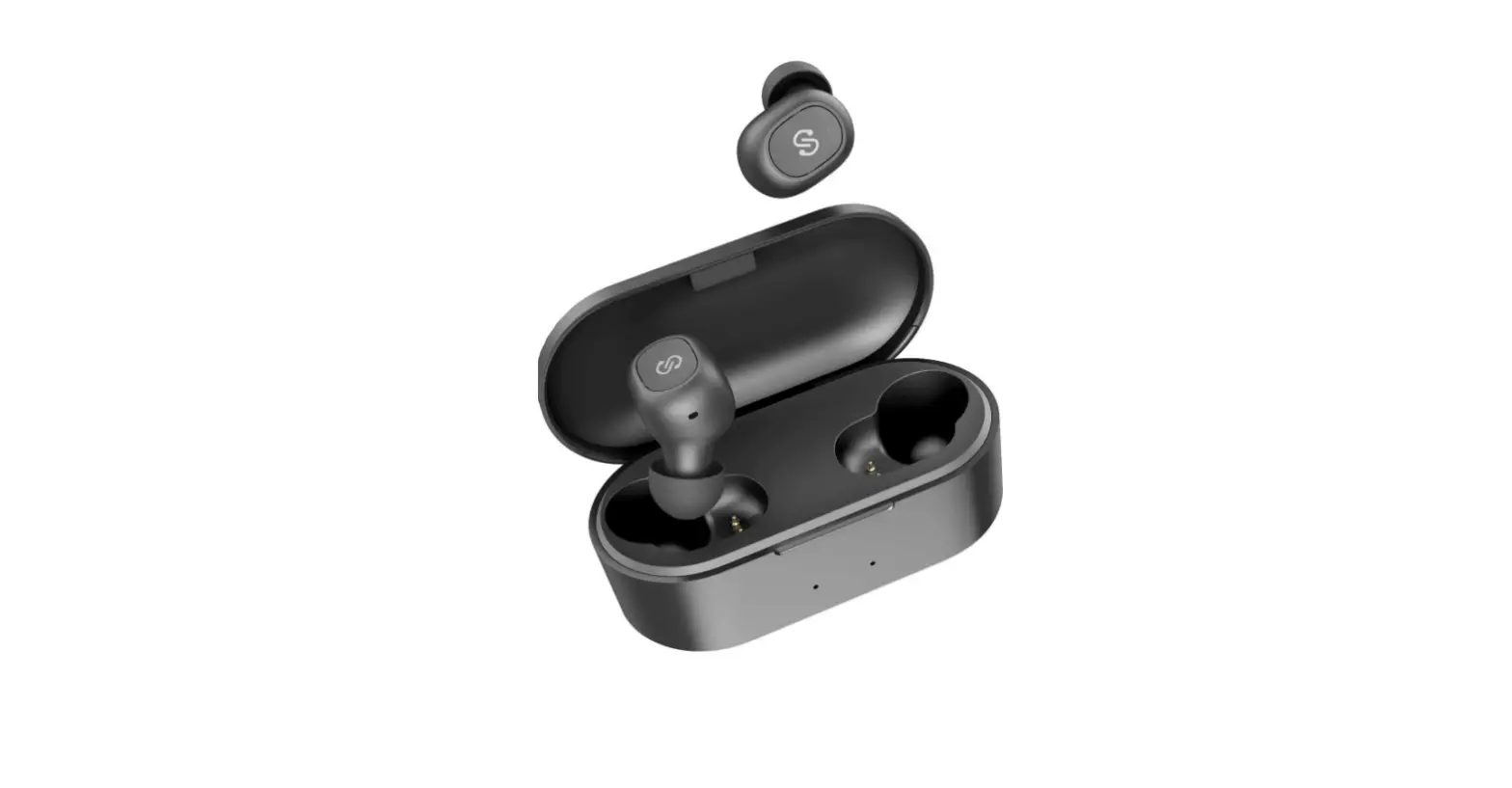
ET1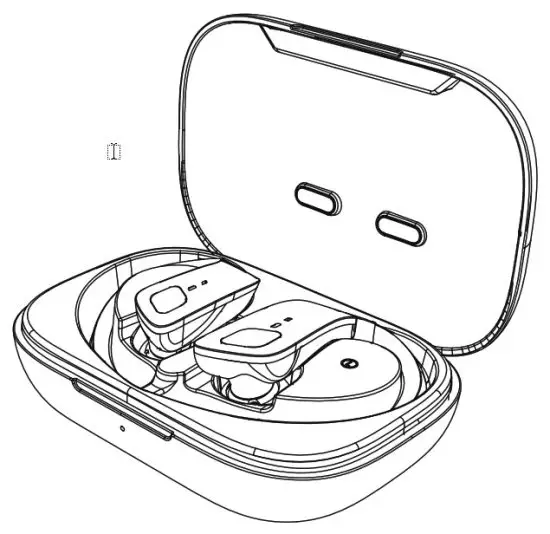
What’s in the Box
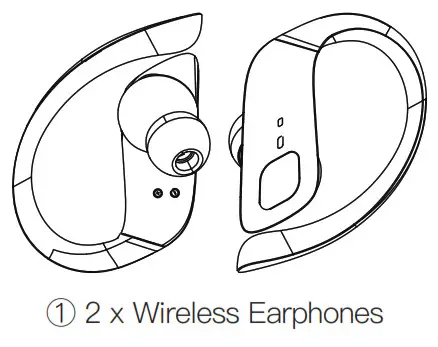
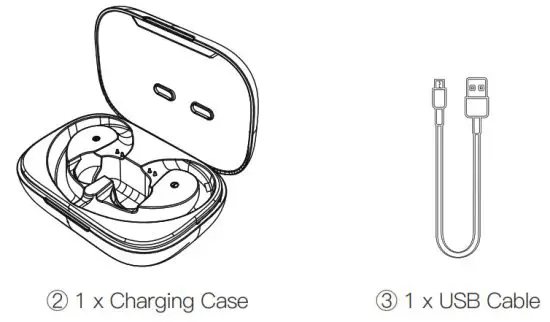
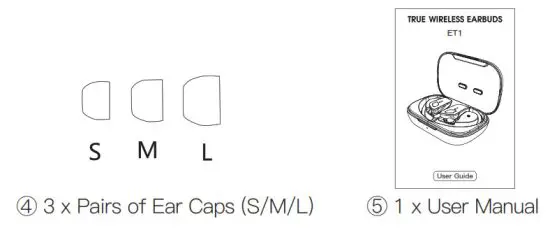
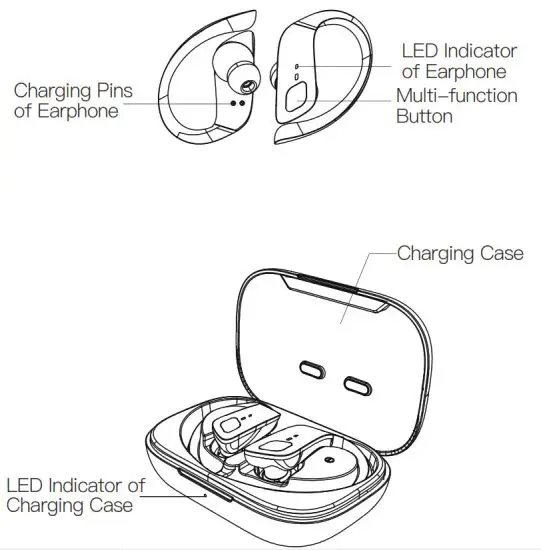
Product Overview

User Guides
- Please tear off the insulating films attached the earphones and fully charge them before first use.
- How to Pair
(1) Binaural Mode
① Take out the earphones or press and hold the multi-function buttons(MFB) for 2 seconds to turn them on.
② Once paired automatically, the LED indicator of the master earphone will flash red and blue alternatively; the indicator of the slave earphone will be off. A voice prompt will say “Pairing”.
③ Select “ET1” on your phone to connect from the Bluetooth list. Once connected, the indicators will be off. A voice prompt will say “Connected”.
(2) Mono Mode
① Take out a single earphone or press and hold the MFB for 2 seconds to turn it on.
② Double-click the MFB, a voice prompt will say “Pairing”; the indicator will flash red and blue alternatively.
③ Select “ET1” on your phone to connect from the Bluetooth list. Once connected, a voice prompt will say “Connected”.
(3) Mode Switch
① To switch to mono mode during the binaural mode, simply put either the right or left earphone into the charging case.
② To switch to binaural mode during the mono mode, simply open the charging case or take out the other earphone. - How to Reset
① Delete “ET1” in the Bluetooth list and turn off the Bluetooth function of your phone.
② Turn off the earphones, press and hold the MFB for 10 seconds; the indicator will flash red and blue for 3 times at the same time.
③ Put the earphones into the charging case and close the lid; now the reset is done.
④ If it fails, repeat the above three steps.
How to Control
| Music & Calls | Control |
| Turn on | Take out from the case/press and hold the L/R MFB for 2s |
| Turn off | Put into the case/press and hold for 5s( in standby mode) |
| Play/pause | Click L/R |
| Previous/next | Double—click L/R |
| Volume -/+ | Press and hold for 2s; keep pressing to turn down/up continuously (in the binaural mode) |
| Answer/hang up a call | Click L/R |
| Reject a call | Press and hold for 2s |
| Answer the second call and keep the first call | Click L/R |
| Reject the second call during the first call | Press an hold for 2s |
| Switch between two calls | Click L/R |
| Answer the second call and hang up the first call | Double—click L/R |
| Hang up the second call and switch to the first call | Double—click L/R |
| Turn on/off voice assistant | Triple-click L/R |
Specifications
| Support File | HFP, HSP, A2DP, AVRCP |
| Work Range | 10 meters(Barrier-free) |
| Playtime | Up to 5 hours (Varies by volume level and audio contents) |
| Single Earphone Battery | 40mAh |
| Charging Case Battery | 600mAh |
| Charging Times | 6times |
| Input Current | 5V/1 A |
EU Conformity Statement
 This product and – if applicable – the supplied accessories too are marked with”CE” and comply therefore with the applicable harmonized European standards listed under the EMC Directive 2004/108/EC, the RoHS Directive 2011/65/EU.
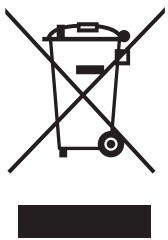 2012/19/EU (WEEE directive): Products marked with this symbol cannot be disposed of as unsorted municipal waste in the European Union.
For proper recycling, return this product to your local supplier upon the purchase of equivalent new equipment, or dispose of it at designated collection points. For more information see: www.recyclethis.info.
 http://qr31.cn/A6jCYJ
Manual Download
http://qr31.cn/A8HU4q
Q & A
FCC STATEMENT
Any Changes or modifications not expressly approved by the party responsible for compliance could void the user’s authority to operate the equipment.
This device complies with part 15 of the FCC Rules. Operation is subject to the following two conditions:
(1) This device may not cause harmful interference, and (2) this device must accept any interference received, including interference that may cause undesired operation.
Note: This equipment has been tested and found to comply with the limits for a Class B digital device, pursuant to part 15 of the FCC Rules. These limits are designed to provide reasonable protection against harmful interference in a residential installation. This equipment generates, uses and can radiate radio frequency energy and, if not installed and used in accordance with the instructions, may cause harmful interference to radio communications. However, there is no guarantee that interference will not occur in a particular installation. If this equipment does cause harmful interference to radio or television reception, which can be determined by turning the equipment off and on, the user is encouraged to try to correct the interference by one or more of the following measures:
- Reorient or relocate the receiving antenna.
- Increase the separation between the equipment and receiver.
- Connect the equipment into an outlet on a circuit different from that to which the receiver is connected.
- Consult the dealer or an experienced radio/TV technician for help.
FCC Radiation Exposure Statement:
This equipment complies with FCC radiation exposure limits set forth for an uncontrolled environment .
This transmitter must not be co located or operating in conjunction with any other antenna or transmitter.