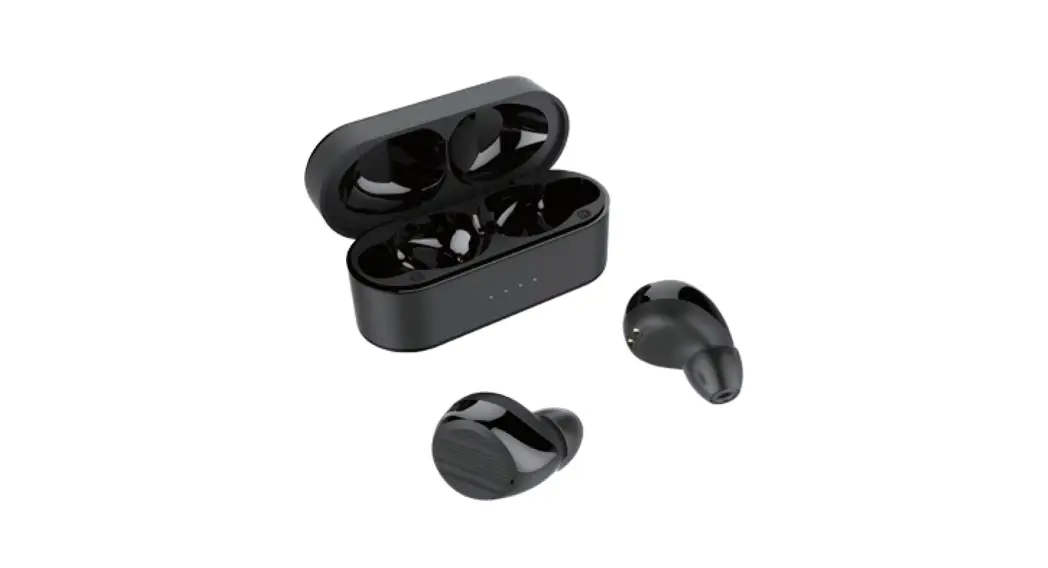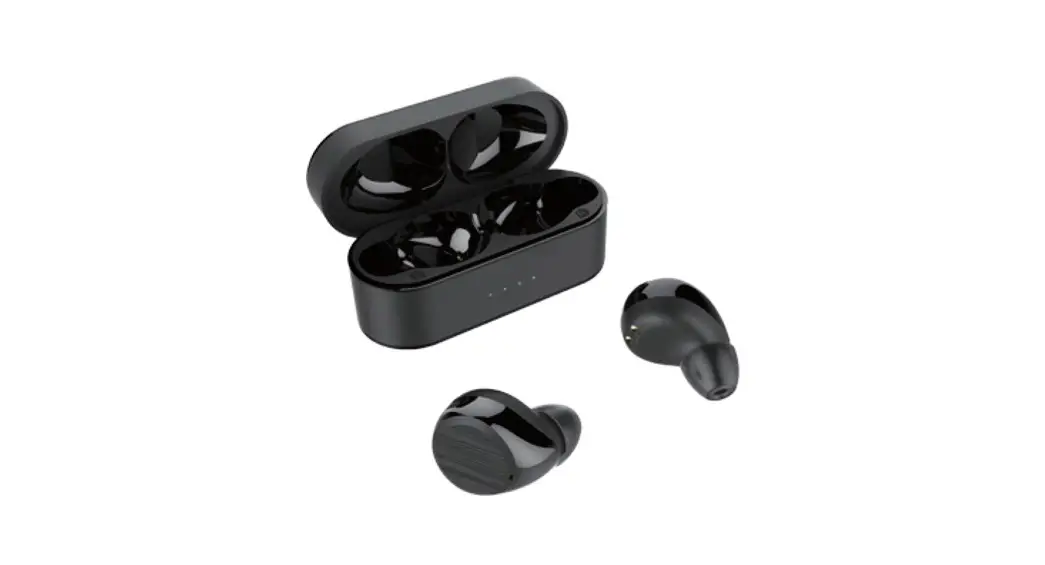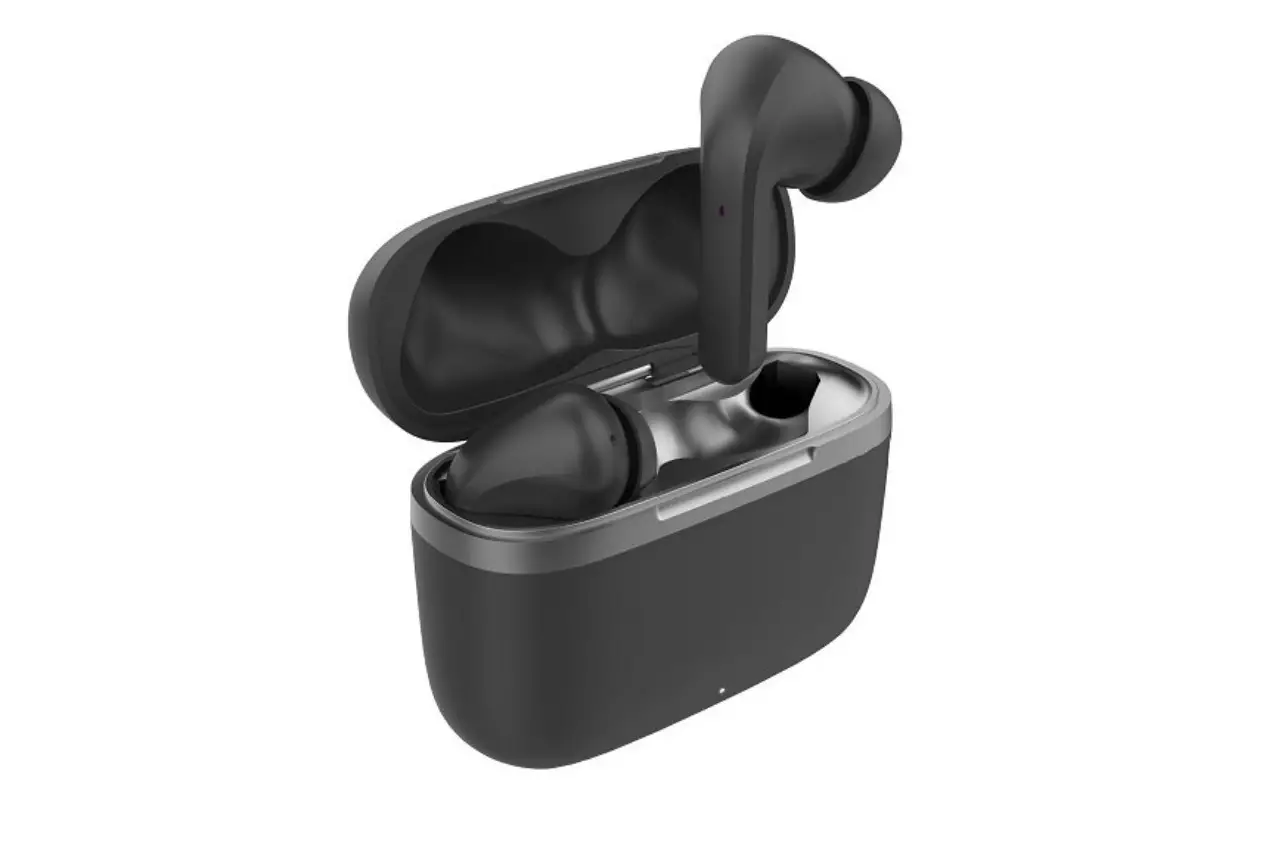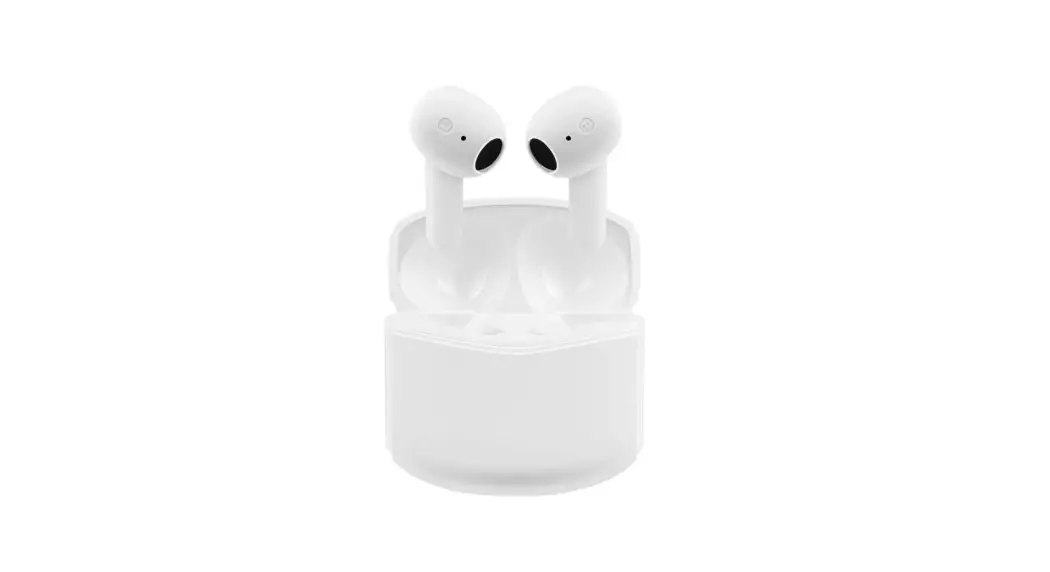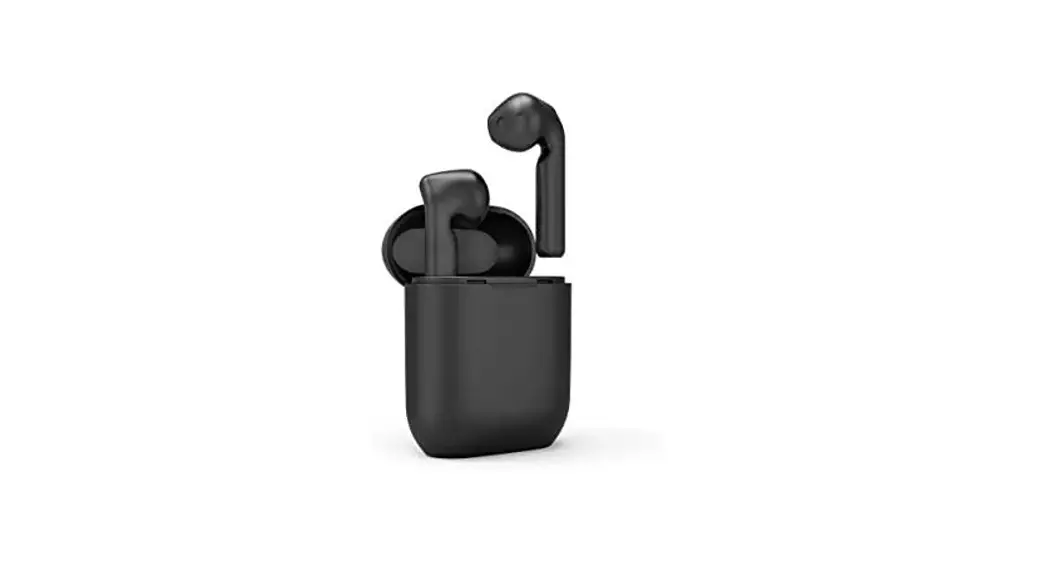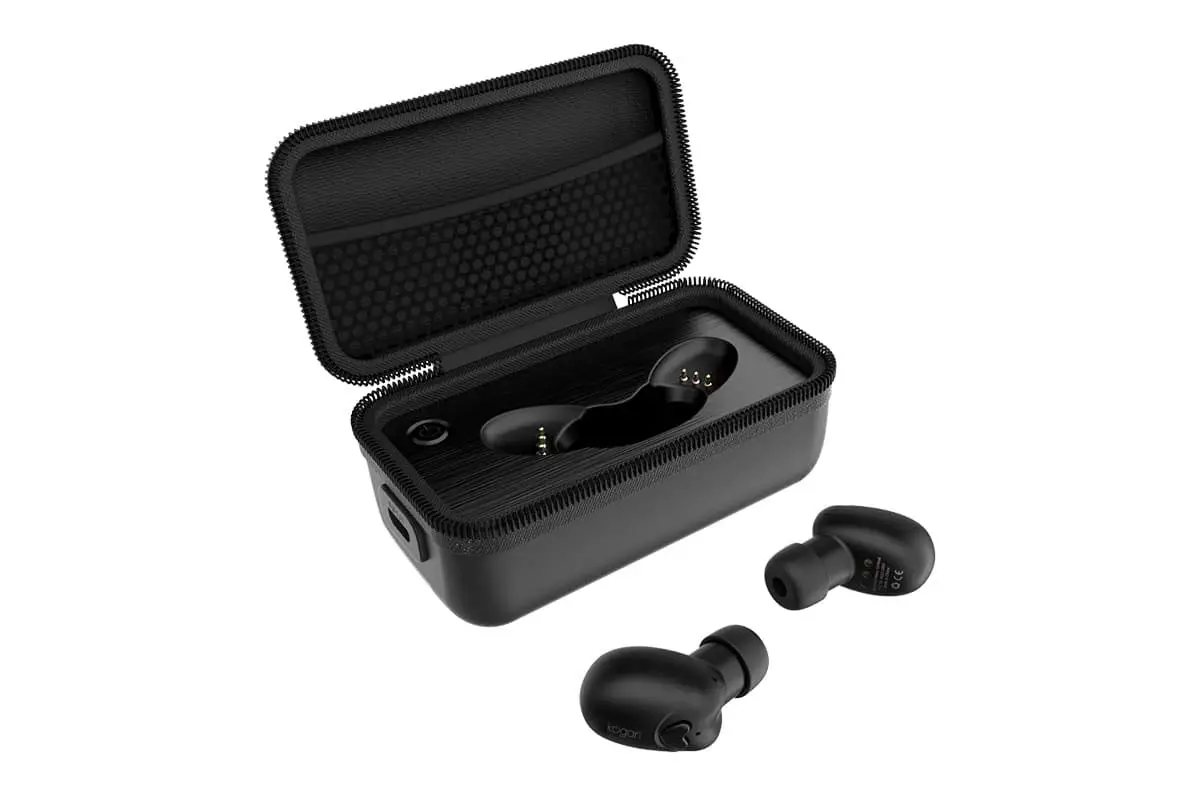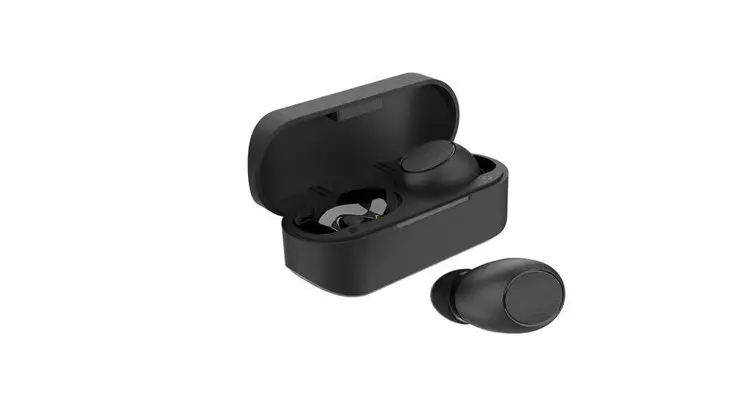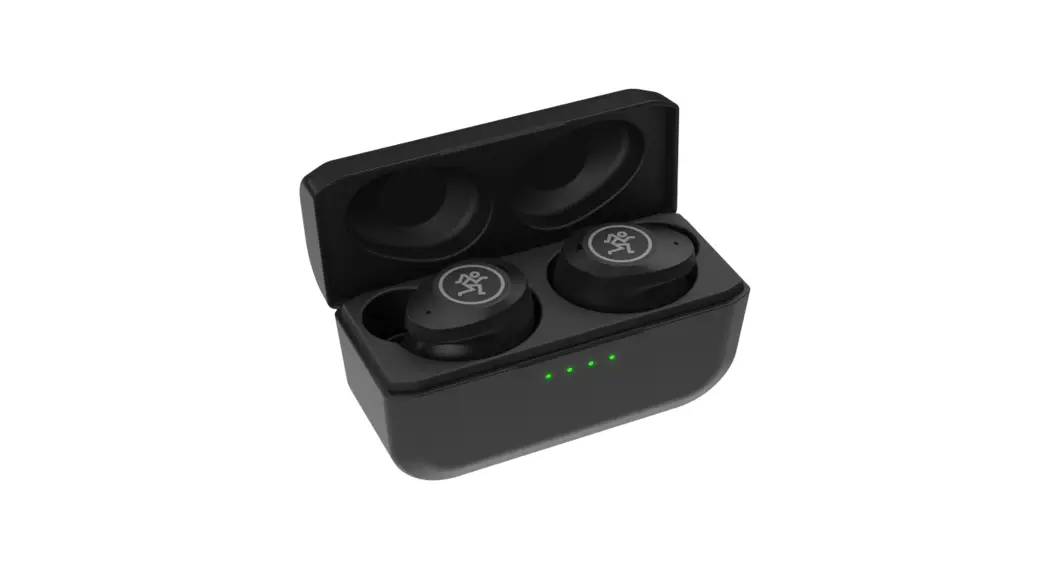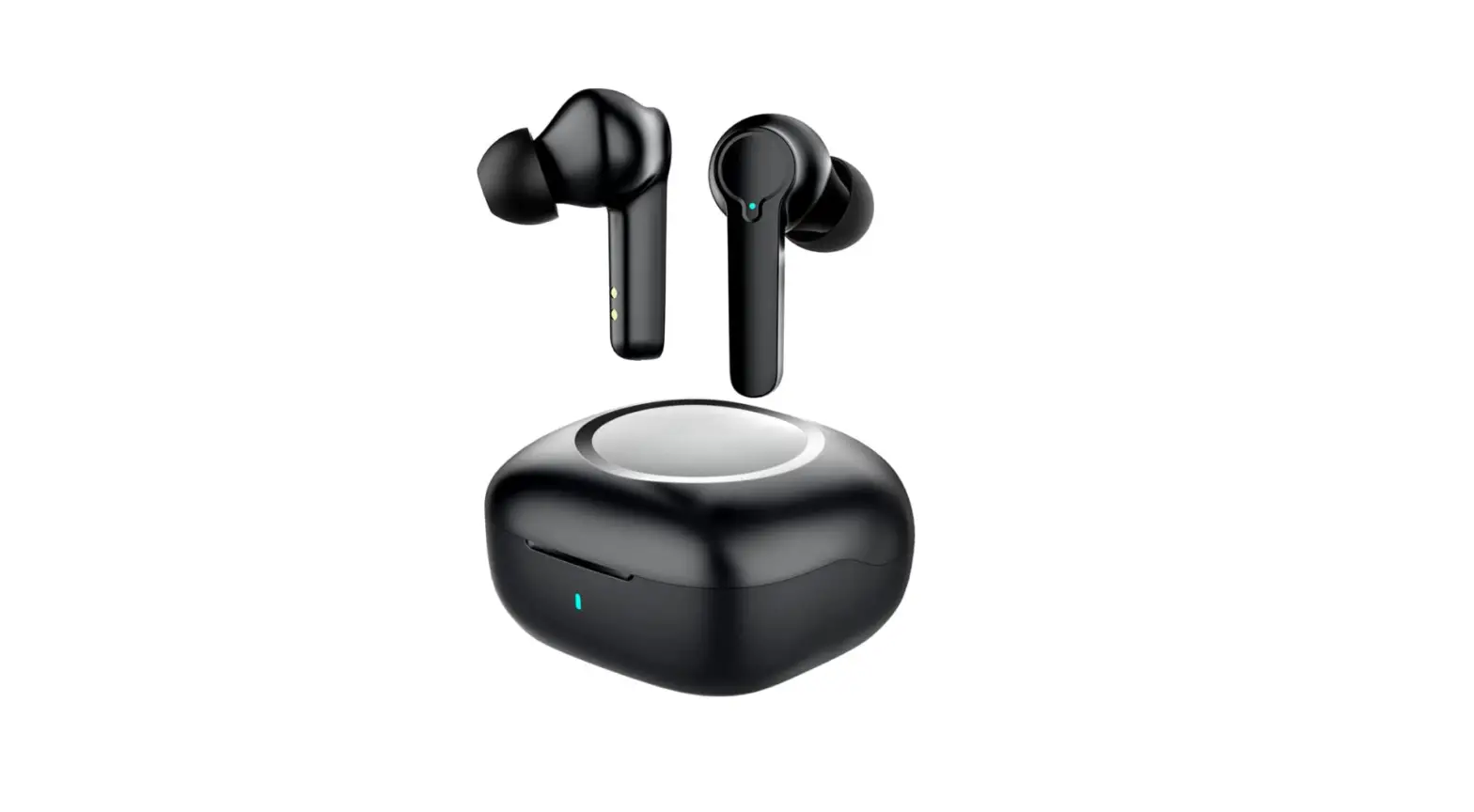
kogan KATWST8PMEA T8 Pro Dual Driver True Wireless Earbuds
SAFETY & WARNINGS
User Safety Instructions
- To avoid possible hearing damage, keep the volume at a moderate level.
- Avoid listening to music at high volume levels for prolonged periods of time, as this may cause permanent hearing damage and possible hearing loss.
- Always be aware of your surroundings and avoid using the earbuds while driving, cycling, running or jogging or when doing any activity which requires your attention and ability to hear.
Product Safety Warning
- For best results and long battery life, disconnect the USB cable after charging is complete.
- Ensure you use an AC adaptor with a max output voltage and current of 5V/1A. If the output voltage and current of the charger exceeds the recommended power, it may cause severe damage to the product.
- Use the supplied charging cable for charging the carry case.
- The earbuds and the carry case should be charged at least once every 6 months.
- This product should always be stored in a cool and dry environment.
- The battery is designed to last the entire lifecycle of the product. It should only ever be removed for recycling. Any attempt to remove or replace the batteries will damage the product.
COMPONENTS
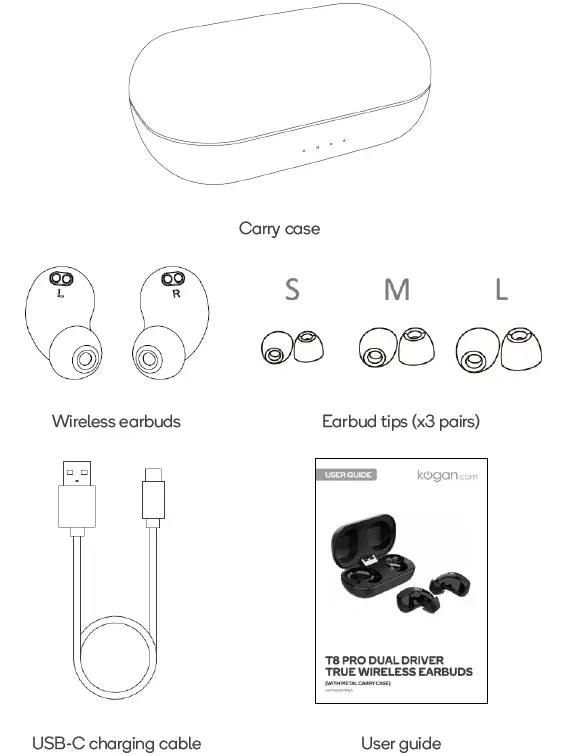
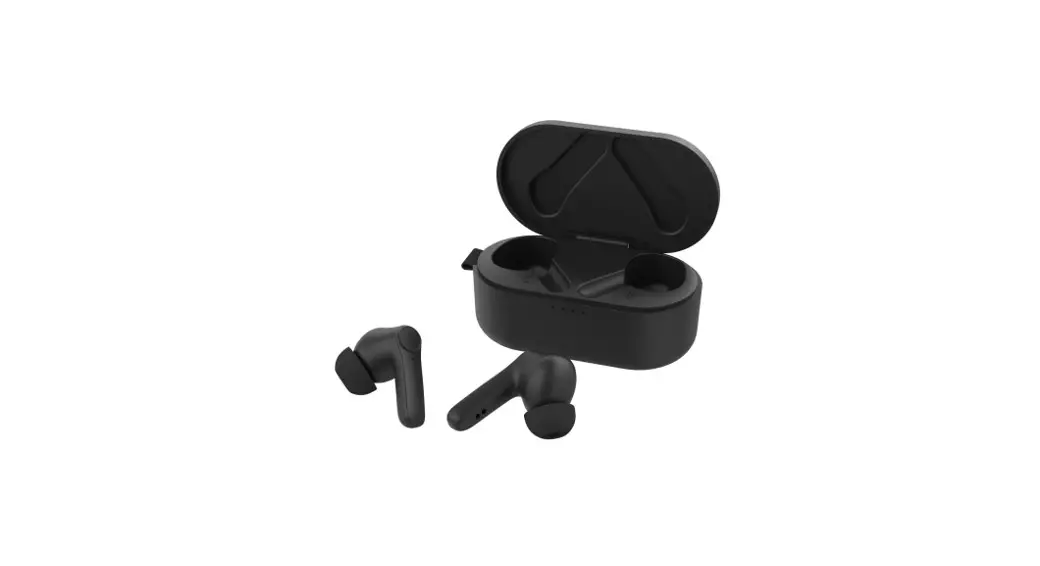
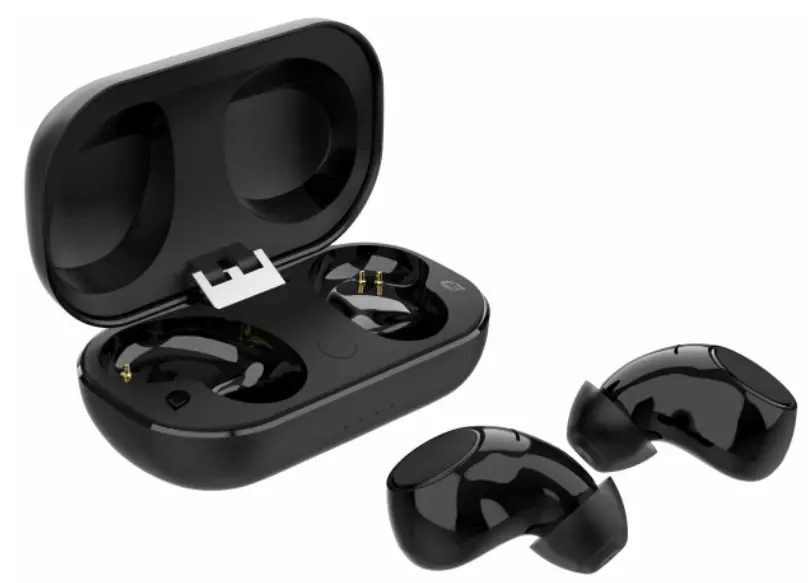
OVERVIEW
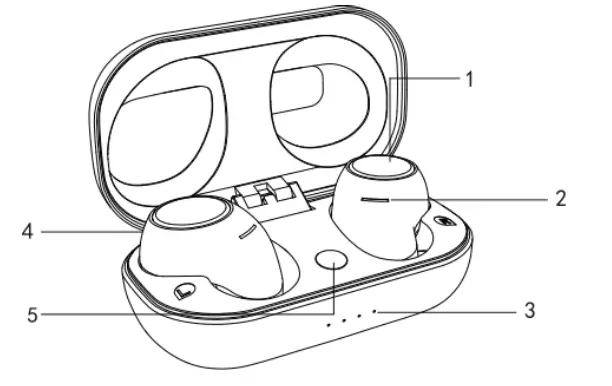
- Multi-function button (MFB)
- Microphone
- Battery indicator
- Charging pocket
- Battery level button
OPERATION
Charging the Earbuds
- Place both earbuds into the carry case
- Full charge requires approximately 1.5 hours.
Charging the Carry Case
- Plug the supplied USB-C cable into the carry case.
- Plug the cable into a power adapter (mobile phone charger).
Note: Ensure the power adapter has a max output voltage and current of 5V/1A. - Full charge requires approximately 2 hours.
- The four battery indicators will be solid when charging is complete.
Power On/Off
- To power on the earbuds, remove them from the carry case. The earbuds will automatically turn on (if they are charged).
- To power off the earbuds replace the earbuds back in the carry case.
Pairing the Earbuds Together
- Ensure that the earbuds are charged.
- Remove both earbuds from the carry case, earbuds will turn on and enter pairing mode.
- After a few seconds, if the earbuds have successfully paired to each other, you will hear the voice prompt “pairing”. This will normally take 3-8 seconds.
- If the earbuds do not connect to each other, return them both to the carry case, wait few seconds and the follow the above procedure again.
Bluetooth Pairing and Connectivity
Once the earbuds have successful been paired together, they are ready to pair with your Bluetooth enabled device.
- Turn on the Bluetooth searching function on your device and search for T8 Pro in the Bluetooth menu.
- Select T8 Pro. You will hear a prompt tone when pairing is successful.
- Once the connection is successful, you can start using your earbuds.
- To disconnect, place the earbuds back in the carry case and they will automatically disconnect from any paired device.
- To reconnect the earbuds to the same device, remove the earbuds from the carry case and the earbuds will automatically connect (ensure your device has Bluetooth enabled).
- To stop the earbuds automatically connecting to a device, delete the T8 Pro earbuds from the Bluetooth menu of that device.
To use the earbuds for phone calls, music and audio from your device, ensure that connection for both calls and media files is activated in the Bluetooth menu of your device.
Wearing the Earbuds
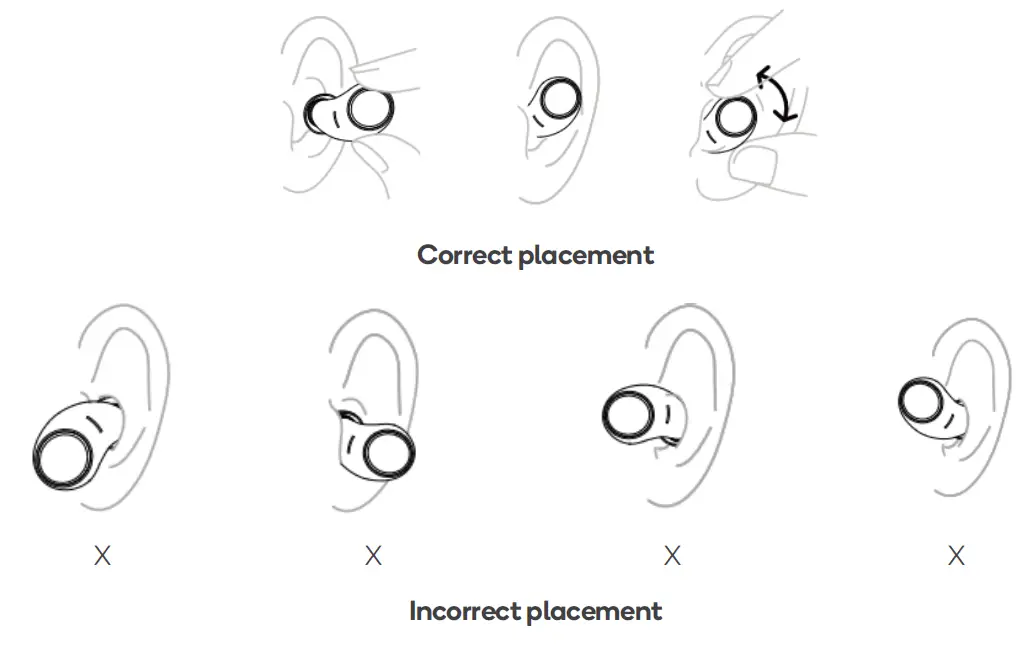
Select the appropriate size earbud tip and attach it to the wireless earbuds.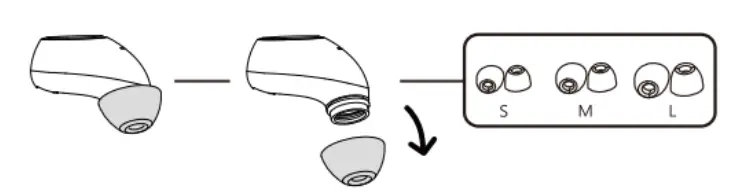
- Insert the earbud into your ear while rotating slightly until they fit snug.
- Adjust the earbuds so that they are secure, even when your head moves.
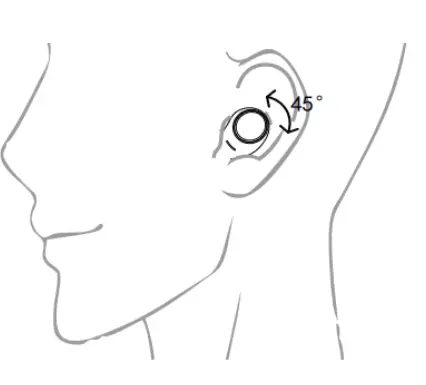
Refer to the images below for correct placement of earbuds.
| Function | Left earbud (L) | Right earbud (R) |
| Play/Pause | Touch once | Touch once |
| Previous Song | Touch twice | |
| Next Song | Touch twice | |
| Volume + | Touch and hold | |
| Volume – | Touch and hold | |
| Answer/end a call | Touch once | Touch once |
| Reject call | Touch and hold for 2 seconds | Touch and hold for 2 seconds |
| Voice assistant | Touch three times |
Power Save Mode
To conserve battery life, the earbuds will automatically turn off after 5 minutes if they are not connected to a device.
Low Battery
When they battery level is below 3% you will hear the voice prompt ‘Battery low’. The message will repeat every 20 seconds. After 5 minutes the earbuds will power off automatically.
The earbuds will need to be placed in the carry case to recharge before continuing use.
Resetting the Earbuds
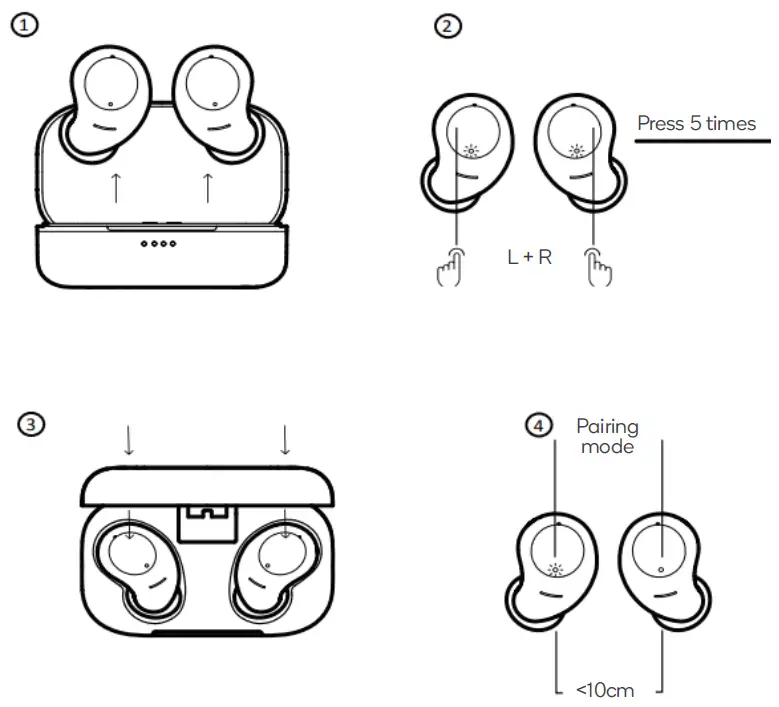
- To reset back to factory settings, remove both earbuds from the carry case.
- Tap the MFB on both earbuds 5 times.
- Replace the earbuds back into the carry case.
- The earbuds can now be paired together and connected to a Bluetooth device.
SPECIFICATIONS
Bluetooth version: 5.2
Bluetooth chipset: QUALCOMM QCC3040
Speaker diameter: Ø8mm (dynamic driver + armature driver)
Charging port: USB-C
Weight
Earbuds: 4.6g each
Carry case: 55g
Battery : Lithium-ion Polymer rechargeable battery
Earbuds: 50mAh (each)
Carry case: 210mAh
Charging time
Earbuds: 1.5 hours
Carry case: 2 hours
Operating capacity
Earbuds: Approx. 7 hours @70% volume
Carry case: Approx. x2 earbud charging cycles
TROUBLESHOOTING
| Problem | Reason | Solutions |
| · Does not power on · Does not respond | Battery is low | Charge the earbuds for 2 – 3 hours and reset the earbuds |
| No sound after pairing | Incorrect pairing | Pair the earbuds again or reset the earbuds |
| Turns off automatically | Battery is low | Charge the earbuds for 2-3 hours |
| Failing to charge | Error with power supply | Perform a hardware reset |
| No light on the case during charging | Error with power supply | Check the charging cable is plugged in and ensure that the outlet switch is on. |
| Hearing an echo | Volume is too loud or the environment is too noisy | Adjust the volume or change your location |
| · Noise in-call · Sound occasionally drops | Noisy environment or distance between earbuds and device is too far | Change your location or bring your earbuds and device closer together |
| Sound is too low | Low volume | Increase the volume |
| · Pairing unsuccessful · Only one side has sound · Cannot find the pairing name on the device · Mono pairing unsuccessful |
Incorrect pairing |
Reset and reconnect the earbuds |
| Earbuds don’t power on when removing from the carry case | Carry case has low battery power | Charge the earbuds and the carry case for 2-3 hours |

Need more information?
We hope that this user guide has given you the assistance needed for a simple set-up.
For the most up-to-date guide for your product,
as well as any additional assistance you may require, head online to help.kogan.com