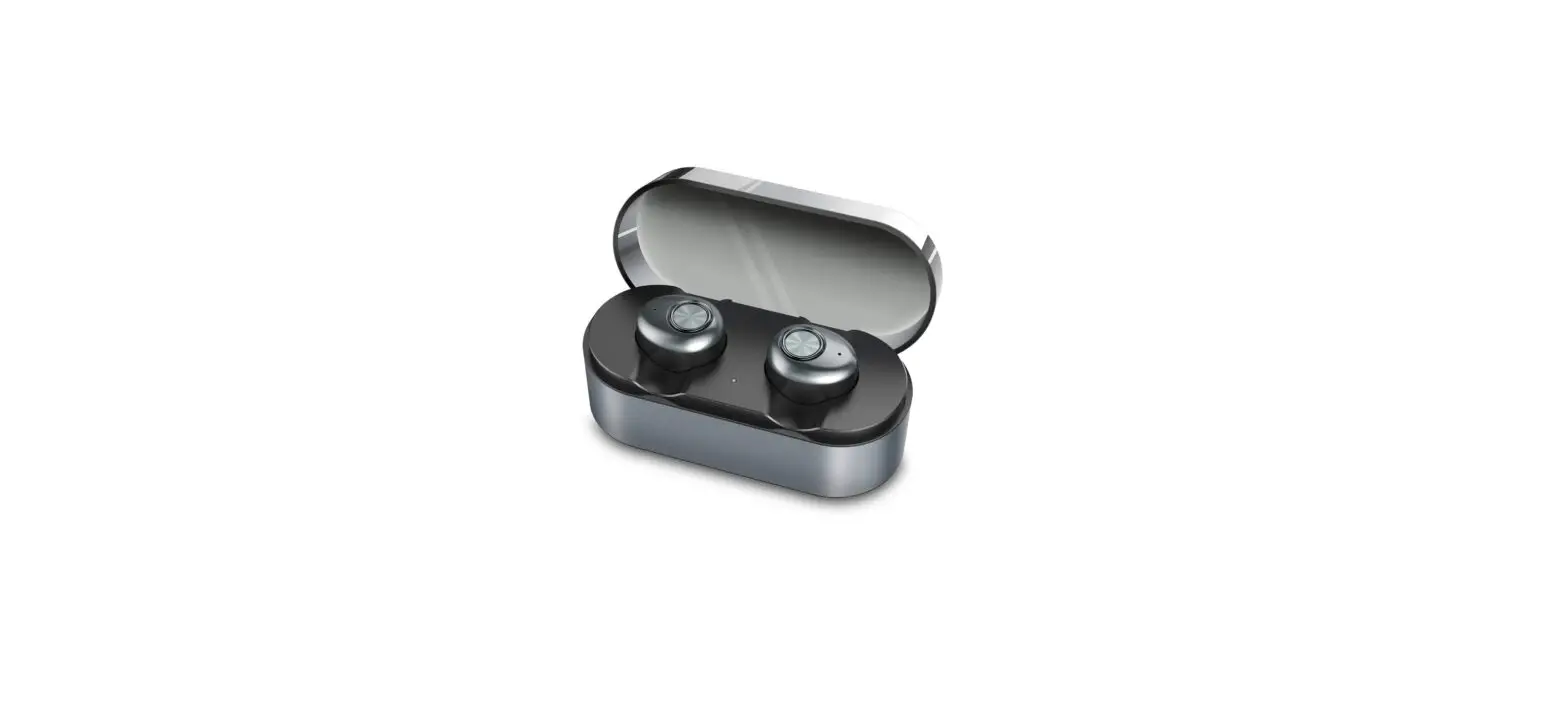
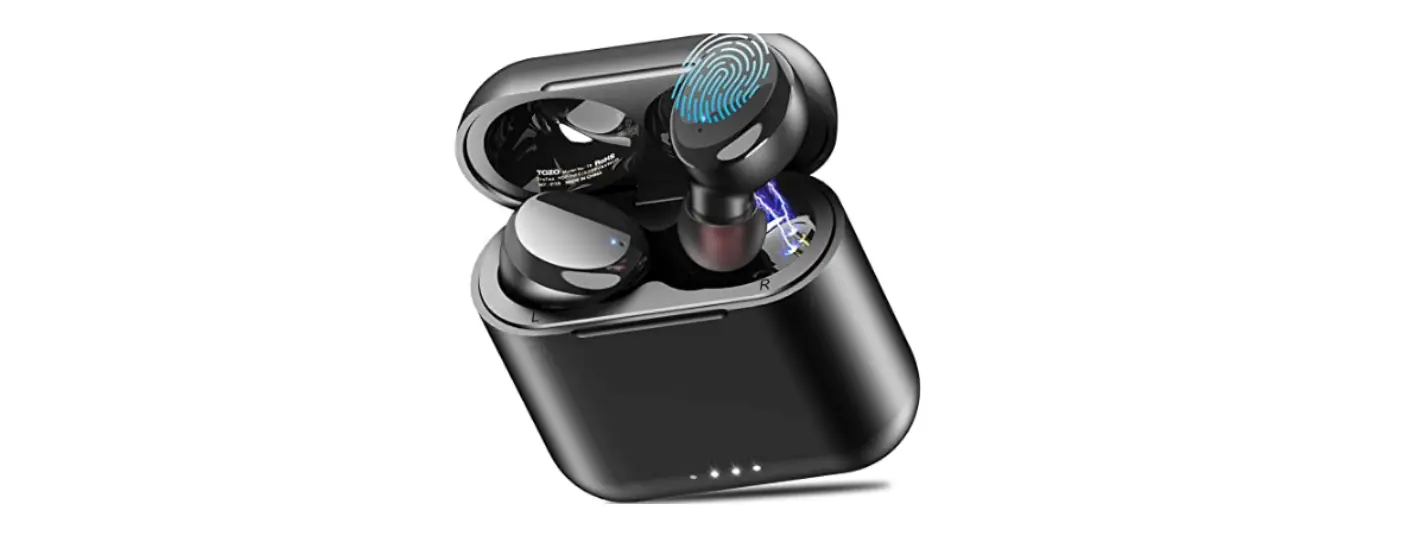
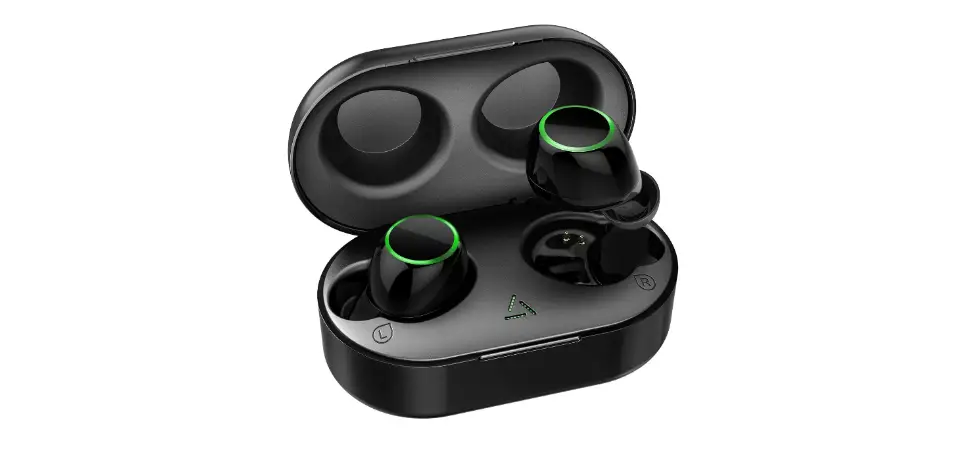
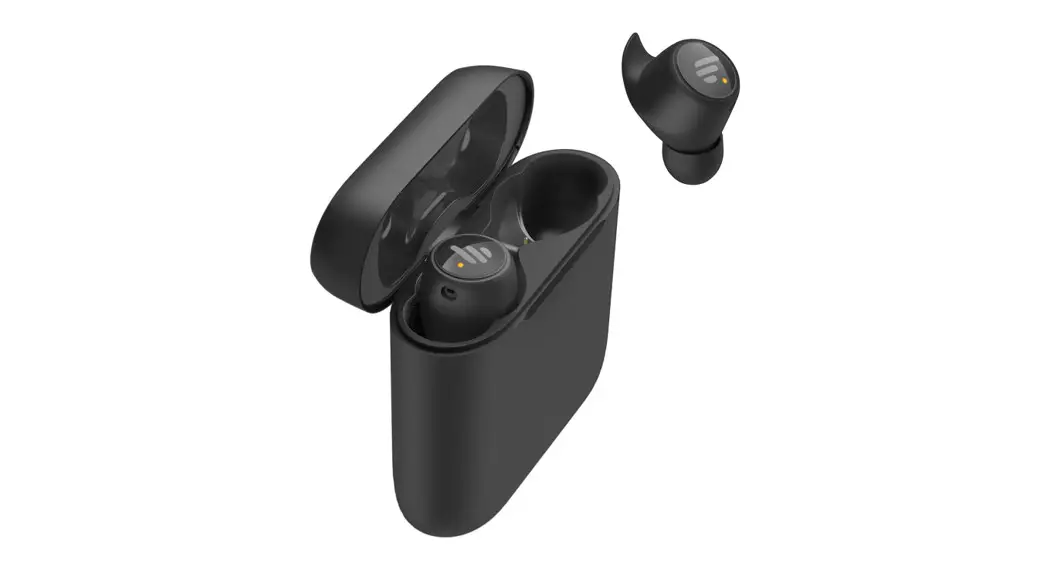
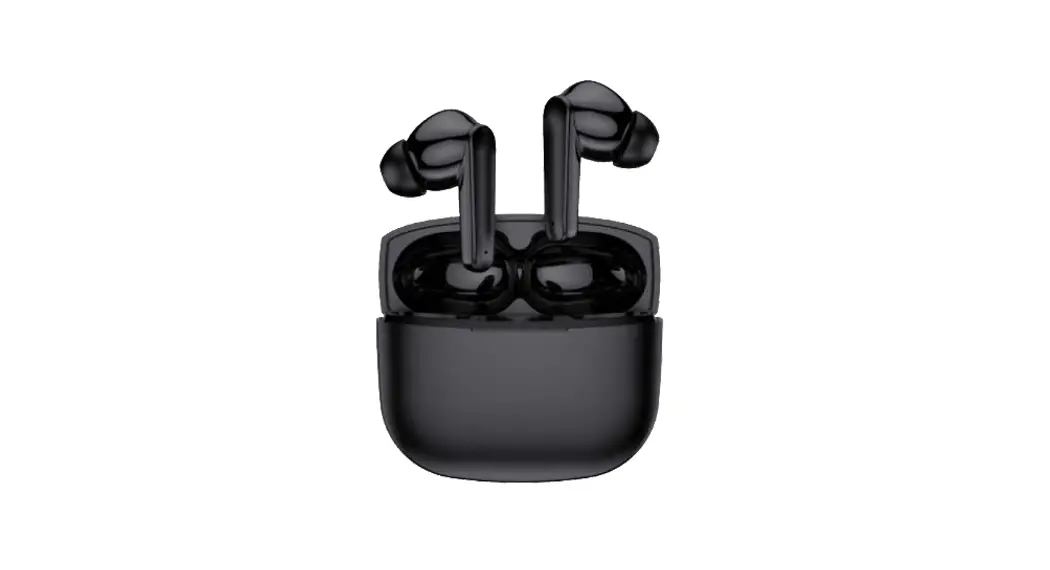
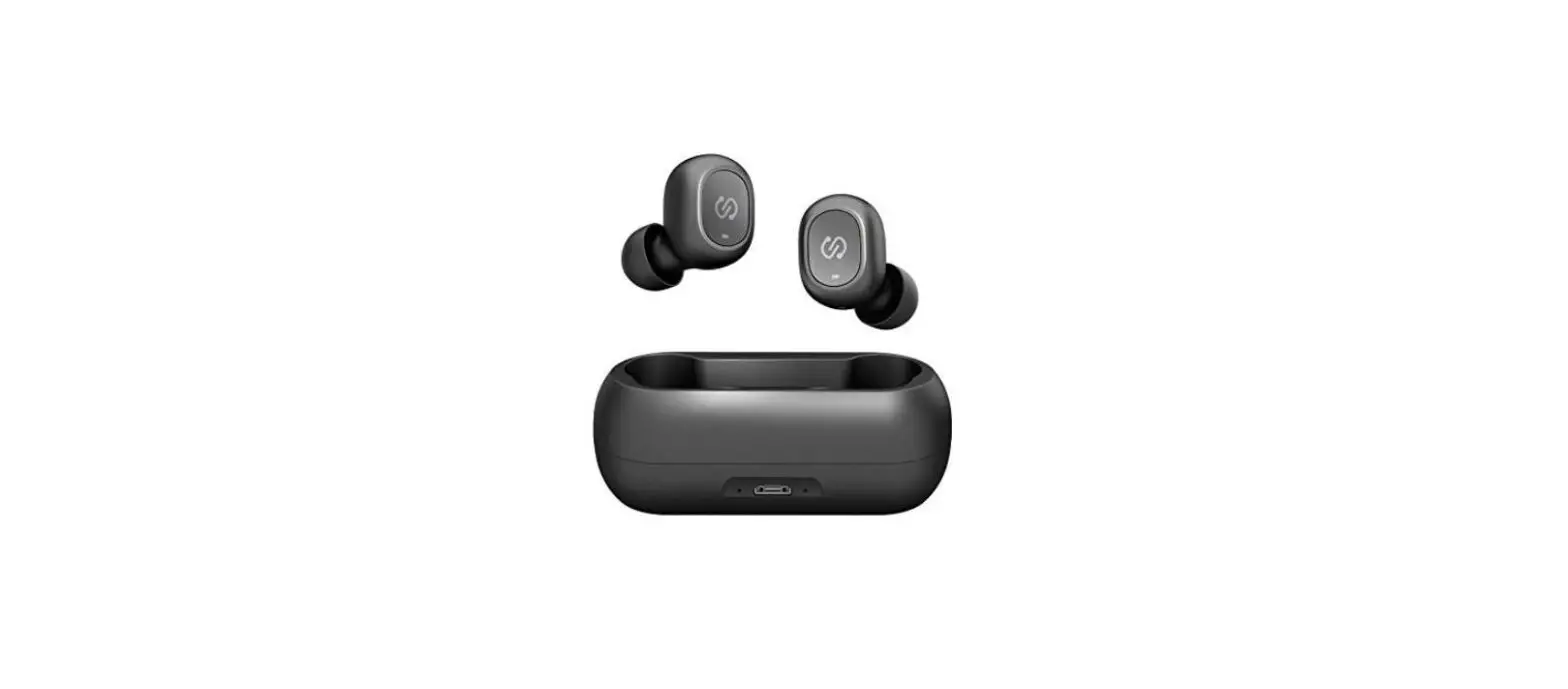
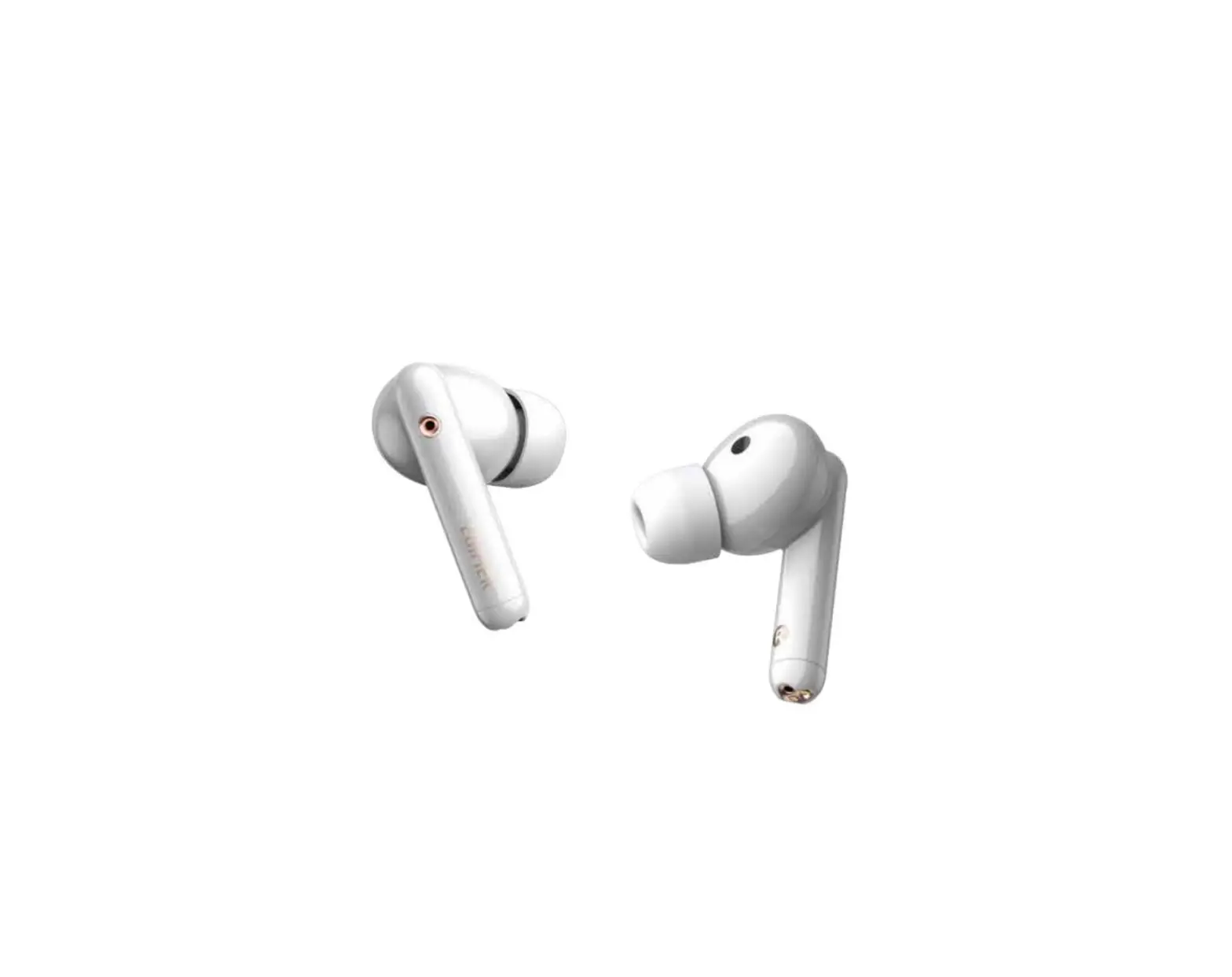
RT62 True Wireless Earbuds
True Wireless Earbuds User Guide
The True Wireless Earbuds are designed to provide a high-quality
audio experience while being easy to use and convenient to carry
around. The following instructions will guide you on how to use the
earbuds effectively.
Turning On Your Earbuds
You can turn on your earbuds using either of the following
methods:
- Method 1: Remove your earbuds from the
charging case. - Method 2: If the earbuds are not inside the
charging case or are turned off, touch and hold the RIGHT or LEFT
earbud for 4 seconds until the blue LEDs flicker and you hear
battery percentage.
Turning Off Your Earbuds
You can turn off your earbuds using either of the following
methods:
- Method 1: Place your earbuds back in the
charging case. - Method 2: Touch and hold your earbuds for 5
seconds until you hear Power OFF.
Bluetooth Pairing Instructions
To pair your earbuds with your device using Bluetooth, follow
these steps:
- Remove both earbuds from the charging case. They will auto-pair
to each other. - Keep the earbuds within 10m of your smart device (for Bluetooth
pairing only). - Enable your device’s Bluetooth function from its Settings
menu. - Select RT62 from the Bluetooth device list to pair the earbuds
to your device. - Once paired, you will hear Device Connected. Your RT62 earbuds
are now ready to use!
Single Earbud Usage
Each earbud can be used independently.
Calling/Music
- Answer/End Calls: Touch the RIGHT or LEFT
earbud 2 times. - Rejecting a Call: Touch and hold the RIGHT or
LEFT earbud for 2 seconds or until you hear a prompt sound. - Play/Pause: Touch the RIGHT or LEFT earbud 2
times. - Next Song: Touch the RIGHT earbud 3
times. - Rewind/Previous Song: Touch the LEFT earbud 3
times. - Voice Assistant: Touch and hold the RIGHT or
LEFT earbud for 2 seconds or until you hear a prompt sound to
activate the Voice Assistant/Siri function. This function may not
work for all devices.
Charging
Make sure to fully charge the earbuds prior to the first
use.
Charging the Case
To charge the case, plug the standard USB-C charging cable into
the port on the case, and connect the USB head to a USB power
source, such as an AC wall adapter or a computer. The LED indicator
will flash green while the case is charging. Once the case is fully
charged, the LED will illuminate solid green.
Charging the Earbuds
When the earbuds are low in power, you will hear Battery Low.
Place the earbuds into their respective slots in the charging case.
They will automatically begin to charge. The LEDs will turn solid
red while charging. The LED on the bottom of the case will turn
white then turn off after 4 seconds. Once the earbuds are fully
charged, the LEDs on the earbuds will turn off.
Important Safeguards
Please follow these important safeguards while using the True
Wireless Earbuds:
- Do not use this unit for anything other than its intended
use. - Keep the unit away from heat sources, direct sunlight,
humidity, water, or any other liquid. - Do not expose the device to extremely high or low temperatures,
as it may damage the battery. - Do not operate the unit if it has been wet or moist to prevent
against electric shock and/or injury to yourself and damage to the
unit. - Do not use this unit if it has been dropped or damaged in any
way. - Repairs to electrical equipment should only be performed by a
qualified electrician. Improper repairs may place the user at
serious risk. - Keep this unit out of reach of children. This unit is not a
toy.
This device complies with Part 15 of the FCC Rules. Operation is
subject to the following two conditions: (1) this device may not
cause harmful interference, and (2) this device must accept any
interference received, including interference that may cause
undesired operation.
TRUE WIRELESS EARBUDS
USER GUIDE
TURNING ON YOUR EARBUDS METHOD 1: Remove your earbuds from the charging case. METHOD 2: If the earbuds are not inside the charging case or are turned off, touch and hold the RIGHT or LEFT earbud for 4 seconds until the blue LEDs flicker and you hear battery percentage. TURNING OFF YOUR EARBUDS METHOD 1: Place your earbuds back in the charging case. METHOD 2: Touch and hold your earbuds for 5 seconds until you hear “Power OFF.”
BLUETOOTH PAIRING INSTRUCTIONS FIRST: Remove both earbuds from the charging case. They will auto-pair to each other. SECOND: Keep the earbuds within 10m of your smart device (for Bluetooth pairing only). Enable your device’s Bluetooth function from its Settings menu. Select “RT62” from the Bluetooth device list to pair the earbuds to your device. Once paired, you will hear “Device Connected.” Your RT62 earbuds are now ready to use! SINGLE EARBUD USAGE Each earbud can be used independently.
CALLING/MUSIC ANSWER/END CALLS Touch the RIGHT or LEFT earbud 2 times. REJECTING A CALL Touch and hold the RIGHT or LEFT earbud for 2 seconds or until you hear a prompt sound.
PLAY/PAUSE Touch the RIGHT or LEFT earbud 2 times.
NEXT SONG Touch the RIGHT earbud 3 times.
REWIND/PREVIOUS SONG Touch the LEFT earbud 3 times.
VOICE ASSISTANT Touch and hold the RIGHT or LEFT earbud for 2 seconds or until you hear a prompt sound to active the Voice Assistant/Siri function. This function may not work for all devices.
CHARGING THE RT62 Make sure to fully charge the earbuds prior to the first use.
CHARGING THE CASE Plug the standard USB-C charging cable into the port on the case, and connect the USB head to a USB power source, such as an AC wall adapter or a computer. The LED indicator will flash green while the case is charging. Once the case is fully charged, the LED will illuminate solid green.
CHARGING THE EARBUDS When the earbuds are low in power, you will hear “Battery Low.” Place the earbuds into their respective slots in the charging case. They will automatically begin to charge. The LEDs will turn solid red while charging. The LED on the bottom of the case will turn white then turn off after 4 seconds. Once the earbuds are fully charged, the LEDs on the earbuds will turn off.
IMPORTANT SAFEGUARDS Do not use this unit for anything other than its intended use. Keep the unit away from heat sources, direct sunlight, humidity, water or any other
liquid. Do not expose the device to extremely high or low temperatures, as it may damage the
battery. Do not operate the unit if it has been wet or moist to prevent against electric shock
and/or injury to yourself and damage to the unit. Do not use this unit if it has been dropped or damaged in any way. Repairs to electrical equipment should only be performed by a qualified electrician.
Improper repairs may place the user at serious risk. Keep this unit out of reach of children. This unit is not a toy.
SPECIFICATIONS Bluetooth Technology: Version 5.3 Battery (Earbuds): 35mAh (x2); 3.7V Battery (Charging Case): 500mAh; 3.7V Input Power Supply: 5V/0.4A Earbuds Charging Time: approx. 1.5 hr. Charging Case Time: approx. 2 hrs. Music Playback Time: approx. 6 hrs. Frequency: 20Hz 20KHz
This device complies with Part 15 of the FCC Rules. Operation is subject to the following two conditions: (1) this device may not cause harmful interference, and (2) this device must accept any interference received, including interference that may cause undesired operation.
Changes or modifications to this unit not expressly approved by the party responsible for compliance could void the user’s authority to operate the equipment.
NOTE: This equipment has been tested and found to comply with the limits for a Class B digital device, pursuant to Part 15 of the FCC Rules. These limits are designed to provide reasonable protection against harmful interference in a residential installation. This equipment generates uses and can radiate radio frequency energy and, if not installed and used in accordance with the instructions, may cause harmful interference to radio communications. However, there is no guarantee that interference will not occur in a particular installation. If this equipment does cause harmful interference to radio or television reception, which can be determined by turning the equipment off and on, the user is encouraged to try to correct the interference by one or more of the following measures:
— Reorient or relocate the receiving antenna. — Increase the separation between the equipment and receiver. — Connect the equipment into an outlet on a circuit different from that to which the receiver is connected. — Consult the dealer or an experienced radio/TV technician for help.
This device and its antenna(s) must not be co-located or operation in conjunction with any other antenna or transmitter.
Radiation Exposure Statement The device has been evaluated to meet general RF exposure requirement in portable exposure condition without restriction.