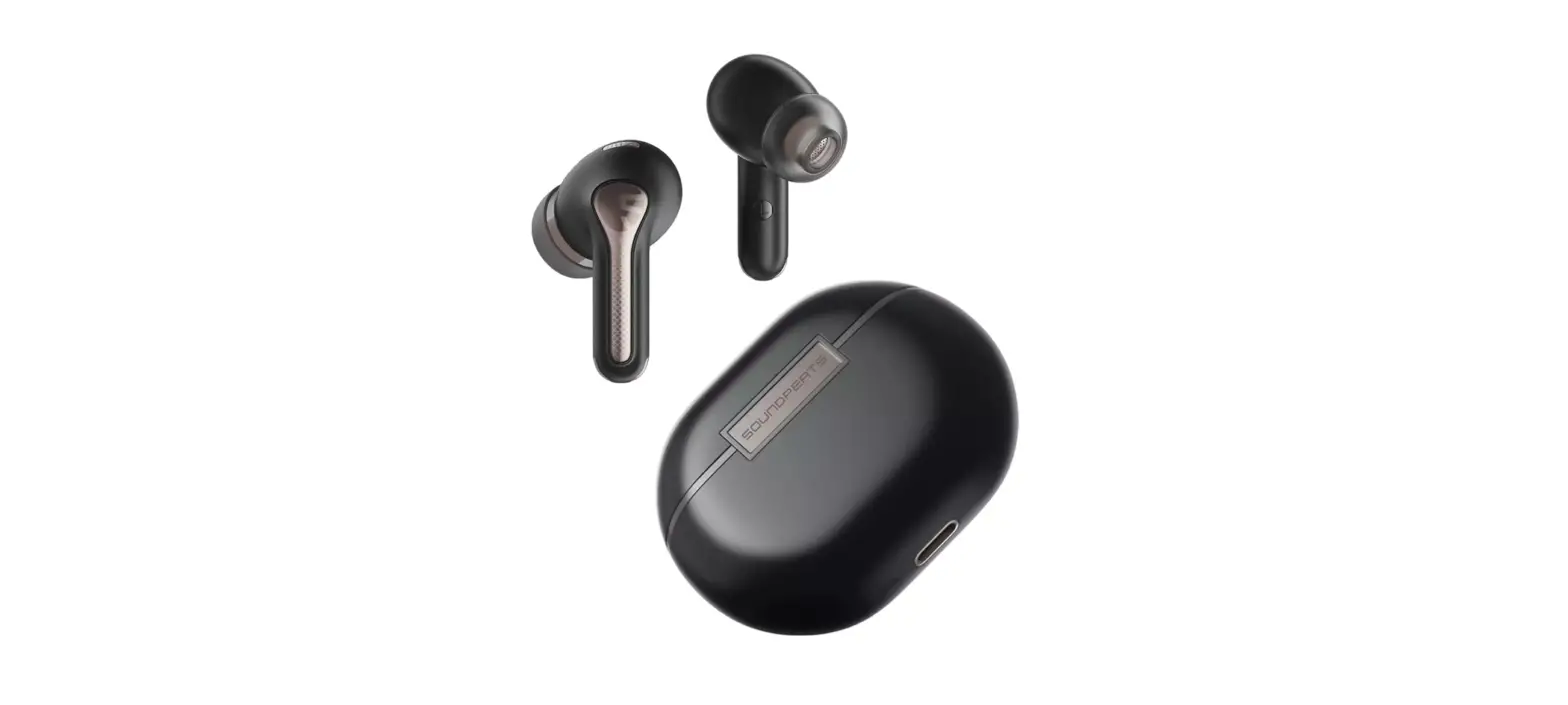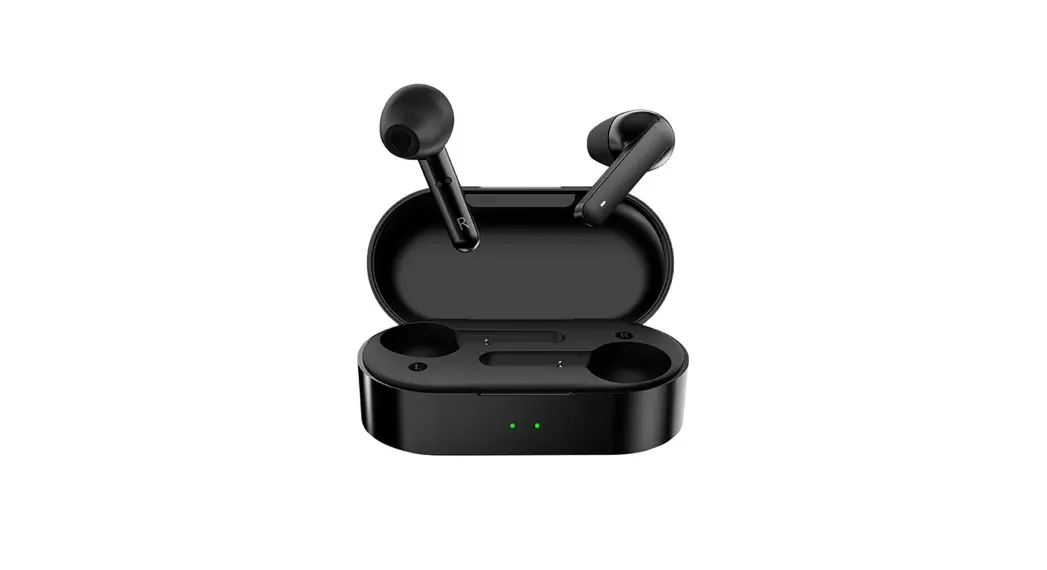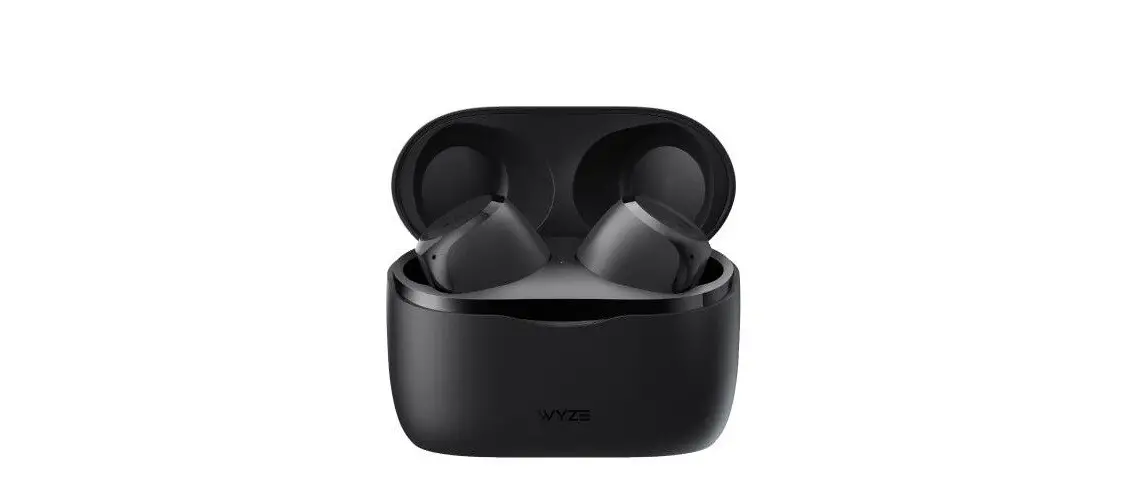
kogan KATWSWPRWHA W Pro True Wireless Earphones User Guide
SAFETY & WARNINGS
Read this user guide in full before operation. Retain this user guide for future reference.
User Safety Instructions
- To avoid any possible hearing damage, ensure volume is kept at a moderate level.
- Avoid listening to music at loud volume levels for prolonged periods, as this may cause permanent hearing damage or hearing loss.
- Be aware of your surroundings and do not use these earphones while driving, cycling, running or jogging, or when doing any activity which requires your attention and ability to hear.
Product Safety Warning
- For best results and long battery life, always disconnect the USB cable after charging is complete.
- Use an AC adaptor matching the max output voltage and current of the charging case (5V/1A). If the output voltage and current of the adaptor exceed the recommended power, it may cause severe damage to the product and void the product warranty.
- Charge the earphones and the charging case at least once every 6 months.
- Store in a cool and dry place, away from hot and humid conditions.
- The battery is designed to last the lifecycle of the product. It should only be removed by a recycling facility. Any attempt to remove or replace the batteries will damage the product and void the product warranty.
To reduce the risk of injury:
- Keep batteries out of reach of children.
- Do not heat, open or dispose of battery pack in fire.
- Do not allow metal objects to touch the battery on the device.
- Do not expose battery pack to excessive heat.
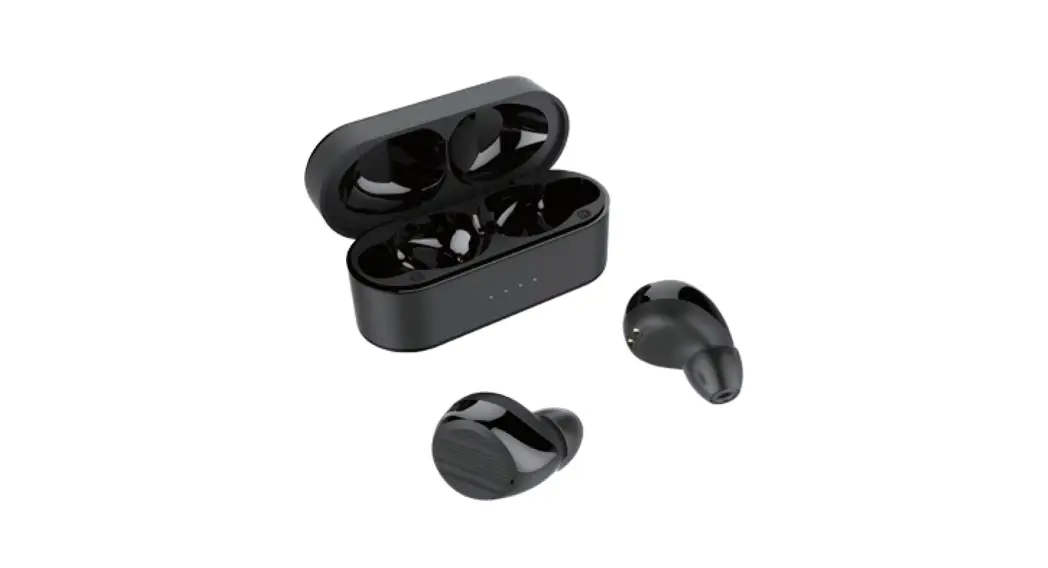
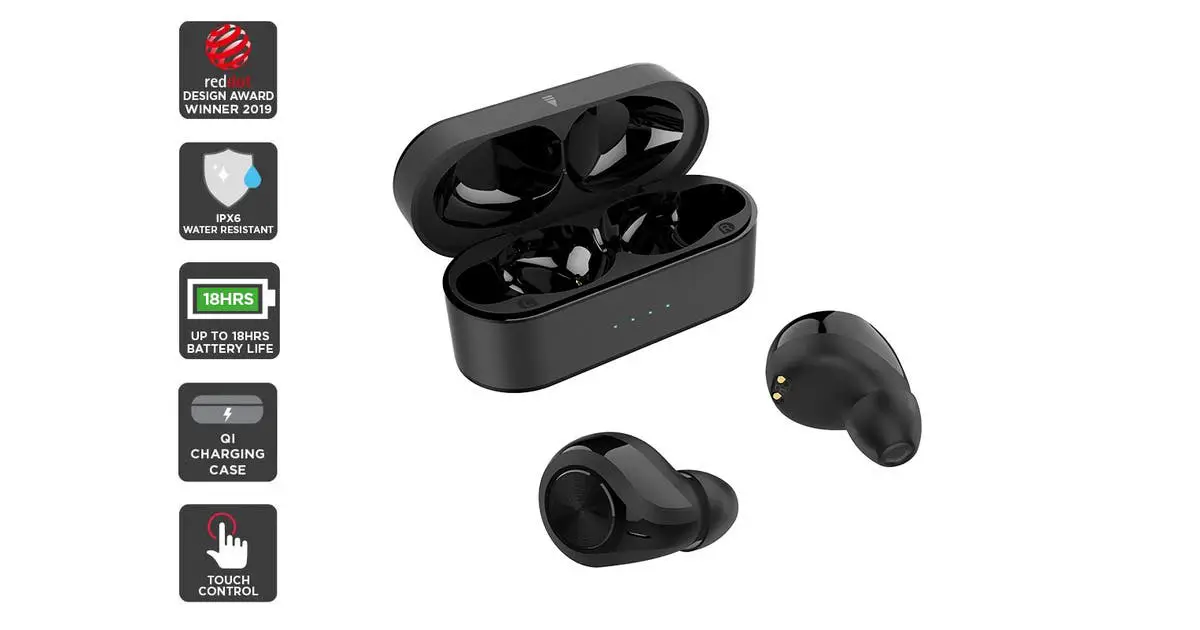
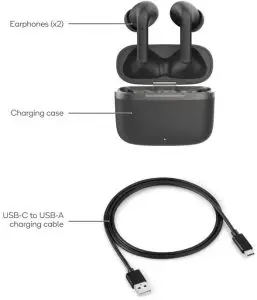
COMPONENTS
OPERATION
Note:
Ensure both the charging case and the earphones are fully charged before first use.
Pairing
- Auto Pairing
- Upon removing the earphones out of the charging case and then the earphones will automatically turn on, sync together and enter pairing mode.
- Syncing the earphones
- When earphones do not sync together or enter disconnected state during use, they may have to be manually synced.
- Turn off both earphones and turn back on.
- If that does not work, placing both earphones back into case, closing the charging case and then open the charging case again.
- While earphones are out of the charging case. Press and hold both earphones for 3 seconds. This will force the earphones to turn off and on again and sync with each other.
- Bluetooth pairing
- Once successfully synced, the earphones are ready to pair with your Bluetooth enabled device.
- Turn on the Bluetooth function on your device (computer, smartphone, etc) and search for the earphones in the Bluetooth menu.
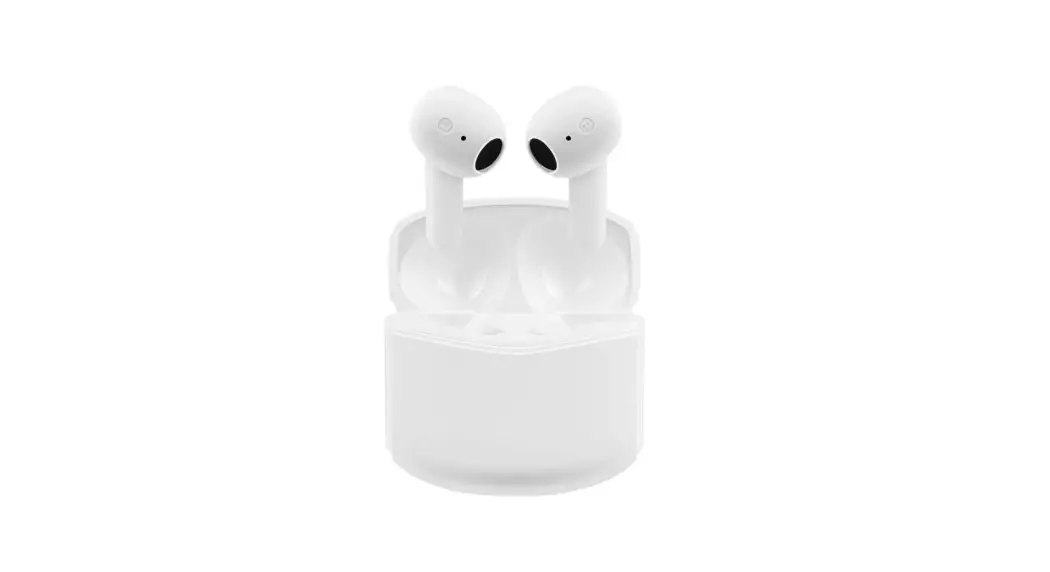
- White model will appear as “KATWSWPRWHA” in Bluetooth menu.
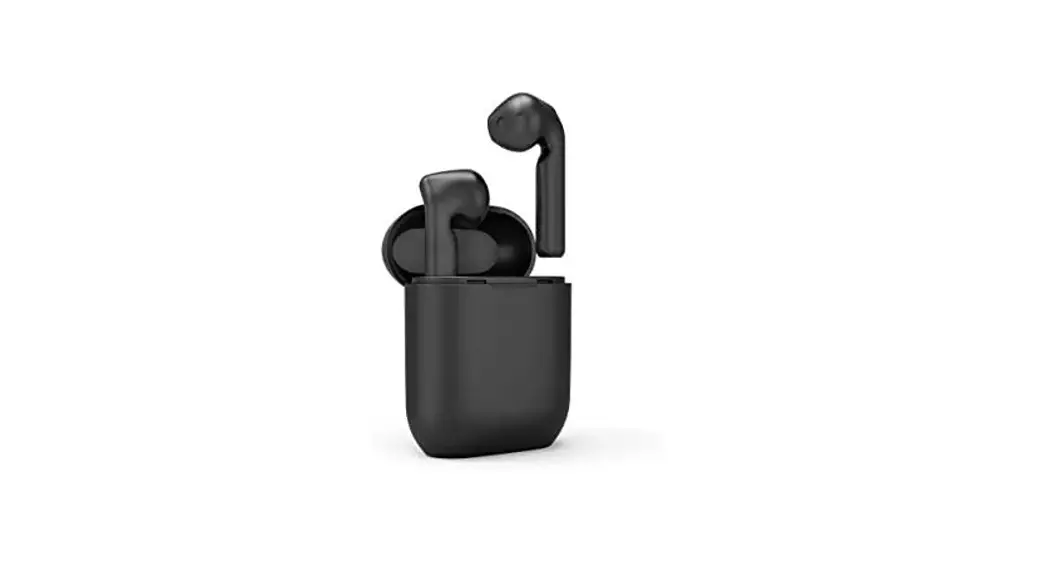
- Black model will appear as “KATWSWPRBKA” in Bluetooth menu.
- Select your model name, you will hear a prompt tone when pairing is successful.
- Once the connection is successful, you can start using the wireless earphones.
- To disconnect, simply put the earphones back in the charging case and the earphones will automatically disconnect from any paired devices.
- To reconnect the earphones with the same device, remove the earphones from the charging case and the earphones will automatically connect to your device. Ensure that the Bluetooth function on your device is turned on.
- To prevent the earphones from automatically connecting to a device, remove the earphones from the Bluetooth menu of that device.
- To enjoy calls, music and audio output from your device to the earphones, ensure that the media connection for both calls and media files is activated in the Bluetooth menu.
| Power on/off | Using charging case: |
| Take the earphones out of the charging case to turn on | |
| Put the earphones back to the charging case to turn off | |
| Without charging case: | |
| Long press 3 seconds to turn on | |
| Long press 5 seconds to turn off | |
| Play/Pause music | When listening to music: |
| Tap left/right earphones once to play or pause the music | |
| Previous/Next song | When listening to music: |
| Quick double tap left earphones to go to previous song | |
| Quick double taps right earphones to go to next song | |
| Modes | When taking the earphones out of the charging case, it is automatically in regular Bluetooth mode |
| Long press left or right earphones for 2 seconds to enter Transparent mode | |
| Long press left or right earphones for 2 seconds again to cycle to Noise reduction mode | |
| Long press left or right earphones for 2 seconds again to cycle to regular Bluetooth mode | |
| Incoming call | Tap left or right earphones once to answer the call |
| Quick double-tap left or right earphones to reject the call | |
| On a call | Tap left or right earphones to end the current call |
| Voice assistant | Quick tap left or right earphones 3 times to activate voice assistant |
| Charging function | Place earphones in the charging case to charge |
CHARGING
Charging the Earphones
- To charge the charging case, place them in the charging case. The charging case must have sufficient charge available for this.
- If the earphones do not charge, the charging case must be charged.
Charging the Case
- To charge the charging case, plug the USB Type-C cable into the charging port of the case and plug the USB end port to a powered USB AC adaptor or computer. Recommended power is DC 5V/1A.
- This device is also compatible with wireless charging pads. Place the case on the wireless charger to initiate charging.
SPECIFICATIONS
ANC chipset | Bluetrum 8892E |
| Earphones battery capacity | 40mAh |
Charging case battery capacity | 320mAh |
| Speaker impedance | 32Ω ± 15% |
Effective distance | 10M |
| Play time | Bluetooth on, ANC on: Up to 4.5 hours Bluetooth on, ANC off: Up to 5 hours |
Earphones charging time | About 1H |
| Charging case charging time | About 1.5H |
Need more information?
We hope that this user guide has given you the assistance needed for a simple set-up.
For the most up-to-date guide for your product, as well as any additional assistance you may require, head online to help.kogan.com