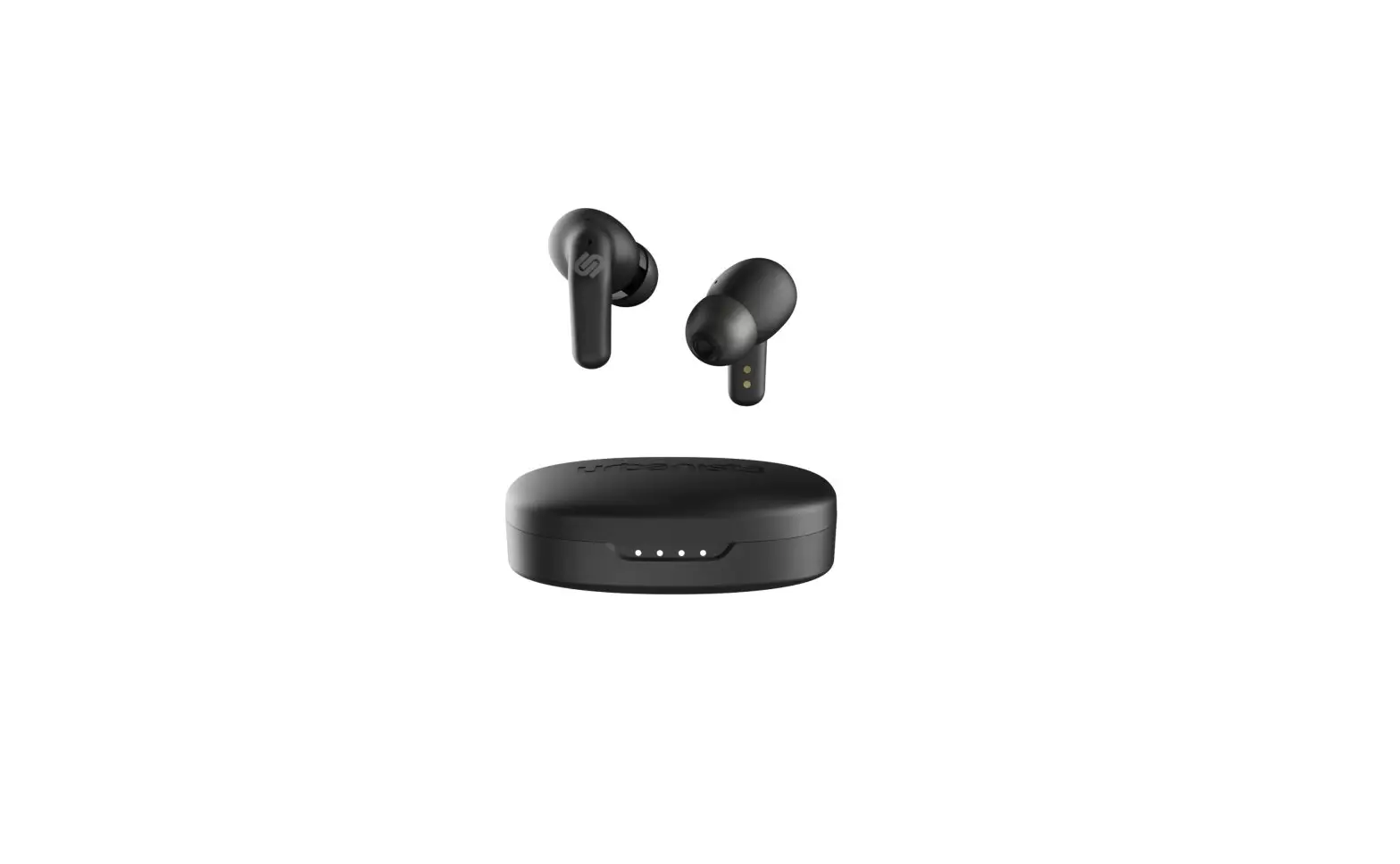

SEOUL
QUICKSTART GUIDE
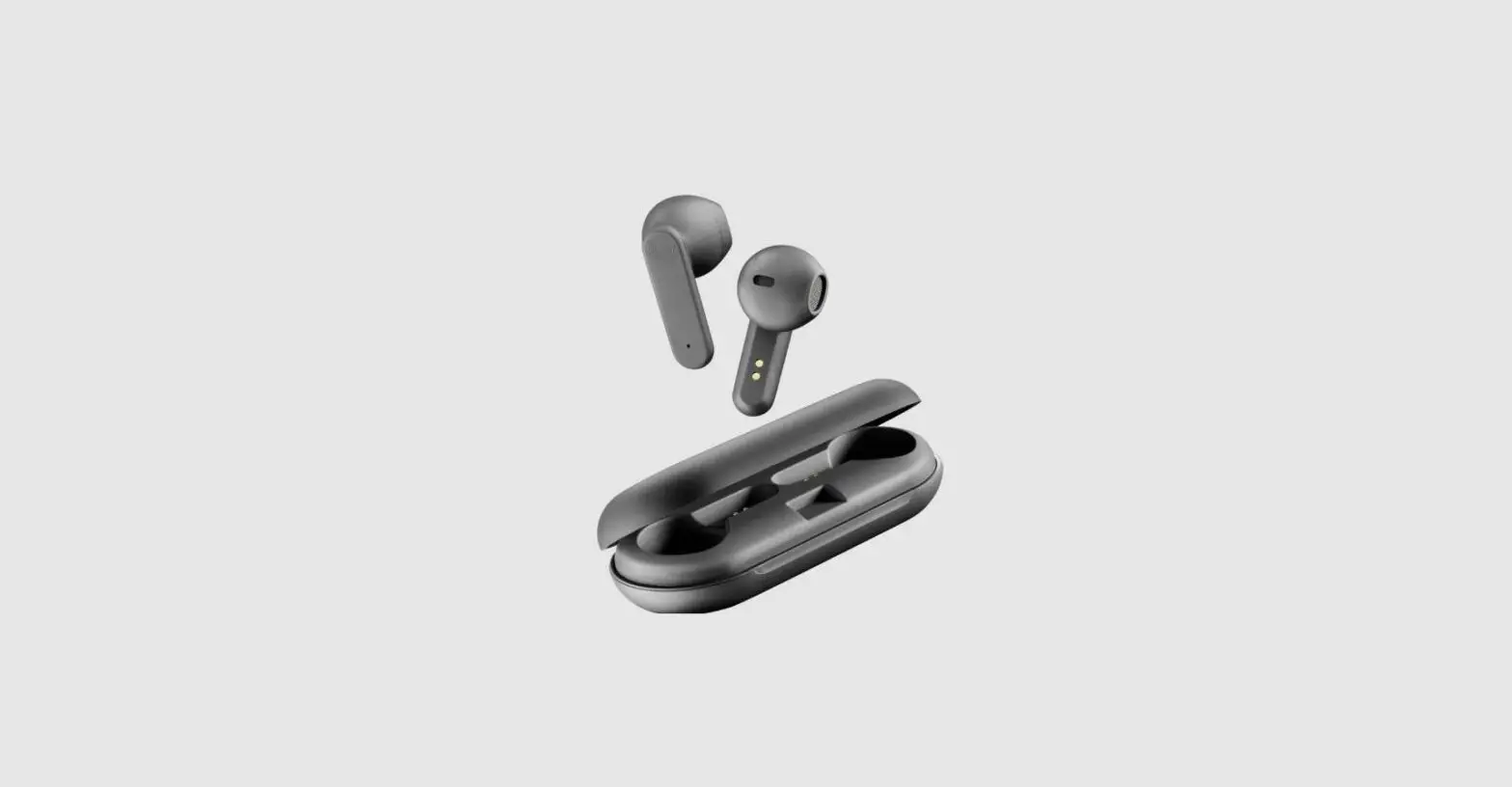
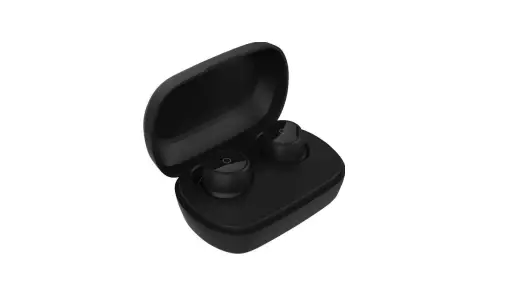
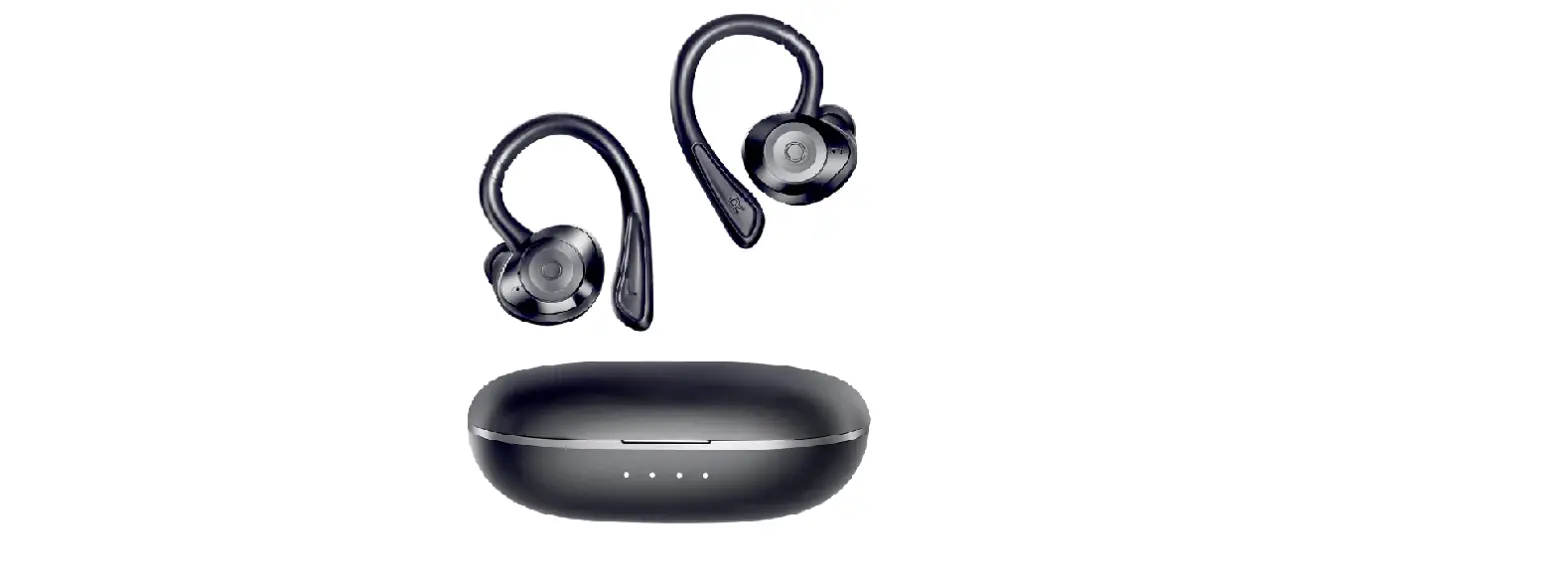
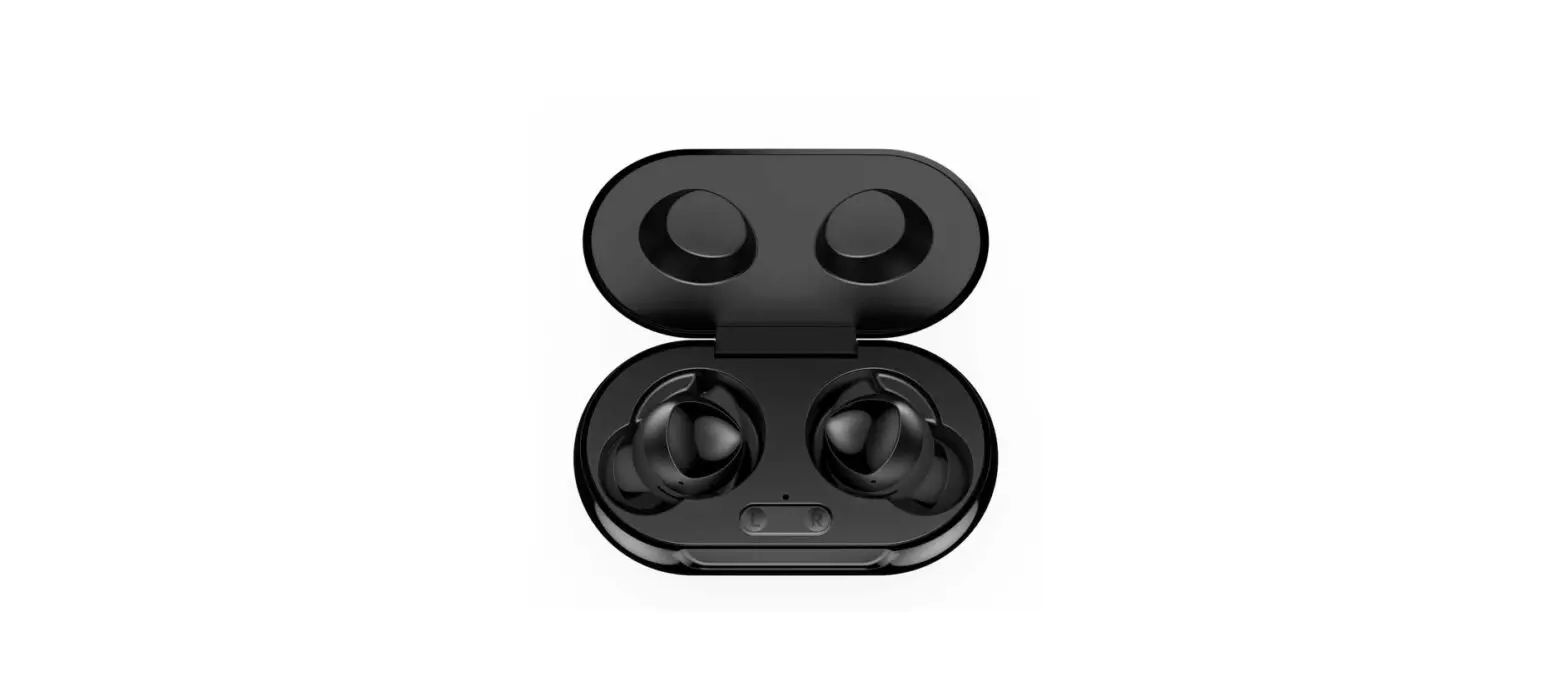
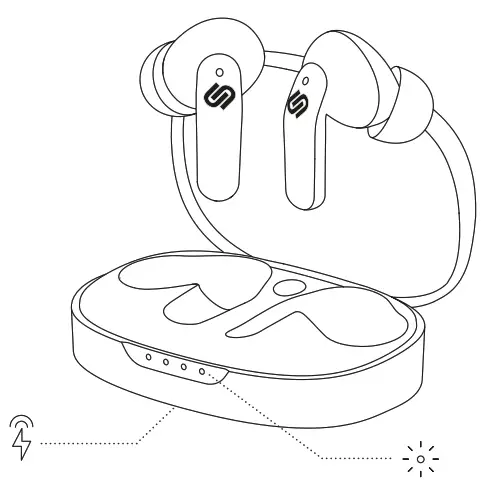
WIRELESS CHARGING CASE
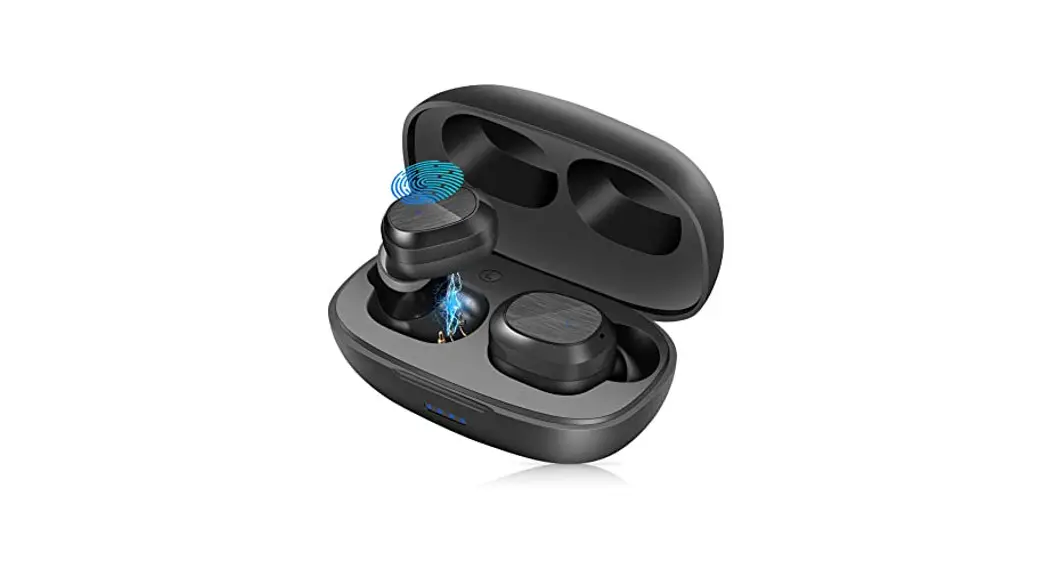
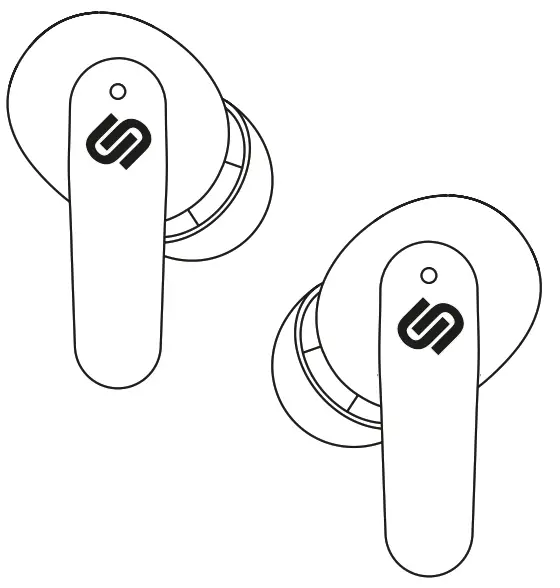
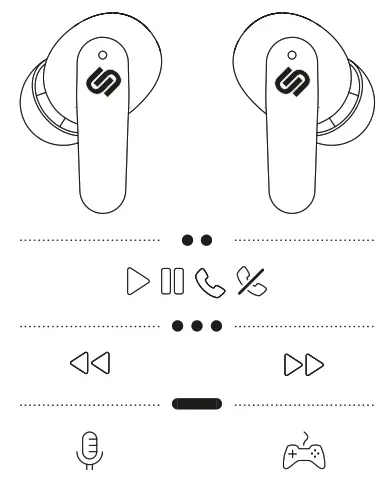
TOUCH CONTROLS
GETTING STARTED
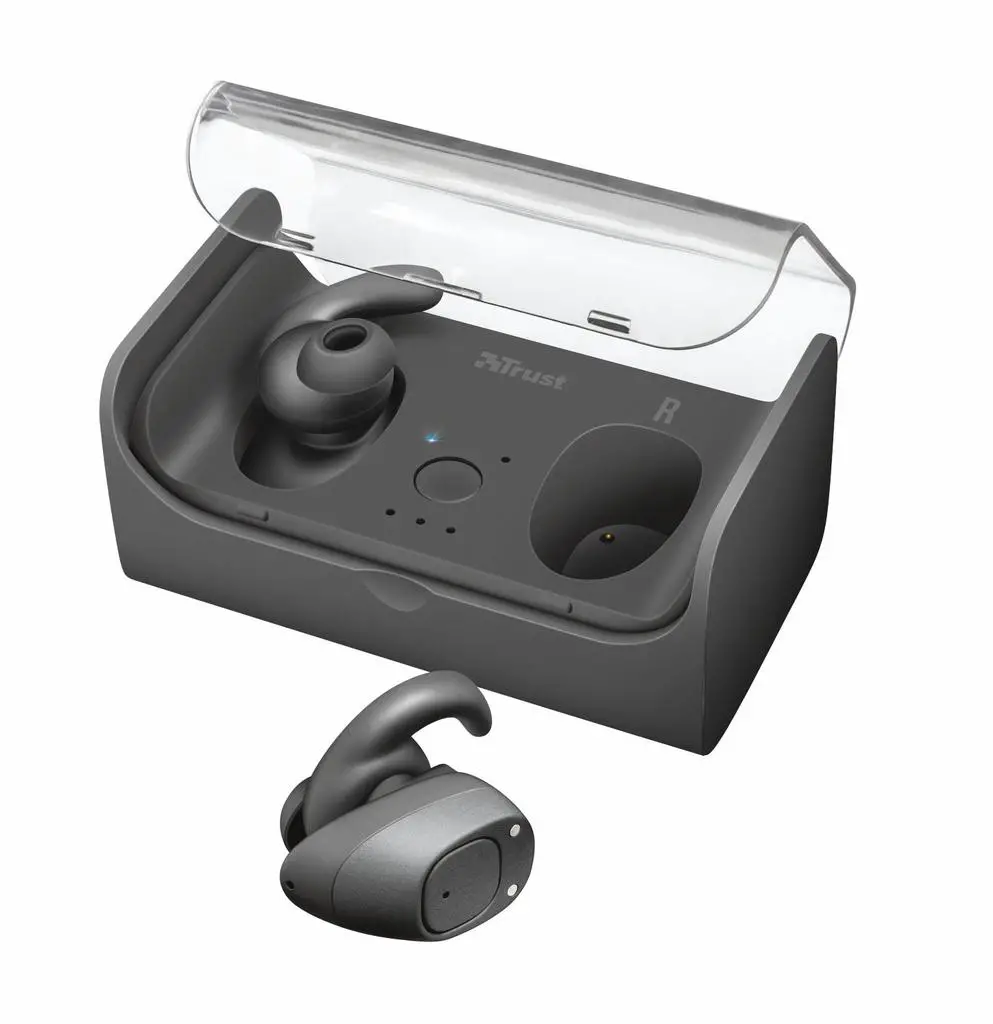
- Open the wireless charging case
 . The LEDs
 will start flashing simultaneously pairing mode is activated.
 - Go to the Bluetooth® settings on your device and select Urbanista Seoul from the list.
- The LEDs will stop flashing as the connection is established.
Activate Voice Assistant by left side long-press.
Turn Gaming Mode on/off by right side long-press.
 . The LEDs
 will start flashing simultaneously pairing mode is activated.
 by left side long-press.
 by right side long-press.
FULL MANUAL ONLINE
Scan QR code or visit urbanista.com/manuals
 Support : Urbanista Support Center