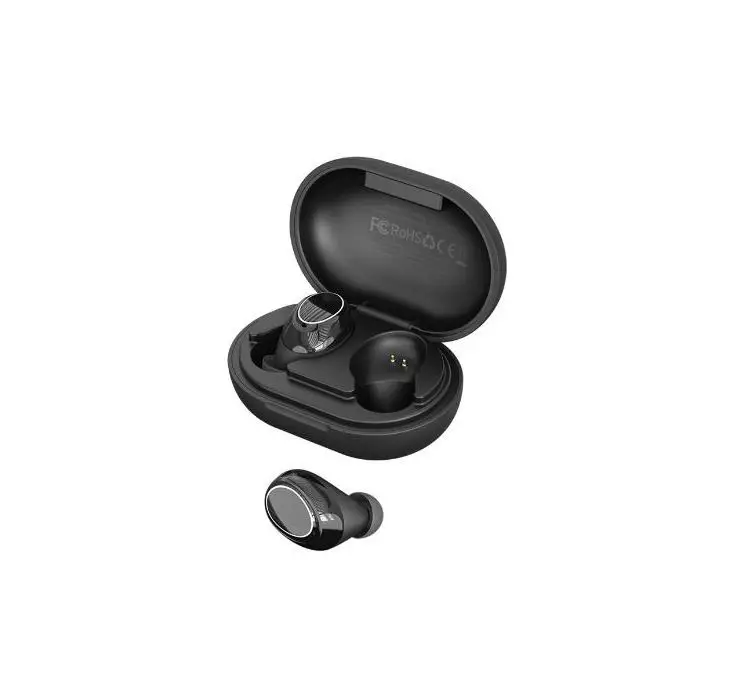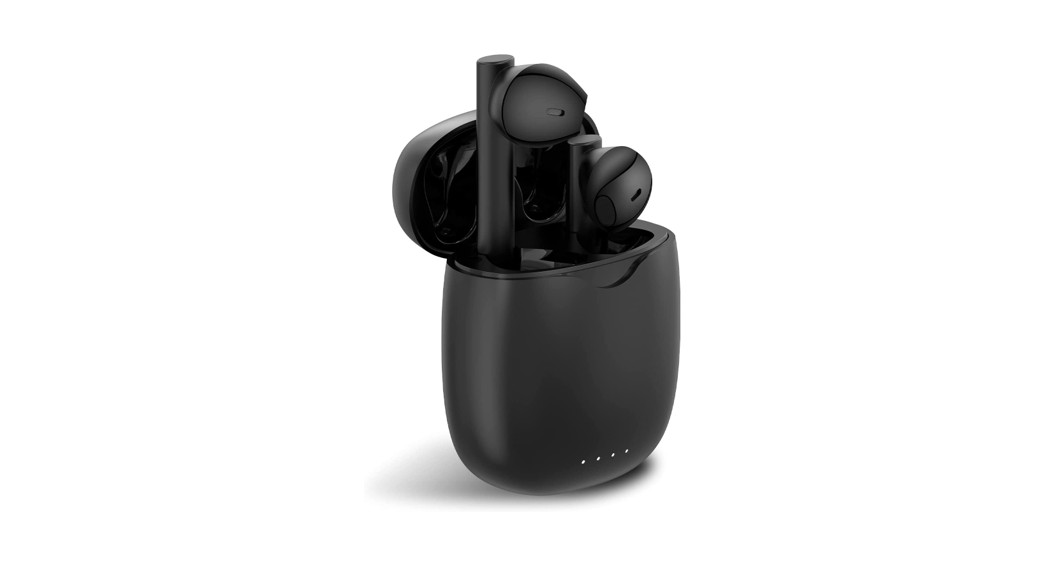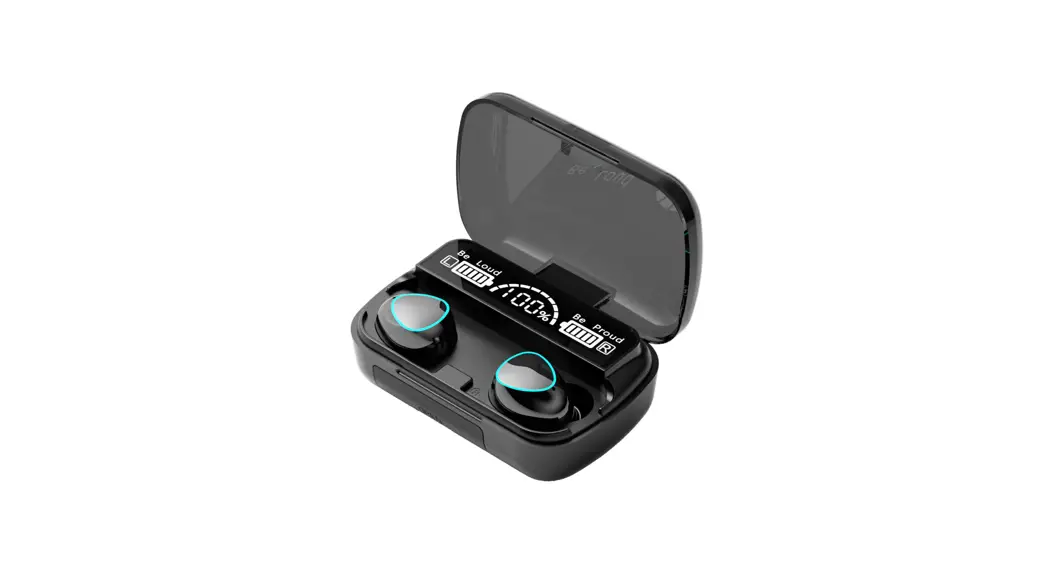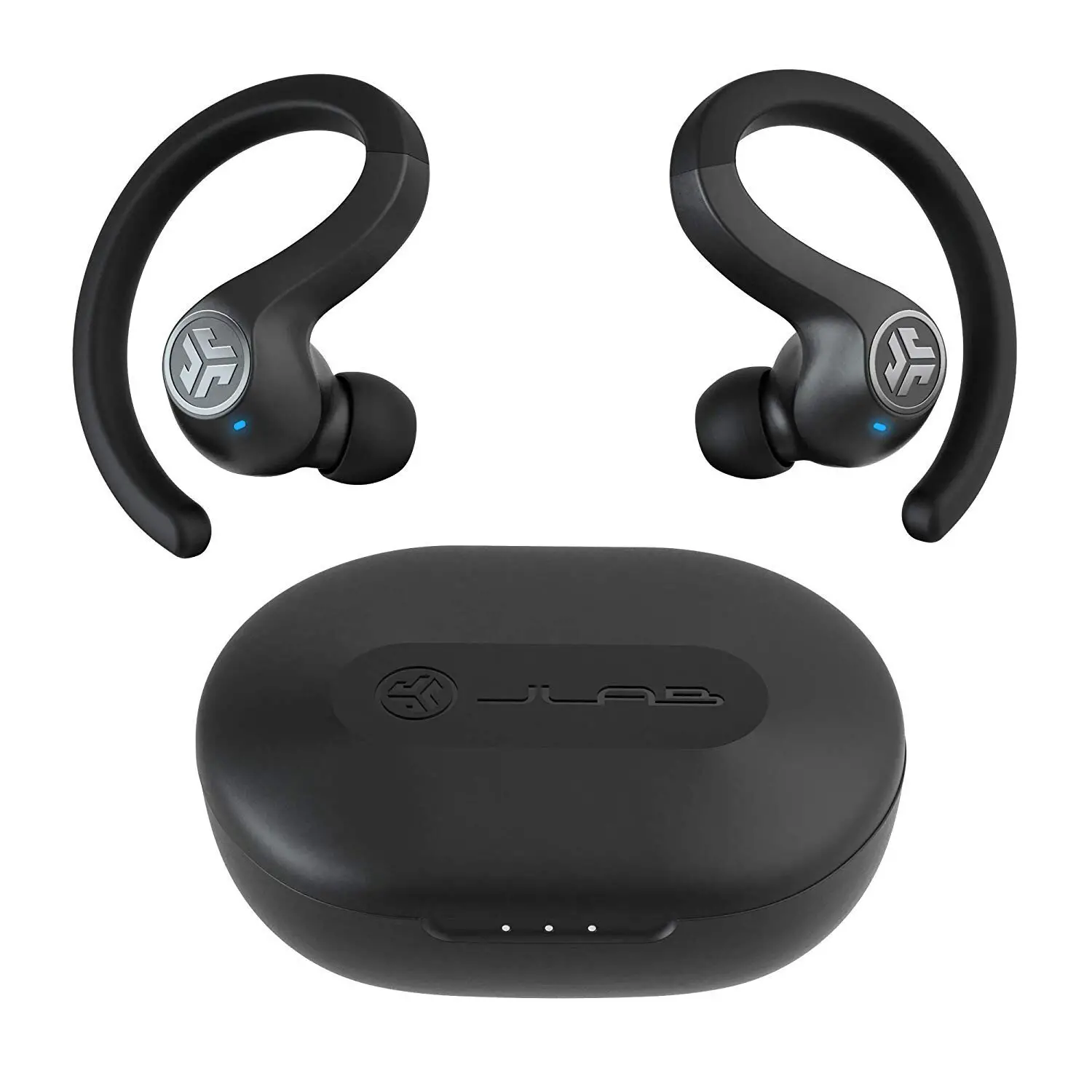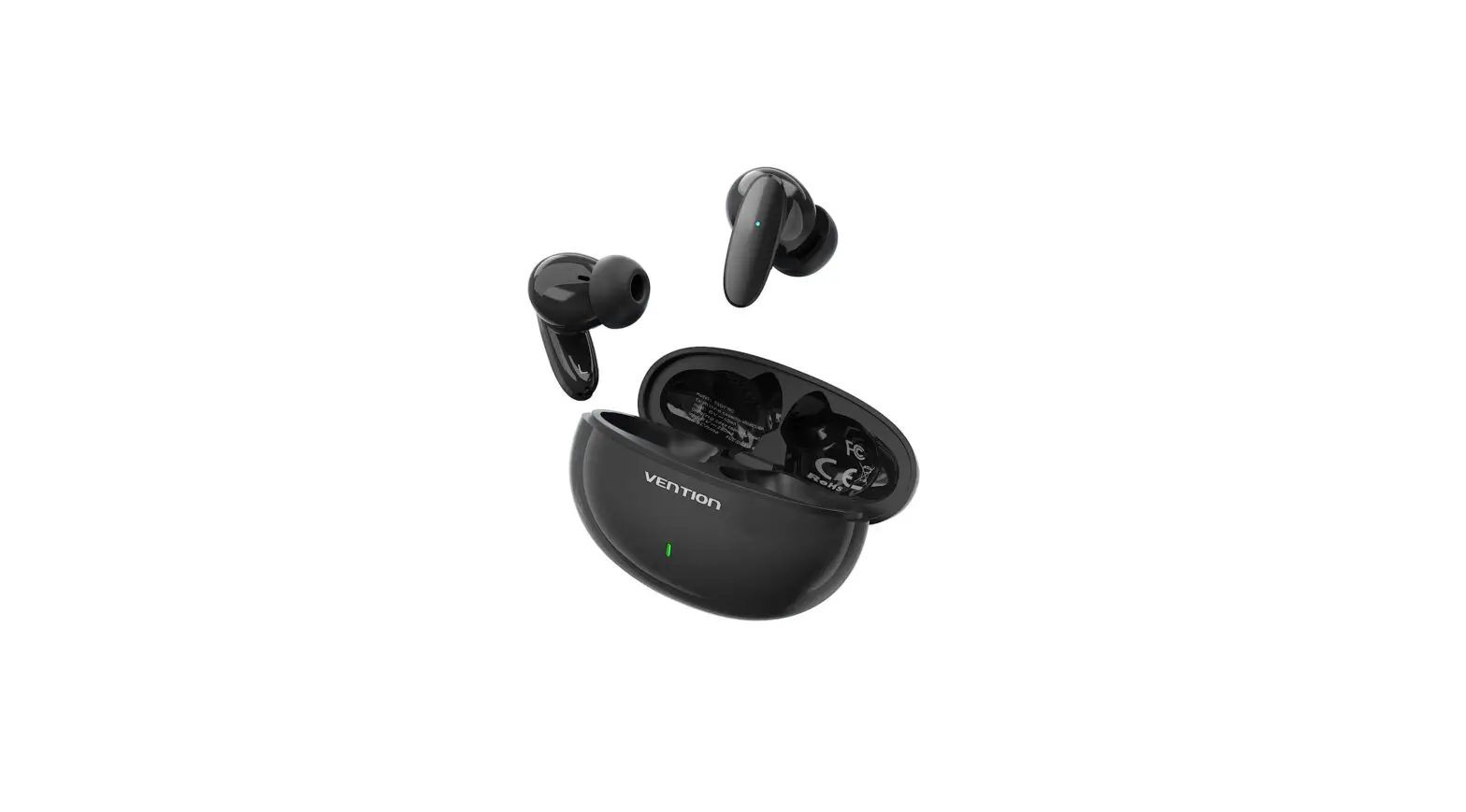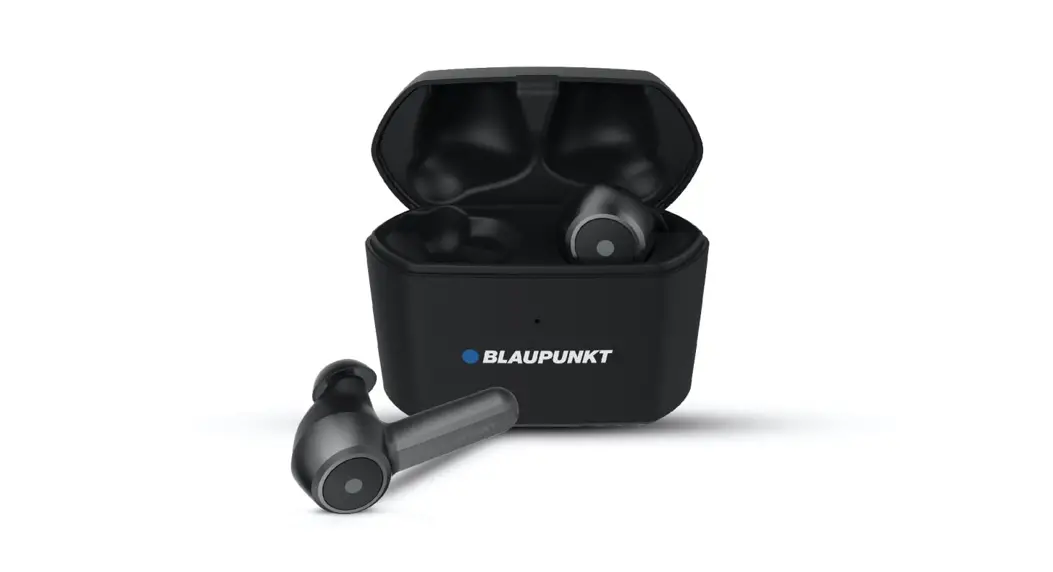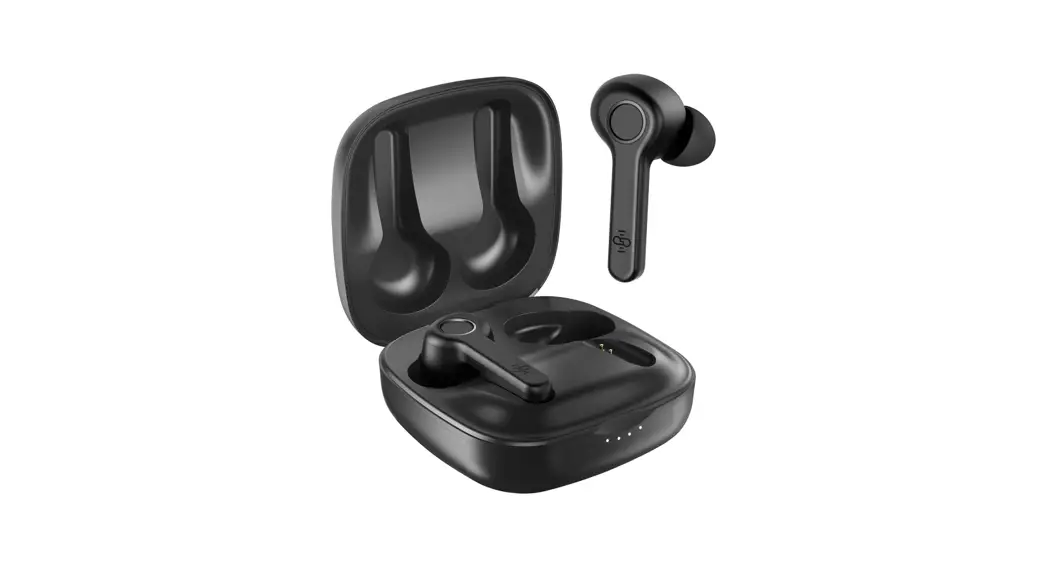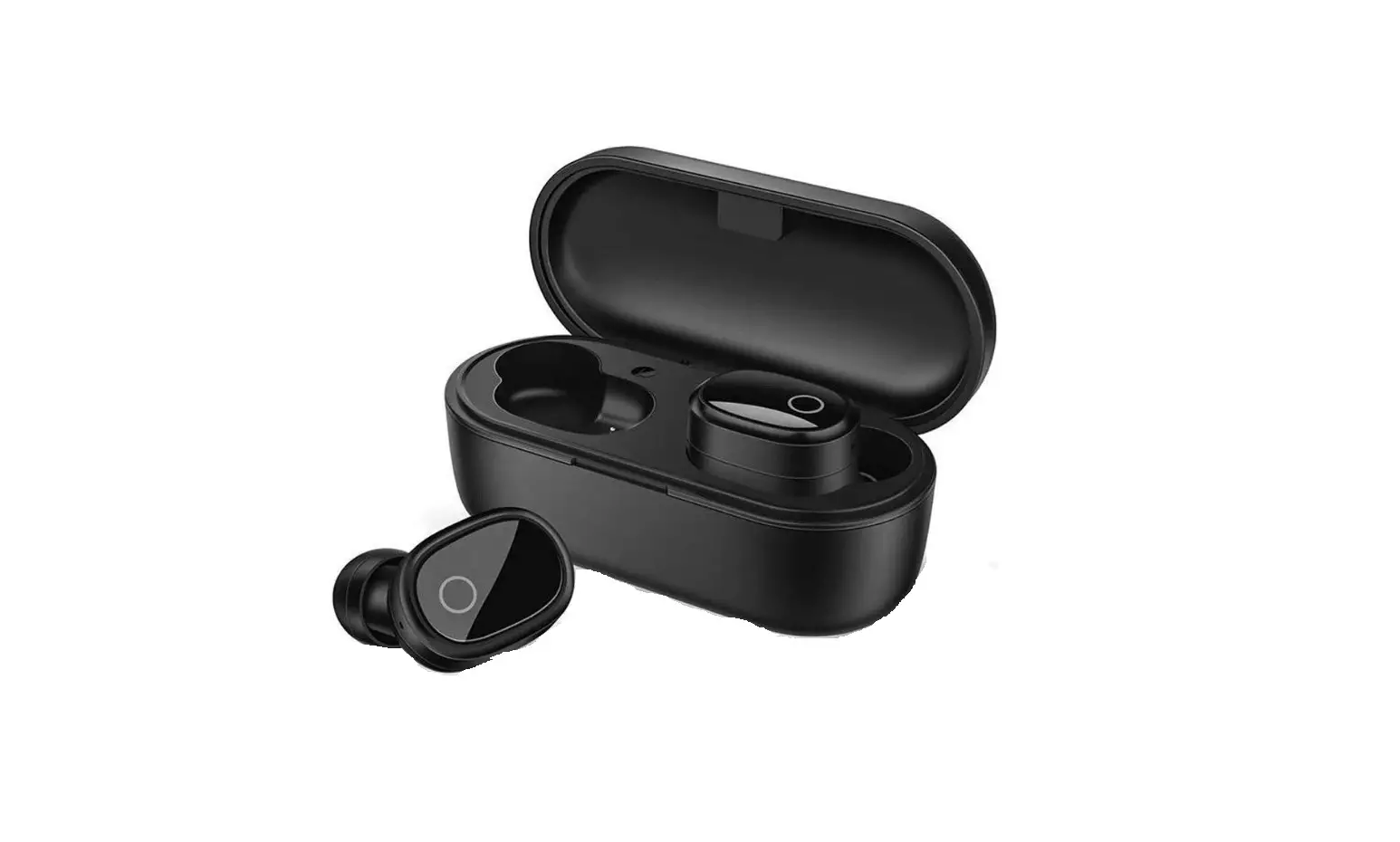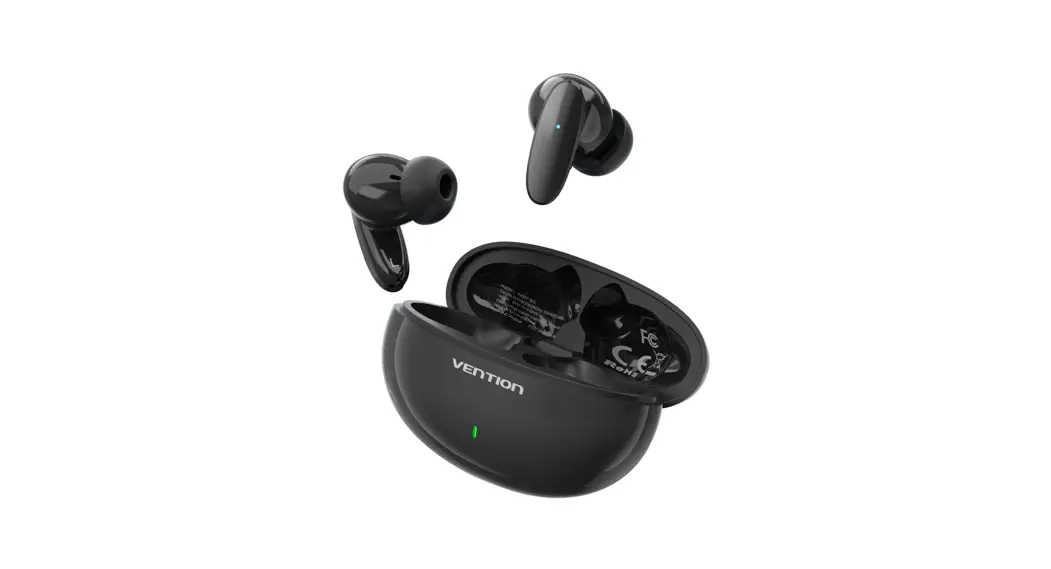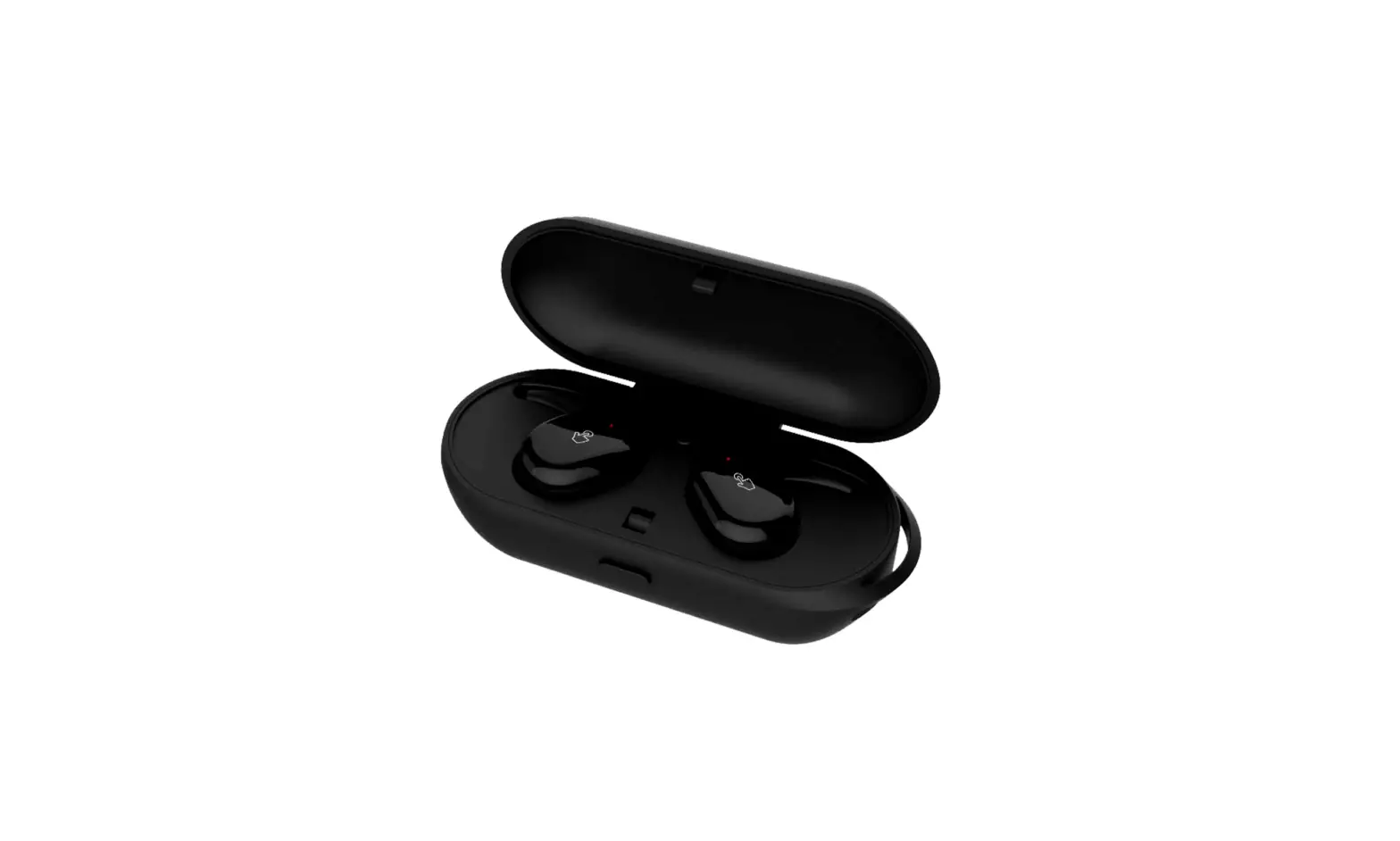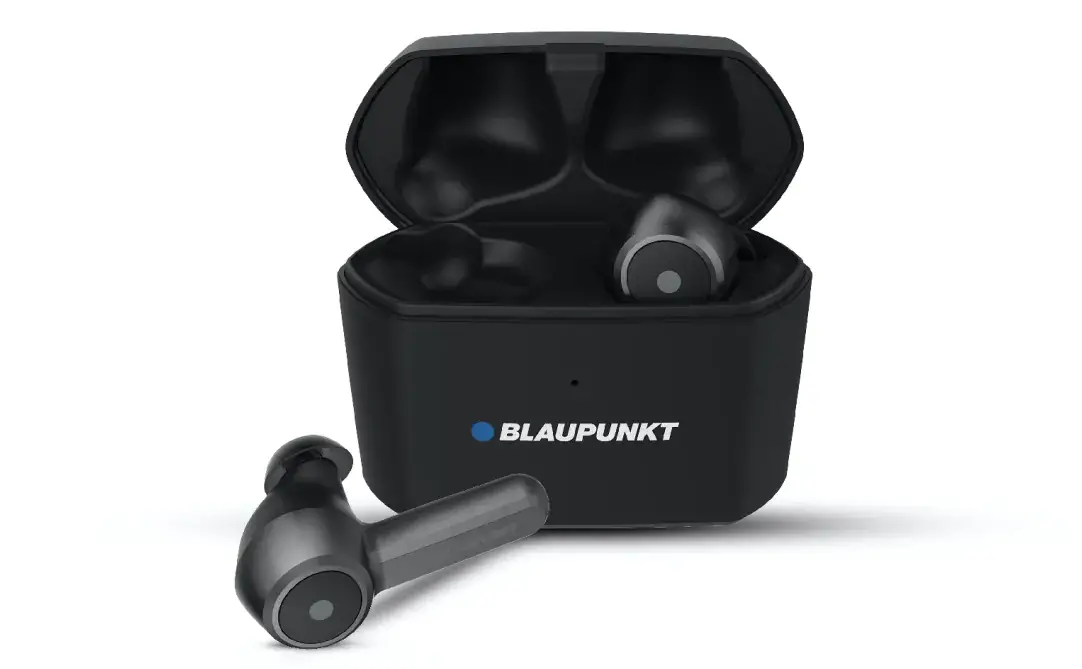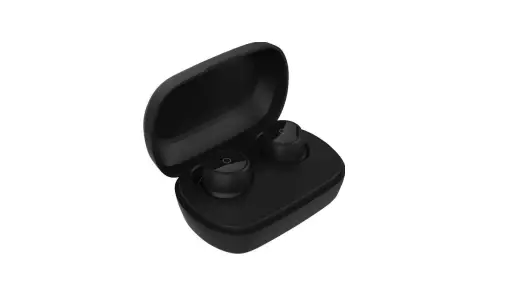
BTH182H True Wireless Bluetooth Headset
 User’s manual
Welcome to use this True Wireless Bluetoothearbuds, BTH182H. Please read this user’s manual carefully before use.
Brief introduction
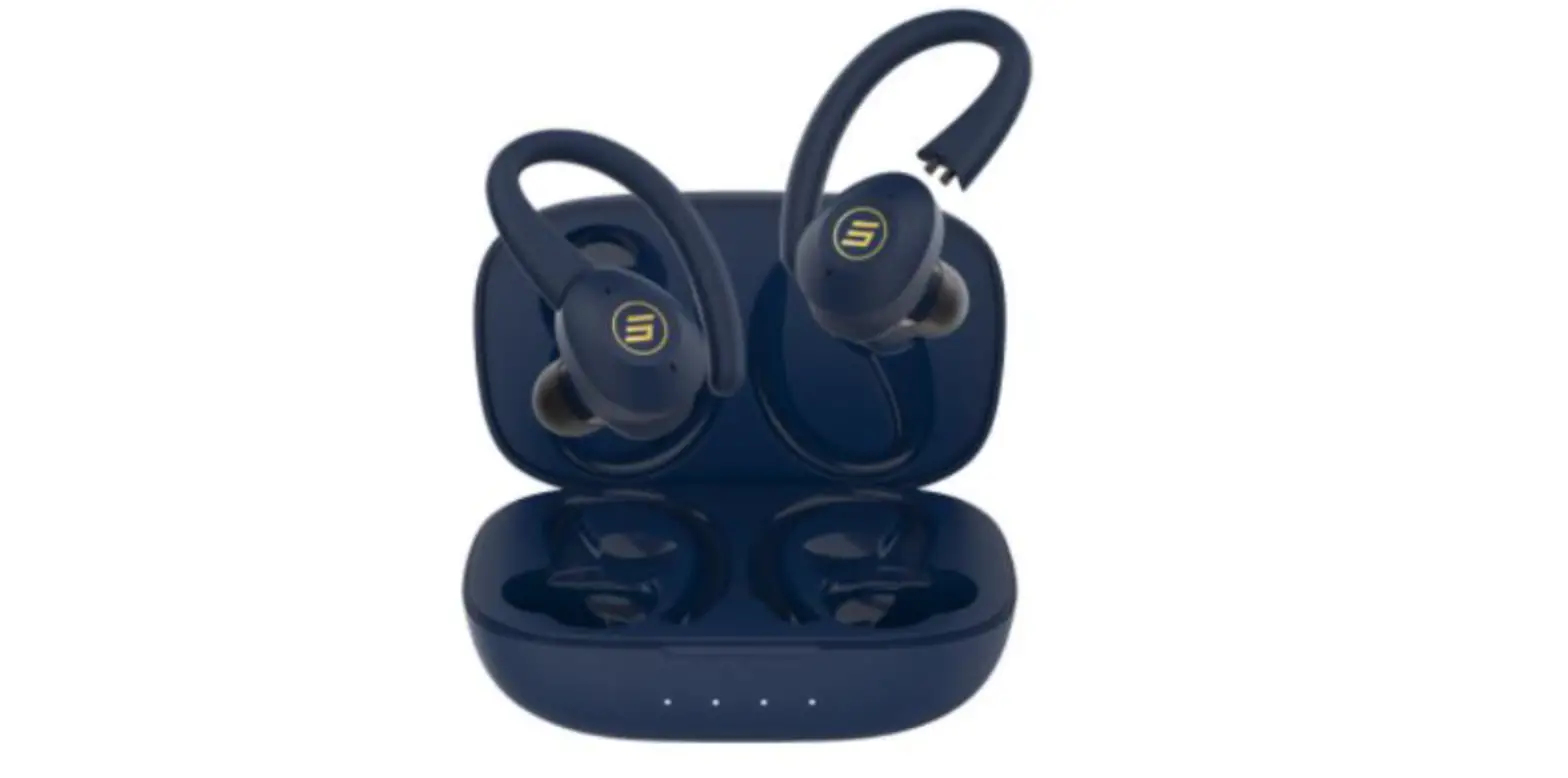
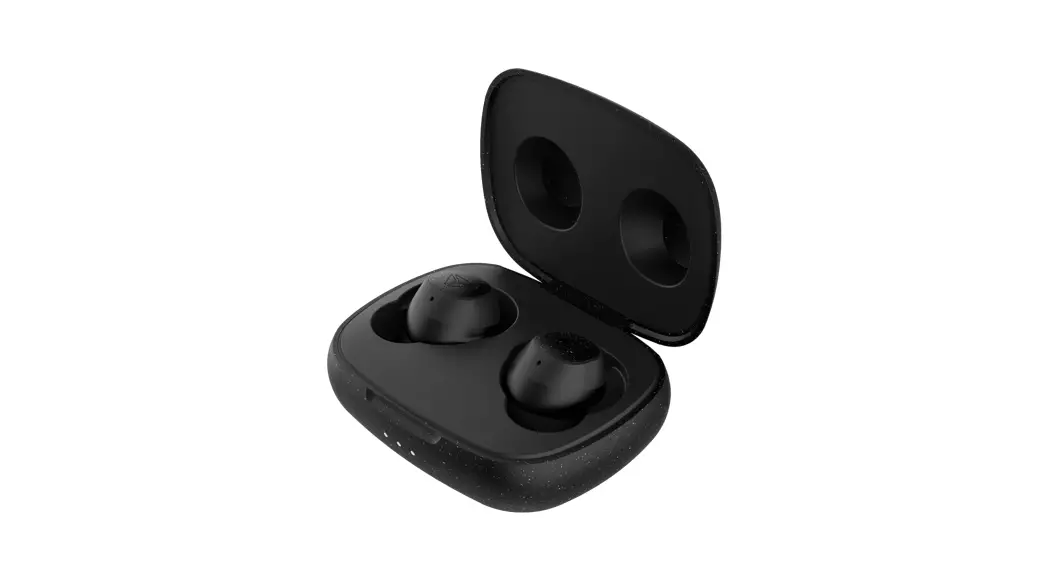
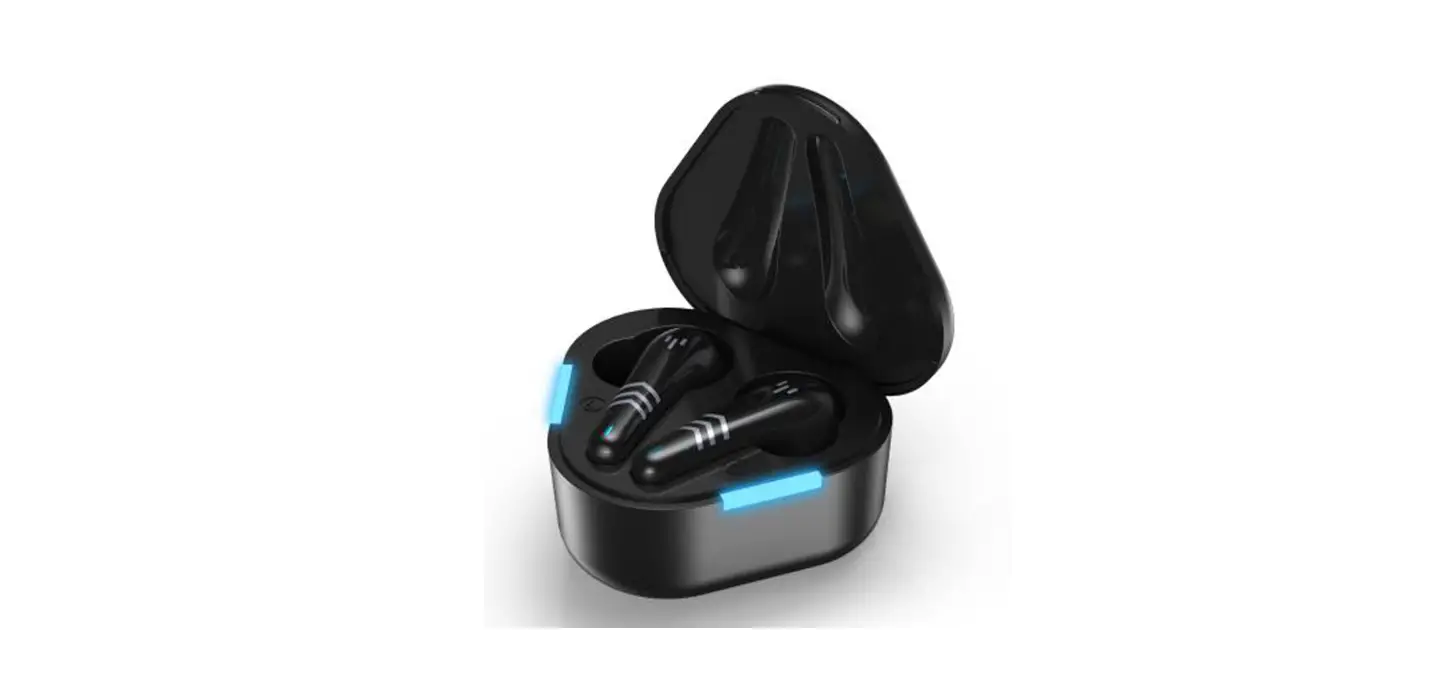
BTH182H is a True Wireless Bluetooth Earbuds ,each ear piece comes with a Microphone that can be used individually or used together for stereo sound. The earbuds are equipped with a charging case, which is convenient to carry and charge. The charging case supports wireless charging, and you can charge the charging case with your wireless charger.
Before use
1. Overview
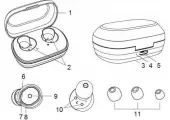
1 | Top case | 7 | Microphone |
2 | Charging position of earbuds | 8 | LED indicator (red) |
3 | Earbuds charging dock | 9 | MFB touch-button |
4 | Charging indicator light | 10 | Charging jack |
5 | Type-C charging jack | 11 | Big/medium/small Ear tips |
6 | LED indicator (blue) |
2. Charging for earbuds
When the earbuds are low on power, the earbuds emit “Battery low” once and there’d Led flashes slowly four times every 1 minute. Please recharge the battery of the earbuds.
The way of charging for the earbuds as following:
1. Put the earbuds into the charging case to ensure that the charging case connect well, and start charging when you see the red LED of the earbuds on.
Red light on: Charging
Red light off: Finish charging
2. Charging should be completed in roughly 1.5 hours.

Remarks:
- Put left and right earbuds into the correct position according to the L and R marks on the charging case.
- Please cover the Top case, so that the earbuds and the charging case connect well when it is charging.
- The indicator light of the charging case is off when the earbuds are not put in the charging case. When the earbuds are put in the charging case, the green LED on the back of the charging case lights up and indicate the current battery level: The green LED flashes every 2 seconds, once, 2 times, 3 times and 4 times from low to high.. After removing the earbuds from the charging case, the white light will automatically extinguish after 1 minute.
- If you do not use the earbuds and charging case for a long time, it is recommended to charge the earbuds and charging case for at least 3 months to avoid the battery exhaustion and enter the sleep mode.
3. Charging for charging case
When you put the earbuds into the charging case and find that the green indicator light flashes once every 2 seconds, it means that the battery level of the charging case is low. In addition the indicator light of the charging case is off and it cannot charge the earbuds, it means that the battery of the charging case has been exhausted. You need to charge the charging case:
The way of charging for the charging case as following:
Using USB cable
- Plug the Micro USB charging cable into the case’s charging jack.
- Plug the USB cable into a USB port of PC or a 5Volt USB charge.
Wireless charging
- Connect the wireless charger to the power cable. (some wireless chargers with built-in batteries may not need to be connected to the power cable)
- Place the charging case in the charging area marked on the wireless charger and make sure it is placed in the center of the charging area for maximum efficiency.
Green LED flash = charging
Green LED off = Finish charging
3) Charging should be completed in roughly 2 hours.When using wireless charging , the charging time will be slightly longer.
4) If the earbuds are in the charging case, it can charge the earbuds while charging the charging case.


Type-C charging Wireless charging
Remarks:
- The battery is recyclable.
- Batteries (battery pack or batteries installed) shall not be exposed to excessive heat place, such as sunshine, fire or the like.
- Please make sure the charging jack is dry before charge.
Getting started
1. Wearing headset
a. Choose the suitable size ear tips
b. Ensure each earbuds is worn on the correct ear. “L” should be worn on the left ear and “R”worn on the right ear.


Left ear Right ear
2.One earbud connecting with cellphone
Each earbuds can be worn singly as Bluetooth headset。
1. Power on
1)When charging, the earbuds will turn on automatically when they are taken out of the charging case.
2)If the earbuds are power off, you should press touch-button for about 3s until blue LED flashes as the same time the headset emits “Power on”. Then release. This is now in the “Power on”state.
2.Pairing
- After the earbud is taken out of the charging case, it will be power on. Then it will connect back to the phone you paired with before. When the earbuds and the cellphone fails to connect back, the earbuds will automatically enter the matching state.
- If the earbuds are power off, you should press touch-button for about 5s and release it when the red LED and blue LED flash quickly and alternately. The earbuds are in”Pairing”mode.


3.Connecting
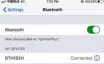
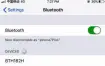
To connecting your earbuds to a Bluetooth device, first ensure the device has Bluetooth enable and it is in pairing mode(See your device manual for setting pairing mode) . Once your earbuds are in pairing mode, you should be able to see it in the list of Bluetooth devices.
You should see BTH182H appear in your contactable devices list.After successful connection, the earbuds prompts ‘Connected’.
4.Power off
1)Auto power off once put into charging case
2)Press touch-button about 5s and release it till red LED is on,and earbuds prompt “Power off”.
Remark:
◆ Each earbuds will automatically switch to standby mode if disconnected from device(blue LED flash once every 2 seconds), and will power off automatically after 2 minutes to save power.
◆ The pairing mode will last for 2 minutes. If it is not paired with any
mobile phone after 2 minutes, the earbuds will shut down automatically.
3.Two earbuds connecting with cellphone
In this mode use two earbuds at the same time to enjoy stereo sound. 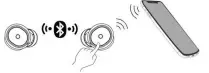
1)Turn on any one of earbuds and connect it with you Bluetooth device,then power on the other earbud or take out it from the charging case, and it will connect with each other automatically.
2)primary-secondary switch:In the following cases, the secondary earbud can automatically switch and connect to the mobile phone, so you continue to use:
(1) In the process of use, when the power of the primary earbuds is lower than that of the secondary earbuds, the role switch will be automatically performed to maintain the relative balance of power between the two earbuds and obtain the service time of longer binaural mode.
(2) When the primary earbud is put into the charging case, the secondary earbud will be automatically connected to the mobile phone.
4.Earbuds pairing/connecting
Please use this step if two headset can not be connect with each other.
1.Turn off two earbuds respectively(don’t put them into the charging case). 2.Clear the pairing list: Choose one of the earbuds. Firstly, enter the pairing mode.Then hit the touch button 5 times, while the red light turns on for 1 second. The other headset cleans the pairing list by doing the same.
3.The earbuds will enter TWS pairing mode automatically when they are entered the TWS pairing mode (indicator light status: red and blue lights flash slowly).After successful connection, the primary earbud(L) will enter pairing mode: red LED and blue LED flash alternately(it keeps waiting to be paired with your phone), while the secondary earbud(R) will be: blue LED flash twice time every 10 seconds.
Remarks:
◆ In normally the two earbuds will connect automatically once you have taken out of the charging case,which set in factory.
◆ You can connect the two earbuds according above operation if they failed connecting.
5.Function operation-use one earbud
1. music
Function | Status of earbuds | L | R | Prompt tone |
Play | Pausing | Double-click touch-button | Double-click touch-button | Du |
Pause | Playing music | Double-click touch-button | Double-click touch-button | Du |
Previous song | Playing music | Press Left touch – button about 2s | N/A | Dang |
Next song | Playing music | N/A | Press Right touch – button about 2s | Dang |
Circle volume adjustment | Connected device | Once-click touch-button | Once-click touch-button | N/A |
Enter / exit gaming mode | Connected device | Triple-click touch-button | N/A | Enter / exit gaming mode |
Two EQ sounds | Connected device | N/A | Triple-click touch-button | Balance / Deep |
switch | bass | |||
Active SIRI | Connected device | Four click | Four click | “Voice dial ” after Du tone |
2.Calling
Function | Status of earbuds | L | R | Prompt tone |
Cancel calling | Calling | Once-click touch-button | Once-click touch-button | N/A |
Answering | Incoming call ringing | Once-click touch-button | Once-click touch-button | Du |
Reject | Incoming call ringing | Press touch – button about 2s | Press touch – button about 2s | Dang |
End calling During a call | Double-click touch-button | Double-click touch-button | Du | |
Voice switch to phone | During a call | Press touch – button about 2s | Press touch – button about 2s | Dang |
Voice switch to earbuds | During a call | Press touch – button about 2s | Press touch – button about 2s | Dang |
Circle volume adjustment | Connected device | Once-click touch-button | Once-click touch-button | N/A |
6.Function operation—-two earbuds connecting with cellphone
1. music
Function | Status of earbuds | L | R | Prompt tone |
Play | Pausing | Double-click touch-button | Double-click touch-button | Du |
Pause | Playing music | Double-click touch-button | Double-click touch-button | Du |
Previous song | Playing music | Press Left touch – button about 2s | N/A | Dang |
Next song | Playing music | N/A | Press Right touch – button about 2s | Dang |
Volume up | Connected device | N/A | Once-click Right touch-button | N/A |
Volume down | Connected device | Once-click Left touch-button | N/A | N/A |
Enter / exit gaming mode | Connected device | Triple-click touch-button | N/A | Enter / exit gaming mode |
Two EQ sounds switch | Connected device | N/A | Triple-click touch-button | Balance / Deep bass |
Active SIRI | Connected device | Four click touch-button | Four click touch-button | “Voice dial ” after Du tone |
2.Calling
Function | Status of earbuds | L | R | Prompt tone |
Cancel calling | Calling | Once-click touch-button | Once-click touch-button | N/A |
Answering | Incoming call ringing | Once-click touch-button | Once-click touch-button | Du |
Reject | Incoming call ringing | Press touch – button about 2s | Press touch – button about 2s | Dang |
End calling During a call | Double-click touch-button | Double-click touch-button | Du | |
Voice switch to phone | During a call | Press touch – button about 2s | Press touch – button about 2s | Dang |
Voice switch to earbuds | During a call | Press touch – button about 2s | Press touch – button about 2s | Dang |
Volume up During a call | N/A | Once-click touch-button | N/A | |
Volume down | During a call | Once-click touch-button | N/A | N/A |
3. .Simultaneous control to power off
When using two earbuds, either earbud of the left or right manual turn off, and the other earbud will be turned off at the same time. The earbuds will have corresponding indicator light and prompt sound when they turns off.
Remarks:
◆ If headset in calling mode, both earbuds have voice and can operate function, but only the earbud which connecting with cellphone can pick up sound.
◆ Circle volume adjustment means that when singly clicking for times, the volume will increase gradually till up to the maximum. Then when clicking one more time, the volume will come back the minimum. Recurring follows this rule.
◆ When the volume is turned to maximum or minimum, a Du tone will be prompted.
7. Battery display
When the earbuds are connected to an IOS device, it will display the battery of earbuds on the device. When the earbuds is low on power ,the battery indicator will turn red and show a depleted battery icon.The headphone will also give an audio prompt to charge your headset.
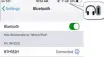
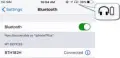
Full charge Low battery
8. Meaning of indicator light
indicator light | State | ||
Earbuds | Red and blue LED flash quickly alternately | Pairing mode with phone | |
Red and blue LED flash slowly alternately | TWS pairing mode | ||
Blue LED flashes once every 2 seconds | Unconnected | ||
Blue LED flashes twice every 10 seconds | Connected | ||
Red LED flashes four times every minute | Low battery | ||
Charging case | No indicator light will light up in the charging case without charging or putting the earbuds into the case | Idle state | |
The number of green LED represents the current battery power of the charging case. According to the power level from low to high, there are 1, 2, 3 and 4 time green LED flash. | Charging the earbuds or charging case | ||
After charging is completed, the green LED behind the charging case off. | Finish charging | ||
9. Factory Reset
When the earbuds are in the pairing mode, five times click the touch button, and the factory reset when the red light turns on for 1 second. At the same time, you will hear “Power off” prompt after Four Tone _ High Falling and turn off.
Five times click the touch button 
Remarks:
◆ After factory reset, the paired list of two earbuds as well as earbuds and mobile phone will be deleted. The earbud does not automatically reconnect the mobile phone and the other earbud after turning on.
◆ After factory reset, when the earbud turns on again, it will automatically enter the TWS pairing mode (red and blue lights flash slowly). Two earbuds will be pairedautomatically. After TWS connection, left earbuds will continue to wait for pairing with the mobile phone (red and blue lights flash alternately).
■ Care and maintenance
Read the following recommendations carefully before using BTH167. Following these you will be able to enjoy this product for many years. ◆ Keep it dry and don’t put it in the damp place to avoid the product’s
internal circuit being affected. Don’t wear the headset when in strong exercise toavoid sweat enter.
◆ Clean the earbuds before putting it into the charging case to prevent sweat from corroding the product.
◆ Keep the product away from direct sunlight or hot places. High temperatures will shorten the life of electronic devices, destroy the battery or distort certain plastic parts.
◆ Don’t expose the product to cold areas. It may damage the internal circuit board.
◆ Don’t try to disassemble the product as it may get damaged if you are not professional.
◆ Don’t let it fall down onto the floor or other hard surfaces. The internal circuit might get damaged.
◆ Don’t use intensive chemical products or detergent to clean the product. ◆ Don’t scratch the surface with sharp things.
In case the product doesn’t function properly, send it to the store you bought it. The staff will help you to solve the problem
■ FAQs
1. What does it mean when red LEDflashes four times every one minute slowly?
Battery is low power, need to be recharged.
2. Why is the red LED off when charging?
a) The charging case may not have enough power to charge the headset. Please charge the charging case.
b) Make sure the metal contacts of the earbud and charging case are free of obstacles.
a) The battery may dry up. Please charge the battery for 30 minutes, and then the red LED will be on.
3. Why can’t I hear the sound on the headset?
a) Make sure the volume is not too low or muted;
b) Make sure the headset connects with the mobile phone correctly; c) Make sure the distance between the headset and the cell phone is in the available Bluetooth range.
4. Why can’t I hear the sound clearly on the headset?
a) Make sure the mobile phone is in the strong signal area; b)Make sure the headset is in the available range. and no other block。
5. Why the pause/play, last/next song not function when playing music? Make sure your Bluetooth device supports AVRCP (Audio/Video Remote Control profile)
Specifications
Bluetooth version | Bluetooth V5.0 |
Bluetooth profiles | HFP, HSP,A2DP and AVRCP |
Operating distance | 10 meters |
Working time(one earbud) | Up to 6.5 hours (maximum volume) |
Up to 9hours (50% volume) | |
Working time(two | Up to 6 hours (maximum volume) |
earbuds) | Up to 8 hours (50% volume) |
Charging time for earbud | About 1.5 hours |
Charging time for case | About 2 hours |
cycle count of the charging case to charge the earbuds | More than 2 times |
Charging input | DC 5.0V /500mA |
Weight | One earbud: 6.0 g |
Charging case:34.5g | |
Measure | Earbud:22.5*18.8*26.5 mm |
Charging case:67.5*45.3*31.5 mm |
NOTE: This equipment has been tested and found to comply with the limits for a Class B digital device, pursuant to part 15 of the FCC Rules. These limits are designed to provide reasonable protection against harmful interference in a residential installation. This equipment generates uses and can radiate radio frequency energy and, if not installed and used in accordance with the instructions, may cause harmful interference to radio communications. However, there is no guarantee that interference will not occur in a particular installation. If this equipment does cause harmful interference to radio or television reception, which can be determined by turning the equipment off and on, the user is encouraged to try to correct the interference by one or more of the following measures:
- Reorient or relocate the receiving antenna.
- Increase the separation between the equipment and receiver. -Connect the equipment into an outlet on a circuit different from that to which the receiver is connected.
- Consult the dealer or an experienced radio/TV technician for help
Changes or modifications not expressly approved by the party responsible for compliance could void the user’s authority to operate the equipment. This device complies with Part 15 of the FCC Rules.
Operation is subject to the following two conditions:
(1) this device may not cause harmful interference, and
(2) this device must accept any interference received, including interference that may cause undesired operation.