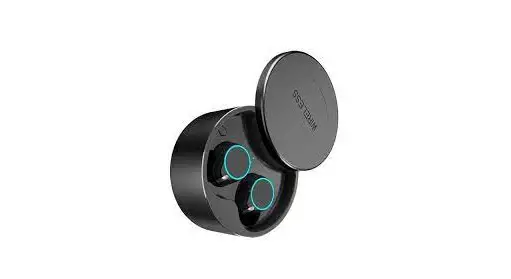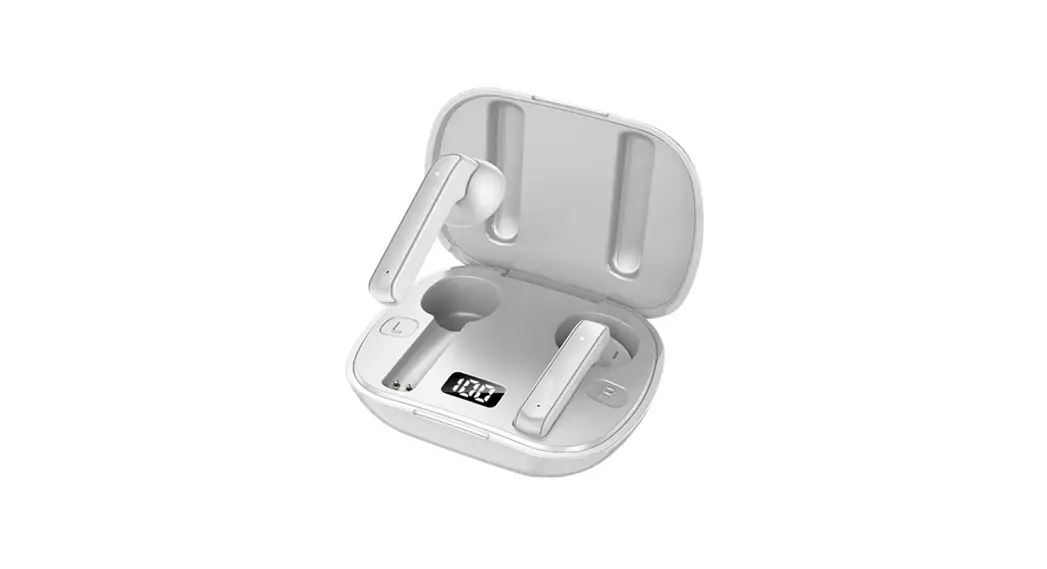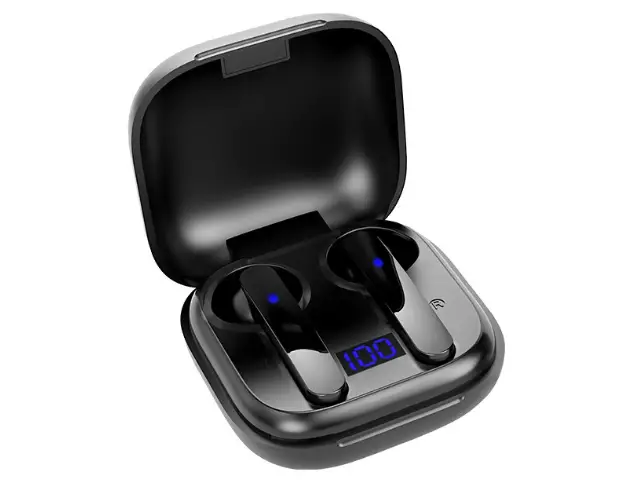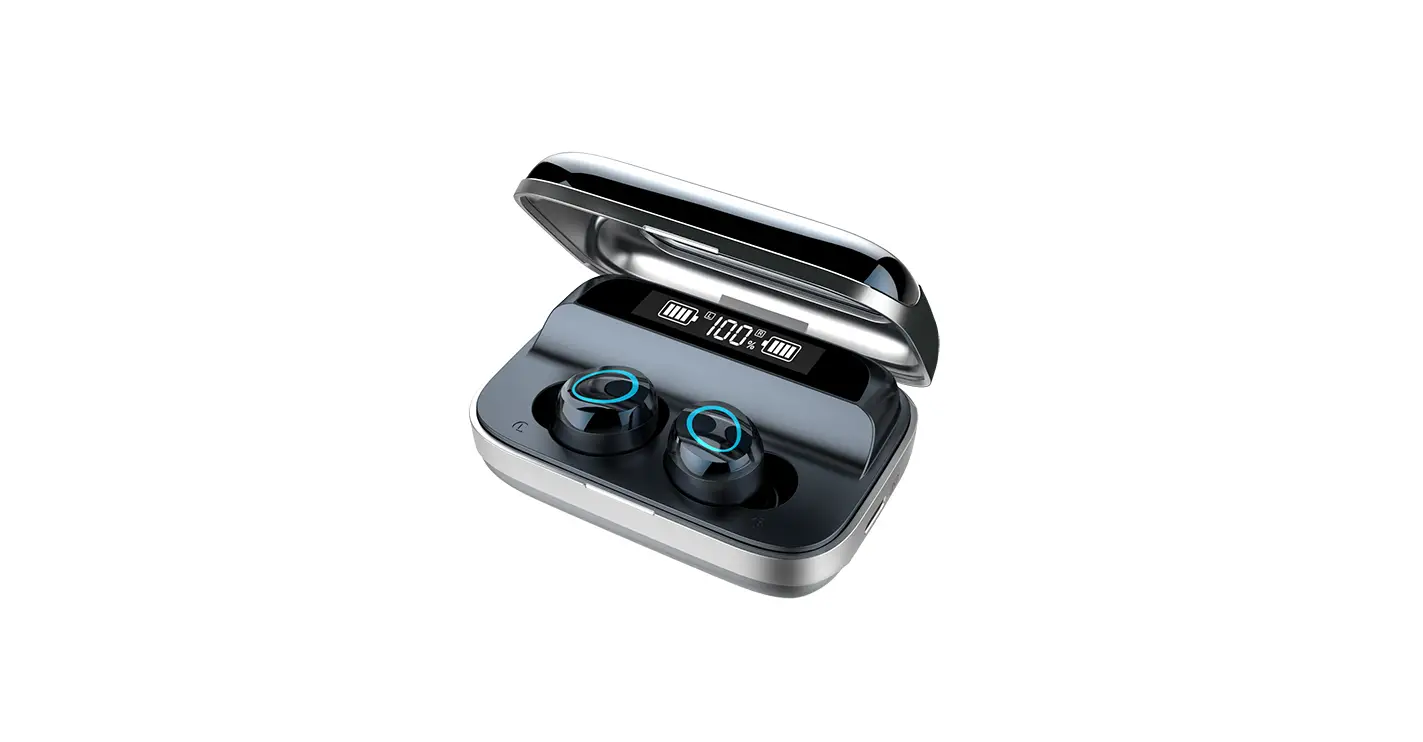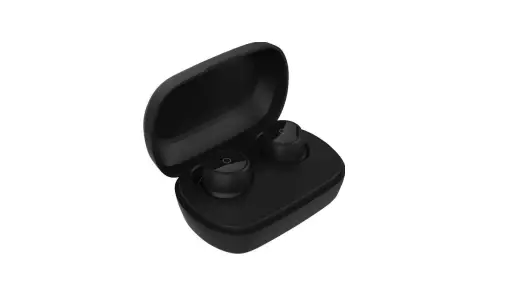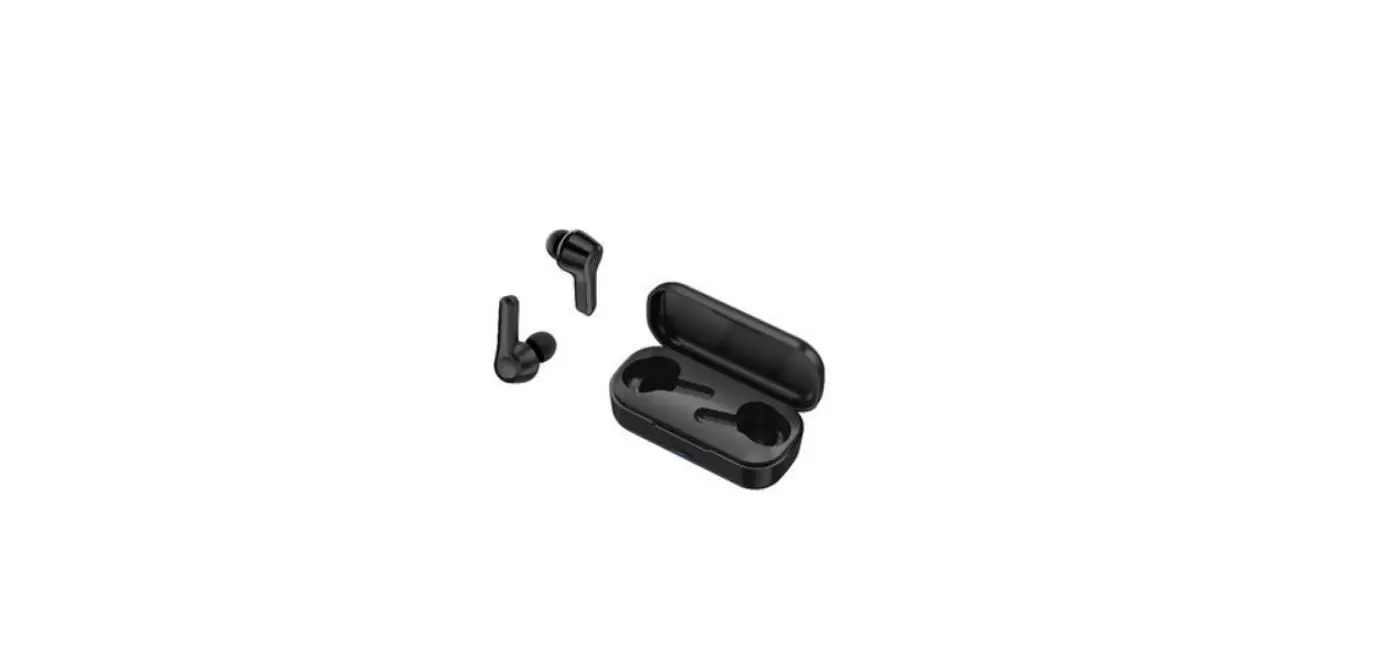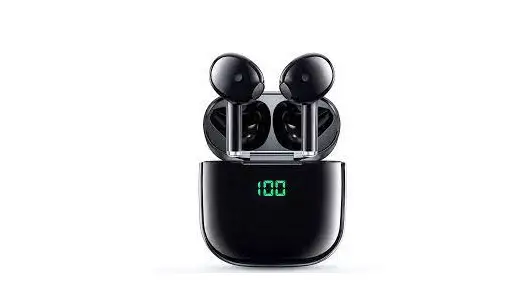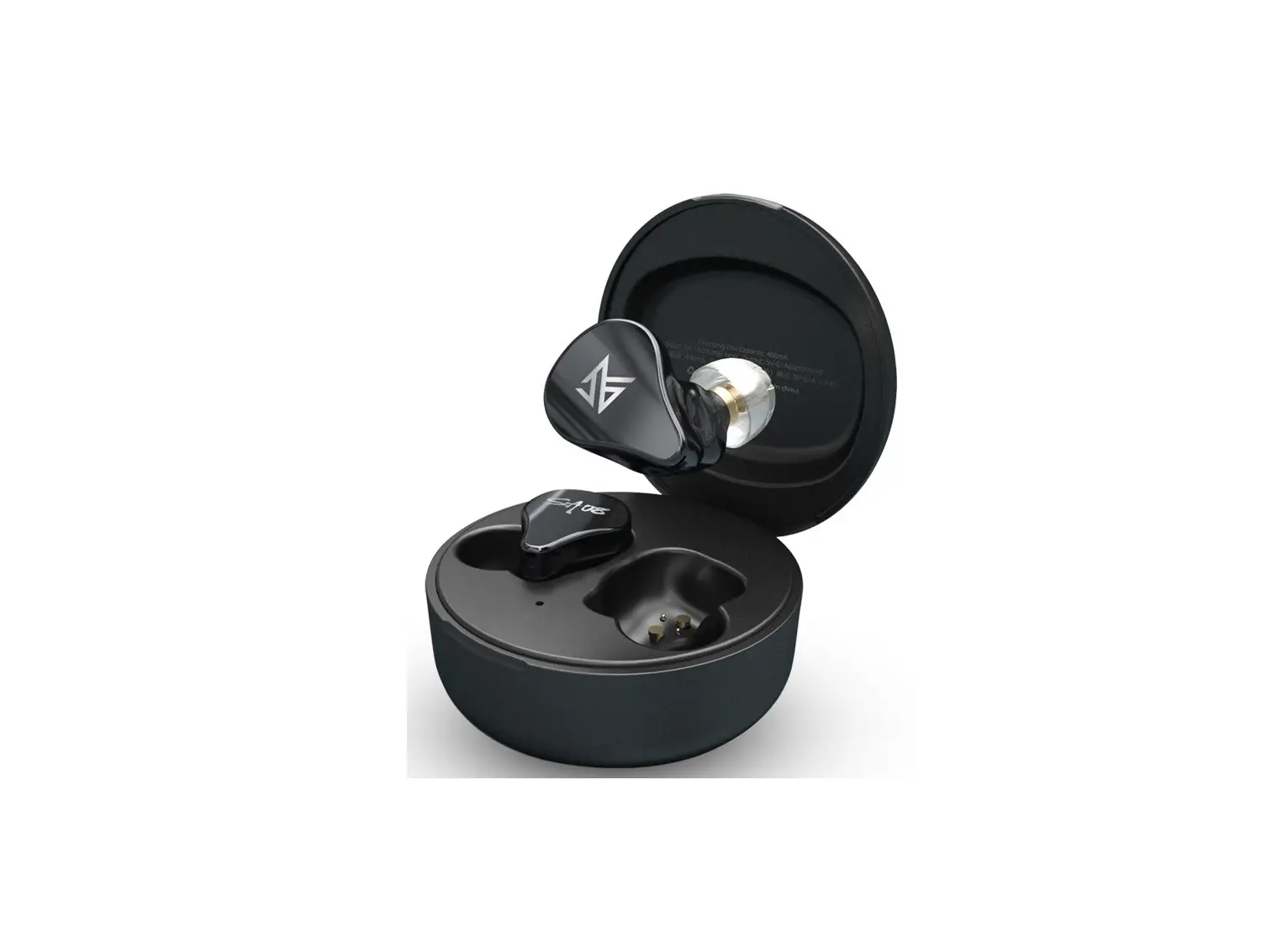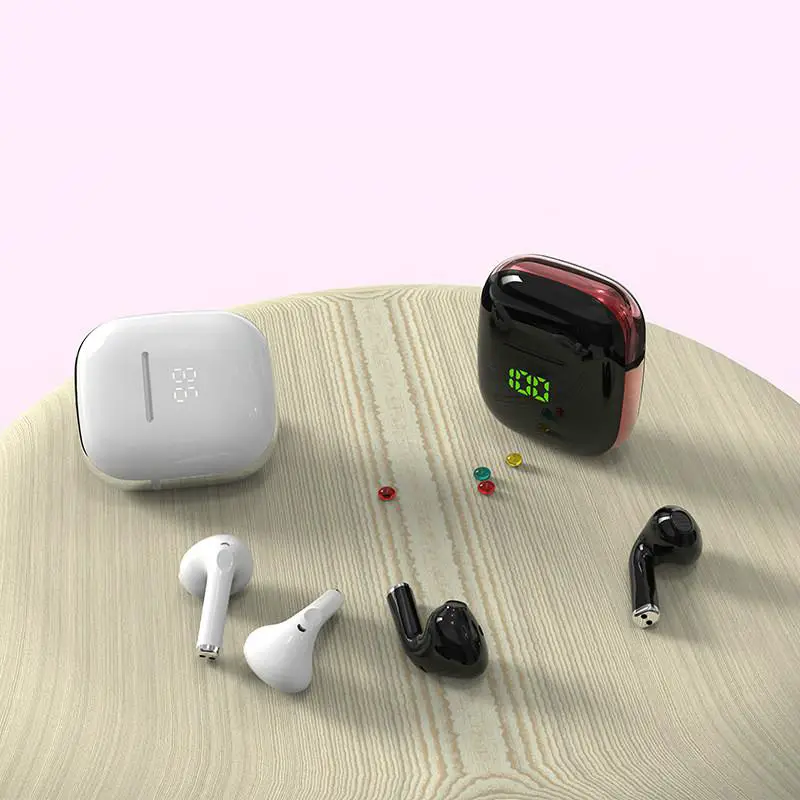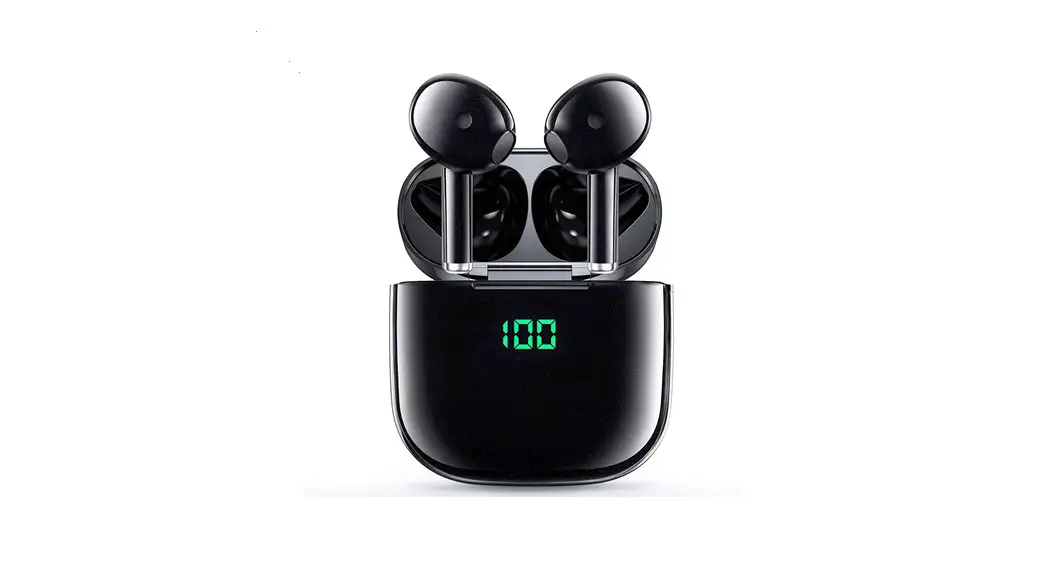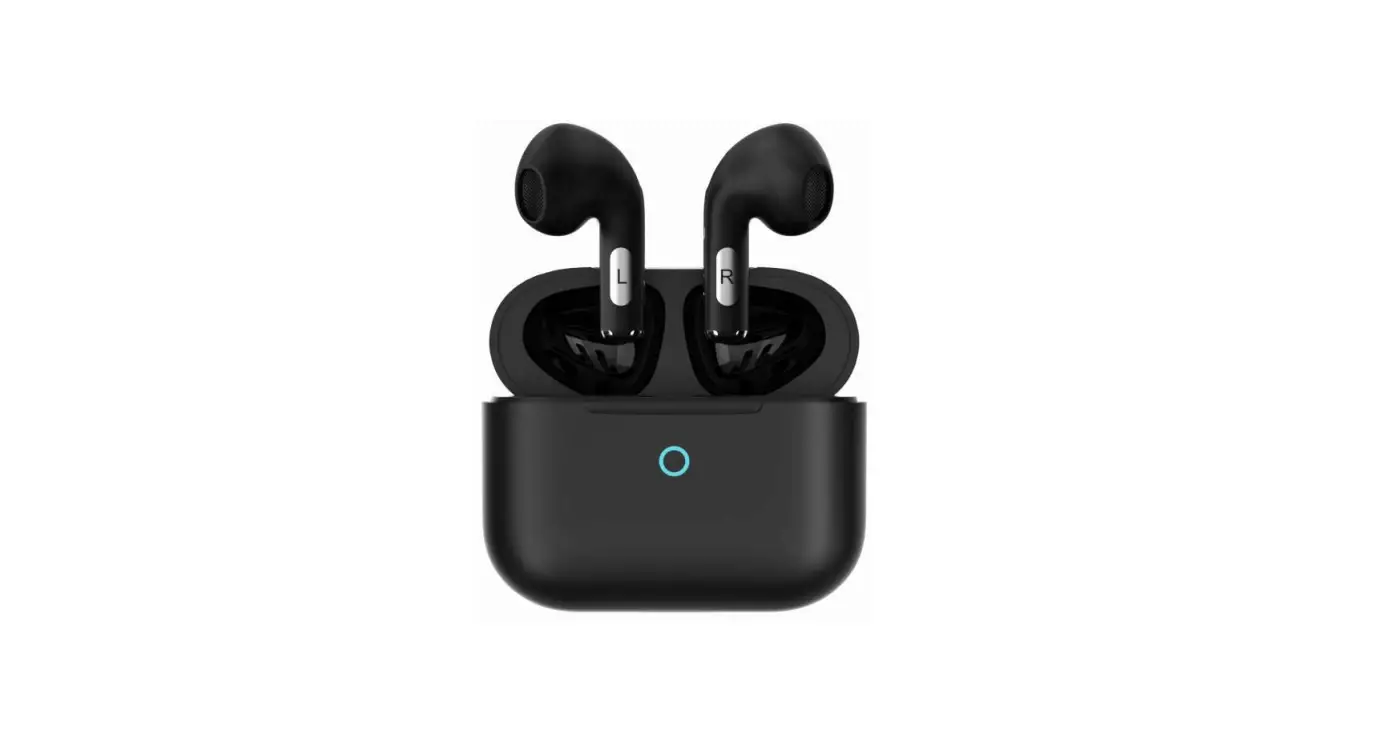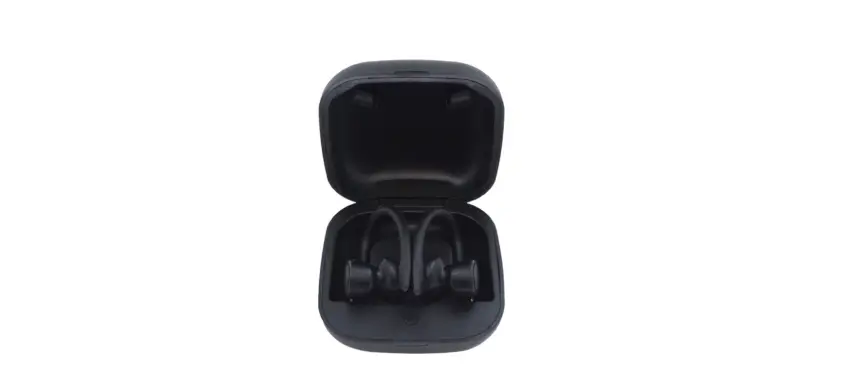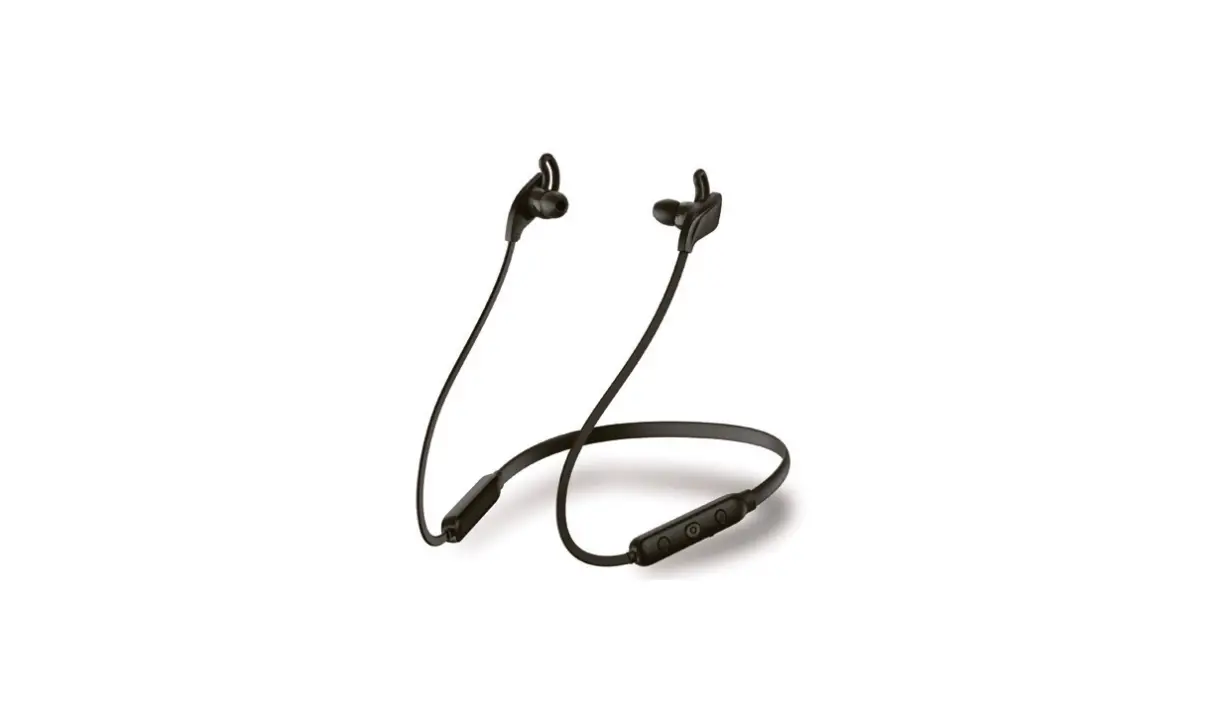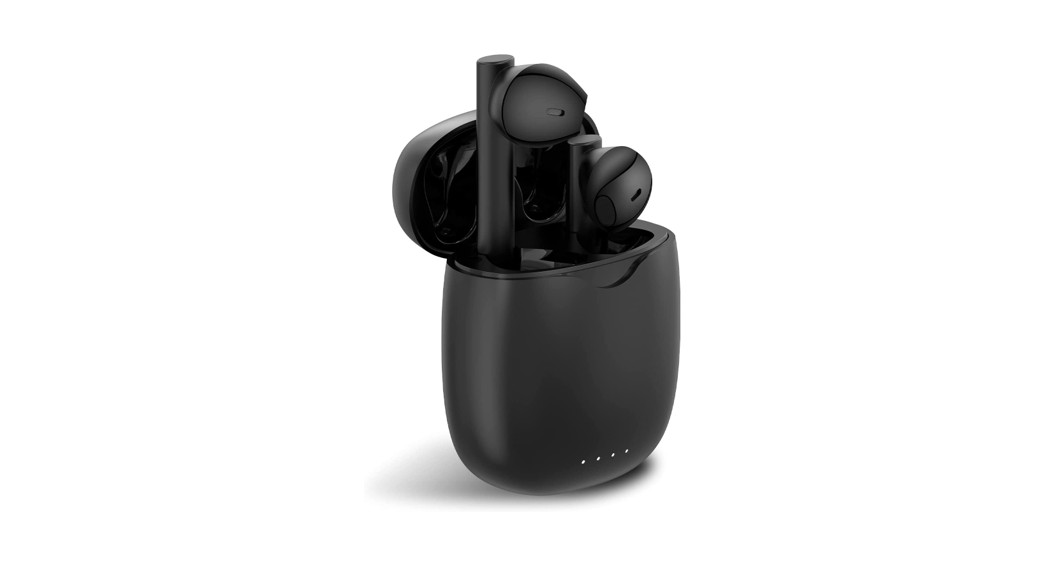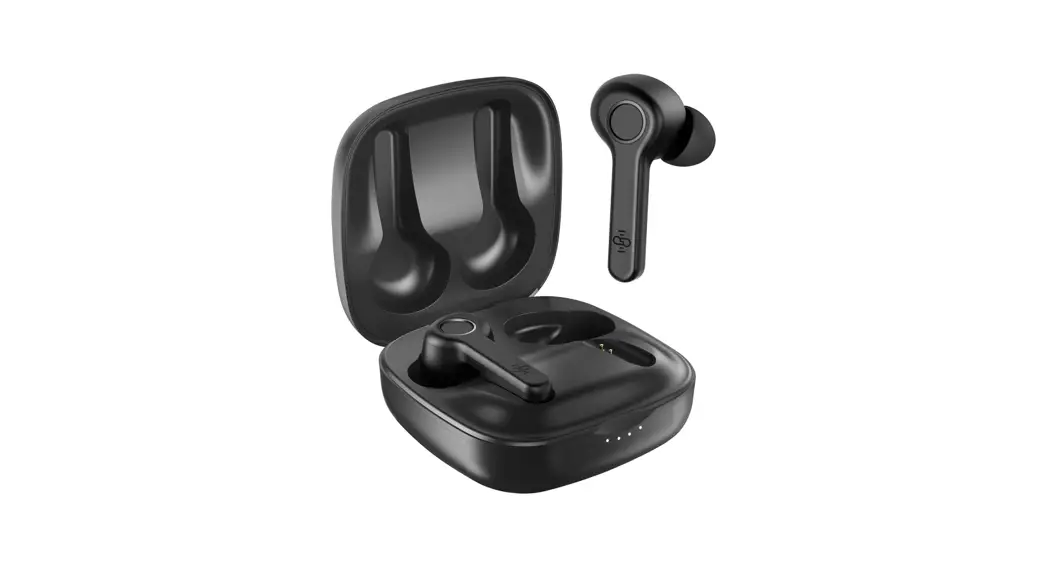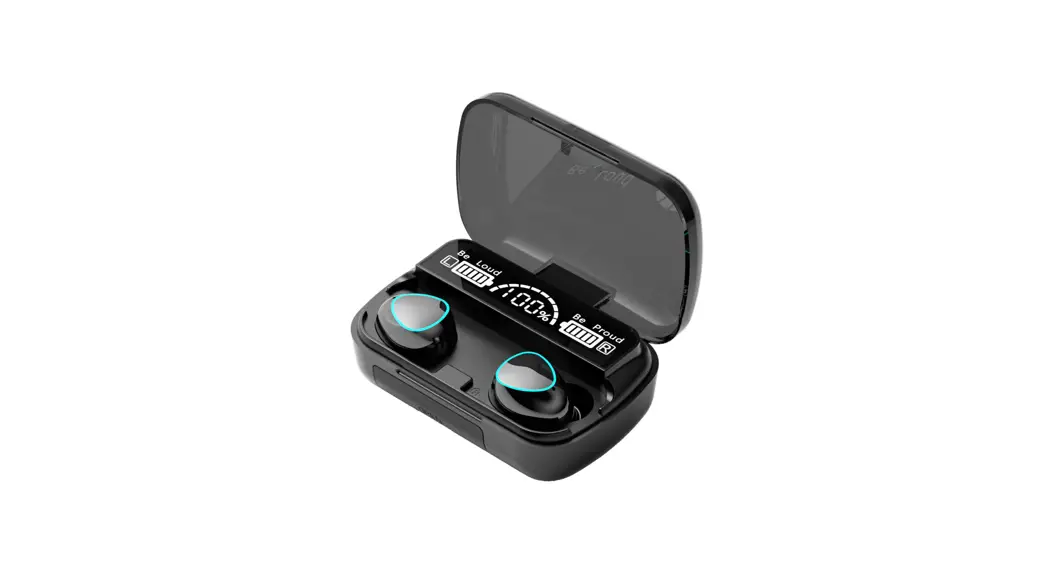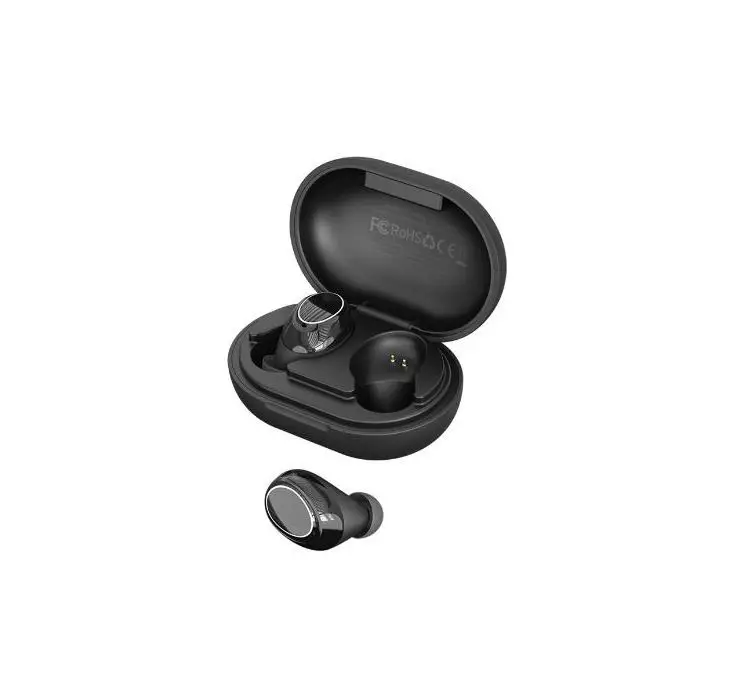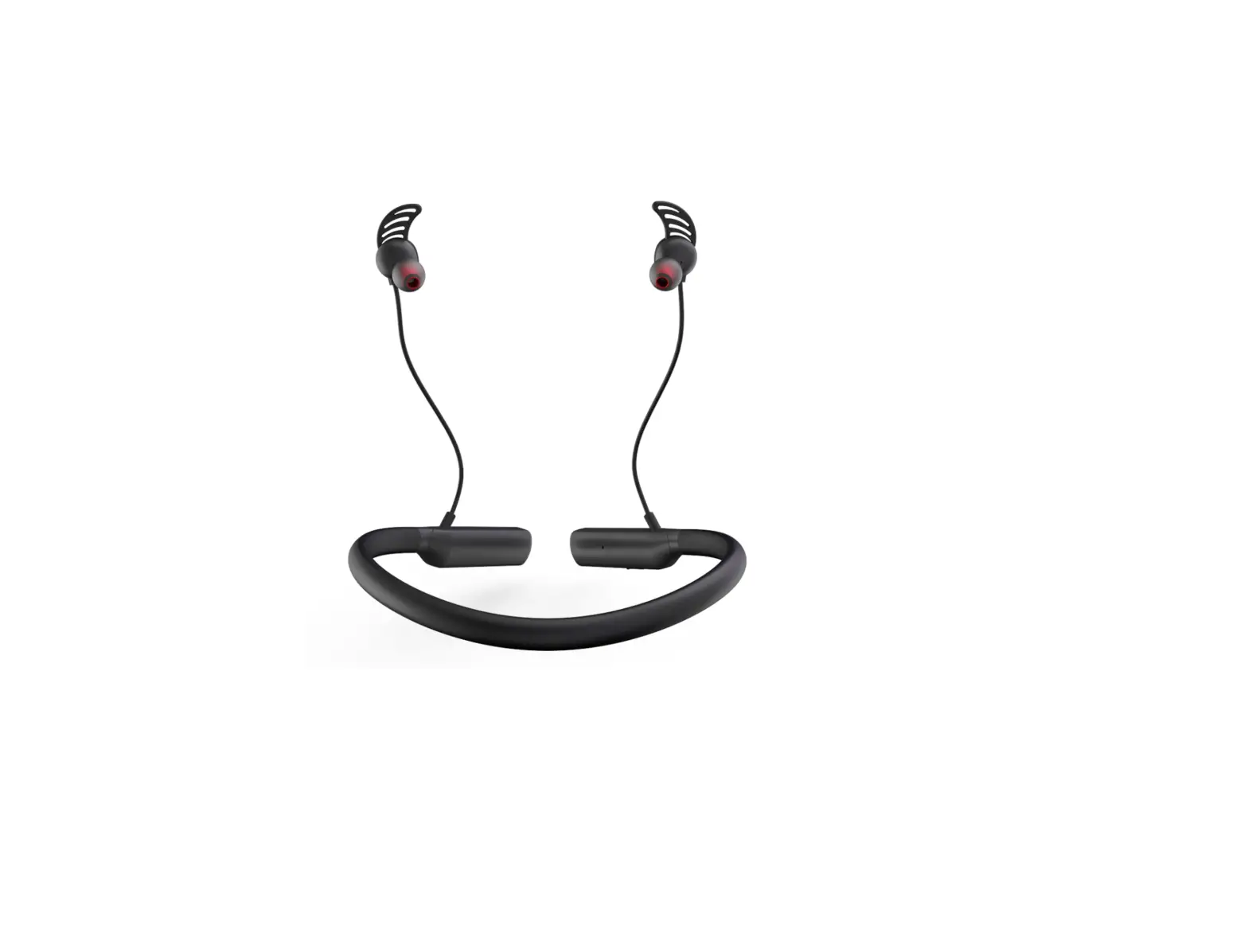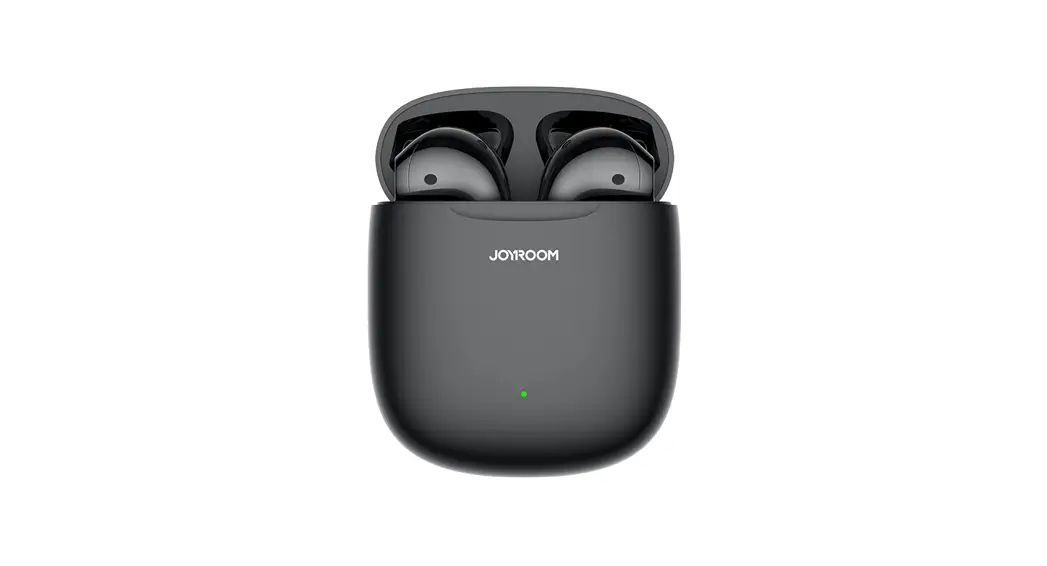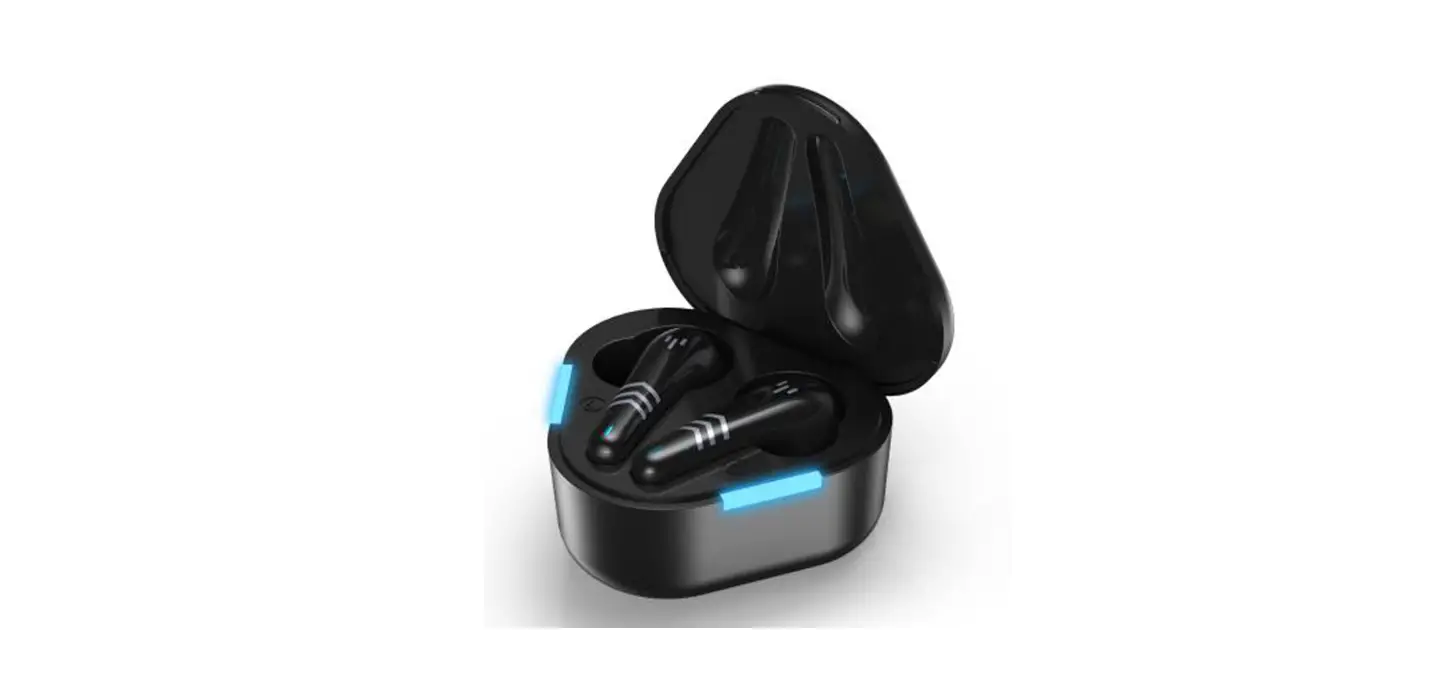

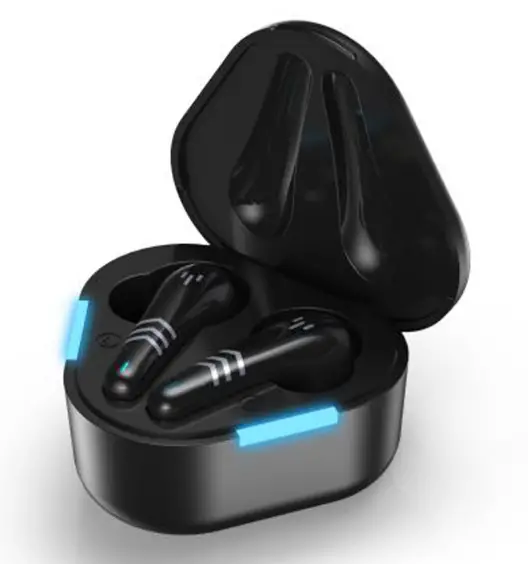
Shenzhen Uniwins Technology K09 True Wireless Stereo Bluetooth Earphones
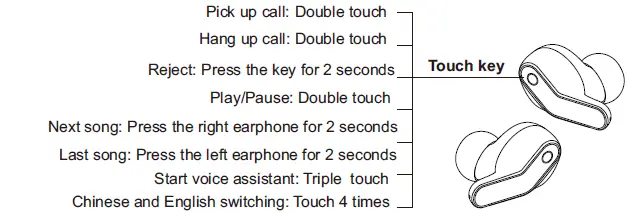
Operation
| Item | Cooperation | LED |
| Power On | Take out the earphones from the charging case | Red and blue lights flash alternately |
| Power Off | Put back to charging case | Red light on |
| Pairing | After take out from the charging case, it will be in pairing mode(it will automatically enter the single ear pairing state after 10 seconds) | Red and blue lights flash alternately |
| Connection | Choose the K09 when you search it | Blue light flashes every 5 seconds |
| Disconnection | Disconnect between phone and earphones, it will enter the pairing mode | Red and blue lights flash alternately |
| Re-connection | Earphones paired automaticly | / |
| Turn off automatically if no connection | If no connection in 5 minutes, it will turn off automatically | LED light off |
| Charging | Put earphones back to charging case | Red light on |
| Finish charged | Earphones in charging case | LED light off |
| Low power alarm | Voice alarm occurs when power is below 3.3V | Red light flashes once every 3 secones |
| Clear pairing | Press and hole the touch button for 8 seconds when the earphones enters pairing mode | Red light flashes 2 times |
Earplug Selection
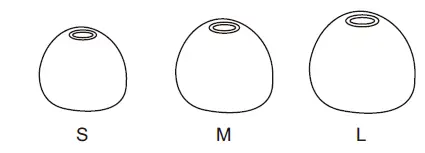
The sound quality will be affected by whether the earplugs are selected at right size, and the correct wearing will make you feeling comfortable. Since different person’s ear type is different, we offer several different sizes of earplugs. Please choose the earplugs that are suitable for your ear type. We recommend you to try the smallest earplugs first and then try the bigger ones until you find the best and ensure the earplugs are not easy fall off.
Earplugs Cleaning
- It is important to keep the earplugs clean for safe and healthful use. Important notice: please remove the earplugs from the earphones first and then try cleaning the earplugs.
- Tightly hold the earplugs with one hand, tightly hold the earphones with the other hand, and remove the earplugs from the earphones carefully.
- Use a piece of wet cloth with warm water and soft soap to clean the dirt and fouling on the earplugs. Do not use powerful detergent.
- Rinse the earplugs and put them back to the earphones until they are fully dry.
- Carefully push the earplugs back to the earphones to ensure they are completely reset.
Maintenance And Storage
It is important to keep the earbud clean for safe and healthful use.
- Do not wear the in-ear earbud that are dirty.
- When the earbud are out of use, please always store it in the clean dry environment provided.
- Do not store it with other articles, as it may cause pollution.
- Avoid storing it in an environment that is too hot or too cold.
- Avoid contact with liquid, and avoid extreme temperature or high humidity environment.
- Do not dismantle the earbud in an unprofessional and nonstandard manner, to avoid the partial sound of the earbud.
Frequently Asked Questions
Bad sound quality
- Please confirm if the earplugs are tightly plugged.
- Please try to change a player or music-playing application.
Bad noise cancellation effect
- Please confirm if the earplugs cannot be tightly plugged. If so, please replace with the silicone cover of a different size delivered.
- Please confirm if the earphones are correctly worn.
No sound or sound change
- Please confirm if the current device supports this product.
- Please try to change a player or music-playing application.
Specification
- Model number: K09
- Bluetooth version: V5.0
- Input: DC 5V
- Frequency response range: 20Hz-20KHz
- Earphones battery capacity: 3.7V/35mAh
- Charging case battery capacity: 3.7V/400mAh
- Working time: About 3 hours
- Earphones Charging time: About 1 hour
- Charging case charging time: About 1 hour
- Bluetooth transmission distance: 10 meters (unobstructed environment)
- Bluetooth protocol: A2DP/AVRCP/HFP/SDP/SPP
Notice
Built-in lithium battery. Disassembly prohibited, bump, squeeze or throw into fire.If severe bulging occurs, do not continue to use. Do not place in a high-temperature environment.
FCC Warning Statement
Changes or modifications not expressly approved by the party responsible for compliance could void the user’s authority to operate the equipment. This equipment has been tested and found to comply with the limits for a Class B digital device, pursuant to Part 15 of the FCC Rules. These limits are designed to provide reasonable protection against harmful interference in a residential installation. This equipment generates uses and can radiate radio frequency energy and, if not installed and used in accordance with the instructions, may cause harmful interference to radio communications. However, there is no guarantee that interference will not occur in a particular installation. If this equipment does cause harmful interference to radio or television reception, which can be determined by turning the equipment off and on, the user is encouraged to try to correct the interference by one or more of the following measures:
- Reorient or relocate the receiving antenna.
- Increase the separation between the equipment and receiver.
- Connect the equipment into an outlet on a circuit different from that to which the receiver is connected.
- Consult the dealer or an experienced radio/TV technician for help.
This device complies with part 15 of the FCC Rules. Operation is subject to the following
two conditions:
- This device may not cause harmful interference, and
- this device must accept any interference received, including interference that may cause undesired operation. The device has been evaluated to meet general RF exposure requirements.