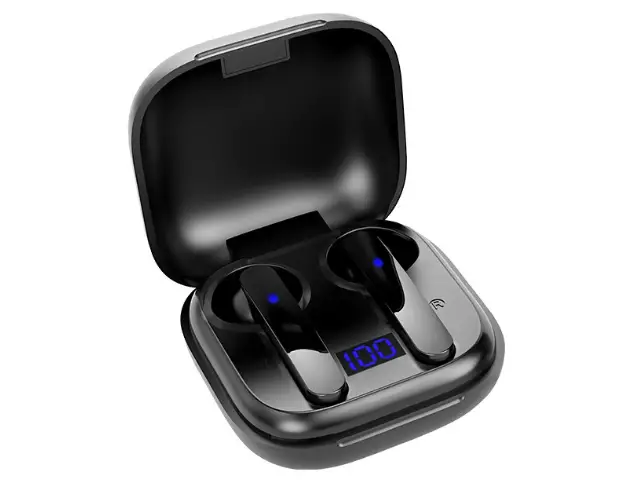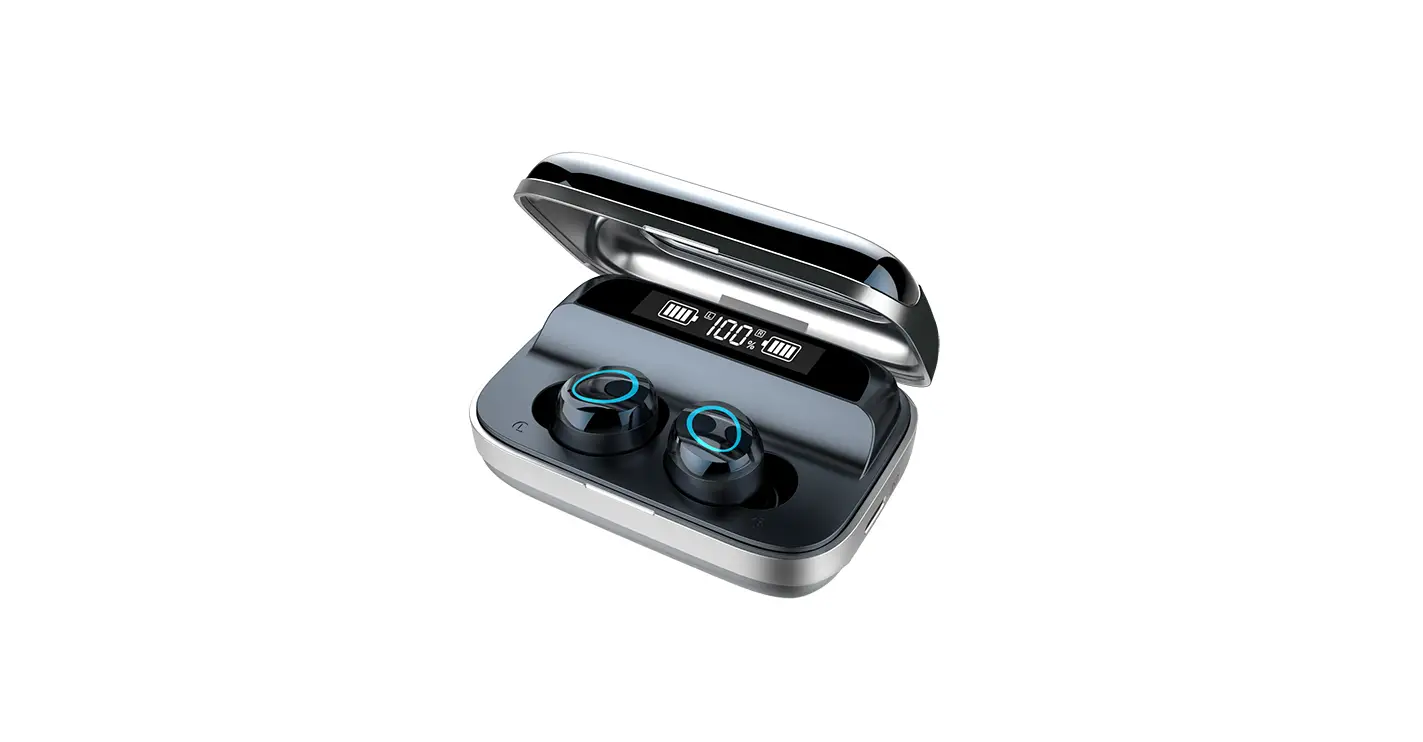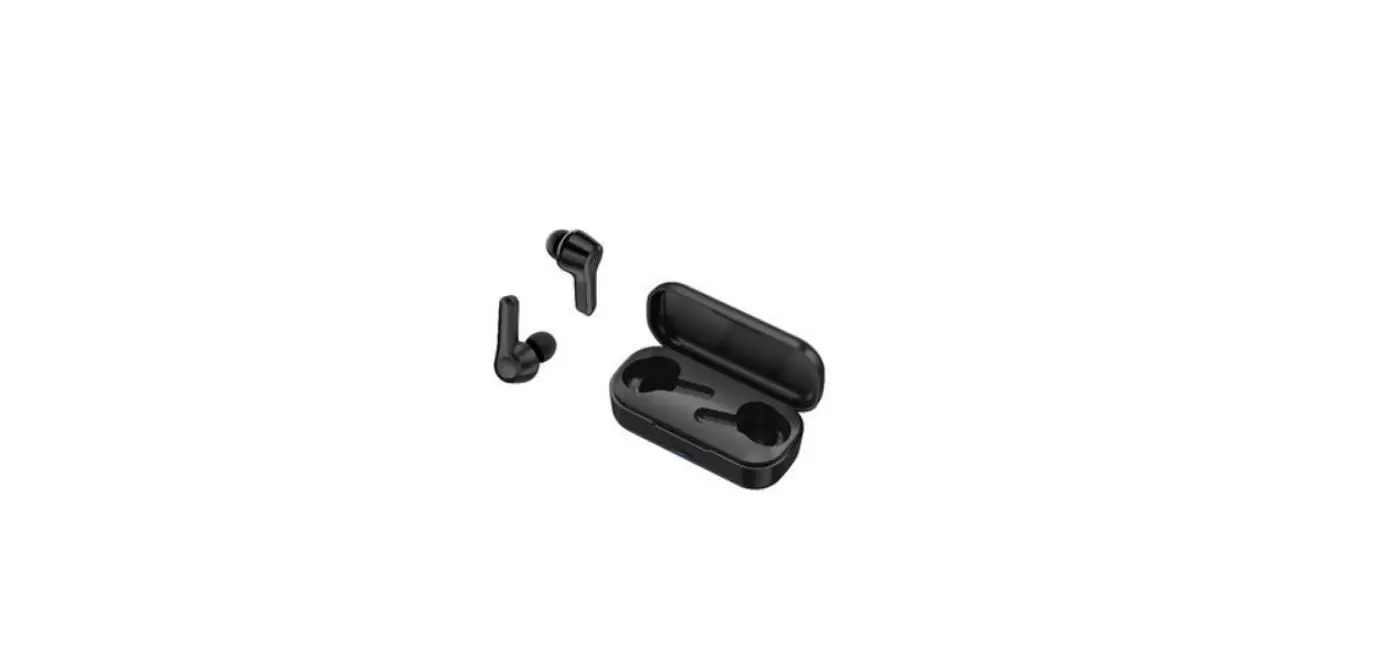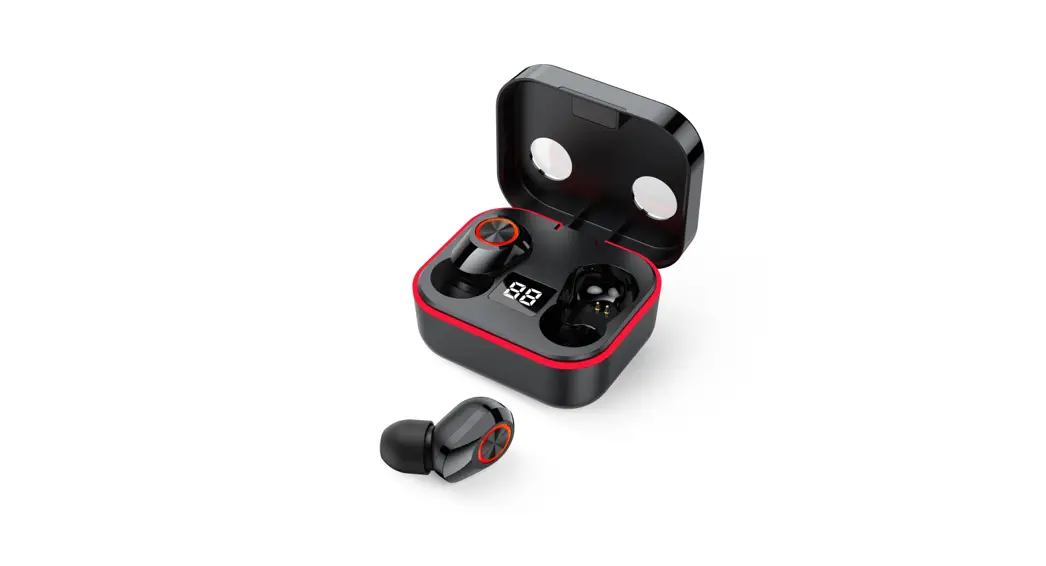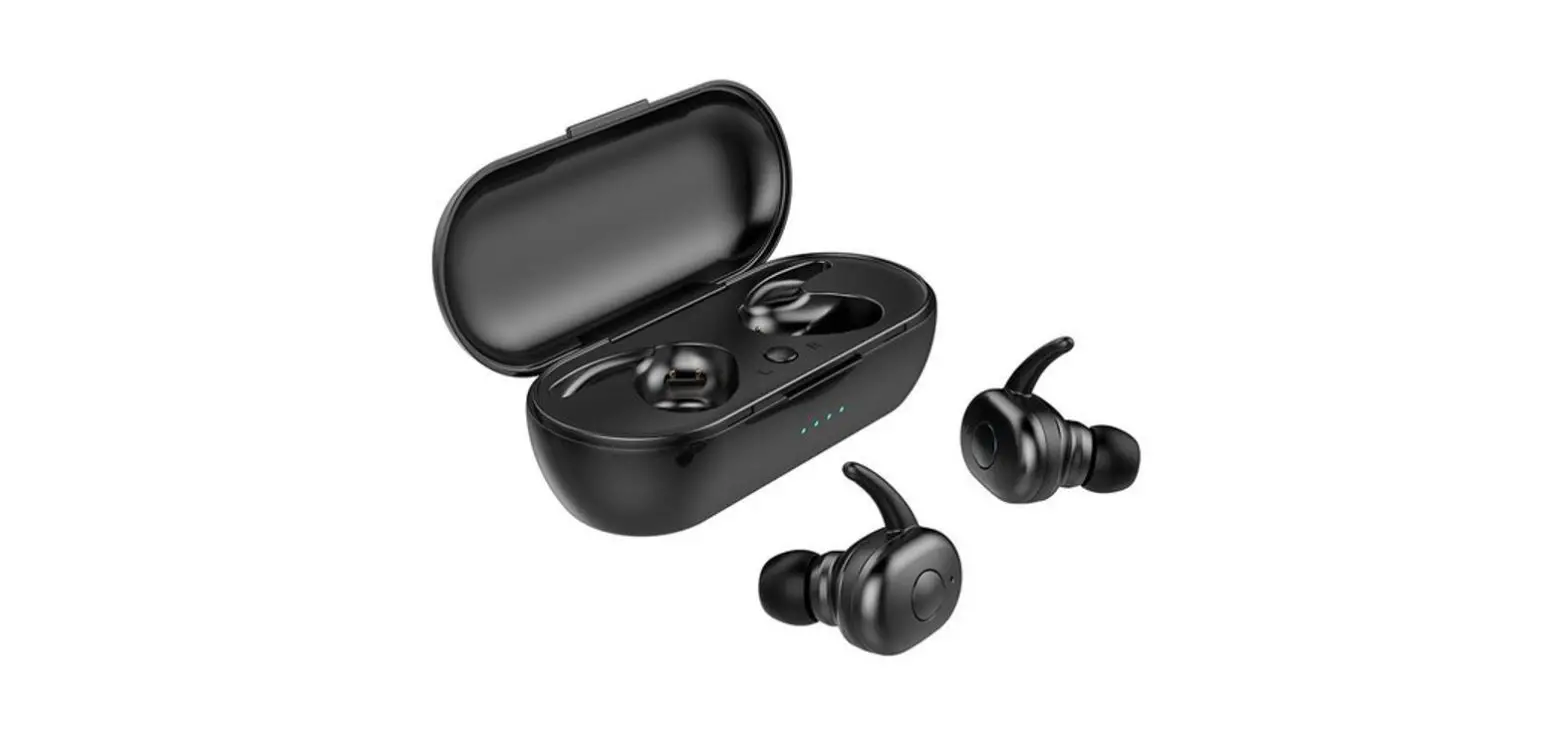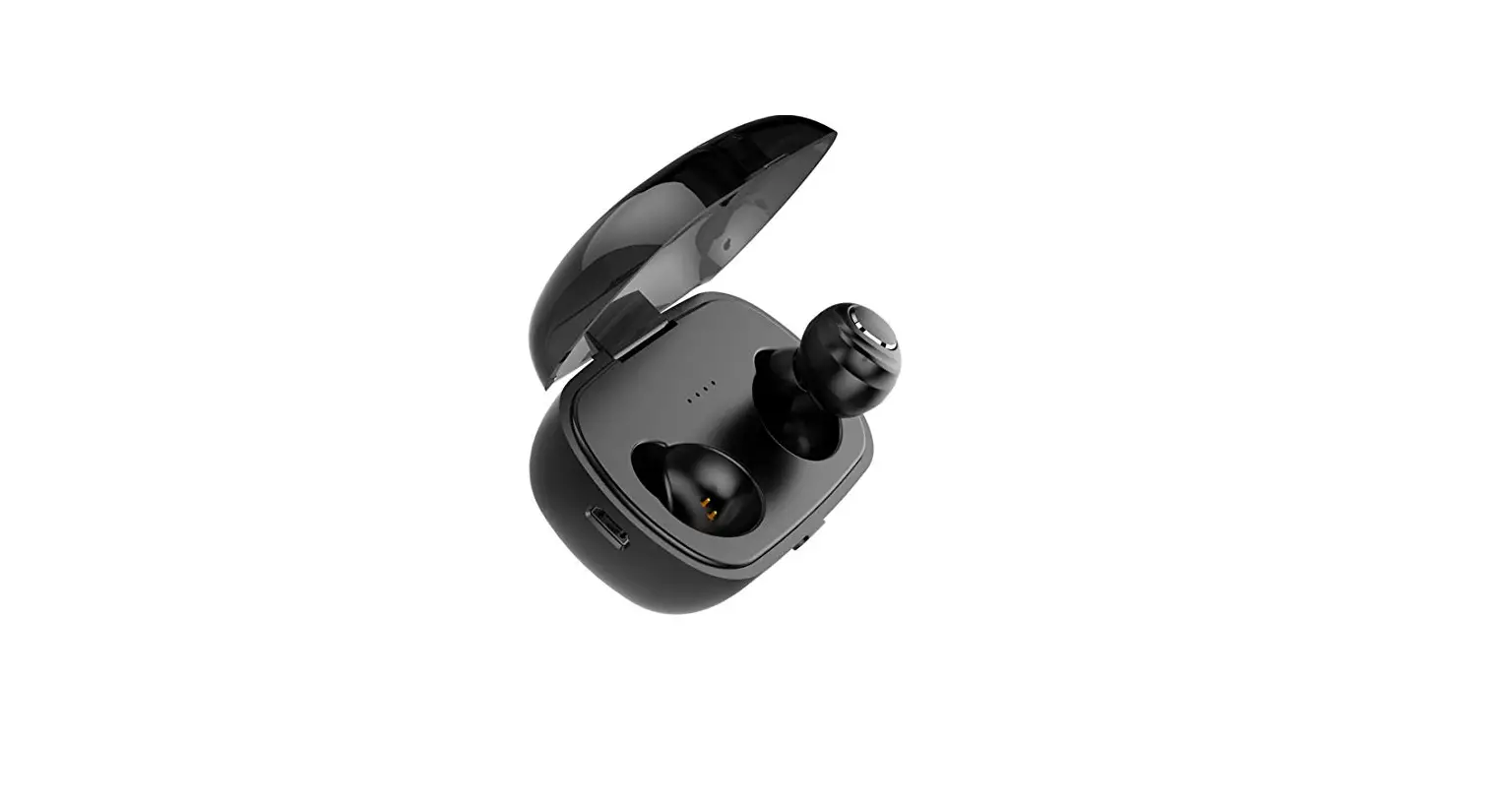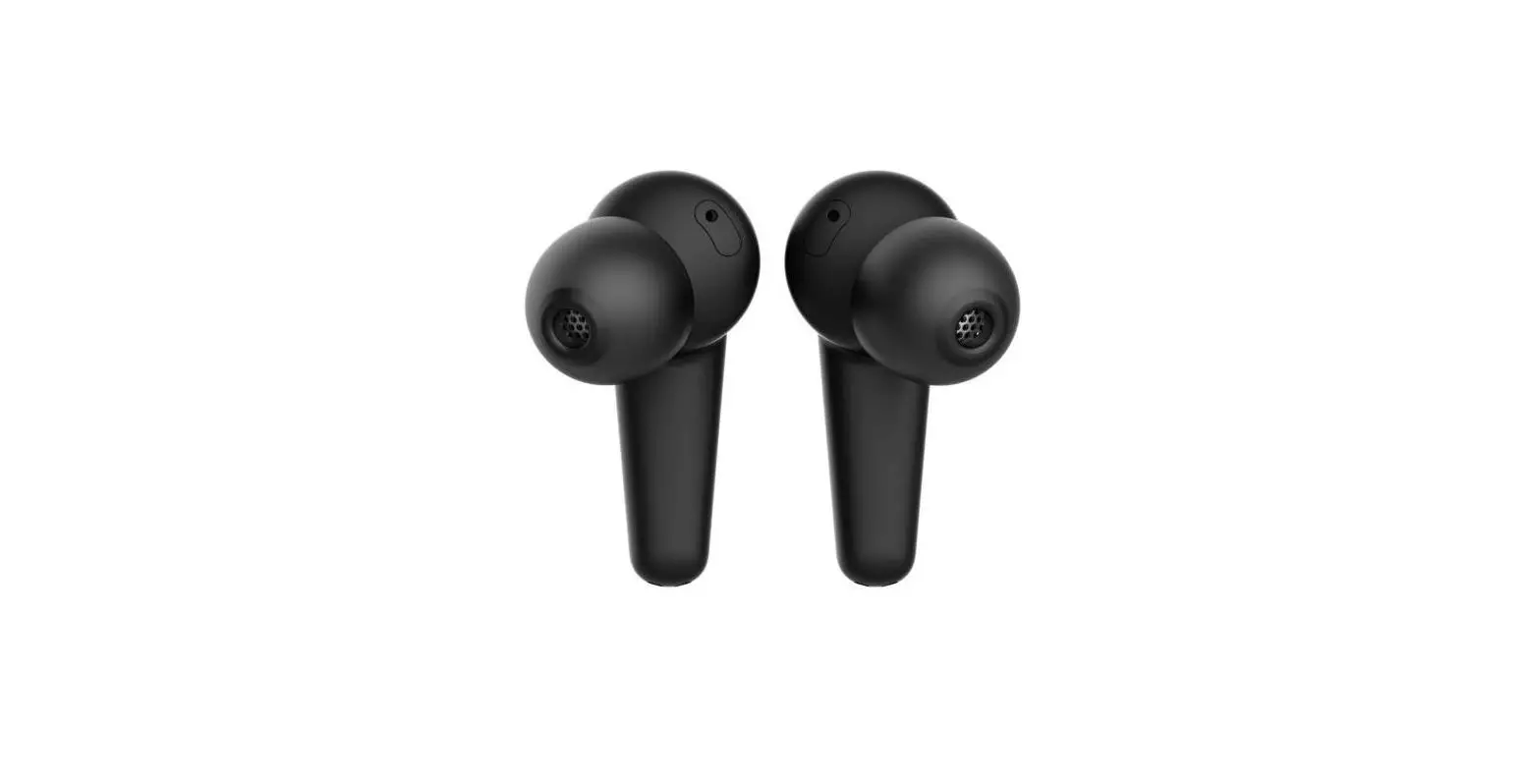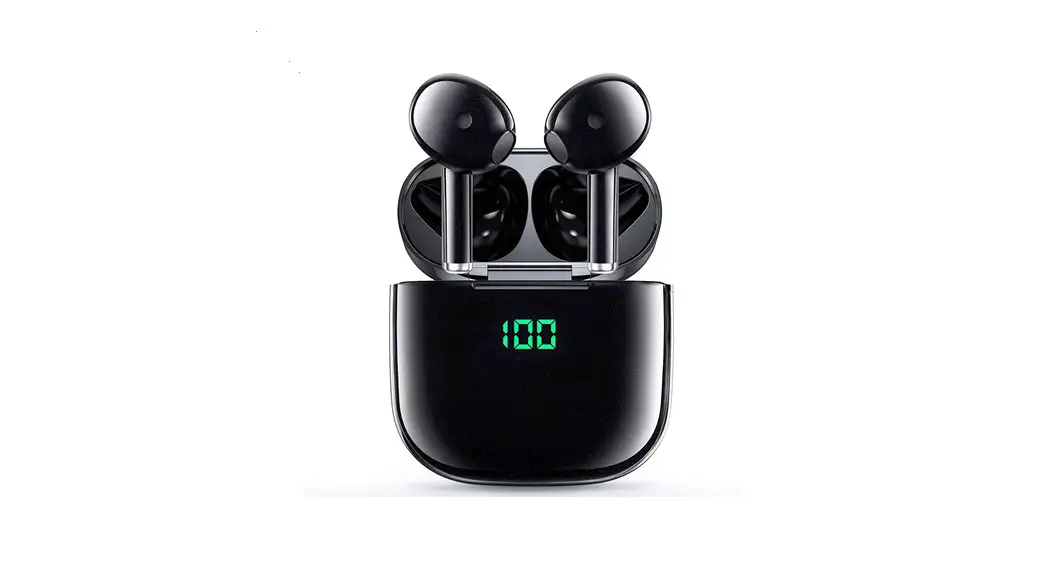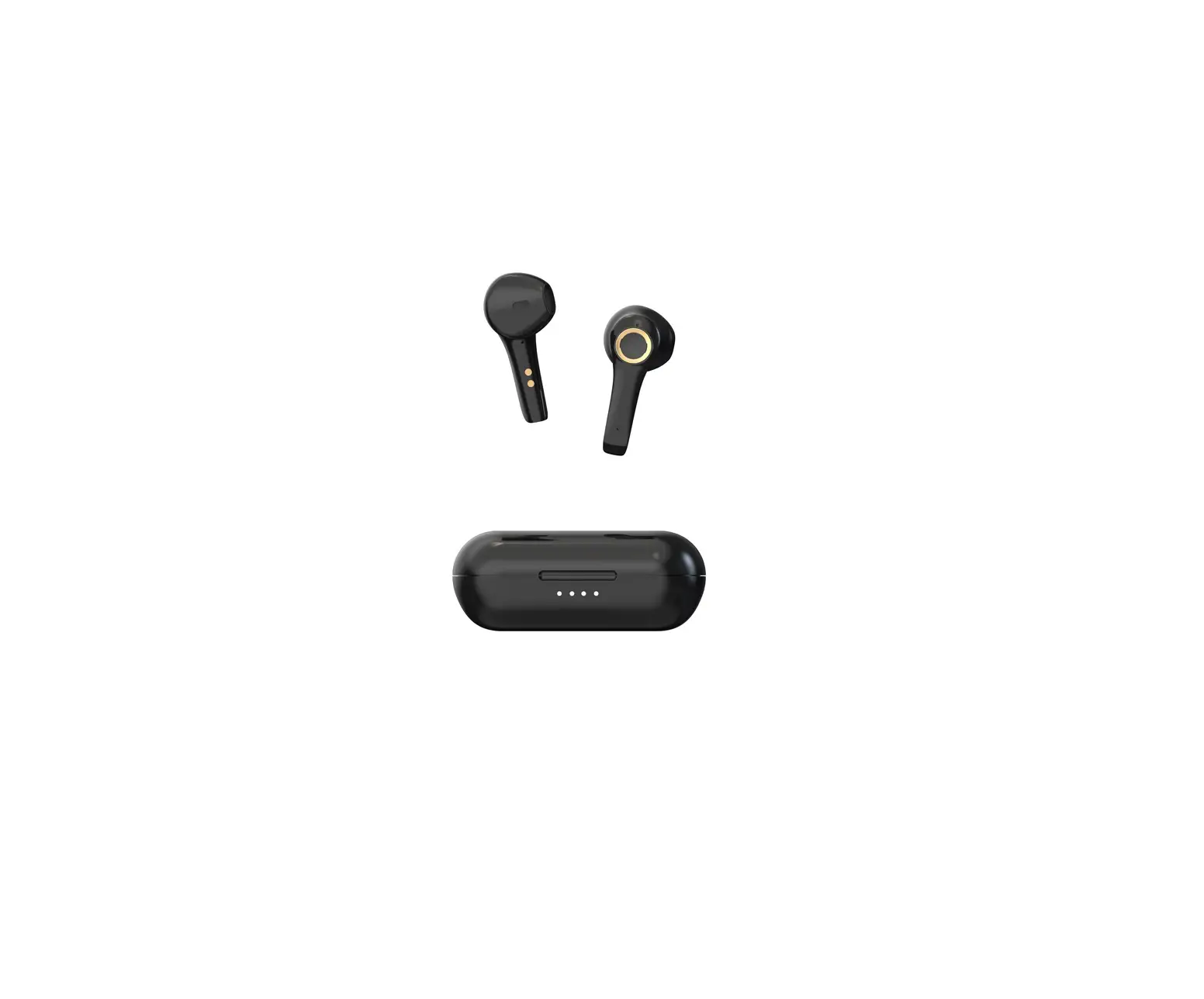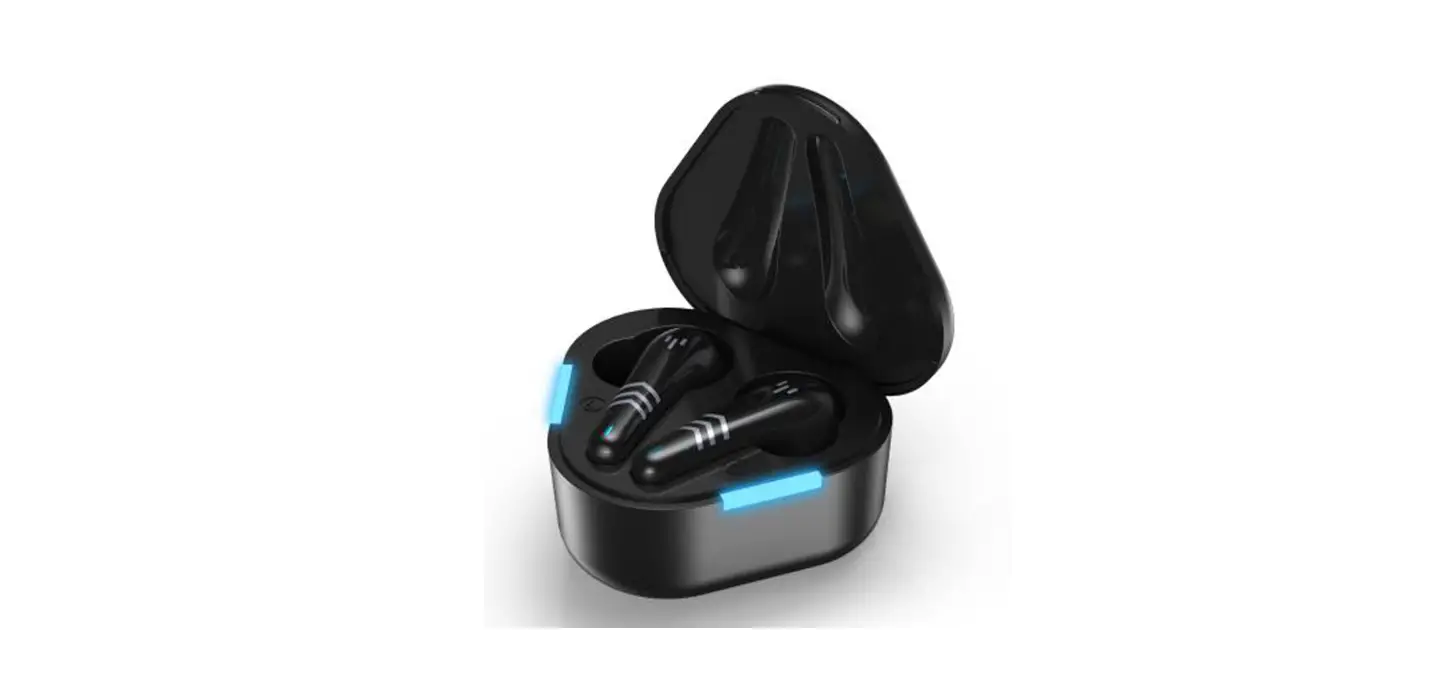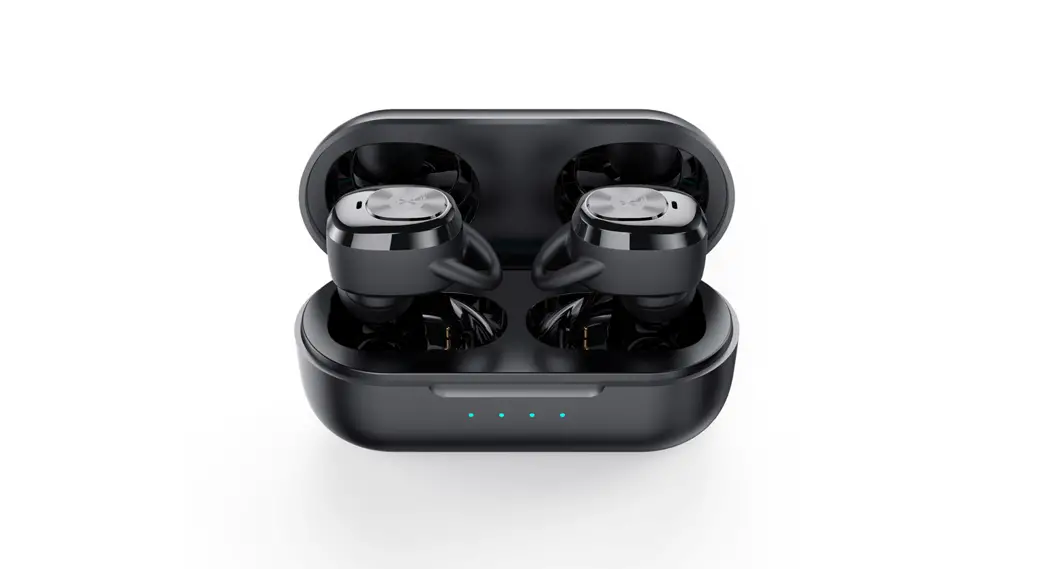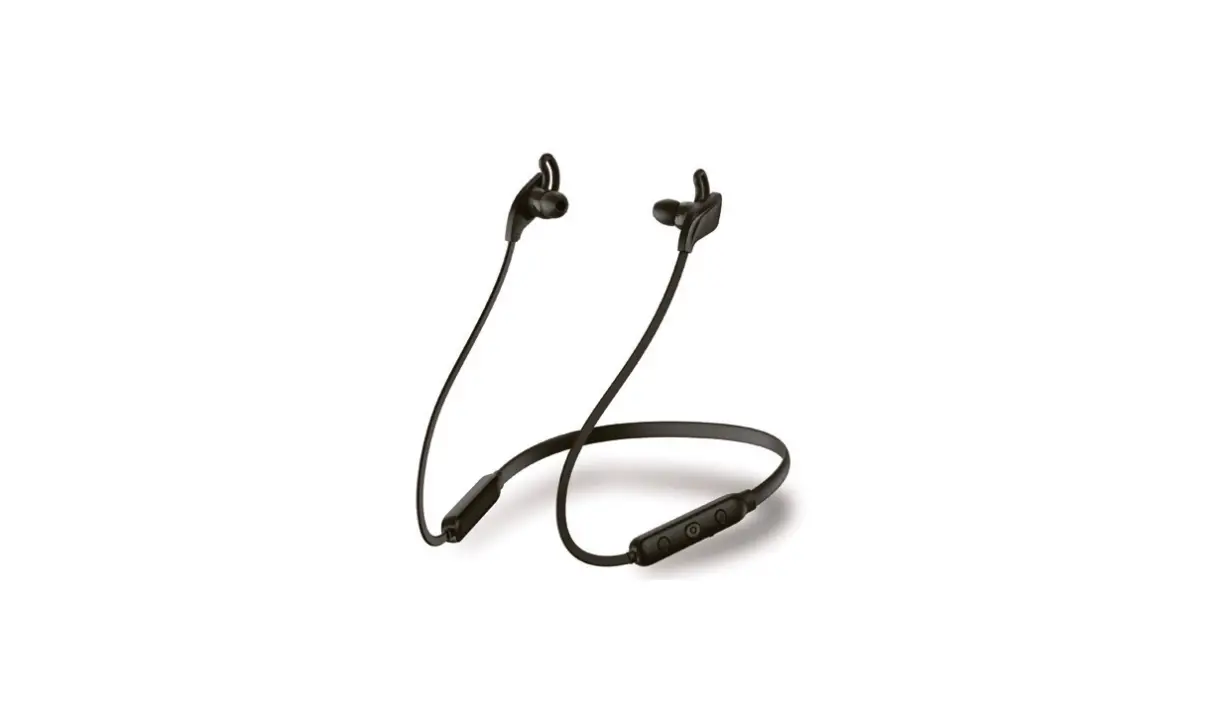
Shenzhen Joining Free Technology JEP101 True Wireless Stereo Earphone User Manual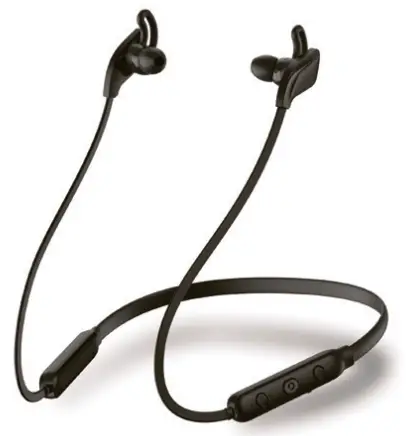
Basic Parameter
Speaker unit | |
| Type | Moving coil PRT membrane horn |
| Size | 010mm |
| Speaker Impedance | 320 ± 10% |
| Speaker Sensitivity | 92dBm ± 3dB |
| Frequency response | 20-20KHz |
| Rated power | 3mW |
| Max Power | 5mW |
Microphone | |
| Type | Silicon Microphone |
| Sensitivity | 42dB ± 3dB@ |
| Operation voltage | 1.8V |
| Output resistance | 3000 |
| Directionality | Omnidirectional |
| Bluetooth system | |
| Bluetooth Solution | BT8895B |
| Bluetooth Protocol | A2DP , HFP, SPP , HID, PBAP |
| Bluetooth version | Bluetooth 5.0 |
| Frequency | 2.4GHz |
| Frequency range | 2.402GHz-2.4800Hz |
| Bluetooth transmission | About 10m |
| Linico Rechargeable battery | ||
| Battery capacity | 130mAh | |
| Charging lifetime | Above 500 times | |
| Charging Equipment | Micro USB Output | 5V/1 A |
| Charging time | About 3h | |
| Play time | About 10h | |
| Standby time | About 4 weeks | |
Functions and operate
Charging earphone
- Power off the earphone before charging.
- Connect wireless earphone with PC/Laptop/Mac or any 5V/1 A USB adaptor (not included) with USB cable (not included).
- About 3 Hours to be full charged. Unplug after full charged.
Remarks: In playing mode, If hearing ” low battery” sound. Or if some mobiles showing red power symbol, It means earphone in low power status. Like this. Please charge earphone in time.
Power on/Off earphone
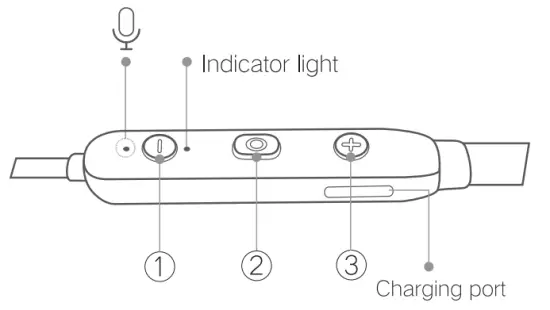
- Press (2) button for 3 seconds to open earphone power. LED Light shows green LED more flash one red and green flashing.
- Press 2 for 4 seconds in working environment. LED will be powered off after 3 times flashing. Earphone powered off. 3. Disconnection for 5 minutes after powered, LED light turn to be red or green alternately flashing, It will be off automatically.
Pairing Wireless Earphone
- Please keep the earphone and the device such as mobile. PC, Notebook and others within 1 meter.
- Turn on earphone, LED blinks quickly between red and green. Earphone is standby for pairing.
- Start the Bluetooth function of the device and search the Bluetooth device. After searched select ” D1 ” in Bluetooth device list.
- After paring successfully. The earphone LED lights will be green slow flash.
Answer call
- In play mode, Once there is a phone call in. Earphone will make ” du du du ” sound, Press 2 button to answer phone call, single press 2) for seconds to hang up phone call.
- In play mode, Double press 2 button to dial previous call.
- Short press volume reduced; Long press display previous songs.
- Short press display or pause; Long press power on/off the earphone.
- Short press volume increased: Long press display next songs.
Product packing list
| Wireless in- ear earphone | X 1 | |
| User manual | x 1 | |
| Silicone ear–buds | ( S ) | x 2 |
| Silicone ear–buds | ( L ) | x 2 |
| Charging cable | x 1 | |
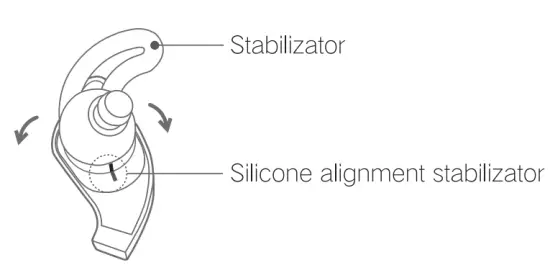
Headphone wearing method
- Please follow the Left (L) and Right (R) handpieces of the headphones for proper wear.
- The alignment mark is the normal adjustment position, and the direction of the ear wing can also be adjusted freely to the best of it’s location.
Precautions
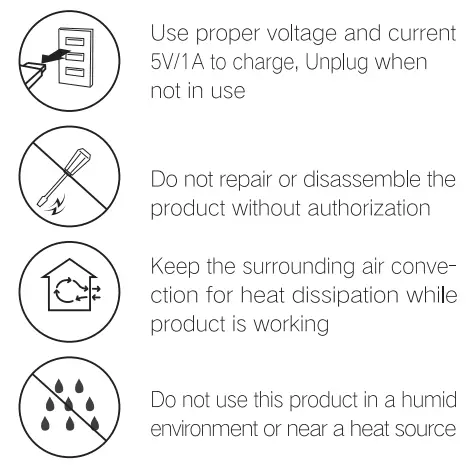
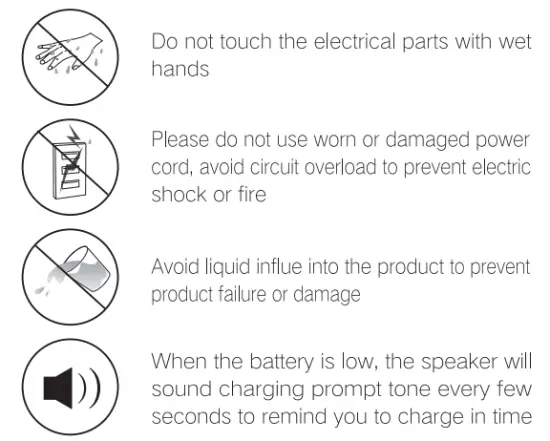
Safety reminder
- Please read this manual carefully before use and keep it in a safe place. -Please use the accessories or accessories in the package
- Please clean the surface and wire of the headphones with a damp cloth. -Keep the lowest volume as much as possible during use and avoid using the product in noisy environments. If you need to increase the volume, please adjust it slowly.
- If the ear beeps, it may indicate that the volume is too high.
- If you feel uncomfortable or feel your ears beep, stop using your headphones and seek medical attention. Prolonged use at high volume may result in permanent hearing loss.
- When you are engaged in any activity that requires your full attention, if you need to use this product, we recommend that you take extra care.
- Store where children can’t get it. This product contains small accessories that may be dangerous for children.
- Avoid contact with moisture, rain or other liquids
Battery and charger warning
- If the battery used in this product is improperly handled, there is a danger of fire or chemical burning.
- Do not attempt to replace the battery unless otherwise stated in the manual
- Do not use the product during charging
FCC Statement
This equipment has been tested and found to comply with the limits for a Class B digital device, pursuant to Part 15 of the FCC Rules. These limits are designed to provide reasonable protection against harmful interference in a residential installation. This equipment generates uses and can radiate radio frequency energy and, if not installed and used in accordance with the instructions, may cause harmful interference to radio communications. However, there is no guarantee that interference will not occur in a particular installation. If this equipment does cause harmful interference to radio or television reception, which can be determined by turning the equipment off and on, the user is encouraged to try to correct the interference by one or more of the following measures:
- Reorient or relocate the receiving antenna.
- Increase the separation between the equipment and receiver.
- Connect the equipment into an outlet on a circuit different from that to which the receiver is connected.
- Consult the dealer or an experienced radio/TV technician for help.
This device complies with part 15 of the FCC Rules. Operation is subject to the following two conditions: (1) This device may not cause harmful interference, and (2) this device must accept any interference received, including interference that may cause undesired operation.
Changes or modifications not expressly approved by the party responsible for compliance could void the user’s authority to operate the equipment.
Environmental protection and RoHS Standard Free from mercury or environmentally harmful substances Executive standard: GB8898-2011