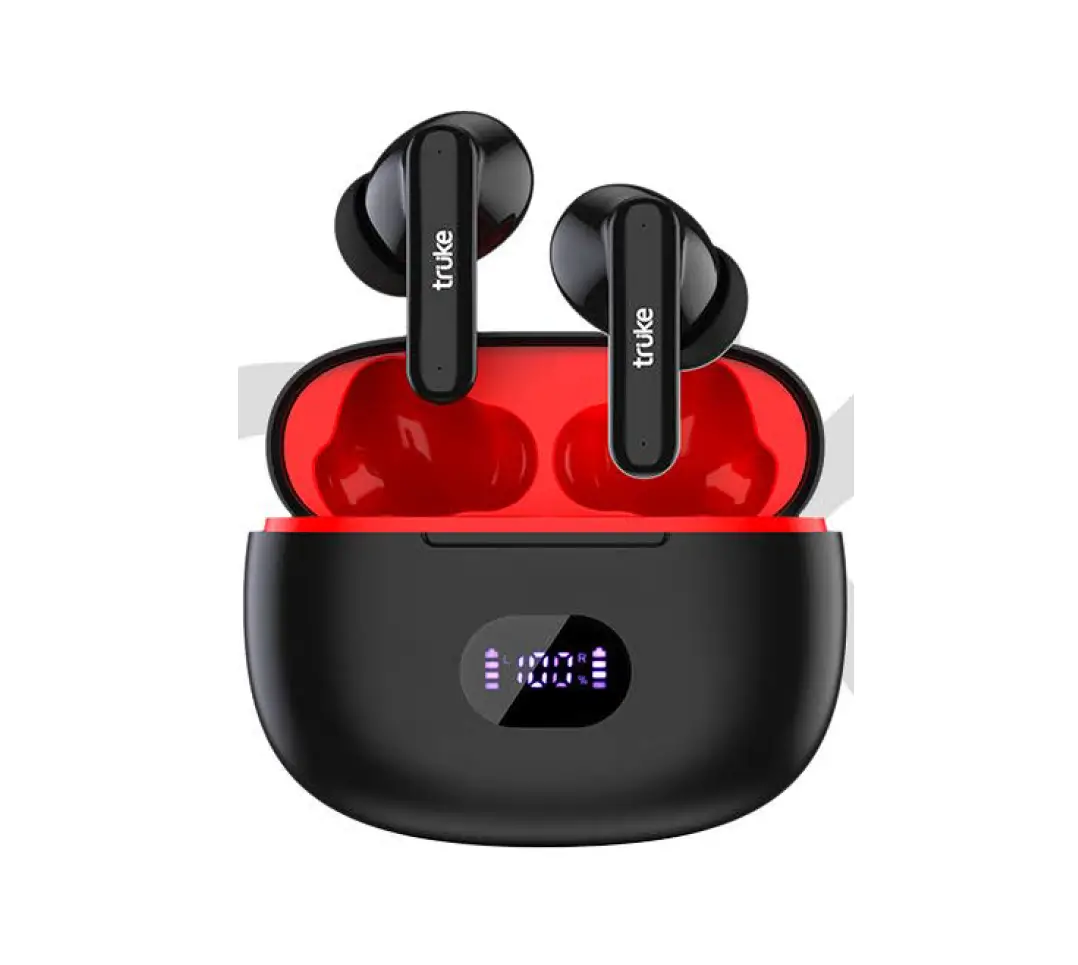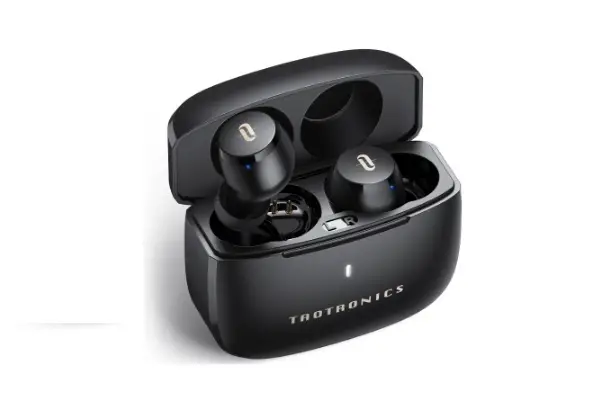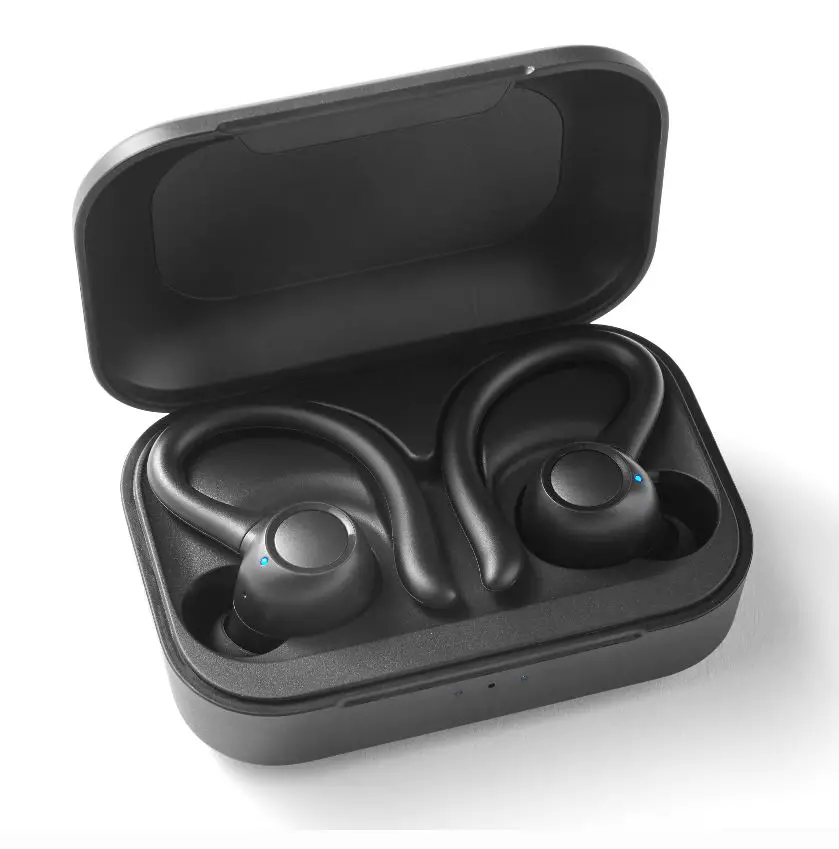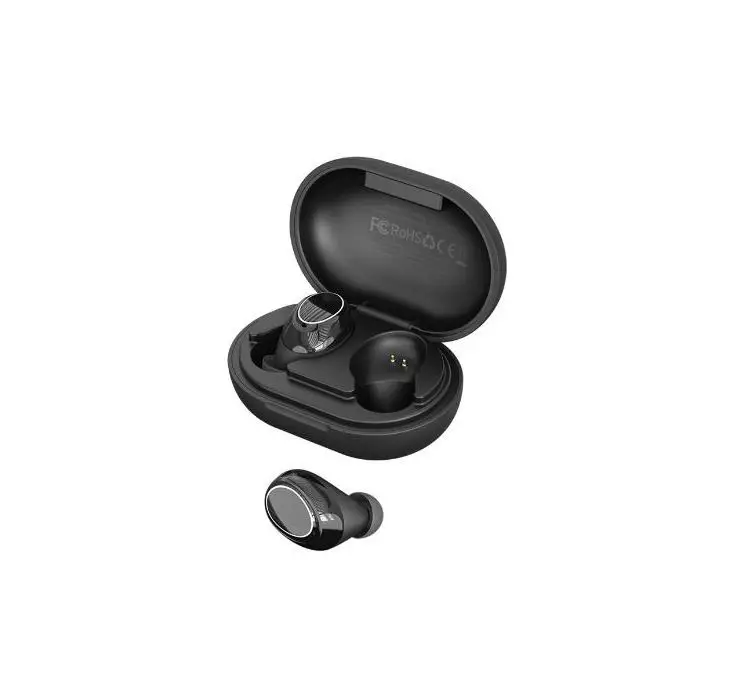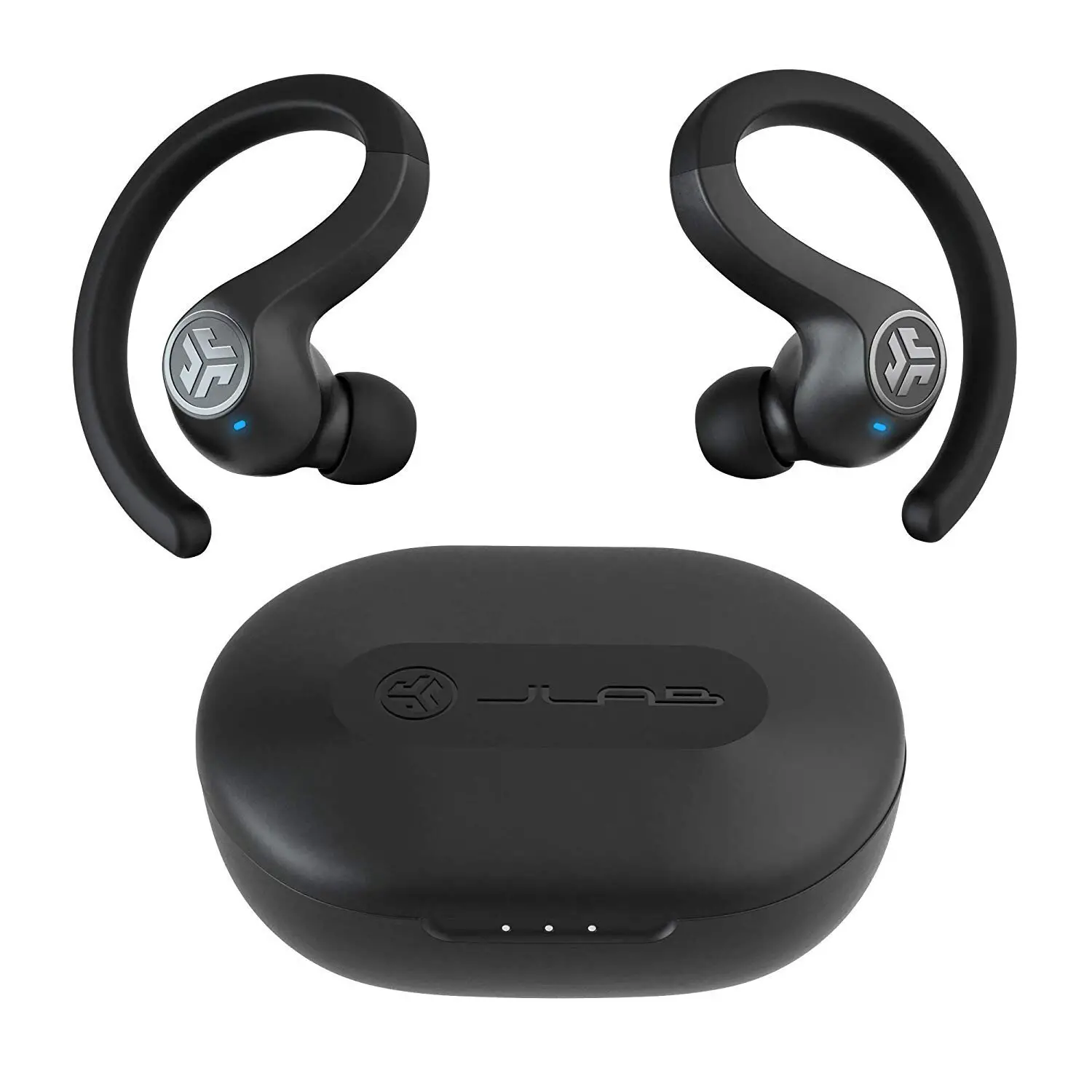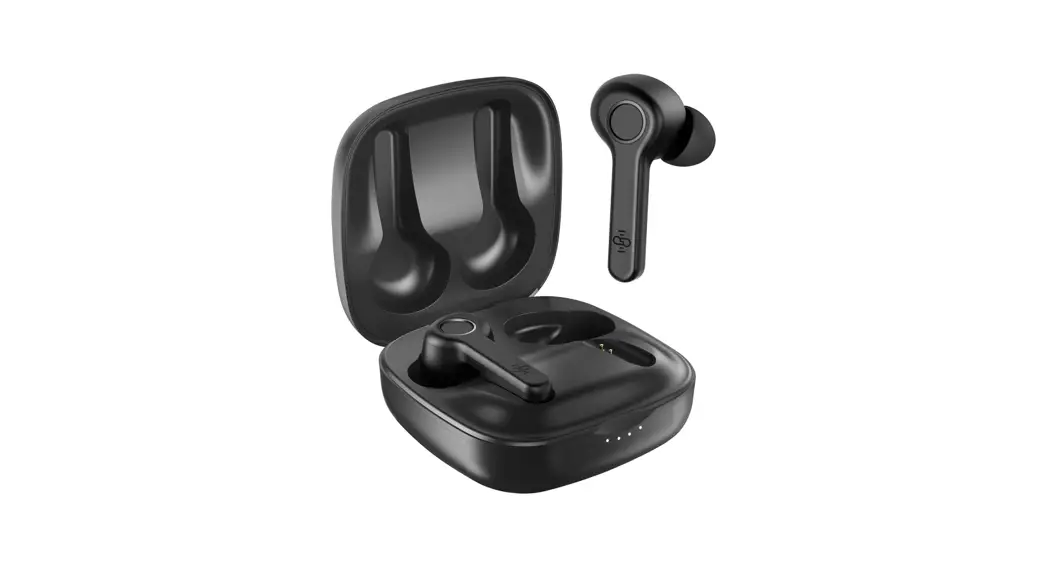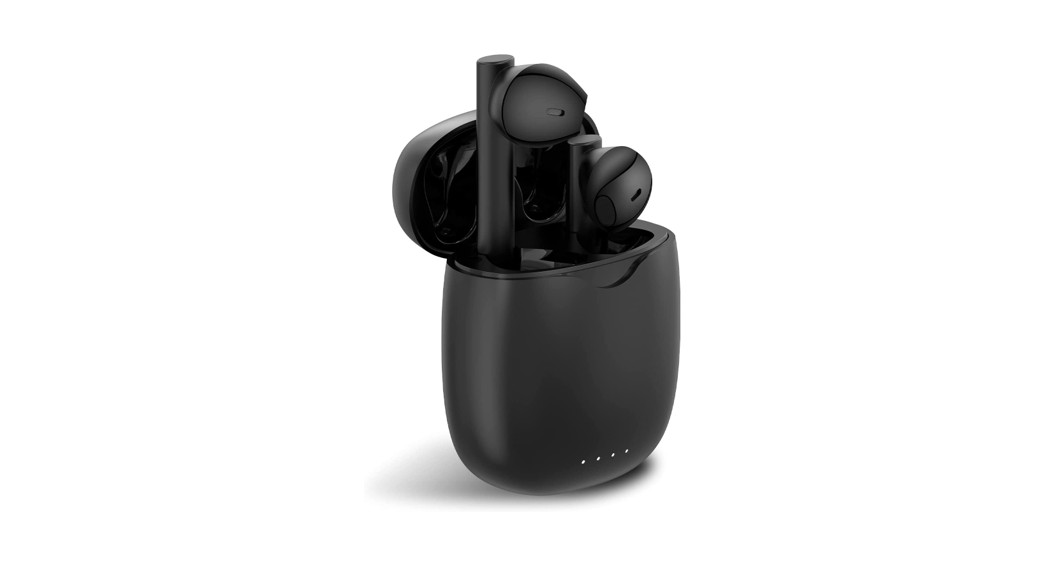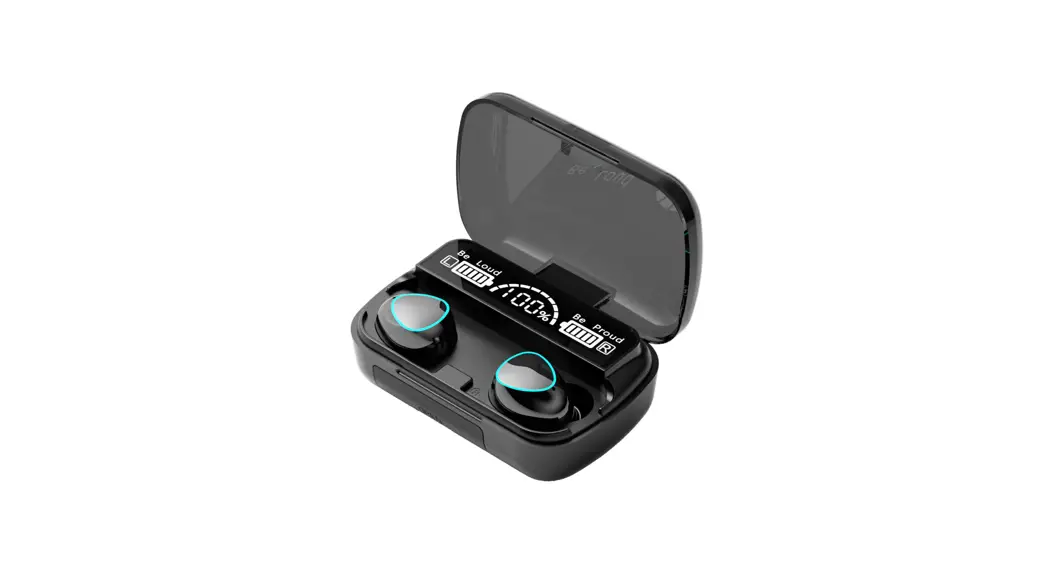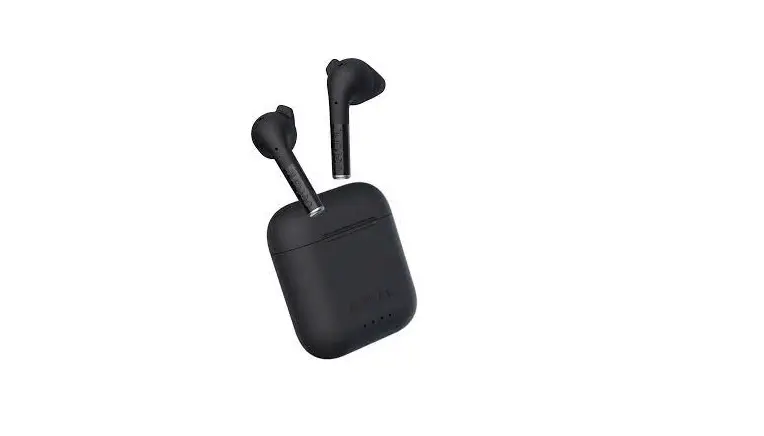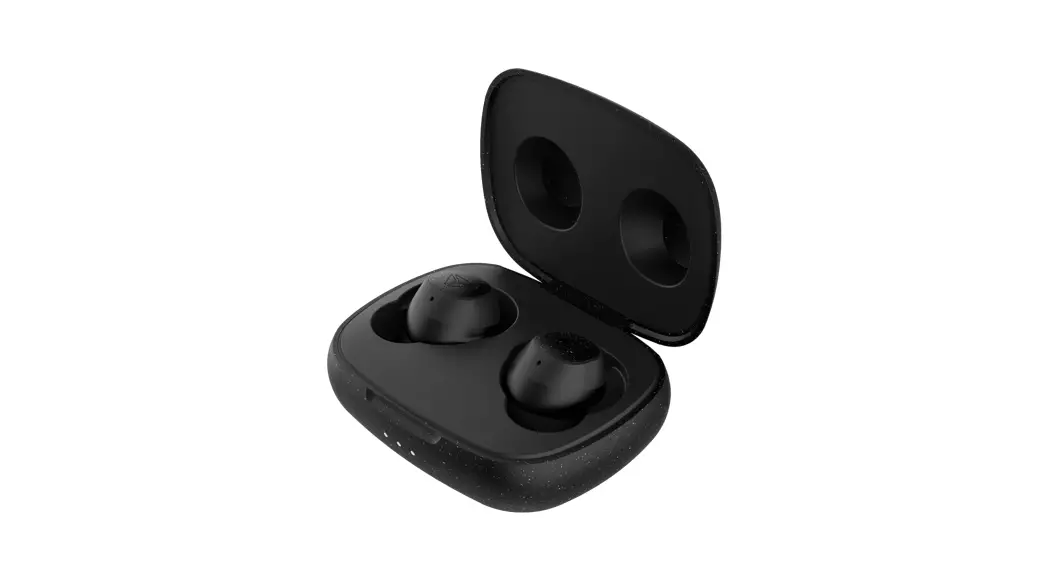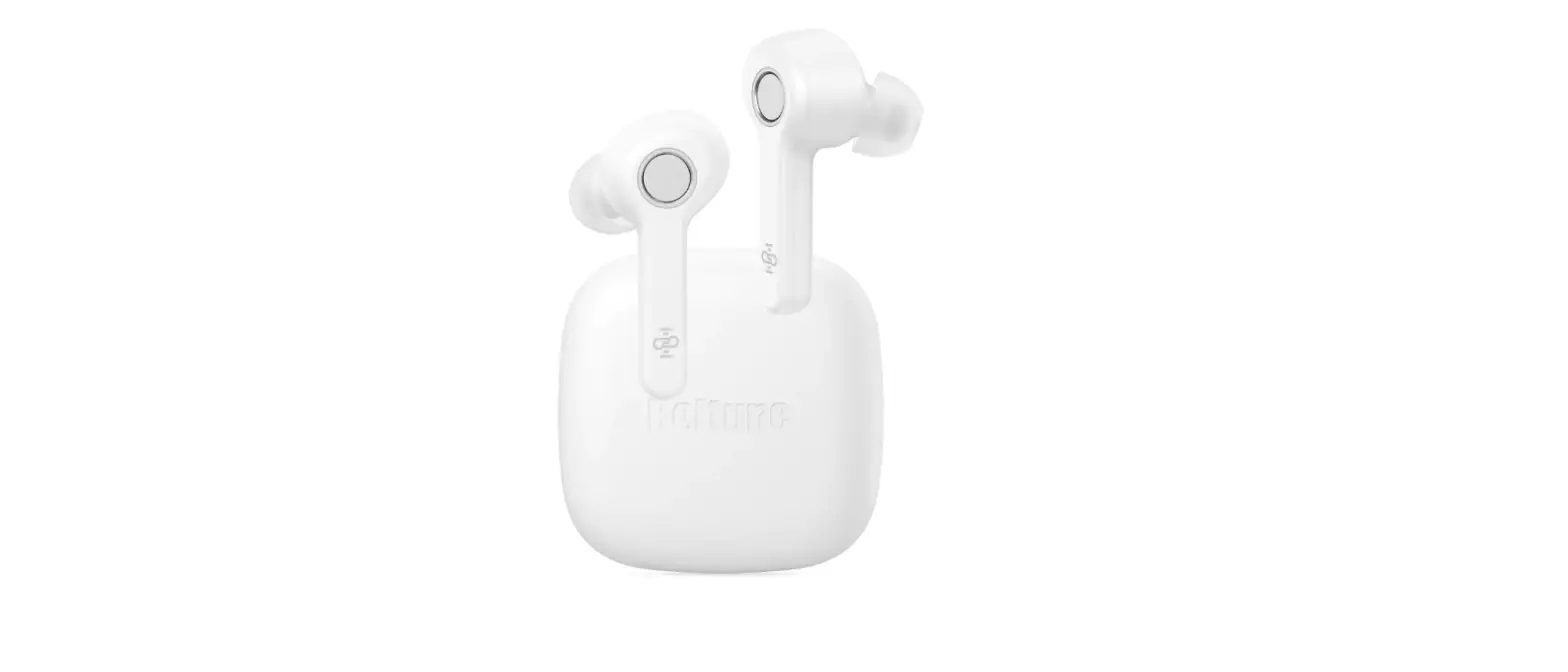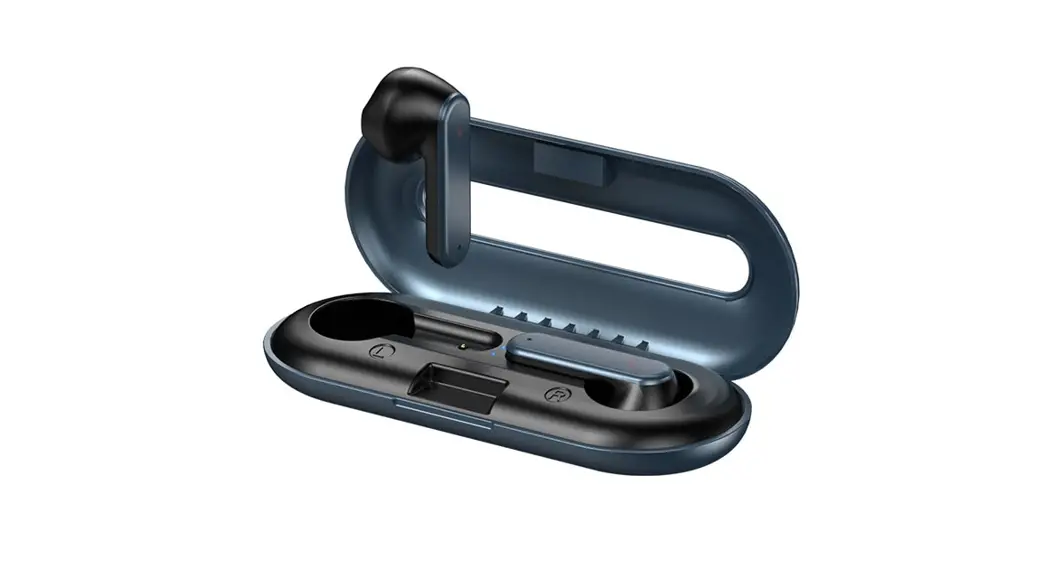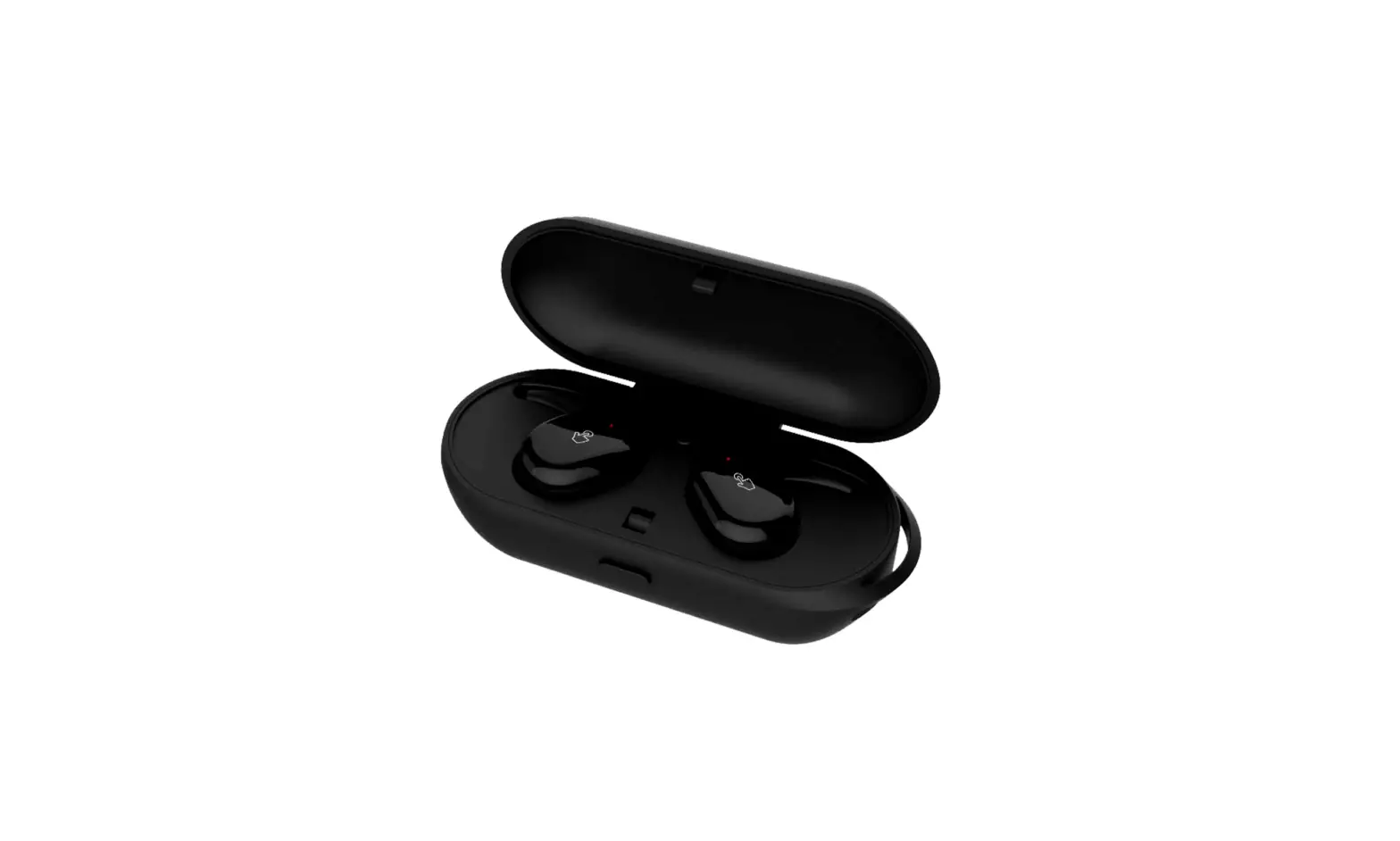
2-B087 True Wireless Stereo Bluetooth Earbuds

Truke Fit 2 – B087
User Manual
Product Description
Welcome to use trüke Fit 2 – True Wireless Stereo Bluetooth Earbud! 
This product adopts the industry’s advanced single-chip solution, with excellent sound quality and simple operation, which will bring different surprises to your life, work and journey. You can split it into a single ear (mono) to make a call or listen to the mobile phone navigation tone when you are driving or riding, so that the journey is safe and worry-free.
It can also be used in pairs (stereo) to enter the wonderful world of music.
General Functions & Operations
Power on | Press/Touch and hold the button for 2 seconds to turn it on, the red and blue lights flash. |
Earbud Pairing | 1. Earbuds will automatically start & pair when it is taken out from the charging Case; 2. Connected Tone is played when earbuds and mobile phone connect successful; 3. Disconnected Tone is played when earbuds and mobile phone is disconnected. |
Power off | Earbuds turns off automatically when earbuds are placed into the charging case; Turning off one earbud does not affect the operation of the other earbud; Both earbuds turn off, when any earbud is pressed for more than 5 seconds; |
Operating language | English |
Bluetooth name | trüke Fit 2 |
Play / Pause | Press/Touch the earbud button |
Call answering | Press/Touch the earbud button |
Disconnect incoming call | Press/Touch and hold the earbud button for 2 seconds |
Automatic redial function | Double Press/Touch Right earbud button to call back the last call |
Earbud Remaining Battery | Earbud Remaining Battery will be displayed on supported mobile device |

Low Battery Prompt | Red LED starts flashing when voltage is lower than 3.2v |
Previous & next song | Previous song: Press/Touch left earbud for 2 seconds; |
Google Assistant / Siri | Double Press/Touch Left Earbud |
Call Redial | Double Press/Touch Right Earbud |
Volume adjustment | Not Supported through Earbud |
Charging indication | Earbud Charging: The red light of Earbud is always on while charging. When the battery of earbud is fully charged, the red light of earbud goes off; Charging Case: During the charging process of the Charging Case, the white light of the Charging Case lights up from left to right in turn. When the Charging Case Battery is fully charged, the white light turns always on; |

Troubleshooting
1. Unable to start
Charge the earbuds for 30 minutes and then turn it on;
2. Earbuds Cannot Pair
Turn off the Bluetooth function of the phone before pairing the earbuds;
Shut down and Power on the earbuds, the devices will automatically pair; 
3. Cannot Connect to Mobile Device
Restart the Mobile Device Bluetooth function
4. The earbud can’t be charged
The Charging Case Battery is low; Connect and charge the Charging Case.
Performance Parameters
Model Number | B087 | Charging input | 5V 1A |
Bluetooth version | 5.0 | Operating Voltage | 3.7V |
Talk-Time | 4 hours* | Headphone Battery | 50mAh 3.7V |
Music Playback Time | 5-8 hours* | Charging Case Battery | 450mAh 3.7V |
Standby duration | 3 months | Charging Interface | Micro USB |
Net weight | 41 grams | Charging time | 90Mins* |
Waterproof Level | Splashproof | Dimension | 91×40×33mm |
*Talk-Time, Music Playback & Charging Time are mentioned under ideal lab conditions. Under daily usage, actual time may vary.

Precautions
1. Do not use this product under high temperature, high humidity, high cold, high dust, high electromagnetic radiation and lightning environment;
2. Do not use non-original charging accessories to charge;
3. Charging time should not exceed 3 hours;
4. Recharge every 30 days when not in use for a long time; 
5. Do not exceed 60 decibels when used for a long time to avoid hearing damage;
6. Do not disassemble by any unauthorized personnel, otherwise warranty will be void; 7. After the product has expired, it can be sent to a professional recycling agency. Do not discard it at will, so as not to pollute the environment;
Customer Care:
For any queries/complaints, pls feel free to WhatsApp us on +91-9354170767
Or
Write to us at [email protected].
Thank You