
Instruction Manual
TRUE WIRELESS
BTW-Pro

Welcome to use True Wireless Bluetooth earbud, BTW-Pro. Please read this user’s manual carefully before use.
Brief introduction
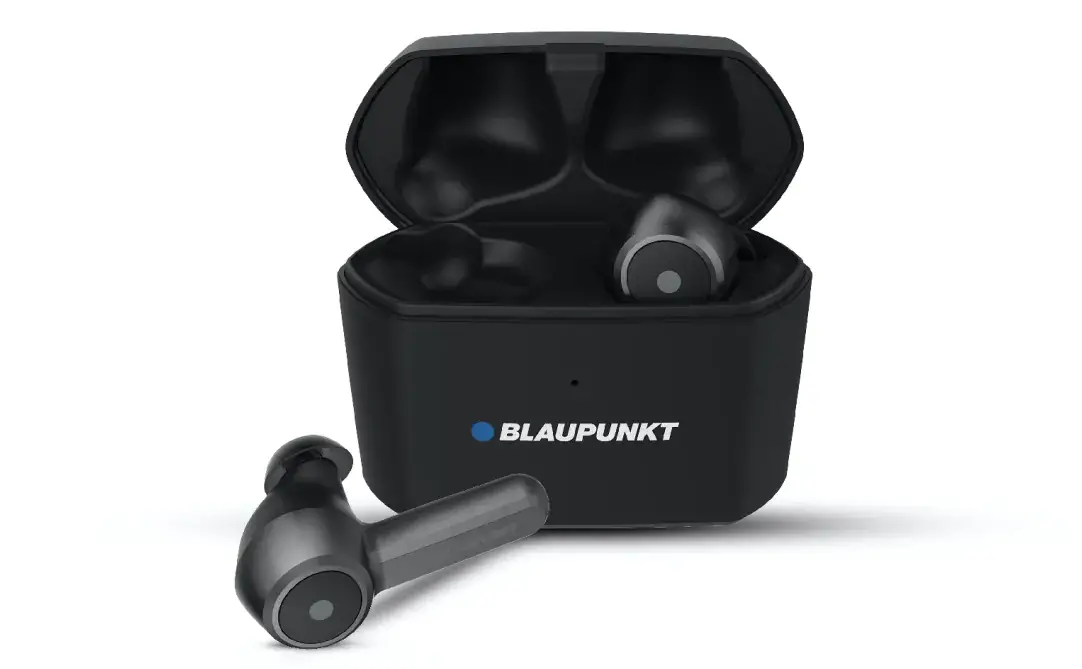
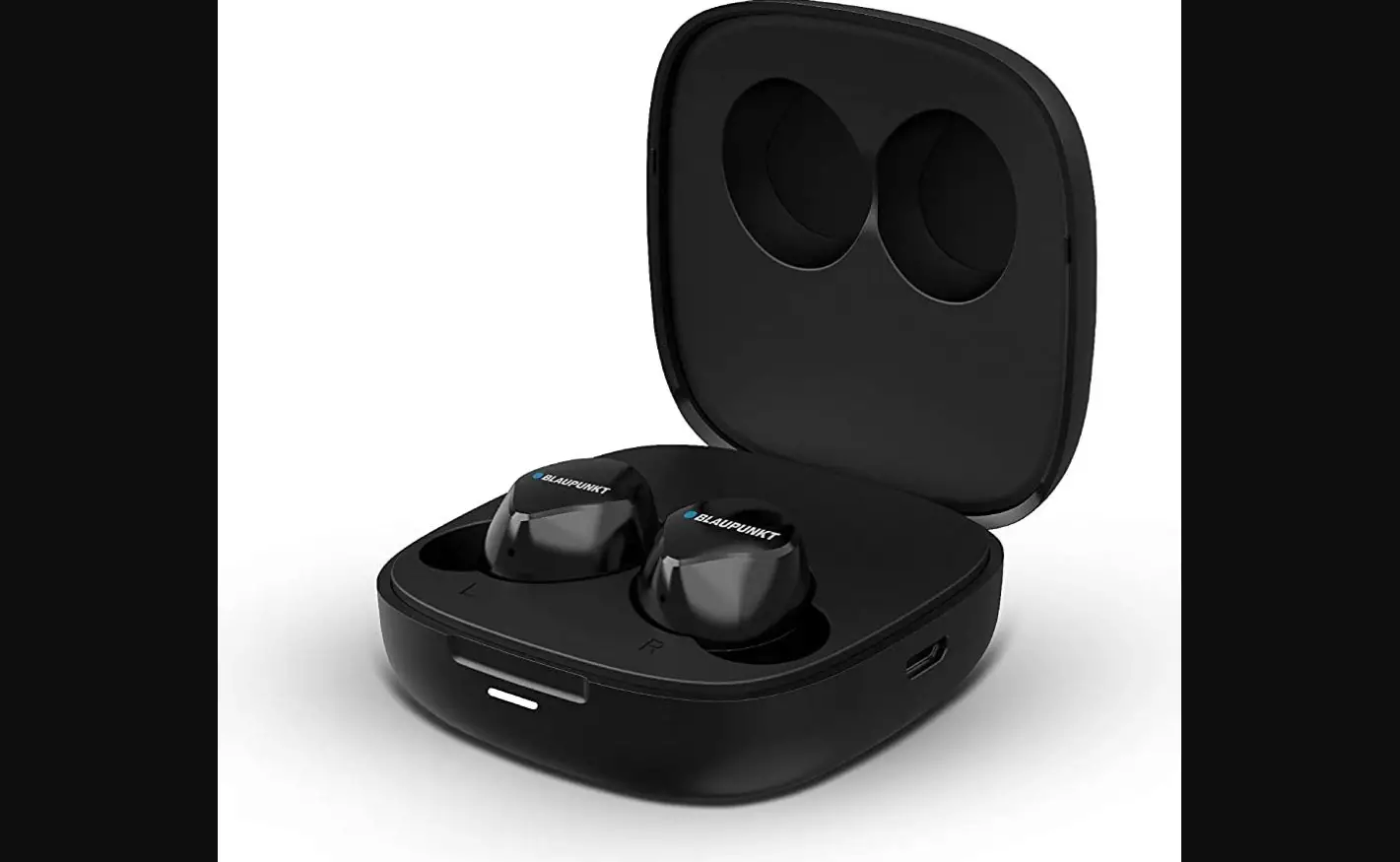
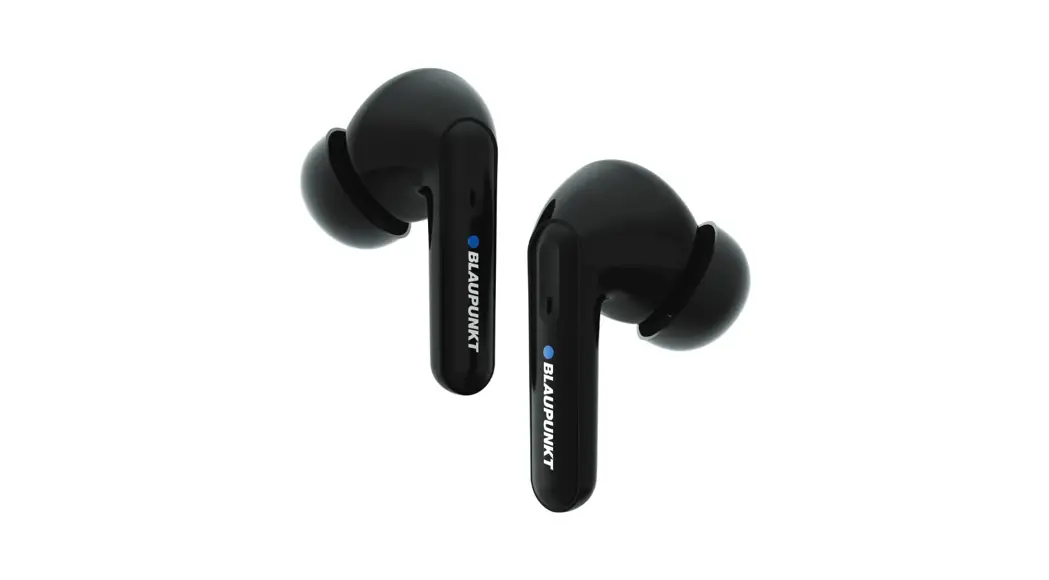
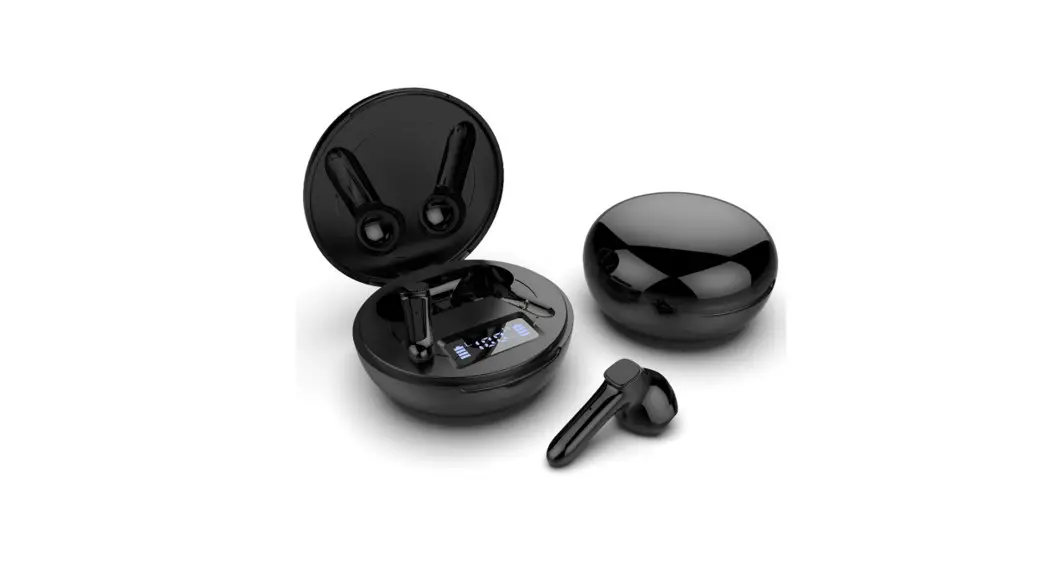
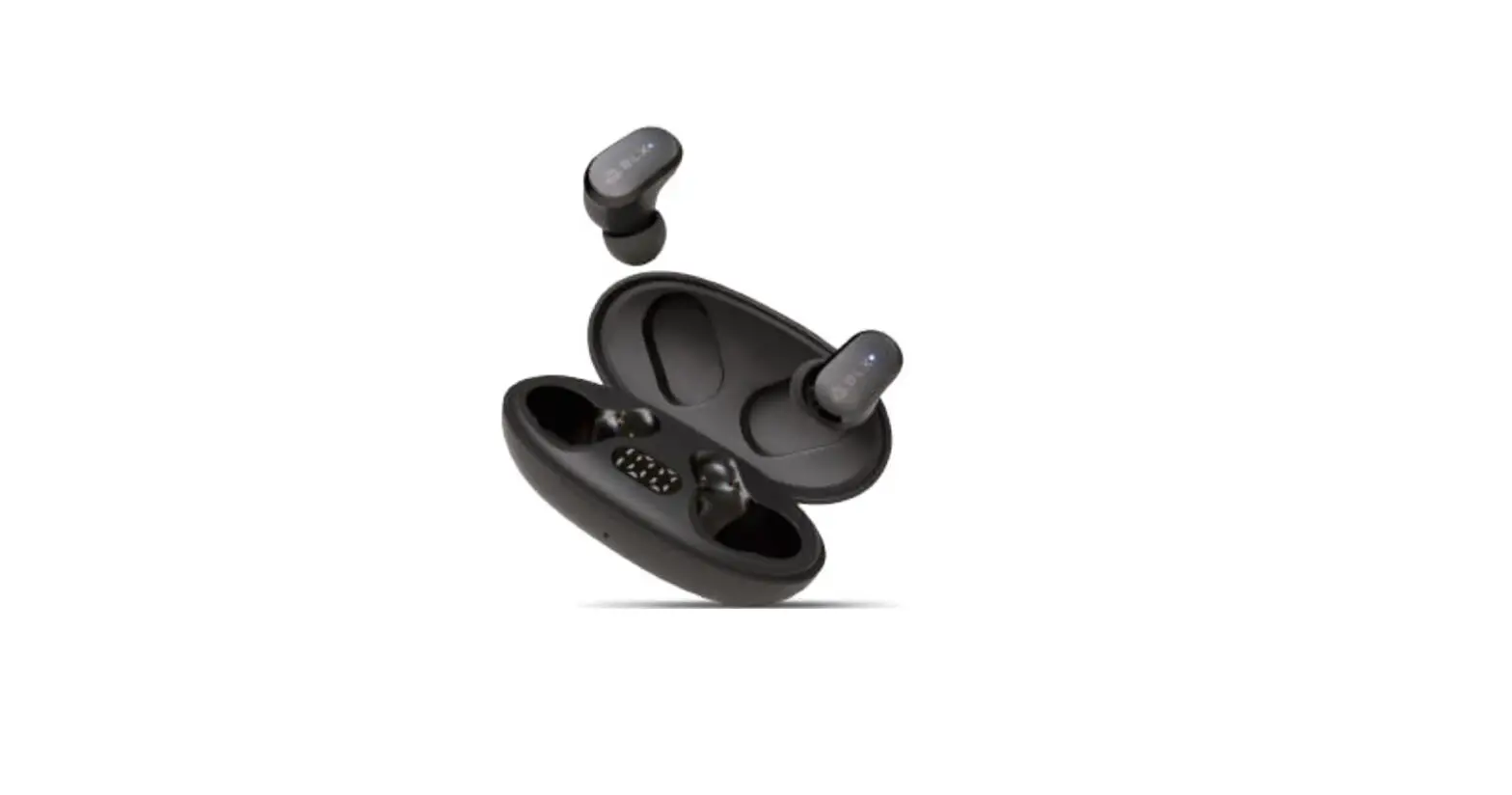
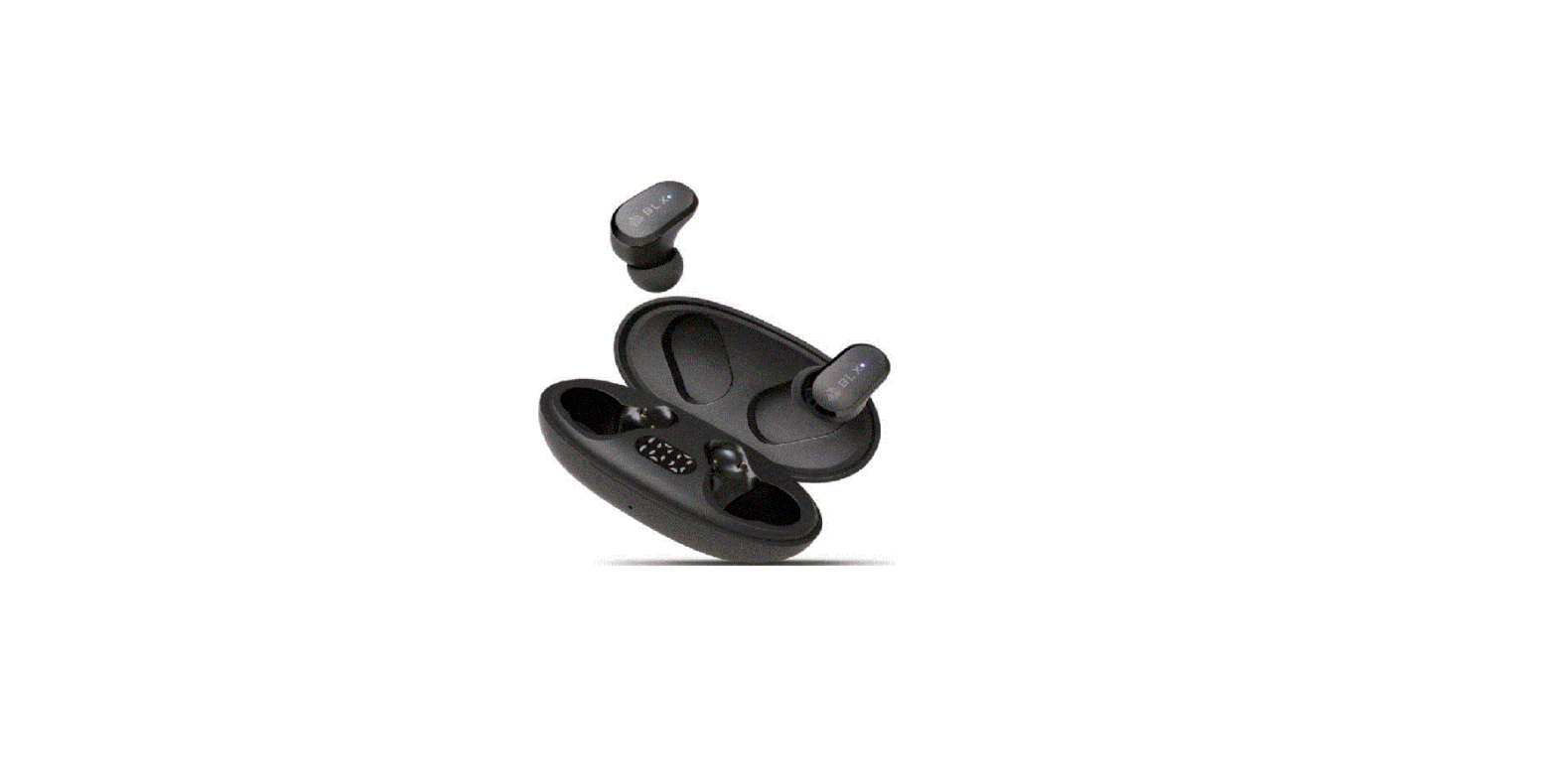
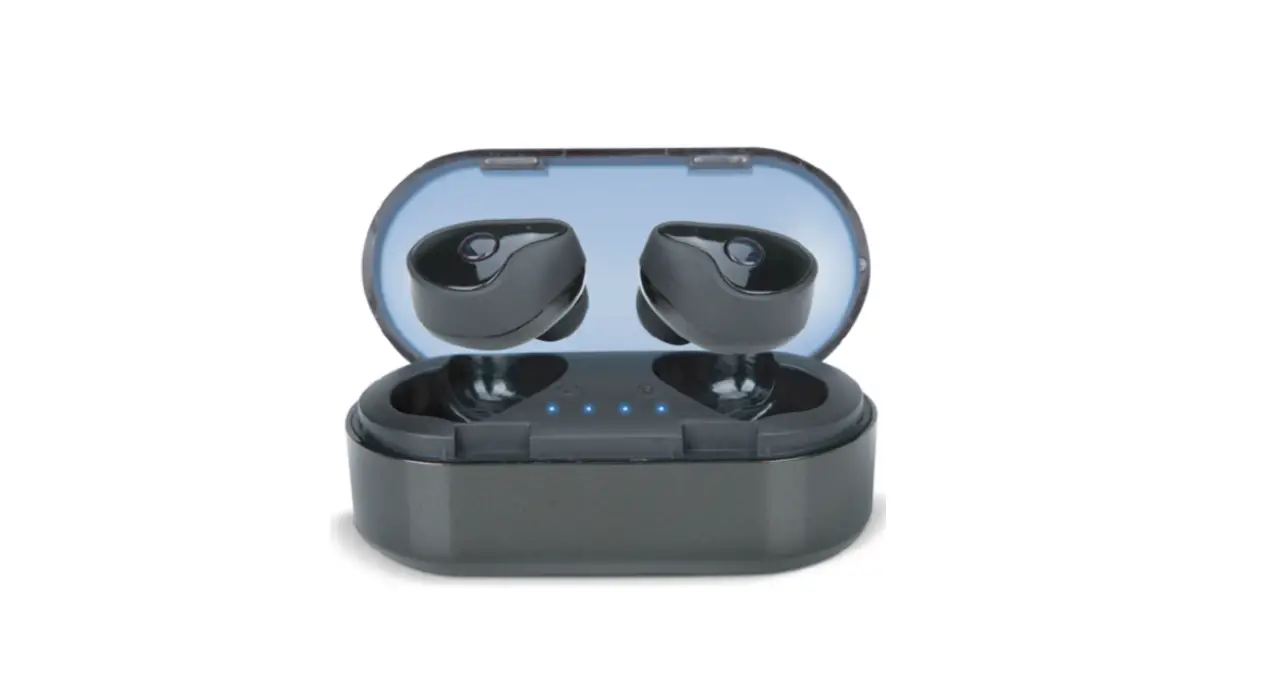
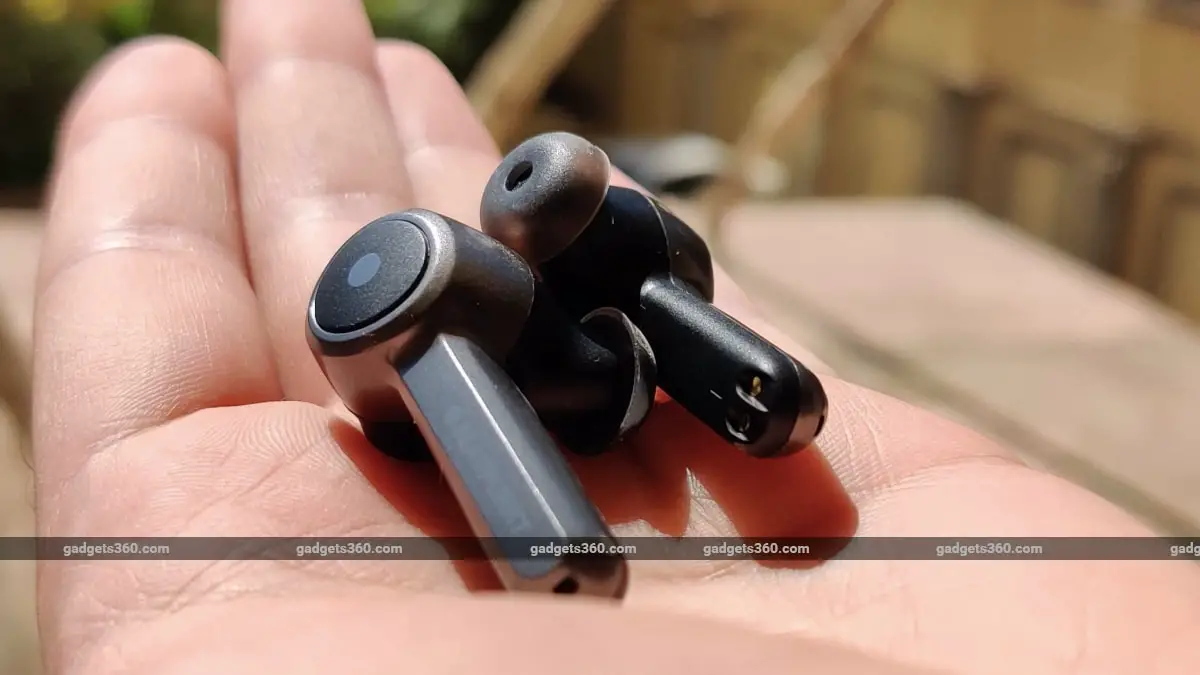
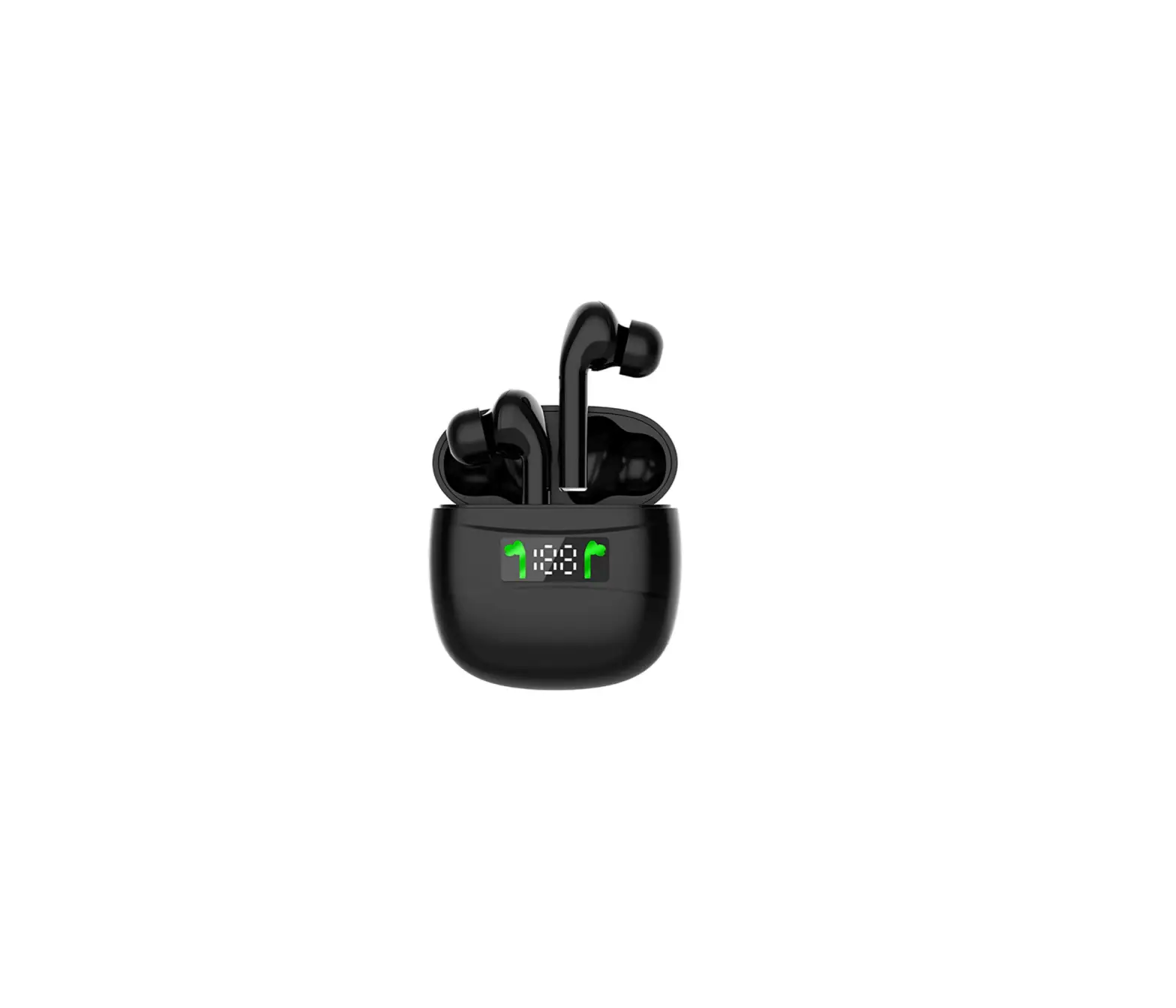
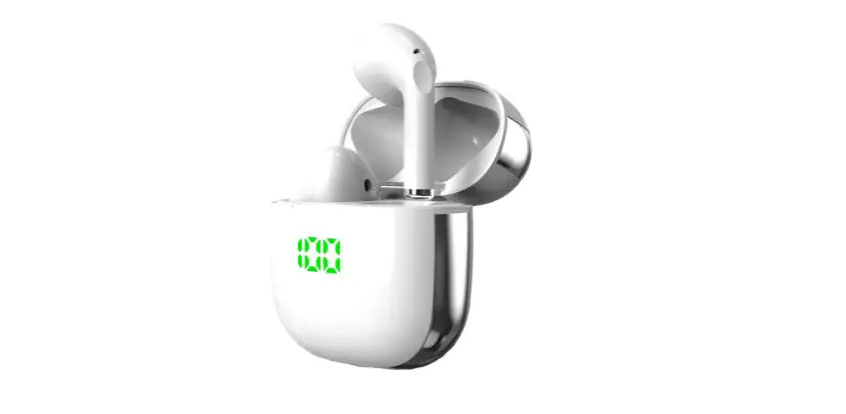
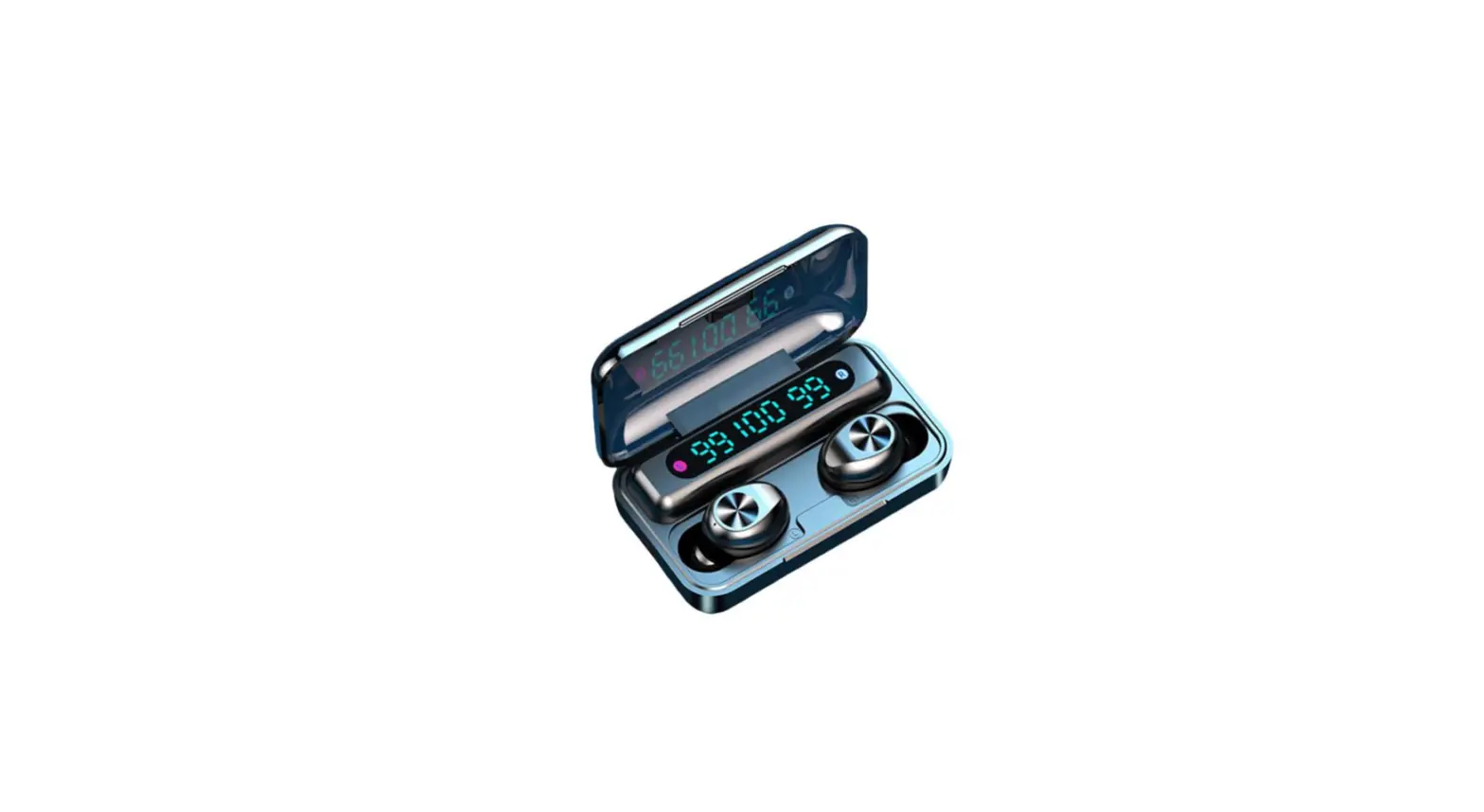
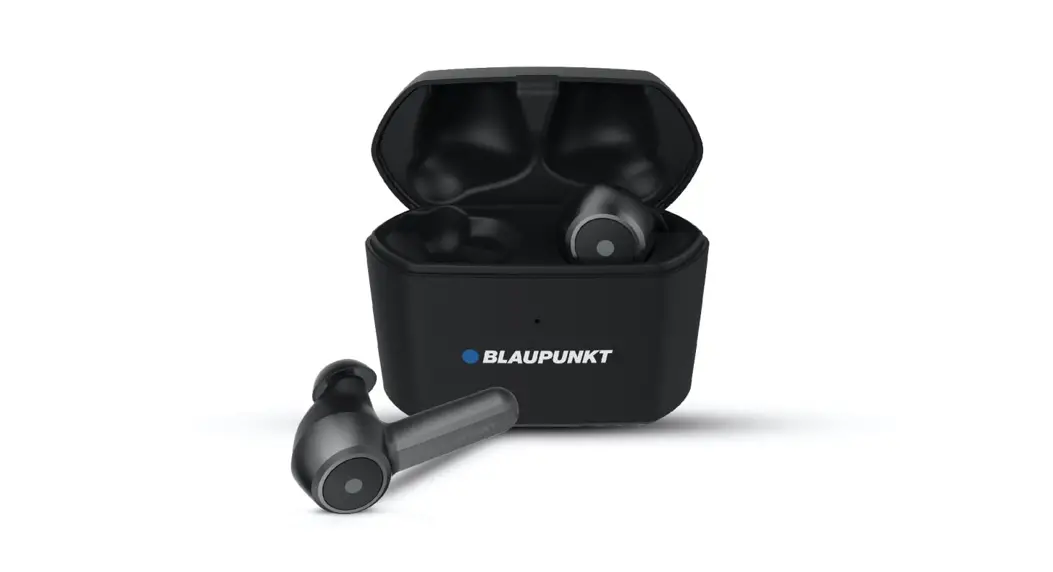
Blaupunkt BTW-Pro is a True Wireless Bluetooth Earbud, each earpiece comes with a Microphone that can be used by charging, and you can charge the charging case with your wireless charger individually or use it together for stereo sound. The earbuds come safely placed in a charging case, which is convenient to carry and charge. The charging case supports wireless charging.
Before use
- Overview

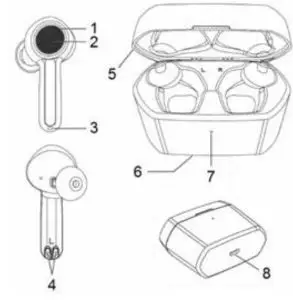
1. LED indicator 4. Charging metal connect 7. Charging indicator light 2. MFB touch-button 5. Top case 8. Charging jack 3. Microphone 6. Wireless charge induction area - Charging for earbud
When the earbud is low on power, the earbud emits “Battery low” once every 2 minutes and the red Led flashes slowly 4 times in a row every 1 minute. Please recharge the battery of the earbud.
The way of charging the earbuds is as follows:
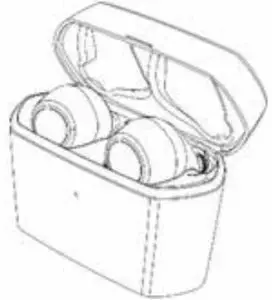
- Put the earbuds into the charging case to ensure that the charging pins connect well, and start charging when you see the red indicator light of the earbuds on.
The red light on Charging
Red light off: Finished charging - Charging should be completed in roughly 1.5 hours.
 Remarks:
• Please cover the charging case cover so that the earbuds and the charging case connect well when it is charging.
• When the earbuds are not put into the charging case, the indicator light of the charging case is off. When the earbuds are put into the charging case, the white indicator light of the charging case will light up and indicate the power of the current charging case:
White LED flashes once every 2 seconds = low battery power;
White LED flashes 3 times every 2 seconds = sufficient battery power;
White LED remains on = full battery power;
After removing the earbuds from the charging case, the indicator LED of the charging case will automatically extinguish after 1 minute. - Charging for charging case
When any of the following situations occurs, it indicates that the charging case is low in power and you need to charge the charging case:
1) Put the earbuds into the charging case, and find that the white indicator light of the charging case flashes once every 2 seconds. It means that the charging case is low power.
2) When the indicator light of the charging case doesn’t turn on and the earbuds cannot be charged, it means that the battery of the charging case has been used up.
The charging case supports USB cable charging and wireless charging.
The way of charging for the charging case as follows:
Using USB cable
1) Plug the Micro USB charging cable into the case’s charging jack.
2) Plug the USB cable into a USB port of a PC or a 5Volt USB charge.
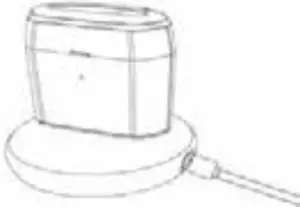
Wireless charging
1) Connect the wireless charger to the power cable. (some wireless chargers with built-in batteries may not need to be connected to the power cable)
2) Put the charging case in the center of the wireless charger as far as possible for the most efficient charging.
White LED flashes: Charging
White LED on: Finish charging
3) Charging should be completed in roughly 1.5 hours. When using wireless charging, the charging time will be slightly longer.
4) If the earbuds are in the charging case, it can charge the earbuds while charging the charging case.
Micro USB charging

Wireless charging

Remarks:
1) The battery is recyclable.
2) Batteries (battery pack or batteries installed) shall not be exposed to excessive heat places, such as sunshine, fire or the likes.
3) Please make sure the charging jack is dry before putting on charging.
 Remarks: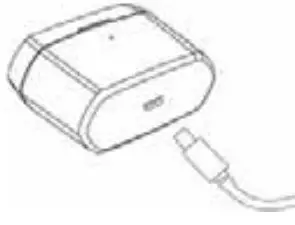

Getting started
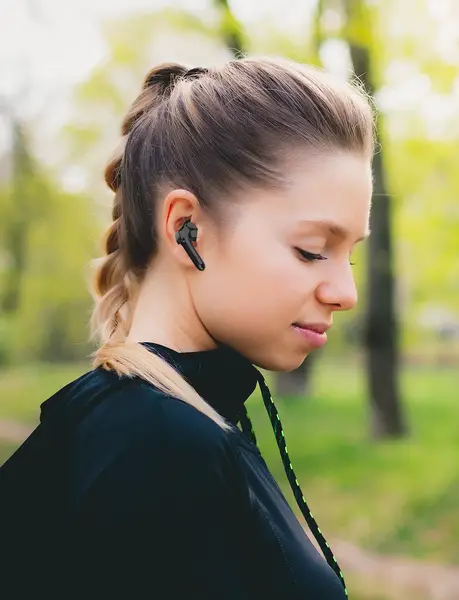
Wearing earbuds
a. Choose the suitable size ear gels
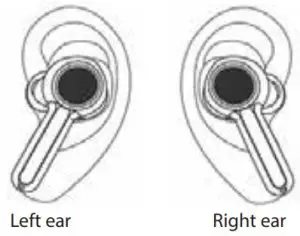
b. Ensure each earbud is worn on the correct ear. “L” should be worn on the left ear and “R” worn on the right ear
One earbud connecting with a cellphone
Each earbud can be connected separately to the cellphone.
- Power on
a) The earbuds will turn on automatically when they are taken out of the charging case.
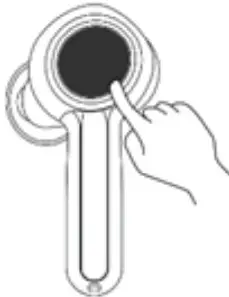
b) If the earbuds are power off, you should press the touch-button for about 3s until white LED flashes at the same time the earbuds emits “Power on”. Then release. This is now in the “Power on” state. - Pairing
a) After the earbud is taken out of the charging case, it will be powered on. Then it will connect back to the phone it was paired with before. When the earbuds and the cellphone fails to connect back, the earbuds will automatically enter the matching state.
b) If the earbuds are power off, you should press the touch-button for about 8s and release it when the red LED and white LED flash quickly and alternately. You will hear “Pairing”. The earbuds are now in “Pairing” mode.
- Connecting
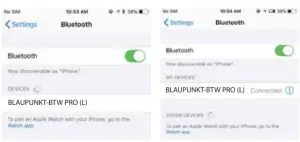
To connect your earbuds to a Bluetooth device, first, ensure the device has Bluetooth enabled and it is in pairing mode (See your device manual for setting pairing mode). Once your earbuds are in pairing mode, you should be able to see them in the list of Bluetooth devices.
You should see BLAUPUNKT-BTW PRO (L) for the left earbud or BLAUPUNKT-BTW PRO (R) for the right earbud appear in your contactable devices list. After successful connection, the earbuds prompt “Phone is connected”.
You need to connect one of them to use as primary. However, if you want to use them individually, only connect the desired ear L or R, and turn off another one.
- Power off1)Auto power off once put into the charging case
2)Press the touch-button for about 5s and release it till the red LED is on, and earbuds prompt “Power off.
Remark:
- When the earbuds are idle and not connected to the Bluetooth device, they will turn off automatically after 5 minutes to save power.
- The pairing mode will last for 2 minutes. If the earbuds are not paired with any Bluetooth devices after 2 minutes, the earbuds will enter standby mode and turn off automatically after the standby mode lasts for 3 minutes.
Two earbuds connecting with cellphone
In this mode, you can use two earbuds at the same time to enjoy stereo sound.
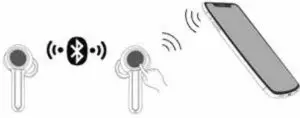
- Turn on any one of your earbuds and connect it with your Bluetooth device, then power on the other earbud and they will connect with each other automatically.
- Primary-secondary switch: When the primary earbud is successfully paired with the phone, the phone will Pop-up a dialog: “Earbud would like to pair with your phone”. If you click “pair”, the secondary earbud will also be paired with the phone, and the primary-secondary switching function will become OK. In the following cases, the secondary earbud can automatically switch and connect to the mobile phone, so you can continue to use:
(1) In the process of use, when the primary earbud is automatically turned off at low power, the secondary earbud will be automatically connected to the mobile phone.
(2) When the primary earbud is disconnected from the mobile phone at a distance, the secondary earbud will be automatically connected to the mobile phone.(3) When the primary earbud is put into the charging case, the secondary earbud will be automatically connected to the mobile phone.
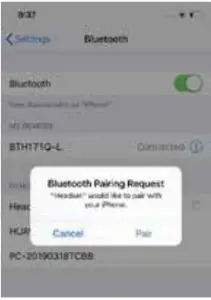
Earbuds pairing/connecting
Please use this step if both the earbuds don’t get connected with each other.
- Turn off both the earbuds (don’t put them into the charging case).
- Clear the pairing list: Choose one of the earbuds. Firstly, enter the pairing mode. Then hit the touch button 5 times, while the red LED and the white LED turn on for 1 second. The pairing list will be cleared when emits a prompt tone. The other earbud cleans the pairing list by doing the same.

- The earbuds will enter TWS pairing mode automatically when they are turned on (indicator light status: red and white lights flash slowly). After successful connection, the primary earbud (L) will emit “Pairing” after a “dang” prompt, which indicator light status will be: red LED and white LED flash alternately (it keeps waiting to be paired with your phone), while the secondary earbud (R) will emit ‘dang’ and indicator status will be: white LED flash twice every 5 seconds.
Remarks:
- Normally the two earbuds will connect automatically once you have taken them out of the charging case, which is set in the factory.
- You can connect the two earbuds according to the above-mentioned operation if they failed to connect.
Function operation-use one earbud
- Music
Function
Status of earbuds L R Prompt tone
Play Paused Double-click touch-button Double-click touch- button Dang Pause Playing music Double-click touch-button Double-click touch- button Dang Previous song Playing music Press the Left touch- button about 2s N/A Dang Next song Playing music N/A Press Right touch- button about 2s Dang Volume up Playing music N/A Once-click Right touch-button Dang Volume down Playing music Once-click Left touch-button N/A Dang - Calling
Function
Status of earbuds L R Prompt tone
Cancel calling Calling Once-click touch-button Once-click touch-button Two-Tone _ High Falling after Dang tone Answering Incoming call ringing Once-click touch-button Once-click touch-button Dang Reject Incoming call ringing Press touch-button about 2s Press touch-button about 2s Two-Tone _ High Falling End calling During a call Double-click touch-button Double-click touch-button Two-Tone _ High Falling after
Dang toneVoice switch to phone During a call Press touch-button about 2s Press touch-button about 2s Two-Tone _ High Falling Voice switch to earbuds During a call Press touch-button about 2s Press touch-button about 2s Two-Tone _ Low rising Activate SIRI Connected device N/A Triple-click touch-button “Voice dial” Volume up During a call N/A Once-click touch-button Dang Volume down During a call Once-click touch-button N/A Dang
Function operation – two earbuds connecting with cellphone
- Music
Function
Status of earbuds L R Prompt tone
Play Pausing Double-click touch-button Double-click touch- button Dang Pause Playing music Double-click touch-button Double-click touch- button Dang Previous song Playing music Press the Left touch- button about 2s N/A Dang Next song Playing music N/A Press Right touch- button about 2s Dang Volume up Playing music N/A Once-click Right touch-button Dang Volume down Playing music Once-click Left touch-button N/A Dang - Gang control to power off
When using two earbuds, if the earbud of the left or right turns off, the other earbud will be turned off at the same time. The earbuds will have corresponding indicator light and prompt sound when they turn off.
Remarks:
- If earbuds are in calling mode, both earbuds will have a voice and can operate function, but only the earbud connected with the cellphone can pick up sound.
- When using both earbuds to talk, the transfer audio operation is on the primary earbud. In other words, when the Left earbud is primary, long-press the left touch – button about 2s to transfer audio; when the Right earbud is primary, long press the right touch – button about 2s to transfer audio.
Battery display
When the earbuds are connected to an IOS device, it will display the battery of the earbuds on the device. When the earbuds are low on power, the battery indicator will turn red and show a depleted battery icon. The earbud will also give an audio prompt to charge your earbuds.
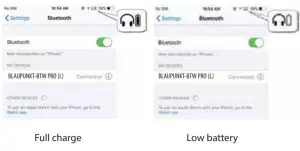
Meaning of indicator light
| Indicator light | State | |
| Earbuds | Red and white LED flash quickly alternately | Pairing mode with the phone |
| Red and white LED flash slowly alternately | TWS pairing mode | |
| White LED flashes every 5 seconds | Disconnected | |
| White LED flashes twice every 10 seconds | Connected | |
| Red LED flashes four times every minute | Low battery | |
| Charging case | White LED flashes every 2 seconds | Low battery |
| White LED flashes three times every two seconds | Full battery | |
| White LED kept on | Has been charged | |
Factory Reset
When the earbuds are in the pairing mode, five times click the touch button, and the factory reset when the red LED and blue LED turn on for 1 second. At the same time, you will hear a prompt tone and turn it off.
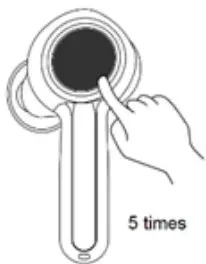
Five times click the touch button
Remarks:
- After factory reset, the paired list of both the earbuds as well as the earbuds and mobile phone will be deleted. The earbud does not automatically reconnect the mobile phone and the other earbud after turning on.
- After a factory reset, when the earbud turns on again, it will automatically enter the TWS pairing mode (red and white lights flash slowly alternately). Both the earbuds will be paired automatically. After the TWS connection, left earbuds will continue to wait for pairing with the mobile phone (red and white lights flash quickly alternately).
Care and maintenance
Read the following recommendations carefully before using BLAUPUNKT-BTW PRO. Following these, you will be able to enjoy using this product for many years.
- Keep it dry and don’t put it in any dump place to avoid the product’s internal circuit being affected. Don’t wear the earbud when in strong exercise to avoid sweat entering into it.
- Keep the product away from direct sunlight or hot places. High temperatures will shorten the life of electronic devices, destroy the battery or distort certain plastic parts.
- Don’t expose the product too cold areas. It may damage the internal circuit board.
- Don’t try to disassemble the product as it may get damaged if you are not professional.
- Don’t let it fall down onto the floor or other hard surfaces. The internal circuit might get damaged.
- Don’t use intensive chemical products or detergents to clean the product.
- Don’t scratch the surface with sharp things.
- Don’t use this product during strenuous exercise. It may get damaged by sweat.
In case the product doesn’t function properly, send it to the store you bought it. The staff will help you to solve the problem.
FAQs
- What does it mean when a red LED flashes slowly four times a minute? The battery is low power, needs to be re-charged.
- Why is the red LED off when charging?
a) The charging case may not have enough power to charge the earbuds. Please charge the charging case.
b) Make sure the metal contacts of the earbuds and charging case are free of obstacles.
c) The battery may dry up. Please charge the battery for 30 minutes, and then the red LED will be on. - Why can’t I hear the sound on the earbud?
a) Make sure the volume is not too low or muted;
b) Make sure the earbud connects with the mobile phone correctly;
c) Make sure the distance between the earbud and the cell phone is in the available Bluetooth range. - Why can’t I hear the sound clearly on the earbud?
a) Make sure the mobile phone is in the strong signal area;
b) Make sure the earbuds are in the available range and no other block - Why does the pause/play, last/next song, not function when playing music?
Make sure your Bluetooth device supports AVRCP (Audio/Video Remote Control Profile)
Specifications
| Bluetooth version | Bluetooth V5.0 |
| Bluetooth profiles | HFP, HSP, A2DP and AVRCP |
| Operating distance | 10 meters |
| Working time (one earbud) | Up to 10 hours (maximum volume) |
| Up to 13 hours (50% volume) | |
| Working time (two earbuds) | Up to 9 hours (maximum volume) |
| Up to 12 hours (50% volume) | |
| Standby time | About 130 hours |
| Charging time for earbud | About 1.5 hours |
| Charging time for case | About 1.5 hours |
| Cycle count of the charging case to charge the earbuds | More than 2 times |
| Charging input for case | USB charging: DC5.0V500mA |
| Weight | One earbud: 6.5g |
| Charging case: 44.2g | |
| Measure | Earbud: 42*22.4*23mm |
Warranty Information 1 Year*
If you have an issue with our BTW-Pro product please contact our service center.
Authorized Service Center Blaupunkt Speakers
Address: Event World Wide Pvt. Ltd.,
KH NO-96/2, Village-Bamnoli, Sector-28, Dwarka, Bamnoli West,
Delhi- 110077. E-Mail: [email protected]
Tel: 1800 843 4333
Please prepare and submit the following information during the telephone or e-mail notification to facilitate the process:
– Serial number
– Date of purchase
– A copy of proof of purchase in case of warranty
Note – Important information: Please use the original packaging or another suitable packaging to protect the unit in transit.