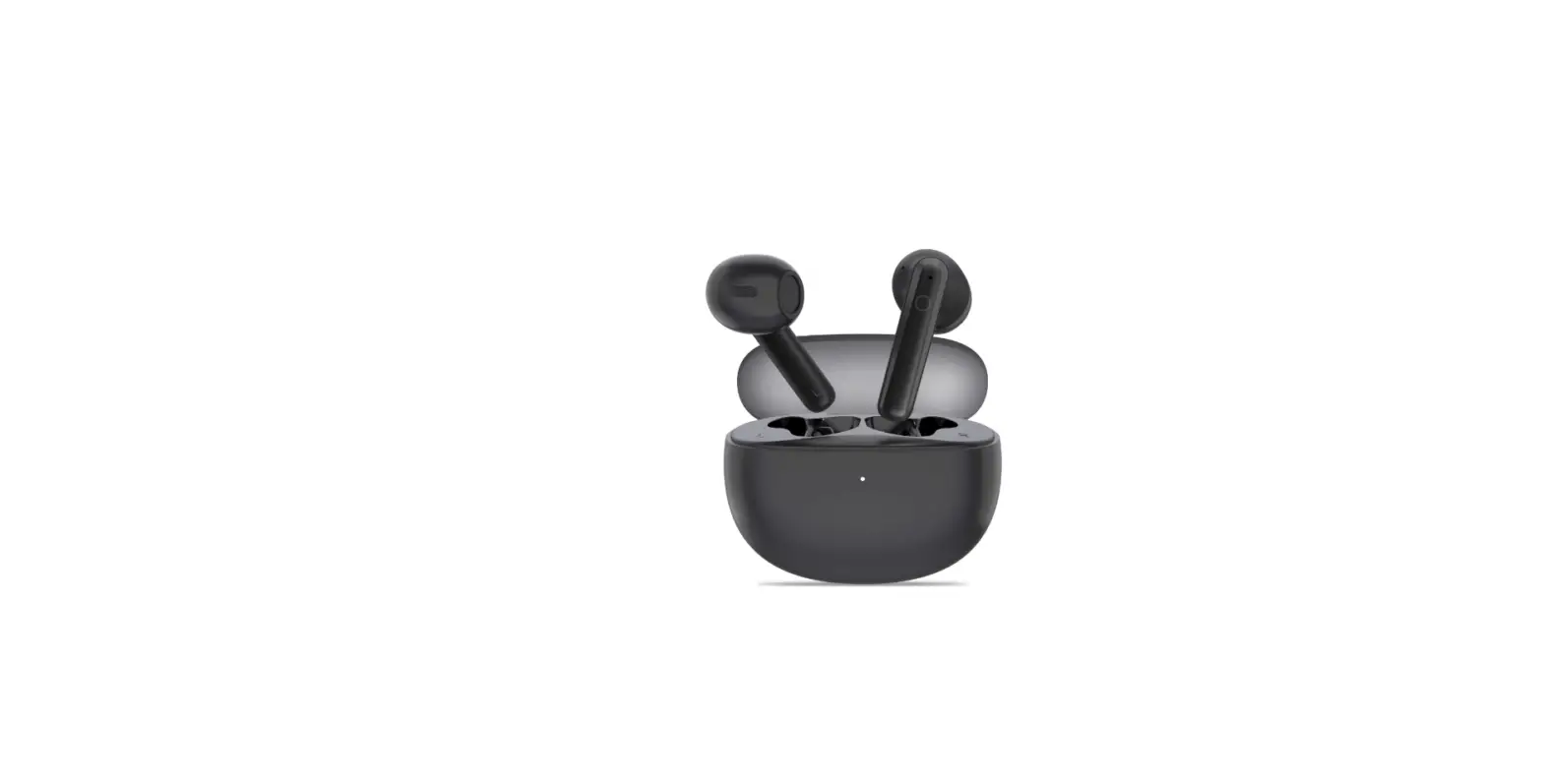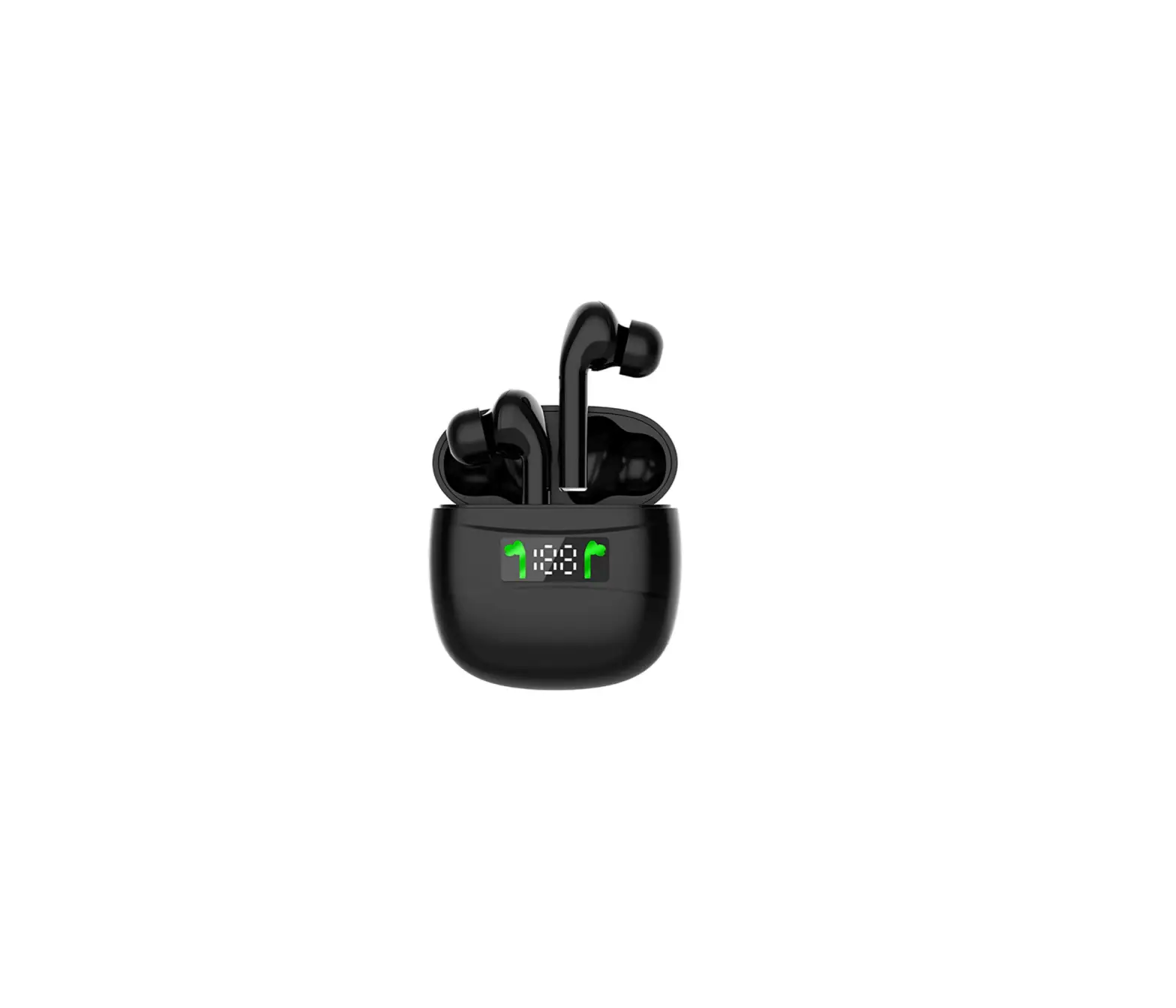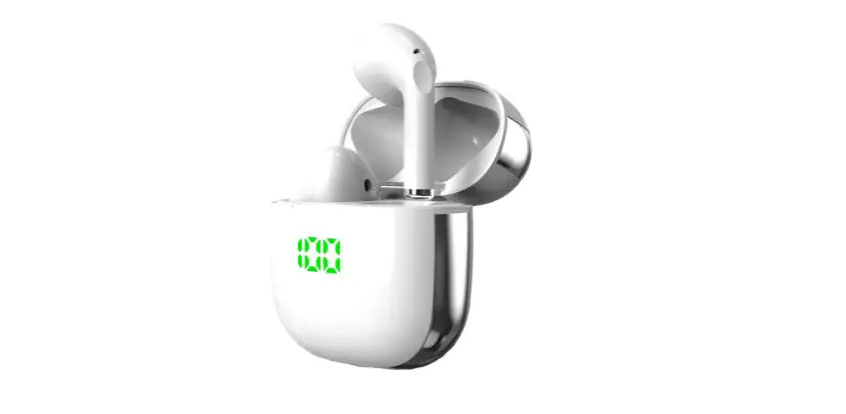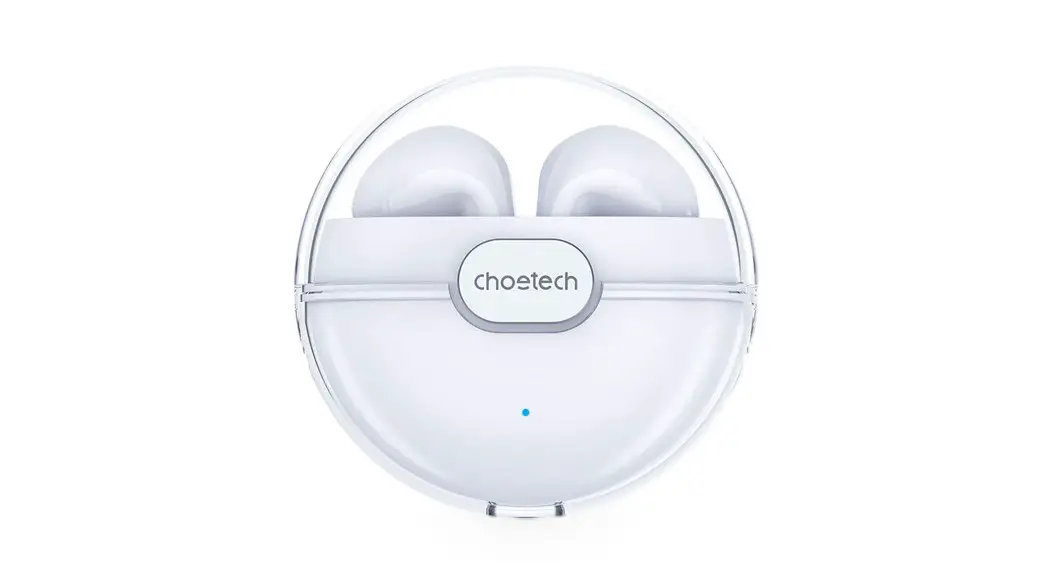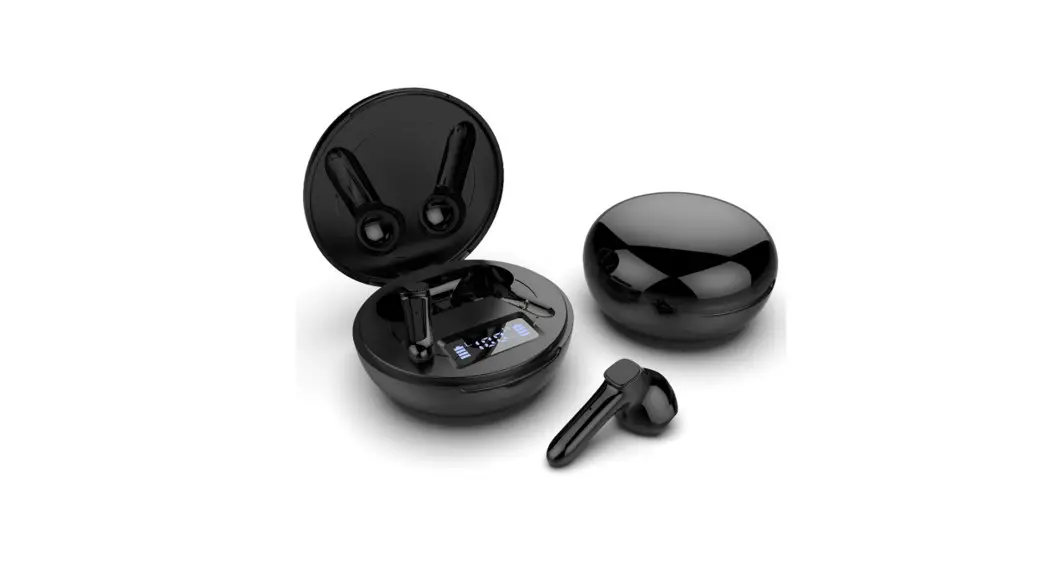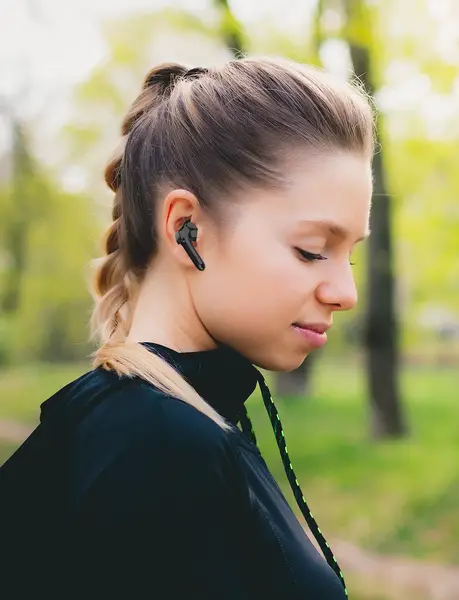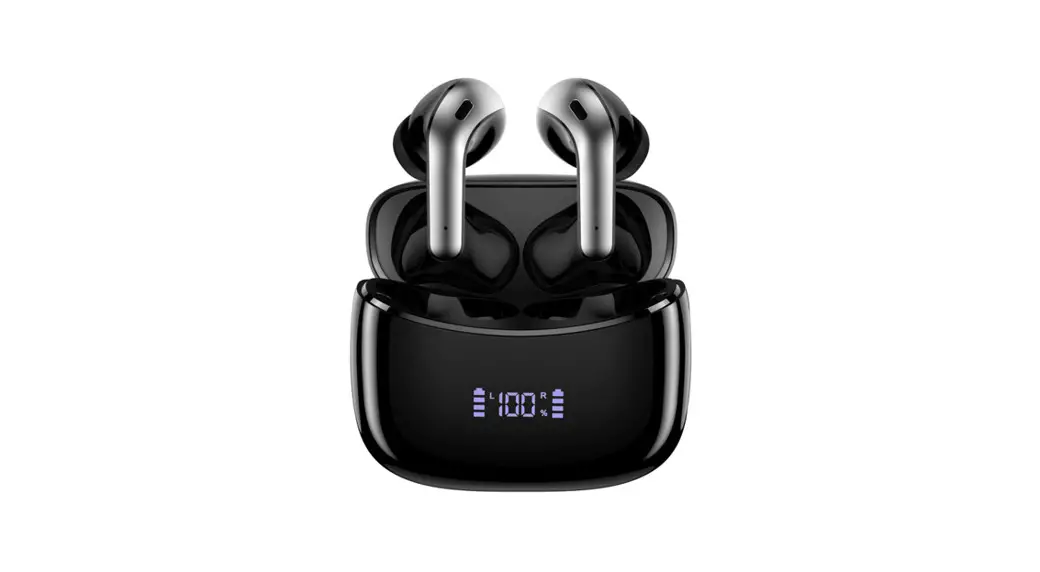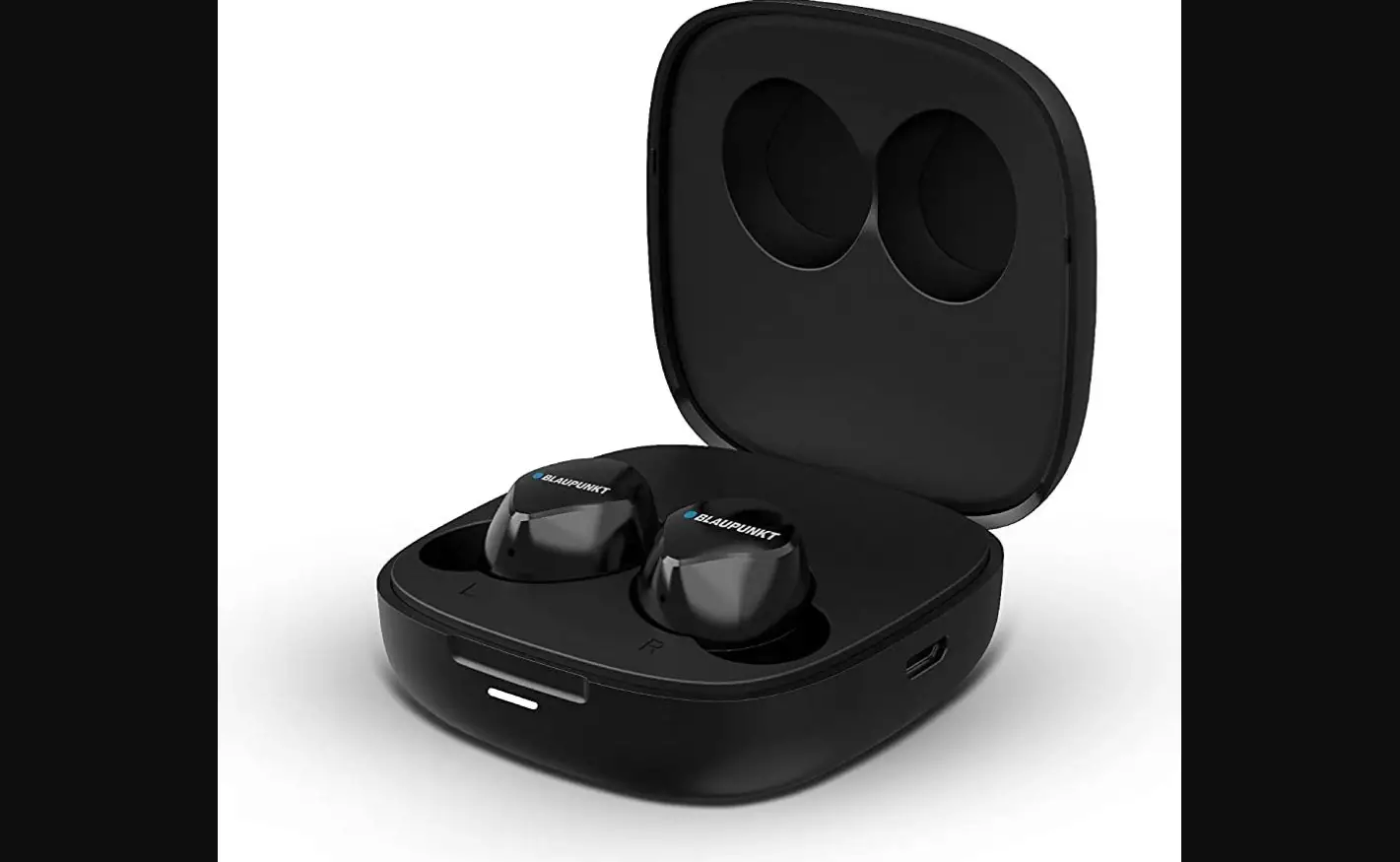

BLAUPUNKT BTW-LITE True Wireless Earbuds
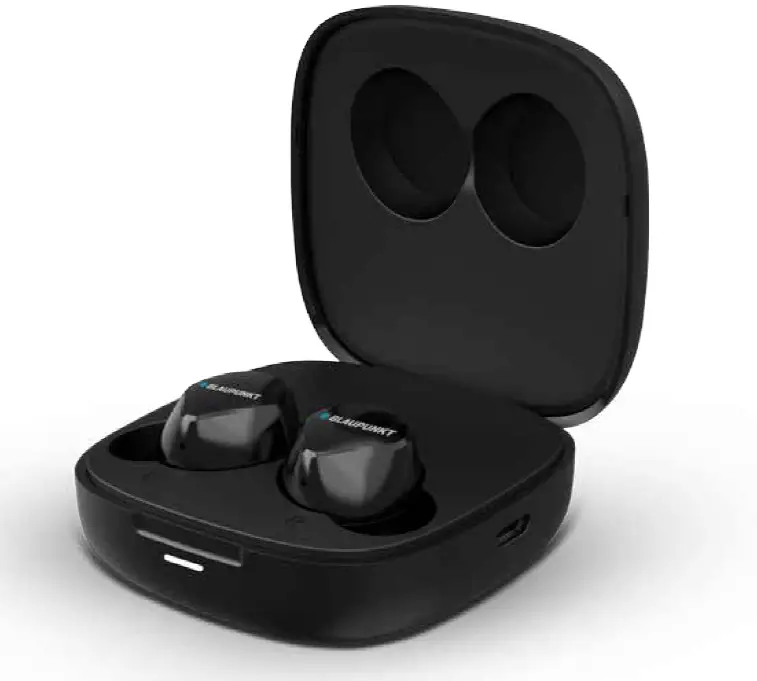
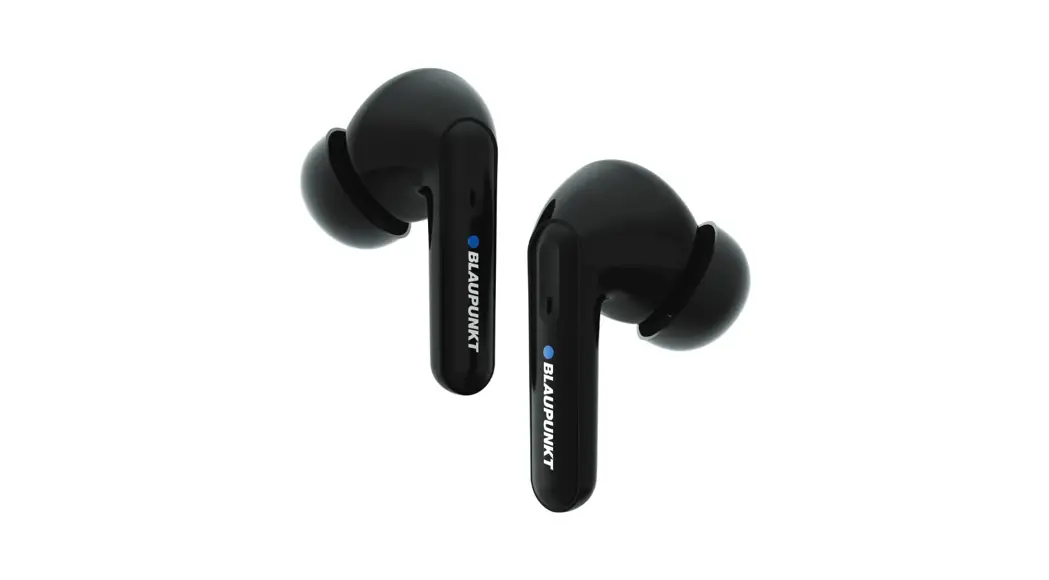
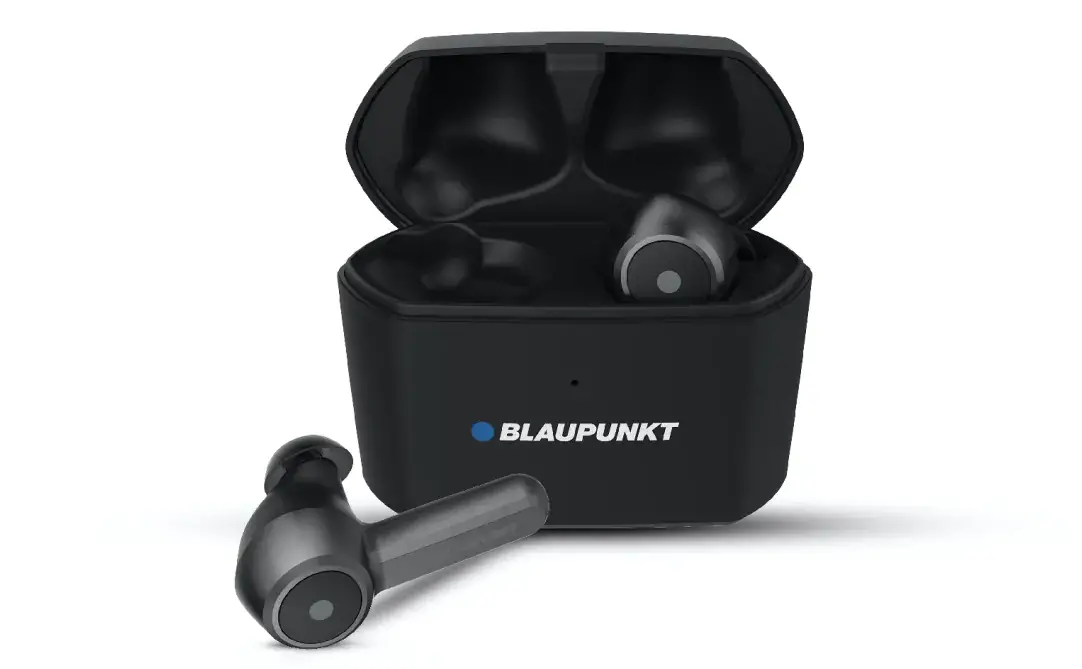
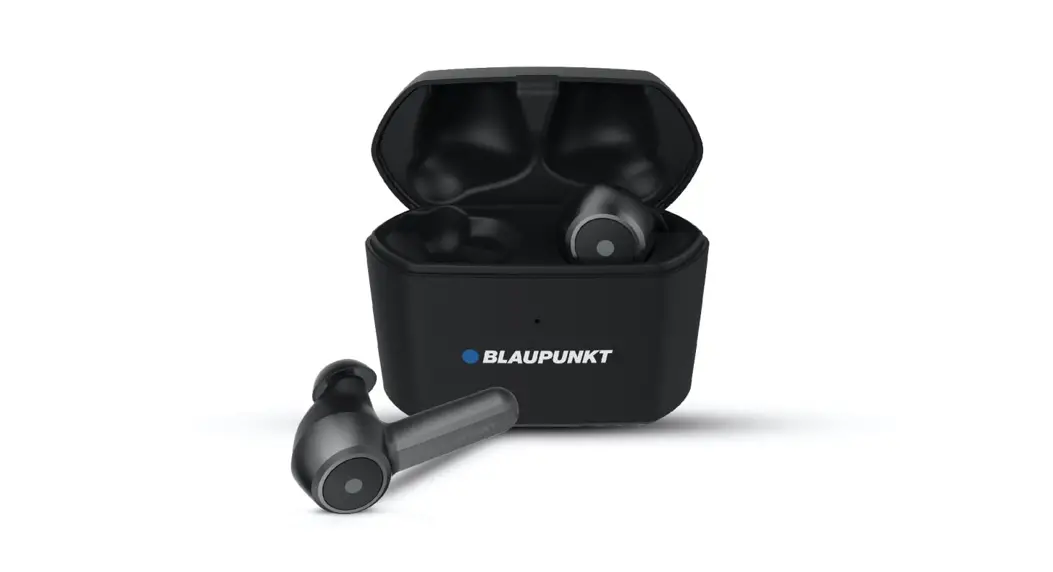
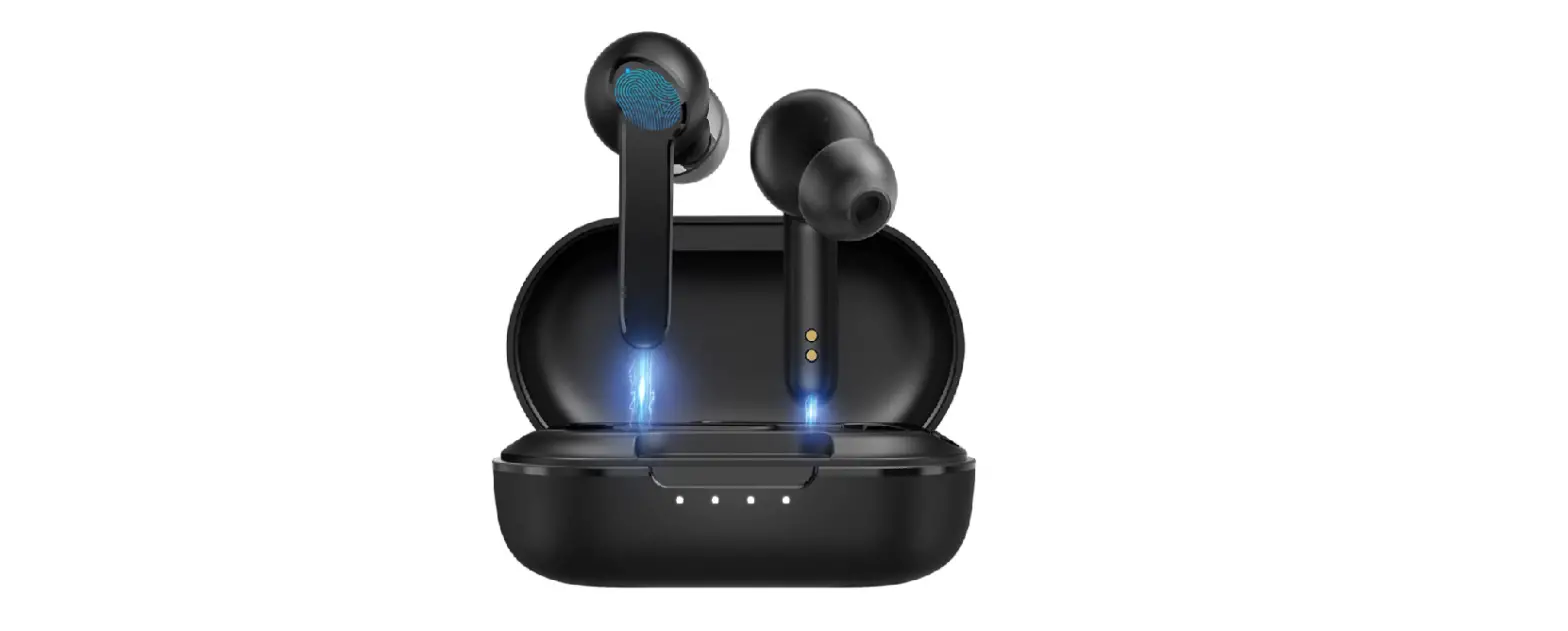
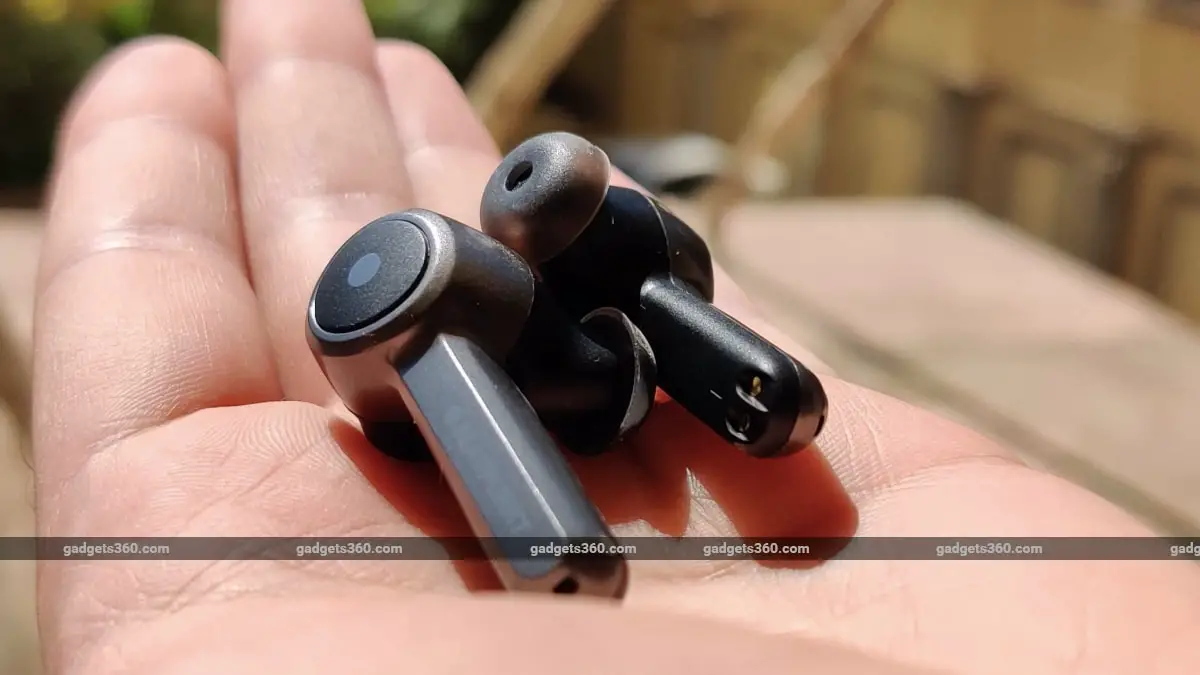
Appearance:
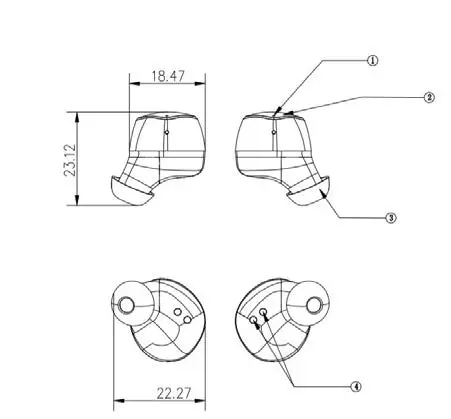
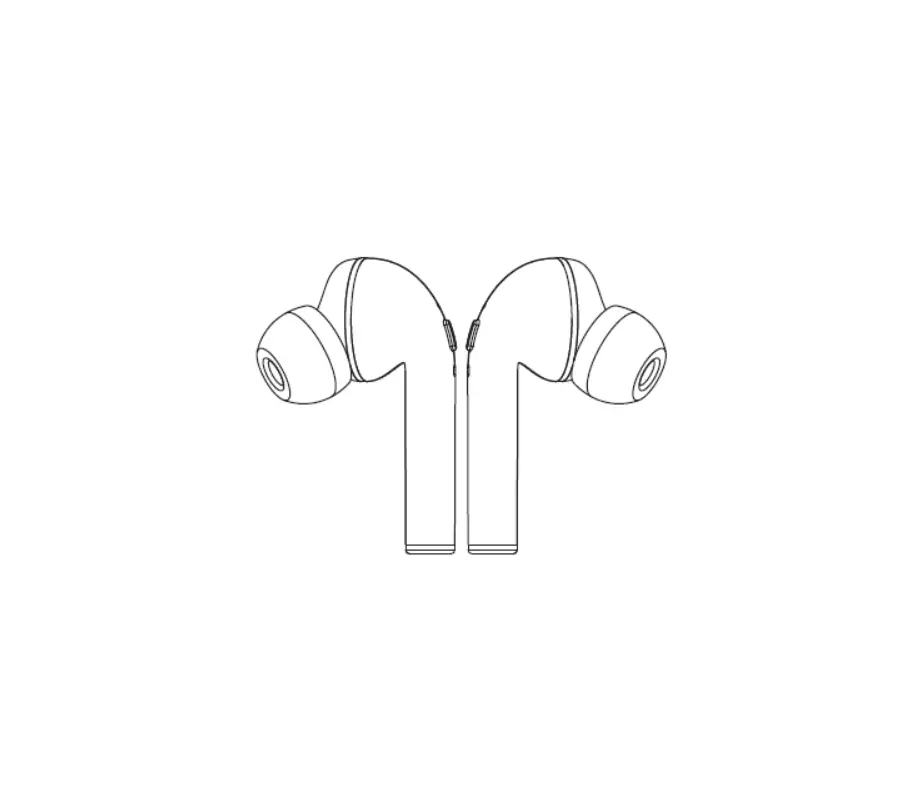
Button illustration:
- LED
- Touch key
- Ear-gels
- Charging contactor
Operation instruction of earbud:
| (1). Indicator Flashing Mode | ||
| Item No. | Status | Indicator Flashing Mode |
| 1.1 | Power on the earbud | White light goes on for 1 second |
| 1.2 | Power off the earbud | Light goes out |
| 1.3 | Pairing mode | Right earbud: White light flashing quickly once every 0.5 seconds. Left earbud: Light goes out. |
| 1.4 | Connected | Light goes out |
| 1.5 | Listening music | Light goes out |
| 1.6 | Incoming call | White light flashing quickly |
| 1.7 | Phone call in progress | Light goes out |
| 1.8 | Battery charging mode | White light goes on |
| 1.9 | Battery has been fully charged | Light goes out |
| (2). Voice Notification In English | ||
| Item No. | Event | Voice Notification |
| 2.1 | Power on the earbud | Power on |
| 2.2 | Power off the earbud | Power off |
| 2.3 | Pairing with Bluetooth music device | Pairing |
| 2.4 | Left & right earbud paired successfully | TWS Connected |
| 2.5 | Connected with Bluetooth music device | Connected |
| 2.6 | Disconnected with Bluetooth music device | Disconnected |
| 2.7 | Receive incoming call | With tone |
| 2.8 | Play/Pause | With tone |
| 2.9 | Refuse incoming call | With tone |
| 2.10 | End a call | With tone |
| 2.11 | Battery level is below 10% | Battery Low (once every 4 minutes) |
| 2.12 | Restore to Factory Settings | Resetting Earbuds |
| (3). Function Keys Table | ||||
| Item No. | Function | Status | Action(Right side, primary) | Action(Left side, secondary) |
| 3.1 | Power on | Earbud is off | 1. Take the earbuds out from the charging case 2. Press and hold touch key for 1.5 seconds | 1. Take the earbuds out from the charging case 2. Press and hold touch key for 1.5 seconds |
| 3.2 | Power off | Earbud is on | 1. Put the earbuds into the charging case or 2. Press and hold touch key for 4 seconds 3. Switch on for 8 minutes without pairing | 1. Put the earbuds into the charging case or 2. Press and hold touch key for 4 seconds 3. Switch on for 8 minutes without pairing |
| 3.3 | Pairing with Bluetooth device | Earbud is off | 1. Entering into pairing mode after the left & right earbuds are taken out of the charging case and pair auto.matically. Then earbud will search for last paired Bluetooth device. or 2. After being disconnected from Bluetooth device, earbud will go into pairing mode directly. | 1. Entering into pairing mode after the left & right earbuds are taken out of the charging case and pair automatically. Then earbuds will search for last paired Bluetooth device. or 2. After being disconnected from Bluetooth device, earbud will go into pairing mode directly. |
| 3.4 | Restore to Factory Settings | Earbud is off | Press and hold the touch key for 10 seconds when the earbuds are off until the white light flashes quickly twice. | Press and hold the touch key for 10 seconds when the earbuds are off until the white light flashes quickly twice. |
| 3.5 | Adjust volume | Earbud is paired with device | — | — |
| 3.6 | Previous song | Playing music | — | Press touch key twice on left earbud to return to the previous song. |
| 3.7 | Next song | Playing music | Press touch key twice on right earbud to skip to the next song. | — |
| 3.8 | Play / Pause | Playing music | Press touch key once to pause and press once again to resume. | Press touch key once to pause and press once again to resume. |
| 3.9 | Receive a call | Playing music or connected with smartphone | Press touch key once. | Press touch key once. |
| 3.10 | End a call | A phone call has been connected | Press and hold touch key for 2 seconds | Press and hold touch key for 2 seconds |
| 3.11 | Refuse incoming call | There is an incoming call | Press and hold touch key for 2 seconds | Press and hold touch key for 2 seconds |
| 3.12 | Voice dialing | Earbud is connected with smartphone | Press and hold touch key for 1.5 seconds (need to have support by smartphone) | Press and hold touch key for 1.5 seconds (need to have support by smartphone) |
Operation instruction of charging case
(1) LED Indicator of charging case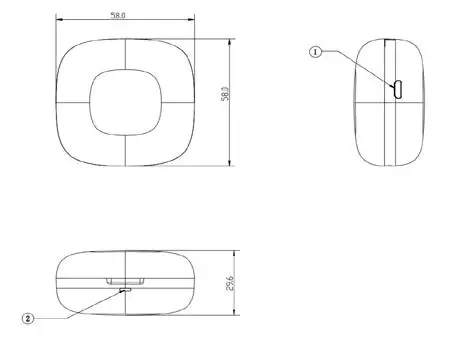
Button illustration:
- Micro USB charging port
- LED
(2) Charging case operating instruction
| Charging the case (power input) | Plug in Micro USB charging cable and charge the case with DC 5V 1A power source. |
| Charge earbuds by the case (power output) | Place the earbuds in their designated positions and they will be charged. |
(3) LED Indicator during discharge (charging earbuds)
(4) LED Indicator during charging of charging case
| Being charged | White light flashes quickly. |
| Fully charged | White light goes on. |
(5) Indication when the battery power level of charging case is low
The white light of the charging case flashes slowly when the earbuds are put into the charging case with low battery power.
Cleaning and maintenance
- Clean the earbuds and the charging case on a regular basis.
- Use dry and soft cotton cloth to wipe the unit.
Note: Do not insert anything into the product. - Keep away from sharp objects to avoid scratches.
- Put the unit in a dry and shady place if it is to be idle for a long time.
- Do not clean the product with detergent or chemicals.
Important Safety Instructions
Please read the instructions thoroughly before using this product and retain it for future reference.
Hearing Safety
- Do not wear earbuds with high volume for a long time to avoid damaging your hearing.
- Please refer to local laws and regulations if you want to answer phone calls via this device during driving.
- For your safety, avoid distraction from music or phone calls when you are driving or doing other activities with potential dangers. Warning: Please set the volume to proper level to avoid hearing damages.
Caution
- Do not expose this product to high temperatures.
- Do not immerse the earbuds into water or expose them to humidity for a long time.
- Do not clean the product with detergent containing alcohol, ammonia, benzene or abrasives.
- Avoid dropping.
- Place the earbuds back into the charging case when not in use and keep it away from children and pets to avoid choking hazards.
- Unauthorized disassembly of any parts of this product is forbidden, which may cause fire hazard, warranty avoidance, and/or property loss.
- Close attention is needed when using near children.
- Keep the charging case away from water, rain or any other liquid.
- Don’t use the product in thunderstorms to avoid malfunction or electric shock.
- Always ask a professional technician or authorized personnel for repair.
This product contains a lithium battery. Never expose it to excessive heat such as direct sunlight or fire to avoid explosion.
Troubleshooting
| No. | Problem | Solution |
| 1 | Failed to turn on the earbuds | Earbuds low battery, please charge them |
| 2 | Failed to charge the earbuds | • Place the earbuds into the charging case properly • Make sure the charging case is charged fully |
| 3 | Can’t charge the charging case | Make sure the charging cable is intact and plugged in properly |
|
4 | Can’t find pairing name in the Bluetooth device list | The earbuds reconnected with previously paired device automatically: • Deactivate the Bluetooth function of previously paired device or clear the pairing name from its Bluetooth device list, and then search again • Put the device to be connected and the earbuds within 10 meters / 33 feet |
| 5 | Failed to pair the earbuds with your device | • Turn on the device and activate its Bluetooth function before pairing • Bring the earbuds into pairing mode as instructed in the “Pairing” section |
| 6 | No sound in one of the earbuds in couple earbuds mode | Place both earbuds back to the charging case and take them out. Then they will pair with each other automatically. If pairing failed, restore them back to the factory settings as instructed in the “Restore to Factory Settings” section. |
|
7 |
Poor sound quality | • Wear the earbuds properly and keep them close to each other. • Place the connected device close to the earbuds or remove the obstacles between them • Clear the debris on the earbuds |
| 8 | Unstable connection | • Keep the earbuds and your Bluetooth device within 10 meters / 33 feet • The effective distance may shorten with obstacles in the way • Turn off other Bluetooth devices to decrease the interference |
| 9 | Can’t hear the other party during a phone call | Set the volume to higher level |
| 10 | The other party can’t hear your voice during a phone call | Free the built-in microphone of any covers |
| 11 | Touch key control of the earbuds is unresponsive | Place the earbuds into the charging case and disconnect the Bluetooth connection. Afterwards, take out the earbuds from the charging case and pair again. |
WARRANTY INFORMATION 1 YEAR*
If you have issue with our BTW-LITE product please contact our service center. Authorized Service Center Blaupunkt Speakers
Address: Envent World Wide Pvt. Ltd., KH NO-96/2, Village-Bamnoli, Sector-28, Dwarka, Bamnoli West, Delhi- 110077.
E-Mail: [email protected] | Tel: 1800 843 4333
Please prepare and submit the following information during the telephone or e-mail notification to facilitate the process:
– Serial number
– Date of purchase
– A copy of proof of purchase in case of warranty
Note – Important information:
Please use the original packaging or other suitable packaging to protect the unit in transit.