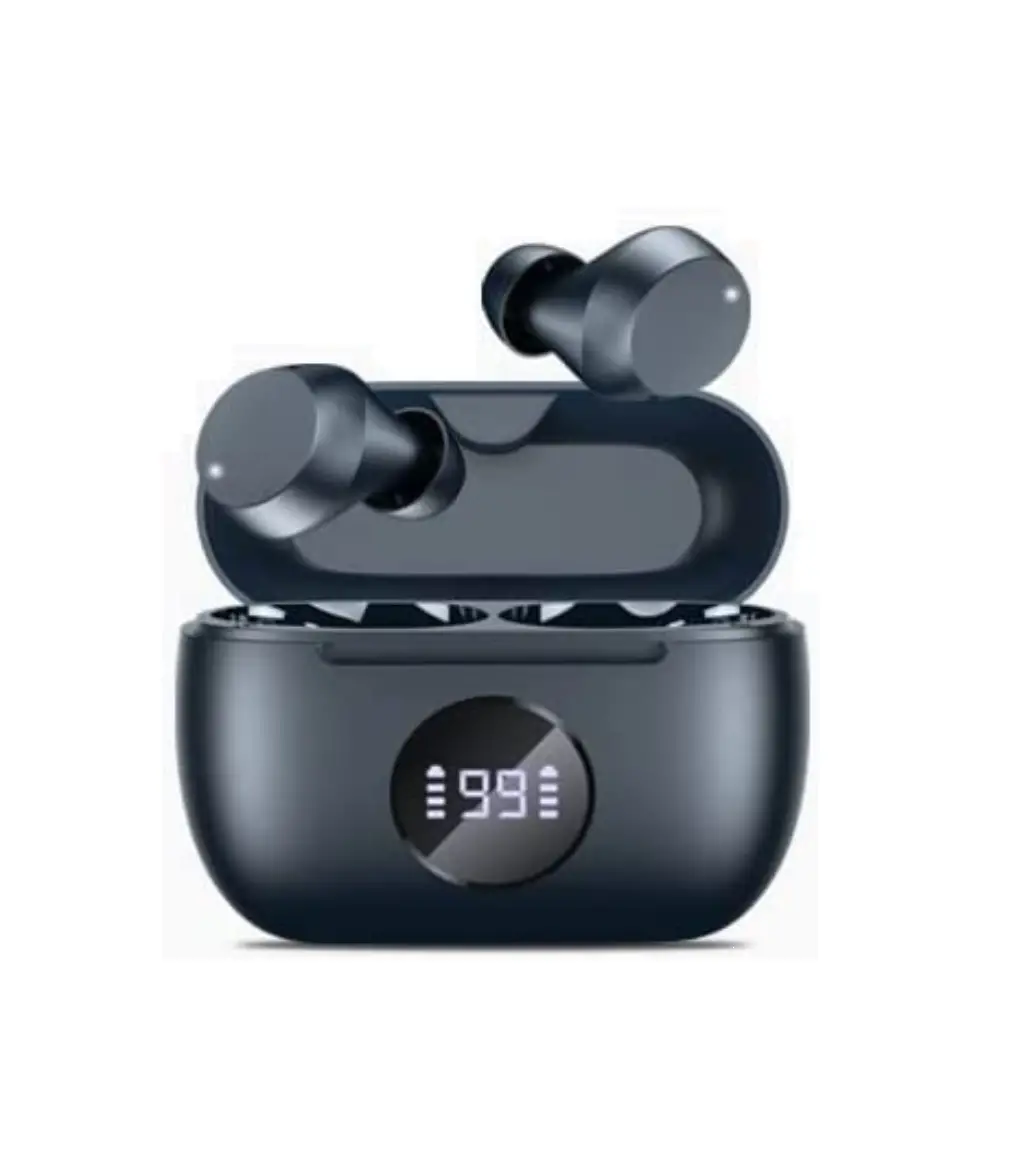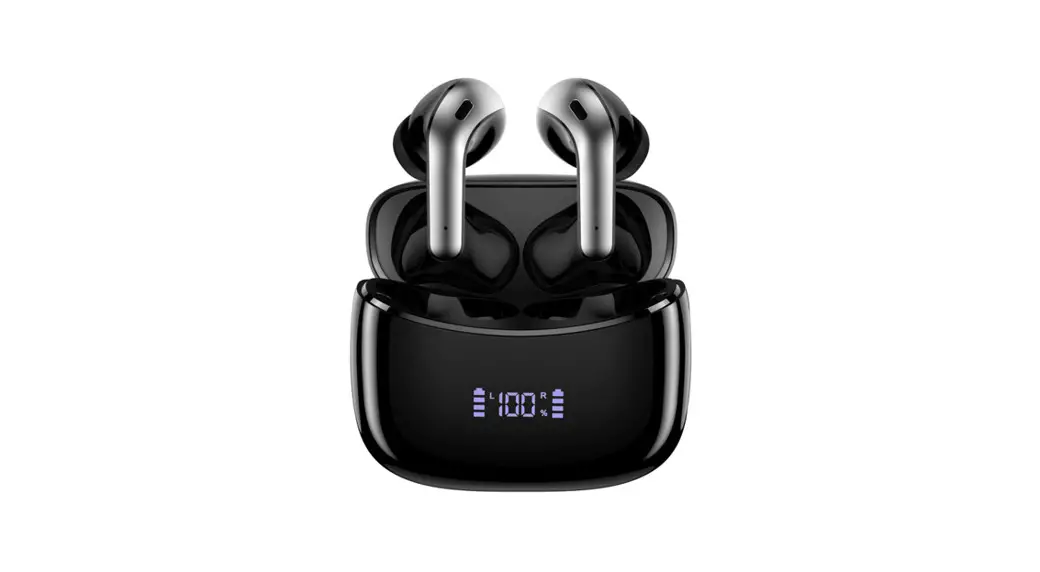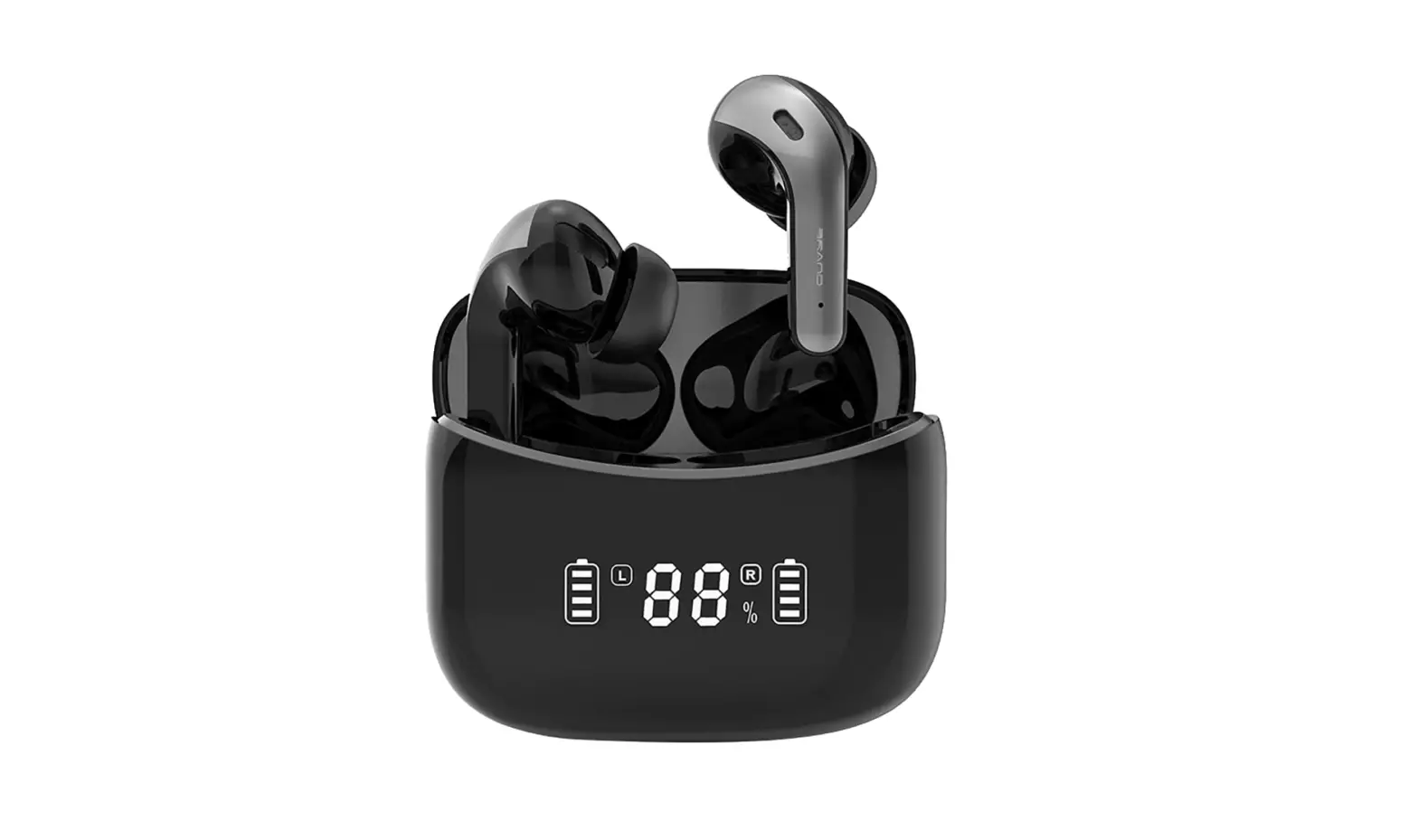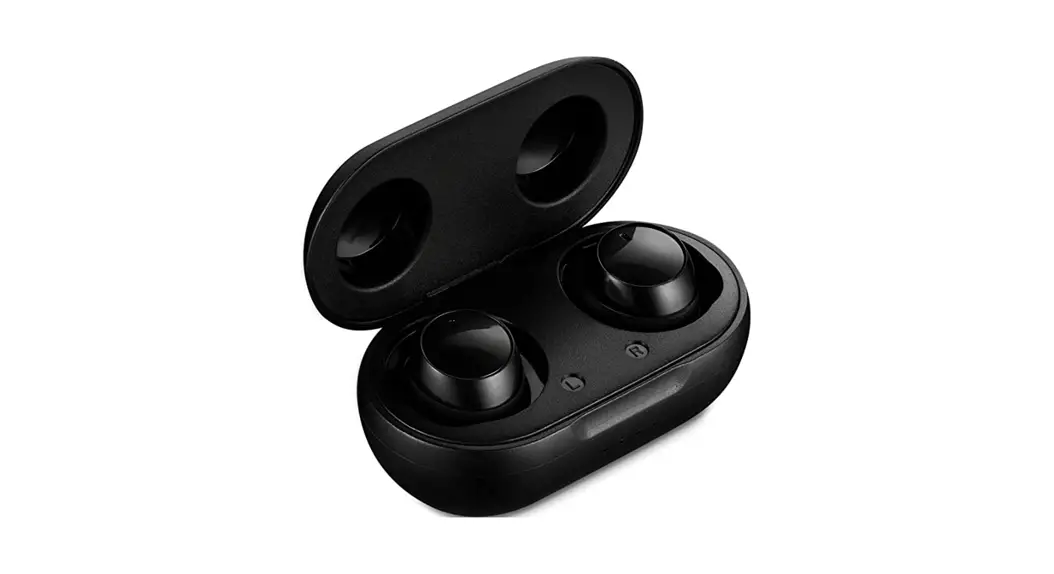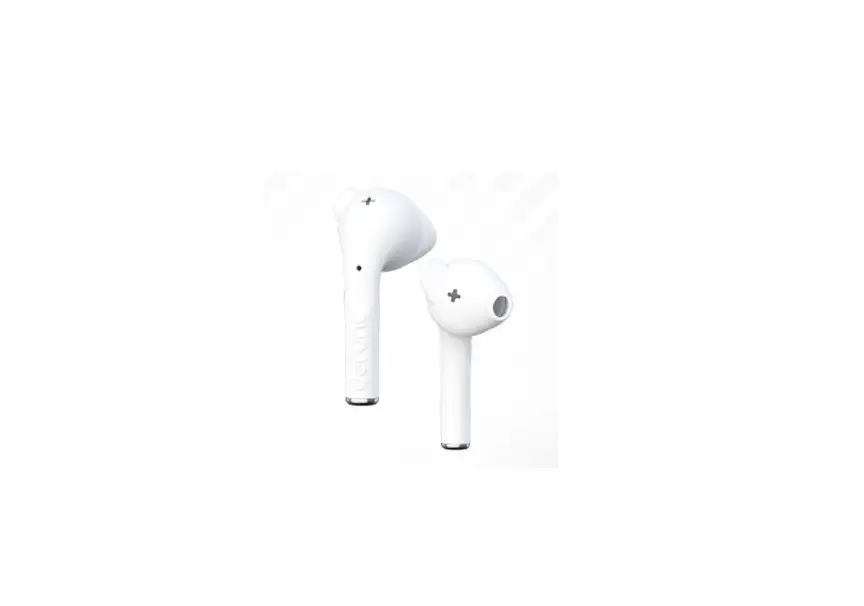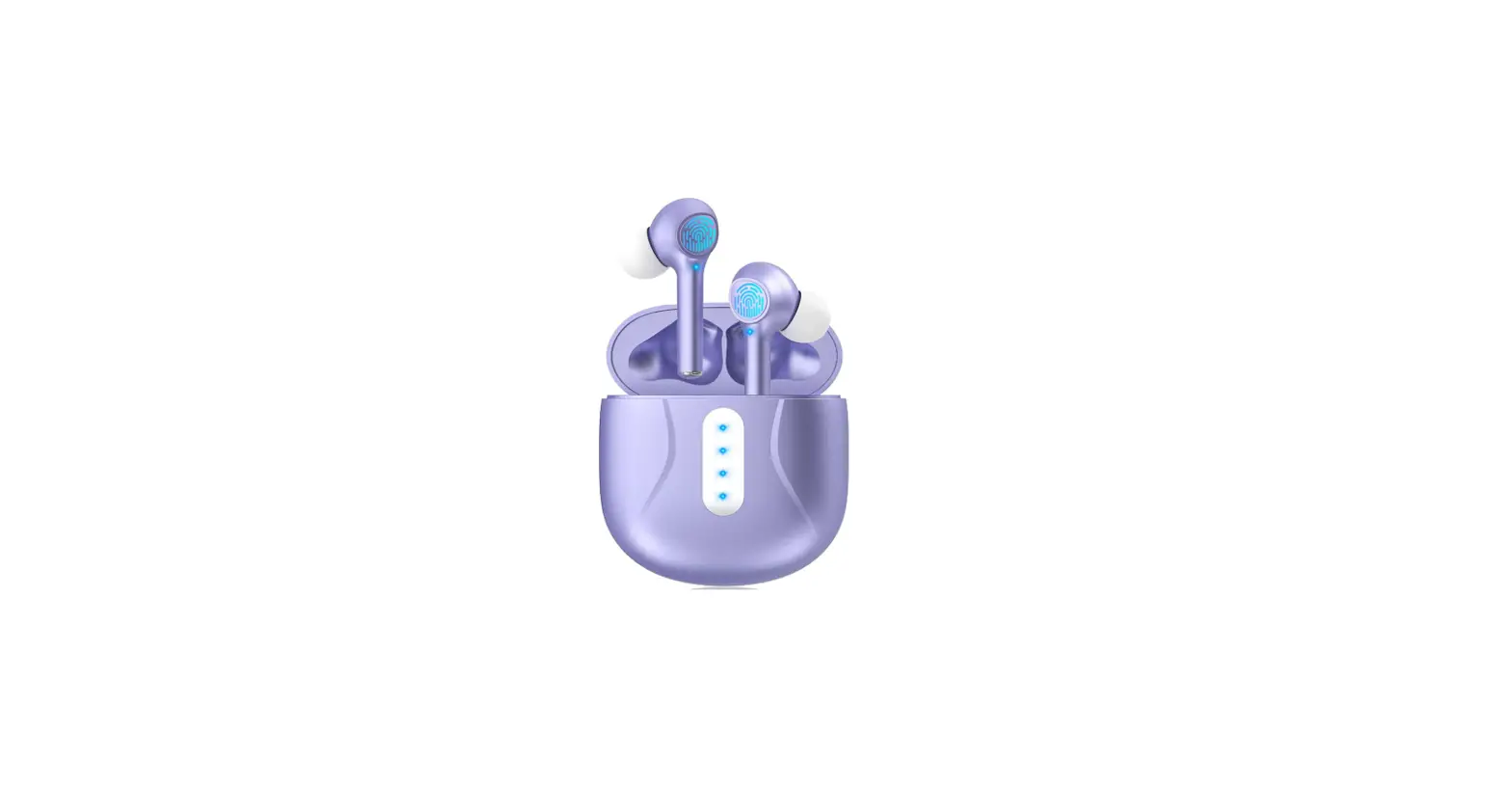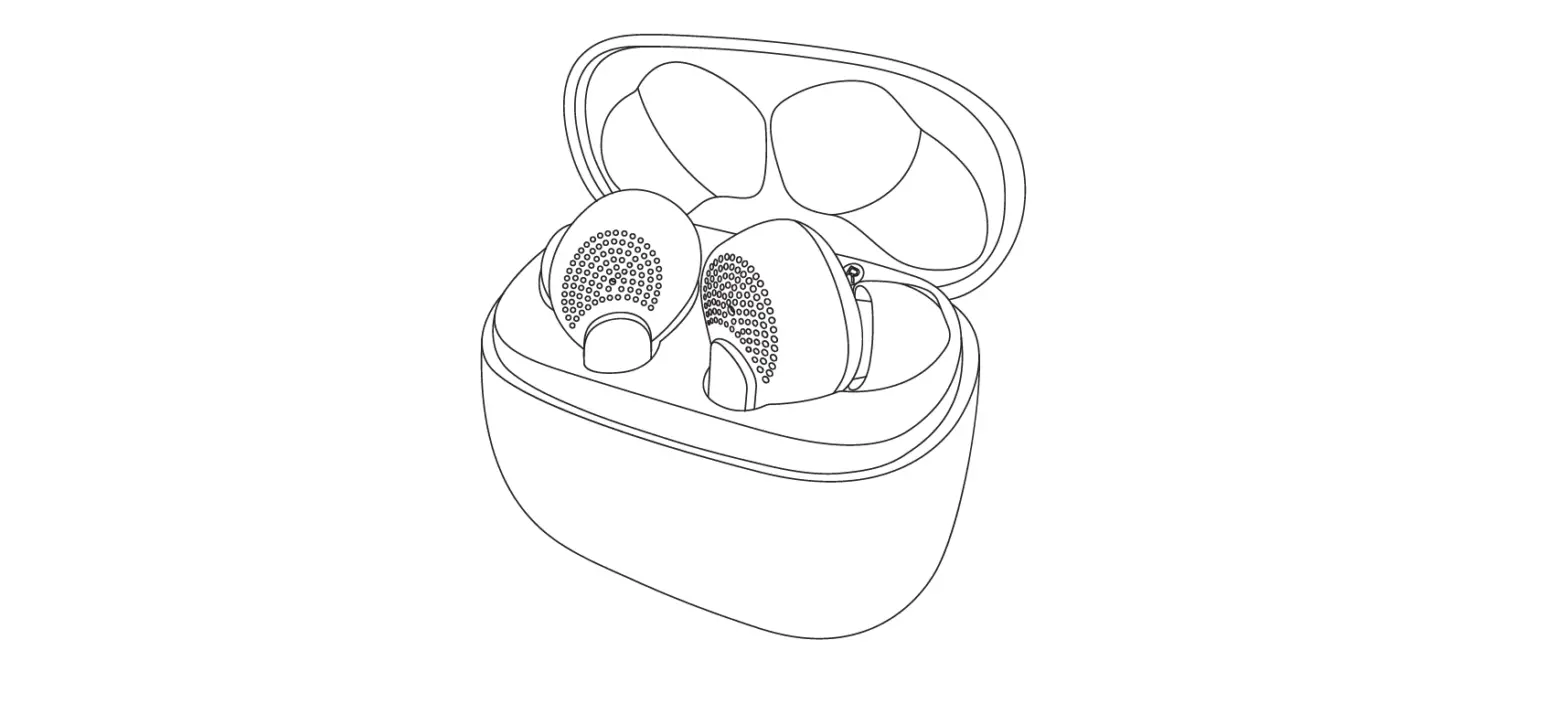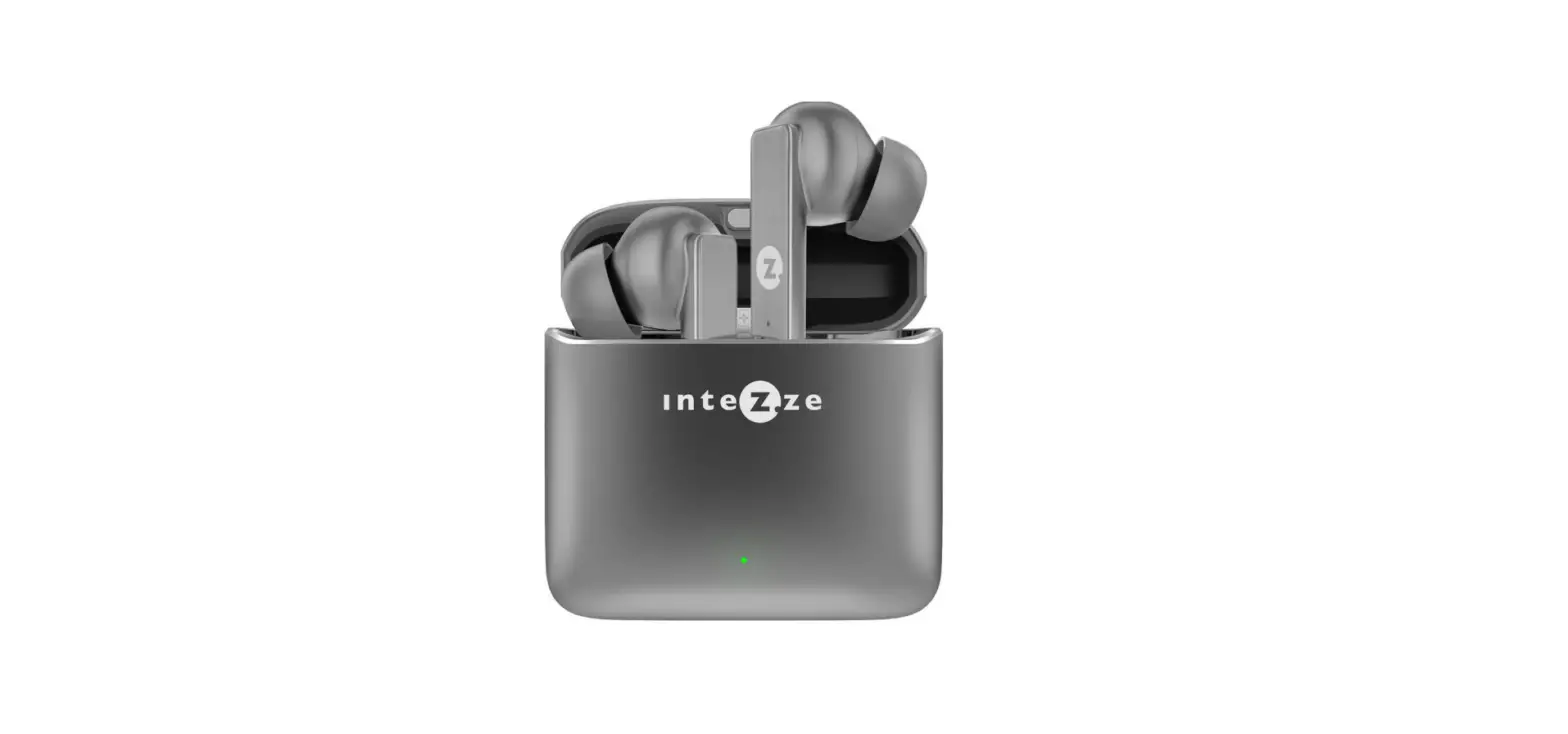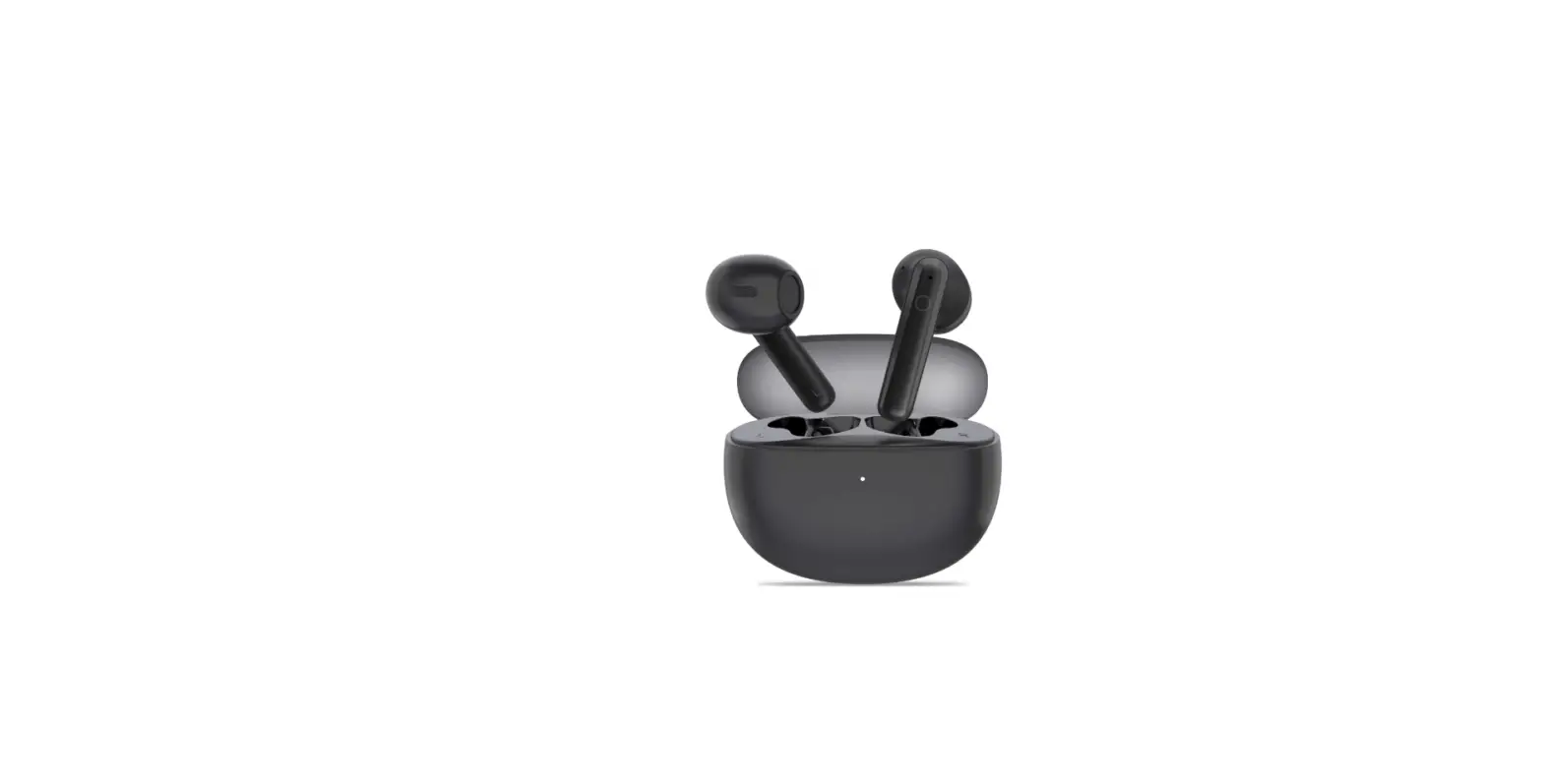

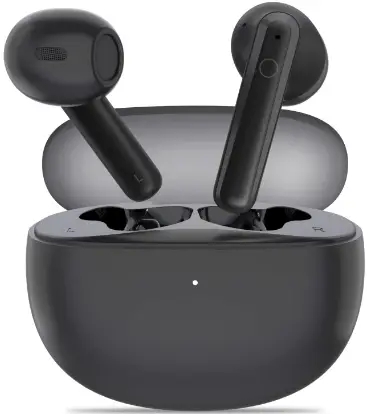
IKG BTW86 True Wireless Earbuds
Please read the instructions before use
Connect
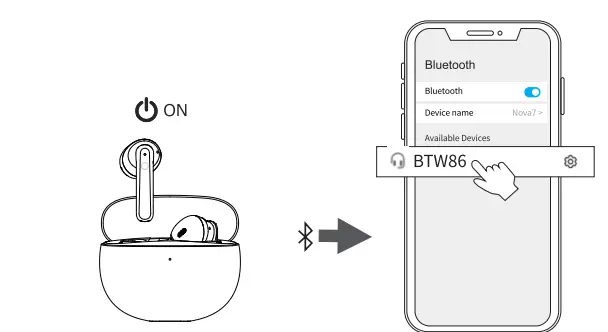
- Take out the earbuds (Earbuds auto power on)
- After open the phone Bluetooth, Click the <BTW86 to Pairing
Reset
If earbuds has any connection or function problems, please reset the earbuds
- Delete the BT pairing information on the phone.
- Take the earbuds into the charging case to charge.
- Take out the earbuds and wait for 20 seconds.
(If the above operation does not work, please try again)
Operation
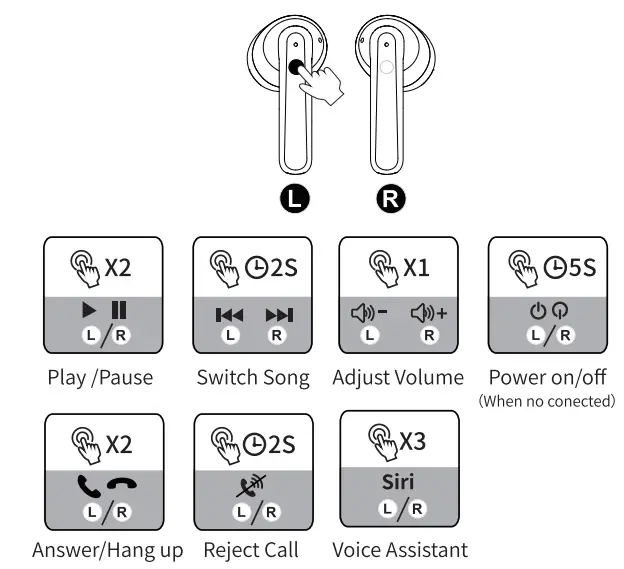
- X1: Click Once
- X2: Click 2 times
- 2S: Press and hold for 2 seconds
Problem handling
- Can be connected but there is no sound:
Click the right earbuds to increase the volume. - One of earbuds cannot be charge:
Clean the charging contact of the earbuds and the charging case. - One of the earbuds cannot be connected:
Reset the earbuds.
WARNING
Please clean the charging contacts of the earbuds and charging case frequently to avoid charging failures.
Safety Instructions
- Keep the product away from extremely hot and cold environments, it will damage the battery and circuit.
- Avoid liquid immersion into the product.
- Do not disassemble the product.
- Do not use concentrated chemical products or detergents to clean the product.
- Use only 5V/1A power supply. Connecting the power supply voltage too high may cause serious damage.
- Do not randomly discard or place the product near fire or high temperature to avoid the danger of explosion.
eVatmaster Consulting GmbH
Bettina. 30,60325 Frankfurt am
Main, Germany
[email protected]
EVATT CONSULTING LTD
Suite 11, First Floor, Moy Road, Business Centre,
Taffs Well, Cardiff, Wales, CF15 7QR
[email protected]