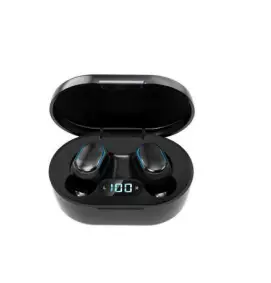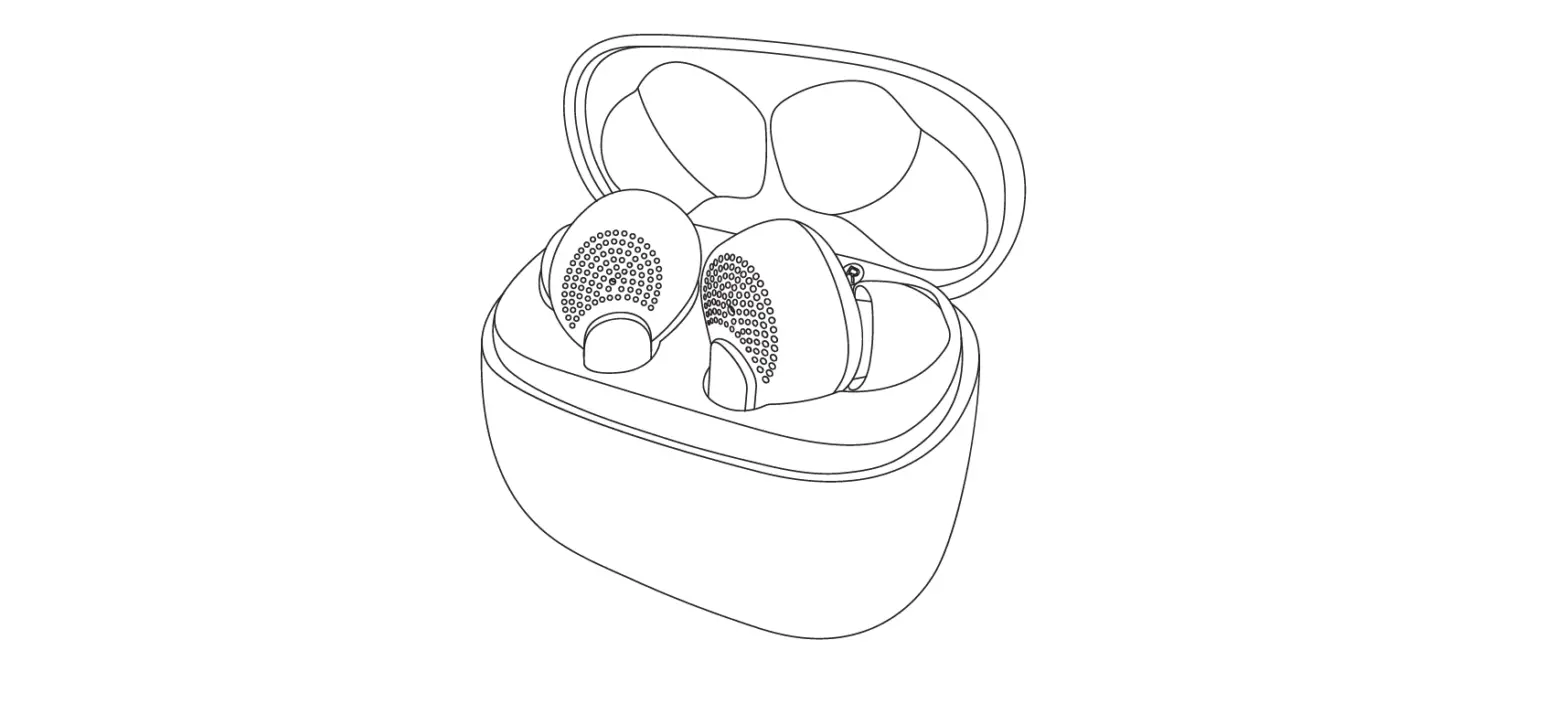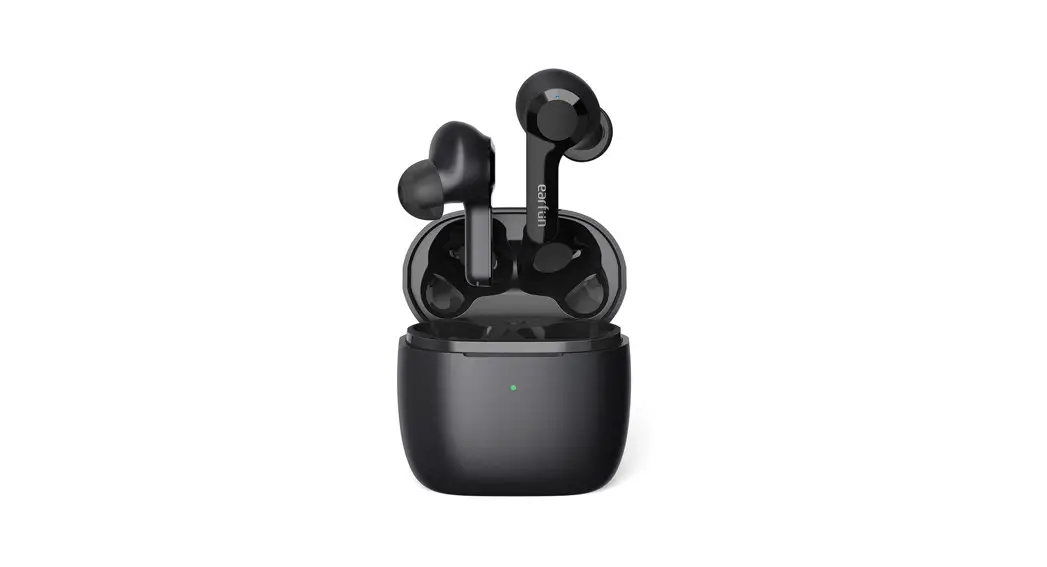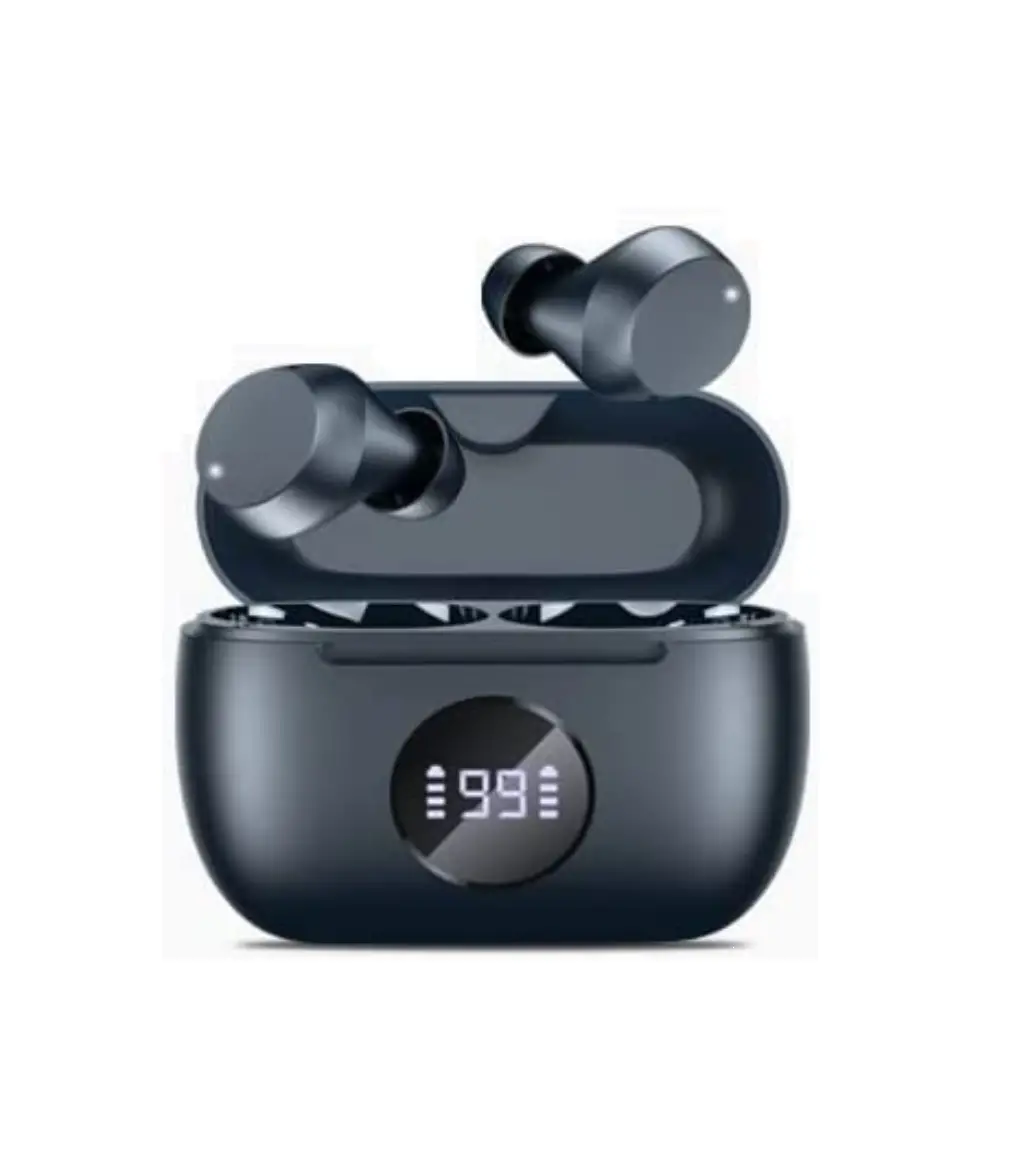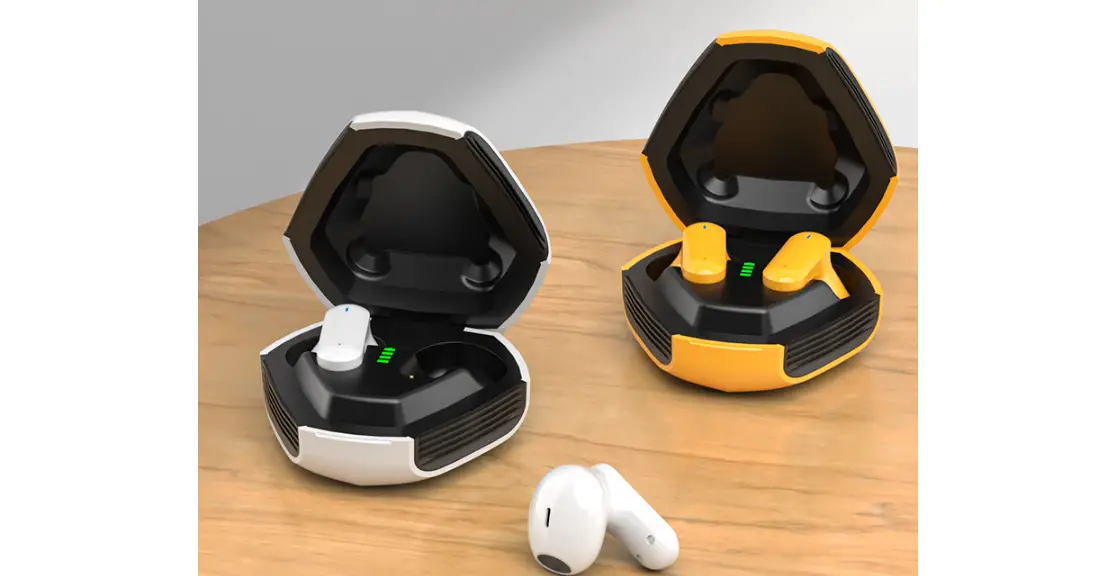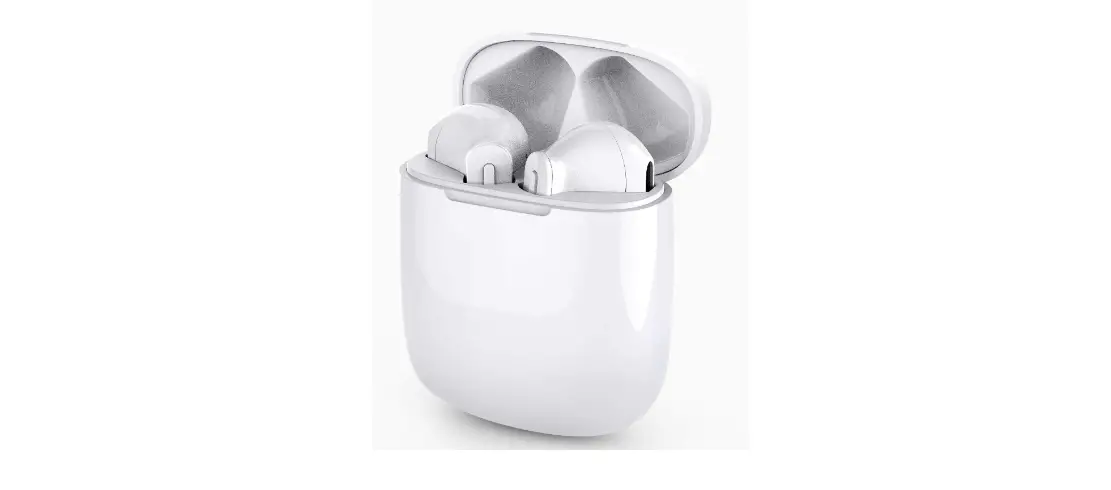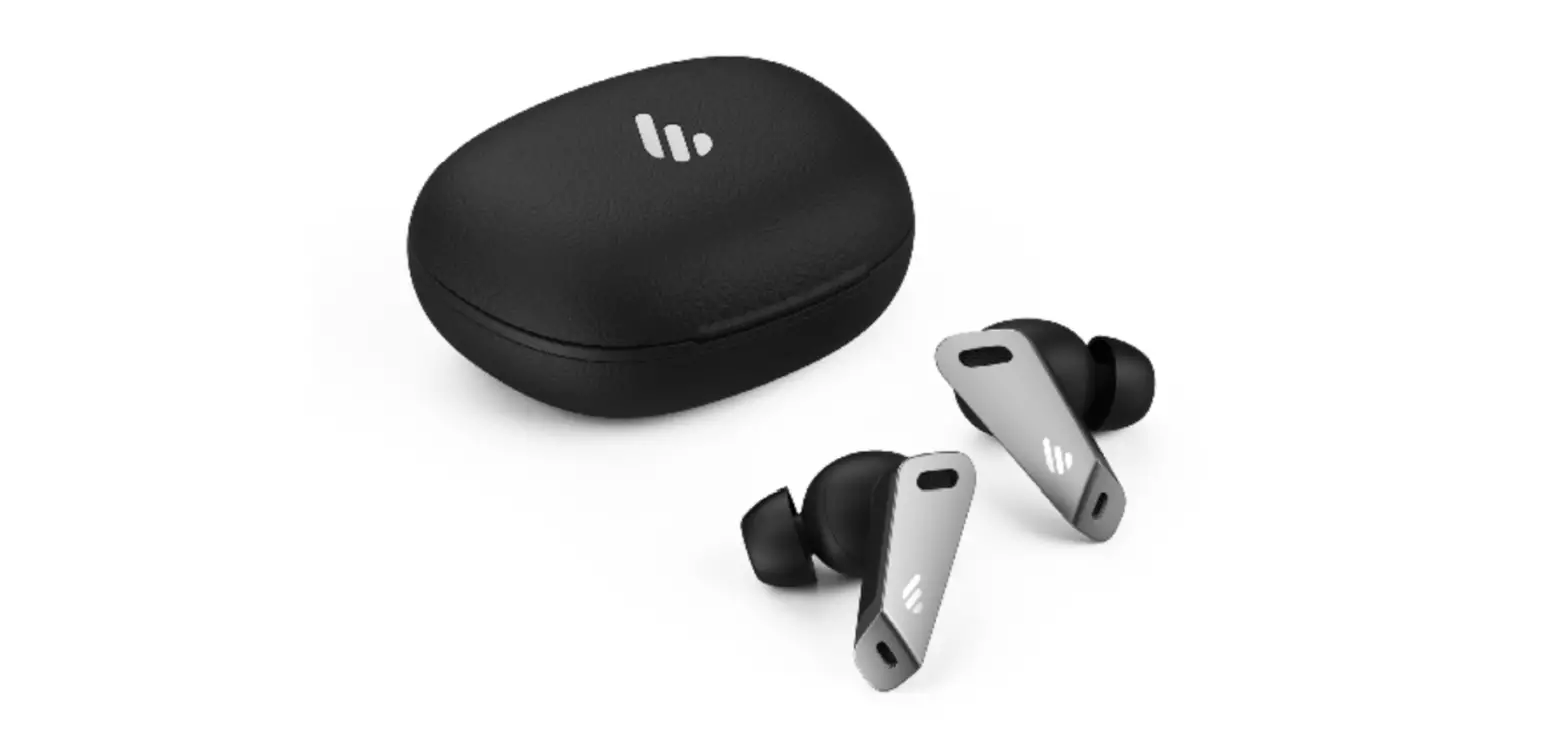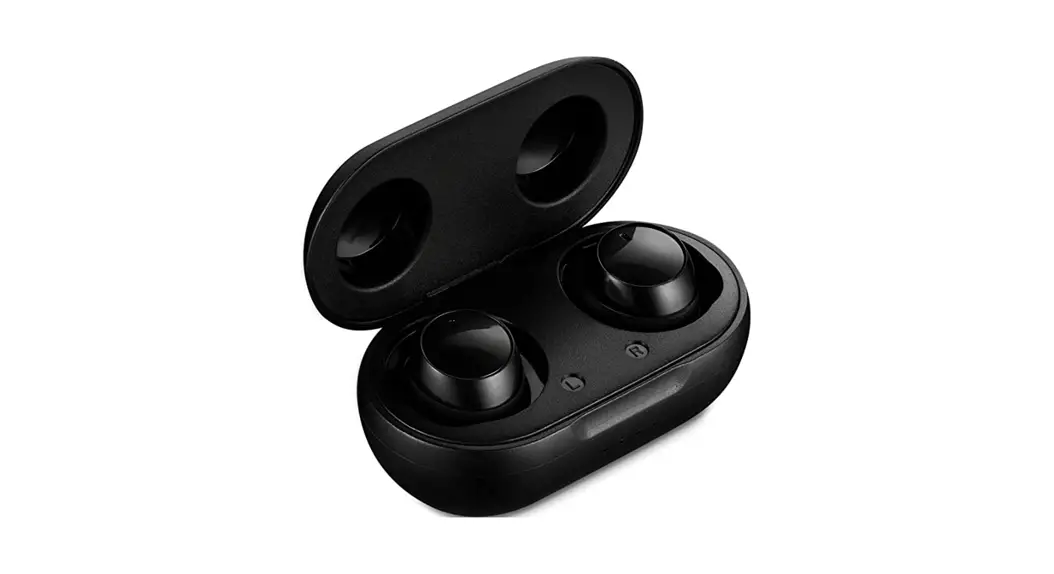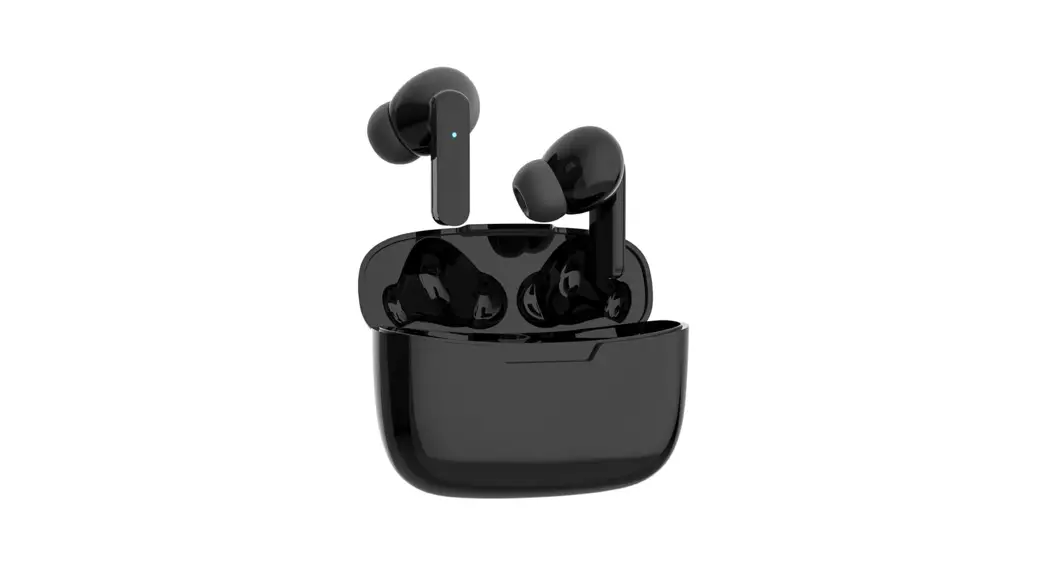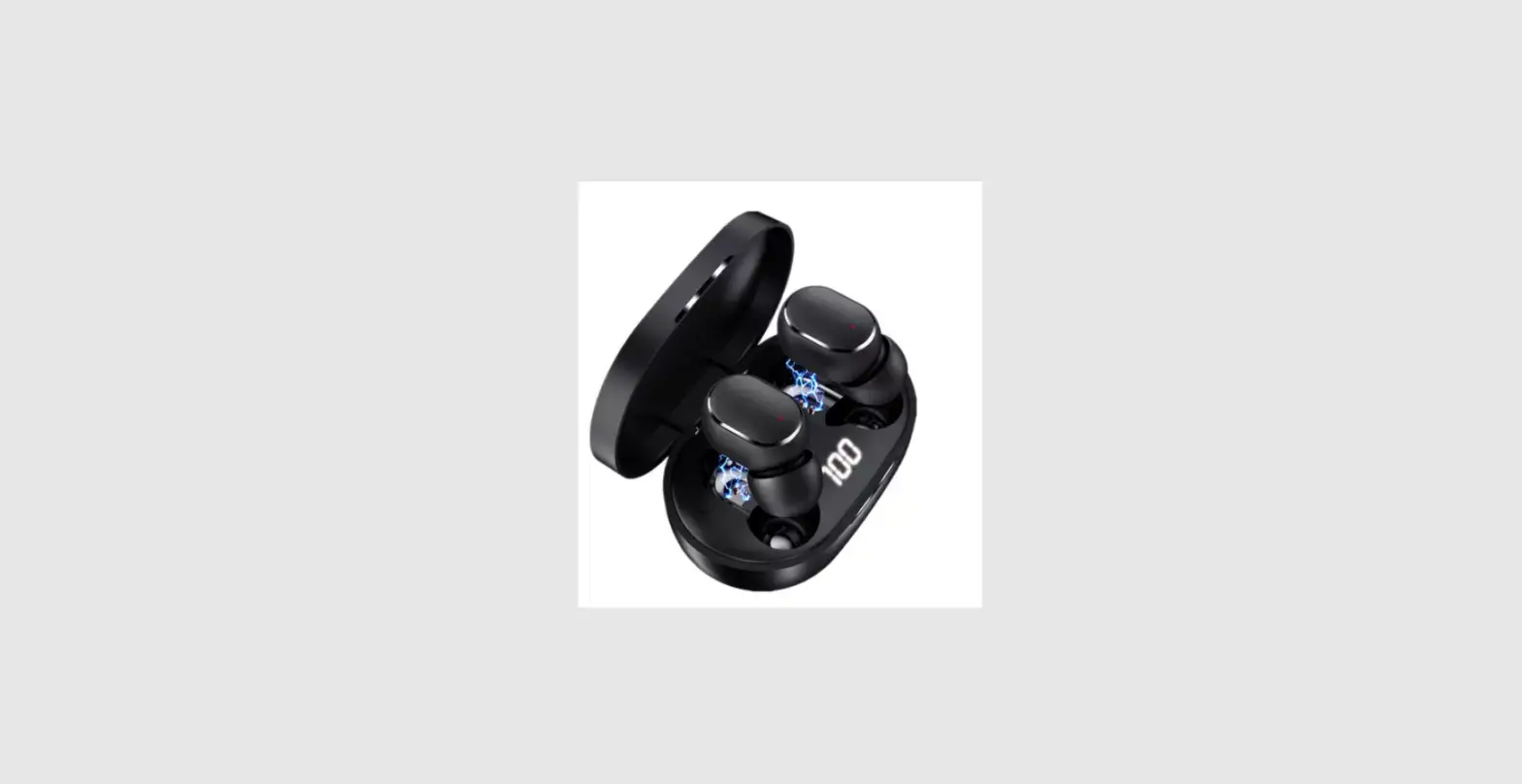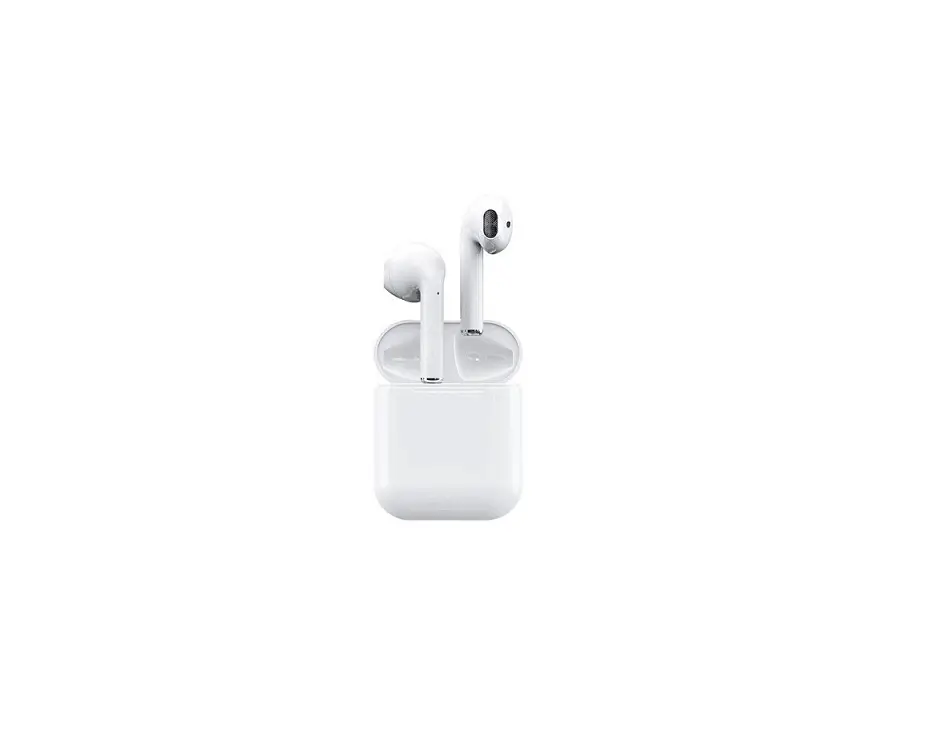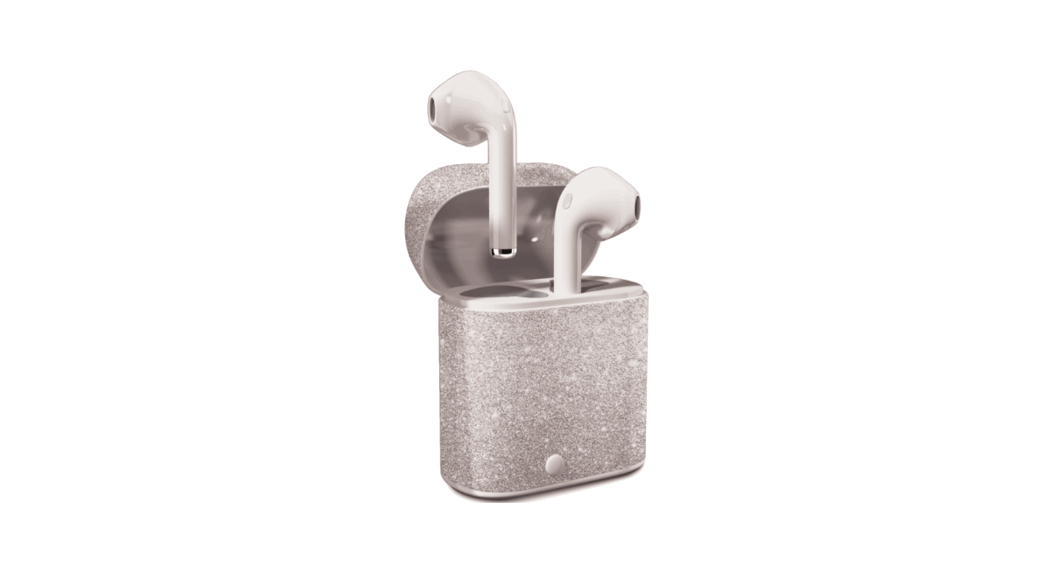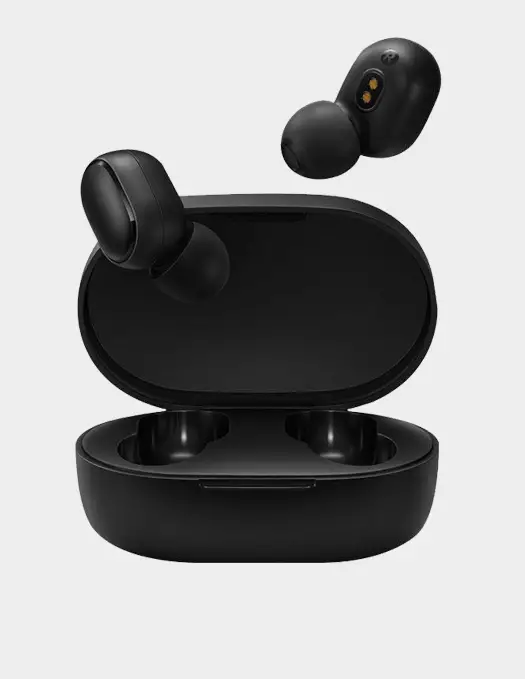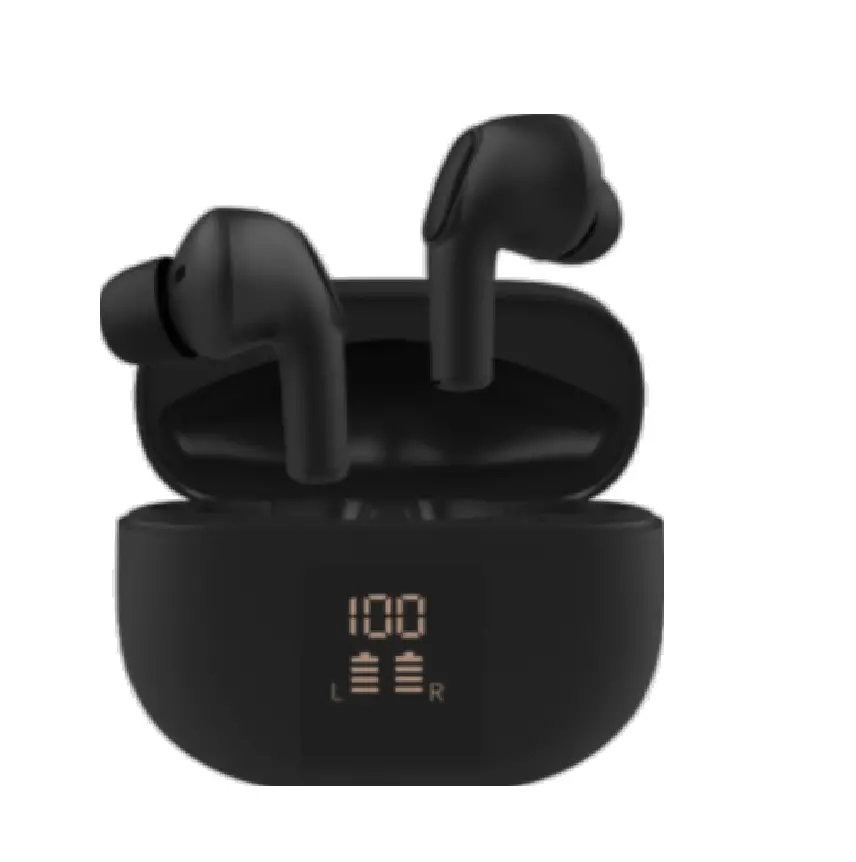
SWAGTEK TW20 True Wireless Earbuds
Product summary
Model name: TW20
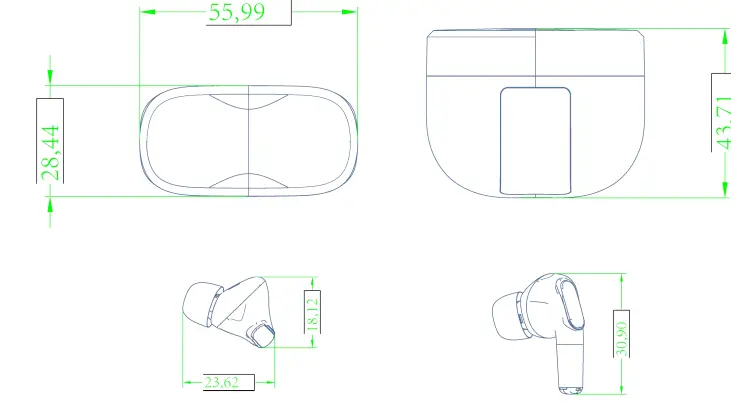
weight and dimension: earbuds(dimension:30.9*23.62*18.12mm)chargingcase(dimension:55.9*43.7*28.4mm)
gross weight:earbuds(single3.5 g)+charging case40 g+giftbox g=g
net weight: earbuds(single3.5 g)+charging case40 g=47 g
Cosmetic Drawing
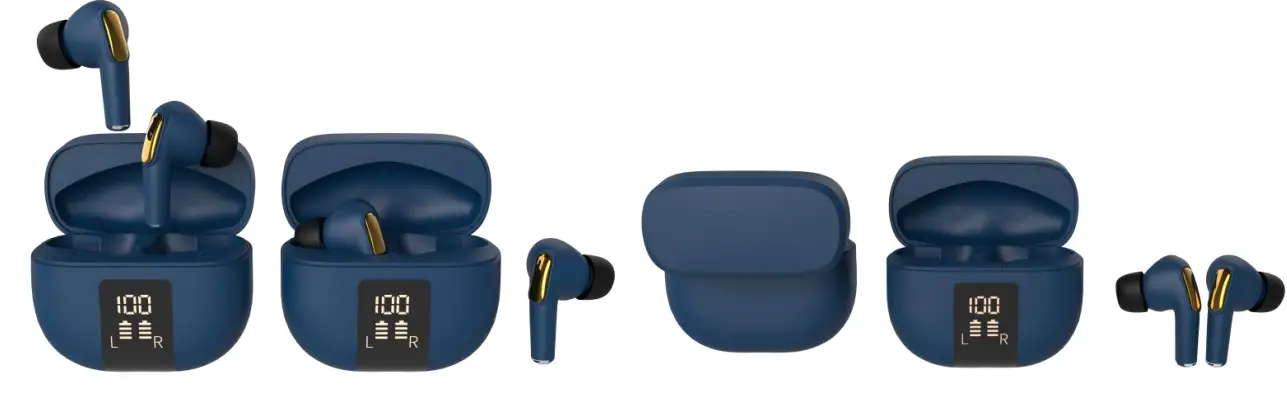
Product Appearance
product list
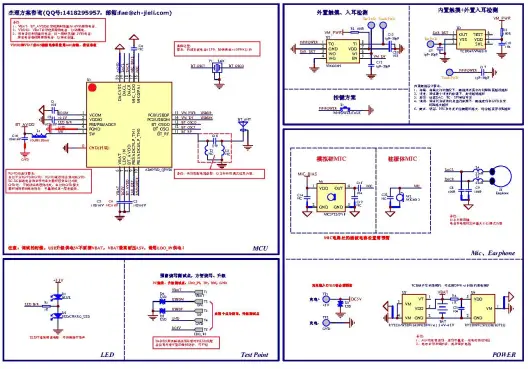
Headphone material list:The circuit principle diagram
earbuds circuit diagram
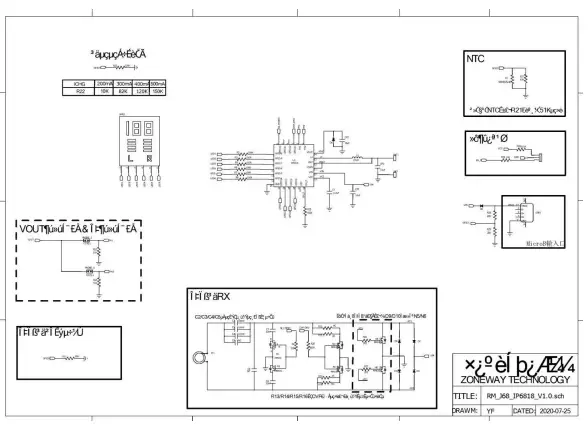
charging case diagram
Hardware parameter
Bluetooth chipset
| Item | description | spec |
| 1 | Chipset name | AD6973D |
| 2 | Bluetooth version | V5.2+EDR |
| 3 | Bluetooth protocol | A2DP/AVCTP/AVDTP/AVRCP/HFP/SPP/SMP /ATT/GAPGATT/RFC0MM/SDP/I2Cprofile |
| 4 | Working frequency | 2.402GHz – 2.480GHz |
| 5 | Effective distance | Indoor barrier free≥15 rice |
Audio characters
| Speaker | ||
| items | name | spec |
| 1 | Speaker dimension | Φ13.0±0.1mm、0.8±0.2g |
| 2 | Speaker frequency response range | 20HZ—20KHZ At 0.179 V |
| 3 | Speaker sensitivity | 116+3dB At 1000 Hz At 0.179V |
| 4 | Speaker type | Titanium film Dynamic speaker |
| 5 | Speaker impedance | 32Ω±15% |
| 6 | Rated input power | Rated input power 3mW,maximum powwr 5mW |
| Microphone | ||
| item | name | spec |
| 1 | Directivity of Mic | omnidirectional |
| 2 | Mic sensitivity | -38±1dBV/Pa /1kHz |
| 3 | Mic frequency range | 10kHZ-20kHz |
| 4 | MIC impedance | 200Ω |
Function diagram
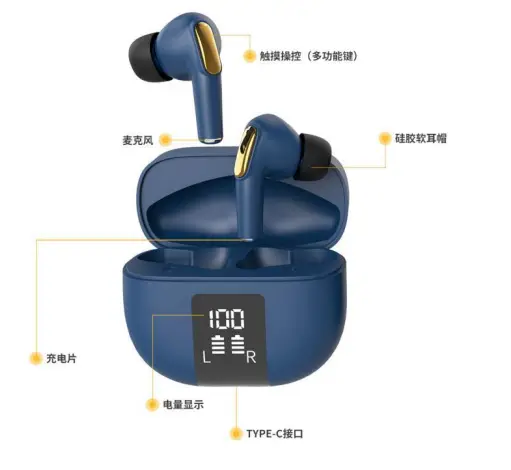
Function list
Earbuds
| NO. | Status | Actions |
| 1 | Power on | 1.open the charging case, earbuds will be power on automatic and pair pair time within 180second , over 180s , will power off automatic and theirs is warning tone come out. |
| 2 | dual ear model | After open charging case, earbuds will power automatic R/L earbuds will pair automatic, waiting for a few seconds , TWS paired 。 open Bluetooth function from menu of mobile to search TW20 and click TW20 to connect, warning tone will come our after connected |
| 3 | Single ear mode monaural mode | take out anyone earbuds and close charging case , power on aquatically ,after 30s, this earbud will enter single mode atomically, Then turn on the mobile phone Bluetooth open Bluetooth function in mobile phone ,click search device, then click TW20 to connect ,then can use earbuds in single mode |
| 4 | Pick up call | Once click any of L/R earbuds(Bluetooth been connected) |
| 5 | Hang up call | Once click any of L/R earbuds in calling(Bluetooth been connected) |
| 6 | Reject incoming call | Press 2s any of L/R earbuds(Bluetooth been connected) |
| 7 | Vol + | NA |
| Vol – | NA | |
| 8 | DISCONNECT | disconnected , earbuds will come out warning tone , earbuds will power off after disconnecting 5minuts。when power off, earbuds will come out warning tone too |
| 9 | Play/Pause | once clik any of L/R to play or pause music(Bluetooth been connected) |
| 10 | Battery capacity display | support battery display on IOS and Android |
| 11 | Auto connect after power on | Earbuds will active connect to the last connected device automatically one time after power on |
| 12 | Previous track | Click 3times of any L/R earbuds, go back to previous track ( Bluetooth been connected) |
| 13 | Next track | double click any of L/R earbuds go to next trace (Bluetooth been connected) |
| 14 | Long press for 5 seconds to power on | Power on after pressing any of L/R 5s ( Bluetooth been connected ) , earbuds come out warning tone |
Charging and recharging
| 1 | Charging port | Power supply voltage:DC 5V,via type-c cable to charge |
| 2 | Indicator light | these is LED indicate when charge, after 100% charged, LED will go out |
| 3 | Headset Charging | place earbuds into charging case to charge, in charging, LED will indicate, after fully charged, LED go out |
| 4 | Length of charging USB cable | 20cm |
| NO. | Status | Warning tone |
| 1 | Power on | Power On or customization |
| 2 | Pairing mode | Pairing or customization |
| 3 | Connection succeeded | Connected or customization |
| 4 | Power off | Power off or customization |
| 5 | Low battery | Low battery or customization |
Others test
| Earbuds battery capacity | 30mah |
| Charging case battery capacity | 300mah |
| frequency | 2.402GHz – 2.480GHz |
| Working current | earbuds:15mA charging case:60mA |
| Working voltage | 3.3v-4.2v |
| Charging spec | earbuds:DC5V 30-35mA charging case:DC5V 320mA |
| waterproof | IPX5 |
| Hall | OCH4002-S pole |
| Talk time | About 2.5 Hour (90% volume) |
| Playing time (single earbuds)50% volume | 4H (earbuds batter capacity from 100%) |
| Playing time (double earbuds 50%Volume | 4H (earbuds from 100% battery capacity) |
| playing (double earbuds) 50% volume | 12H (charging case battery+ earbuds battery) |
| Standby time | >200hrs |
| Working conditions (temperature) | -10℃ — +45℃ |
| Store temperature | -20℃ — +60℃ |
| display | LED indicate charge |
others test
| Earbuds battery capacity | 30mah |
| Charging case battery capacity | 300mah |
| frequency | 2.402GHz – 2.480GHz |
| Working current | earbuds:15mA charging case:60mA |
| Working voltage | 3.3v-4.2v |
| Charging spec | earbuds:DC5V 30-35mA charging case:DC5V 320mA |
| waterproof | IPX5 pole |
| Hall | OCH4002-S |
| Talk time | About 2.5 Hour (90% volume) |
| Playing time(single earbuds)50% volume | 4H (earbuds batter capacity from 100%) |
| Playing time (double earbuds)50% Volume | 4H(earbuds from 100% battery capacity) |
| playing (double earbuds)50% volume | 12H (charging case battery +earbuds battery) |
| Standby time | >200hrs |
| Working conditions (temperature) | -10℃ — +45℃ |
| Store temperature | -20℃ — +60℃ |
| display | LED indicate charge |
FCC Statement
- This device complies with Part 15 of the FCC Rules. Operation is subject to the following two conditions:
(1) This device may not cause harmful interference.
(2) This device must accept any interference received, including interference that may cause undesired operation. - Changes or modifications not expressly approved by the party responsible for compliance could void the user’s authority to operate the equipment.
NOTE: This equipment has been tested and found to comply with the limits for a Class B digital device, pursuant to Part 15 of the FCC Rules. These limits are designed to provide reasonable protection against harmful interference in a residential installation.
This equipment generates uses and can radiate radio frequency energy and, if not installed and used in accordance with the instructions, may cause harmful interference to radio communications. However, there is no guarantee that interference will not occur in a particular installation. If this equipment do cause harmful interference to radio or television reception, which can be determined by turning the equipment off and on, the user is encouraged to try to correct the interference by one or more of the following measures:
- Reorient or relocate the receiving antenna.
- Increase the separation between the equipment and receiver.
- Connect the equipment into an outlet on a circuit different from that to which the receiver is connected.
- Consult the dealer or an experienced radio/TV technician for help.
Enjoy Music , Enjoy Life