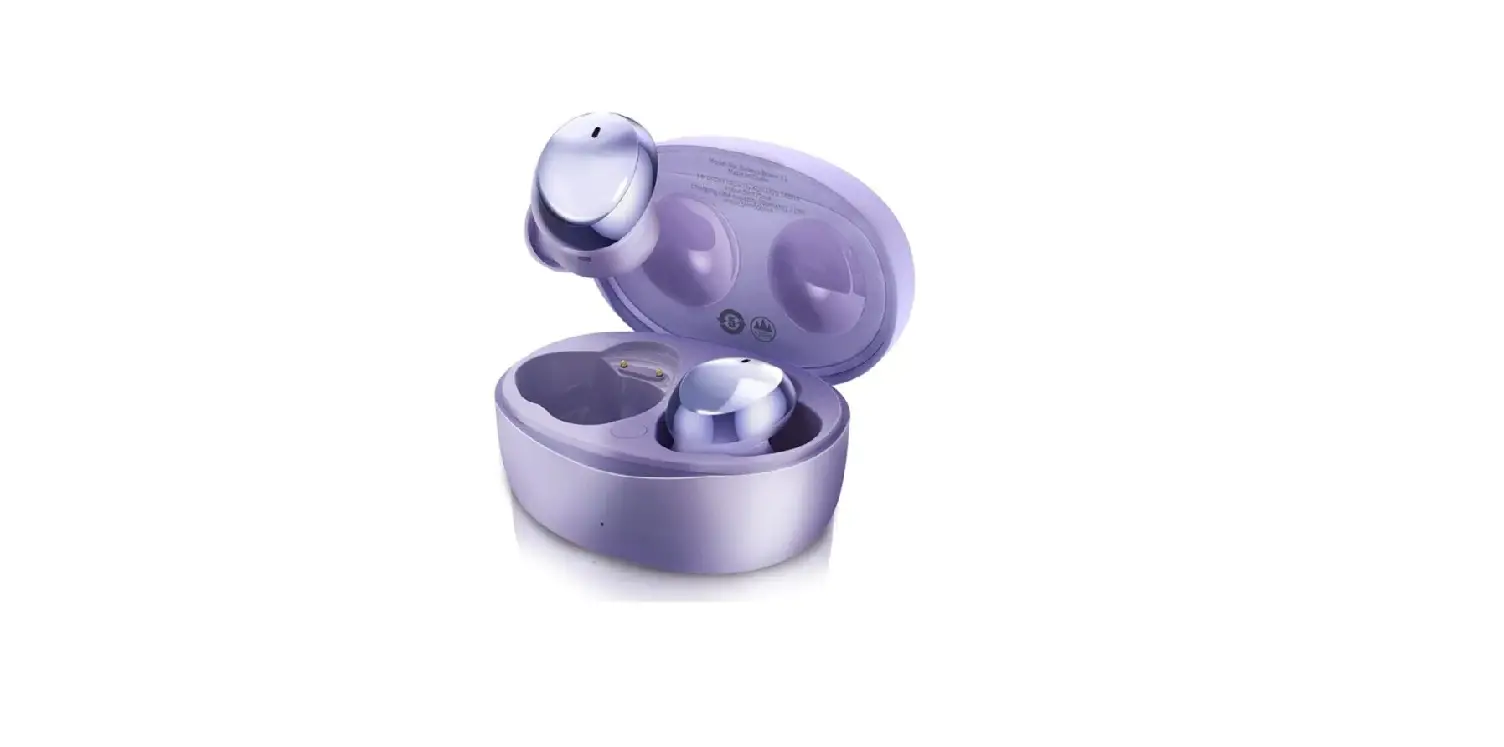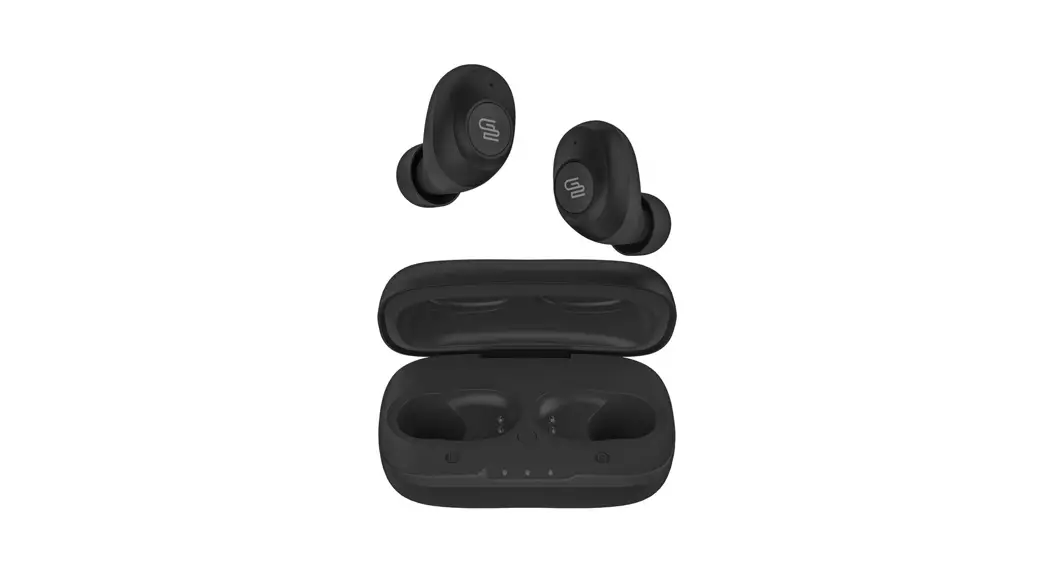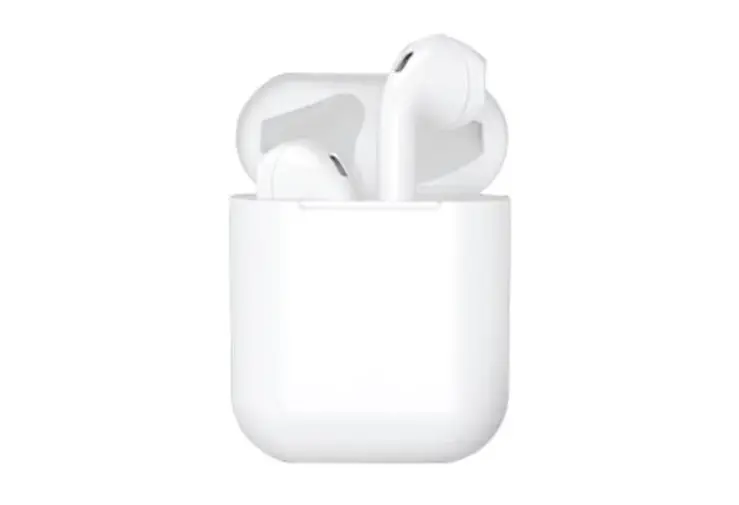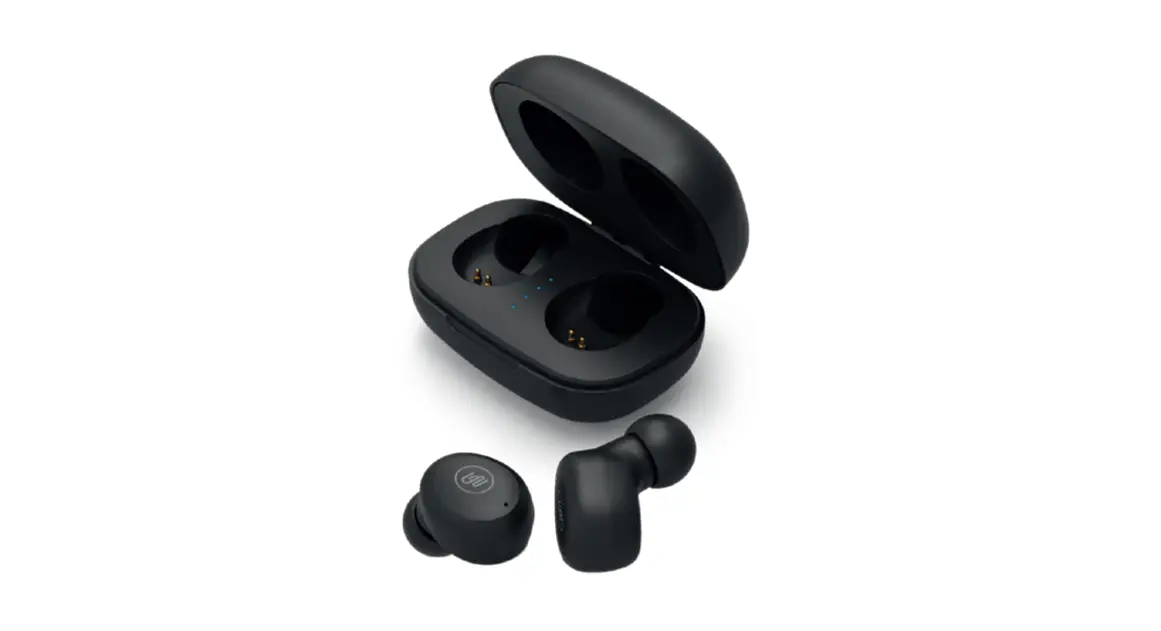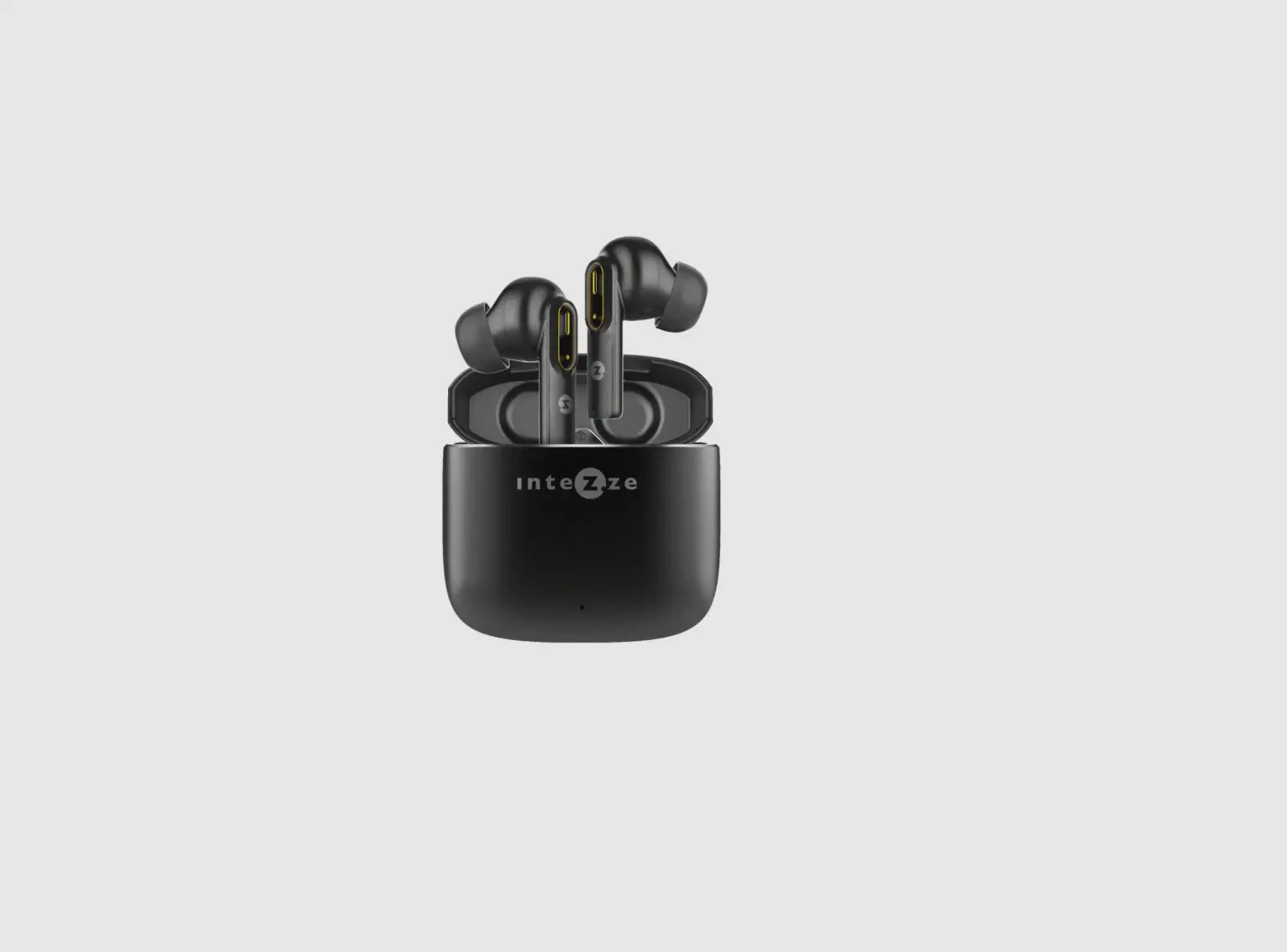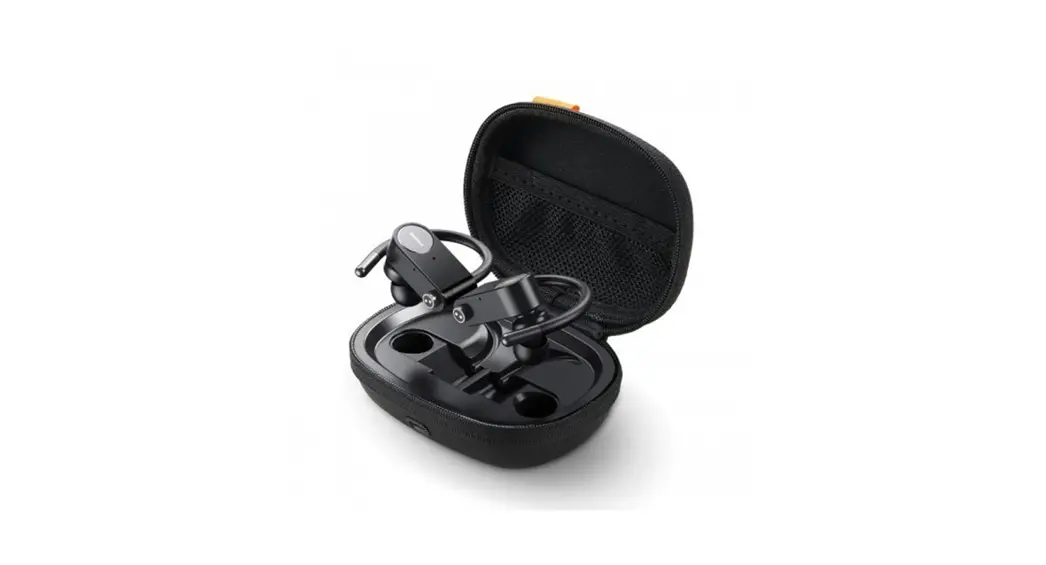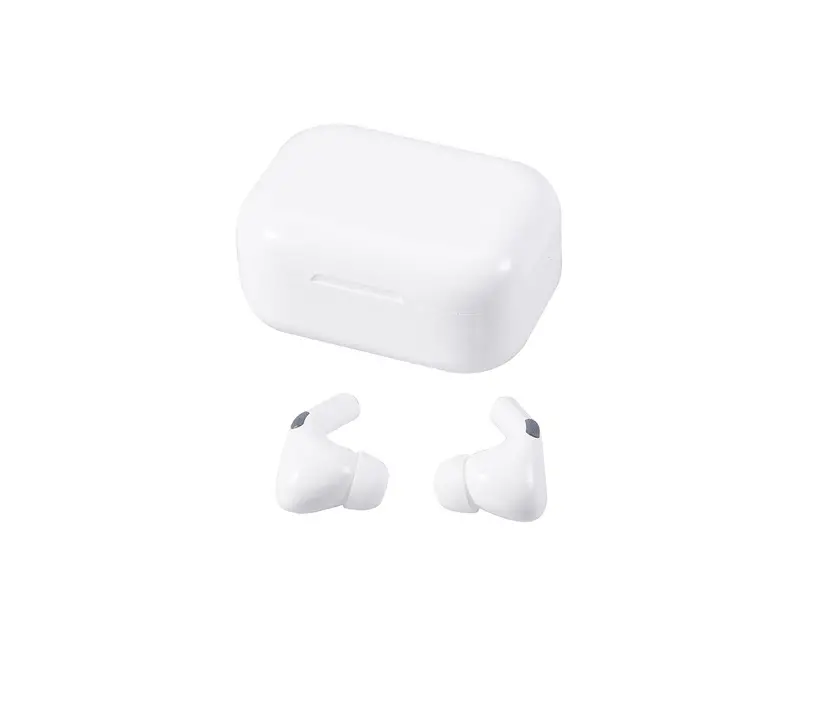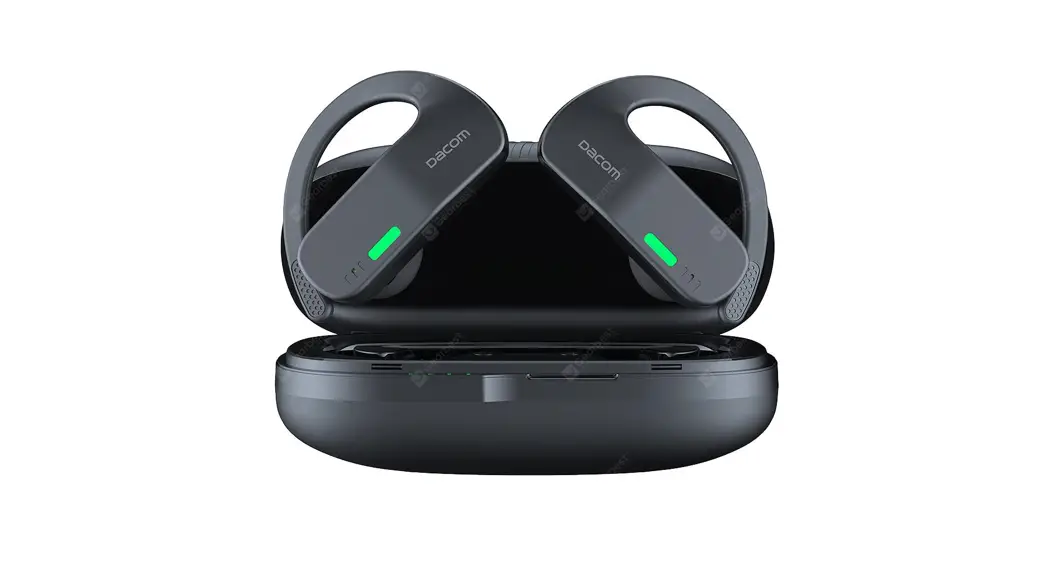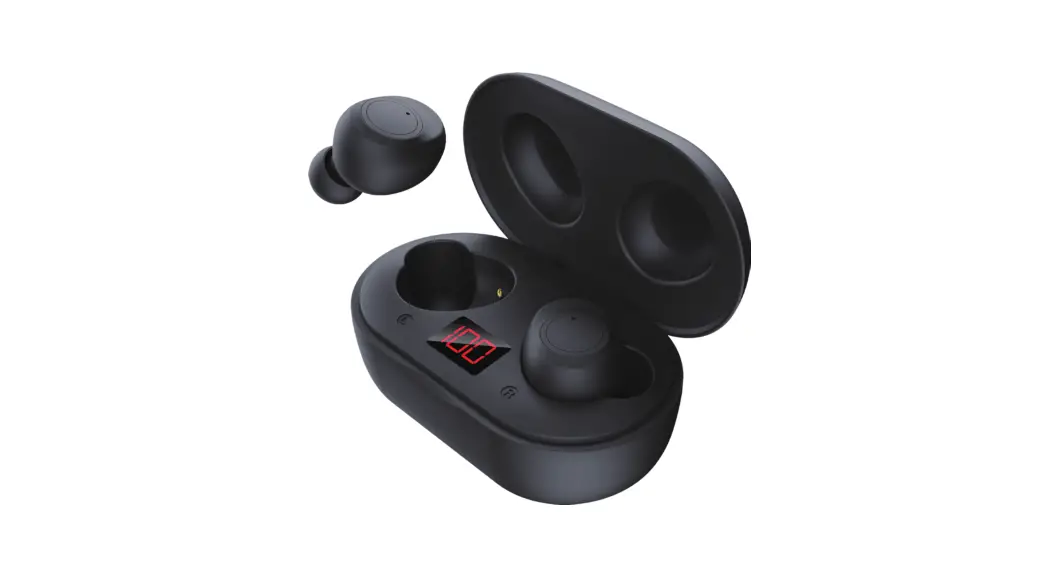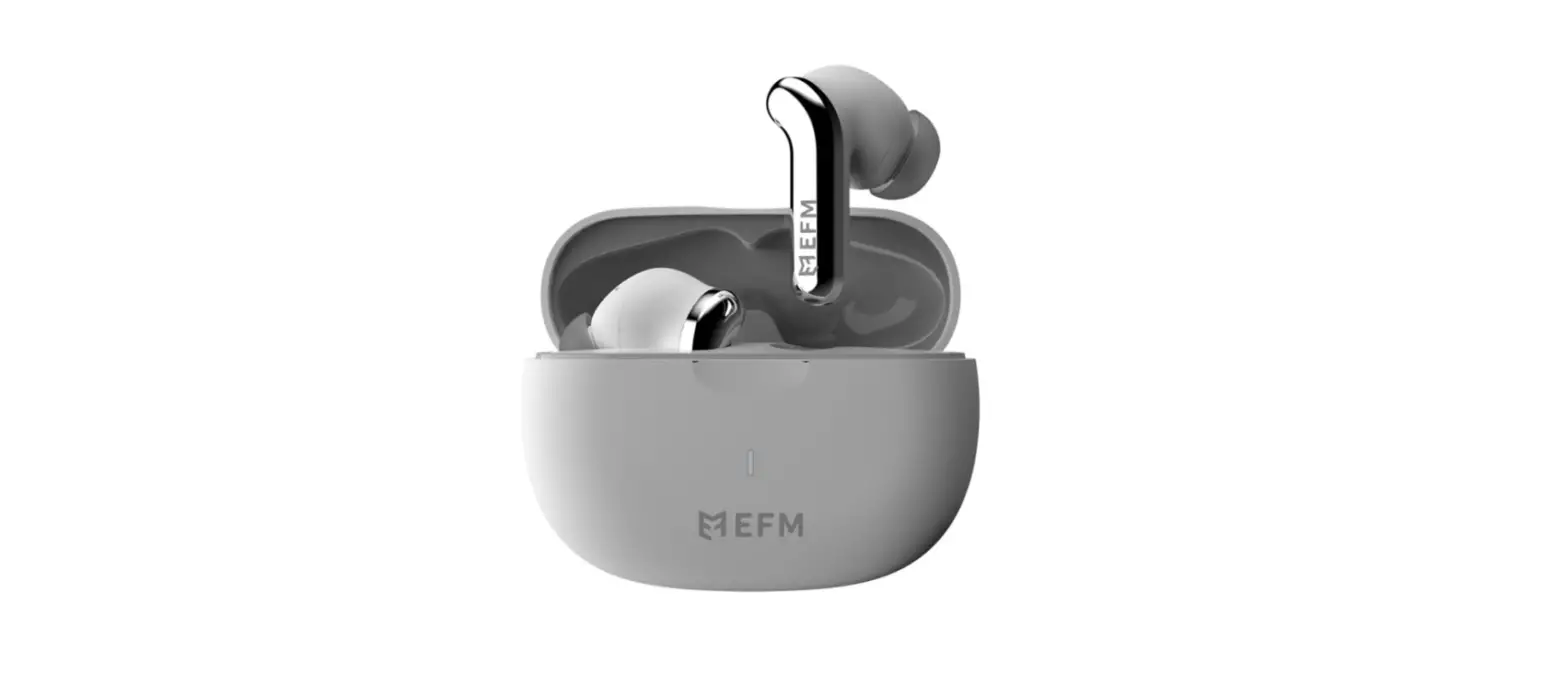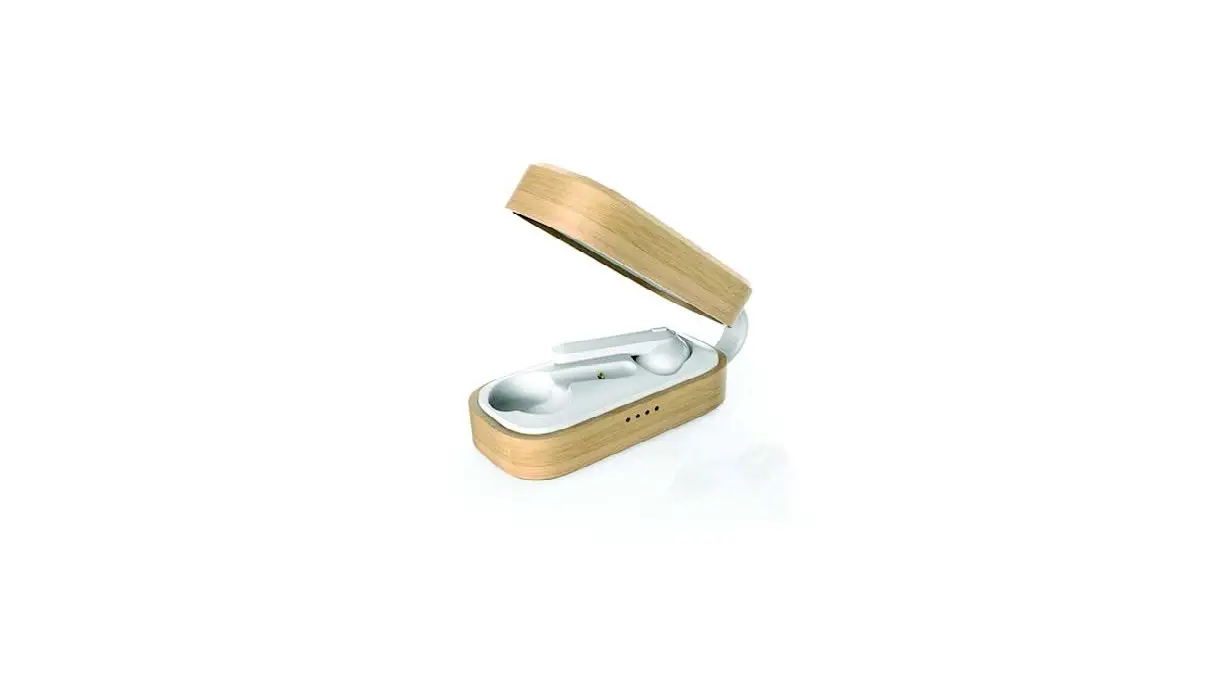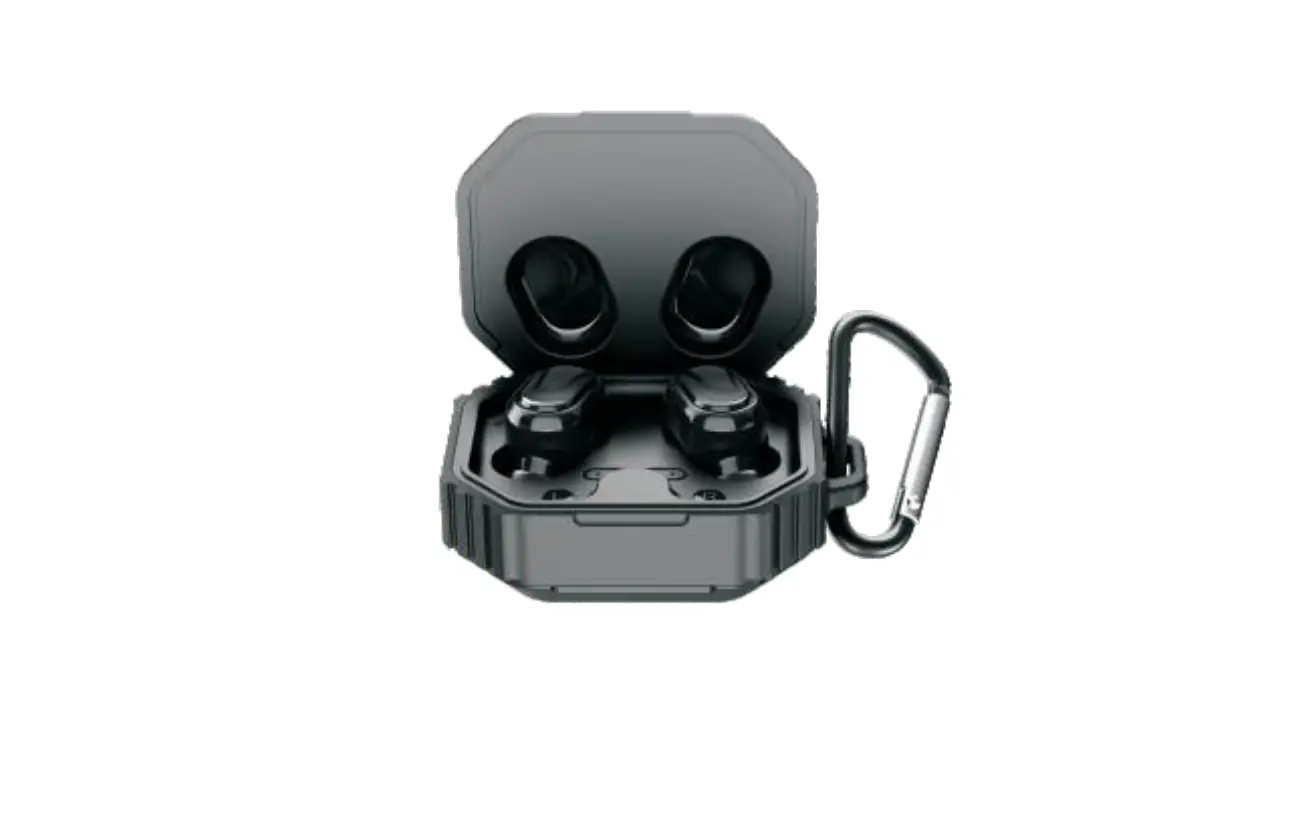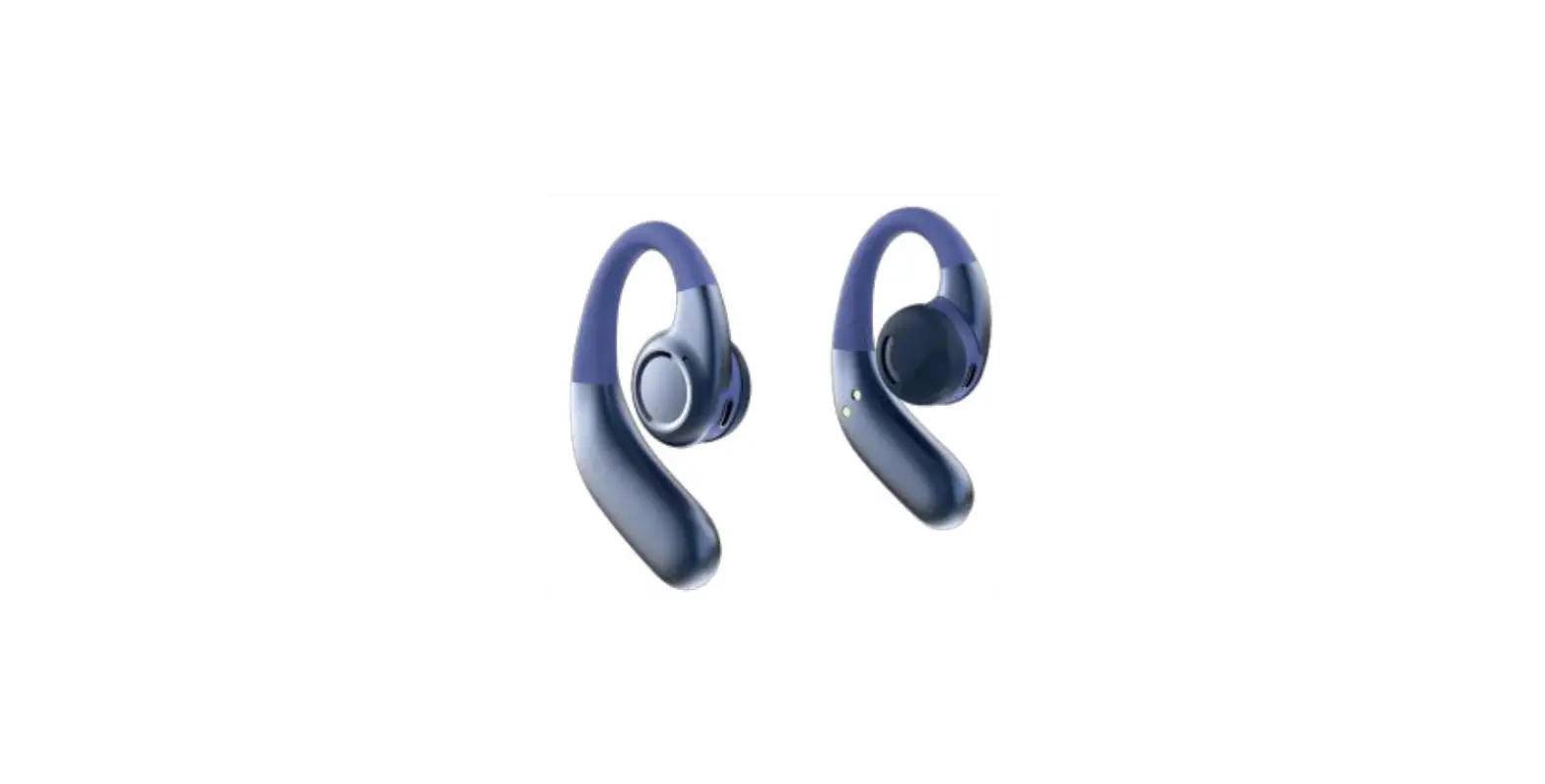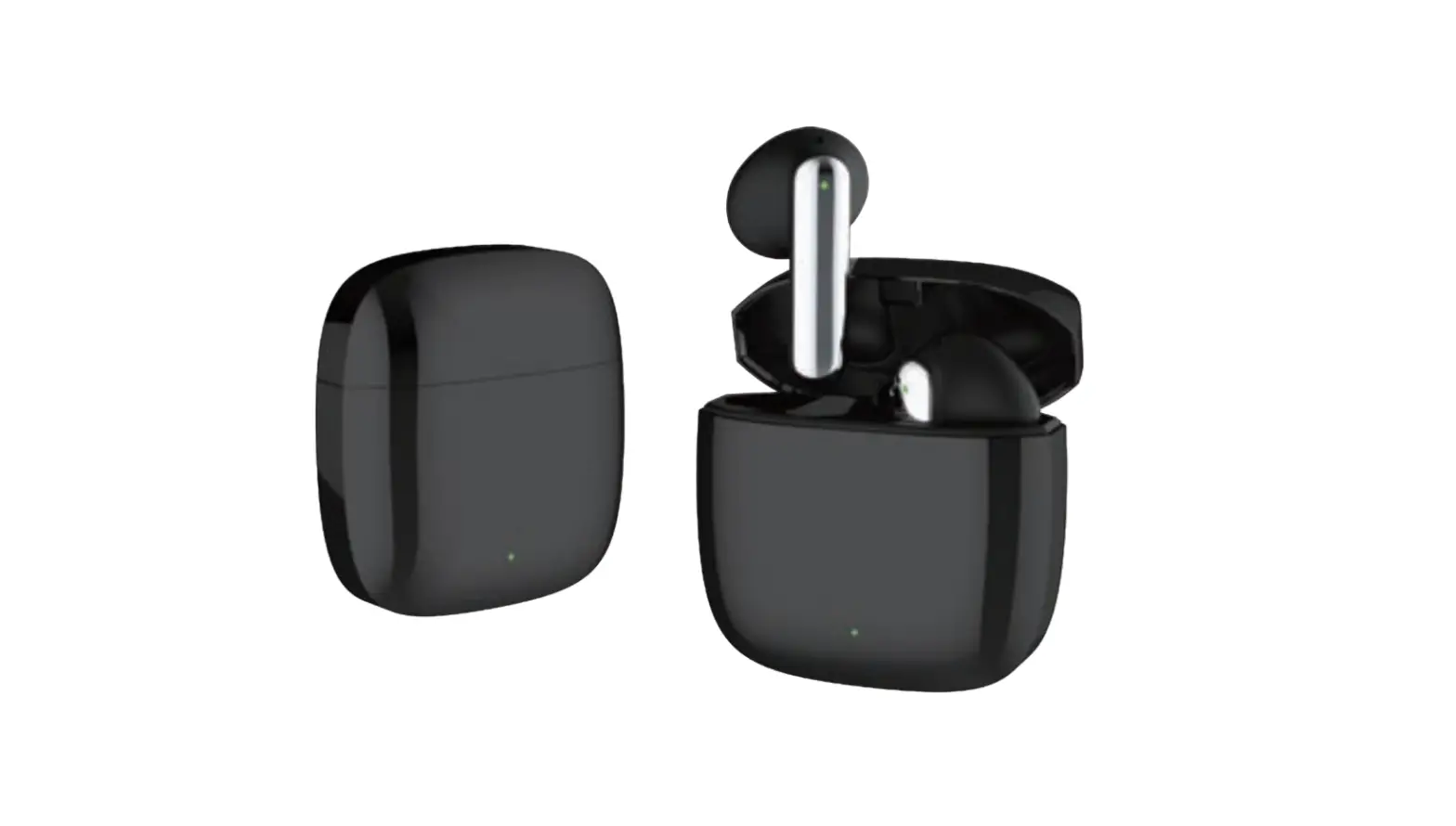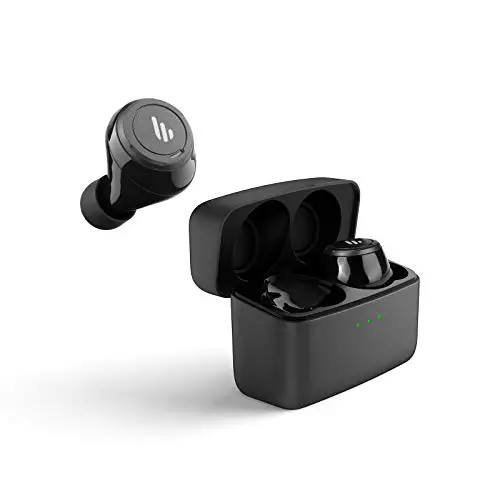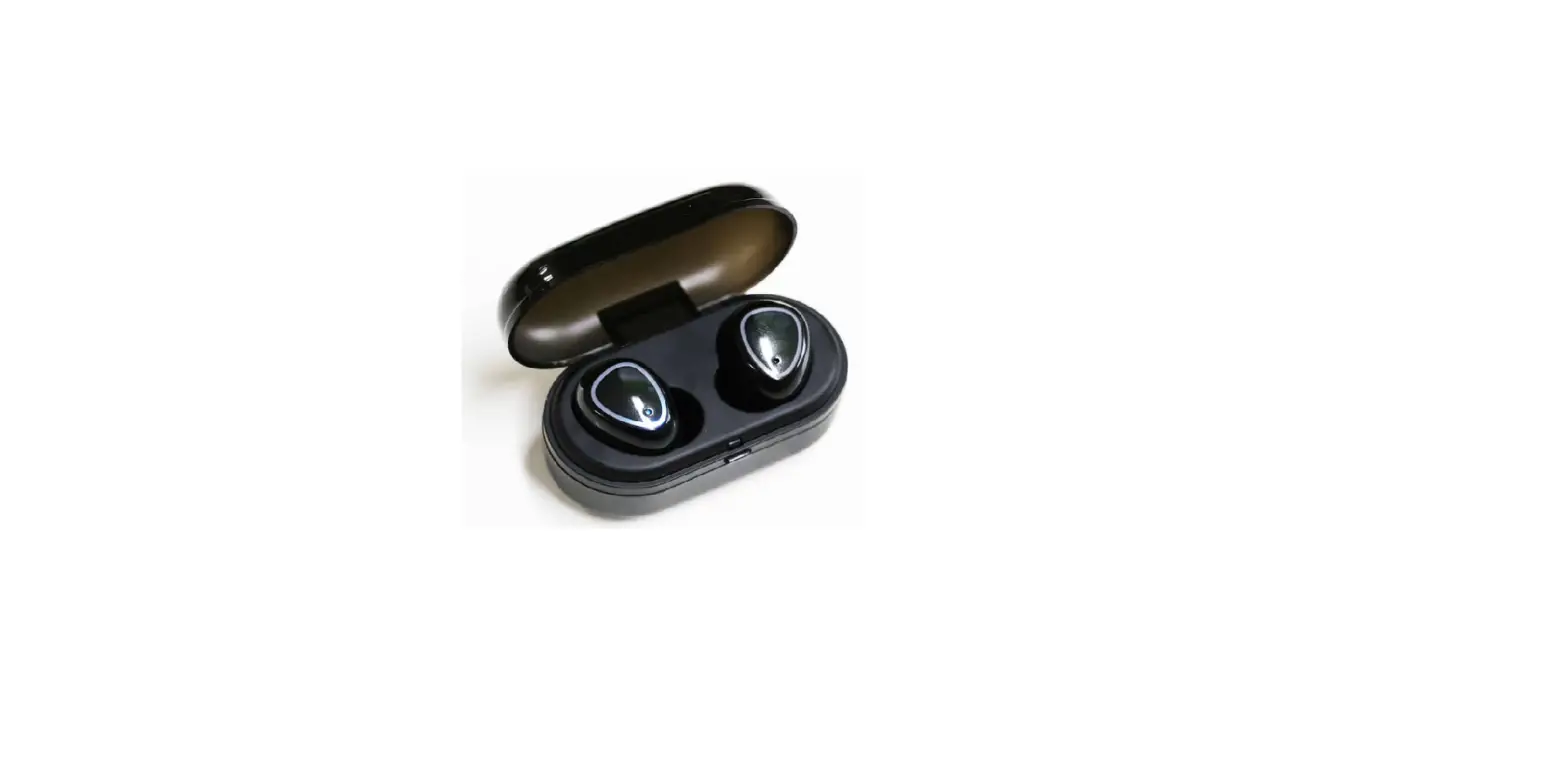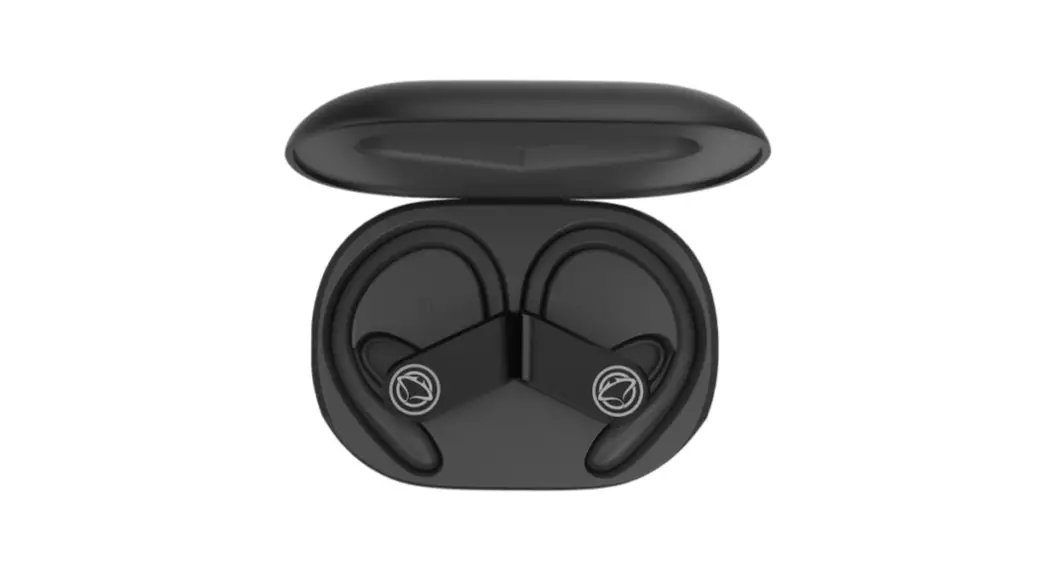
 MTWS005
TWS USER MANUAL
BLUETOOTH 5.0
|
|
 IOS
IOS Android
Manta S.A. hereby declares that the device MTWS005
complies with the RED Directive 2014/53/EU.
The full text of the declaration of conformity is available at
www.manta.com.pl
SERVICE INFOLINE
tel: +48 22 123 96 60 or e-mail: [email protected] from Monday
to Friday between 9.00-17.00
Specifications
BT version: 5.0
Control: button
BT range: up to 10m
Working time: up to 4 hours
Charging time: 60min
Charging the headphones from the dock up to 5 times
Power charging box: 5V micro USB
PowerBank function
USING INSTRUCTIONS
1. Fully charge the charging station, all blue LEDs on the charging will station stop blinking.
Open the charging case and remove both headphones. The headphones will start automatically, left and right will connect automatically.
2. Bluetooth pairing
When the headphones go into pairing mode (the LEDs will light up alternately blue and red), start the Bluetooth function on your mobile phone, search for the device called MTWS005 and start pairing. After pairing, the LED will stop blinking (no light).
3. Music control
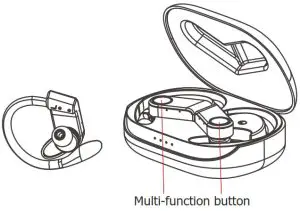
Play/pause music by pressing the multi-function button once on the right or left earphone.
4. Changing songs
Next song – quickly press two times the multifunction button on the right earphone. The previous song – quickly press two times the multifunction button on the left earphone.
5. Change the volume
Increase the volume – quickly press the multifunction button on the right earphone three times.
Decrease the volume – quickly press the multifunction button on the left earphone three times.
ATTENTION
On some phone models, the volume control function via the headphones may not work. This is not a malfunction but is due to different phone designs.
6. Incoming call handling
During an incoming call, press the multi-function button to answer/hang up the call. Press and hold the multi-function button for 2 sec. to reject the call.
7. Turn off the phones
Press and hold the multi-function button on the right and left handset for 5 sec.
8. SIRI or GOOGLE ASSISTANT voice search
Press and hold the multi-function button on the right or left handset for 2 sec.
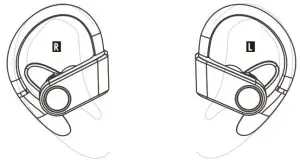
Wearing headphones correctly
INDICATOR LIGHT STATUS
| Pairing Mode | Working | Low Battery | Charging | Fully Charged |
| Led light flash in red/blue color | Blue light blinks slowly | Led light flash red slowly | Shines in red light | The red light is off |
CHARGING STATUS DESCRIPTION
[ Under Non-Charged State ]
When earphones low battery, led light flash in rod, you can hear battery low prompt
[ Under Charged State]
When putting down earphones in the charging case, earphones will switch off automatically. The red light is always on when charging, and the red light is off when it is fully charged.