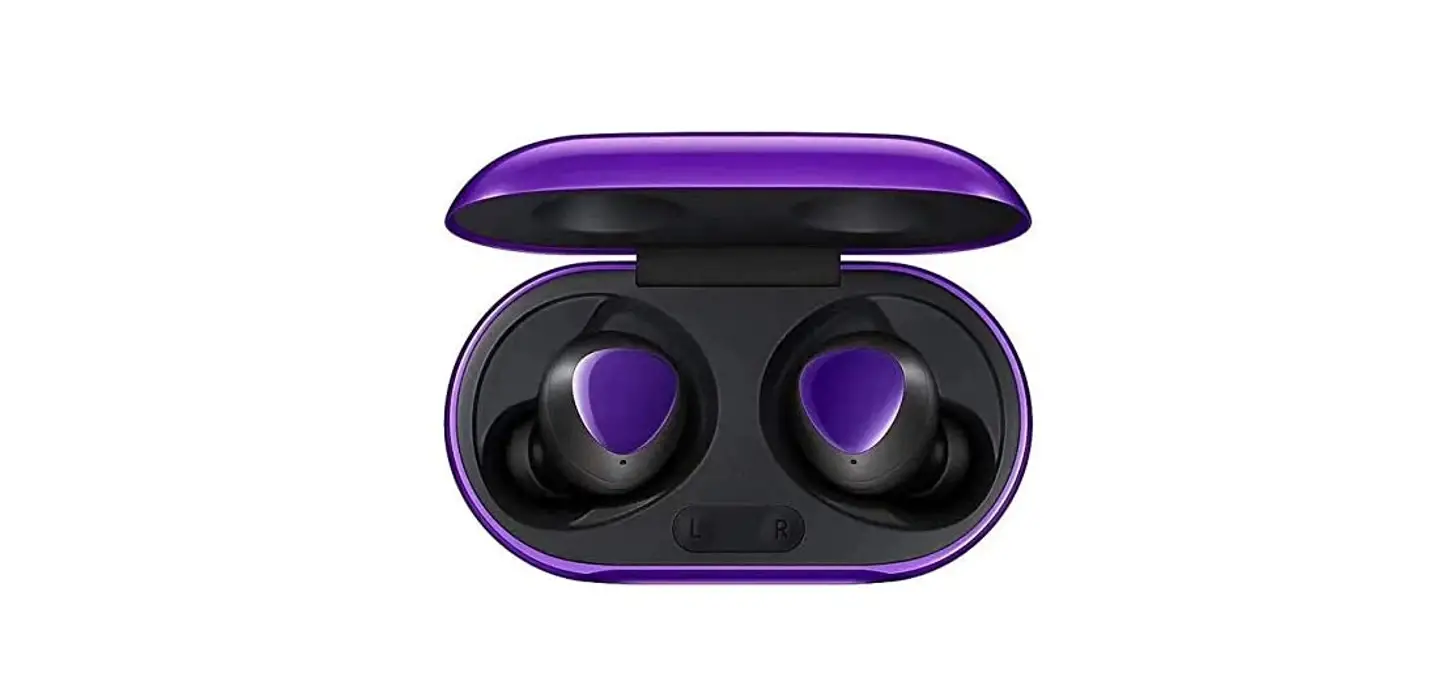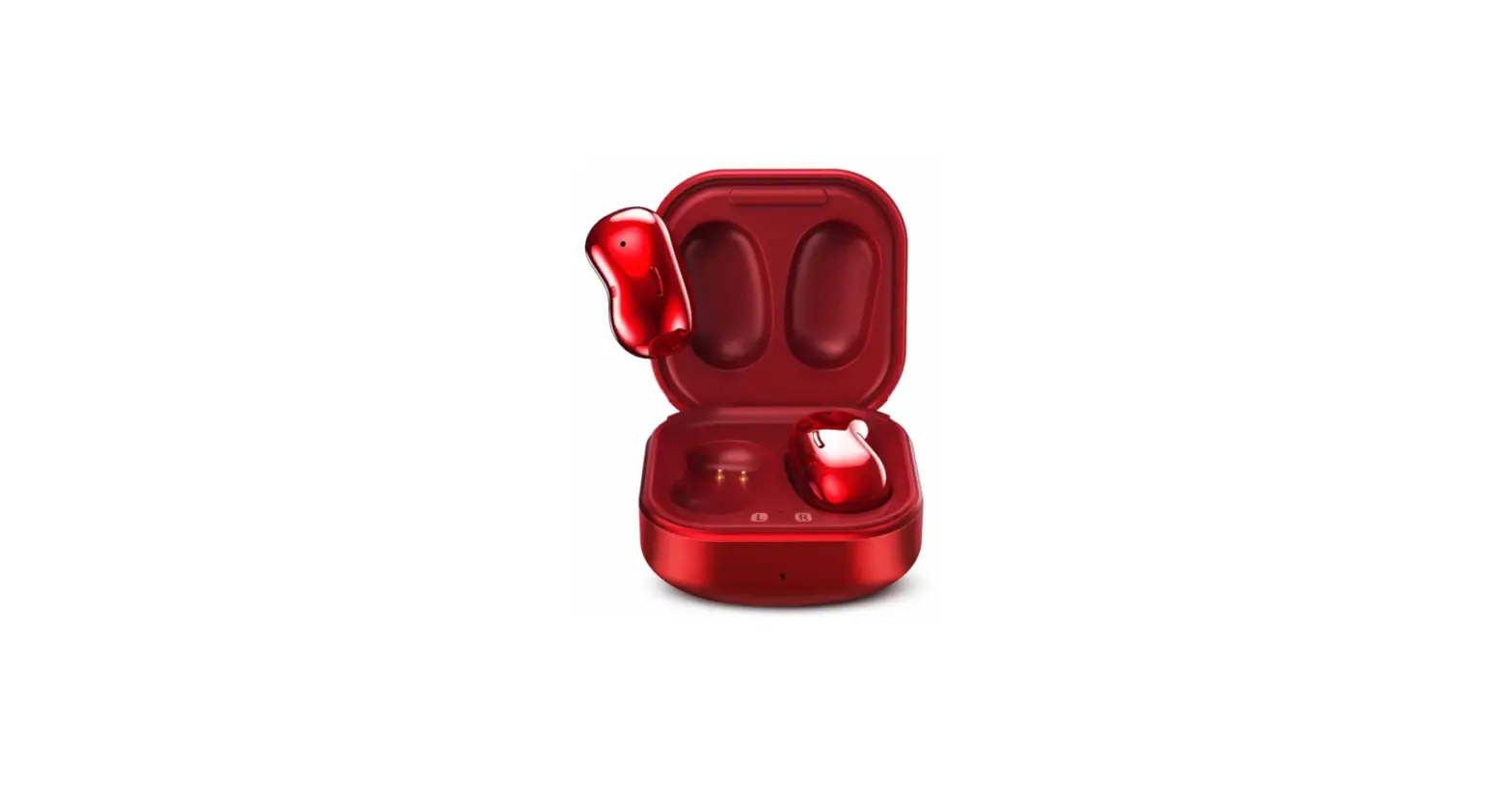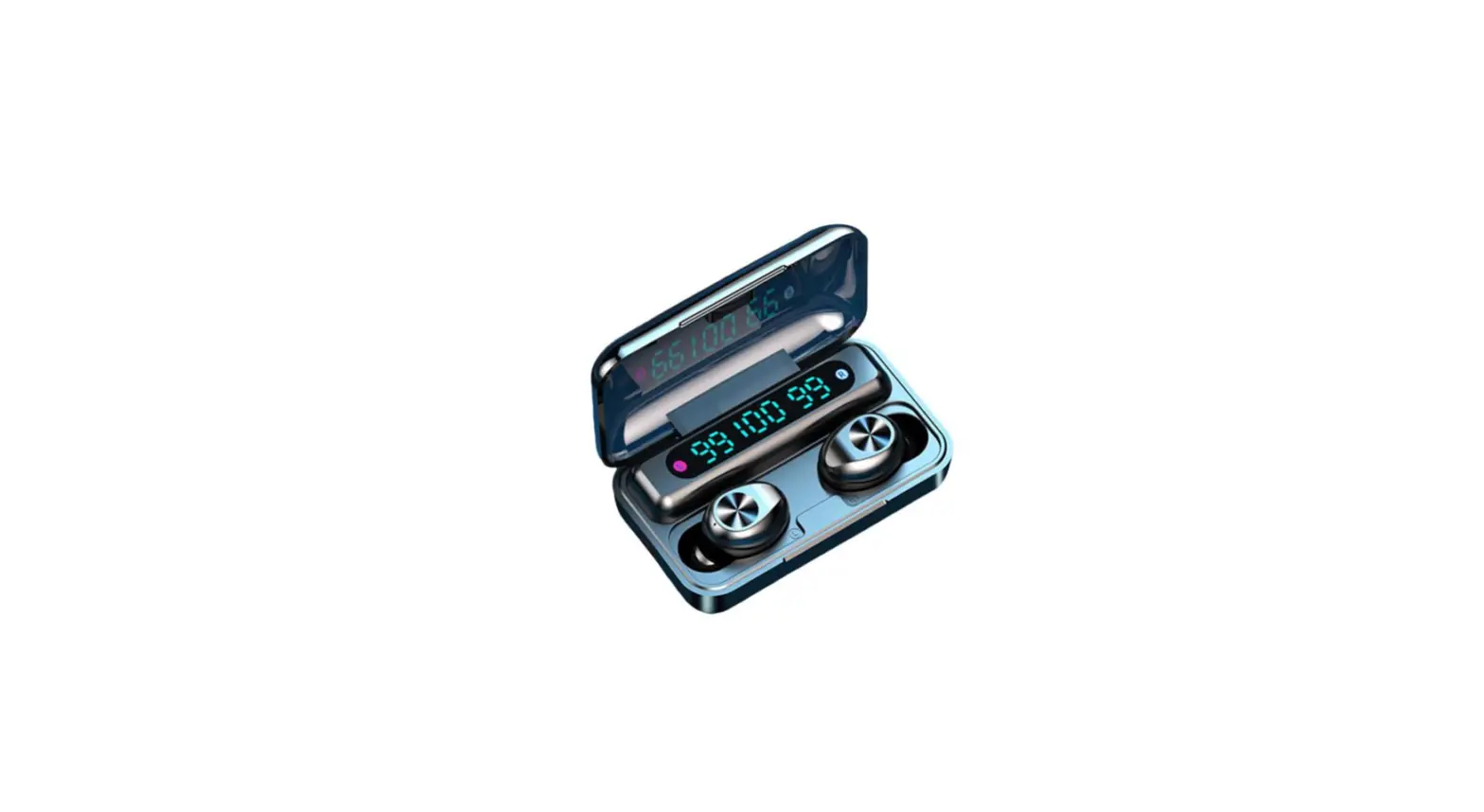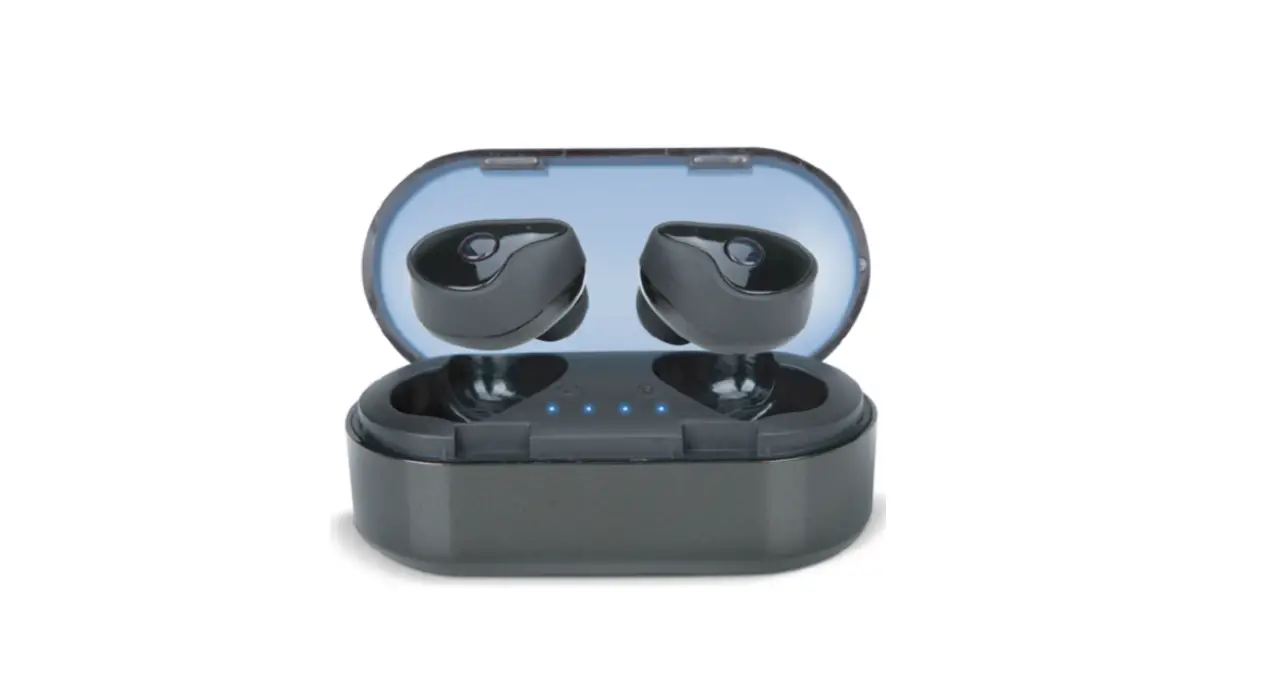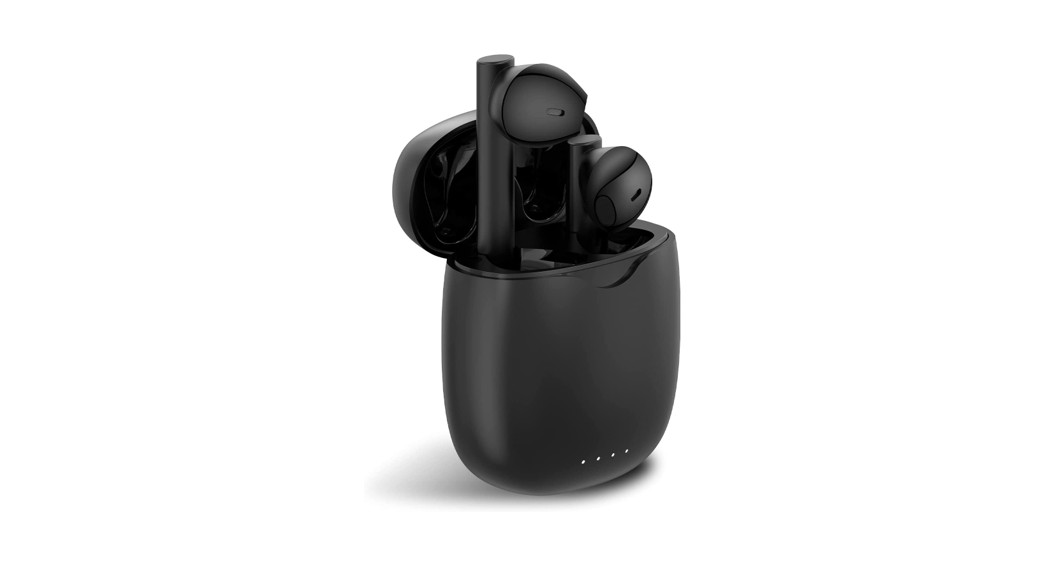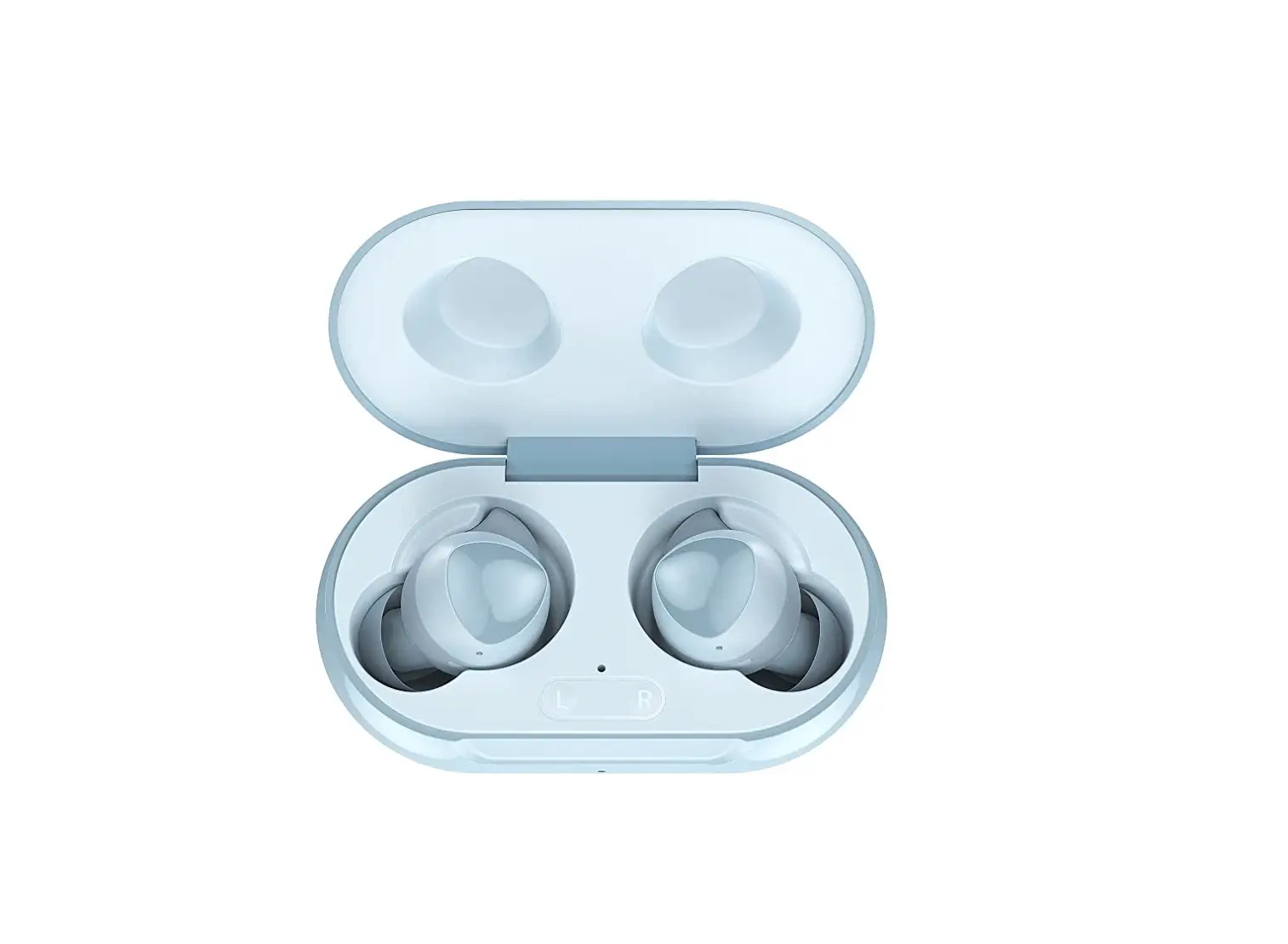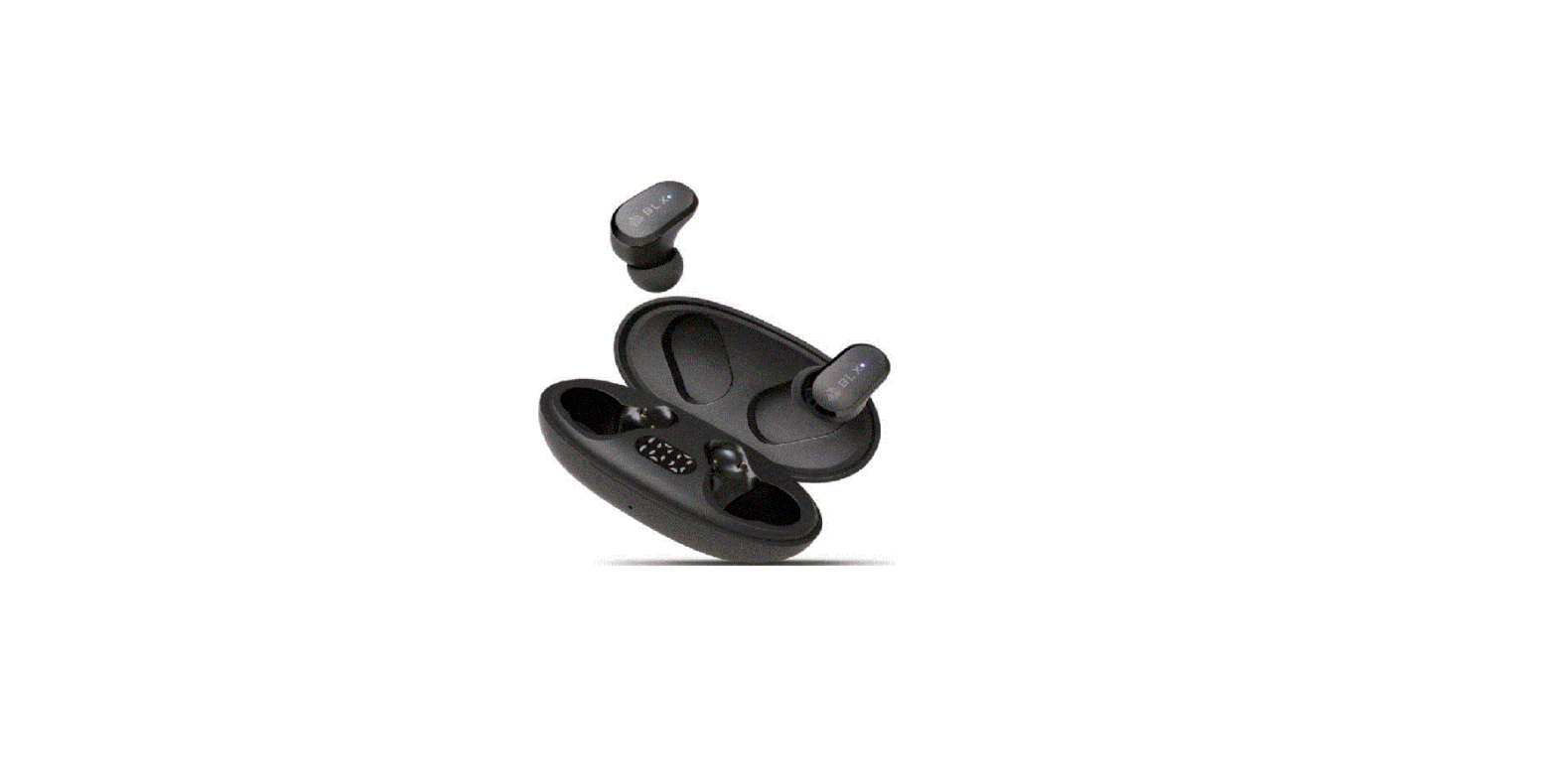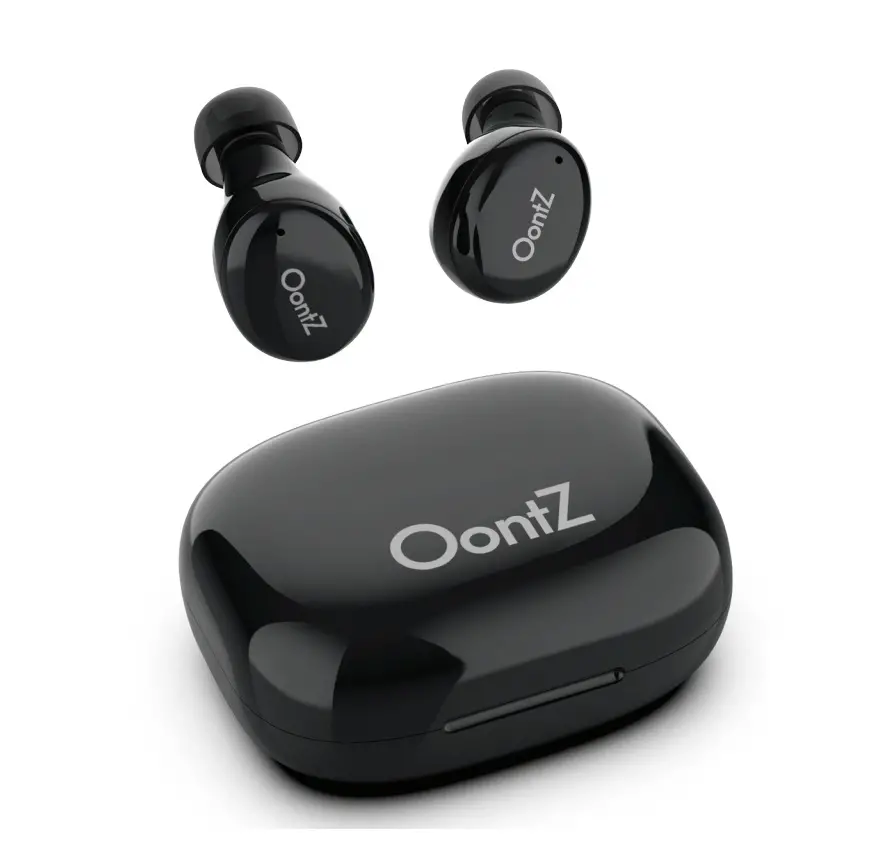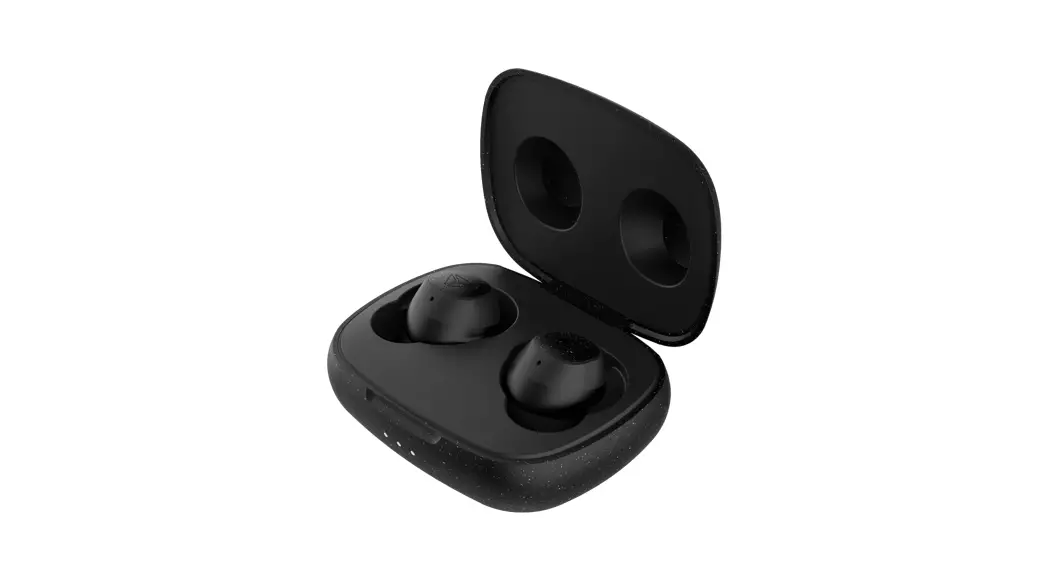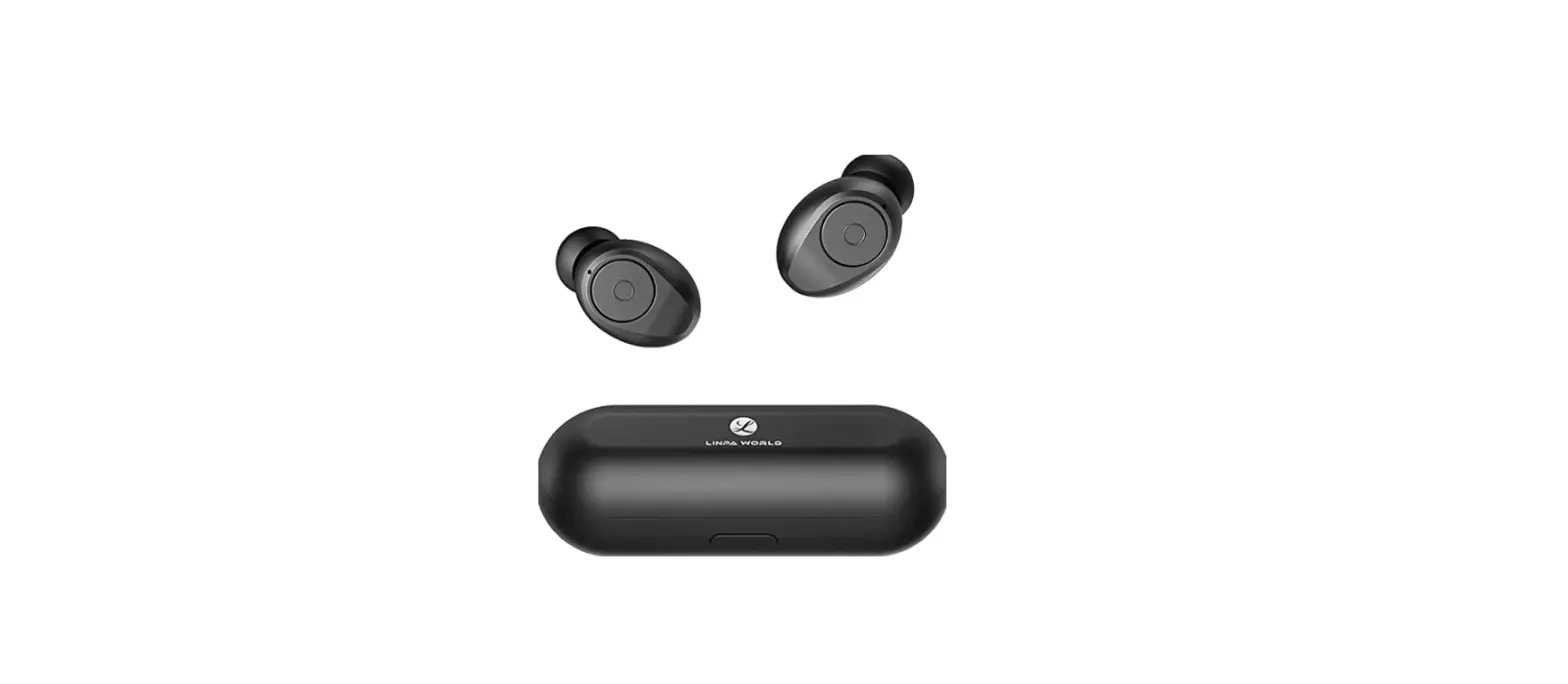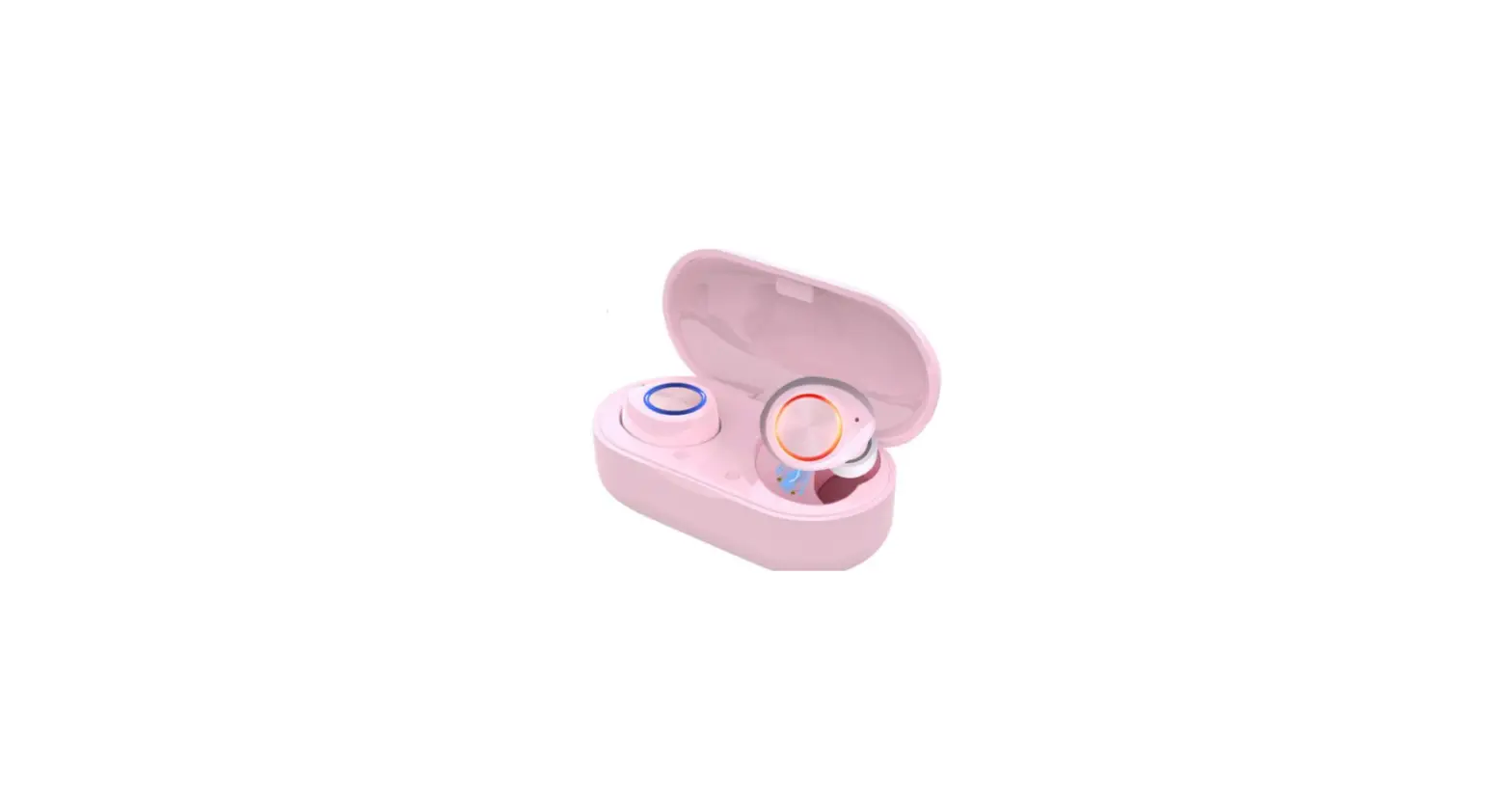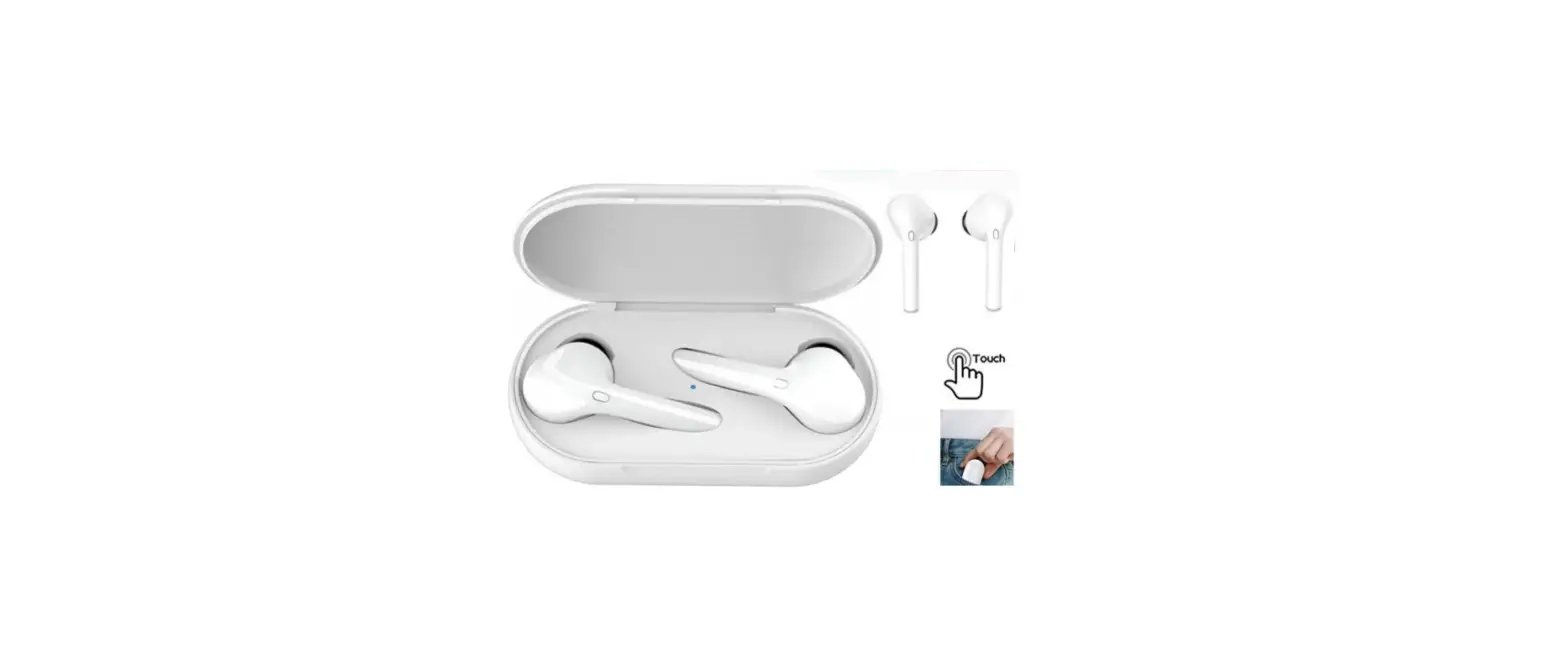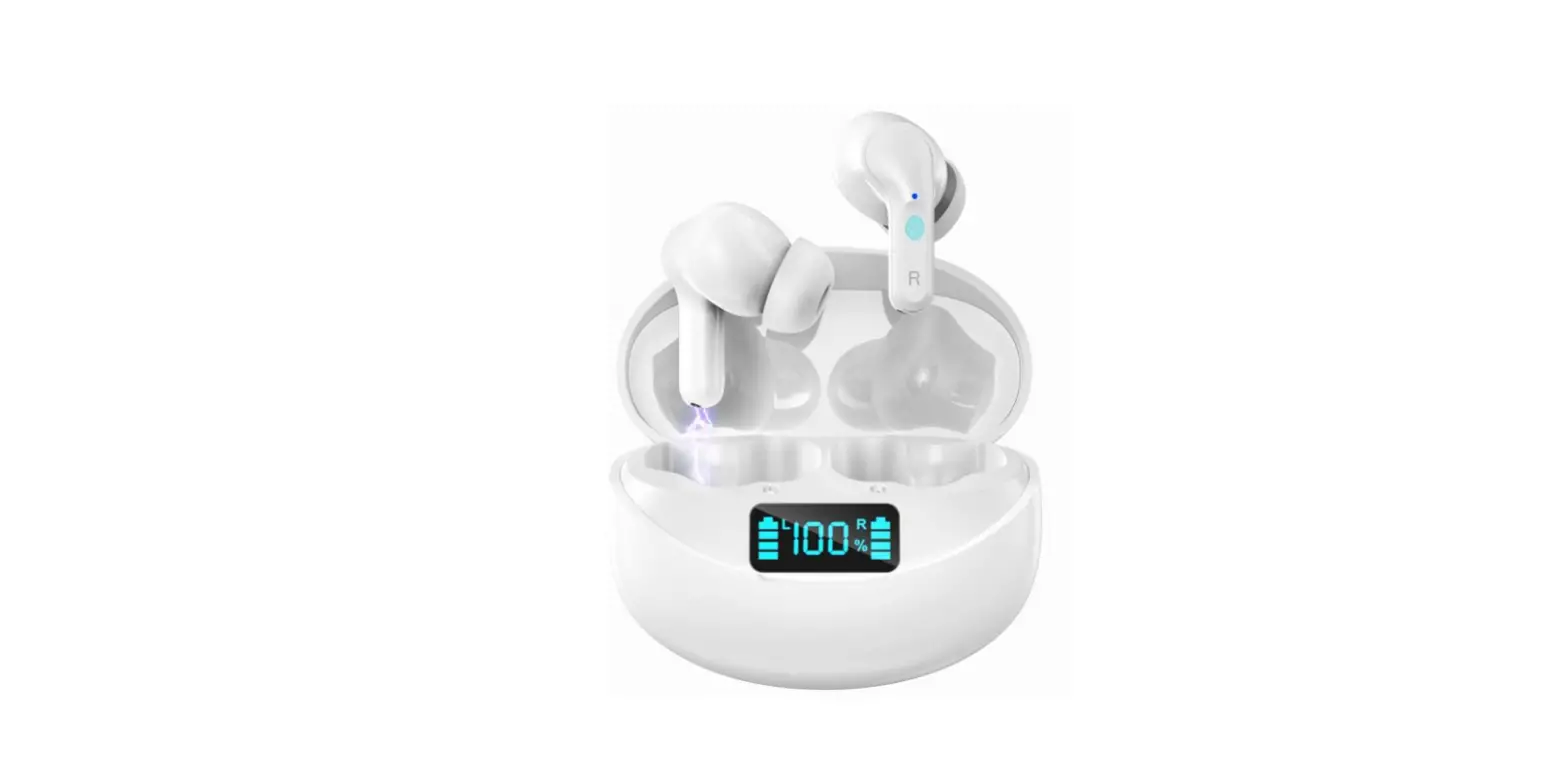

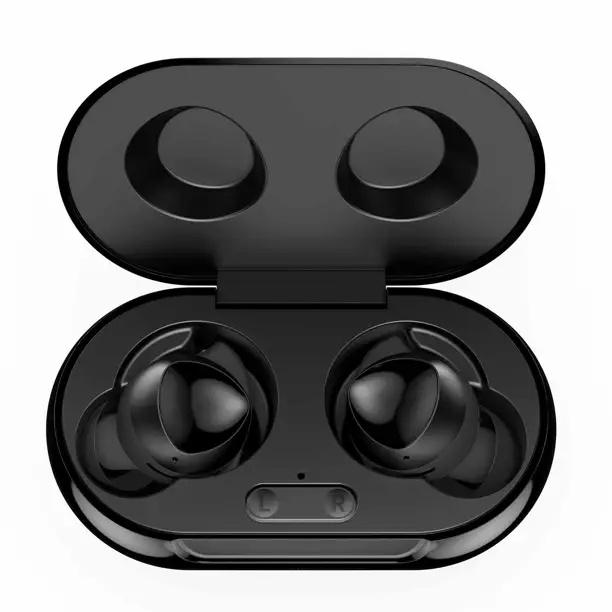
UrbanX C12 Street Buds Plus True Bluetooth Wireless Earbuds
Product Introduction
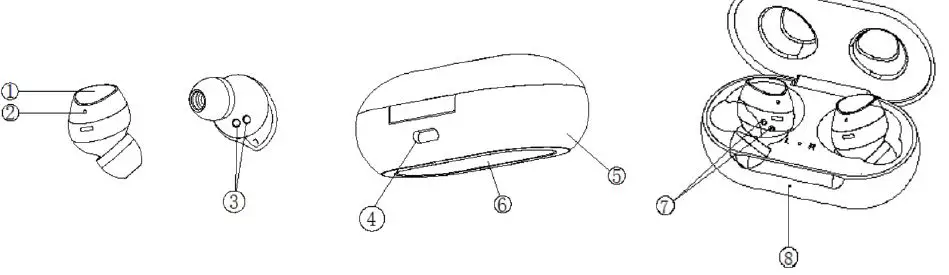
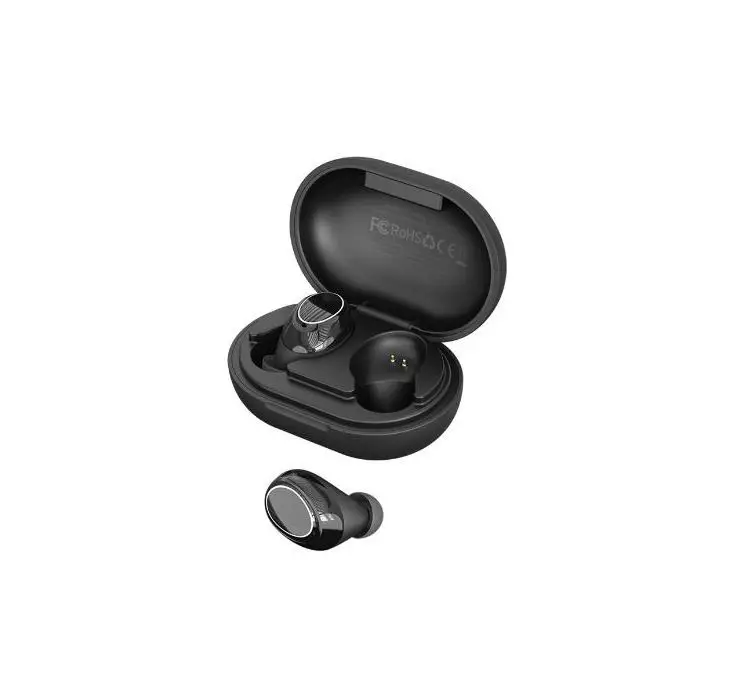
- (Multi-function button) MFB Control
- LED Indicator
- charging Contactor
- TYPE-C Charging Port
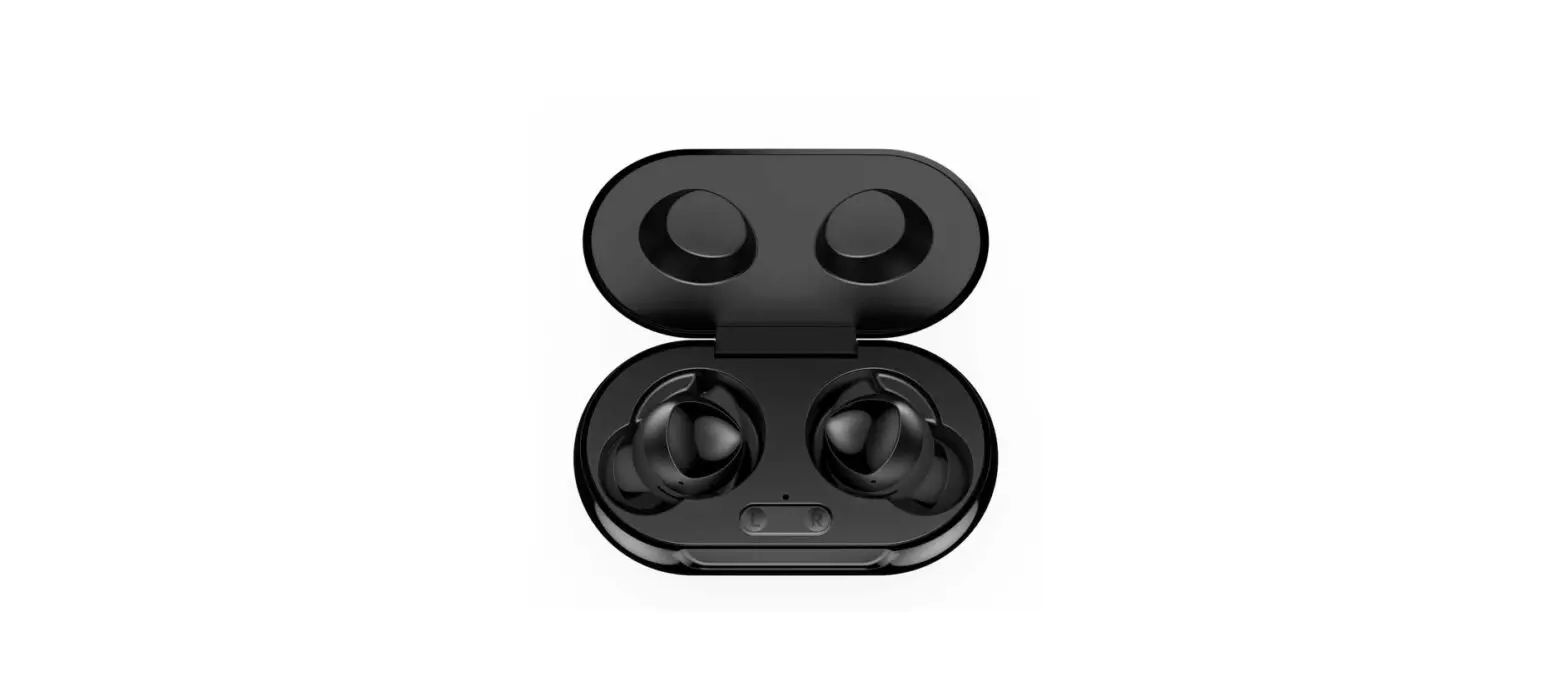
- charging Case
- Wireless charging base
- Earbuds charging base
- Charging case LED indicator
Basic Skills
Power on: When the earbuds is picked up from the charging case, it will be automatically turned on and connected to the connected device in a team. Power off: The earbuds will automatically shut down after being put into the charging case.
Steps:
- Turn on the Bluetooth device of the mobile phone.
- Take out the left/right earbuds from the charging case and automatically power on, the indicator light flashes blue to enter the pairing state; or press and hold the “multi-function button” for about 3 seconds when the earbuds is turned on, and the indicator light flashes red and blue alternately to enter the pairing state.
- Find the earbuds model ” C12 ” to connect. (To confirm the Bluetooth name)
Note
- When using the earbuds for the first time, remove the insulation label on the earbuds so that the earbuds can be charged normally.
- The earbuds is placed in the charging case and will automatically shut down after the charging state is activated.
- When the earbuds is picked up from the charging case, it will automatically switch on and automatically connect to the connected Bluetooth device. Automatic Connection. After the first connection is successful, the next time the earbuds is switch on, it will automatically connect to the last paired phone by default.
Touch function
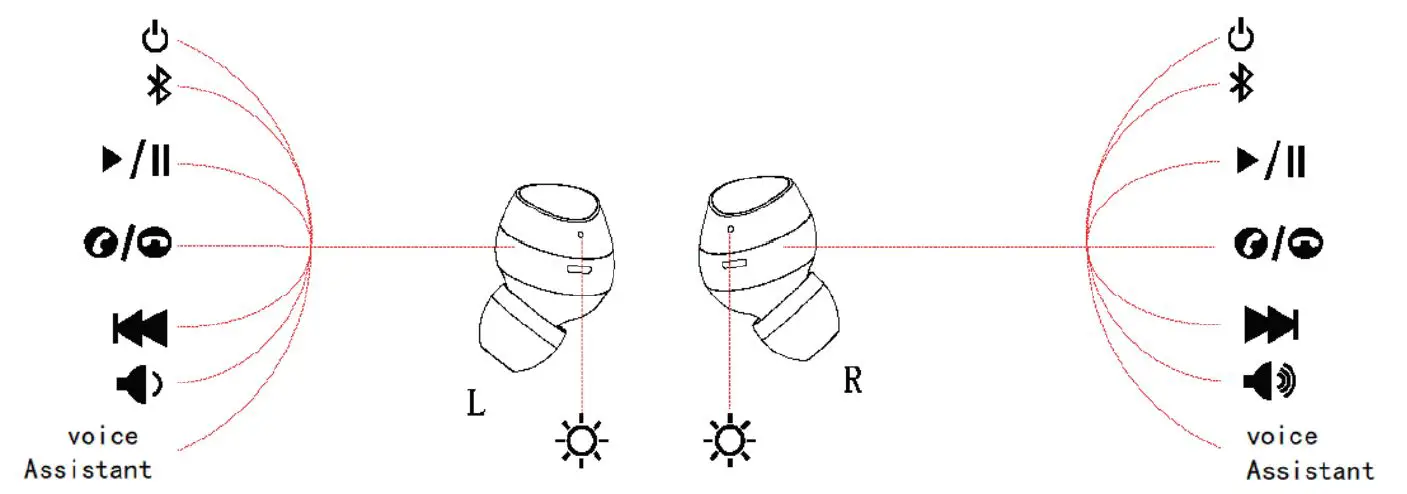
| Features | Operating Long press the left/right earbuds MFB button for 3 |
| Boot up | s and |
| Shutdown | TpolauycbhatchkemMoFdBeb/cuatltlomnofodre5) seconds (non-music |
| play / Pause | Just one touch left earbuds, the previous song |
| Previous song/next song | Double click the right earbuds the next on |
| Answer/hang up a call | Tap the left/right earbuds 1 time |
| Reject the call | Long press the left/right earbuds for about 2s Long press the right earbuds, volume + |
| Volume + / volume- | Long press the left earbuds, volume- |
| Voice assistant activation | Tap the left/right earbuds MFB key 3 times |
Tips : In the left ear stand-alone mode, the next song and volume + touch are not supported.In the right ear stand-alone mode, the previous song and volume are not supported-touch.
LED Indicator
Charging Compartment Indicator
| Charging Compartment Indicator Status | Light |
| Charging in the charging compartment | Red light flashes |
| Full | Red light is on |
| The earbuds is charging | Blue light on |
| Low battery in charging compartment | Red light flashing |
| Headphone Indicator Status | Light |
| Boot up | Blue light flashes for 1 second |
| Shutdown | Red light flashes for 1 second |
| Search earbuds | Red and blue flashing alternately |
| connTehcetedarsbuucdcsesissfully | Blue light flashes cyclically for 6 seconds |
| Music/call status | No lights |
| low battery | Flashing red |
| charging | Red light is on |
| Fully charged | sAeftceorntdhes arenddltighhetnggooeessoouutt, the blue light turns on for 5 |
Specification
| Bluetooth version | V5.0 |
| Bluetooth distance | 33ft/10 m (unobstructed) |
| Earbuds size | 25.2*23.3*21.9 |
| Charging compartment size | 71.1*40*27.2 |
| Wireless charging input rated power | DC5V/1A |
| Earbuds charging time | 1 hour |
| Charging time of charging box | 1 hour |
| Earbuds battery | 40mAh |
| Rechargeable battery | 230 mAh |
| Rechargeable times | 3 times |
| Standby time | 60 hours (Bluetooth connection status) |
Package Contents
- 1×Wireless earbuds
- 1×Charging case
- 1×Earbuds(S / M / L)(Default M is installed on the earbuds)
- 1×TYPE-C charging cable
- 1×User manual
Reset
If the earbuds cannot be connected correctly or the device cannot be connected correctly, reset the earbuds.
- Turn off Bluetooth on the device or delete the connection history on the device.
- Touch and hold the earbuds until the red and blue indicator lights flash al- ternately, then touch the earbuds 3 times, the red and blue indicator lights will light up for 1 second, and the earbuds will automatically turn off the
power. - The Bluetooth connection of the earbuds has been reset.
Note: Please reset the 2 earbuds together instead of resetting one.
Care and Maintenance
- Wearing swimming is not supported.
- After use, keep the earbuds away from heat and moisture.
- Do not place the product in direct sunlight or high-temperature places. The high temperature will shorten the service life of the earbuds, battery and/or internal circuit board.
- Turn off the power of the earbuds when not in use and before storage.
- Do not try to disassemble the product.
- Do not drop or knock the earbuds on a hard surface.
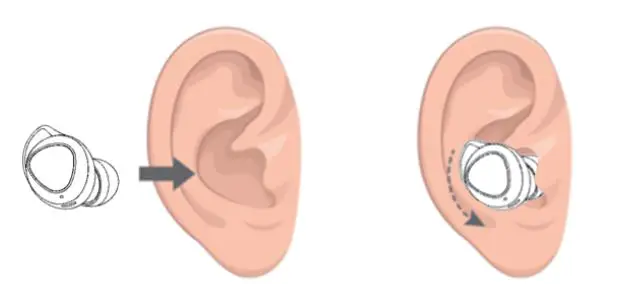
Comfortable to Wear 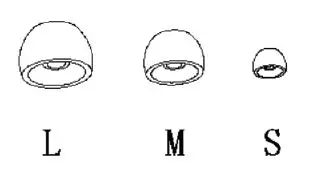
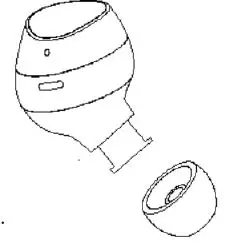
- Choose the earbuds that best suit your ears.
- Insert the earbuds into the inner ear of the ear.
- Turn and find the most comfortable position.
Are the following directions of rotation correct?