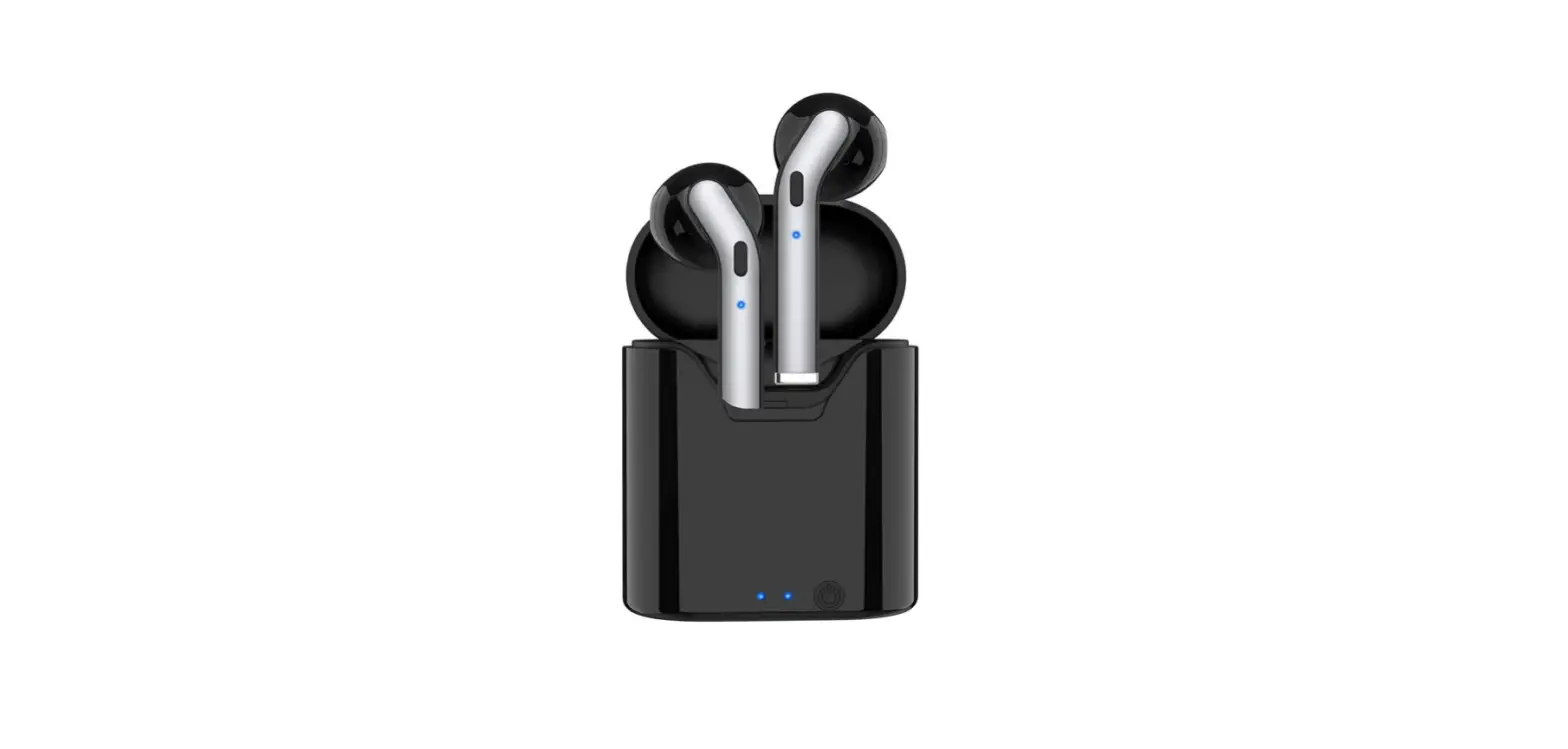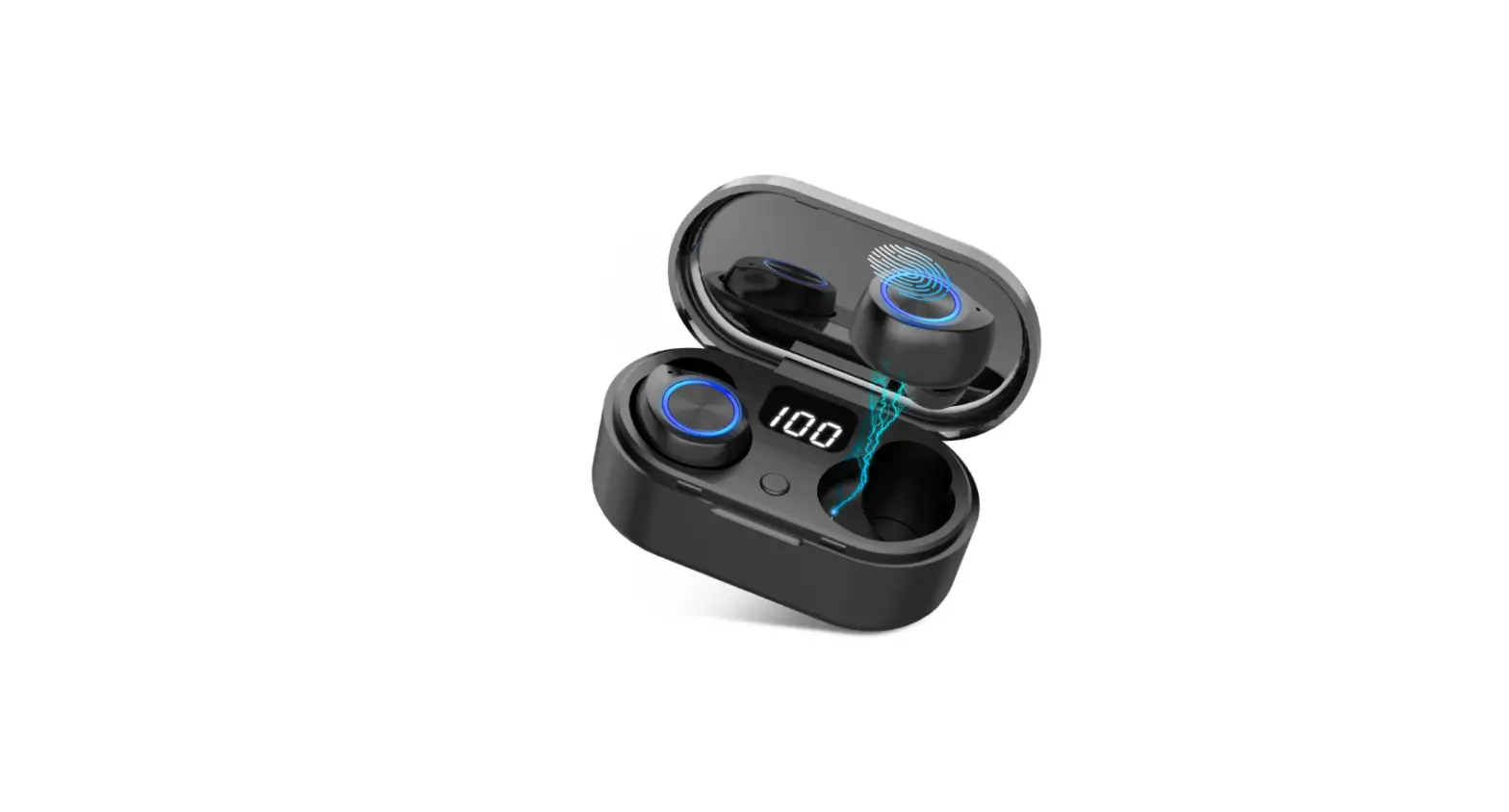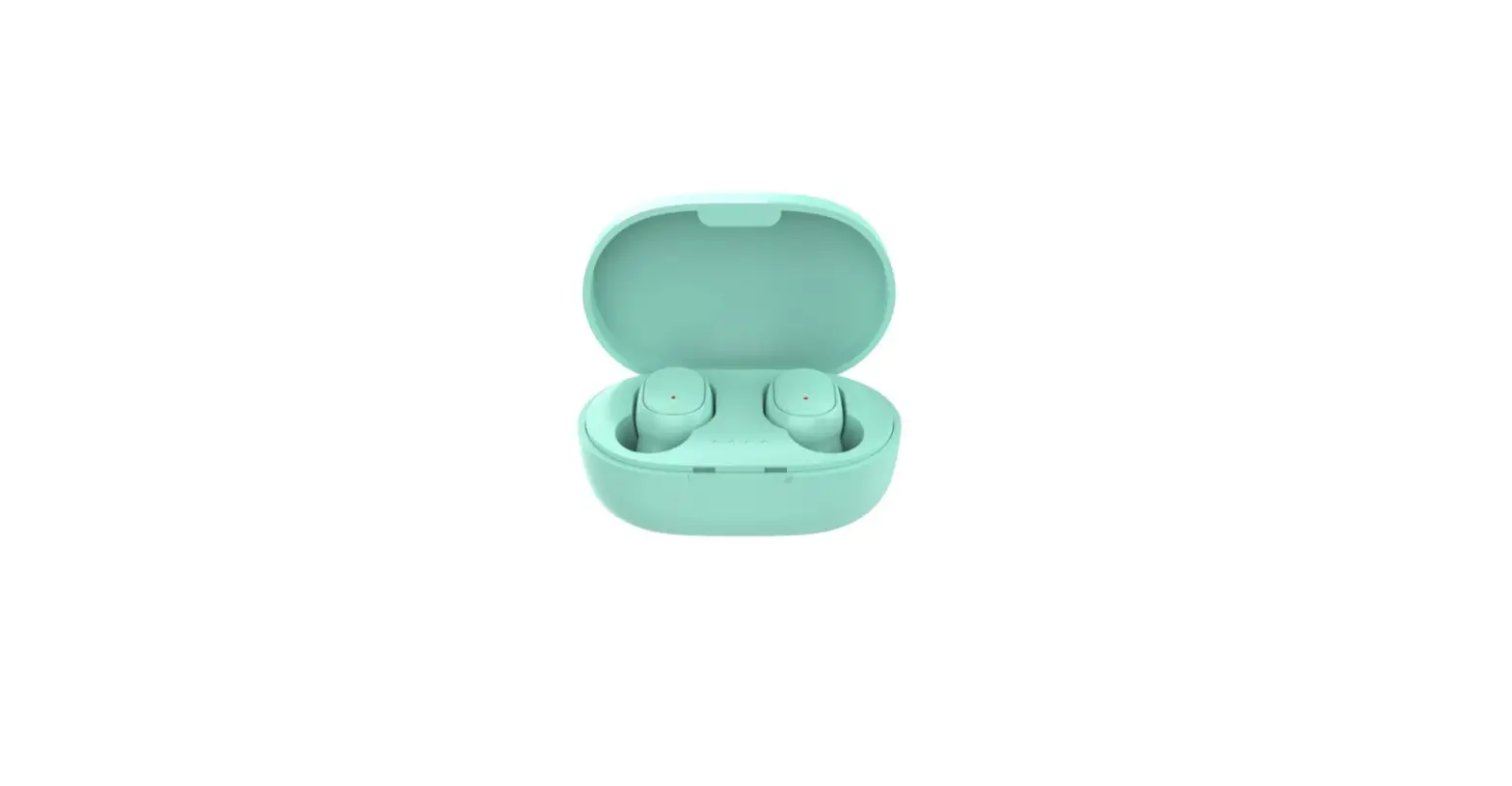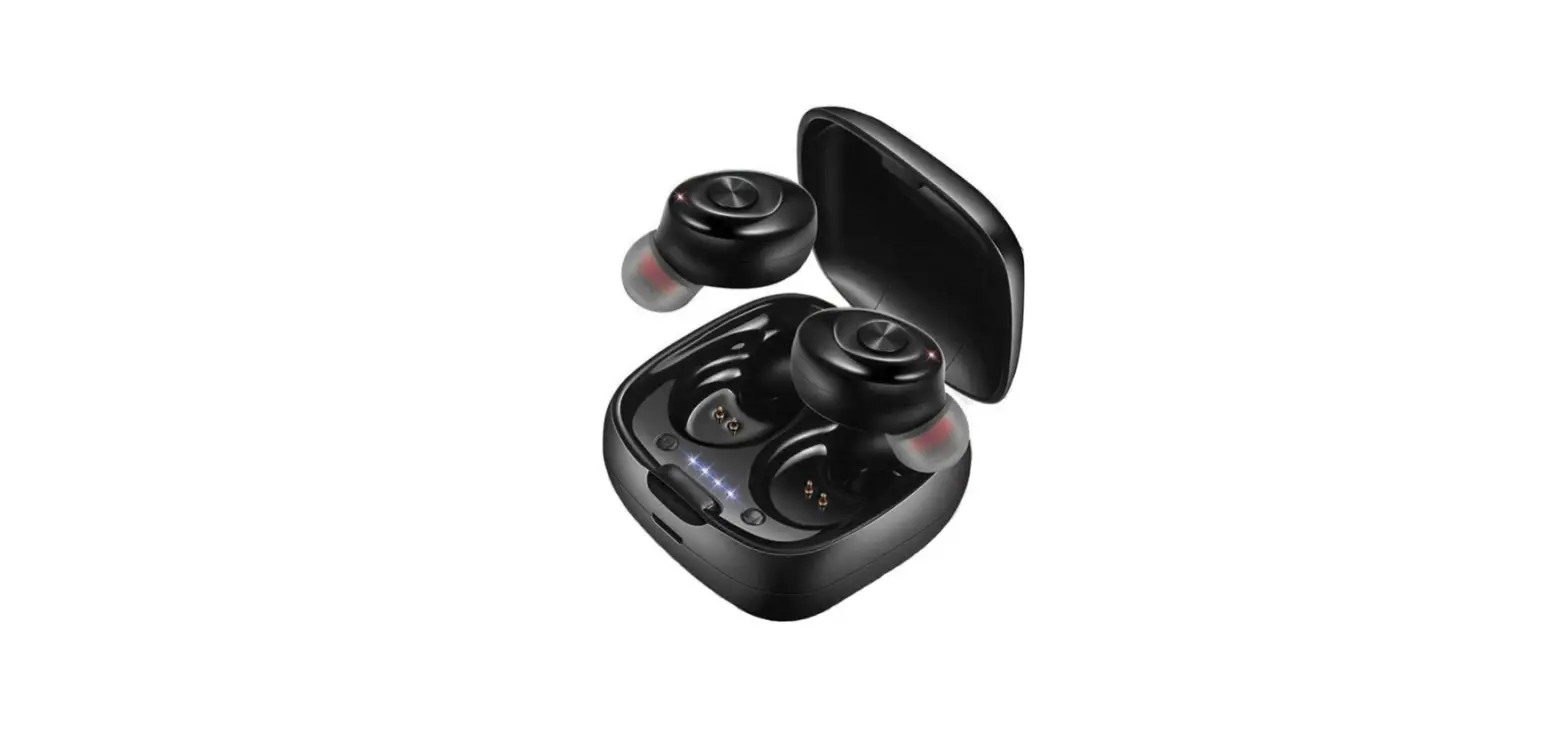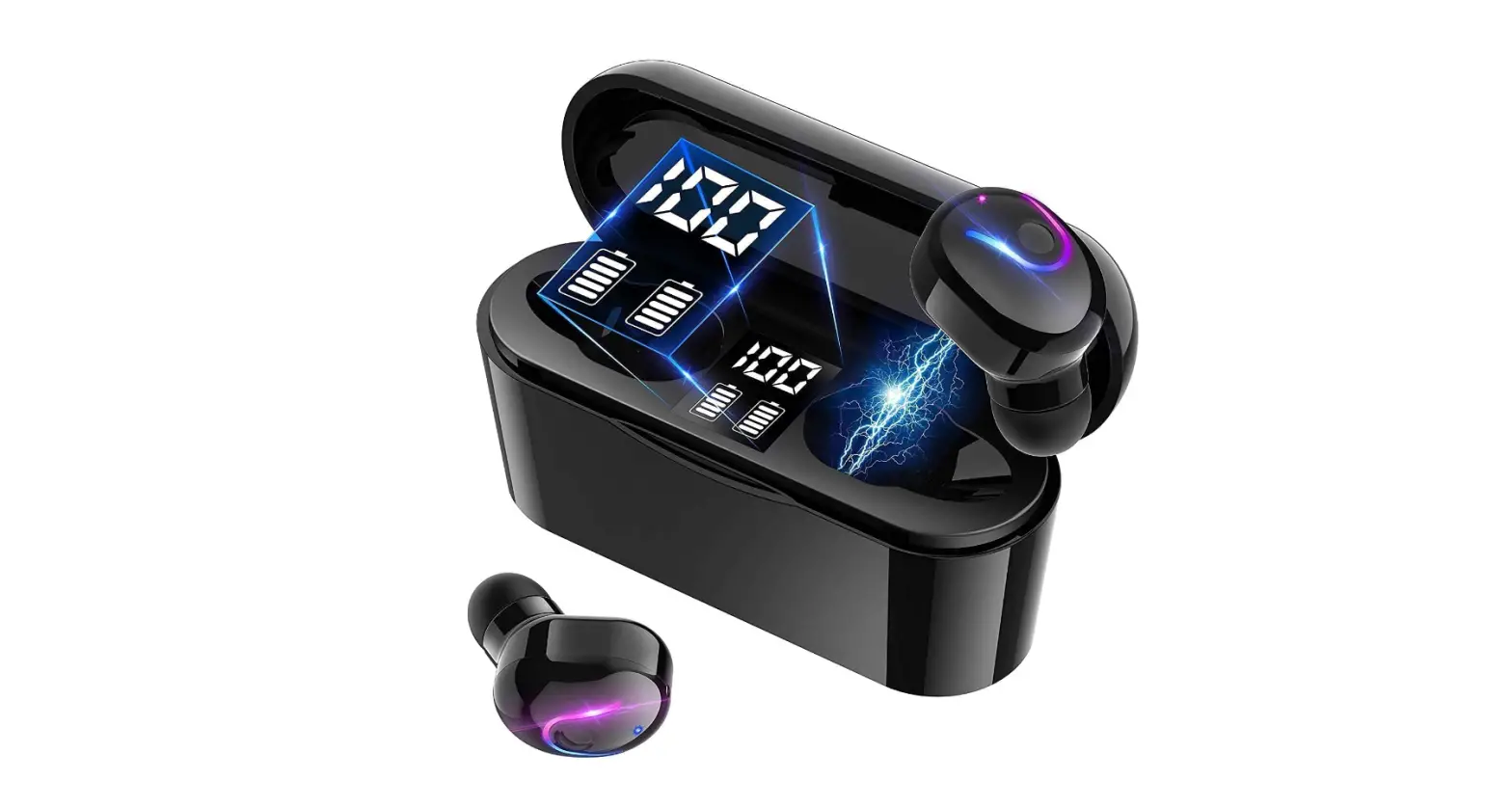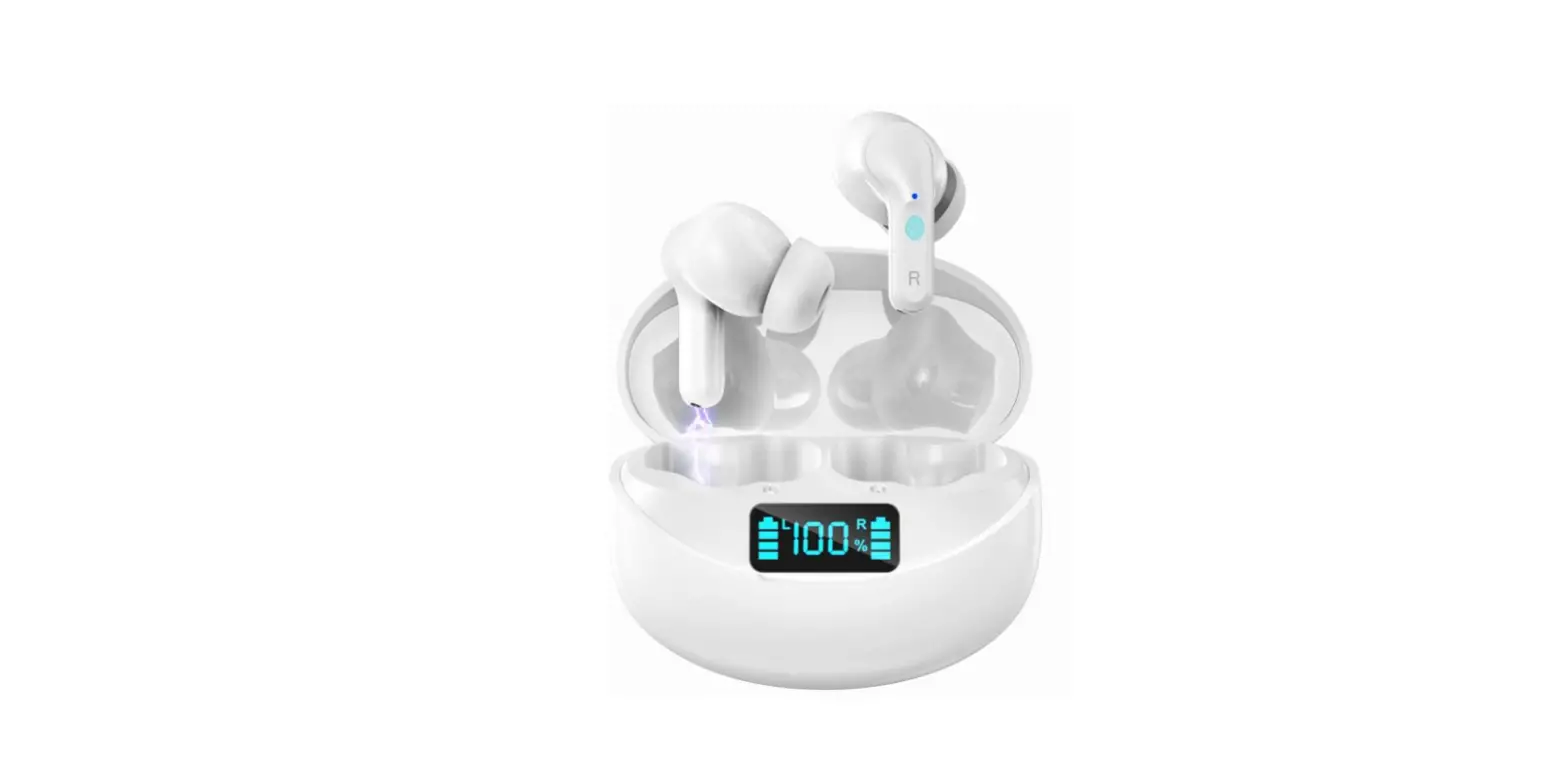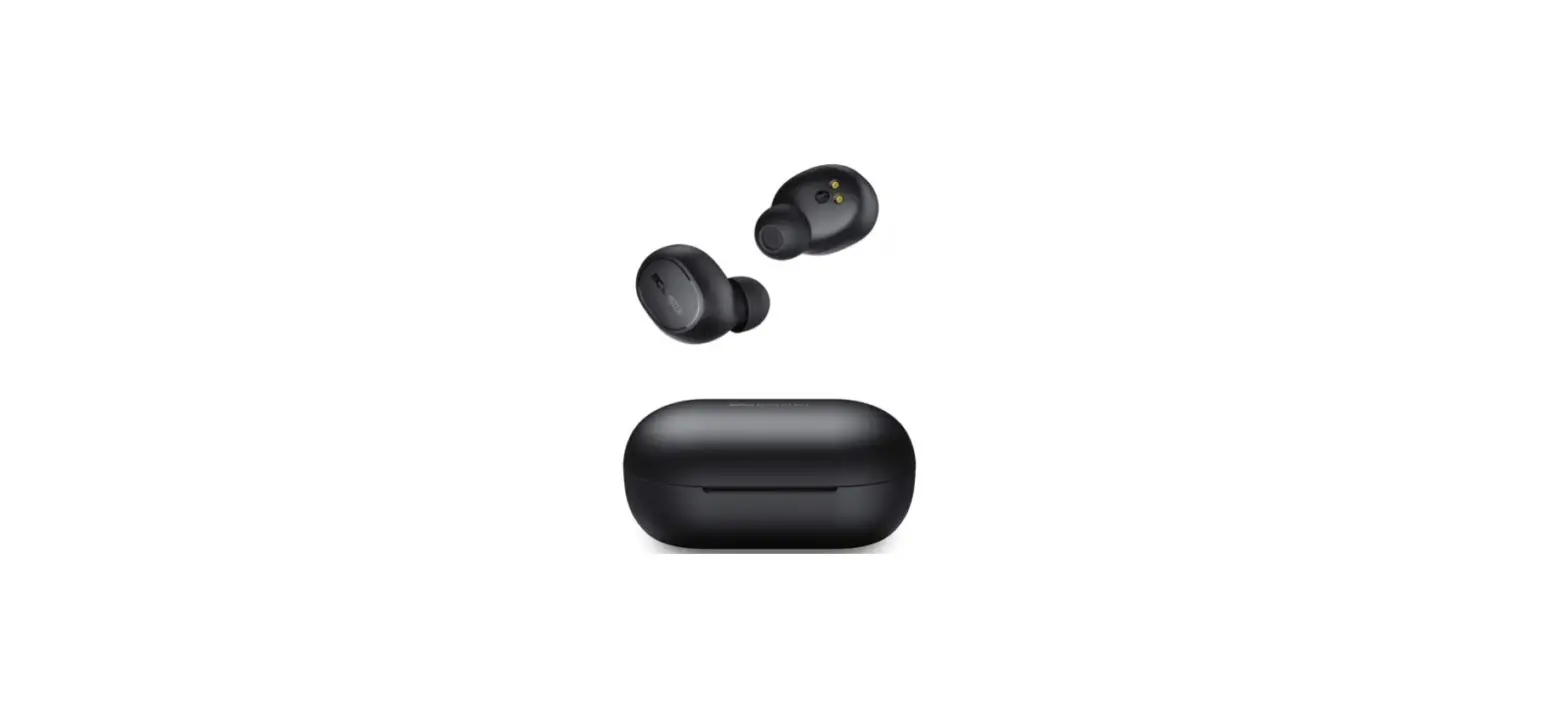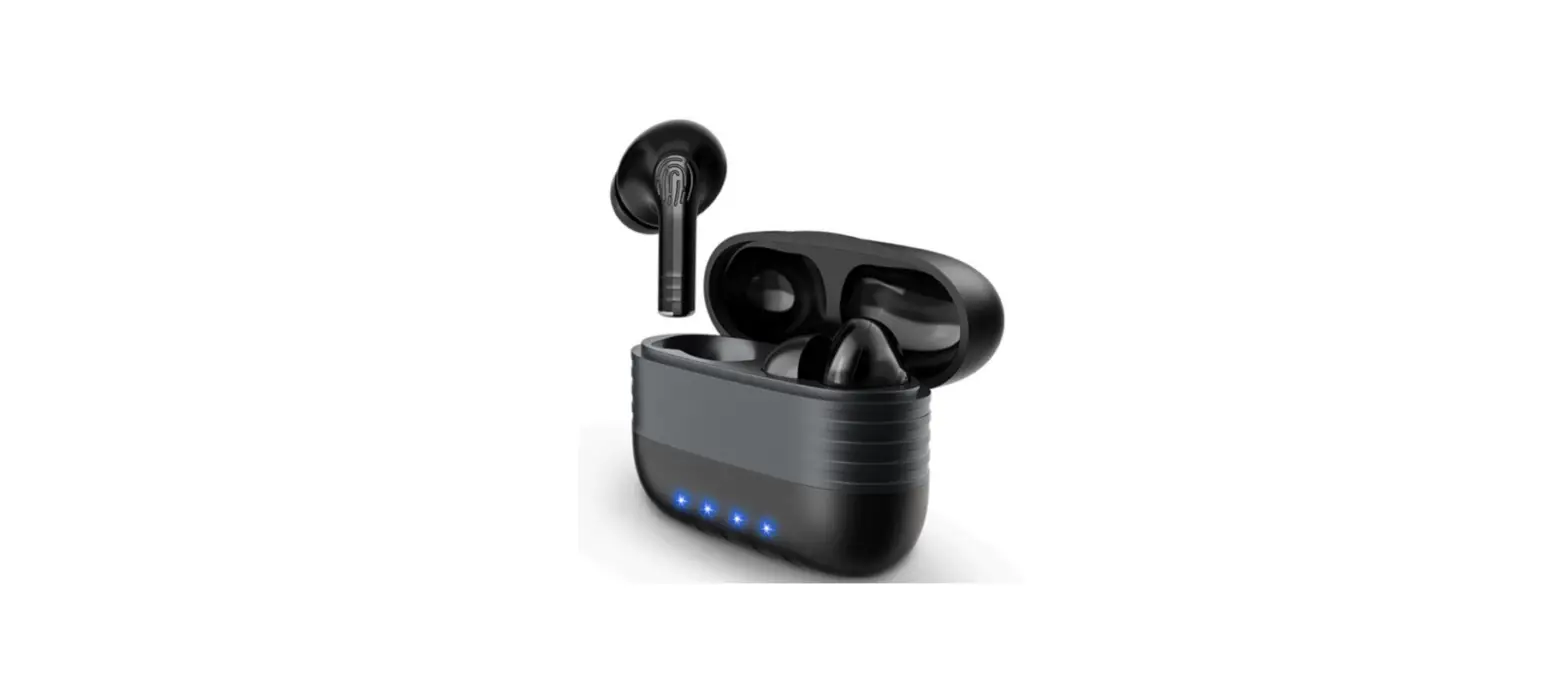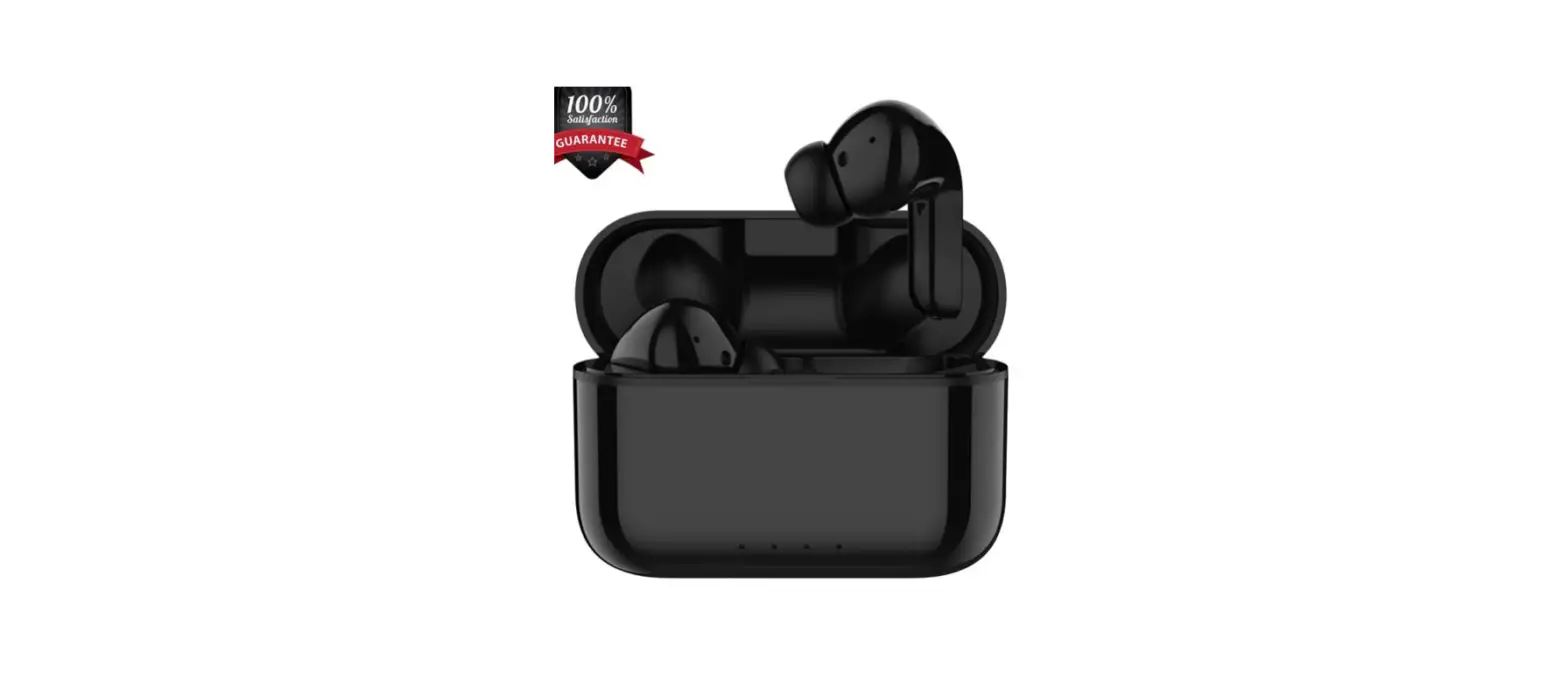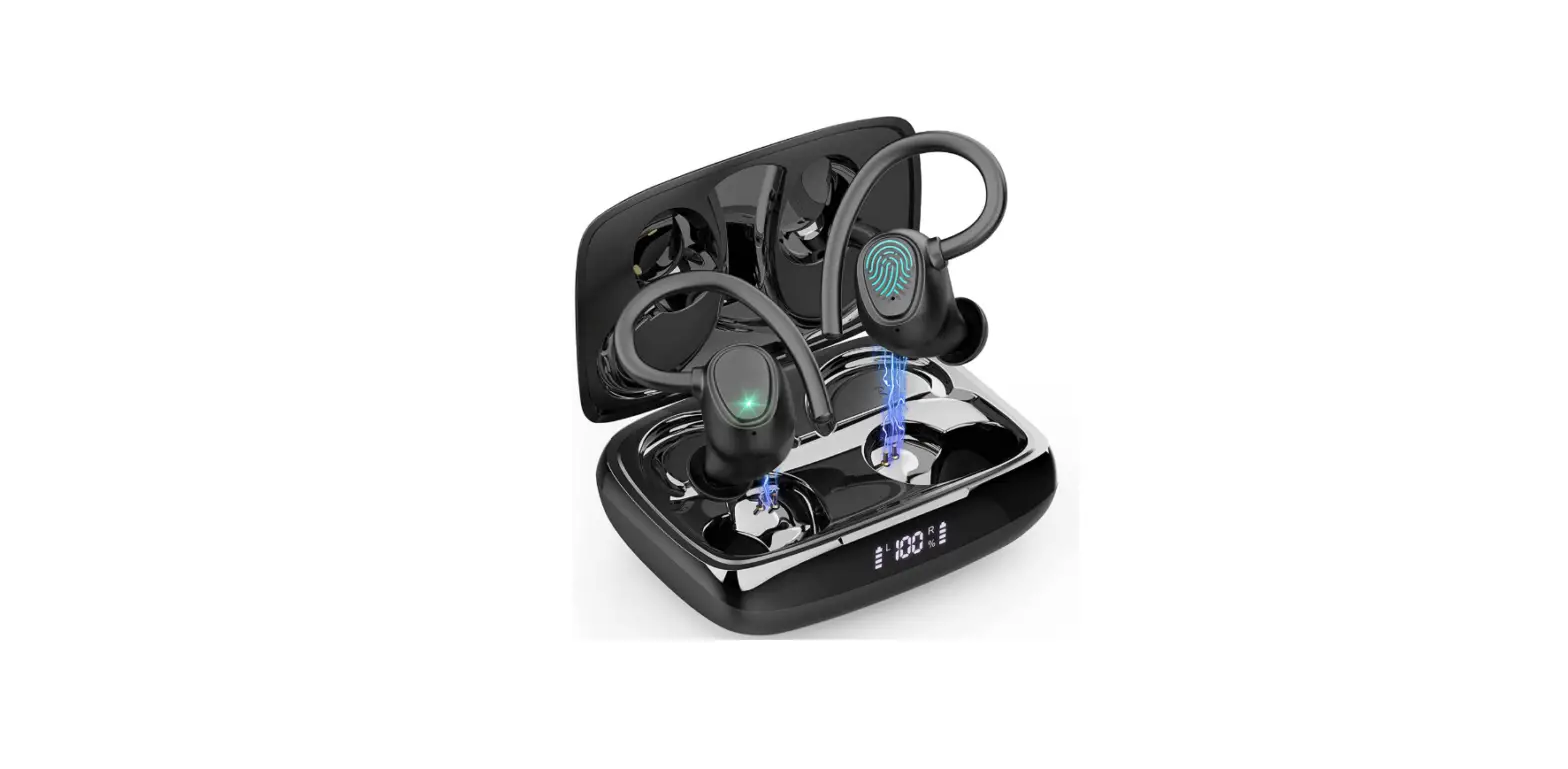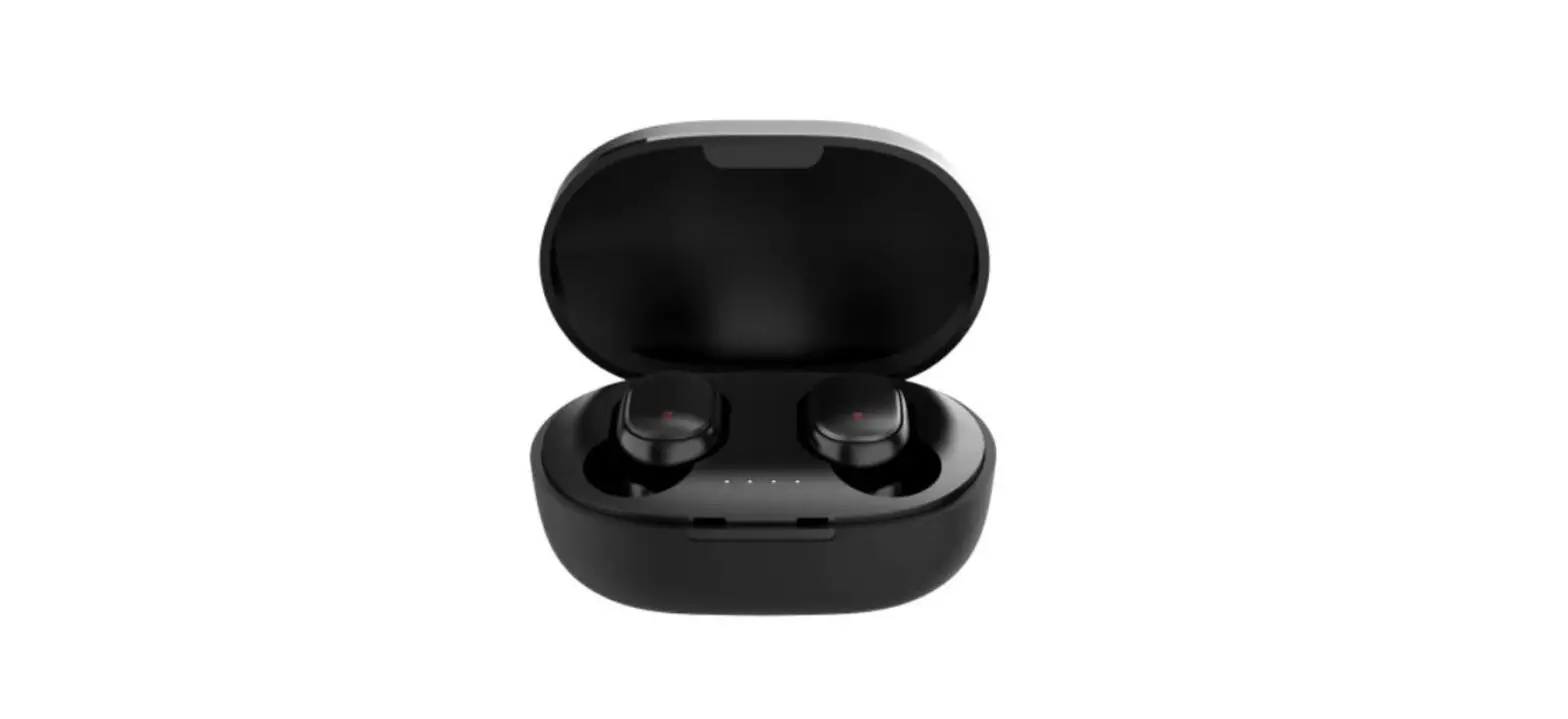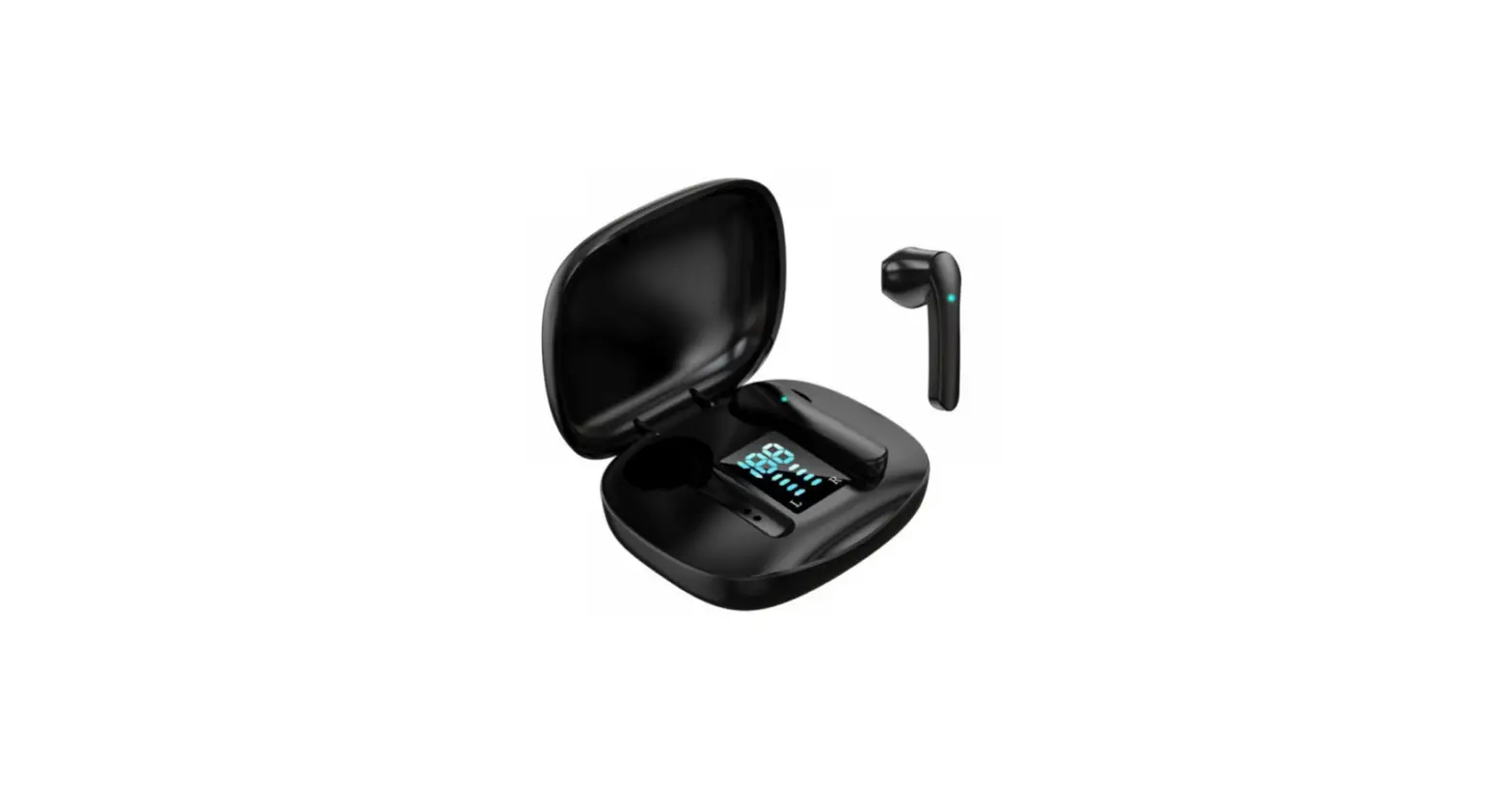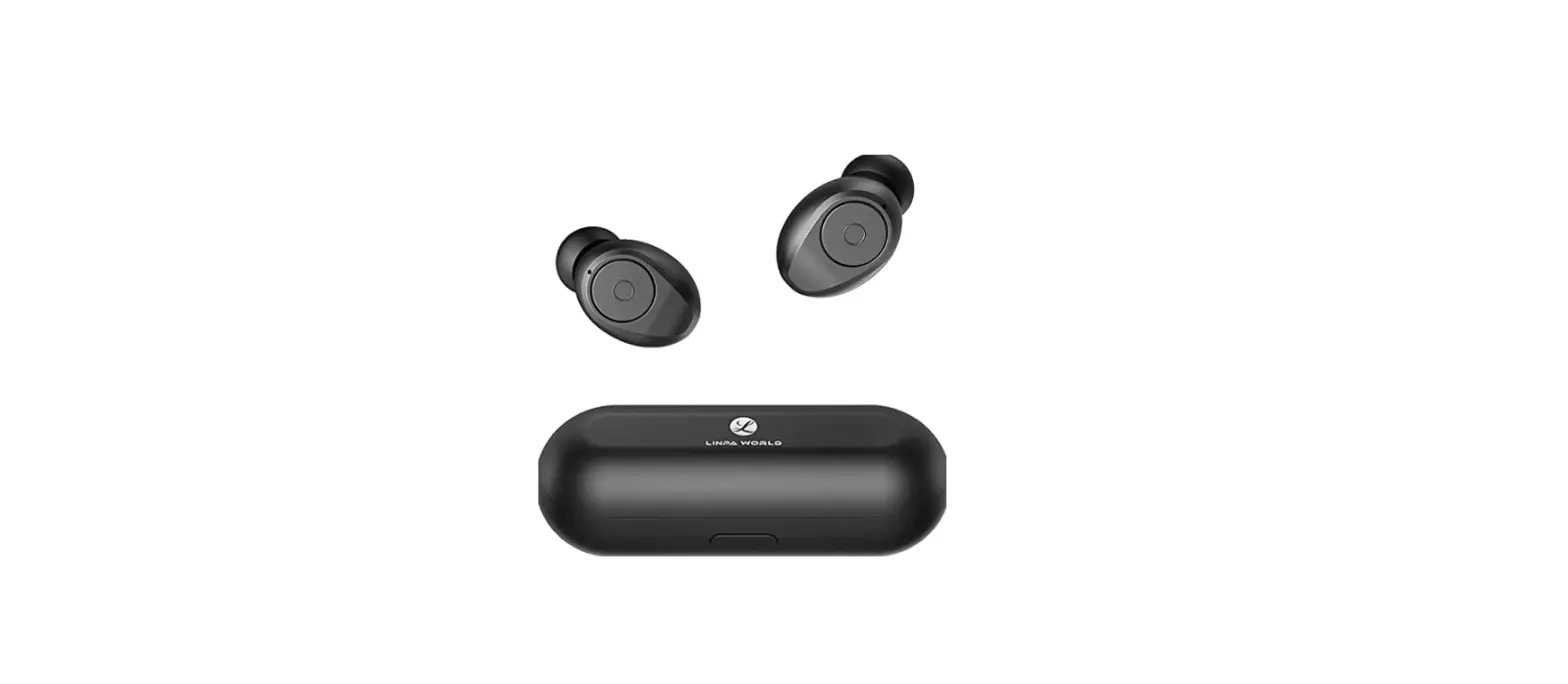

Bluetooth 5.0 Wireless Earbuds Super Portable True Wireless Stereo Headphones
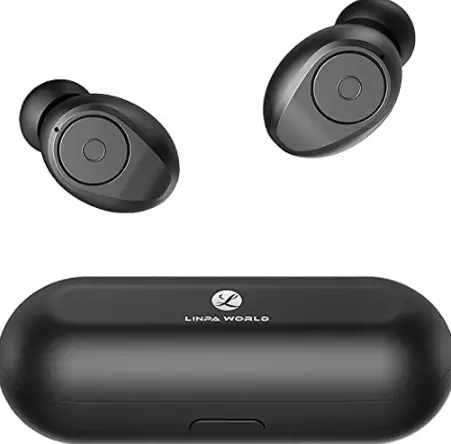
Specifications
- DIMENSIONS: 5.87 x 5.43 x 2.28 inches,
- WEIGHT: 7.4 ounces,
- CONNECTIVITY: Wireless,
- CASE BATTERY LIFE: 40 hours,
- CASE CHARGING TIME: 1.5 hours,
- BUDS BATTERY LIFE: 8 hours,
- FREQUENCY RANGE: 2.402GHz-2.48GHz,
- OPERATING RANGE: 33 feet/10 meters (No obstacles),
- MANUFACTURER: L Linpa World
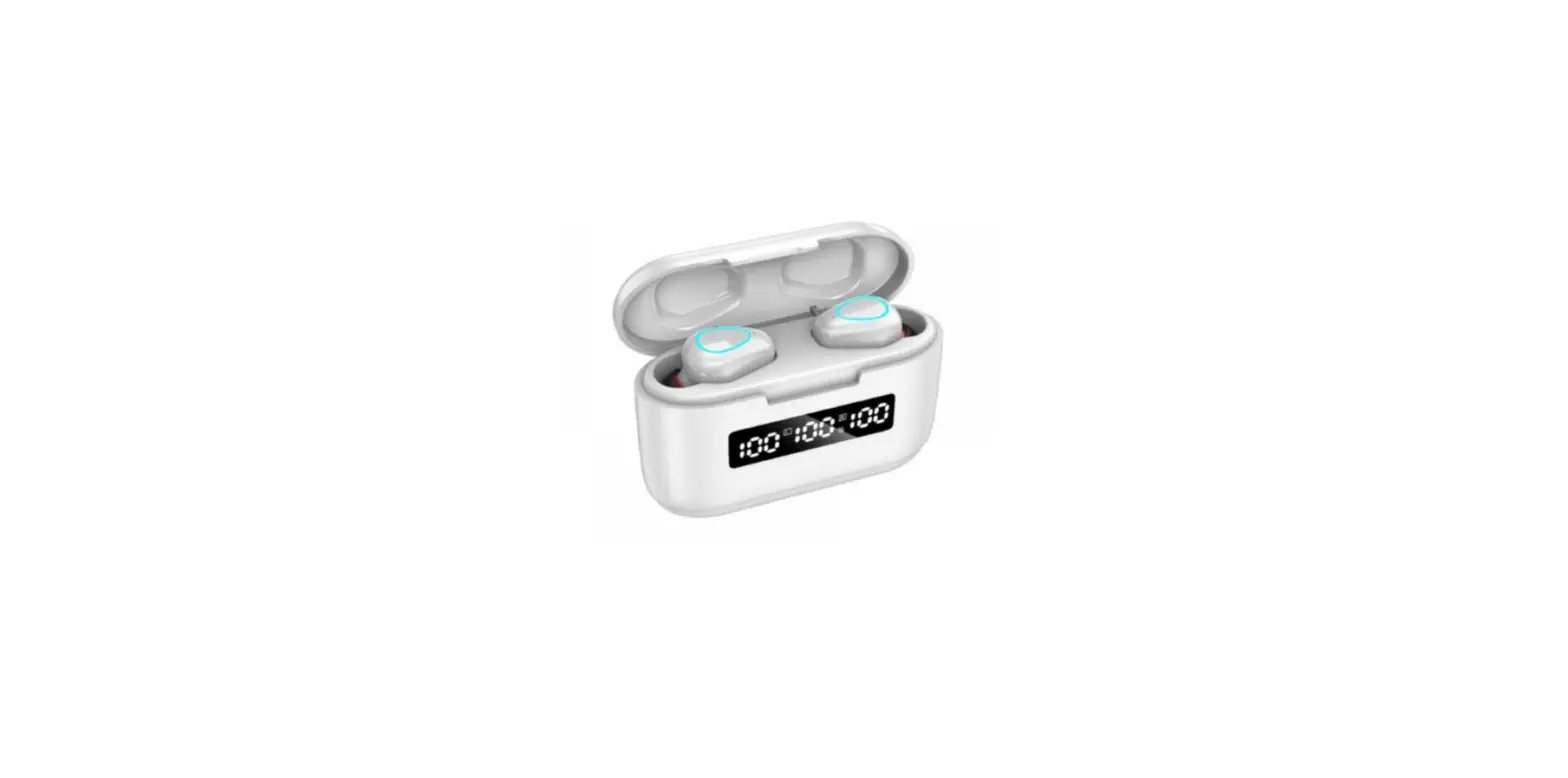
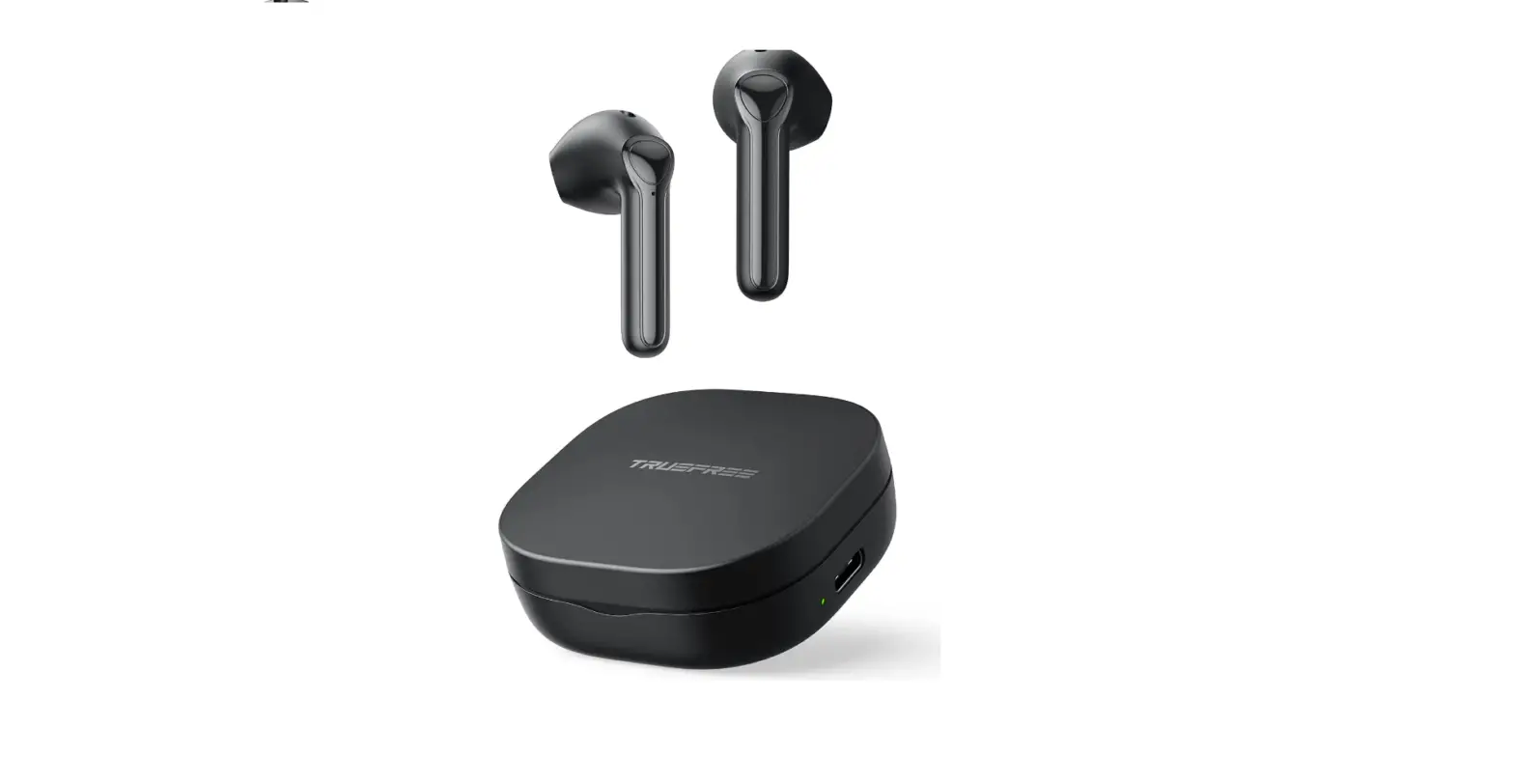
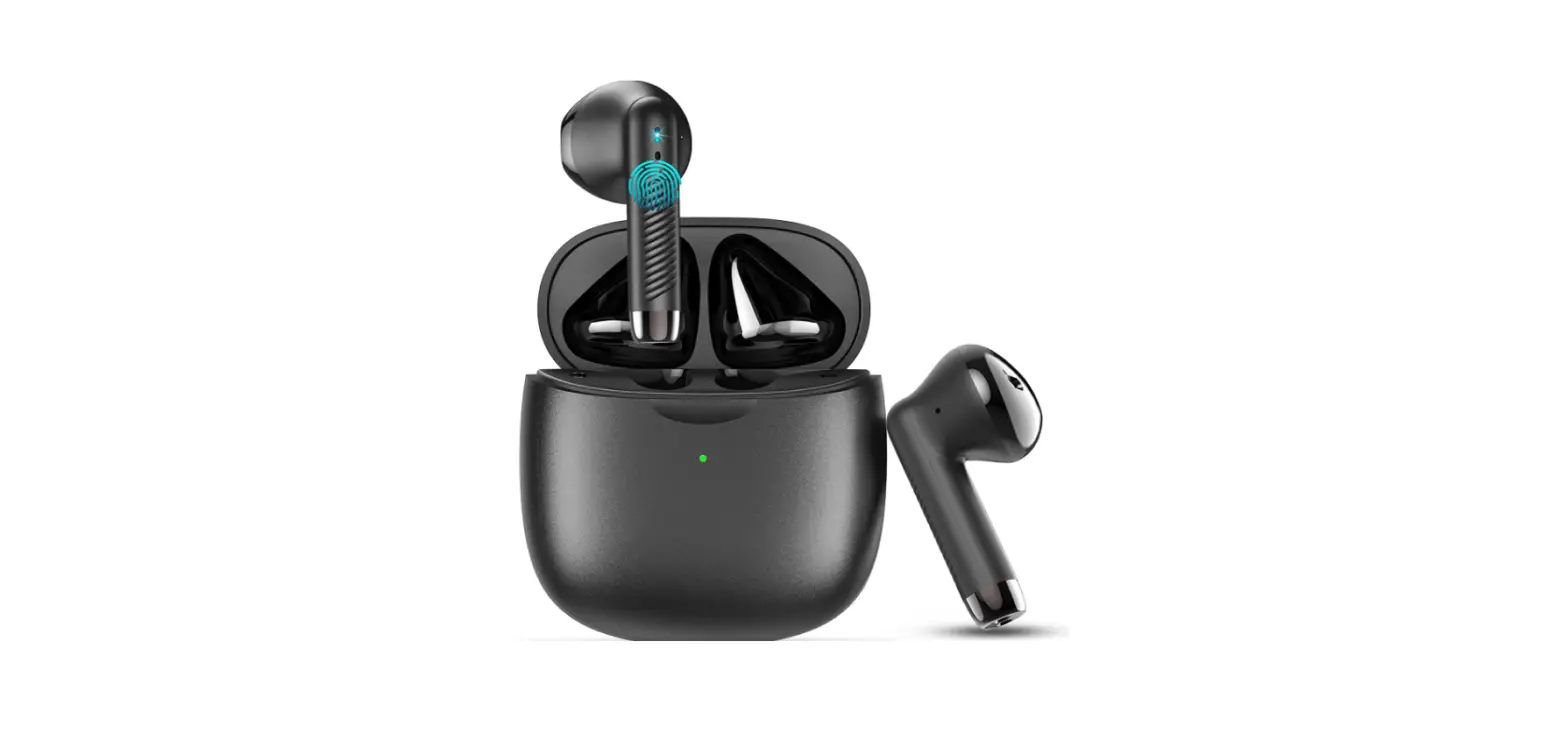
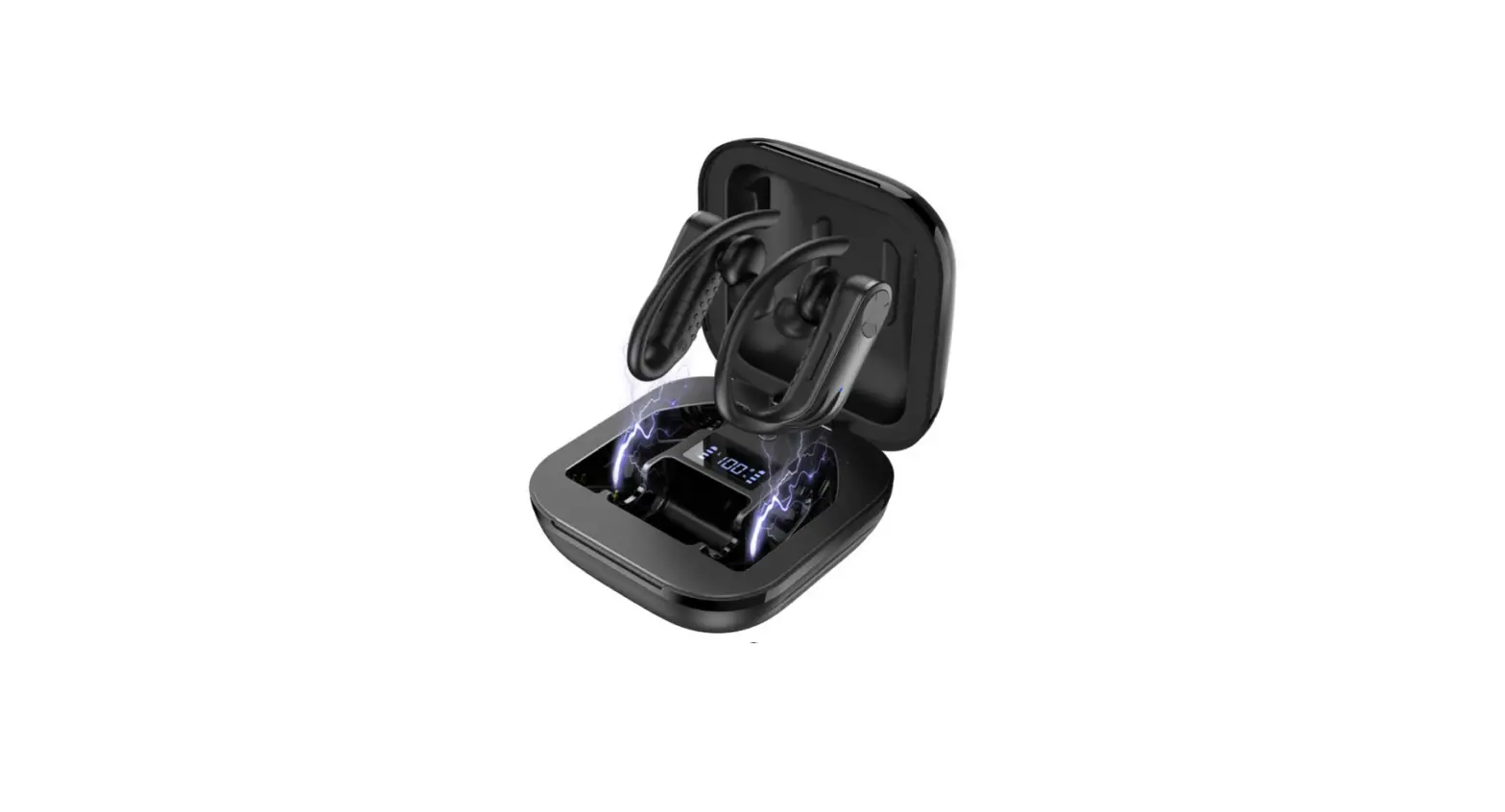
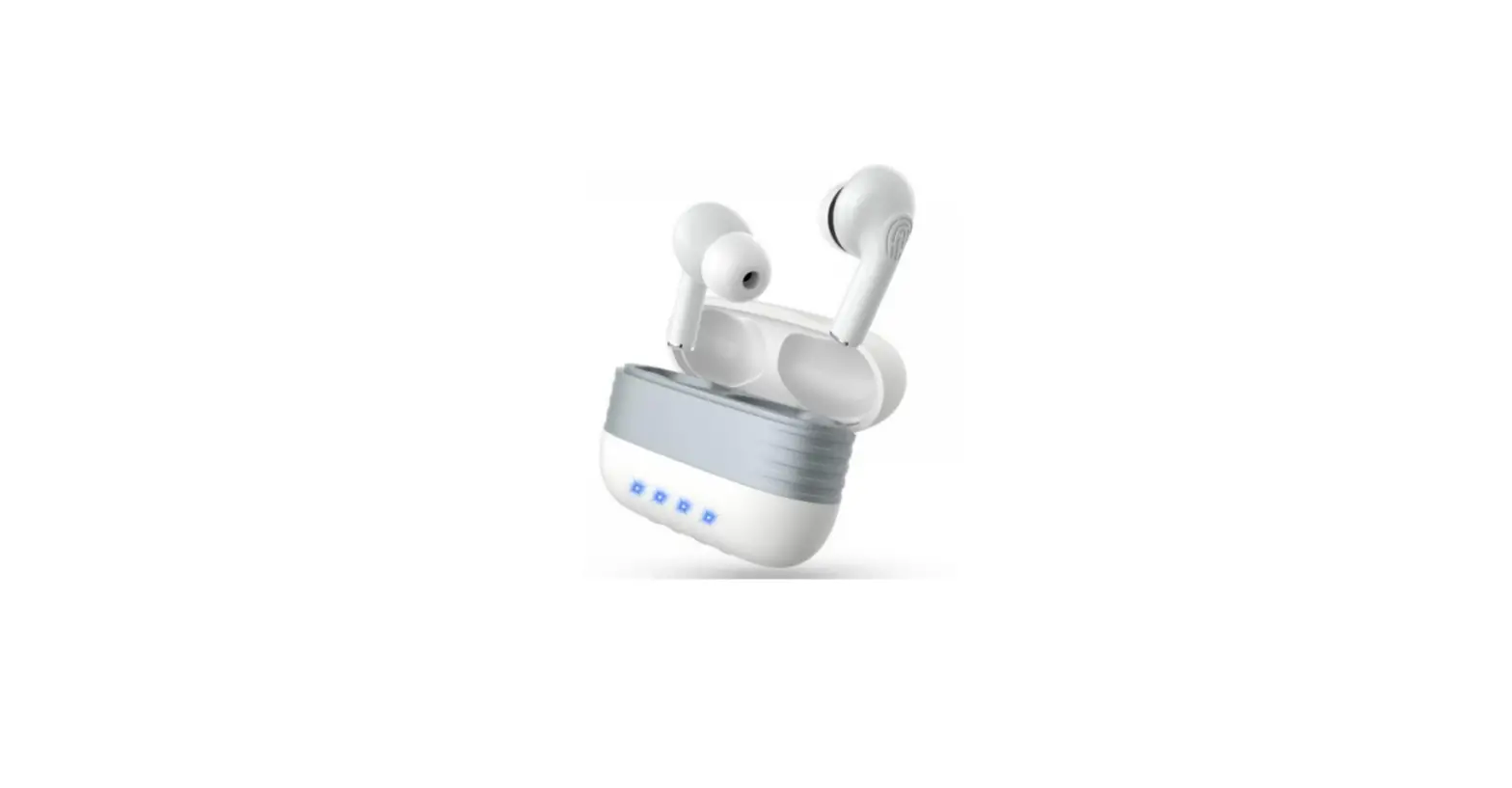
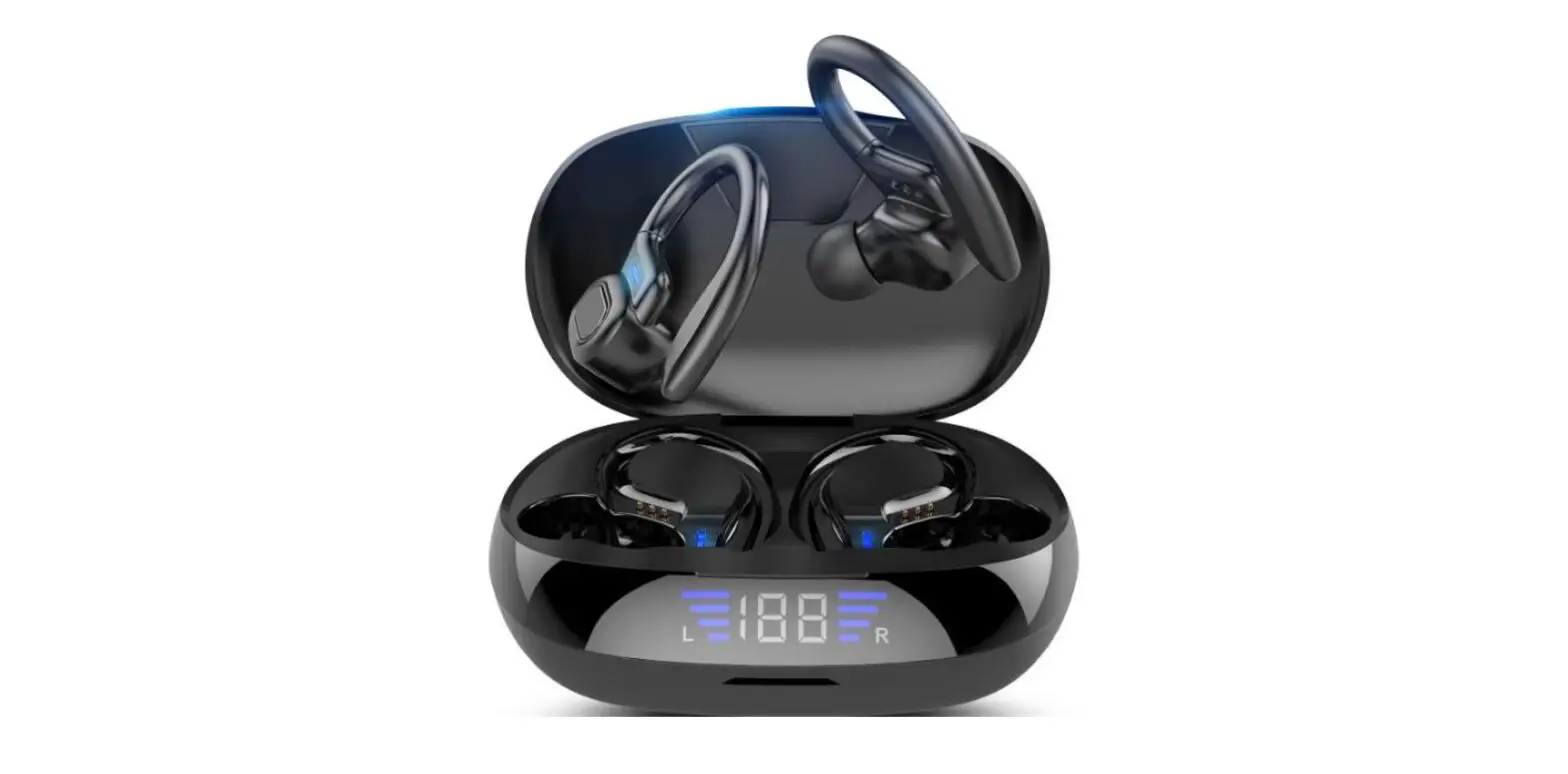
L Linpa World Bluetooth Wireless earbuds are one of the decent and well-working wireless earbuds in the market. They feature a lot of advanced qualities such as wireless connectivity over Bluetooth version 5.0, one-step pairing, premium sound quality, a portable charging case with a playtime of about 40 hours, and a waterproof rating of IPX6. The earbuds are equipped with microphones allowing you to answer calls and a call noise reduction technology of CVC8.0 which provides a good level of noise reduction allowing you to have clear call audio. The battery life of these earbuds is also good. They provide a playtime of 6 hours on one complete charge. The charging case can charge the earbuds up to 6 times on one complete charge. They come with a comfortable ear fitting design and come with three different soft ear tips of sizes-small, medium, and large.
How to connect the earbuds to your device using Bluetooth?
Pair with Your Device
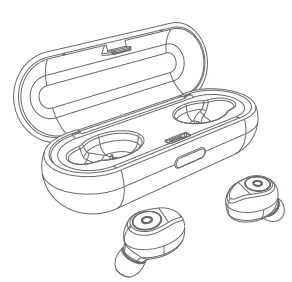
Taking the earbuds from the charging case, the left LED lights alternately flash blue and red, the right LED lights off (Make sure tear off transparent static sticker on the bottom of the earbuds) Enter pairing mode “T10 Pro” The left LED lights off: Connected
Tips:
- After booting, no connection automatically shuts down within 60s
- Connected for 20 minutes without any playback auto shutdown
- Actively turn off the Bluetooth function of the phone, automatically shut down without any connection for 10 minutes.
Pairing issues
The left and right sides can be used separately. If there is only one side work. How did I pair the earbud from single-mode to stereo mode?
- Step 1->: Put them back to the case.
- Step 2->: Delete “T10 Pro” from the Bluetooth menu on your device, if your device menu has been connected “T10 Pro”.
- Step 3->: Taking the earbuds from the charging case, both earbuds are turned on, the LED lights alternately flash blue and red, Double click on the “R” side. They will force the headphone to pair. After the pairing is successful, “R” sidelight is off, ‘’L’’ side flashing red and blue.
- Step 4->: If prompted, enter code “0000”.
CONTROLS
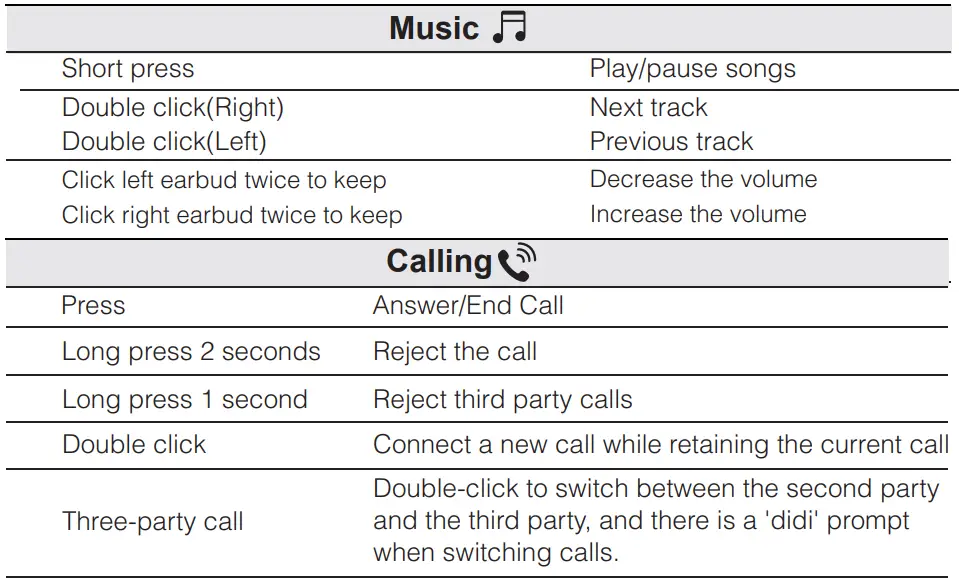
Siri/Other Voice Control Software:
Connect to the standby state, and double-click when no music is playing.
Turn On/Off
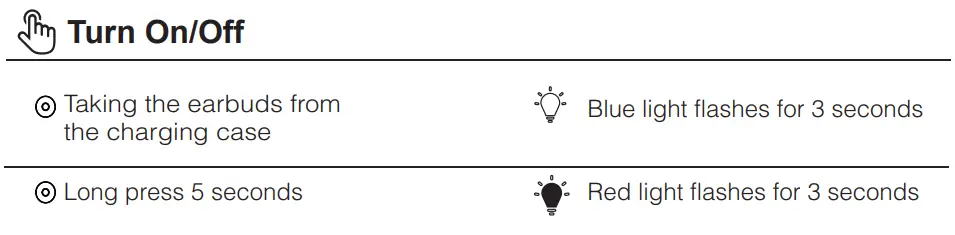
- Taking the earbuds from the charging case: Blue light flashes for 3 seconds
- Long press 5 seconds: red light flashes for 3 seconds
Charging
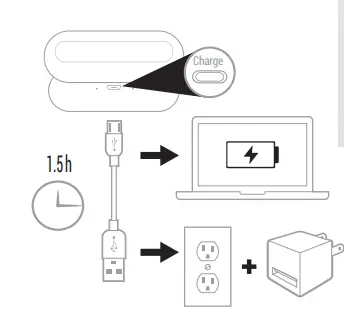
For the charging case
- When the charging case cannot fully charge the earbuds, if putting the earbuds into the charging case, the red light of the charging case flashes every 3 seconds, this will cycle 10 times.
- When the charging case is in low battery, if putting the earbuds into the charging case, the red light of the charging case flashes every 1 second. It means you need to charge the case first.
Earbud status indicator
- Red light flashes every two minutes: Low battery
- LED steady Red: Charging
- LED steady Blue: Fully Charged
Charging issue
- Please check if you have a tear-off transparent static sticker on the bottom of the earbuds.
- Please adjust the earbuds or take off the ear tips to make sure it connected well with the Conductive needle, or you can exchange the left and right earbuds to check if the charging dock is working.
- Please take out the earbud from the charging dock, and charge the case individually for about 30mins, then put back the earbuds to the charging dock for charging. It is because when the charging case and earbuds are running out of battery, the voltage was very low. If charging for earbuds and charging dock at the same time, can’t active the battery.
- Please check the power adaptor if it is 5V 1A with good quality. [Please don’t use 6v, 9v, or12v charger chargers that will be the risk of burning the chip]
- Clean the thimble and contacts with alcohol to ensure that the headphone charging contact is conductive.
Attention
- Never disassemble or modify your earphone for any reason to avoid
- any damages and danger.
- Do not store the earphone in extreme temperatures (under 0℃ or over 45℃).
- not use this earphone during a thunderstorm to avoid irregular function and increased risk of electric shock.
- Do not use harsh chemicals or strong detergents to clean the earbuds.
- Keep the earbuds dry
Maintenance
- The Reason of our product has a battery inside it, also the battery itself has a power consumption issue, so please make sure that the last charge is charged once a week in order to prevent low battery power caused by the protection plate self-protection.
VERDICT
If you are looking for some basic quality and comfortable headphones that produce good quality music while being extremely stylish, these headphones are the best choice for you.
FREQUENTLY ASKED QUESTIONS
- Do they have a waterproof rating?
Yes, they come with a waterproof rating of IPX6. - I paired the headphones with my phone but there is no sound from the headphones?
Make sure the headphones are not muted. Some phones ask for setup of the wireless headphones as an audio output device before sound is transmitted. Please refer to the instructions of your phone for details. - The sound quality of the headphones is not good?
For all of the headphone products, they need a period of use to get better sound quality. Some components, such as transistors, integrated circuits, and capacitors, are inherently unstable in electrical parameters and can be stabilized after a period of use. - Why cannot synchronize the volume?
Our products are mainly compatible with iPhone, Samsung, and other mainstream mobile phones, they may not be able to adapt to all computers, because there are too many Android systems, our headphones may not match all types of Android systems. If the volume cannot be synchronized, it needed to adjust it manually from your phone and computer. - Do these headphones work in small ears?
Yes, they come with different sizes ear tips. You can use the small ear tips for small ears. - How do these earbuds work?
They connect to the device using wireless connectivity over Bluetooth. You can pair them to your device. - Do these headphones have a mic?
Yes, these earbuds have a built-in mic. - Can you use the earbuds in single-mode?
Yes, you can use one earbud at a time by keeping the other earbud in the charging case. - Do they have any LED indicators?
Yes, the earbuds have LED on them to indicate the different operations. - What is the battery life of the case?
The battery life of the case is about 40 hours.