Boean
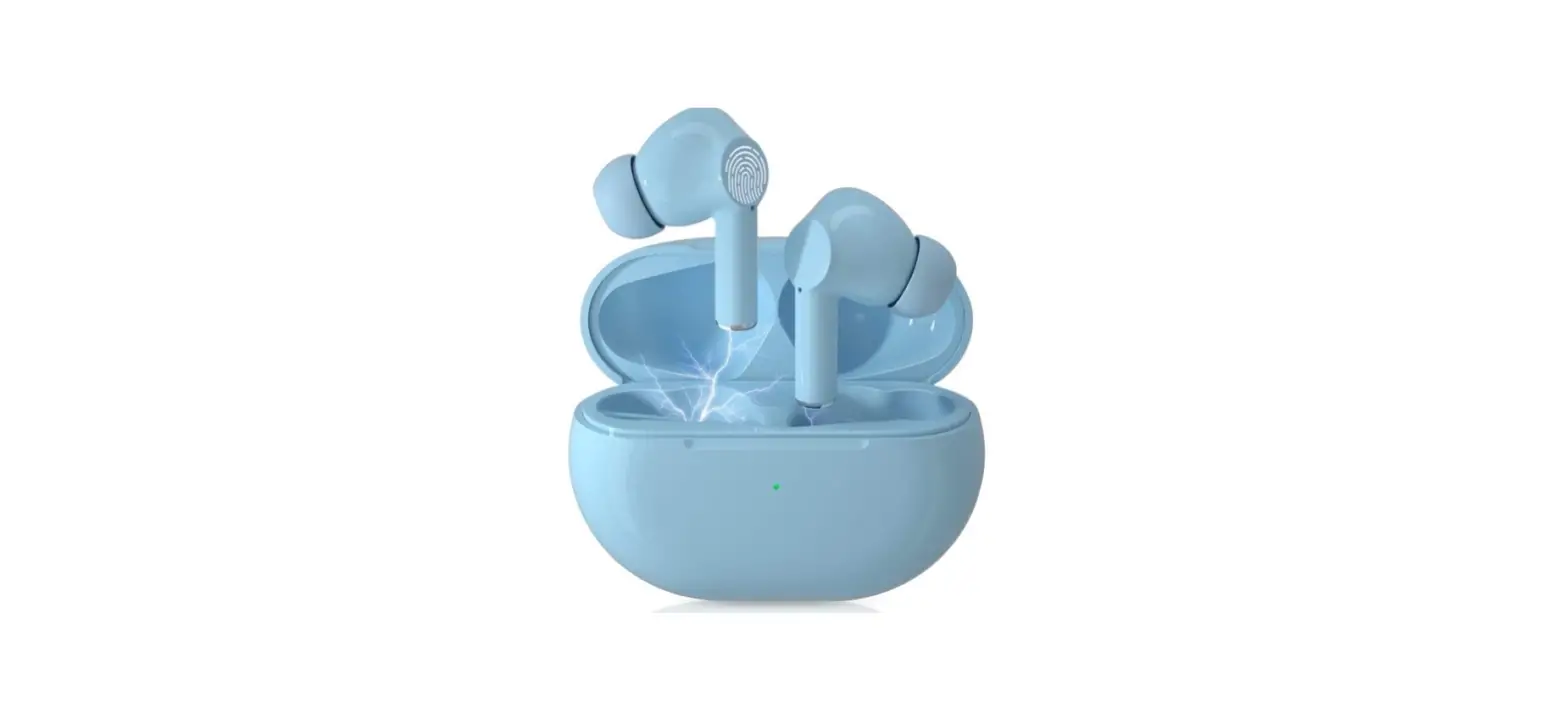
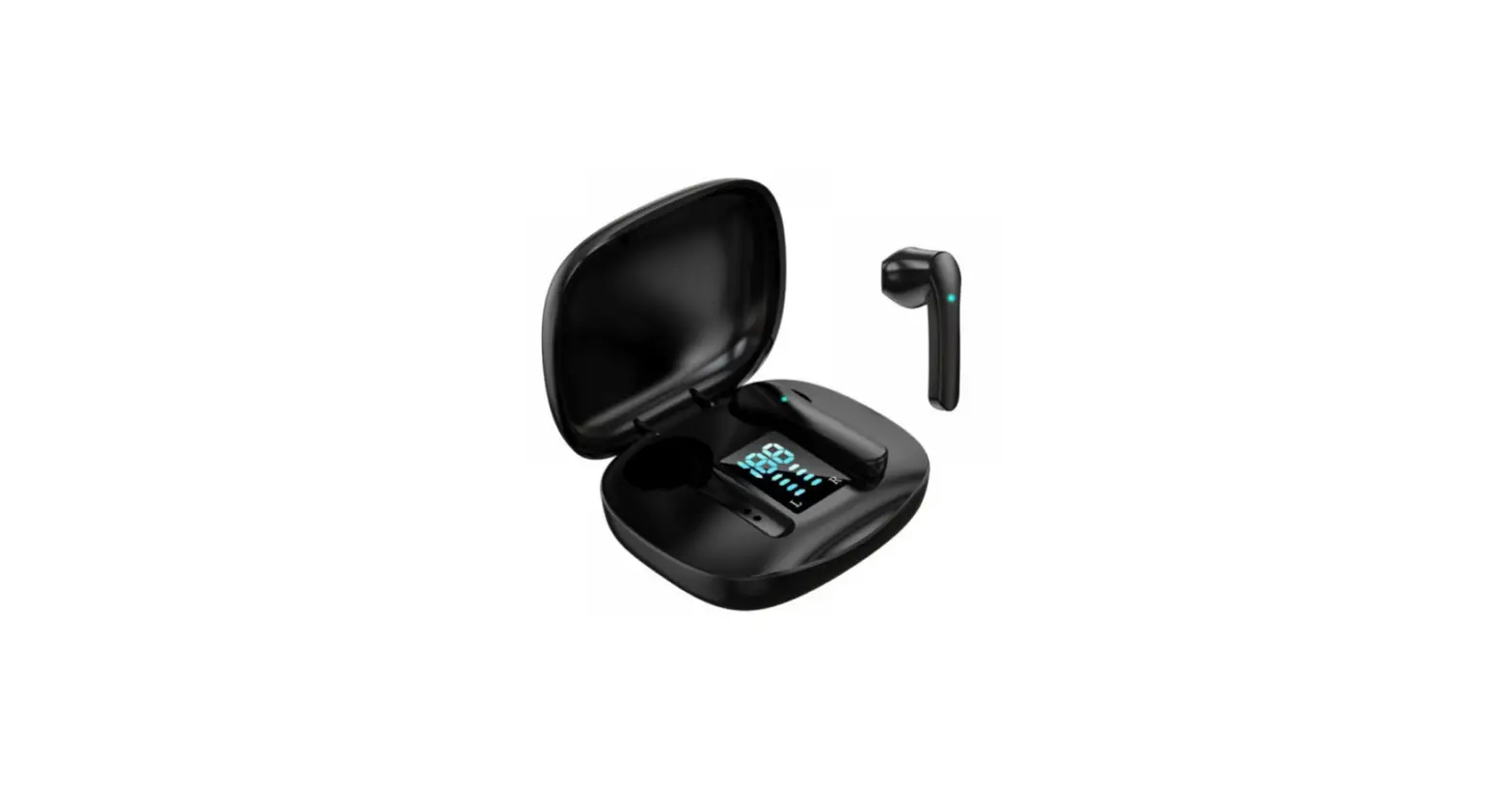
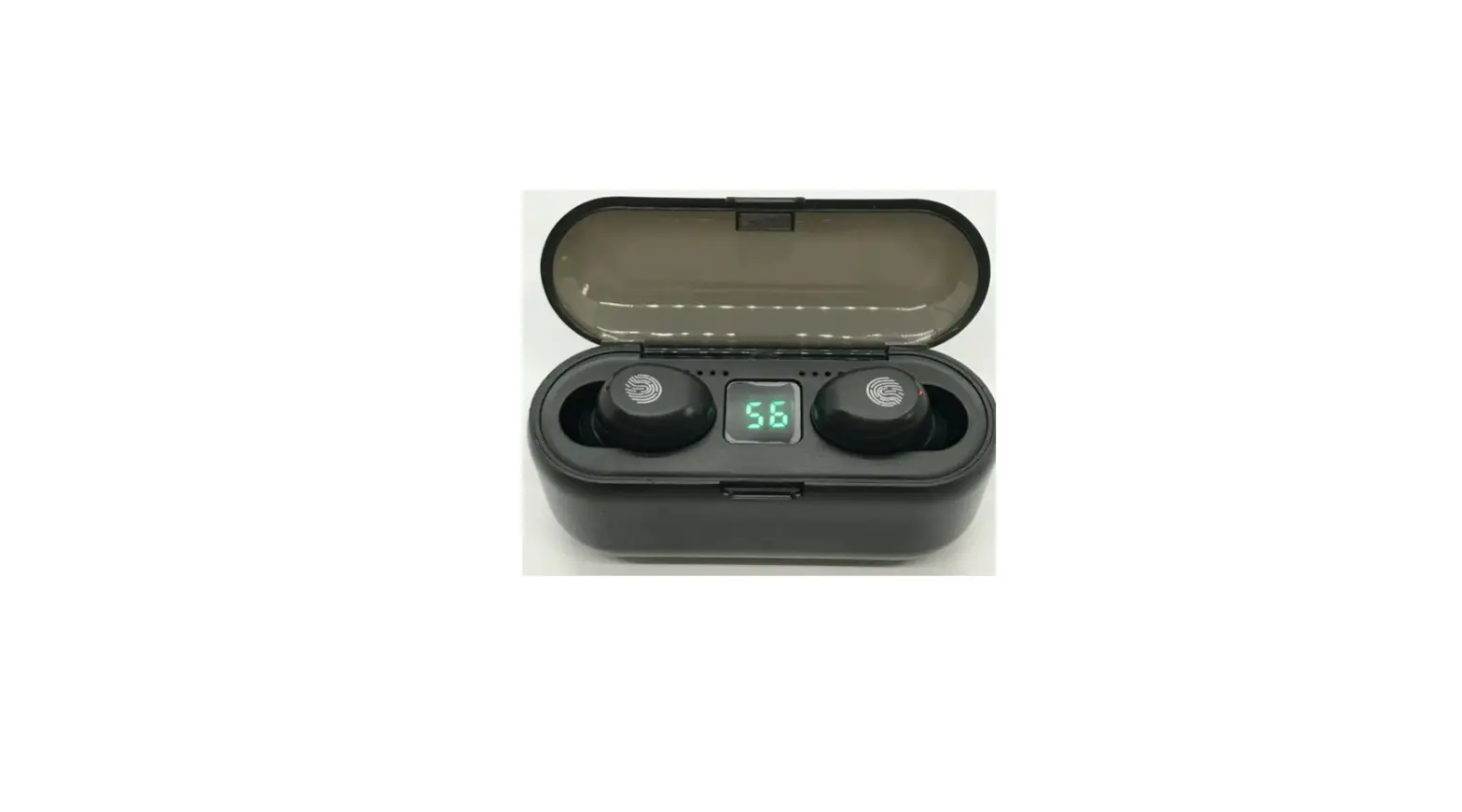
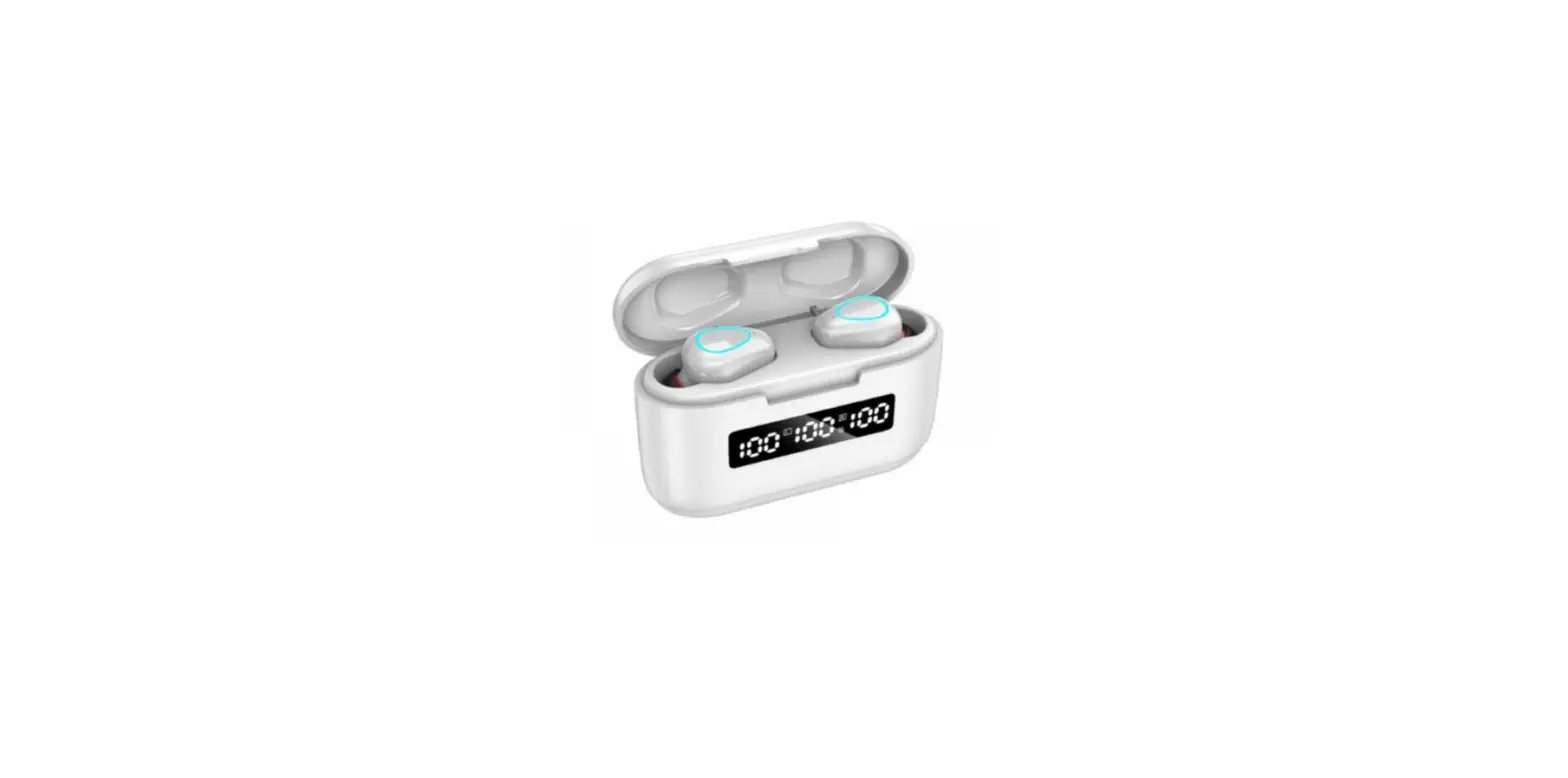
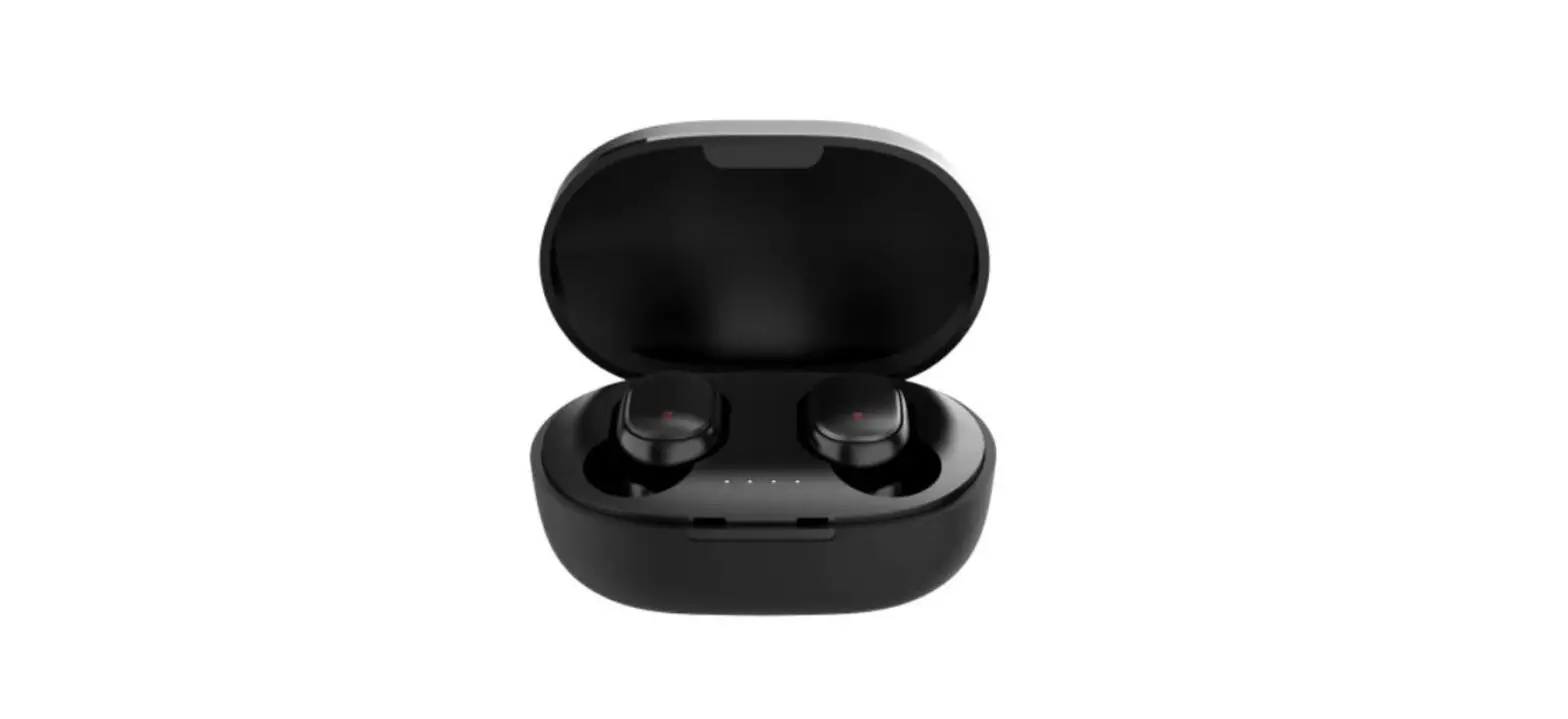
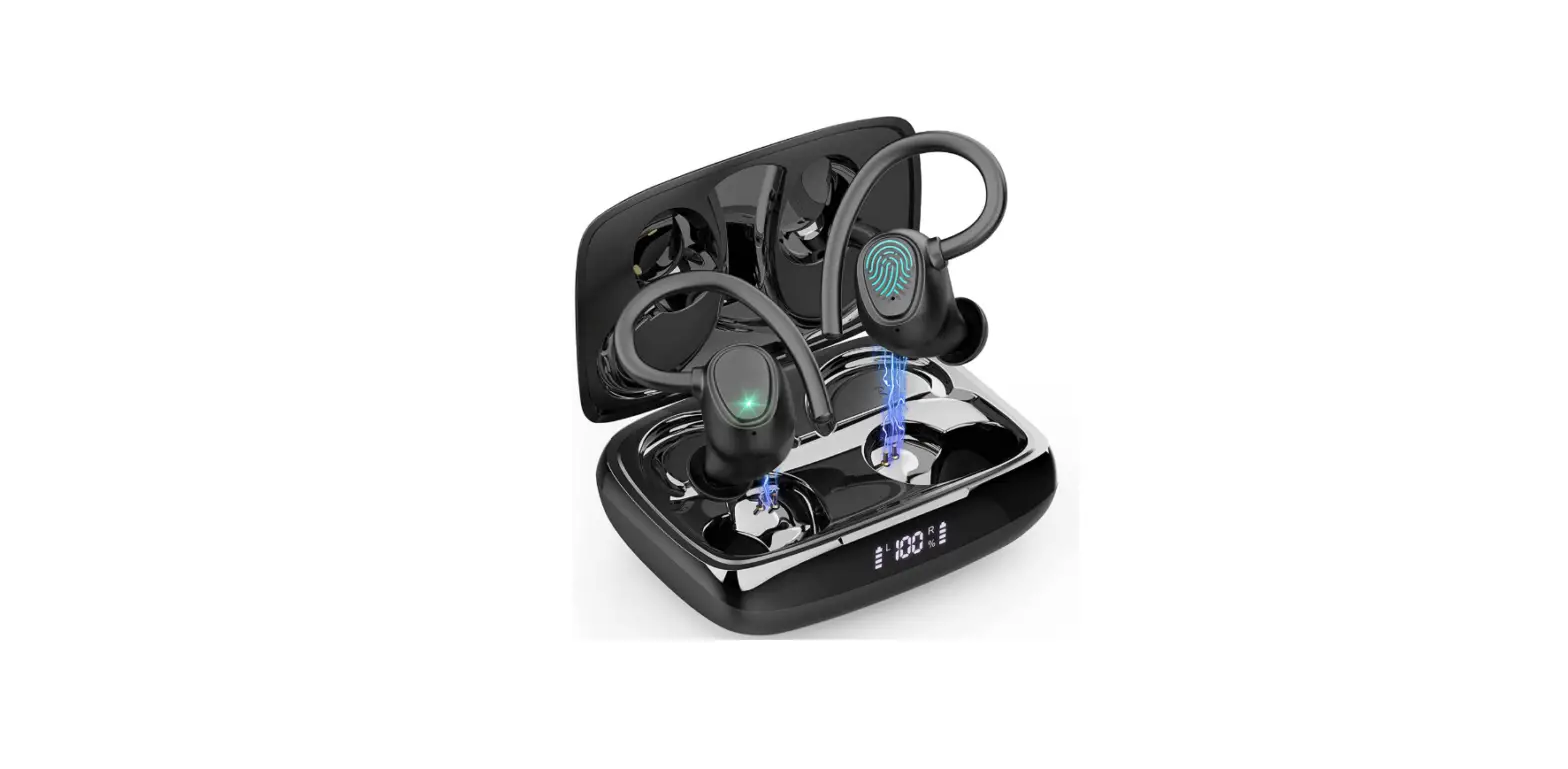
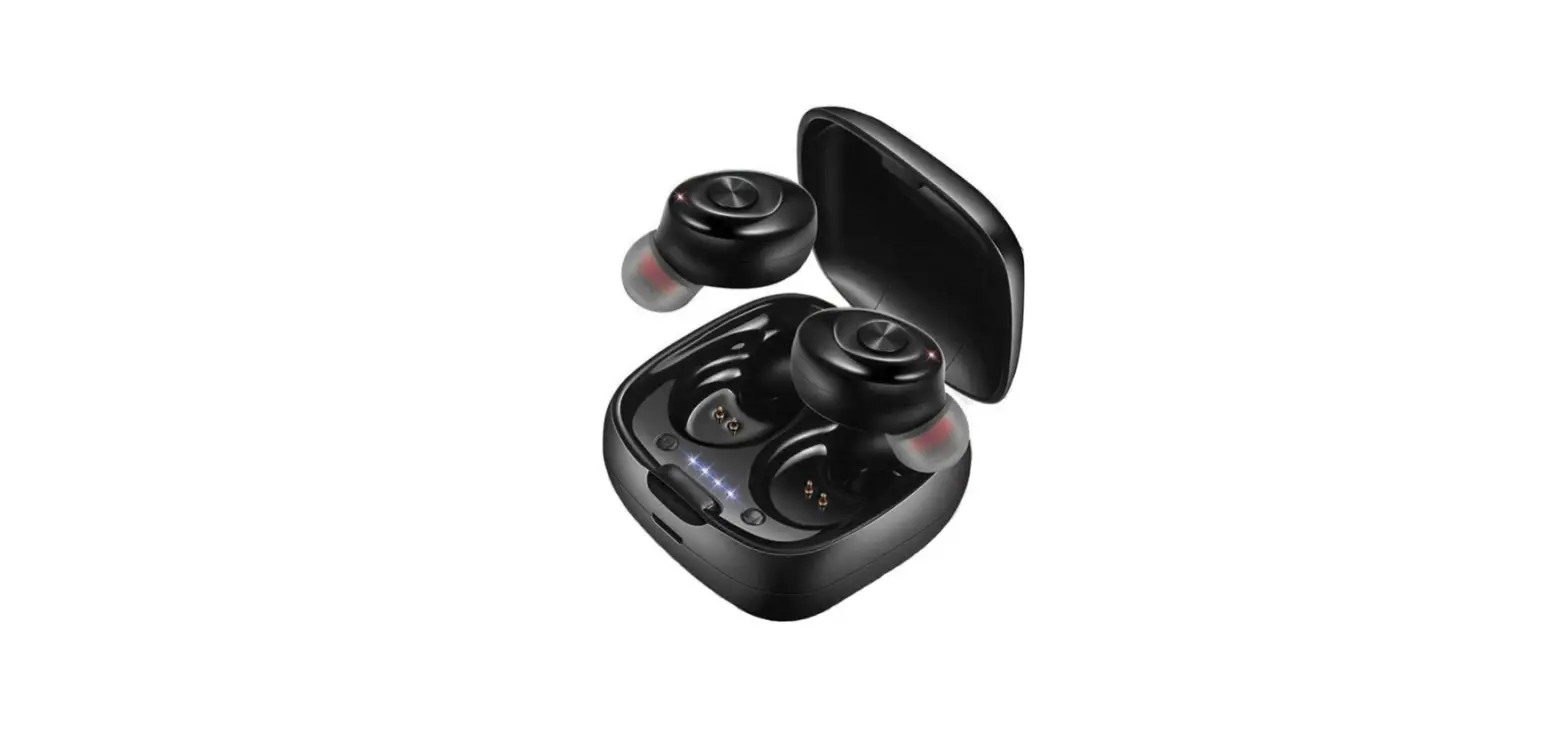
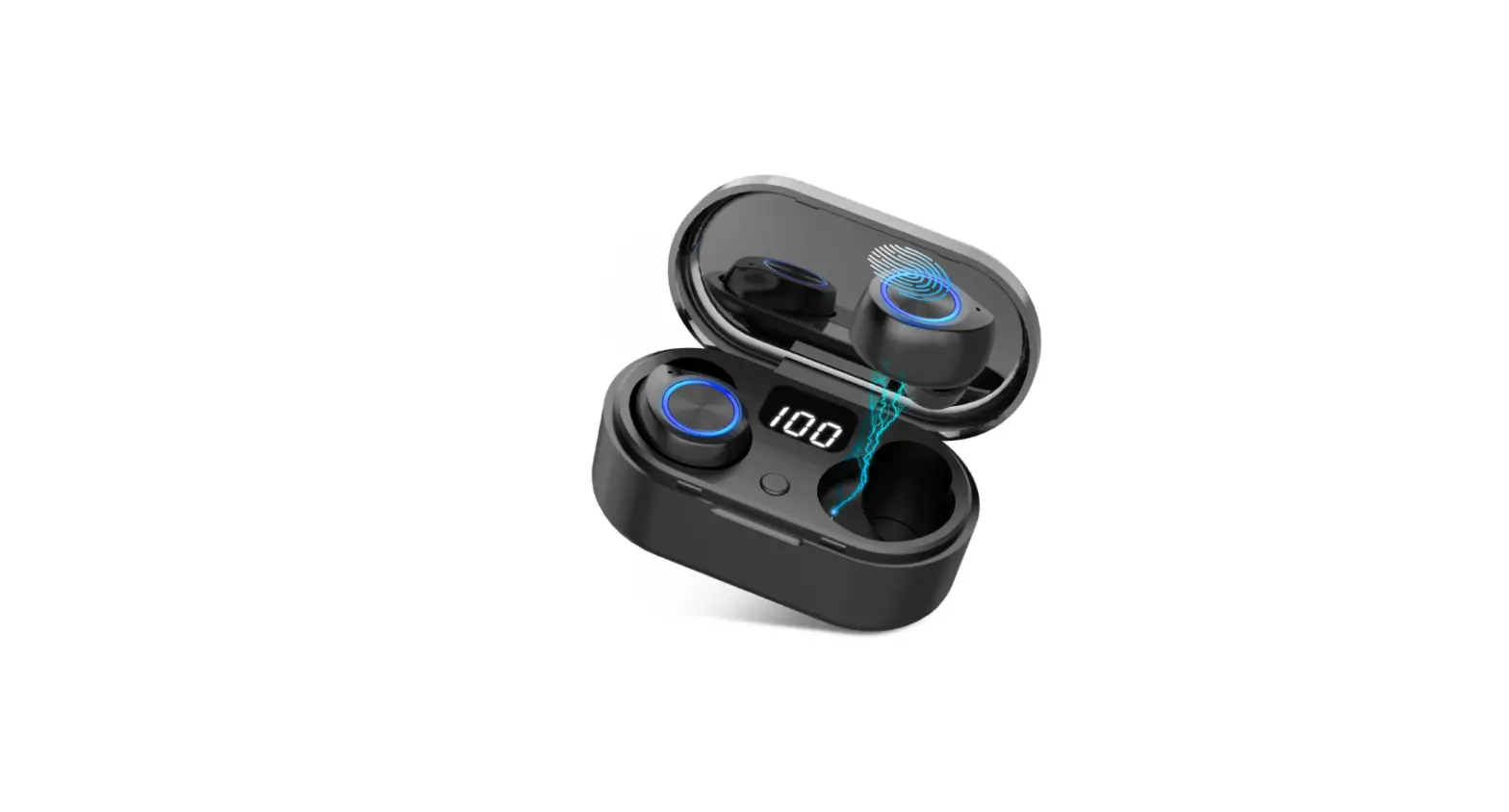
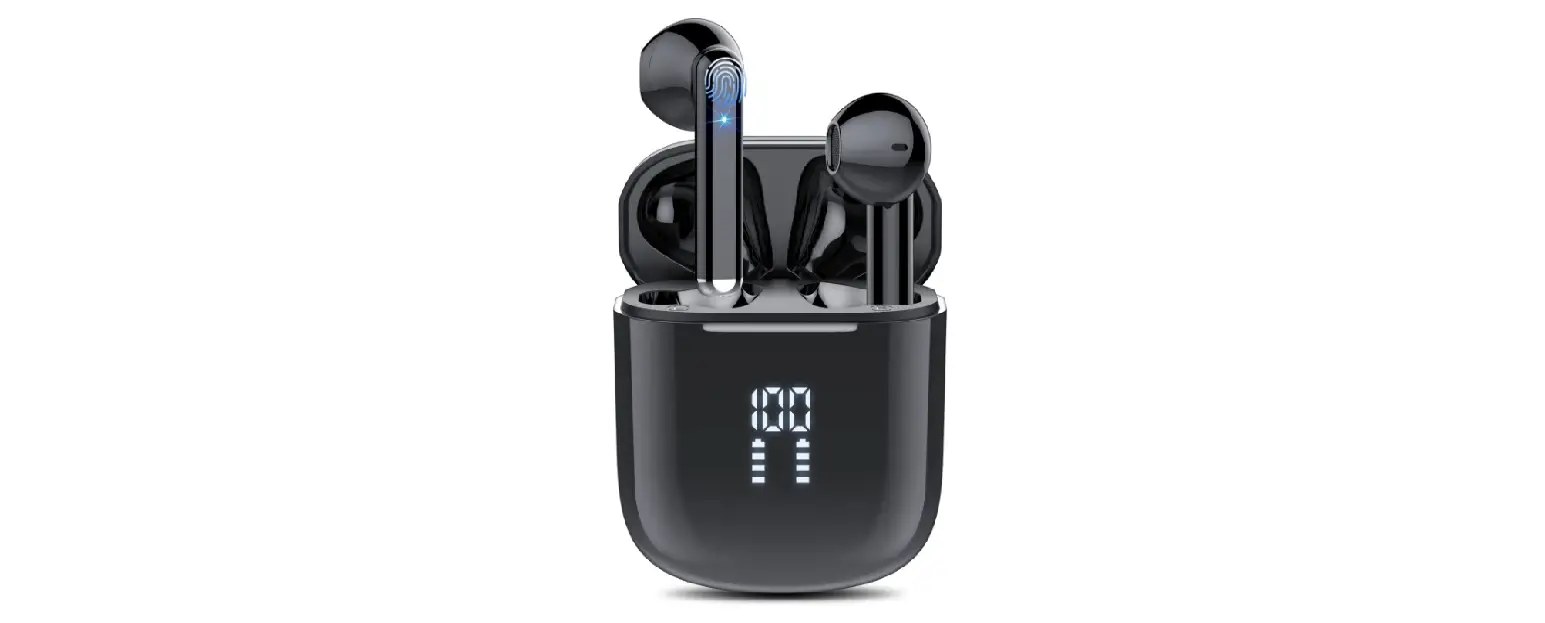
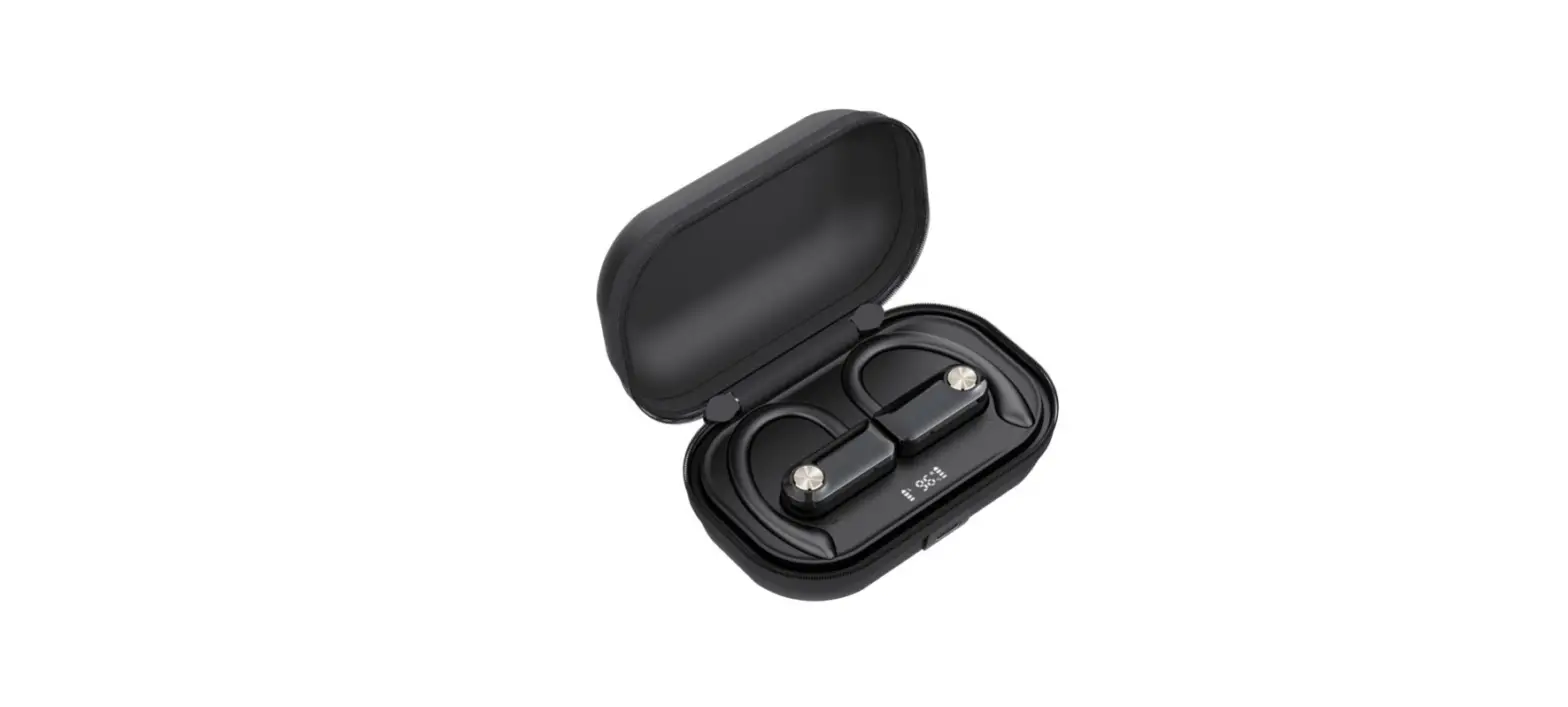
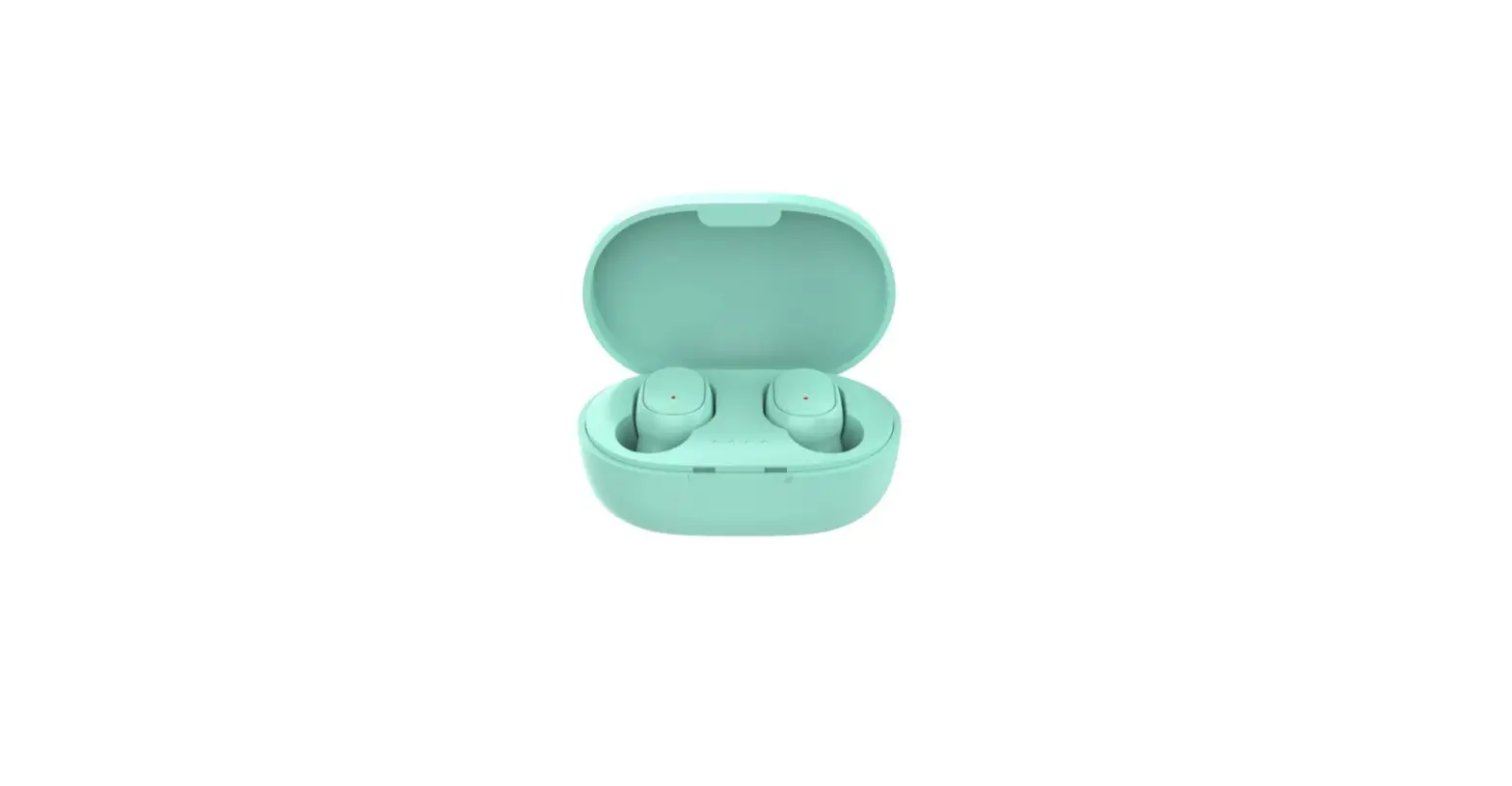
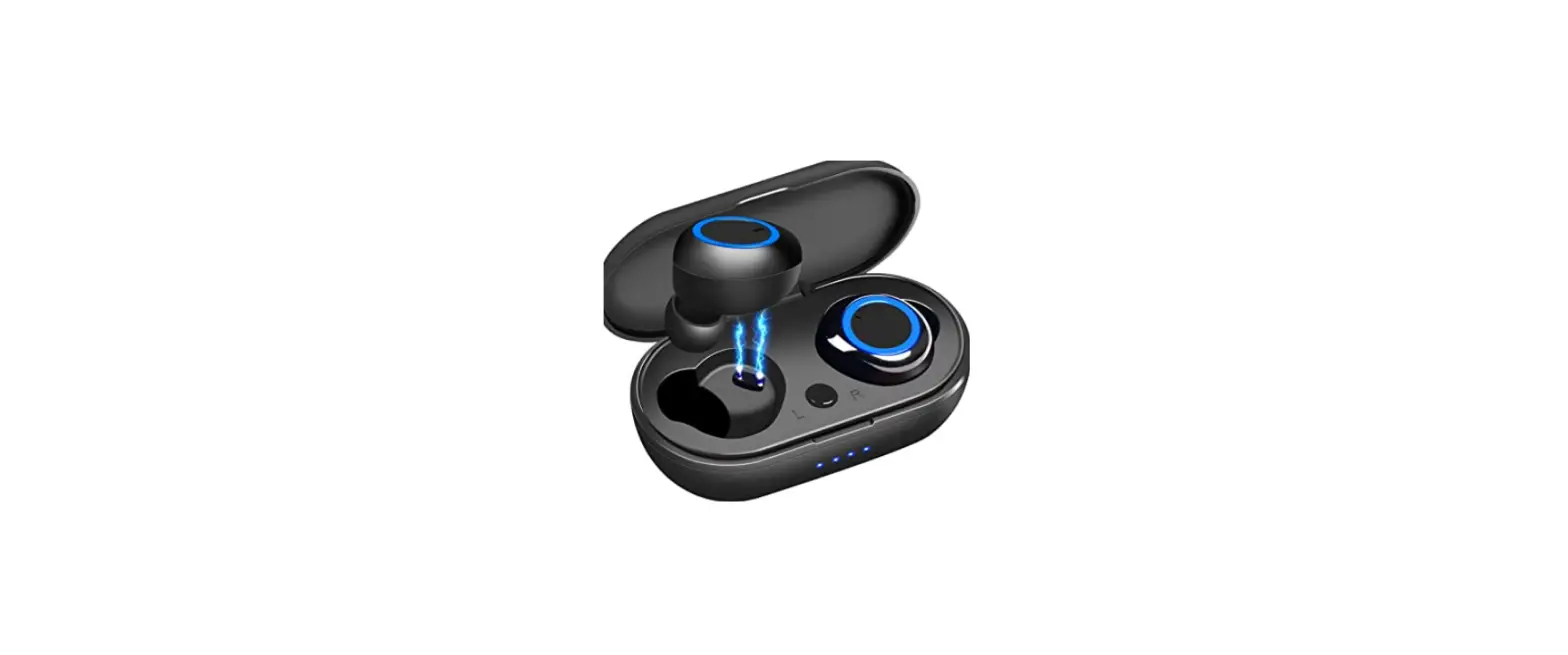
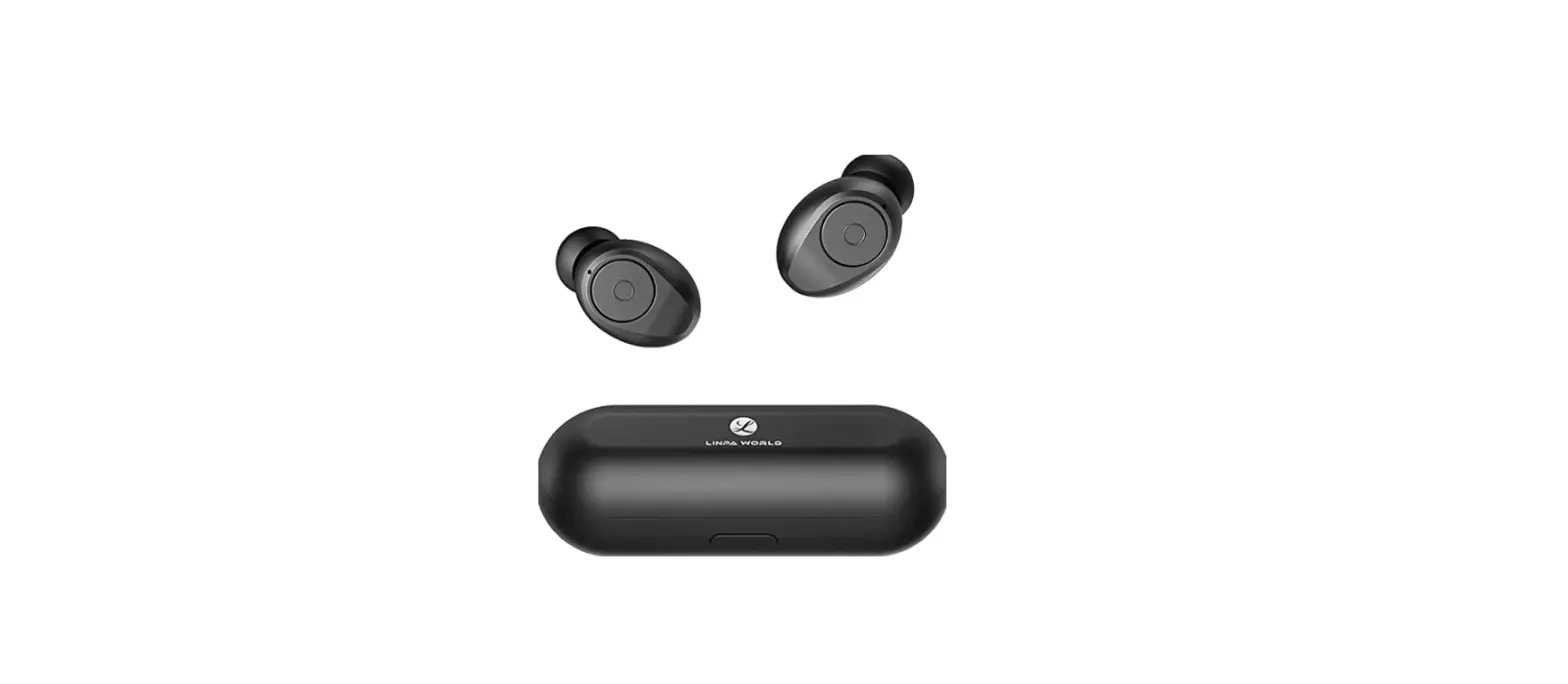
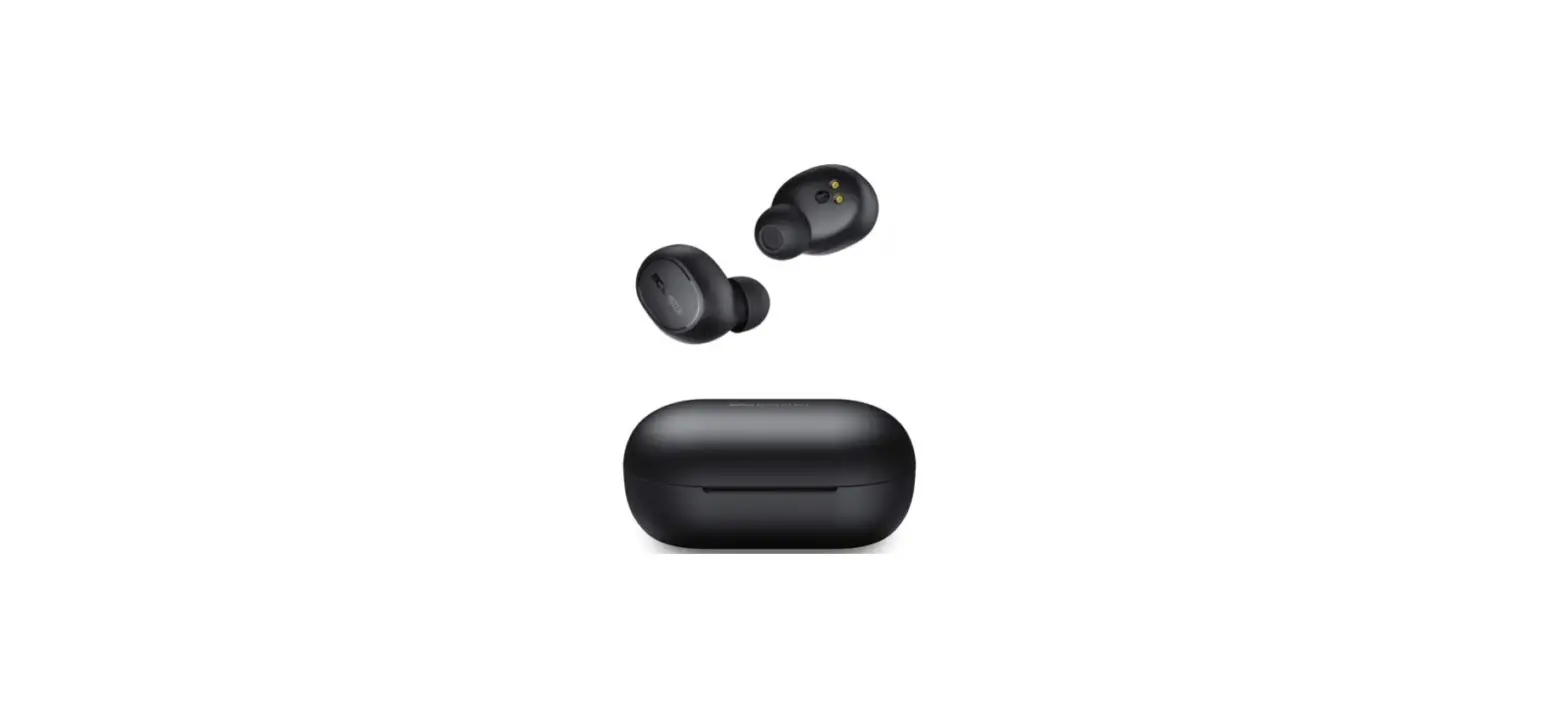
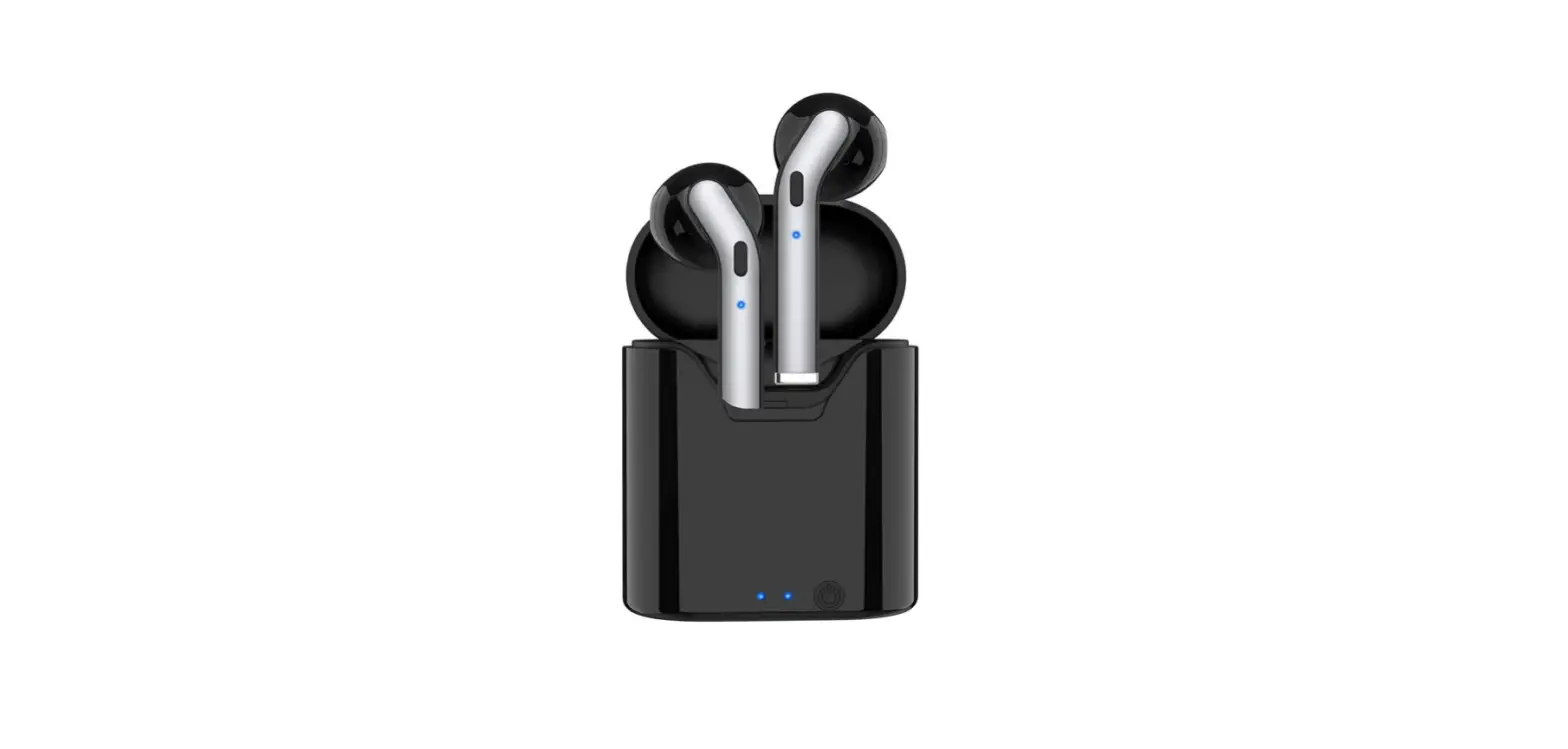
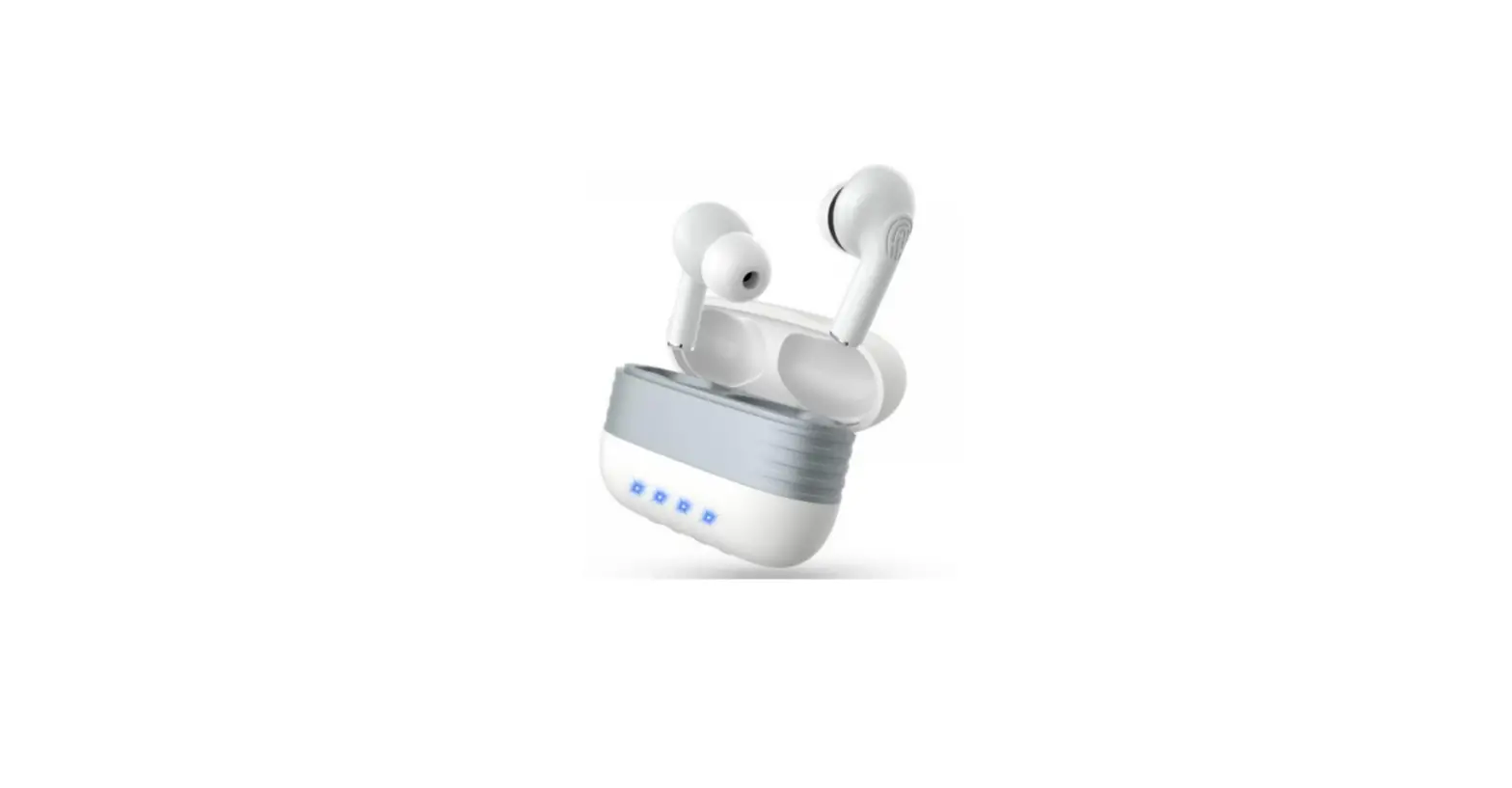
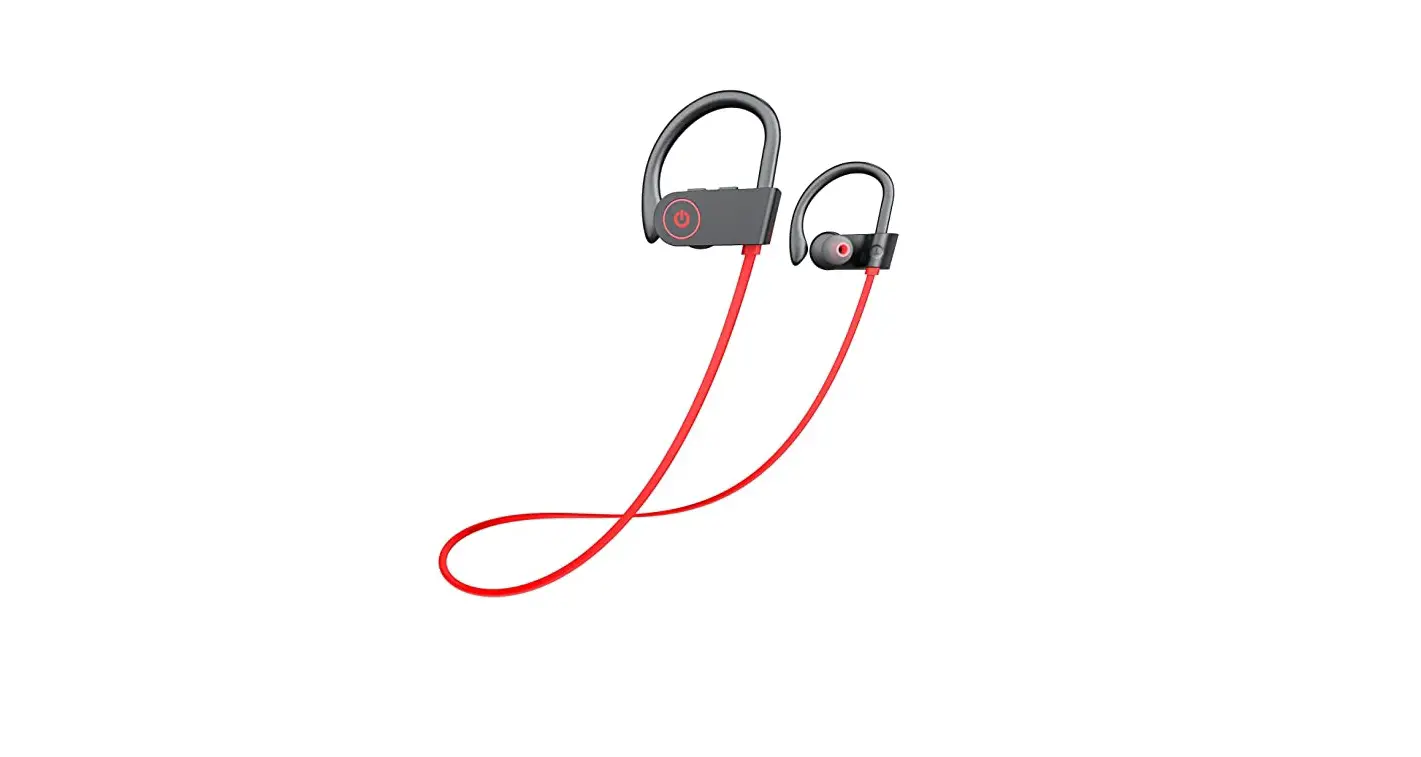
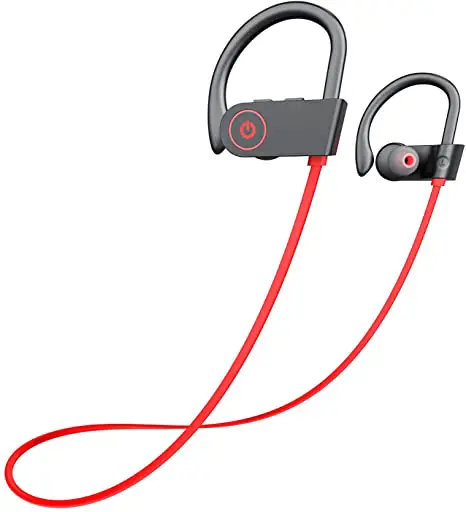
Bluetooth Headphones Wireless Earbuds Bluetooth 5.1 Running Headphones
Introduction
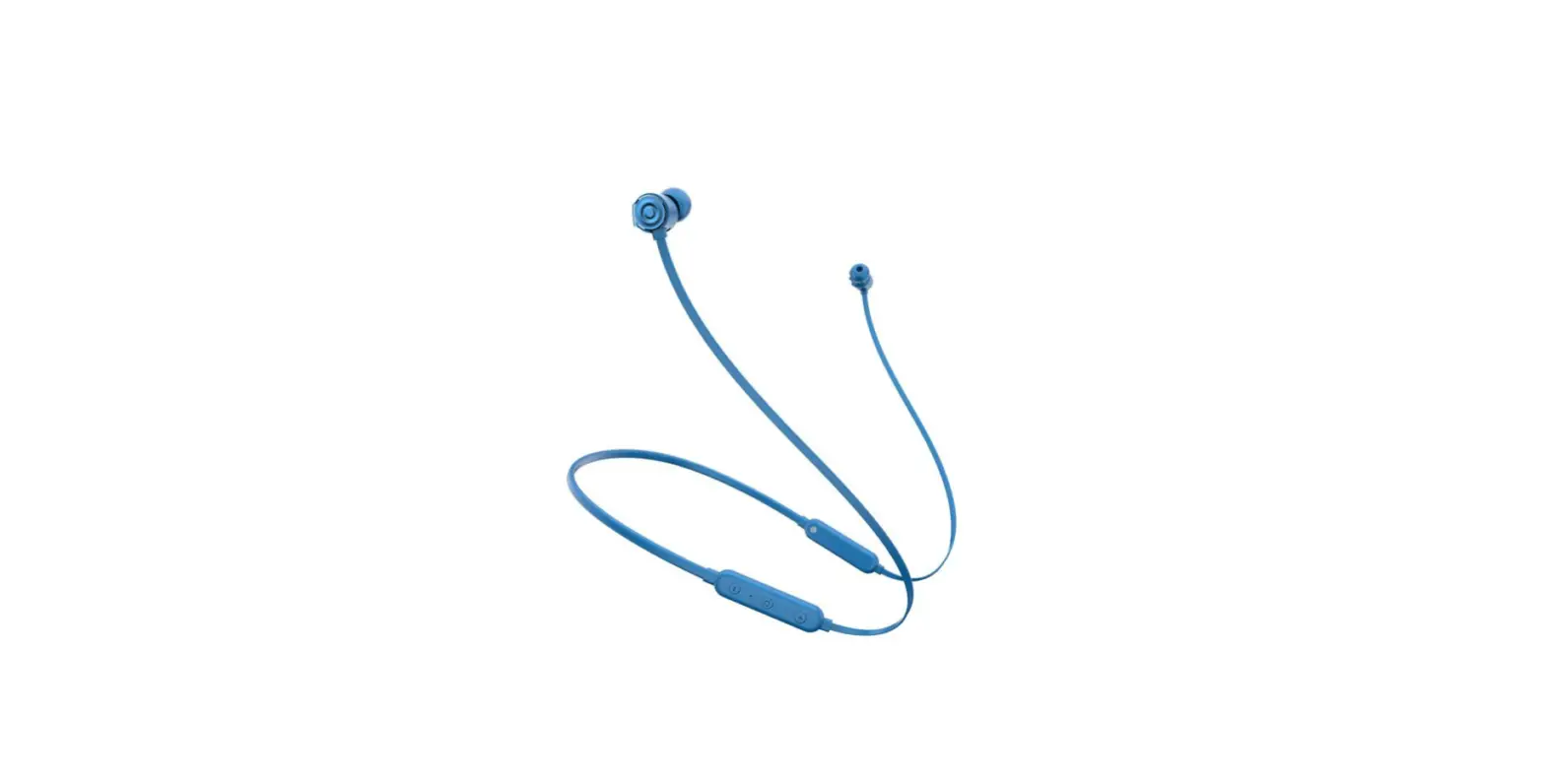
Welcome! This Bluetooth earplugs headset uses Bluetooth 4.1 echo elimination technology to provide superior sound quality and hands-free operation. Before using this product, please read this user’s manual in detail.
| FUNCTION | OPERATION |
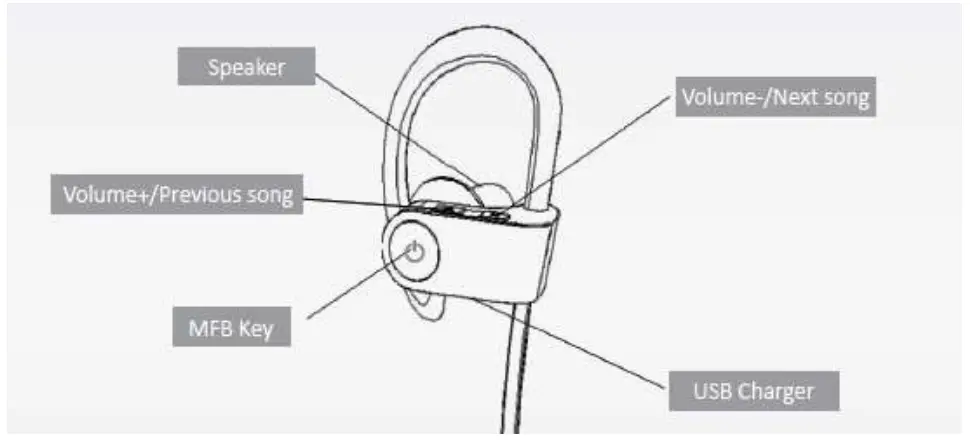
| Power ON | Press & hold the MFB key for 3 seconds |
| Power OFF | Press & hold the MFB key for 3 seconds |
| Pairing Mode | Press & hold the MFB key for 8 seconds |
| Answer Call | Press the MFB key once |
| End call | Press the MFB key once |
| Reject call | Press & hold the MFB key for 1 second |
| Last number redial | Press 2 times the MFB key once |
| MUTE Mic | Press + and – at the same time |
| Transfer AUDIO | Press & hold the MFB key for 1 second |
| Pause/Play | Press the MFB key once |
| Vol + Vol – | Press the Vol + and Vol – controls |
Charging
The U8 Bluetooth earplugs headset comes with a built-in rechargeable battery. It is recommended to charge the battery fully before using it for the first time.
Plug the USB side of cable to the USB port of PC or into a USB power charger. Plug-in the other side (mini USB plug) to the charging socket on the U8 Headset. You should see the following lights:
- Red light on: Charging
- Red light off: Finish charging Allow up to 2 hours to fully charge the battery.
Pairing it to your Bluetooth device (Mobile, adapter, etc.)
- Keep your Bluetooth device within 3 feet (1 meter) when pairing;
- Make your headset enter into ‘pairing’ mode as shown below:
Make sure the U8 headset is turned OFF. Then, press and hold the MFB for approximately 8 seconds until the LED lights red and blue flash rapidly; - Make your mobile (or Bluetooth device) enter into ‘pairing’ mode (if you are not sure how to make your mobile device enter into ‘pairing’ mode, you may need to consult your device’s manual or support resources).
a) While in ‘pairing’ mode, your mobile* (or Bluetooth device) may show a list of available Bluetooth devices. If so, you may need to select “P50000”.
b) If prompted by your mobile* (or Bluetooth device), enter password or PIN No: “0000”
c) If prompted by your mobile* (or Bluetooth device) to PAIR, select “Yes”
* This may or may not occur depending on the mobile’s Bluetooth software. - After successful ‘pairing’ connection, the blue LED light will flash every 4 seconds.
Multi-pairing (up to 2 devices)
You can pair up to 2 mobile phones (or Bluetooth devices) to this headset. To pair a second device, simply make sure that the previously paired device are OFF (if mobile, turn Bluetooth “OFF” temporarily). Then follow the steps in section 2 above to pair the second device. Once the second device is paired, you can turn the first device’s Bluetooth back “ON”. Now you should be able to answer calls or listen to music from any of the paired devices on this headset.
IMPORTANT: Once paired, please try keeping your Bluetooth headset within 30 feet from the paired mobile(s) or Bluetooth device(s). Beyond this distance, its sound quality may degrade and/or lose connectivity.
Reconnect the headset
Your headset is designed to reconnect automatically with paired devices. However, if your headset does not reconnect, please press the MFB one time or through your mobile’s Bluetooth menu to reconnect manually.
Restore the factory setting
Hold on the MFB key for about 3 seconds when charging until the red and blue lights flash three times to restore factory settings.
Common problems and solutions
Problem 1: Mobile phone can’t find the Bluetooth headphone (P50000).
Solution:
- Confirm that both devices are in ‘pairing’ mode:
a) Make sure the headset is turned ON and in ‘pairing’ state (This occurs when the LED red and blue lights flash rapidly).
b) Follow the instructions on your mobile (or Bluetooth device) to make sure it’s in ‘pairing’ mode. - If ‘pairing’ is not accomplished, please restart your mobile phone and Bluetooth headphone.
NOTE: When the headset is paired, the blue LED light will flash every 4 seconds.
Problem 2: After connecting the Bluetooth headphone with your mobile phone, it gets disconnected frequently or makes lots of noise (static).
Solutions:
- Make sure the Bluetooth headphone is fully charged (if battery is low, it will quicken its connection signal).
- Please remove any physical obstructions (walls, columns, doors, etc.) to allow clear visibility between the 2 paired devices.
- Try minimizing the number of other wireless devices (wireless Internet routers, modems, cordless handsets, etc.) nearby to reduce interference. If needed, try going into a separate room with the headset and your phone (or any other Bluetooth paired device).
Problem 3. The Bluetooth headphone has been connected, but you can’t listen to the music.
Solutions:
- Make sure the volume (+) is high enough by adjusting the volume control on your U8 headset and also on your mobile phone (or paired Bluetooth device), if available.
- Some mobile phones do not support stereo Bluetooth signals. If problem continues, please try pairing your Bluetooth headphone with another mobile to make sure your U8 headset is working properly.
- Check the Bluetooth settings on your mobile phone to make sure it’s paired and set to ‘hands-free’ mode.
Problem 4. How to use the Bluetooth Headphone to listen to music or chat on my computer
Solution: If your computer has a Bluetooth function or software, just follow the instructions to pair the headset. If your computer does not have a Bluetooth function, then you need a get a Bluetooth software.
Problem 5. What’s the Bluetooth pairing password?
Solution: Most mobile phones today enter the password automatically, however some may require manual entry. If so, the password is ‘0000’.
Problem 6. The red light is not ON when charging
Solution: Please allow up to 30 minutes for the red light to turn ON. This may happen if you haven’t used your headset in a long time.
Bluetooth Earplugs Headset U8 Specifications
- Bluetooth version: V4.1+EDR
- Chipset: CSR 8635
- Support profiles: HFP, HSP, AVRCP and A2DP
- Frequency range: 2.4 – 2.483 GHz
- Operation range: 30 feet (10 meters)
- Talk time: About 7h
- Music time: About 7h
- Standby time: About 10 days (240 hours)
- Charging time: About 2 hours
- Size: 40 x 24 x 32 mm
- Built-in rechargeable 85mAH lithium-ion polymer battery
Bluetooth Earplugs Headset Applications
- Pair this headset to your mobile phone.
- Answer mobile calls
- Listen to music (using your mobile’s music library)
- Pair your headset to your mobile & home phone line (requires a Bluetooth adapter model BTA340)
- Answer mobile calls
- Answer home calls
- Listen to music (using your mobile’s music library)
- Pair your headset to your PC’s Bluetooth device (or software).
- Listen to music (use Pc’s music library)
- Chat with friends (requires chat software e.g. skype)
Warranty
HQTelecom.com warrants all its products to be free of defects of material and workmanship for a period of one (1) year from the date of shipment.
Visit https://www.hqtelecom.com for more information and support on this Bluetooth Earplugs Headset product.