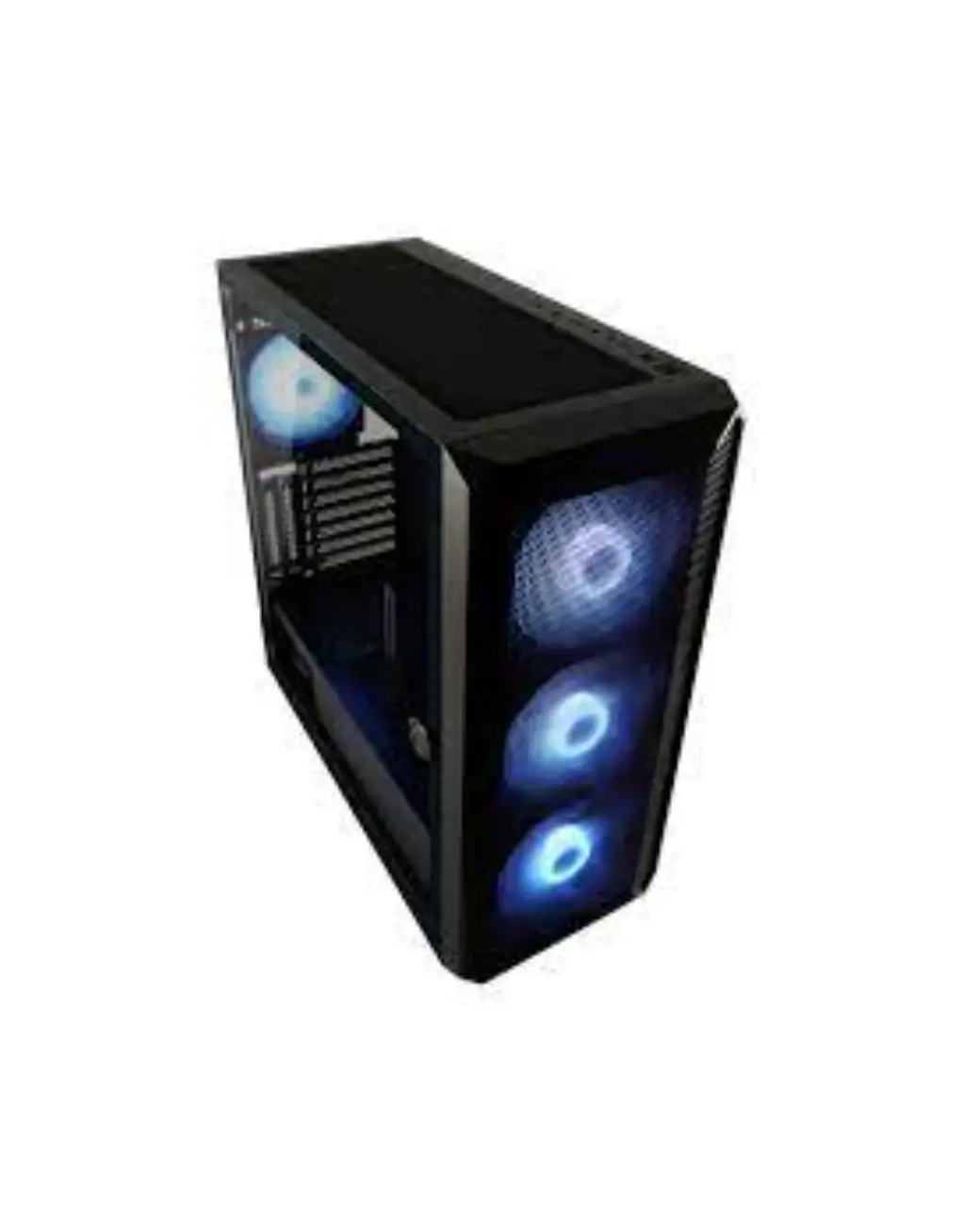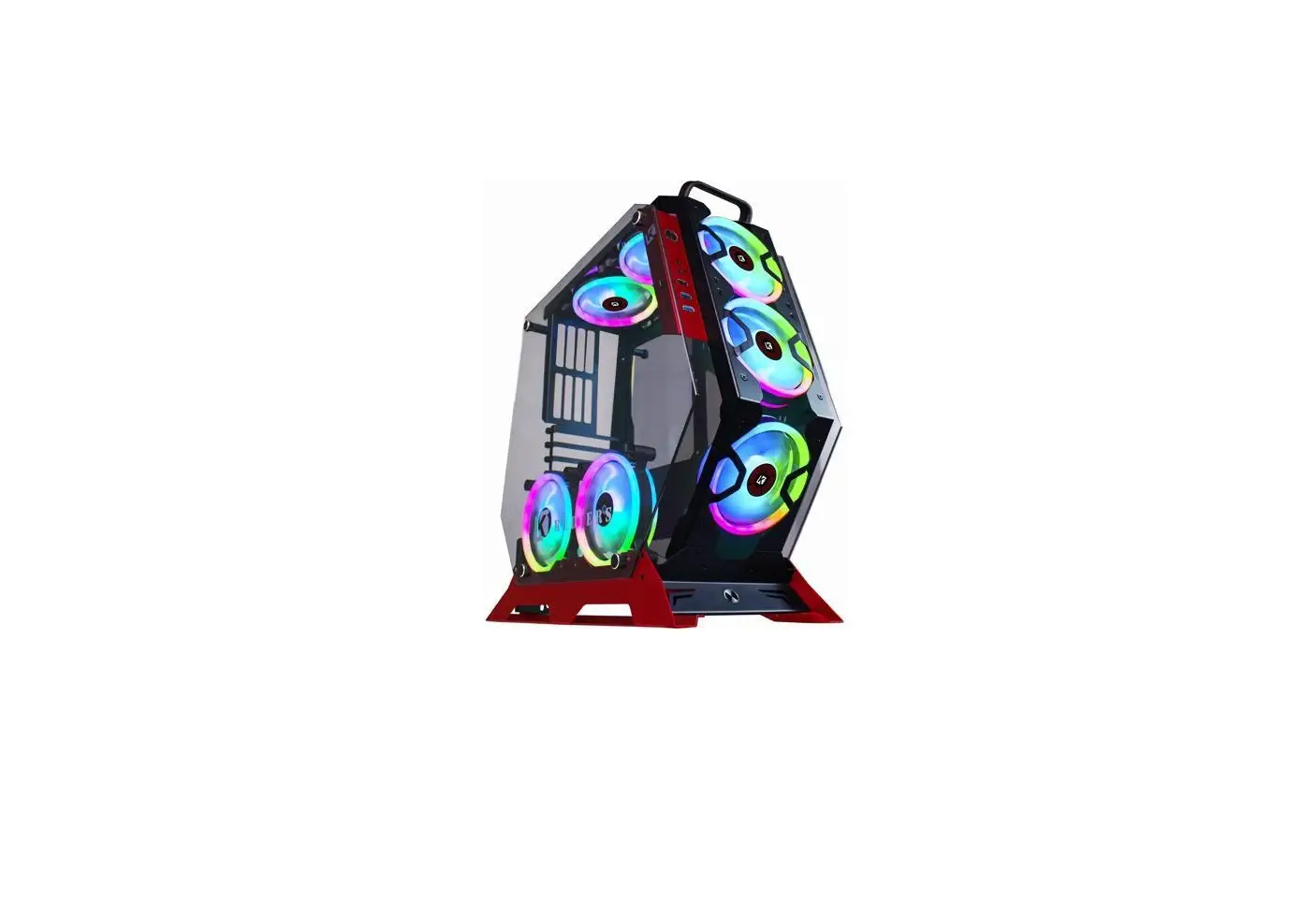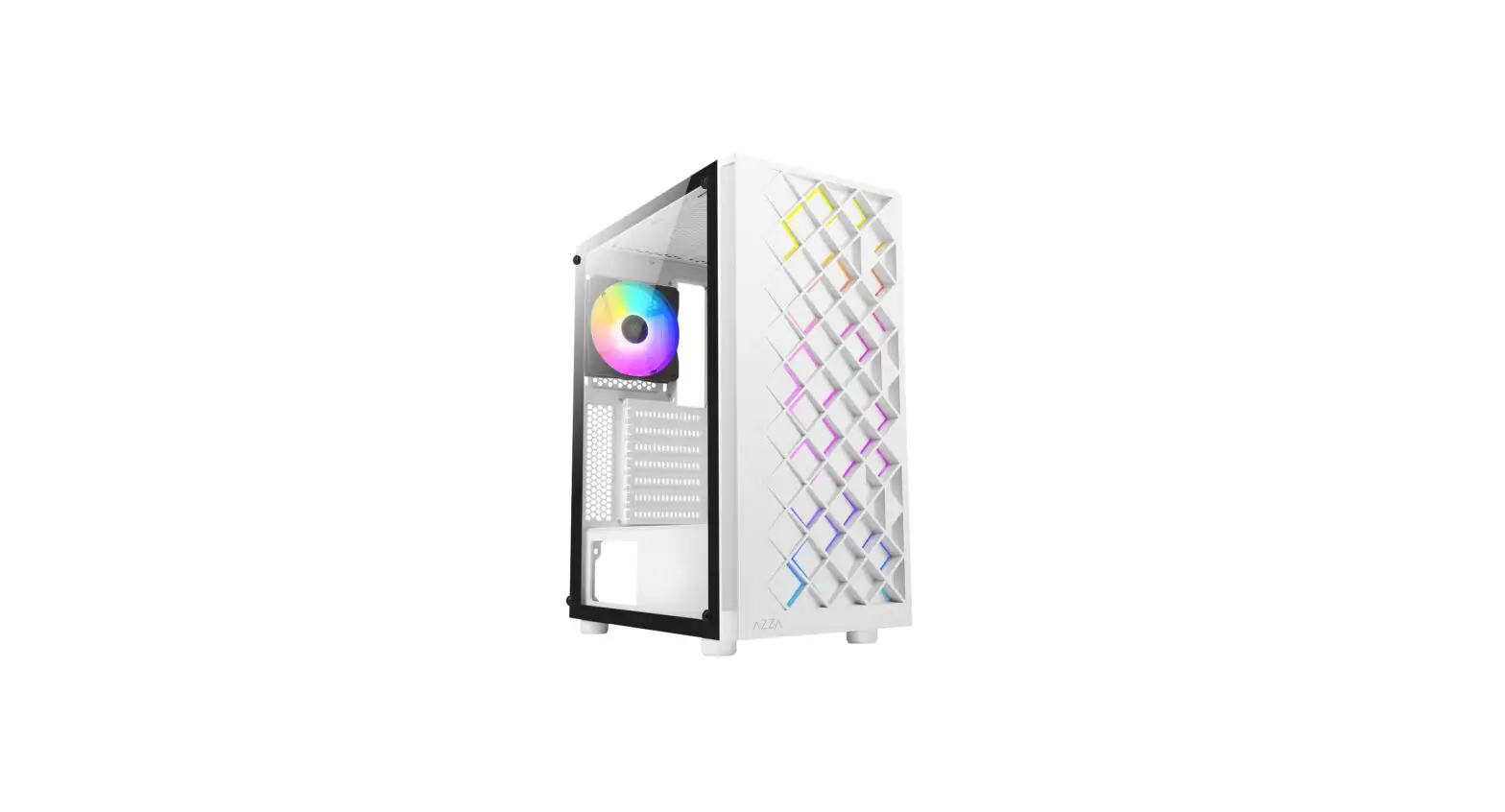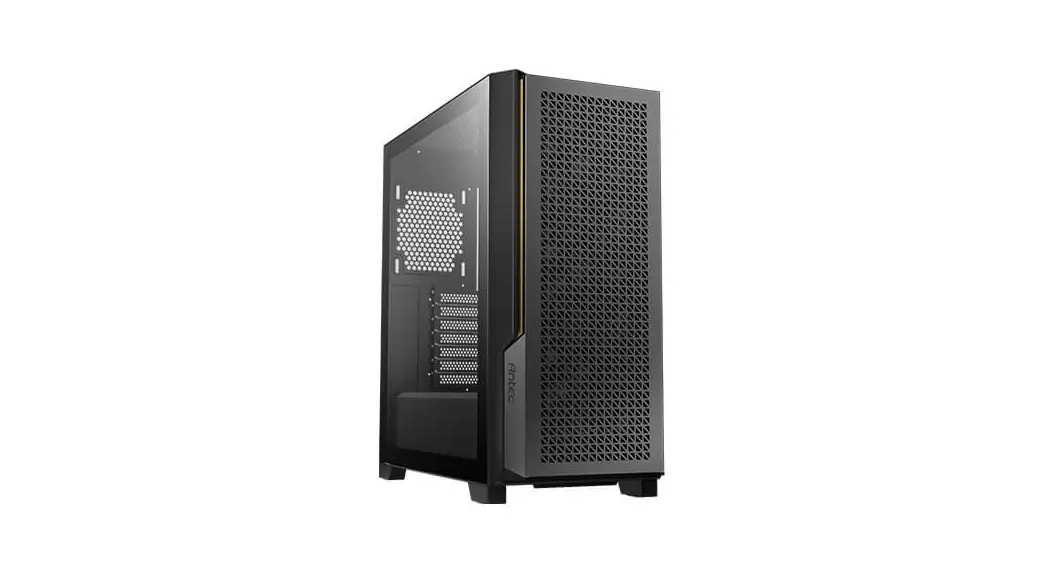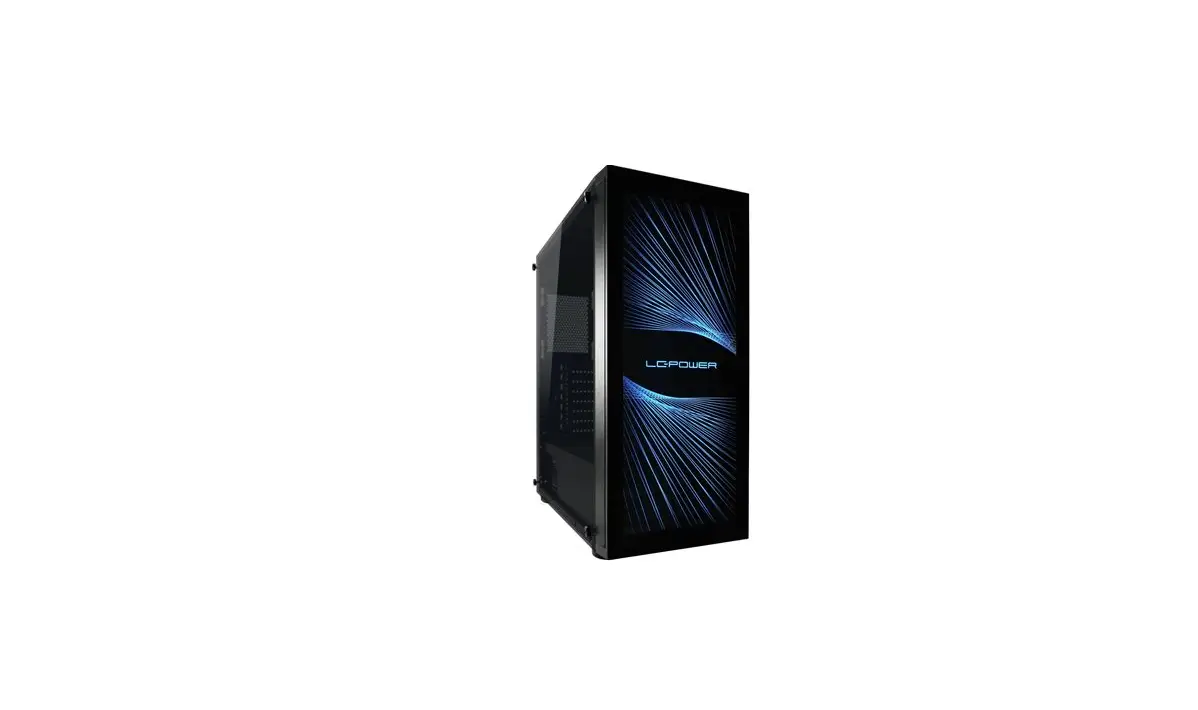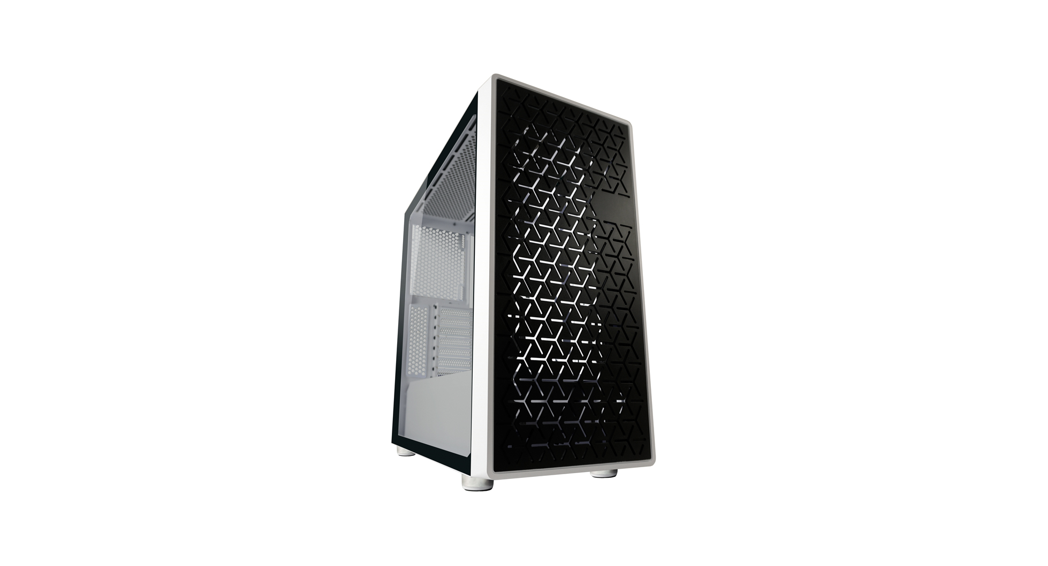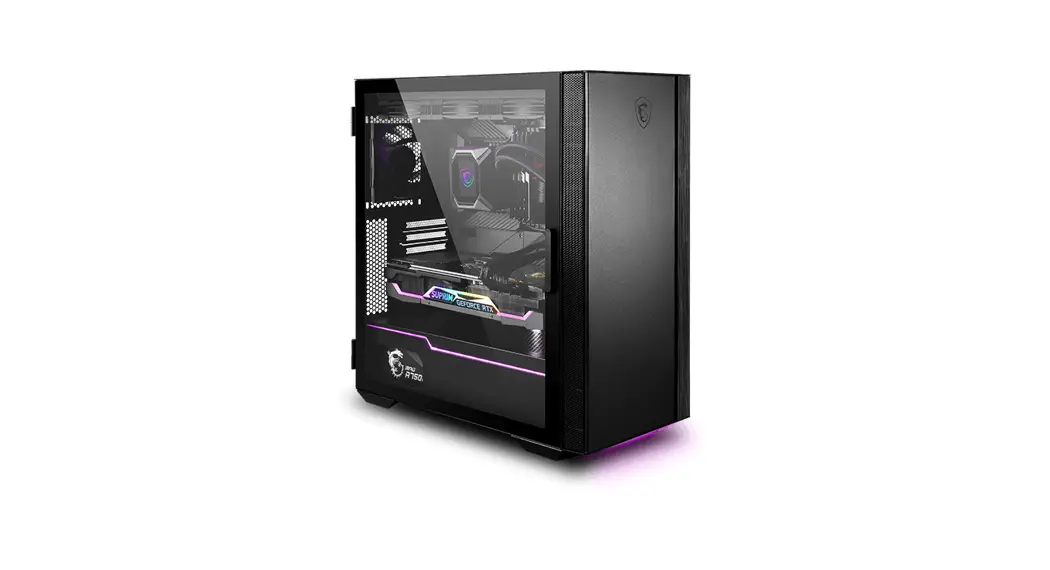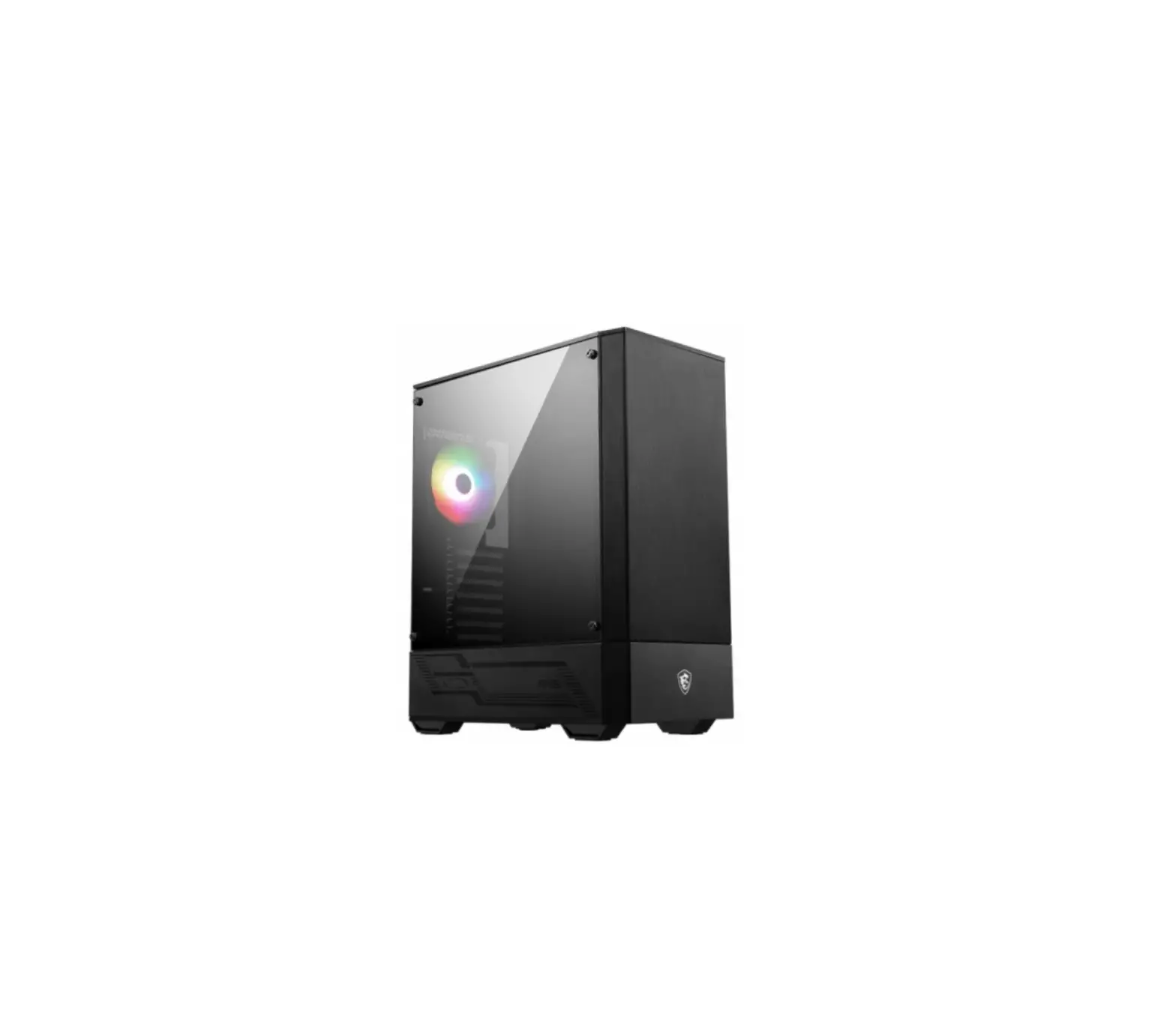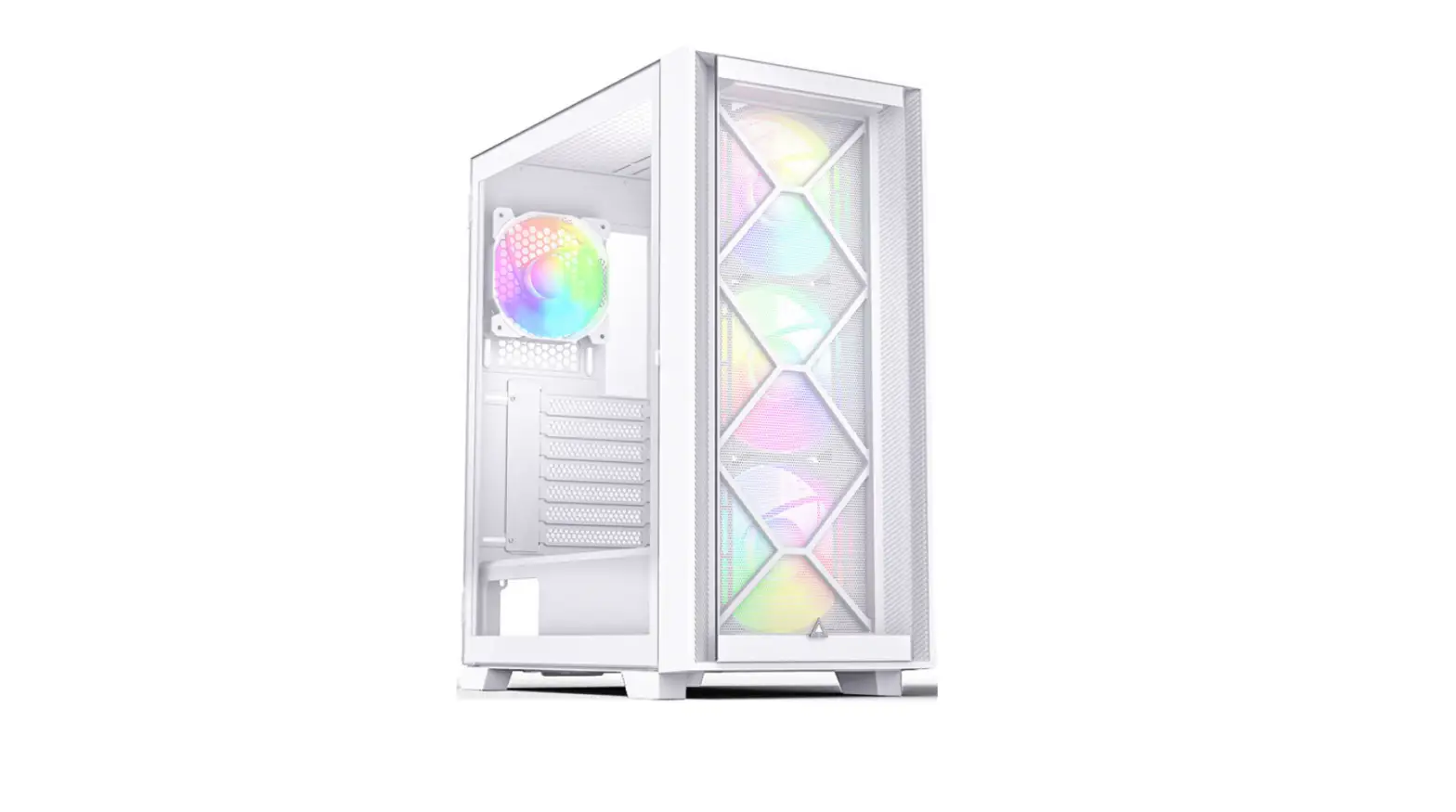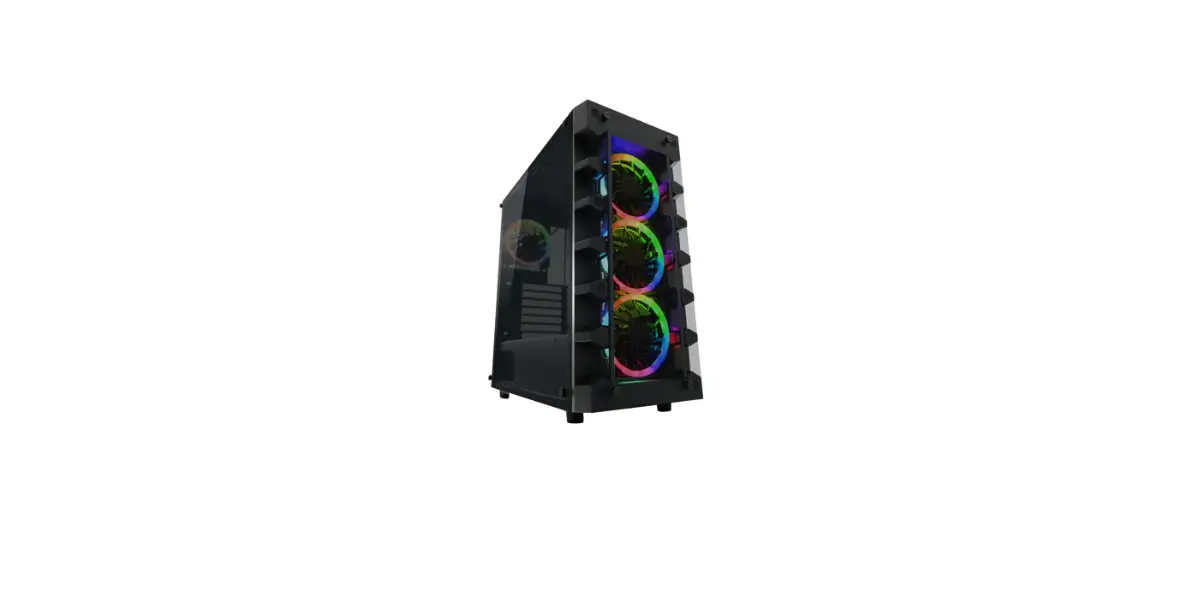
LC-POWER LC-709B-ON Gaming 900B/W ATX Gaming Case Instruction Manual

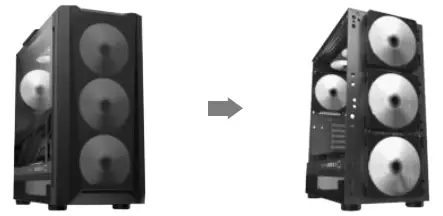
Fan Installation
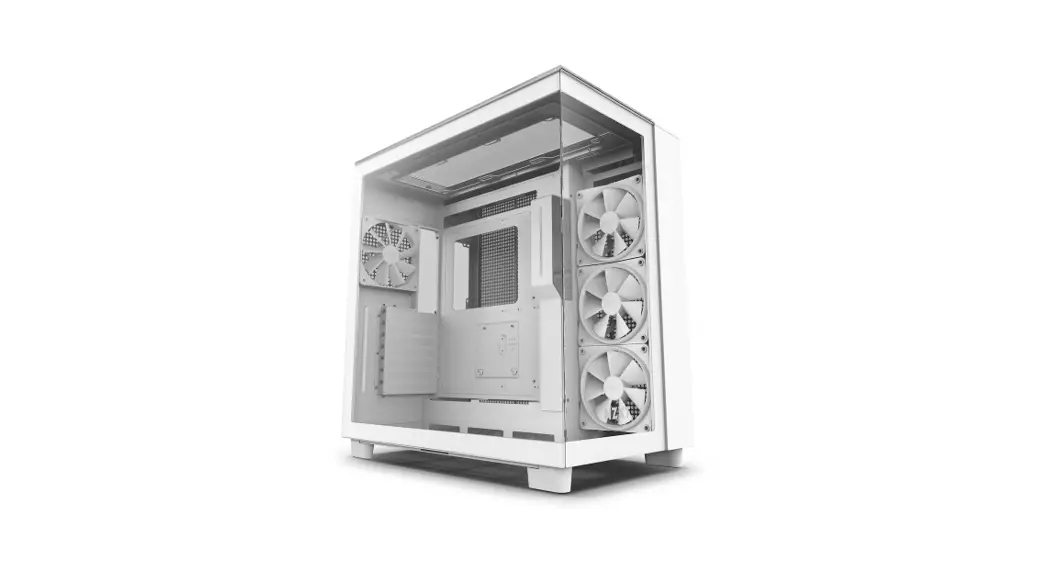
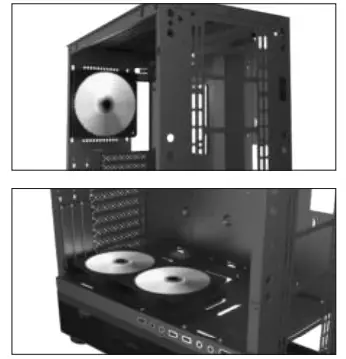
Back: 1x 120 mm / 140 mm
Top: 3x 120 mm / 2x 140 mm
Front: 3x 120 mm / 3x 140 mm
Side: 3x 120 mm
PSU cover: 2x 120 mm
Installation
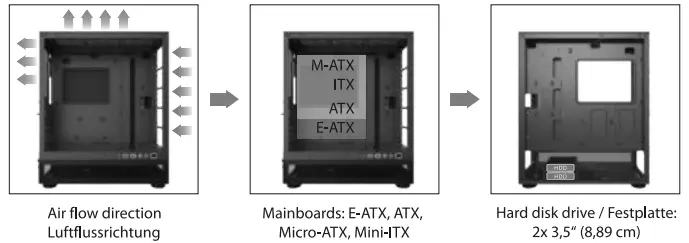
Fan Installation / Front
Remove the front panel and use four screws for each fan to fix it to the front panel.
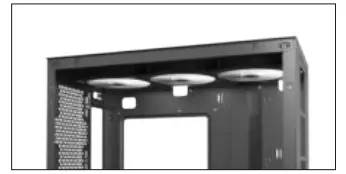
Fan Installation / Back / Top / PSU Cover
Use four screws to fix each fan to the desired position in the case.
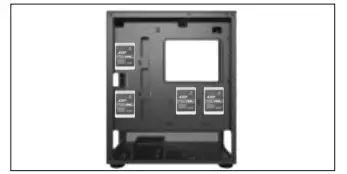
2,5″ Drive Installation (HDD/SSD)
Use four screws for each drive to fix it on the back of the mainboard tray.
3,5″ Drive Installation (HDD)
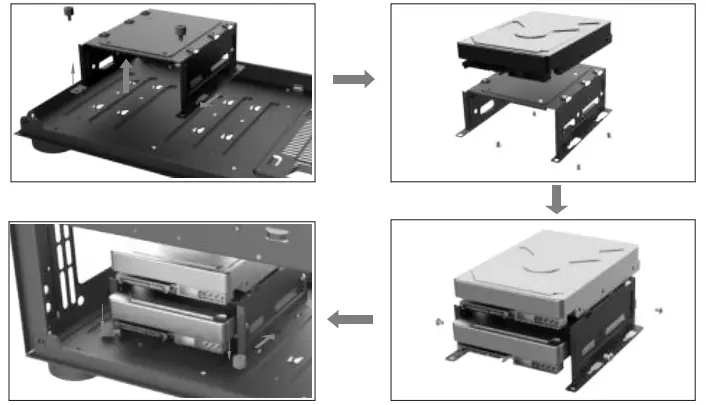
Take out the HDD cage, mount the first HDD to the top of the cage. Slide the second HDD into the cage and fix it. Mount the cage back into the case.
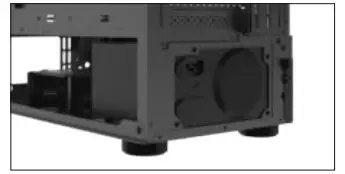
Power Supply Installation
Please fix the power supply with 3-4 screws.
The maximum space including cables is 190 mm.
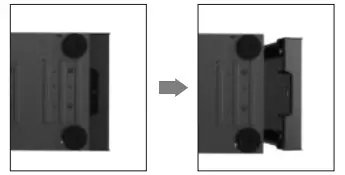
Removal of the Front Panel
Put your hand in the notch on the bottom of the front panel, grab it and pull it off the case.
Be careful with the power and USB cables.
Connector Cables
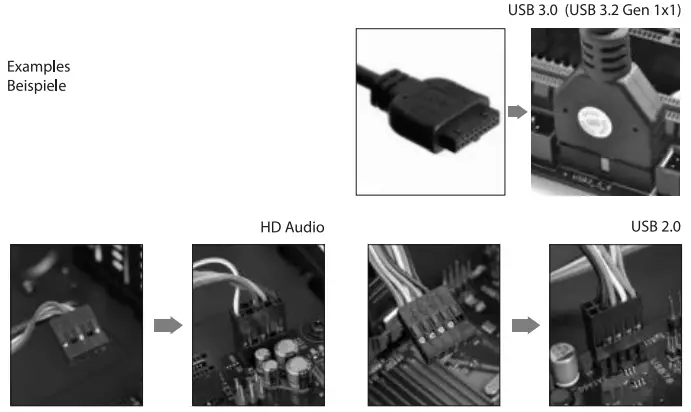
Please check your mainboard manual to find the positions of the matching connectors for the case connector cables, e.g. USB 3.0 (USB 3.2 Gen 1×1), USB 2.0, HD Audio, and connect them carefully to the mainboard.
Silent Power Electronics GmbH, Formerweg 8, 47877 Willich, Germany, [email protected]