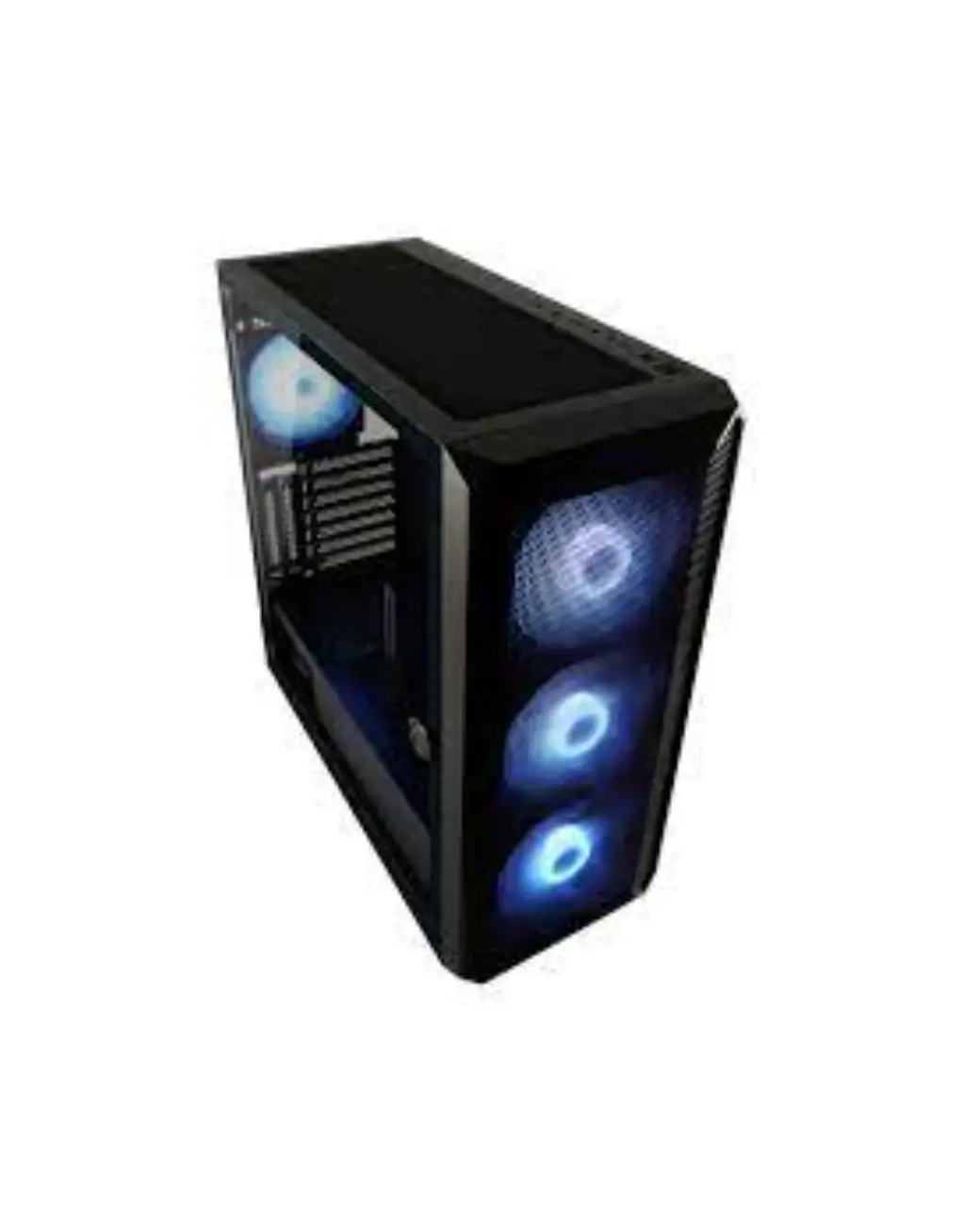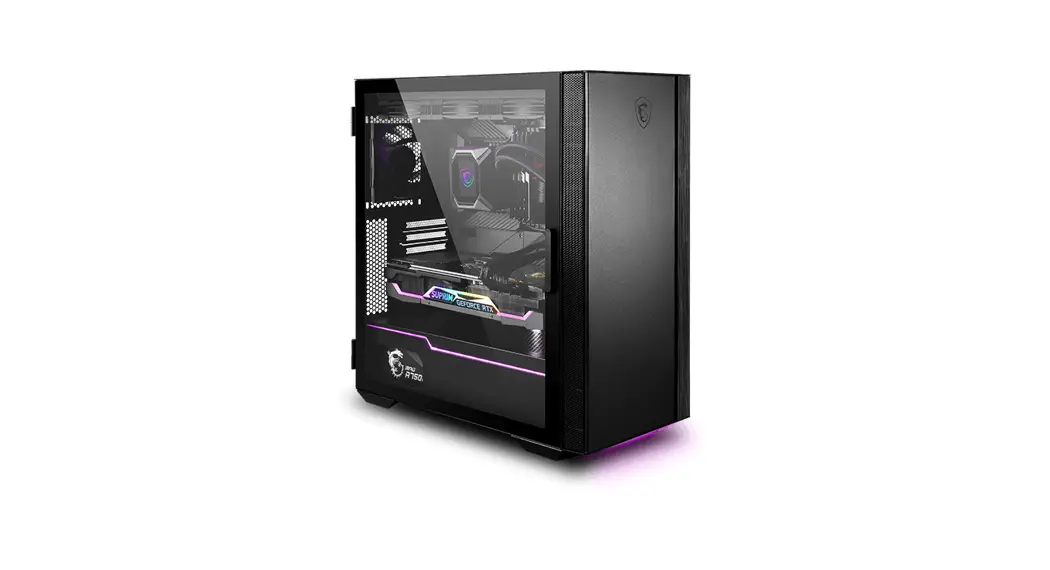
 Quietude 100S
User Guide
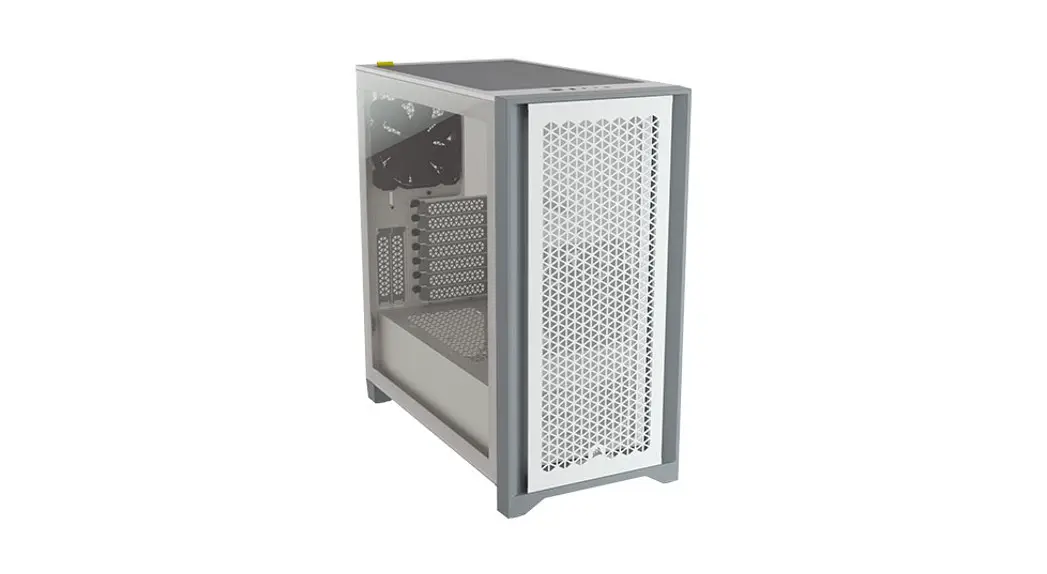
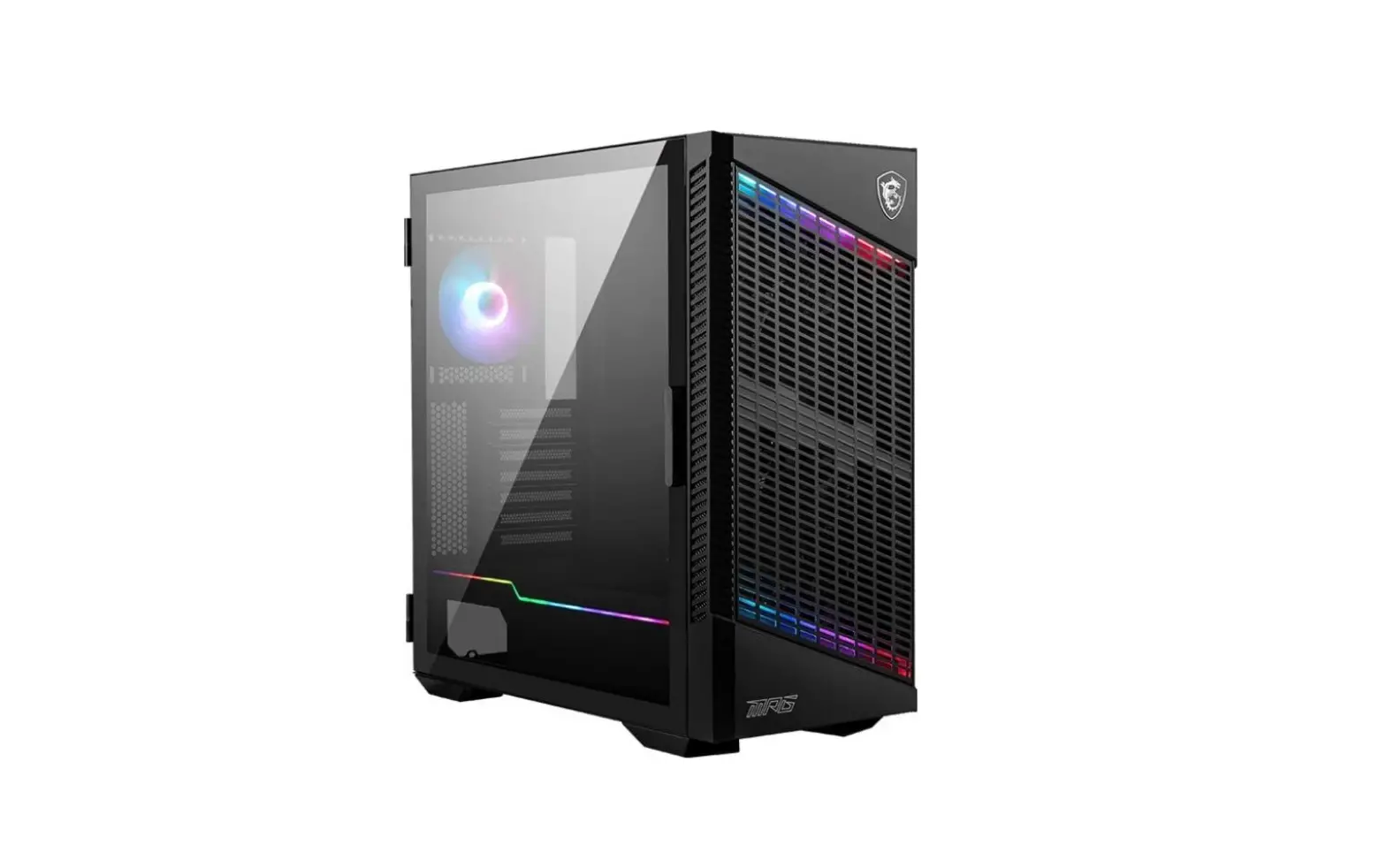
306-7G17S21-809 MPG Quietude 100S Mid Tower Gaming Case
| Item | Name | Used for |
 | Cable ties | Cable management |
 | Magnetic frame dust filter PVC mesh | Adsorbing on the top vents |
 | Fan screws | Front 120/140mm fan |
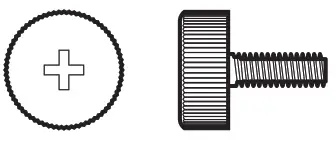 | Screw #6-32 10mm | Securing drive tray |
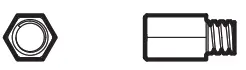 | Screw #6-32 6.5mm | Motherboard stud |
 | Screw M3 5mm | Motherboard / SSD |
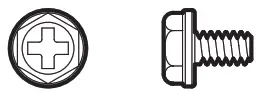 | Screw #6-32 6mm | PSU / PCIe card |
 | Screw #6-32 5mm | 3.5” HDD |
 | Screw #6-32 5mm x12 | Securing liquid cooling radiator |
| Fan LED Controller | 1 to 4 ARGB (3 pin) and 6 Fan (4 pin) Control Board |
| Pre-Installed Fan | Rear: 1x 120 mm fan (MEG SILENT GALE P12) |
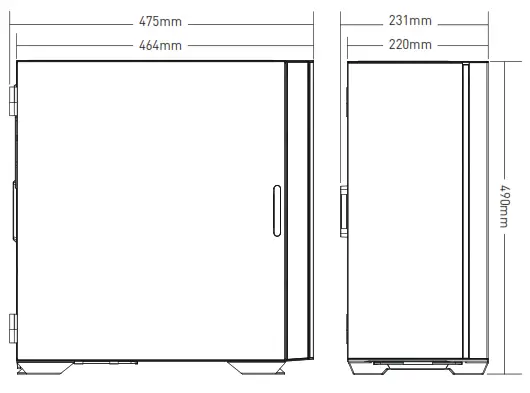
| Case Dimensions | 475(D) x 231(W) x 490(H) mm 18.7(D) x 9.09(W) x 19.29(H) inch |
| Motherboard Support | ATX/ M-ATX/ ITX Up to 7 PCIe slots |
| Drive Bays | 2x 2.5″ SSD trays 2x 3.5” HDD trays |
| IO Panel | 1x LED switch button 1x USB 3.2 Gen2 Type C port 2x USB 3.2 Gen1 Type A ports 1x Mic in jack 1x Audio out jack 1x Fan speed button 1x Power button |
| Fan Support | Top: 120 mm x3 / 140 mm x2 Front: 120mm x 3 / 140mm x 3 Rear: 120 mm x 1 |
| Radiator Support | Top: 120/ 140/ 240/ 280/ 360 mm Front: 120 / 140 / 240 / 280 / 360 mm Rear: 120 mm |
| Clearance | CPU Cooler Height: Max 175 mm / 6.89 inch Graphics Card Length: Max 380 mm / 14.96 inch Built-in adjustable graphics card bracket PSU Length: Max 220 mm / 8.66 inch (without 3.5’’ HDD tray installed, |
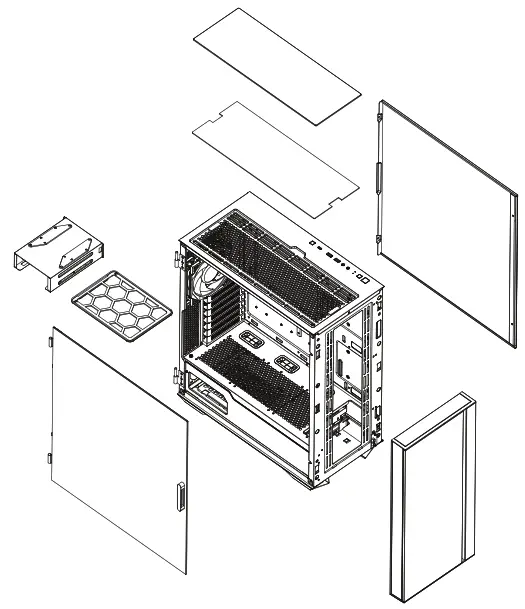
| Material | Chassis: SPCC 0.6 mm Left Panel: Tempered glass Right Panel: Metal + Mute cotton Front: Metal + Mute cotton Top Cover: Mute cotton Bottom: Mesh |
Case Features
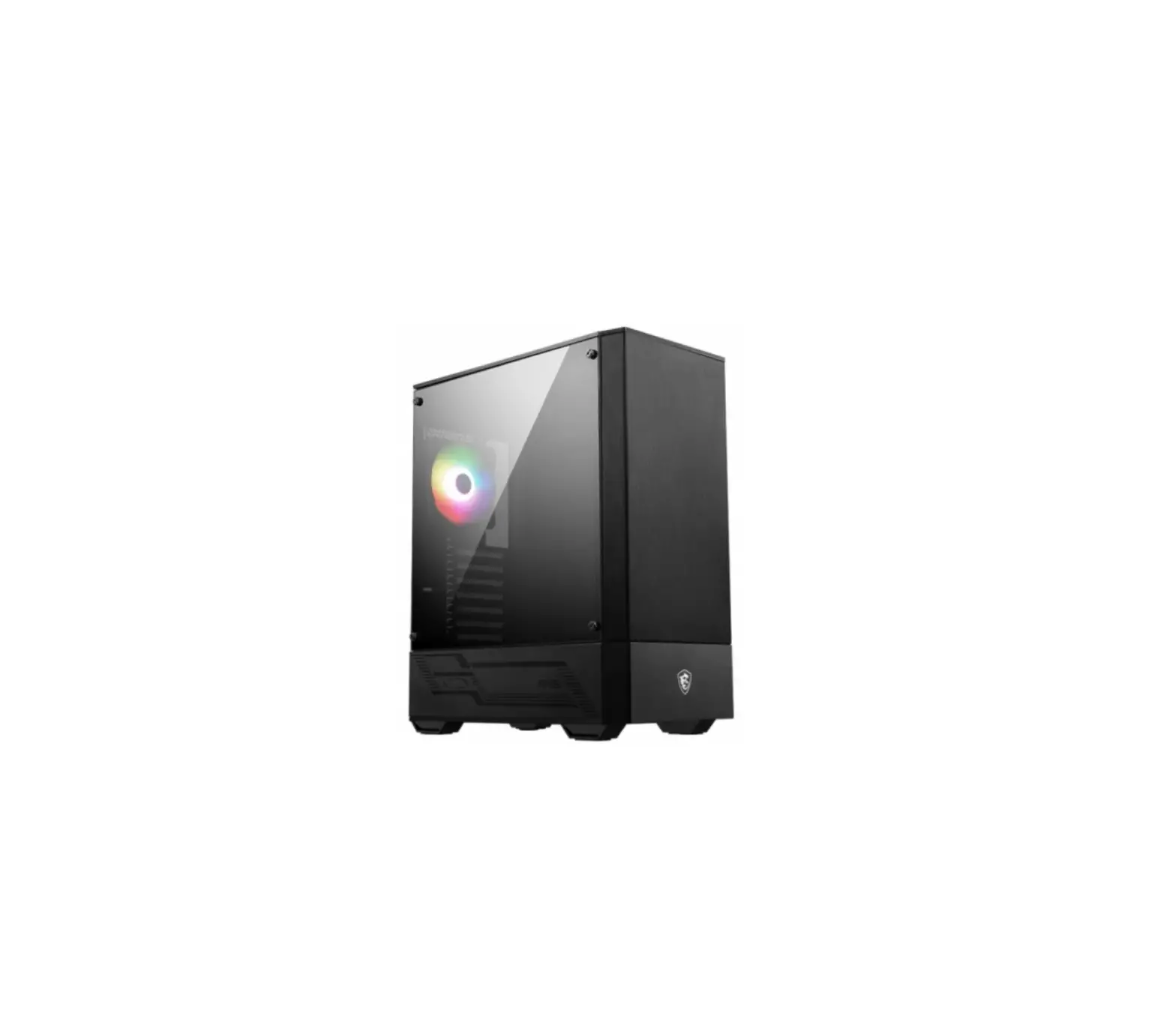
Side & Front View
IO Panel
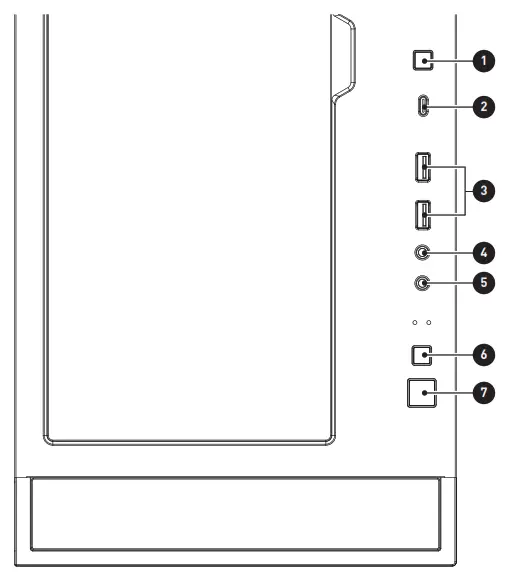
- LED switch button
- USB 3.2 Gen 2 Type-C
- USB 3.2 Gen 1 Type-A
- Mic in
- Audio out
- Fan speed button
- Power button
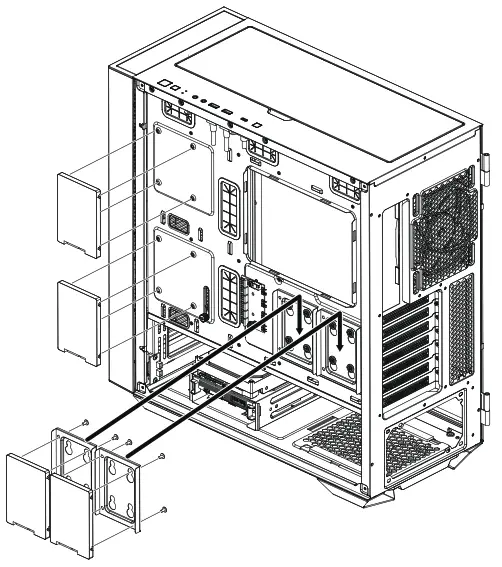
3.5″ HDD Installation/ 3.5″
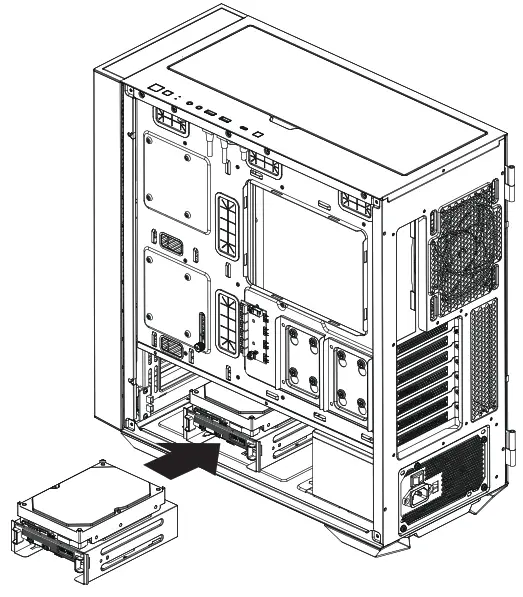
2.5″ SSD , HDD Installation/ 2.5″ SSD
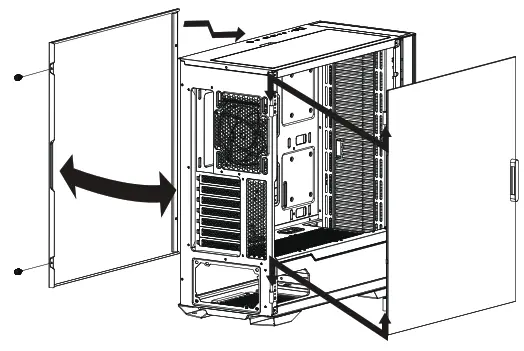
Opening the Left & Right Side Cover
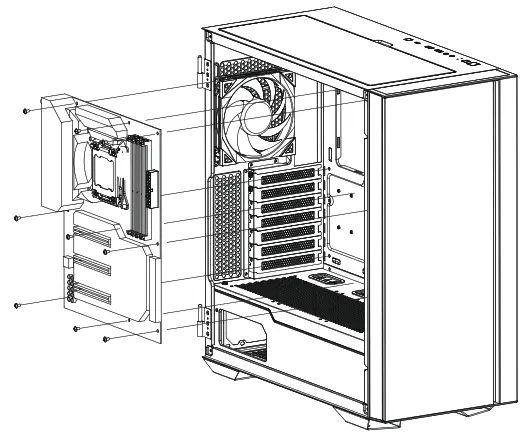
Motherboard Installation
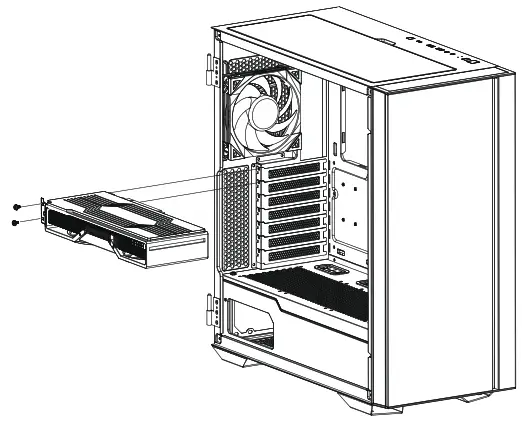
Graphics Card Installation
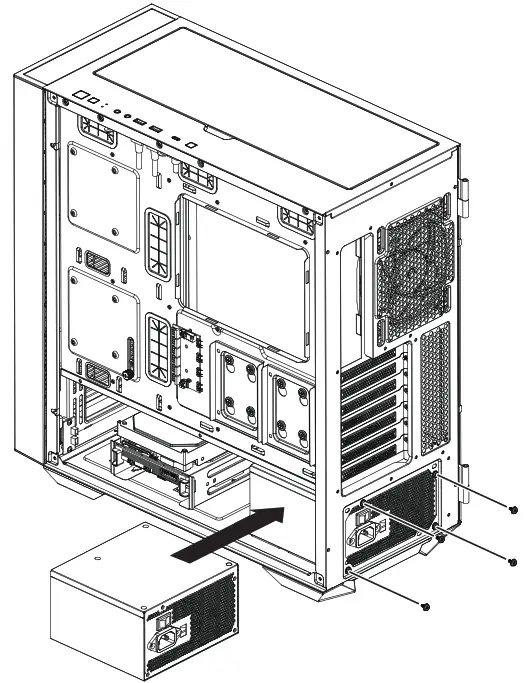
PSU Installation
ARGB Fan Connection
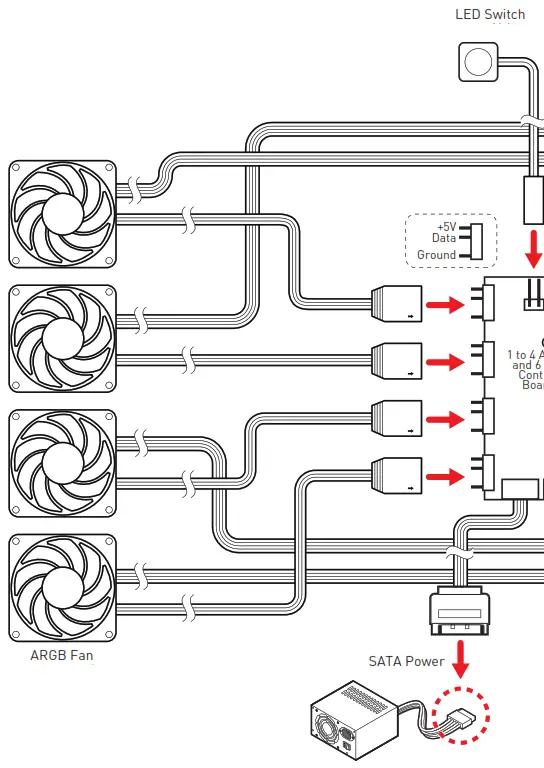
LED switch & fan speed switch control description:
- Short press the LED switch once to switch the LED effect.
- Press and hold the LED switch for 4 seconds, when LED flashes white twice, you can switch between MSI motherboard Mystic Light synchronization mode and Hub control mode.
- Press and hold the LED switch for 6 seconds to turn off/on the LED.
- Short press the fan speed switch once to switch the fan speed.
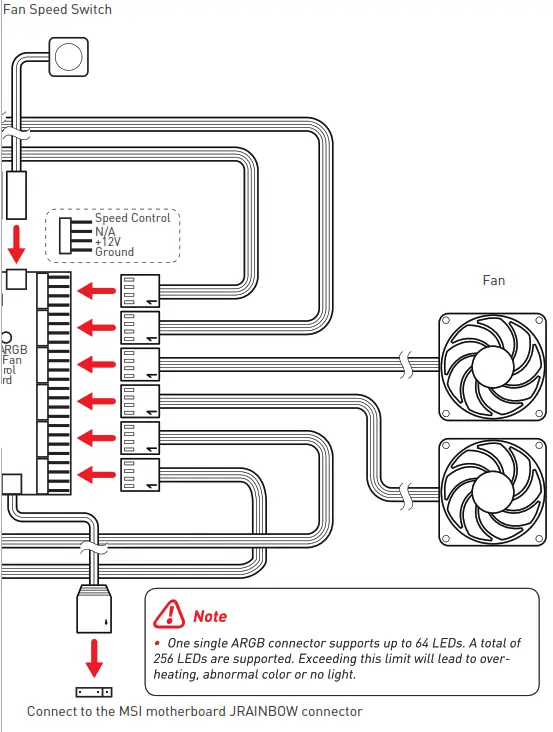
Control Board Specification
| Support LED Type | DC5V Addressable RGB LED |
| Support Fan Type | DC12V Fan Supports PWM fan only |
| Connectors | 1x LED switch connector 1x Fan speed switch connector 1x SATA power connector 1x MSI motherboard JRAINBOW connector RAINBOW 4x 3-pin ARGB LED connectors 6x 4-pin Fan connectors ( |
| 1 short press the fan speed switch | Fan speed: 0%, 70%, 100% |
| LED Effects (1 short press the LED switch) | LED effect cycle: 1. Rainbow 2. Seven-color trailing 3. Seven-color gradient 4. Violet 5. White 6. Blue 7. Cyan 8. Green 9. Yellow 10. Red 11. Rainbow breathing 12. Red breathing 13. Yellow breathing 14. Green breathing 15. Cyan breathing 16. Blue breathing 17. White breathing 18. Violet breathing 19. Fixed rainbow 20. Red 21. Yellow 22. Green 23. Cyan 24. Blue 25. White 26. Violet |