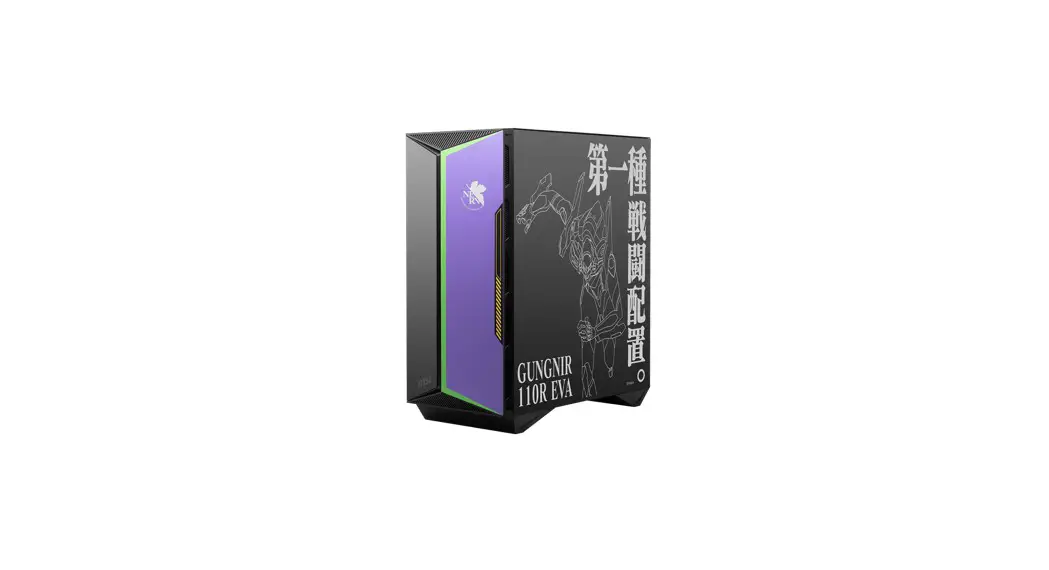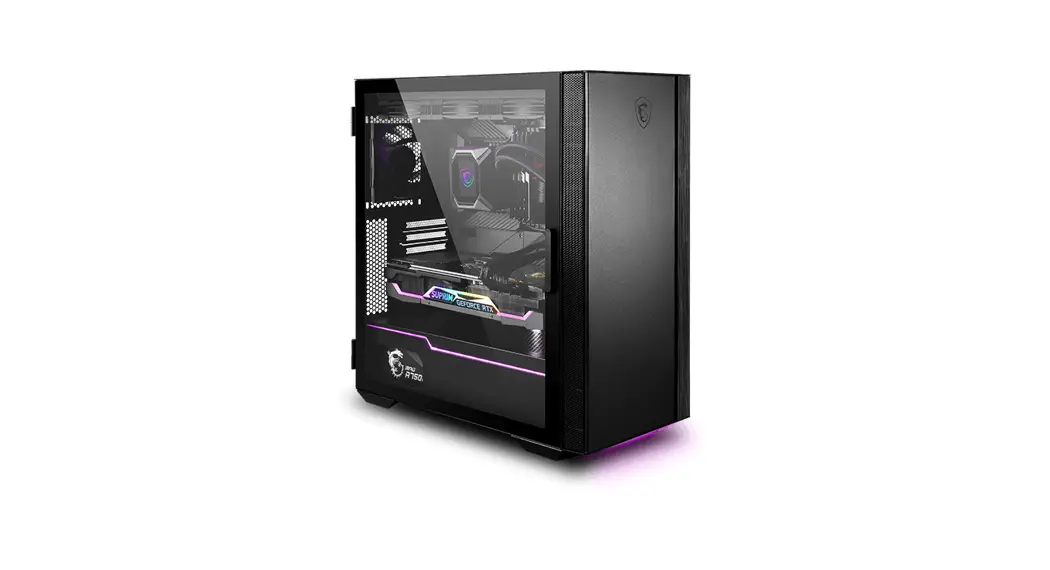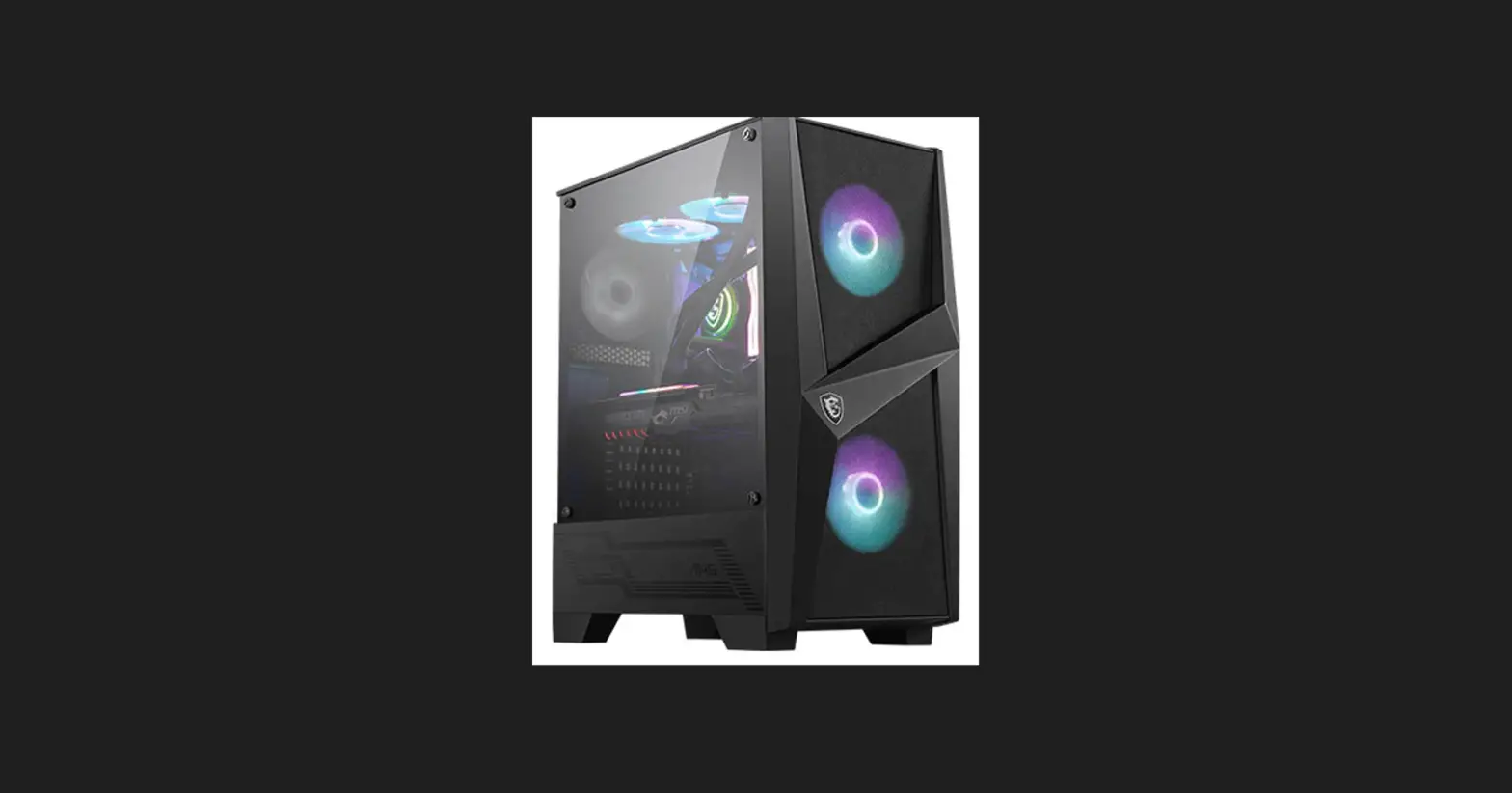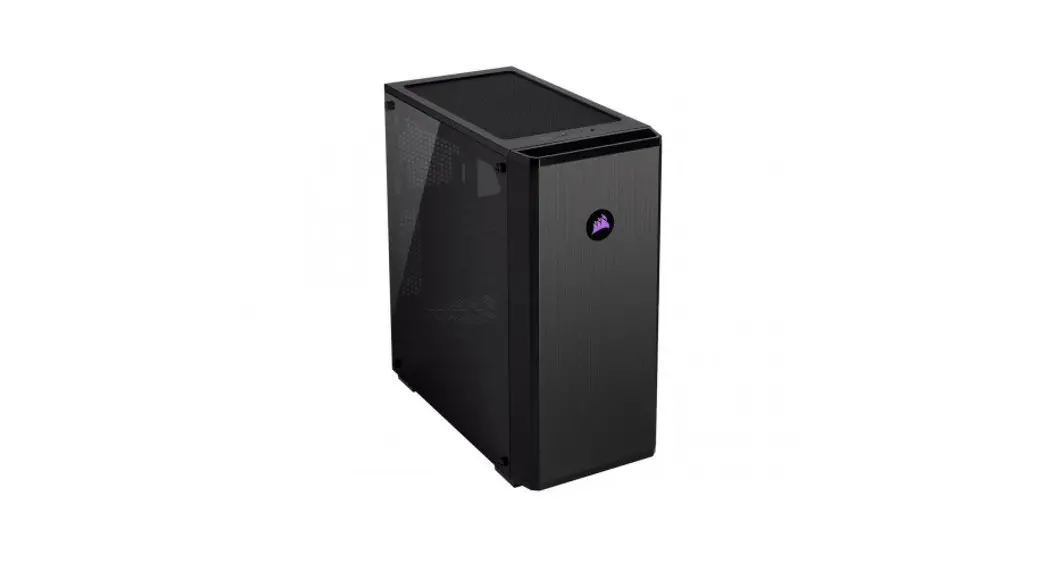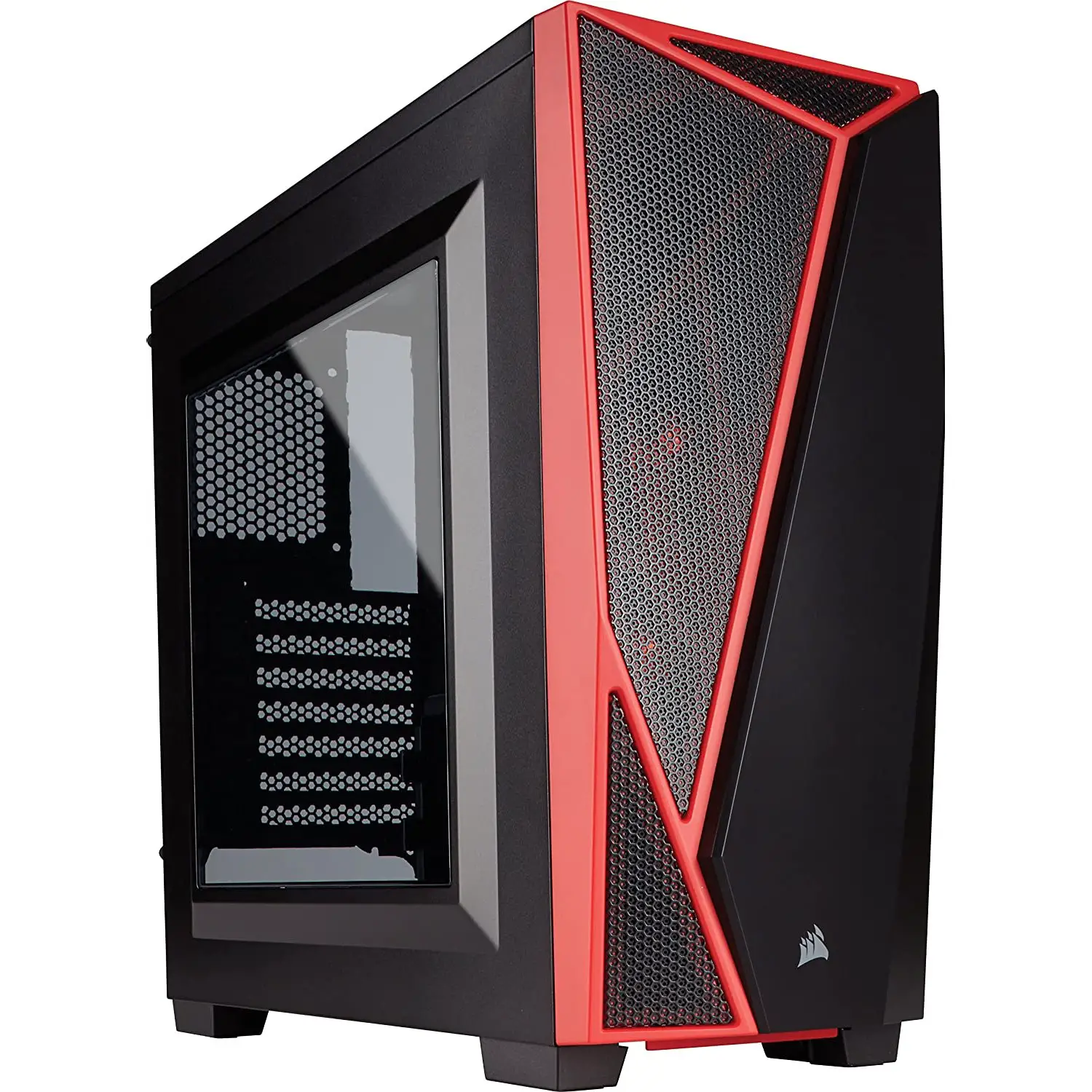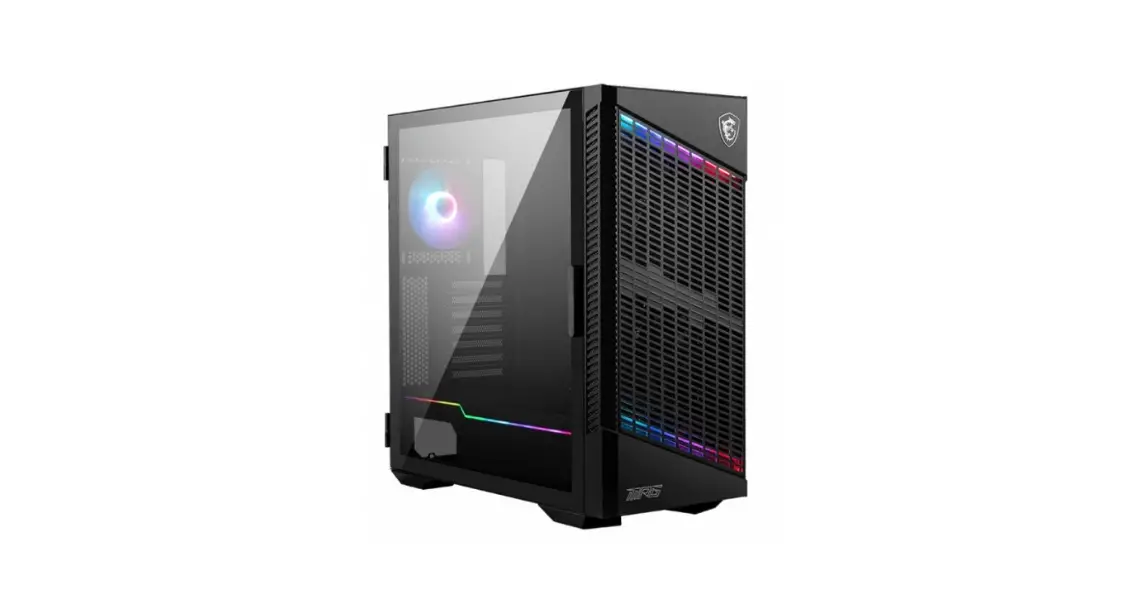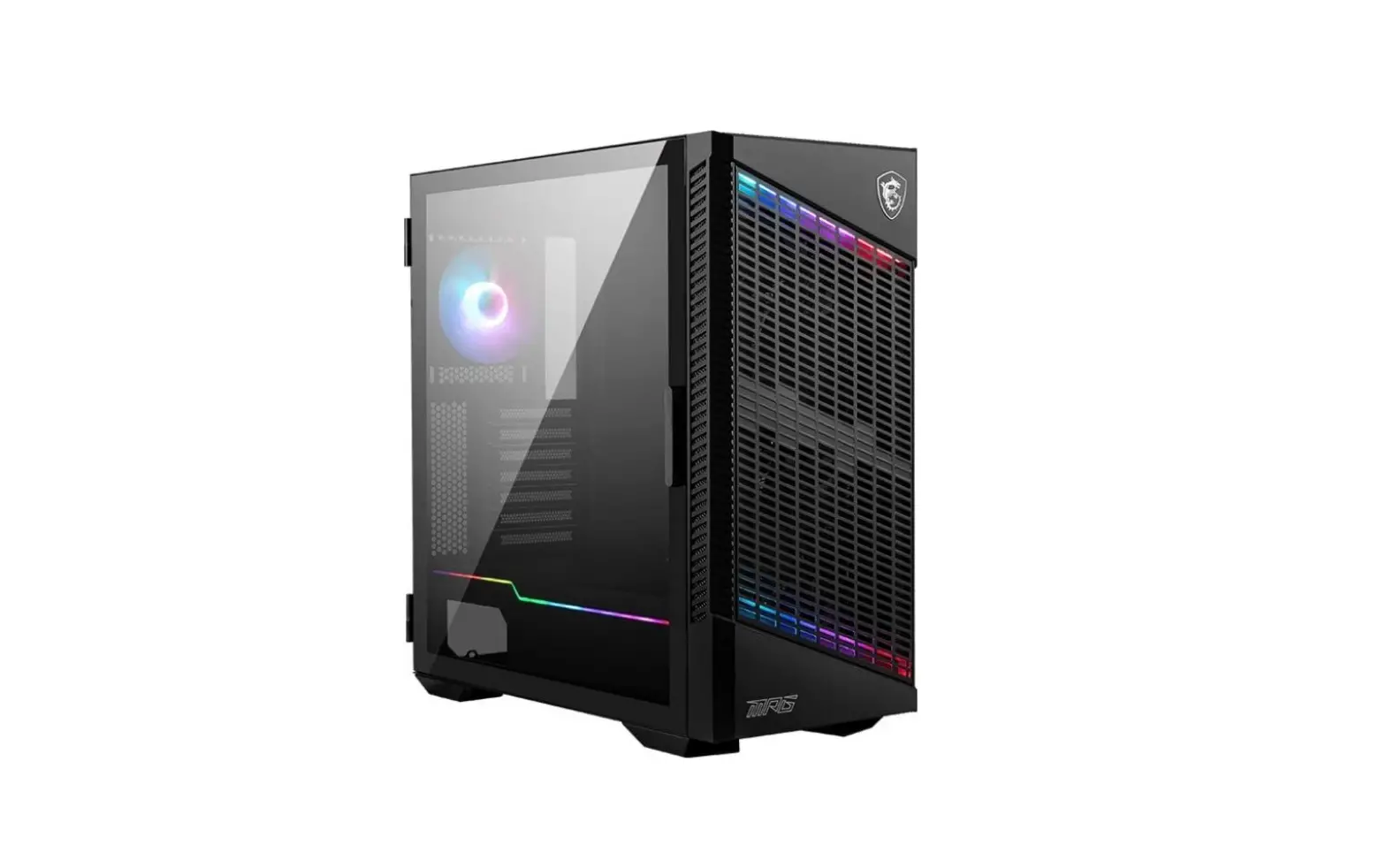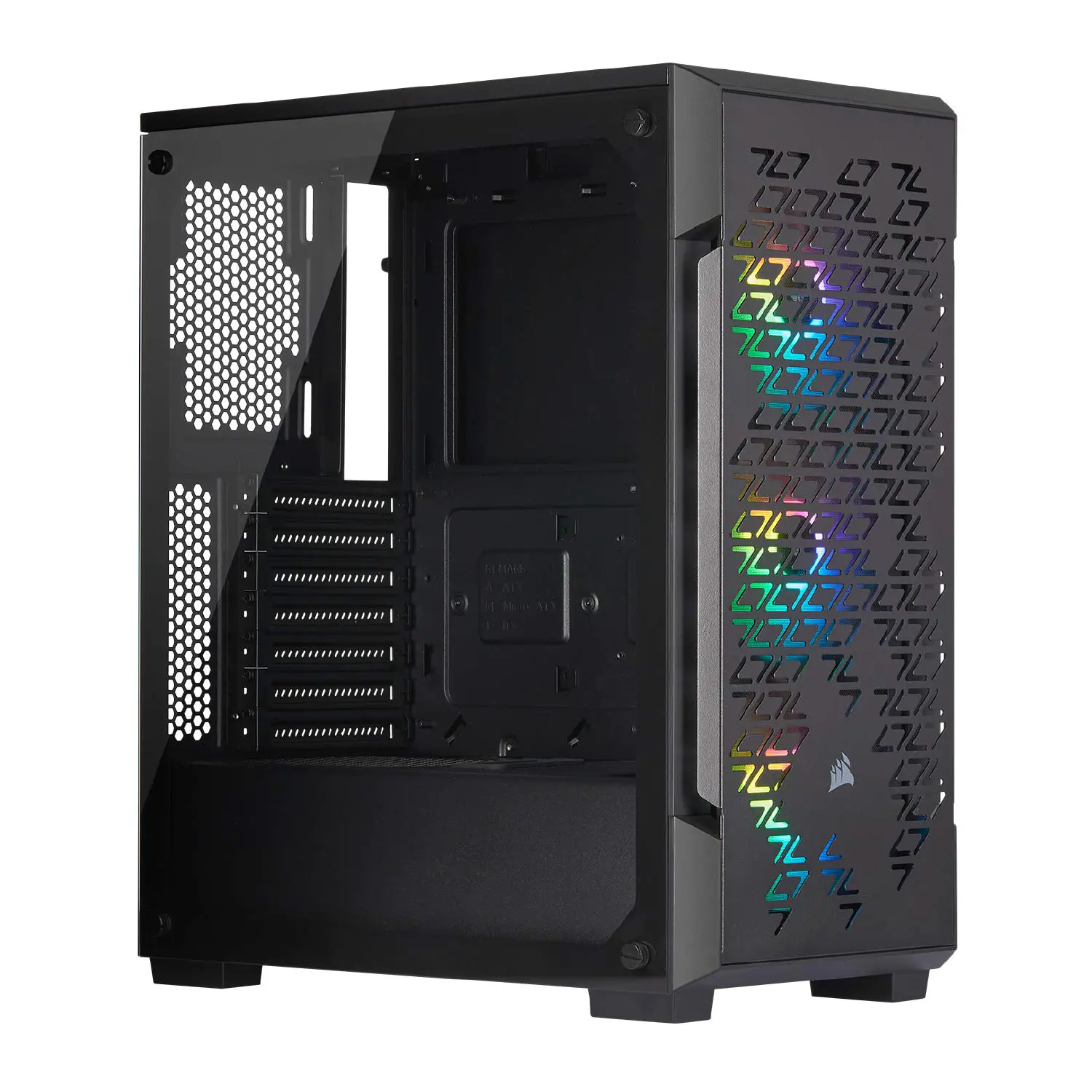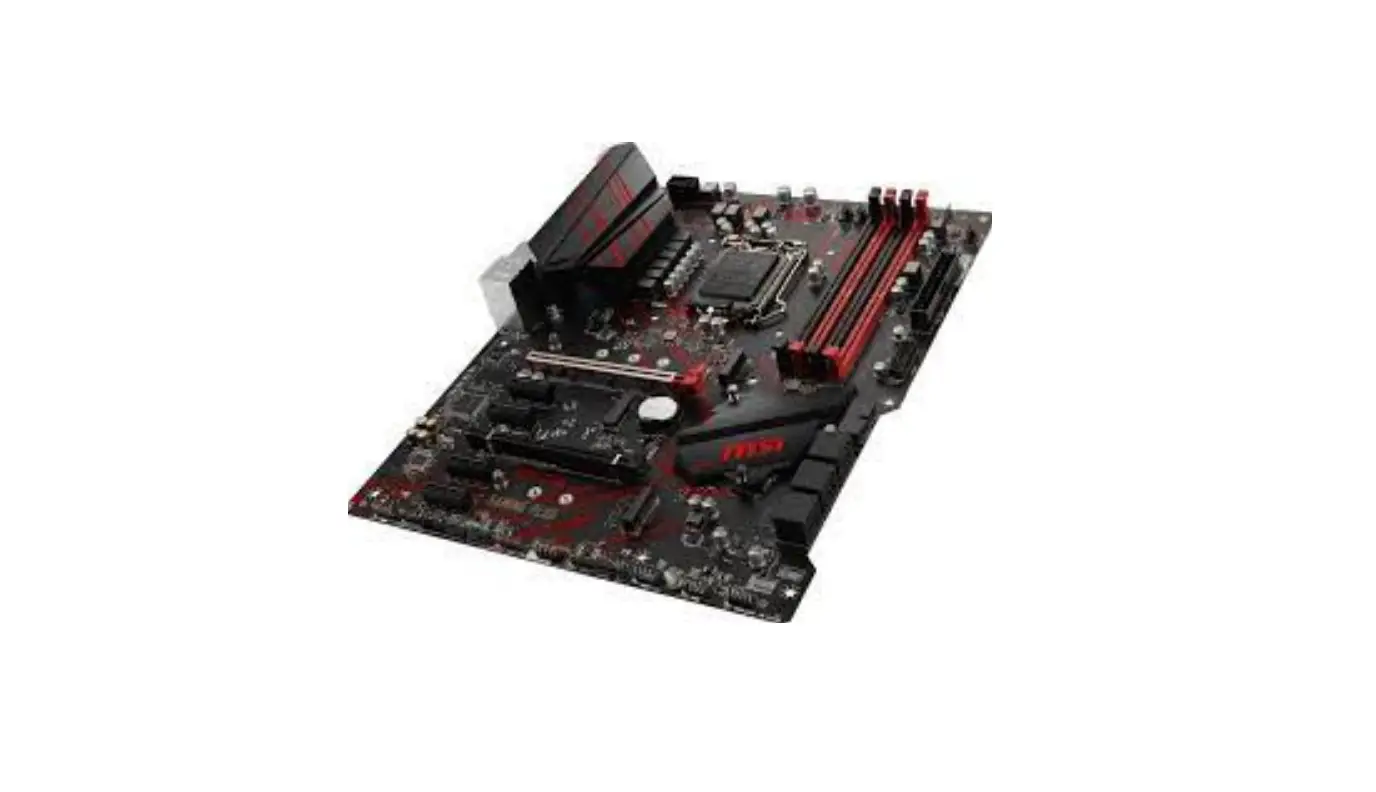
 msi MPG GUNGNIR 110R Mid Tower Gaming Case
  Accessories
 Specification
 msi MPG GUNGNIR 110R Mid Tower Gaming Case
 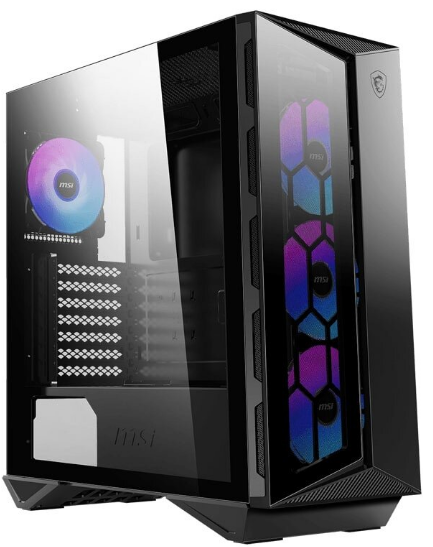 Accessories
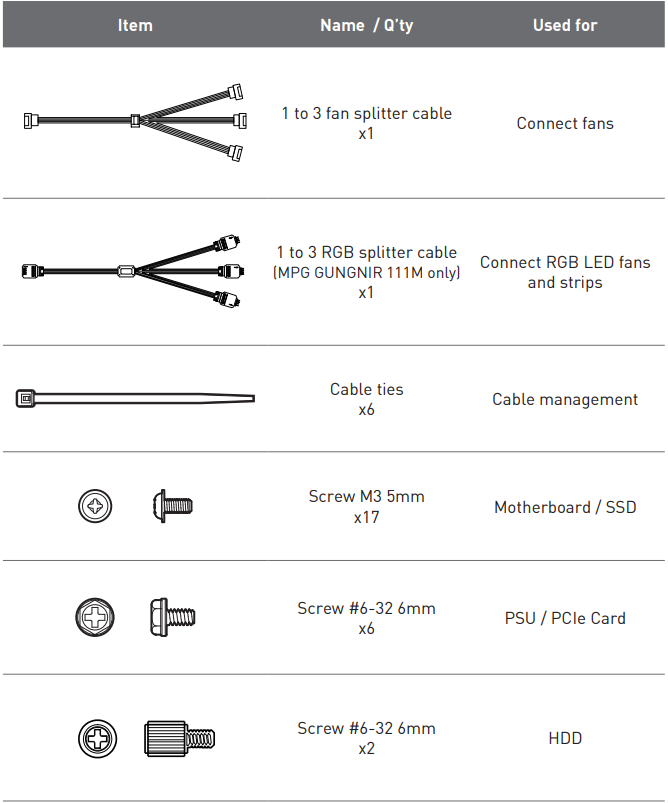 Specification
| Fan LED Controller | MPG GUNGNIR 110R, 110R WHITE, 111R 1 to 6 ARGB (3 pin) Control Board MPG GUNGNIR 110M, 110L, 111M N/A |
|
Pre-Installed Fan | MPG GUNGNIR 110R, 110R WHITE, 111R Front: 120 mm ARGB fans x3 Rear: 120 mm ARGB fan x1
MPG GUNGNIR 110M Front: 120 mm Auto RGB fans x3 Rear: 120 mm Black fan x1
MPG GUNGNIR 111M Front: 120mm RGB fan x 3 Rear: 120 mm Black fan x1
MPG GUNGNIR 110L N/A |
| Case Dimensions | 430(D) x 215(W) x 450(H) 16.92(D) x 8.46(W) x 17.71(H) inch |
| Motherboard Support | ATX / M-ATX / Mini-ITX |
| Drive Bays | 2x 3.5″ / 2.5″ combo trays 2x 2.5″ SSD trays |
|
IO Panel | 1x Power button 1x LED switch button 1x Reset button 1x Mic in jack 1x Audio out jack 2x USB 3.2 Gen1 Type A ports 1x USB 3.2 Gen2 Type C port |
| Fan Support | Top: 120 mm x2 / 140 mm x2 Front: 120mm x 3 / 140mm x 2 Rear: 120 mm x1 |
| Radiator Support | Top: 120 /240 mm Front: 120 / 140 / 240 / 280 / 360 mm Rear: 120 mm |
| Clearance | CPU Cooler Height: Max 170 mm / 6.69 inch Graphics Card Length: Max 340 mm / 13.38 inch PSU Length: Max 250 mm / 9.84 inch |
|
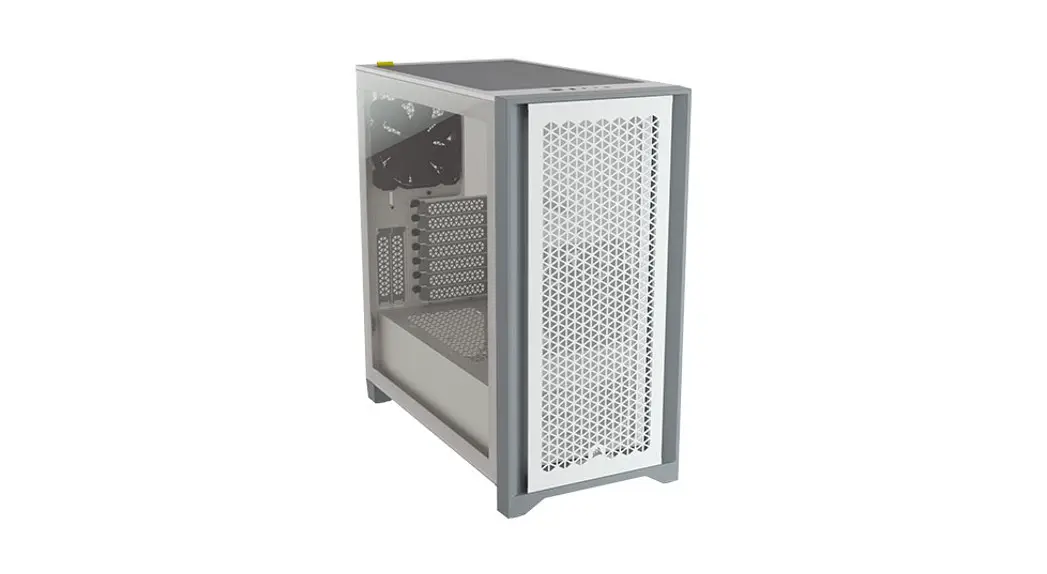
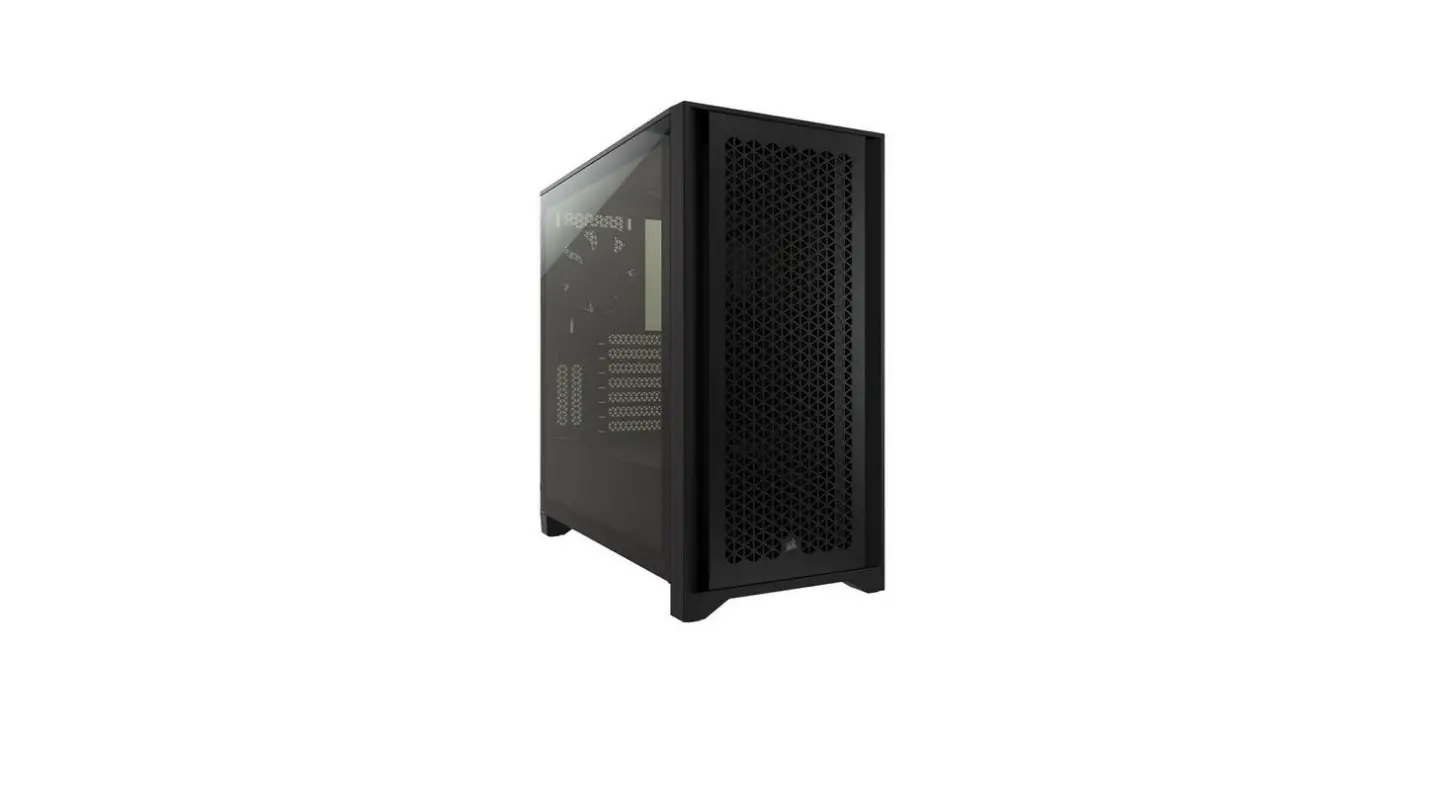
Material | Left Side: Tempered glass Right Side: Metal Top: Metal MPG GUNGNIR 110R, 110R WHITE Front: Glass + Metal MPG GUNGNIR 111R, 110M, 110L, 111M Front: Plastic + Metal |
Case Features Side & Front View
 IO Panel
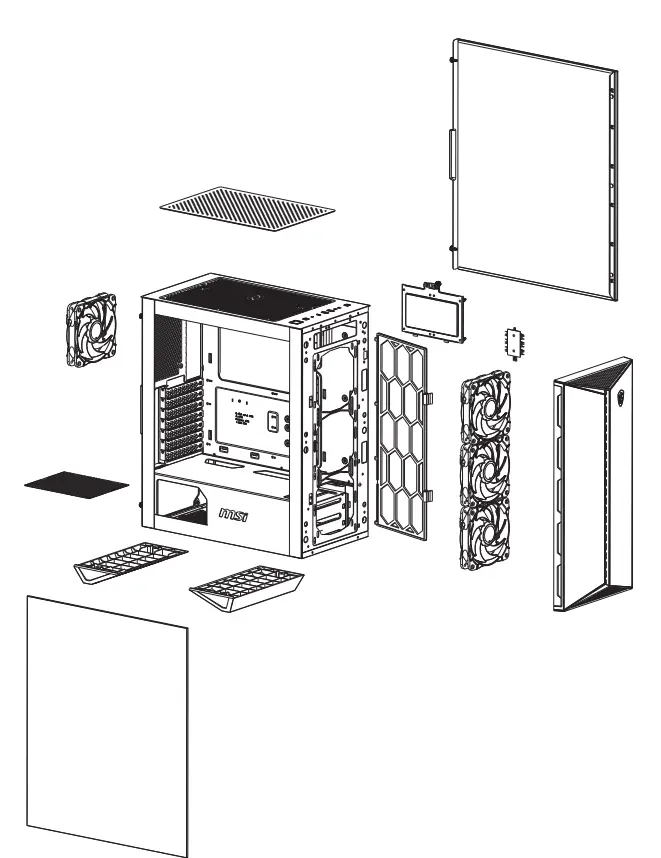 Side & Front View
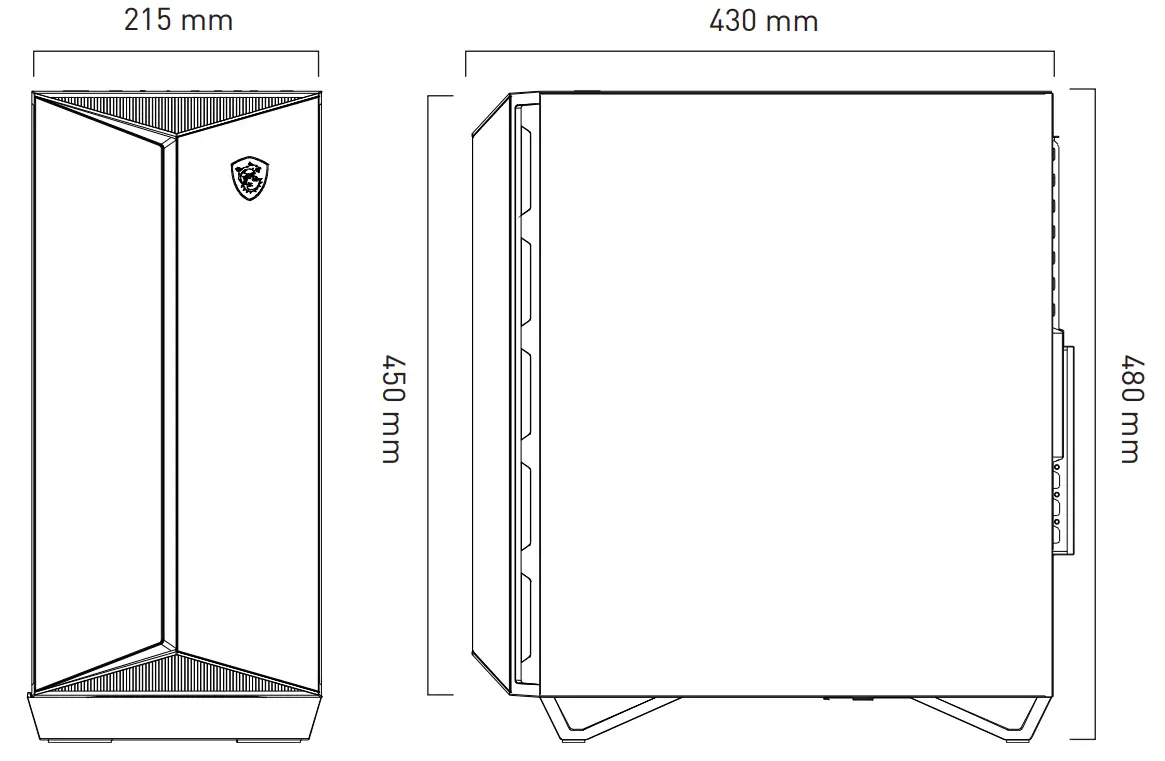 IO Panel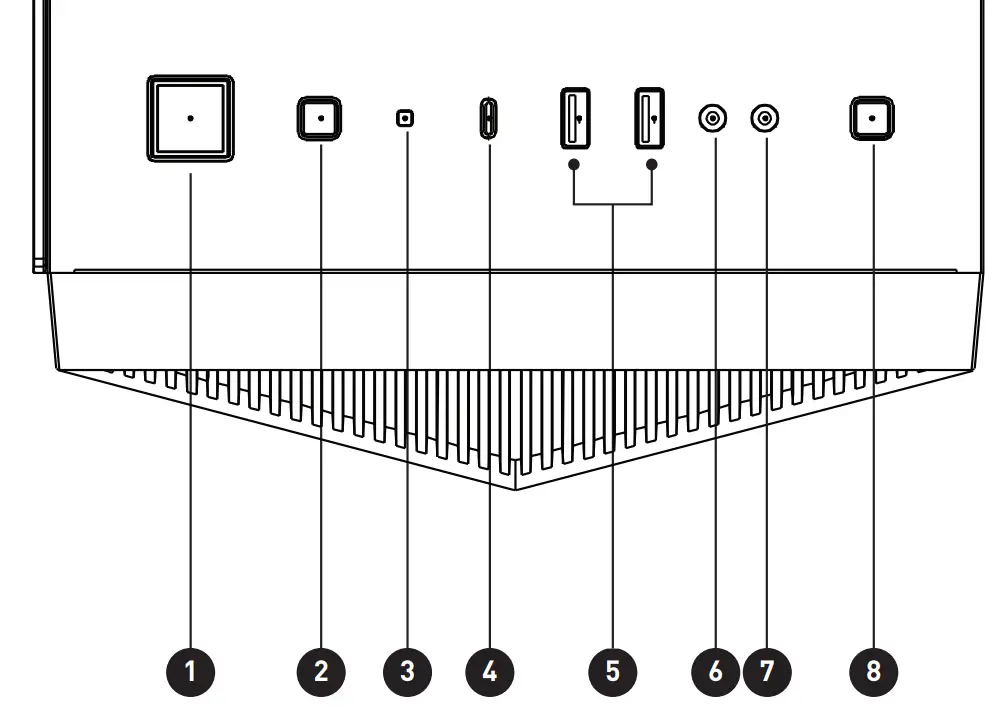
- Power button
- Reset button
- Power LED
- USB 3.2 Gen2 Type C
- USB 3.2 Gen1 Type A
- Mic in
- Audio out
- LED switch button (For GUNGNIR 110R, 111R)
LED effects:
Short press the LED switch button to change up to 26 modes.
Press and hold the LED switch for 3 seconds the LED flash white light once, and then into the MSI motherboard Mystic Light synchronization mode. Short press once to back to the Hub control mode.
Press and hold the LED switch for 6 seconds to turn off the LED.
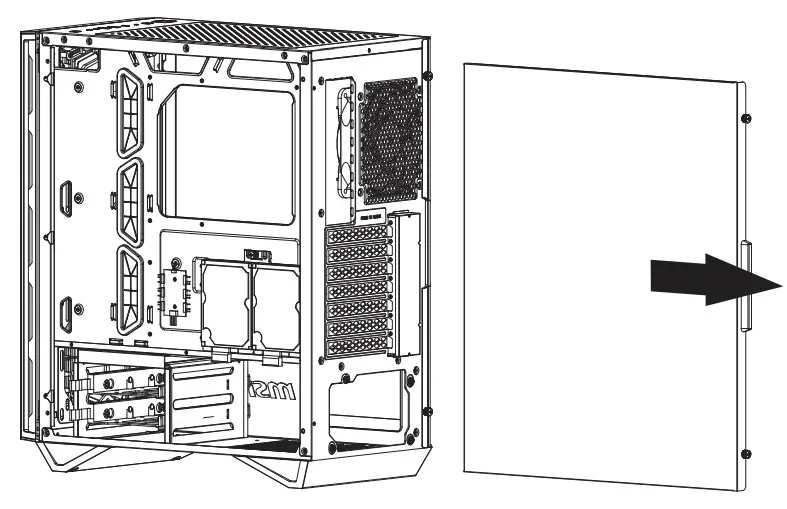
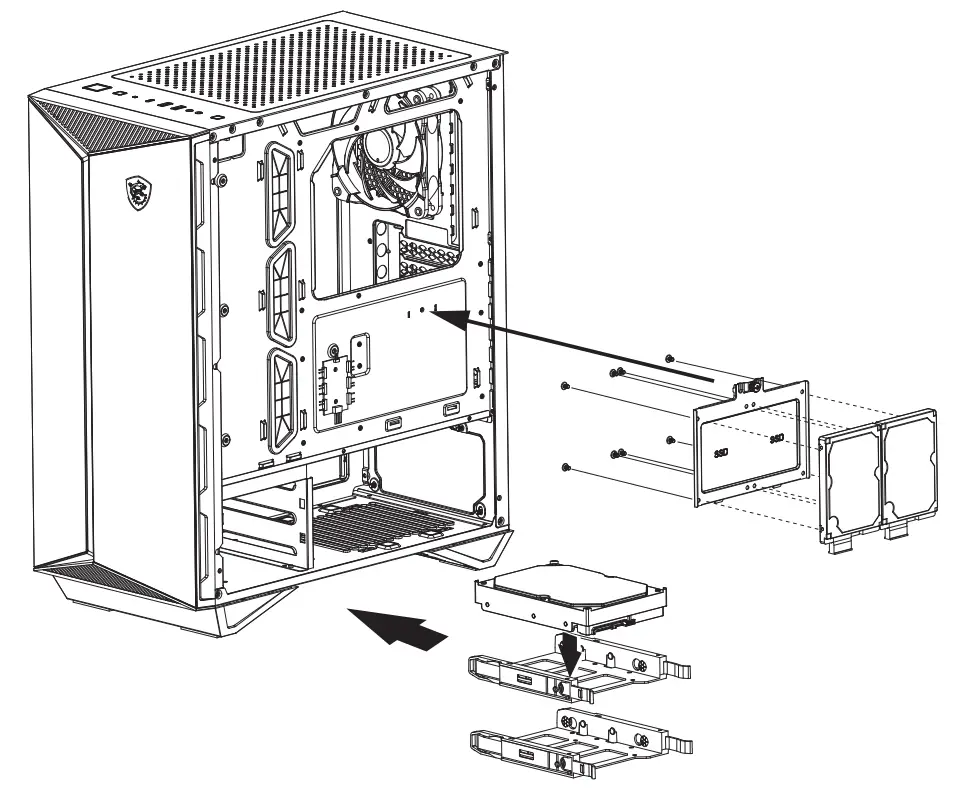 Opening the Left & Right Side Cover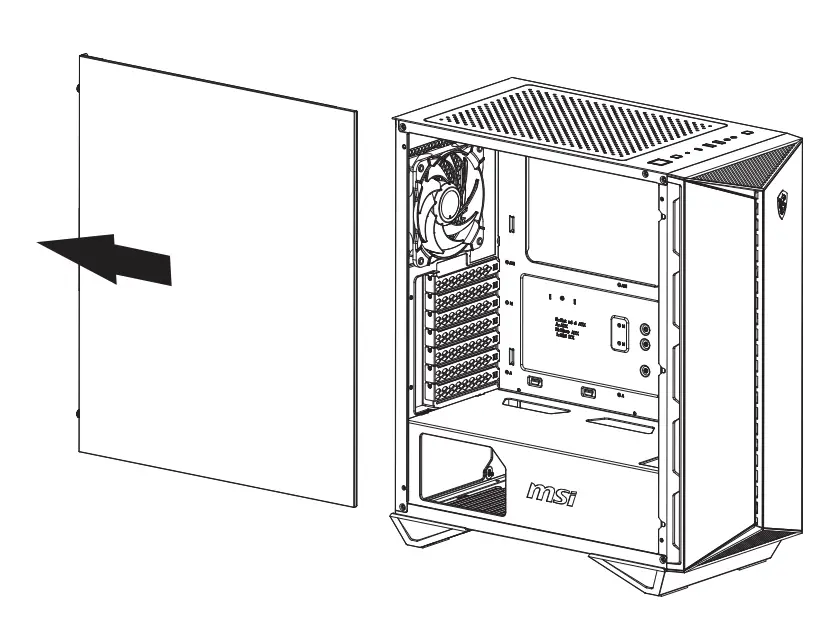
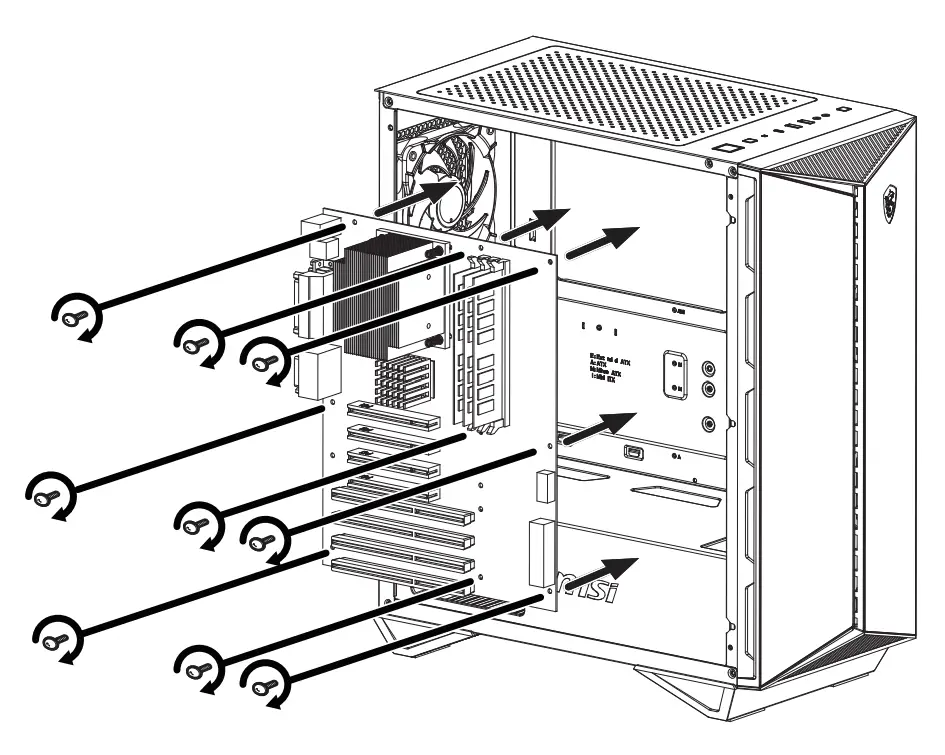
 Motherboard Installation
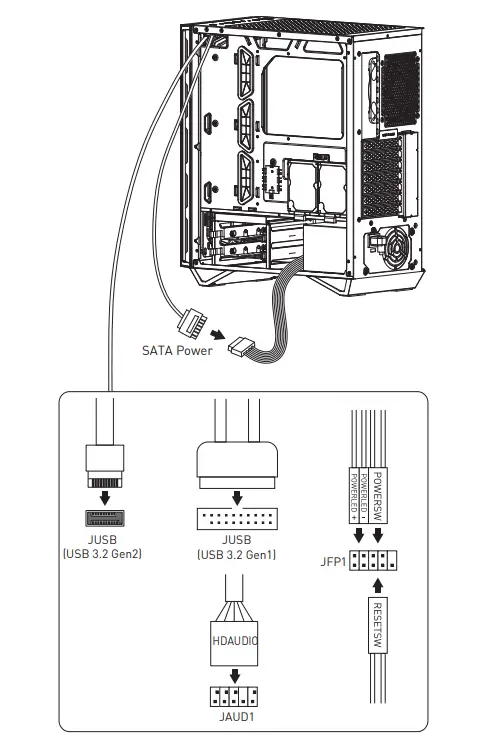
 Cables Connection
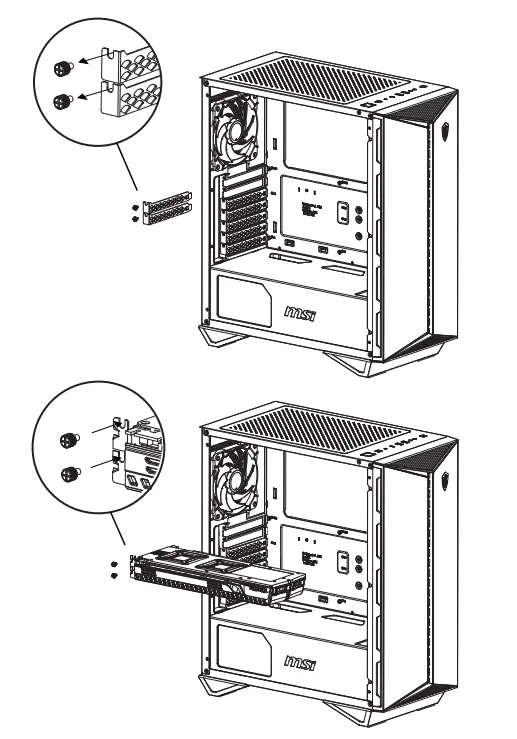
 Graphics Card Installation
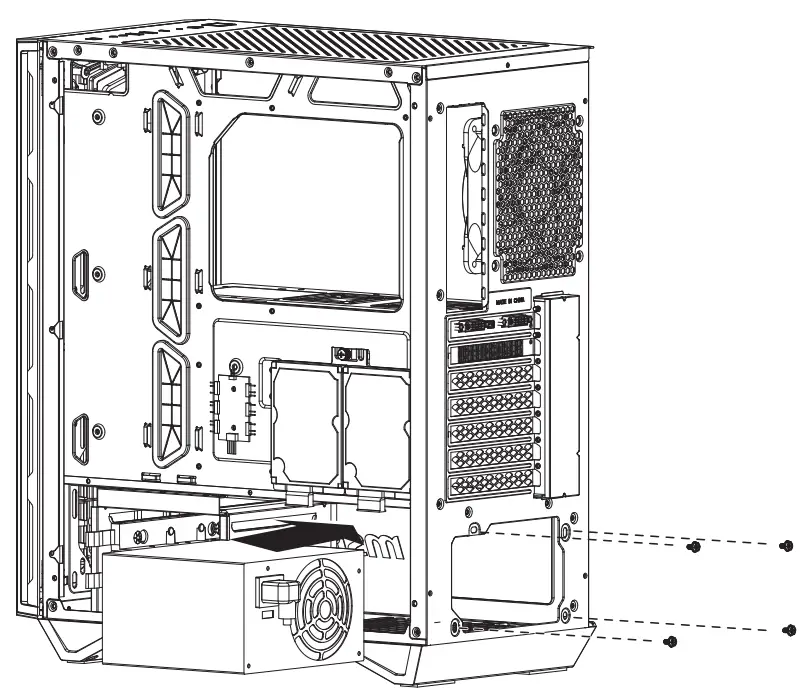
 PSU Installation