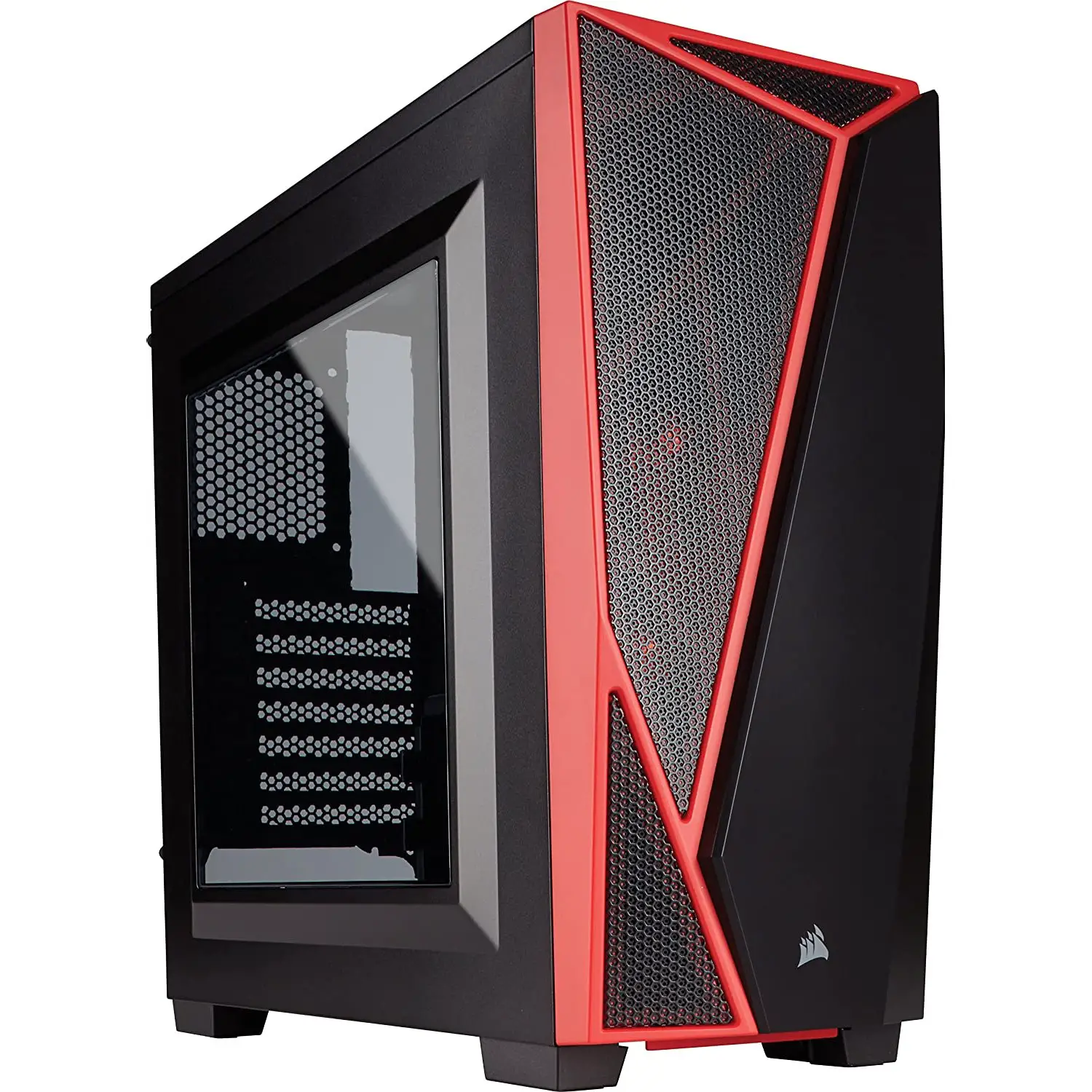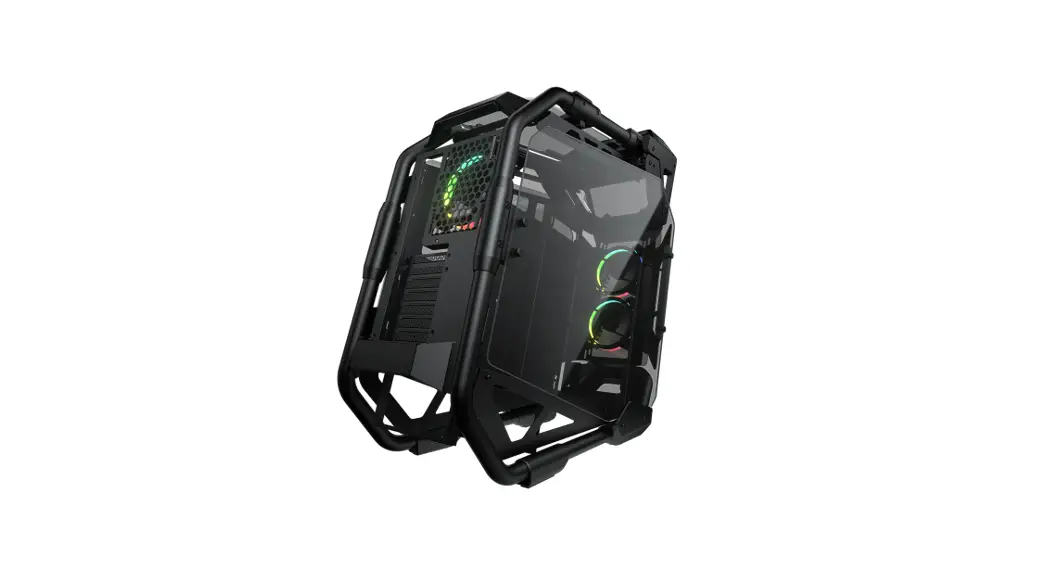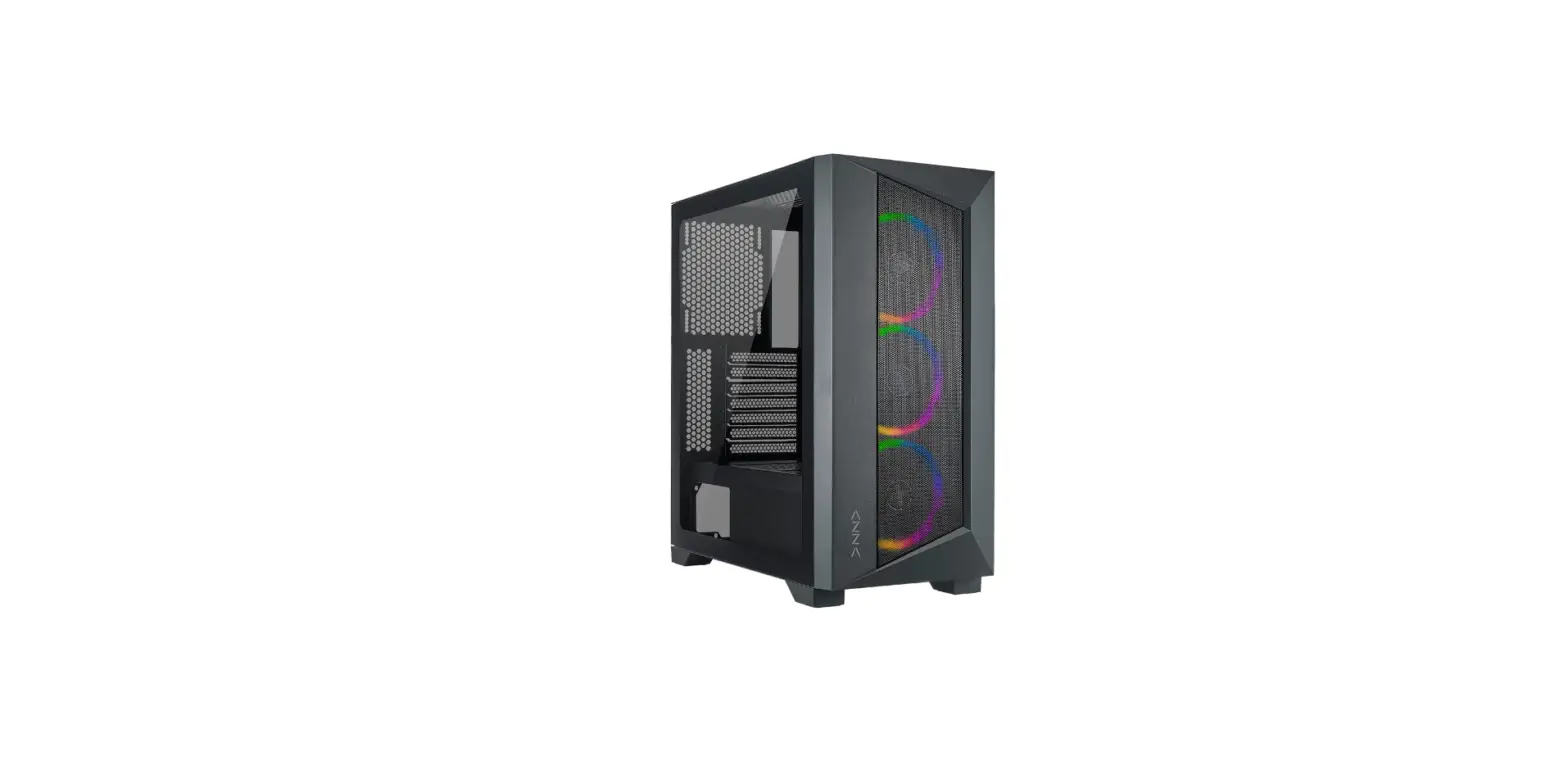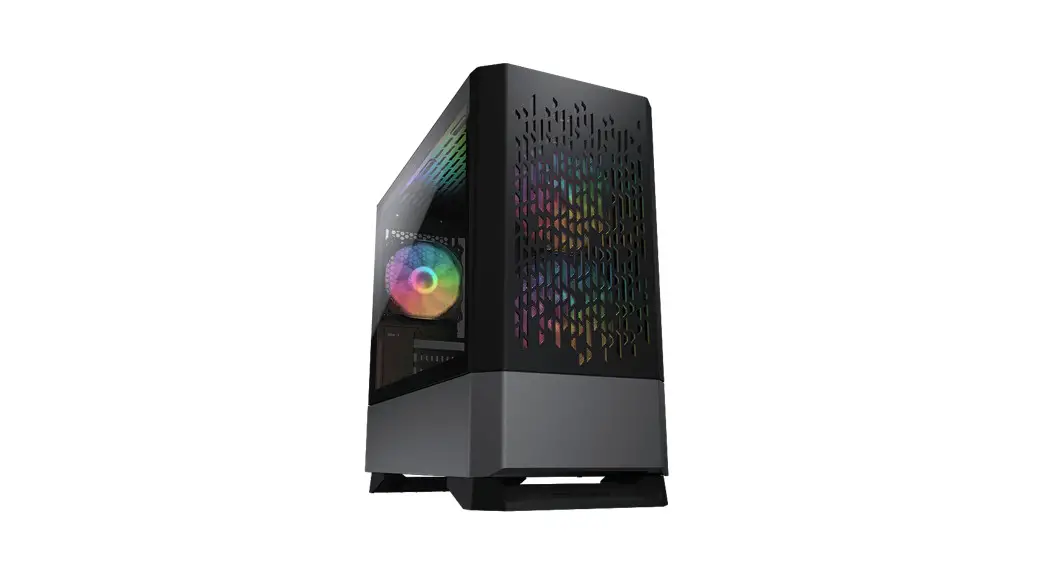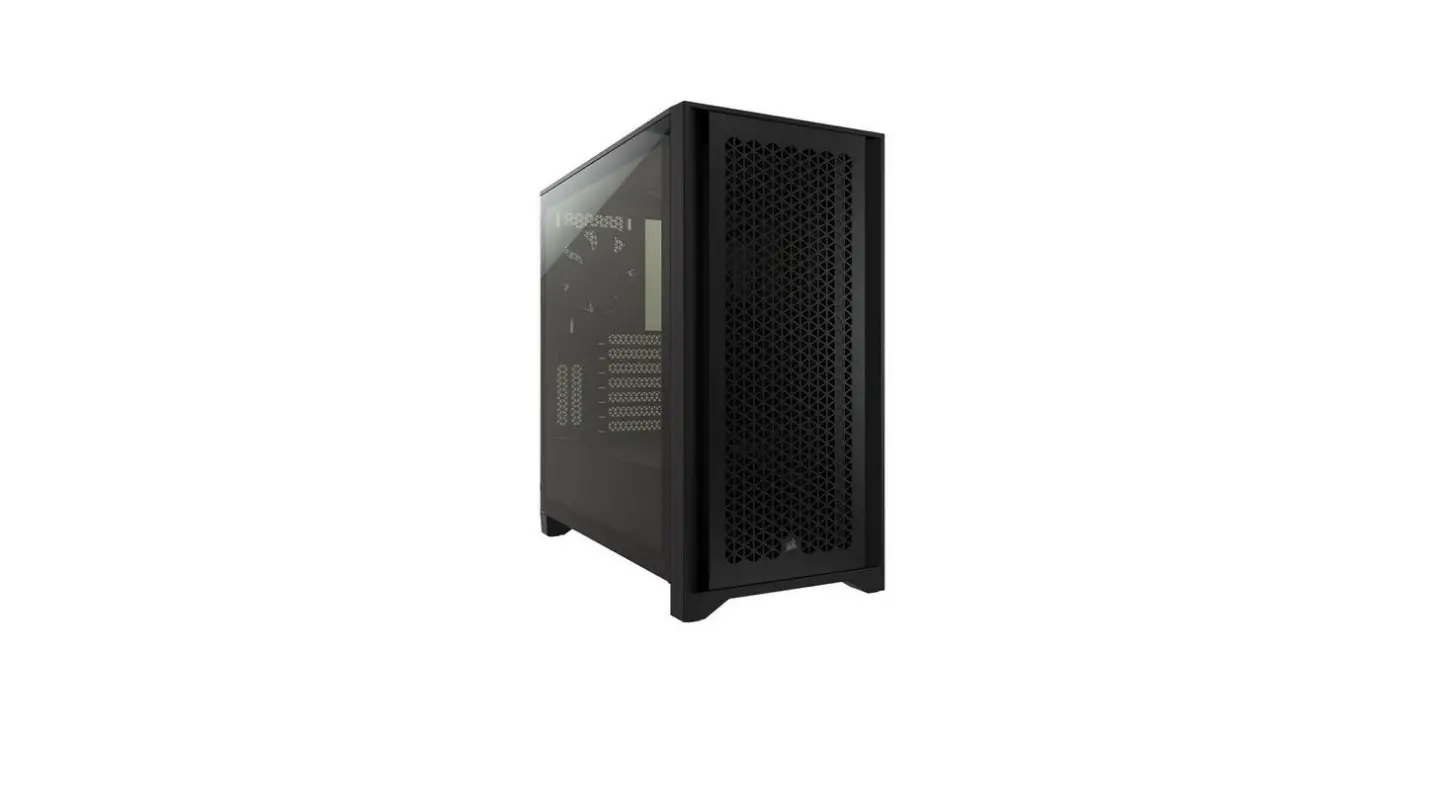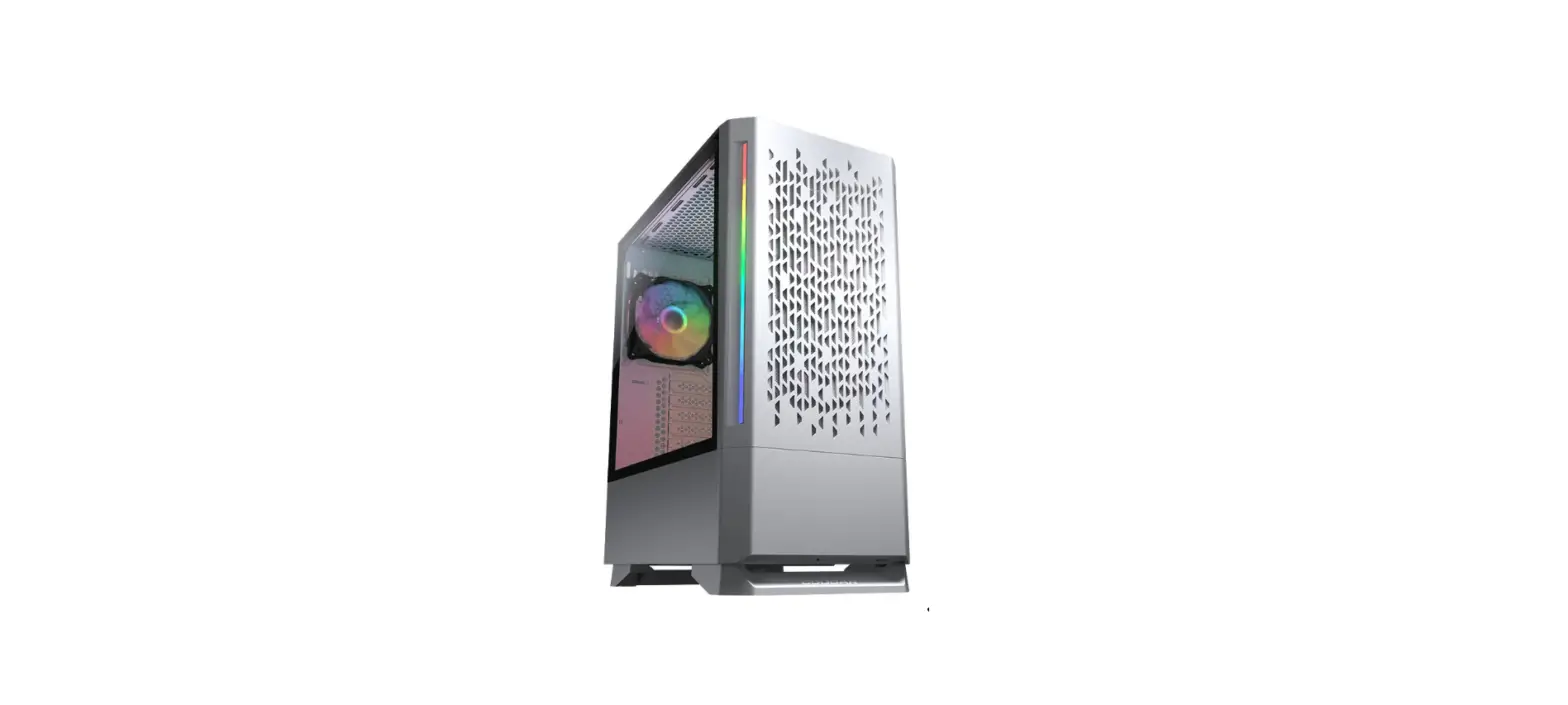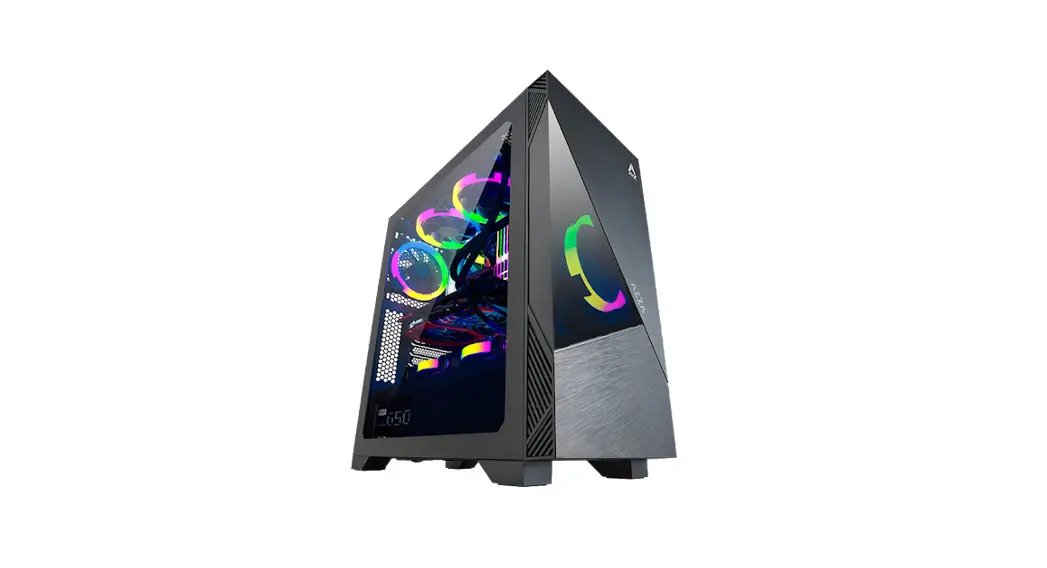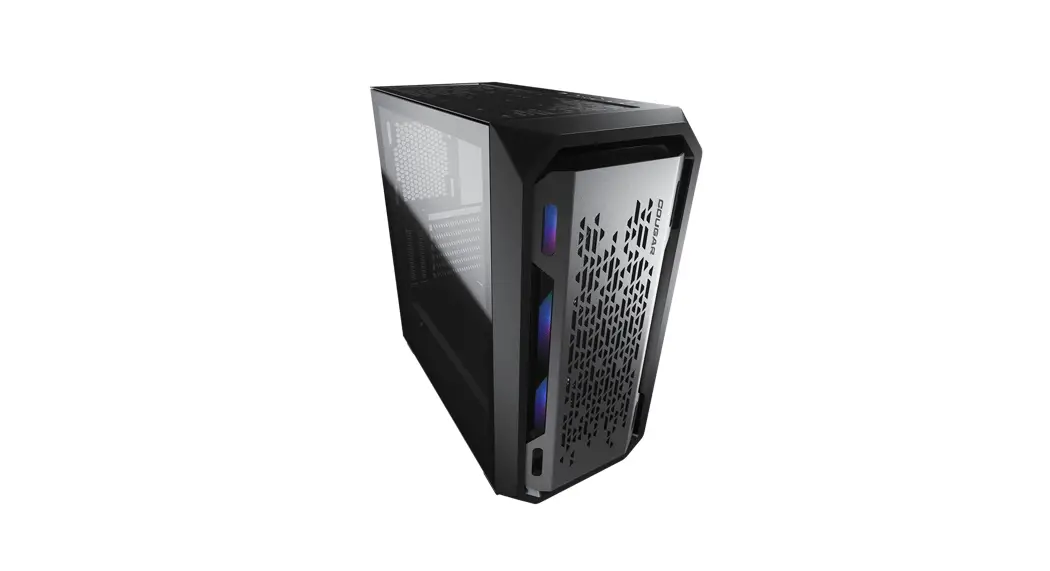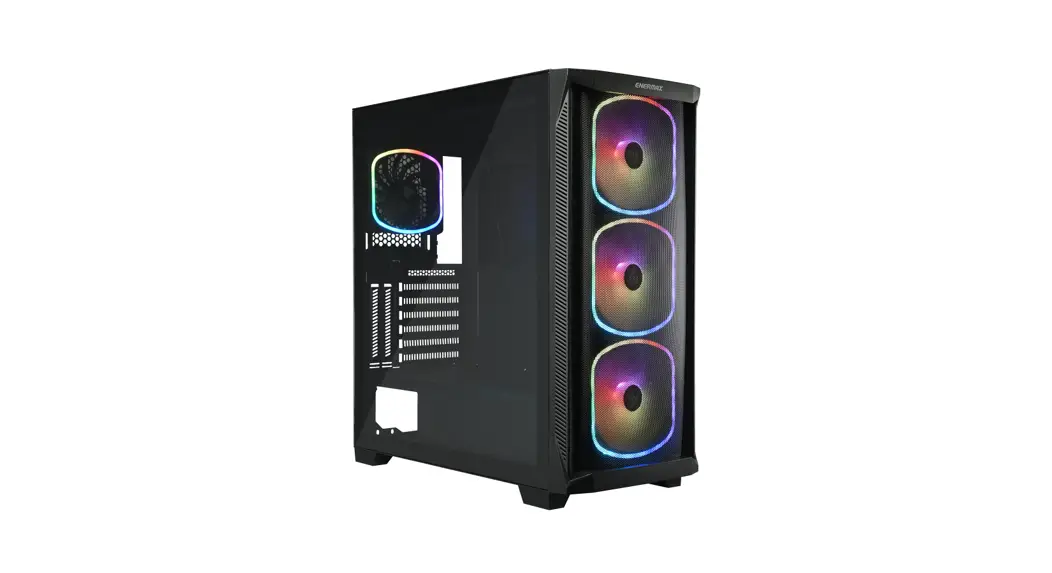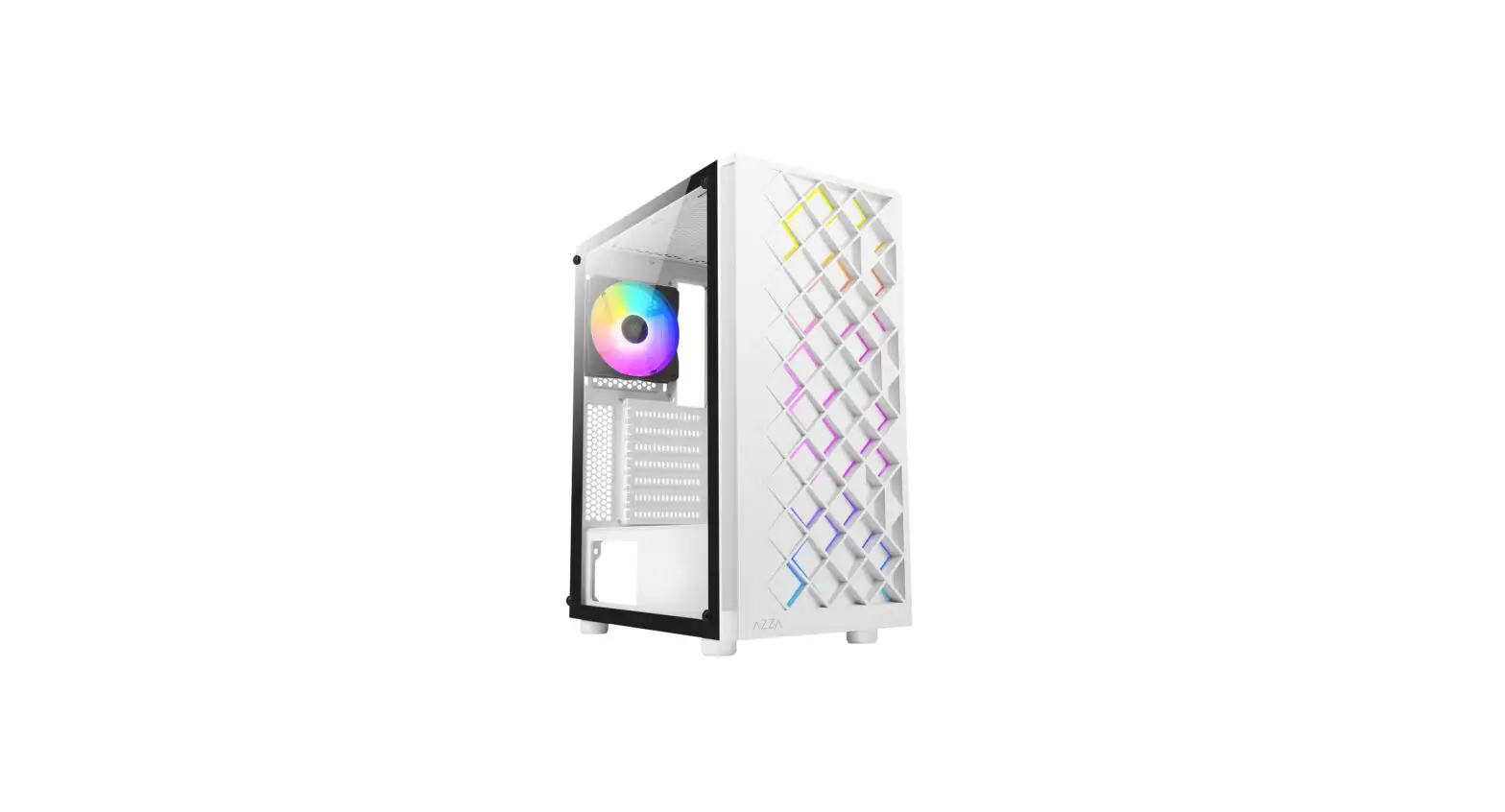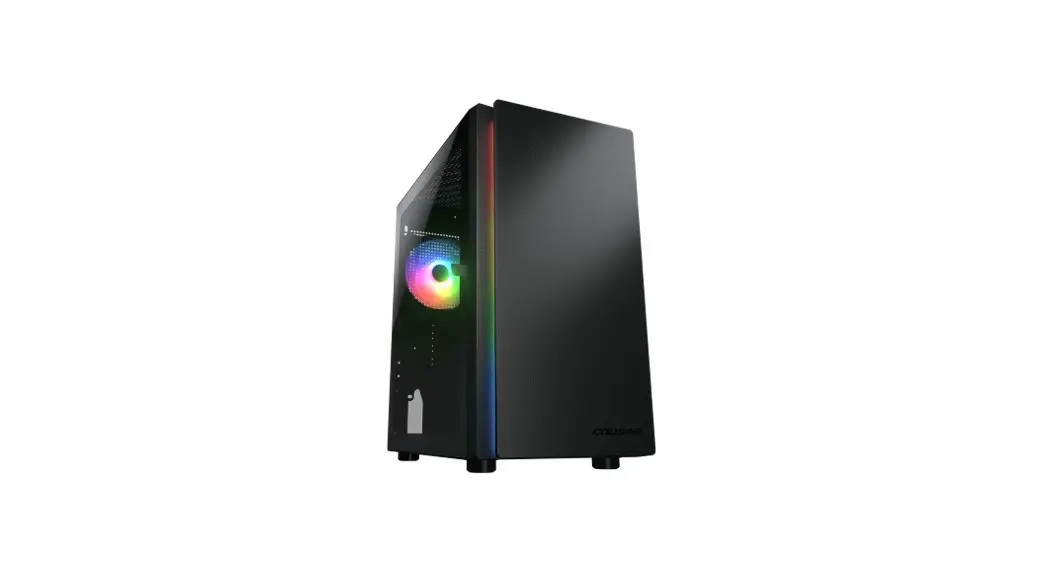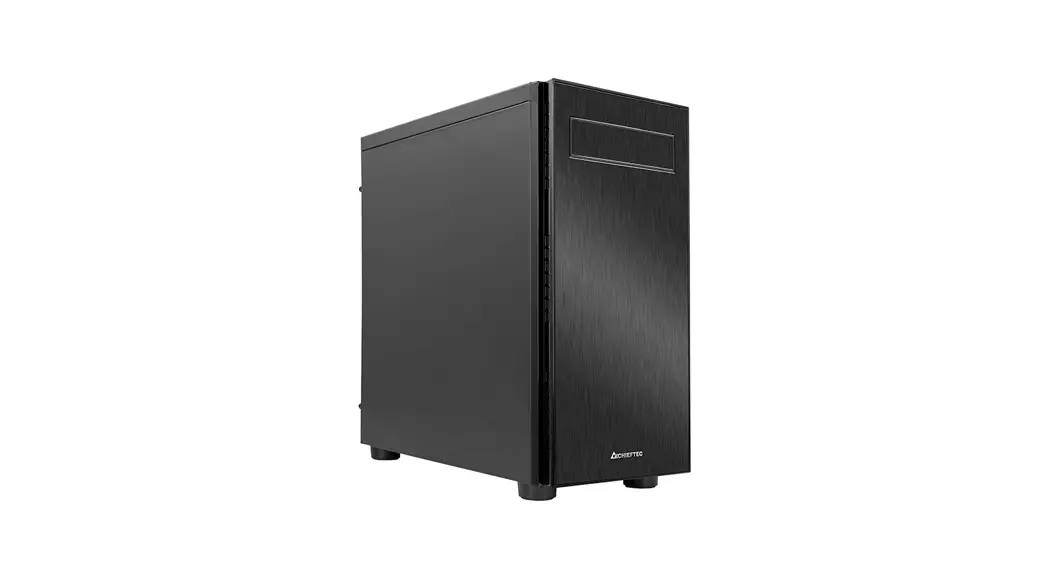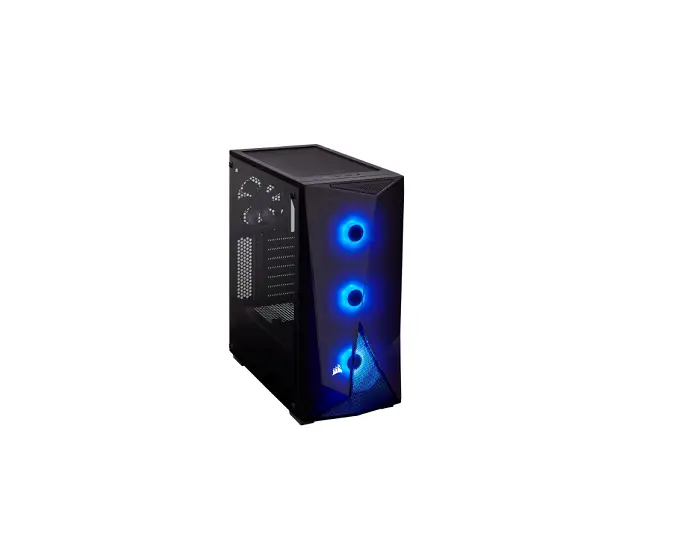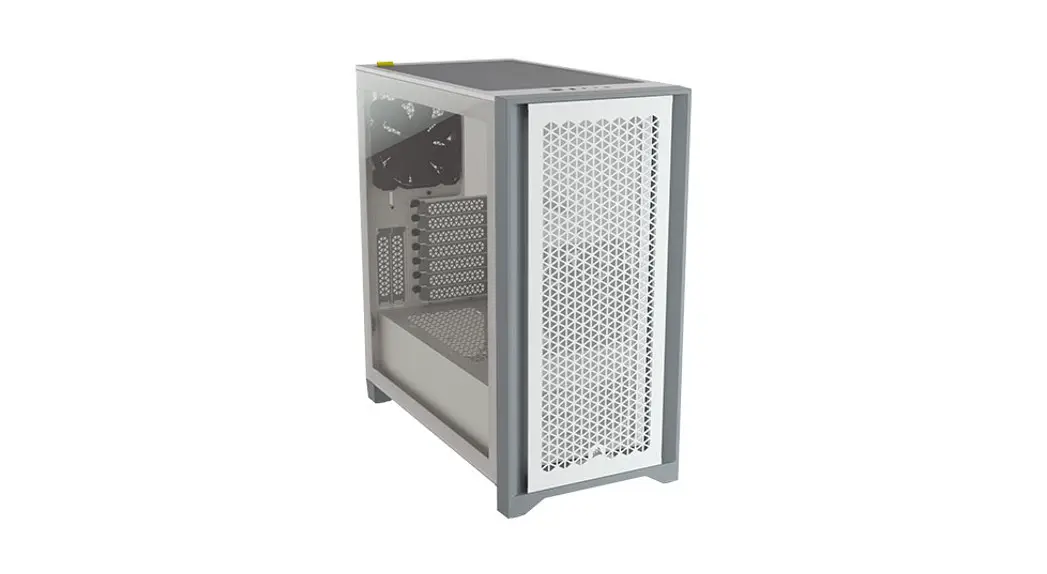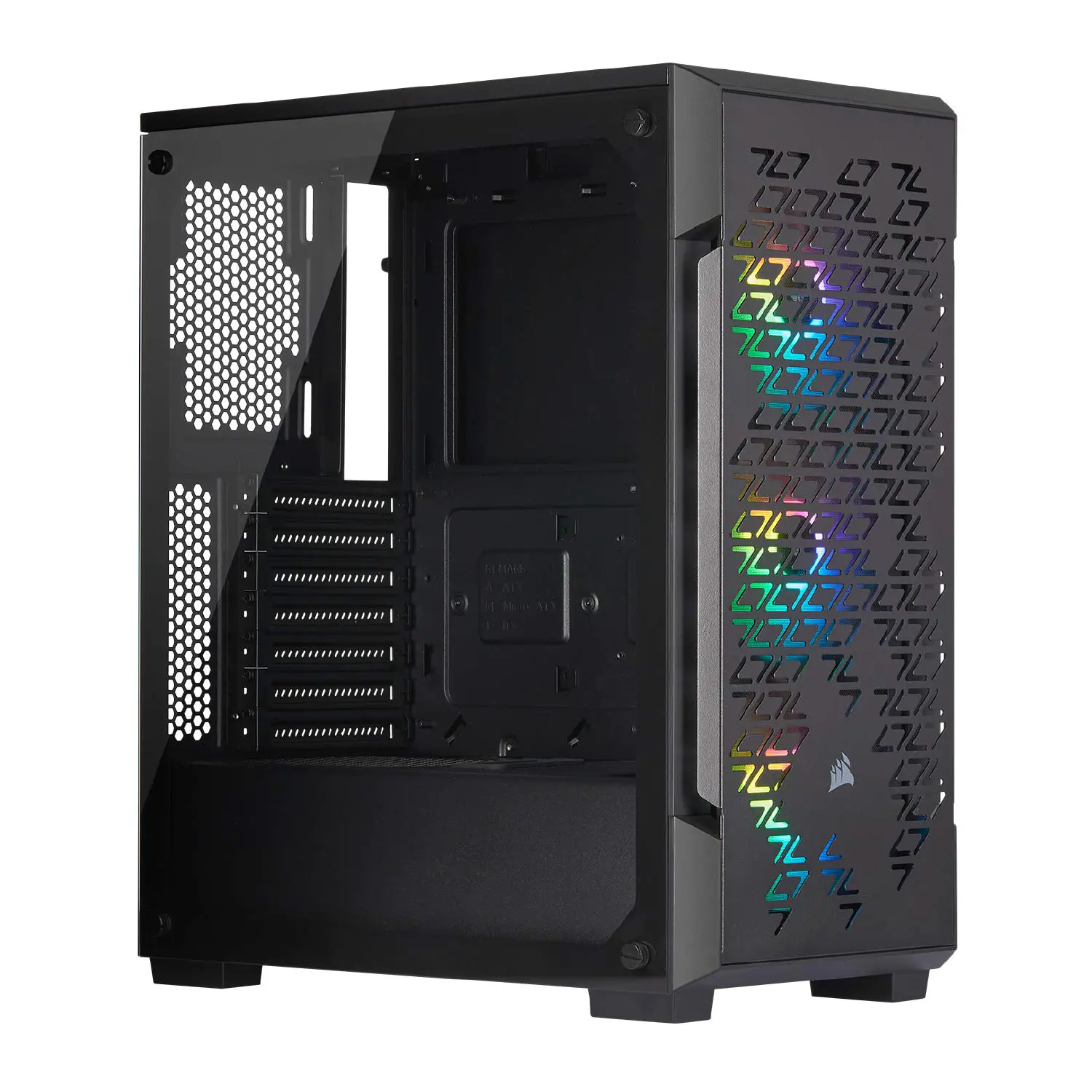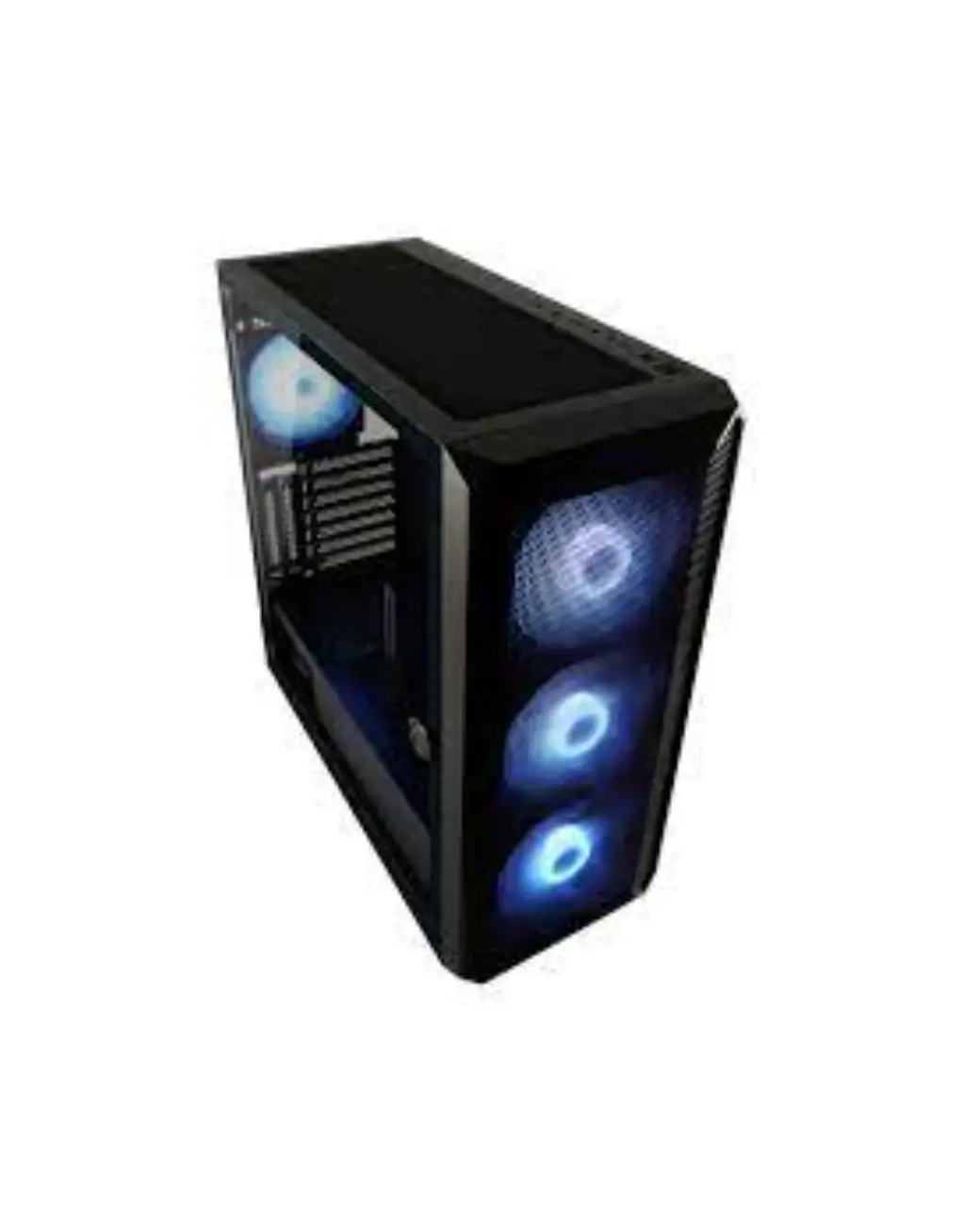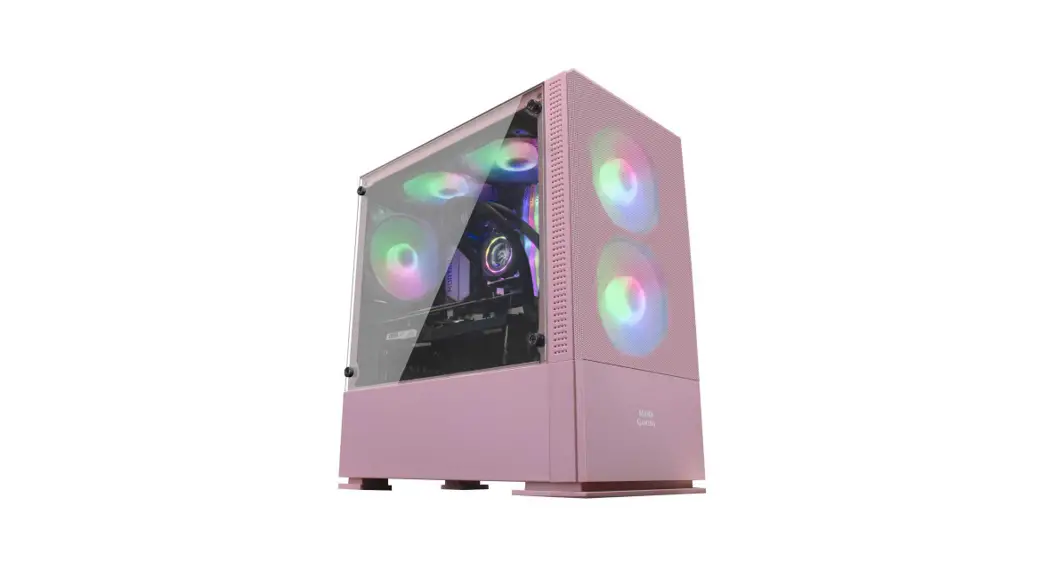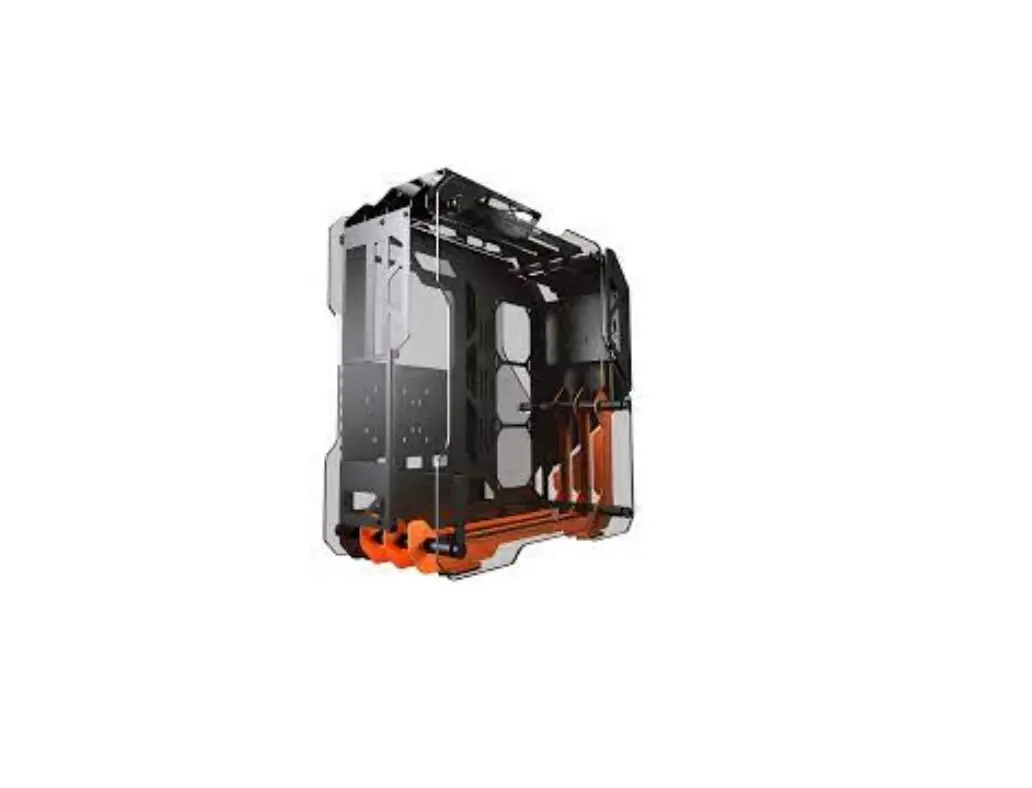
COUGAR BLAZER Suparb Open-Frame Gaming Mid Tower Case User Manual

Assembly Drawing
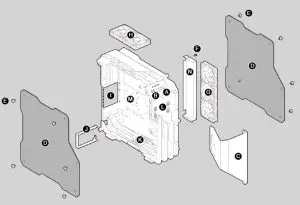
A Power button / Reset button
B USB 3.0 / HD audio ports
C Front panel
D Tempered glass side panels
E Thumb screws
F Cable cover thumb screw
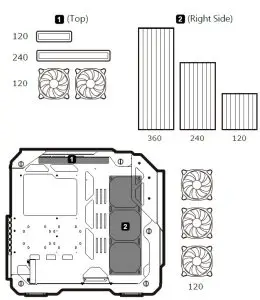
G 3 x 120mm fan for side panel (optional, purchased separately)
H 2 x 120mm fans for top panel (optional, purchased separately)
I Expansion slots
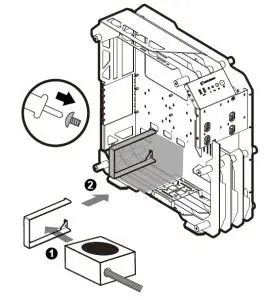
J Power supply holder
K Water cooling reservoir/ pump stand
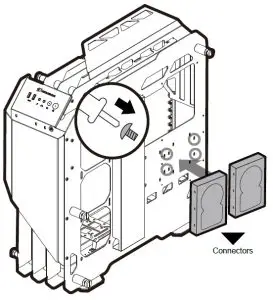
L 3.5″ HDD & 2.5″ HDD / SSD mount for front panel
M 3.5″ HDD & 2.5″ HDD / SSD mount for side panel
N 2.5″ HDD/SSD mount for cable cover
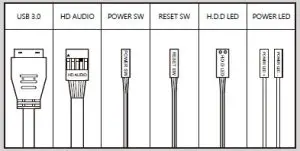
Installing the Front I/O Connectors
ALUMINUM FRAMING DESIGN
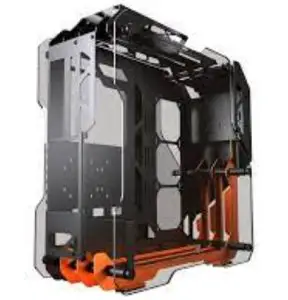
Blazerʼs distinctive design based on a powerful CNC-milled aluminum alloy frame and COUGARʼs unique design D NA, presenting in ev ery inch of its body. This case is a refined art piece!
SUPERIOR EXPANDABILITY
The unique COUGAR esthetics design with superior combination of aluminum framing and full tempered glass panels allow y ou to show y our high-end components for everybody to see. It also allows you to create and amazing masterpiece beyond your imagination.
EXTREME COOLING PERFORMANCE
Cooling is a critical factor for gamers, overclockers and PC enthusiasts in general, and
Blazer offers all they could ask for. With support for a 360mm radiator at the side and aluminum open-frame design to achieve extreme cooling performance.
IDEAL FOR CASE MODS
Blazerʼs unique aluminum frame design breaks away from traditional case designs.
It provides an easy way to build and modif y the case. Your bold modding concepts are achievable with creation of unlimited. A modder ʼs dream come true!
| Model Name | BLAZER |
| Model No. | CGR-5LMGO |
| Case Form Factor | Mid Tower |
| Motherboard Type | Mini ITX / Micro ATX / ATX / CEB |
| Dimension (WxHxL mm) | 226 x 535 x 560 (mm) |
| 8.9 x 21.1 x 22.0 (inch) | |
| I/O Panel | USB3.0 x 2, Mic x 1 / Audio x 1, Reset Button |
| 3.5″ Drive Bay | 3 Max. |
| 2.5″ Drive Bay | 5 Max. |
| Expansion Slots | 7 |
| Cooling Fan Support | Top : 120mm x 2 |
| Right Side : 120mm x 3 | |
| Maximum Number of Fans | 5 Max. |
| Water Cooling Support | Top : 240 / 120 (mm) |
| Right Side : 360 / 240 / 120 (mm) | |
| Max. Graphics Card Length | 350 (mm) / 13.8 (in) |
| Max. CPU Cooler Height | 160 (mm) / 6.3 (in) |
| Max. PSU Length | 180mm / 7.1 (in) |
| PSU | Standard ATX PS2 |
| Tempered Glass Side Panel | Both Sides 5mm Thick |
FEATURES
- All the aluminum alloy framing design is made meticulously with CNC mill for refining every design detail
- Put your components on display through beautiful 5mm thick tempered glass with aluminum alloy frame to showcase directly your high-end and powerful gaming system
- Easy to assemble framing design with superior expandability for builders
- Support for up to 360mm radiator
- Support for three 3.5″ HDDs or five 2.5″ HDDs/SSDs
- Support for up to 350mm long graphics cards
- Two USB 3.0 ports at the front I/O panel
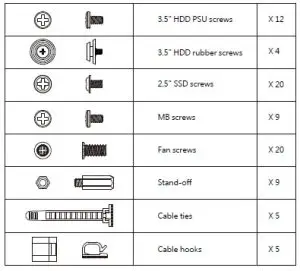
ACCESSORY KIT
Installing an motherboard
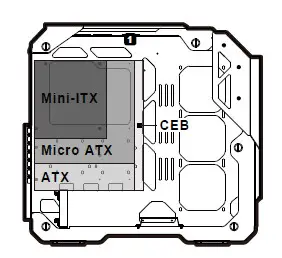
- Supports Mini-ITX, Micro ATX, ATX, and CEB motherboards.
FRONT
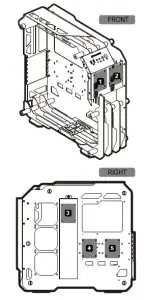
Installing an internal 2.5″ HDD/SSD
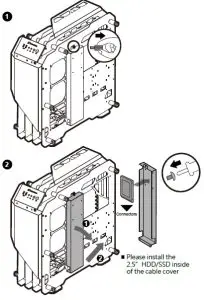
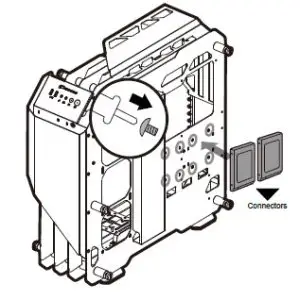
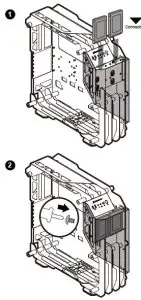
AT THE BACK OF THE FRONT PANEL
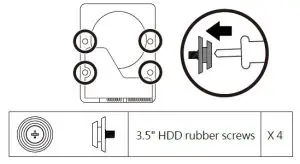
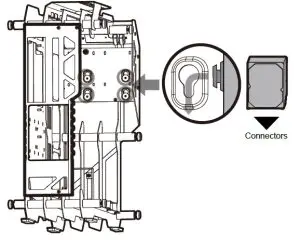
- Align the 3.5” HDD with the rubber screws that correspond with the mounting holes at the back of the front panel.

- Slide down the 3.5” HDD in the direction of the arrow.


Installing water cooling radiators & cooling fans
Installing a power supply