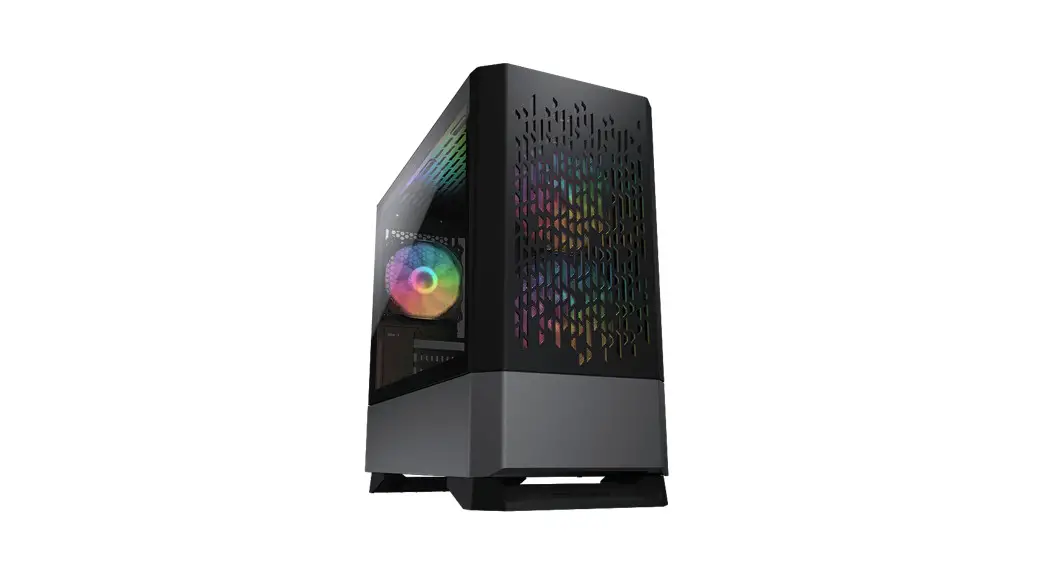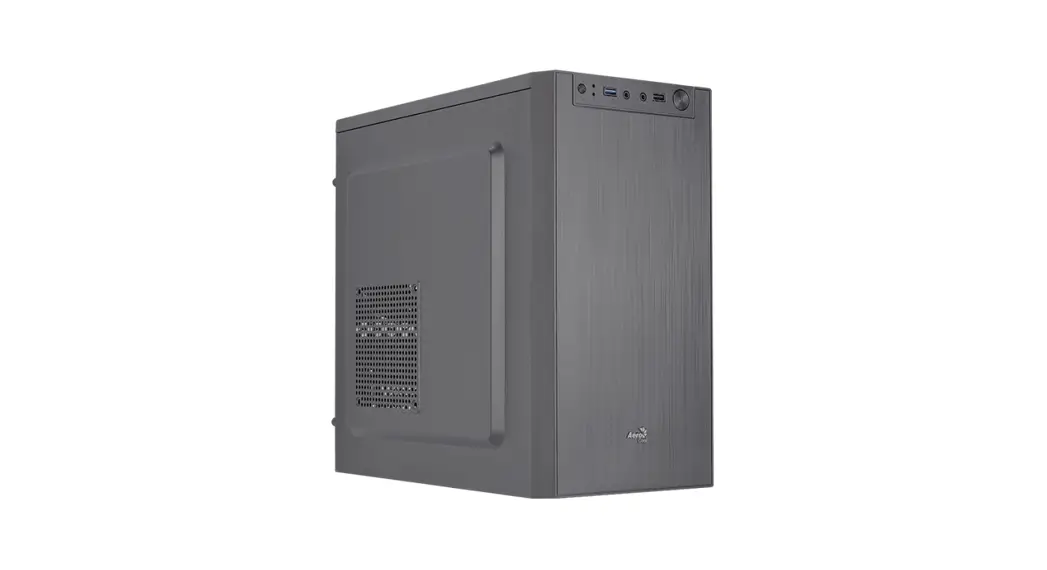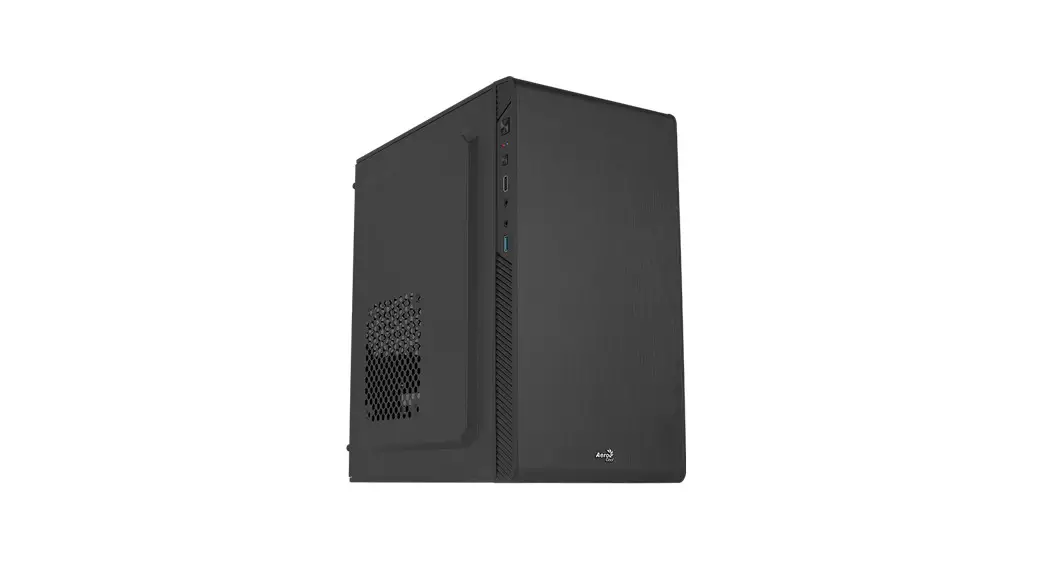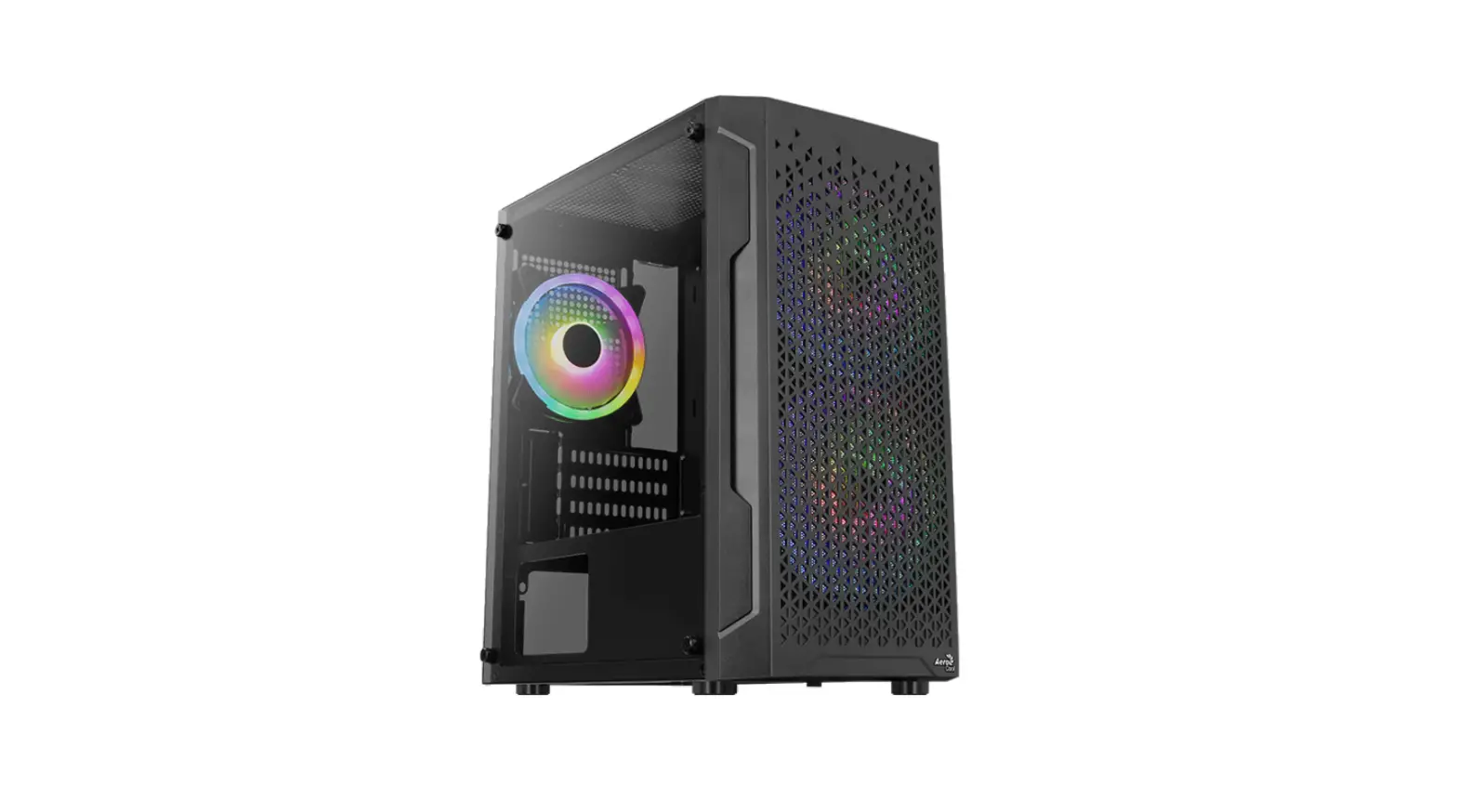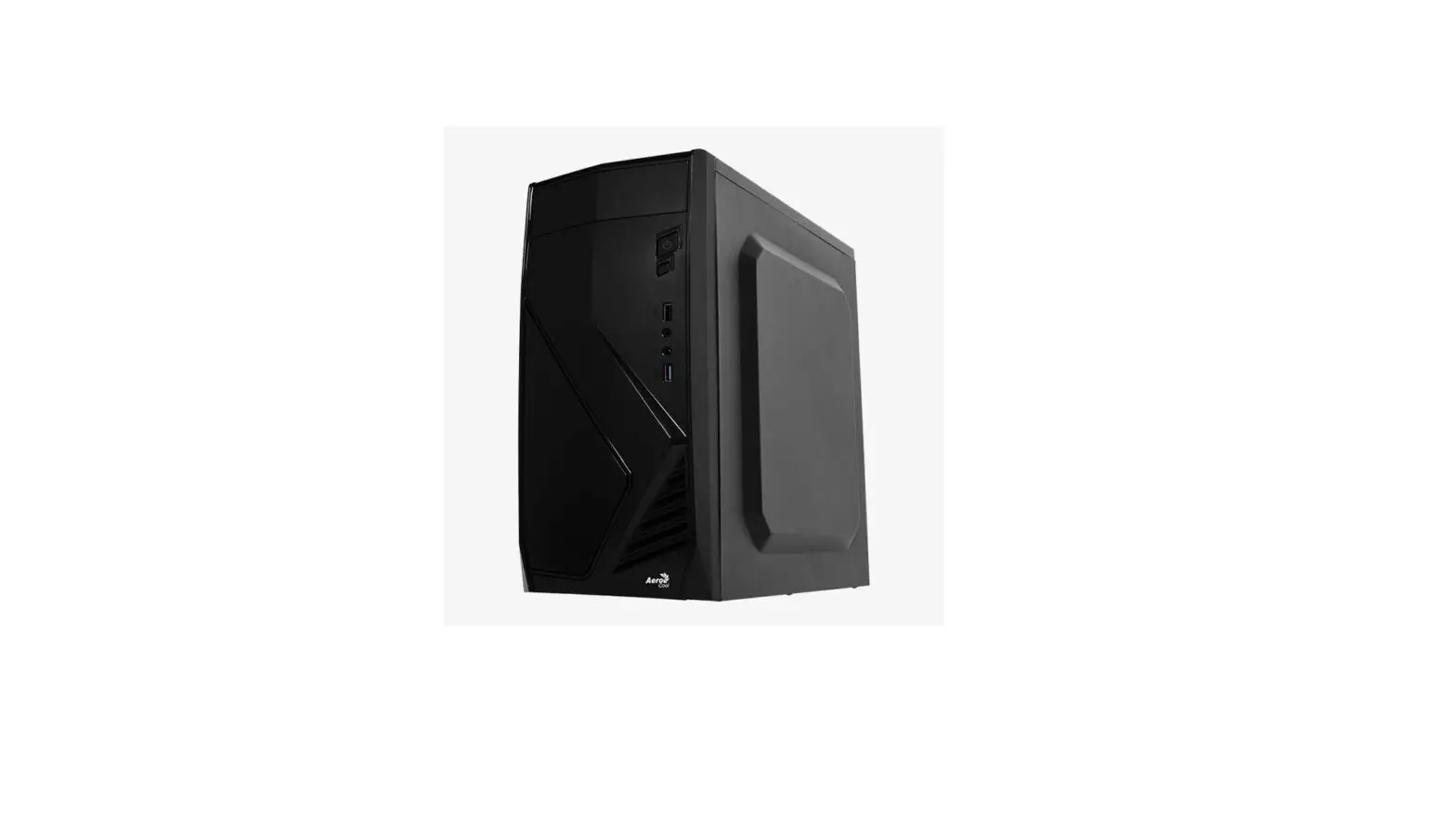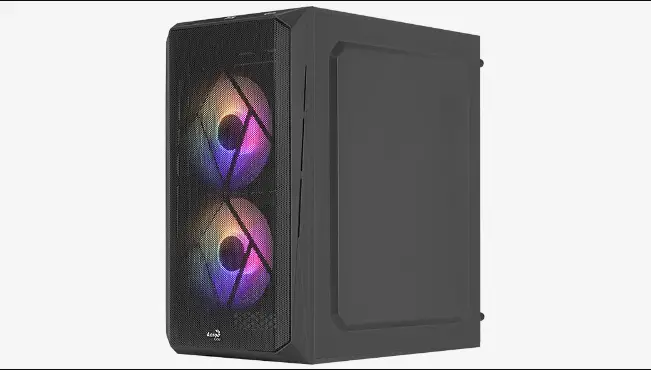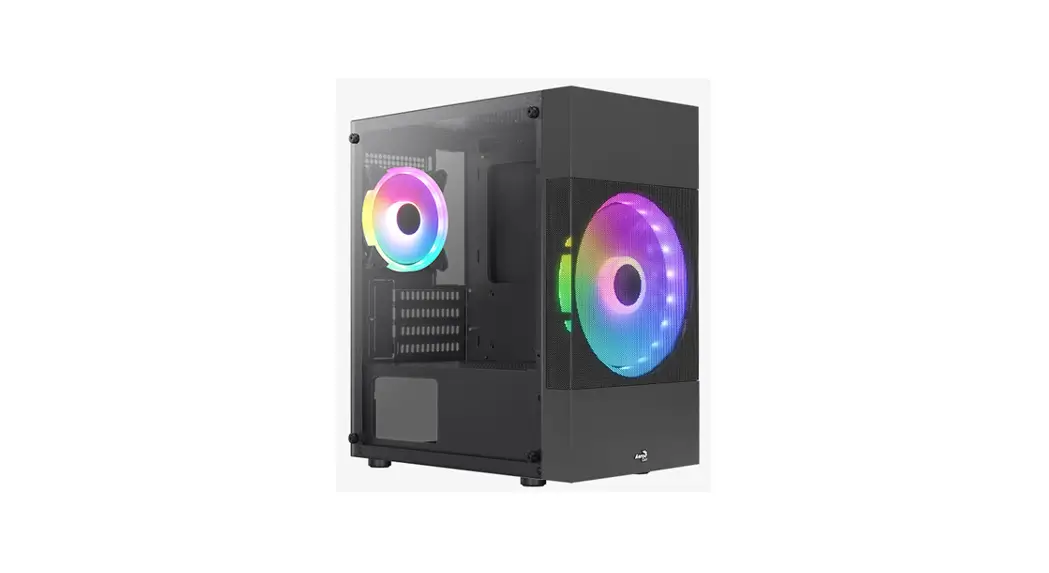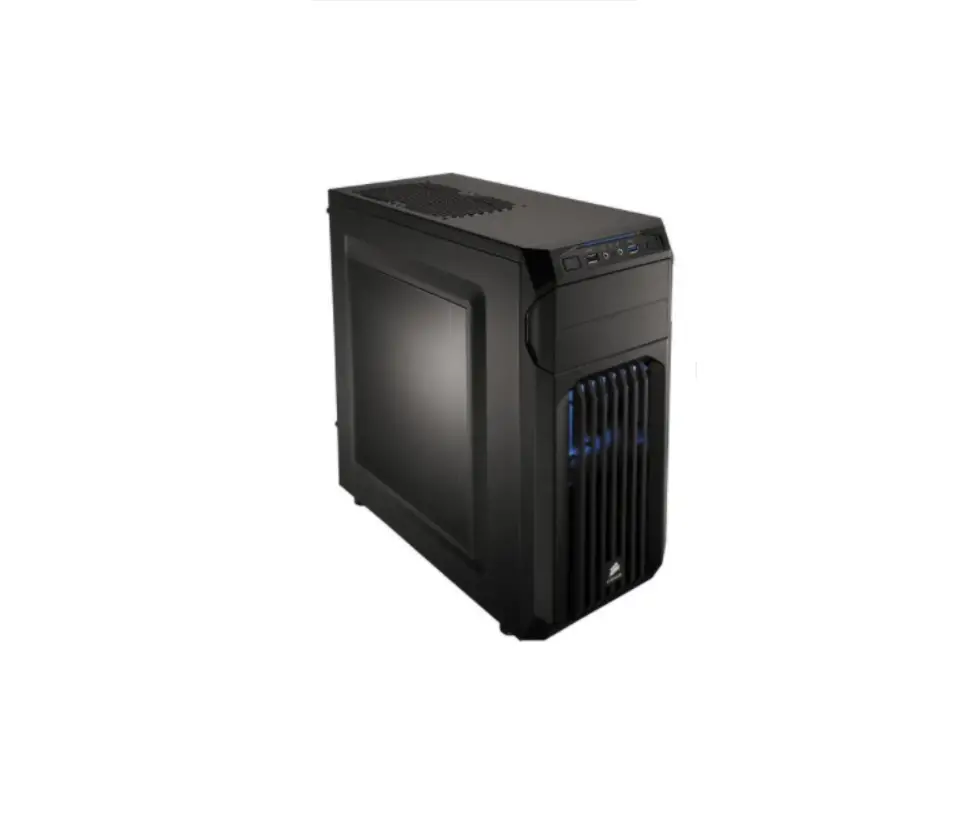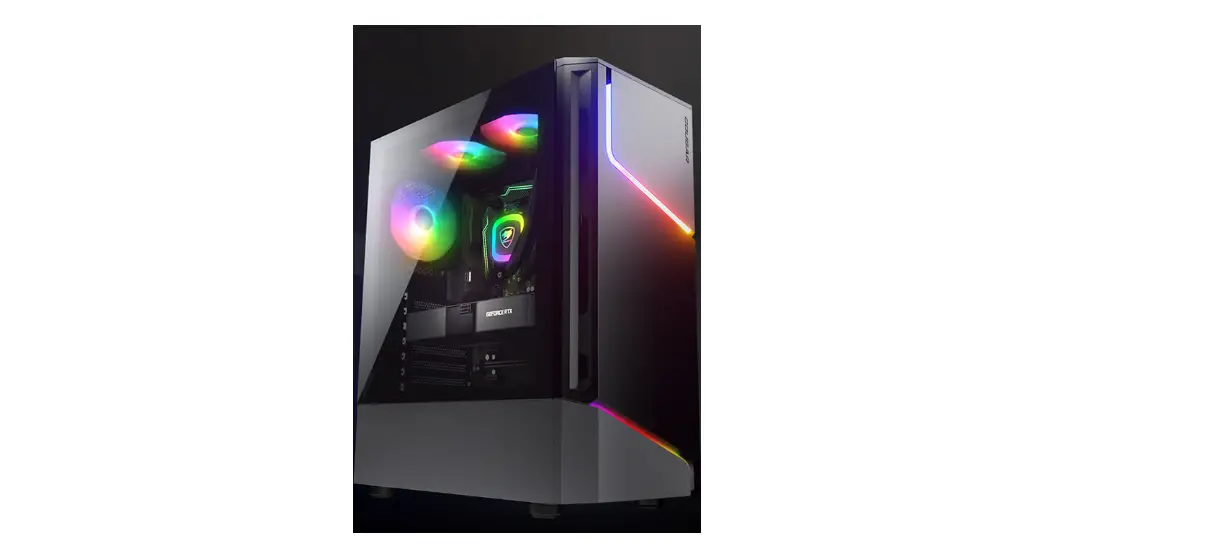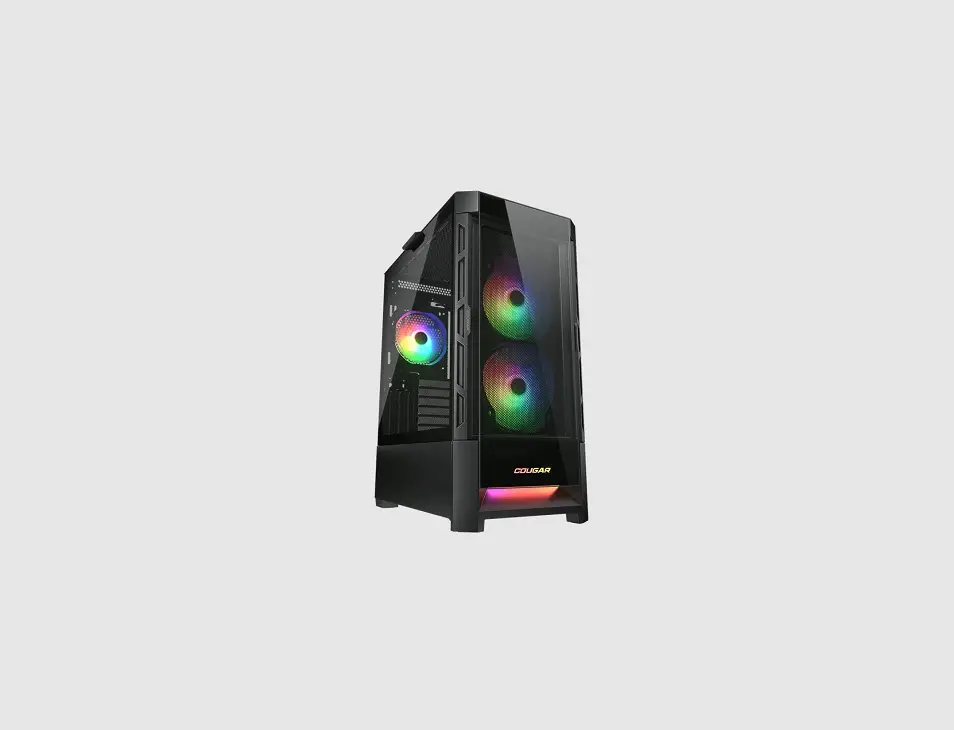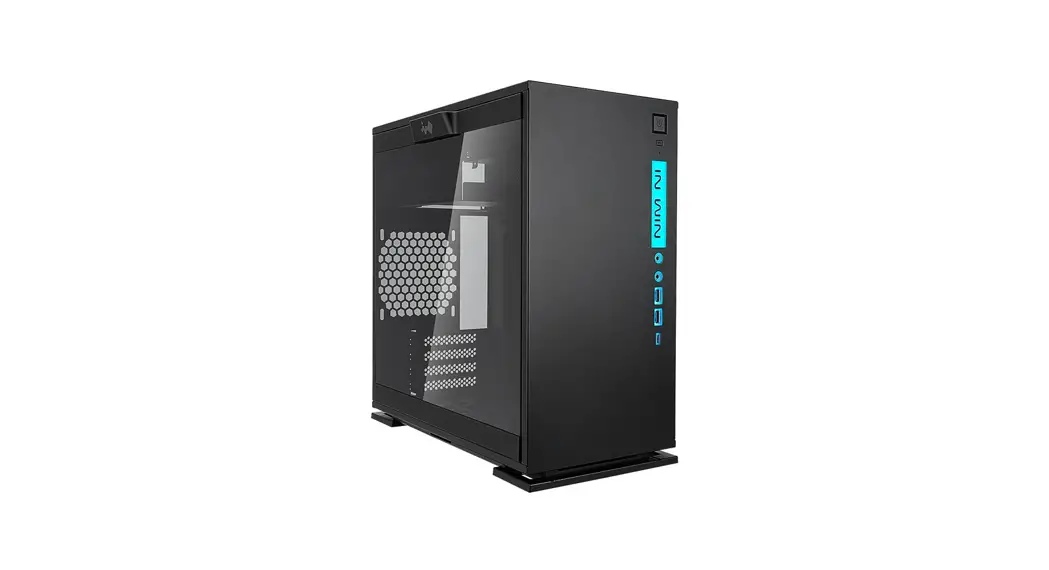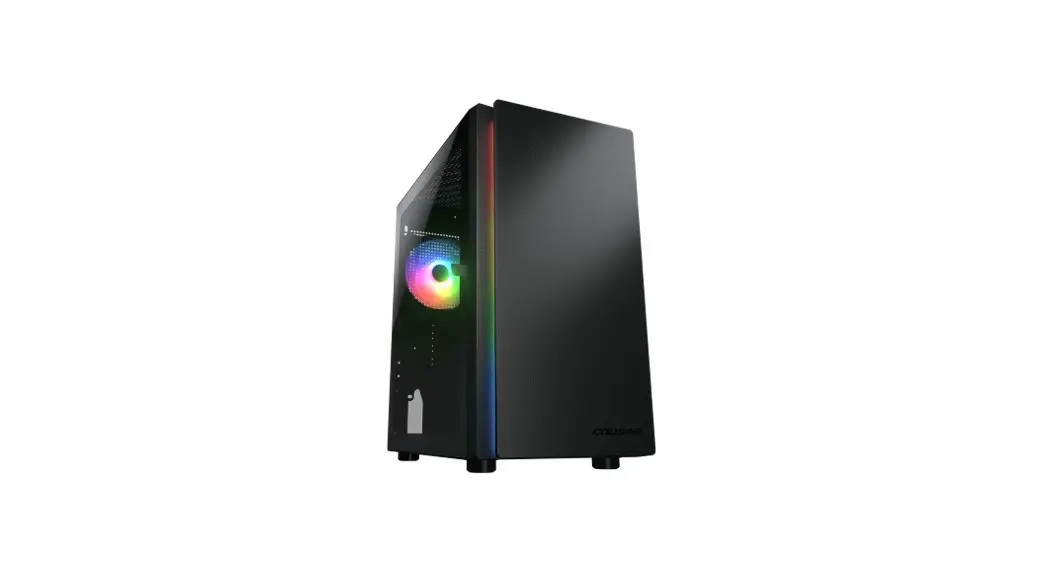
 PURITY Mini Tower Case
User Manual
PURITY
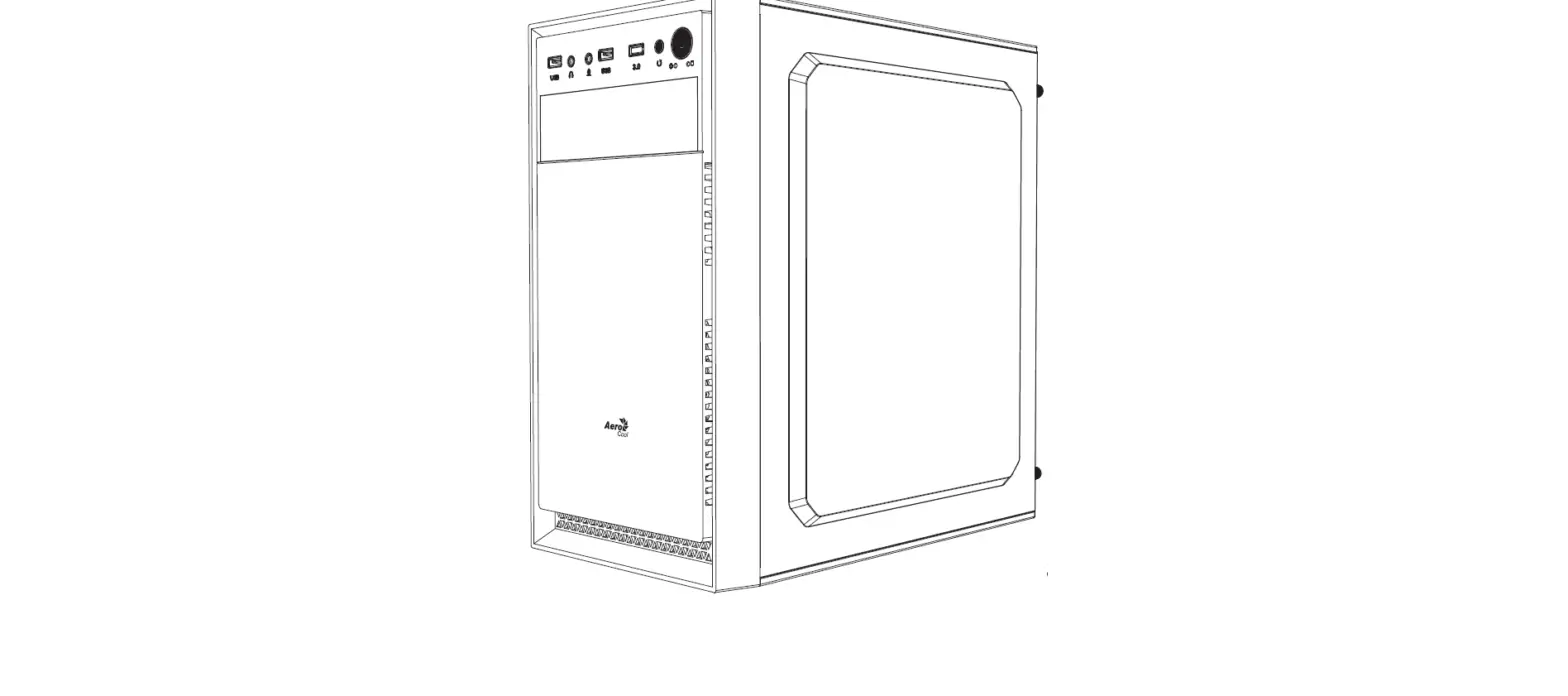
Assembly Drawing
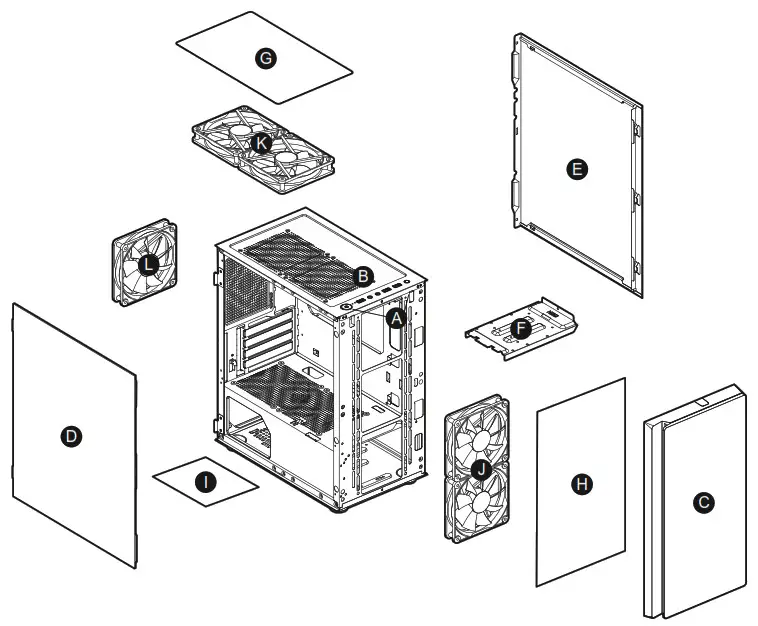
| A Power button / Reset button B USB 3.0 / USB 2.0 / HD audio ports C Front panel D Left side panel E Right side panel F 3.5″ HDD tray (compatible for 2.5″ SSD/HDD) | G Air filter for top panel H Air filter for front panel I Air filter for bottom panel J 2 x 120mm fans for front panel (optional) K 2 x 120mm fans for top panel (optional) L 1 x 120mm Black fan for rear panel (pre-installed) |
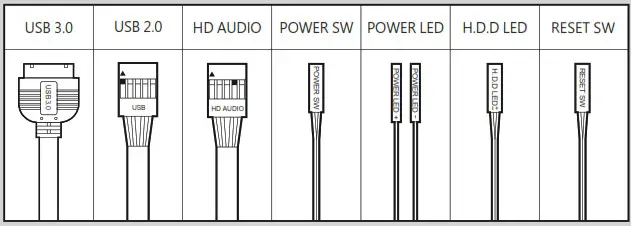
I/O Connectors
| Model Name | Purity |
| Case Form Factor | Mini Tower |
| Motherboard Type | Mini ITX / Micro ATX |
| Dimension | 200(W) x 392(H) x 360(D) (mm) 7.9(W) x 15.4(H) x 14.2(D) (in) |
| I/O Panel | USB 3.0 x 2, USB 2.0 x 1, Mic x 1 Audio x 1, Reset Button |
| Case Drive Bays | 3.5″ : 2 |
| 2.5″ : 2+2 ( converted from 3.5″ drive bays ) | |
| Expansion Slots | 4 |
| Cooling Fan Support | Front : 120mm x 2 |
| Top : 120mm x 2 | |
| Rear : 120mm x 1 ( 120mm Black fan x 1 pre-installed ) | |
| Maximum Number of Fans | 5 Max. |
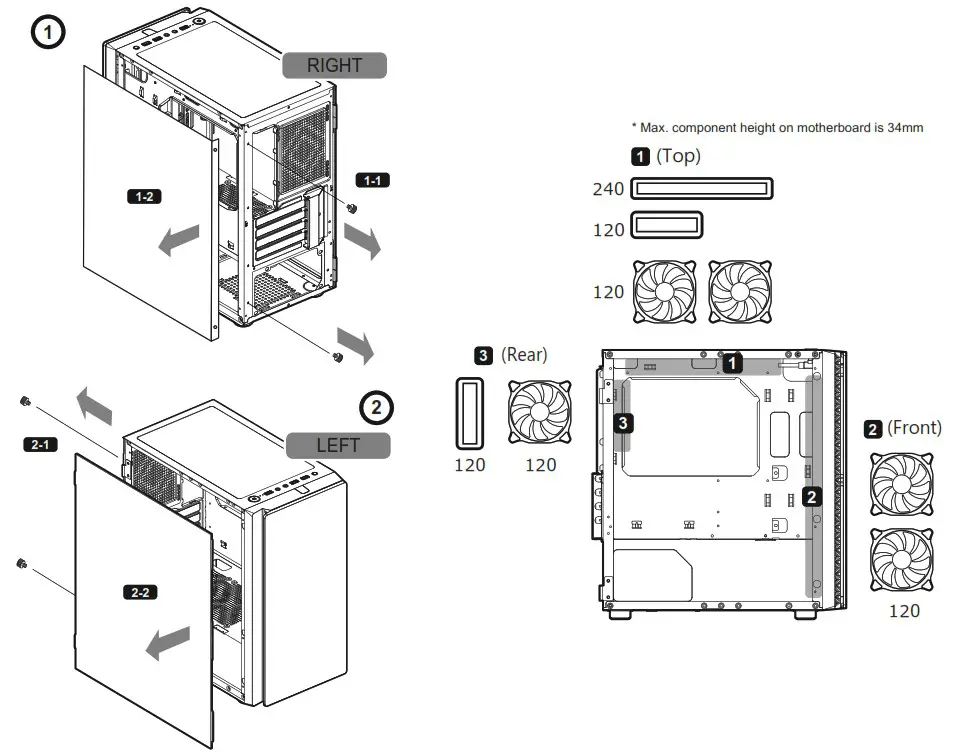
| Water Cooling Radiator Support | Top : 240mm / 120mm ( Max. component height on motherboard is 34mm ) |
| Rear : 120mm | |
| Max. Graphics Card Length | 305(mm) / 12(in) |
| Max. CPU Cooler Height | 160(mm) / 6.3(in) |
| Max. PSU Length | 160(mm) / 6.3(in) |
FEATURES
- Pure and elegant front panel design
- Support for Micro ATX / Mini ITX motherboards
- Up to 305mm graphics cards
- Up to five fans and 160mm CPU cooler
- Up to a 240mm water cooling radiator
ACCESSORY KIT
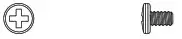 | 3.5″ HDD screws | X 8 |
 | Motherboard screws and 2.5″ SSD screws | X 17 |
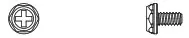 | Power supply screws | X 7 |
 | Stand-off | X 3 |
 | Fan screws | X 8 |
 | Cable ties | X 4 |
GLOBAL WARRANTY POLICY
WARRANTY PERIODS OF COUGAR GAMING DEVICES
Product : COUGAR Purity
Warranty : 1 Year
- This warranty gives you specific legal rights. You may also have other rights granted under local law. These rights may vary.
- Only for electrical components.
Removing side panels
Installing water cooling radiators & cooling fans
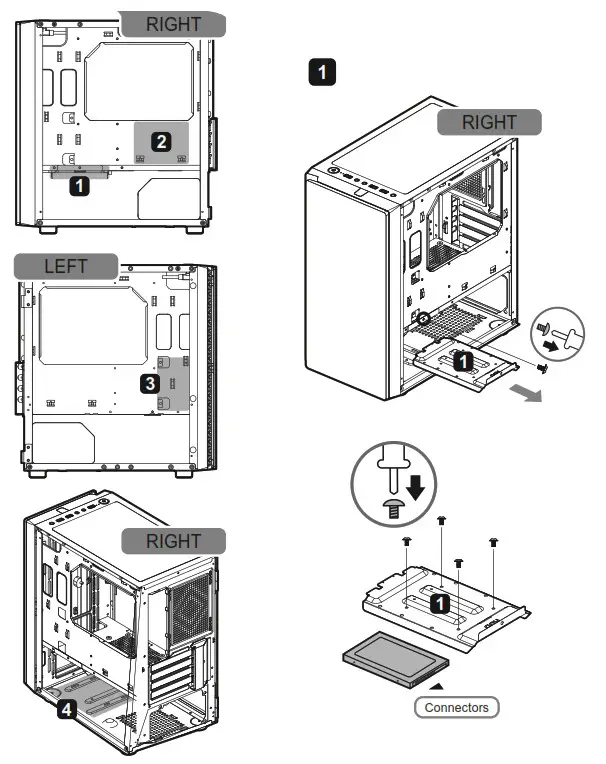
Installing the 2.5″ SSDs
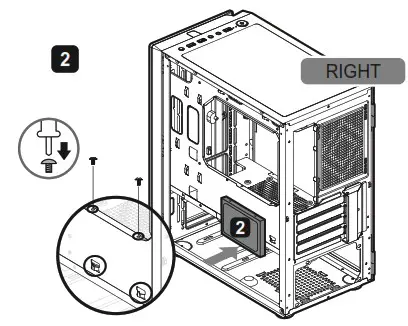
* Please insert the 2.5″ SSD holes to the bottom tabs, and then use 2 screws to tighten it on the top.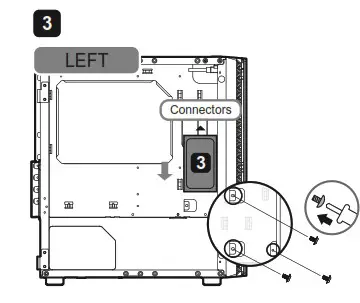
* The 2.5” SSD at this place only supports for the thickness of 7mm.
* Please install the 7mm thickness of 2.5” SSD in the direction of the arrow, and use 3 screws to tighten it.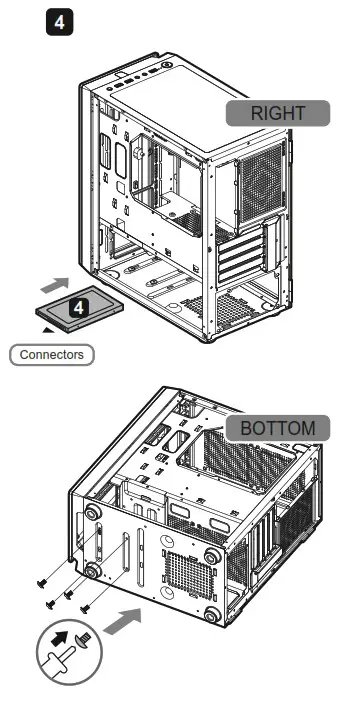
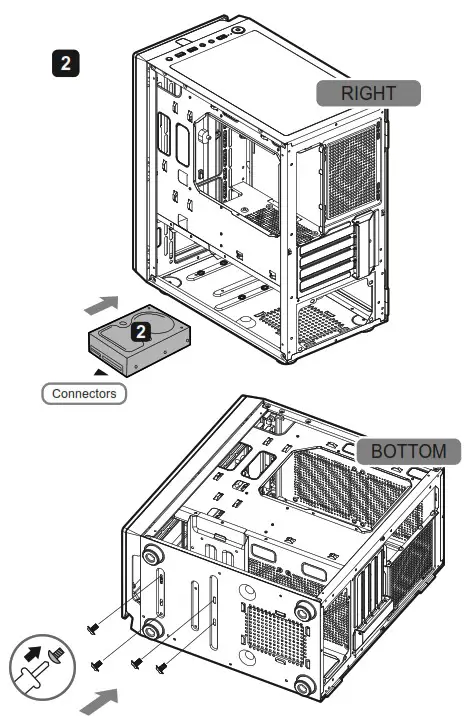
Installing the 3.5″ HDDs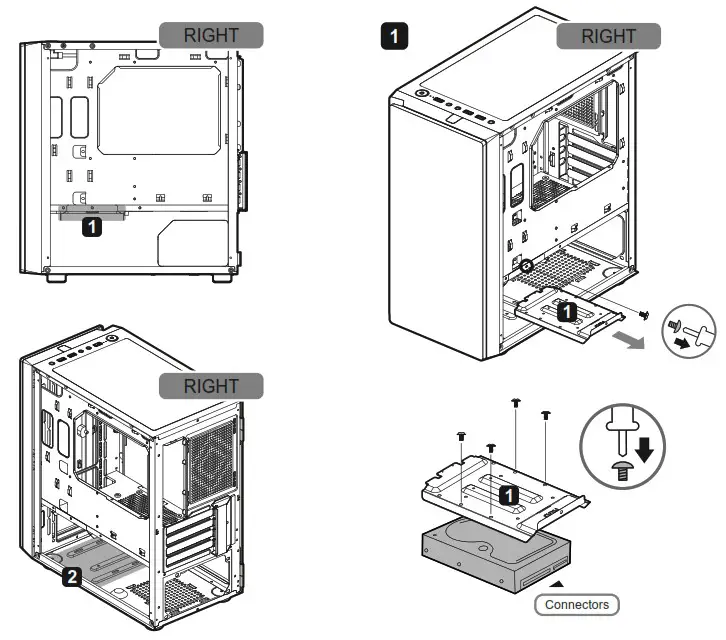
Installing PCI-E cards
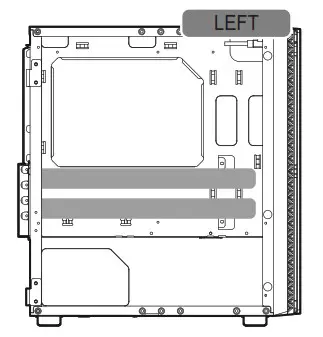
Support for graphics card up to 305mm-long https://cougargaming.com/
COUGAR USA Technical Service
Tel: (833) 256-3778
Mail:[email protected]
Compucase Enterprise Co.,Ltd.
All rights reserved. Made in China
 COUGAR – Real Gear For Real Gamers