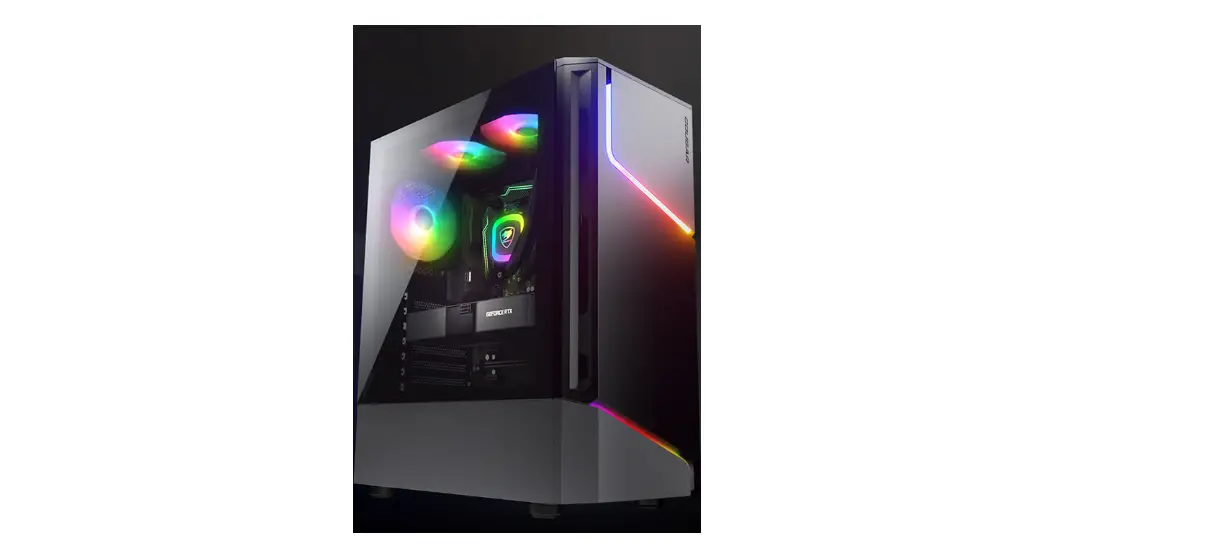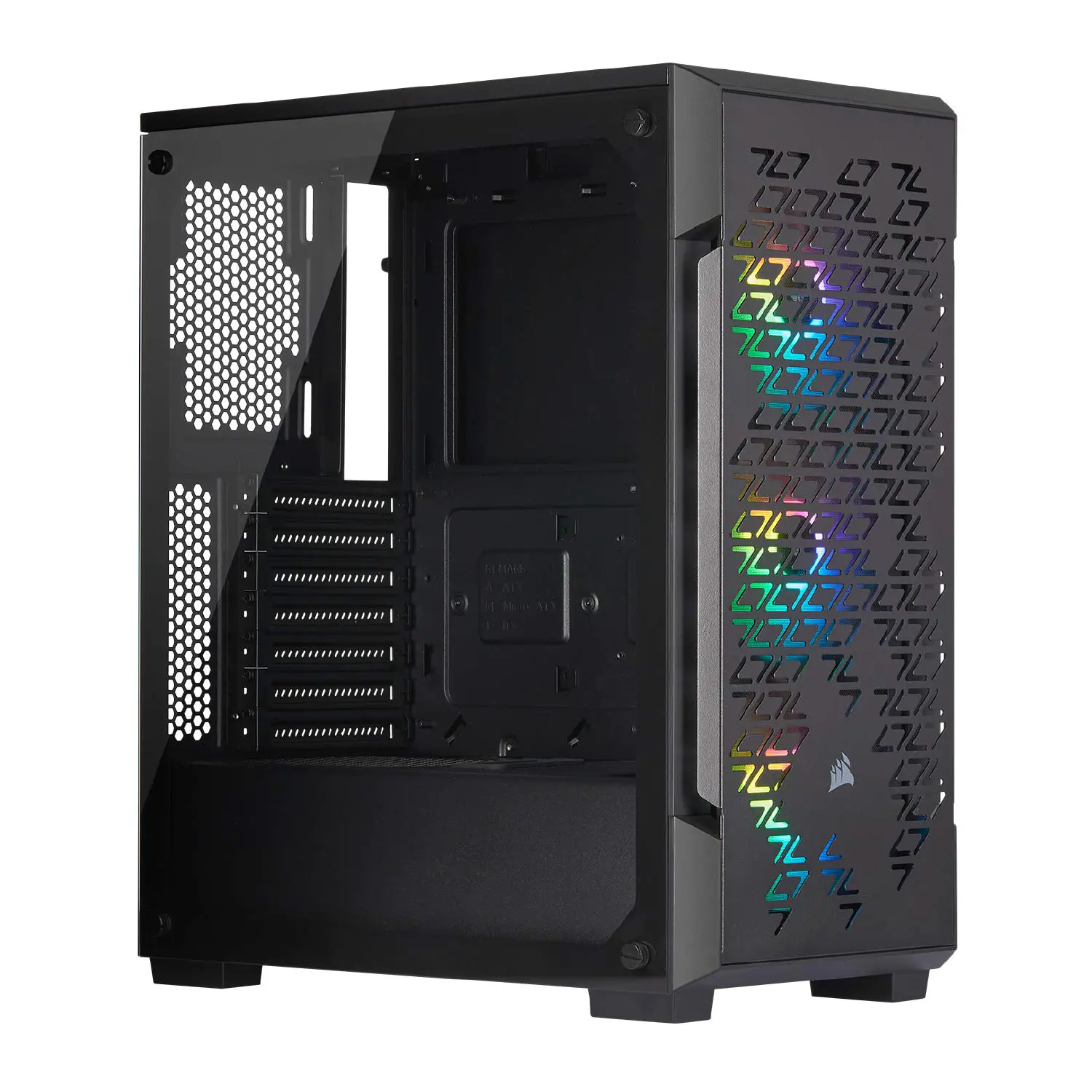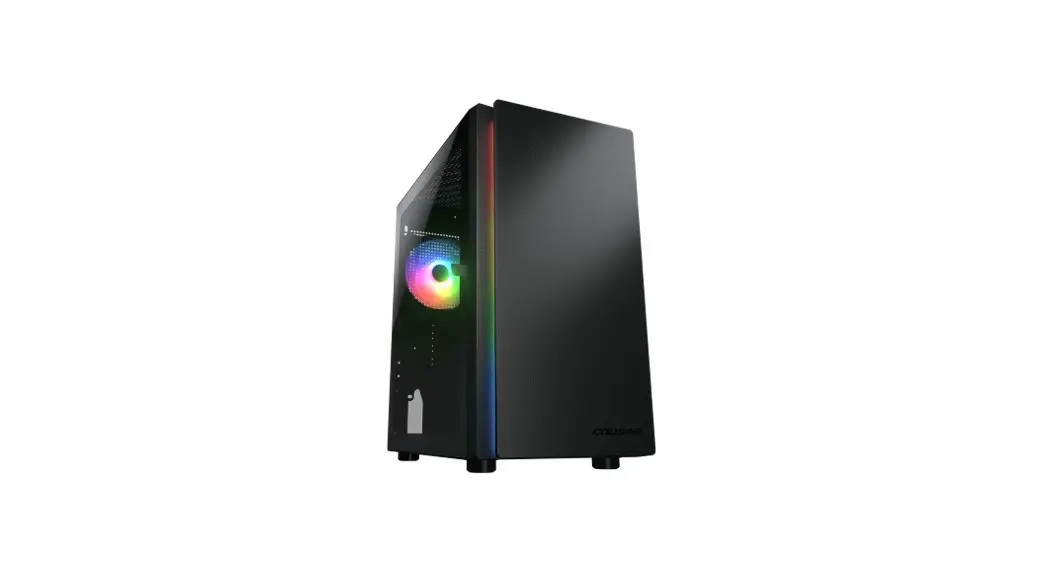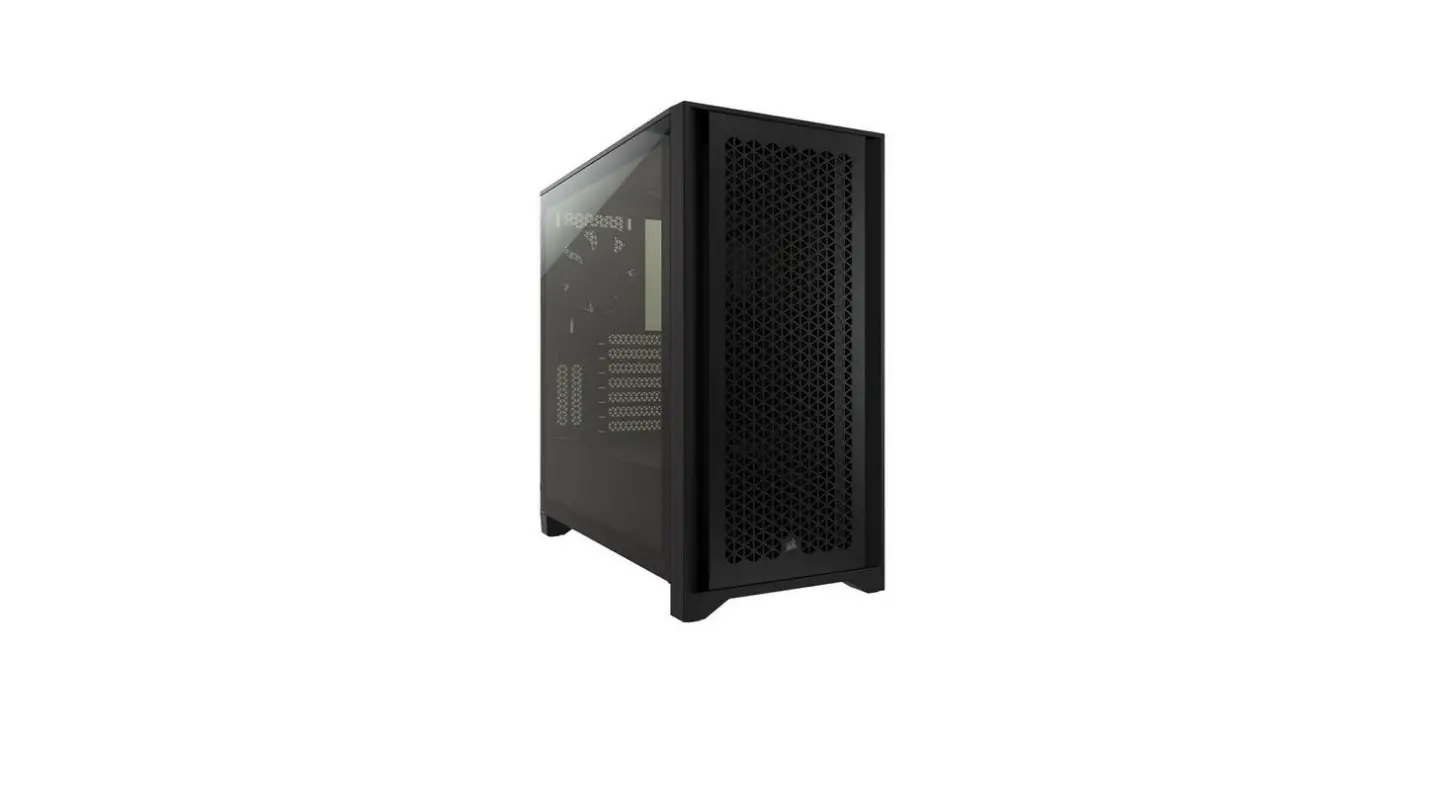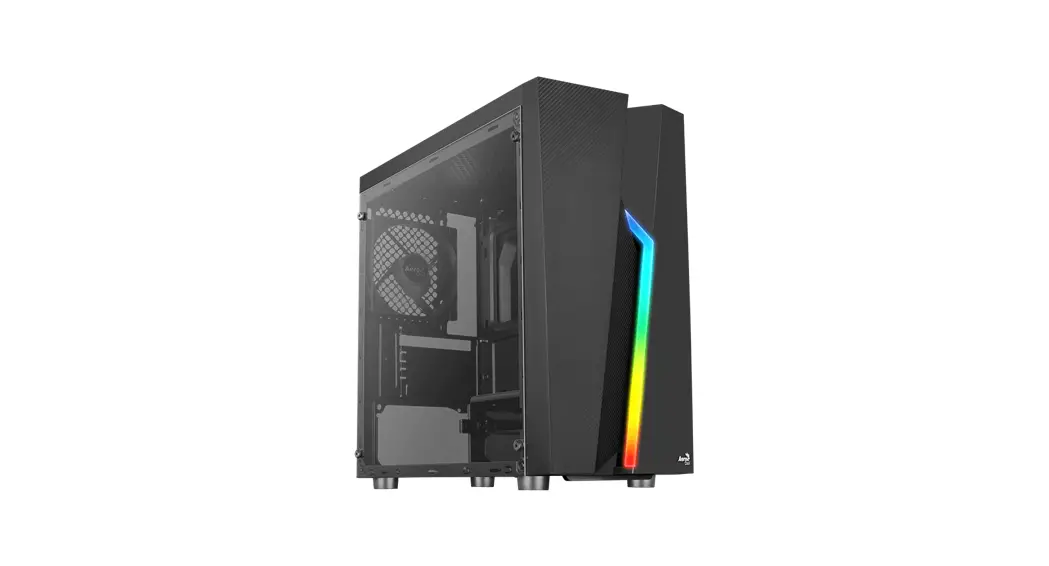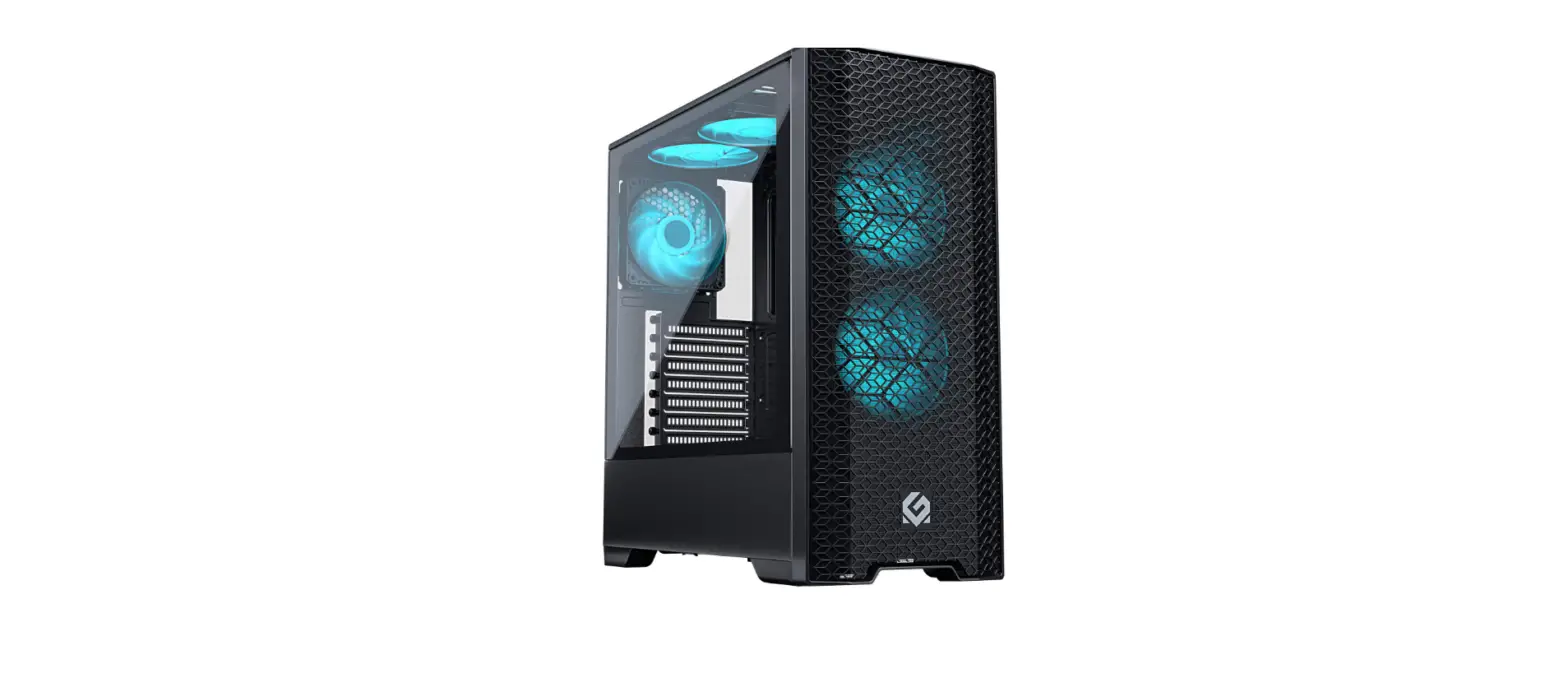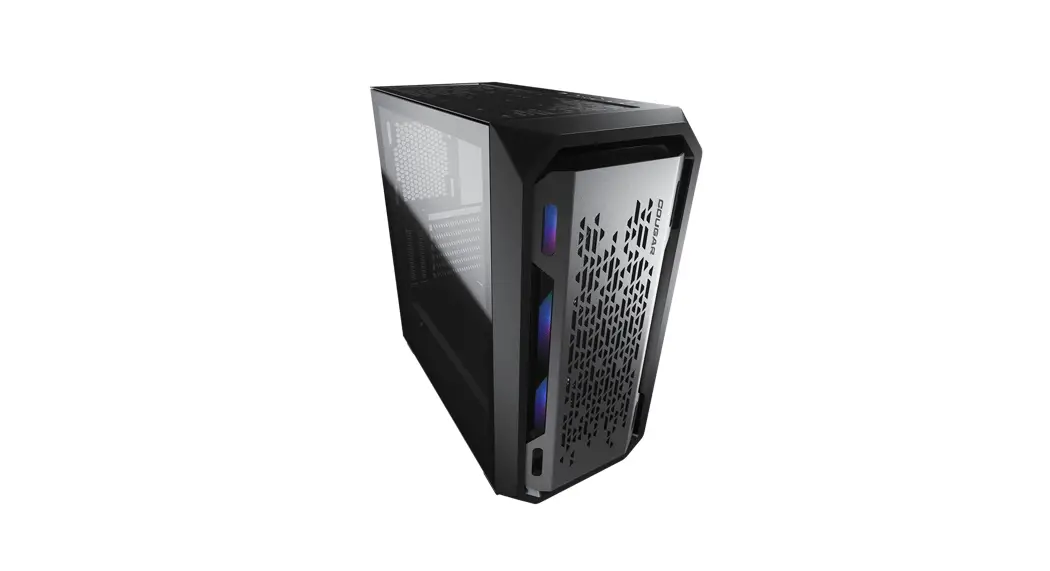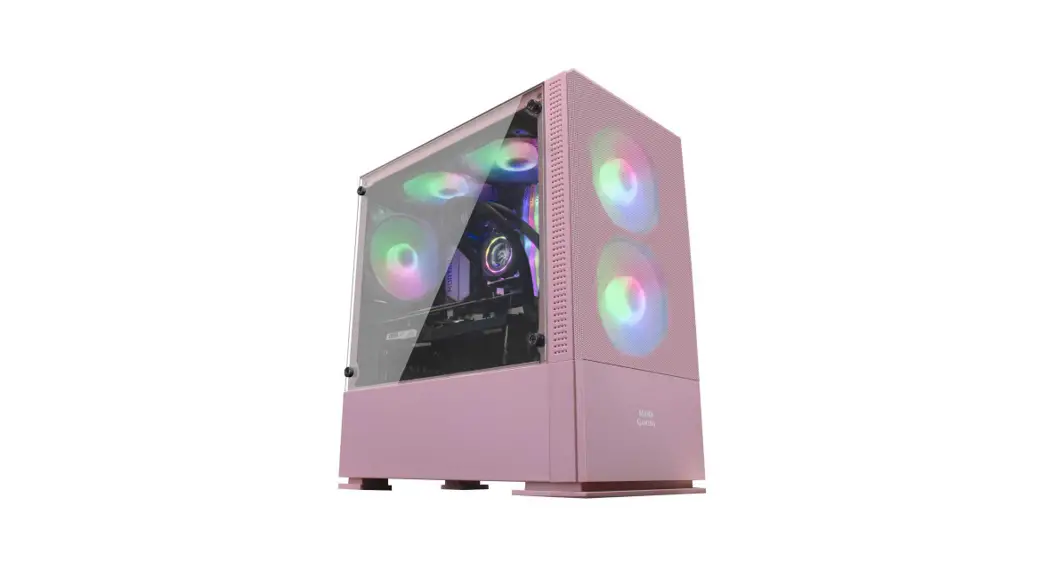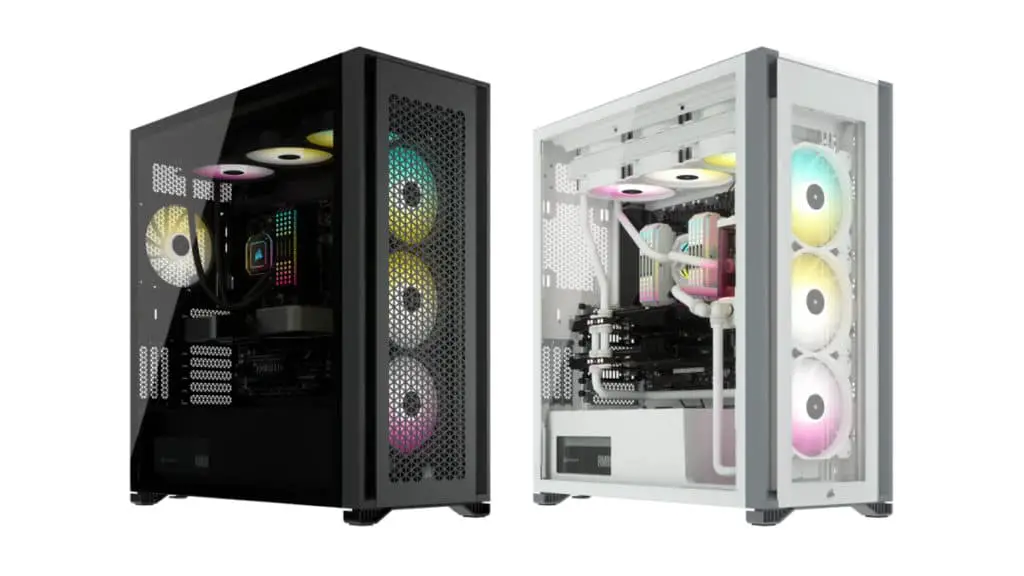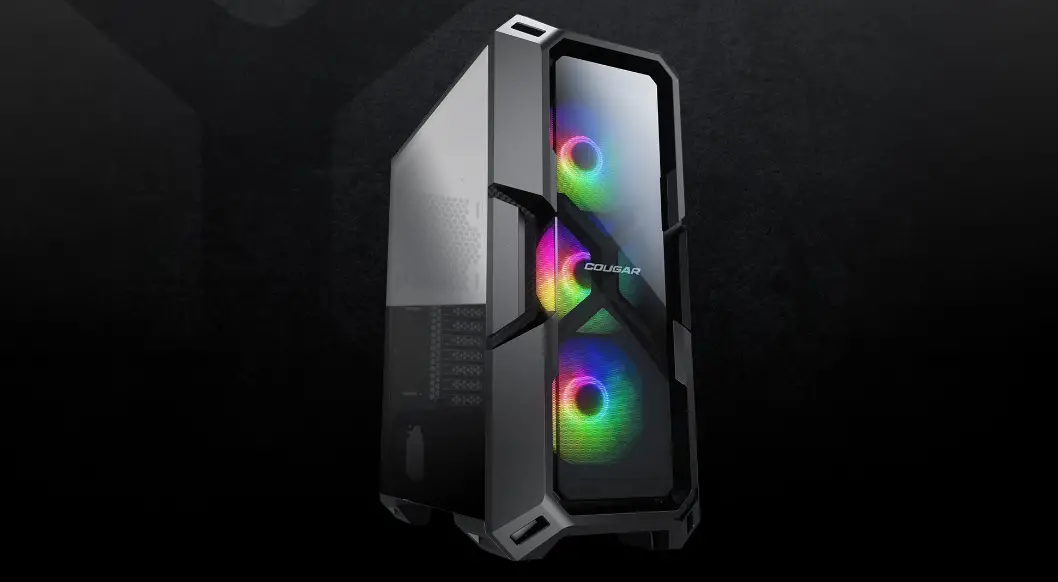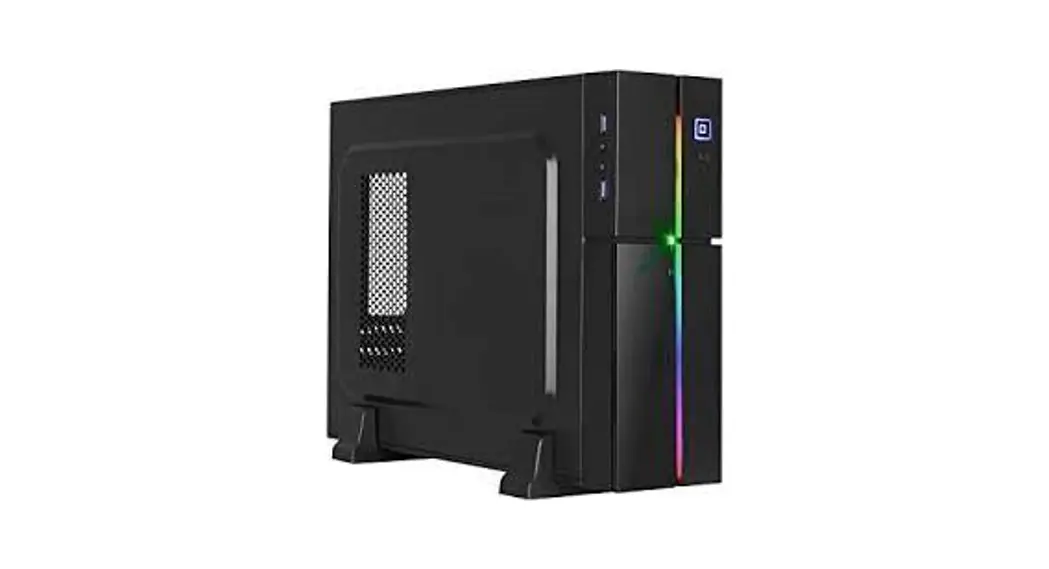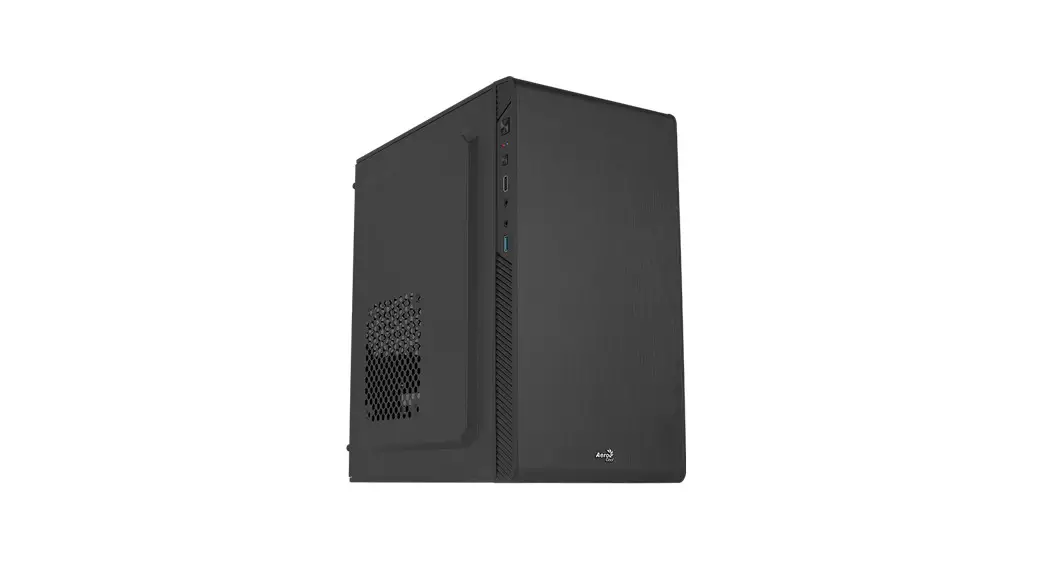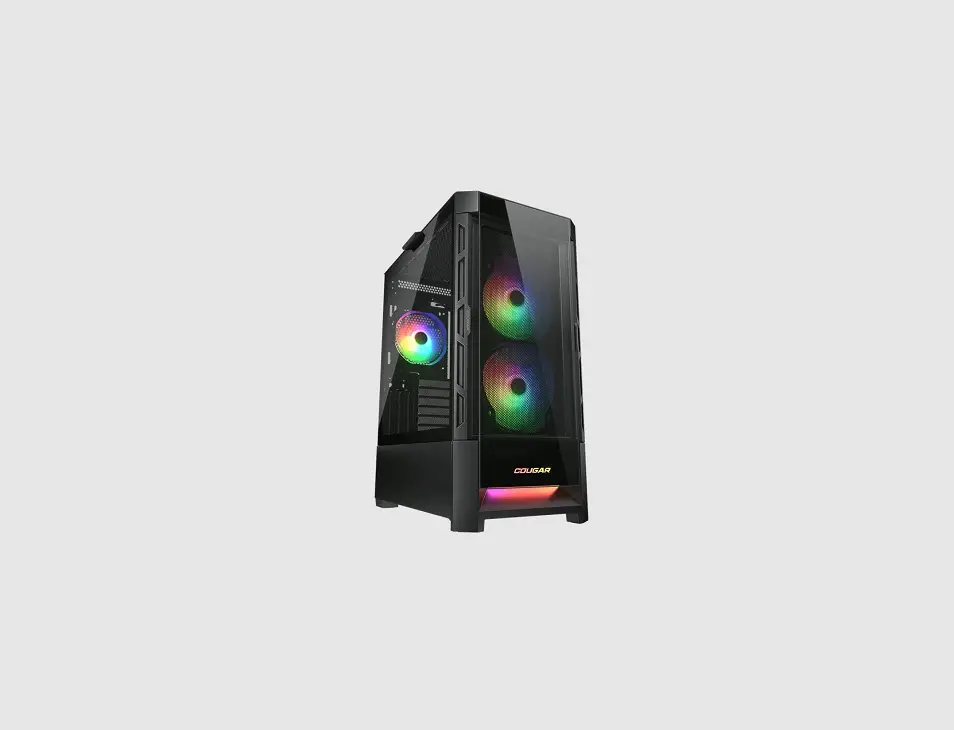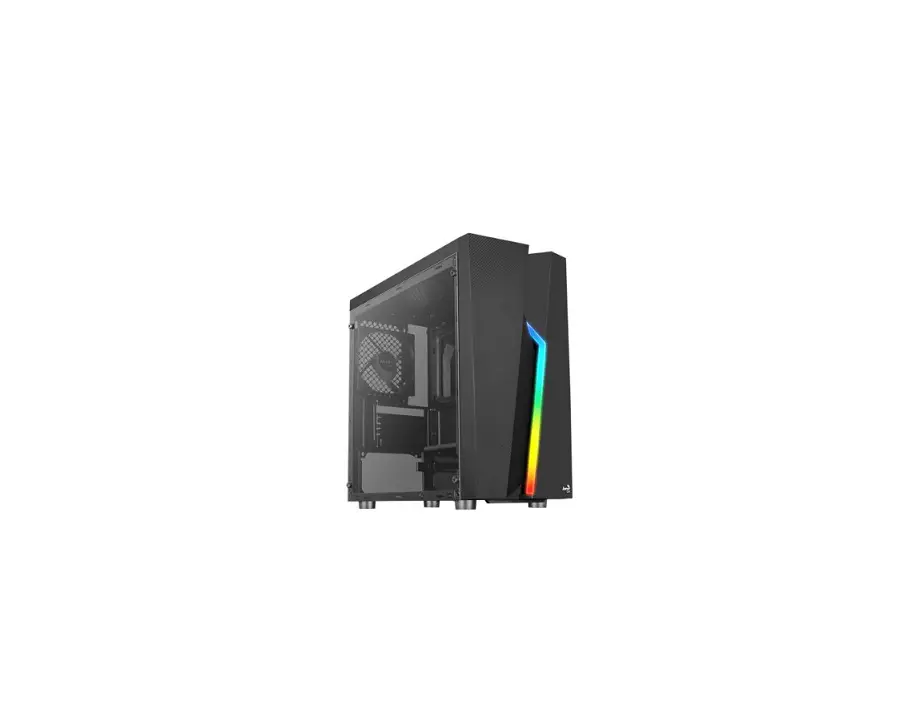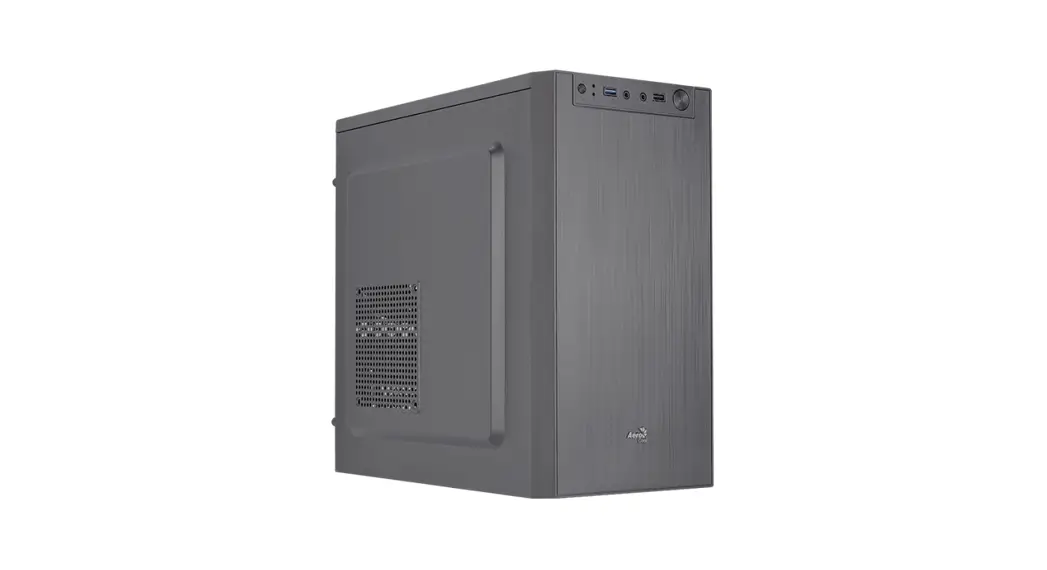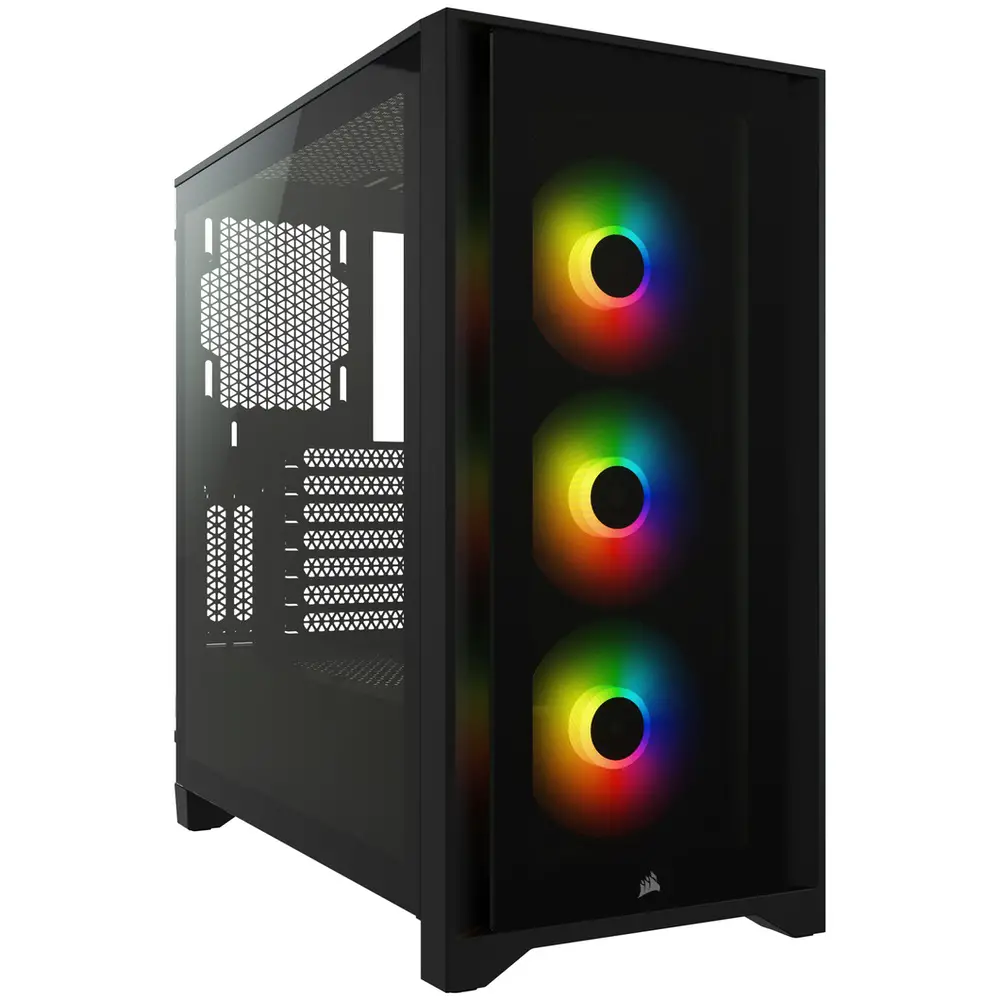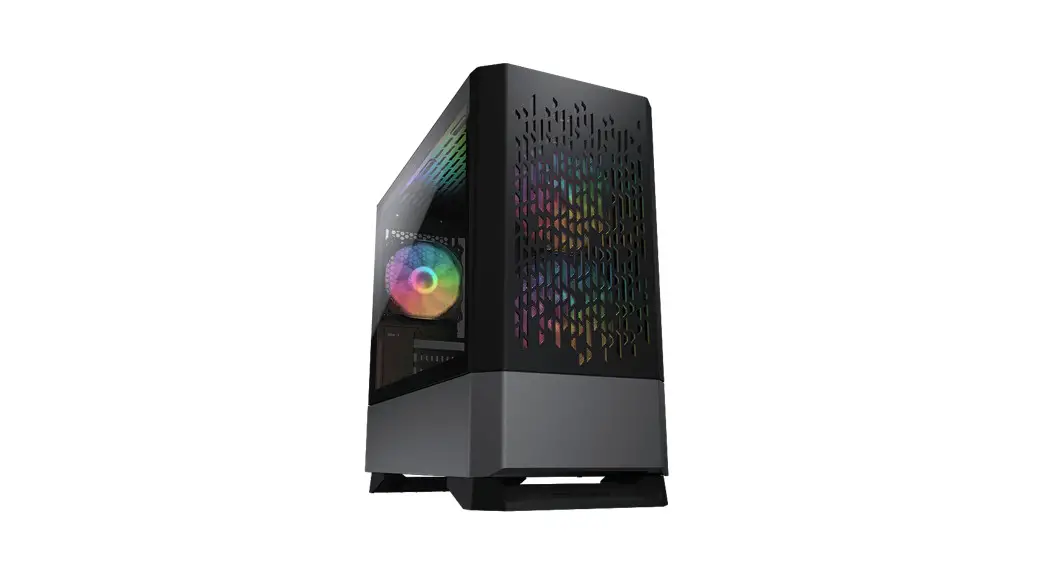
 MG140 AIR RGB Mini Tower Gaming Case
Instruction Manual
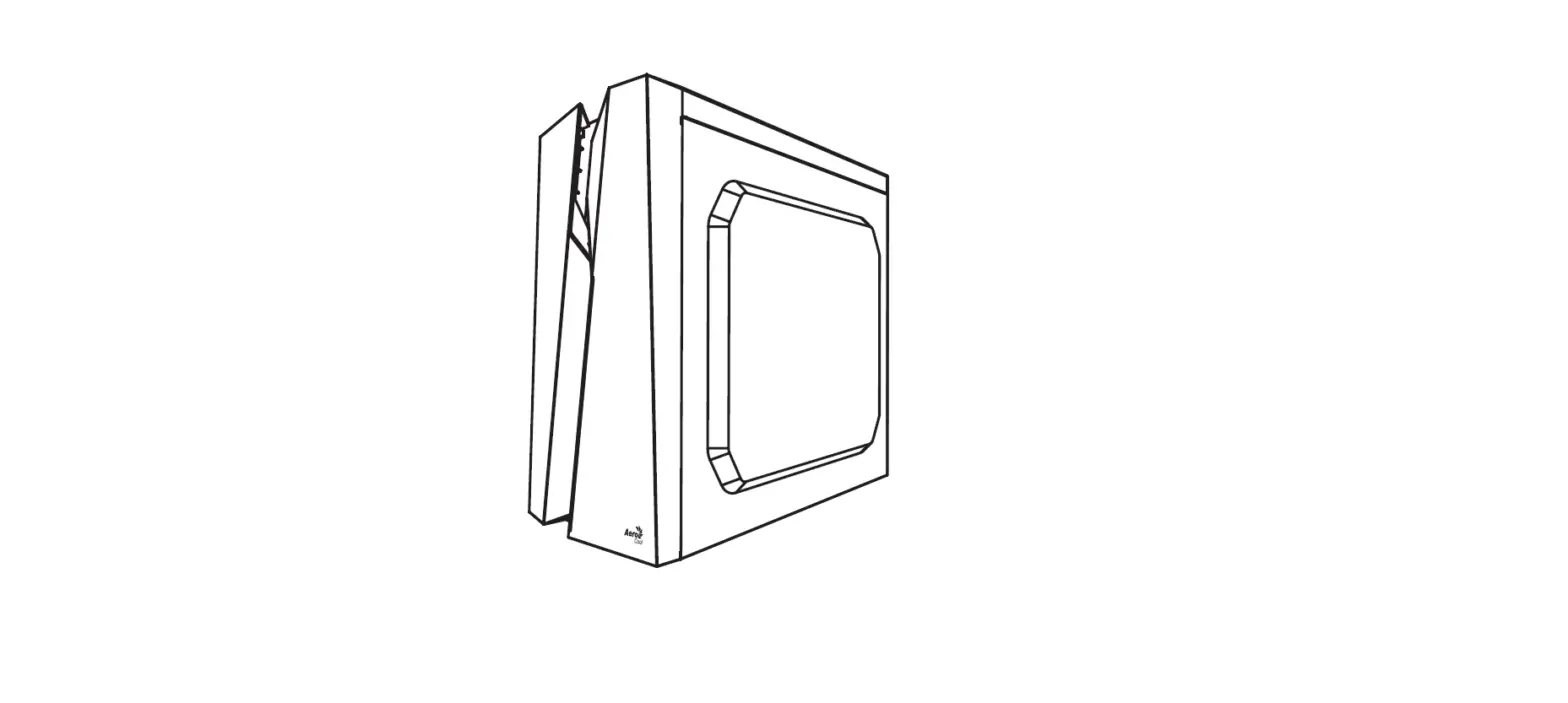
Assembly Drawing
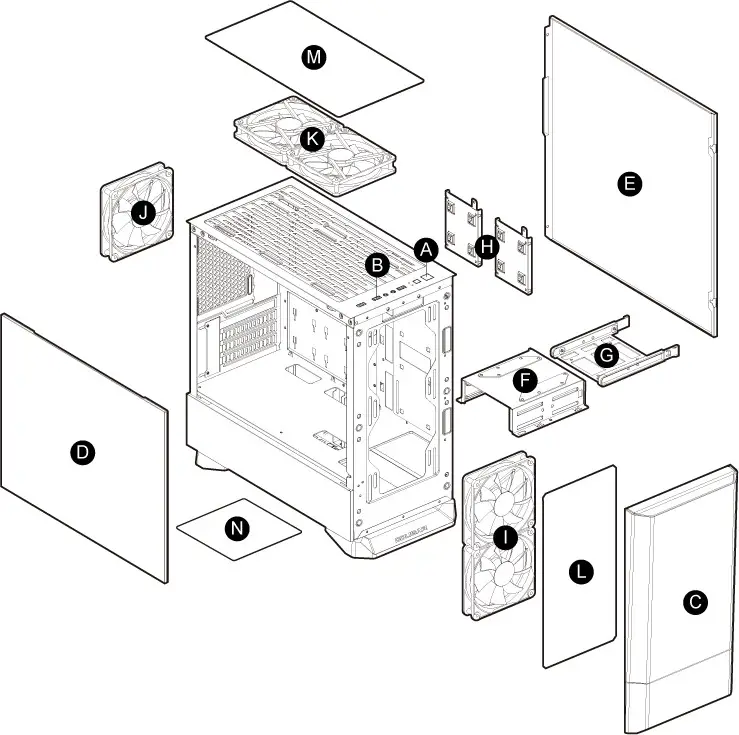 A. Power button / RGB button
B. USB 3.0 / USB 2.0 / HD audio ports
C. Front panel
D. Tempered glass side panel
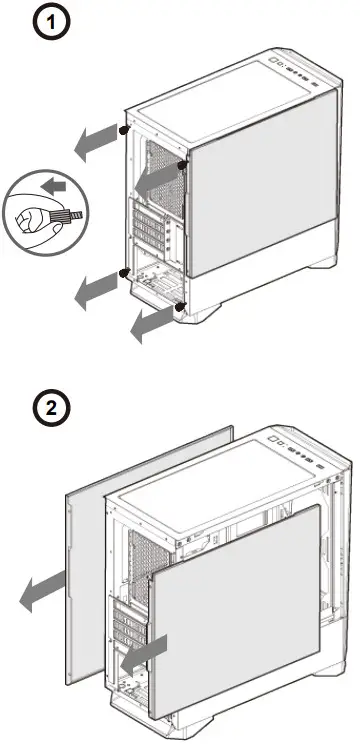
E. Right side panel
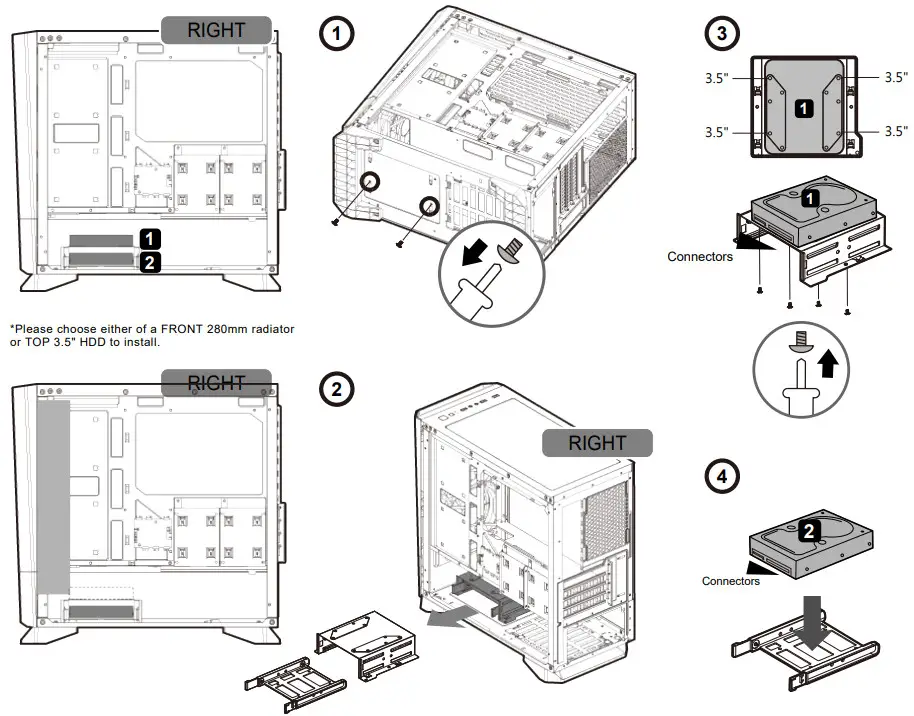
F. 3.5″ HDD cage (compatible for 2.5″ HDD/SSD)
G. 3.5″ HDD tray (compatible for 2.5″ HDD/SSD)
H. 2.5″ HDD/SSD trays
I. 2 x 120mm / 2 x 140mm fans for front panel (120mm ARGB fans x 2 pre-installed)
J. 120mm fan for rear panel (120mm ARGB fan pre-installed)
K. 2 x 120mm / 2 x 140mm fans for top panel (optional)
L. Air filter for front panel
M. Air filter for the top panel
N. Air filter for the bottom panel
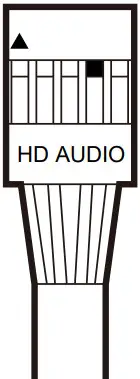
Installing the Front I/O Connectors
| USB 3.0 | USB 2.0 | HD AUDIO | POWER SW | POWER LED | H.D.D LED |
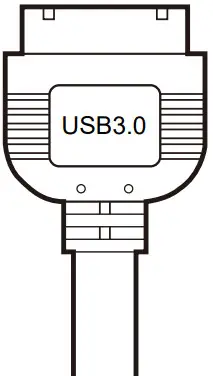 | 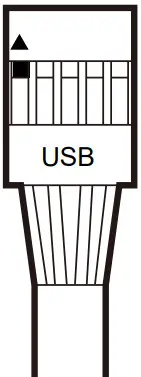 |  |  |  |  |
ACCESSORY KIT
 | Motherboard screws & 2.5″ SSD screws | X 14 |
 | Power supply screws | X 4 |
 | 3.5″ HDD screws & PSU mounting bracket screws | X 11 |
 | Stand-off for motherboard | X 1 |
 | Fan screws | X 8 |
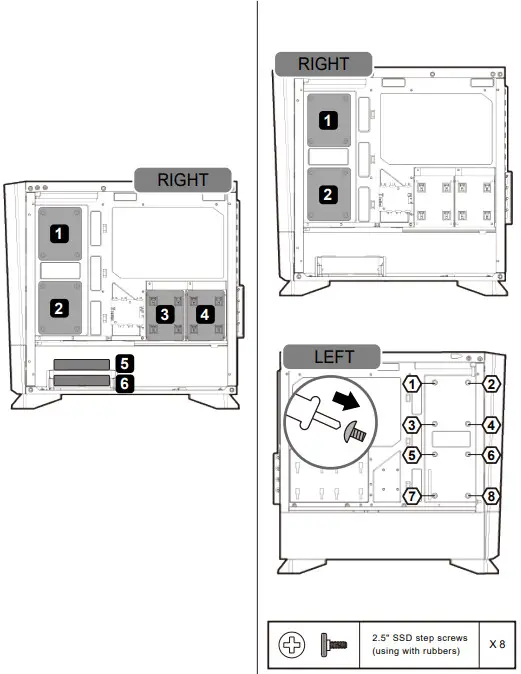
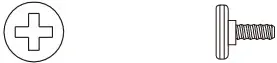 | 2.5″ SSD step screws (using with rubbers) | X 8 |
 | Adapter for removing/installing stand-offs | X 1 |
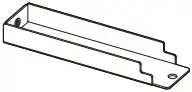 | PSU mounting bracket (for stability) | X 1 |
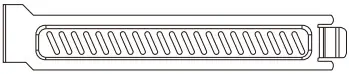 | Slot covers | X 1 |
 | Cable ties | X 4 |
BRILLIANT AND COMPACT ARGB MINI TOWER CASE
We’ve made COUGAR PC cases even better. The smoked and translucent front panel design creates a stunning outlook for your amazing build. Three gorgeous ARGB fans, mighty support for up to a 280mm radiator, a 350mm graphic card, and a 160mm CPU cooler deliver superior value for you.
FANTASTIC DARKMIRROR
MG140 RGB’s front panel features a smoked and translucent design. It is the chassis that integrates the new concept of minimalist aesthetic and fantastic style. The front panel enhances the reflection of internal ARGB fans creating mesmerizing light effects.
INCREDIBLE RGB LIGHTING
MG140 RGB comes with 3 ARGB fans. You are free to control several amazing lighting effects with the dedicated RGB button. The built-in LED controller is also adaptable with any compatible motherboard’s 5V ARGB connection for system-wide lighting synchronization. The powerful lights come out of a stylish panel and the reflective surroundings help reinforce the RGB effects.
TOP-NOTCH COOLING
MG140 RGB’s compact layout allows you to install five fans, a 280mm water cooling radiator, and a 160mm CPU cooler. This immense cooling potential will enable you to choose components freely.
GREAT SUPPORT FOR COMPONENTS
Its advanced support for up to 350mm-long graphics cards, allows you to enjoy the latest games with smooth framerates.
CLEAN AND TIDY LOOKS
The full-length PSU cavity hides cables and a massive tempered glass left panel presents a clean and tidy build, you can easily showcase your pro-level stunning build!
GLOBAL WARRANTY POLICY
WARRANTY PERIODS OF COUGAR GAMING DEVICES
Product : COUGAR MG140 RGB
Warranty: 1 Year
- This warranty gives you specific legal rights. You may also have other rights granted under local law.
These rights may vary. - Only for electrical components.
| Model Name | MG140 RGB (BLACK) / (IRON-GRAY) | |
| Model No. | CGR-SJM8B-RGB / CGR-5JM8G-RGB | |
| Case Form Factor | Mini Tower | |
| Motherboard Type | Mini ITX / Micro ATX | |
| Dimensions (WxHxD) | 205 (W) x 410 (H) x 420 (D) mm 8.1 (W) x 16.1 (H) x 16.5 (D) in | |
| I/O Panel | USB 3.0 x 2, USB 2.0 x 1, Mic x 1 / Audio x 1, RGB Button | |
| 3.5″ Drive Bay | 2 | |
| 2.5″ Drive Bay | 4+2 (converted from 3.5″ drive bays) / (2 SSD trays included) | |
| Expansion Slots | 4 | |
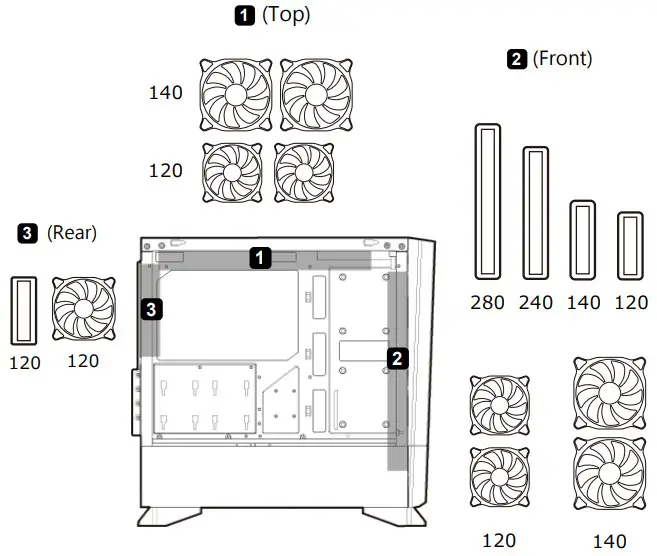
| Cooling Fan Support | Front | 120mm x 2 / 140mm x 2 (120mm ARGB fan x 2 pre-installed) |
| Top | 120mm x 2 / 140mm x 2 | |
| Rear | 120mm x 1 (120mm ARGB fan x 1 pre-installed) | |
| Maximum Number of Fans | 5 Max. | |
| Water Cooling Support | Front | 280mm / 240mm / 140mm / 120mm |
| Top | — | |
| Rear | 120mm | |
| Transparent Left Panel | 4mm Tempered Glass | |
| Onboard Lighting System | Yes | |
| RGB Sync with M/B | Yes | |
| Max. Graphics Card Length | 350 (mm) / 13.8 in | |
| Max. CPU Cooler Height | 160 (mm) / 6.3 in | |
| Max. PSU Length | 160 (mm) / 6.3 in | |
Specifications might vary depending on the country or region of sale.
- Smoked and translucent front panel design
- Integrated RGB system with 5V ARGB motherboard synchronization
- Support for Micro ATX / Mini ITX motherboards
- Massive tempered glass side window
- Up to 350mm graphics cards
- Up to five fans and 160mm CPU cooler
- Up to a 280mm water cooling radiator
Removing the side panels
 Installing water cooling radiators & cooling fans
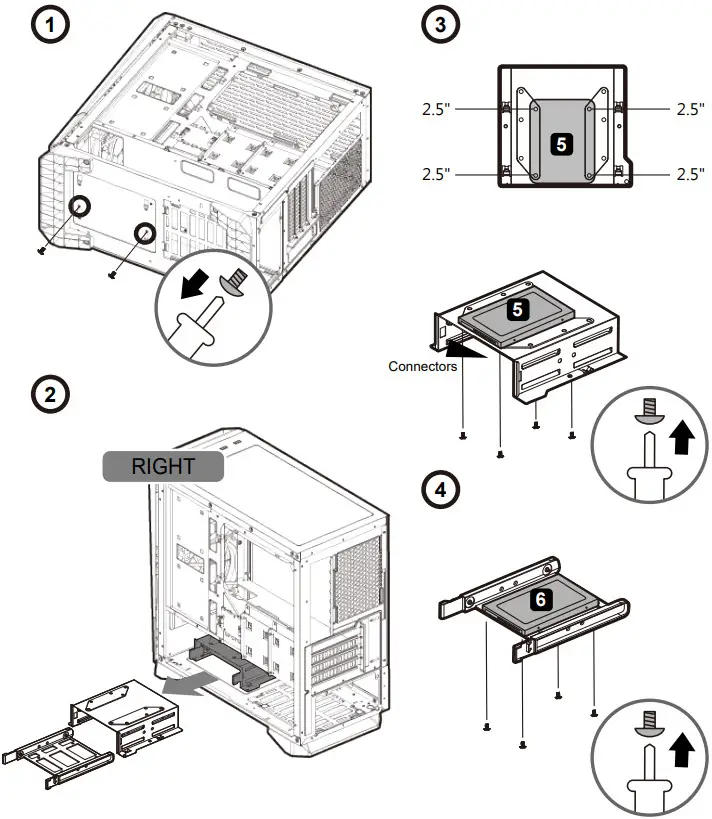
 Installing 3.5″ HDDs
 PSU mounting bracket (for stability)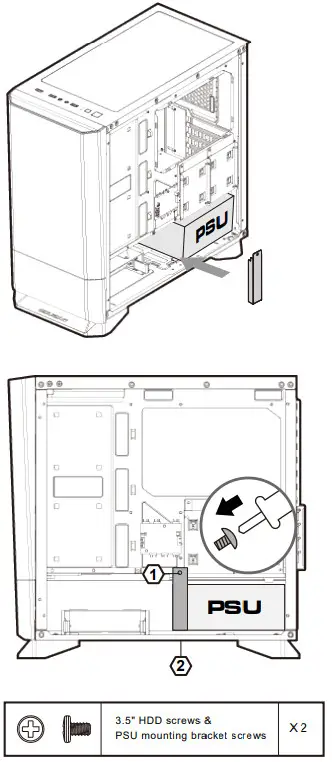
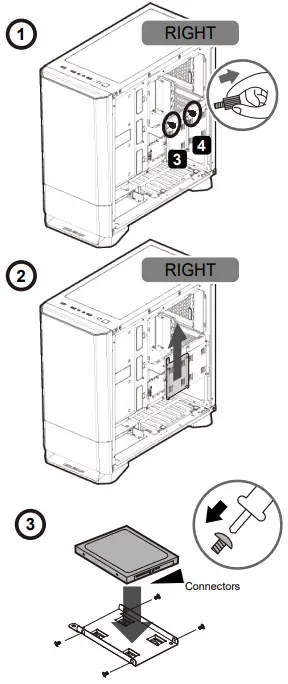
Installing 2.5″ SSDs /HDDs
 |  |
 | |
RGB & Fan control system
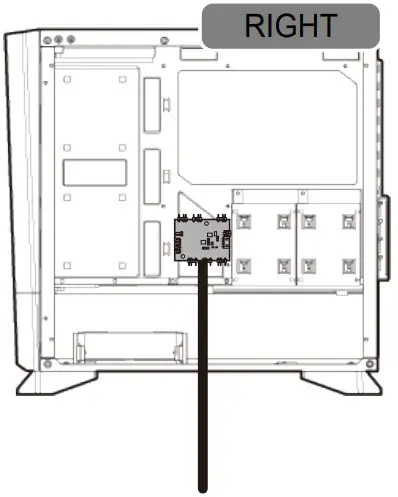
- First Mode: 13 Preset Lighting Effects
You can use the top panel’s RGB SW button to switch between the thirteen beautiful lighting effects we have preset for you. - Second Mode: Motherboard Synchronization
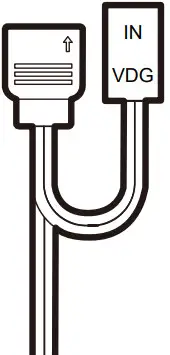
Please use the included adaptor (see picture below) to connect to a compatible motherboard’s 3-pin 5V Addressable RGB header.
Then, press and hold the RGB SW button for 3-6 seconds, and the ARGB fans will flash in white two consecutive times.
※If you press and hold the RGB SW button for 3-6 seconds again, the LED strip at the front panel will flash in white two consecutive times. It will be returned to the First mode: 13 Preset Lighting Effects. - Third Mode: Turn off RGB LED lighting effects.
Please press and hold the RGB SW button for over 6 seconds and the LED strip at the front panel will flash in white for four consecutive times.
※If you press and hold the RGB SW button for 1 second again, the RGB LED lighting effects will be turned on.
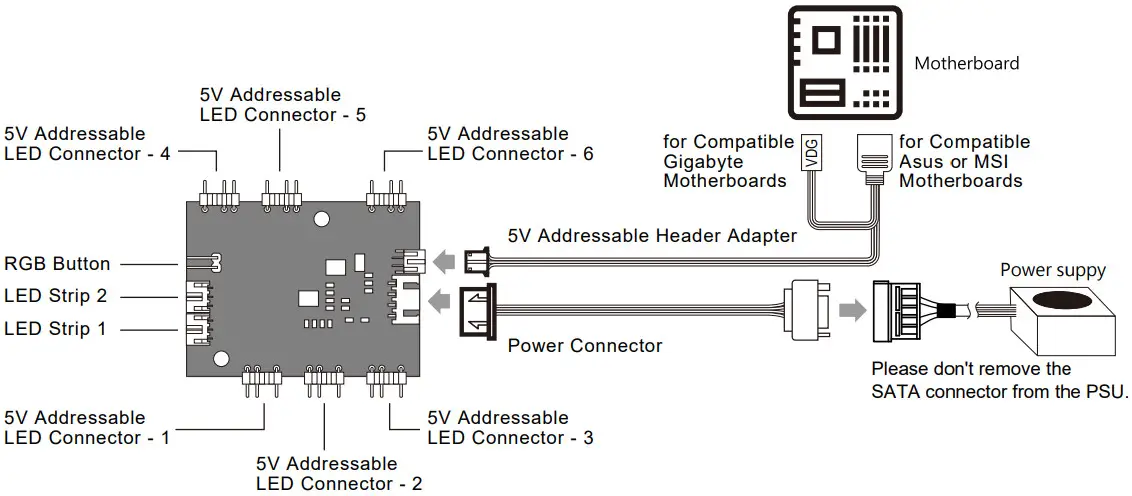 Installing the Built-in LED Controller Connectors
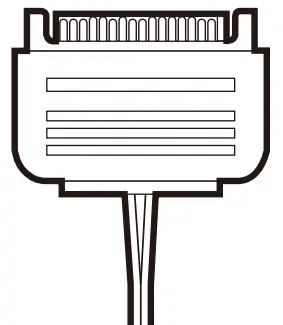
| Power Connector | RGB Button | 5V Addressable Header Adapter |
 |  |  |
Compucase Enterprise Co., Ltd.
No. 225, Lane 54, An Ho Road Sec. 2 Tainan, Taiwan, R.O.C
Tel:+886-6-356-0606
Service E-Mail: [email protected]
COUGAR USA Technical Service
Tel: (833) 256-3778
Mail: [email protected]
https://cougargaming.com/support/contact/upload/
For more information, please visit
www.cougargaming.com
Compucase Enterprise Co., Ltd.
All rights reserved.
Made in China
 COUGAR – Real Gear For Real Gamers