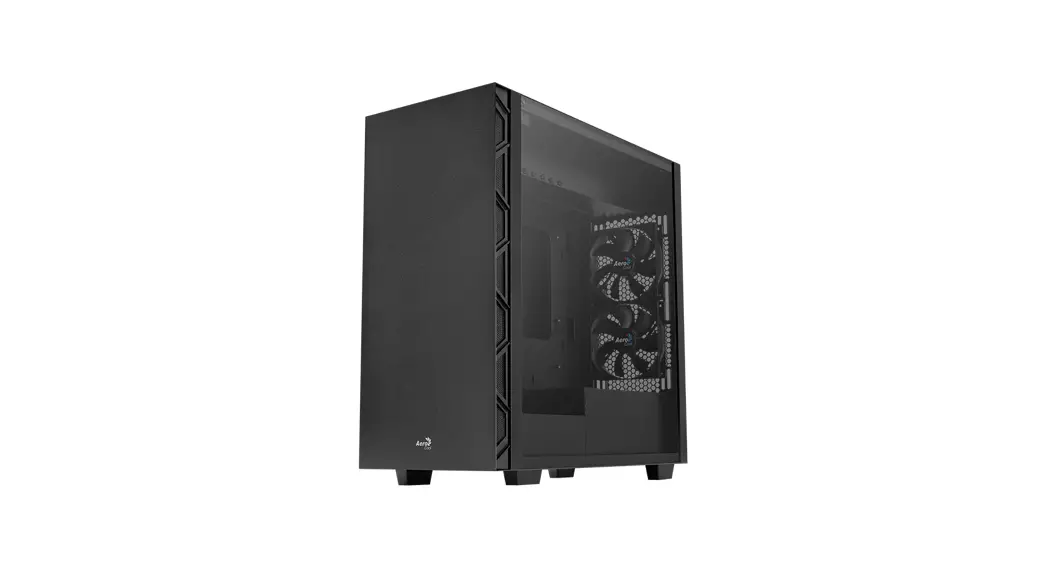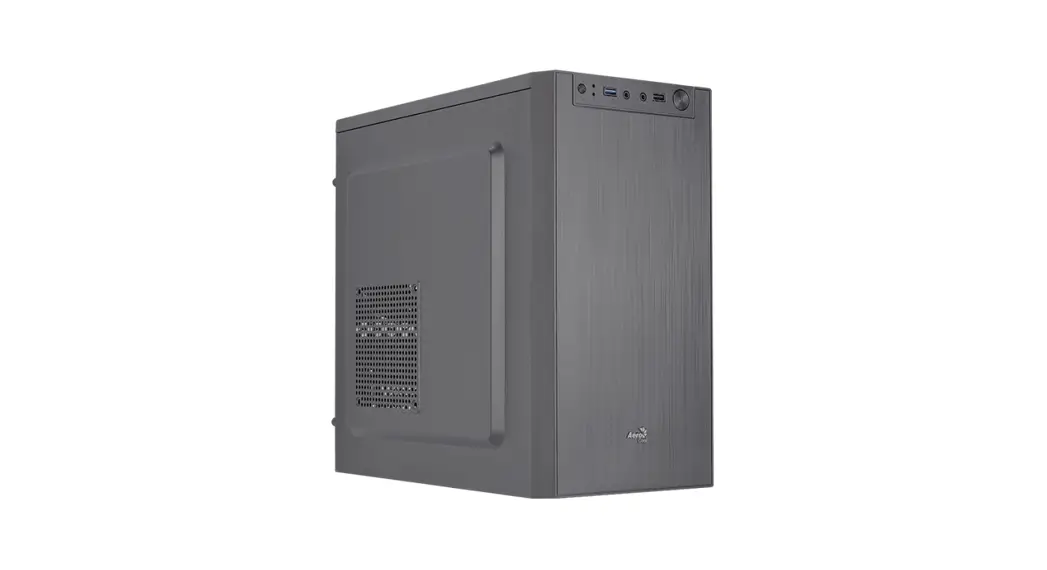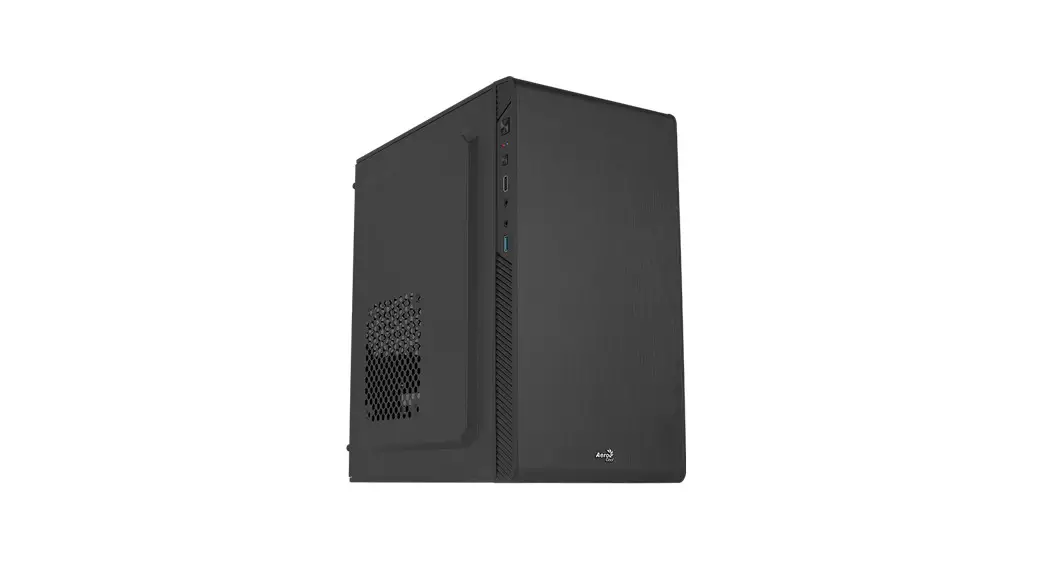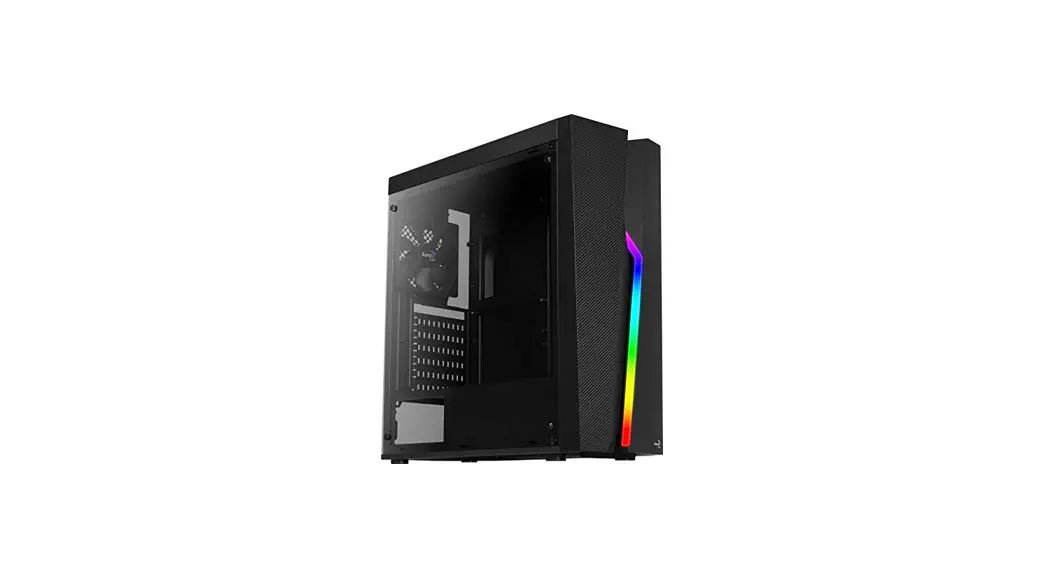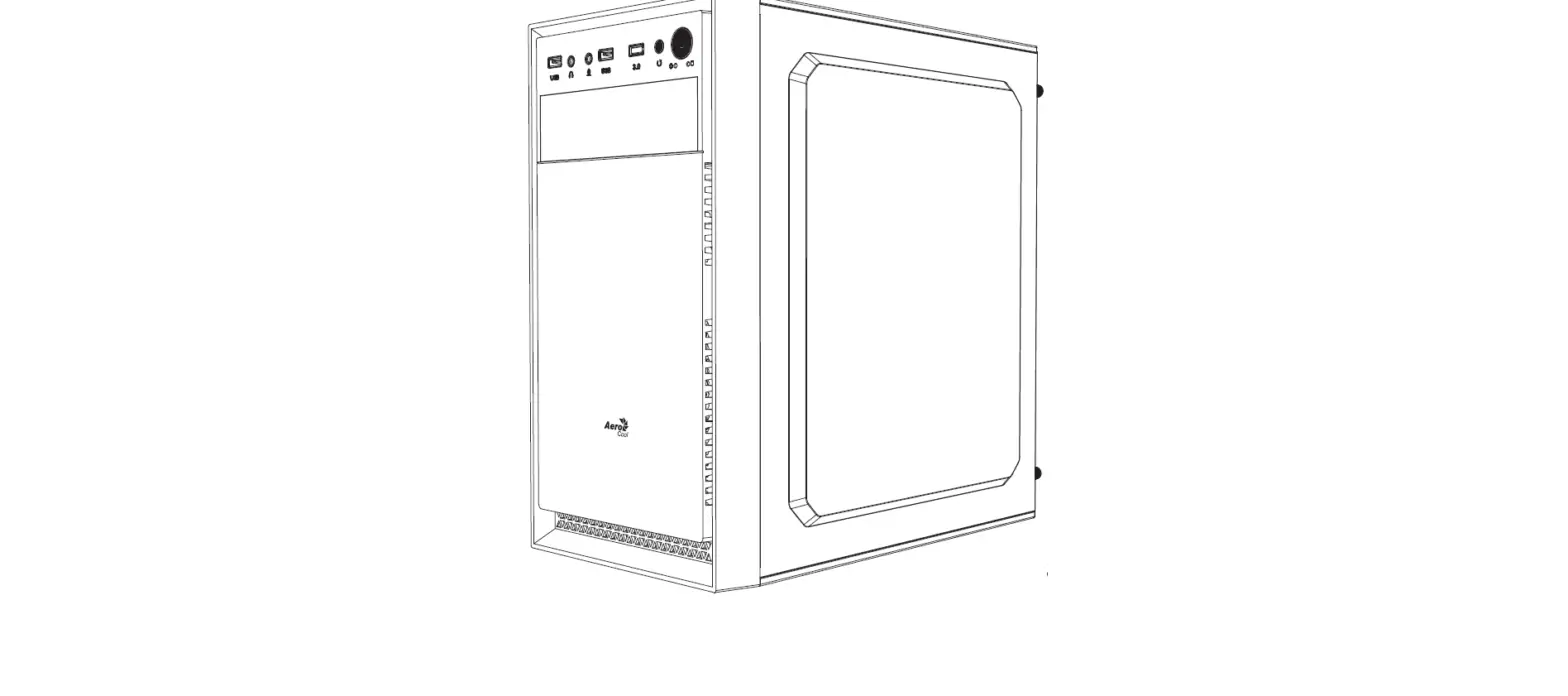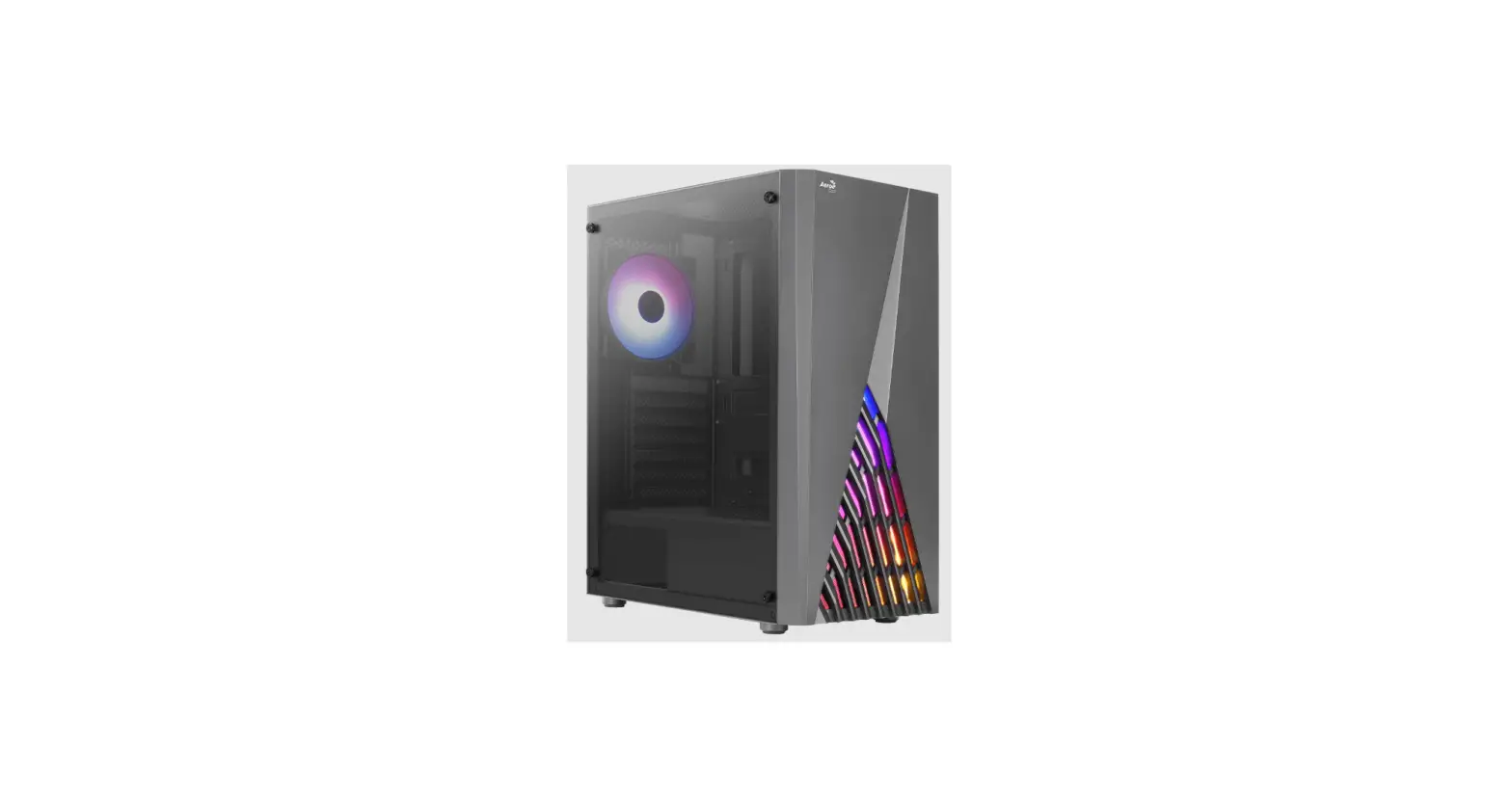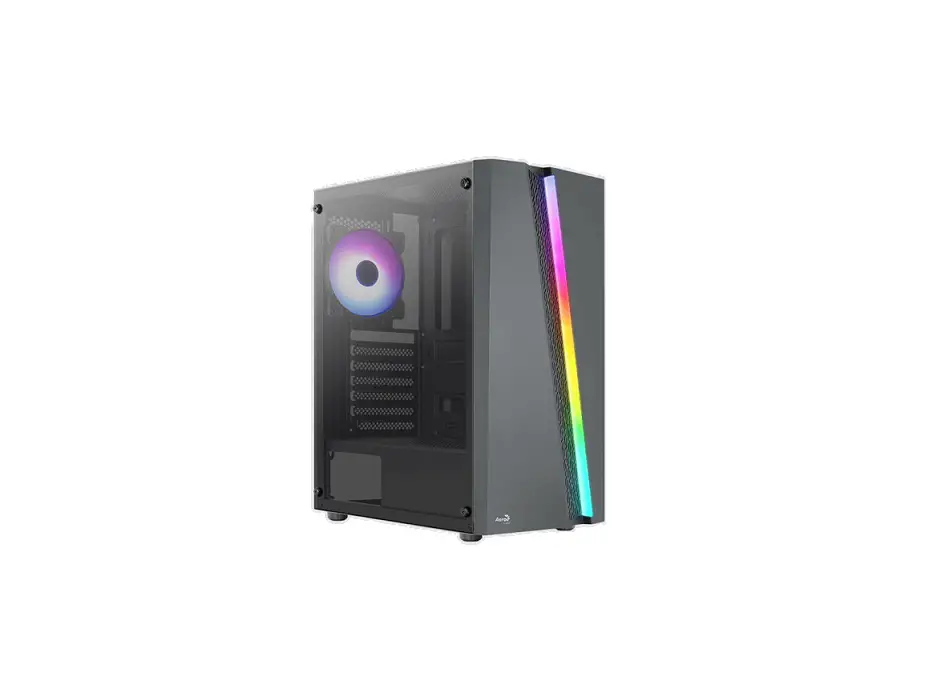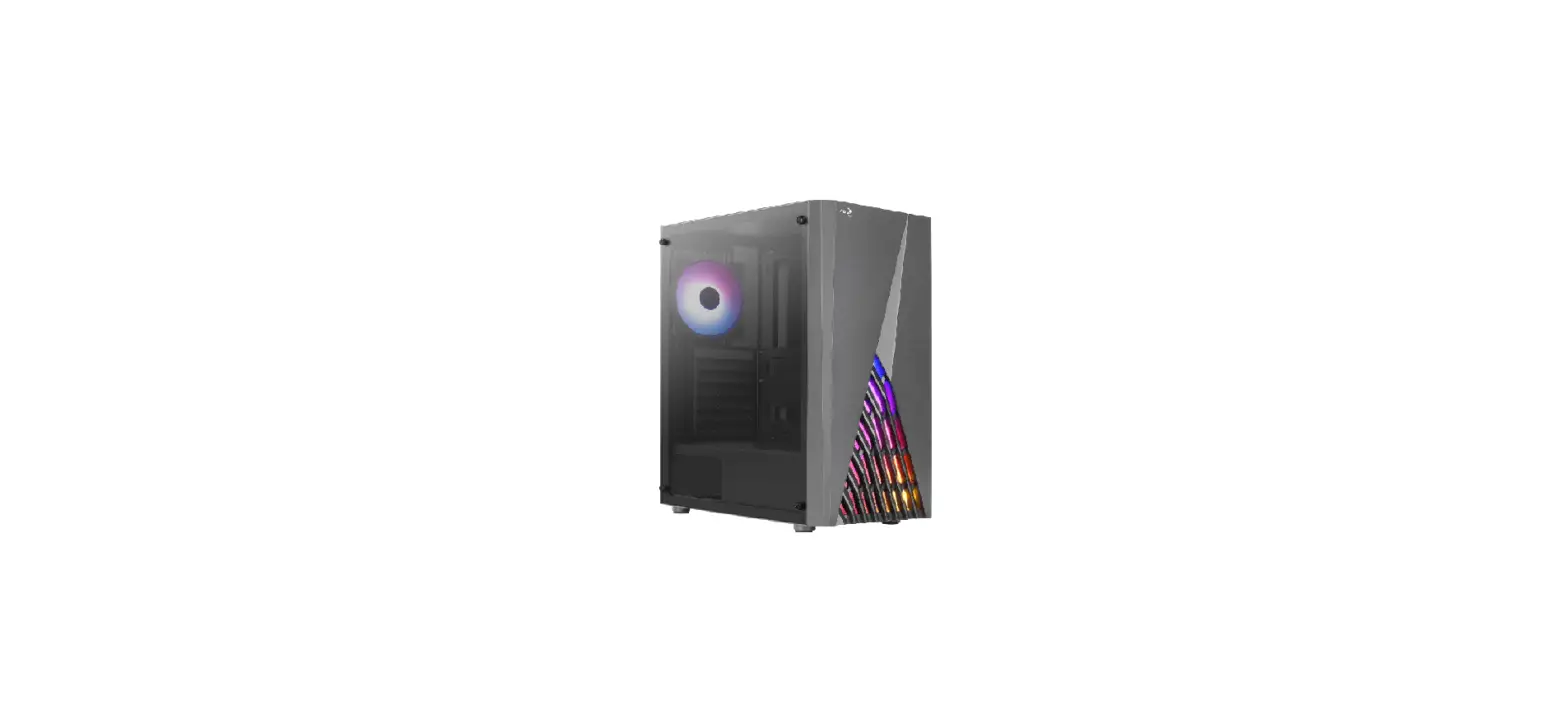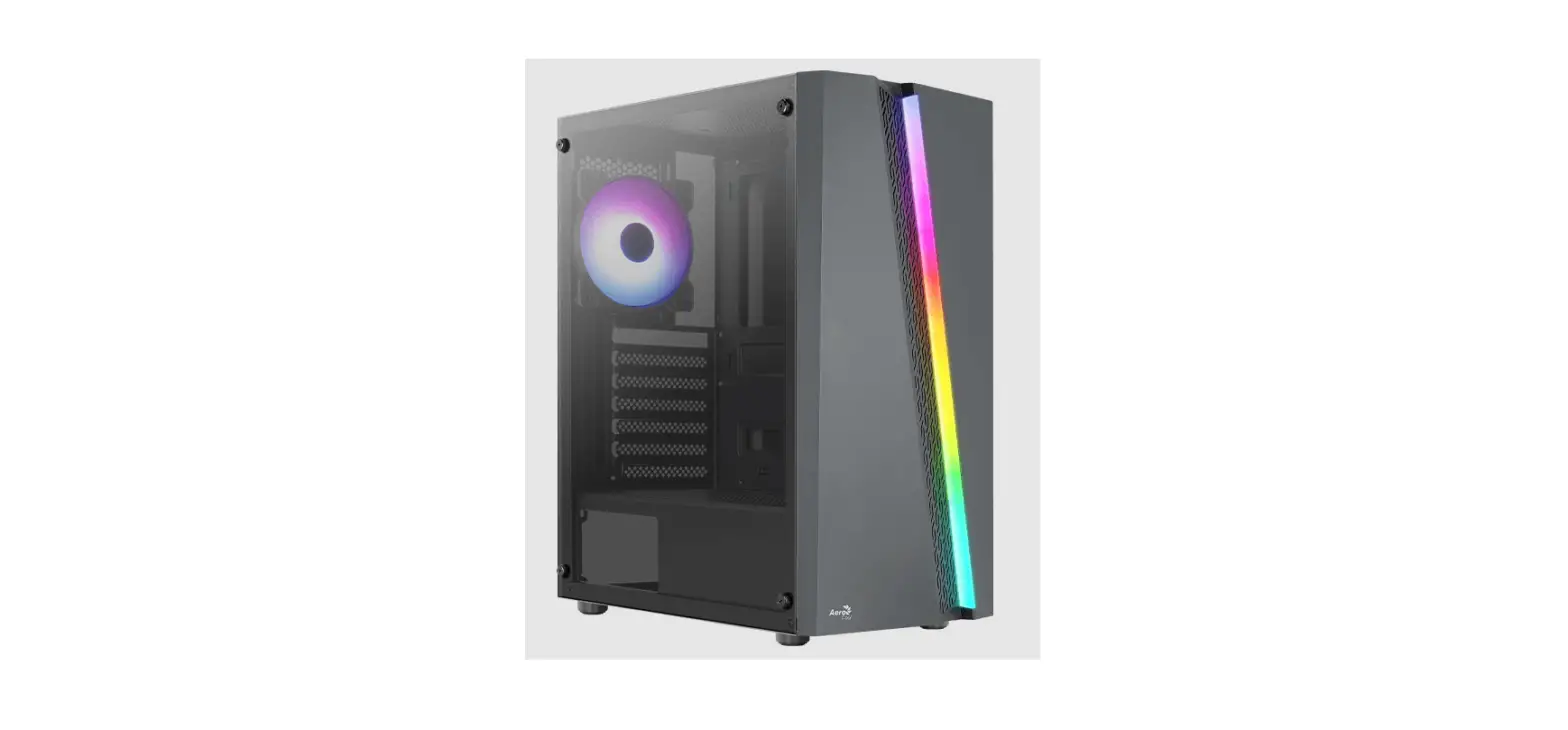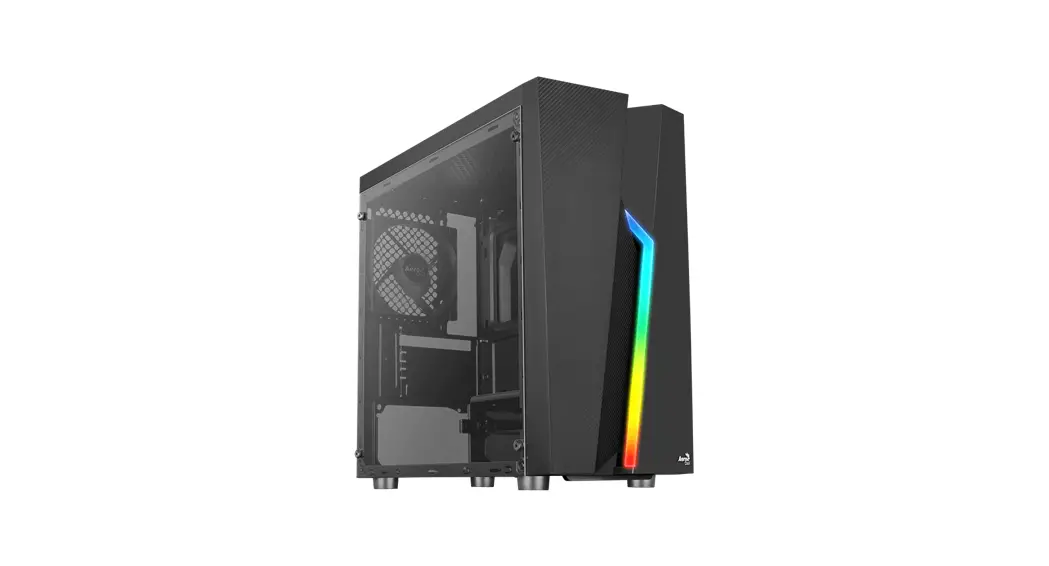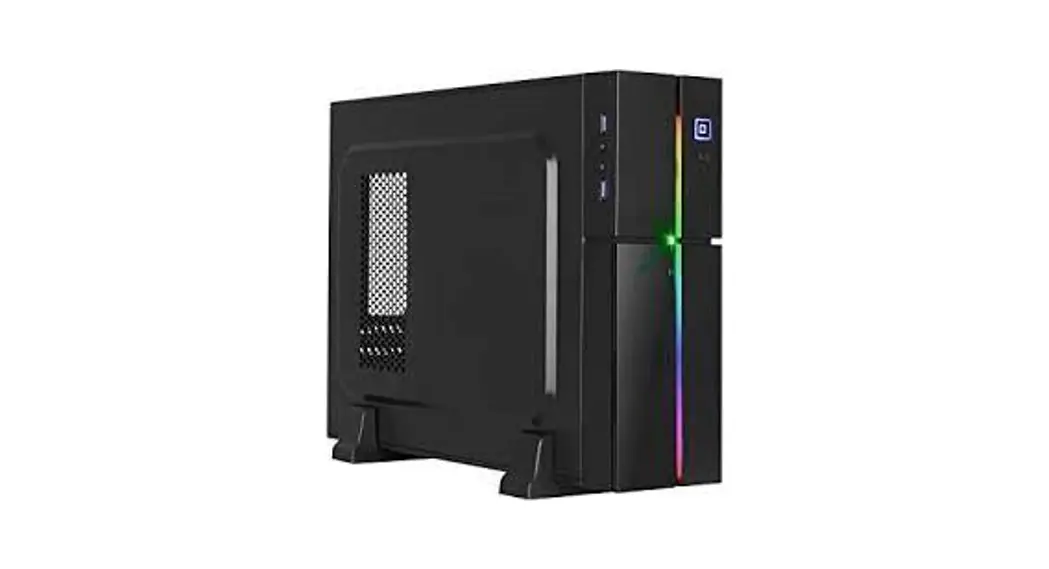
 Playa Slim RGB Slim Tower Case
User Manual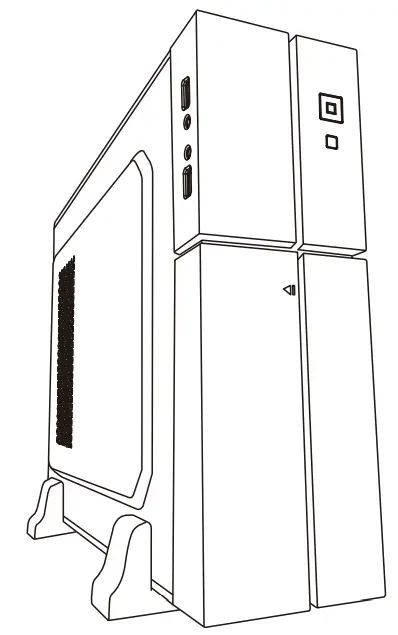
User’s Manual
Front Panel Connector
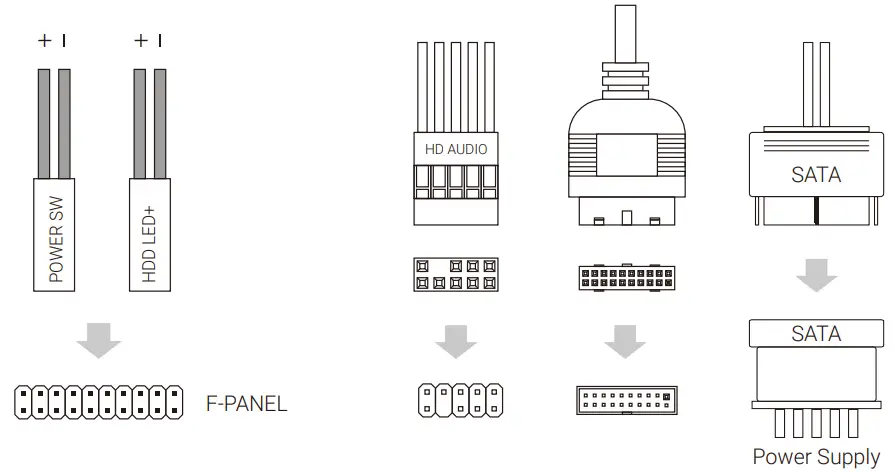 (Please refer to the motherboard’s manual for further instructions).
Accessory Bag Contents
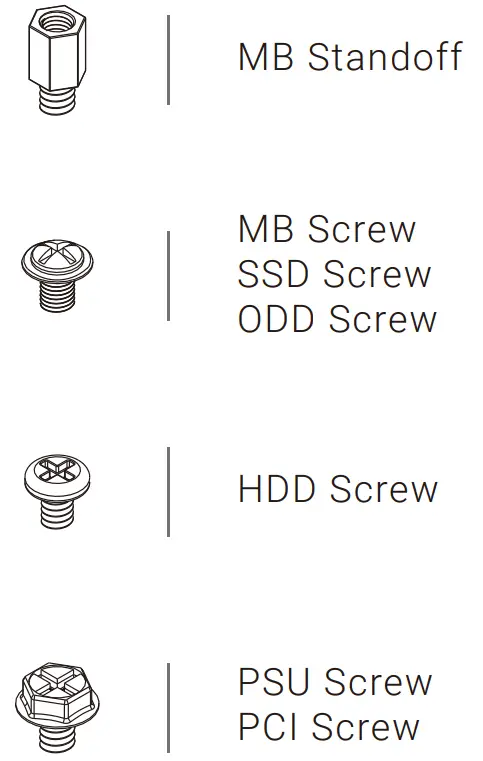
How to Install Guide
(1) Motherboard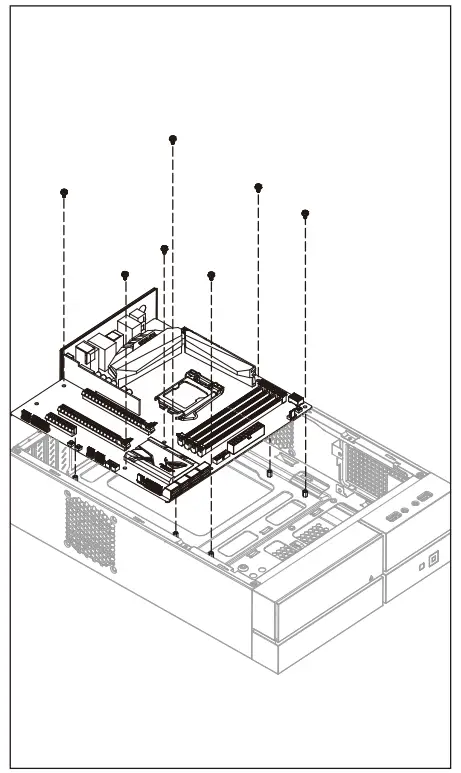
– Install Motherboard
(2) 5.25” ODD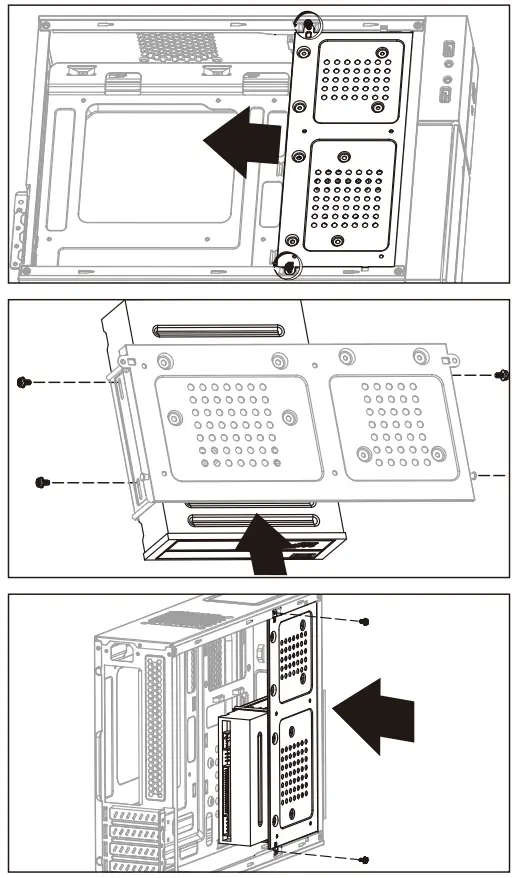
– Remove 2 screws as shown and remove the drive rack.
– Insert the ODD and fasten with screws.
– Reinstall the drive rack as shown.
(3) 2.5” SSD x 2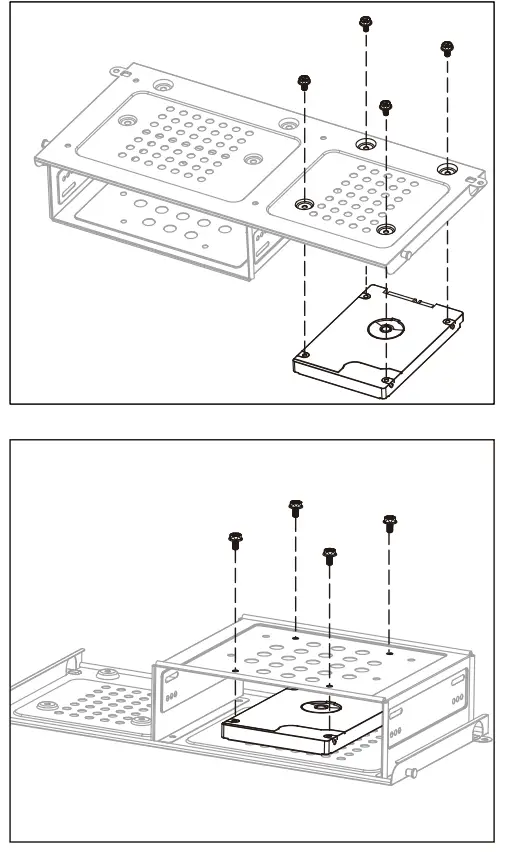
– Remove the drive rack and place the SSD over the screw holes.
– Fasten with screws as shown.
– Remove the drive rack and insert the SSD as shown.
– Fasten with screws as shown.
(5) PSU
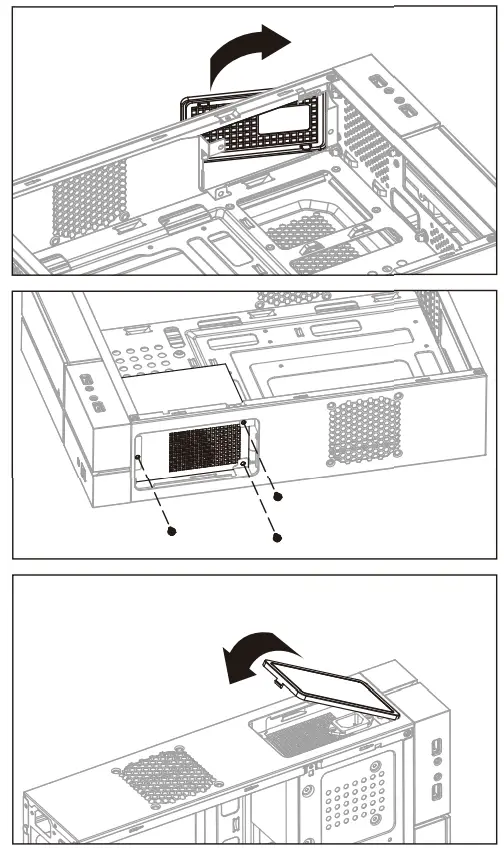
– Push the tabs outward to remove the bay cover.
– Pull out the power lead before placing the PSU as shown.
– Fasten the mesh cover.
(4) 3.5” HDD x 2
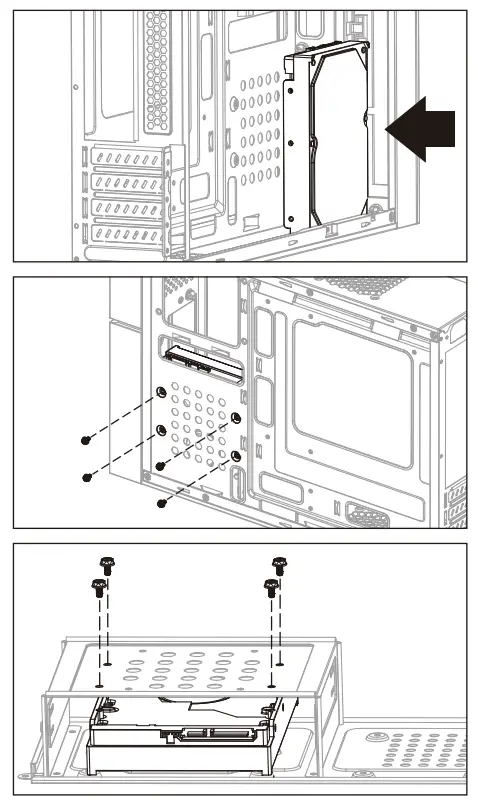
– Place the HDD over the screw holes.
– Fasten the HDD with screws from rear
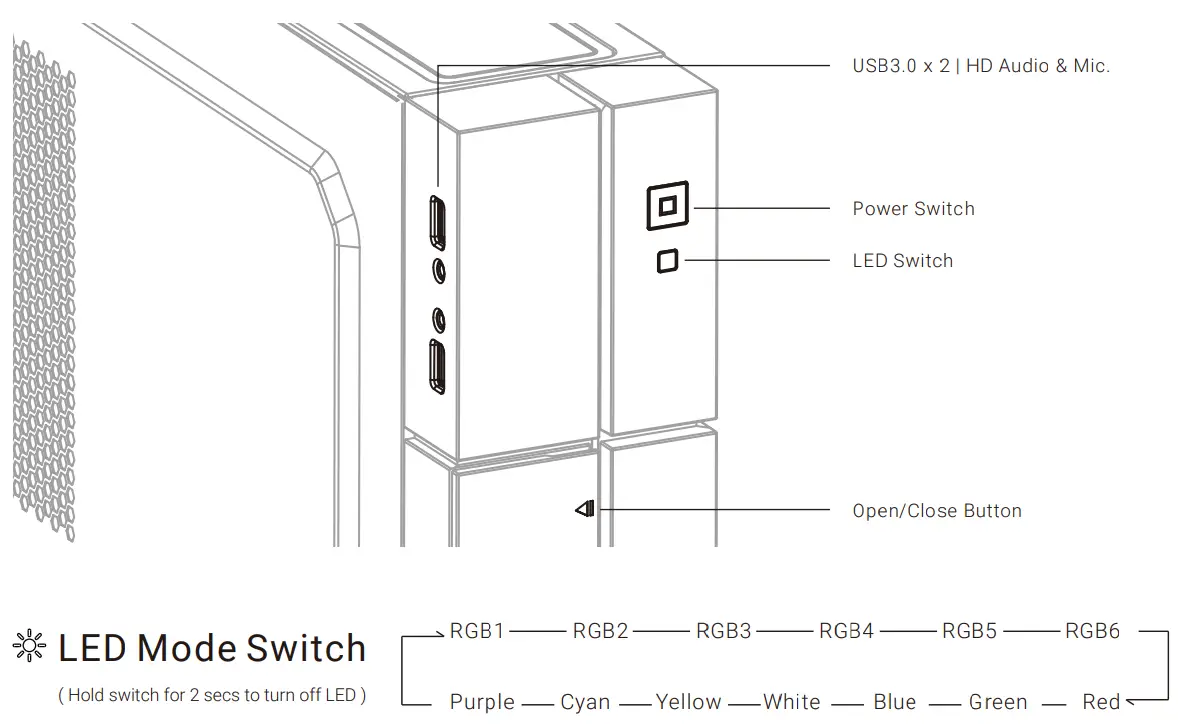
I/O Panel