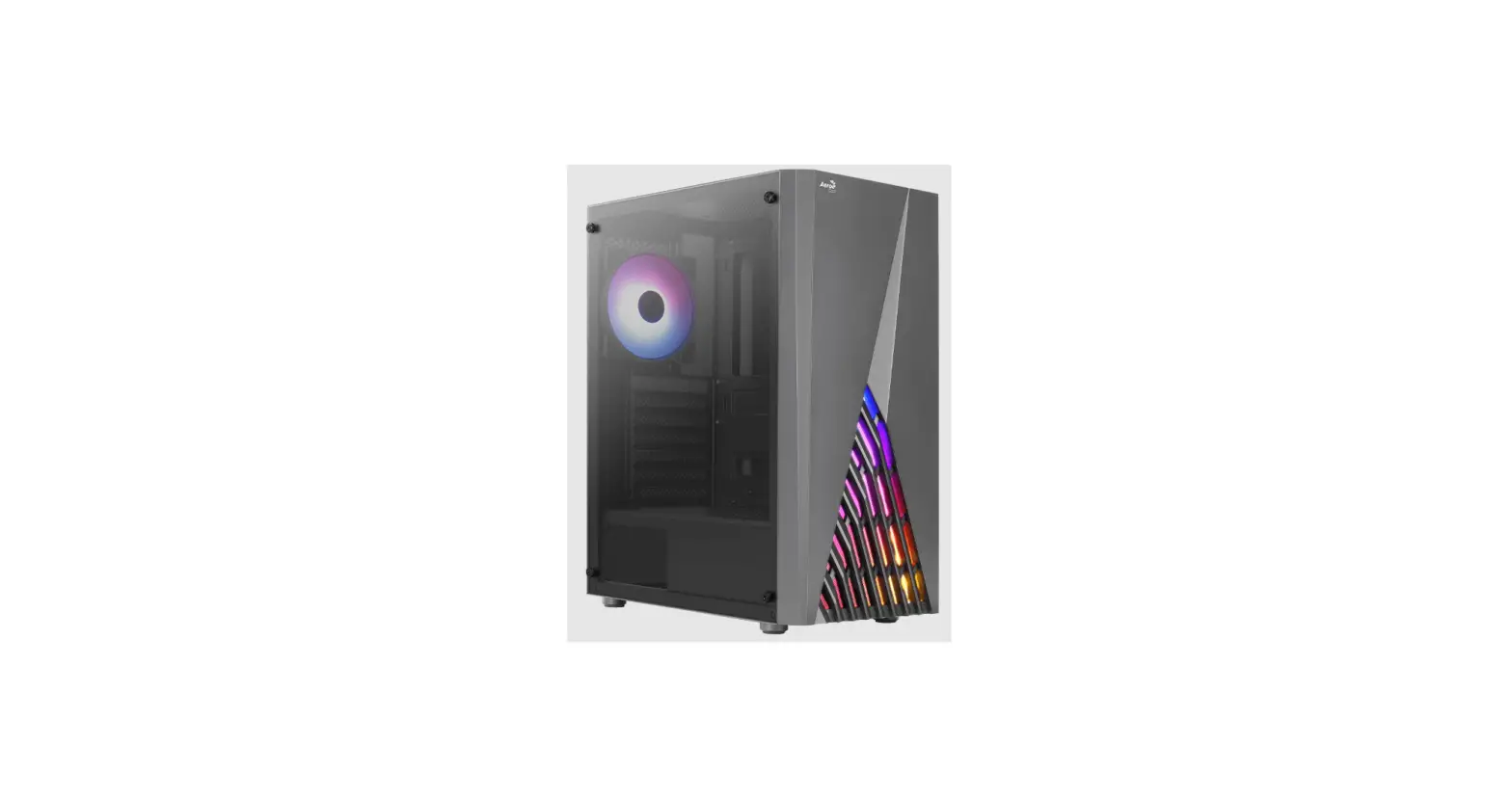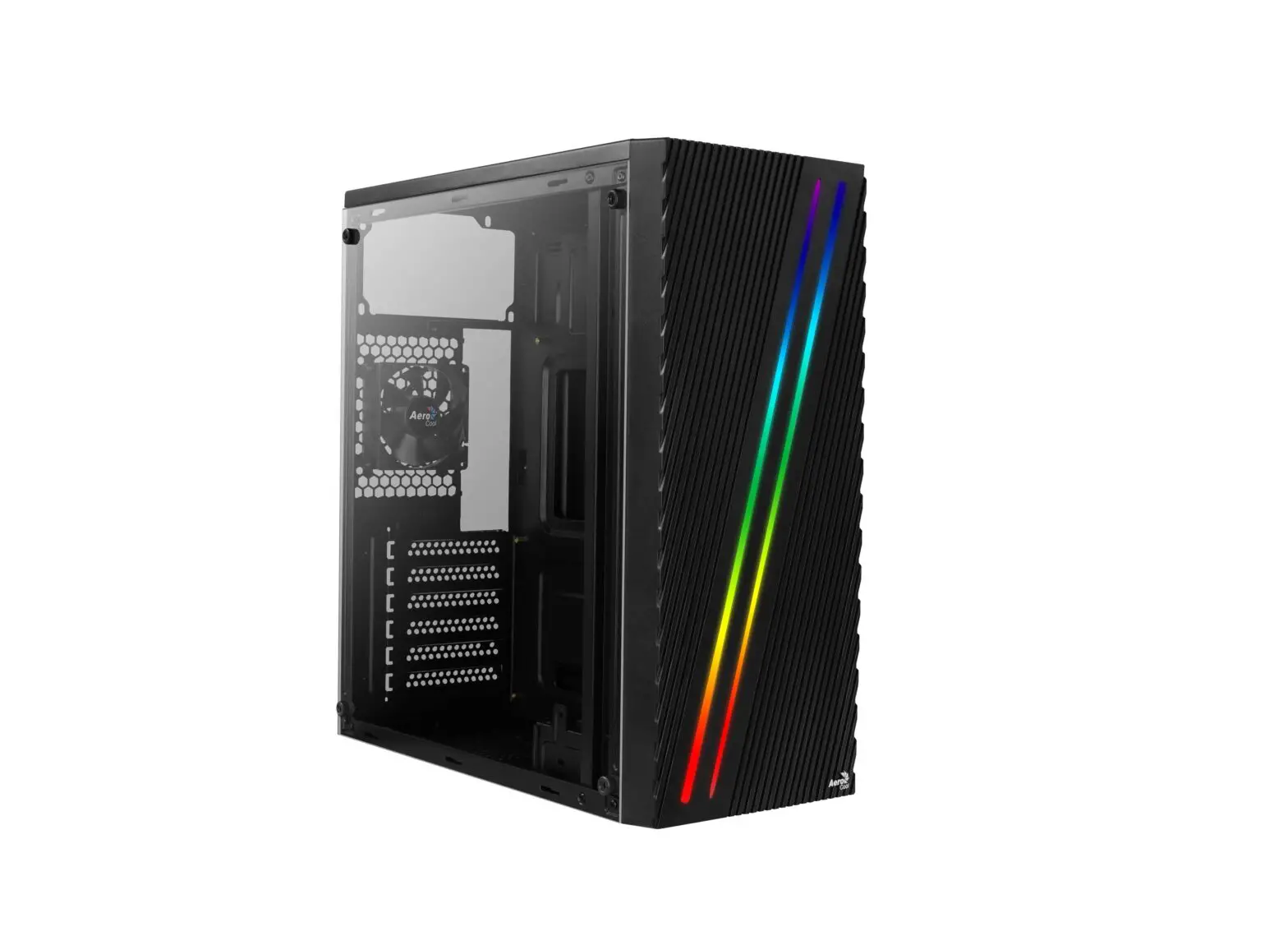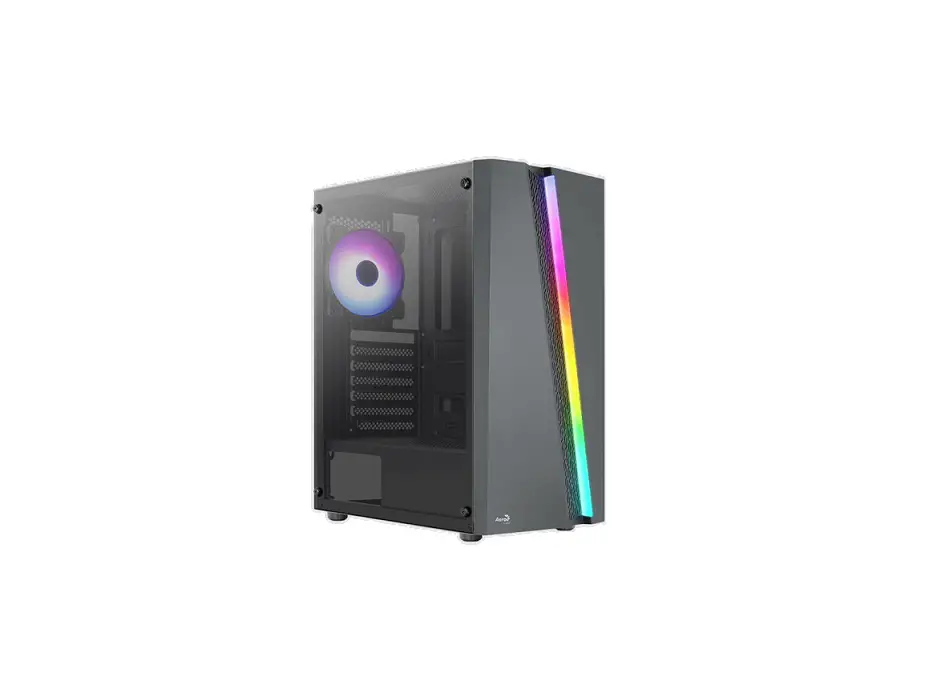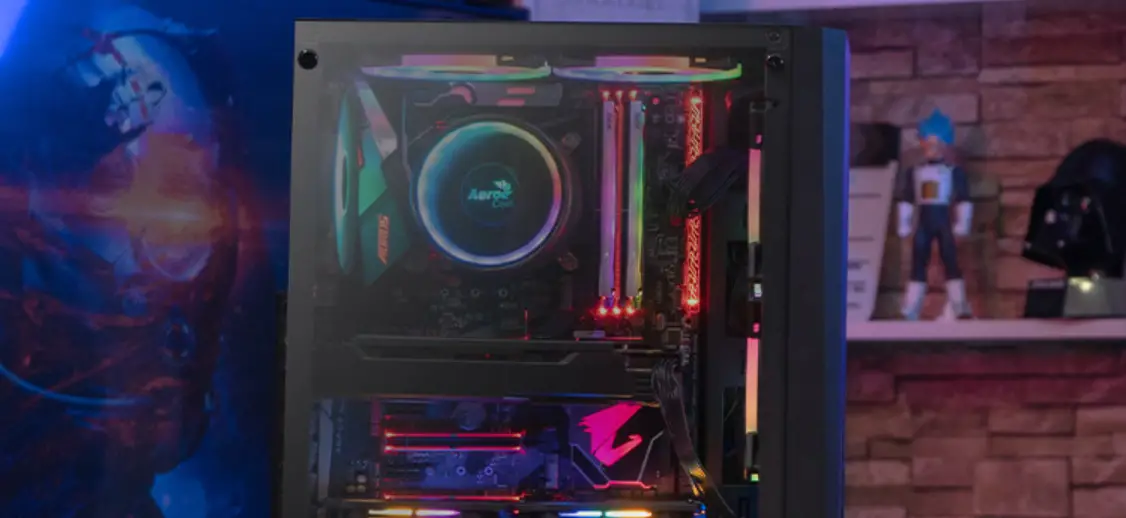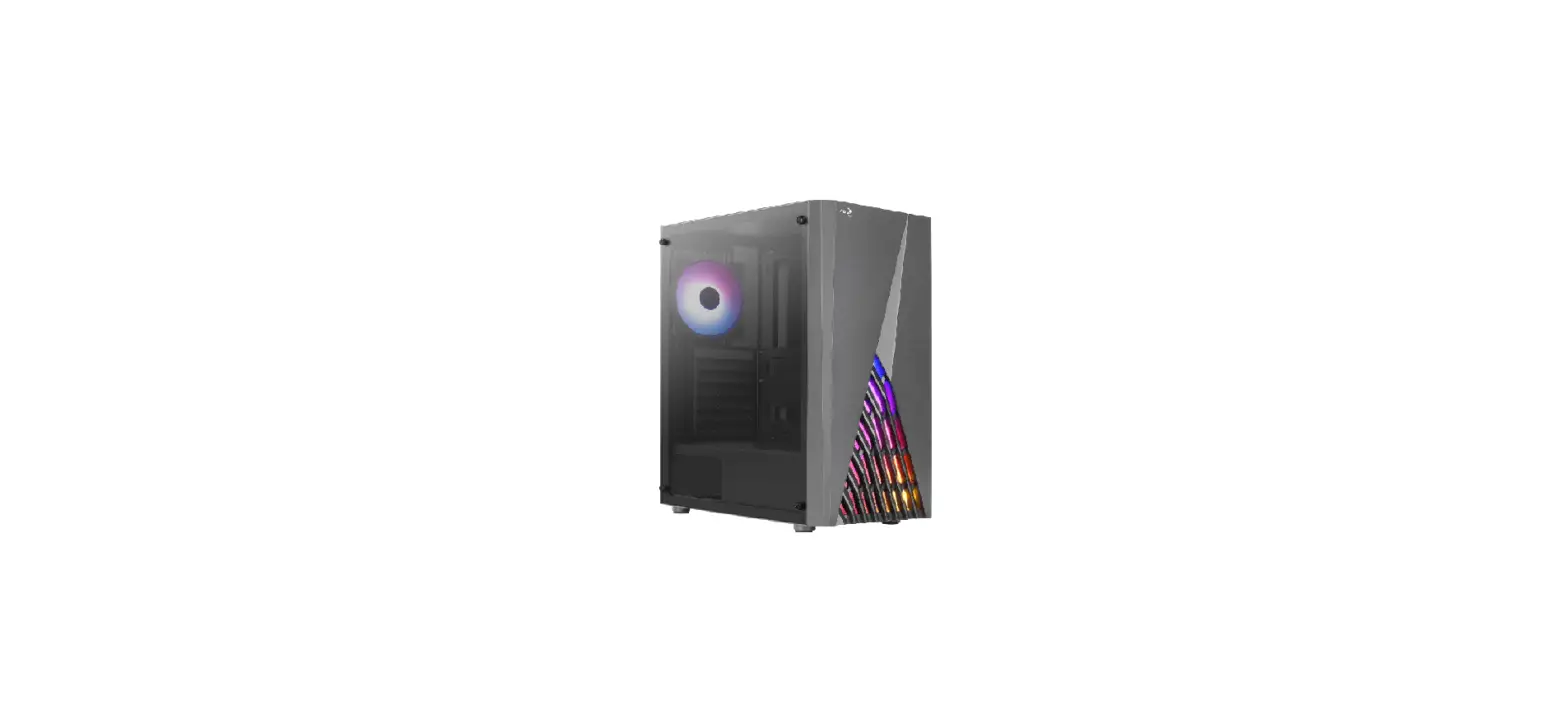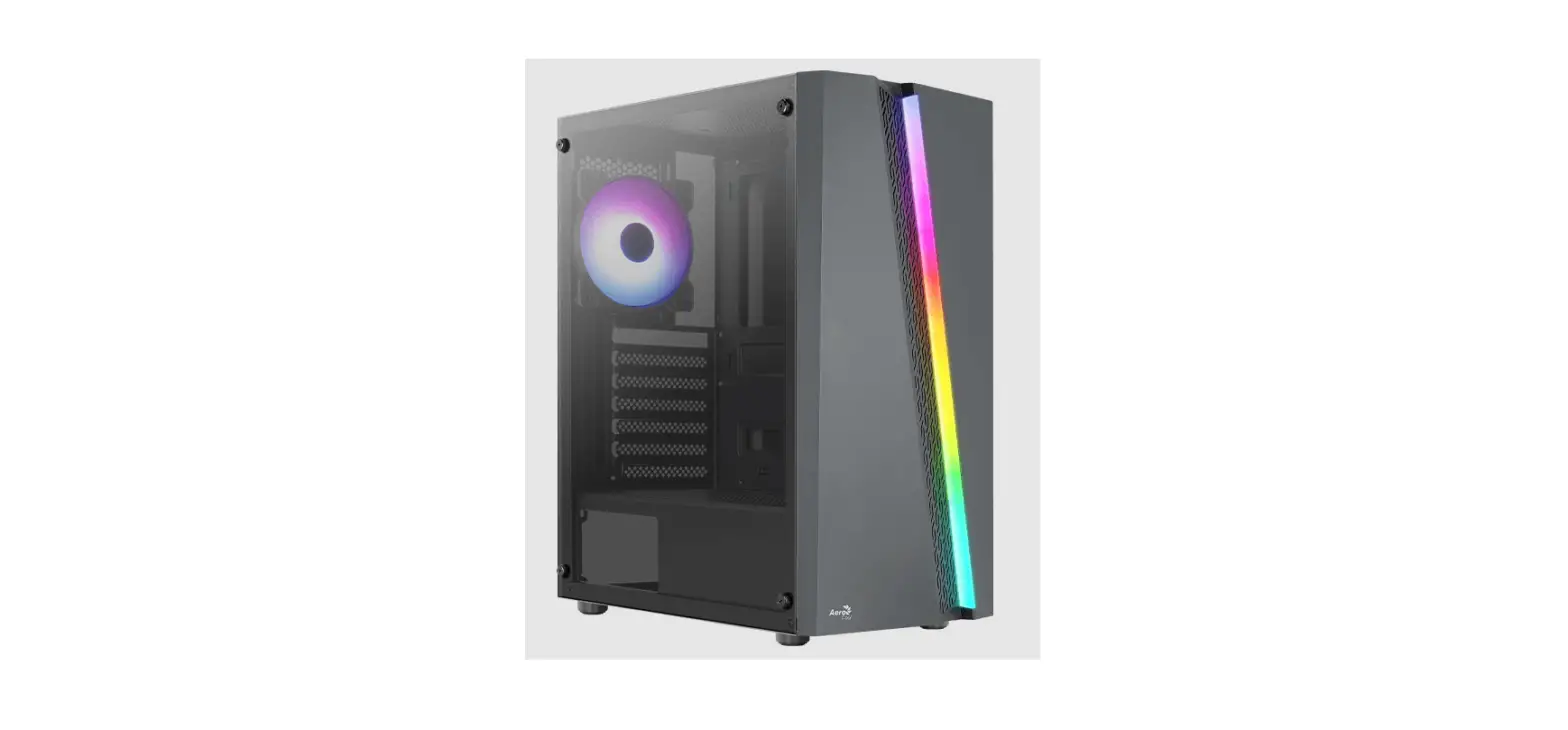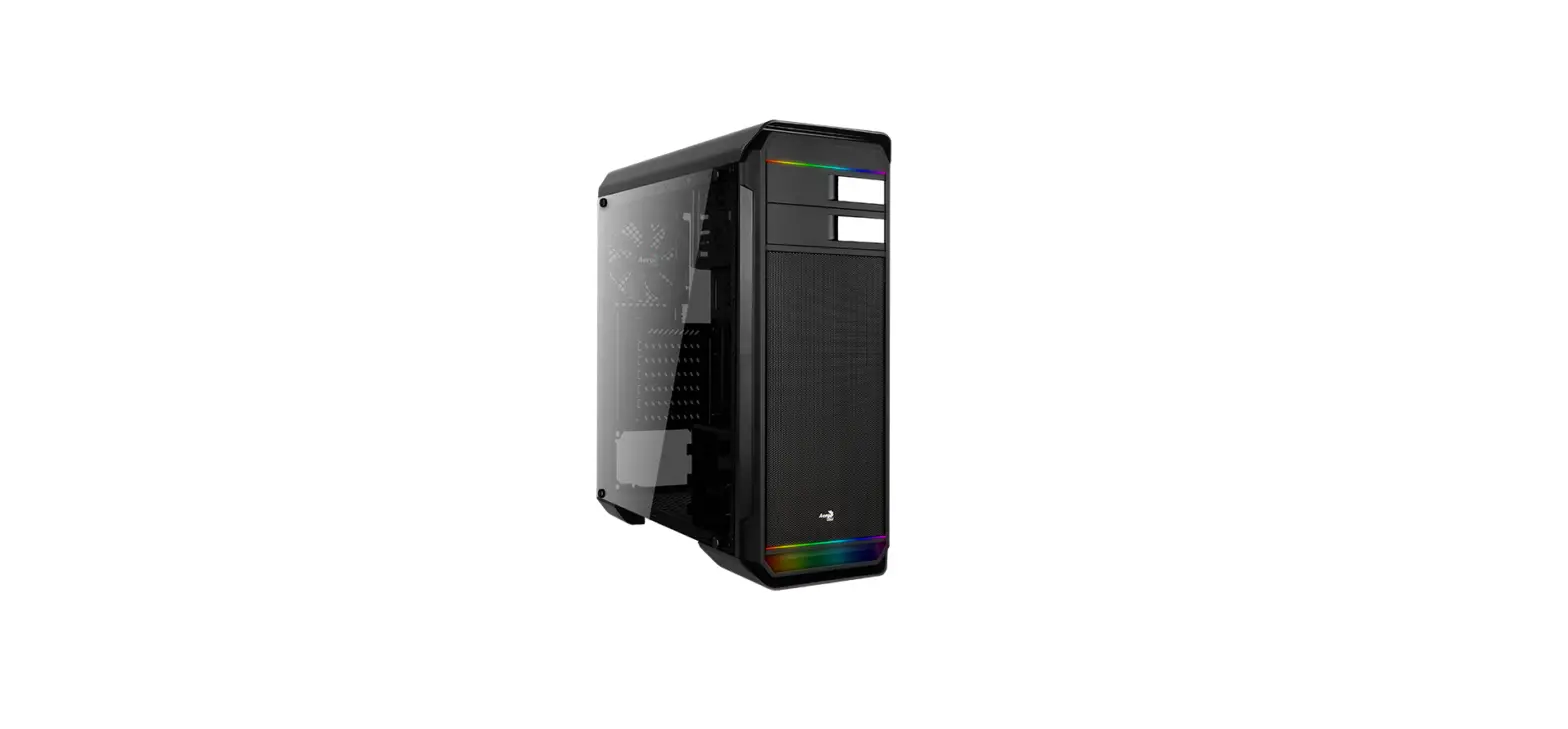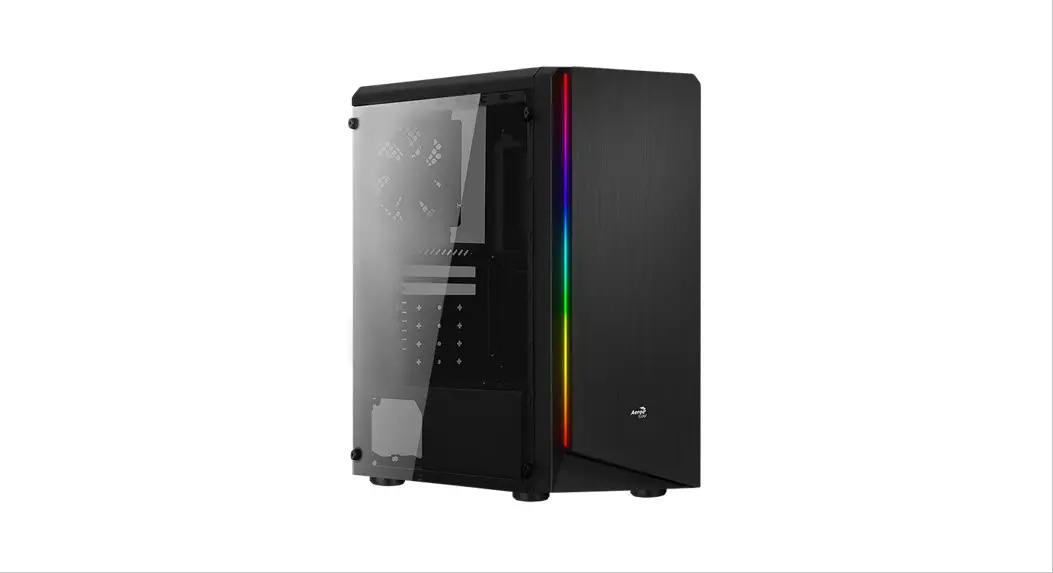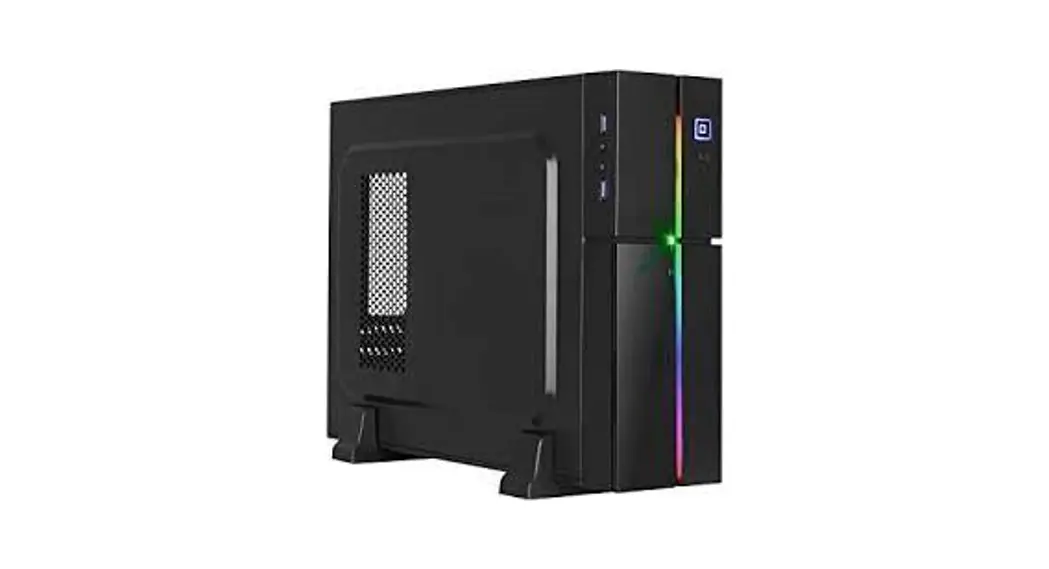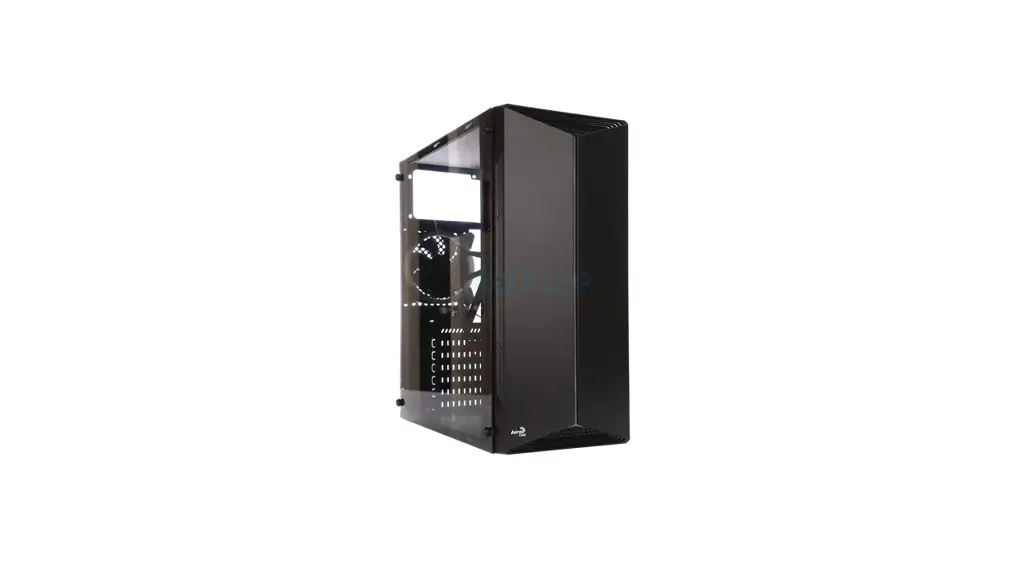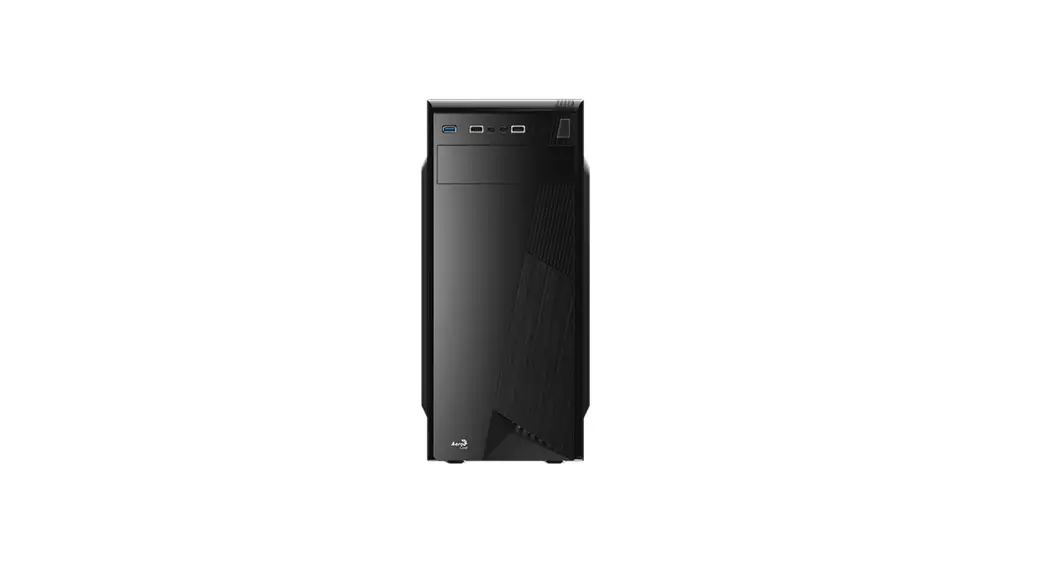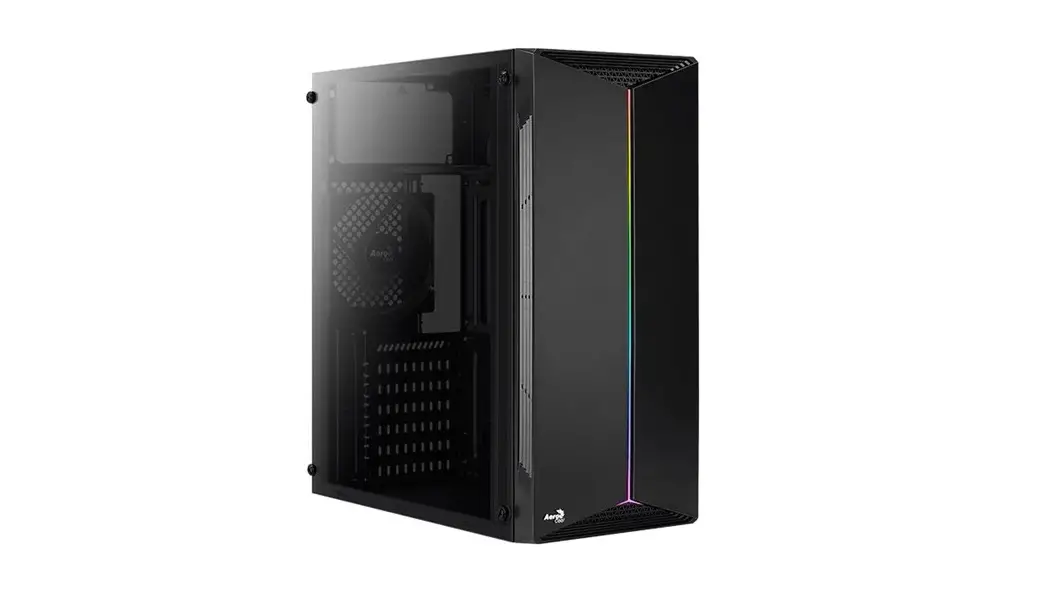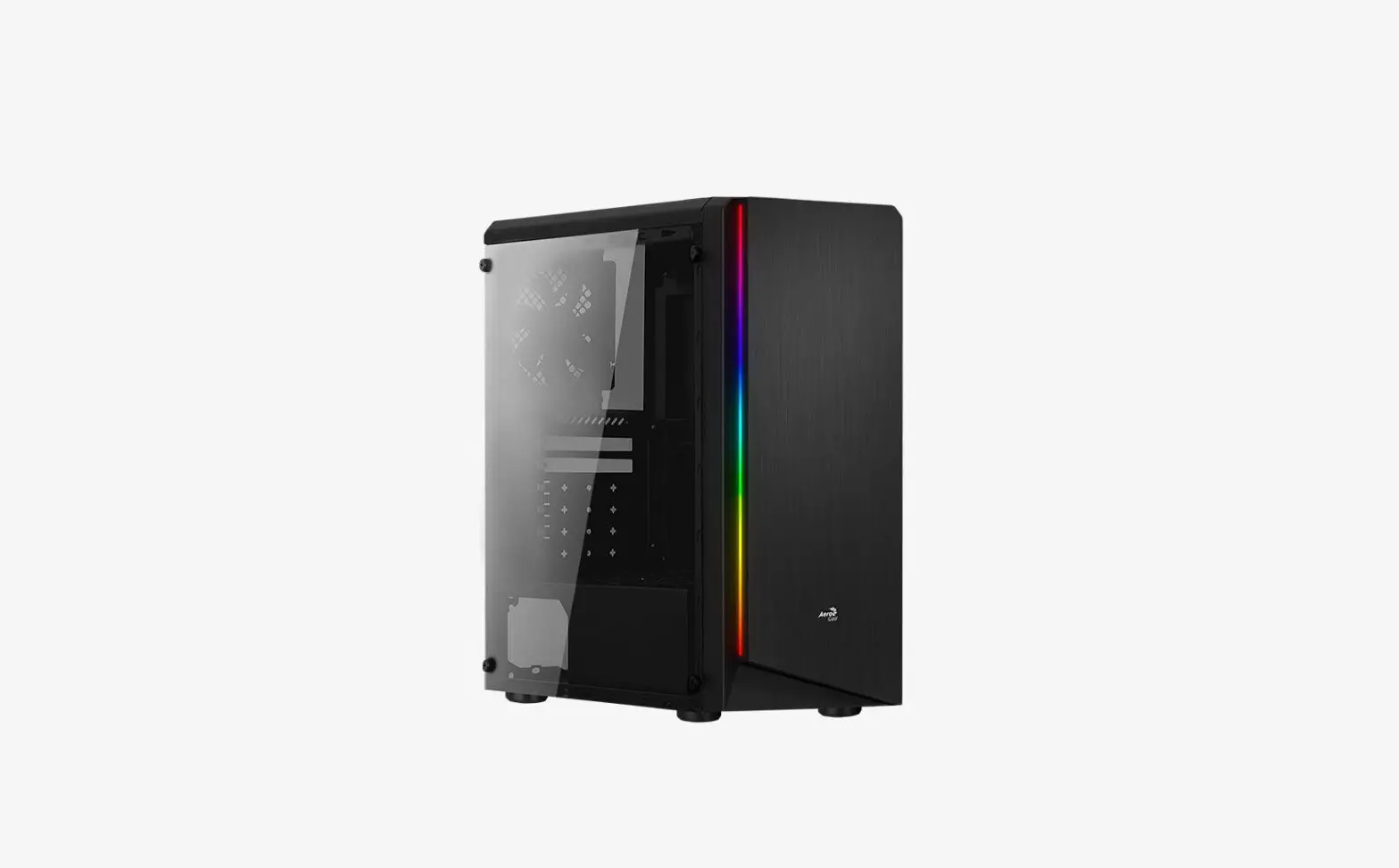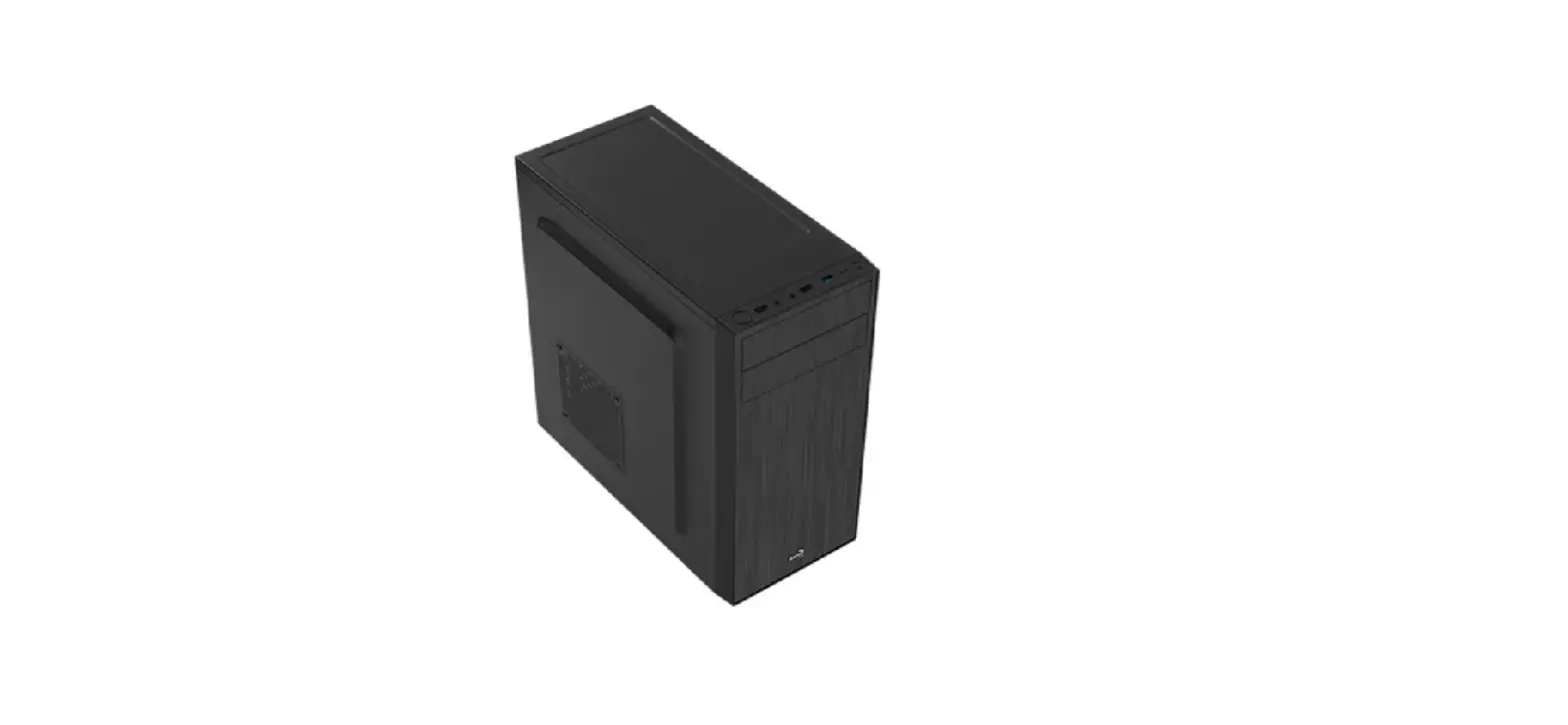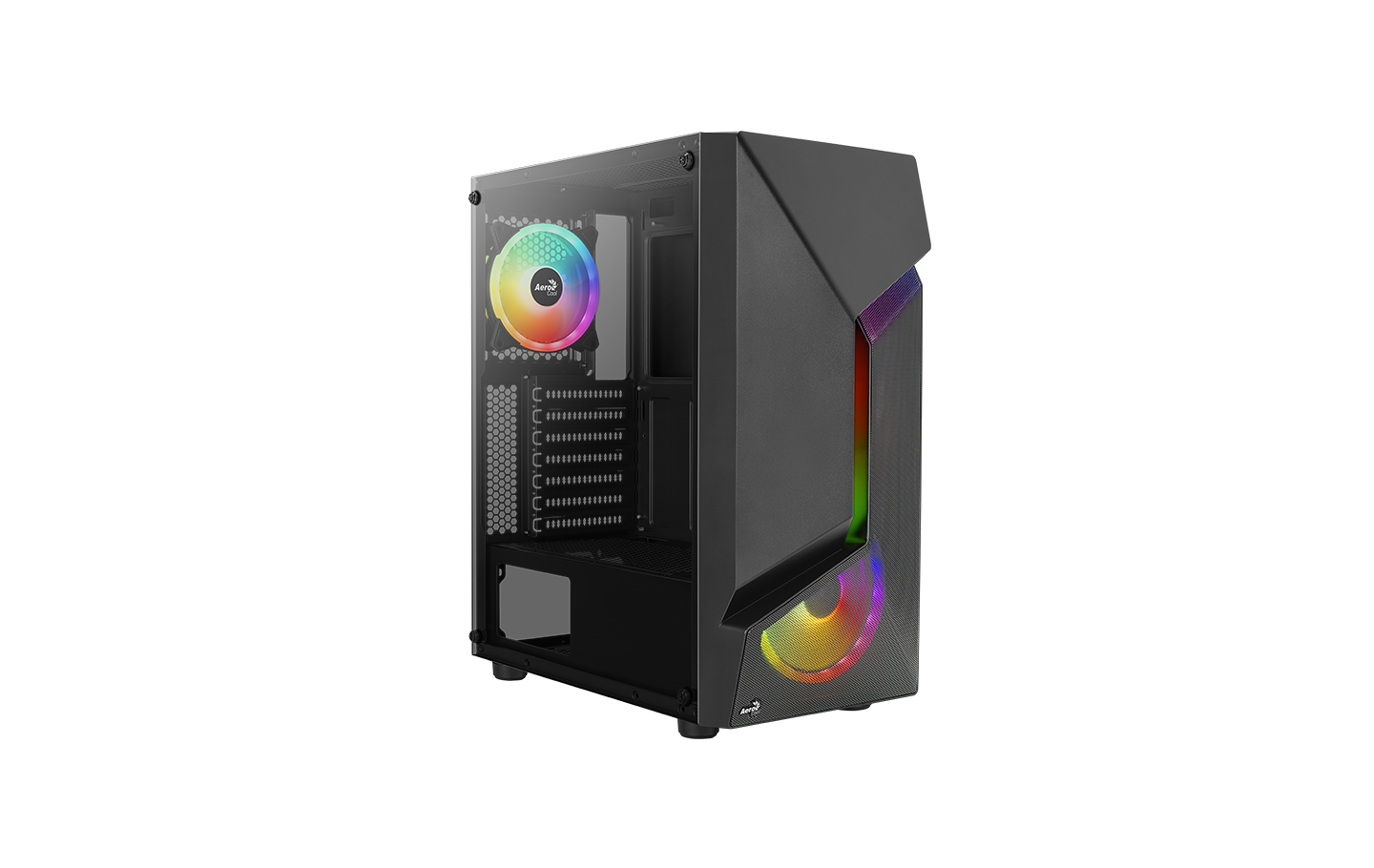
AeroCool Scape Duo RGB Mid Tower Case User Manual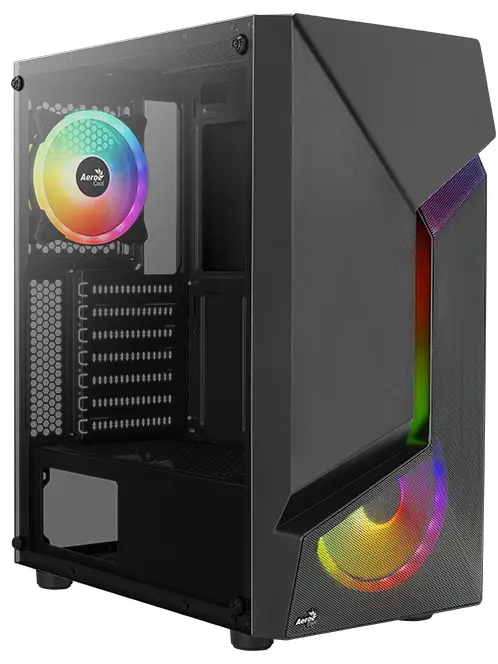
Front I/O Cable Connection
Front I/O Connectors
(Please refer to the motherboard’s manual for further instructions). 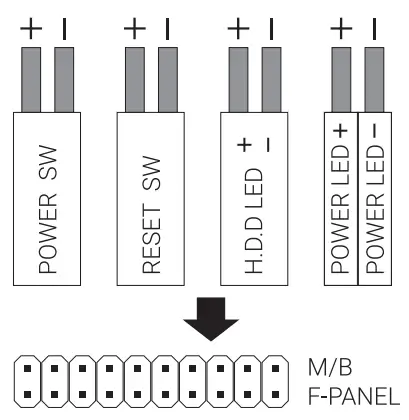
Note : Specifications may vary depending on your region. Contact your local retailer for more information.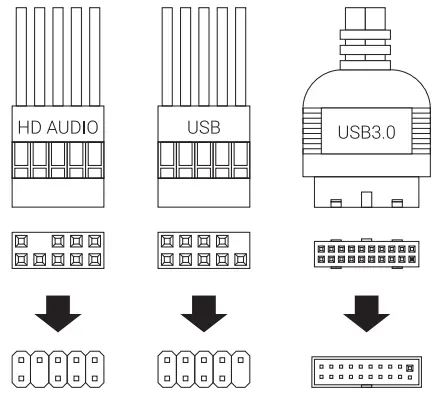
Accessory Bag Contents
 SSD Screw MB Screw
 PSU Screw PC Screw
 3.5″ HDD Special Screw
 MB Standoff
 HDD Screw
 3.5m HDD Thumb Screw
 HDD Screw
 Cable Tie
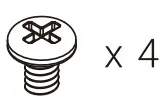
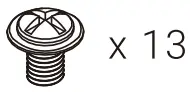 SSD Screw MB Screw
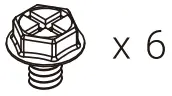 PSU Screw PC Screw
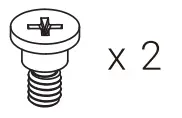 3.5″ HDD Special Screw
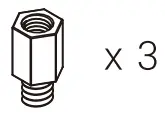 MB Standoff
 HDD Screw
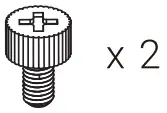 3.5m HDD Thumb Screw
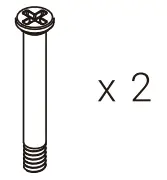 HDD Screw
 Cable Tie
How to Install Guide
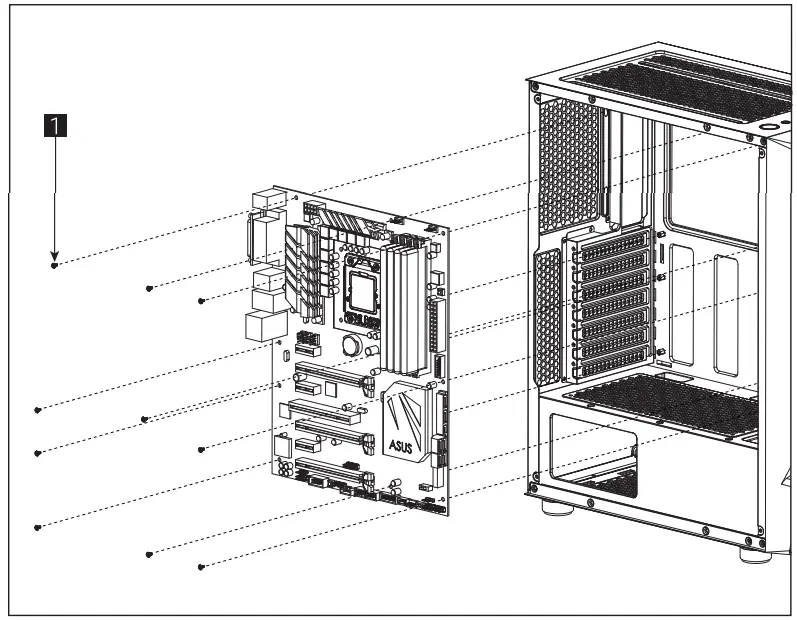
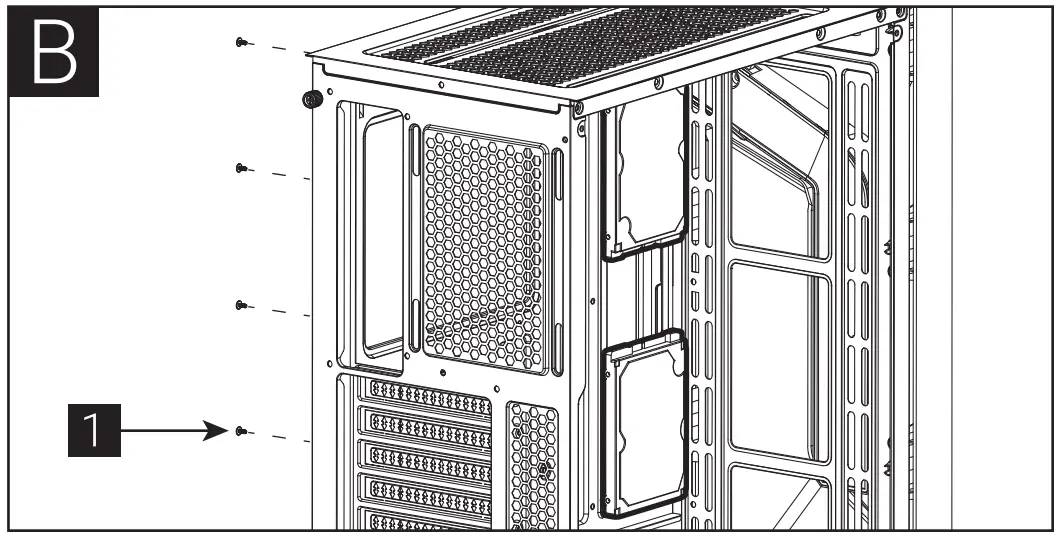
- Install Motherboard

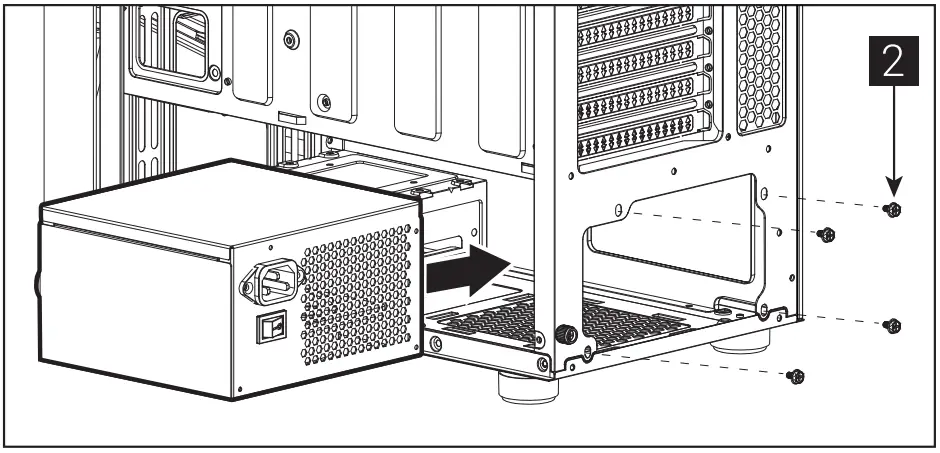
- Install PSU

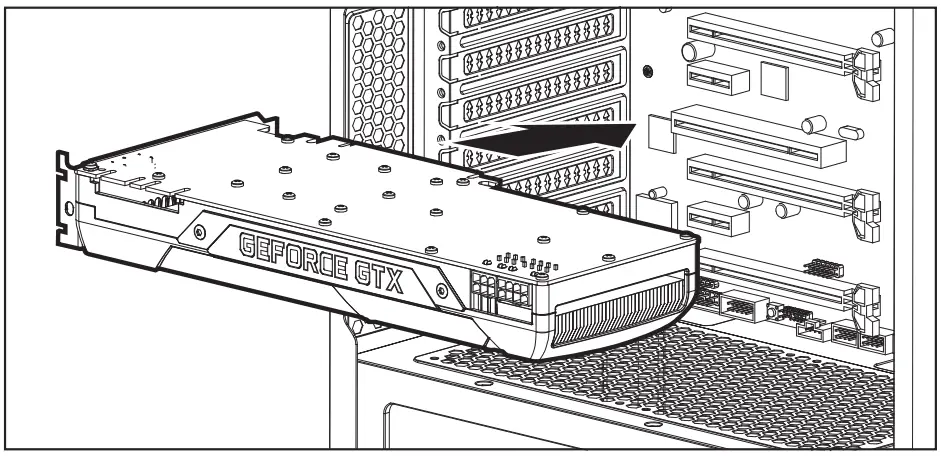
- Install Add-on Card

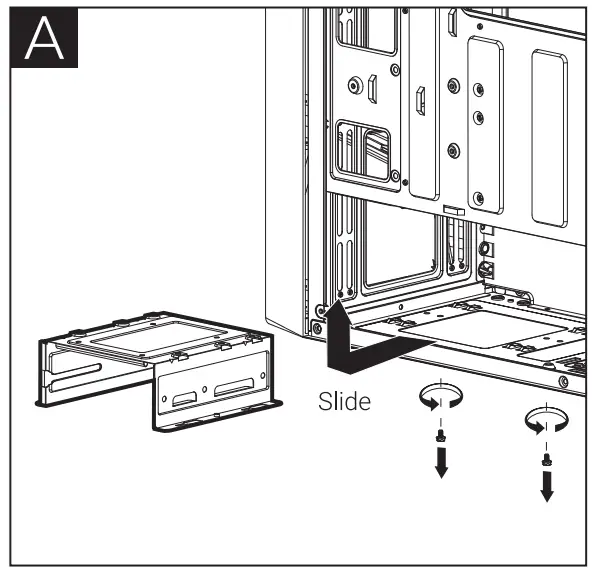
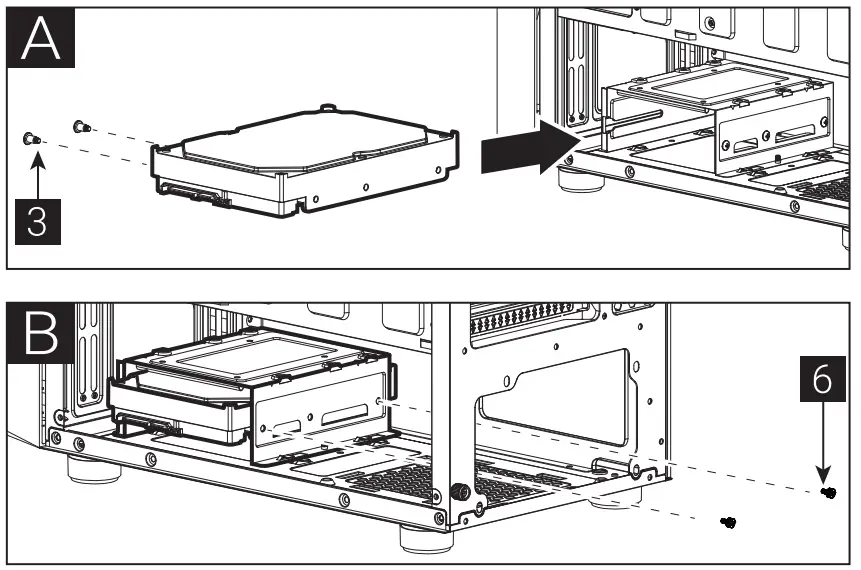
- A Install 3.5″ HDD x 1


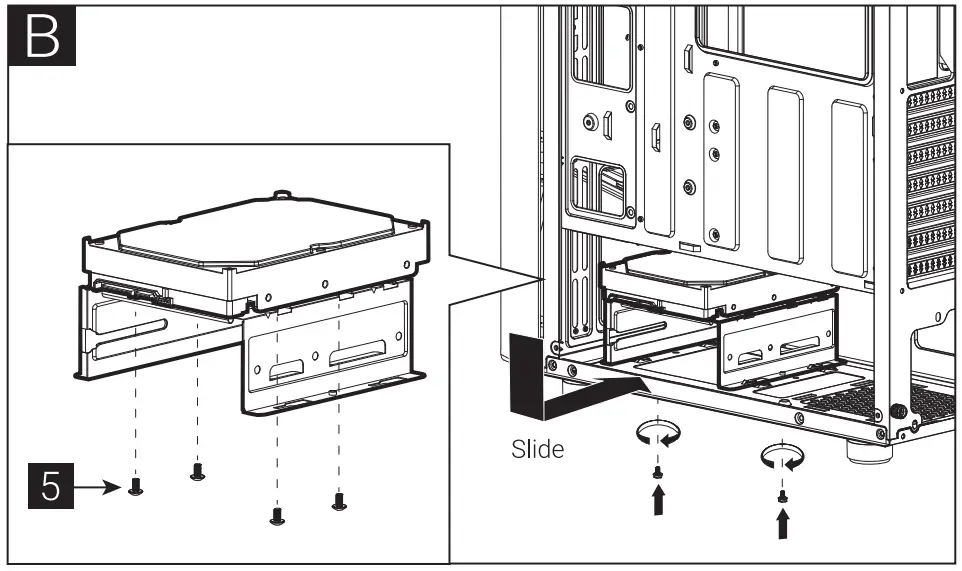
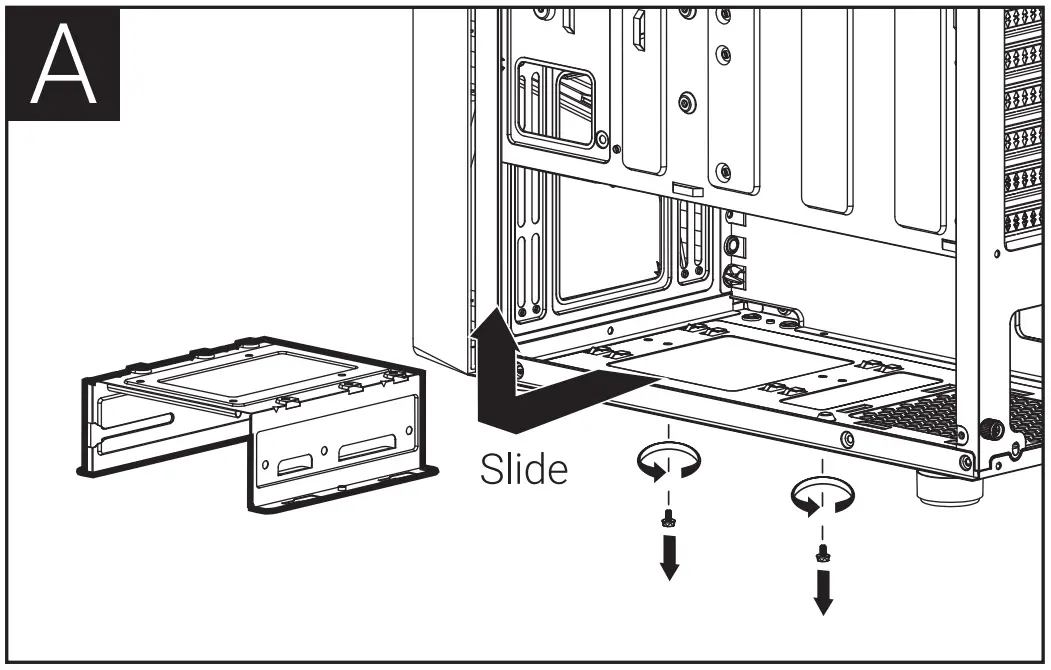
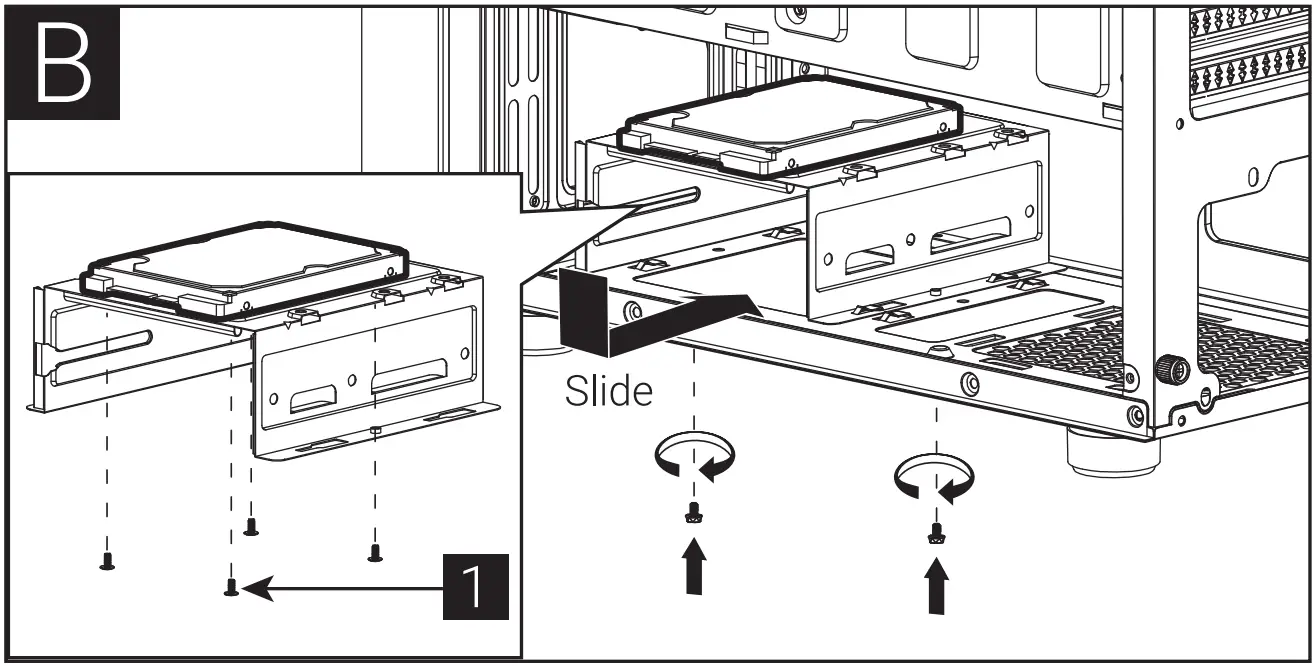
- B Install 3.5″ HDD x 1

- B Install 3.5″ HDD x 1
- A Install 2.5″ SSD x 1


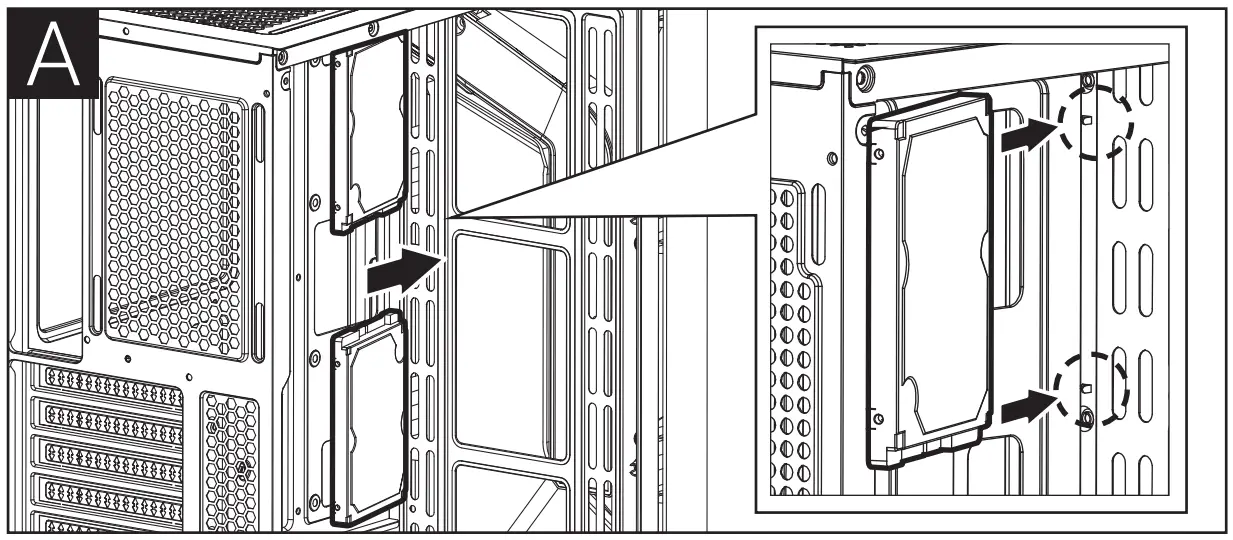
- B Install 2.5″ SSD x 2


- B Install 2.5″ SSD x 2
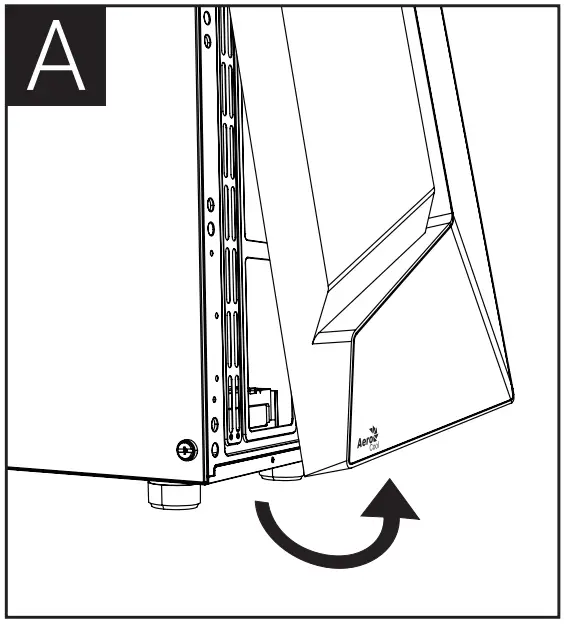
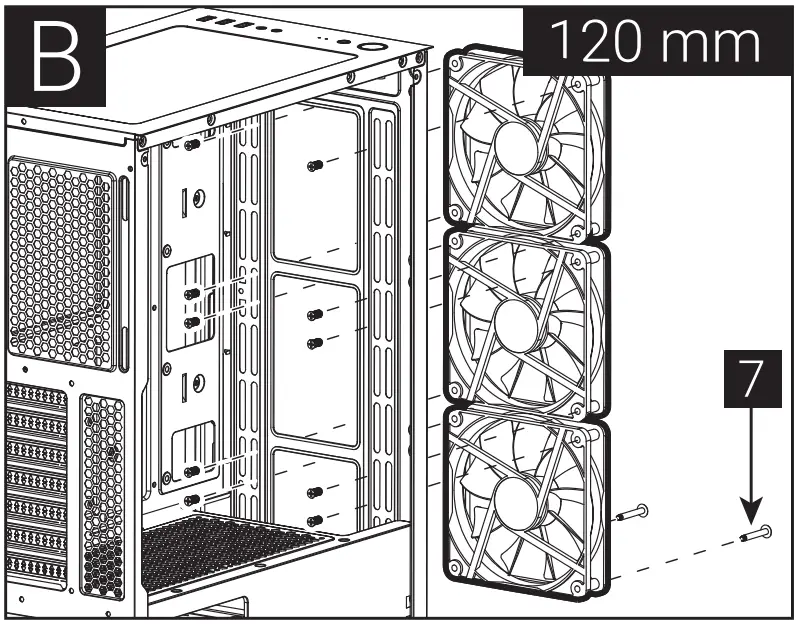
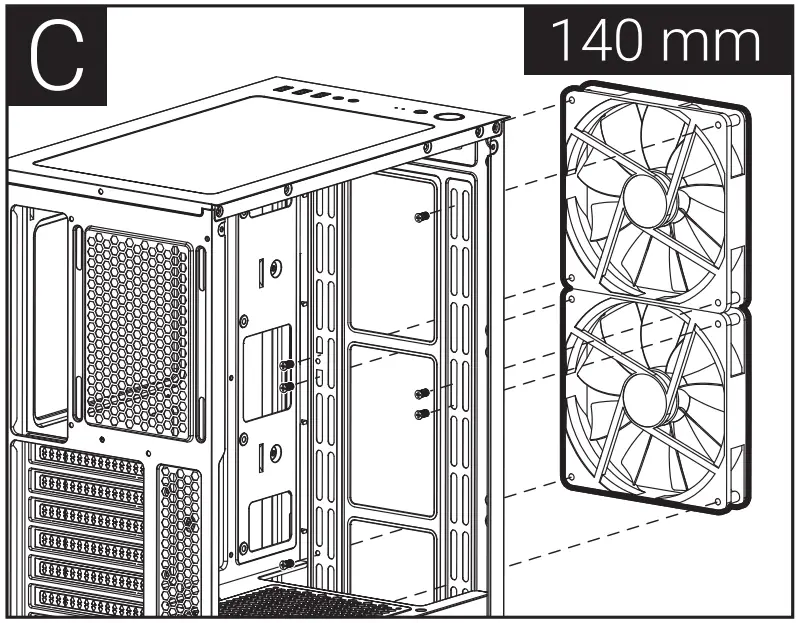
- A Install Front Fans


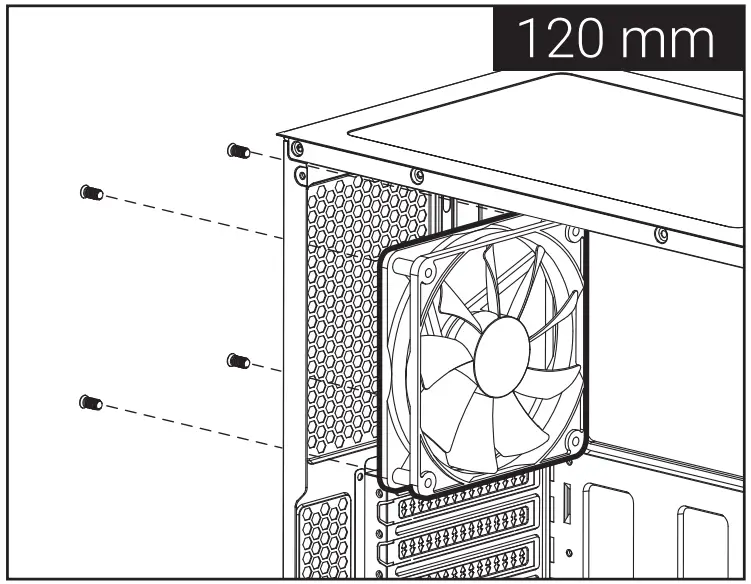
- B Install Rear Fan

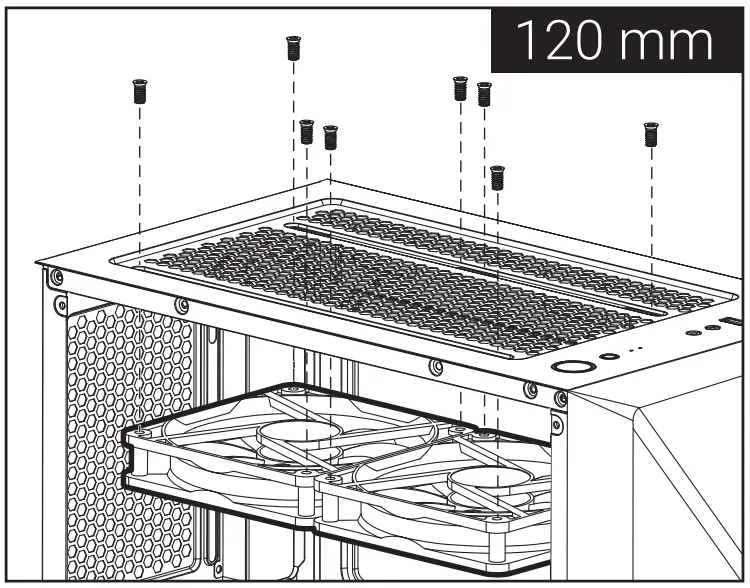
- C Install Top Fan

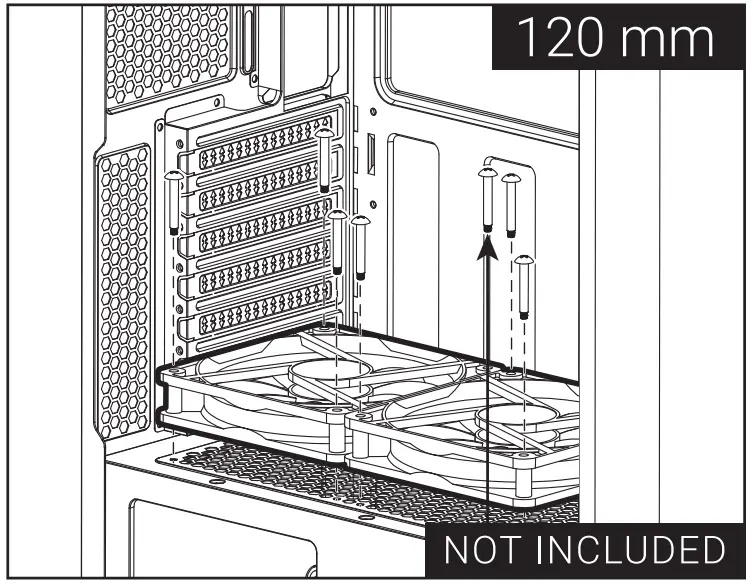
- D Install PSU Fans

- B Install Rear Fan
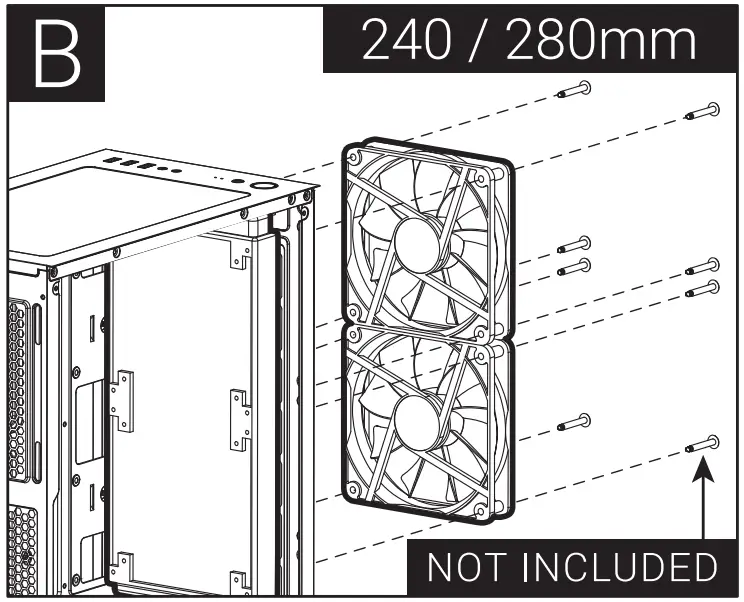
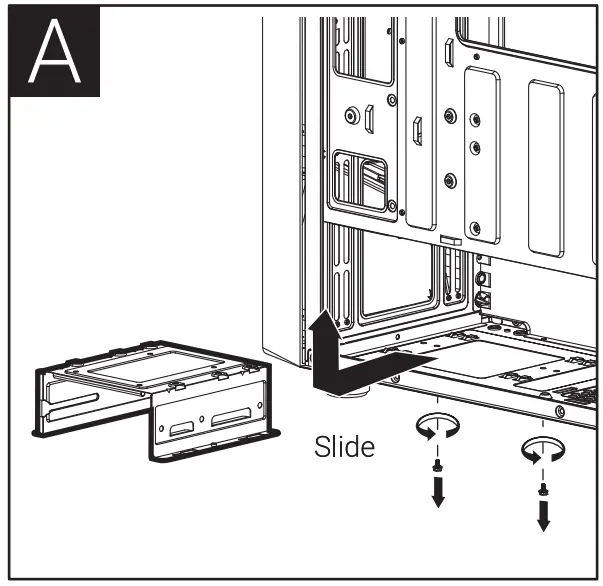
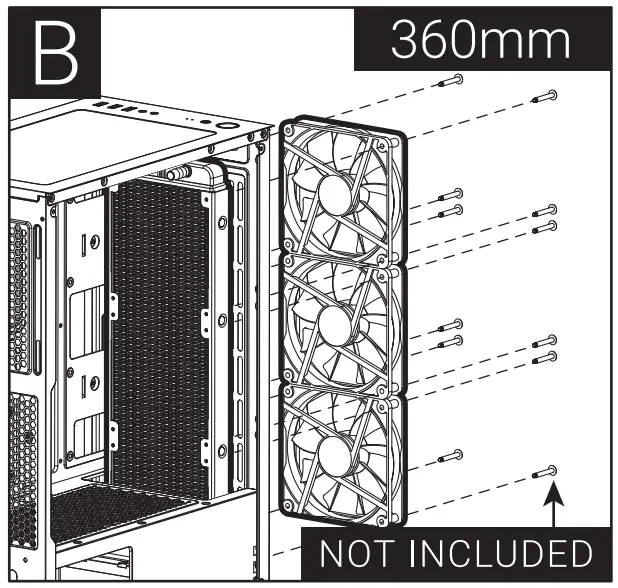
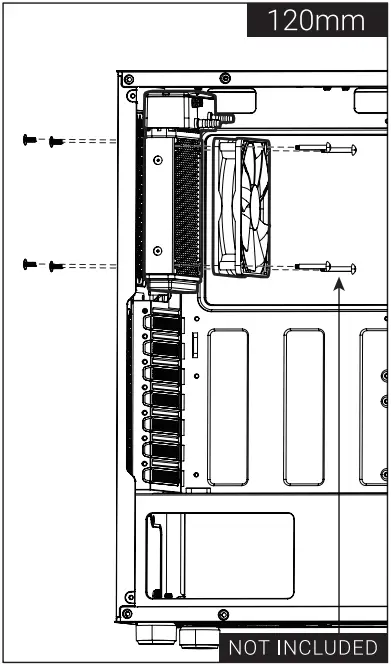
- A Install Front Radiator


- B Install Front Radiator


- C Install Radiator

- B Install Front Radiator
I/O Panel
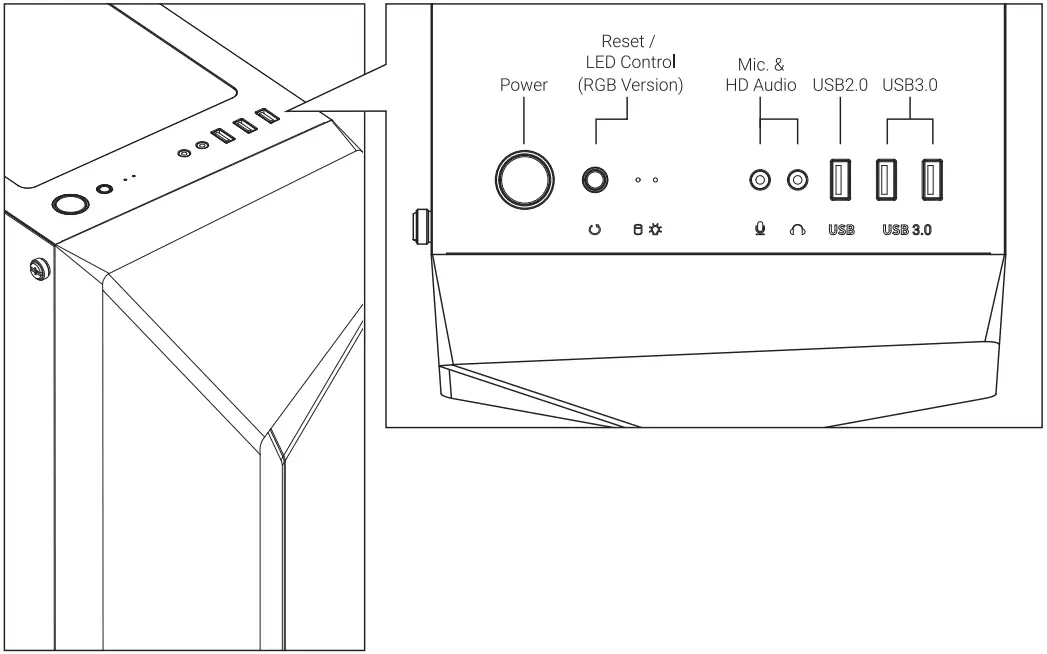
Press and hold LED Control Button for 2 sec to turn off LED. (For RGB Version Only)
Note: Specifications may vary depending on your region. Contact your local retailer for more information.