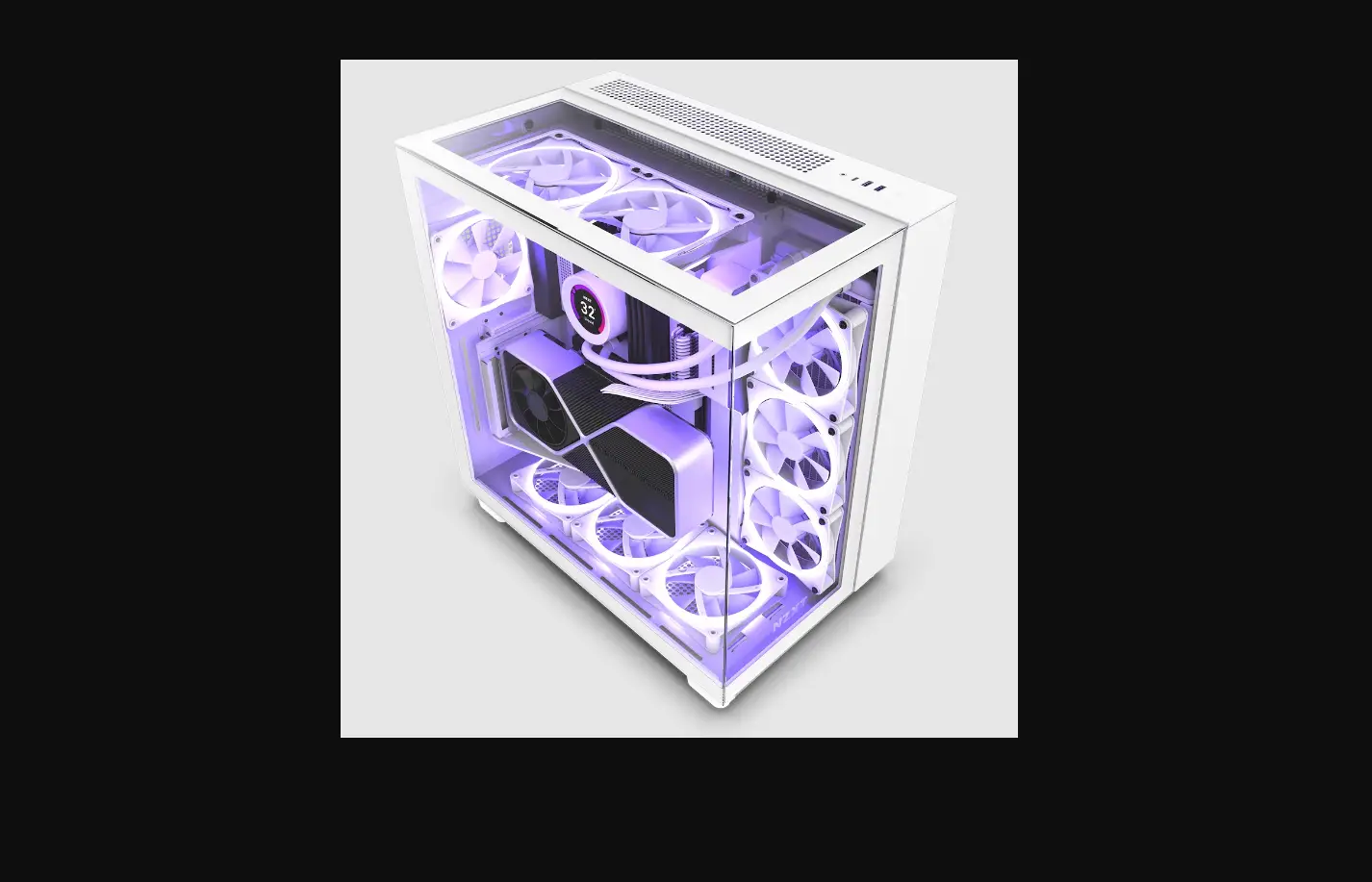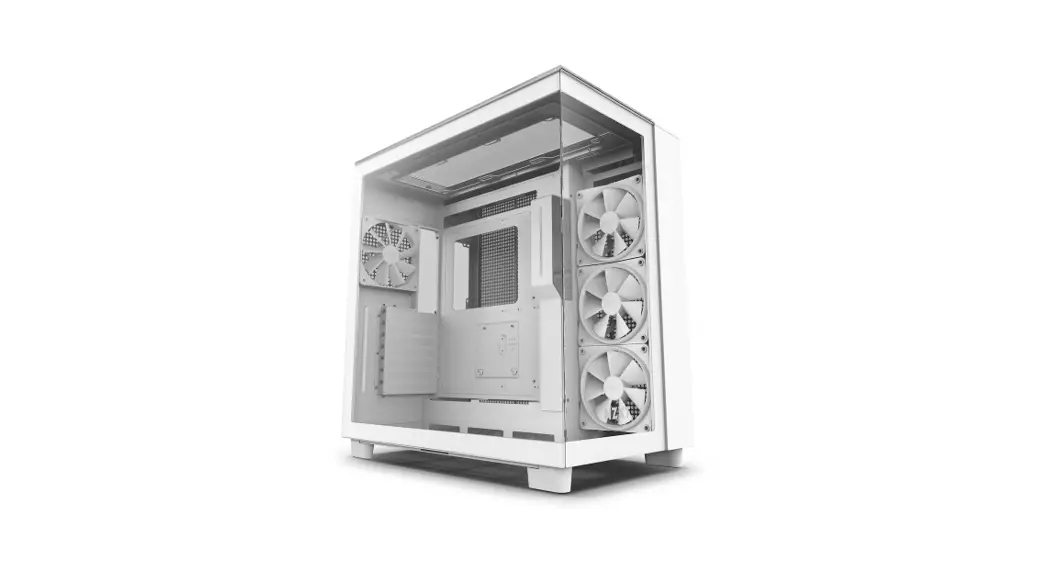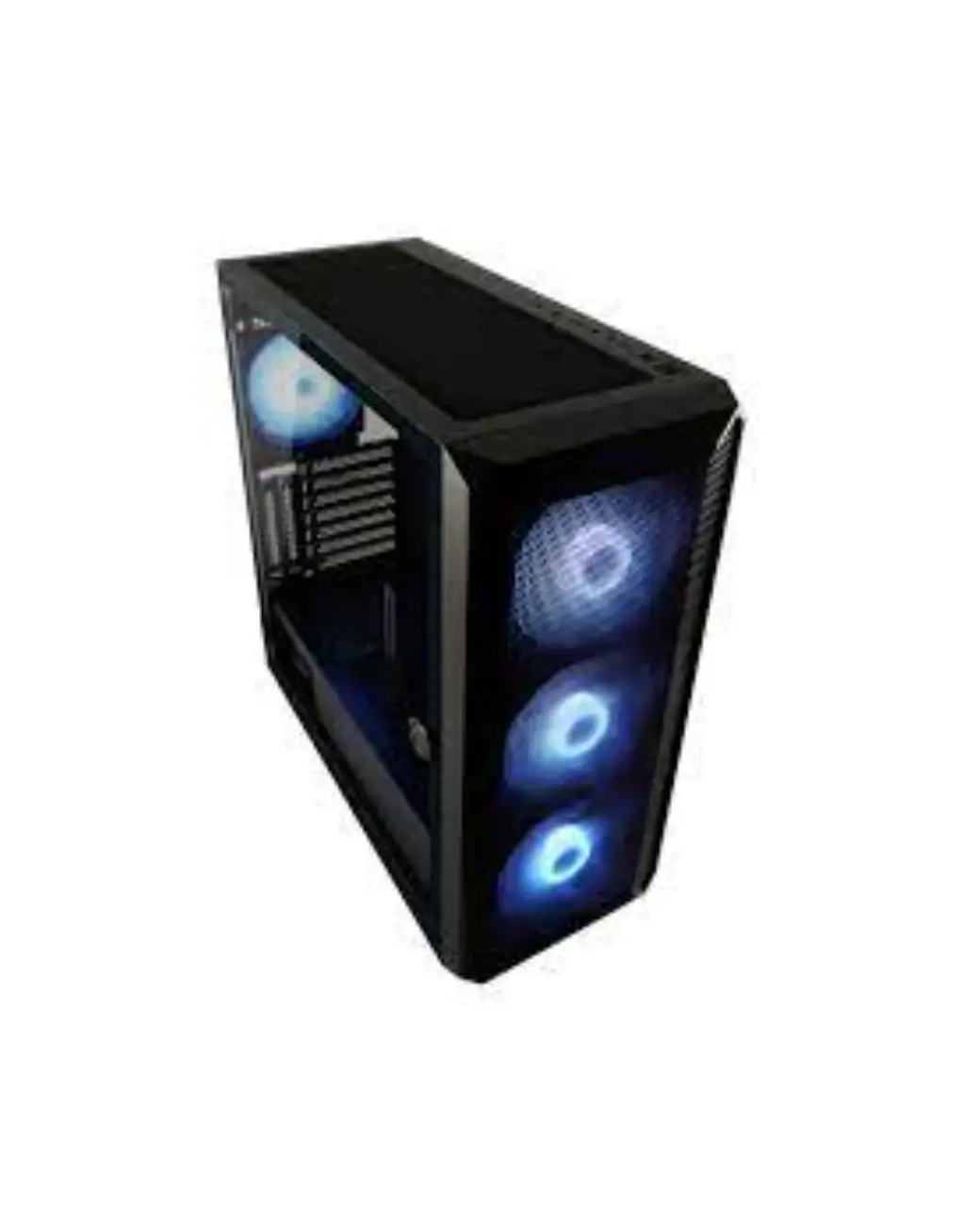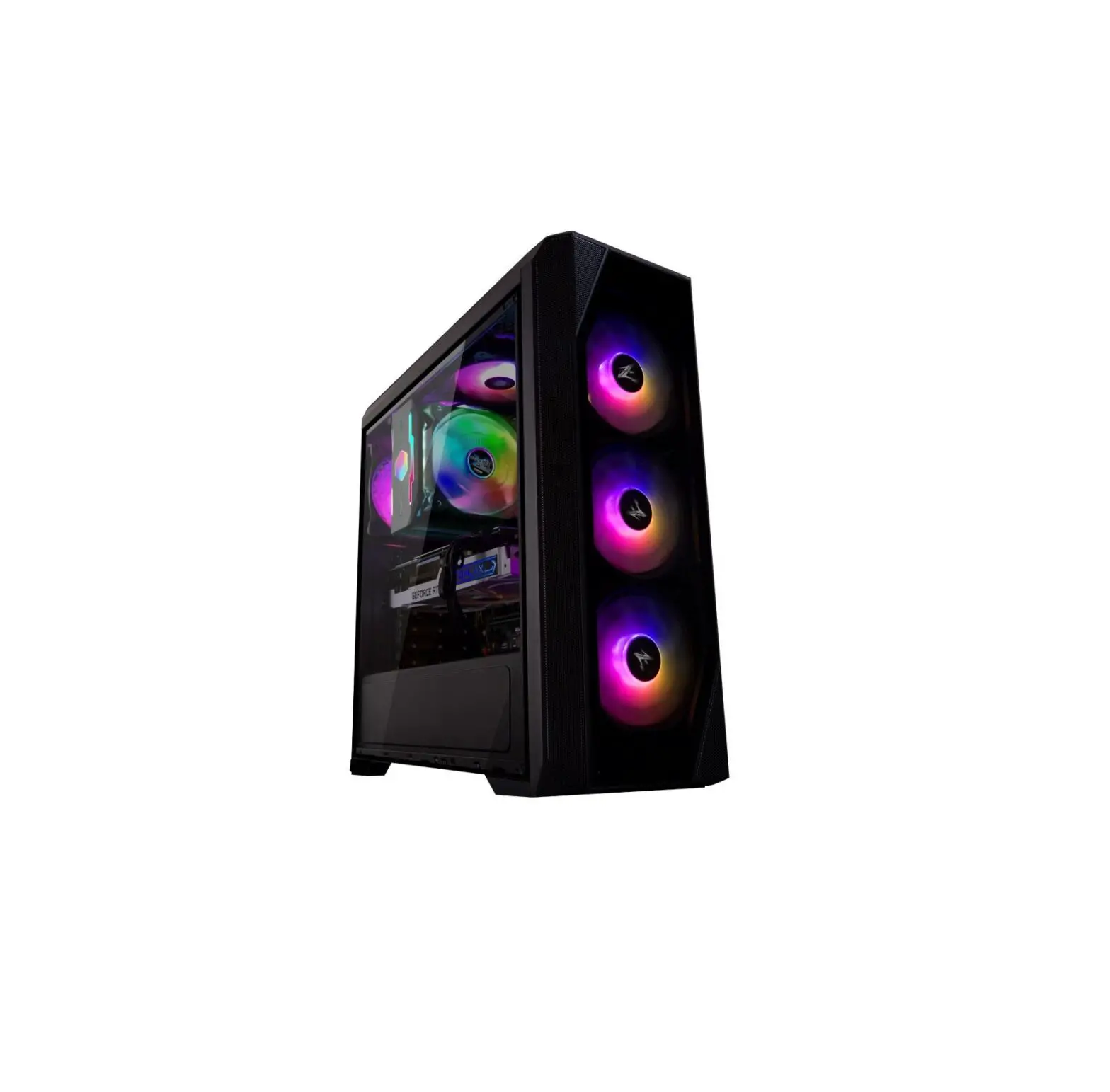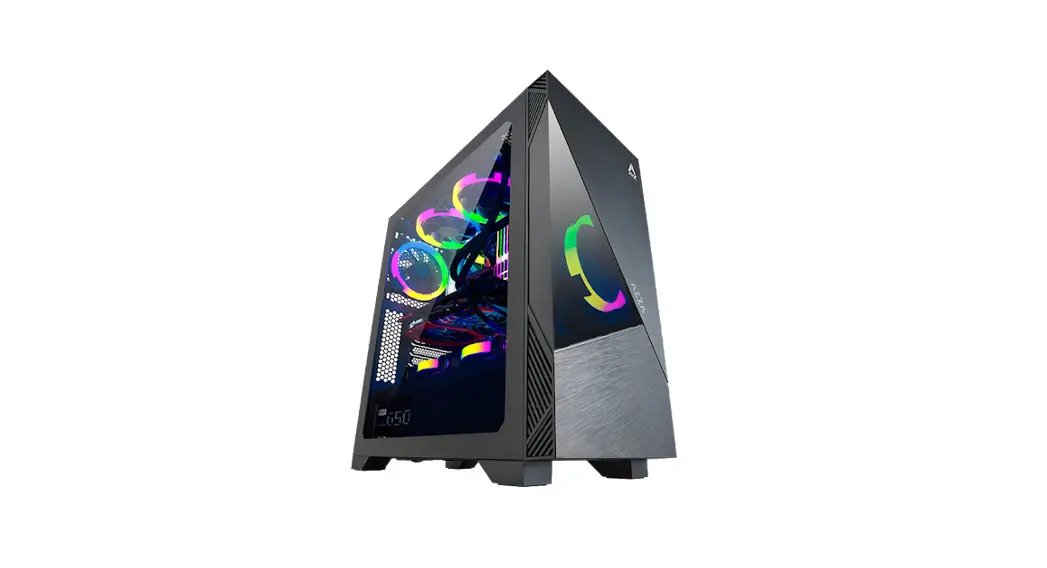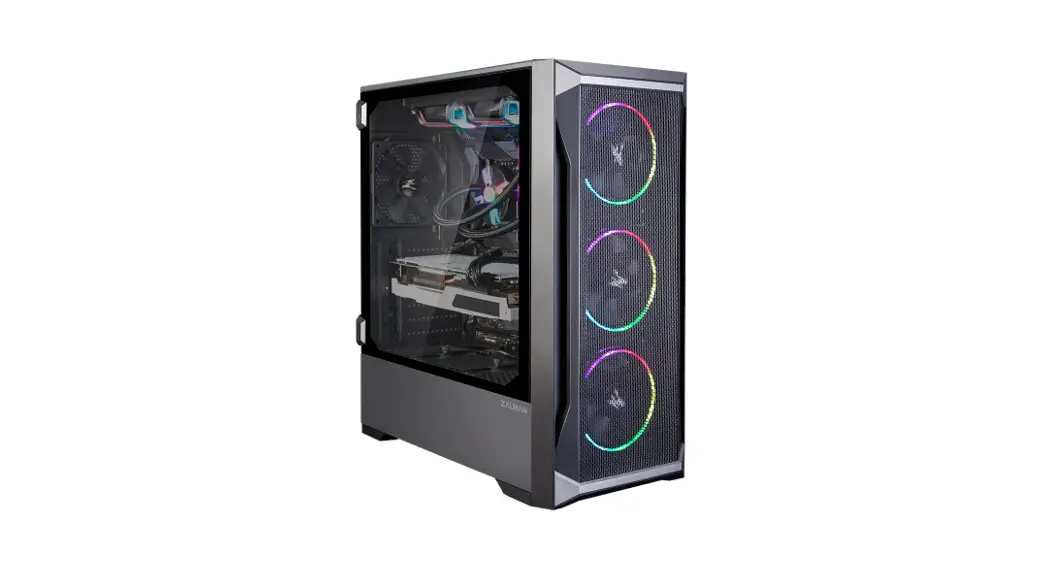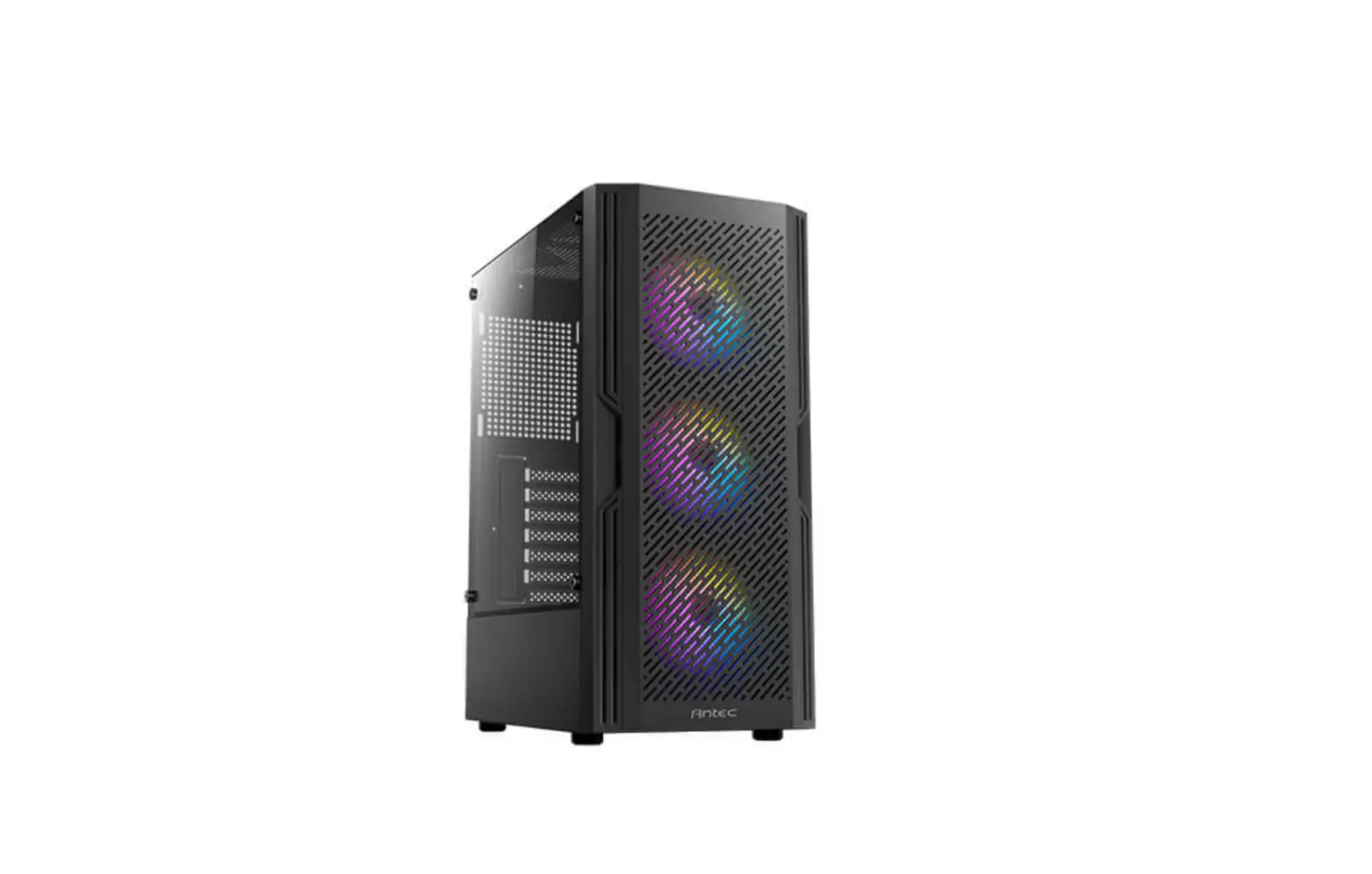

Antec Ax20 Mid Tower Atx Gaming Case User Manual

Antec Ax20 Mid Tower Atx Gaming Case User Manual

Antec-LOGO

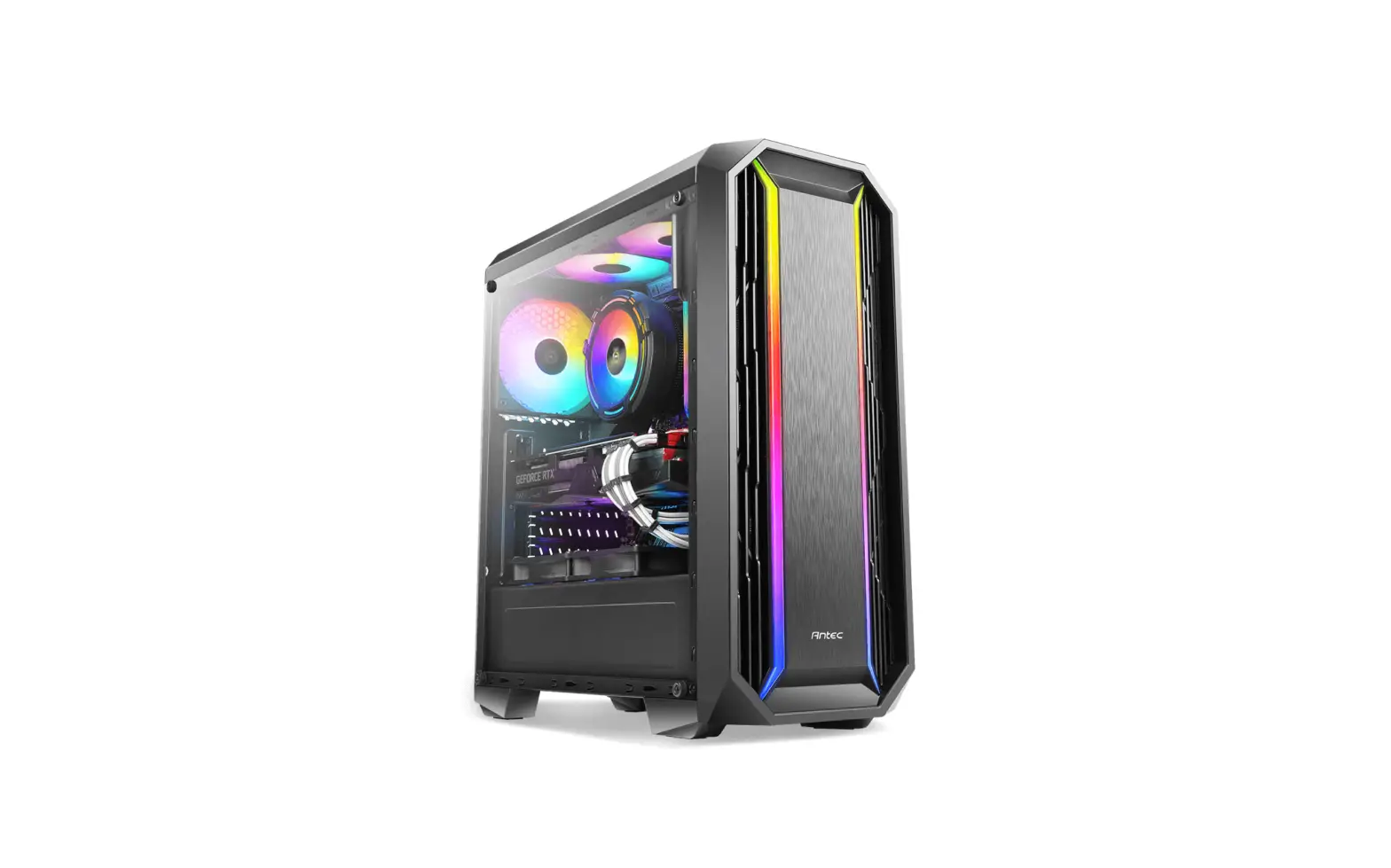
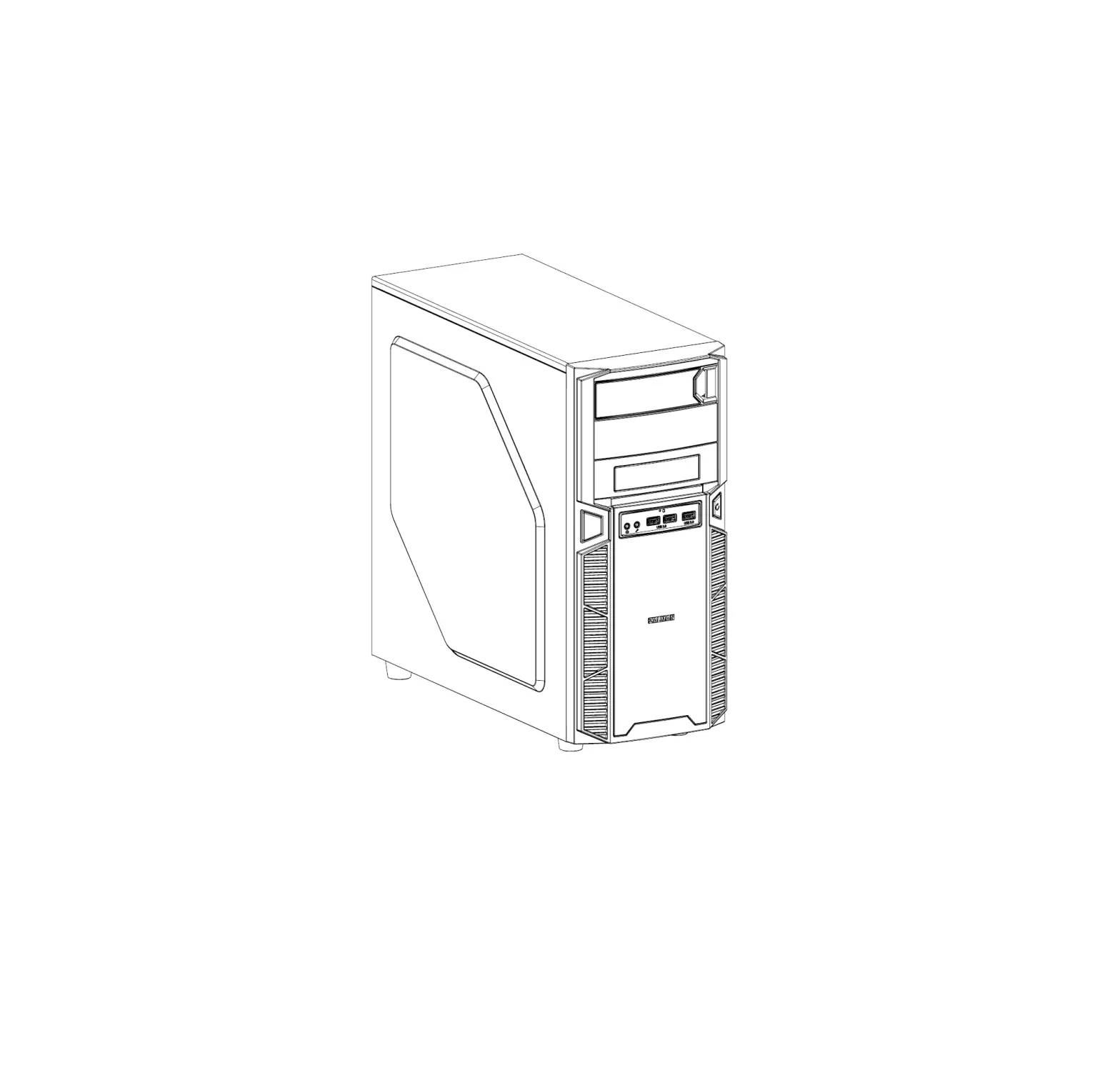
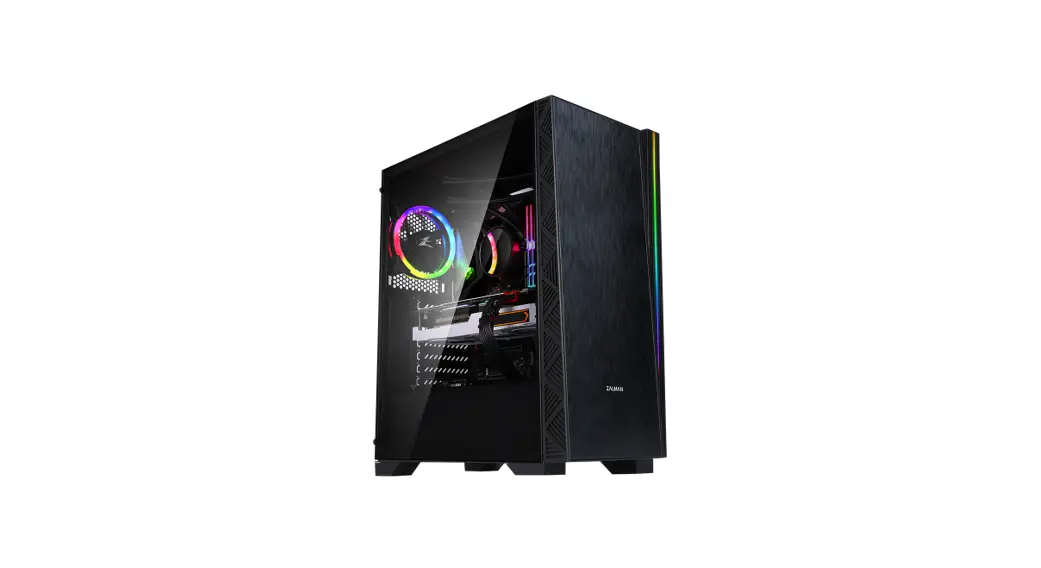
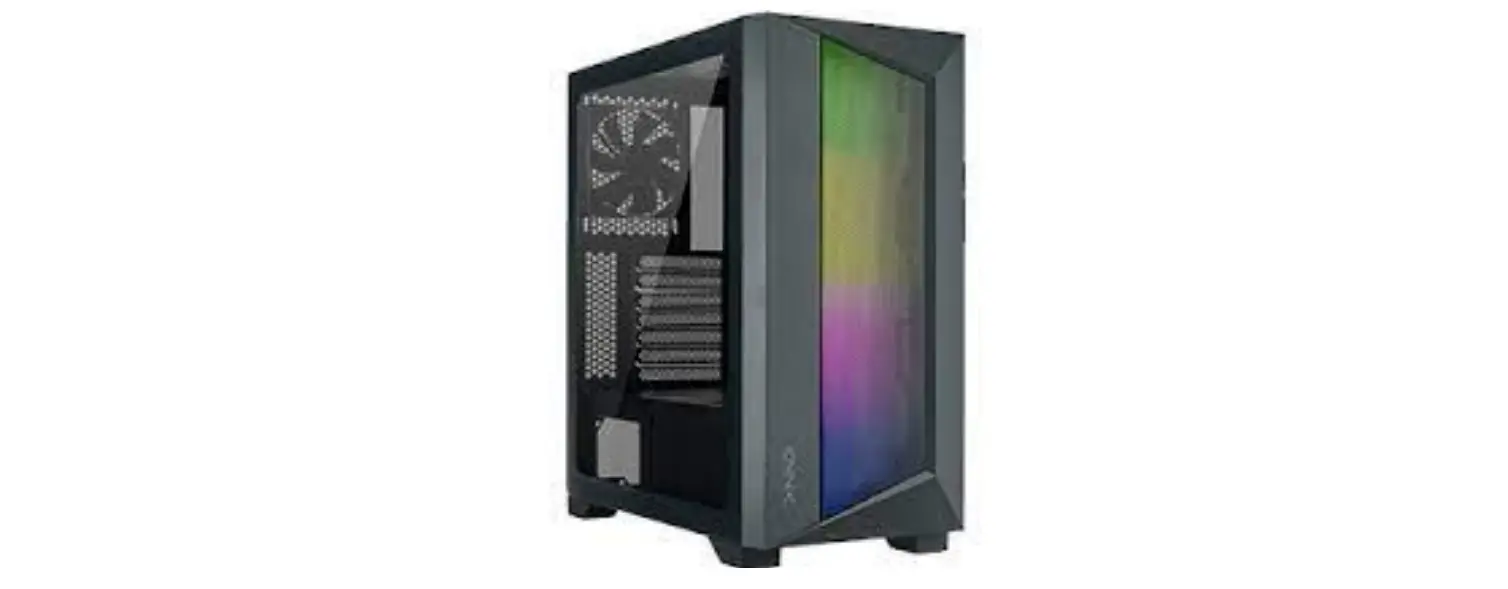
Antec AX20 Mid Tower ATX Gaming Case
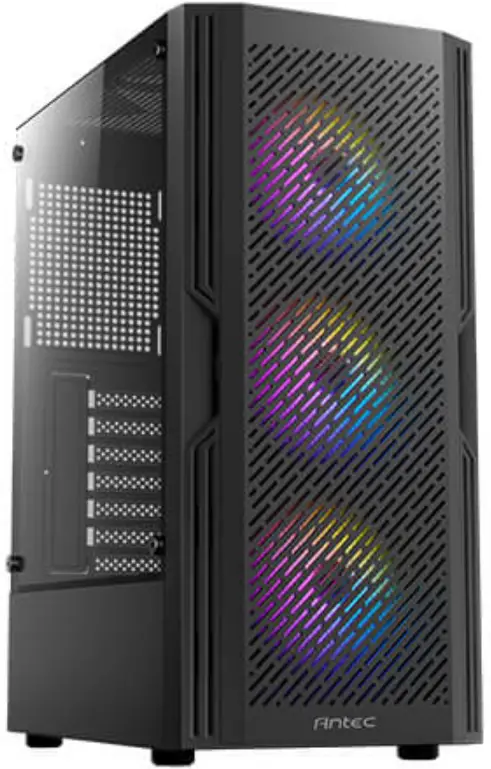
Antec-AX20-Mid-Tower-ATX-Gaming-Case-PRODUCT

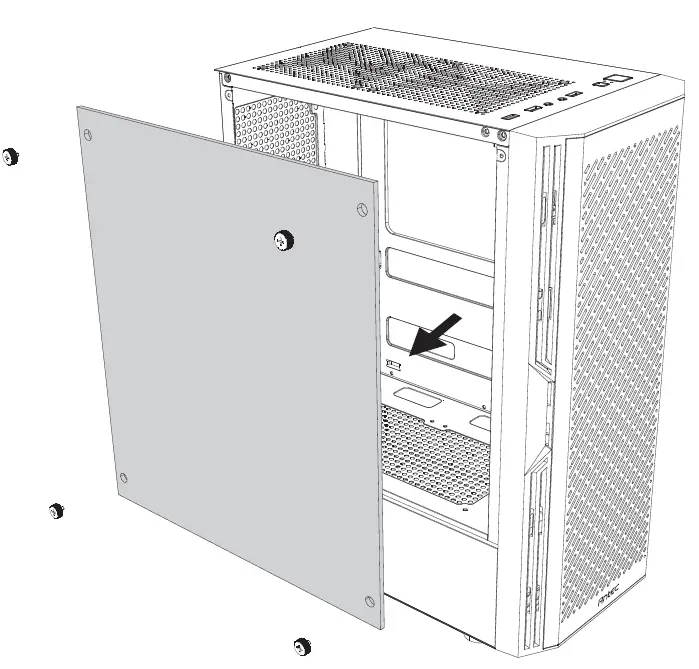
REMOVE SIDE PANELAntec-AX20-Mid-Tower-ATX-Gaming-Case-FIG 1

INSTALLATION

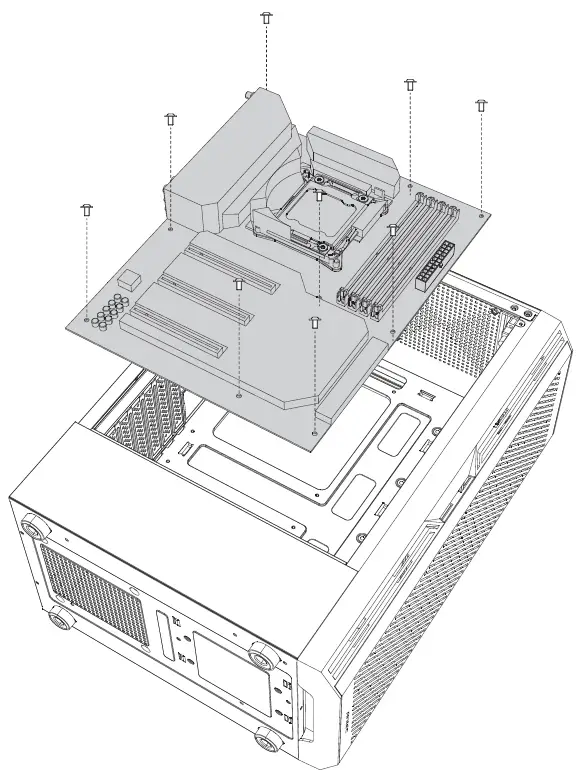
MOTHERBOARD INSTALLATIONAntec-AX20-Mid-Tower-ATX-Gaming-Case-FIG 2

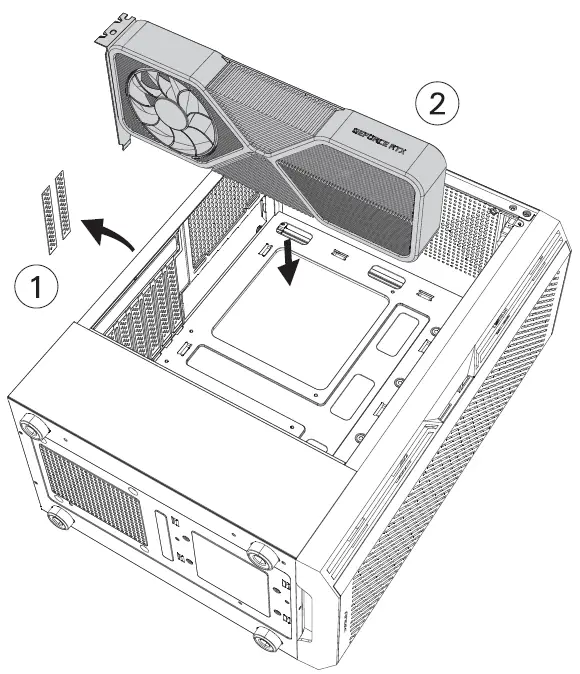
VGA/PCI-EXPRESS CARD INSTALLATIONAntec-AX20-Mid-Tower-ATX-Gaming-Case-FIG 2

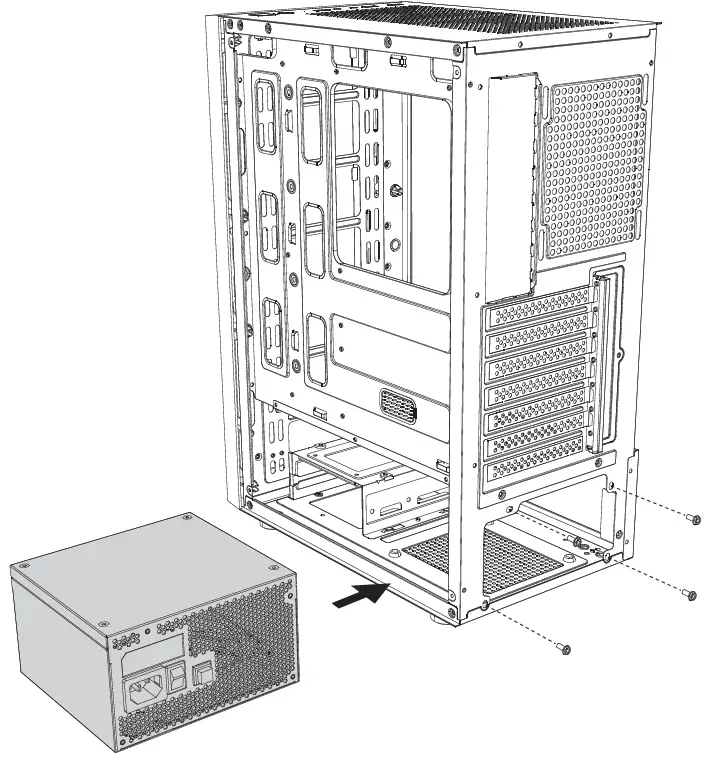
POWER SUPPLY INSTALLATIONAntec-AX20-Mid-Tower-ATX-Gaming-Case-FIG 4

HARD DISK INSTALLATION

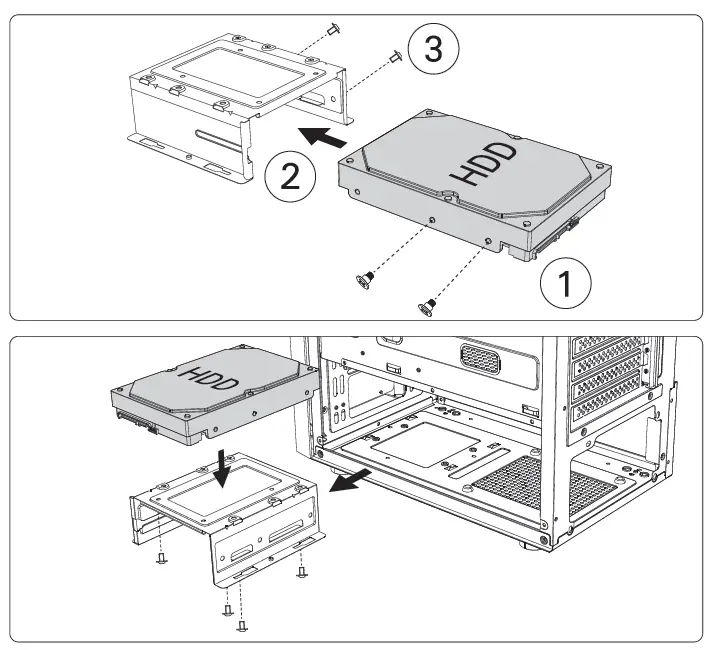
  • A. INSTALLING A 3.5″ HARD DISK DRIVEAntec-AX20-Mid-Tower-ATX-Gaming-Case-FIG 5
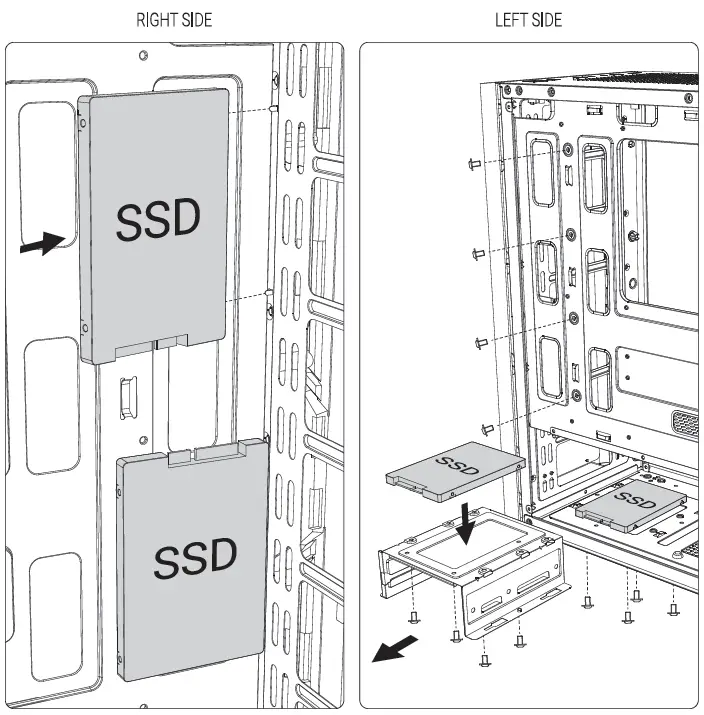
  • B. INSTALLING A 2.5″ SOLID STATE DRIVEAntec-AX20-Mid-Tower-ATX-Gaming-Case-FIG 6

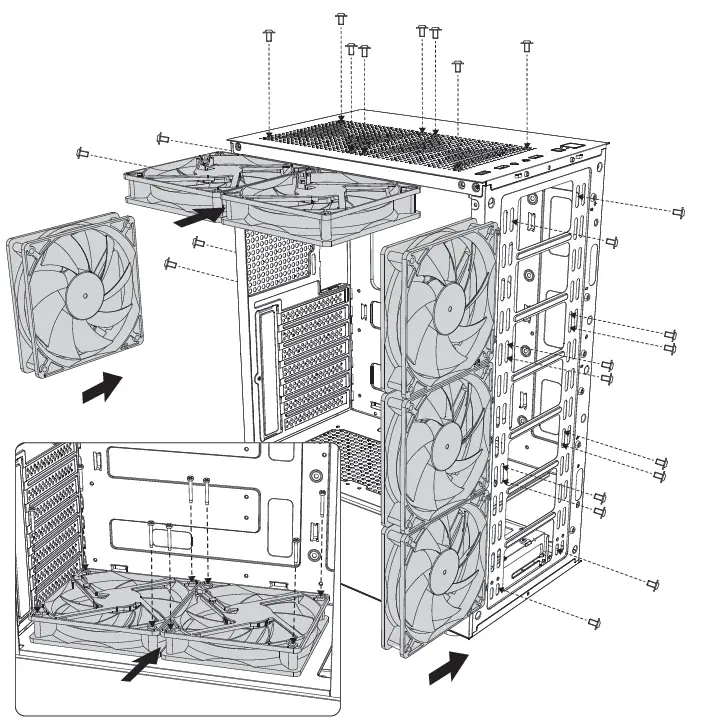
FAN INSTALLATIONAntec-AX20-Mid-Tower-ATX-Gaming-Case-FIG 7

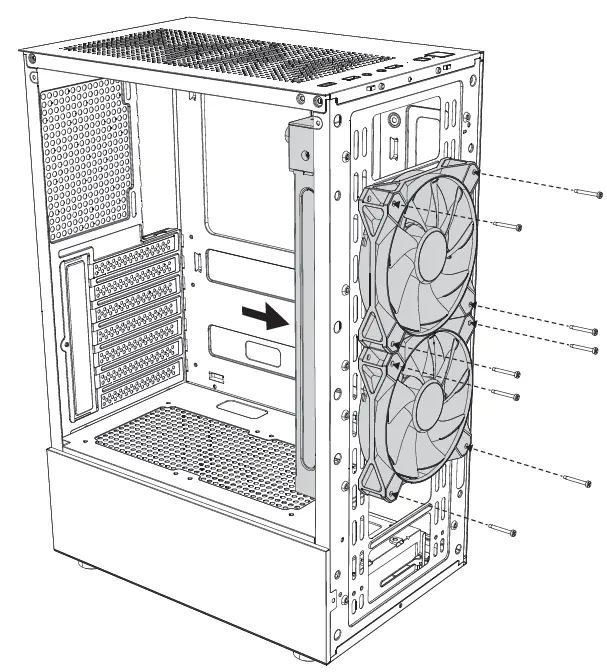
INSTALLING LIQUID COOLING RADIATORAntec-AX20-Mid-Tower-ATX-Gaming-Case-FIG 8

www.AnteC.com
All rights reserved. Specifications are subject to change without prior notice.
Actual products and accessories may differ from illustrations. Omissions and printing errors excepted. Content of delivery might differ in different countries or areas. Some trademarks may be claimed as the property of others.
Documents / Resouces

Download manual
Here you can download full pdf version of manual, it may contain additional safety instructions, warranty information, FCC rules, etc.


Related Manuals