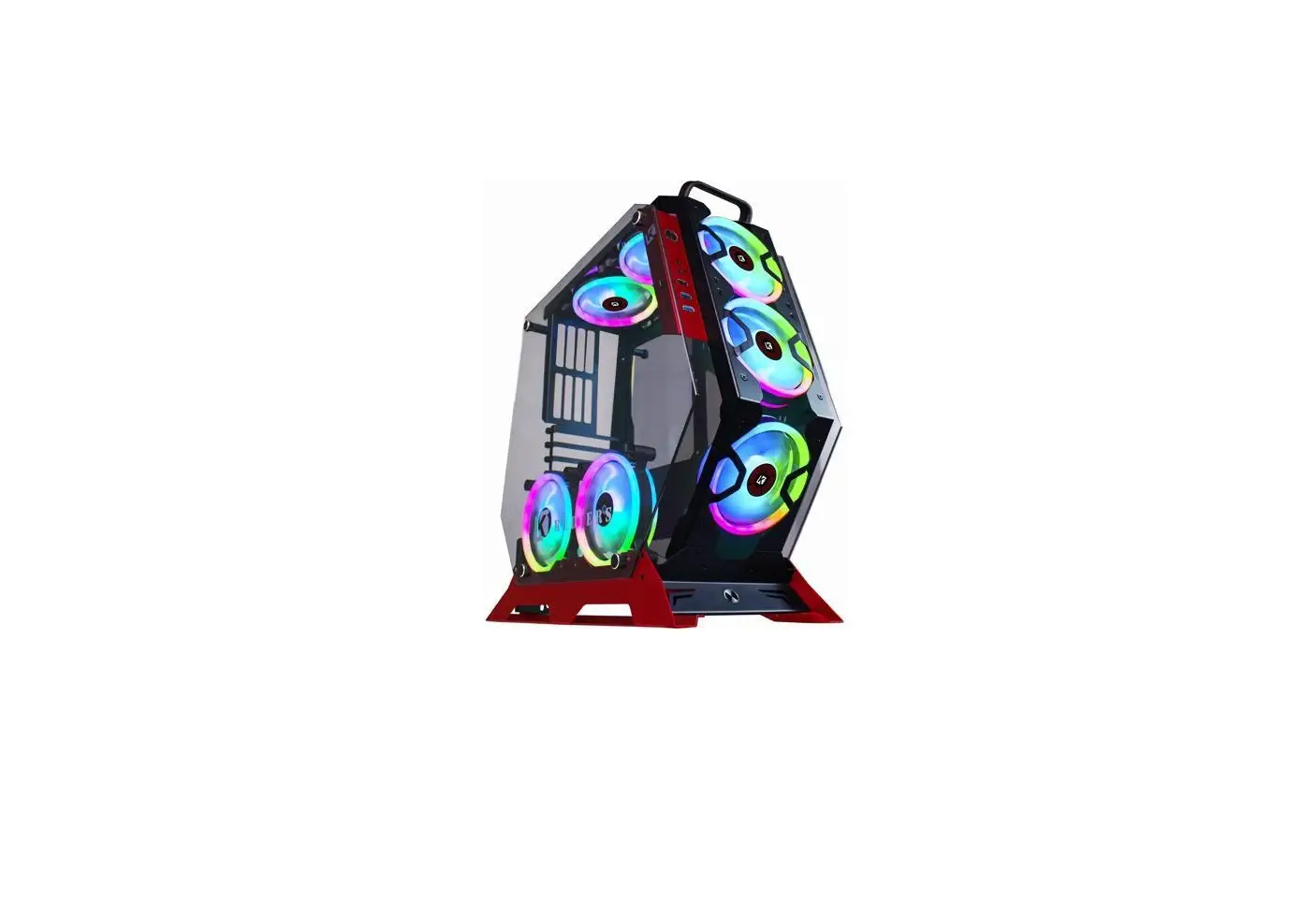
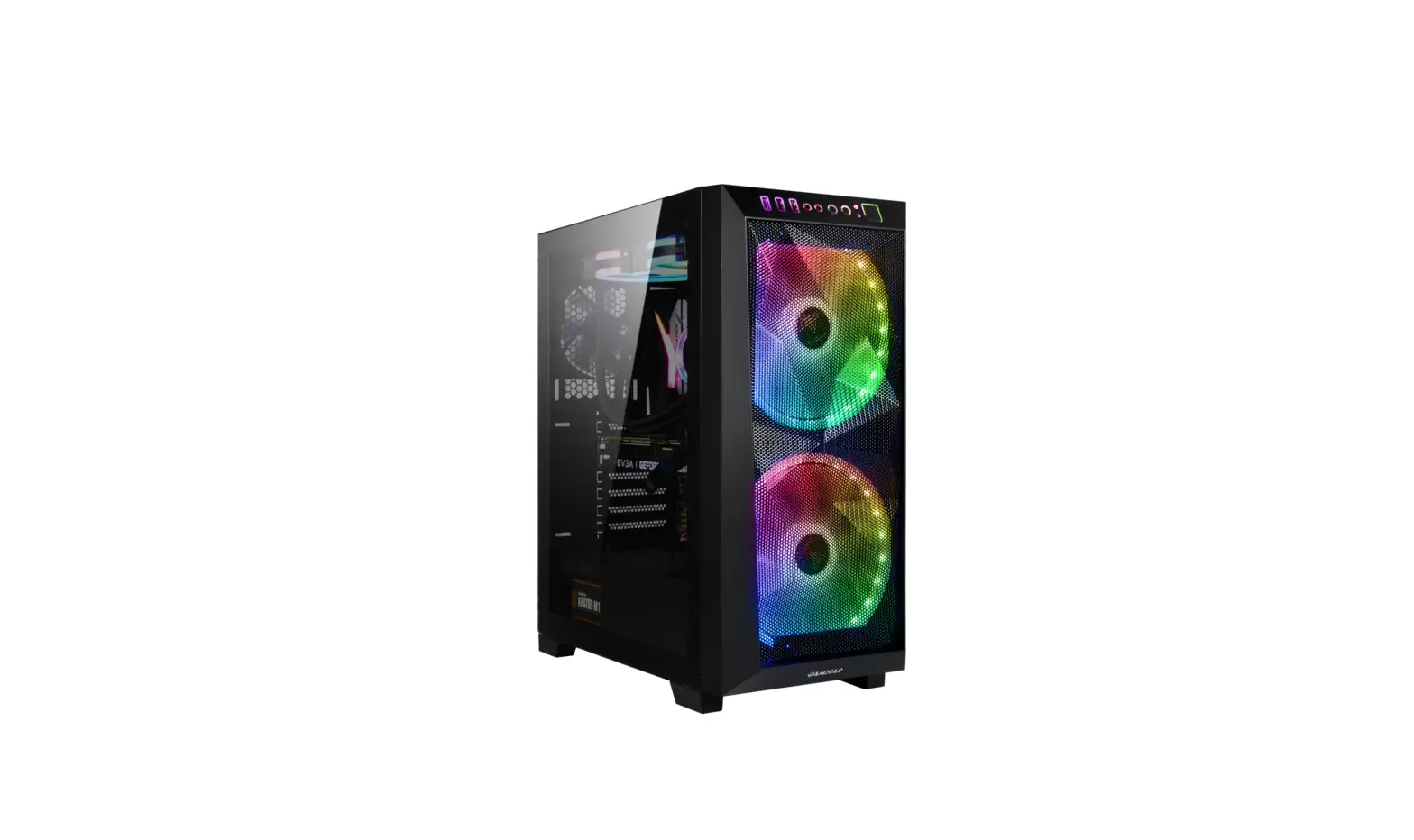
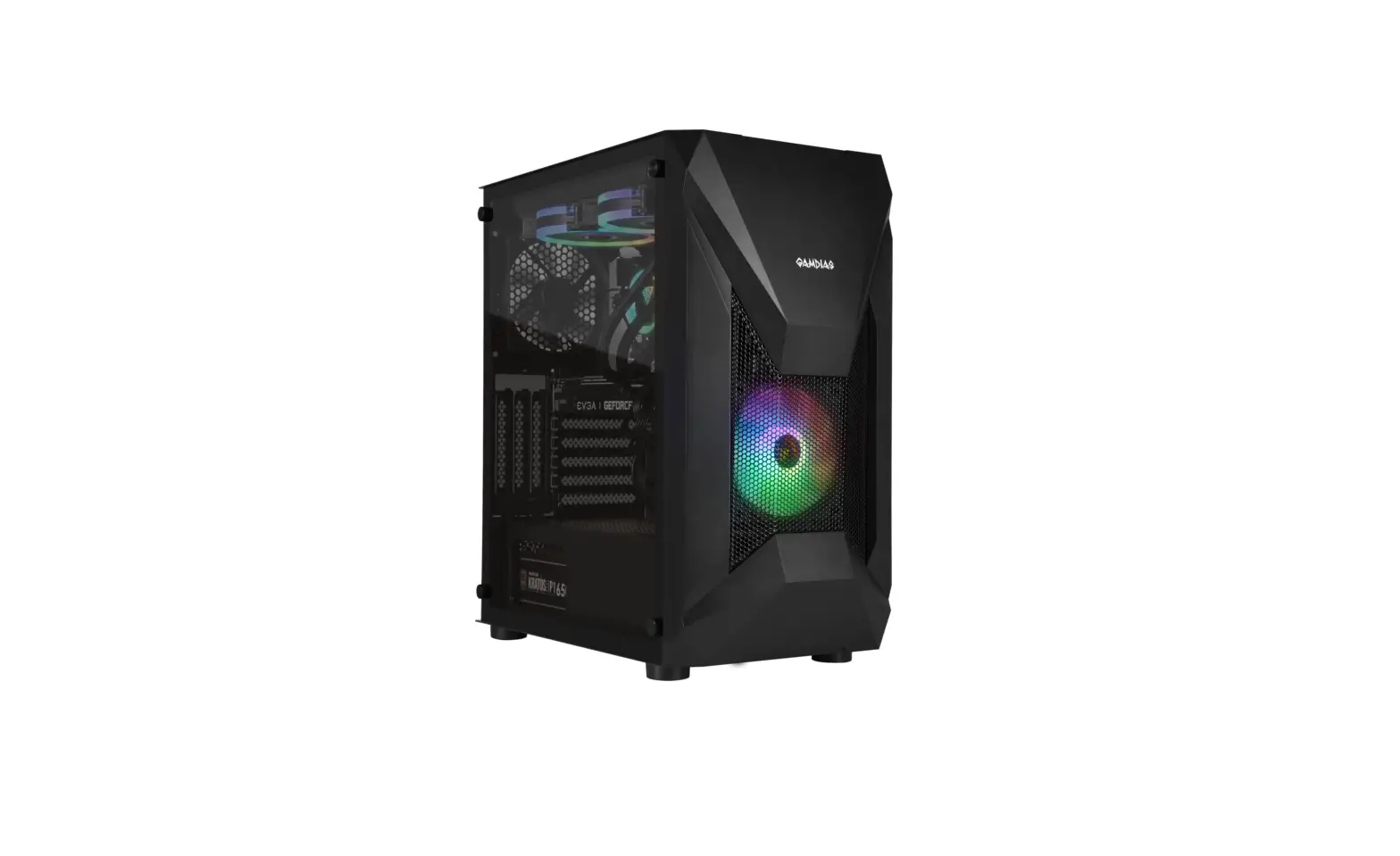
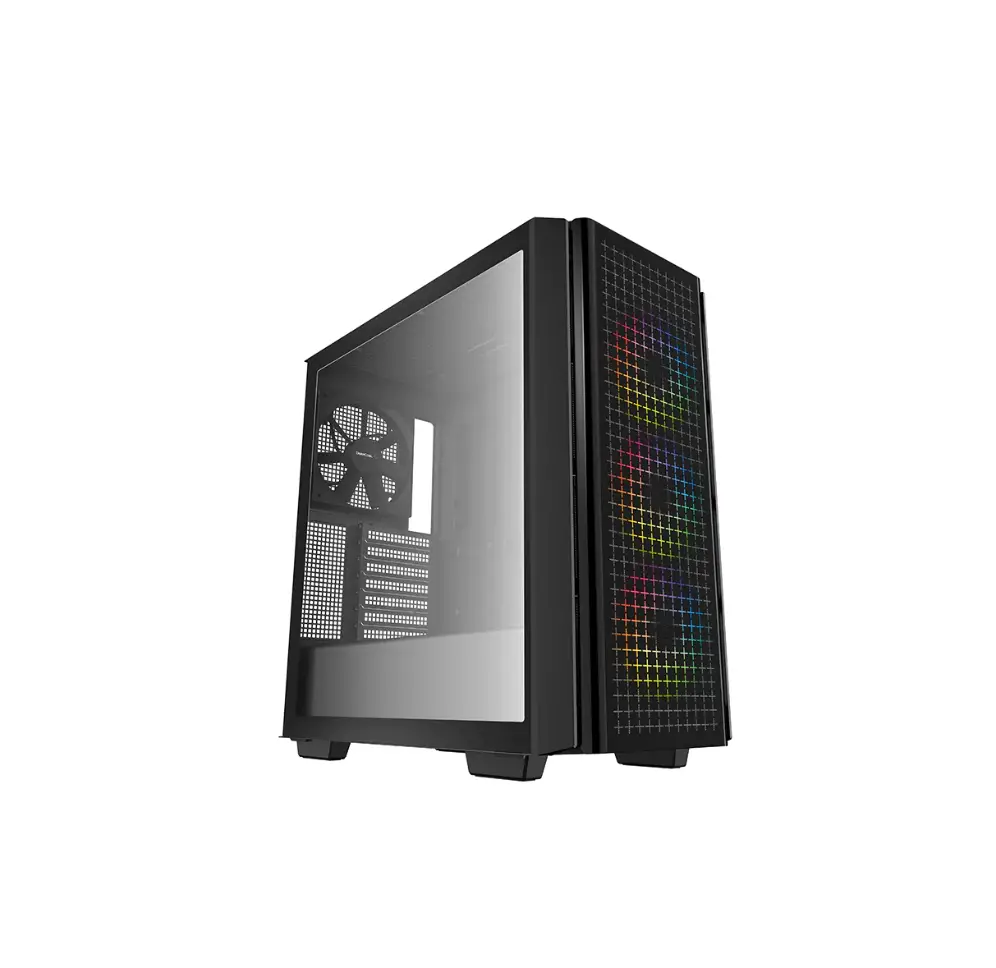
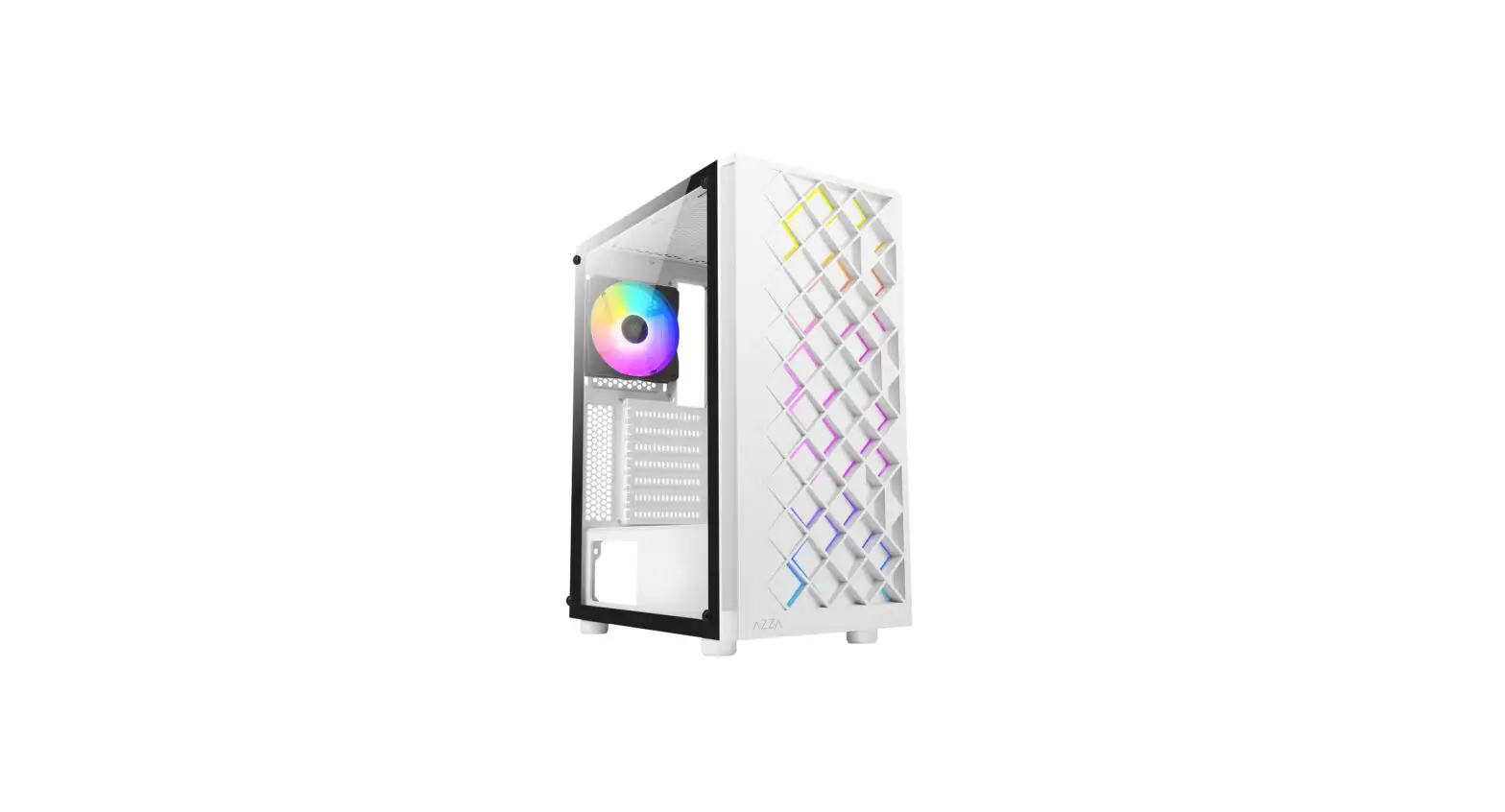
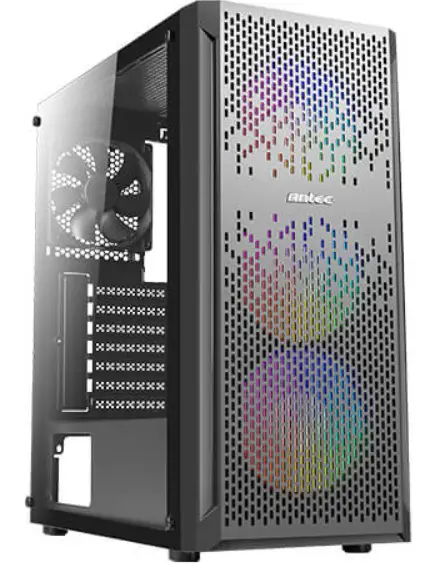
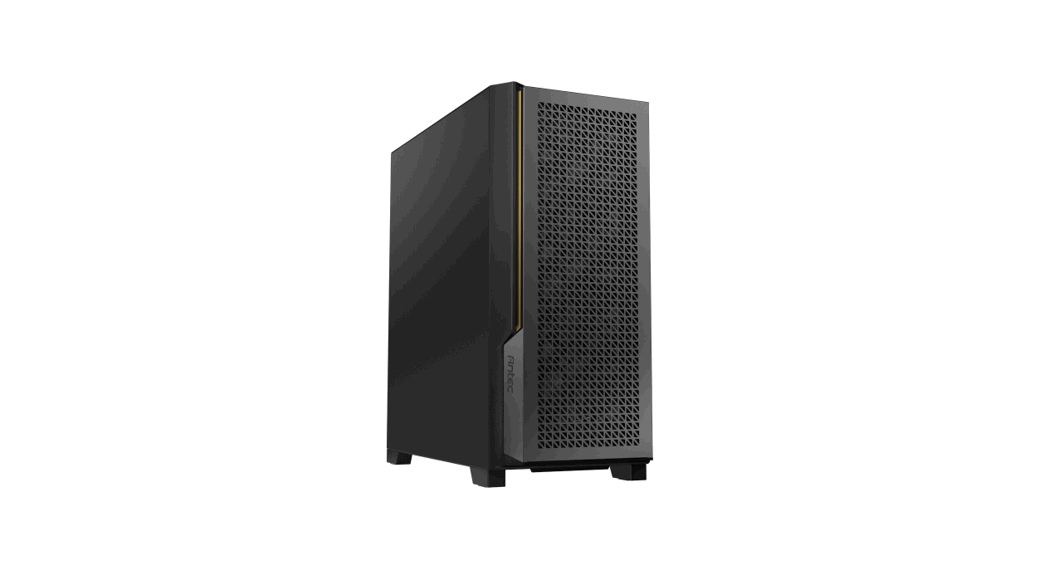
Antec NX290 Gaming Case ATX Tower
Assembly
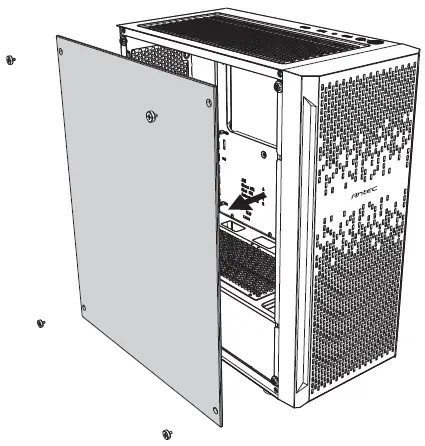
- Remove Sdie Panel

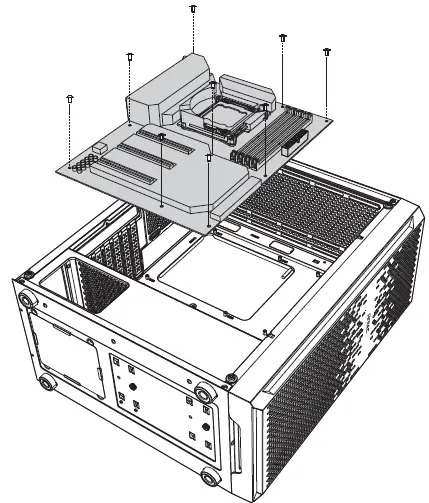
- Motherboard Installation

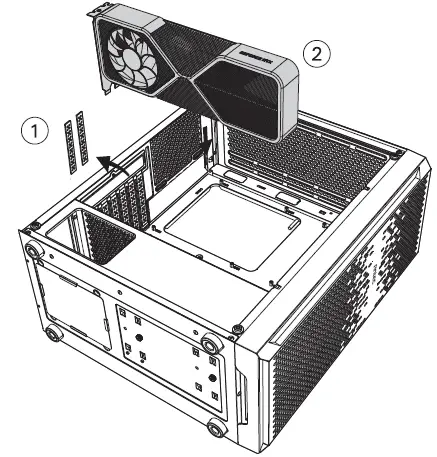
- VGA / PCI-Express Card Installation

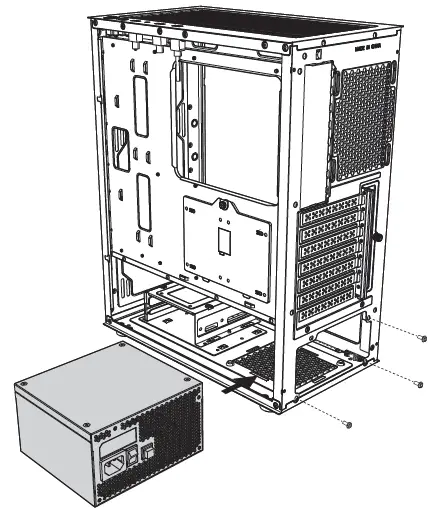
- Power Supply Installation

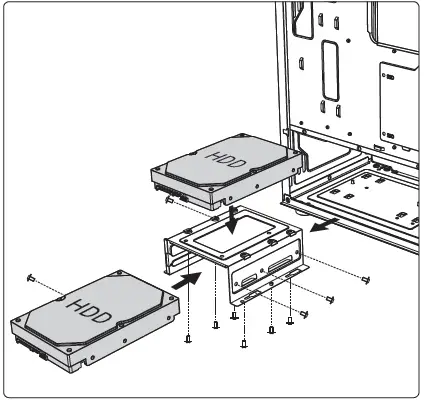
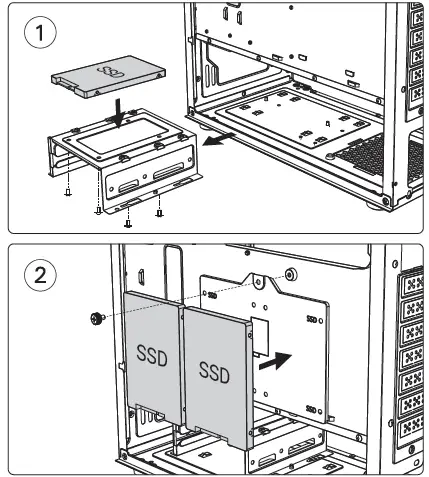
- Hard Disk Installation
- Installing a 3.5″ Hard Disk Drive

- Installing a 2.5″ Hard Disk Drive

- Installing a 3.5″ Hard Disk Drive
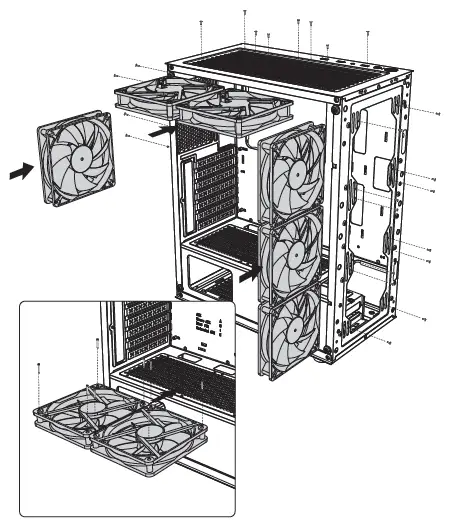
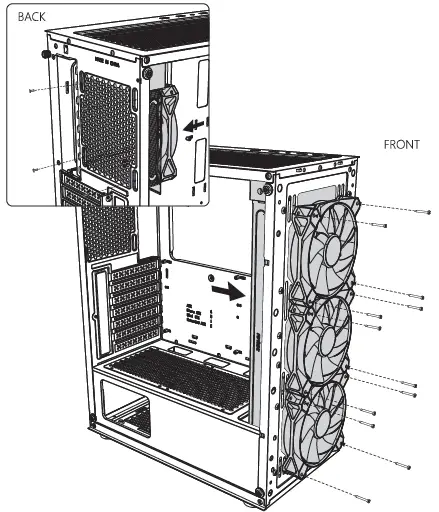
- Fan Installation

- Installing Liquid Cooling Radiator


![Nzxt Mid-tower Atx Case [h710, H710i] User Manual](https://static-data1.manualsee.com/1/img/80/17016/2020/12/Pasted-into-Nzxt-Mid-Tower-ATX-Case-H710-H710i-User-Manual.png "Nzxt Mid-tower Atx Case [h710, H710i] User Manual")