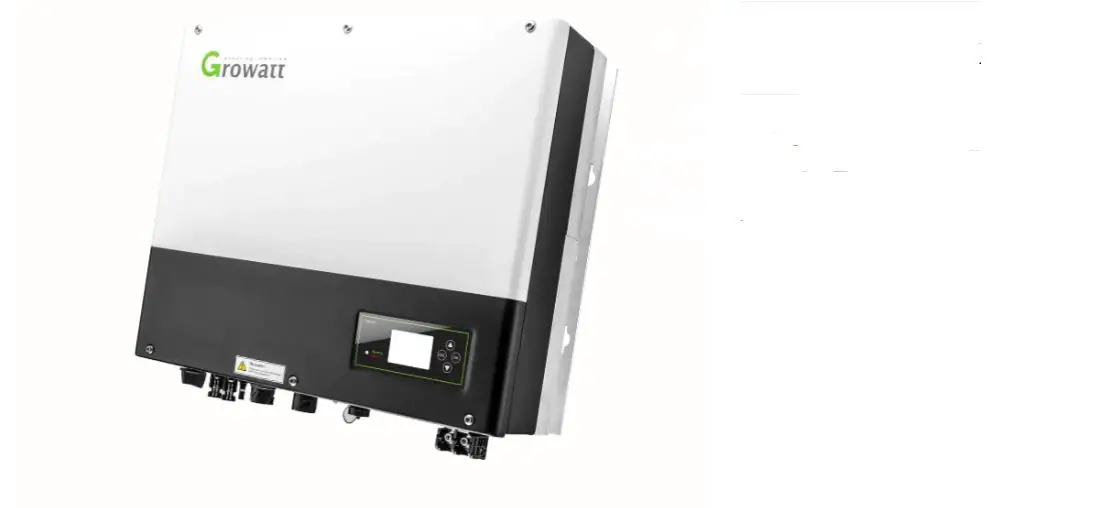
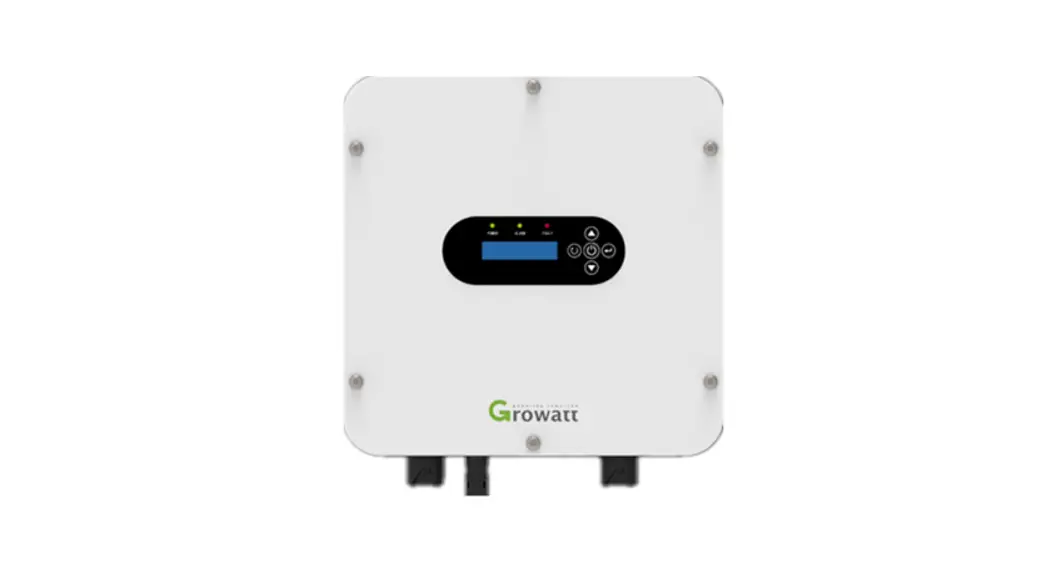
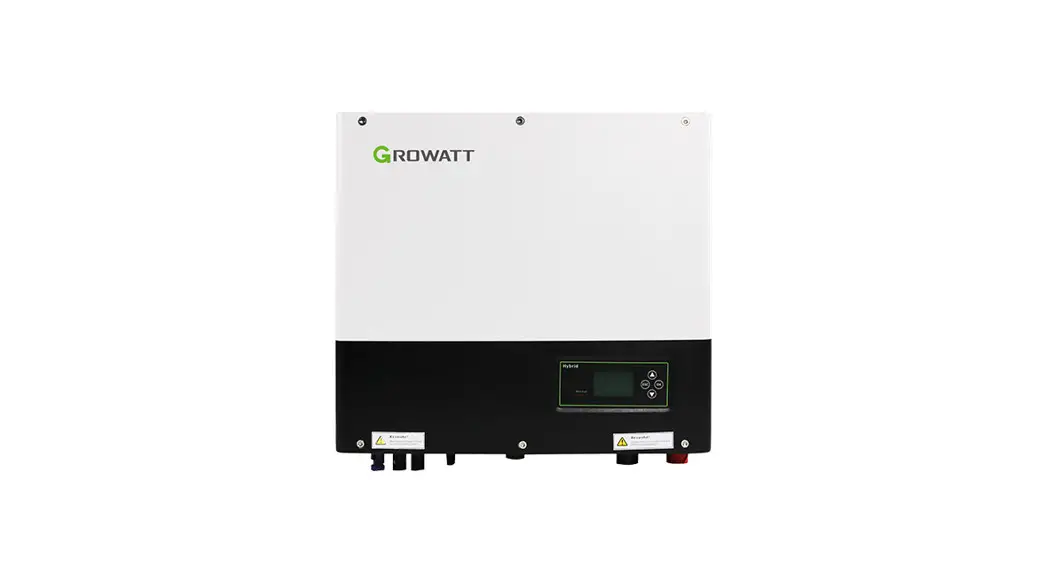
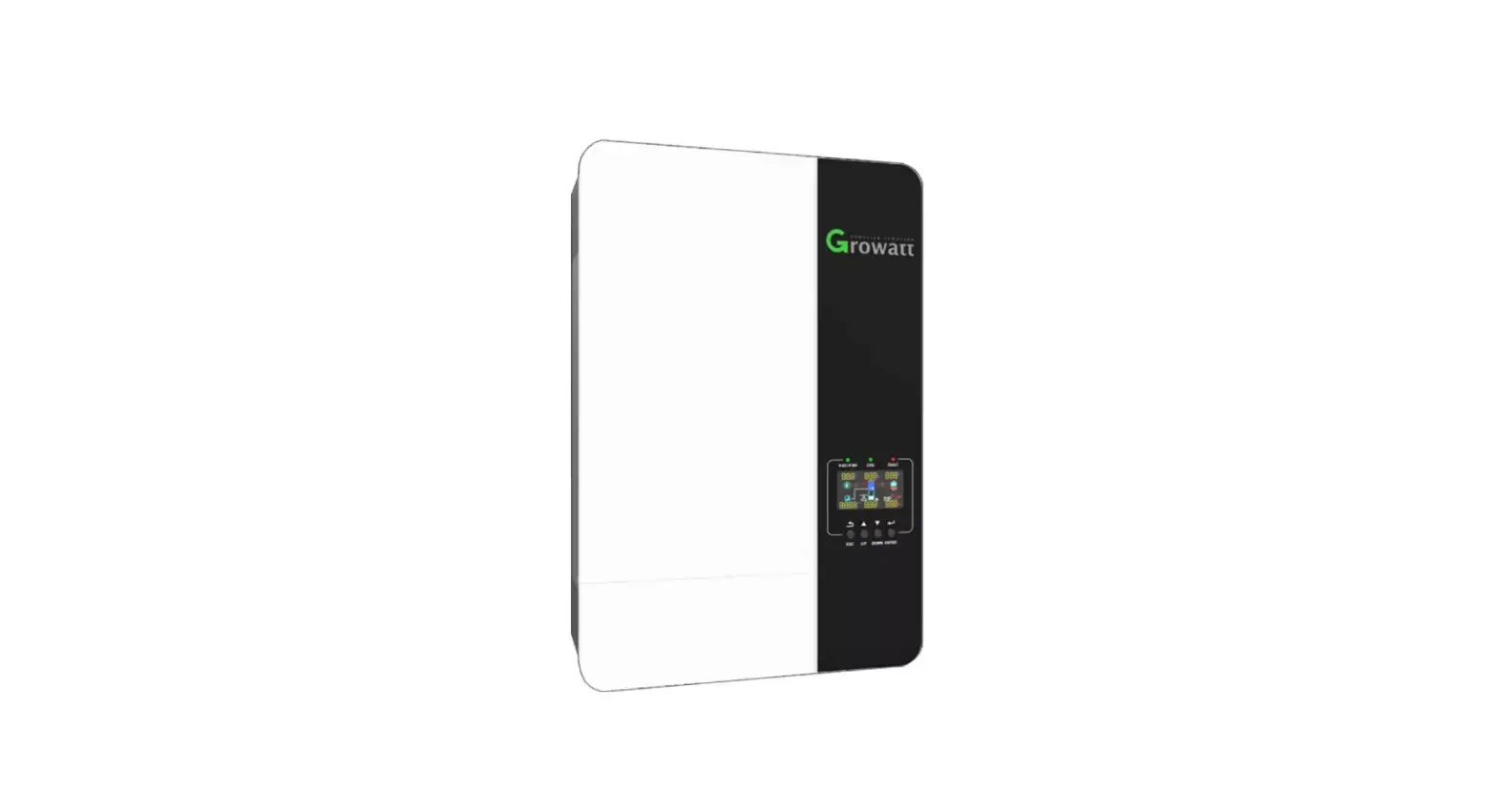
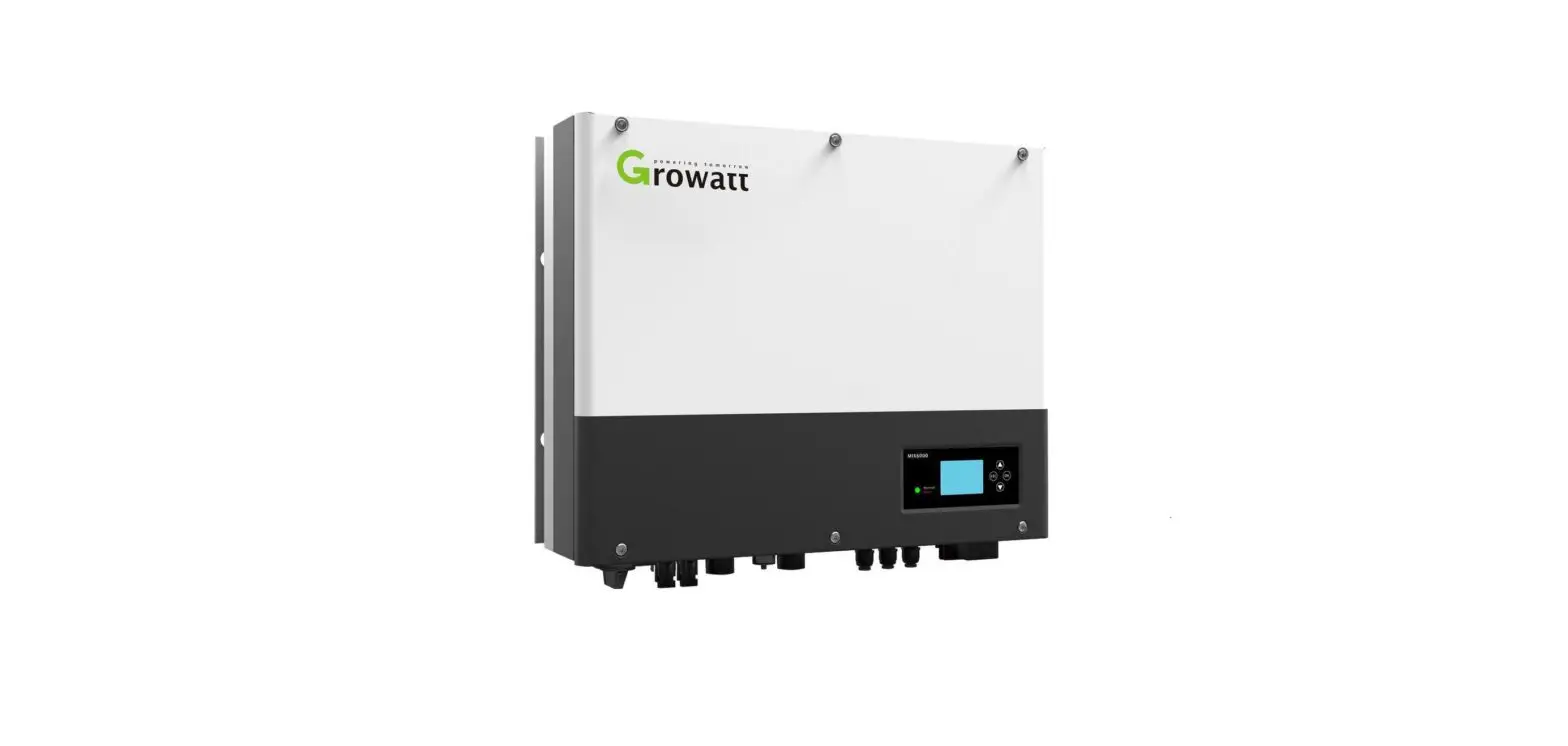
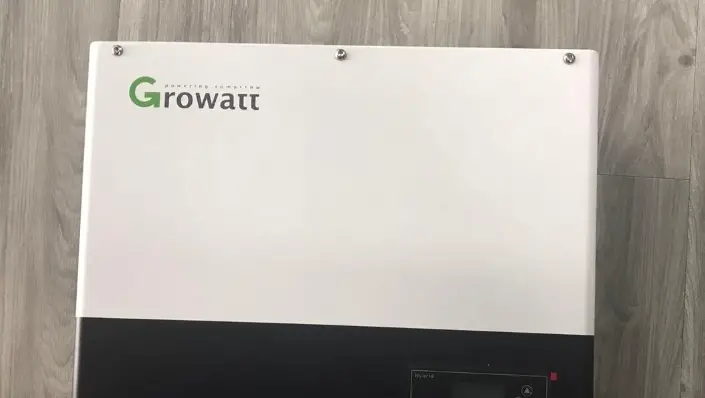
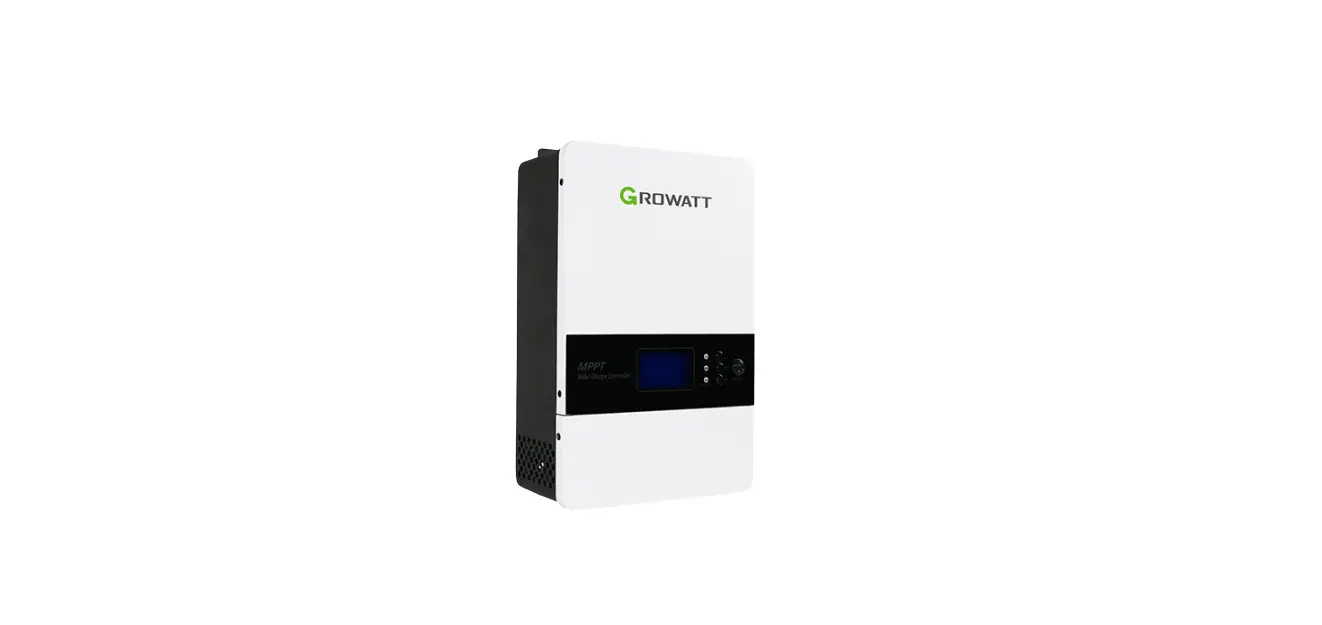
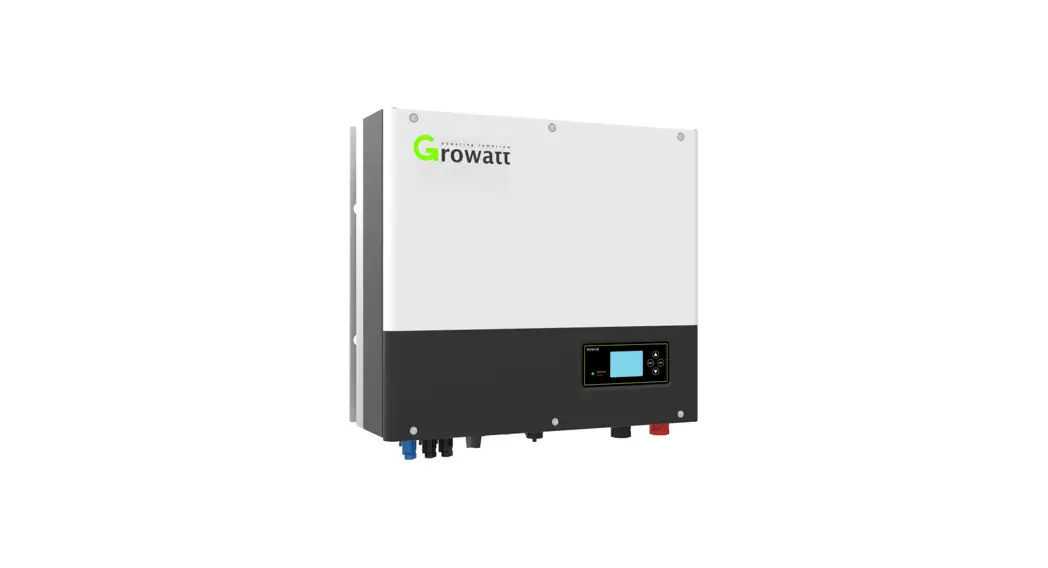
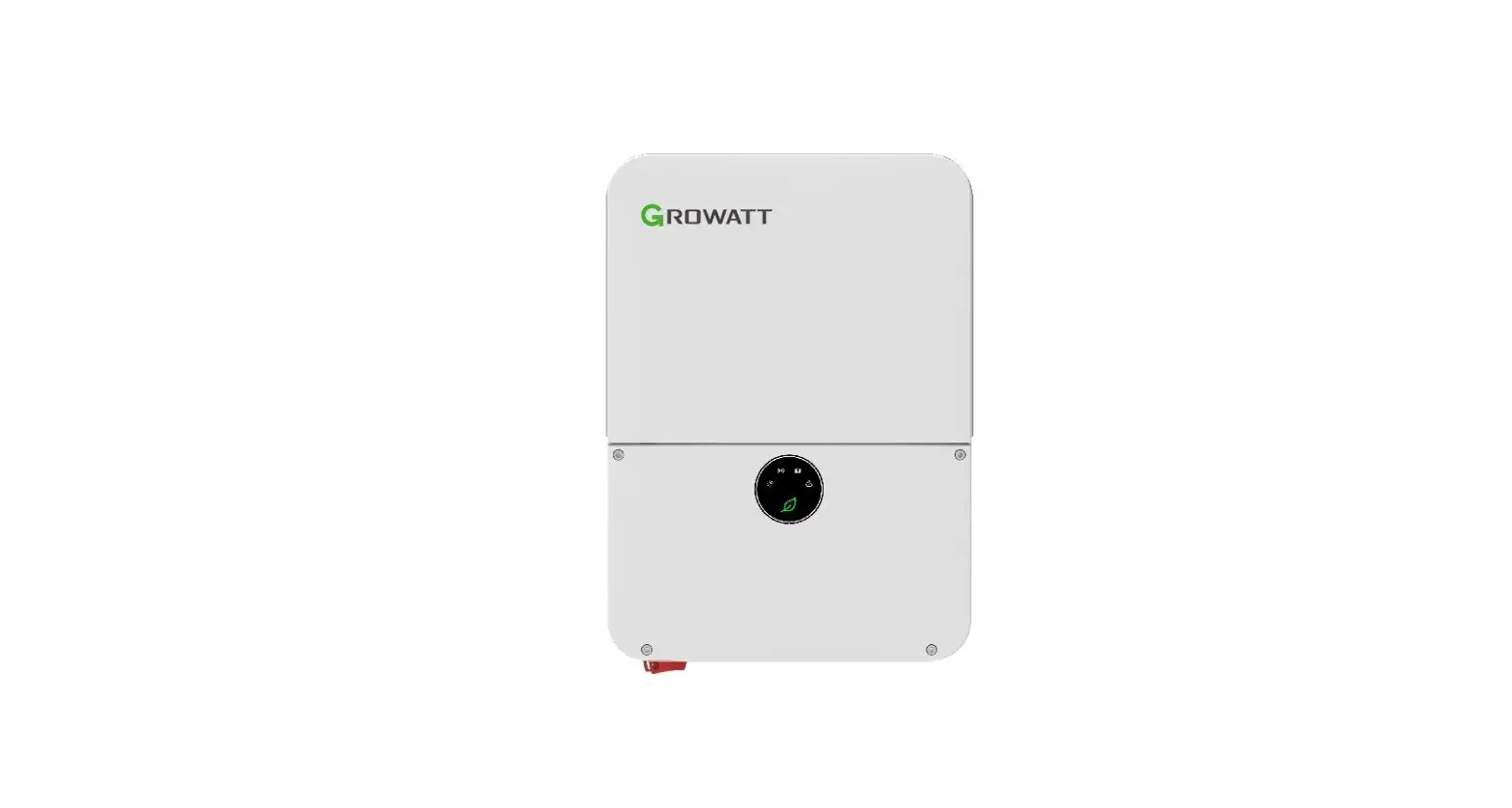
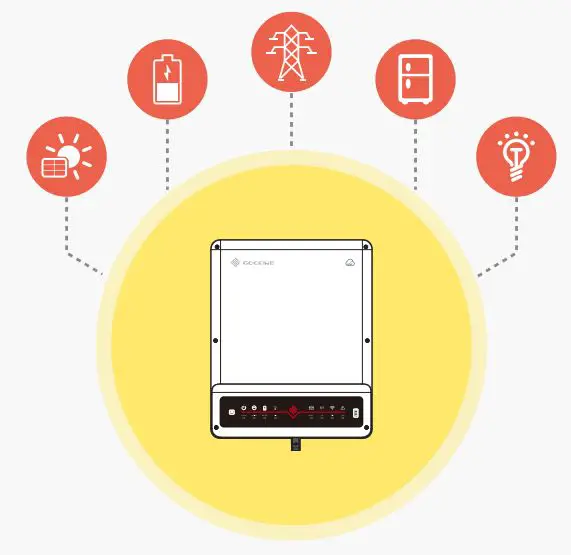
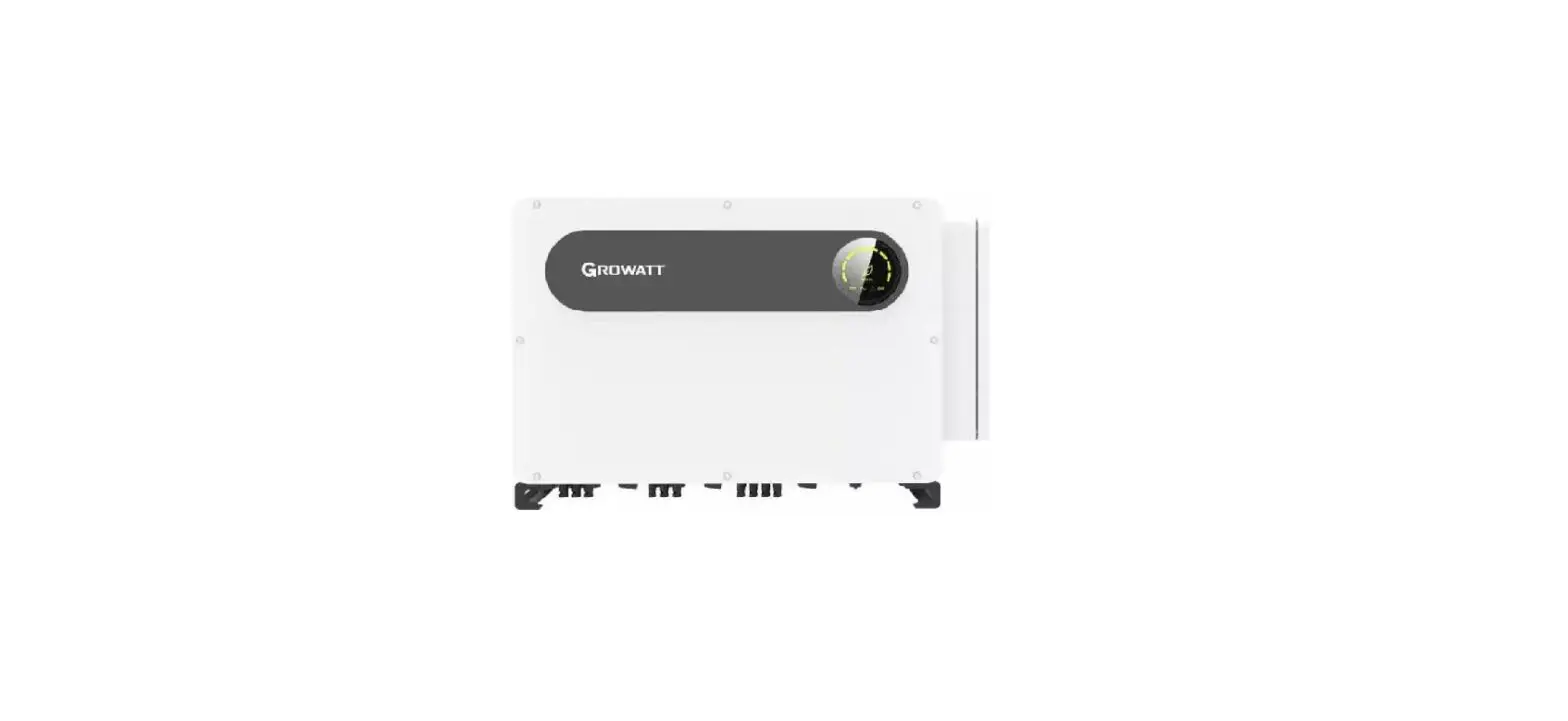
SPH-UP Series 3 Phase Off Grid Solar Storage Inverter
Product Information: SPH Series Inverter
The SPH Series Inverter is a product of Growatt New Energy
Technology Co. Ltd., located in Shenzhen, China. The inverter is
designed to store energy generated by photovoltaic cell panels or
energy from the grid, if allowed, in the battery. The energy can be
used for self-consumption or as backup power when the grid power is
lost.
The inverter comes in different power options, depending on the
country. For example, in Germany, the SPH 3000~SPH 4600TL BL-UP is
available, but not the SPH 5000TL BL-UP and SPH 6000TL BL-UP. The
product has several features, including USB interface, LED status
display, LCD screen, function button, dry contact, battery
terminal, VPP communication, RS485-2 communication, RS485-1
communication, NTC lead-acid temperature sensor terminal, CAN
communication interface of Lithium battery, RJ45 interface of DRMs
(used only in Australia), RS485 communication interface of
Merter/CT input terminal, AC Grid (on-grid connection), RSD (do not
open except by Professional staff), EPS output (off-grid
connection), ground point, PV input, and PV switch.
Product Usage Instructions: Installation and Commissioning
Before installing and commissioning the SPH Series Inverter,
read the safety instructions carefully. Then follow the steps
below:
Step 1: Unpacking
Remove all the components from the package and check if
everything is included.
Step 2: Basic Installation Requirements
The basic installation requirements include an installation
location with good ventilation and no direct sunlight exposure, a
strong and flat surface to install the inverter, and enough space
around the inverter for maintenance.
Step 3: Installation Requirements Tools and RJ45 terminal
sequence of the LAN line
You will need a set of tools for installation, including a
screwdriver, pliers, wire stripper, and torque wrench. The RJ45
terminal sequence of the LAN line should be TIA/EIA-568B.
Step 4: Installation Instructions
Follow the installation instructions provided in the manual
carefully. Connect the PV input, battery terminal, AC grid, and
other communication interfaces according to the instructions.
Step 5: Commissioning of SPH
After the installation is complete, commission the SPH by
following the instructions provided in the manual. The
commissioning process involves setting up the country, operation
modes, display and button, communication, and other settings.
Step 6: Start-up and Shut Down SPH System
To start-up the SPH system, follow the instructions provided in
the manual. To shut down the SPH system, disconnect it according to
the instructions provided in the manual.
Step 7: Attention of the Installation Environment, Maintenance,
and Cleaning
After installation, pay attention to the installation
environment, maintenance, and cleaning requirements provided in the
manual.
Step 8: Fault Removal
If a fault occurs, follow the troubleshooting method and system
fault information list provided in the manual to remove the
fault.
Step 9: Decommissioning
If you need to dismantle the inverter or dispose of it, follow
the instructions provided in the manual.
Step 10: Product Specification
Refer to the product specification section of the manual for
detailed information about the SPH Series Inverter, including DC
input terminal parameters and torque.
Step 11: Certificate and Contact
Refer to the certificate and contact section of the manual for
information about certifications and how to contact Growatt New
Energy Technology Co. Ltd.
Download Manual
Growatt New Energy
Shenzhen Growatt New Energy CO.,LTD 4-13/F,Building A,Sino-German(Europe) Industrial Park, Hangcheng Ave, Bao’an District, Shenzhen, China
T +86 0755 2747 1942 E [email protected] W www.ginverter.com
GR-UM-180-A1-01
Installation Manual of SPH-UP series
1 Brief Introduction 2 Safety 3 Product Description 4 Unpacking 5 Installation
6 Commissioning
Index
1.1 Preface 1.2 Target Group 1.3 Product Description 1.4 Safety Instructions
2.1 Purpose Use 2.2 Safety Measure 2.3 Symbols introduction on the SPH
inverter
3.1 SPH series inverter 3.2 Label Explanation 3.3 Size and weight 3.4 The advantage of the unit of SPH
5.1 Basic installation requirements 5.2 Installation requires tools and RJ 45
terminal sequence of the LAN line 5.3 Installation Instructions 5.4 SPH System Connection Mode
6.1 Commissioning of SPH 6.2 Operation modes 6.3 Display and button 6.4 Communication 6.5 Country setting
7 Start-up and shut down SPH system
7.1 Start-up the SPH system 7.2 Disconnect the SPH systeme
8 Attention of the installation environment, maintenance and cleaning
9 Fault removal
9.1 Troubleshooting method when a fault occurs
9.2 System fault information list and troubleshooting suggestions
10 Decommissioning 11 Product specification
11.1 Dismantling the inverter 11.2 Package and transport SPH
inverter 11.3 Storing SPH inverter 11.4 Disposing of the SPH inverter
12.1 SPH series inverter machine product specification
12.2 DC input terminal parameter 12.3 Torque 12.4 Appendix
12 Certificate 13 Contact
1 Brief Introduction
1.1 Preface
This manual will provide the users who use the SPH Series of GROWATT NEW ENERGY TECHNOLOGY CO.LTD.SHENZHEN (Short for GROWATT New Energy as below) with the detailed product information and the installation instructions. Please read this manual carefully and put this manual on some place where is convenient to installation, operation, obtain. Any modifications of GROWATT new energy, we will not notify the user.
1.2 Target Group
SPH inverter must be installed by professional electrical personnel who have obtained the certification of the relevant departments. We have two kinds of SPH inverter for different battery types, one is for lithium battery and the other is for lead-acid battery. We recommend customer should decide which kind of inverter if required prior to purchasing. GROWATT can only provide lithium battery that is compatible with inverter, no lead-acid battery will be provided by Growatt as customer can easily buy these from the market. It is dangerous if customer choose inverter compatible with lithium battery (which must be provide by GROWATT) but uses it for lead-acid battery or uses lead-acid battery for lithium battery inverter. Installer can install SPH Series inverters rapidly, build communication system or troubleshoot by reading this manual carefully. If you have any questions in the process of installation, you can login in www.growatt.com and leave some message. Or you can call our 24-hour service hotline +86 (0)755 2747 1942
1.3 Product Description
SPH Series is used to store energy generated by the photovoltaic cell panels or energy from grid if it is allowed in the battery, also energy can be sent to power grid through SPH for self consumption or when Grid power is lost, SPH can be used as backup power.
SPH series has six kinds of type: · SPH 3000 TL BL-UP · SPH 3600 TL BL-UP · SPH 4000 TL BL-UP · SPH 4600 TL BL-UP · SPH 5000 TL BL-UP · SPH 6000 TL BL-UP Note: we describe this series as “SPH” as below.
Note: In different country, we provide different power. Such as in Germany, we can provide SPH 3000~SPH 4600TL BL-UP, but we don’t provide SPH 5000TL BL-UP and SPH 6000TL BL-UP.
Overview:
A BC D E
Position A B C D E F G H I J K L M N O P Q R S
SRQPONML JIHGF
Chart 1.1
Description USB interface LED of status display
LCD screen Function button
Dry contact Battery terminal VPP communication RS485-2 communication RS485-1 communication NTC: Lead-acid temperature sensor terminal CAN communication interface of Lithium battery RJ45 interface of DRMs(used only in Australia) RS485 communication interface of Merter/CT input terminal AC Grid (on grid connection) RSD(do not open except by Professional staff) EPS output(off grid connection)
Ground point PV input PV switch
1.4 Safety Instructions
1.Please be clear which kind of battery system you want, lithium battery system or leadacid battery system, if you choose the wrong system, SPH can’t work normally. 2.Please read this manual carefully before the installation, the product warranty may be voided if the inverter is not installed according to the instructions of this manual for installation and cause equipment damage. 3.All the operation and connection please professional electrical or mechanical engineer. 4.During installation, please don’t touch the other parts within the box. 5.All the electrical installation must comply with the local electrical safety standards. 6.If equipments needs to maintain, please contact with local specify system installation and maintenance personnel. 7.Connecting the equipment to the grid requires permission from the local power company 8.When install PV modules in the daytime, please turn off the PV switch, Otherwise it will be dangerous as high terminal voltage of modules in the sunshine.
3
2.1 Purpose Use
The system chart of SPH:
PV Array
Hybrid Inverter
Safety 2
Battery
EPS Load
DC Breaker
EPS Grid
AC Breaker
DC Breaker
AC Breaker
AC Load
Electrical Gri
Sensor
AC Breaker
L line 5m
CT
L,N
5m
L,N Electic meter
10m
Chart 2.1
As shown above, a complete grid-connected system of SPH consists of PV modules, SPH inverter, battery, utility grid and other components.
Attention:
As the system refer to battery use, we must make sure ventilation of the service environment and temperature control in order to prevent the danger of battery explosion, battery recommended installation environment must be strictly in accordance with the specification, if the specification is IP20 environment, the pollution degree of the unit is PD2, meanwhile the temperature should be control in the 0-40 of indoor ventilation and the humidity should be 5%-85%. If the chosen PV modules needs to positive or negative ground connection, please contact with Growatt for technical support before installation.
4
2.2 Safety Measure
Risk of high voltage Ø Relevant operation for professional personnel Ø Please notice children, disabled, laypeople do not close Ø Supervise and make sure children don’t play near the installation position of inverter machine
Risk of burns on the parts shell of SPH inverter During the work, Cover, shell around, radiator is likely to be hot
SPH inverter exists radiation maybe affect health Don’t stay a long time within 20cm range from SPH inverter
SPH inverter ground connection Please ensure SPH inverter ground connection is reliable for make sure people’s safety
5
2.3 Symbols introduction on the SPH inverter
Symbol
Description
Caution: Risk of electrical shock!
Caution : hot surface
Caution: risk of danger
Danger to life due to high voltage in SPH There is residual voltage in SPH, SPH requires 5 minutes to discharge. Please wait 5 minutes before you open the upper lid or the DC lid.
Protective conductor terminal
Direct Current(DC)
Alternating Current(AC)
The machine complies with the requirements of the applicable CE guidelines
Refer to the operating instructions.
6
3 Product Description
3.1 SPH series inverter
Marks of SPH
Mark
Description
Explanation
Push-button
Operation of display screen and set system
Green light on
SPH run normally
Status symbol of SPH
Red light on Green light blinking
Fault state 1.Alarm state
Red light blinking 2.Software updating
3.2 Label Explanation
Hybrid Inverter
Model name
SPH 6000TL BL-UP
PV input data
Max. PV voltage
550 d.c.V
PV voltage range
120-550 d.c.V
PV Isc
16.9 d.c.A 2
Max input current
13.5 d.c.A 2
AC input/output data
Nominal input/output power
6000/6000 W
Max. output apparent power
6000 VA
Nominal voltage
230 a.c.V
Max input/output current
27/27 a.c.A
Nominal frequency
50/60 Hz
Power factor range 0.8leading~0.8lagging
Stand alone data
Nominal AC output power
4000 VA
Nominal AC output voltage
230 a.c.V
Nominal AC output frequency
50/60 Hz
Battery data
Battery voltage range Max. charging and discharging current Type of battery
Others Safety level
Ingress protection Operation ambient temperature
42-59 d.c.V 85 d.c.A
Lithium/Lead-acid
Class I IP65 -25°C – +60°C
VDE0126-1-1
X
Made in China
7
8
Description of label:
Model name
PV input data
Max. PV voltage
PV voltage range
PV Isc
Max input current
AC input/output data Nominal input/output power Max. output apparent power Nominal voltage Max input/output current Nominal frequency
Power factor range
Stand alone data Nominal AC output power Nominal AC output voltage Nominal AC output frequency Battery data
Battery voltage range Max. charging and discharging current Type of battery
Others
Safety level
Ingress protection Operation ambient temperature
Hybrid Inverter
SPH 6000TL BL-UP
550 d.c.V 120-550 d.c.V 16.9 d.c.A*2 13.5 d.c.A*2
6000/6000 W 6000 VA 230 a.c.V
27/27 a.c.A 50/60 Hz
0.8leading~0.8lagging
4000 VA 230 a.c.V 50/60 Hz
42-59 d.c.V 85 d.c.A
Lithium/Lead-acid
Class I IP65
-25°C – +60°C
9
3.3 Size and weight
Chart 3.1
SPH TL BL-UP
A(mm) 456
B(mm) 565
C(mm) 188
weight(kg) 27
3.4 The advantage of the unit of SPH
Features below: ·All of the designs are designed to enhance the self-use function of photovoltaic energy. ·Smart management, work mode can be set ·Safe battery used ·Easy installation ·Two MPP tracker input ·The switching time between off-grid and grid-connected is less than 10mS ·With multi-machine anti – current parallel function
10
4 Unpacking
Warning
Ø Please check that the package is in good condition before unpacking to ensure that there are no transportation or handling
damage that may affect the insulation integrity or safety clearance;
Failure to do so could result in a safety hazard.
Ø Unauthorized removal of necessary protections, improper use, incorrect installation and operation may lead to serious safety and shock
hazards and/or equipment damage.
Ø In order to reduce the damage caused by the moving process, please move the inverter correctly. The total weight of the SPH series
inverter is up to 27KG.
Please check whether external damage to the goods before unpacking. After unpacking, please check whether the unit damage or missing parts, if it is happen, please contact with supplier.
Growatt SPH series and accessories as follows:
A
B
C
D
E F G H I J K L M NO
Item A B C D E F G H I
Number 1 1 1 1 1 1 1 1 1
11
Chart 4.1
Description SPH inverter User Manual Paper board(installation guide) Waterproof cover AC Grid connector EPS output connector Communication cable Current sensor RJ45 connector
Item J K L
M/N O
Number 4 2 6 2/2 1
Description M6 setscrew Battery power terminal
screw MC4 connector Hex screwdriver
SPH-UP has an Uninterrupted Power Supply(UPS) level switch with a maximum 16ms transfer time. But can not use it as a Uninterrupted Power Supply(UPS) for critical scenarios like medical power source. For maintenance purposes, a T5B-2-8400/E is needed on EPS and on-grid side. T5B-2-8400/E is an optional choice for installers, it will provide a power supply for EPS load when SPH-UP is under maintenance. 0.The EPS load is vacant; 1.The EPS load is powered from the EPS side; 2.The EPS load is powered from the Grid side.
EPS Load
EPS
Grid
1
0
2 SWITCH
Chart 4.2
12
5 Installation
5.1 Basic installation requirements
A.The installation location must be suitable for SPH’s weight for a long period time B.The installation location must conforms with dimension of SPH C.Do not install the unit on structures constructed of flammable or thermo labile materials D. The ingress Protection rate is IP65 and the pollution degree is PD2. Please refer to the below:
H.Installation position shall not prevent access to the disconnection means. I.In order to ensure machine can run normally and easy to operate, please pay attention to provide adequate space for SPH, please refer to below:
Chart 5.1
E.Battery installation option is not far away from the position of SPH, the length between SPH and battery should not be more than 1.5m. F.The ambient temperature should be -25~60. G.SPH can be installed in vertical or lean back on plane, please refer to the below:
Chart 5.3 J.Do not install the machine near television antenna or any other antennas and antenna cables K.Don’t install the machine in the living area L.Be sure that the machine is out of the children’s reach M.Taking the battery fixing space into account, about the dimensions please reference user manual N.The inflammable and explosive dangerous goods must not be placed around battery in case of cause serious danger.
5.2 Installation requires tools and RJ 45 terminal sequence of the LAN line
When installing, we need to use tools as follow, prepare the follow tools before installing
Chart 5.2 13
Chart 5.4 14
No. 1 2 3 4 5 6 7
LAN line RJ45 sequence as follow:
Description Press the RJ45 terminal Press battery terminal connector Disconnect PV terminal
Unscrew nut Unscrew screw Knock explosion bolt Drill holes on the wall
Chart 5.5
LAN line 1-8 colors as below:
Chart 5.6
PIN
1
2
3
4
5
6
7
8
Color
White orange
Orange
White green
Blue
White blue
Green
White brown
Brown
15
5.3 Installation Instructions
5.3.1 Attention Layoutlength of sensors consider
There’re two types of sensors for use with SPH. One is wired current sensor, one is meter sensor, if you choose wired sensor or meter. Before installing you should know something that as below: The cable of wired sensor is suggested not longer than 15m,and the meter is suggested not longer than 100m. So you need to consider the length between SPH with combiner box for the sensor should be installed in the live line.
The layout of the inverter for residential installation as follow:
PV Array
Hybrid Inverter
Battery
EPS Load
DC Breaker
EPS Grid
AC Breaker
DC Breaker
AC Breaker
AC Load
Electrical Gri
Sensor
AC Breaker
L line 5m
CT
L,N 5m
L,N Electic meter
10m
Chart 5.7 SPH 3000-6000TL BL-UP 16
5.3.2 Installation of SPH
1.Project the machine’s probably sizes on the wall, the thickness of wall for SPH must be not less than 60mm. 2.Make sure the drill position, use paper board (installation guide), put the paper board cling to the wall, make sure the top edge of paper board is level (As the chart 5.8a below). 3.Mark four points at the wall via the hole of the paper board, then remove the paper board. 4.Drill four 8 holes at the mark point, the depth is not less than 55mm. 5.Knock four explosion bolt into 8 holes (As the chart 5.8b below). 6.Hang the inverter machine on the four setscrews (As the chart 5.8c below). 7.Lock the nut of setscrew (As the chart 5.8d below). 8.The whole installation has finished.
a)
b)
c)
17
d) Chart 5.8
5.4 SPH System Connection Mode
5.4.1 Conditions for DC Connection
Warning
The solar modules connected to the inverter must conform to the Class A requirements of the IEC 61730 standard. Please use the same brand male and female PV connectors.
SPH single-phase inverter has 2 independent input MPPT1& MPPT2
Notice: 1. that the connectors are in paired (male and female connectors). 2. in built DC switch isolator is optional in Australia for SPH
If the inverter is not equipped with a DC switch but this is mandatory in the country of installation, install an external DC switch. The following limit values at the DC input of the inverter must not be exceeded:
CAUTION
Types
Max current MPPT1 Max current MPPT2
SPH 3000-6000TL BLUP
13.5A
13.5A
5.4.2 Connecting the PV Array (DC input)
DANGER
Danger to life due to lethal voltages! The photovoltaic array provides DC voltage to the inverter under light. Before connecting the photovoltaic array, ensure that the DC switch and AC circuit breaker are disconnected from the inverter when adjusting the photovoltaic array. Do not connect or disconnect the DC connector under load. Make sure the maximum open circuit voltage (Voc) of each PV string is less than the maximum input voltage of the inverter. Check the design of the PV plant. The Max. Open circuit voltage,
which can occur at solar panels temperature of -15, must not exceed the Max. Input voltage of the inverter.
18
CAUTION
1.Improper operation during the wiring process can cause fatal injury to operator or unrecoverable damage to the inverter. Only qualified personnel can perform the wiring work. 2. Please don’t connect PV array positive or negative pole to the ground, it could cause serious damages to the inverter. 3. Check the connection cables of the PV modules for correct polarity and make sure that the maximum input voltage of the inverter is not exceeded.
4. Grounding the PV modulesThe SPH is a transformer less inverter. That is why it has no galvanic separation. Do not ground the DC circuits of the PV modules connected to the SPH. Only ground the mounting frame of the PV modules. If you connect grounded PV modules to the SPH, the error message “PV ISO Low”. 5.Comply with the local requirements for grounding the PV modules and the PV generator. GROWATT recommends connecting the generator frame and other electrically conductive surfaces in a manner which ensures continuous conduction with ground in order to have optimal protection of the system and personnel. 6. Please disconnect the PV DC switch when maintaining the inverter.
Connection of PV terminal
PV+
PVThe Inverter Side
Chart 5.9 19
Similar to the traditional inverter connecting, the input of PV panel energy can be realized by using MC4 PV terminal, the detail steps are as follows: 1.Turn off PV switch. 2.Insert PV panel positive and negative cables into MC4 terminal, then connect positive pole(+) of connection cable to positive pole(+) of PV input connector, connect negative pole(-) of connection cable to negative pole(-)of PV input connector, please pay attention to PV input voltage and current within permission Limit: Max PV voltage: 550V (consider the lowest temperature) Max PV input current: 13.5A Max PV input power per string: 5300W Remark: 1.We suggest you use the cable4mm2/12 AWG to connect. 2.Please do not connect to DC source!
5.4.3 Connection of AC terminal and off grid terminal
SPH has a grid output terminal and off grid out terminal, look down on the SPH from the front, the terminal on the left (on grid) is grid outlet for connecting grid, the terminal on the right is an emergency power outlet for connecting critical load.
OFF Grid ON Grid
Chart 5.10 SPH 3000-6000TL BL-UP
Wire suggest length
Max cable length
Conductor
cross section SPH 3000TL SPH 3600TL SPH 4000TL SPH 4600TL SPH 5000TL SPH 6000TL
BL-UP
BL-UP
BL-UP
BL-UP
BL- UP
BL- UP
5.2mm2 10AWG
40m
33m
28m
26m
25m
23m
6.6mm2 9AWG
50m
42m
36m
33m
32m
29m
The AC wiring step: Step 1. Uninstall the parts of the AC connection plug from the accessory bag.
20
Pressure Seal ring Threaded Connection
screw
sleeve termimal
Pressure Seal ring and
Connection
screw
Threaded sleeve termimal
Pressure Seal ring and
Connection
screw
Threaded sleeve termimal
Chart 5.11
Step 2: Insert the stripped and bared cable through pressure screw, seal ring, threaded sleeve in sequence, insert cables into connection terminal according to polarities indicates on it and tighten the screws firmly. Please try to pull out the wire to make sure the it’s well connected.
10
10
Chart 5.12 21
Step 3: Push the threaded sleeve into the socket, Tighten up the cap on the terminal.
Click!
Chart 5.13 Step 4: Finally, Push or screw the threaded sleeve to connection terminal until both are locked tightly on the inverter.
The Inverter Side
Lock the housing
The Inverter Side
Lock the housing
The Inverter Side
Lock the housing
Chart 5.14 22
Step5: To remove the AC connector, press the bayonet out of the slot with a small screwdriver and pull it out, or unscrew the threaded sleeve, then pull it out.
The Inverter Side
Unlock the housing
The Inverter Side
Unlock the housing
Chart 5.15 The recommended wiring diagram is as follows:
PV
Sensor L N PE
SPHInverter
ACGRID EPS OUTPUT
LN E
L NE
Battery
LN E
L NE EPS
Chart 5.16 23
Note: This diagram A is an example for grid system without special requirement on electrical wiring connection.
PV
L N PE
E-N LINK E-BAR
SPHInverter
ON GRID PE L N
EPS LN
E-BAR
Battery
PE L N
PE L N EPS
Chart 5.17
Note: This diagram B is an example for Australian and New Zealand grid system where neutral line can’t be switched.
C
S PHI nv er ter
PV
S ens or
L N PE
A CGRID LN E
Batte ry
LN E
Chart 5.18 Note: This diagram C is an example for customer who only wants to use the on grid
storage system. 24
Warning
Ø If you want to use on grid only, please refer to chart 5.17 connect with AC grid and float EPS OUTPUT. Ø If you have no battery now, you can also float BAT terminal, and this hybrid inverter will only work like a PV inverter. Ø If you want to use both on grid power and backup power, please refer to chart 5.15 and 5.16 connect with AC grid and EPS OUTPUT like the chart show. Ø On grid terminal and off grid terminal can’t directly connect together. Ø Off Grid terminal can’t connect to grid. Ø If you want to use on grid and off grid, you can use ATS (automatic transfer switch) like chart 5.15 and 5.16 before or ask Growatt for help to connect them. Ø The first start of system needs Grid power. NOTE: The inverter has the function of detecting residual current and protecting the inverter against residual current. If your inverter must equip a AC breaker which has the function of detecting residual current, you must choose a Type A RCD breaker with the rating residual current more than 300mA.
5.4.4 Connection of battery terminal
Install battery cable steps are as follows:
1.Unscrew the swivel nut from the cable gland. 2.Thread the swivel nut over the battery cable. 3.Press the cable support sleeve out of the cable gland. 4.Remove the filler plug from the cable support sleeve. 5.Route the network cable through an opening in the cable support sleeve. 6.Thread the network cable through the cable gland. 7.Thread cables into connection terminal, then press the terminal by relevant tools and make sure battery cables are firmly (Growatt lithium battery contains a battery cable in the original packing). 8.Connect positive pole (+) of battery cable to battery positive terminal (+) of the inverter, connect negative pole (-) of battery cable to battery negative terminal (-). 9.Continue to install other cables.
Chart 5.19 25
Chart 5.20
Chart 5.21 Note:We suggest the distance between battery and SPH no longer than 1.5m, and the power line area must be larger than 5 AWG.
5.4.5 Connection of CT terminal There is a CT in SPH inverter monitoring the power consumption situation of residential users, the CT terminal connection steps are as follows: 1.Unscrew the swivel nut from the cable gland. 2.Thread the swivel nut over the “CT” cable. 3.Press the cable support sleeve out of the cable gland. 4.Remove the filler plug from the cable support sleeve. 5.Route the “CT” cable through an opening in the cable support sleeve. 6.Thread the “CT” cable through the cable gland. 7.Insert the RJ45 plug of the network cable into the “CT1/METER1” pin connector on the inverter until it snaps into place. 8.If no other cables need to be installed, lock the waterproof cover to the inverter with screws. 9.Screw the swivel nut onto the waterproof cover.
26
Chart 5.22
CT1/MERTER1
Chart 5.23 Note: 1.The meter and CT can’t be installed at same time, please set the sensor model when selecting CT or electricity meter, please refer to section 6.3.3 for details. 2.If the cable such as “CT” cable is not used, please do not remove the filler plug from the cable support sleeve. Remark: CT wire (5m in length) specification: RJ45, standard LAN line (one end with 8P modular plug, the other connected with transformer). But if the length is not enough, customer can add cable, so the length can be increased to 15m max, the operation is as follow chart:
Chart 5.24 27
During the actual operation, please pay attention to the installation of current transformer as the diagram shows below:
Chart 5.25
As illustrated above, open the current transformer and you can see an arrow labeled on it indicating the direction of current. Put the live wire among the under-detection wires onto the current transformer. After latching the current transformer, the installation has been finished. Notice: The direction (from K to L) of the arrow on the current transformer is corresponding to the direction of the current in live wire from Grid to Load. Sensor needs to be placed in the power distribution cabinet.
5.4.6 Connection of meter terminal When customer needs to use meter to monitor the energy flow, the meter terminal connection steps are as follows: 1.Reference 5.2, make LAN cables with RJ45 terminal. 2.Thread the swivel nut over the LAN cable. 3.Press the cable support sleeve out of the cable gland. 4.Remove the filler plug from the cable support sleeve. 5.Route the LAN cable through an opening in the cable support sleeve. 6.Thread the LAN cable through the cable gland. 7.Insert the RJ45 plug of the network cable into the “CT1/METER1” pin connector on the inverter until it snaps into place. 8.If no other cables need to be installed, lock the waterproof cover to the inverter with screws. 9.Screw the swivel nut onto the waterproof cover.
Chart 5.26
CT1/MERTER1
28
Note: 1.Meter and CT can’t be installed at same time, please set the sensor model when selecting CT or electricity meter, please refer to section 6.3.3 for details. 2.Meter must be provided by Growatt. If not, maybe meter can’t communicate with SPH inverter. 3.The more detail describe of meter installation, please turn to meter user manual.
Information
The position of export limitation CT or Meter must between the Inverter & Load and grid.
This series inverter has integrated export limitation functionality. To use this function, you can connect smart meter or CT.
5.4.7 Connection of communication terminal for lithium battery (CAN)
When using CAN communication with lithium batteries (for example ARK LV Battery), connect lithium battery terminal (RJ45) steps as follows:
1.Unscrew the swivel nut from the cable gland. 2.Thread the swivel nut over the “CAN” cable. 3.Press the cable support sleeve out of the cable gland. 4.Remove the filler plug from the cable support sleeve. 5.Route the “CAN” cable through an opening in the cable support sleeve. 6.Thread the “CAN” cable through the cable gland. 7.Insert the RJ45 plug of the network cable into the “CAN” pin connector on the inverter until it snaps into place. 8.If no other cables need to be installed, lock the waterproof cover to the inverter with screws. 9.Screw the swivel nut onto the waterproof cover.
Chart 5.27
CAN
Chart 5.28 Note: 1.If you are using a lead-acid battery, you do not need to install this communication cable. 2.The CAN battery communication and 485-2 battery communication can’t be installed at same time, please select the correct communication method according to the battery manual. 3.If the cable such as “485-2” cable or “CAN” cable is not used, please do not remove the filler plug from the cable support sleeve.
29
30
5.4.8 Connection of communication terminal for lithium battery (RS485)
When using lithium batteries which need to connect BMS system of the battery, connect lithium battery terminal (RJ45) steps as follows: 1.Unscrew the swivel nut from the cable gland. 2.Thread the swivel nut over the “RS485” cable. 3.Press the cable support sleeve out of the cable gland. 4.Remove the filler plug from the cable support sleeve. 5.Route the “RS485” cable through an opening in the cable support sleeve. 6.Thread the “RS485” cable through the cable gland. 7.Insert the RJ45 plug of the network cable into the “RS485-2” pin connector on the inverter until it snaps into place. 8.If no other cables need to be installed, lock the waterproof cover to the inverter with screws. 9.Screw the swivel nut onto the waterproof cover.
5.4.9 Connection of DRMS terminal (Australia only) When SPH is applied in Australia, the DRMS terminal needs to be connected. The connection method is as follows: 1.Unscrew the swivel nut from the cable gland. 2.Thread the swivel nut over the “DRMS” cable. 3.Press the cable support sleeve out of the cable gland. 4.Remove the filler plug from the cable support sleeve. 5.Route the “DRMS” cable through an opening in the cable support sleeve. 6.Thread the “DRMS” cable through the cable gland. 7.Insert the RJ45 plug of the network cable into the “DRM” pin connector on the inverter until it snaps into place. 8.If no other cables need to be installed, lock the waterproof cover to the inverter with screws. 9.Screw the swivel nut onto the waterproof cover.
DRM
485-2
Chart 5.29
Chart 5.31
485-2
Chart 5.30 Note: 1.If you are using a lead-acid battery, you do not need to install this communication cable. 2.The CAN battery communication and 485-2 battery communication can’t be installed at same time, please select the correct communication method according to the battery manual. 3.If the cable such as “485-2” cable or “CAN” cable is not used, please do not remove the filler plug from the cable support sleeve.
31
DRM
Chart 5.32 32
PIN Inverter distribution capable of charging and discharging at the same time.
1
DRM5
2
DRM6
3
DRM7
4
DRM8
5
RefGen
6
COM/DRM0
7
/
8
/
Method of asserting demand response modes
MODE
RJ45 socket asserted by shorting pins
Requirement
DRM0
5
6
operate the disconnection device
DRM5
1
5
Do not generate power
DRM6
2
DRM7
3
DRM8
4
5
Do not generate at more than 50% of rated power
5
Do not generate at more than 75% of rated power and sink reactive power if capable
5
Increase power generation (subject to constraints from other active DRMs)
Note: If the cable such as “NTC” (lead-acid battery temperature sensor) cable is not used, please do not remove the filler plug from the cable support sleeve.
33
5.4.10 Connection of temperature probe for lead-acid battery When customer using lead-acid battery, the temperature probe of the lead-acid battery is used to detect the ambient temperature of the lead-acid battery, the battery temperature cable of the SPH side connection steps are as follows: 1.Unscrew the swivel nut from the cable gland. 2.Thread the swivel nut over the “NTC” cable. 3.Press the cable support sleeve out of the cable gland. 4.Remove the filler plug from the cable support sleeve. 5.Route the “NTC” cable through a min opening in the cable support sleeve. 6.Thread the “NTC” cable through the cable gland. 7.Insert the RJ45 plug of the network cable into the “NTC” pin connector on the inverter until it snaps into place. 8.If no other cables need to be installed, lock the waterproof cover to the inverter with screws. 9.Screw the swivel nut onto the waterproof cover.
NTC
Chart 5.33
NTC Battery
Chart 5.34 Note: 1.If you are using a lithium battery, you do not need to install this temperature probe, the probe of the temperature cable should be attached to the surrounding environment of the lead-acid battery, and the length of this cable is 1.5m, so pay attention to the distance of battery and SPH. 2.If the cable such as “NTC” (lead-acid battery temperature sensor) cable is not used, please do not remove the filler plug from the cable support sleeve.
34
5.4.11 Connection of Dry contact The dry contact is used to communicate with external devices (such as remote start hot water heater). The wiring steps are as follows: 1.Unscrew the swivel nut from the cable gland. 2.Thread the swivel nut over the cable. 3.Press the cable support sleeve out of the cable gland. 4.Remove the filler plug from the cable support sleeve. 5.Route the network cable through an opening in the cable support sleeve. 6.Thread the network cable through the cable gland. 7.Thread cables into connection terminal of the inverter, then press the terminal by relevant tools and make sure cables are firmly. 8.If no other cables need to be installed, lock the waterproof cover to the inverter with screws. 9.Screw the swivel nut onto the waterproof cover.
DRY CONTACT
Chart 5.35
5.4.12 Grounding connection SPH must be grounded by cable, the grounding point is showed as follow, and the minimum grounding cable wire diameter is 10.0mm2.
Chart 5.37 PV Array Grounding Grounding conductor of PV panel brackets must be firmly connected to earth at PV array side and inverter side and SP side. The sectional area of grounding conductor should be equal to the sectional area of DC grounding conductor. The minimum wire diameter is 10.0mm2. DC Grounding Select the DC Grounding mode according to the local standard and use the PV grounding terminal box and DC Grounding wires of the same specification. Grounding Device If the positive pole or the negative pole of PV array needs to be grounded in the PV system, the inverter output should be insulated by Isolation Transformer. Isolation transformer must conform to IEC62109-1,-2 standard. Connection as below:
Chart 5.36
DRY CONTACT
Note: 1.If the cable such as “Dry contact” cable is not used, please do not remove the filler plug from the cable support sleeve. 2.Dry contact can give a 12V and less than 200mA source( Pin1- & Pin3+) output to driver relay and so on. Please be careful of the capacity of this power.
35
Warning
Chart 5.38
1.Growatt SPH &SPH TL BL-UP series inverters are all single-phase inverters, If the inverter is installed in Australia or New Zealand the inverter must not be used as part of a three-phase combination 2. This inverter complies with IEC 62109-2 clause 13.9 for earth fault alarm monitoring. If an Earth Fault Alarm occurs,the fault code “Error303,NE abnormal” will be displayed on the inverter screen while the LED indicator red will light up.(Applicable to inverters with graphical display only)
36
6 Commissioning
6.1 Commissioning of SPH
Electrify SPH after all installation of Part5 be finished, here are the steps: 1.Connect PV 2.Connect AC 3.Connect battery 4.Turn on AC first 5.Then turn on battery 6.Last turn on PV
If PV Grid and battery are available, system would work on the “normal” mode. When SPH works normally, the screen displays “normal” and the LED is green. If SPH not enter normal mode successful, especially the LCD is red, you need to check below: 1.Make sure all the connection is correct. 2.All the external switches are on. 3.Inverter built -in switch is on. 4.Make sure the lithium battery is on. 5.Refer to Part 9.1 for correction. You can refer to Part 6.3.4 for work mode setting, then configure monitor, finish commissioning lastly.
6.2 Operation modes
6.2.1 Normal mode Normal mode is working state which including online mode and backup mode. Online mode User can set an appropriate priority mode according to request when SPH working on the online mode. If customer uses the LCD and key settings, you can only set one period, but if you use website settings, you can set up to three periods of the priority mode. (refer to 6.3.4) 1. Load first: Load first is the default mode, when it’s working in this mode, PV energy would offer to load and battery prior; when PV is Insufficient, battery would discharge; when PV is sufficient for load, the excess energy would feed to battery. If there is no battery or battery is full, the excess energy would feed to Grid (If the export limit function is enabled, the excess PV energy will not be sent to the power grid). 2. Battery first: When SPH working in this mode, battery would be charged first, it’s suitable working on the period when the electric charge is low. user need to set the mode ON and OFF time, and the end time of battery SOC. Users can set power rate which less than the battery maximum output power. If the customer doesn’t enable the AC CHG (AC grid charging functions). Inverter will charge battery by PV power as large as it can do. If the customer enables the AC CHG (AC grid charging functions). Inverter will charge battery by PV power and AC power from grid as large as it can do. 3. Grid first: When SPH working in Grid-first mode, the PV energy would feed to Grid first. User can choose the period when electric charge is high. User need to set the mode ON and OFF time, and the end time of battery SOC. User can set power rate which less than the battery maximum output power.
37
Backup mode If Grid is lost, system would switch to backup mode (user can disable this function, refer to 6.3.4) and AC output is supplied via the EPS LOAD port using energy from PV and battery. If the PV is also lost, then only the battery discharges. Note: SPH EPS LOAD maximum output power is 4000W so loads connected to the EPS LOAD port should not exceed 4000W. Notice: 1.Users only can set one period for battery first and Grid first on the LCD, if users need set more pleases login shineserver. 2.If users need Grid charge battery, users need input password on the SC surface and set the AC CHG to enable.
6.2.2 Fault mode The SPH’s intelligent control system could monitor and adjustment system’s status continuously, when SPH inverter monitoring anything unexpected happen, such as system fault or machine fault ,the LCD will display the fault information, in fault mode, the LED light will be lighten. Notice: 1.The detail’s fault information please refer to 9.1 2.Some fault information is in order to remind users that might have some faults occurred in inverter side.
6.2.3 Programming mode
Programming mode indicates the SPH is updating, don’t cut out power when it’s updating until the processing is finish, SPH inverter would log out automatically when the updating finish and turn to other mode.
6.2.4 Checking mode
Before SPH work in normal mode, it will go to self-check mode. If all are ok, system will go to normal mode, otherwise, it will go to fault mode.
6.2.5 Standby mode If the system hasn’t faults while the condition is not qualified, SPH would stay at standby mode.
6.2.6 Shutdown mode
If customer need SPH inverter stop working, customer must disconnect all the energy source, then SPH inverter will turn into shutdown mode automatically. The following is the shutdown procedure: 1.Shutdown the PV side 2.Turn off battery switch. 3.Shut down AC power of SPH. Then you can see the both LED and LCD of SP are off. Notice: After all the actions are done, you still have to wait for more than 5 minutes.
38
6.3 Display and button
6.3.1 LCD display area
6.3.2 LED and button instruction
Chart 6.1
Location
Description
A
State
B
Information
C
PV input (If you connect two tracks, it will show two. Otherwise show one)
D
SPH inverter
E
Power flow line
F
Grid
G
Battery (Show the SOC in five grid, Every grid represents 20%)
H
Local load
I
Wireless communication
J
RS232
K
RS485
L
Buzzer(Reserved)
M
Warning
N
Fault
39
Chart 6.2
Location
Description
A
Status
B
ESC- button(cancel control)
C
Down-button
D
Enter-button
E
UP-button
Notice LED showing status of SPH, it has two colors, one is green and another is red. Please turn to 3.1 and read the detail of LED
6.3.3 LCD display column
Grovett can provide a variety of rules and regulations of the machine, the customer received the machine, according to their country, through the LCD selection to set the corresponding rules and regulations.
Chart 6.3 40
The A line’s concluding information as follow: 1.Standby state: SPH is in standby state. No error in this state, but for other reasons make it in a wait state. 2.Normal state: SPH is normal working state. 3.Checking state: SPH is in self-check state, if there is no error or warning, SPH will go to normal state or standby state. Otherwise it will go to fault state. 4.Programming state: SPH is in updating firmware state. 5.Fault state: SPH has fault information, it will be in stopped operational protection state.
The B line’s information as follow: In normal, it will turn on page automatically, when pushing the button “UP”, the order of the paging information as follow:
WorkMode Input&Output Para
WorkMode Epv _d:xxxx.x KWh
PV1/PV2 today energy
WorkMode (Lead aci)d Vb :xx.xV (Lithium)Vb/Cb:xx.xV/xxx%
Battery information
WorkMode Pbat:(+/-)XXXX W
Battery power
WorkMode Vpv:xxxV/xxxV
PV1/PV2 voltage
WorkMode Ppv:xxxxW /xxxxW
PV1/PV 2 input power
WorkMode Grid: xxxV/xxHz
Grid information
WorkMode Po:xxxxW /xxxxVA
Output AC Power
WorkMode EPS :xxxV/xxHz
EPS output voltage
WorkMode EPS :xxxxW/xxxxVA
EPS output power
WorkMode Per_Load: %
EPS load ratio
WorkMode Pm :(+/-)XXXXW
Power to grid or to user
To grid i-s To user i+s
WorkMode Epv _a:xxxx.x KWh
PV1/PV2 total energy
WorkMode Ec_d:xxxx.x KWh
Battery Charge_today energy
WorkMode Ec_a:xxxx.x KWh
Battery Charge_total energy
WorkMode Ed _d:xxxx.x KWh
Battery Discharge_today energy
WorkMode Ed _a:xxxx.x KWh
Battery Discharge_total energy
WorkMode Eac_d:xxxx.x KWh
AC output_Etoday
WorkMode Eac_a:xxxx.x KWh
AC output_Etotal
WorkMode 20XX /XX /XX /
XX:XX
System Time
WorkMode SerNo:xxxxxxxxxx
Serial number
WorkMode Model:xxxxxxxxxx
Machine model
WorkMode FW Version:xxxx
Firmware version
Chart 6.4 41
Note: 1.”Down” control command (if pushing “up” button, command will go back). 2.Work mode depend on the situation. If SPH is normal state, it will show “normal”. If SPH is standby state, it will show as “standby” etc. 3.Some special definitions are explained, for example: Vb means the voltage of battery. Cb means the capacity of lithium battery (only lithium battery shows this data). Pm means the monitor power of user.
6.3.4 Work mode set up
Keep pressing “enter “for 3S, you can enter set up surface, in the set up surface you need hold button Enter or ESC 1S for selection, you can see the surface as showing below.
Press”Enter” Key more than 3 second Into setup Mode Work Mode configeration
Press”down” Key to the next item
Work Mode Basic Parameter
Work Mode DiagnoseFun
Work Mode EPS
Work Mode Priority
Work Mode Mode Change
Work Mode ExportLimit
Work Mode RS485 Setting
Press”Enter” Key more than 1 second to
make sure
Work Mode CountryArea
Work Mode Dry Connect
Work Mode Back Up
Work Mode SGIP
Work Mode Default Set
Work Mode Auto Test
Chart 6.5
If you choose CEI and used SPH inverter in Italy, SPH inverter have Auto Test function. How to use the Auto test functions. Please see the annex.
42
1.Under the Basic Para, you can see the setup options below after pressing Enter for 1S:
Press”enter”key more than1 seconds to make sure
Work Mode Basic Parameter
Work Mode Language
Press”down” key to the next item
Work Mode System time
Press”enter”key more than1 seconds to make sure
Work Mode English Italian German
Work Mode xxD/ xxM /xxxxY
Only display when battery type is lead -acid
Work Mode Lea d – aci d CV
Only display when battery type is lead-acid
Work Mode Lead-acidLV
Work Mode 58.0 V
Range from 55 to 60V, and the accuracy is 0.1V
Work Mode 48 V
Range from 42 to 50V, and the accuracy is 0.1V
Only display when battery type is lead-acid
Work Mode Lead-acidCC
Work Mode 60 A
Range from 0 to 83A ,and the accuracy is 0.1A
Chart 6.6
In the basic Parameter, you can set language (English, Italian, German), system time, lead-acid cell charging voltage (default is 58V), discharge low voltage (default is 48V) and lead-acid constant current (default is 60A).
2.Under the Back Up, you can see the setup options below after pressing Enter for 1S:
Press “Enter”Key more than 1 second to make sure
Press”Enter”Key more than 1 second to make sure
Work Mode BackUp
EPS Setup
Work Mode Backup :Enable
Press”down” Key to next item
Disable
Work Mode AC Volt:230 V
240 V 208 V
Work Mode AC Freq: 50 HZ
60 HZ Chart 6.7 In the back up you can set EPS, including enable or disable (default is enable), AC voltage(default is 230V) and frequency (default site 50HZ).
43
3.Under the Priority, you can see the setup options below after pressing Enter:
Work Mode Priority
Work Mode Opt:Load First(Default)
Bat First Grid First
If battery first is choosen
Work Mode Bat First:OK
NO
Press”down”Key to next item
Choose “OK”to next item
If you need to enable AC charging function,you need key password
Work Mode SC_ _ _ _
Work Mode Time
Work Mode AC CHG:Enable
Disable
Work Mode 00:00- 00:00
Work Mode Stop SOC :100 %
Range from 50 % -100 %,and acccuracy is 1%
Work Mode Power Rate:100 %
Range from 10 % -100 %,and acccuracy is 10 %
Work Mode Save:OK
NO
If Grid first is choosen
Work Mode Grid First:OK
NO
Choose”OK”to next item
Press”down” Key to next item
Work Mode Time
Work Mode 00:00-00 :00
Work Mode Stop SOC:5%
Range from 50% -100% ,and acccuracy is 1%
Work Mode
Range from 10% -100% ,and
Power Rate :100 %
acccuracy is 10 %
Chart 6.8
Work Mode Save:OK
NO
Note: 1.”Power Rate” is used to set up power of battery. So different battery may have the different power, customer need to check the max power of battery. 2.Time setting is 24-hour. If the end time is less than beginning time, it defaults to spanning days. 3.Under the MODE Change, you can see the setup options below after pressing Enter:
Press”enter”key to make sure
WorkMode
MODE Change
WorkMode Sensor
Press”down”key to the next item
WorkMode Battery Type
Chart 6.9
Press”enter”key to make sure WorkMode Cable CT SP -CT Meter
WorkMode Lithium Lead – acid
The MODE change has two options what are sensor and battery type, sensor is cable CT (default), meter and SP-CT(wireless RF transfer). In the battery type, you can choose lithium battery or lead-acid battery.
44
4.Under the Export Limit, you can see the setup options below after pressing Enter:
Press”enter”key more than1 seconds to make sure
WorkMode ExportLimit
Press”enter”key to make sure
WorkMode
ExportLimit:OFF
Press “down” key
ON
to the next item
WorkMode Power Rate :00.0%
Range from 00.0% to 100.0% , and the accuracy is 0.1%
WorkMode Fail Safe:ON
OFF
Chart 6.10
Export limit is used for users to control the energy flowing to the grid. If this function is enabled, the feeding power to grid will be equal or less than the setup value. The purpose of the Fail Safe function is to ensure that should any part of the ELS fail, the Active Power exported across the Connection Point will drop to the Agreed Export Capacity or less within the specified time. Note: 1.Default value is 00.0%
Fail safe works only in meter mode
5.Under the default set, you can see the setup options below after pressing Enter:
Press”Enter”Key to make sure
Work Mode Defult Set
Press”Enter”Key more than 3 seconds to make sure
Work Mode Yes
Chart 6.11 Default set is “resume to default setting “, please don’t use it unless it’s necessary.
6.4 Communication
6.4.1 Use of USB port USB port is mainly for firmware update & system monitoring. Through USB connection, we can quickly update the software of machine. You can see USB as below:
45
WIFI
Chart 6.12 Note: USB is only used for firmware update & system monitoring. Customer can’t use it for charging.
6.4.2 The SPH’s monitoring Users can through the following communication solution to monitor the SPH.
Note: This monitoring can only be used by Growatt’s Shine server/Shine phone’s monitor provided by the company. Wi-fi -X/ Shine Link-X through USB interface, using computer terminal/mobile phone for data monitoring.
The USB collector is connected
Chart 6.13
Chart 6.14 Whether it is a Wi-Fi-X/ Shine link-x collector; Connect to the remote monitoring system, scan the QR code on the collector to download the APP. After the download is complete, please prompt for operation. Please see the collector manual for details.
Note: When connected to the datalogger, when SPH is powered on for the first time with ARK battery, there will be no monitoring data for about 20 minutes. This is because SPH is communicating with the battery and uploading the battery SN number, which is a normal phenomenon.
46
6.5 Country setting
6.5.1 section describes how to set national security specifications
Growatt offers machines in a variety of specifications. For the SPH TL BL-UP series, the specifications specified by the national safety regulations are set directly on the LCD, without the need for the dip switch.
6.5.2 Method for setting national security standards for SPH 3000-6000TL BL-UP series models:
Single point down button toggle display or up button Click the “OK” key to confirm the Settings.
Europe Area
WorkMode VDE 0126
EN 50438
WorkMode Country/ Area
If you need to change safety options,you need key password
WorkMode SC :_ _ _ _
General Area Australia Area
WorkMode VDE 0126
Chile
WorkMode AS 4777 AU _sa_network
Italy Area
Chart 6.15
WorkMode
CEI 0-21 CEI 0-16
DANGER
Caution : When setting national safety standards for the LCD, turn off the PV switch and AC breaker, but turn on the battery power.
Caution: You need to calibrate the time that the machine is showing after inverter starts up. If the country is set incorrectly, please shut down the inverter and set again.
47
6.5.3 Switch to country table
Contry/region EU model
General model
Regulation display VDE0126 Germany
VDE-AR-N4110 Belgium Poland France Spain Austria
Denmark_DK1 Denmark_DK2
Sweden Norway Switzerland Bulgaria Greece Estonia EN50549 EN50438 VDE0126 TUNISIA Ukraine VDE-AR-N4105 IEC62116&61727 South Africa Dubai
Chile Argentina Uruguay
Others
Model display GT0XXXXXX1 GT0XXXXXX7
(NULL) GT0XXXXXXD GT0XXXXXXB GT1XXXXXX9 GT1XXXXXX0
(NULL) GT1XXXXXX7 GT1XXXXXXB GT1XXXXXX6
(NULL) (NULL) (NULL) GT0XXXXXX6 (NULL) GT1XXXXXXD (NULL) GT0XXXXXX1 (NULL) (NULL) GT0XXXXXX7 GT0XXXXXXC GT1XXXXXXC(NULL) (NULL) (NULL) (NULL) (NULL) (NULL)
48
Contry/region Italy
Hungary
UK
Australia
Brazil Mexico
India Korea Taiwan Thailand Vietnam CQC 49
Regulation display CEI 0-21 CEI 0-16 Hungary G98 G99 Ireland NI_G98 NI_G99 AS4777
NewZealand Queensland AU_Victoria AU_Western AU_Horizon AU_Ausgrid AU_Endeavour AU_Ergon_Energy AU_Energex AU_sa_network
Brazil Brazil 240V
Mexico India Korea
Taiwan VPC Taiwan TPC
MEA PEA Vietnam CQC CQC_1
Model display GT0XXXXXX4
(NULL) GT0XXXXXXC GT0XXXXXX8 GT0XXXXXX5 GT1XXXXXX3 GT2XXXXXX4 GT2XXXXXX5 GT4XXXXXX3 GT5XXXXXX8 GT4XXXXXX2 GT4XXXXXX1 GT4XXXXXX4 GT4XXXXXX5 GT4XXXXXX6 GT4XXXXXX7 GT4XXXXXX8 GT4XXXXXX9 GT4XXXXXXA GT1XXXXXX5(NULL)
(NULL) (NULL) GT1XXXXXX4(NULL) (NULL) GT1XXXXXX2(NULL) (NULL)
GT0XXXXXXE GT0XXXXXXF
(NULL) GT0XXXXXXA GT1XXXXXX1
6.5.4 Check firmware version, Region, Country/Area and Power Quality Response Modes
WorkMode Input& Output Para
WorkMode (Lead acid)Vb:xx.xV (Lithium)Vb /Cb:xx.xV/xxx%
Press the down button
WorkMode FW Version:RAXX
WorkMode Model:GTXXXXXXXX
Press the up button
Region ,country /region and power quality response mode
identification
Press the down button
WorkMode FW Version:RAXX
Press “OK”button
WorkMode MCU:RAAA -XXXXXX
MCU firmware version is confirmed
Chart 6.16
50
7 Start-up and shut down SPH system
7.1 Start-up the SPH system
Users can start-up SPH inverters through following steps: 1.Connect to PV. 2.Connect to Grid. 3.Connect to Battery. 4.Turn the switch on in turn of Grid, battery and PV. 5.When the LED turns green, the working information on LCD indicates the successful start-up of SPH inverter.
7.2 Disconnect the SPH system
1.Turn off all the circuit breaker and switch 2.Disconnect PV 3.Disconnect the inverter 4.Disconnect the battery 5.Pull up AC PLUG connection 6.Waiting until LED, LCD display have gone out, the SPH is shut down completely
51
Attention of the installation 8
environment, maintenance and
cleaning
Heat dissipation performance is very important when SPH inverter work under the environment of high temperature, better heat dissipation can reduce the possibility of SPH inverter stops working. Growatt SPH series inverter without fan so belongs to natural cooling, hot air from the top of the radiator, tie-in battery, use environment for IP65, please pay attention to the temperature of the installation environment, to ensure that the battery’s safety and the normal work of the machine. When use battery, please pay attention to the follow information: Caution: Do not dispose of batteries in a fire. The batteries may explode. Caution: Do not open or damage batteries. Released electrolyte is harmful to the skin and eyes. It may be toxic. Caution: A battery can present a risk of electrical shock and high short-circuit current. The following precautions should be observed when working on batteries: l Remove watches, rings or other metal objects. l Use tools with insulated handles. l Wear rubber gloves and boots. l Do not lay tools or metal parts on top of batteries. l Disconnect charging source prior to connecting or disconnecting battery terminals. l Determine if battery is inadvertently grounded. If inadvertently grounded, remove source from ground. Contact with any part of a grounded battery can result in electrical shock. The likelihood of such shock can be reduced if such grounds are removed during installation and maintenance (applicable to equipment and remote battery supplies not having a grounded supply circuit). If SPH inverter doesn’t work for overheating or too cold, solve it according to the following methods. l Confirm whether the radiator air duct installation be reasonable, choose the appropriate position before installation. l If lead-acid batteries are connected, confirming the NTC battery is in a good installation. l Confirm whether the battery temperature is too high, too high temperature of battery can also lead to SPH fail to work, at this point, to ventilation, cooling or still handle to the battery, please. l If temperature is low, also can appear the battery low temperature protection, the battery will start with small load in low temperature output, after temperature back to normal system can work normally, please be patient at this time. l If the temperature is too low, it is possible that battery will be low temperature protection, at this time, please pay attention to the working temperature range listed in the specifications of the book. l Servicing of batteries should be performed or supervised by personnel knowledgeable about batteries and the required precautions. l When replacing batteries, replace with the same type and number of batteries or battery packs. l General instructions regarding removal and installation of batteries. In order to protect the safety of the operation of the system, the inverter needs to be regularly maintained and cleaned as follows. l Check whether the grounding wire is loose. l Whether the terminals are loose. l Keep the metal housing of the inverter clean.
52
WARNING
Remark: 1.Prior to removal of any cover for maintenance or repair, turn off the switch on the AC and DC sides. 2.All of above action should be operated by professional person, if you want to do these works, you must make sure the whole system are off.
53
Fault removal 9
9.1 Troubleshooting method when a fault occurs
Our products are carried out with strict tests before they take out, if the operation
difficulties in the process of installation, please log on to www.ginverter.com website,
view the Q&A program.
When SPH inverter fault happens, please inform our company, and to provide SPH related
information, we will have a professional after-sales service personnel to answer you.
What you need to provide the information about the SPH including:
l Serial number l Model l Information about the LCD display l Brief description of problems l The battery voltage l The PV input voltage and power per string. l The grid voltage and frequency l Can you retell the failure problem? If you can, what kind of a situation l Did the problem happen in the past? l When did this fault happen? First installation? l About the battery l The manufacturer name and model of battery l Capacity of battery l Output voltage of the battery l The time you buy Battery and frequency you use it
9.2 System fault information list and troubleshooting suggestions
Warning Message
Error Message
Description
Suggestion
Warning 401 Warning 203
SP-CT/Meter Communication fault
PV1 or PV2 Circuit short
1.Check the wire connection between meter and inverter is good or not. 2.Check the distance of SP-CT and inverter is in the range of specification or not. 3.Restart inverter and SP-CT, reconnect.
1.Check the positive and negative of PV input is reversed or not. 2.Reinserted the PV terminal, please contact Growatt service center if restart can’t solve the problem.
Warning 506
Battery temperature out of specified range for charge or discharge
1.Check the environment temperature of battery is in the range of specification or not.
AC V Outrange
Grid voltage fault. Please refer to the local grid standard for more details of the grid frequency.
1.Check the AC voltage is in the range of standard voltage in specification. 2.Check the grid connection is good or not.
54
Error Message
Description
Suggestion
Grid frequency fault. Please refer to the AC F Outrange local grid standard for more details for the grid voltage.
1.Check the frequency is in the range of specification or not. 2.Restart inverter. 3.contact Growatt service center if restart can’t solve the problem.
PairingTimeO ut
Communication fault
1.Check the distance of SP-CT and inverter is in the range of specification or not. 2.Restart inverter and SP-CT, reconnect.
CT LN Reversed
BMS COM Fault
LN Reversed Communication fault
1.Check the L line and N line of SP-CT is reversed or not. 2.Check the PE of SP-CT is connected well or not.
1.Check the lithium Battery is open or not. 2.Check the connection of lithium Battery and inverter is good or not.
Battery reversed
Battery terminals reversed
1.Check the positive and negative of battery is reversed or not.
NTC open BAT NTC Open (only for lead-acid
battery)
1.Check the temperature of lead-acid battery is installed or not. 2.Check the temperature of lead-acid battery is connected well or not.
Battery terminal open 1.Check the battery connection is good or not.
Battery Open (only for lithium
2.Check the switches between the battery and
battery)
inverter are all on or not.
Over Load
EPS output overload warning. If this warning occurred three time. Off-grid function will be locked one hour and output power again.
1.Please reduce the load of EPS output.
No AC Connection
Output High DCI
No Utility
1.Please confirm grid is lost or not. 2.Check the grid connection is good or not. 3.Check the switches on the cable are on or not.
Output DC current too
high.
Please refer to the
1.Restart inverter.
local grid standard for 2.Please contact Growatt service center if
disconnection time restart can’t solve the problem.
when the output DC
current is too high.
55
Error Message
Description
Suggestion
Bat Voltage High
Bat Voltage Low
1.Check the voltage of battery is in the range
of specification or not.
Battery Voltage higher 2.Check the battery connection is right or not
than 60V
If battery is really higher than 60V. Please
disconnect the connection of battery and
check inverter.
Battery Voltage Lower than 42 V
1.Check the real voltage of battery. 2.Check the wire of battery and inverter is good or not.
BMS Warning:XXX
BMS report warning
1.Check the warning information from lithium battery user manual. 2.Please contact Growatt service center if restart can’t solve the problem.
BMS error:XXX
BMS report error
1.Check the warning information from lithium battery user manual. 2.Please contact Growatt service center if restart can’t solve the problem.
EPS Volt Low
EPS output voltage low
1.Check the load of EPS. If overload occurred, reduce load. 2.Restart inverter again.
Error Message
Error Message Description
Suggestion
Error 411
Internal communication failed
1.Restart inverter. 2.Please contact Growatt service center if restart can’t solve the problem.
Error 417 Error 418 Error 303 Error 405
Sample fault
DSP and COM firmware version unmatch, system fault.
1.Restart inverter. 2.Please contact Growatt service center if restart can’t solve the problem.
1.Read DSP and COM firmware version from LCD or shinebus. 2.Check if the firmware is correct.
Inverter L N reversed 1.Check the L line and N line is reversed or not.
or ground failed
2.Check the PE s connected well or not.
Relay fault
1.Restart inverter. 2.Please contact Growatt service center if restart can’t solve the problem.
56
Error Message
Description
Suggestion
Error 123
PV Isolation Low
OP Short Fault!
Autotest failed (only in Italy)
1.Restart inverter. 2.Please contact Growatt service center if restart can’t solve the problem.
PV isolation too low
1.Check the connection of PV panels and 2.inverter is good or not. Check the PE of inverter is good or not.
1.Check the load of EPS. EPS Output Short Fault 2.Check the output of EPS. Especial not
connect to grid
NTC Open
Internal temperature failed
1.Please contact Growatt service center
Error 406
Model set up not meet 1.Please check model set or check the DIP
with certification
setting
Residual I High
Leakage current too high
1.Check the cable of inverter. Restart inverter. 2.Please contact Growatt service center if restart can’t solve the problem
Error 408
Temperature over range
1.Please check the temperature is in the range of specification or not.
PV Voltage High
PV voltage higher than 1.Please check the voltage of PV input is in the
datasheet
range of specification or not.
Decommissioning 10
10.1 Dismantling the inverter
1.Disconnect the storage machine such as mentioned in section 7. 2.Disconnect the upper cable of SPH inverter
Watch out the SPH’s shell heat and prevent to scald Wait 20 minutes until the SPH cooling and then to disassembly!
3.Unscrew all the connecting cable 4.Unscrew the radiator and wall-mounted anchor screw and then take down the machine from wall.
10.2 Package and transport SPH inverter
Usually placed SPH inverter in the packing box with tape sealing, if the SPH inverter cannot reoccupy, you can choose a cheap carton for packaging. Carton requirements must meet the size of the inverter and can support inverter machine overall weight. SPH series frequency converter in the process of moving, please note: handle with care, do not touch the inverter, put as flat as possible.
10.3 Storing SPH inverter
Store SPH inverter in a dry place where ambient temperatures are always between -25°C and +60°C
10.4 Disposing of the SPH inverter
Do not dispose of SPH inverter together with household waste. Please accordance with the disposal regulations for electronic waste which apply at the installation site at that time. Ensure that the old unit and, where applicable, any accessories are disposed of in a proper manner.
57
58
11 Product specification
11.1 SPH series inverter machine product specification
Model SPH 3000TL SPH 3600TL SPH 4000TL SPH 4600TLSPH 5000TLSPH 6000TL
Specifications
BL-UP
BL-UP
BL-UP
BL-UP
BL-UP
BL-UP
Input data(DC)
Max. recommended PV power(for module STC)
6500W 7500W 8500W 9000W 9500W 10600W
Max. DC voltage 550V
550V
550V
550V
550V
550V
Start voltage
120V
120V
120V
120V
120V
120V
Nominal voltage 370V
370V
370V
370V
370V
370V
MPP work voltage range
120V-550V 120V-550V 120V-550V 120V-550V 120V-550V 120V-550V
Full load dc voltage range
275V-440V 275V-440V 275V-440V 340V-440V 340V-440V 340V-440V
Number of
independent
2
MPP trackers
No. of PV strings per MPP trackers
1
Max. input current per MPP trackers
13.5A
Max. shortcircuit current per MPP trackers
16.9A
Backfeed current to the array
0A
AC input / output data
Rated input / 3000/3000 3680/3680 4000/4000 4600/4600 5000/5000 6000/6000
output power
W
W
W
W
W
W
Rated output apparent power
3000VA
3600VA
4000VA
4600VA
5000VA
6000VA
Nominal AC voltage/range
230V ; 180Vac260Vac
230V ; 180Vac260Vac
230V ; 180Vac260Vac
230V ; 180Vac260Vac
230V; 180Vac260Vac
230V ; 180Vac260Vac
Nominal Frequency
50/60Hz
Rated input / output current
13.5/ 13.5 A 16/16 A 17.5/17.5 A 20/20 A
22/22A
27/27 A
Max inrush peak current
10A(5mS)
59
Model SPH 3000TL SPH 3600TLSPH 4000TLSPH 4600TLSPH 5000TLSPH 6000TL
Specifications
BL-UP
BL-UP
BL-UP
BL-UP
BL-UP
BL-UP
Maximum output fault peak curren
65A(56uS)
Maximum output
over current
65A
protection
Phase factor at rate power
1
Displacement power factor, configurable*
0.8leading…0.8lagging
THDI
<3%
AC connection
Single phase
Stand alone(AC power)
Growatt SPH &SPH TL BL-UP Rated output apparent power
3000VA
3680VA 4000VA 4000VA
4000VA
4000VA
Nominal voltage
230V
Rated Frequency AC output
Rated output current
13A
THDv
50/60Hz
16A
17.5A
17.5A
17.5A
17.5A
3%
Switch time(SPH TL BL-UP))
BAT dataDC
10ms
Battery voltage range
42~59V
Minimum full load voltage
46V
48V
48V
48V
48V
48V
Rated charging
and discharging
66A
current
75A
85A
85A
85A
85A
Continuous charging / discharging power
Type of Battery
3000/300 3680/368 4000/400 4000/400 4000/400 4000/400
0 W
0 W
0 W*1
0 W*1
0 W*1
0 W*1
Lithium /Lead-acid
Efficiency
Max. efficiency
97.2%
97.2% 97.3% 97.4% 97.5% 97.6%
60
Model SPH 3000TLSPH 3600TLSPH 4000TLSPH 4600TLSPH 5000TLSPH 6000TL
Specifications
BL-UP
BL-UP
BL-UP
BL-UP
BL-UP
BL-UP
Euro weighted efficiency
97%
97%
97.1% 97.1% 97.2% 97.2%
MPPT efficiency
99.5%
Protection devices
Safety level
Overvoltage category Ingress protection
Inverter topology
Operating temperature range
Safety level
Ingress protection
DC switch
DC reversepolarity protection DC Surge protection Insulation resistance monitoring AC surge protection
AC short-circuit protection
Ground fault monitoring
Class II PV:II AC:III Others:I
IP65 Non-isolated 25°C … +60°C (-13…+140) with derating above 45°C /113
Class I IP65 Integrated Integrated
Type II
Integrated
Type II Integrated Integrated
Grid monitoring
Integrated
Anti-islanding protection Residual-current monitoring unit
General Data
Dimensions (W / H / D) in mm
Weight
Noise emission (typical)
Integrated(Active Frequency Drift) Integrated
565*456*188 27KG
25 dB(A)
Altitude
2000m
61
Model SPH 3000TL SPH 3600TLSPH 4000TLSPH 4600TLSPH 5000TLSPH 6000TL
Specifications
BL-UP
BL-UP
BL-UP
BL-UP
BL-UP
BL-UP
SelfConsumption
< 10 W
Cooling concept
Natural
Relative humidity
100%
Features
DC connection
MC4/H4(opt)
AC connection
connector
BAT connection
OT Terminal
Display
Interfaces: RS485/ USB /CAN Warranty: 5 years / 10 years
LCD yes /yes /yes
yes /opt
Certificates and approvals
CE, IEC62109, G98/G99, NI_G98/G99, EN50438, VDE0126-1-1, AS4777, CEI 0-21, VDE-AR- N4105, UTE C 15-712EN50549, IEC 61727, IEC 62116, IEC 62040, C10/11, NRS 097-2-1
Note: 1.*1 Continuous charging current: if there is PV and the PV power is large enough, the
maximum continuous charging power can reach 4000W; If there is no PV, only AC is
connected, the maximum continuous charging power is 3000W.
11.2 DC input terminal parameter
MC4 specification: 2.5mm2/14AWG 4mm2/12 AWG 6mm2/10 AWG 10mm2/8AWG
DC connection
MC4
MC4
Mc4
MC4
Rated current
(90
32A
40A
44A
65A
environment)
Nominal system voltage
600V DC(UL) 600V DC(TUV)
Contact resistance
0.25mmodel
Protection grade
IP68
62
Socket contact materials Insulation materials
Ambient temperature range Wire stripping length Cable casing diameter
11.3 Torque
Upper cover screws Dc connector M6 screwdriver
Grounding screw
Copper, tin Thermoplastics UL94 V-0
-40 to +90 7.0mm(9/32) 4.5 to 7.8mm(3/16: to 5/16”)
1.3Nm(10.8 1bf.in) 1.8Nm(16.0 1bf.in)
2Nm(18 1bf.in) 2Nm(18 1bf.in)
11.4 Appendix
The following chart is the inverter machine optional appendix list, if there is a need please contact the Growatt New Energy Technology Co., Ltd or dealer orders (P/N is only for reference and it may be changed).
Name
Description
Shine link-X
Used for data record in EU Used for data record in Australia
Shine Wi-Fi-X
SPM-CT-E (Sigle phase CT meter)
SPM-E(Single phase meter)
COM interface RS485 meter sensor RS485 meter sensor
SPM-C(Single phase meter)
RS485 meter sensor
TPM(three phase meter)
RS485 meter sensor (standard) RS485 meter sensor (for Italy)
Shine 4G-X
Used for data record in EU
63
GROWATT P/N MR00.0011200 MR00.0011300 MR00.0011000 MR00.0019000 MR00.0008801 MR00.0010800 MR00.0008300 MR00.0008400 MR00.0019300
Certificate 12
Growatt SPH series inverter apply within the scope of the world, so the inverter have to satisfy different countries and regions of different safety standards
Model
Certificate
SPH 3000TL BL-UP CE,IEC62109,G98,NI_G98,VDE0126-1-1,AS4777,AS/NZS3100,CE SPH 6000 TL BL-UP I0-21,VDE-AR-N4105,EN50438,VFR,MEA,PEA,IEC61727,IEC62116
SPH 3600 TL BL-UP SPH 4000 TL BL-UP SPH 4600 TL BL-UP SPH 5000 TL BL-UP
CE,IEC62109,G99,NI_G99,VDE0126-1-1,AS4777,AS/NZS310 0,CEI0-21,VDE-AR-N4105,EN50438,VFR,IEC61727,IEC62116
Contact 13
If you have technical problems about our products, contact the Growatt Service line or dealer. We need the following information in order to provide you with the necessary assistance: 1.SPH inverter Serial number 2.SPH inverter module information 3.SPH inverter communication mode 4.SPH inverter fault information code 5.SPH inverter Display content 6.The manufacturer and model of the battery 7.Battery capacity and connection mode
Shenzhen Growatt New Energy CO.,LTD 4-13/F,Building A,Sino-German(Europe) Industrial Park, Hangcheng Ave, Bao’an District, Shenzhen, China T +86 0755 2747 1942 E [email protected] W www.ginverter.com
64
 Growatt | Global Leading Distributed Energy Solution Provider
 光伏逆变器-储能逆变器-太阳能逆变器厂家【古瑞瓦特逆变器】