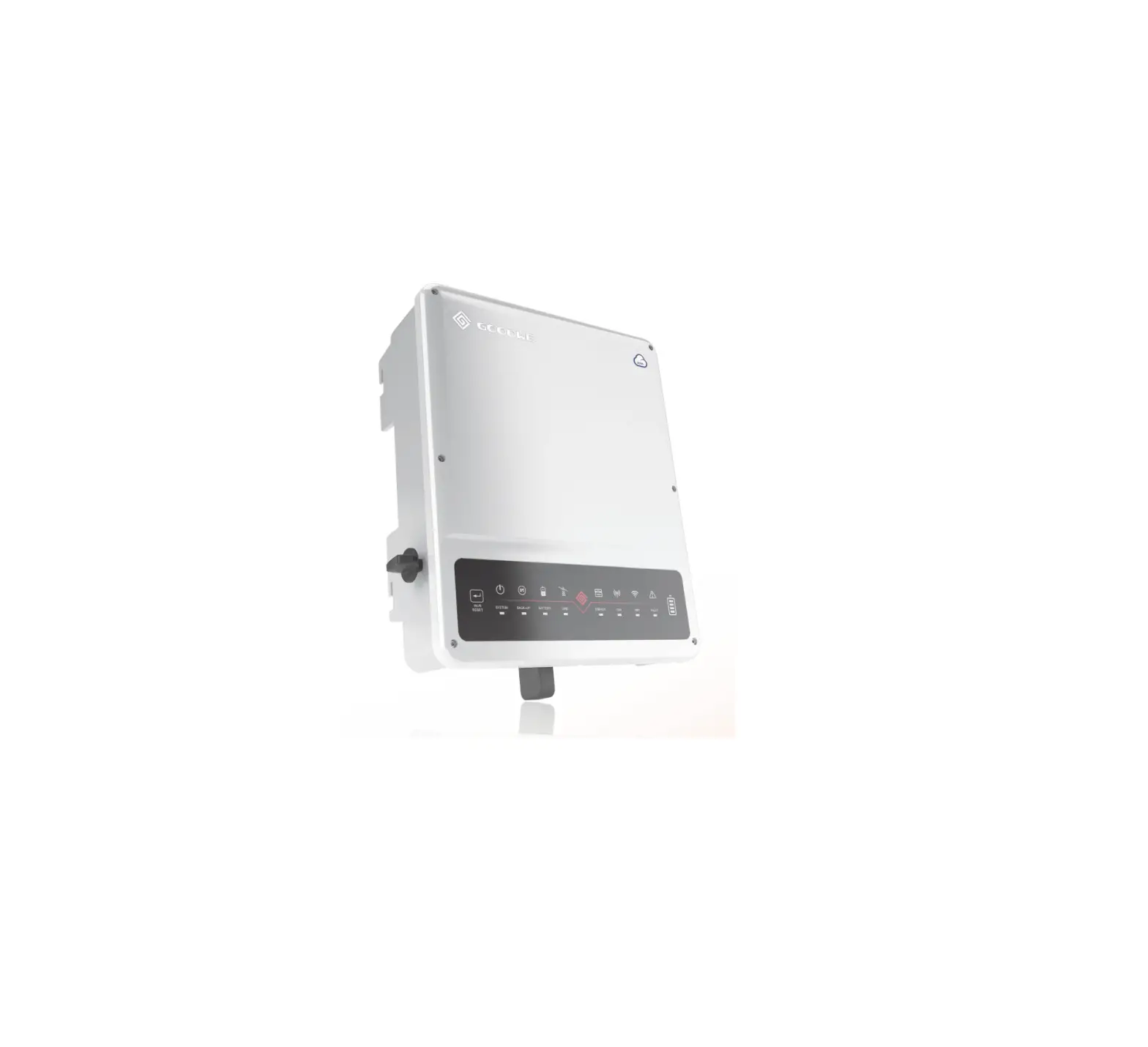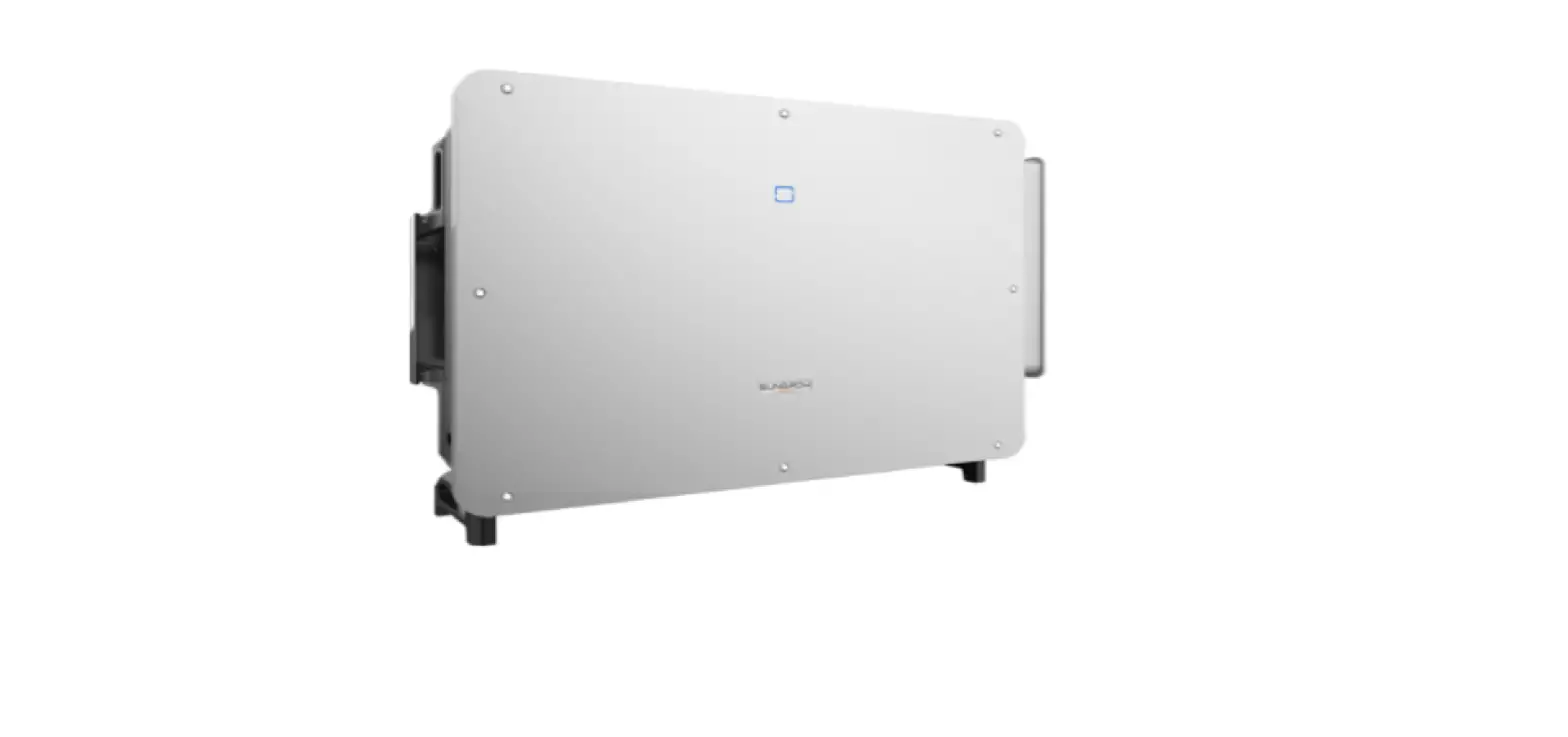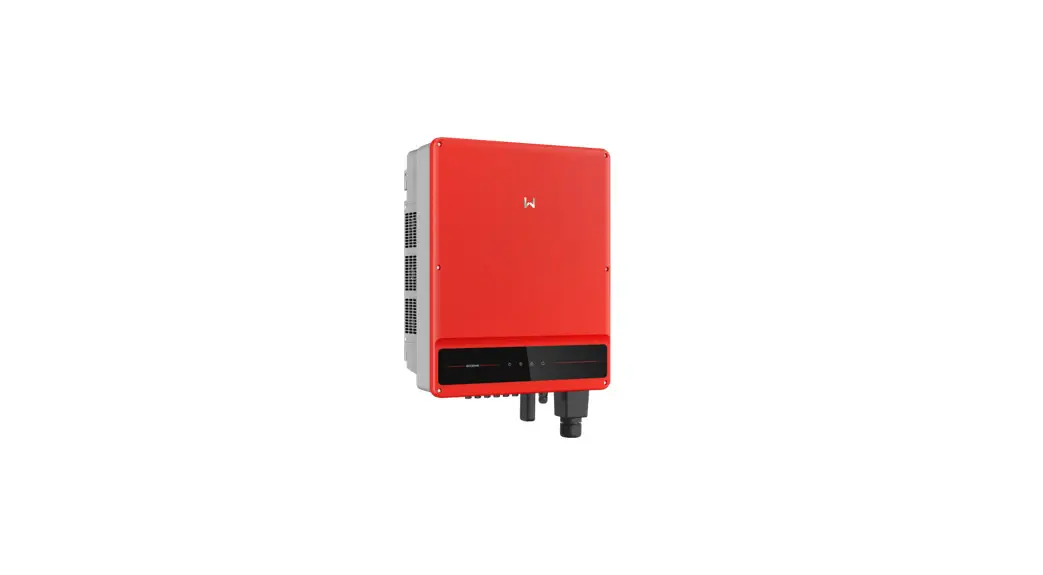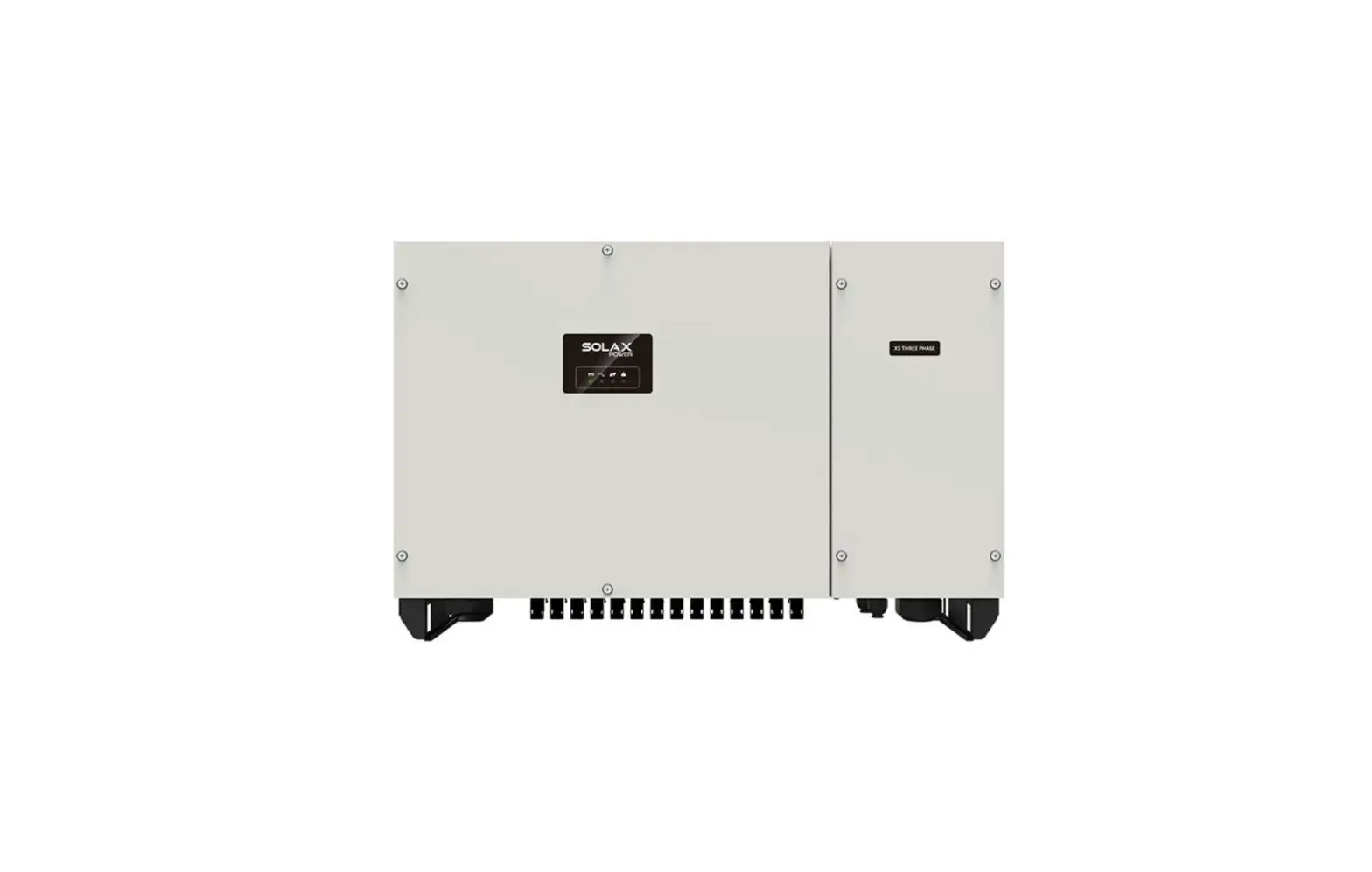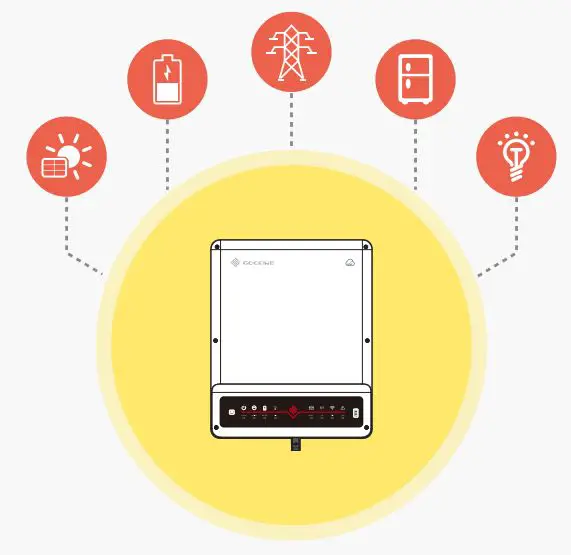

GOODWE ET Series 3 Phase High Voltage Energy Storage Inverter Instruction Manual
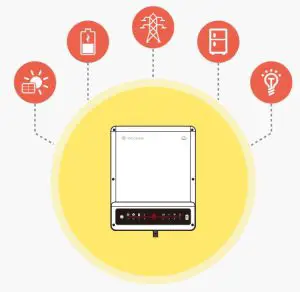
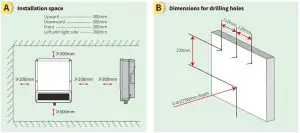
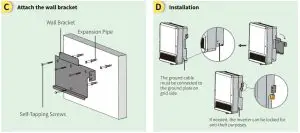
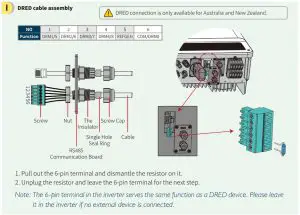
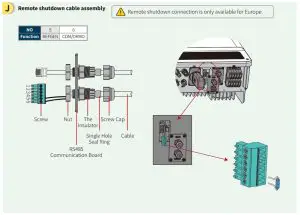
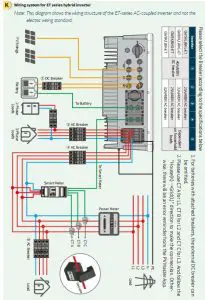
Step 1. Instructions for quick installation
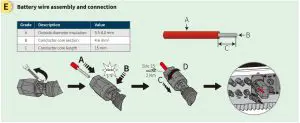
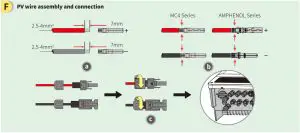
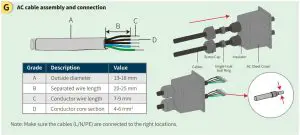
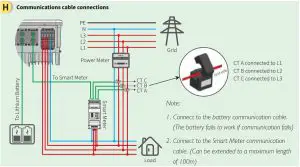
Step 2. SOP of battery connection to the hybrid inverter
Note: This manual only tells connection methods between battery and Good We inverters. For other operations on battery, please refer to the battery user manual. This manual only includes some battery models, not all of them. Battery models are subject to change without prior notice.
This is an instruction for quick installation of GOODWE hybrid inverters (ARM version 11or higher) and BYD-Box Premium HVM or HVS battery. For details of the connection or commissioning, please go to user manual of the inverter and the battery if you cannot find it in this instruction. Here we take GOODWE hybrid inverter and BYD Premium HVM battery as an example for connection and commissioning.
Precautions
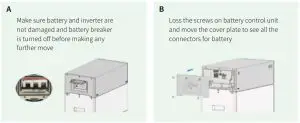
Step 1: Power Cable Wiring
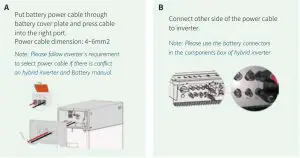
Step 2: Communication Cable Wiring
On battery manual, there are various connection ways for communication or a general wiring
system. Please follow this instruction for HVM or HVS communication with GOODWE inverters.
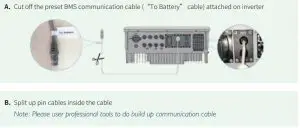
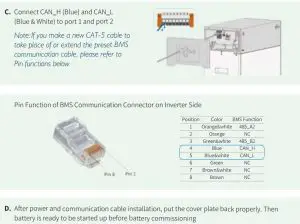
Step 3: Commissioning
NOTE: Commissioning is both required on battery and inverter.
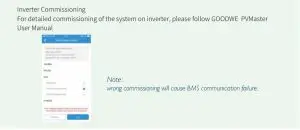
Battery Commissioning
Use “Be Connect App” to do commissioning of battery (for details, please follow BYD Battery-Box Premium Firmware update & Configuration Guideline)
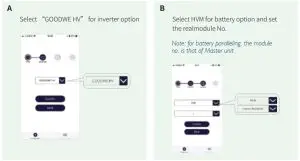
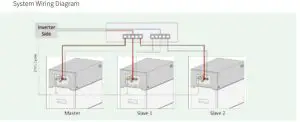
Battery Paralleling:
For details, please follow BYD instructions.
Internal Communication Wiring (for BCU paralleling)
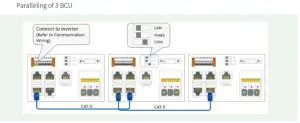
Paralleling of 2 BCU

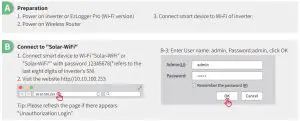
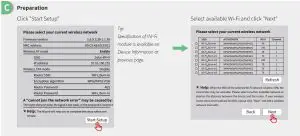
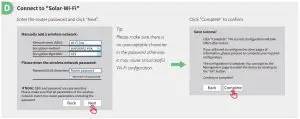
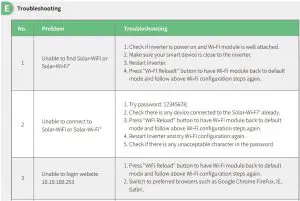
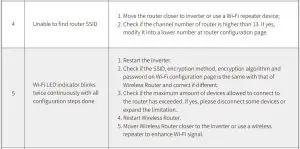
Step 3. Wi-Fi configuration instruction
Read More About This Manual & Download PDF: