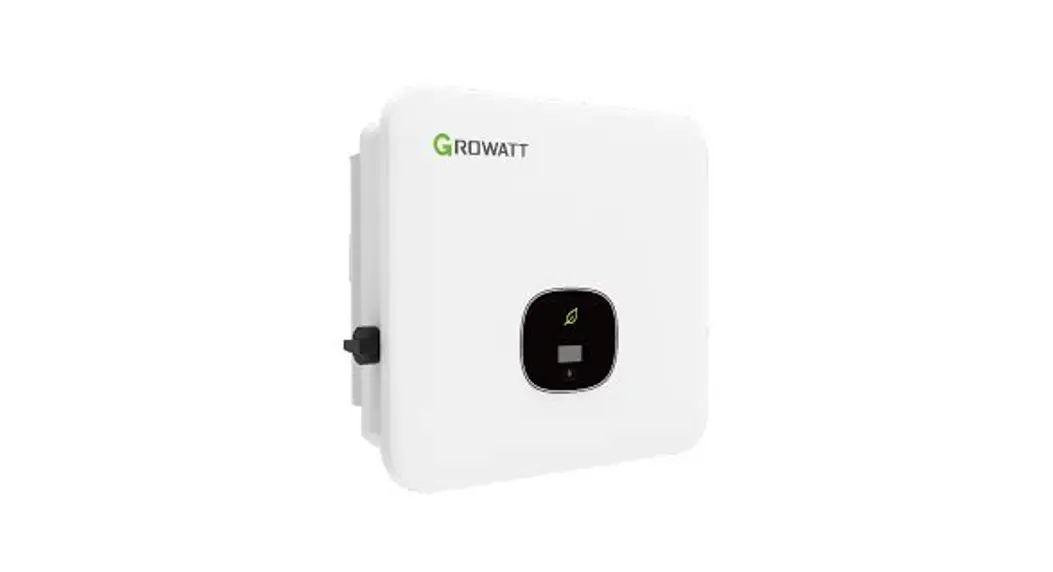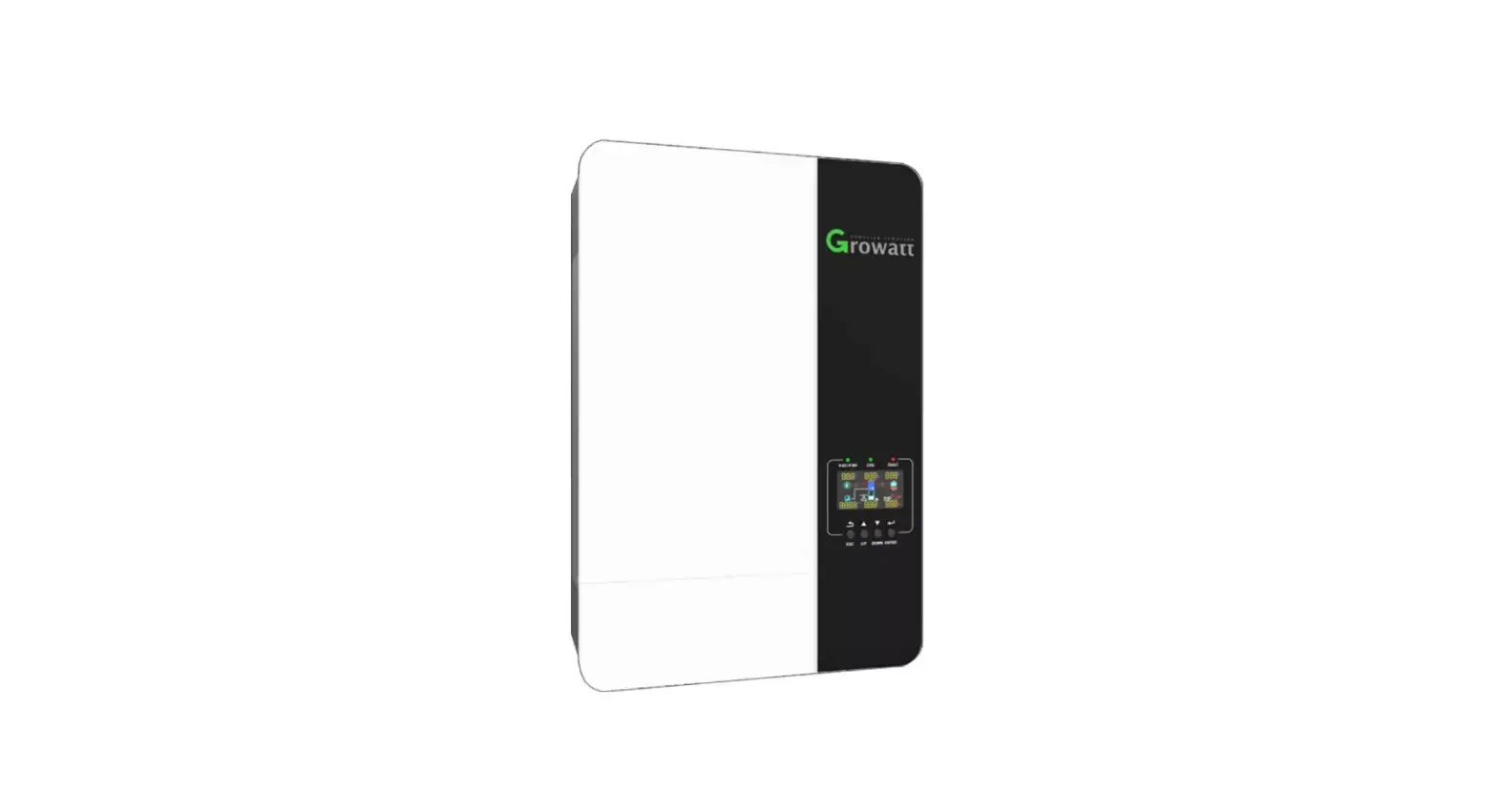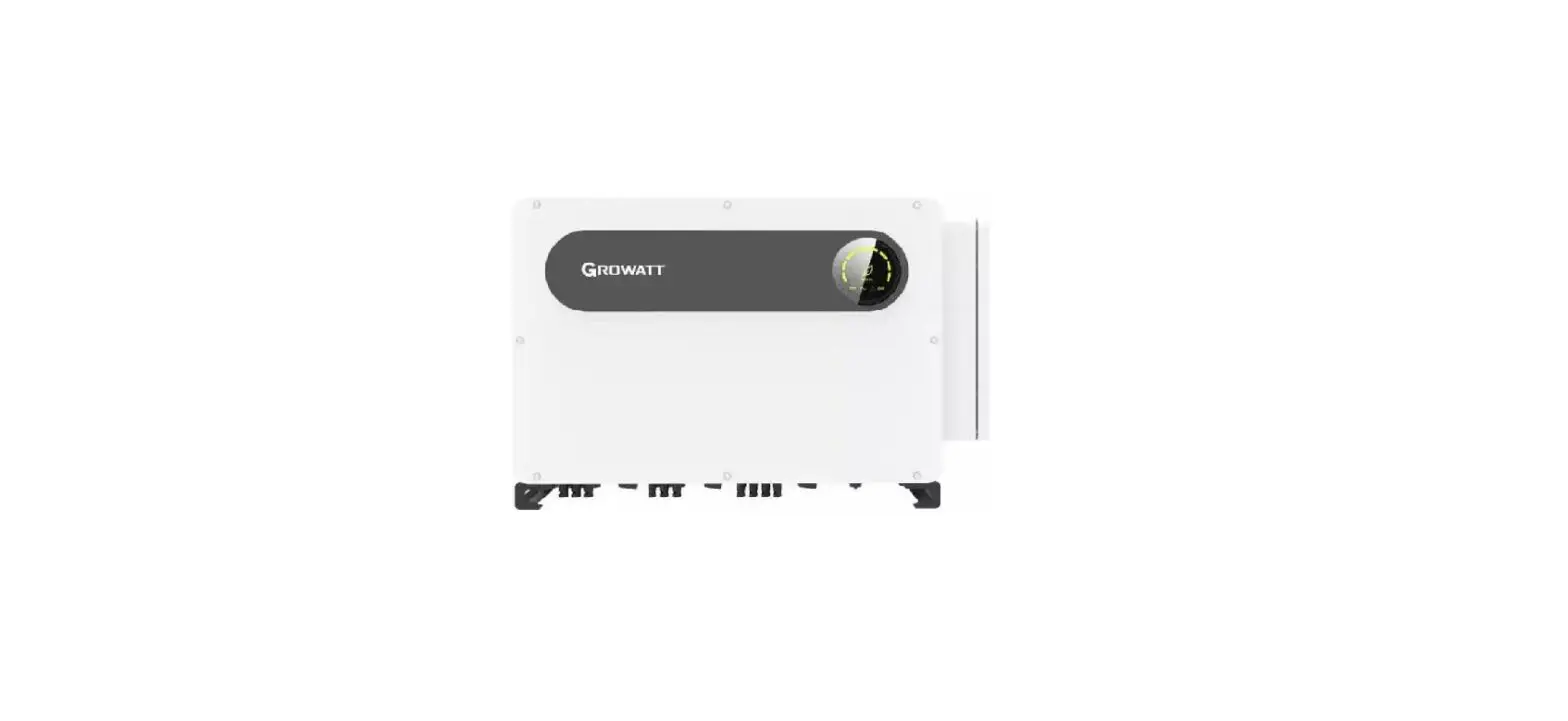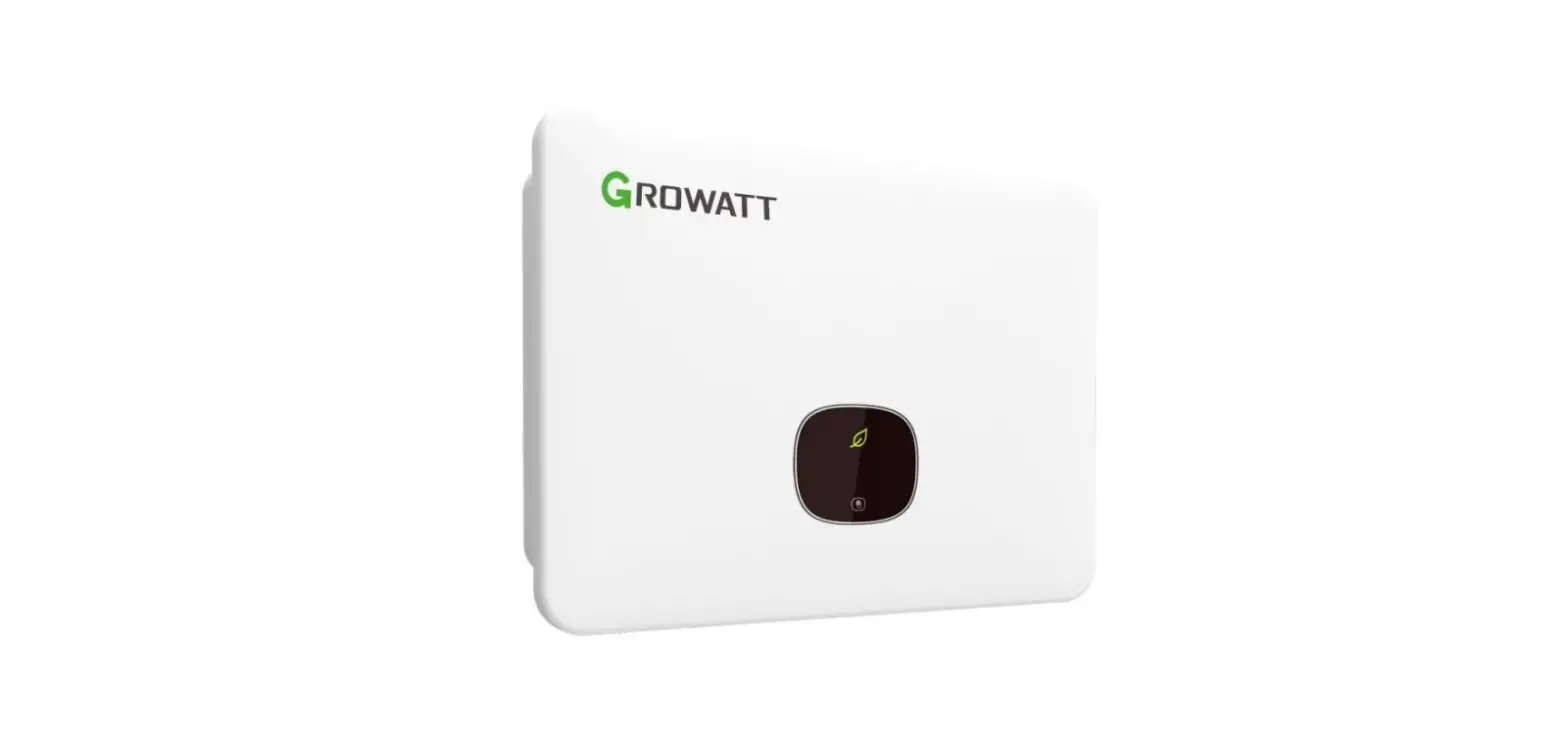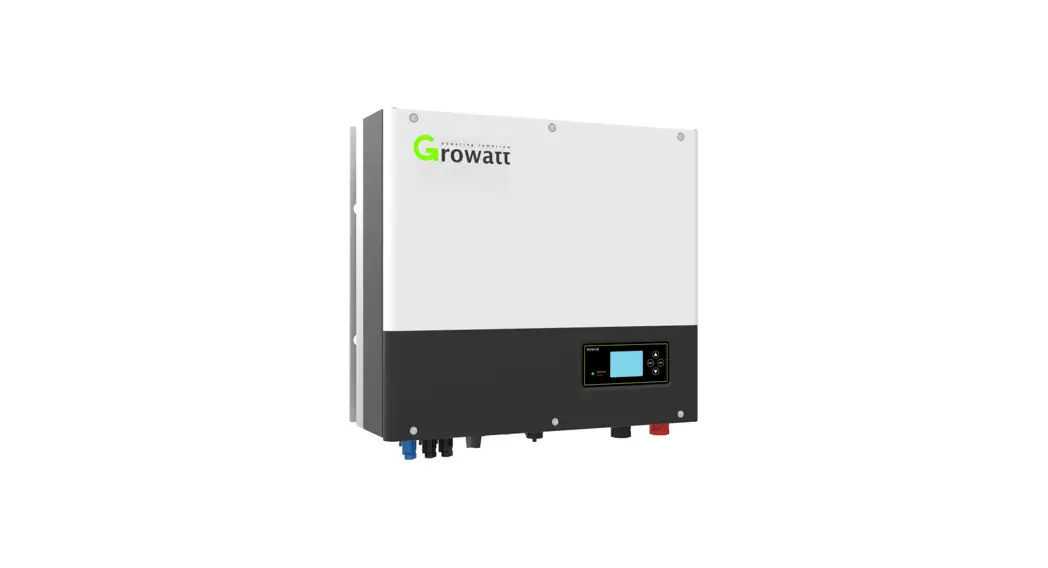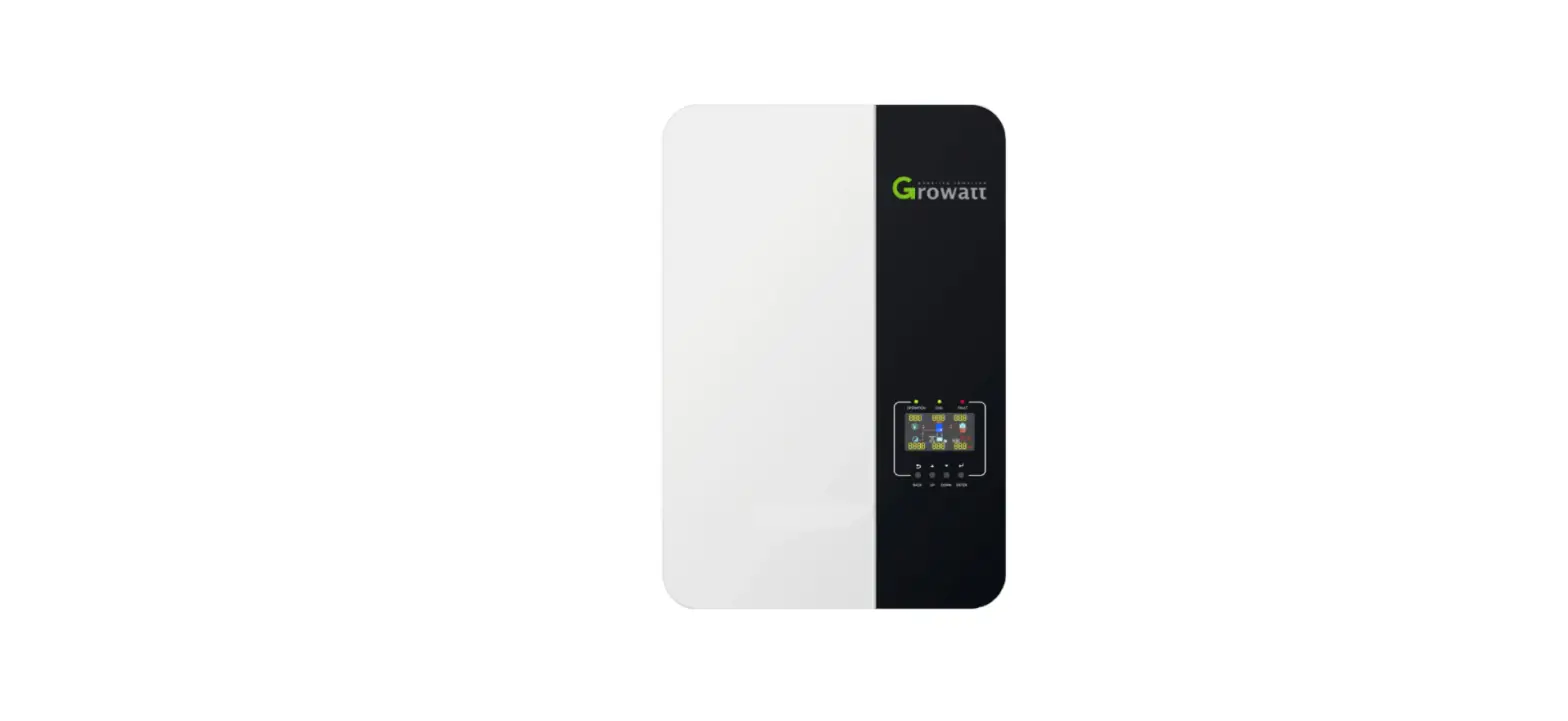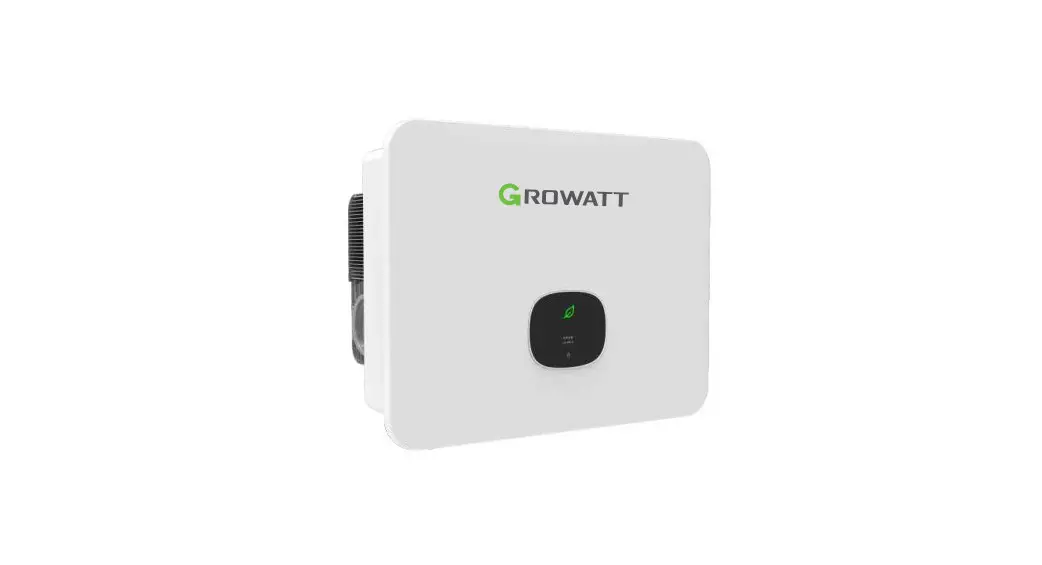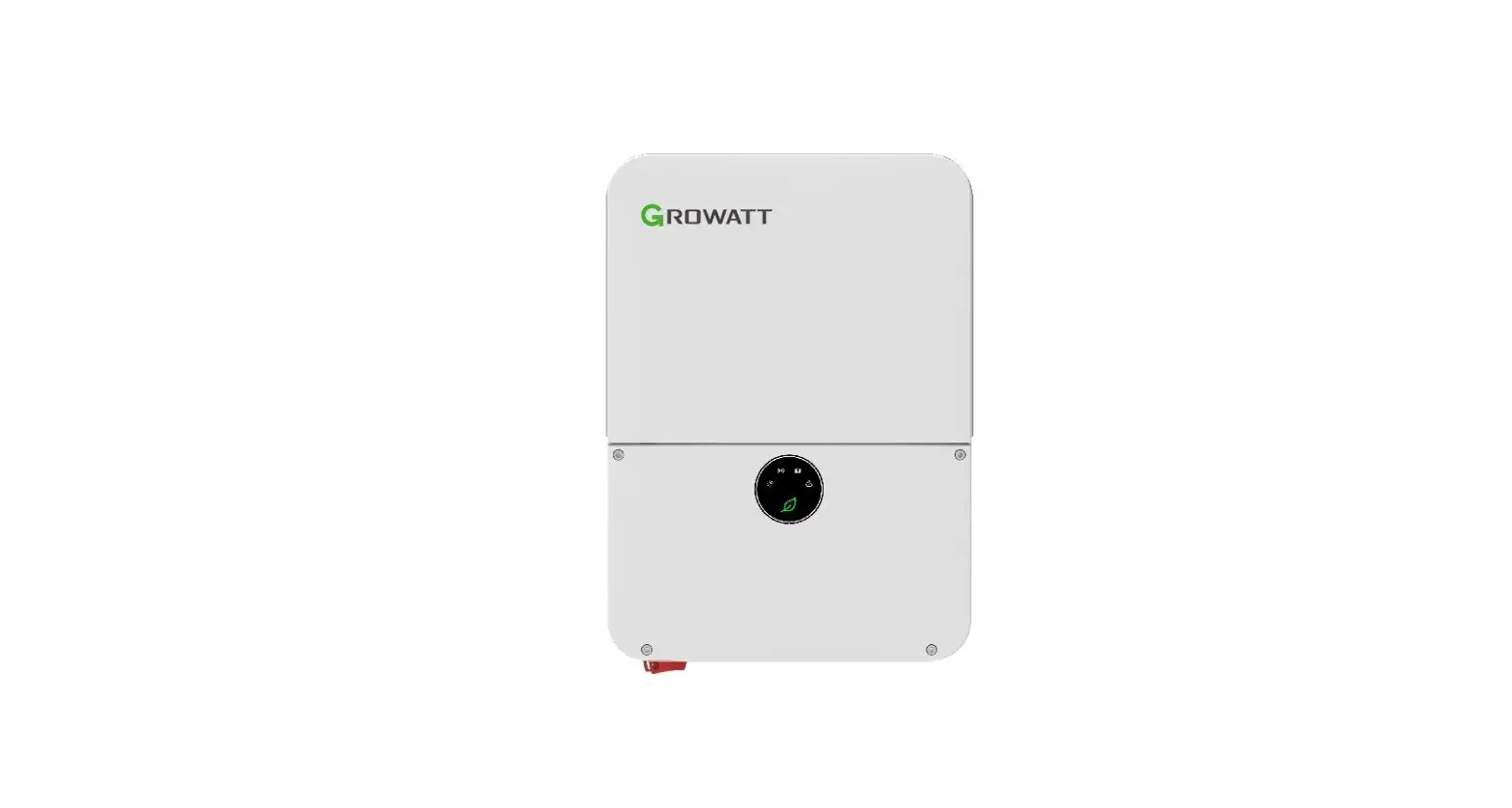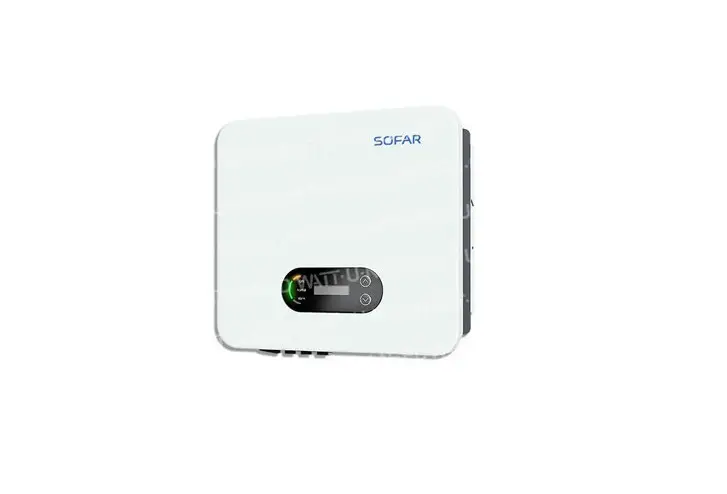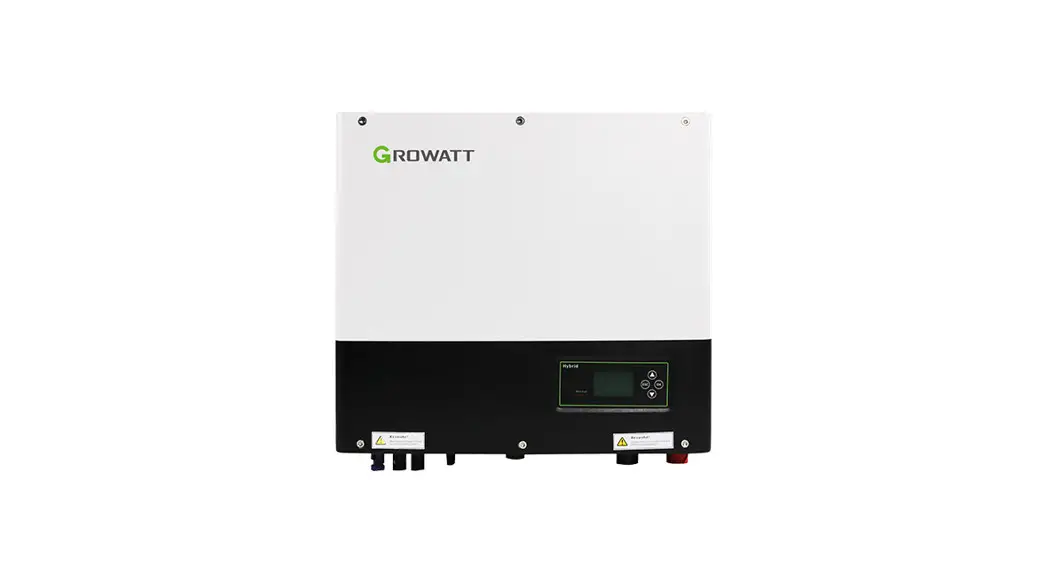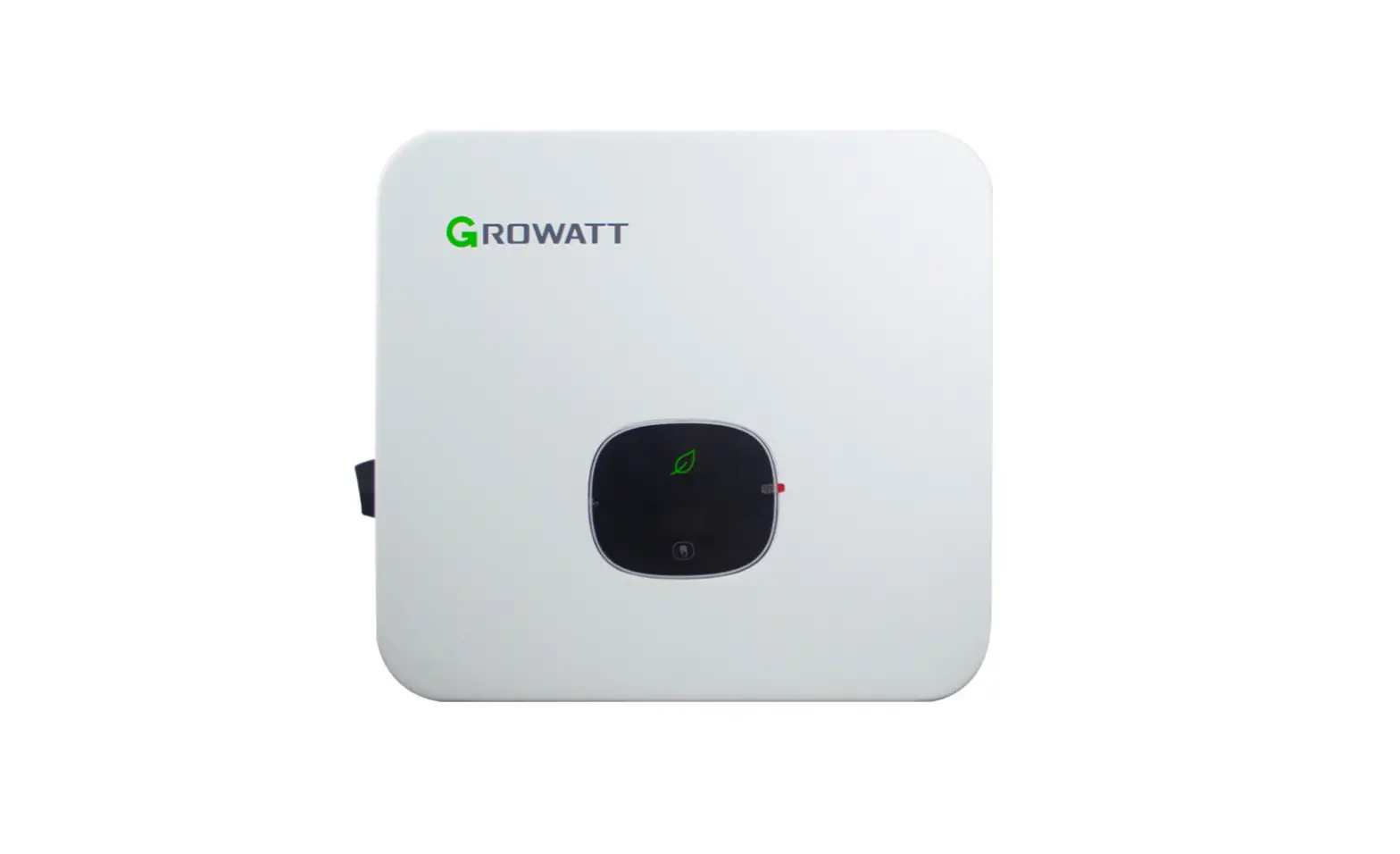
Growatt MOD 3-10KTL3-XH Solar Inverter User Guide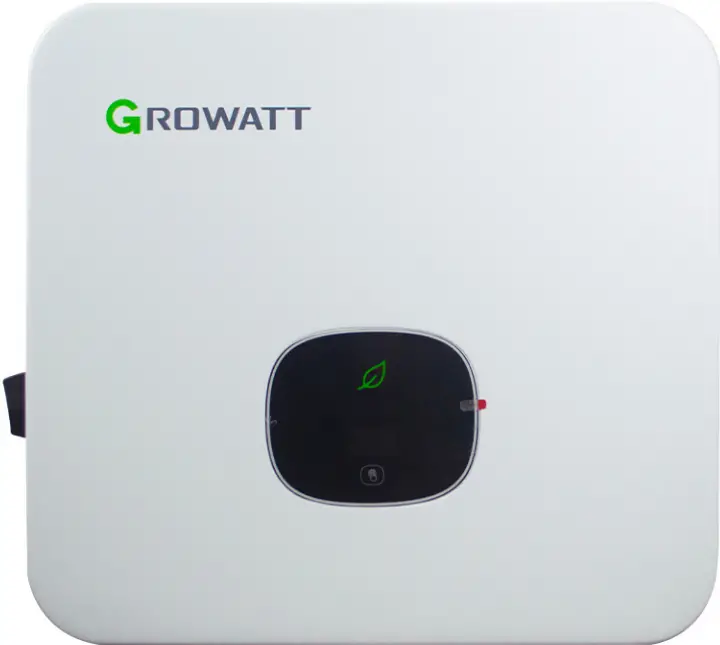
Overview

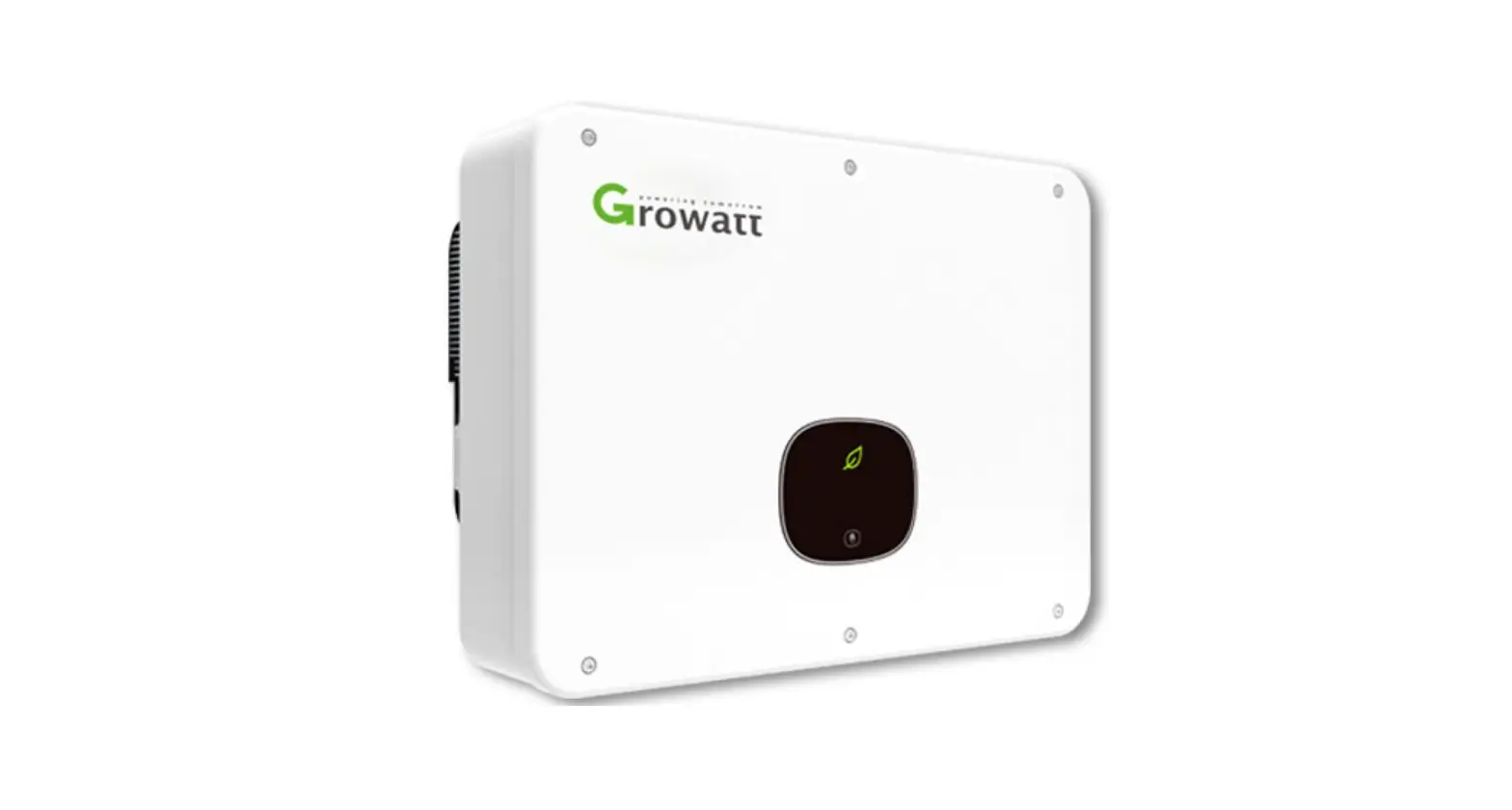
- Front panel
- Touch button
- LCD screen
- LED indicator
- Mounting bracket
- Heat sink
- DC switch
- PV terminal
- Battery terminal
- COM port
- USB port
- Vent valve
- AC terminal
Note:
- This document is for quick installation guidance only, please refer to User Manual for more details.
- Growatt shall not be liable for any damage resulting from unproper installation.
Installation
System overview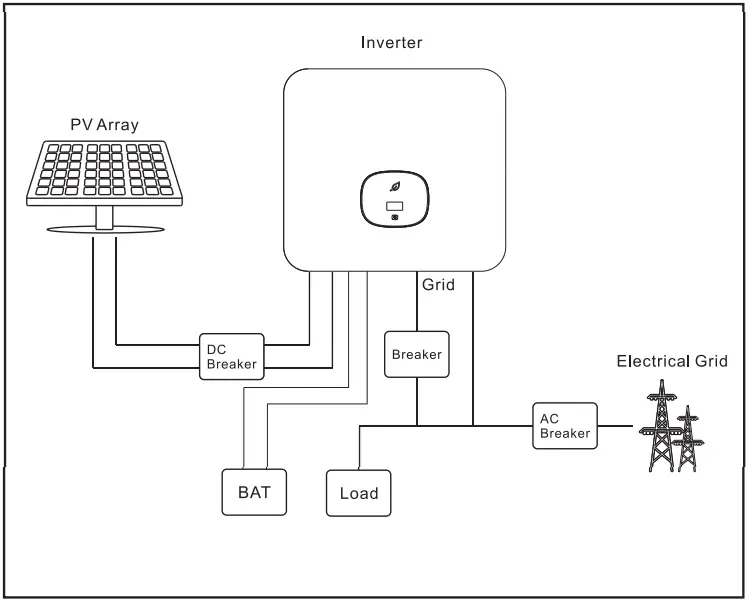
Installation requirements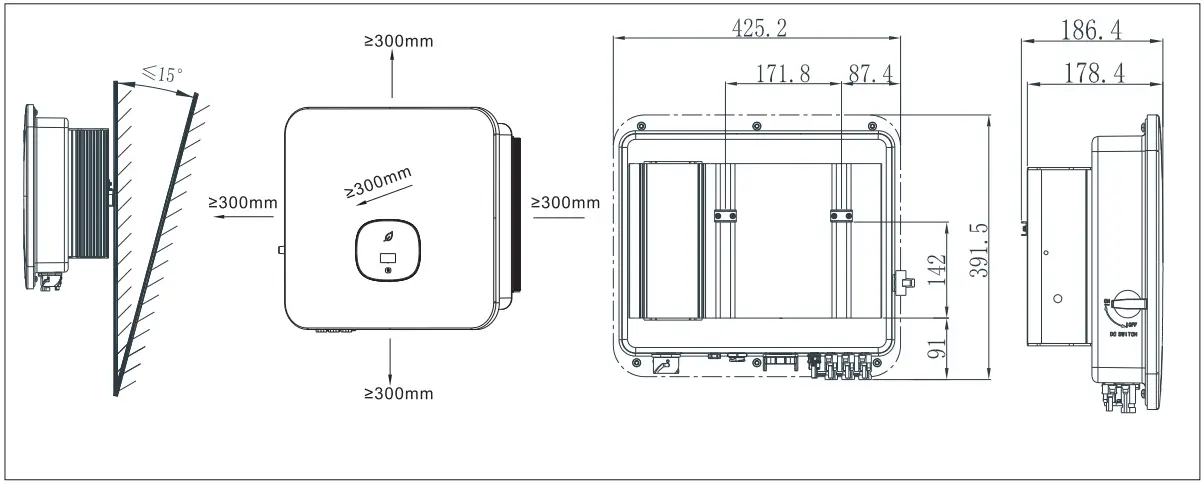
Wall mounting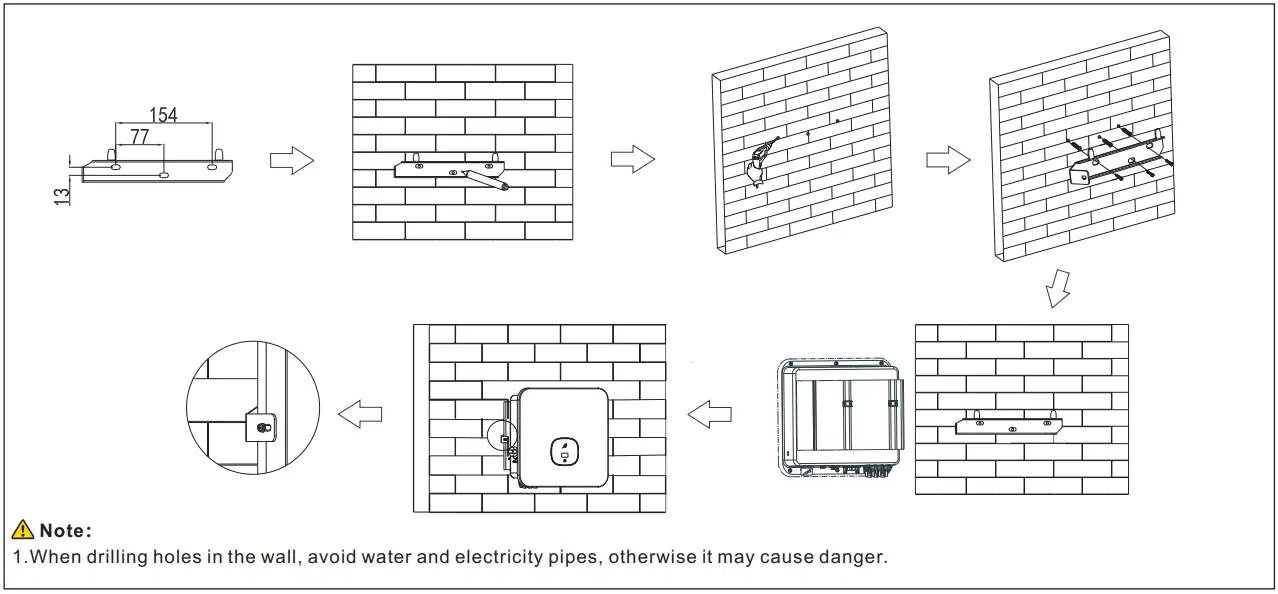
Communication module installation
Electrical connection
Please prepare the cable before connecting as follows.
| No. | Cable name | Type | Recommend model |
| 1 | Protective grounding wire | Single multi-coreyellow-green wire | 6mm²-10mm² |
| 2 | AC output wire | Two or three polychromaticmulti-core copper wires | 6mm²-10mm² |
| 3 | PV input wire | PV wire | 4mm²-6mm² |
| 4 | Battery input wire | Battery wire | 4mm²-6mm² |
| 5 | communication wire | RS485 | / |
Note:
- Please make sure all switches are in “OFF” position before wiring. For personal safety, please do not operate with electricity.
- If the diameter of the cable does not match the terminal, or the cable is aluminum wire, please contact our after-sales personnel
Grounding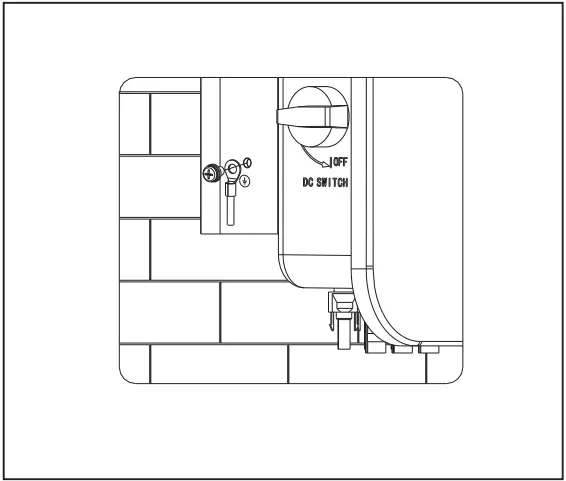
AC output connection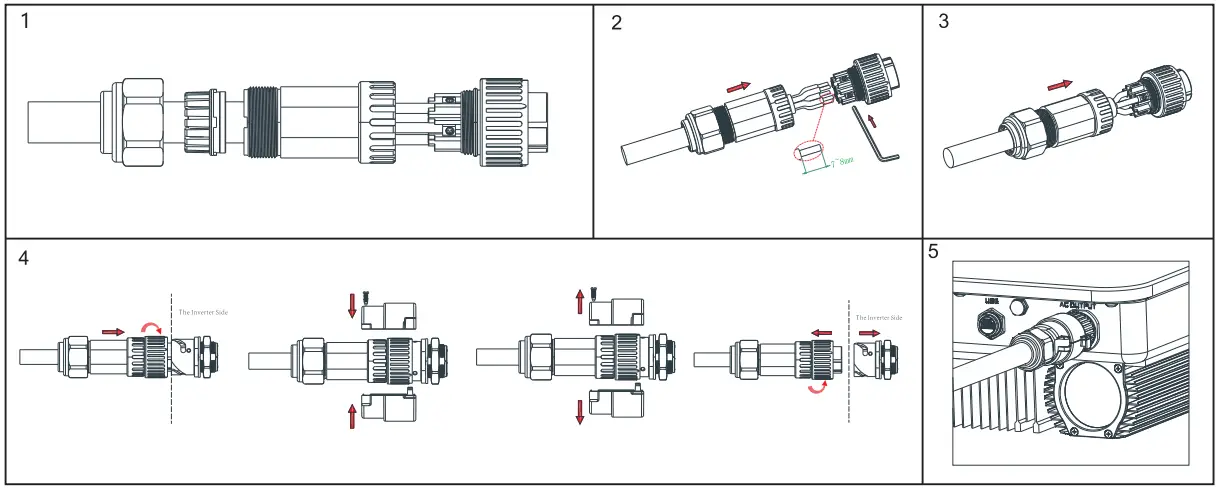
Plug in PVBAT terminal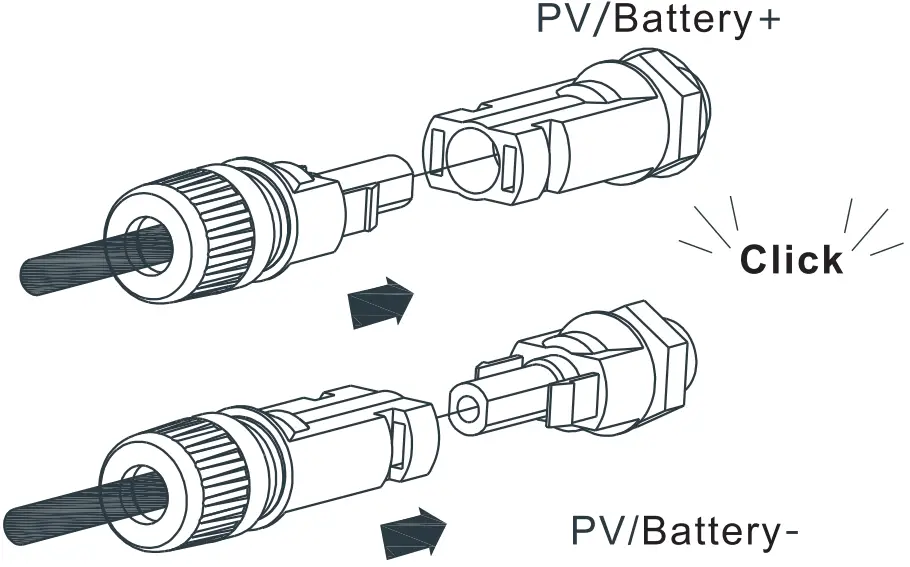
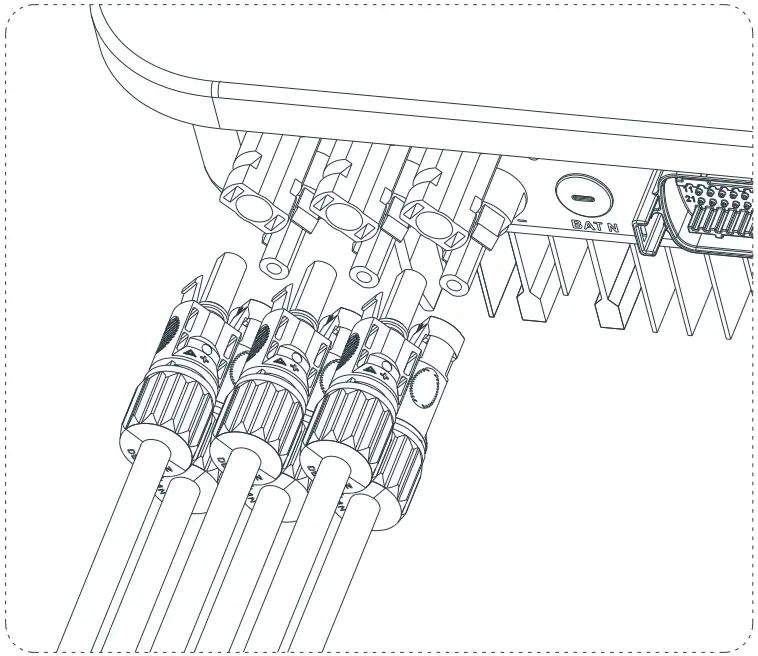
Note:
- Before installing the PV terminal, please double-check that the PV input voltage and current do not exceed the MPPT limits.
- When installing the PV terminal, pay attention to the difference between the positive and negative poles and the one-toone correspondence between the terminals and the machine.
- There is a “click” sound when the terminal is connected,please gently pulling the PV wire to make sure there is no loose or pulling off.
Communication cable installation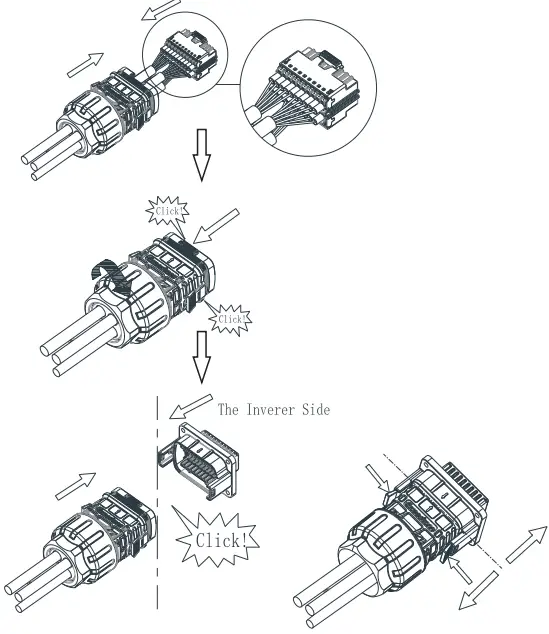
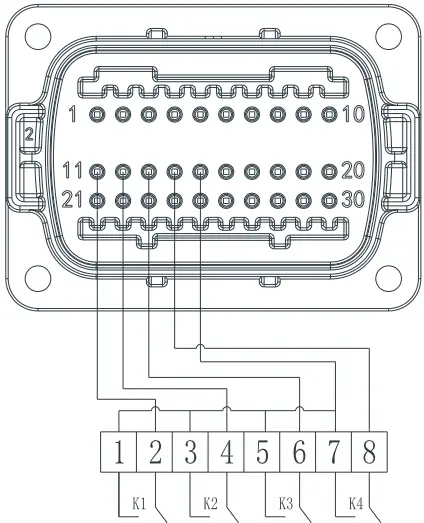
When connecting the communication line,port 15 and 16 are not connected,as for the other function,please refer to the above table according to the customer needs.
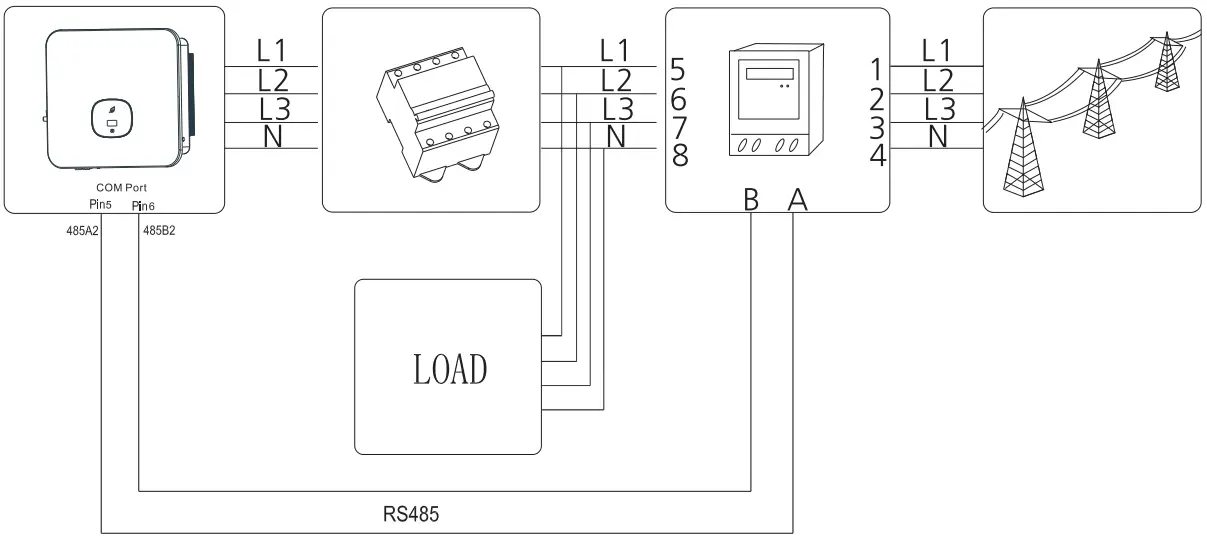
Connecting Meter
The following table describes how we can connect EASTRON meter (TPM-E)to inverter:
 | Meter Pin NO. | Description | Meter Connection |
| 1/2/3/4 | L1/L2/L3/N-in | Grid L1/L2/L3/N | |
| 5/6/7/8 | L1/L2/L3/ N-out | AC connector & Load L1/L2/L3/N | |
| A | RS485A | COM Port Pin 5 RS485A3 | |
| B | RS485B | COM Port Pin 6 RS485B3 |
Post-installation check
| No. | Acceptance criteria | No. | Acceptance criteria |
| 1 | The inverter is installed correctly, firmly and reliably. | 6 | The RS485 communication cable is installed correctly and firmly. |
| 2 | The ground wire connected well and the connection is firmand reliable. | 7 | The cable tie port is trimmed well without leaving sharpcorners,meets the requirements of the user. |
| 3 | All switches are in the OFF state. | 8 | All exposed terminals are well protected and there are no vacantports. |
| 4 | All wiring is correct and securely connected. | 9 | Pay attention to clean up all construction residues. |
| 5 | The wiring of the cable is reasonable, meets the requirements, and there is no phenomenon of broken skin. |
Power on and off steps
Note:
Before turning the inverter on, please make sure the PV input voltage and current are within the MPPT limits. Follow the steps below to turn the inverter on:
- Switch on the build-in DC isolator at the bottom of the inverter.
- Switch on the PV Array and DC isolator next to your inverter, if you can not find this switch, skip this step.
- Switch on the Solar AC isolator if the inverter is more than 3 meters away from your switchboard.
- Switch on the solar supply main switch in the switch board. To shut down your system, follow this guide in reverse order.
Status of PV grid inverter
Customer can read more information by push button.
| Mark | Describe | Explain | |
 | Touch mark | Single touch | Switch the display interface or the current number plus 1 |
| Double touch | Enter the setting state or confirm | ||
| Triple touch | Return to the previous display interface | ||
| Long press for 5s | The current data returns to the default value | ||
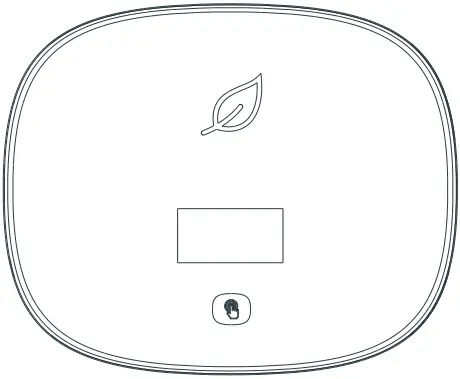 | Inverter status indicator | Red | Fault |
| Green | Normal operation | ||
| Red light flashing | Warning | ||
| It can display the basic information of inverter through LCD display screen (PV/AC voltage,PV power,AC current,total power,generating capacity, etc.). | |||
Export limitation setting
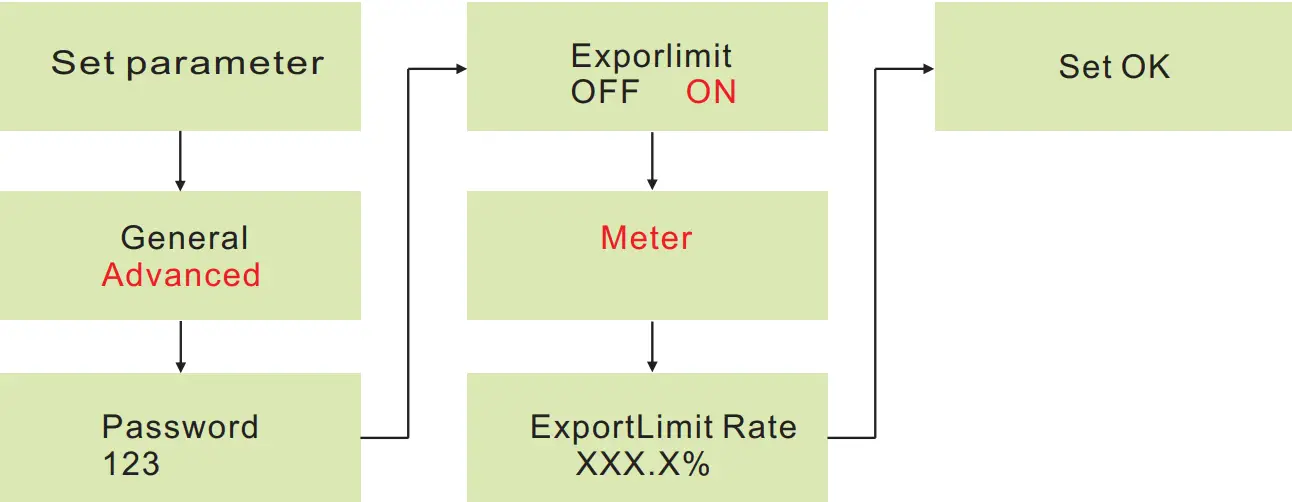
If the local grid company requires to limit the output power from your inverter systems, we introduce the concept of Export Limit Rate. The ratio of your system output power divided by the rated power of the inverter is called Export Limited Rate .For example, if the local grid company only accepts 4kW from your 5kW system, then the Export Limit Rate of 5kW inverter should be 80%.
Service and contact
Shenzhen Growatt New Energy Co., Ltd
4-13/F,Building A,Sino-German(Europe) Industrial Park, Hangcheng Ave, Bao’an District, Shenzhen, China
T +86 0755 2747 1942
W www.ginverter.com
E [email protected]