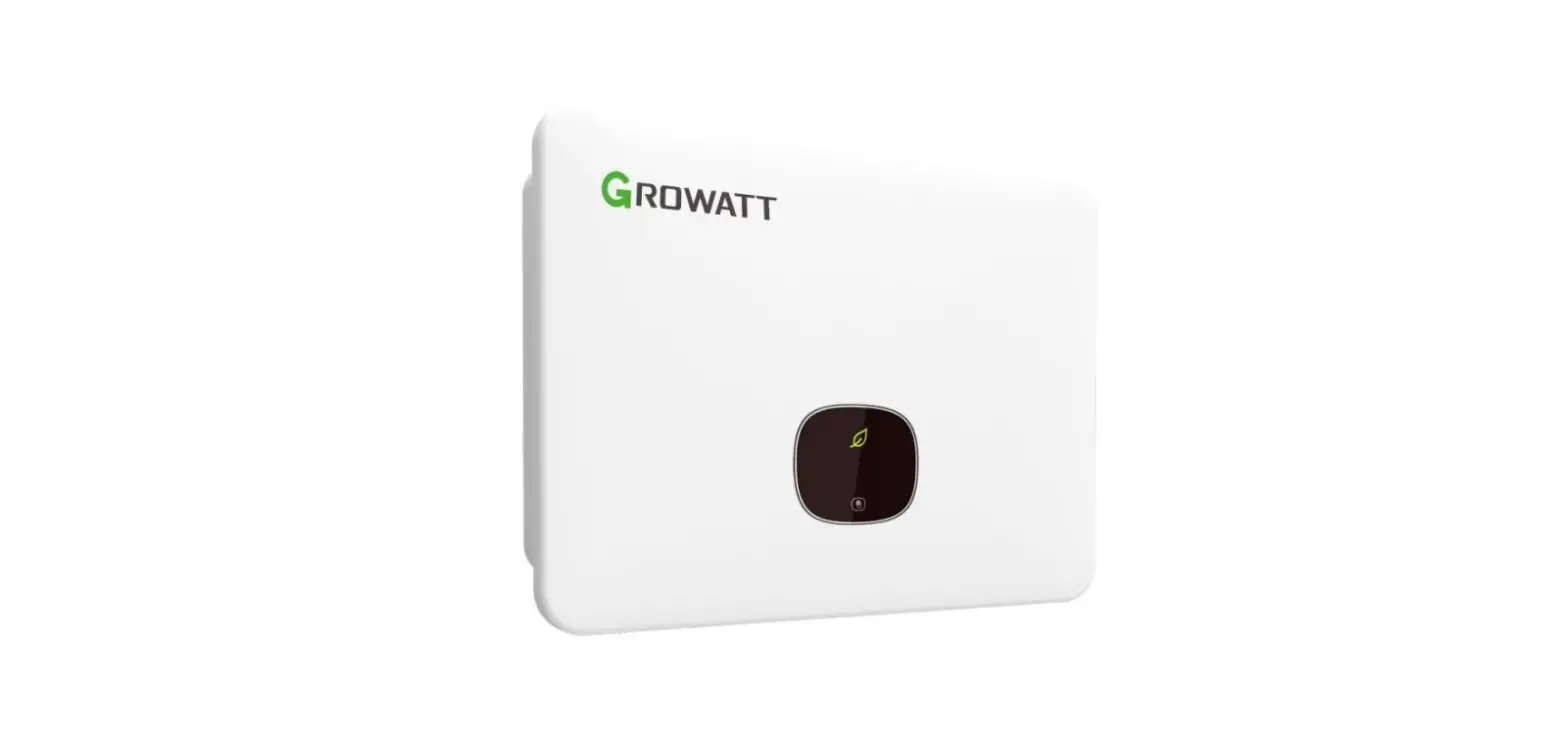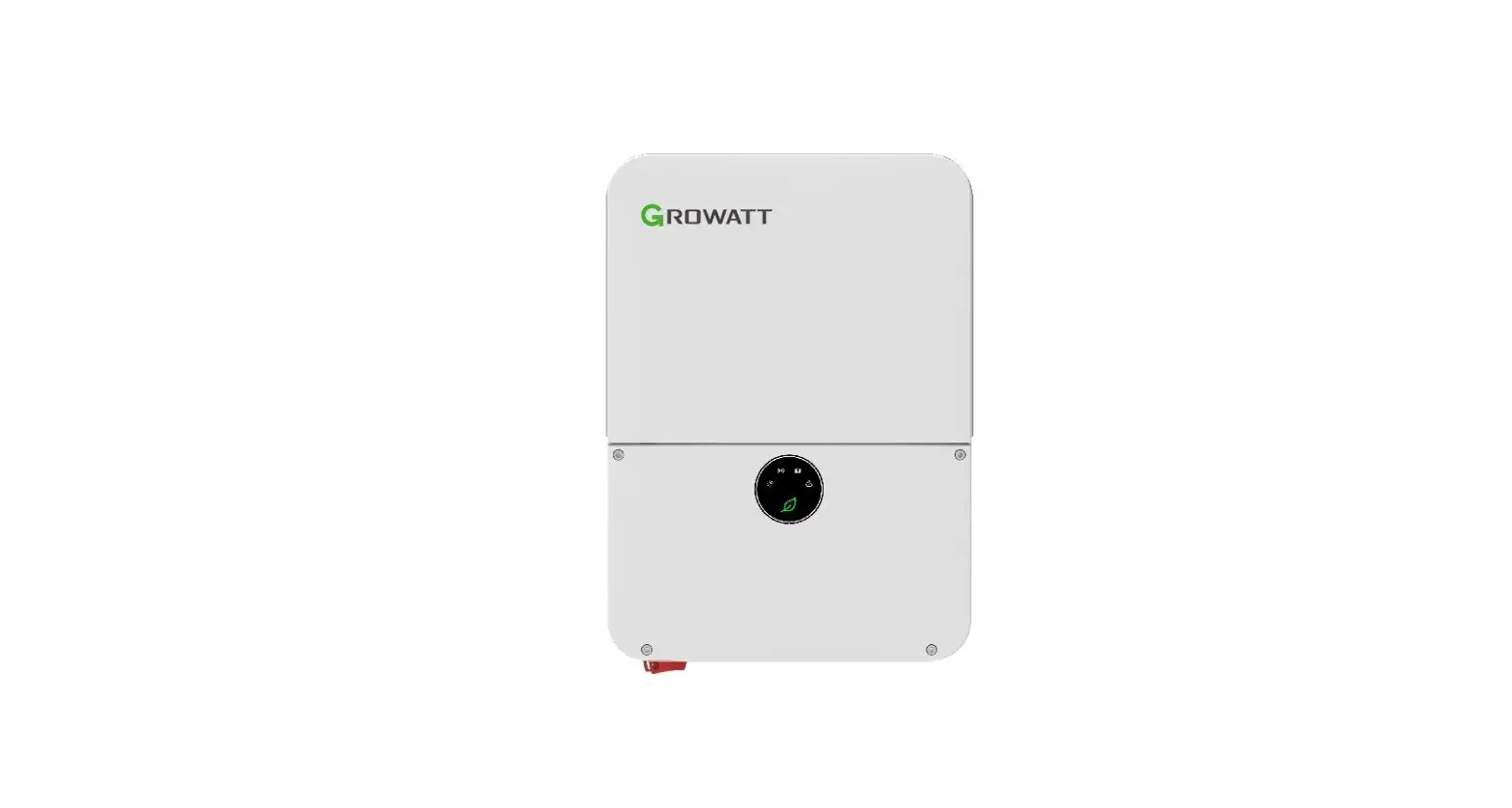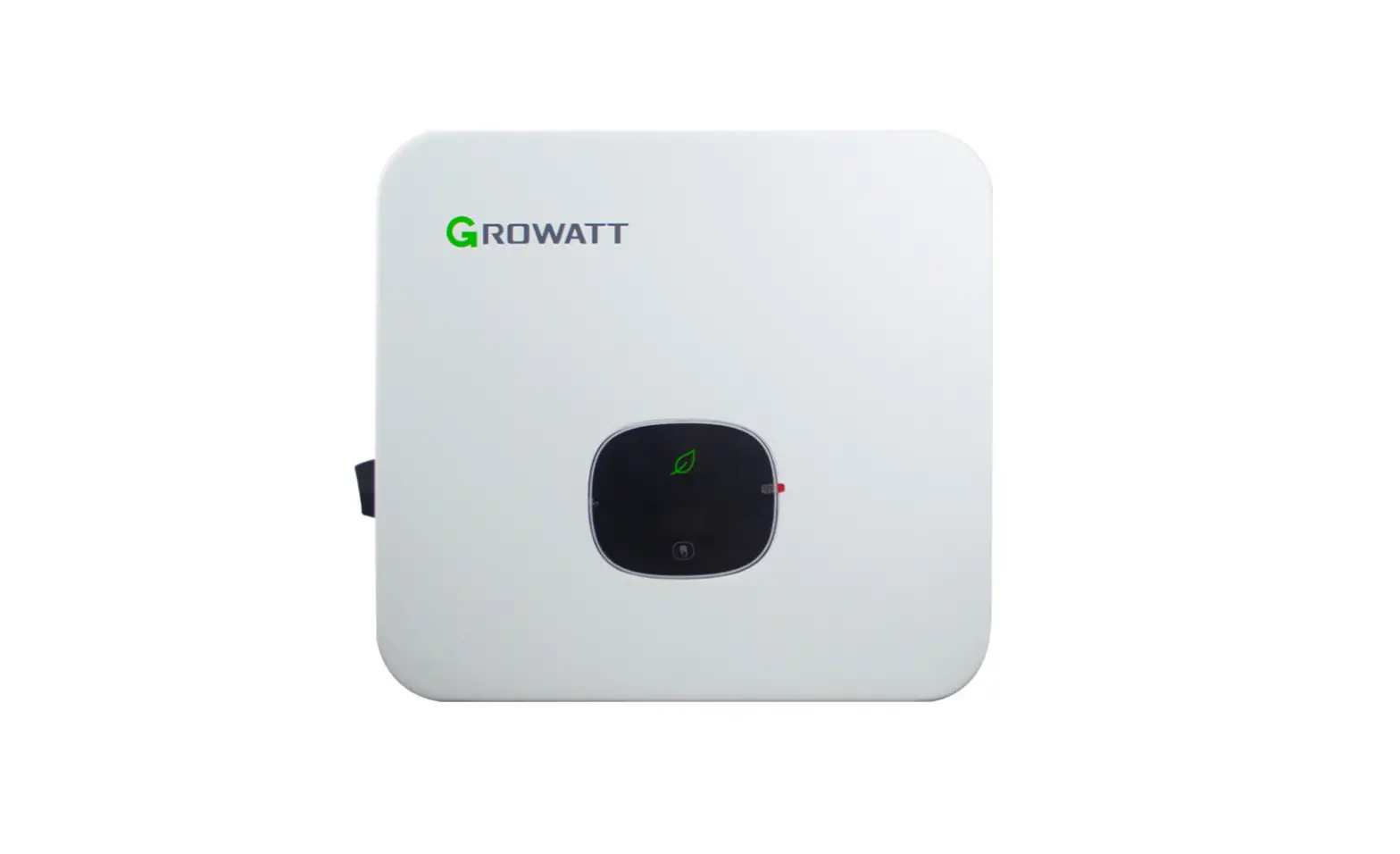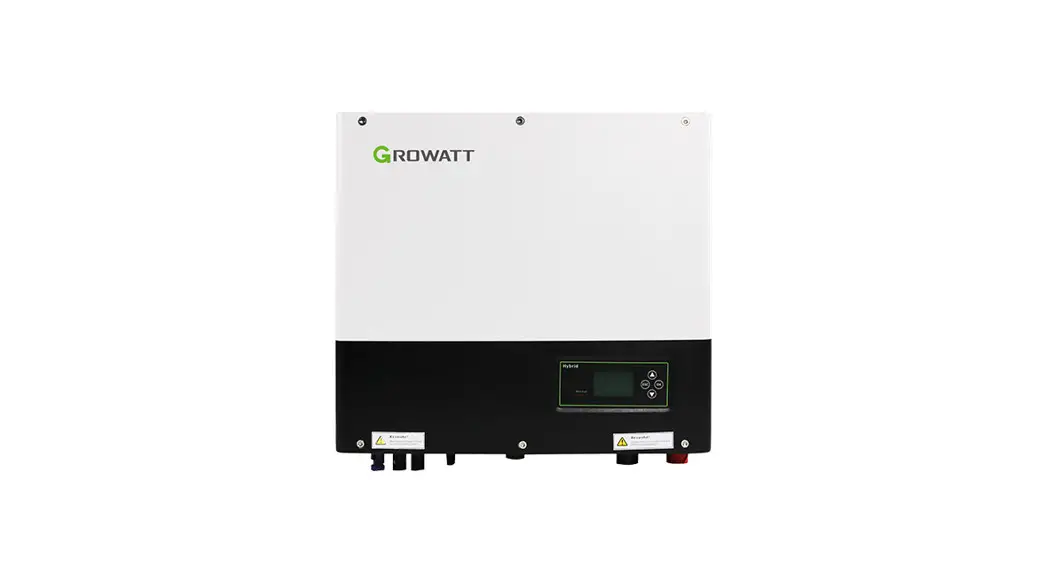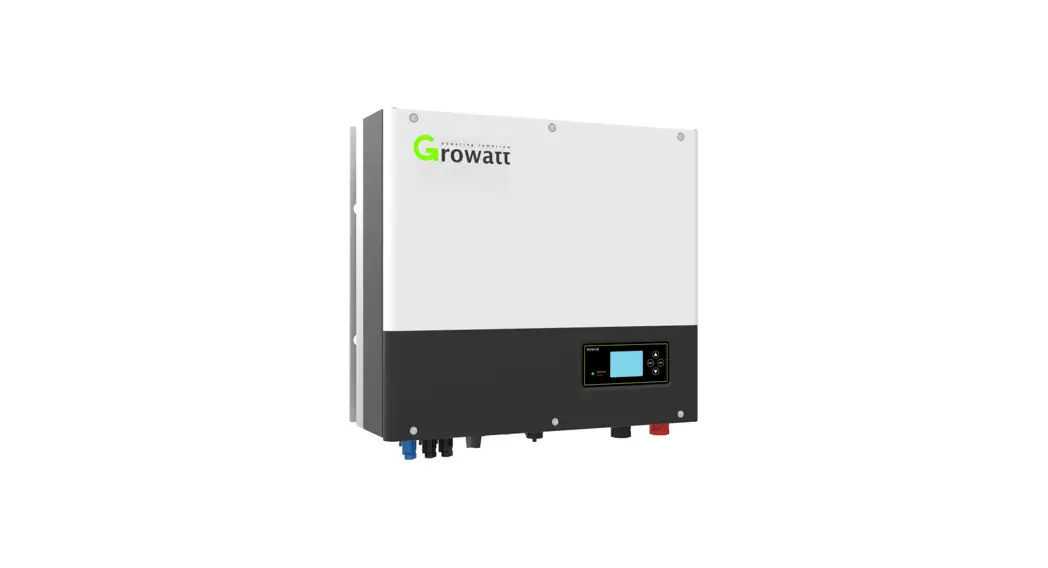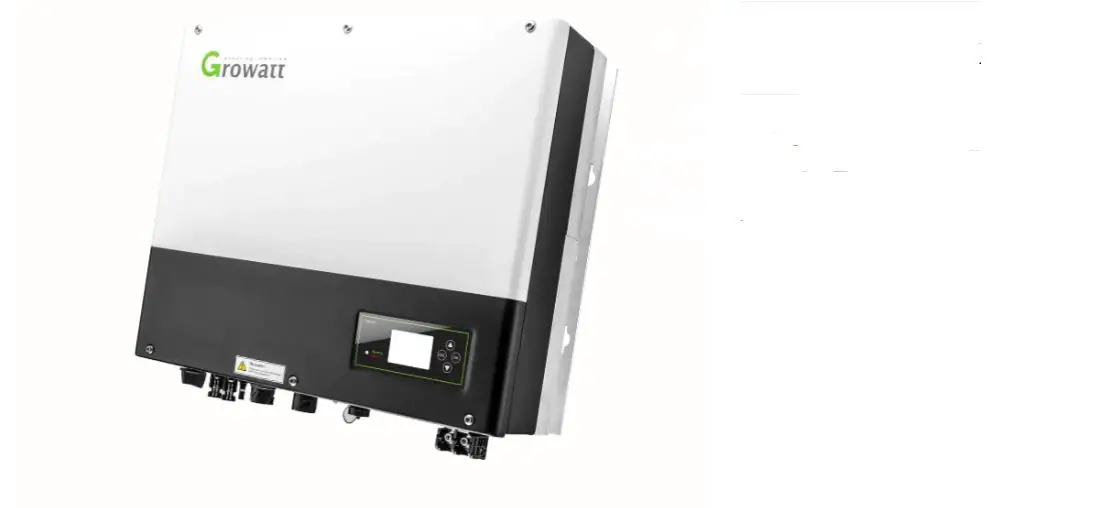
GROWATT MID 10-25KTL3-X Grid Inverter User Guide
Overview
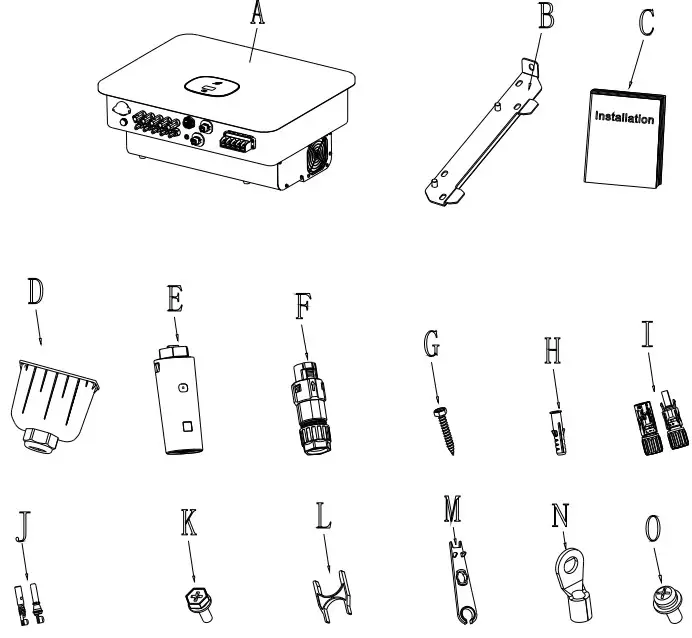
| Object | Description | Quantity |
| A | Inverter | 1 |
| B | Mounting bracket | 1 |
| C | Quick Guide | 1 |
| D | AC Cable gland | 1 |
| E | Monitor(Optional) | 1 |
| F | Signal connector | 1 |
| DRM connector | 1 | |
| G | Self-tapping screws | 4 |
| H | Plastic expansion pipe | 4 |
| I | PV+/PV- terminal (MID 25KTL3-X 5/5PCS) | 4/4 |
| J | PV+/PV- metal terminal (MID 25KTL3-X 5/5PCS | 4/4 |
| K | Safety-lock screw | 1 |
| L | Uninstall signal and AC connector tool | 1 |
| M | Uninstall PV terminal tool | 1 |
| N | HS 14-6 | 6 |
| O | M4*10 screws | 4 |
 Notice:
Before installing the device,check that the package contents are intact and complete against the packing list.If any damage is found or any component missing,contact your dealer.
Installing the Device
Installation Requirements
Tilt and Space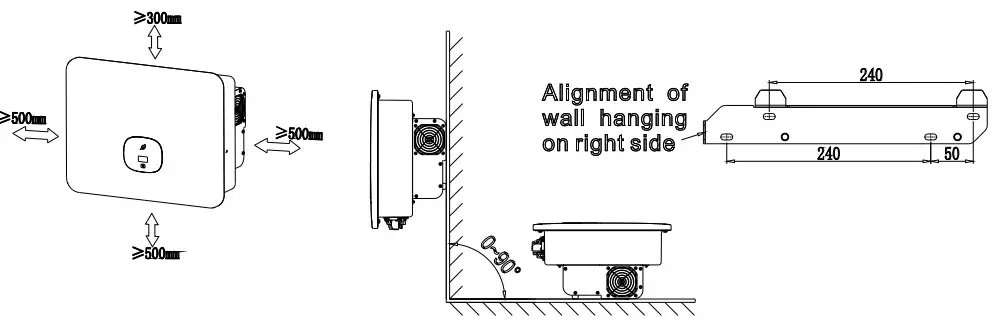
Installing the Mounting Bracket And MID 10-25KTL3-X
Drllling holes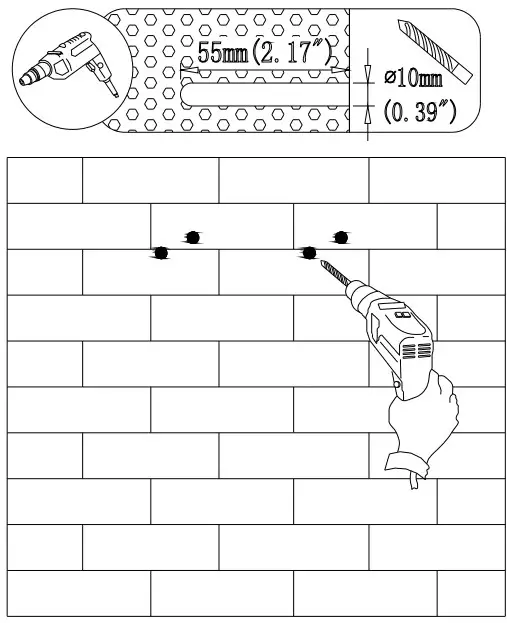
Flx the wall backet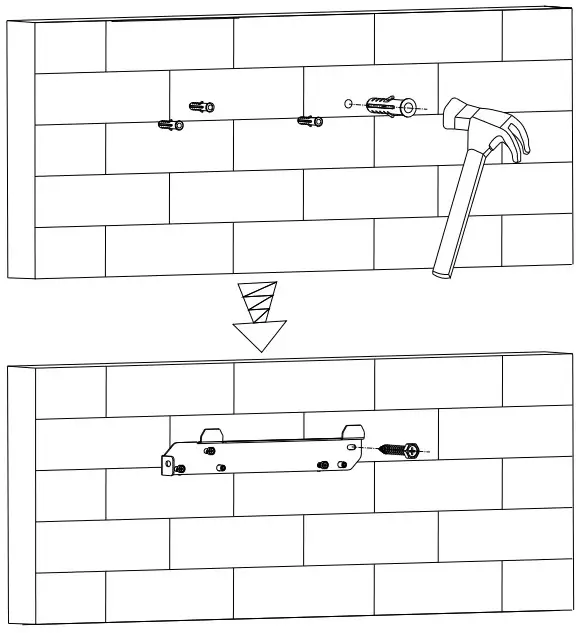
Installation s Tighten Screw assemblies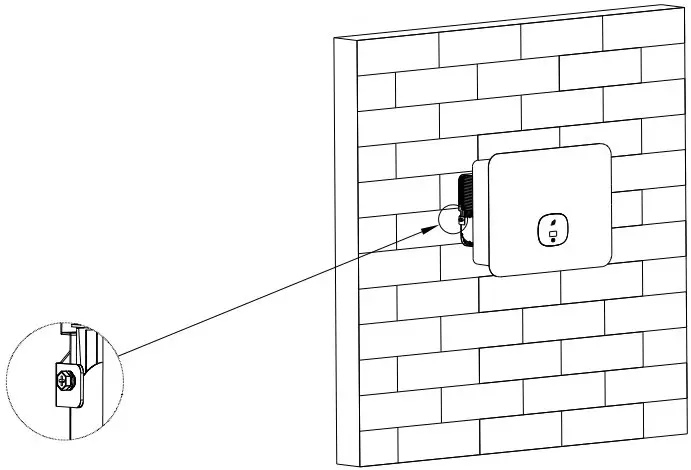
Installing the Monitor
Ensure that the Monitor is installed securely.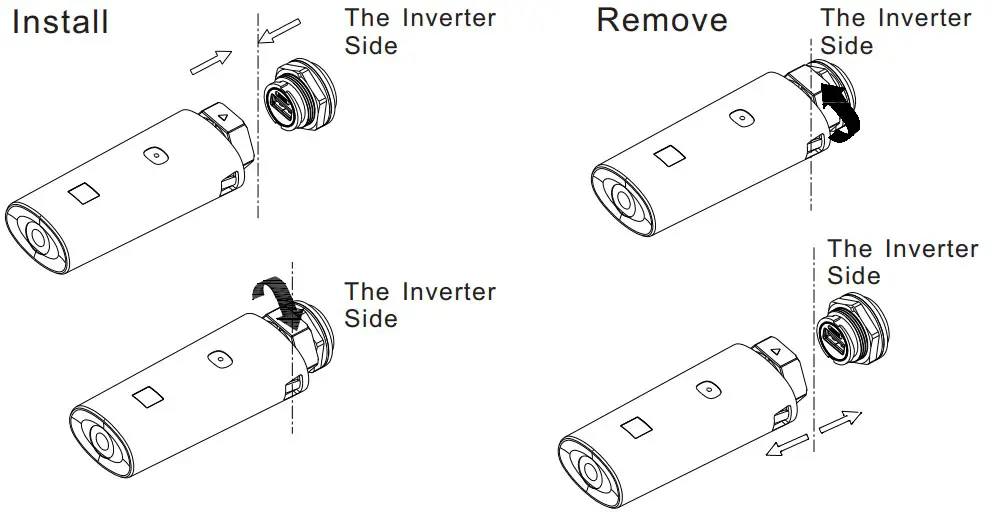
Installing the AC Output Power Cable
Suggest using 10-16mm cables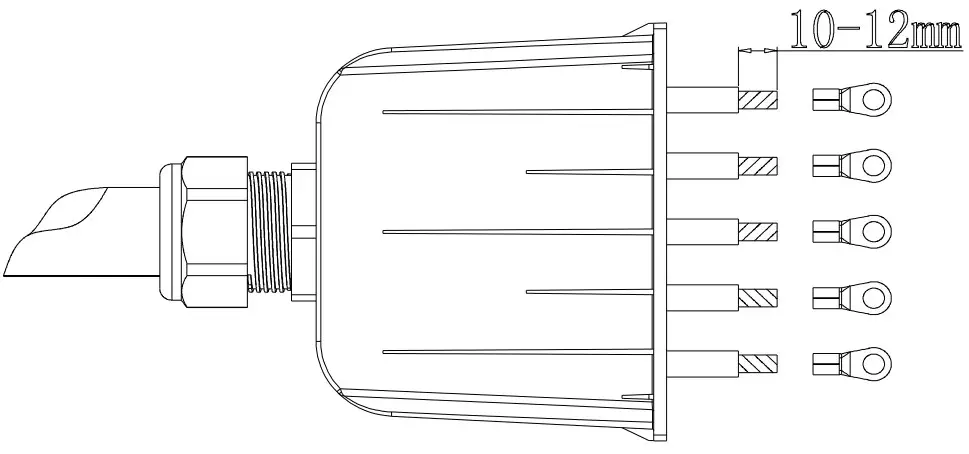
Mounted to the inverter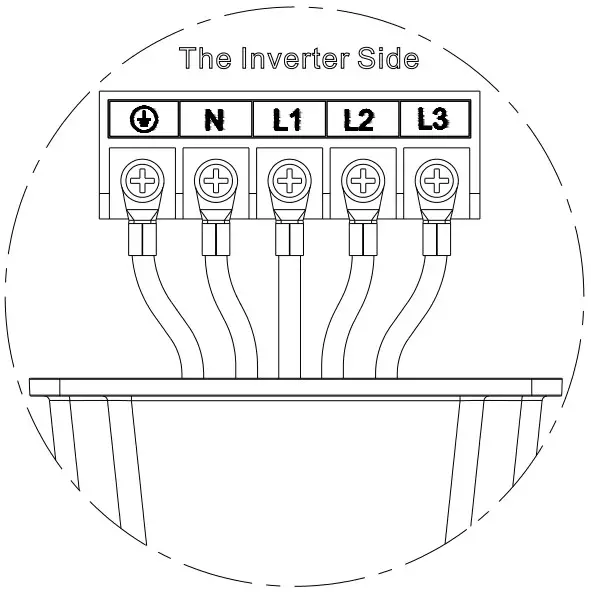
Install AC Cable gland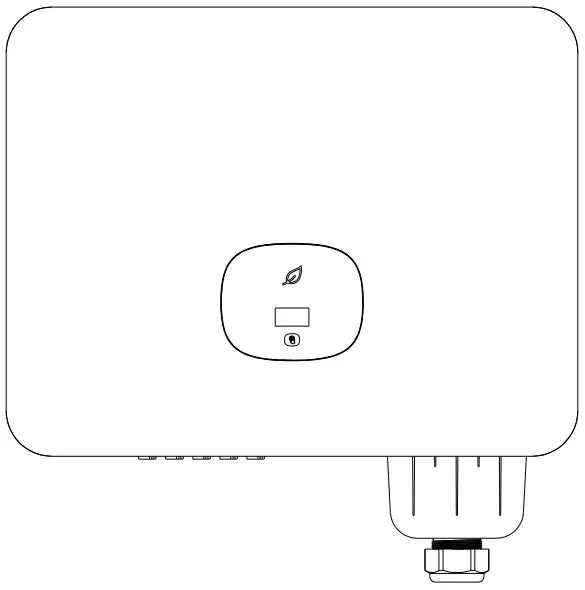
Installing the Signal Cable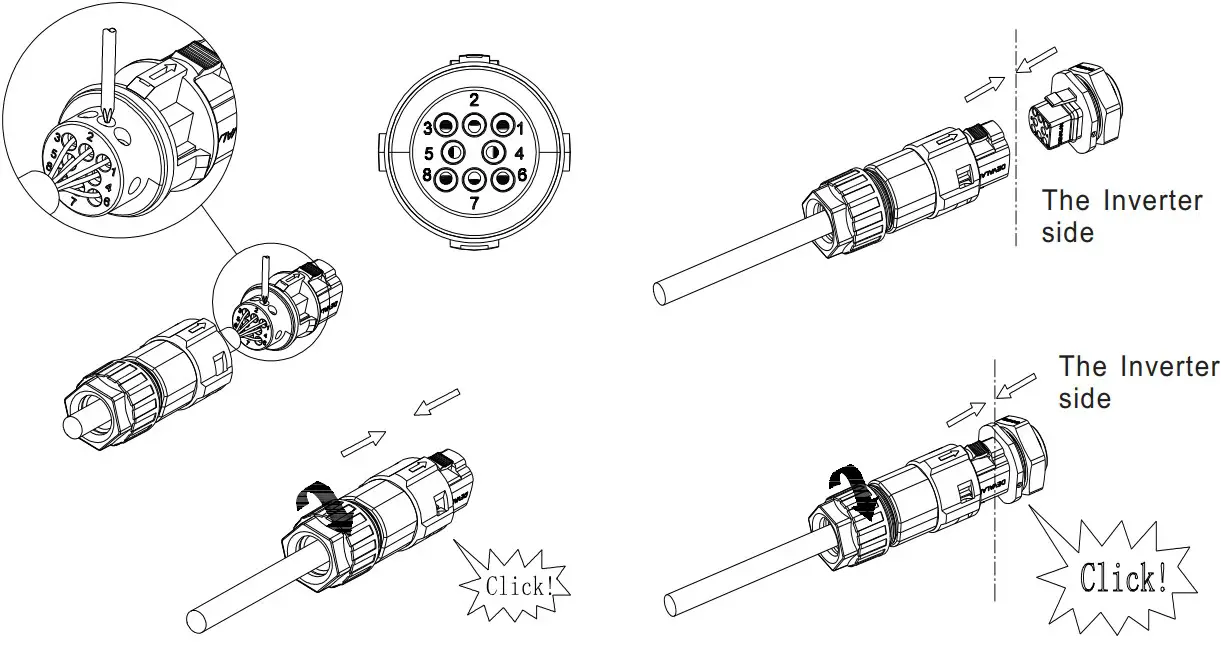
| NO. | Definition | |
| 1 | Dry contact + | External dry contact |
| 2 | Dry contact – | |
| 3 | RS485A1+ | Signal for monitor |
| 4 | RS485B1- | |
| 5 | AntiReFlux-A | RS485A for meter |
| 6 | AntiReFlux-B | RS485B for meter |
Installing the DRMS Cable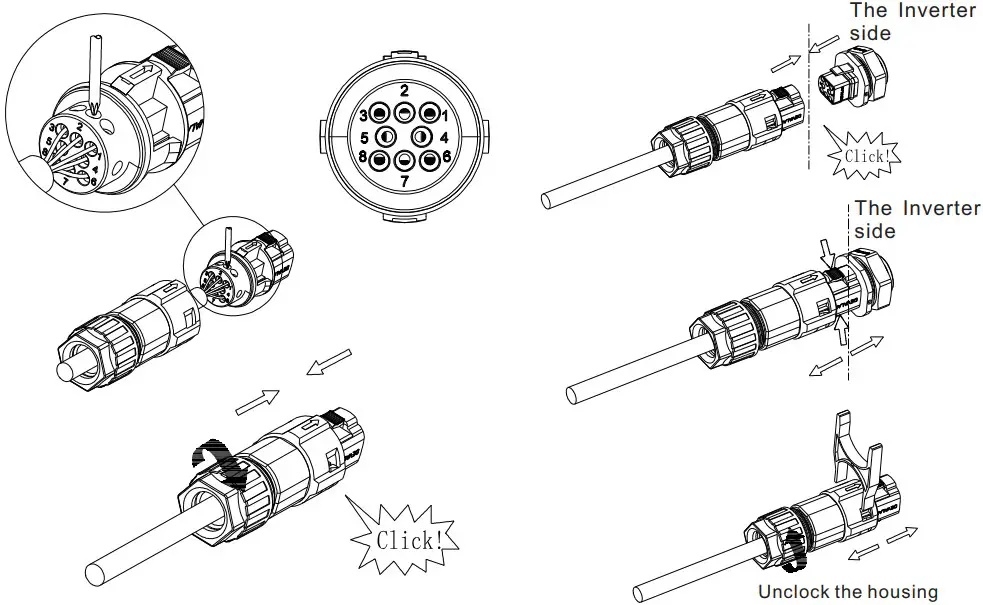
Notice:
- When laying out signal cables, separate them from power cables to avoid strong signal interference sources
- Do not mix the connector to the DRM COM port and the connector to the SYS port.
Verifying the Installation
- The MID 10-25KTL3-X is installed correctly and securely.
- The Monitor is installed correctly and securely.
- The Ground cable is connected correctly and securely.
- The DC switch and all the switches connecting to the MID 10-25KTL3-X are OFF.
- The AC output power cable, DC input power cable and signal cable are connected correctly and securely.
- Unused terminals and ports are locked by watertight caps.
Powering On the System

Step1: Turn on the AC switch between the MID 10-25KTL3-X and the power grid.
Step2: Turn on the DC switch at the bottom of the MID 10- 25KTL3-X.
Step3: When the OLED show “Country/Area”, Please Set the country follow the below step otherwise skip all steps.
Step4: Single touch to switch Country, such as
Step5: Press the touch key for 5s,the OLED shows Country setting is complete.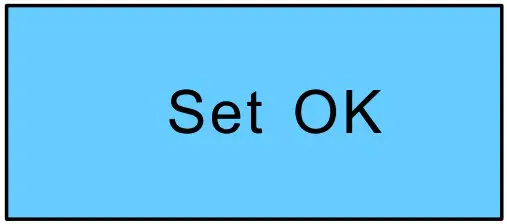
Tips:
- If the LED light is green, the system is operating normally.
- You can reset the country by “Country/Area” in the submenu of “Set parameter”
Download Manual




Shenzhen Growatt New Energy CO.,LTD 4-13/F,Building A,Sino-German(Europe) Industrial Park, Hangcheng Ave, Bao’an District, Shenzhen, China
+86 0755 2747 1942
E [email protected]
T www.ginverter.com
GR-UM-159-A-01

 Growatt | Global Leading Distributed Energy Solution Provider