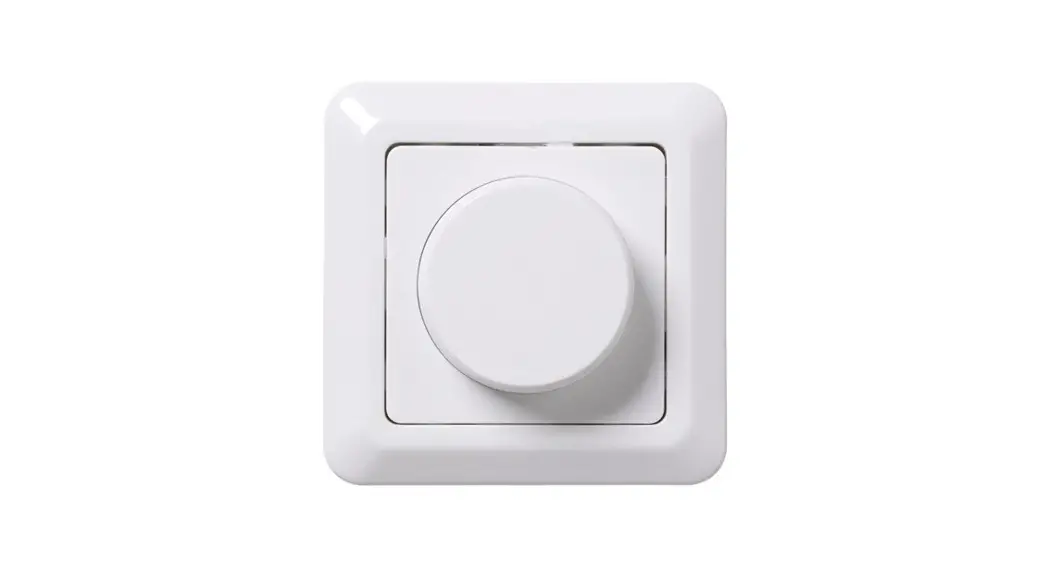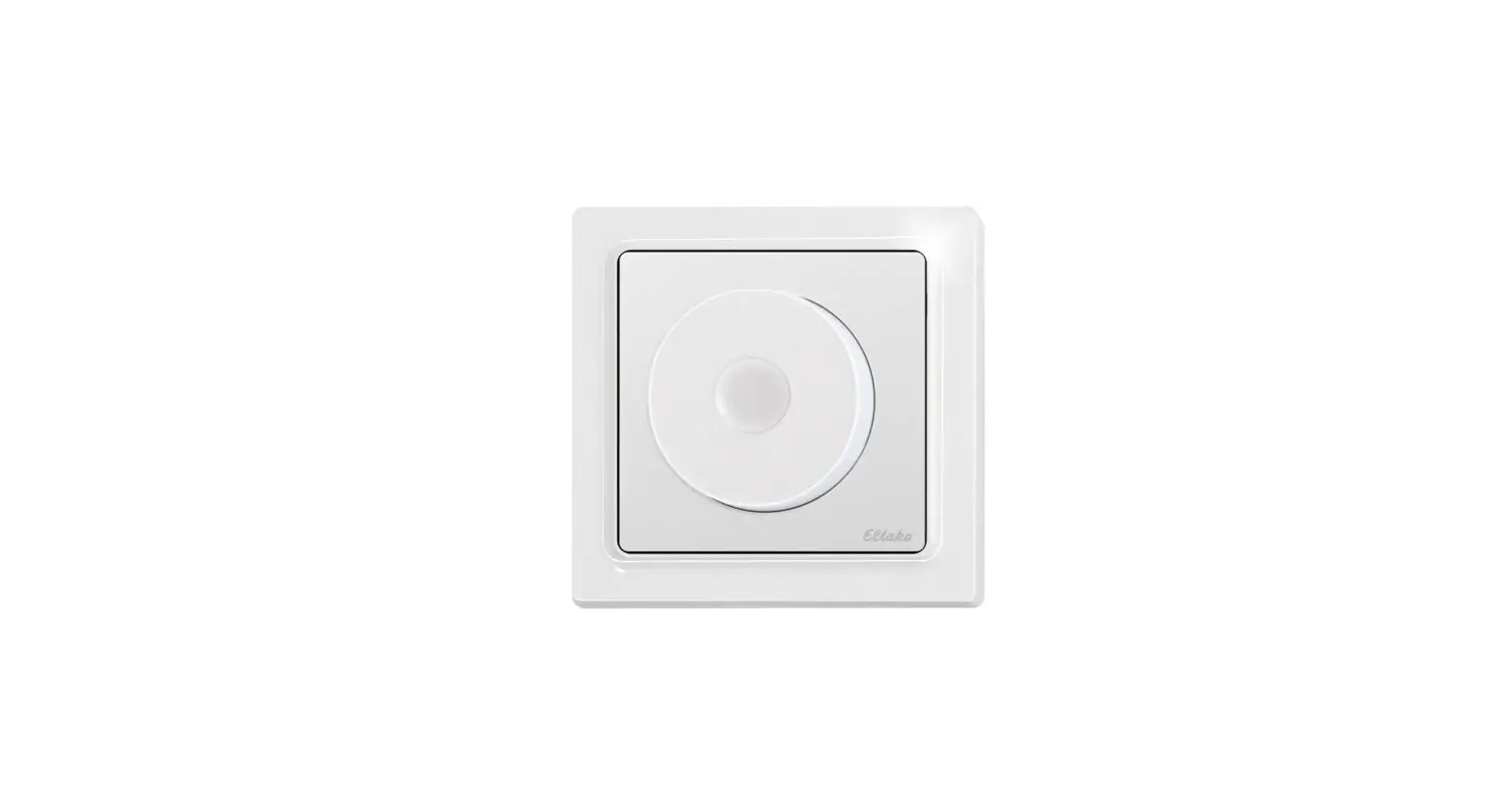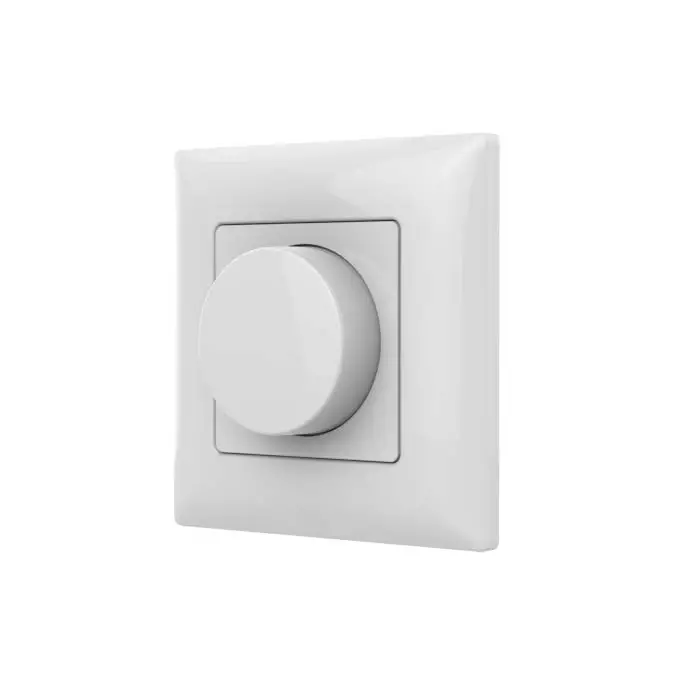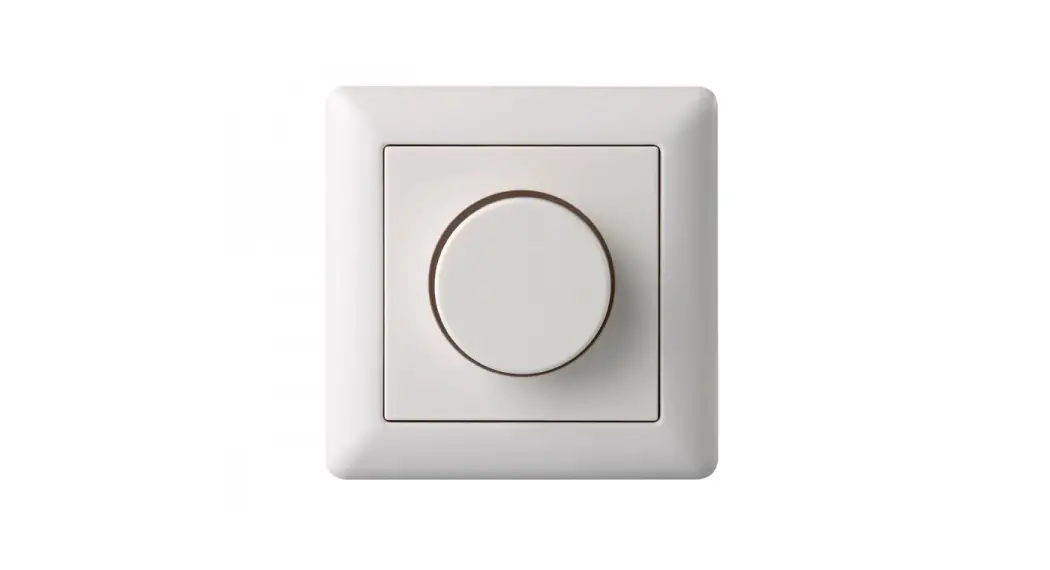
 VD600 Rotary Dimmer
Instruction Manual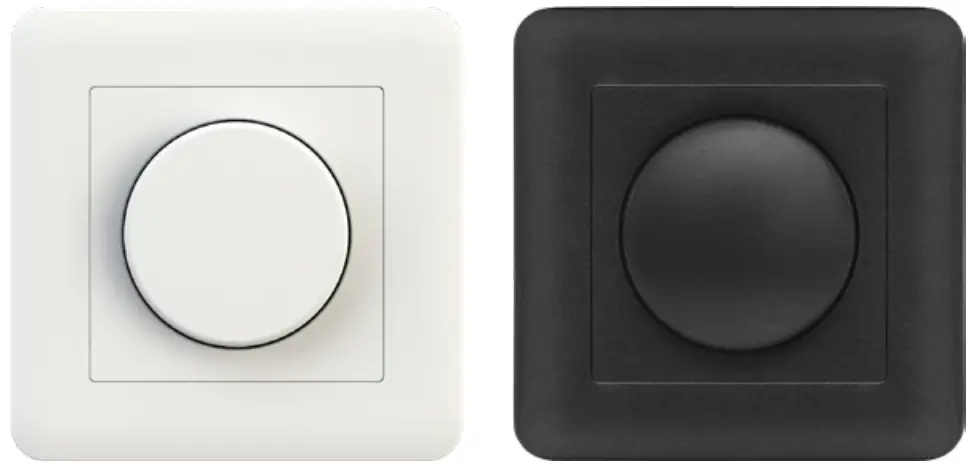
Installation instructions VD600
Warning!
High voltage. Risk of electric shock. The installation should only be carried out by an authorized electrician.
Connection
For LED 0-600VA (450W), 230V halogen, and electronic transformers. Do not use the LED dimmer for fluorescent lamps, fans or toroidal cores.
- Stop the current.
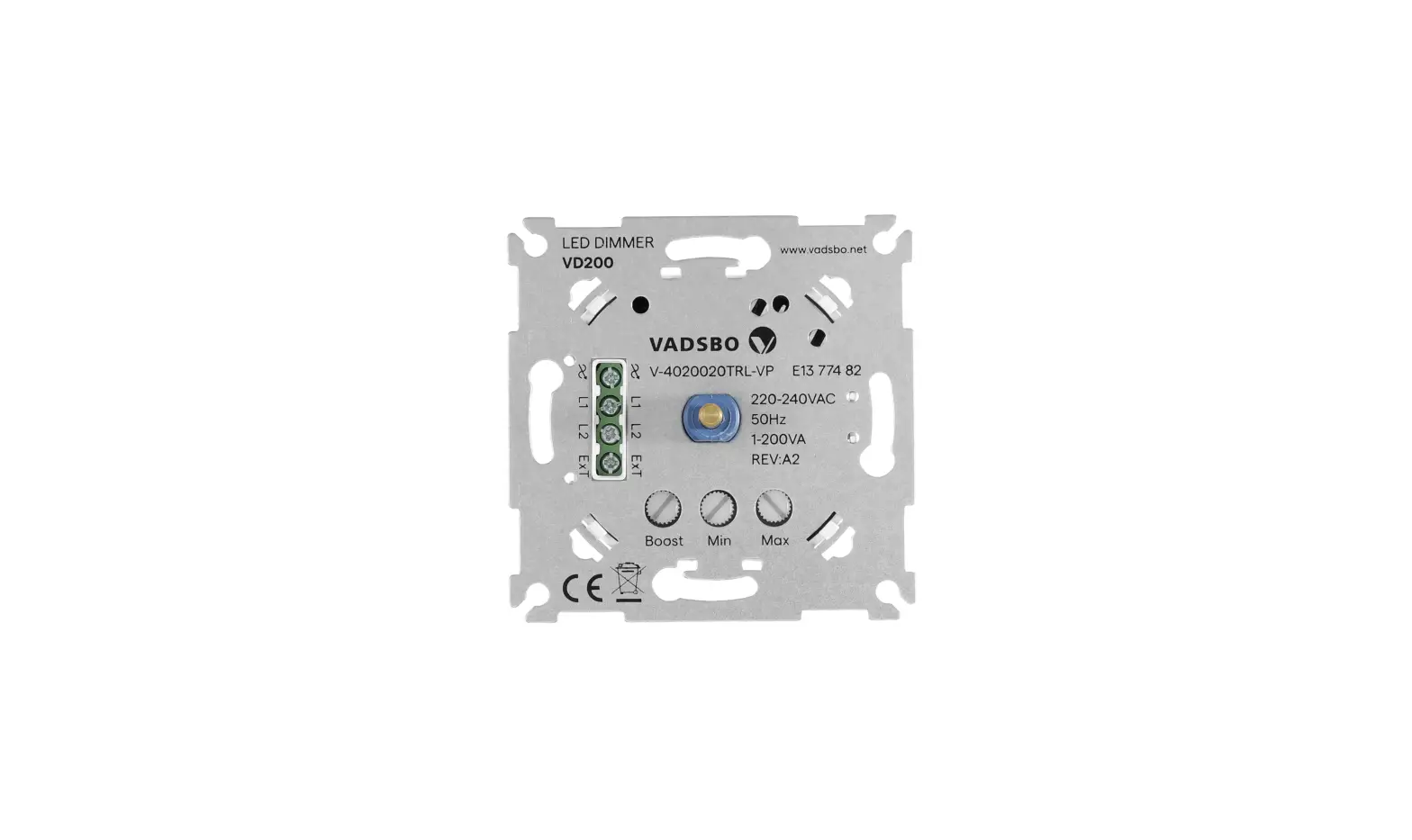
- Connect the phase to one of the terminal boxes marked with L1 or L2 on the dimmer.
- Connect the conductor that continues to the load of the terminal box on the dimmer marked with
 (see the connection drawing).
 - In order to use the on/off function (no dimming) to a load – connect the load to the terminal EXT.
- The earthed neutral should be directly connected to the load. If it is broken in the equipment, or box, connect with a clamp or another connection.
- Install the dimmer (A) in the equipment box. Make sure that no cables are clamped.
- If required, adjust the minimum level with the help of the middle regulator in position (E). In case of flickers, adjust exactly with the upper regulator.
- Screw the casing (B) tight with the enclosed nut (C ).
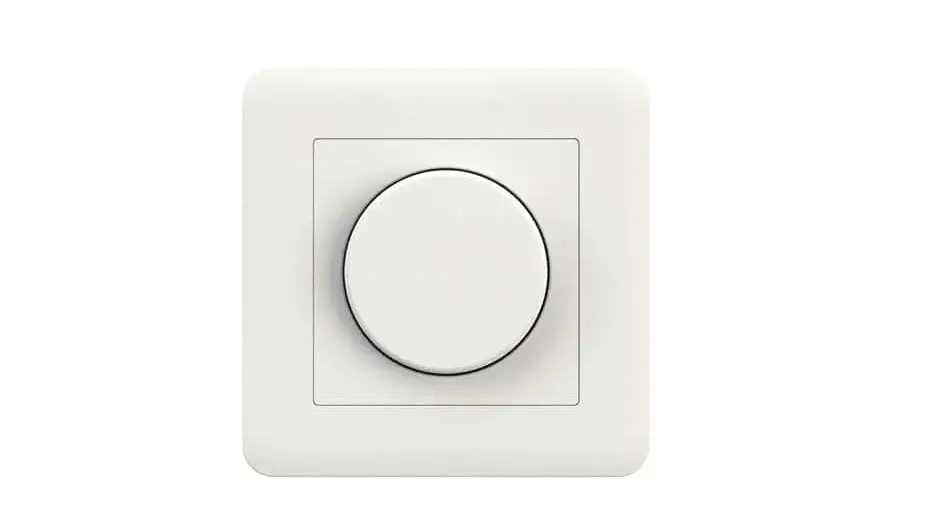
- Press the knob (D) securely with a single press.
 (see the connection drawing).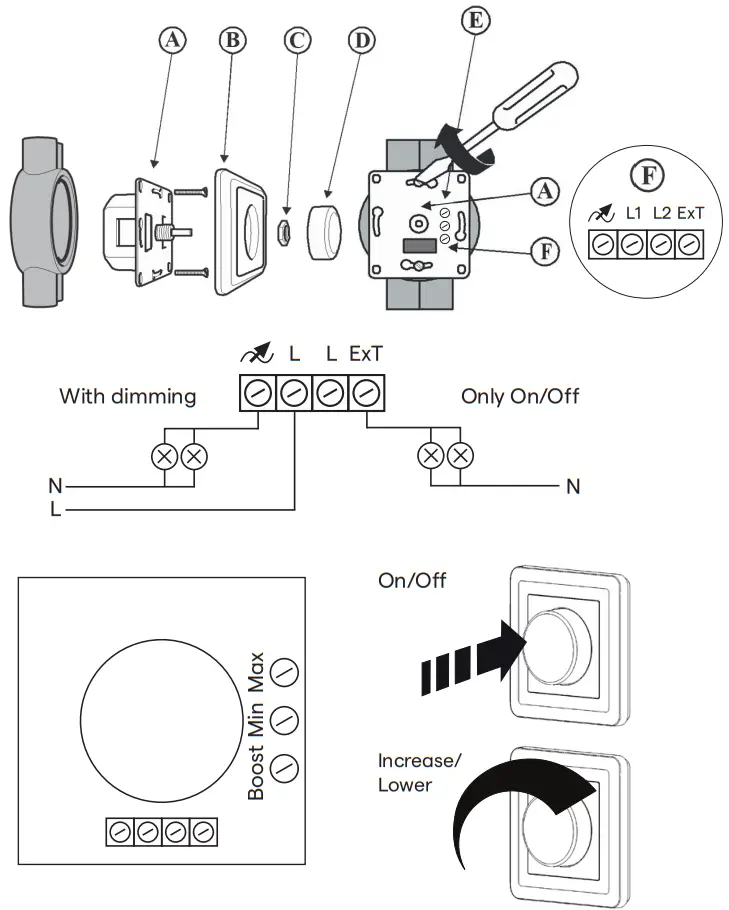
Technical data
| Item number | White: V-40V0600-001Y Black: V-40V0600-002Y |
| Voltage | 230V +/- 10% 50Hz |
| Max current strength | 2,6A |
| Least load | 0VA |
| Max load | 600VA (450W) |
| Casing class | IP20 |
| Size | 87x87x46mm |
| Mounting depth | 24mm |
| Weight | 90g |
| Colour | White: Pure White (RAL9010) Signal White (RAL9003) Black: Jet Black (RAL9005) Graphite Grey (RAL7024) |
| Short-circuit protection | Yes, self-resetting |
| Overload protection | Yes, self-resetting |
| Thermal protection | Yes, self-resetting |
| Max Ta | 75oc |
| Operating temperature | -20oc till +40 oc |
| Power consumption without load | <0,3W |
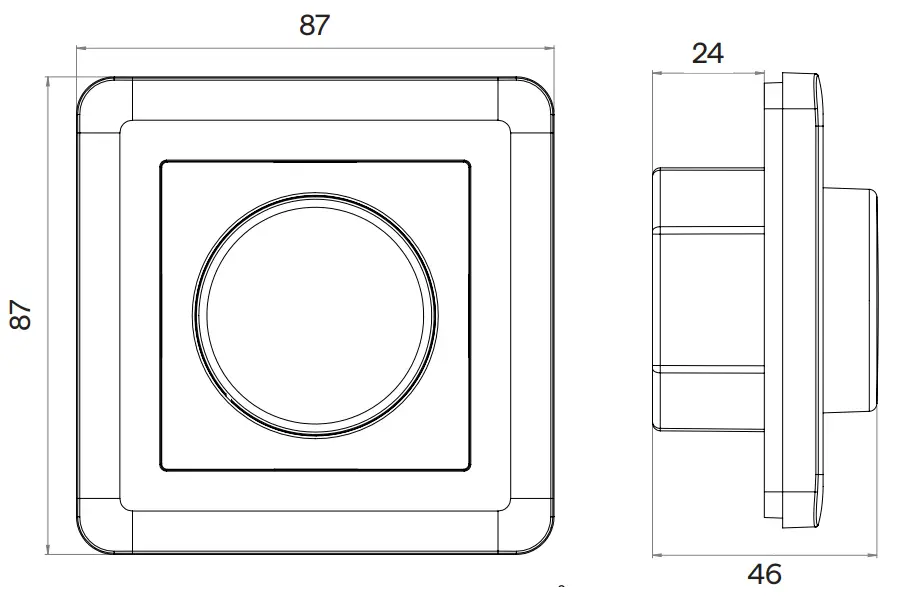
 NOTE! Keep in mind that depending on the manufacturer, LED, and low-energy sources may consume up to the double-rated output.
Staircase feature
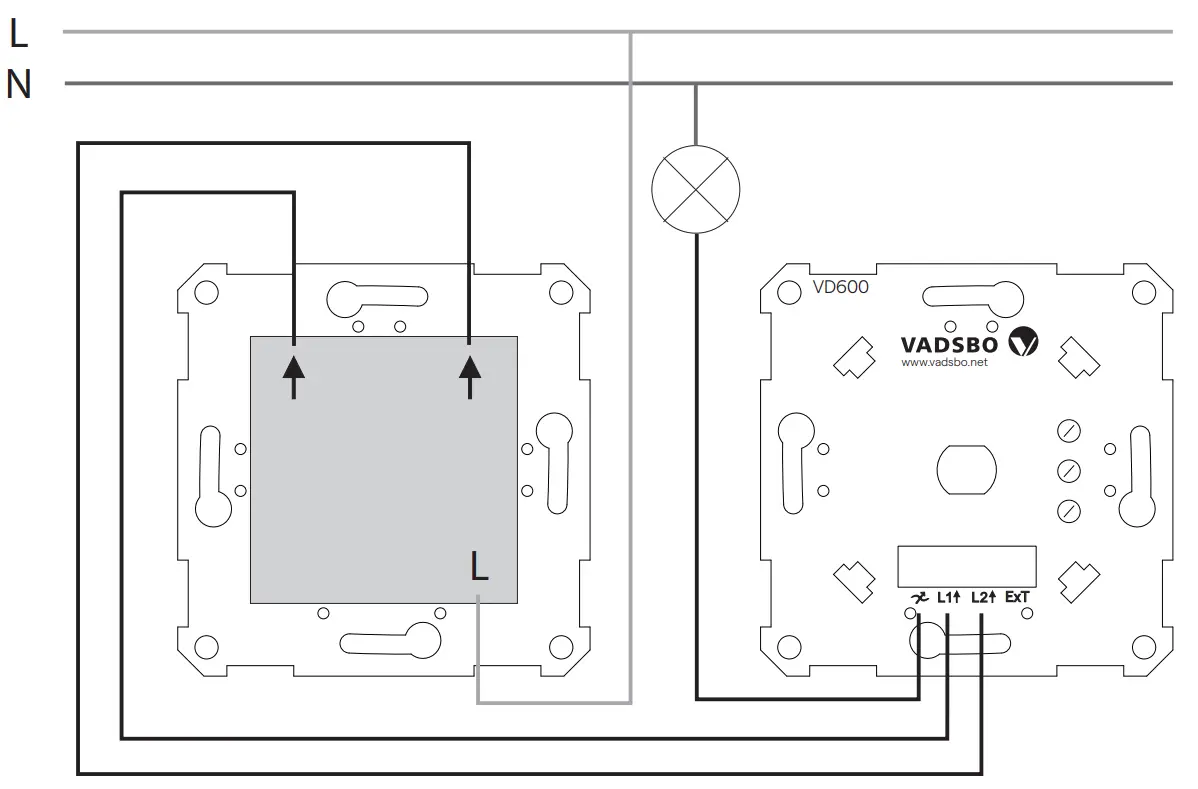
Follow the instructions for “connection” but replace points 2 and 3 with points 1, 2, and 3 below.
- Connect the phase to the terminal box marked with
- Connect the outgoing phases (arrow out, arrow out) from the two-way switch to the entry of the dimmer (L1 arrow in, L2 arrow in).
- Connect the conductor that connects to the load at the terminal box marked on the dimmer.
Dimmer adjustment
Exact adjustment of the least dimmer level for the most common loads.
Procedure: Dim the load to minimum light. Turn the potentiometer clockwise with a screwdriver to set the lowest dimmer level. Stop when you reach a satisfactory level, i.e. when there is no flickering Adjustment of maximum dimming level/flicker when the load is dimmed to a maximum level, for loads that need additional adjustment. Is used for loads, where there is flickering in the maximum dimmed position. Is also used for exact adjustment of the maximum dimmer level.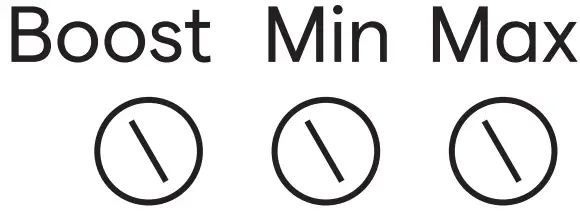
Procedure: Dim the load to maximum light. In case of flickering, turn the potentiometer clockwise with a screwdriver so as to reduce the amount of flickering. Stop when you reach a satisfactory level, i.e. when there is no flickering.
When adjusting exactly, turn the potentiometer clockwise with a screwdriver and stop just before the light begins to dim. Stop when you are satisfied.
Activation and adjustment of the boost feature Is used for loads when the light is lit at different speeds (popcorn effect). Is used even for difficult loads when switching on and off, to start them.
Procedure: Dim the load to minimum light. Activate the boost feature by switching the dip switch to ON using a screwdriver. Turn the knob on and off with a 5-second gap to understand the effect of the feature.
Use the potentiometer to adjust the amount of boost until the light starts up to a comfortable level.
Troubleshooting
| Problem | Reason | Action |
| The dimmer doenot work | The line voltage is noconnected | Connect to the line voltage |
| The load is not connect | Connect the load | |
| The amount of load is too much | Reduce the amount of load/ Divide the load in groups | |
| The lamp or load is broken | Replace the load | |
| The least dimmer level is set too low | Increase the least dimmer level | |
| The Boost feature is not activated | Activate the boost feature, see the section on the boost feature | |
| The dimmer turns off | The thermal protection is activated | Reduce the load or check the installation environment |
| It flickers in max position | The MAX potentiometer is incorrectly set | See the chapter on the maxi- mum dimmer level. |
| It flickers in the bottom position. | The least dimmer level is set too low | Increase the least dimmer level |
| The light flashes in the begin- ning before it stabilises | The boost feature is incorrectly set. | Turn off the boost feature, or adjust it exactly, see the section on boost feature |
Installations manual Version 1, 22-05-23
Installation manual Version 1, 22-05-23
 Vadsbo LightTech AB – Vi utvecklar, designar och säljer trådlösa ljusstyrningslösningar för stora & smarta projekt.
 Vadsbo LightTech AB – Vi utvecklar, designar och säljer trådlösa ljusstyrningslösningar för stora & smarta projekt.