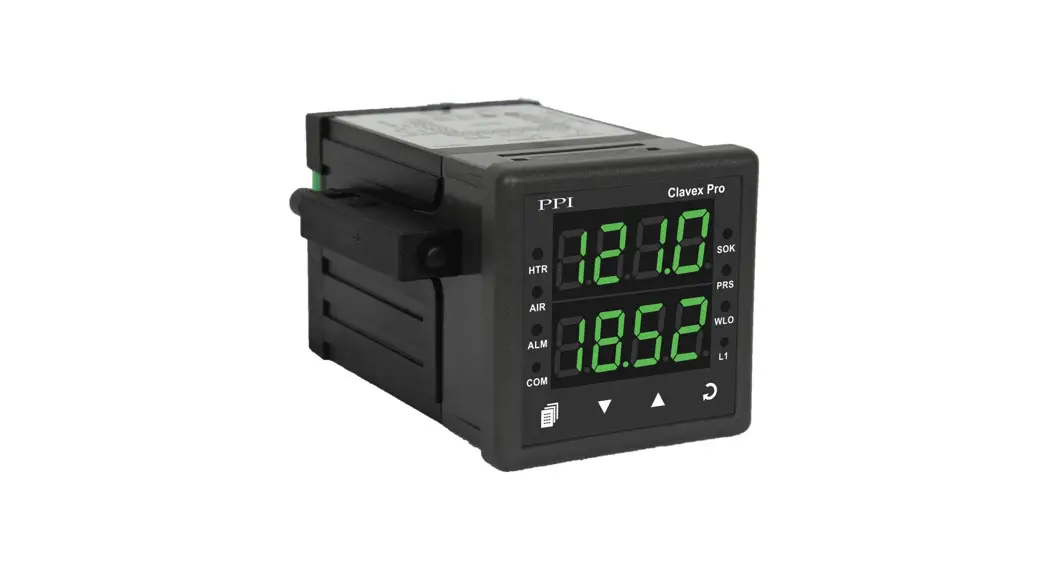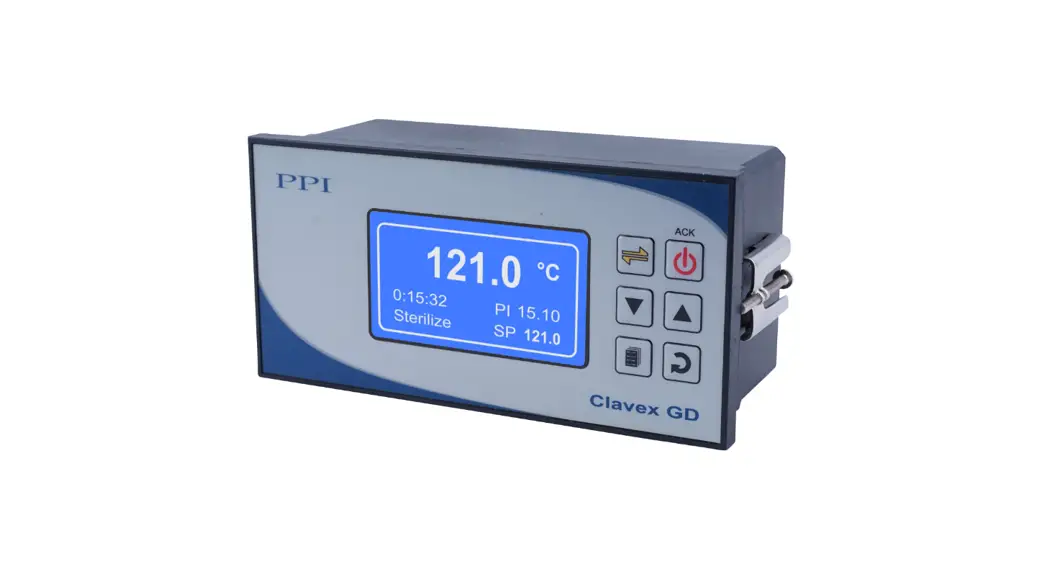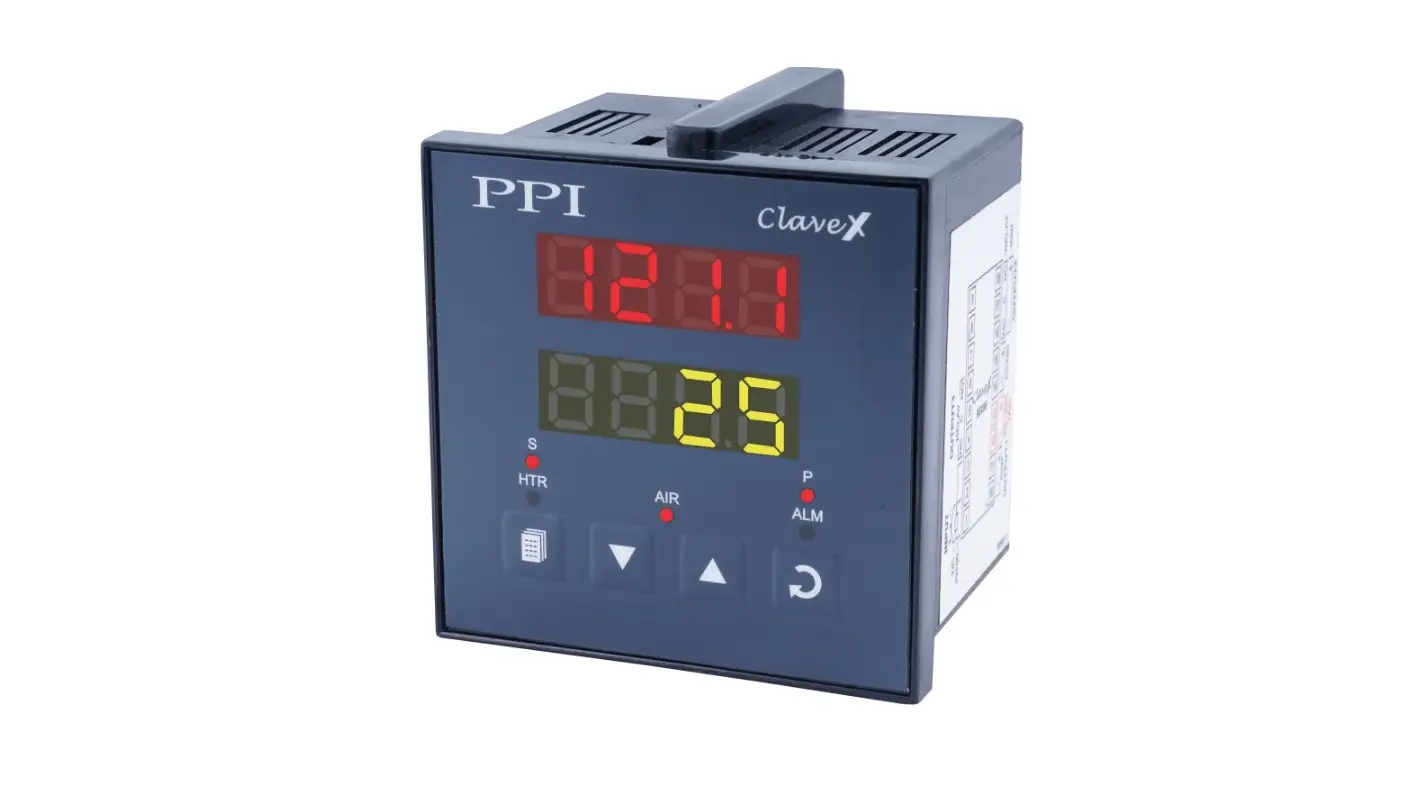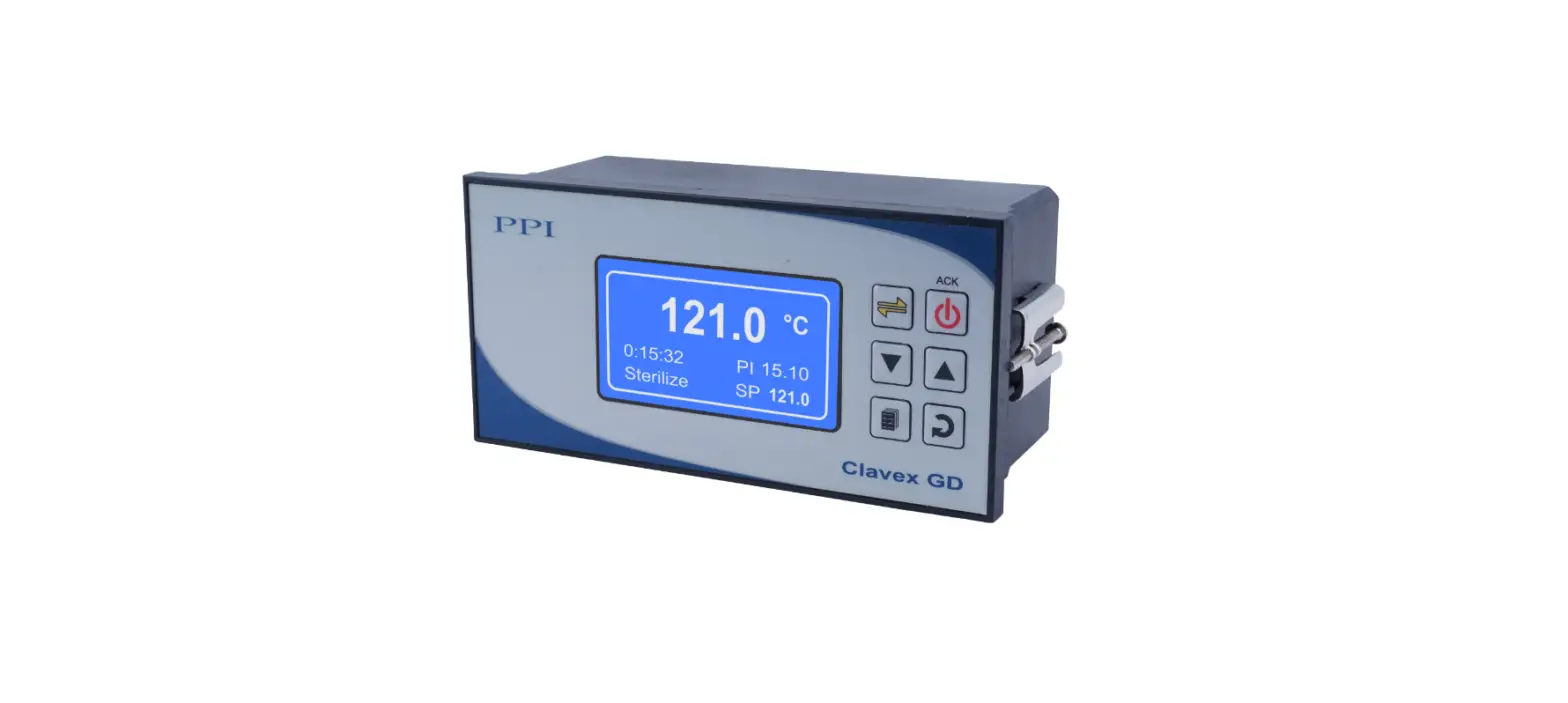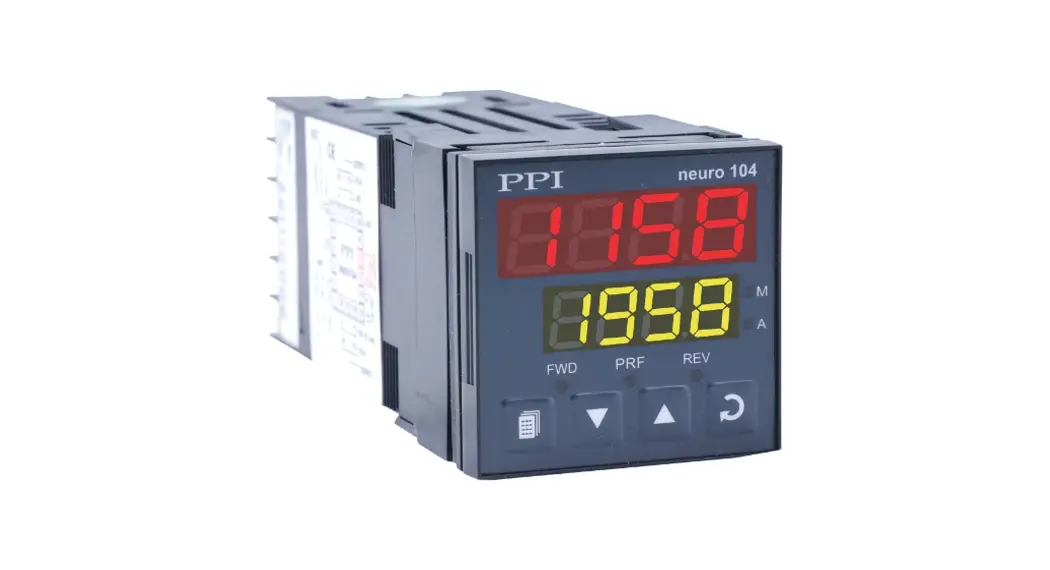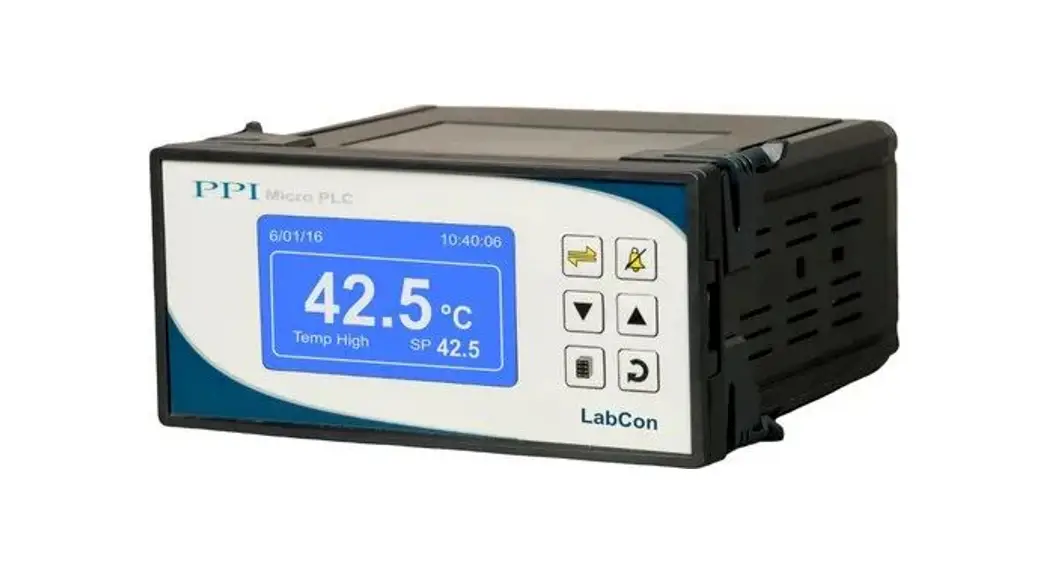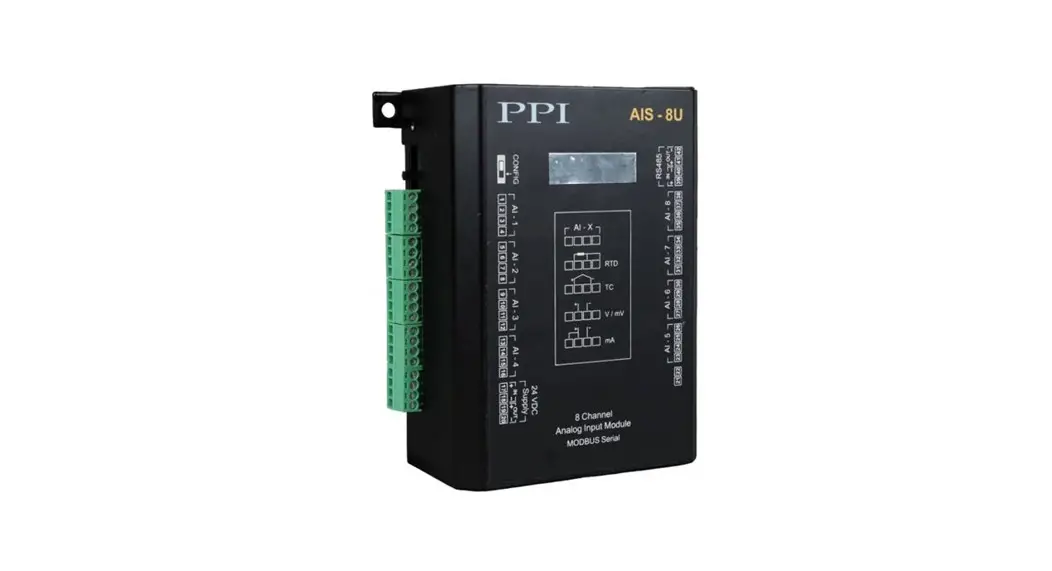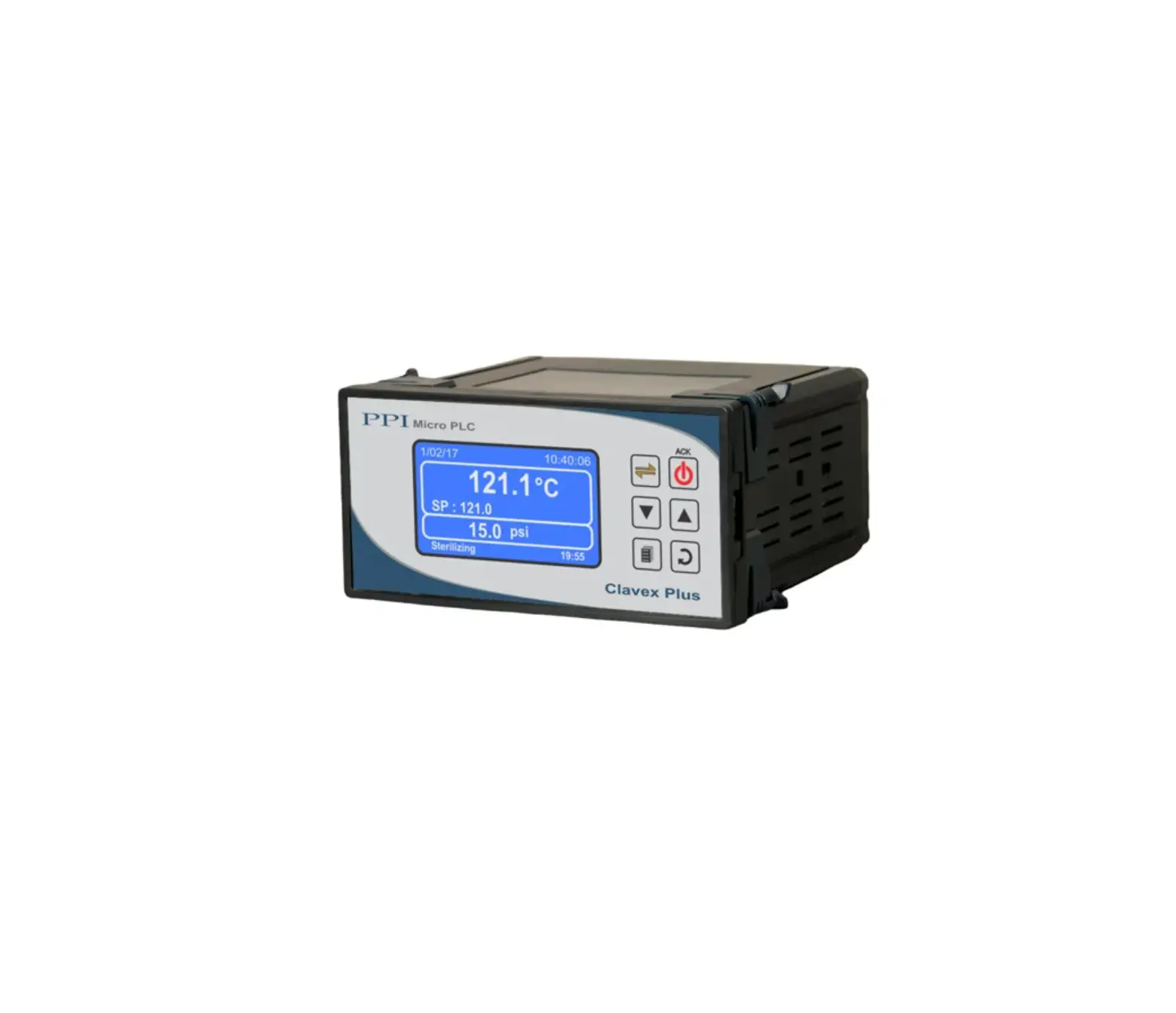
PPI Clavex Plus 4 Channel Advanced Autoclave Controller
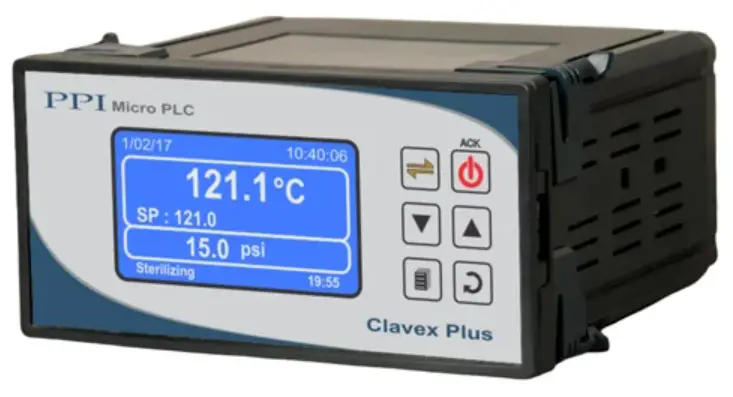
This brief manual is primarily meant for quick reference to wiring connections and parameter searching. For more details on operation and application; please log on to www.ppiindia.net
FRONT PANEL LAYOUT
Front Panel
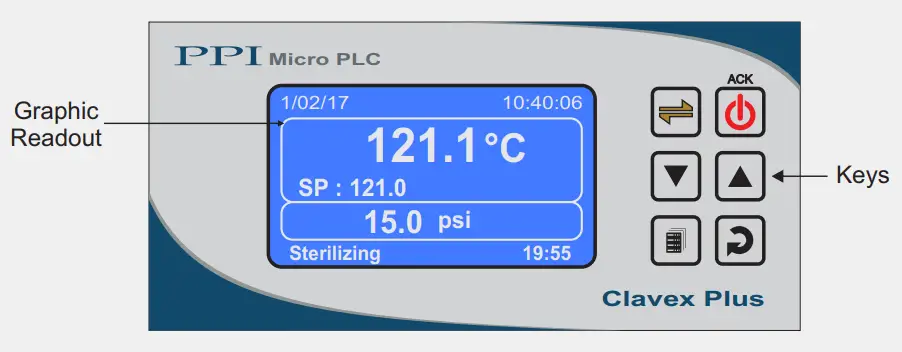
Keys Operation
| Symbol | Key | Function |
 | Scroll | Press to scroll through various Process Information Screens in Normal Operation Mode. |
 | Cycle Start & Alarm Acknowledge | Press to Start / Abort Autoclave Cycle. In case of process under alarm condition, press to acknowledge and mute the alarm output. |
 | DOWN | Press to decrease the parameter value. Pressing once decreases the value by one count; keeping pressed speeds up the change. |
 | UP | Press to increase the parameter value. Pressing once increases the value by one count; keeping pressed speeds up the change. |
 | SET-UP | Press to enter or exit set-up mode. |
 | ENTER | Press to store the set parameter value and to scroll to the next parameter. |
PV Error Indications
| Message | Error Type | Cause |
 | Sensor Open | Sensor (RTD Pt100) Broken / Open |
 | Over-range | Temperature above Max. Specified Range |
 | Under-range | Temperature below Min. Specified Range |
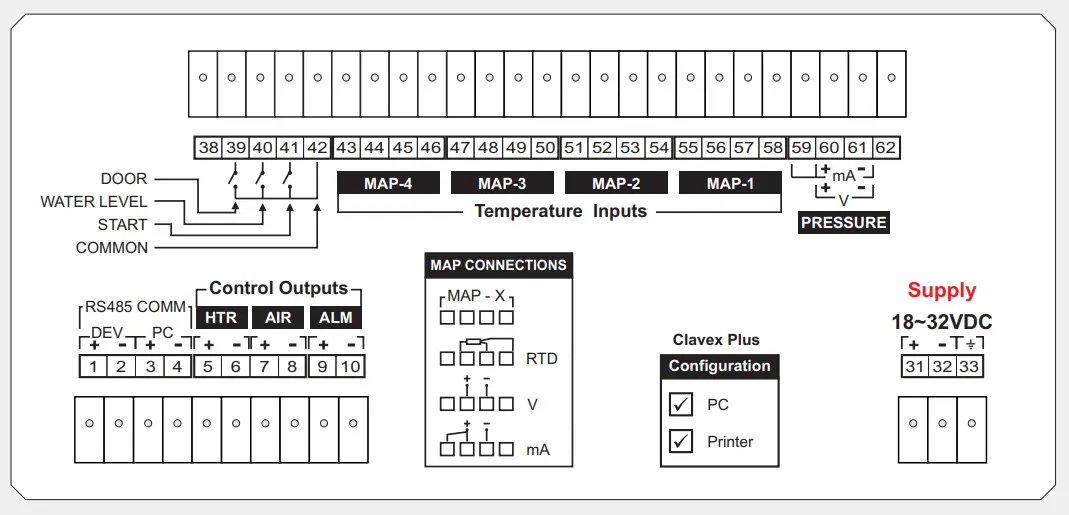
ELECTRICAL CONNECTIONS
OPERATOR PARAMETERS | |
| Parameter | Settings (Default Value) |
| Select Prnt Option>> | None Print (New) Re-Print (Old) (Default : None) |
| Ster. Temp SP>> | Setpoint LO Limit to Setpoint HI Limit (Default : 121.0 °C) |
| Air Outlet SP>> | Setpoint LO Limit to Setpoint HI Limit (Default : 100.0 °C) |
| Ster. Time (min)>> | 1 to 999 (Default : 20 min) |
| Change Password >> | 1 to 100 (Default : 0) |
SUPERVISORY DEVICE | |
| Parameter | Settings (Default Value) |
| Rec. Interval (sec) >> | 1 to 300 Sec (Default : 60 Sec.) |
| RTC Time >> | 0 to 23 for Hour 0 to 59 for Min (Default : NA) |
| RTC Date >> | 1 to 31 (Default : NA) |
| RTC Month >> | 1 to 12 (Default : NA) |
| RTC Year >> | 2000 to 2099 (Default : NA) |
| Device Id >> | 1 to 127 (Default : 1) |
SUPERVISORY CONTROL | |
| Parameter | Settings (Default Value) |
| Setpoint LO Limit >> | 0 to Setpoint HI Limit (Default : 90 °C) |
| Setpoint HI Limit >> | Setpoint LO Limit to 600 °C (Default : 150 °C) |
| Overshoot Temp >> | Ster. Temp SP to Setpoint HI Limit (Default : 131 °C) |
| Ctrl PV Strategy >> | PV on Map-1 Average PV PV Map1 Fail-average PV Min Max (Default : PV on Map-1) |
| Cycle End Strategy >> | Immediate Stop Timer Based Stop Temp Based Stop (Default : Immediate Stop) |
| Cycle End Timer >> | 1 to 60 Minutes (Default : 5 Min) |
| Cycle End Temp >> | Setpoint LO Limit To Sterilization Temp (Default : 100 °C) |
| Ctrl Band >> | 0.1 to 99.9 (Default : 0.2 °C) |
| EOP Alrm Time(sec) >> | 0 to 250 Sec. (Default : 10 Sec) |
| Hold Pressure >> | Min. to Max. Pressure Range set for the Pressure Sensor (Default : 15 psi) |
SUPERVISORY STERILIZATION | |
| Parameter | Settings (Default Value) |
| Steri. Stop Temp >> | Air Outlet SP to Sterilization Temp (Default : 120.5 °C) |
| Steri. Reset Temp >> | Air Outlet SP to Sterilization Temp (Default : 120.0 °C) |
SUPERVISORY PV OFFSET | |
| Parameter | Settings (Default Value) |
| Pressure Offset >> | -50.0 to 50.0 (Default : 0) |
| Map-1 Offset >> Map-2 Offset >> Map-3 Offset >> Map-4 Offset >> | -50.0 to 50.0 (Default : 0) |
SUPERVISORY > PASSWORD | |
| Parameters | Settings (Default Value) |
| Change Password >> | 1000 to 1999 (Default : 123) |
SUPERVISORY > PRINTER SETTING | |
| Parameters | Settings (Default Value) |
| Line Per Page >> | 25 to 100 (Default : 60) |
| Top Margine >> | 1 to 5 (Default : 2) |
| Bottom Margine >> | 1 to 5 (Default : 2) |
| Header & Footer >> | No On First Page Every Page (Default : No) |
| Enable >> | Yes No (Default : No) |
SUPERVISORY > EXIT | |
| Parameters | Settings (Default Value) |
| Exit Setup Mode >> | Yes No (Default : No) |
FACTORY > TEMPERATURE INPUT | |||||||||||||||||||
| Parameters | Settings (Default Value) | ||||||||||||||||||
| Mapping Channles >> | 1 to 4 (Default : 4) | ||||||||||||||||||
| Input Type >> | RTD Pt100 0-20mA 4-20mA 0-5V 0-10V 1-5V (Default : RTD Pt100) | ||||||||||||||||||
| Signal LO >> |
| ||||||||||||||||||
| Signal HI >> |
| ||||||||||||||||||
| Range LO >> | -199.9 to RANGE HI (Default : 0.0) | ||||||||||||||||||
| Range HI >> | RANGE LO to 999.9 (Default : 100.0) | ||||||||||||||||||
| Temp SP Offset >> | 0.0 to 10.0 (Default : 0.0) | ||||||||||||||||||
FACTORY > PRESSURE INPUT | |||||||||||||||||||
| Parameters | Settings (Default Value) | ||||||||||||||||||
| Pressure Enable >> | Yes No (Default : No) | ||||||||||||||||||
| Units >> | Psi Kg/cm² Bar Eu (Default : Psi) | ||||||||||||||||||
| Resolution >> | 0 0.1 0.01 0.001 (Default : 0.1) | ||||||||||||||||||
| Input Type >> | 0-20mA 4-20mA 0-5V 0-10V 1-5V (Default : 0-5V) | ||||||||||||||||||
| Signal LO >> |
| ||||||||||||||||||
| Signal HI >> |
| ||||||||||||||||||
| Range LO >> | -1999 to RANGE HI (Default : 0.0) | ||||||||||||||||||
| Range HI >> | RANGE LO to 9999 (Default : 100.0) | ||||||||||||||||||
FACTORY DIGITAL INPUTS | |
| Parameter | Settings (Default Value) |
| Remote Cycle Start >> | Yes No (Default : No) |
| Water Level Detect >> | Yes No (Default : No) |
| Water Level Logic >> | Open : Water Lo Close : Water Lo (Default : Close : Water Lo) |
| Door Open Detect >> | Yes No (Default : No) |
| Door Open Logic >> | Close : Door Open Open : Door Open (Default : Close : Door Open) |
FACTORY > FACTORY DEFAULT | |
| Parameters | Settings (Default Value) |
| Set To Default >> | Yes No (Default : No) |
FACTORY > PASSWORD | |
| Parameters | Settings (Default Value) |
| Change Password >> | 2000 to 2999 (Default : 321) |
FACTORY > EXIT | |
| Parameters | Settings (Default Value) |
| Exit Setup Mode >> | Yes No (Default : No) |
Customer Support
101, Diamond Industrial Estate, Navghar,
Vasai Road (E), Dist. Palghar – 401 210.
Sales : 8208199048 / 8208141446
Support : 07498799226 / 08767395333
E: [email protected], [email protected]

 Factory Automation Products India | Automation Solutions in India