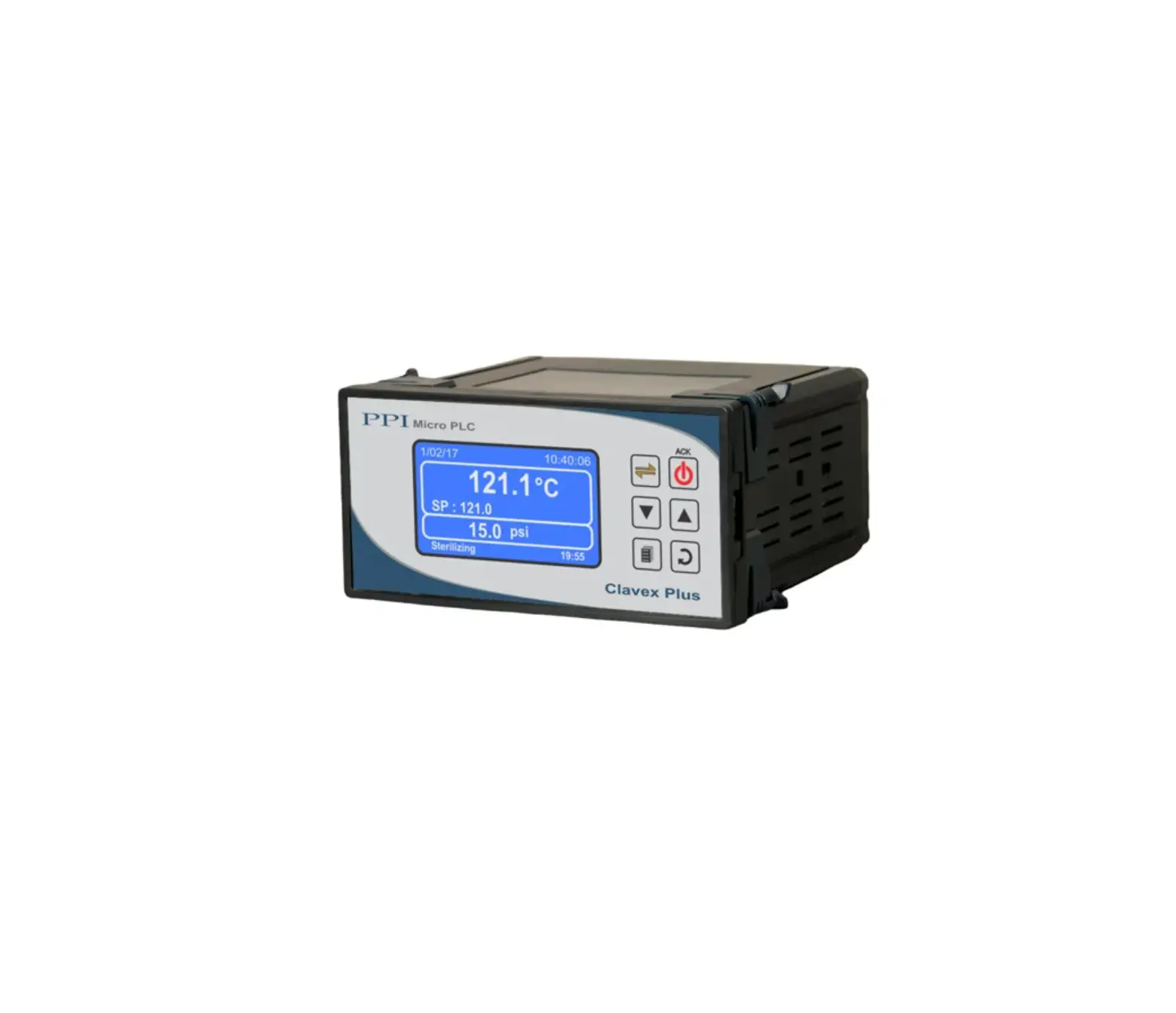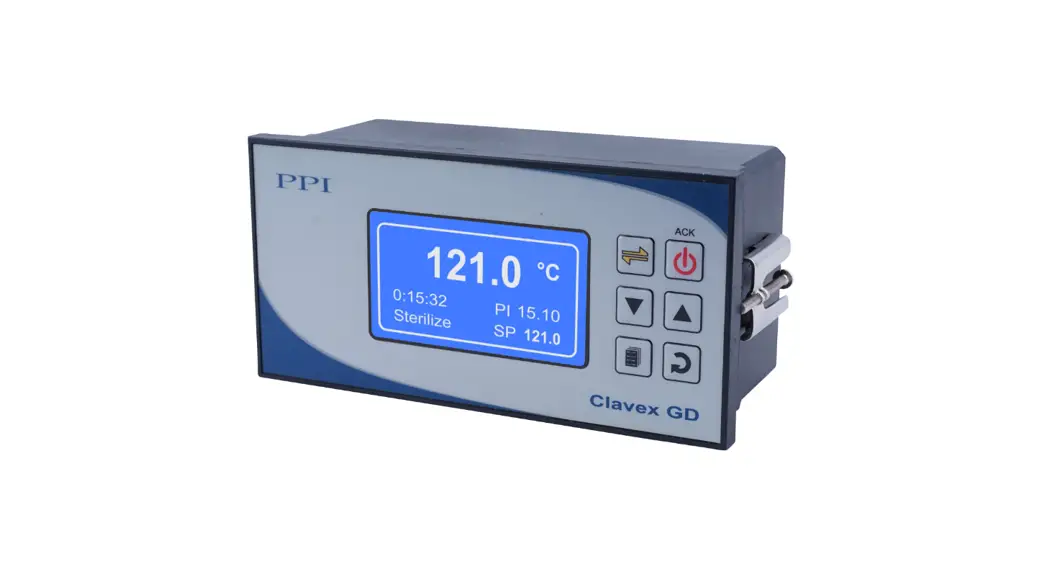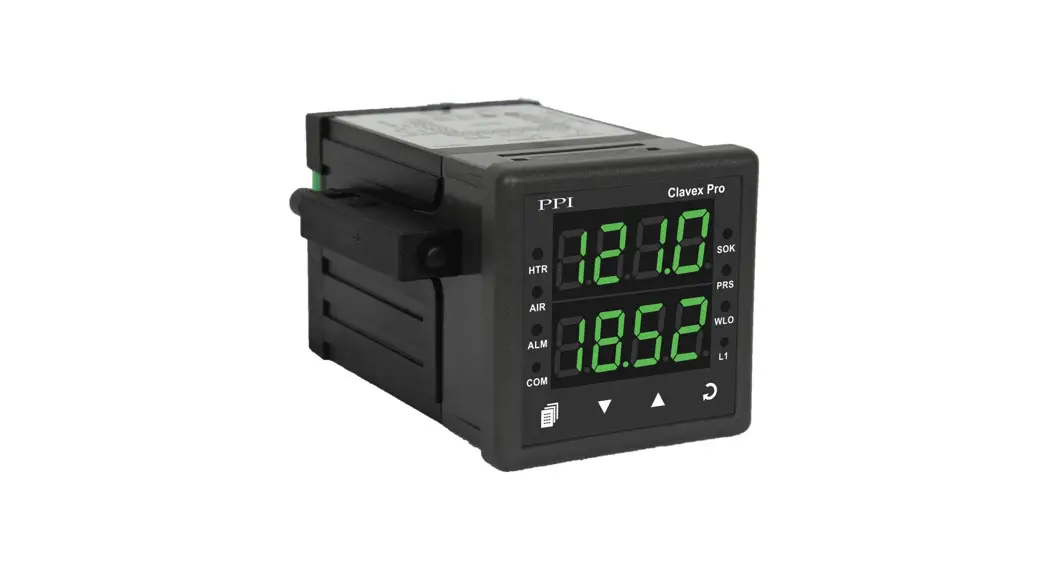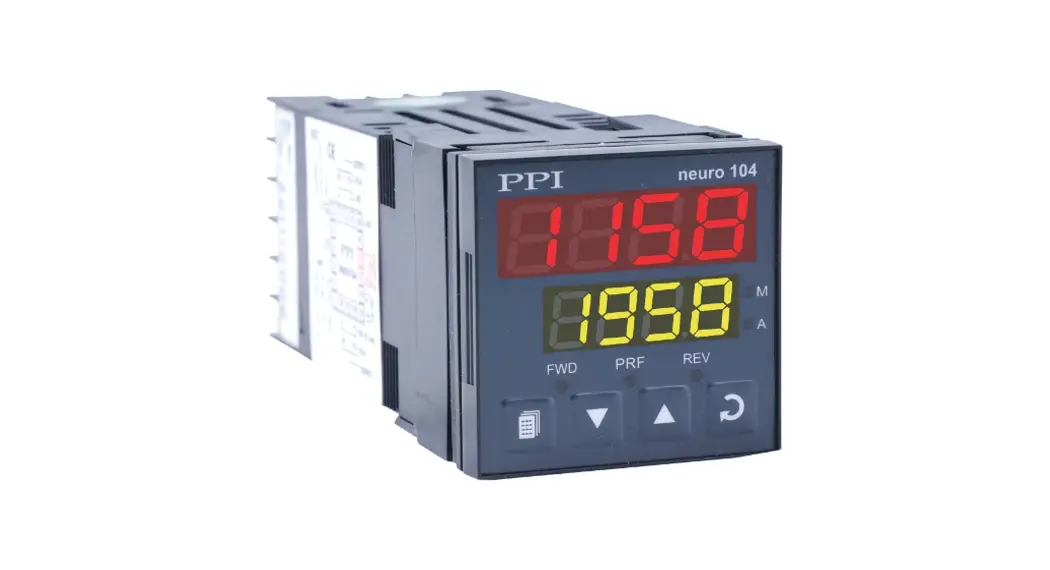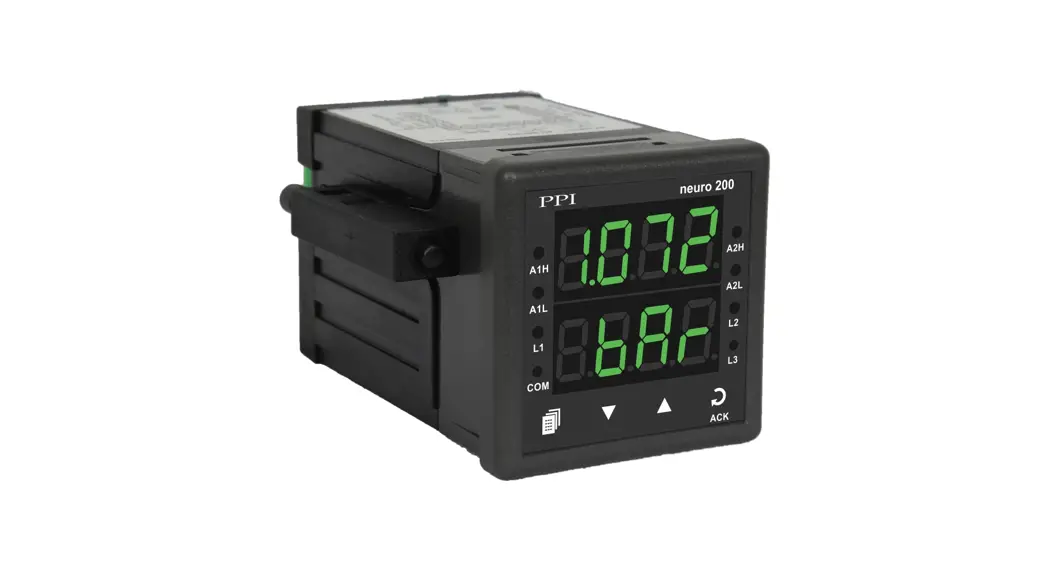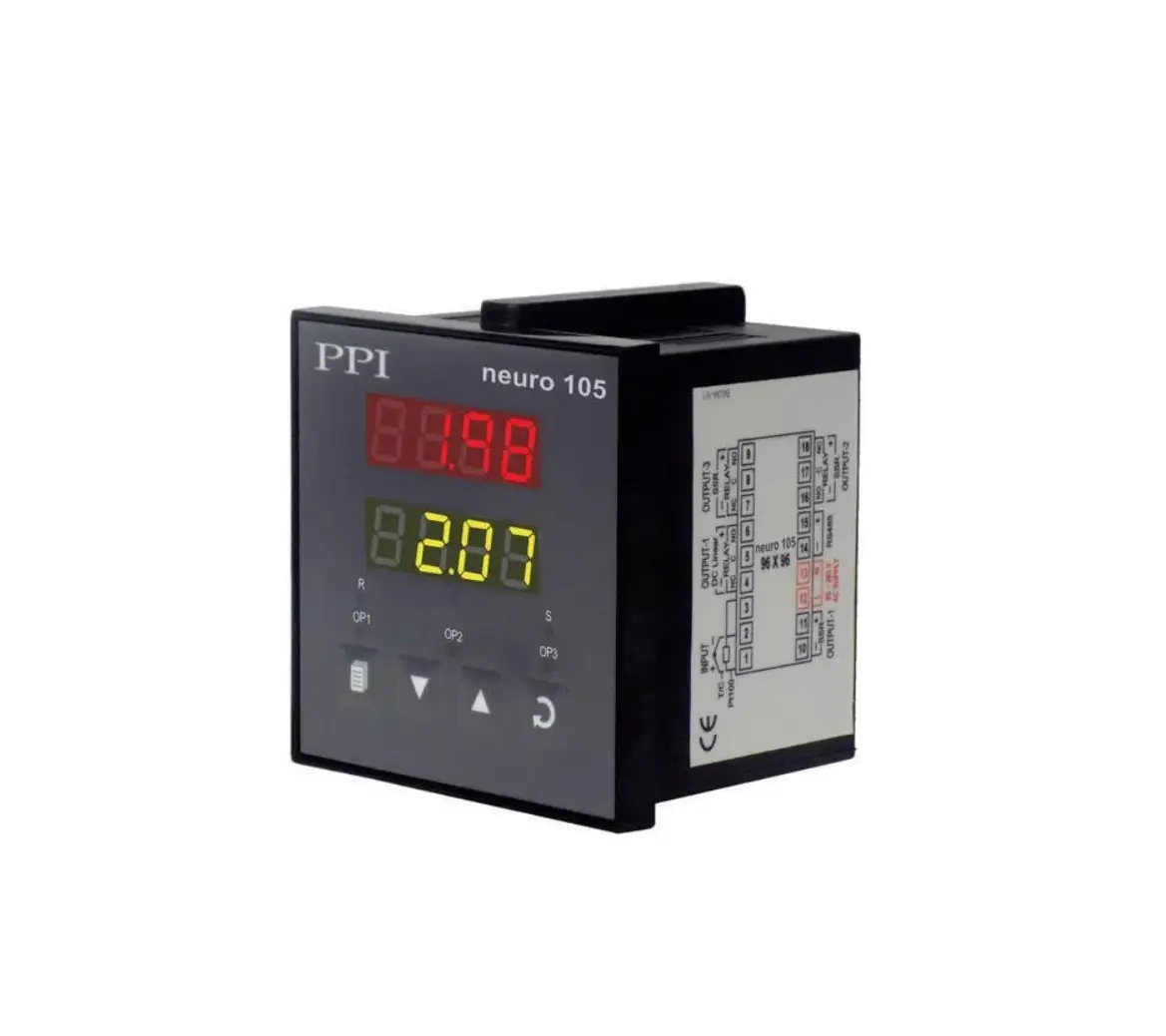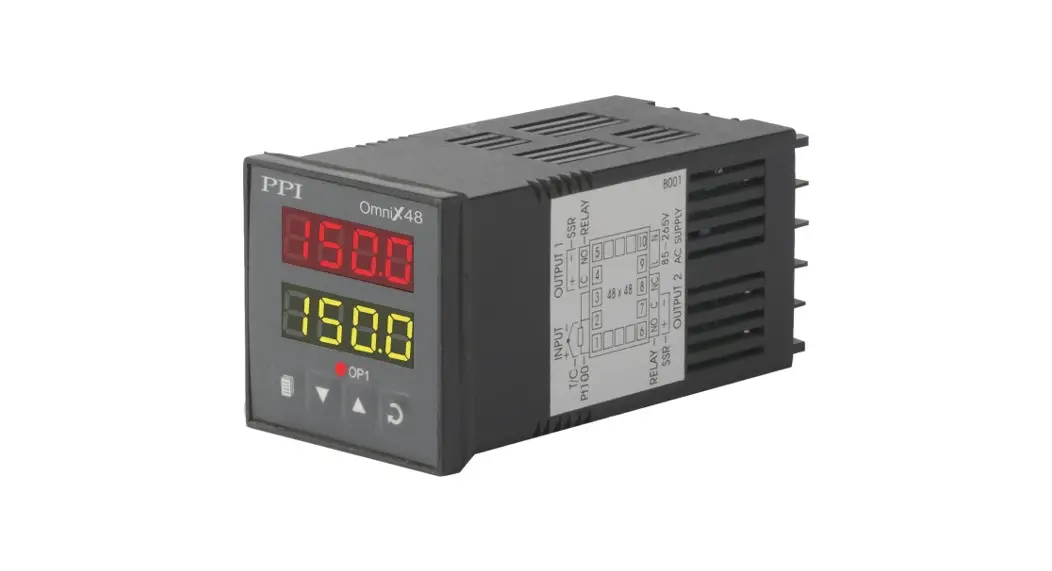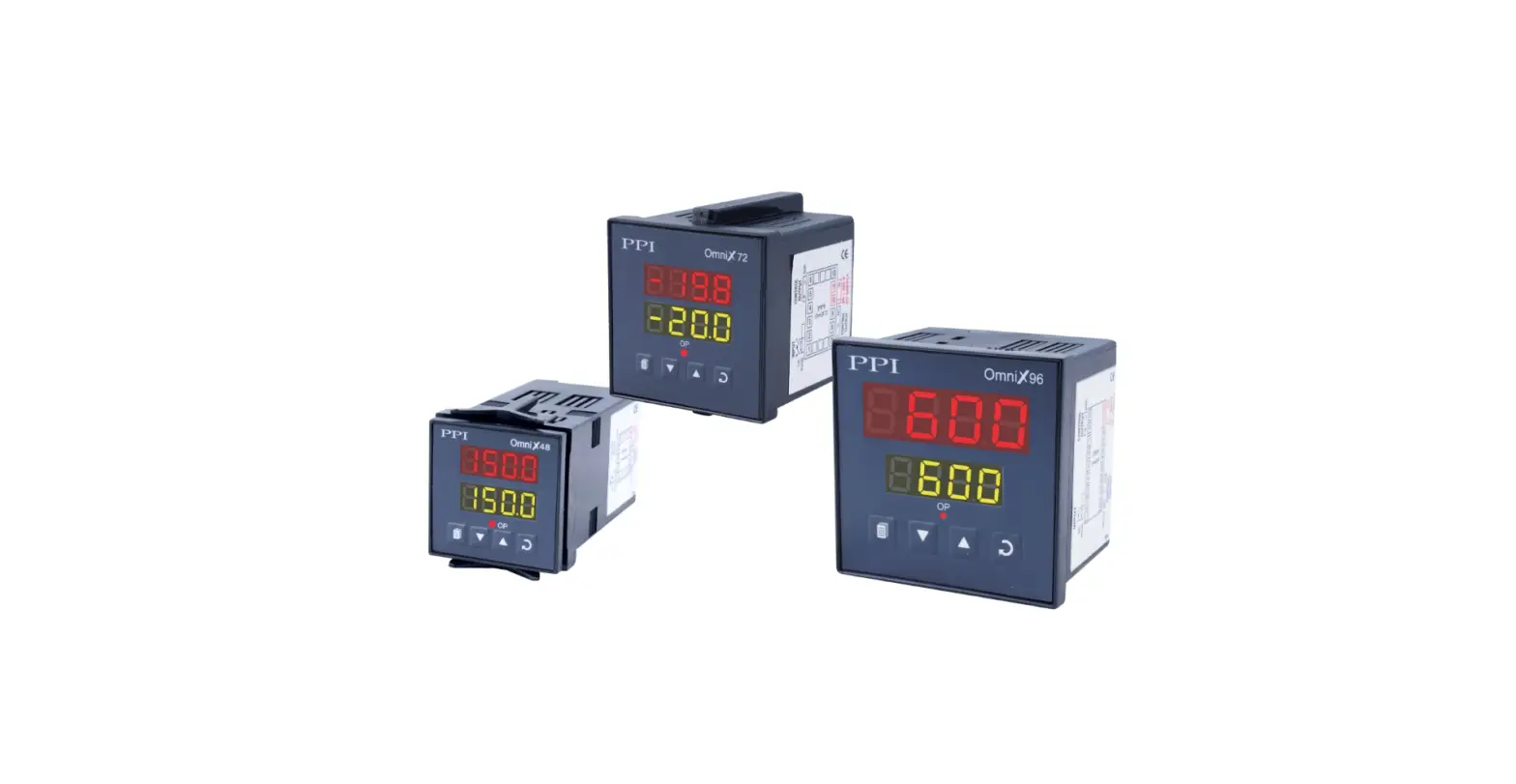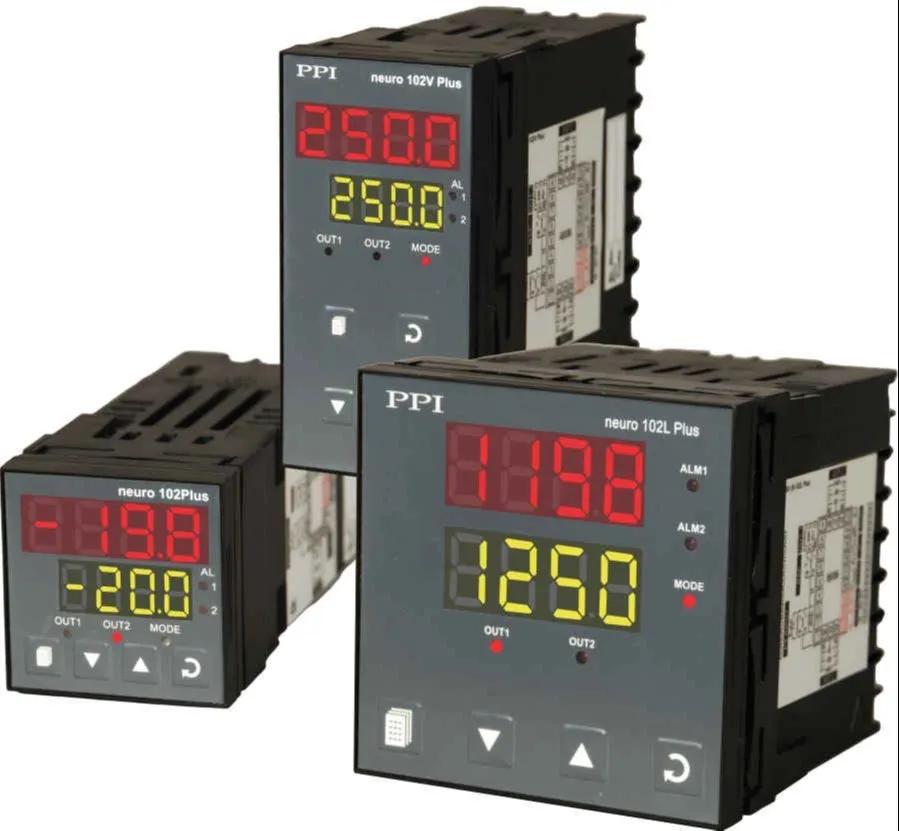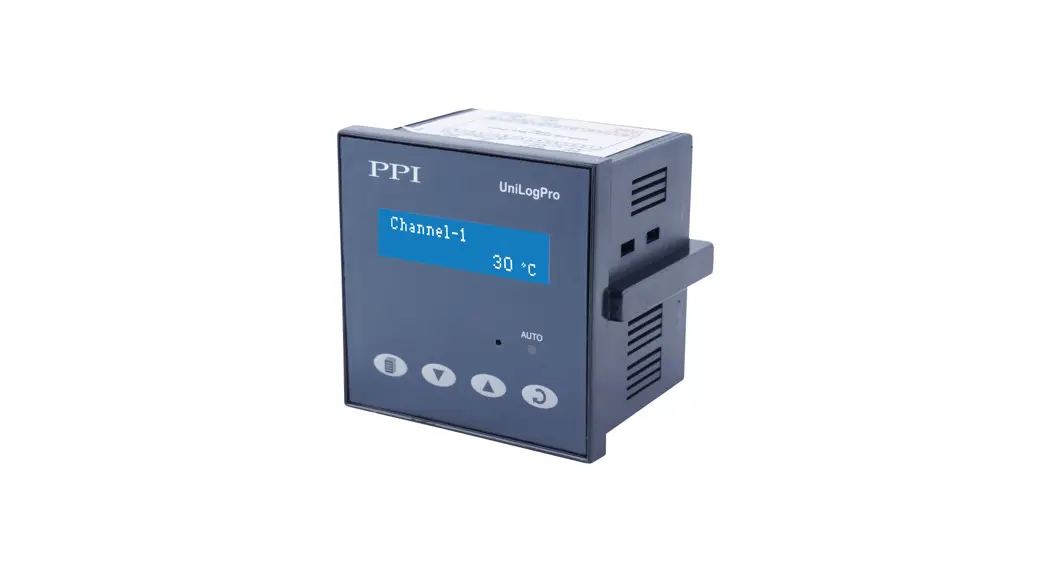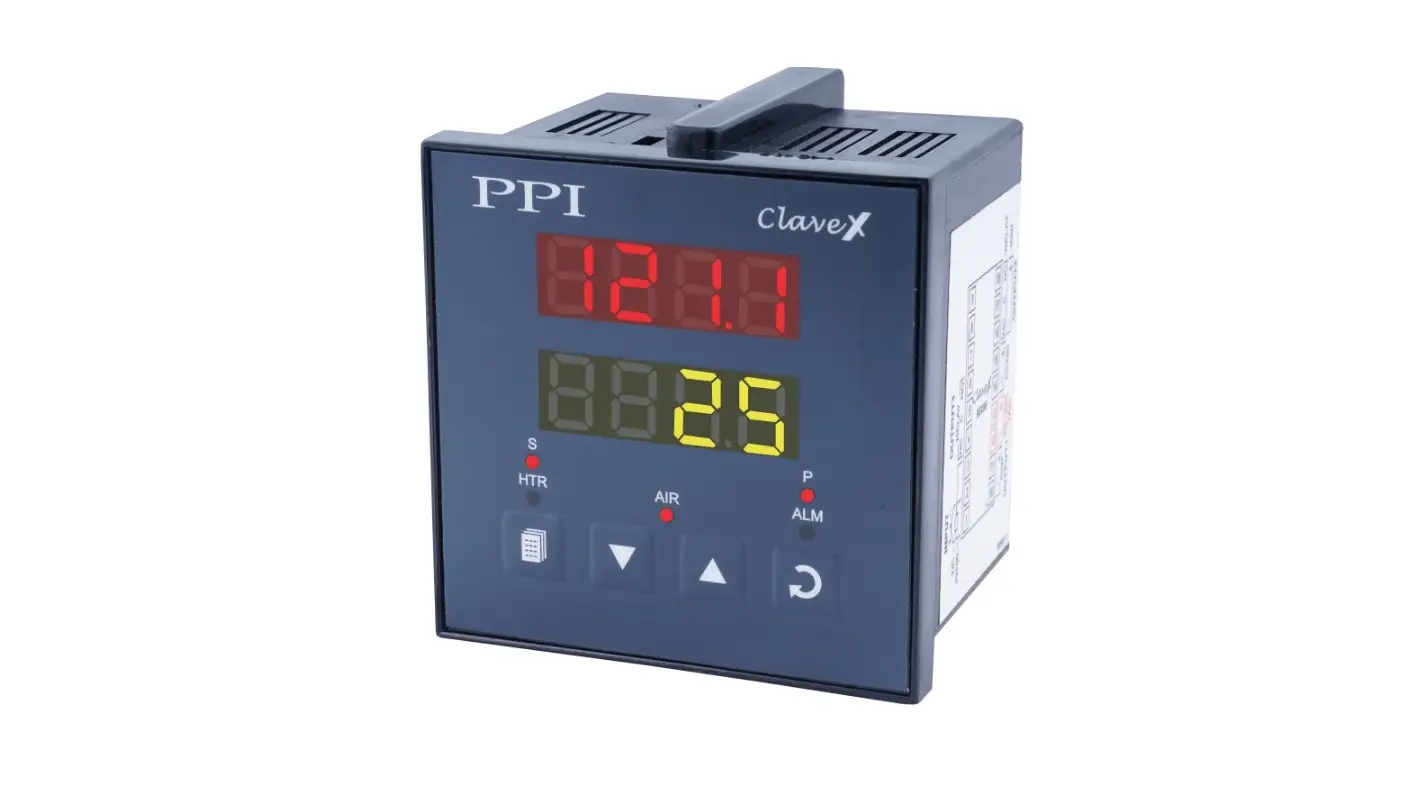
PPI 48X48 Automatic Autoclave Controllers Instruction Manual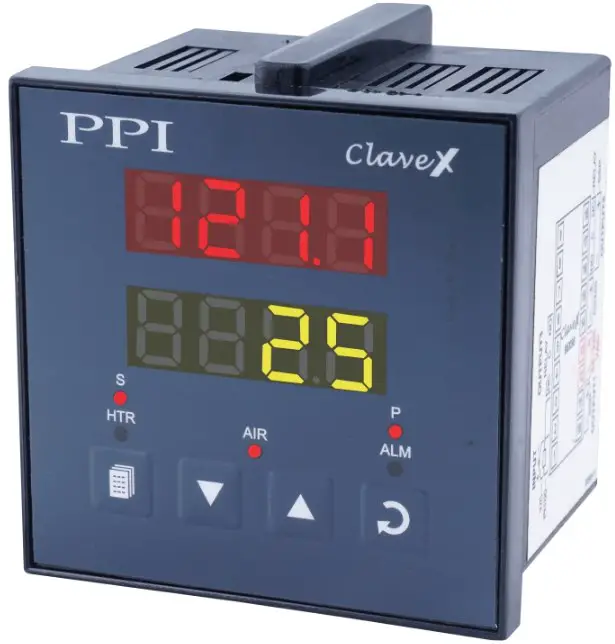
This brief manual is primarily meant for quick reference to wiring connections and parameter searching. For more details on operation and application; please log on to www.ppiindia.net
| OPERATOR PARAMETERS : PAGE 0 | |
| Parameters | Settings (Default Value) |
Control Setpoint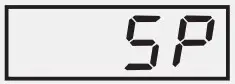 | Setpoint Low Limit to Setpoint High Limit (Default : 121.0) |
Air Outlet Setpoint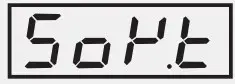 | Setpoint Low Limit to Setpoint High Limit (Default : 100.0) |
Soak Time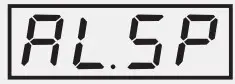 | 1 to 999 Minutes (Default : 20) |
High Alarm Deviation Setpoint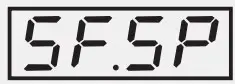 | 1 to 10 or 0.1 to 10.0 (Default : 5.0) |
Fail-Safe Deviation Setpoint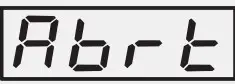 | 3 to 20 or 0.3 to 20.0 (Default : 10.0) |
Cycle Abort Command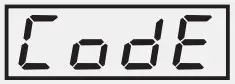 | No Yes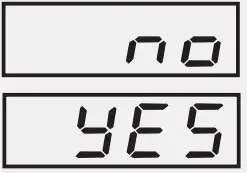 |
| Cycle Abort Pass Code | 0 to 250 (Default : 0) |
I / O CONFIGURATION PARAMETERS : PAGE 10
| Parameters | Settings (Default Value) |
Hysteresis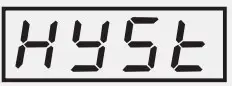 | 1 to 999°C or 0.1 to 99.9°C (Default : 0.2) |
Setpoint Low Limit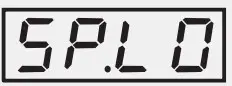 | Min. Range for the selected Input Type to Setpoint High (Default : 90.0) |
Setpoint HighLimit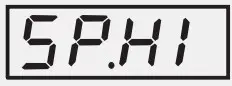 | Setpoint Low to Max. Range for the selected Input Type (Default : 150.0) |
Units for Pressure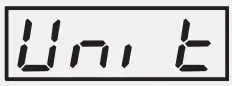 | Kg/cm² PSI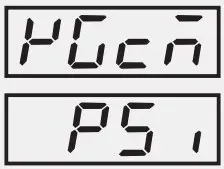 (Default : Kg/cm²) |
SOAK TIMER PARAMETERS : PAGE 15\
| Parameters | Settings (Default Value) |
Holdback Strategy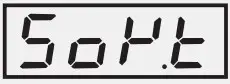 | None Up Down Both (Default : Down)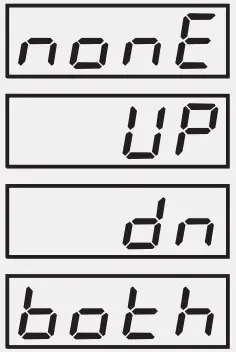 |
Hold Band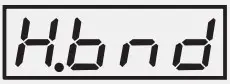 | 1 to 5 or 0.1 to 5.0 (Default : 1.0) |
End-of-Soak Alarm Time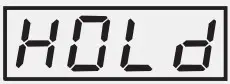 | 5 to 250 Sec. (Default : 10 Sec.) |
Power-fail Recovery Method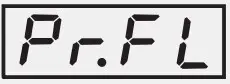 | Abort (Re)Start Continue (Default : Continue)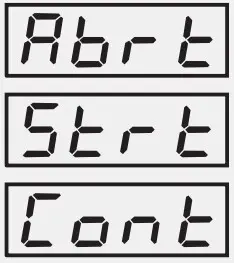 |
SUPERVISORY PARAMETERS : PAGE 11
| Parameters | Settings (Default Value) |
Offset for Temperature Value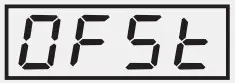 | -1999 to 9999 or -199.9 to 999.9 (Default : 0.0) |
Digital Filter for Temperature Value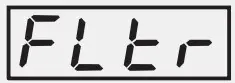 | 0.5 to 25.0 Seconds in steps of 0.5 Seconds (Default : 1.0) |
Operator Parameter Locking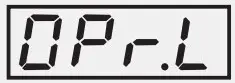 | No Yes (Default : No)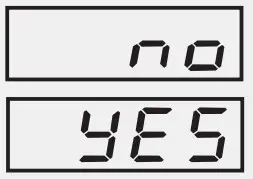 |
Pass Code for Cycle Abort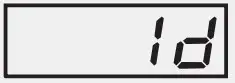 | 1 to 250 (Default : 22) |
Utility Option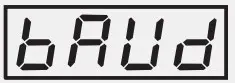 | None Serial Comm. Cycle Start Water Level (Default : None)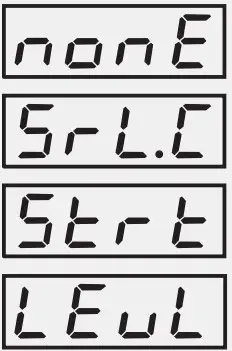 |
Slave ID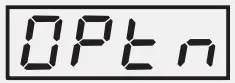 | 1 to 127 (Default : 1) |
| Baud Rate | 1200 2400 4800 9600 (Default : 9600) 1200 2400 4800 9600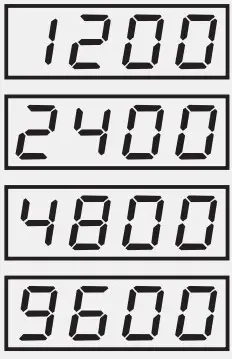 |
| Parameters | Settings (Default Value) |
Communication Write Enable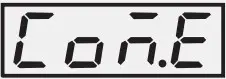 | No Ye (Default : Yes) |
Water Level Switch Logic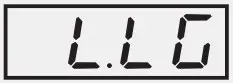 | Normal Reverse (Default : Norma |
Pressure View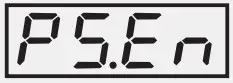 | Disable Enable (Default : Enable |
Applicable only if Utility Option is Selected as Water Level Input
ELECTRICAL CONNECTIONS
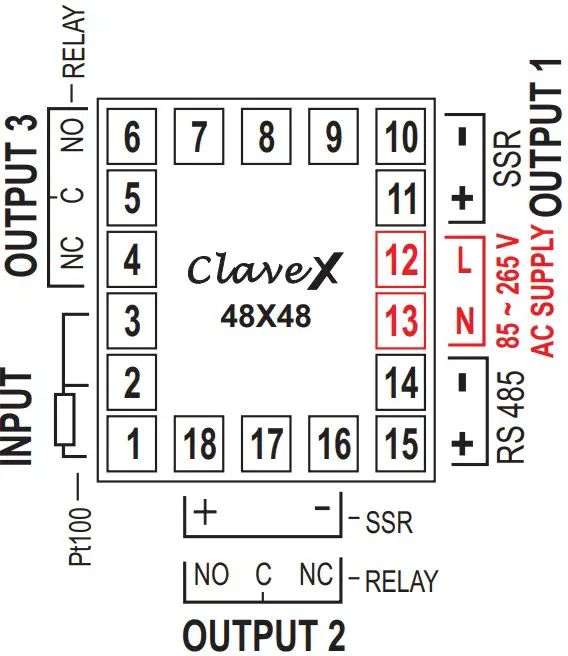
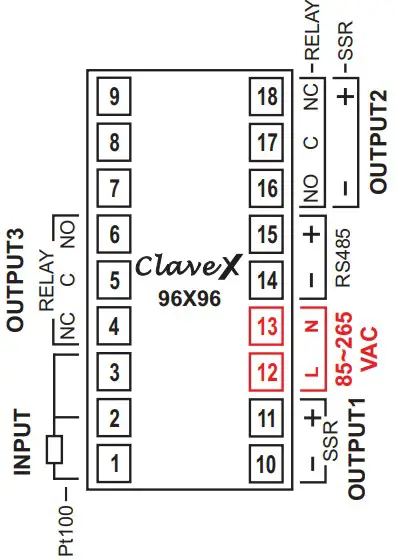
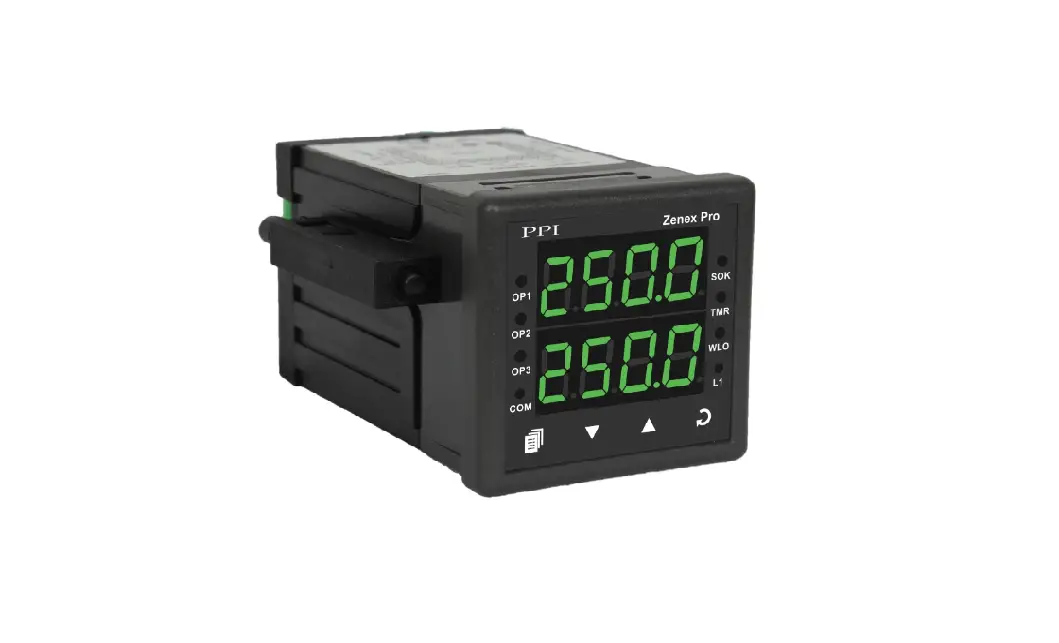
FRONT PANEL LAYOUT
48X48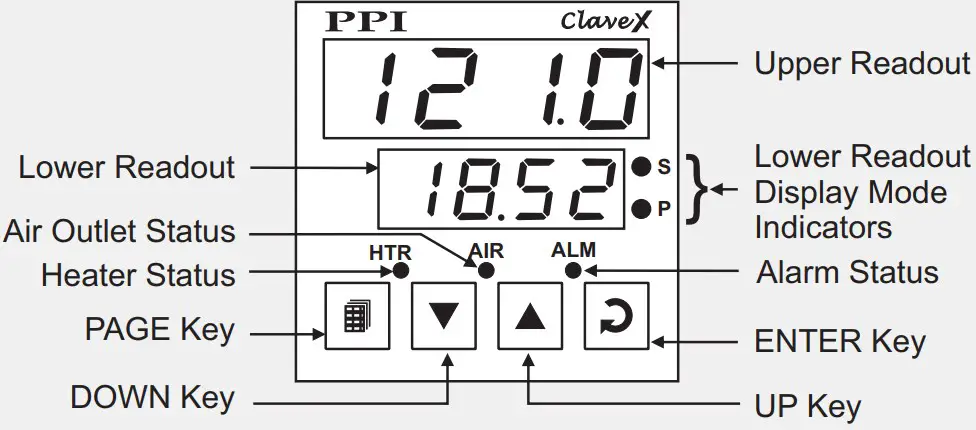
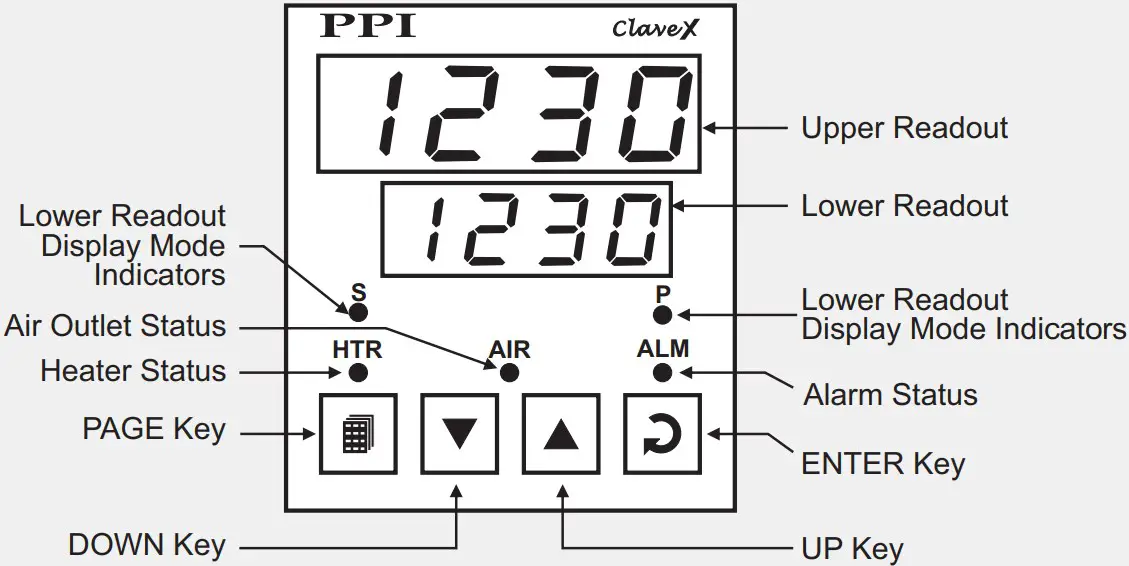
| Symbol | Key | Function |
 | PAGE | Press to enter or exit set-up mode. |
 | DOWN | Press to decrease the parameter value. Pressing once decreases the value by one count; keeping pressed speeds up the change. |
 | UP | Press to increase the parameter value. Pressing once increases the value by one count; holding pressed speeds up the change. |
 | ENTER | Press to store the set parameter value and to scroll to the next parameter on the PAGE. |
PV Error Indications
| Message | PV Error Type |
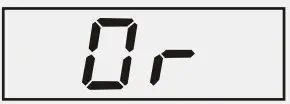 | Over-range (PV above Max. Range) |
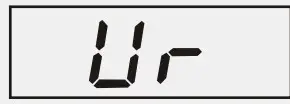 | Under-range (PV below Min. Range |
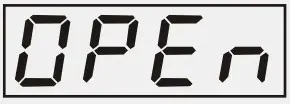 | Open (Sensor open / broke |
101, Diamond Industrial Estate, Navghar,
Vasai Road (E), Dist. Palghar – 401 210.
Sales : 8208199048 / 8208141446
Support : 07498799226 / 08767395333
E: [email protected], s[email protected]

 Factory Automation Products India | Automation Solutions in India