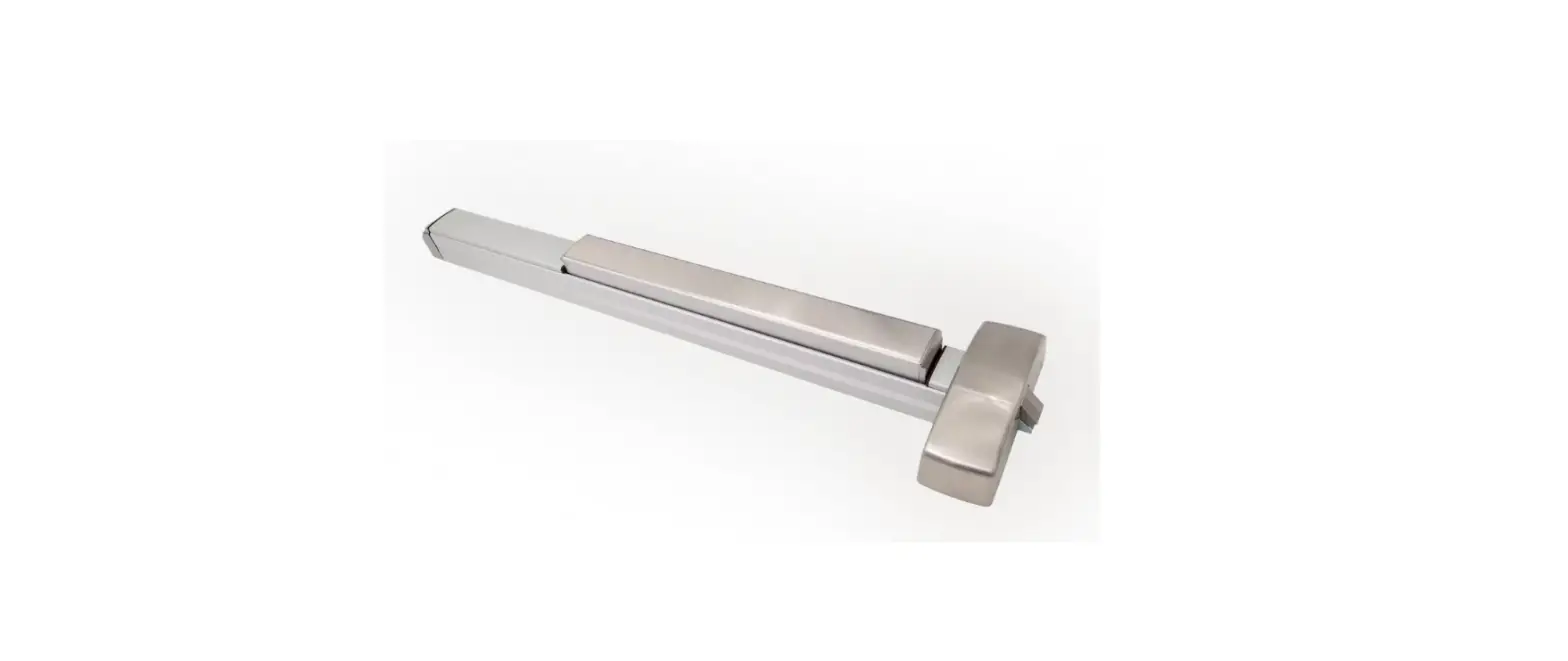
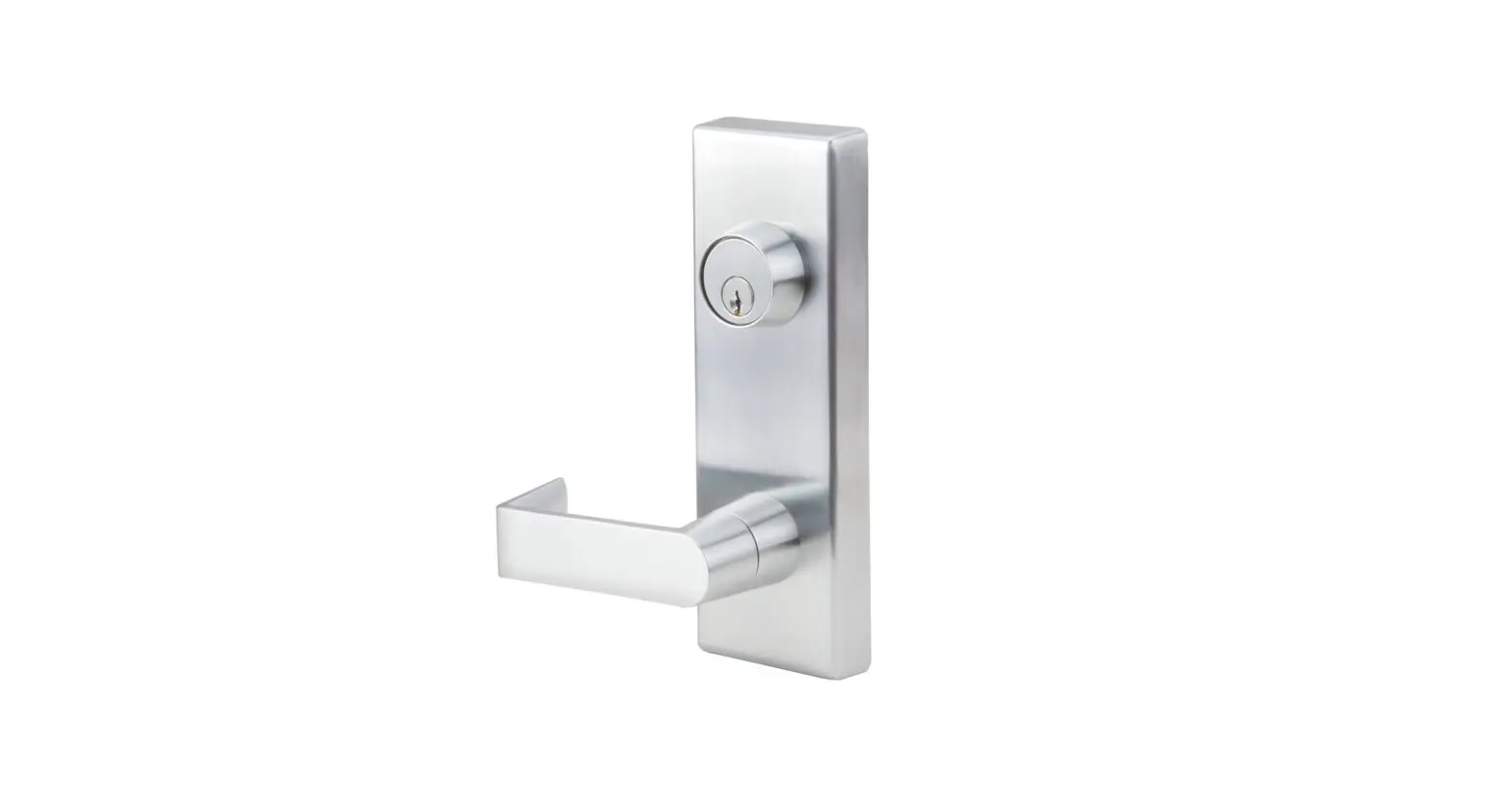
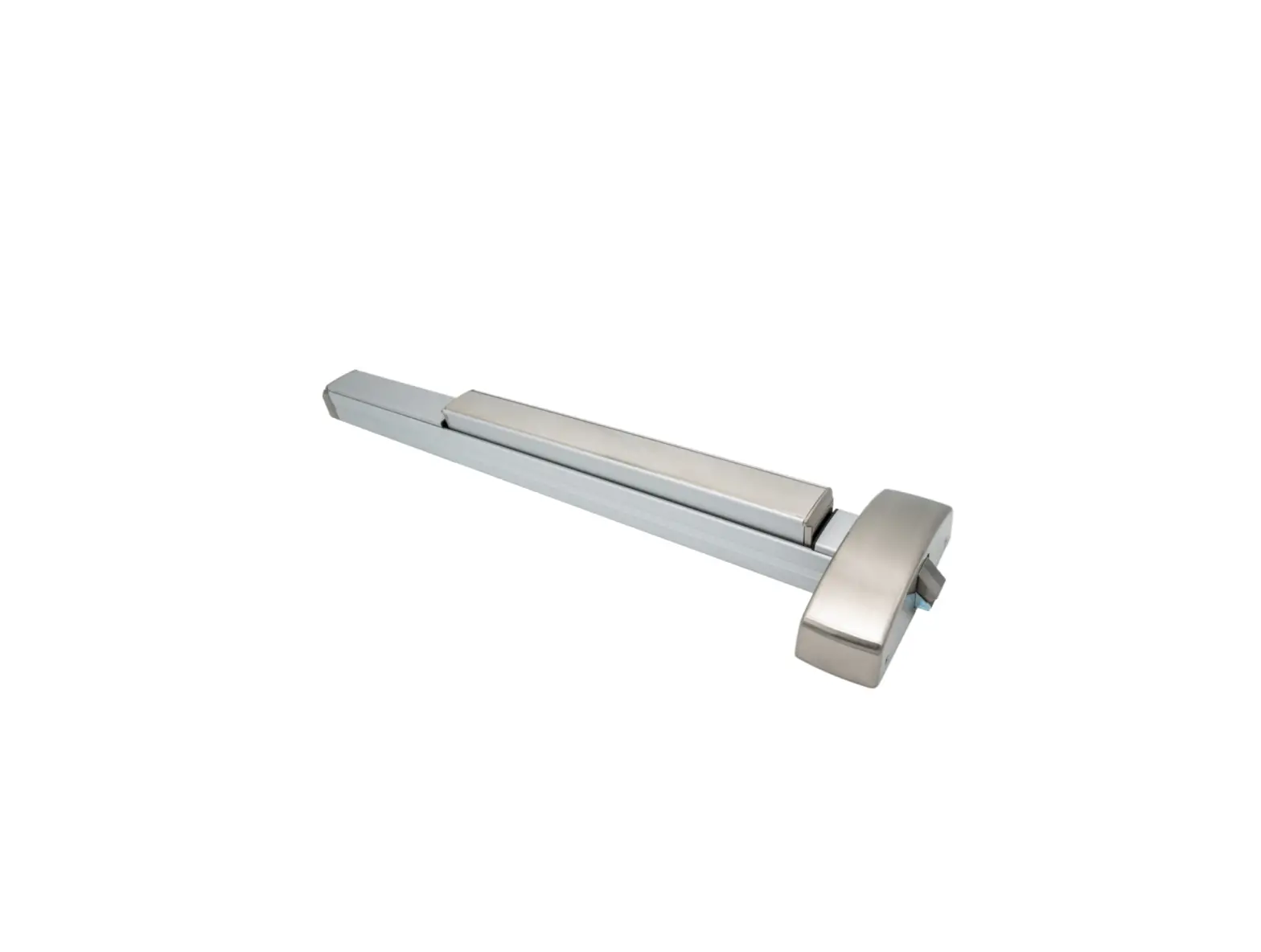
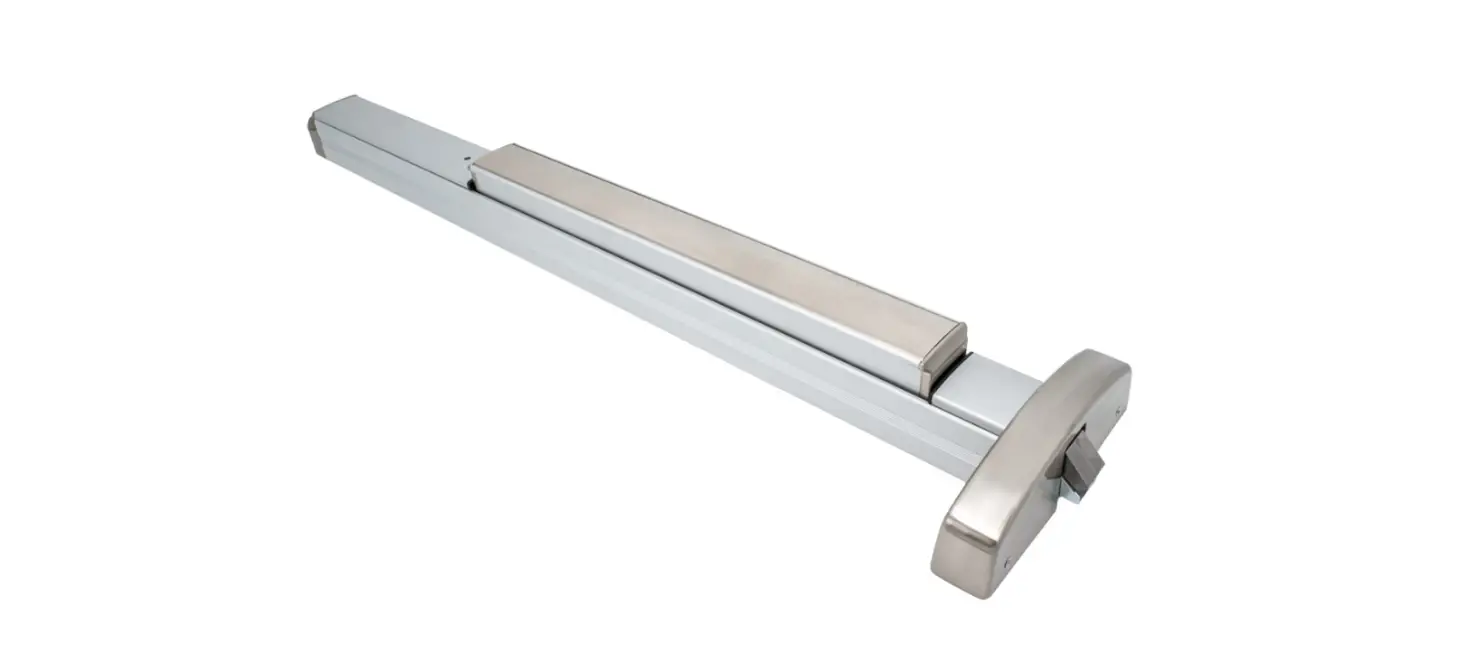
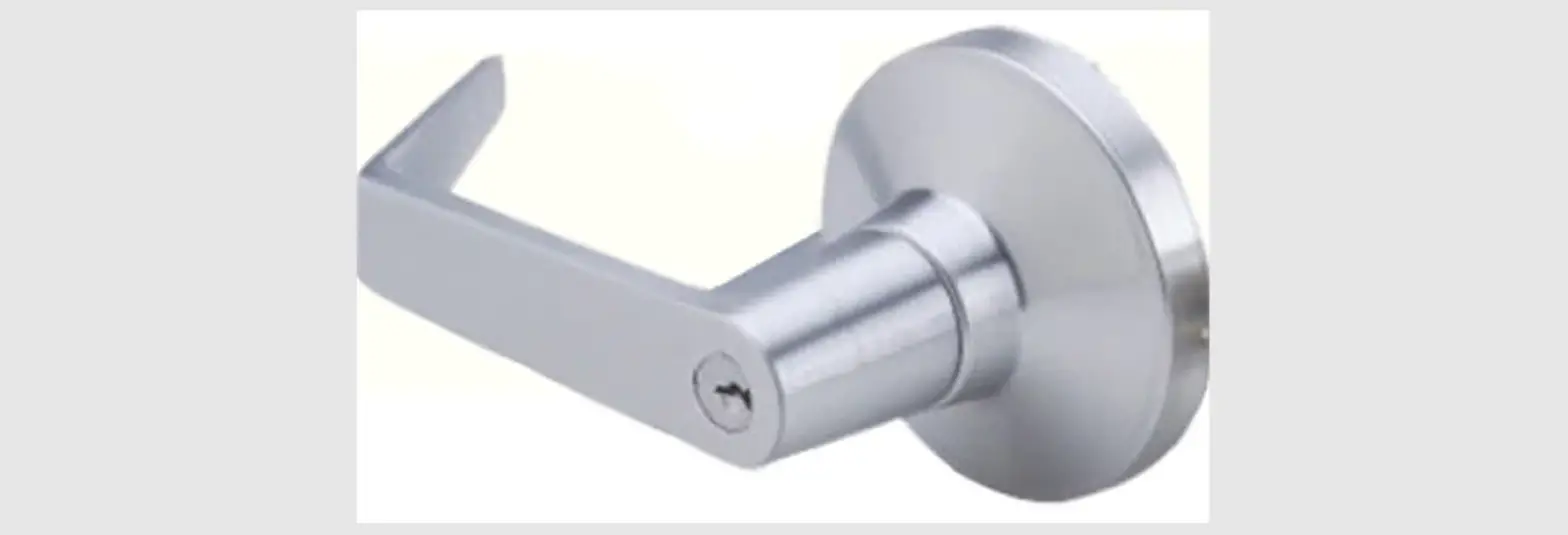
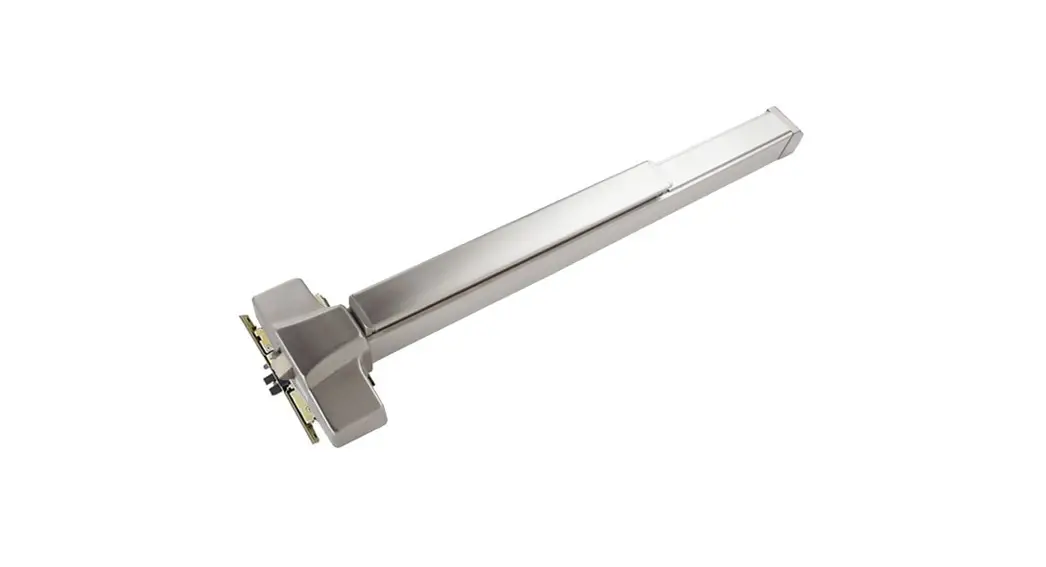
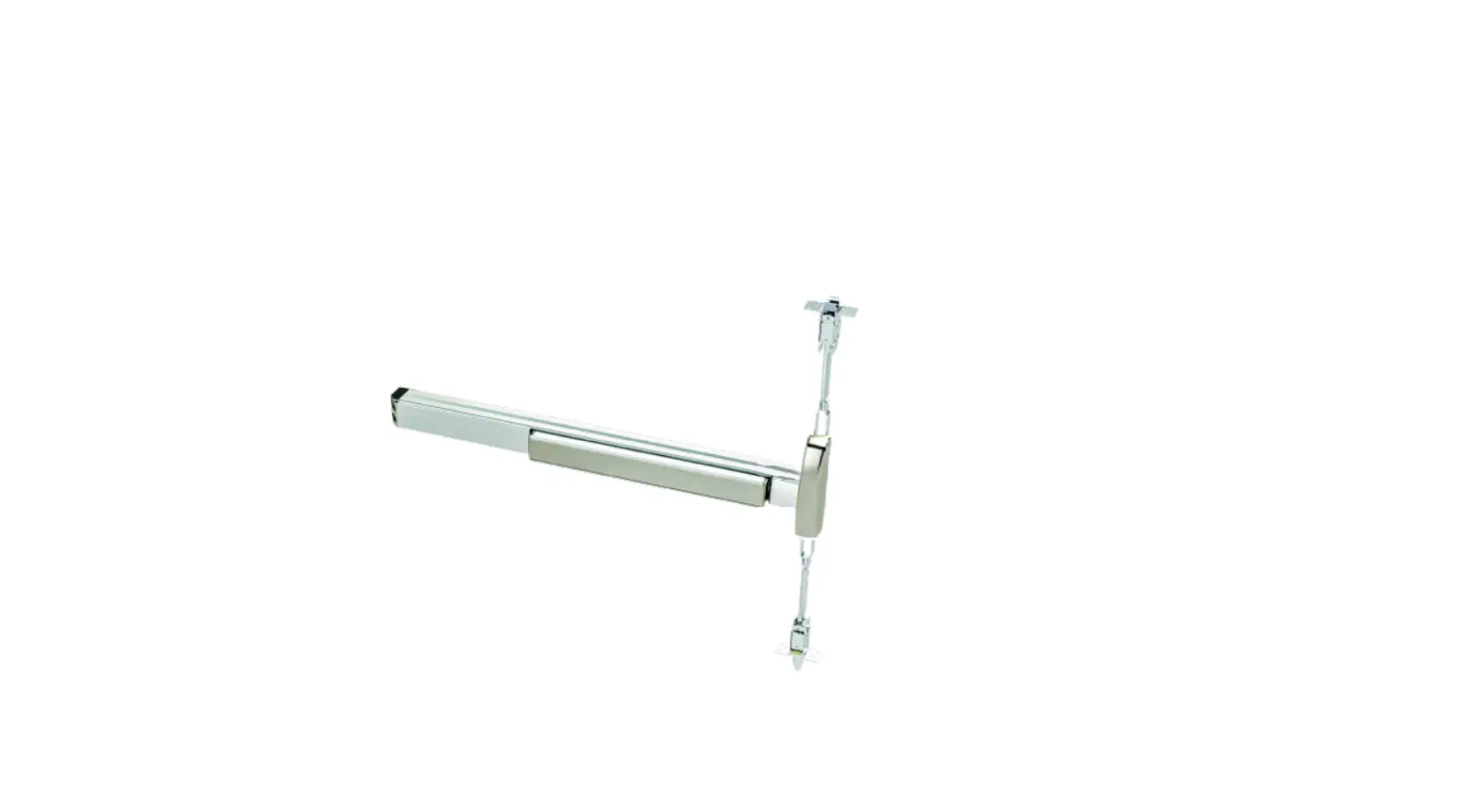
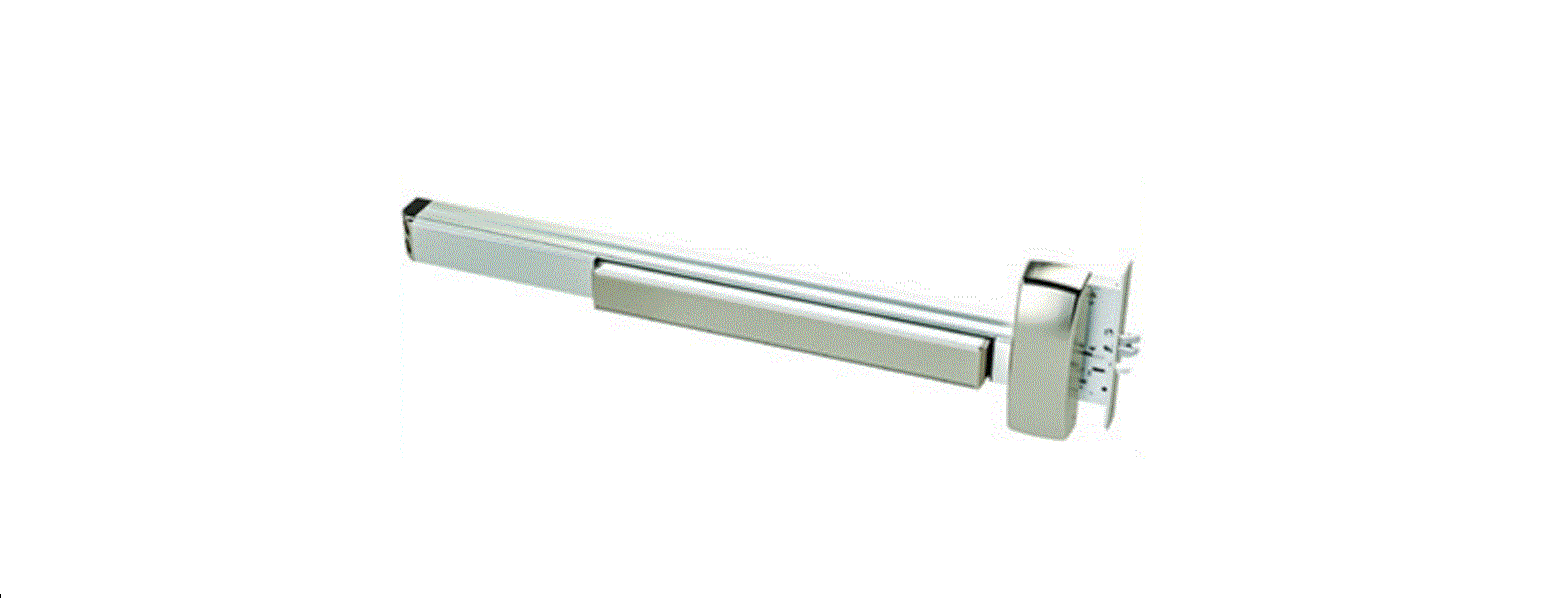
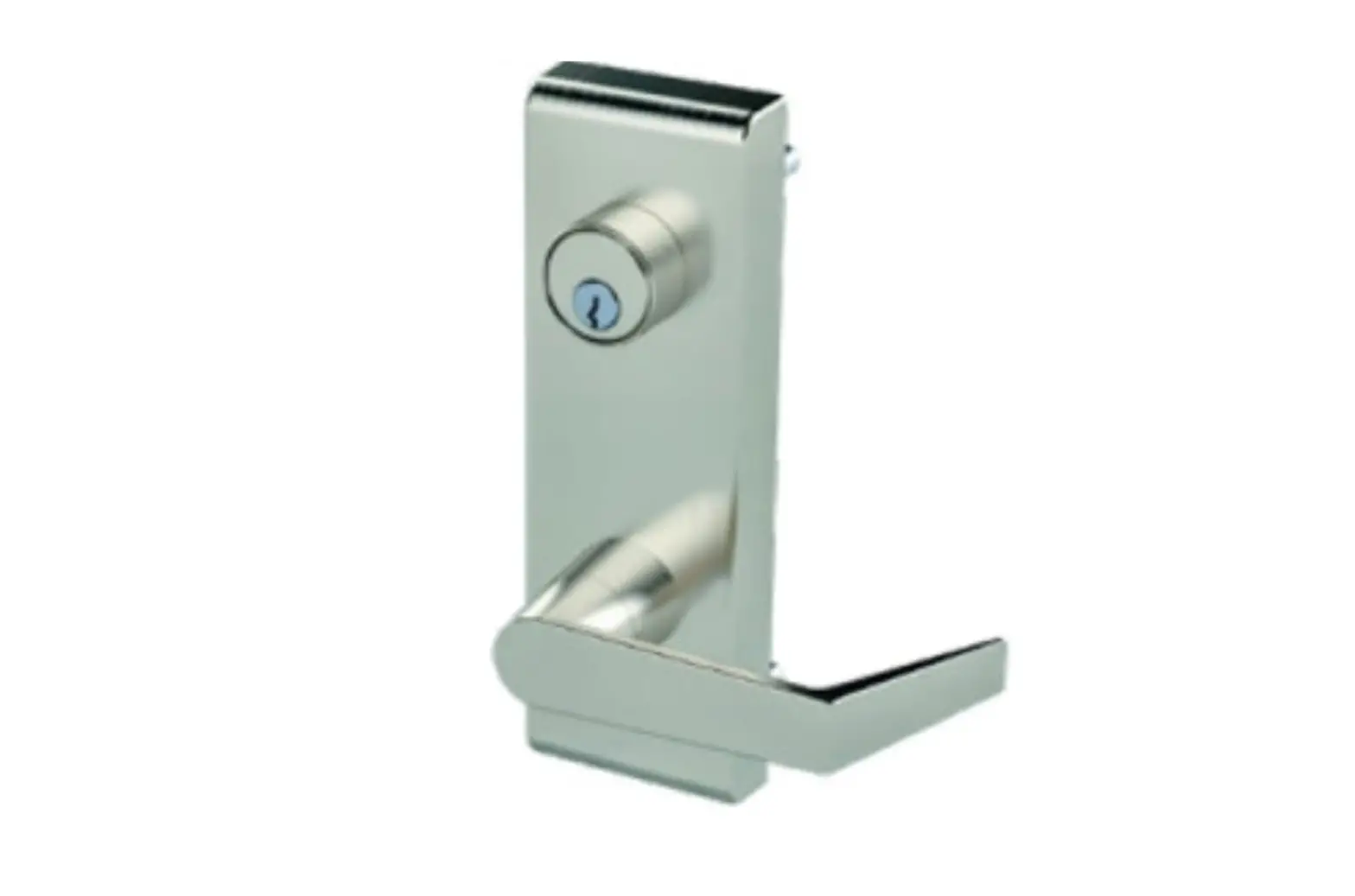
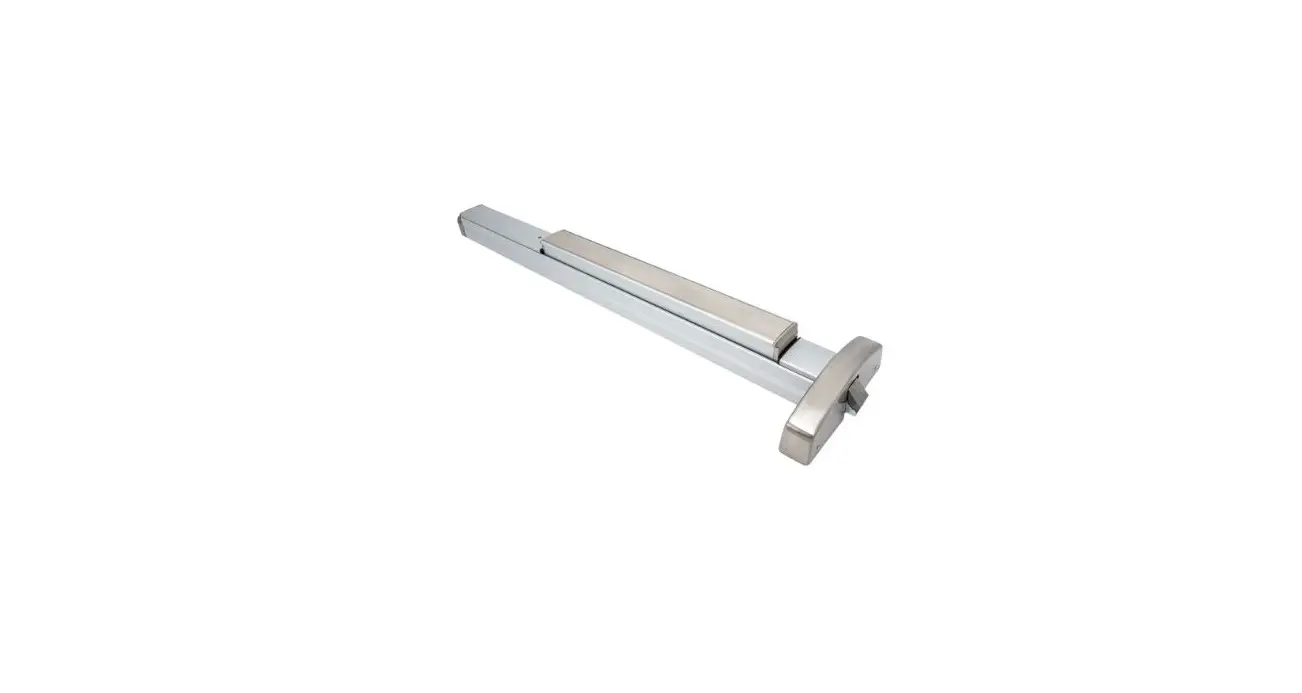
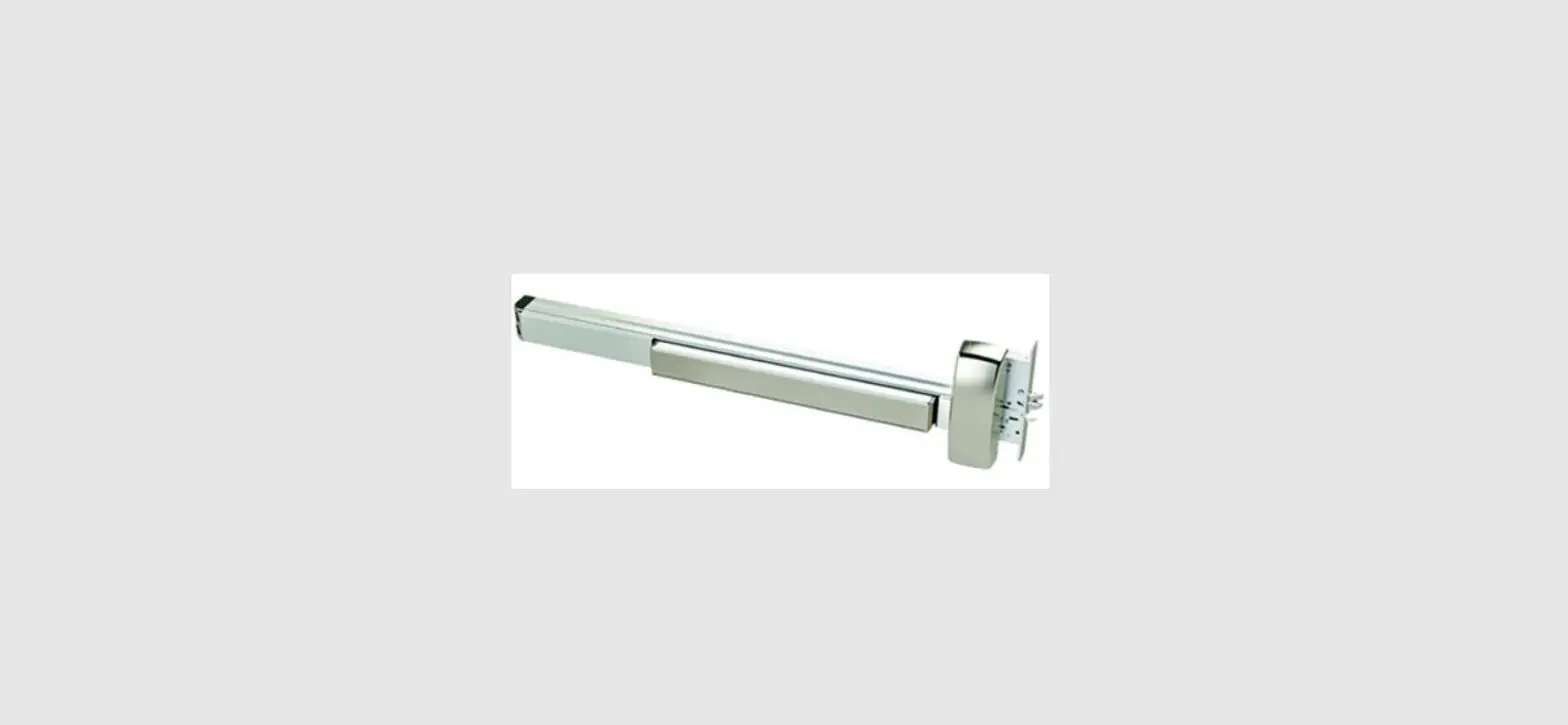
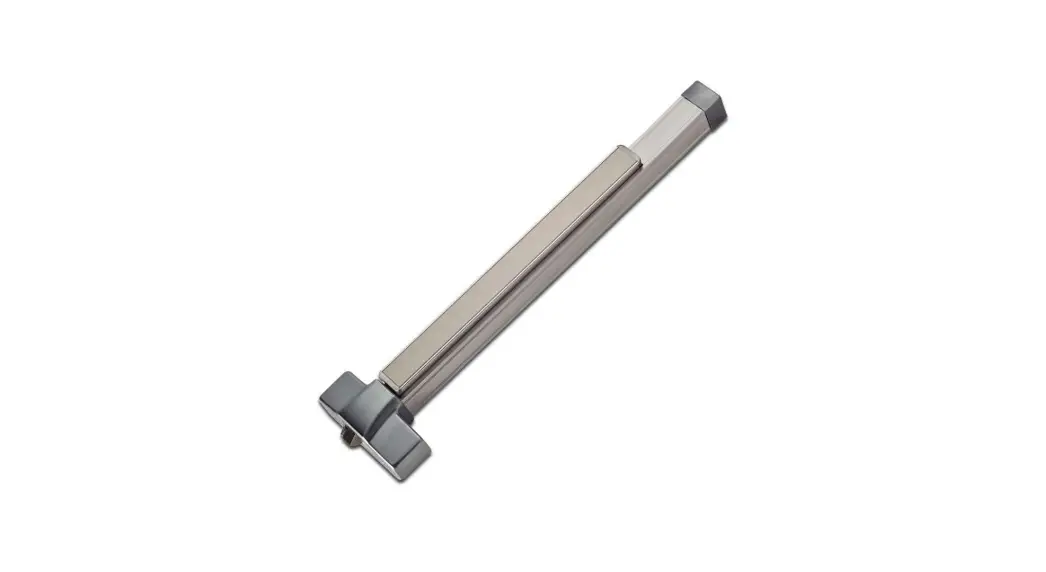
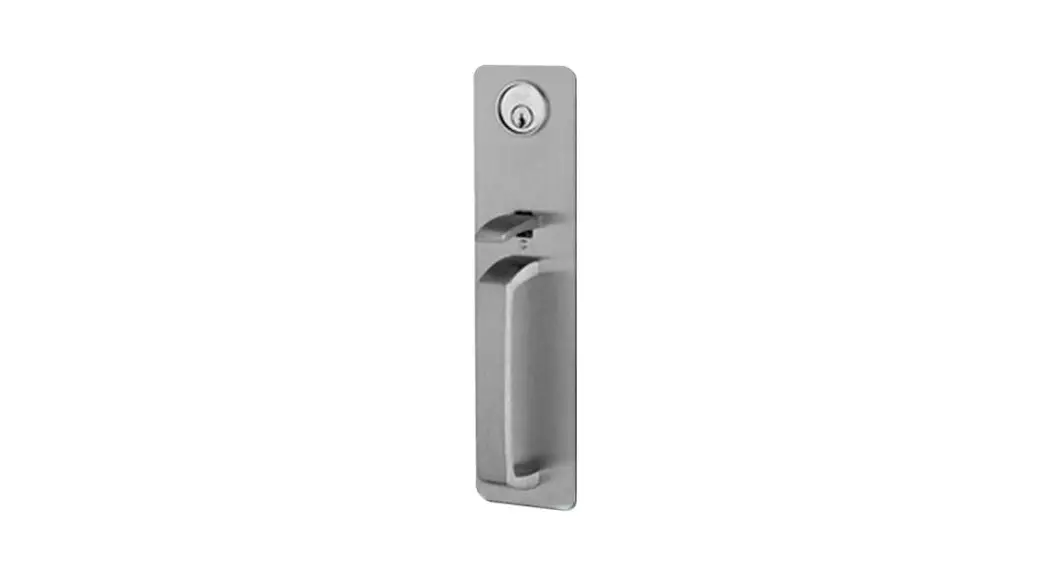
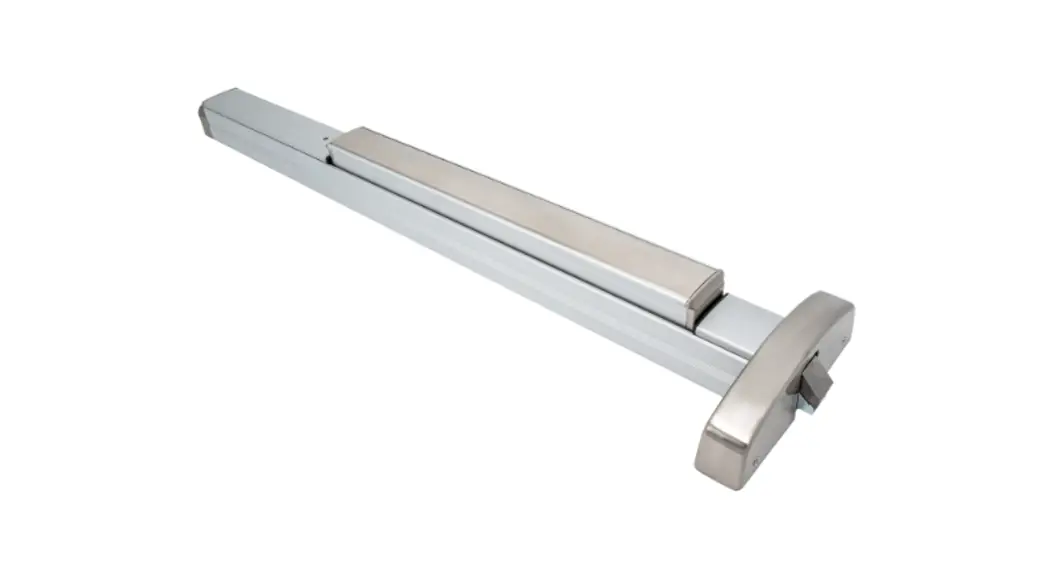
6300R, 6300V Series Exit Device
VIZPIN POWERED 6WS
Product Information
The VIZPIN POWERED 6WS is an access control device that allows
for secure entry and exit through an exit device. It can be
installed on PDQ 6300R/6300V series exit devices. It comes with a
control board assembly, battery pack, and battery cover. The device
is powered by batteries and can be used for both left-hand (LH/LHR)
and right-hand (RH/RHR) doors. For mechanical concerns, customers
can contact PDQ Locks at 866-874-3662 or visit their website at
www.pdqlocks.com. For electrical concerns, customers can contact
VIZpin via email at [email protected] or visit their website at
www.VIZpin.com.
Product Usage Instructions
- Prepare the door according to the included template.
- Install the escutcheon trim onto the door while feeding the
wire through the door. - If using a rim device, install the chassis/head cover. If using
an SVR device, skip to step 4. - For SVR devices, install the spacer and control board
assembly. - Install the battery pack by plugging the battery wire into the
control board and snapping the battery pack onto the retainers on
the control board assembly. - Install the batteries and battery cover with two black pan head
screws.
Note: When installing the exit device, use the four included pan
head screws to secure it in place.
VIZPIN POWERED 6WS
INSTALLATION INSTRUCTION FOR PDQ 6300R / 6300V SERIES EXIT DEVICE
For Mechanical Concerns: Phone: 866-874-3662 www.pdqlocks.com
For Electrical Concerns: Email: [email protected]
www.VIZpin.com
1. PREPARE TRIM FOR INSTALLATION
LH/LHR
RH/RHR
· Rotate lever to proper orientation for door, install square drive spindle into back of trim.
2. INSTALL TRIM AND EXIT
DEVICE
Prepare door according to included template.
Install escutcheon trim onto door while feeding wire through door.
Install exit device and secure with (4) included pan head screws.
Rim Device: Install chassis/head cover. SVR Device: Skip to step 4
MOTOR WIRE
WIRE SLOT
3. RIM DEVICE – INSTALL CONTROL BOARD
· Install control board assembly feed wire through slot under circuit board.
· Secure assembly with (4) included wood/ metal screws.
· Make wire connection after control board is installed. Push extra wire into door cavity.
VZ-9704 Rev0 9-7-22
VIZPIN POWERED 6WS
INSTALLATION INSTRUCTION FOR PDQ 6300R / 6300V SERIES EXIT DEVICE
4. SVR DEVICE – INSTALL SPACER & CONTROL BOARD
· Install rod spacer block with (2) included wood/metal screws feed wires through slot in block.
· Install top rod before control board. · Install control board assembly feed wire
through slot under circuit board and secure assembly with (4) wood/metal screws. · Make wire connections after control board installed. Push extra wire into door cavity. · Install Chassis/Head cover
BATTERY RETAINERS
BATTERY PLUG
TOP ROD
ROD SPACER BLOCK
CONTROL BOARD ASSEMBLY
WIRE SLOT
5. INSTALL BATTERY PACK
Plug battery wire into control board. Install battery pack over two studs on
mounting plate and snap battery pack onto retainers on control board assembly.
BATTERY PACK
6. INSTALL BATTERIES AND BATTERY COVER
Install batteries and battery cover with (2) black pan head screws.
BATTERY COVER
VZ-9704 Rev0 9-7-22
 Home Page | PDQ
 Smartphone Access Control Systems - Keyless Entry (Bluetooth) | VIZpin