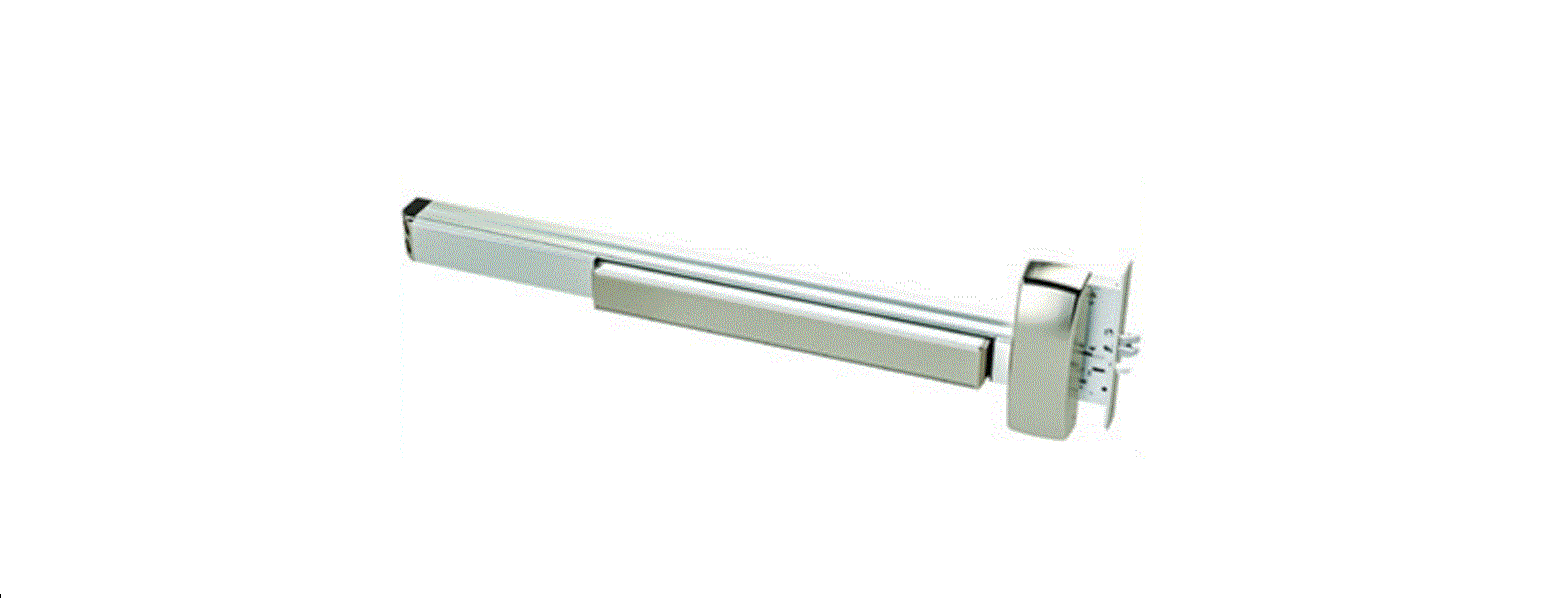
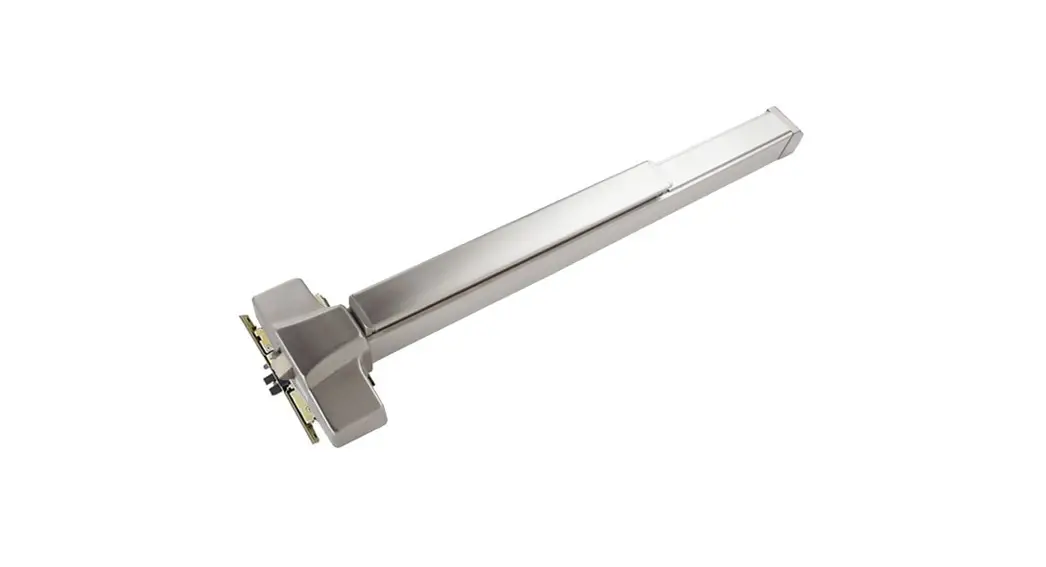
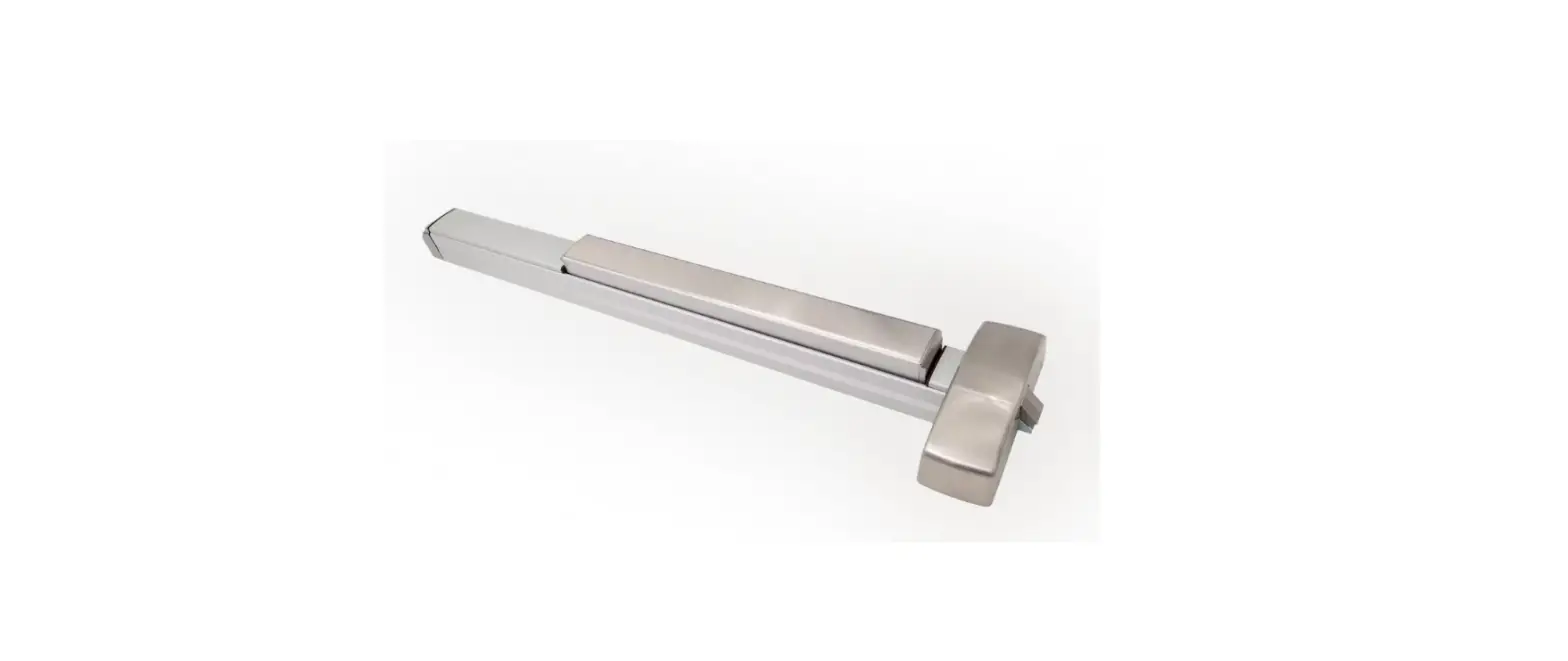
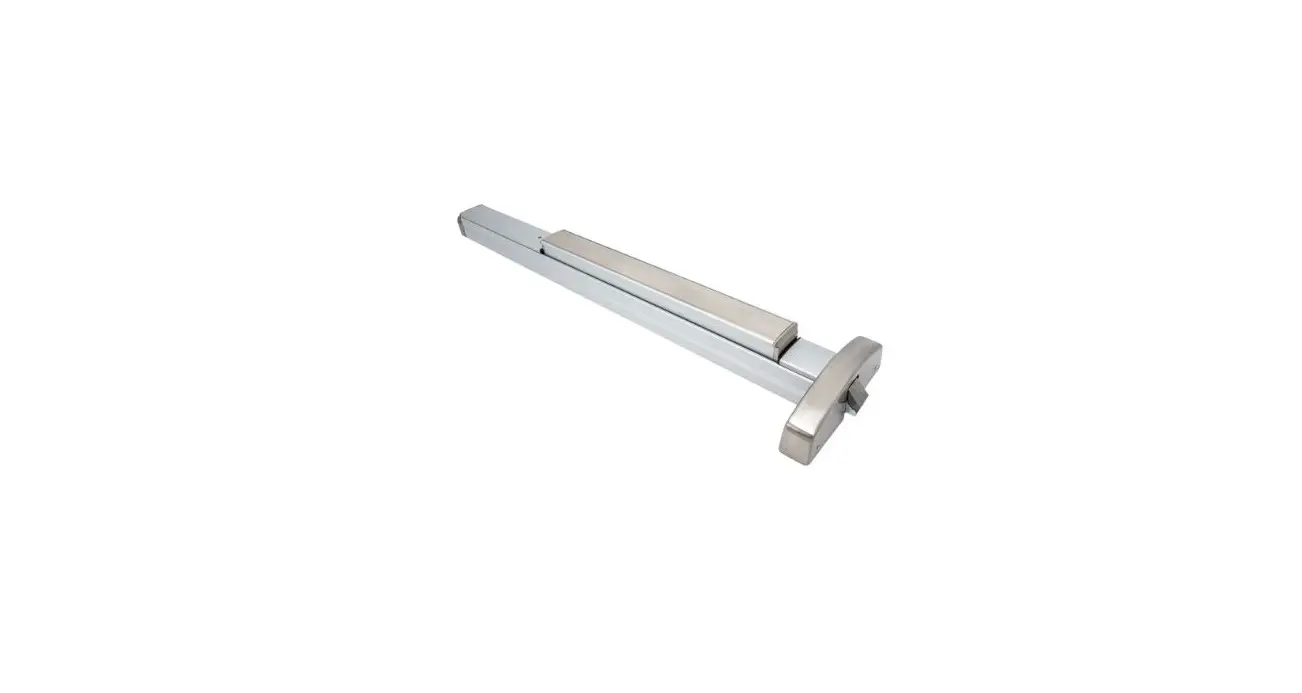
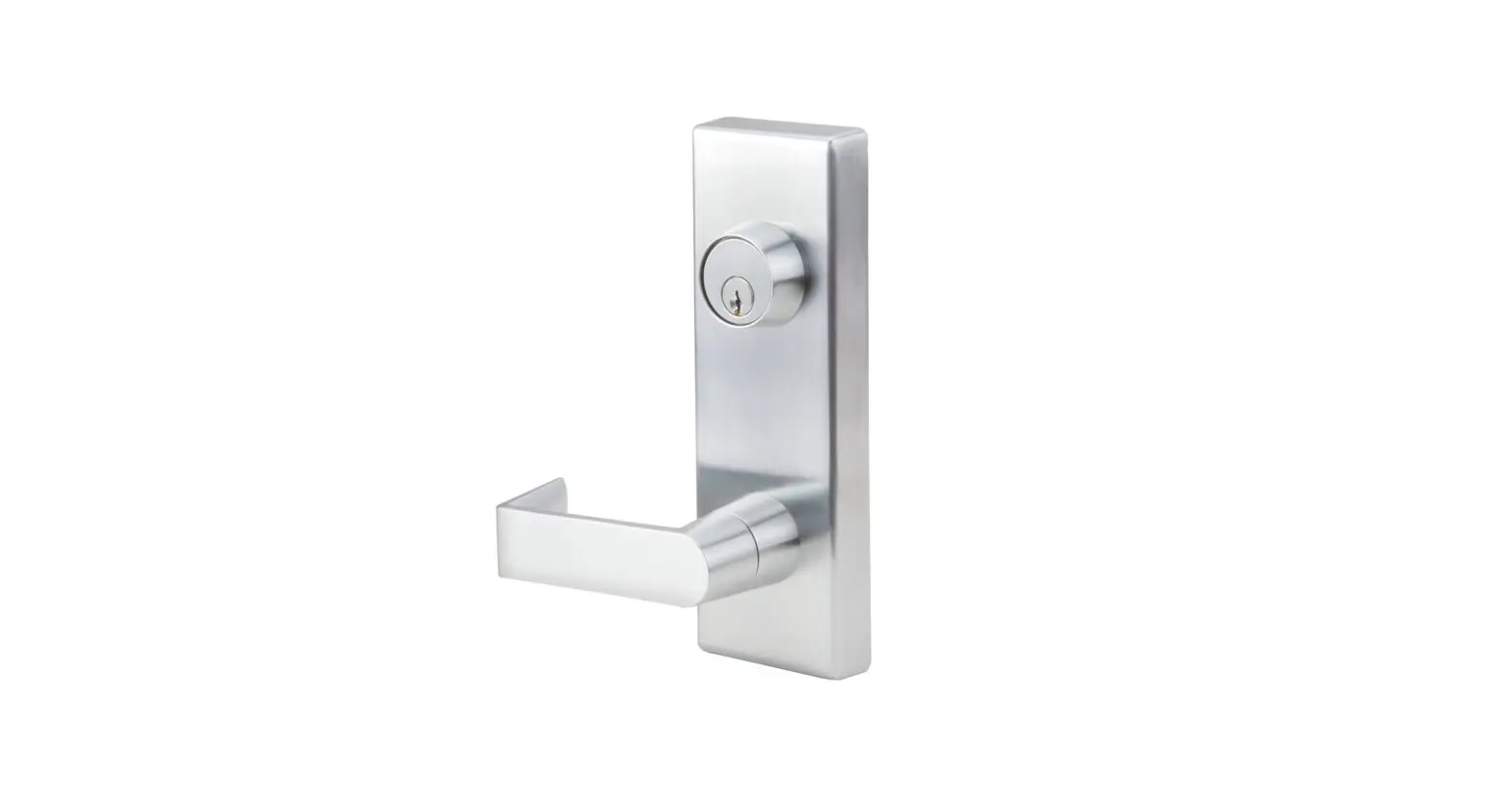
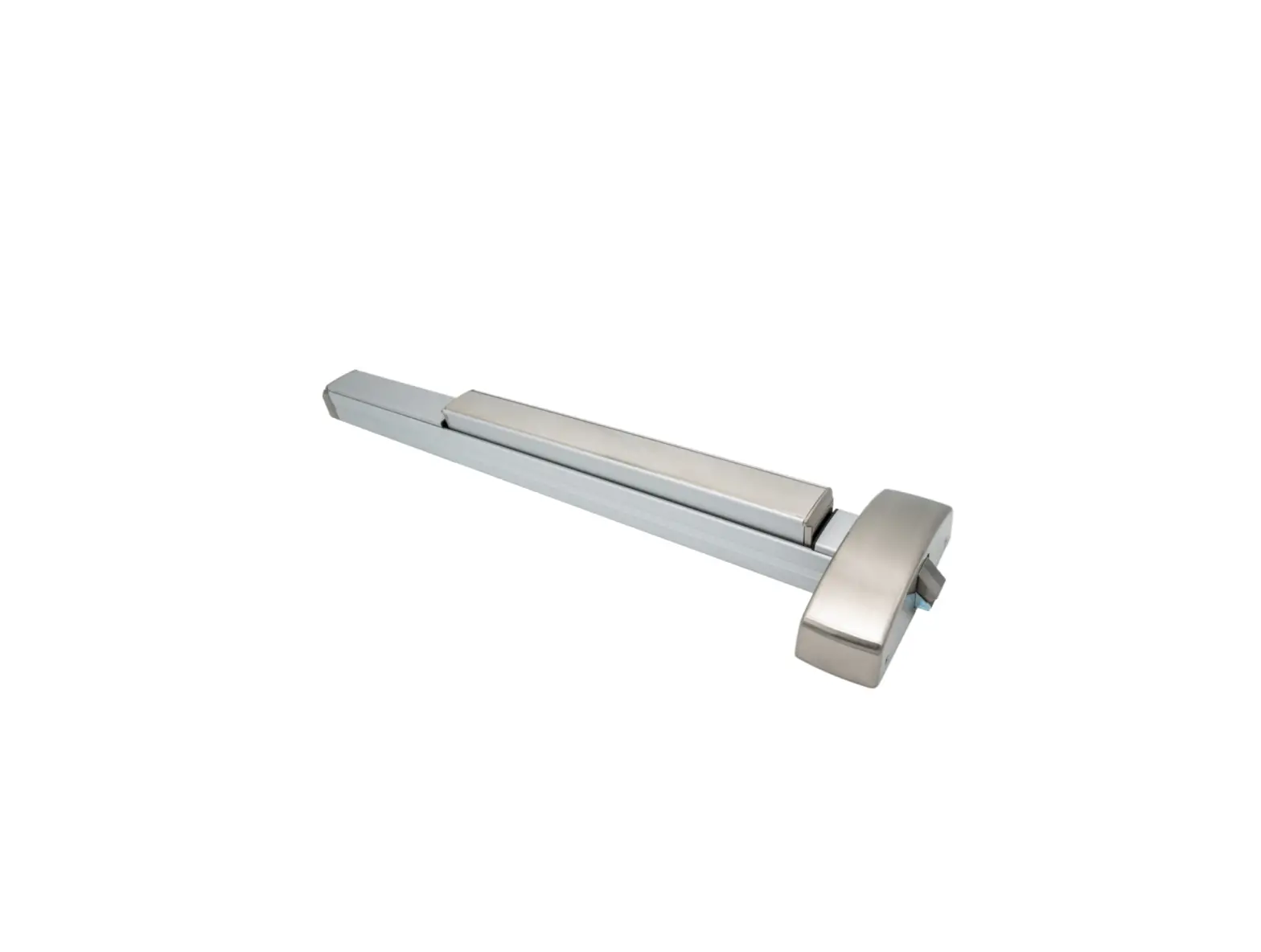
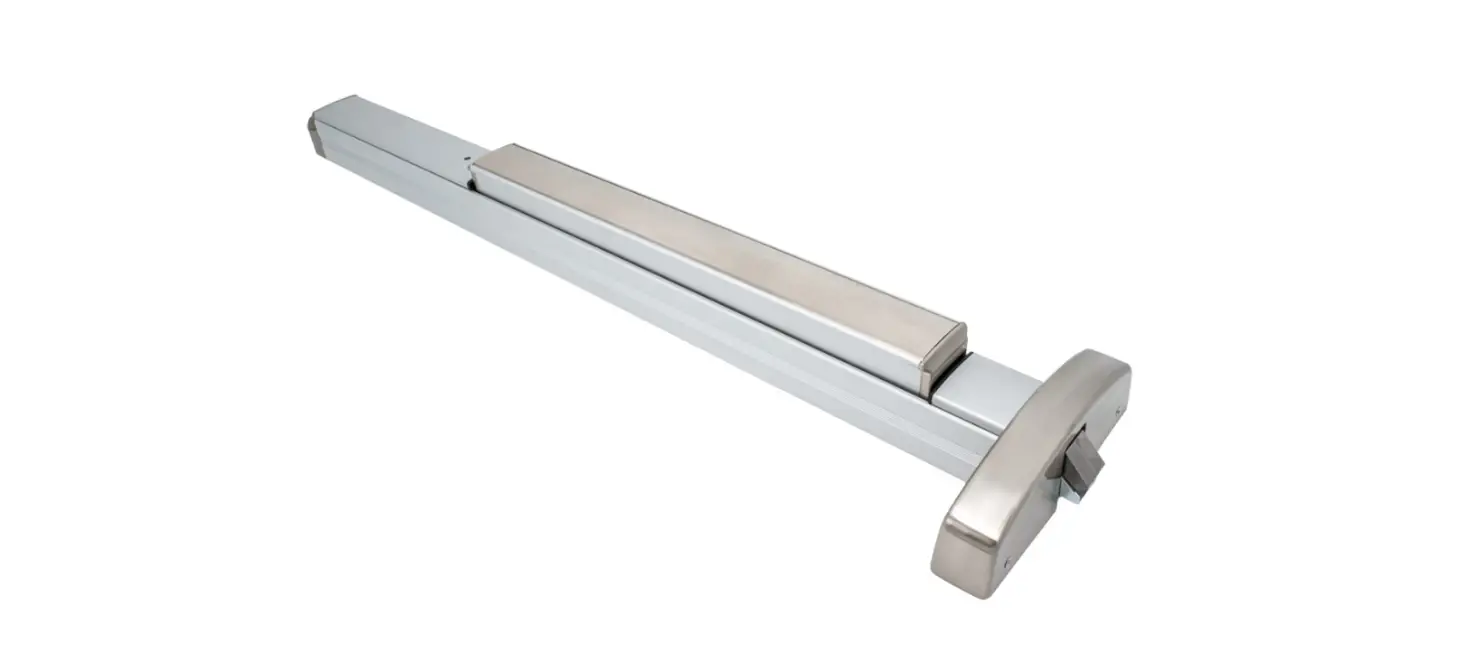
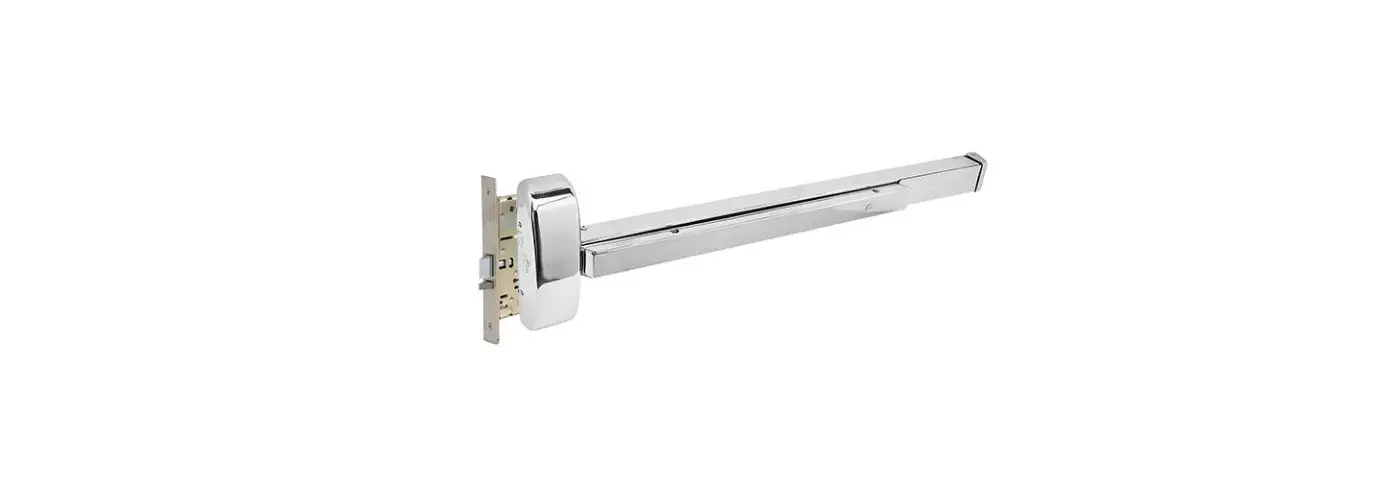
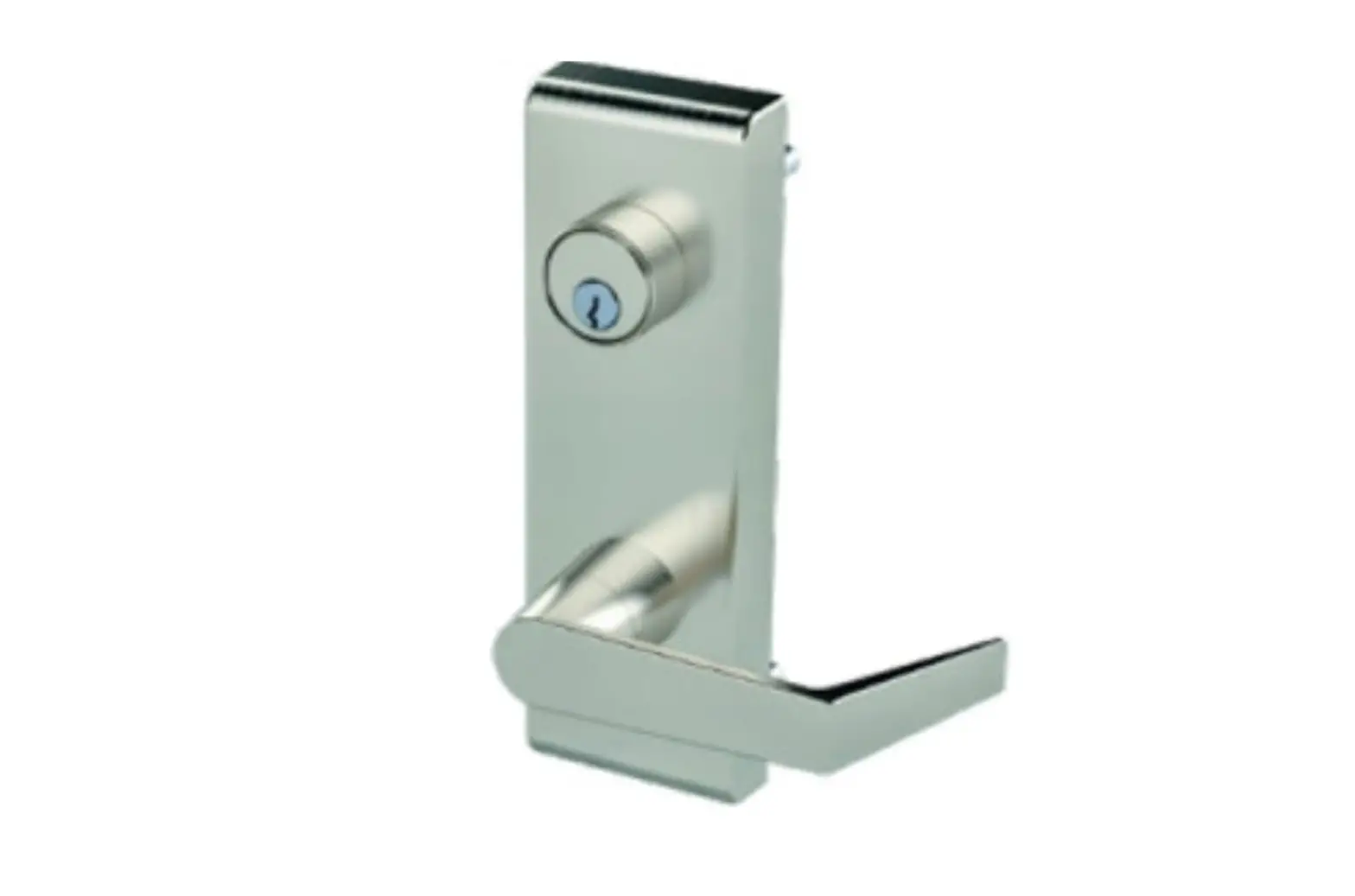
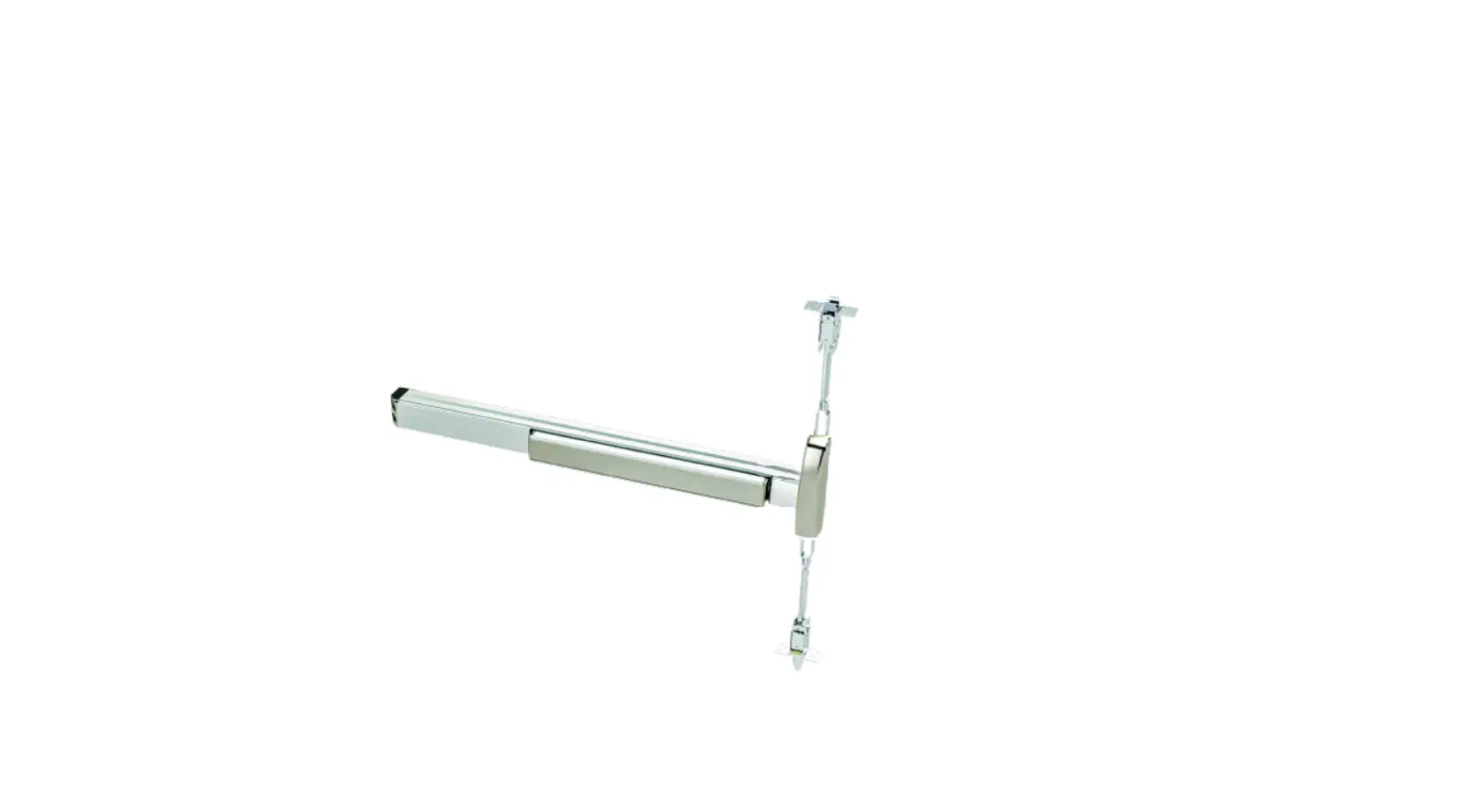
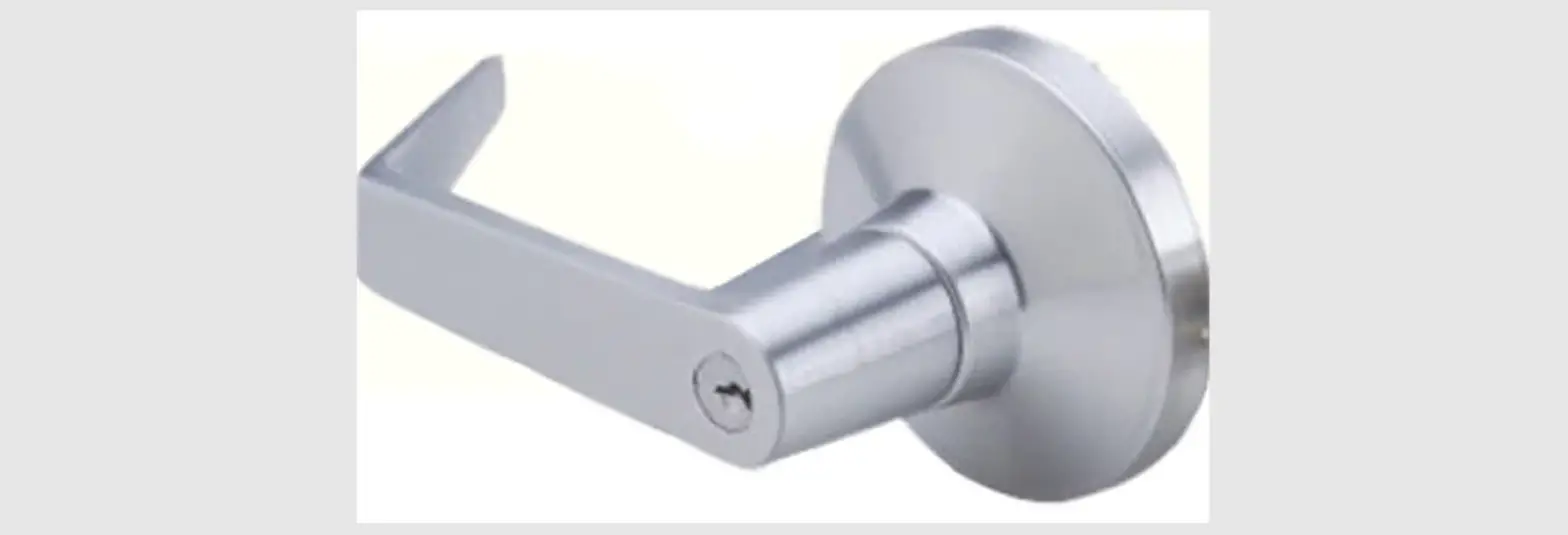
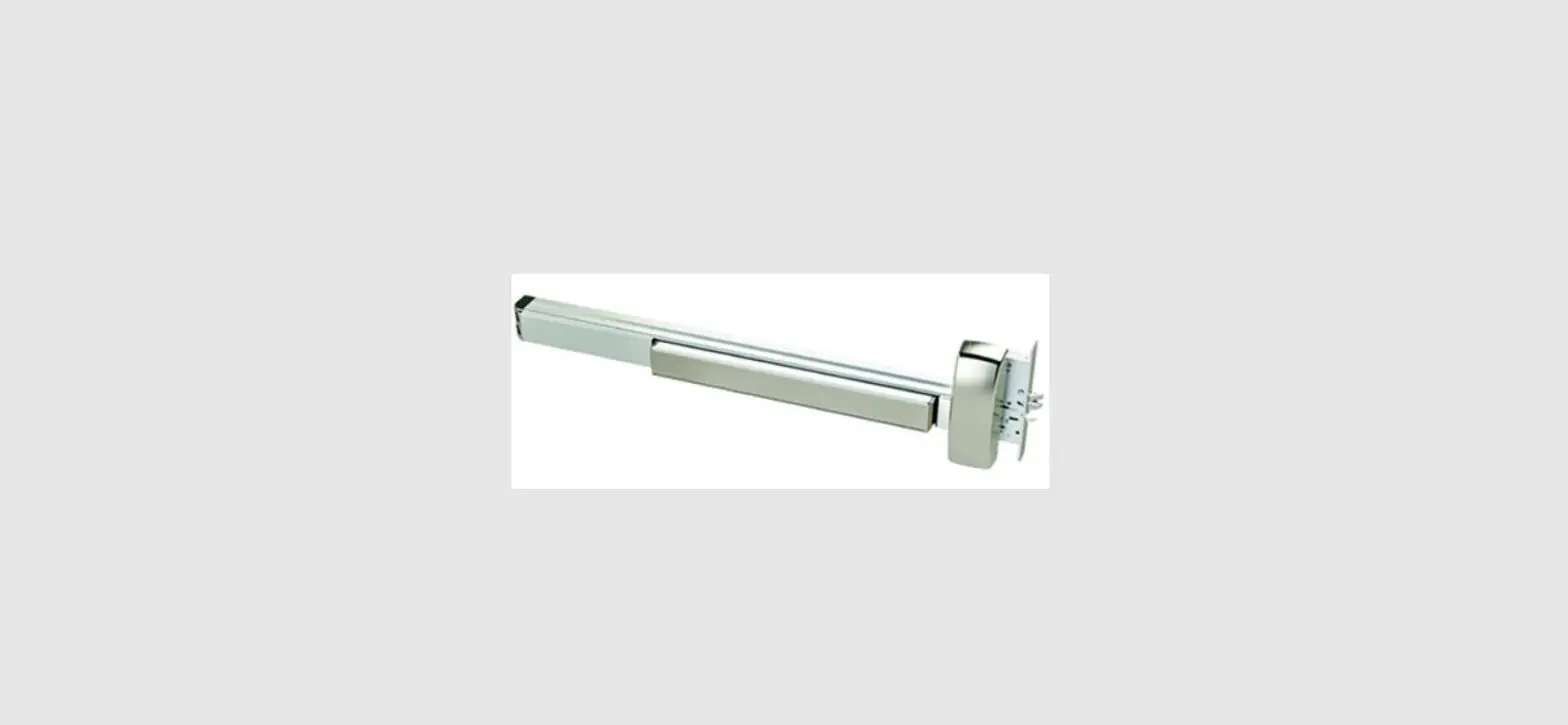
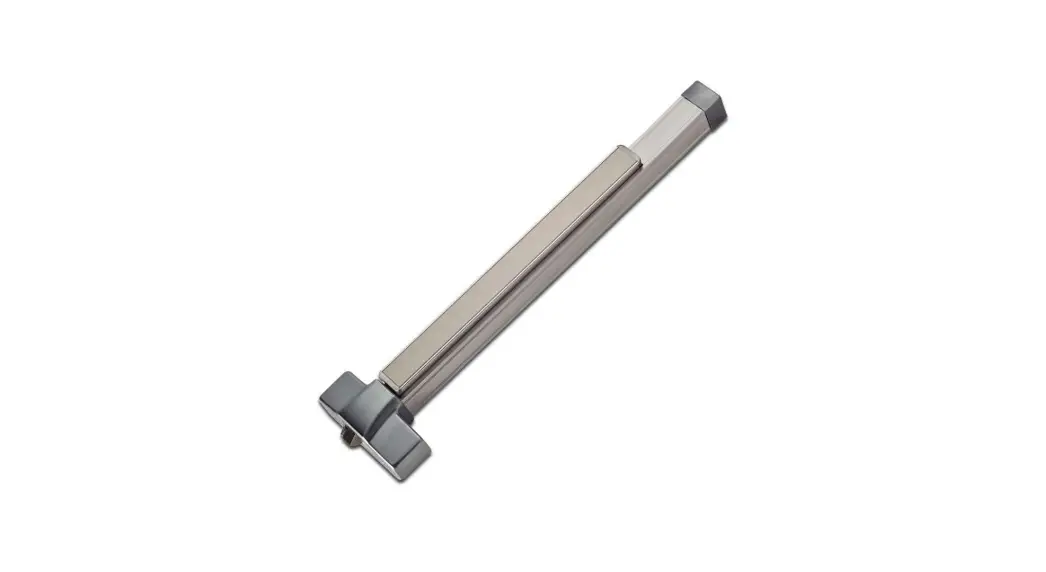
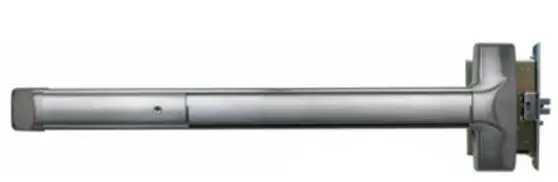
6300M/MF Exit Mortise Device
Product Information: 6300M/MF Exit Mortise Device
The 6300M/MF Exit Mortise Device is a mechanical lock designed
for commercial use. The device features a mortise locking mechanism
and can be installed on the inside or outside of a door. It is
available in left-hand reverse (LHR) and right-hand reverse (RHR)
options. The device has a panic fire alarm and is available in two
sizes: 36 Device and 48 Device.
Product Usage Instructions
Before installing the 6300M/MF Exit Mortise Device, please read
the following instructions carefully:
- Mortise Handing: Determine the handing of the
mortise device based on whether it will be installed on a left-hand
or right-hand door. - Door Preparation: Prepare the door by drilling
two pilot holes using a 1/8-inch drill bit. Then, insert two #12-24
combo screws from the hardware kit into the pilot holes. - Prepare Device: Prepare the device for
installation by removing the latch bolt head screw and head. Then,
insert the mortise driver into the device and align it with the
locating stud. Secure the driver in place using the threaded
insert. - Size Device: Determine the appropriate size of
the device based on the door’s dimensions. Cut off any excess
length using a panic fire alarm MLR, and use the chart provided to
determine the appropriate length for your device. - Install Device Spindle: Insert the device
spindle into the mortise driver and secure it in place using the
screw provided in the hardware kit. - Install Device: Install the device onto the
door using one of the following mounting options:- Reinforced Steel Surface Mount: Drill and tap on the push side
or aluminum door side using a 1/4-20 drill bit. - Solid Wood Door: Drill a 1/8-inch pilot hole for #10 wood
screws. - All Others: Use optional sex bolts. Drill the push side using a
9/32-inch drill bit and the pull side using a 3/8-inch drill
bit.
- Reinforced Steel Surface Mount: Drill and tap on the push side
- Install End Cap: Install the end cap onto the
device by pressing it into place. - Install Head Cover: Install the head cover
onto the device by aligning it with the device and snapping it into
place. - Install Strike: Install the strike onto the
door frame using screws provided in the hardware kit.
6300M/MF EXIT INSTALLATION INSTRUCTION
MORTISE DEVICE
Phone: 833-2-PDQTEC | www.pdqlocks.com
LATCH BOLT HEAD SCREW
LATCH BOLT HEAD
LATCH BOLT HEAD SCREW
LATCH BOLT HEAD
INSIDE OUTSIDE
LEFT HAND REVERSE (LHR)
RIGHT HAND REVERSE (RHR)
INSIDE OUTSIDE
1. MORTISE HANDING
· To re-hand mortise case, remove latch bolt screw as shown.
· Orient the latch bolt head to match handing.
· Reinsert and tighten the latch bolt screw.
2. DOOR PREPARATION
· Prepare the door for the mortise lock using the 6300M/MF template in box.
· Refer to trim template if installing trim. · Install the mortise case and secure using
two (2) #12-24 combo screws supplied in the hardware kit.
MORTISE DRIVER
RHR SHOWN
LOCATING STUD
THREADED INSERT
3. PREPARE DEVICE
· Install locating stud on lower threaded insert as determined by handing.
· Rotate lower mortise driver as shown until it stops. Make sure when installing that mortise driver remains in this position.
639415 Rev1 12/14/22
6300M/MF EXIT INSTALLATION INSTRUCTION
MORTISE DEVICE
4. SIZE DEVICE
· Standard lengths are for 36″ or 48″ door. Device must be cut for other lengths.
· Mark length with tape length equals device size minus desired door size (for 30″ door = cut 6″ off 36″ device) ensuring a square cut.
Maximum cut off length: Panic Fire Alarm MLR
36″ Device 6″ 8″ 2″ 3″ 48″ Device 12″ 14″ 8″ 9″
5. INSTALL DEVICE SPINDLE
· Install spindle and spring in orientation shown on push side of door.
6. INSTALL DEVICE
· Install device and trim with 1/4-20 screws from the hardware kit.
· Device can be surface mounted to the door, optional sex nuts are available, device is through bolted when using trim.
Mounting Options:
Reinforced Steel Surface Mount: Drill/Tap push
or Aluminum Door side for 1/4-20
Solid Wood Door Drill 1/8″ Pilot Hole for #10 Wood
All Others
Use optional Sex Bolts. Drill push
side with 9/32″ drill bit. Drill pull
side with 3/8″ drill bit.
639415 Rev1 12/14/22
6300M/MF EXIT INSTALLATION INSTRUCTION
MORTISE DEVICE
Phone: 833-2-PDQTEC | www.pdqlocks.com
7. INSTALL END CAP
· Slide end cap into rail. Ensure rail is level. Mark the centers of the slots.
· Remove end cap then drill holes using the chart from Step 3.
· Reinstall end cap and fasten with screws.
8. INSTALL HEAD COVER
· Slide head cover onto exit device · Install 4 mounting screws
9. INSTALL STRIKE
· Install the strike and secure with two (2) #12-24 combo screws supplied in the strike screw pack.
639415 Rev1 12/14/21
 Home Page | PDQ