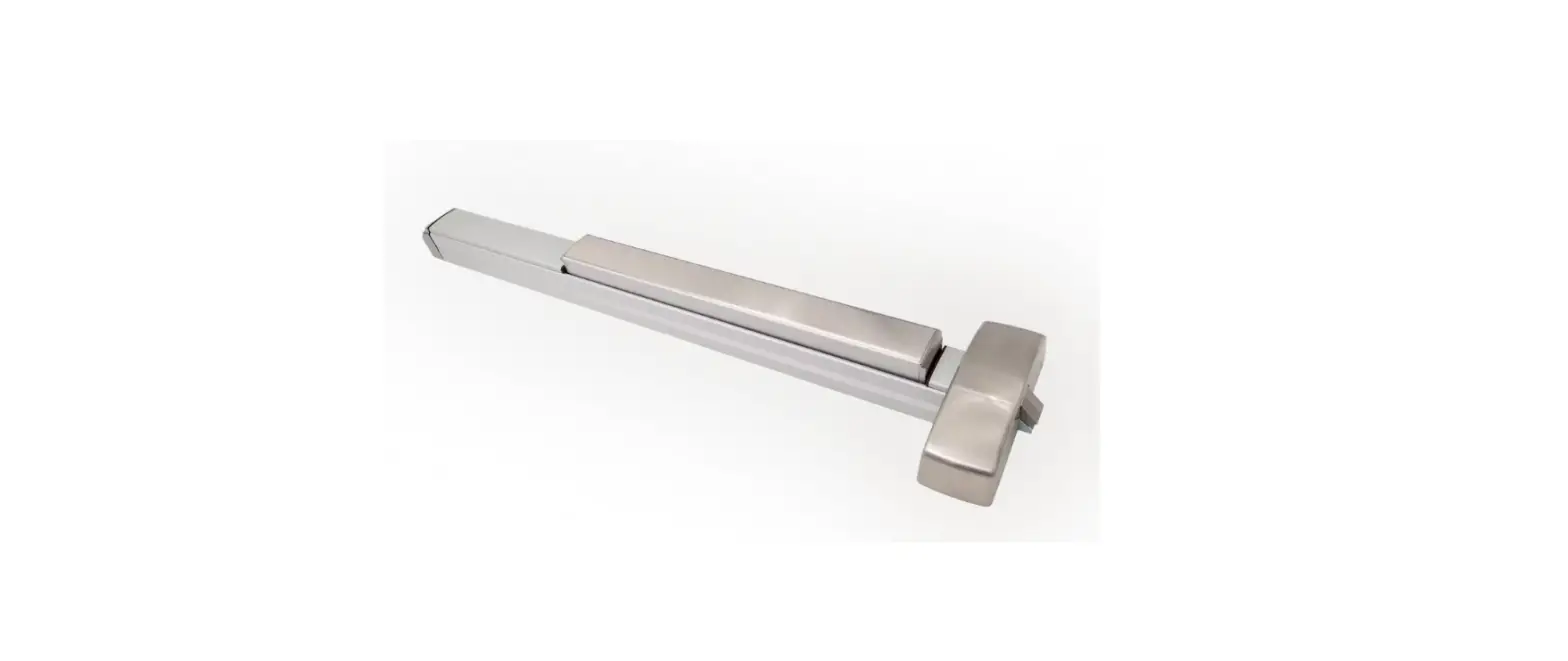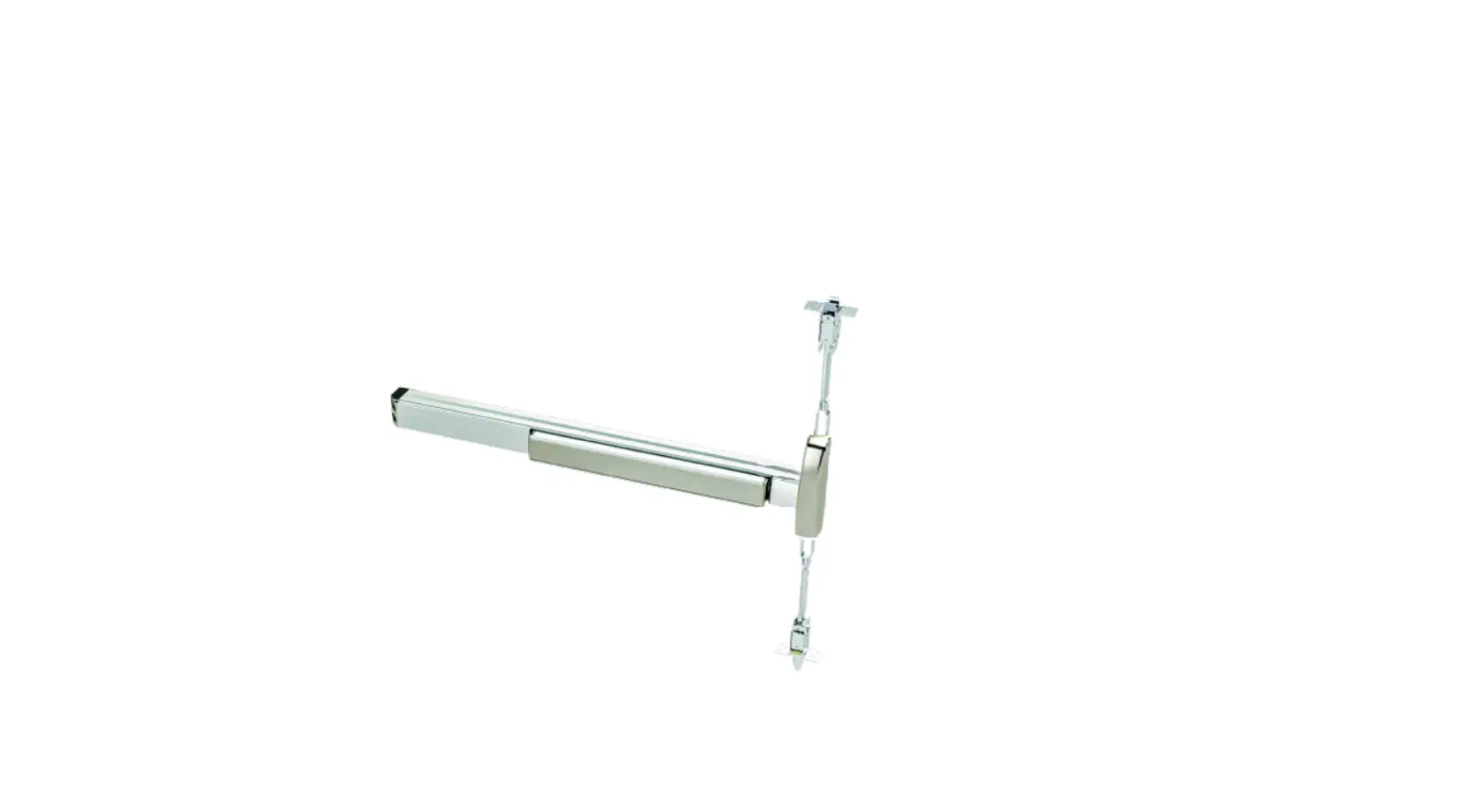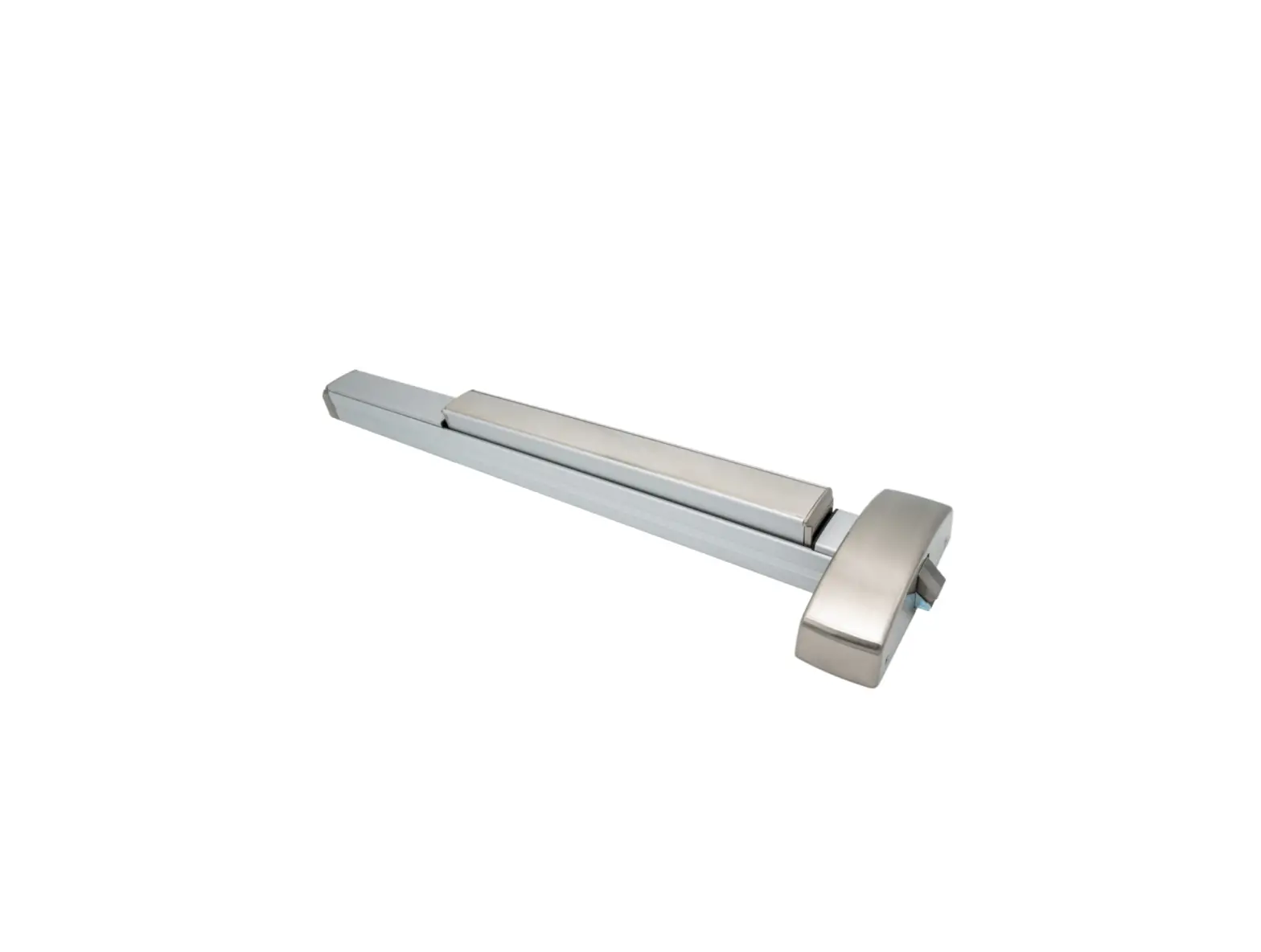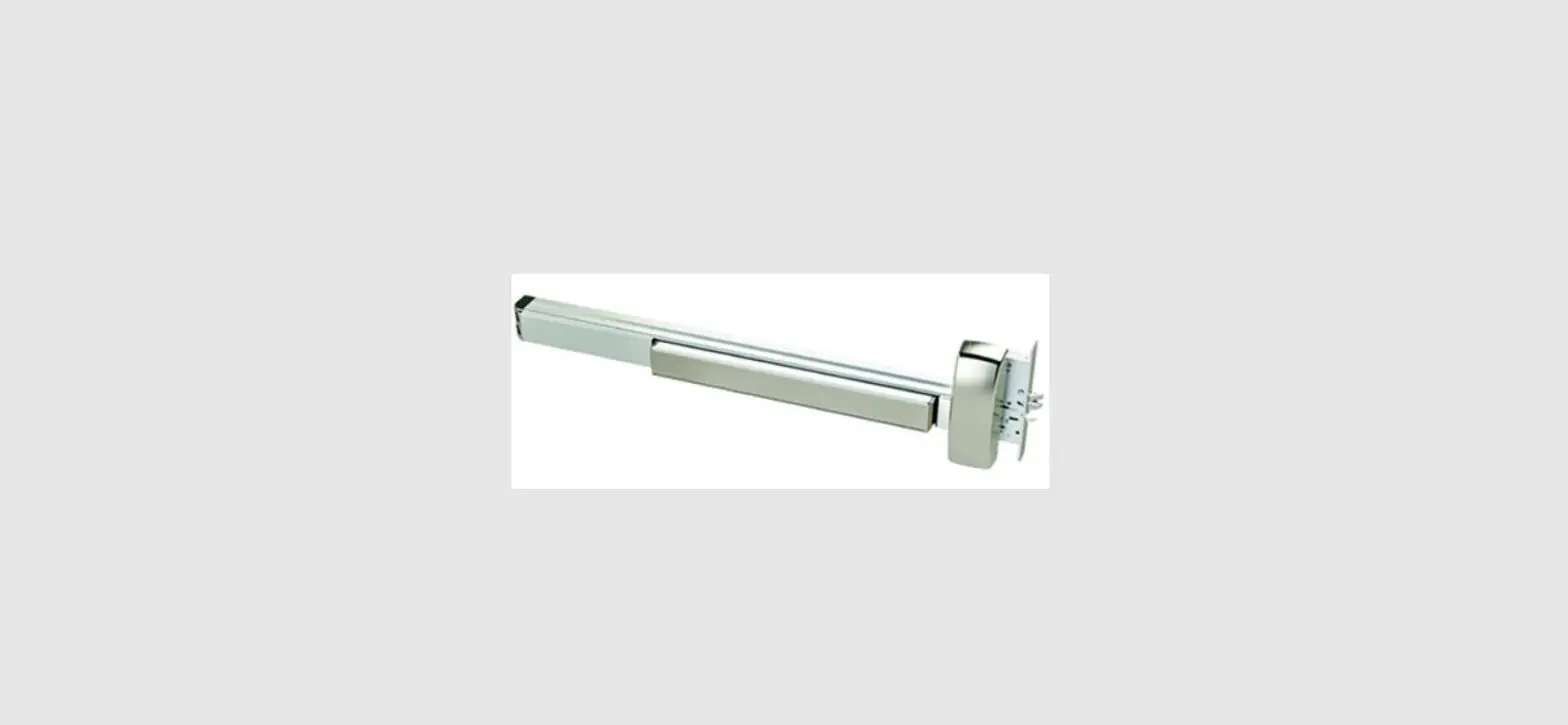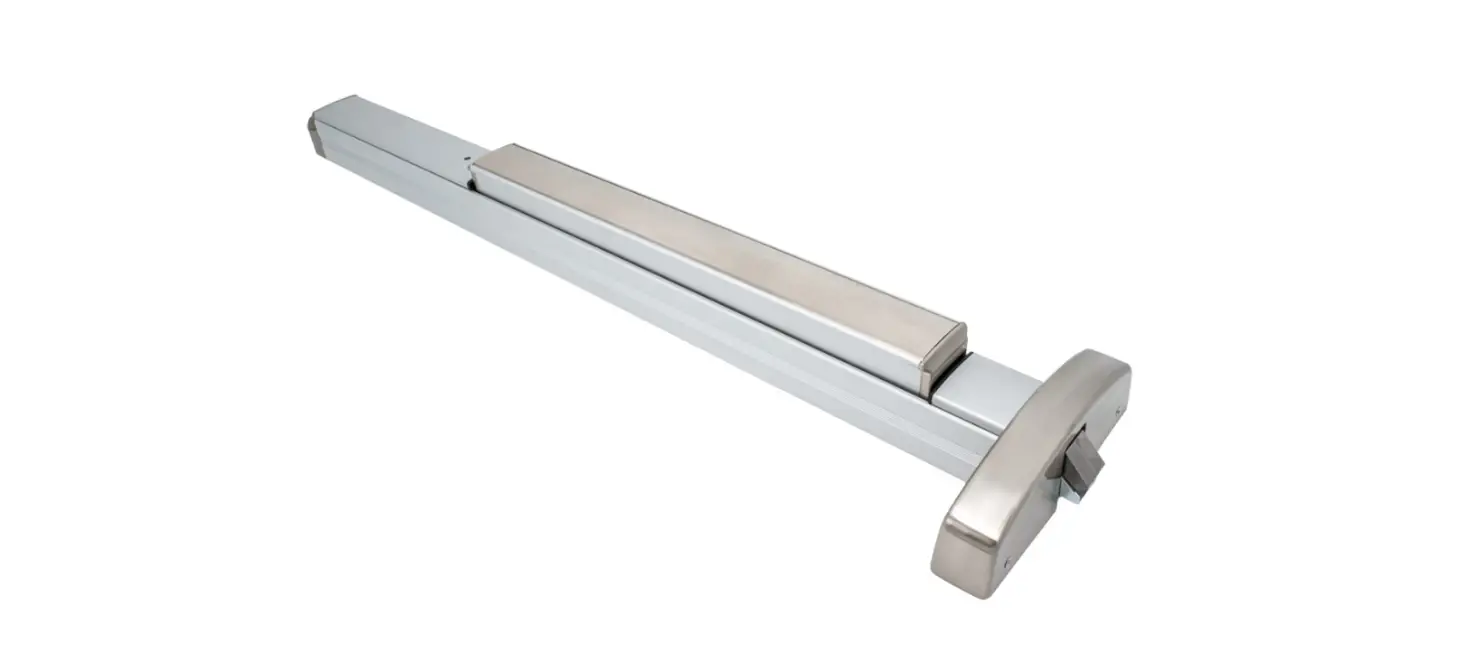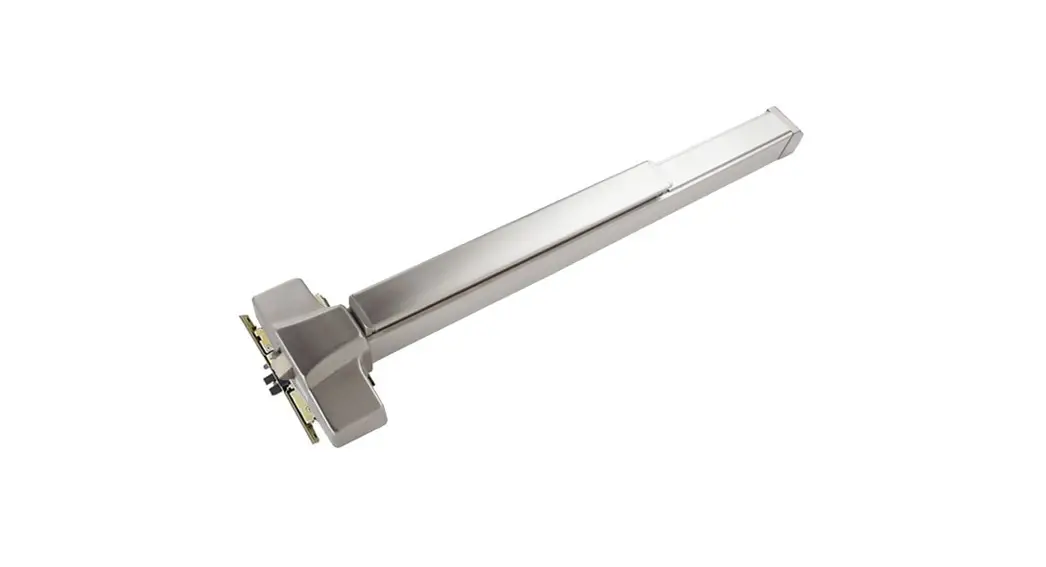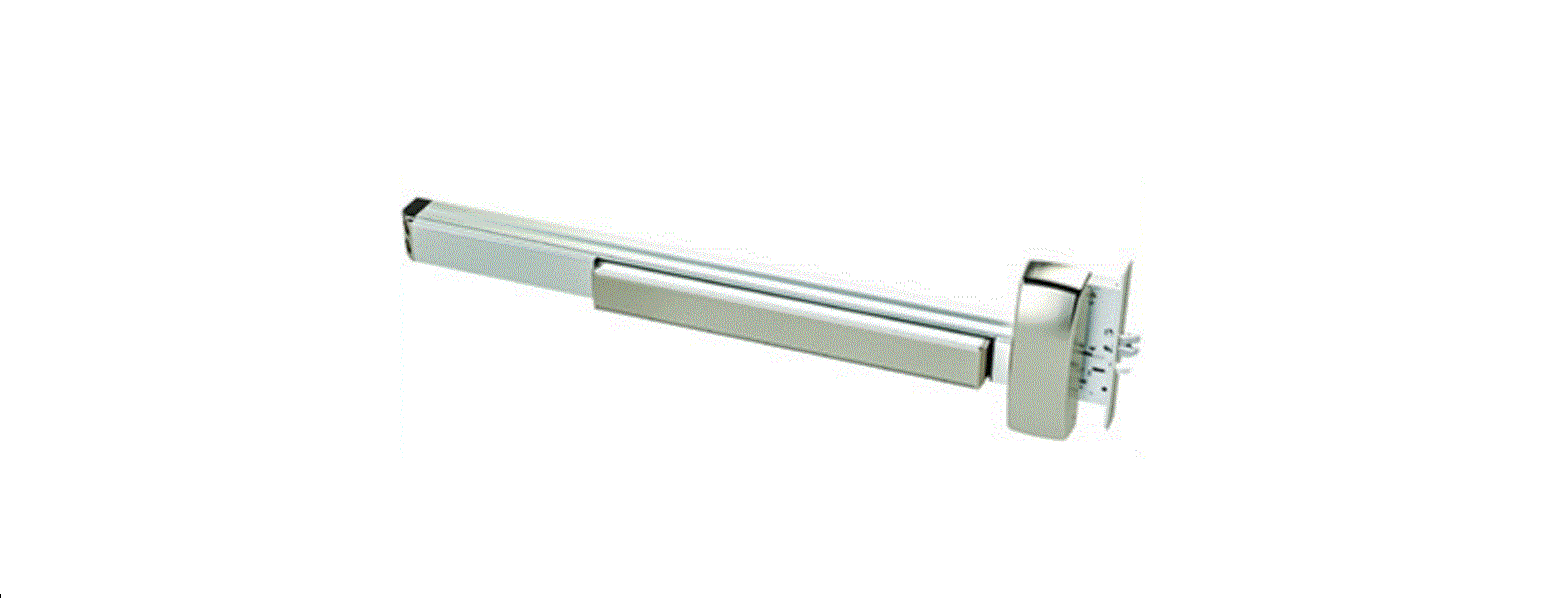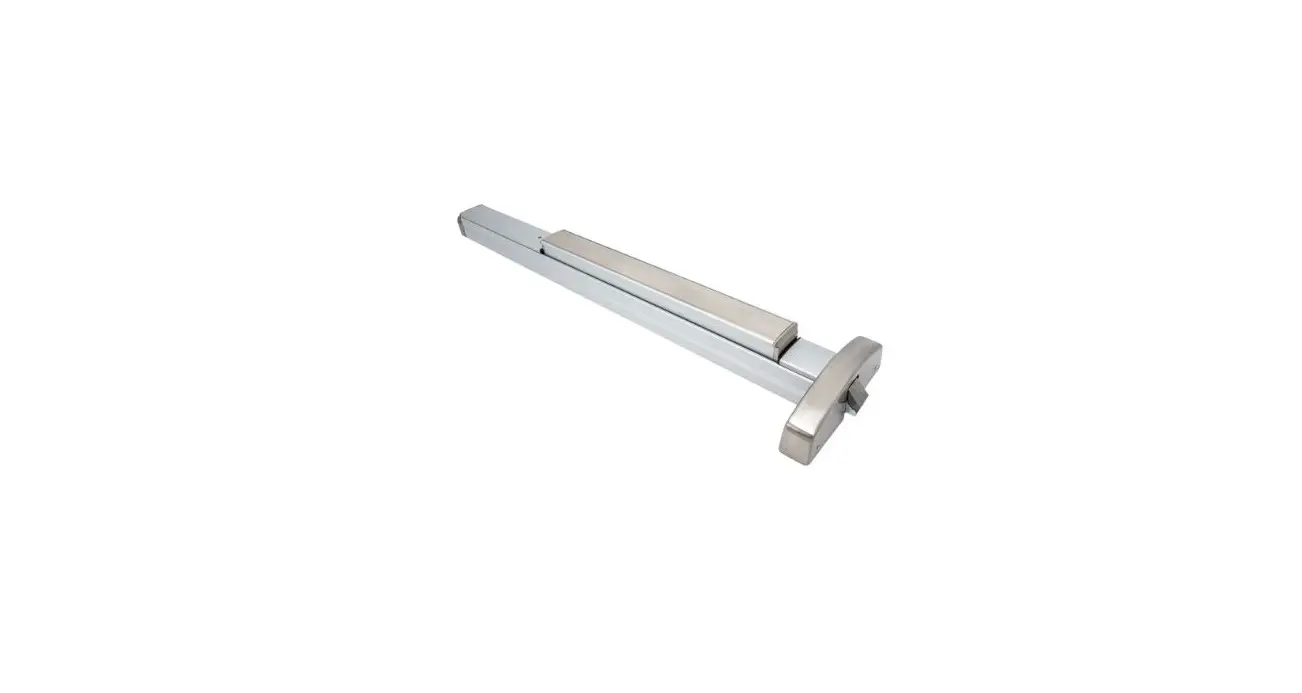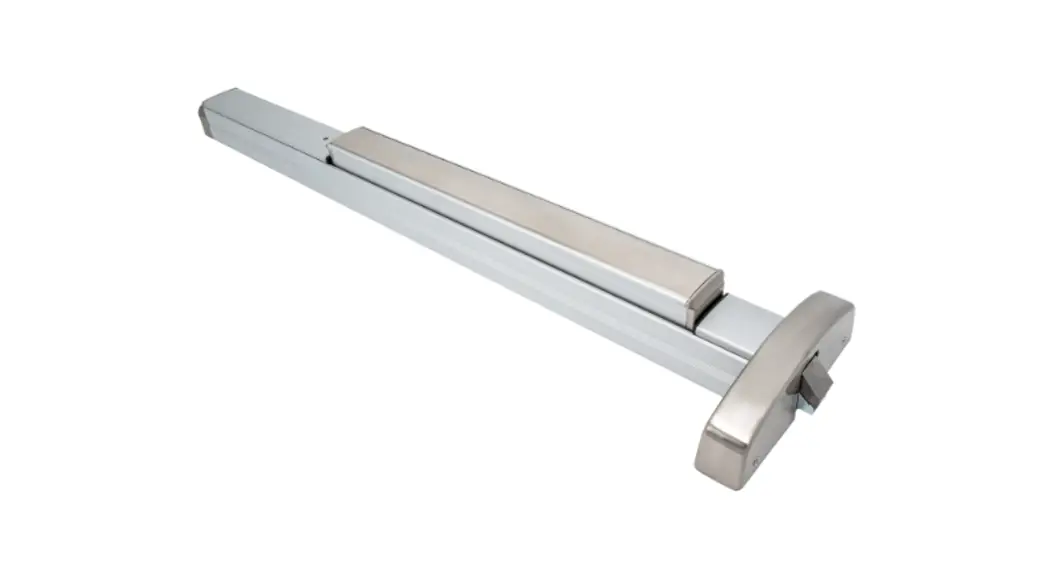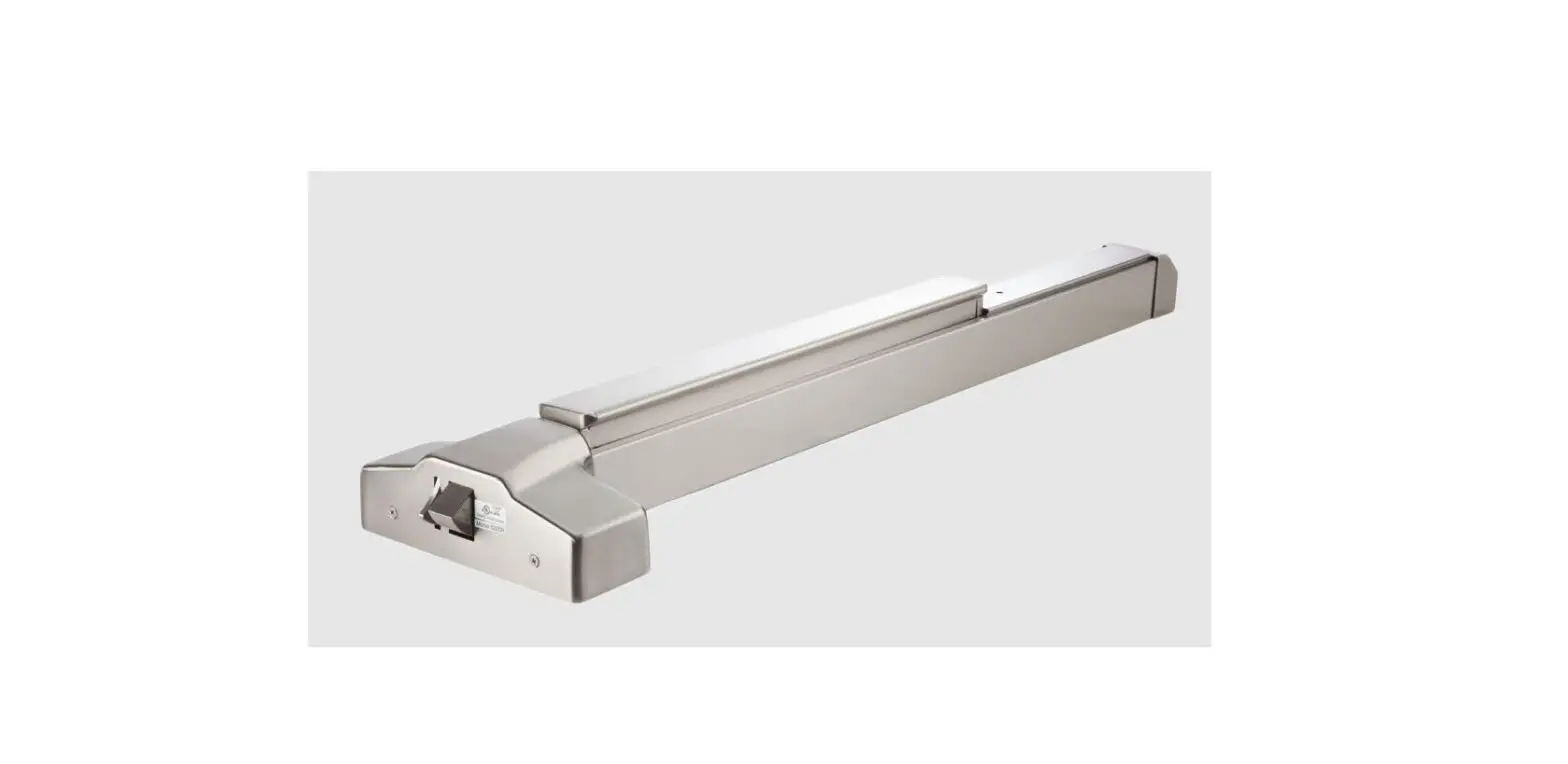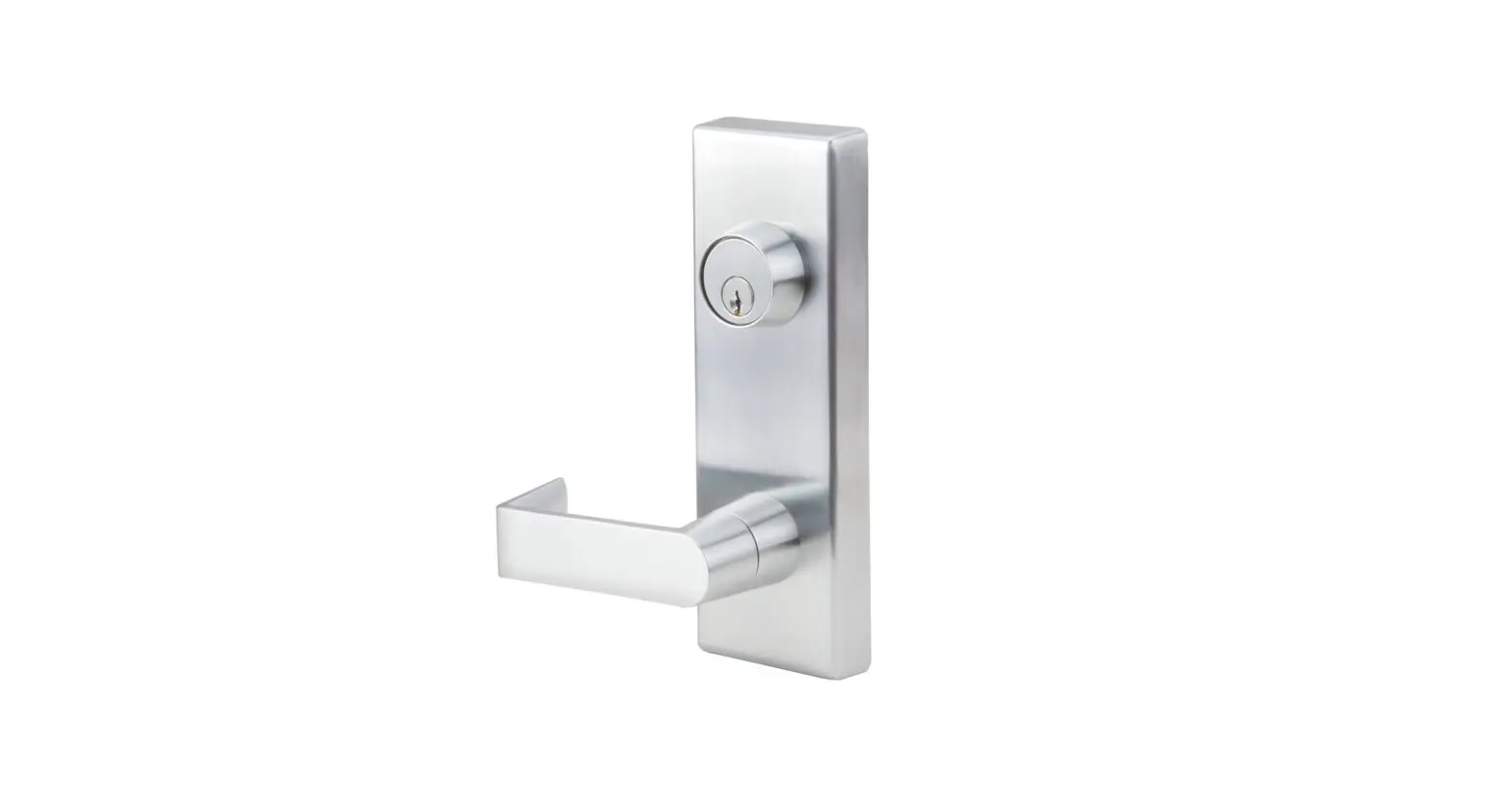
PDQ 6400 Series Exit Devices Instruction Manual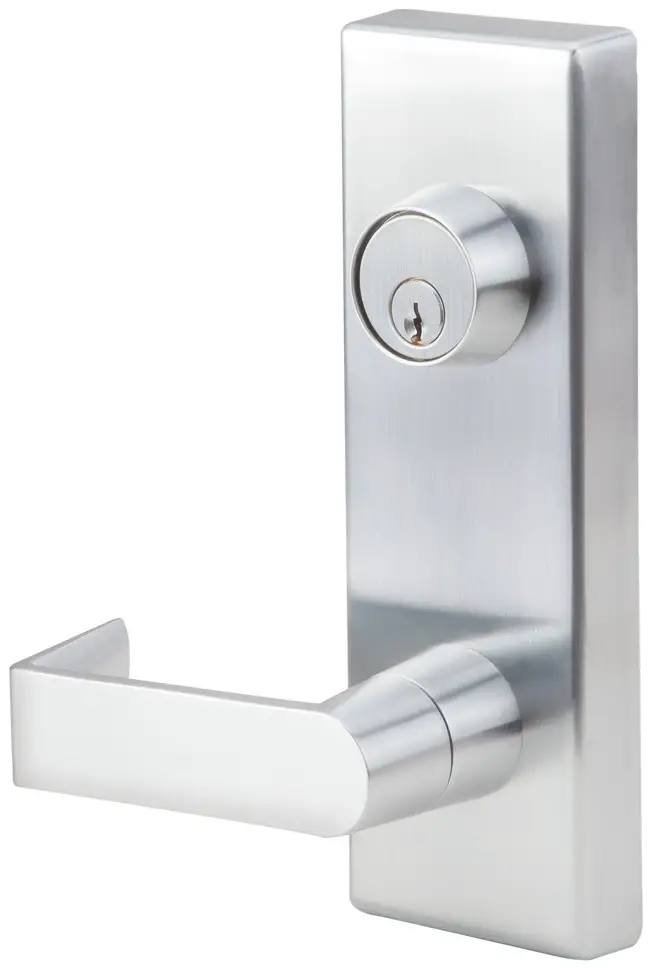
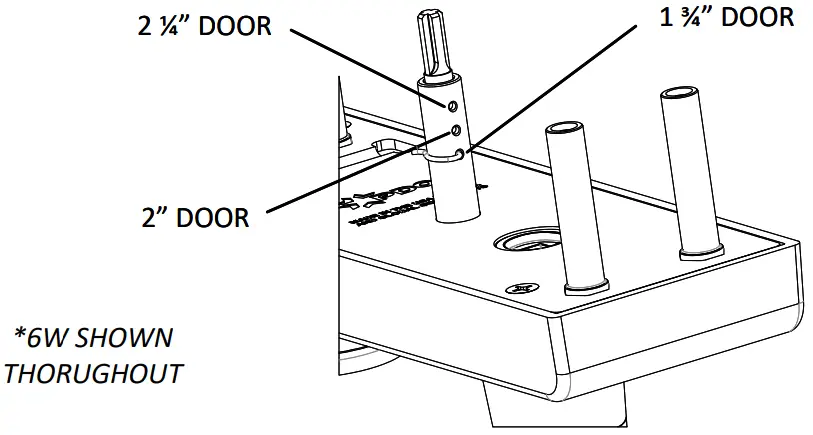
ADJUST FOR DOOR THICKNESS
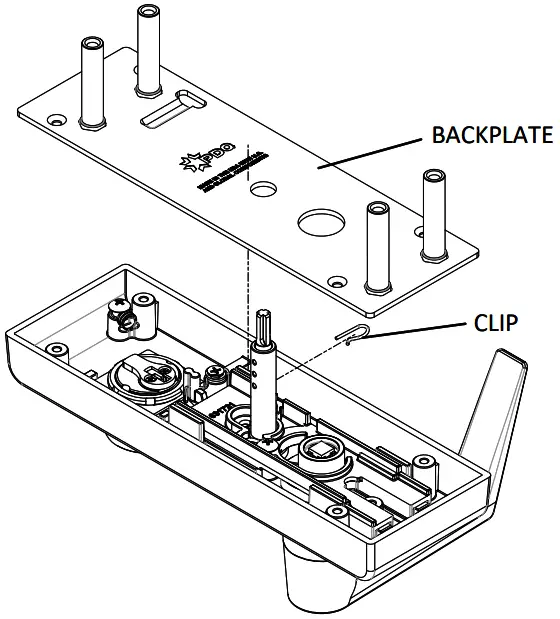
- Pin can be moved for 1¾”, 2″ or 2 ¼”
- Remove clip, move pin to desired location, reinstall clip

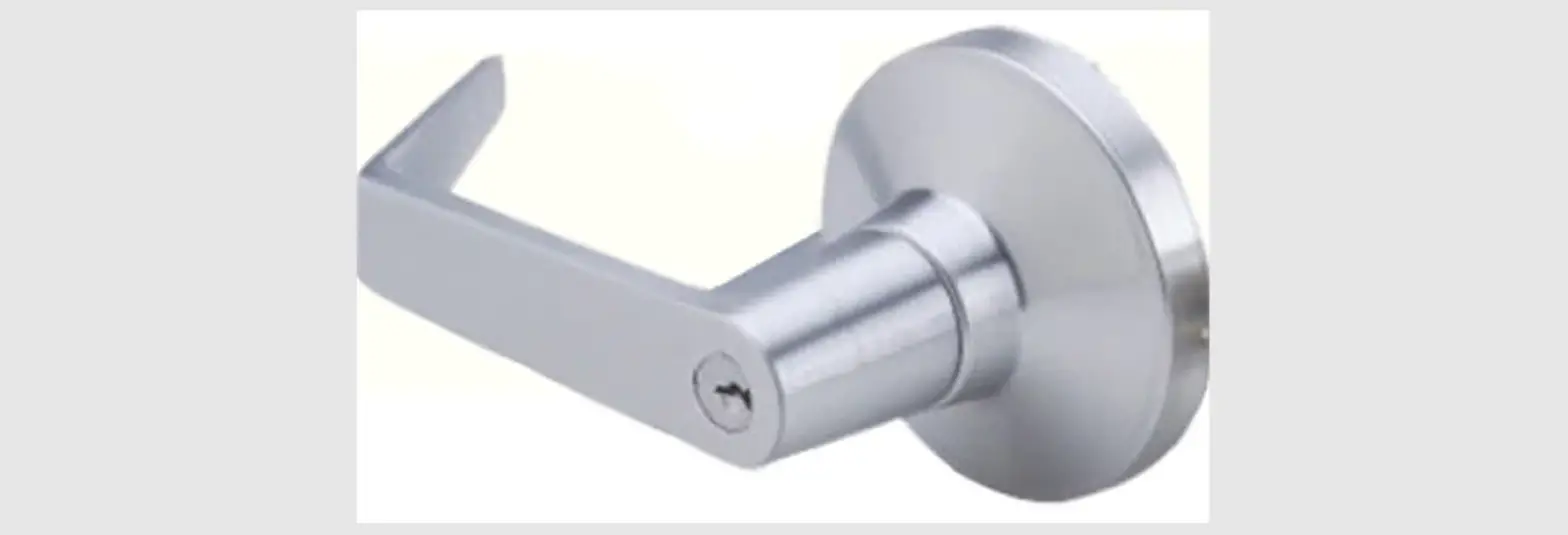
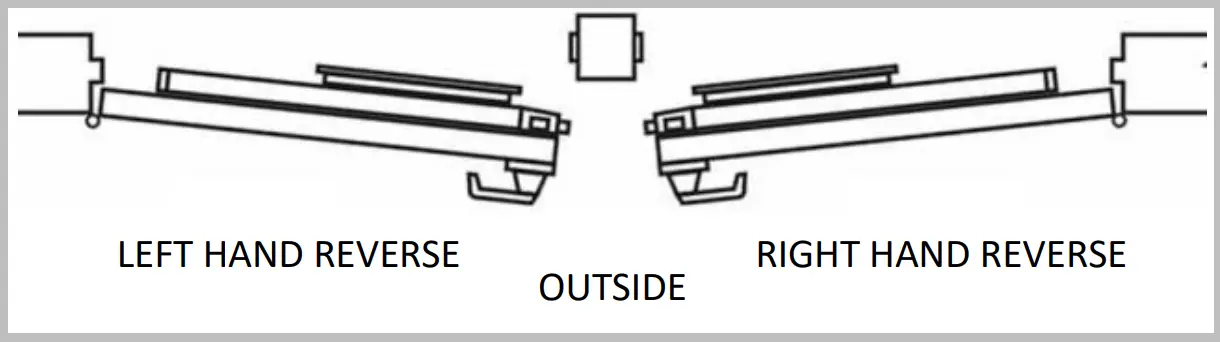
HAND TRIM – 6W/6N Only
- Adjust lever for proper handing

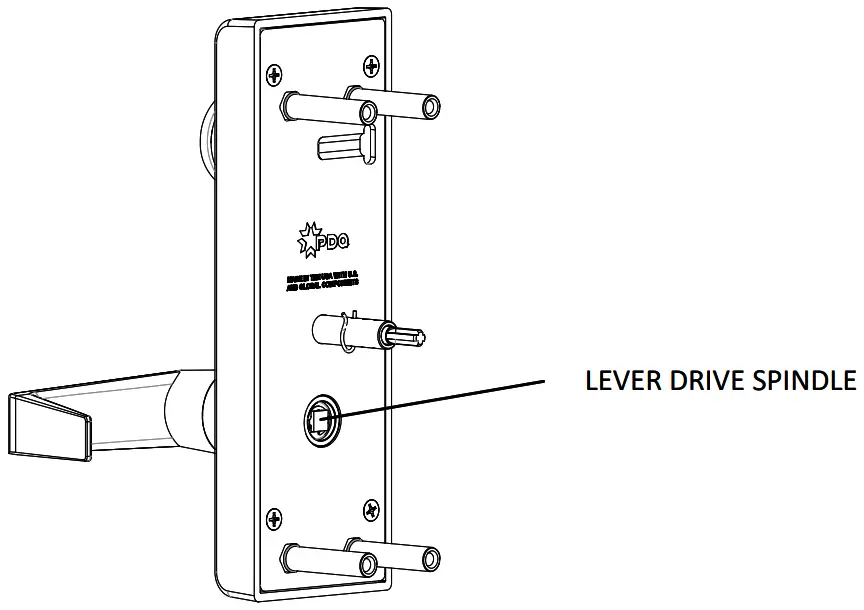
- Install lever drive spindle

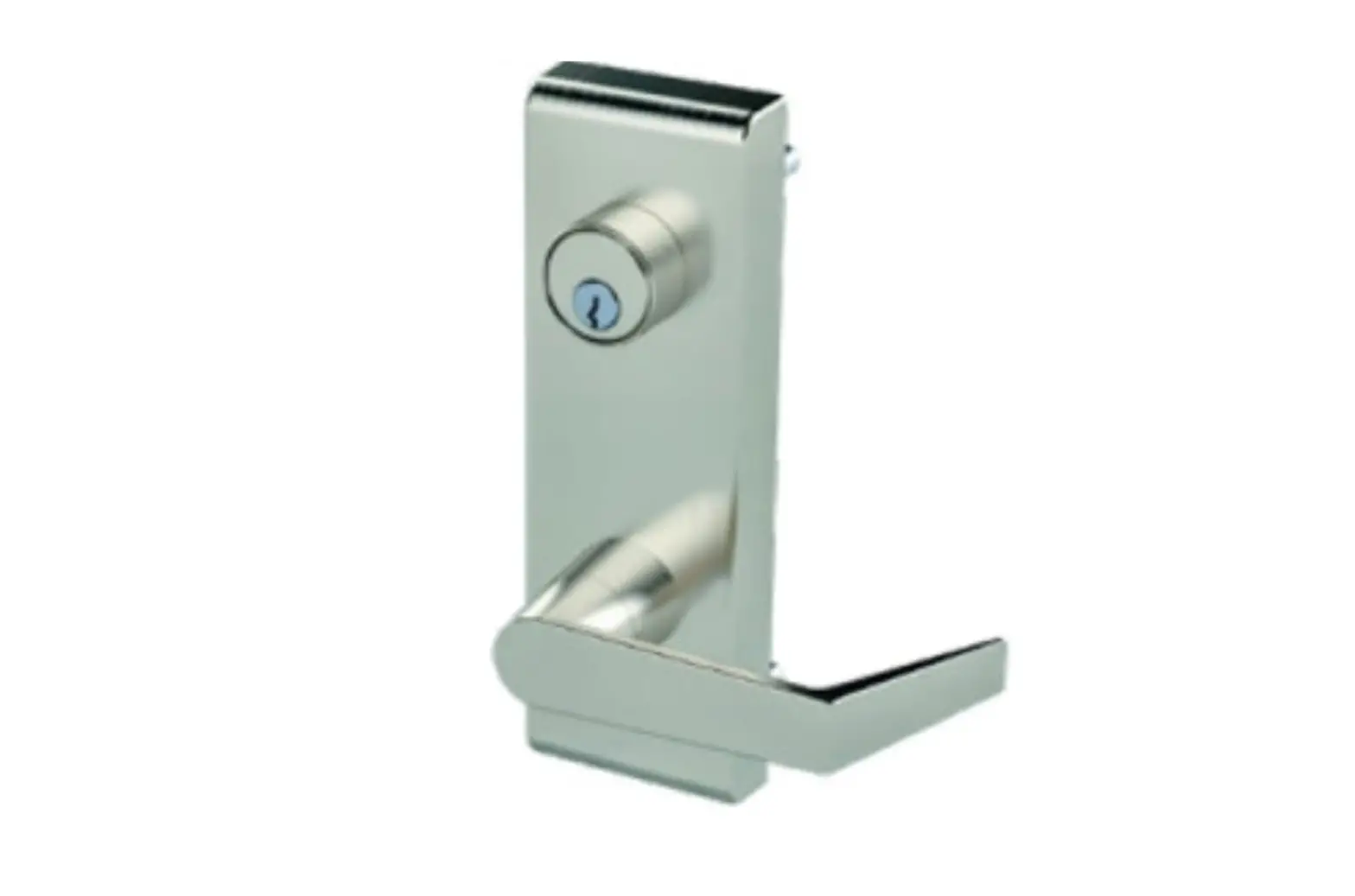
INSTALL TRIM
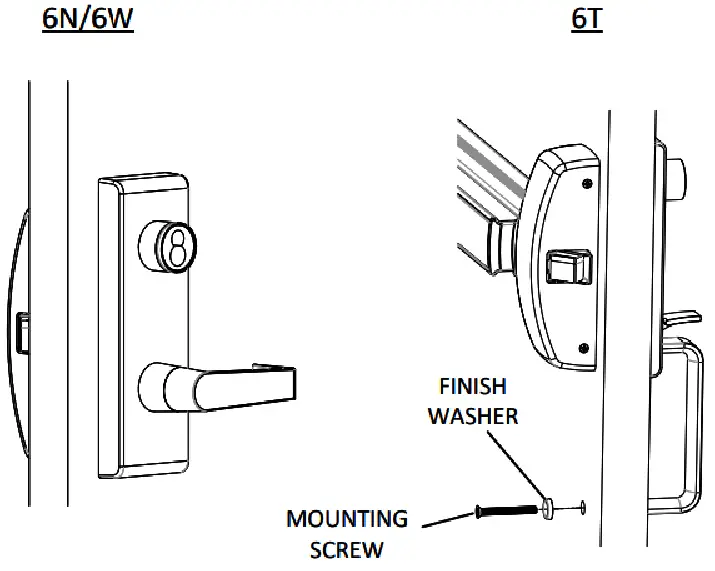
- Secure trim and exit device to door
- Trim will always thru bolt to exit device
- Verify operation of both the trim and the exit device
- 6T only – Secure handle with mounting screw and finish washer

REMOVE BACKPLATE
- Remove retaining clip
- Remove (4) screws
- Remove Backplate

DETERMINE FUNCTION
- Standard 6W includes conversion kit within escutcheon
- 6N/6T conversion kit can be ordered separately

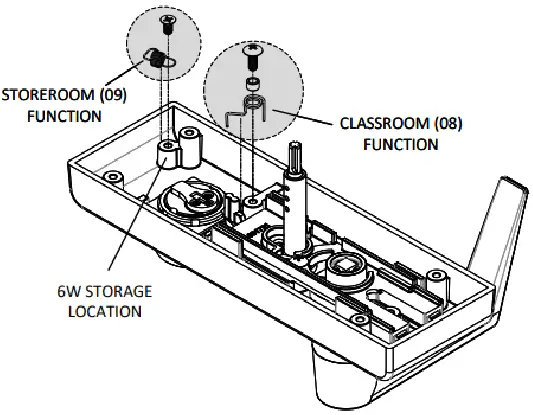
INSTALL NEW FUNCTION
- nstall desired function
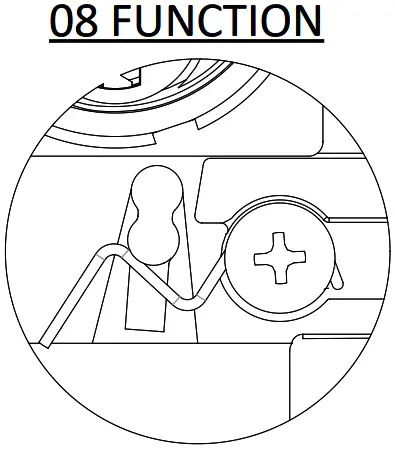
- 08 Function: Spring engages beneath boss on locking mechanism. Spring spacer must be installed on inside of spring before tightening screw

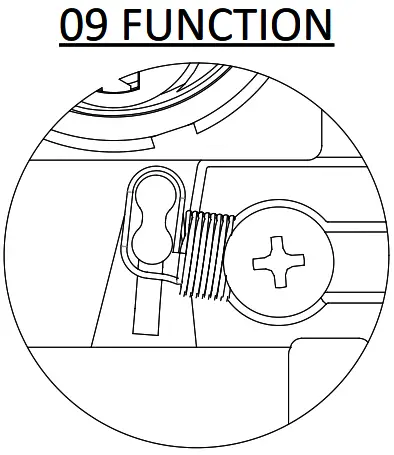
- 09 Function: Extension spring to go around boss on locking mechanism

- 08 Function: Spring engages beneath boss on locking mechanism. Spring spacer must be installed on inside of spring before tightening screw
- For 6W Only: Install unneeded function into storage location
- Reinstall backplate and retaining clip
 pdqlocks.com