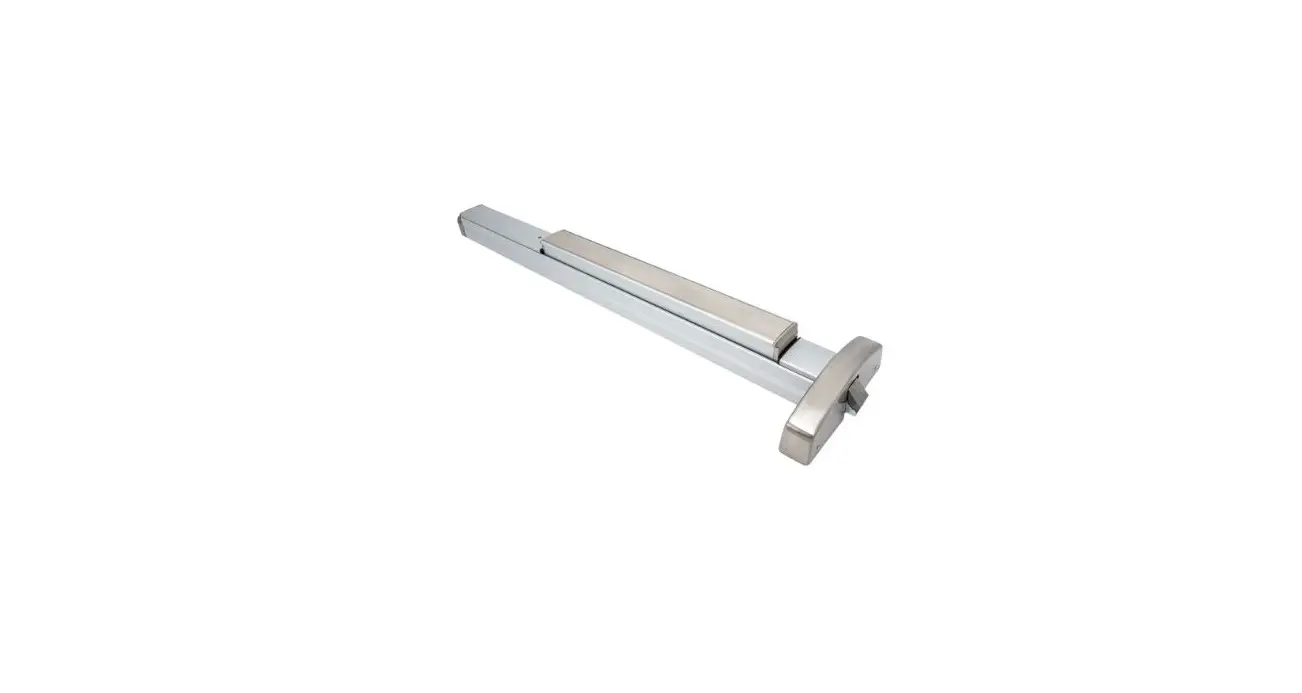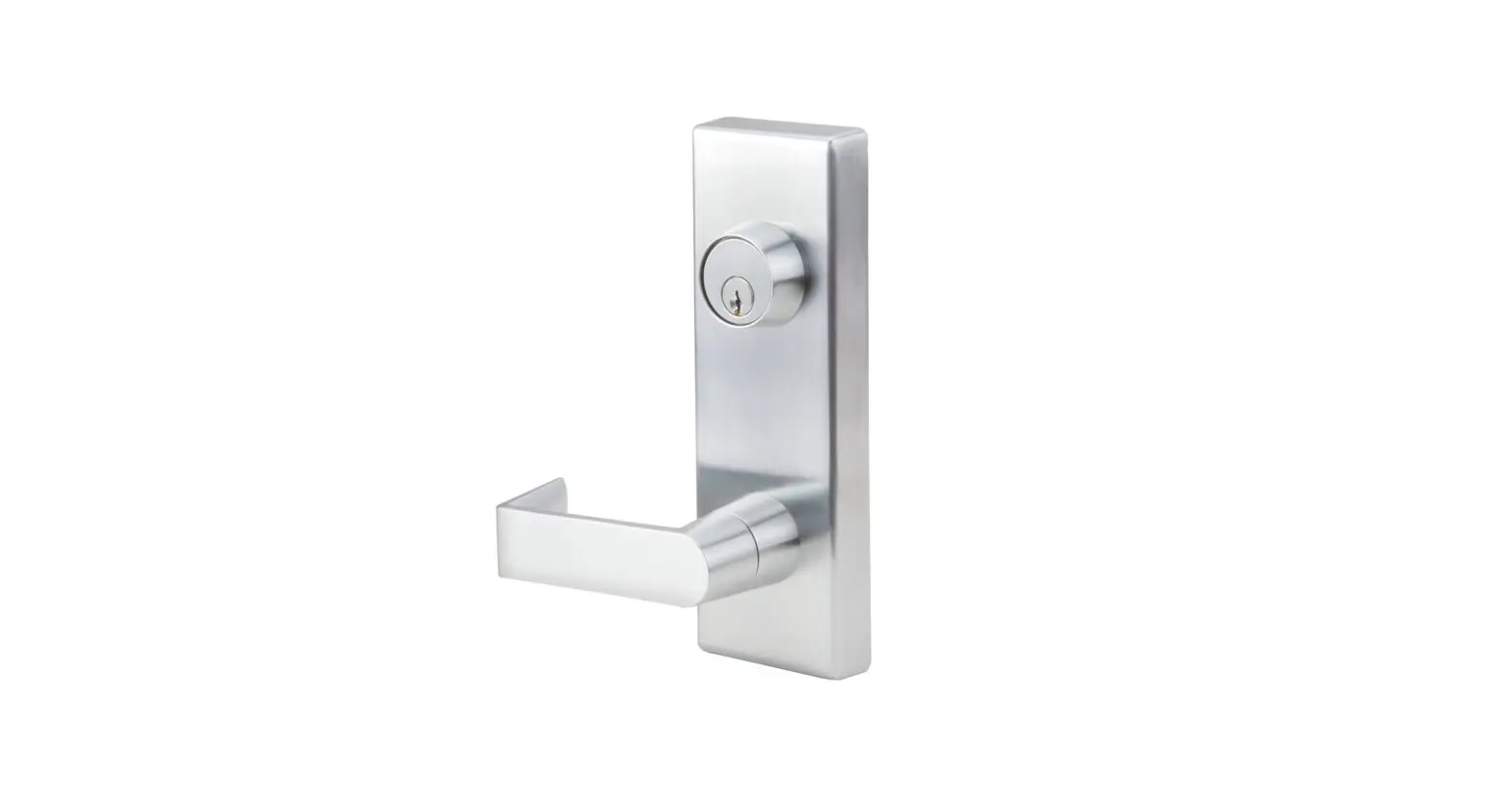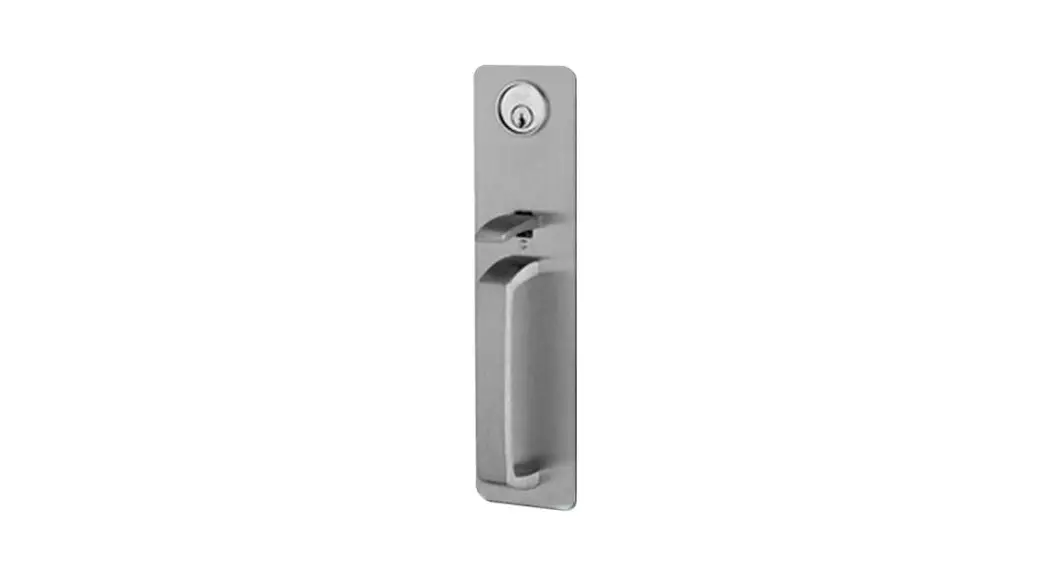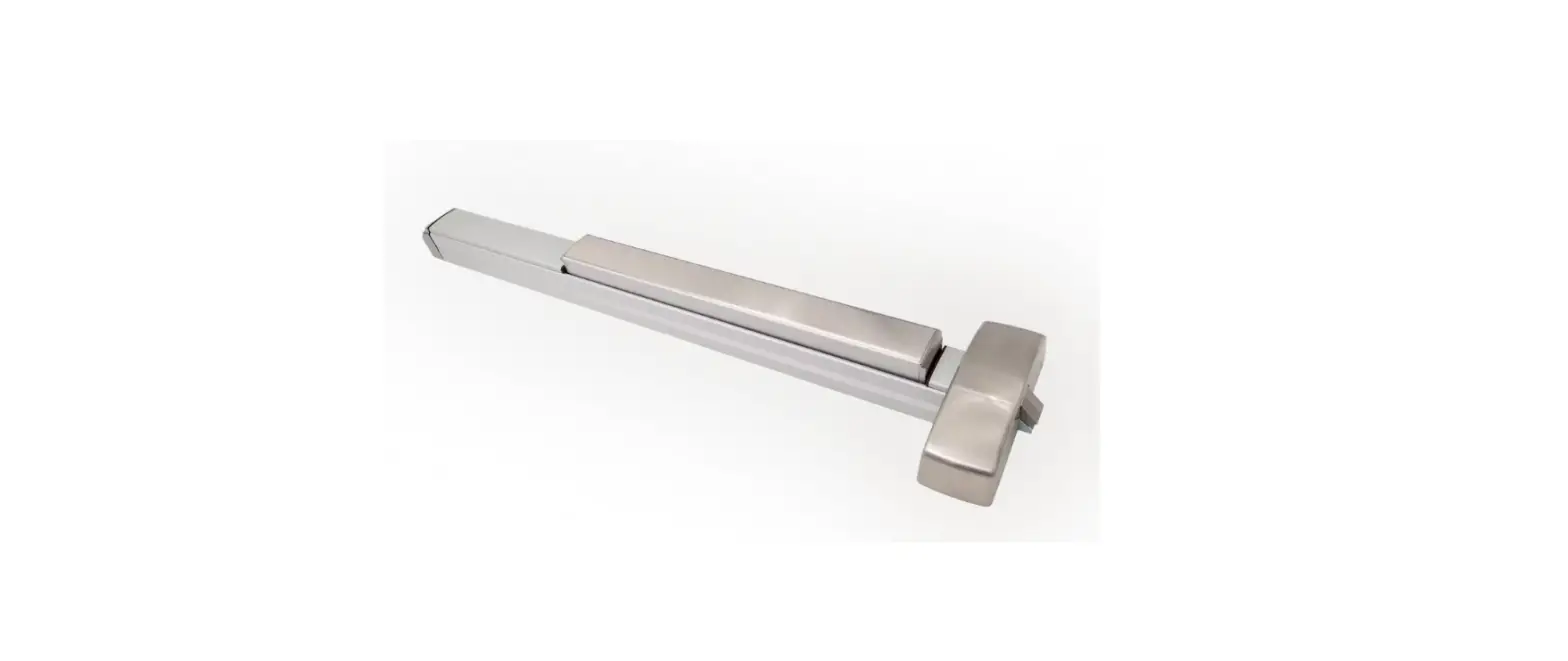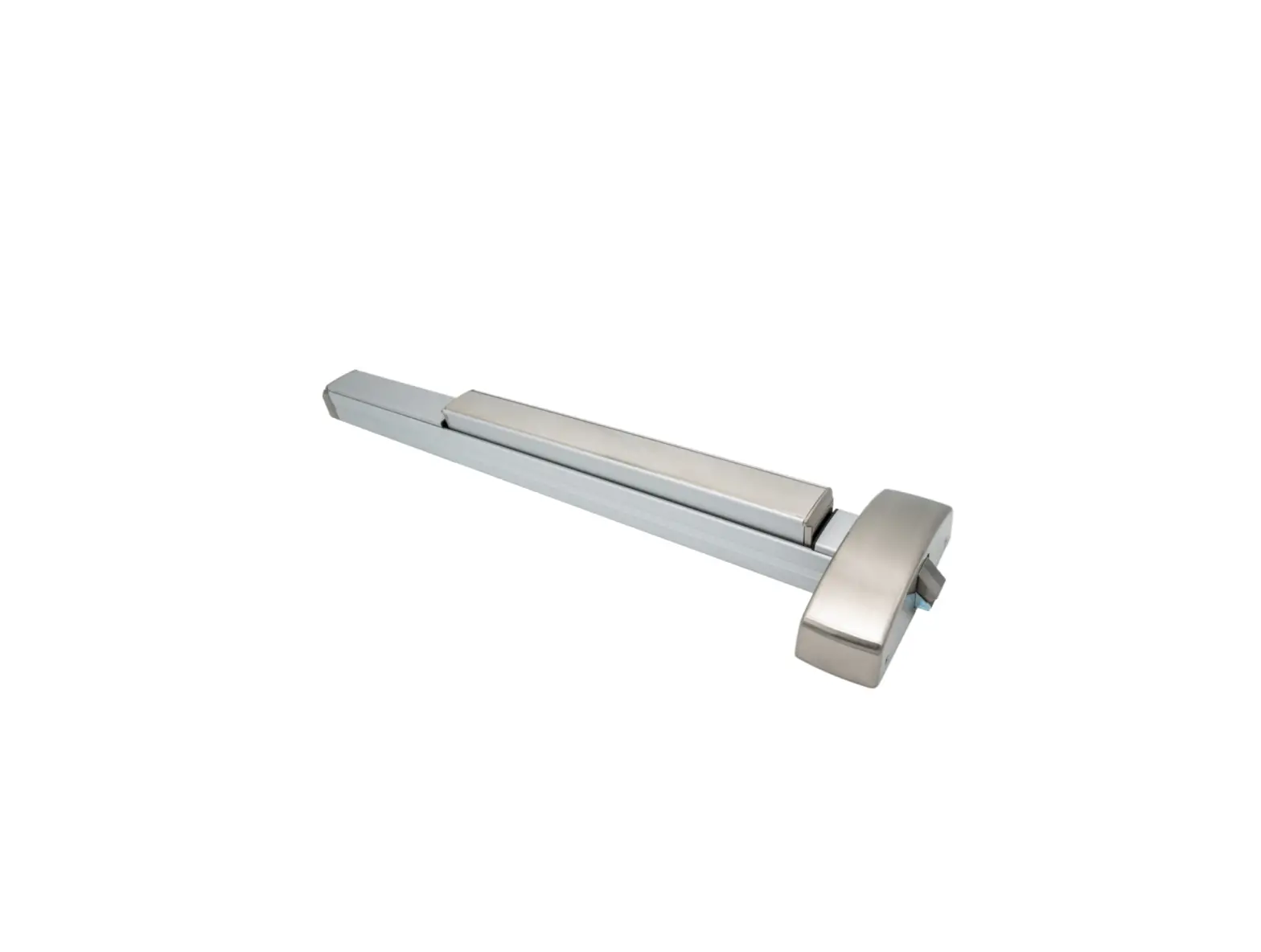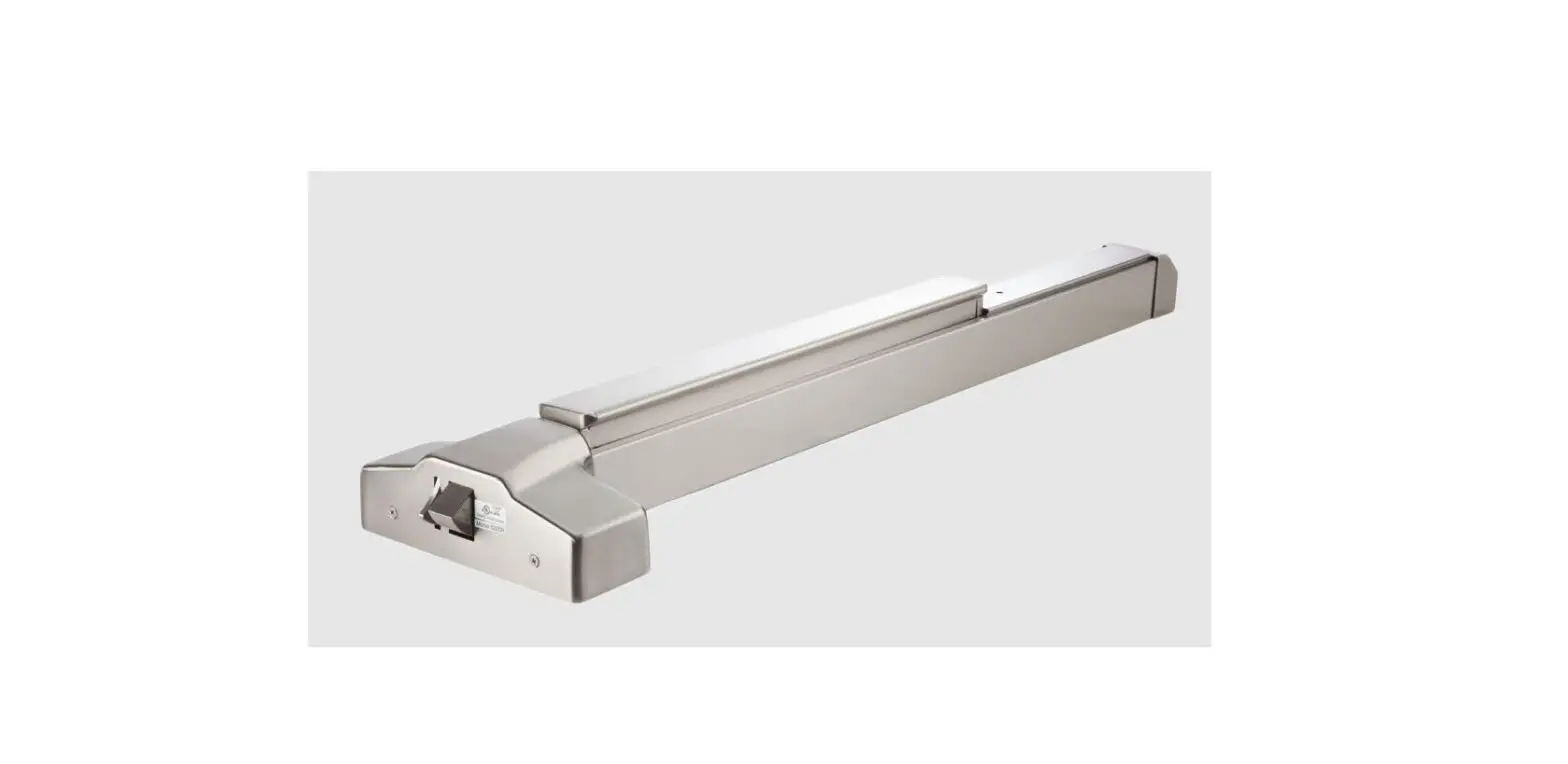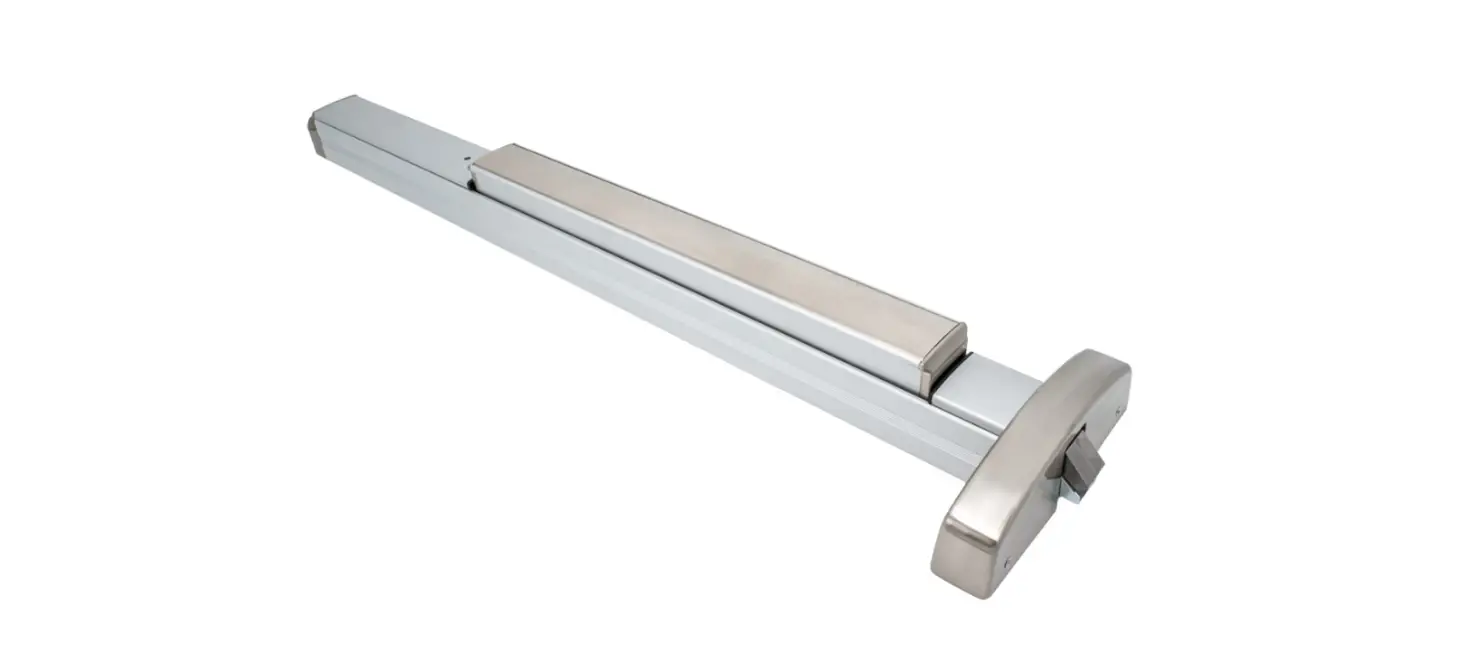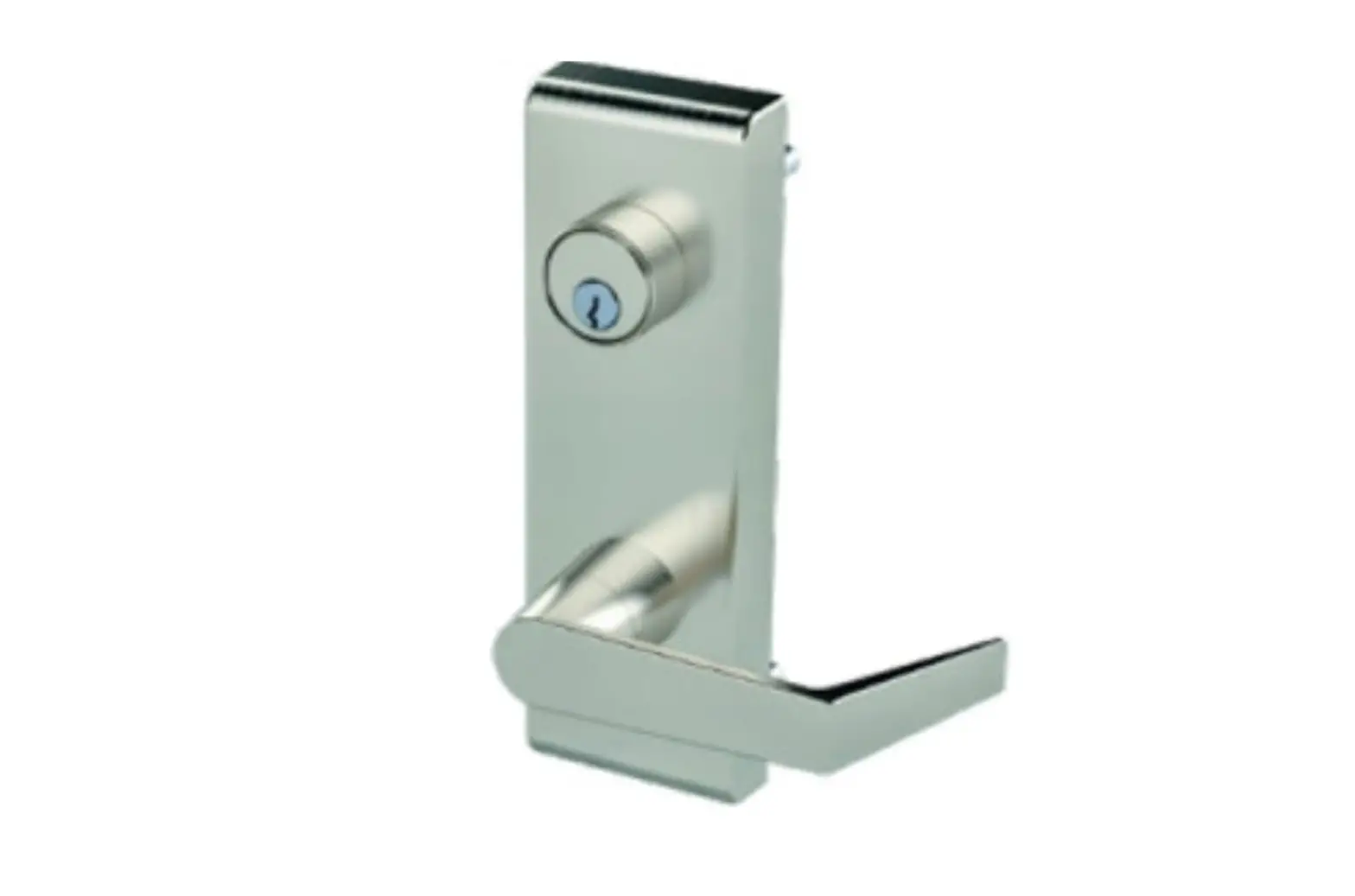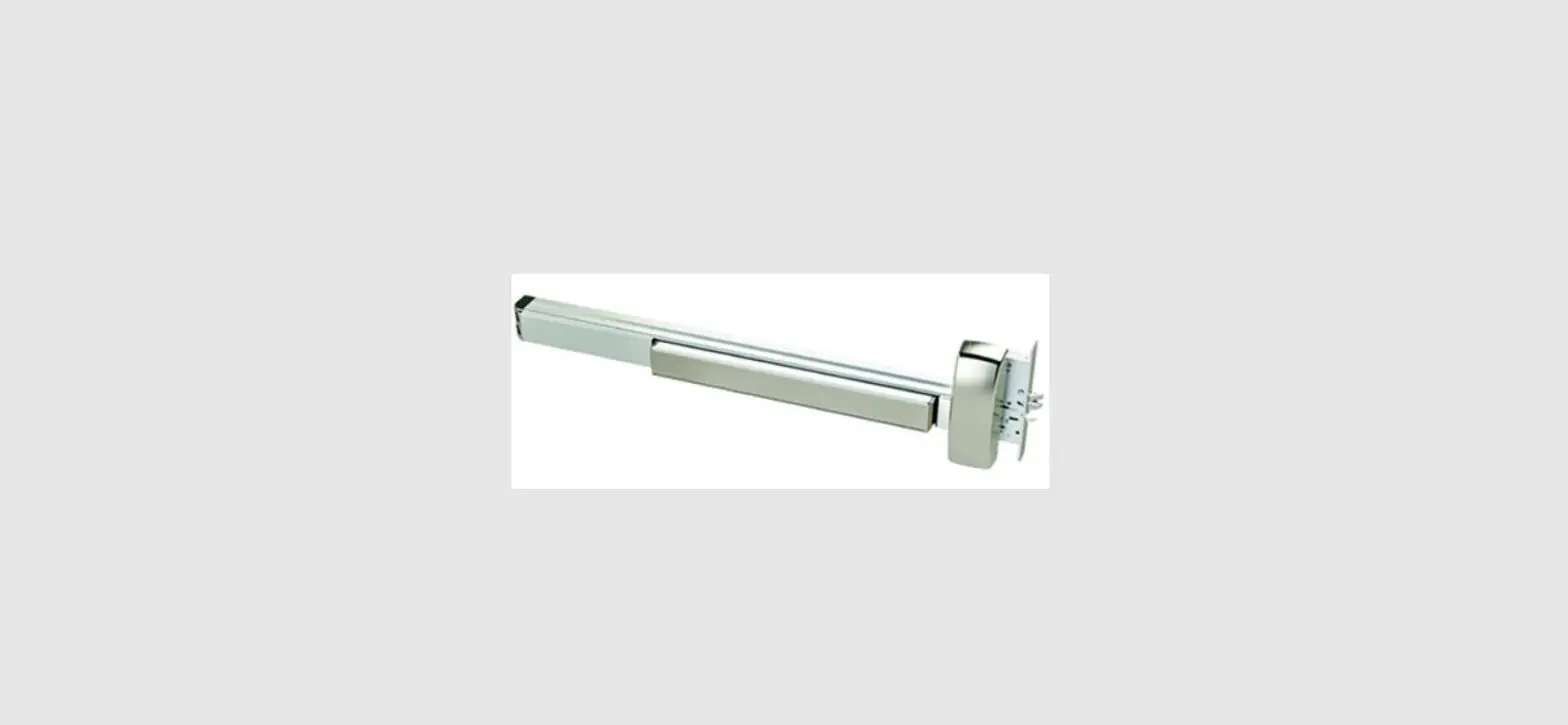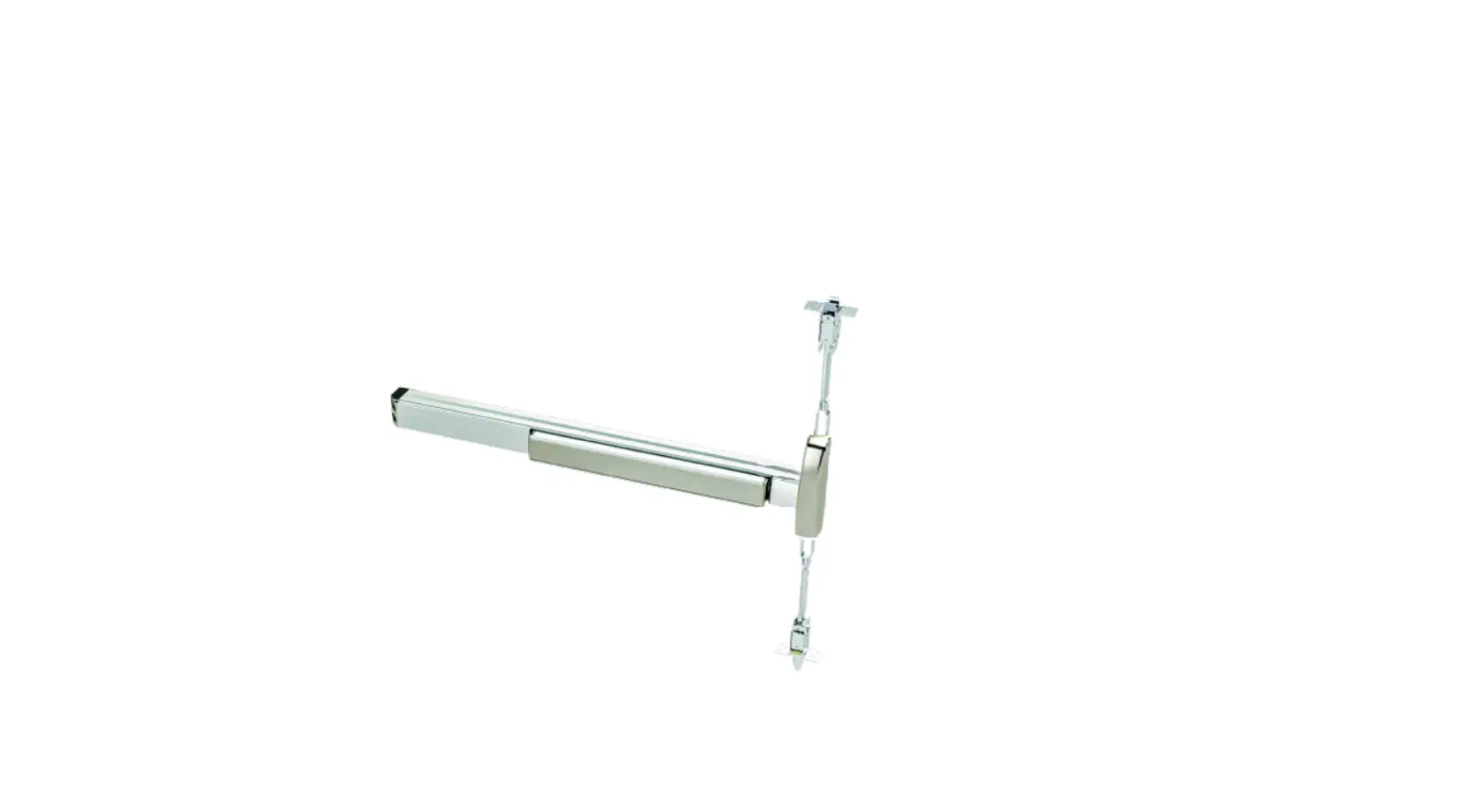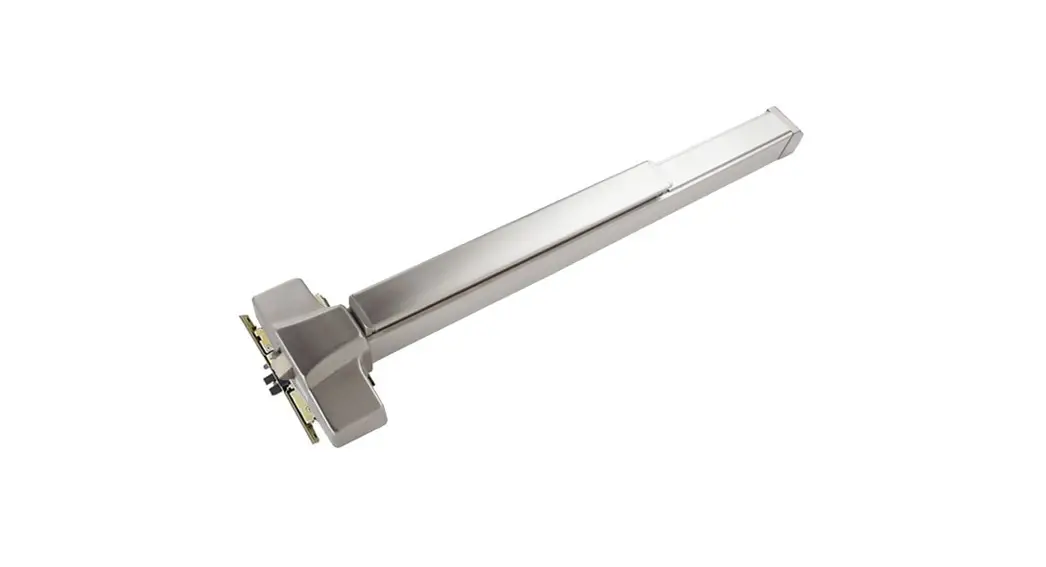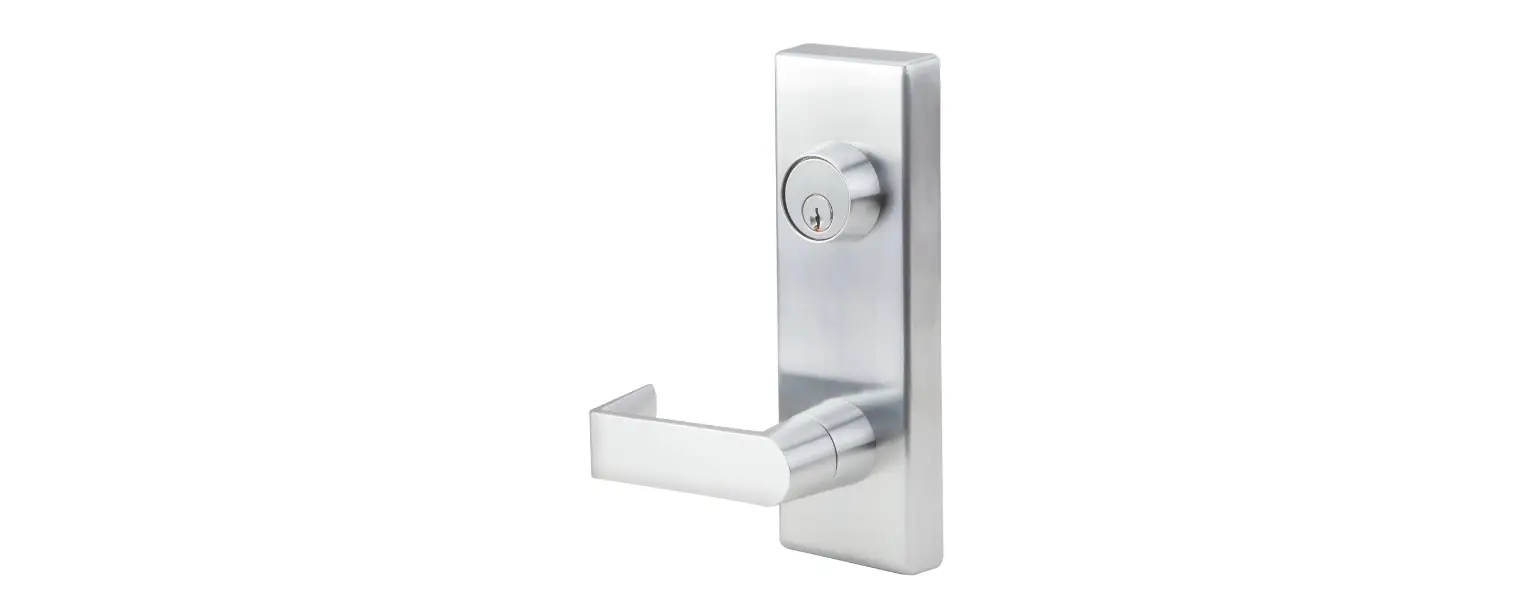

PDQ Locks 6400 Rail Filler Exit Device
6300/6400 RAIL FILLER INSTALLATION ALL DEVICES
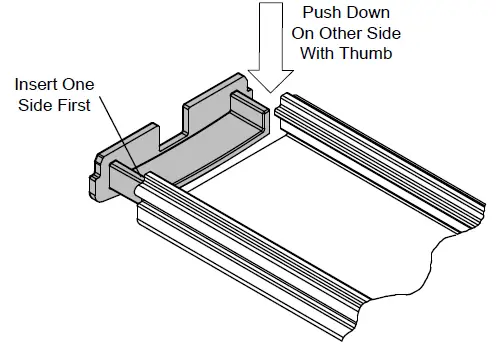
- INSERT FILLER CAP /RETAINER

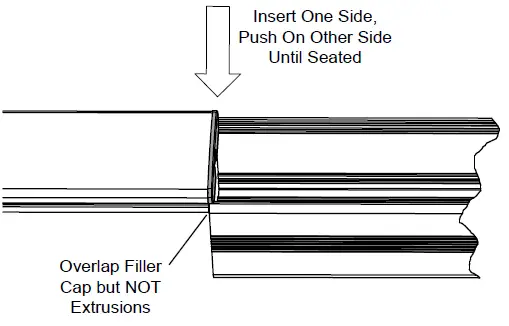
- Insert one corner of Filler Cap into extrusion
- Filler cap is curved/spring-loaded and will not insert without pushing down on other side.
- Once both leading corners are engaged, push or tap cap into extrusion.
- START FILLER

- Overlap plastic Filler Cap onto main rail extrusion being careful not to overlap extrusions.
- Put one side of filler down into extrusion.
- Push or tap other side to snap into place so filler will fit and slide into place.
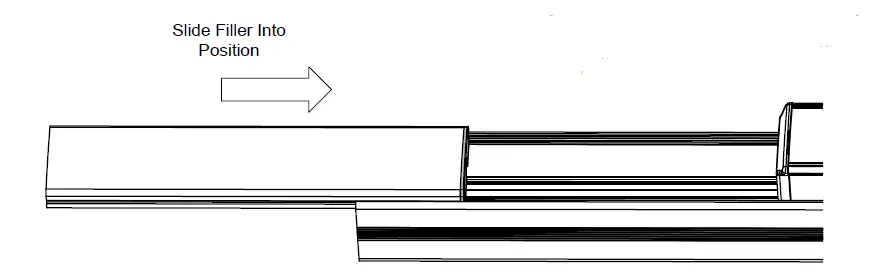
- SLIDE FILLER INTO PLACE

- Slide filler and filler cap into place –proper position is flush with end of main rail.
 pdqlocks.com